PRE|SETS
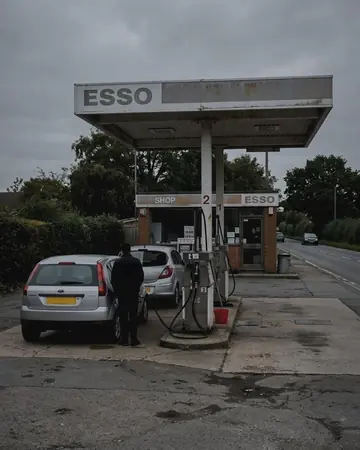
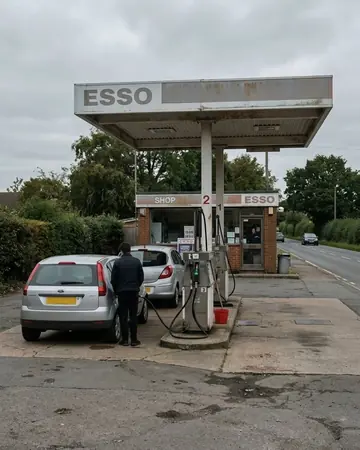
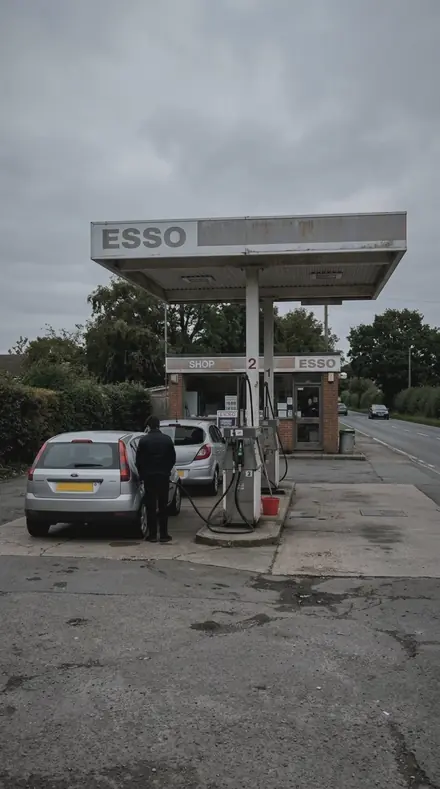
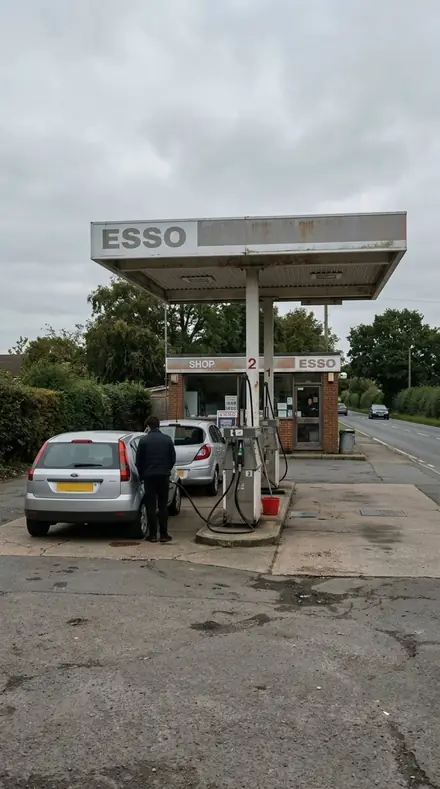
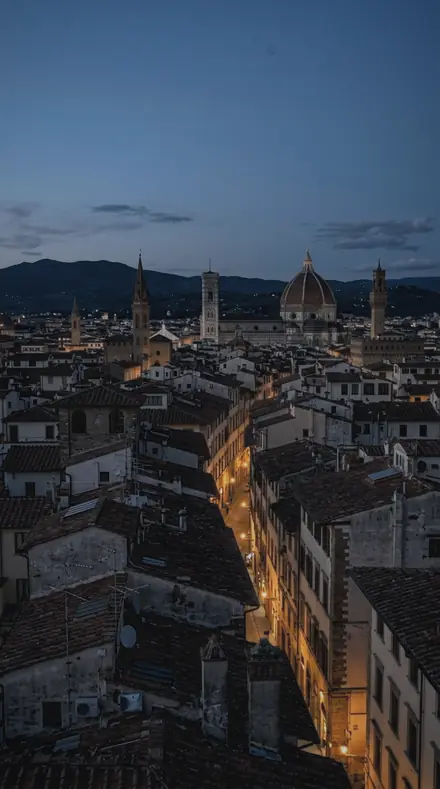
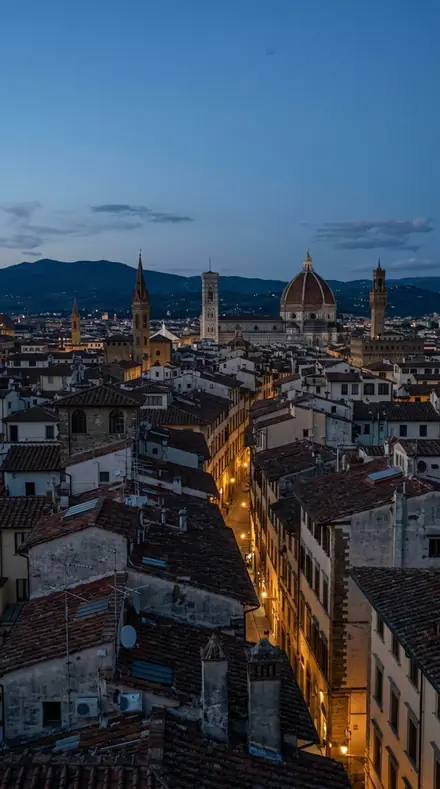
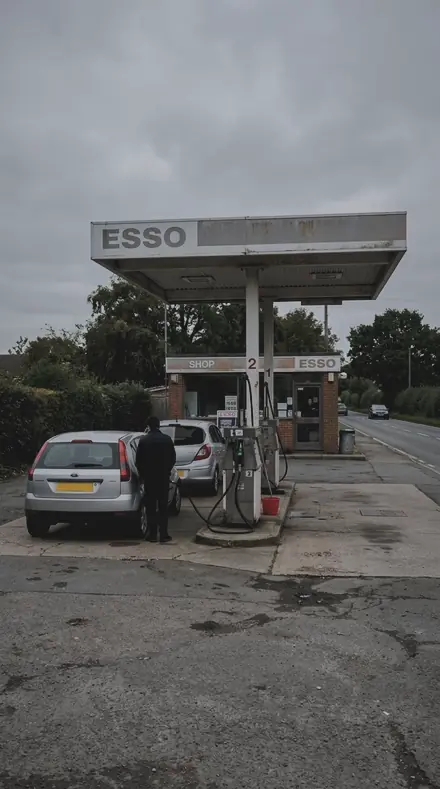
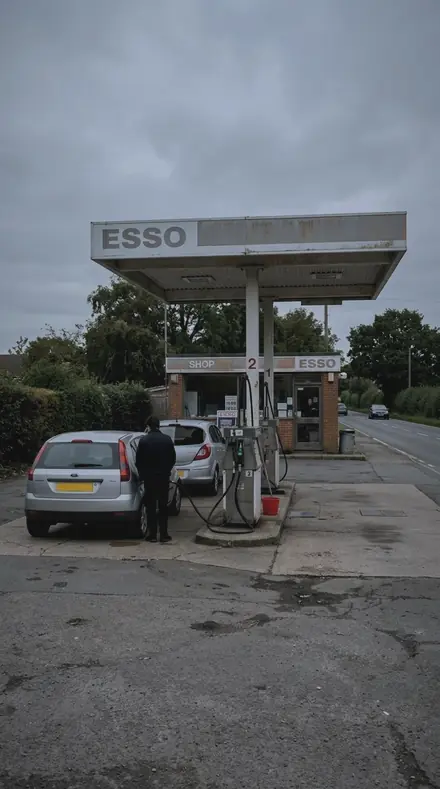
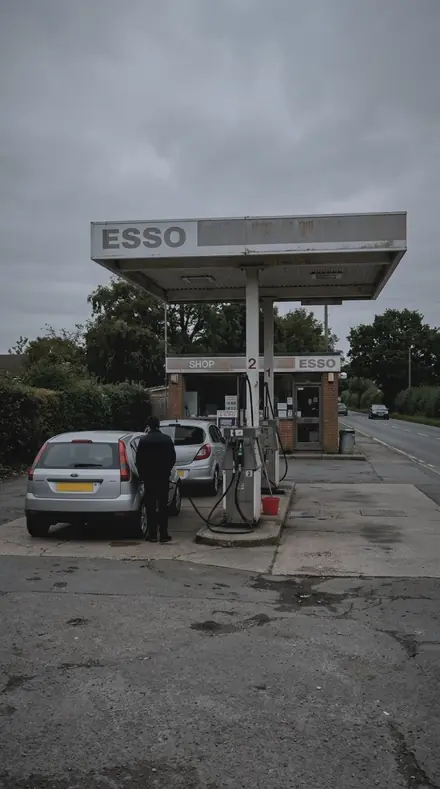
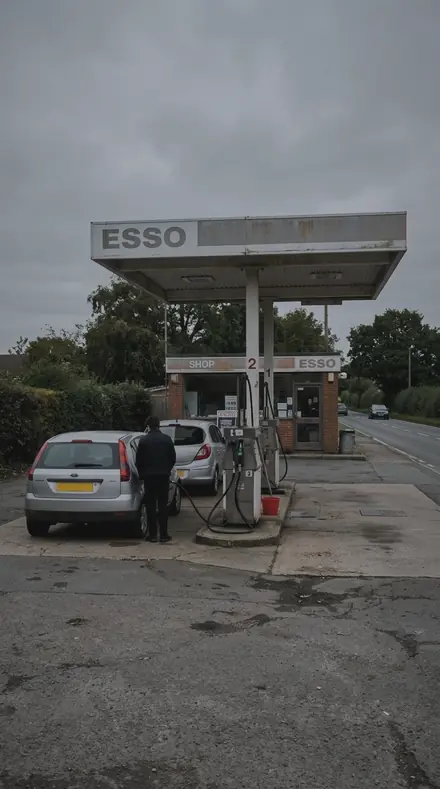
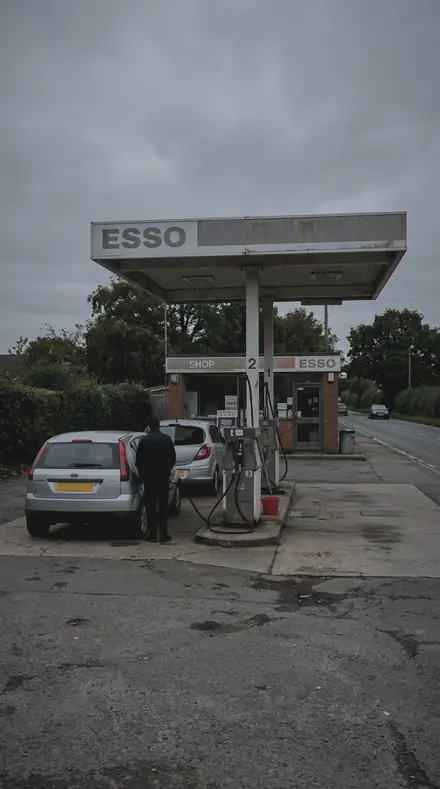
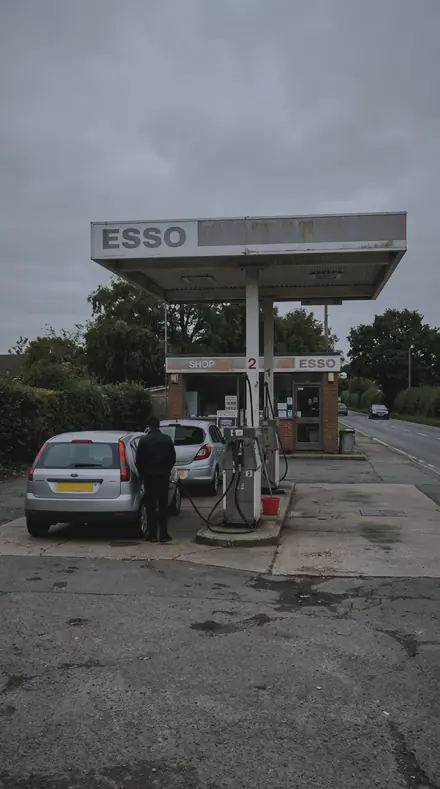
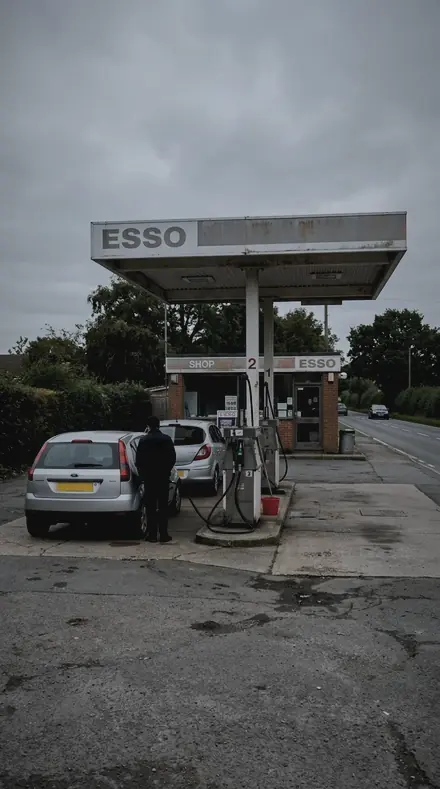
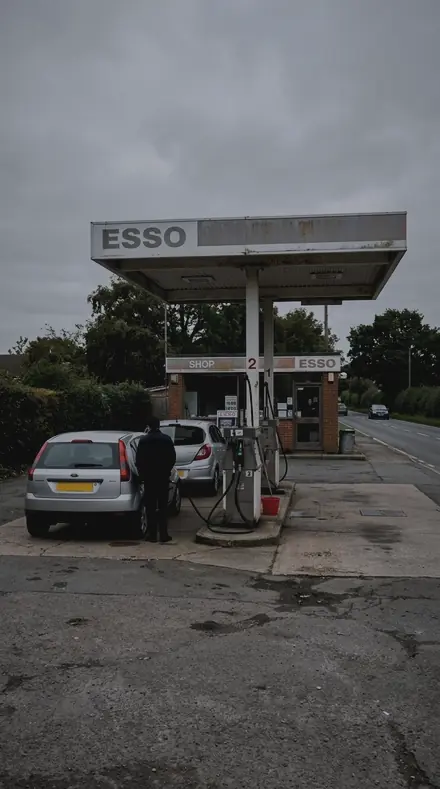
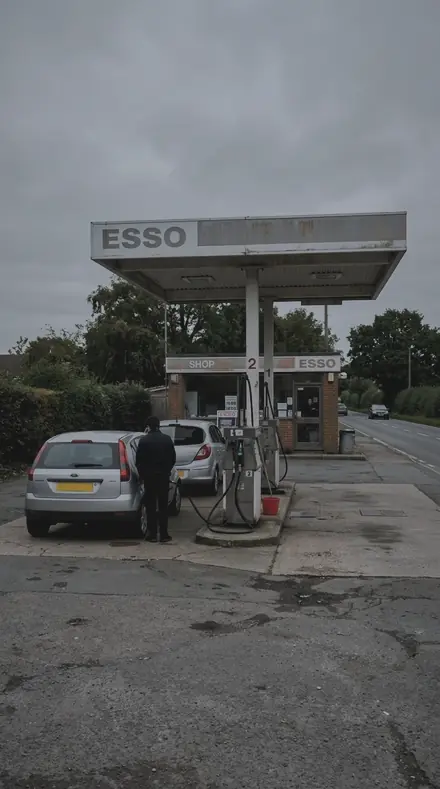
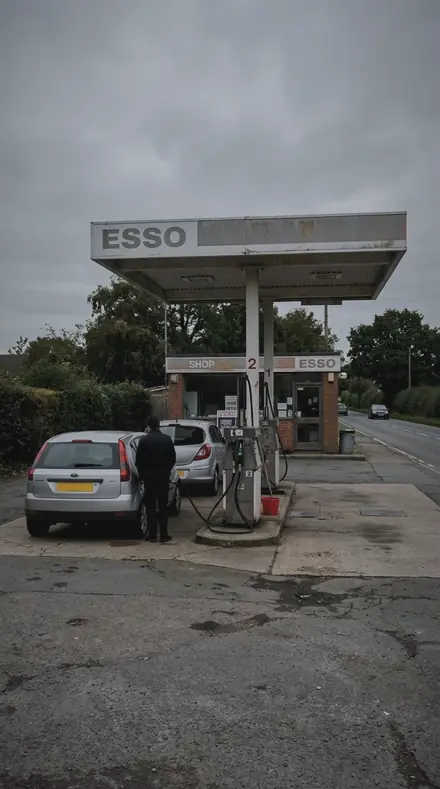
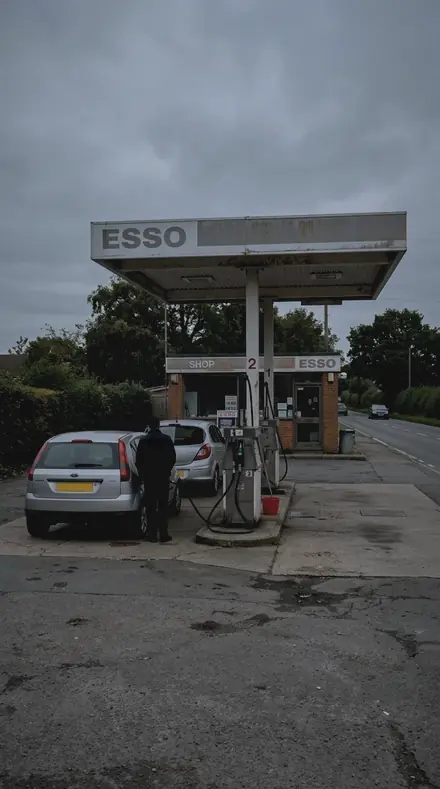
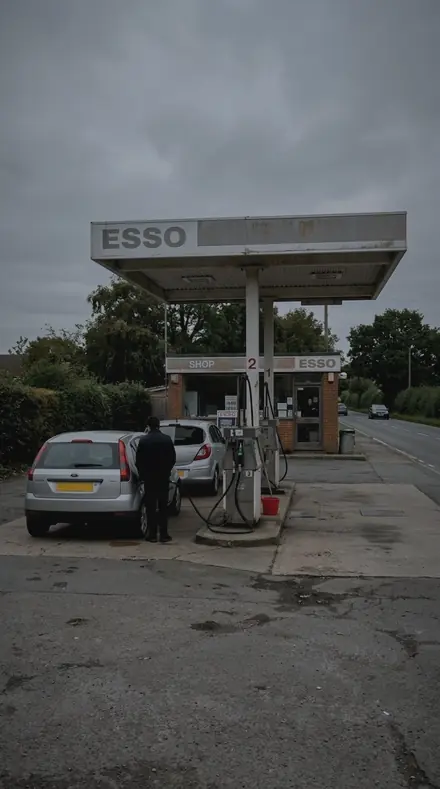
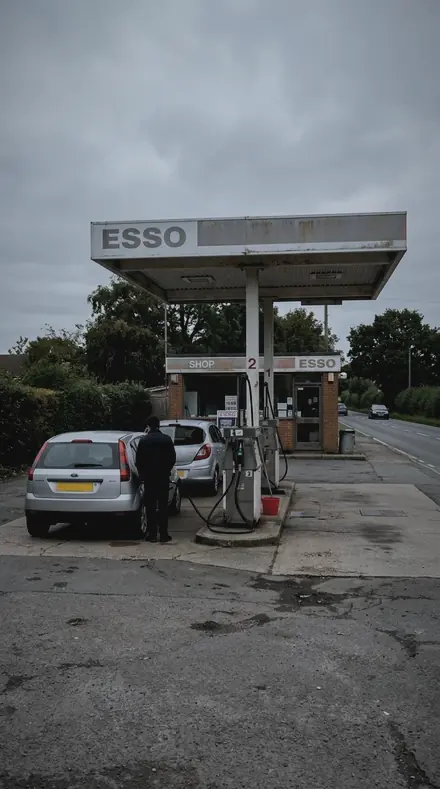
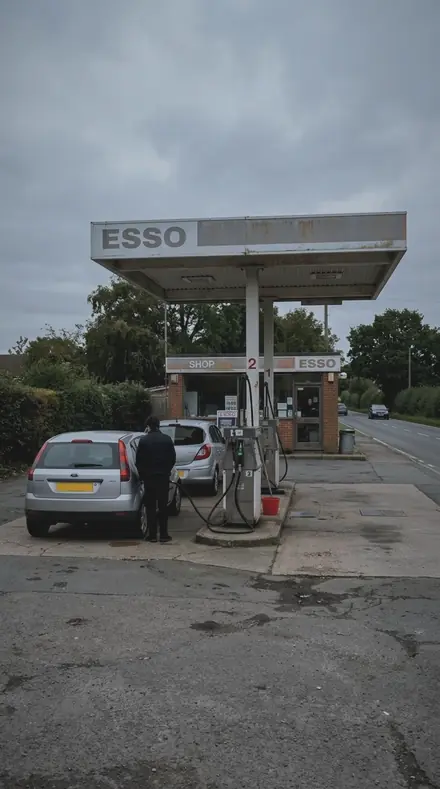
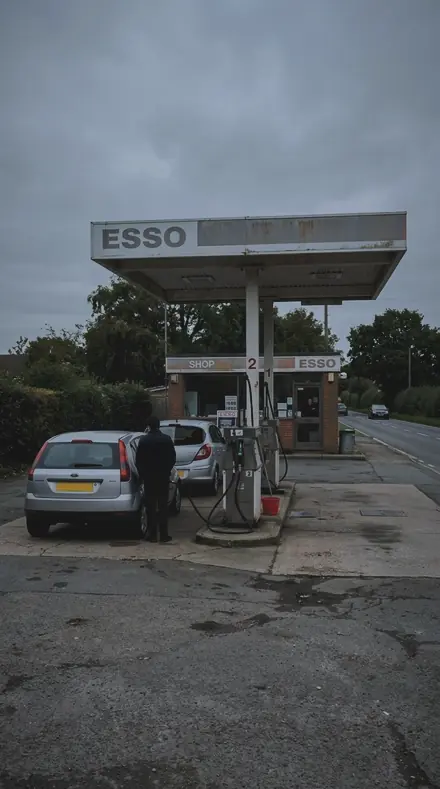
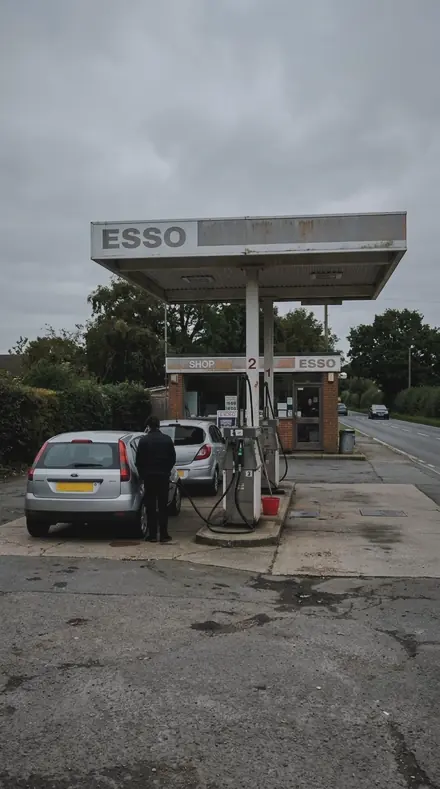
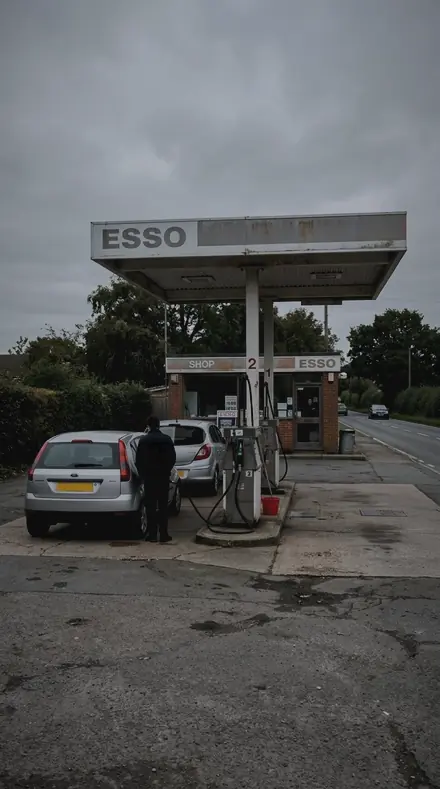
petrol station. With the Rainpane preset applied.petrol station. Photographed without a preset.
Rainpane applied to petrol station

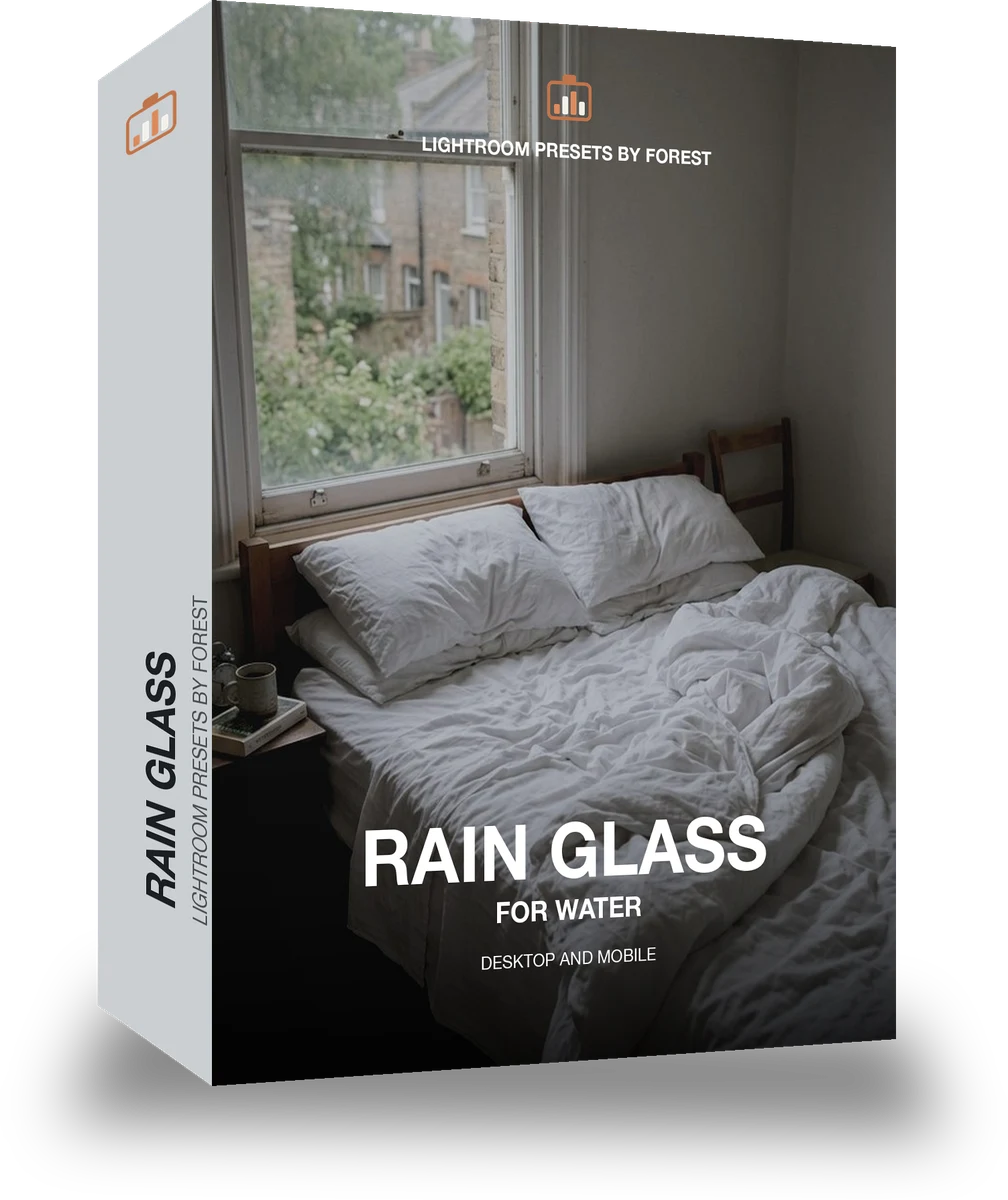
Rain Glass

welcome priceonly here

was $49.99now $29.99Save $20

Save for later

Instant download.

  • Presets18
  • Stylerain, window, moody
  • Works inLightroom desktop and mobile
  • Format.xmp and .dng

Rainpane · Light and weather

Rainpane makes one kind of light.

Rain Glass is 18 presets for light and weather photography. Every one of them is below, before you pay for any of it.

What this light does

one frame, 4 presets

Rain Glass, a lightbox of wet afternoons

4 of them, on one photograph. Drag to compare before and after.

  1. Petrol station. With the Rain Bead preset applied.Petrol station. Photographed without a preset.
    Rain Bead applied to Petrol station

    No. 01

    Rain Bead

    Beads of rain held on the glass, each drop given texture while the world behind it stays soft and desaturated.

  2. Petrol station. With the Fogged Pane preset applied.Petrol station. Photographed without a preset.
    Fogged Pane applied to Petrol station

    No. 07

    Fogged Pane

    A fogged pane in a cold room, the frame cooled and the midtones set down so the fog reads heavy.

  3. Petrol station. With the Rain Streak preset applied.Petrol station. Photographed without a preset.
    Rain Streak applied to Petrol station

    No. 12

    Rain Streak

    Long streaks of rain across the glass, the streaks given surface with the background colour taken out.

  4. Petrol station. With the Grey Pane preset applied.Petrol station. Photographed without a preset.
    Grey Pane applied to Petrol station

    No. 18

    Grey Pane

    A grey pane on a wet afternoon, saturation taken out and the whole frame cooled so the weather does the talking.

See the light change

drag the line

The same frame, one tap apart. Drag any handle and the scene goes back to the way it looked before Rainpane touched it.

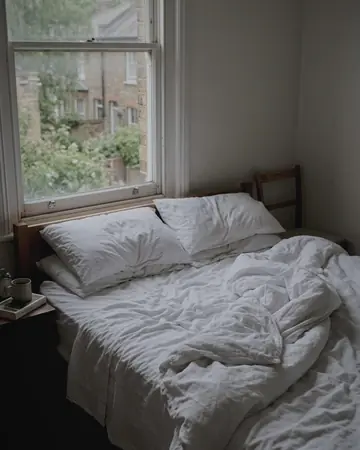
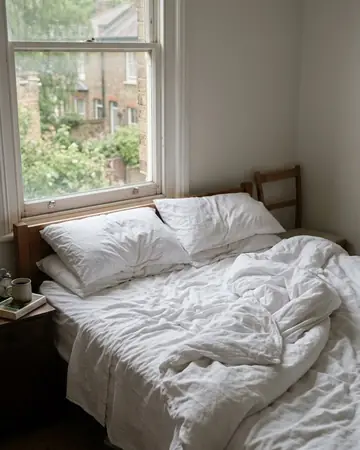
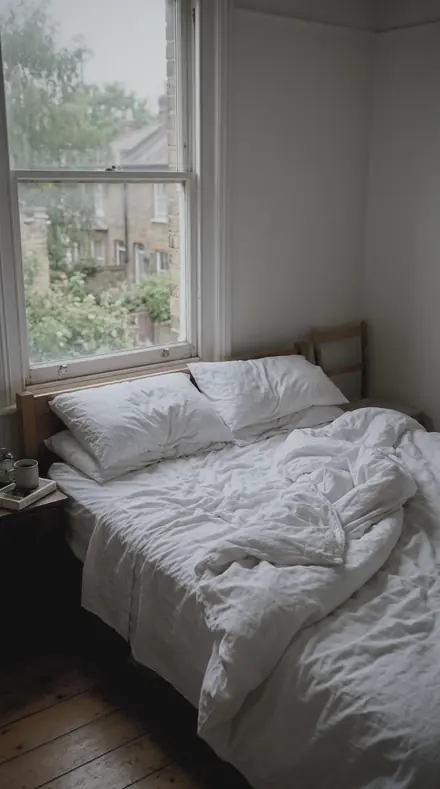
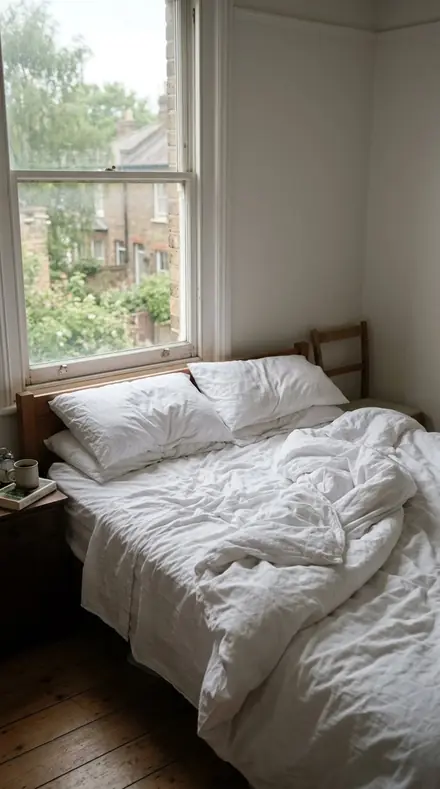
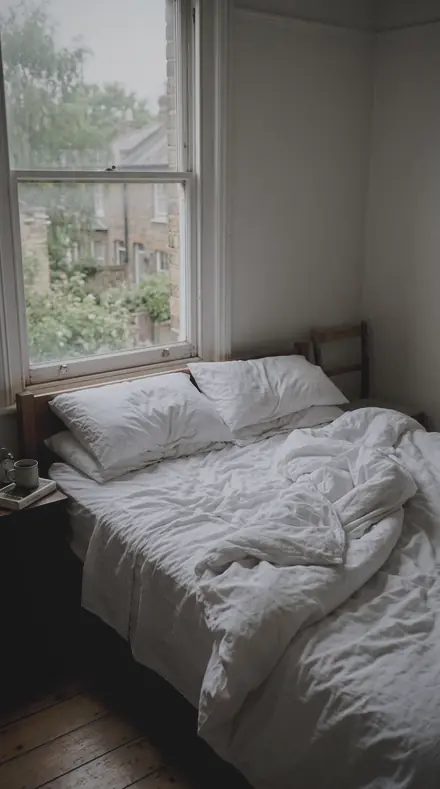
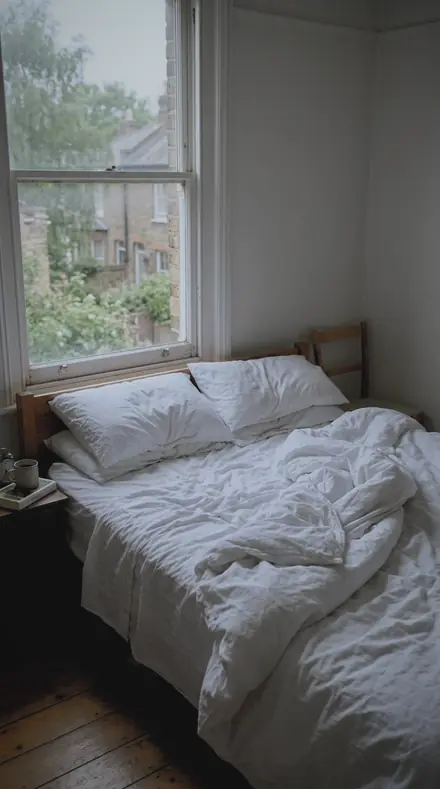
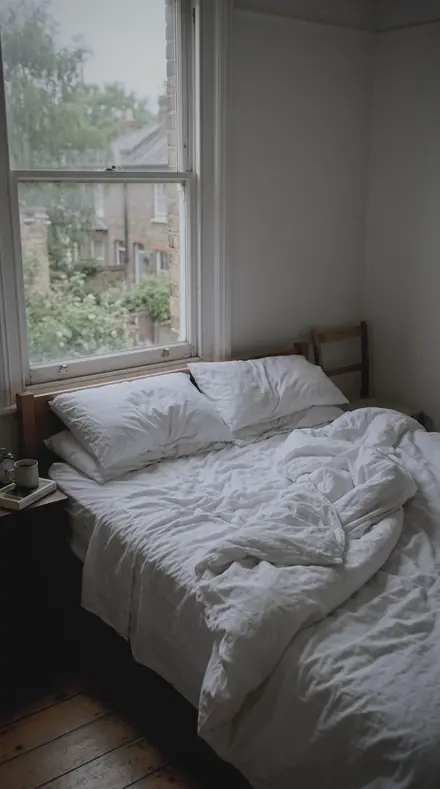
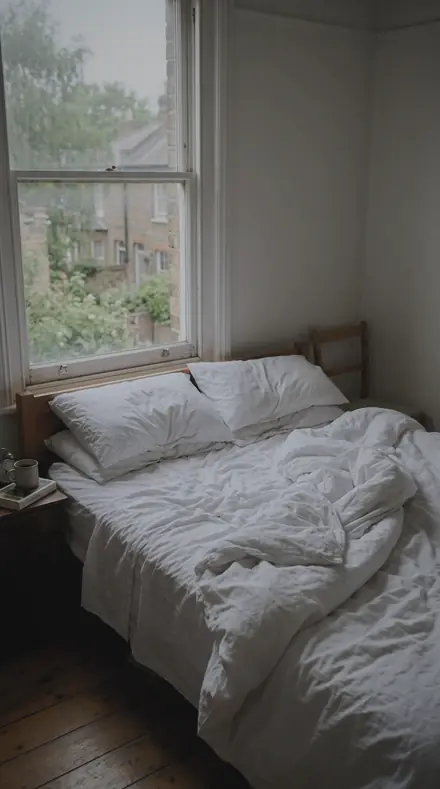
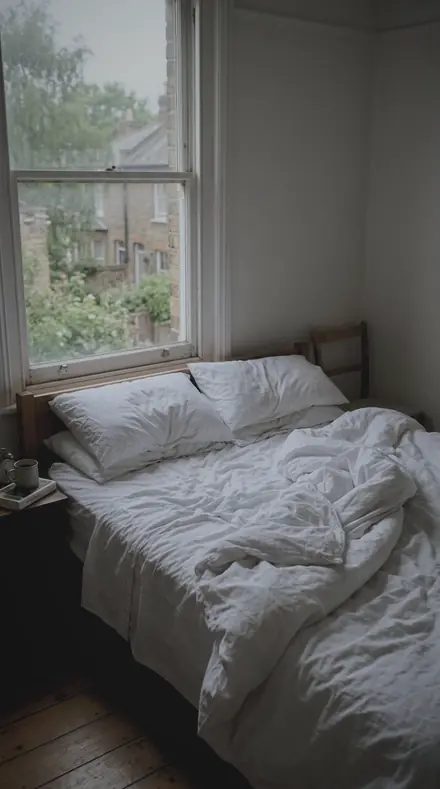
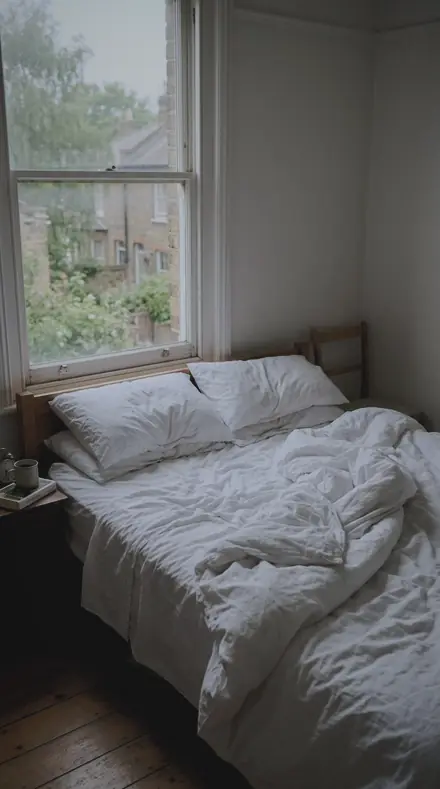
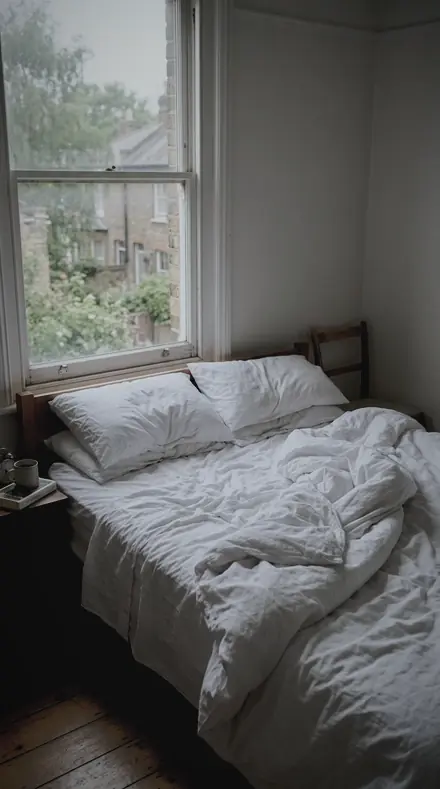
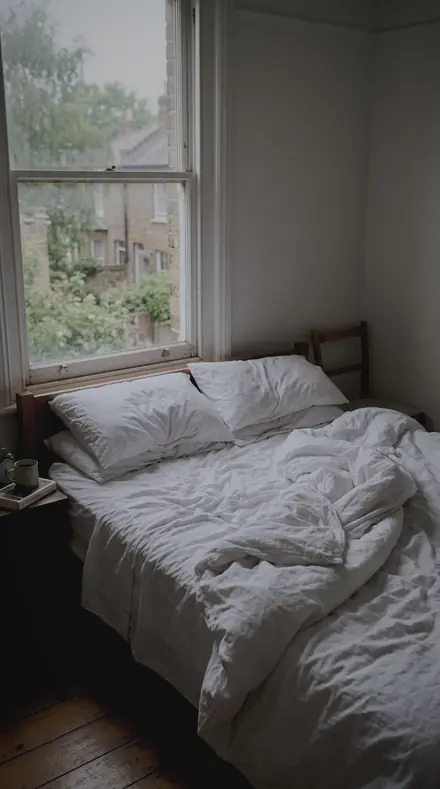
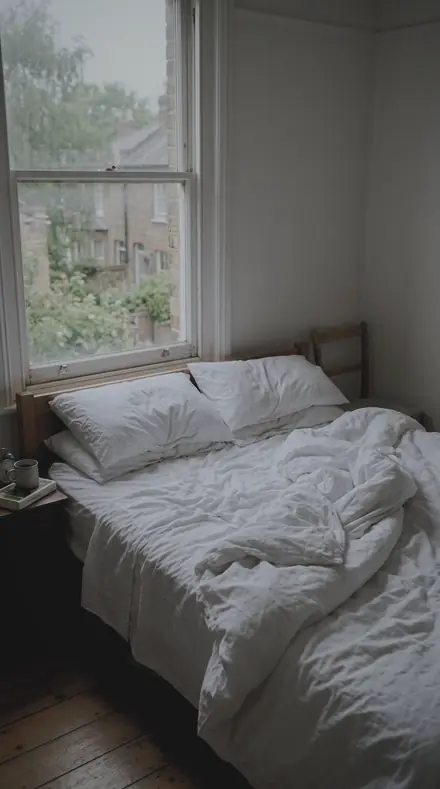
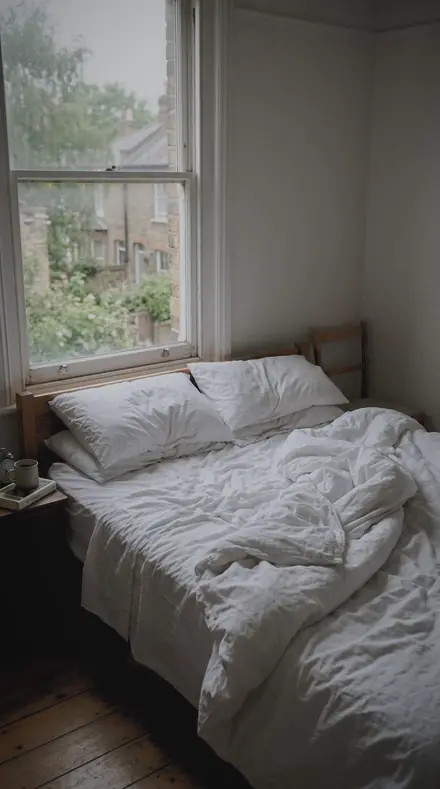
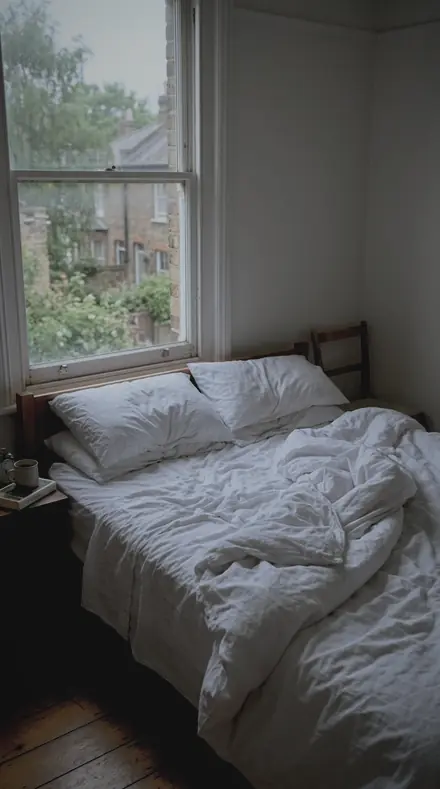
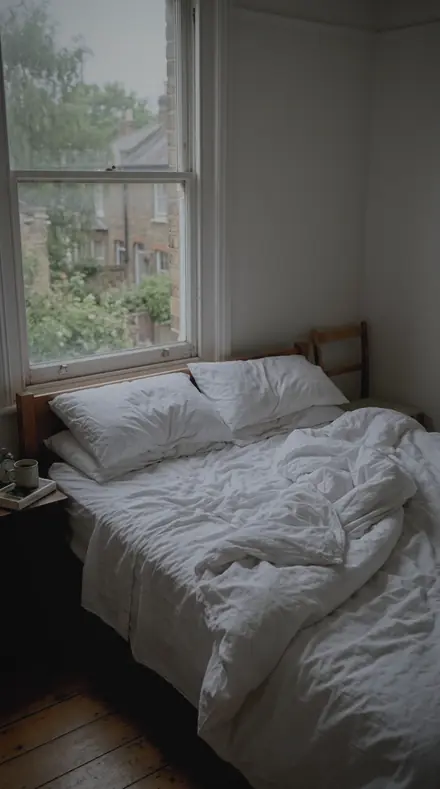
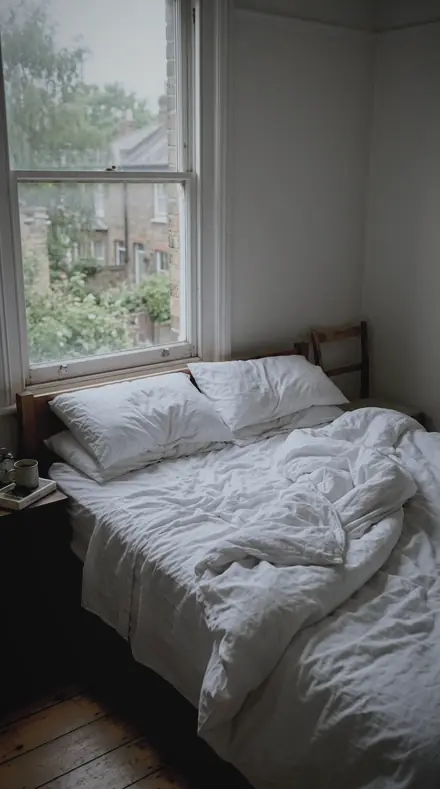
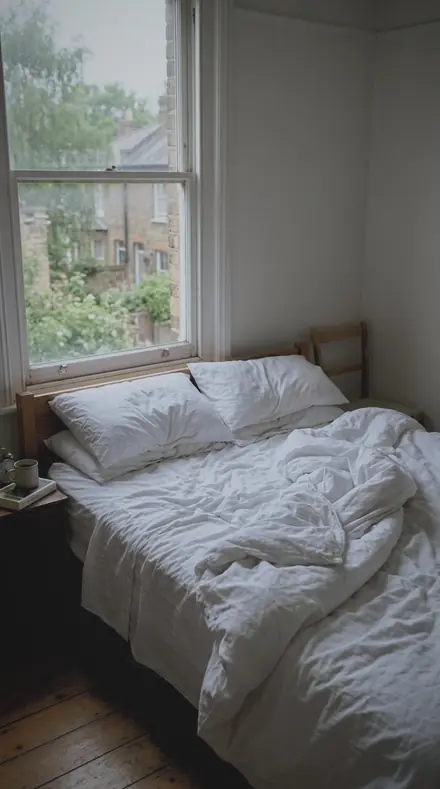
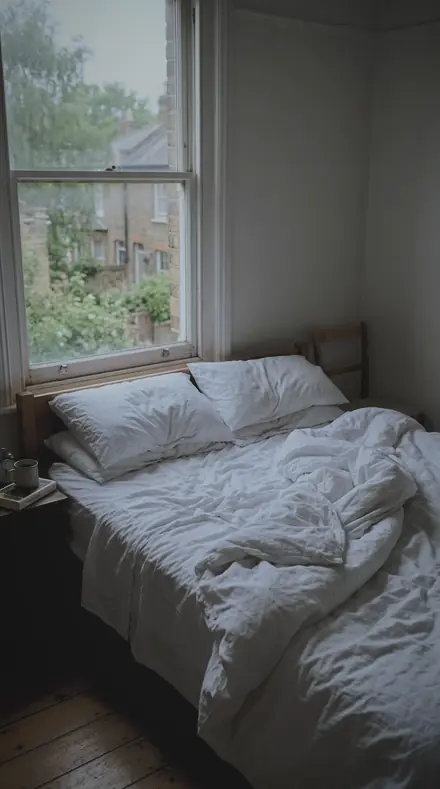
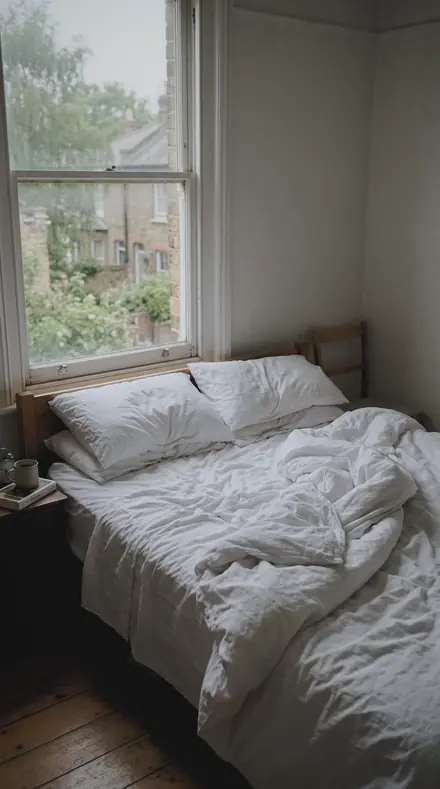
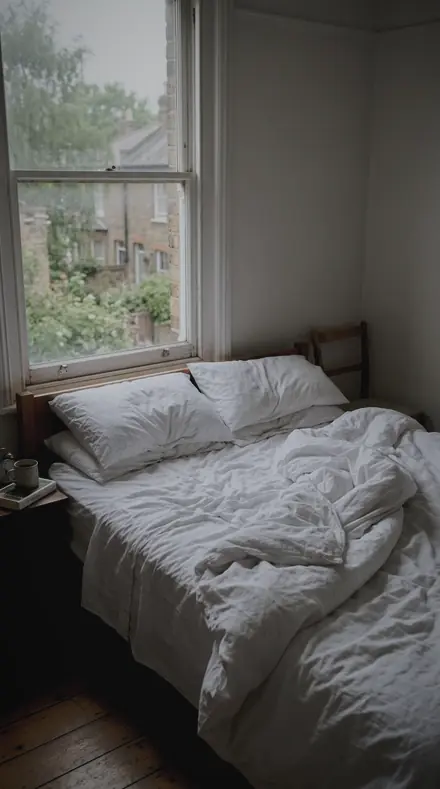
Bed morning. With the Rainpane preset applied.Bed morning. Photographed without a preset.
Rainpane applied to Bed morning
Bed morning
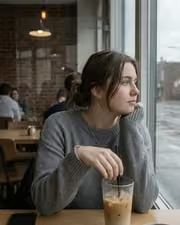
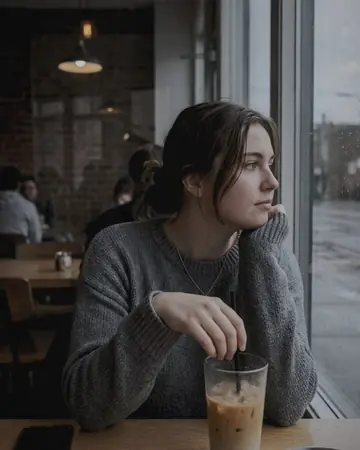
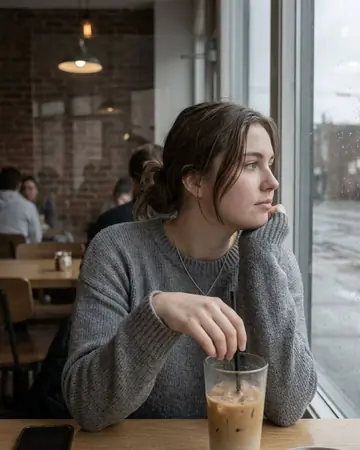
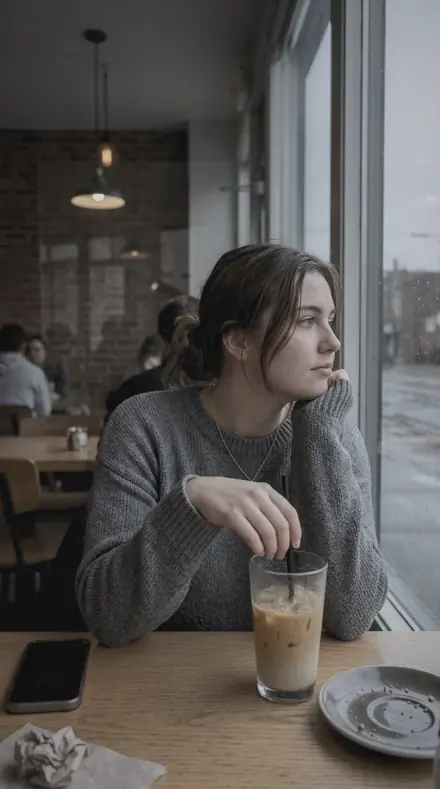
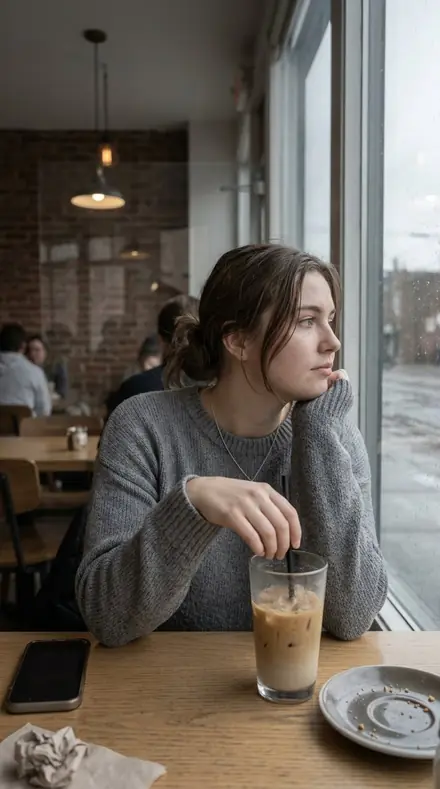
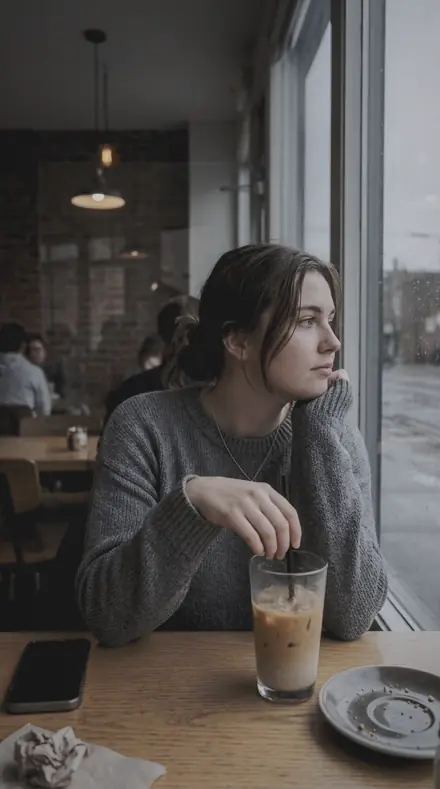
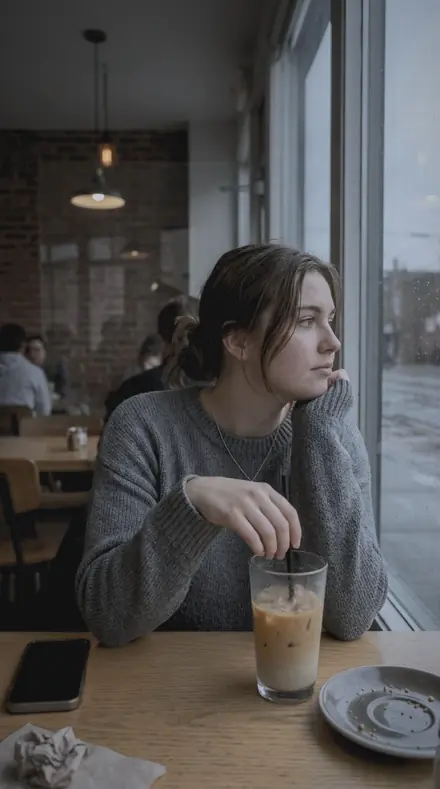
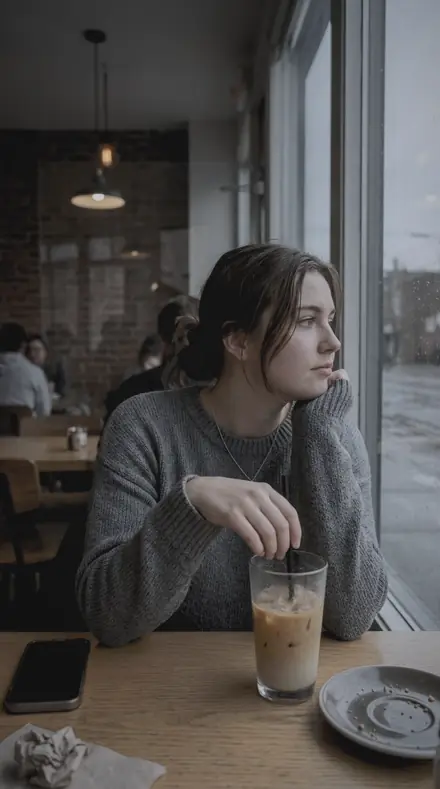
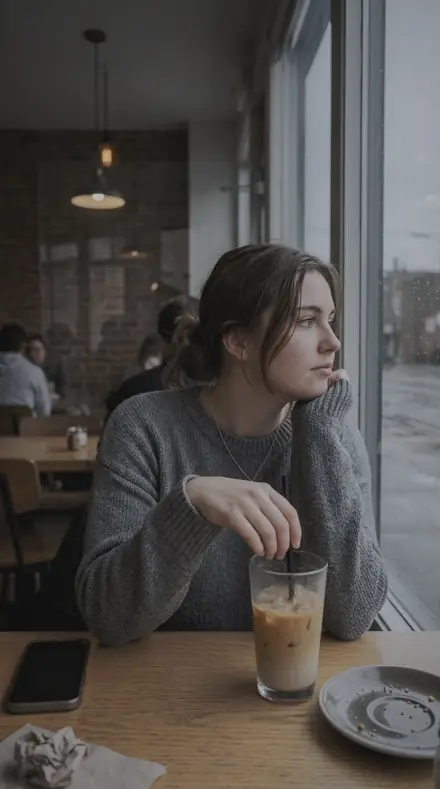
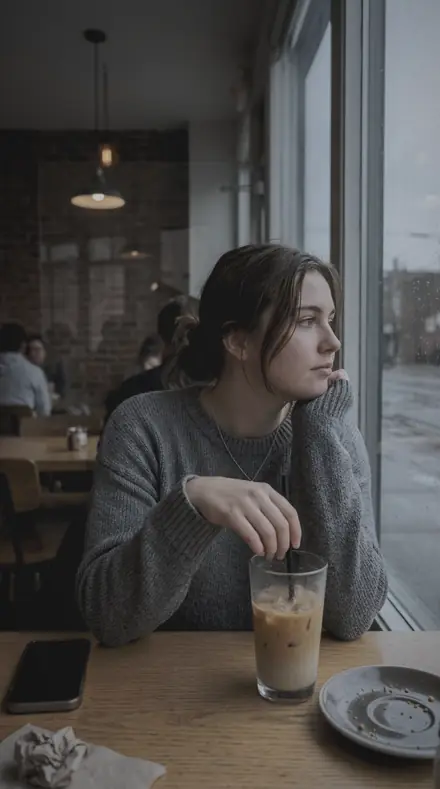
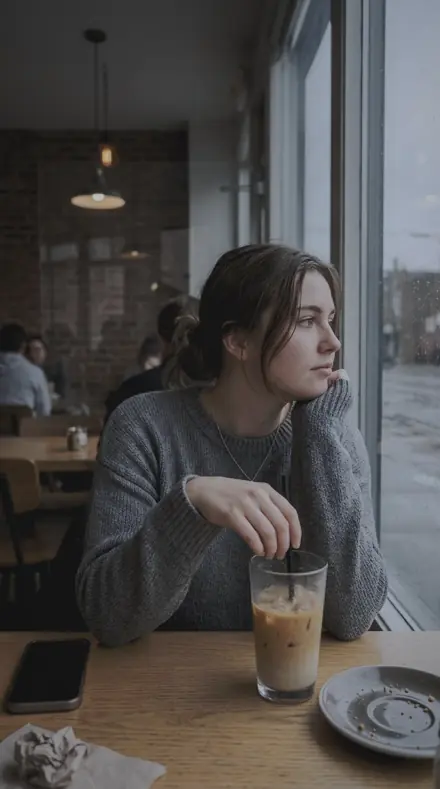
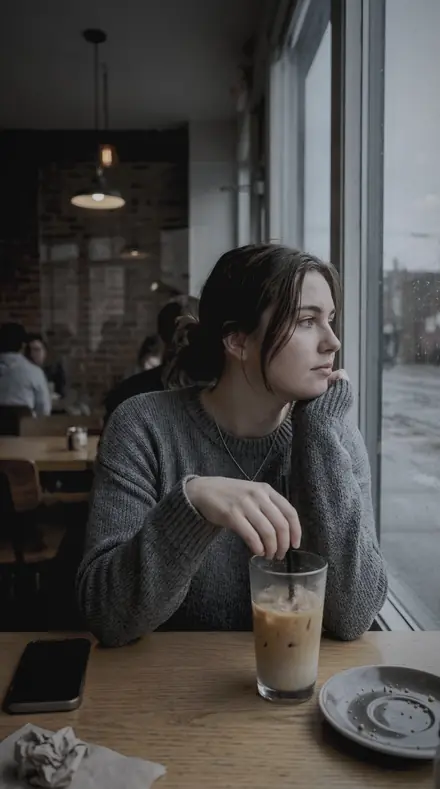
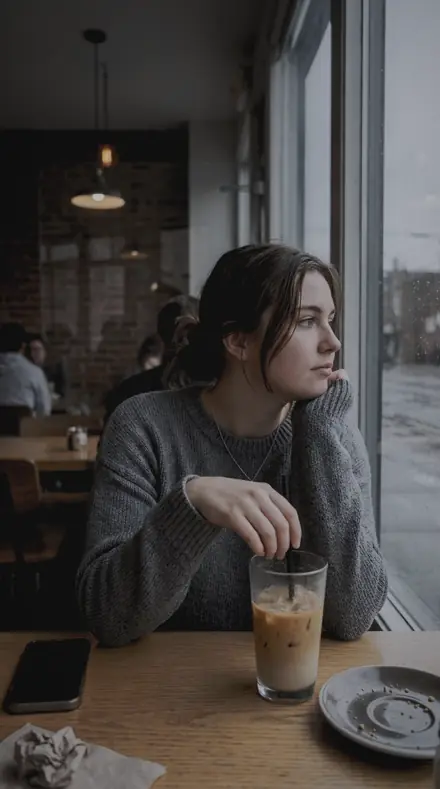
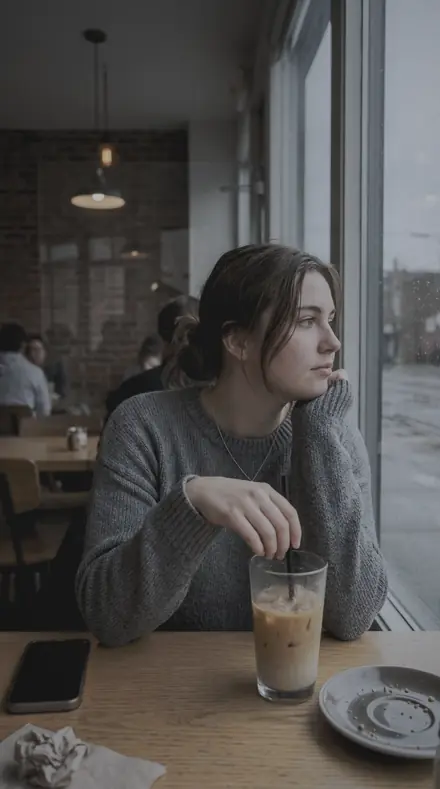
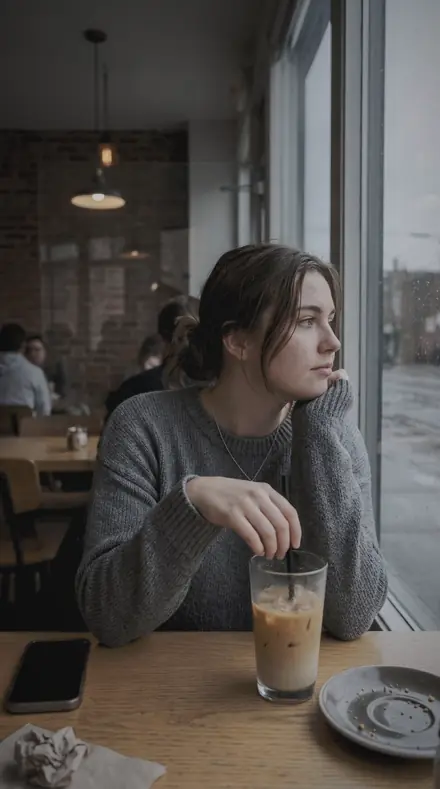
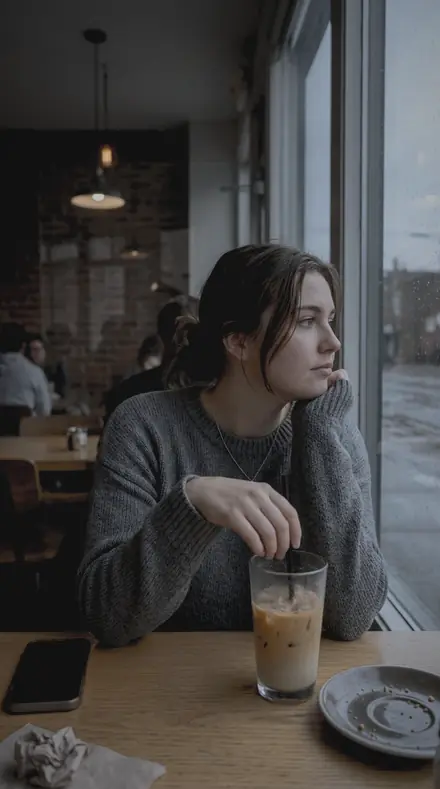
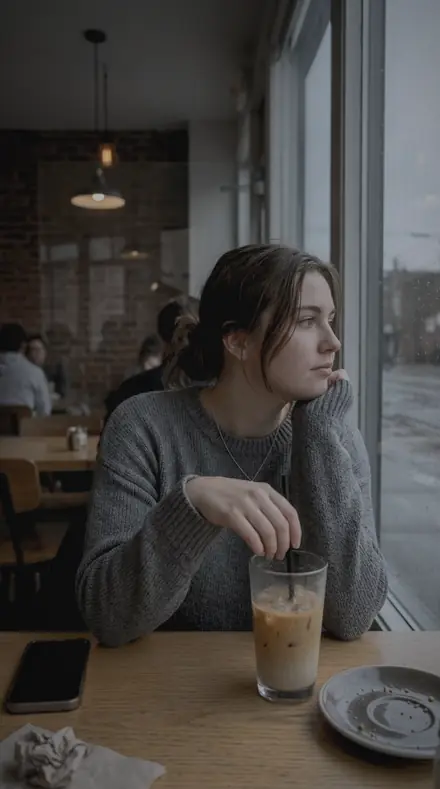
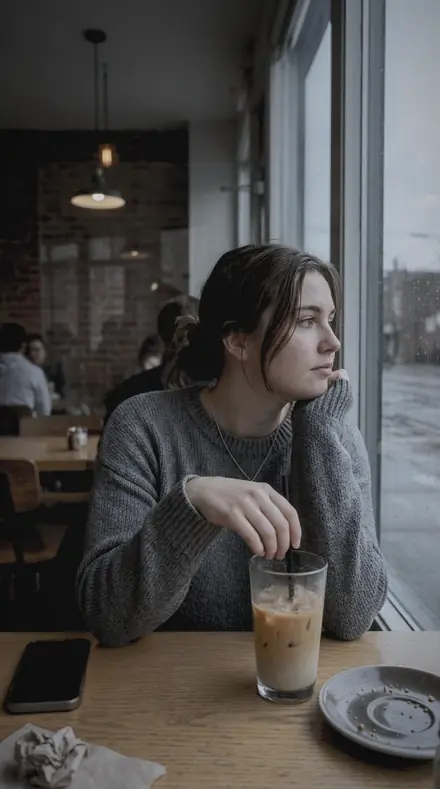
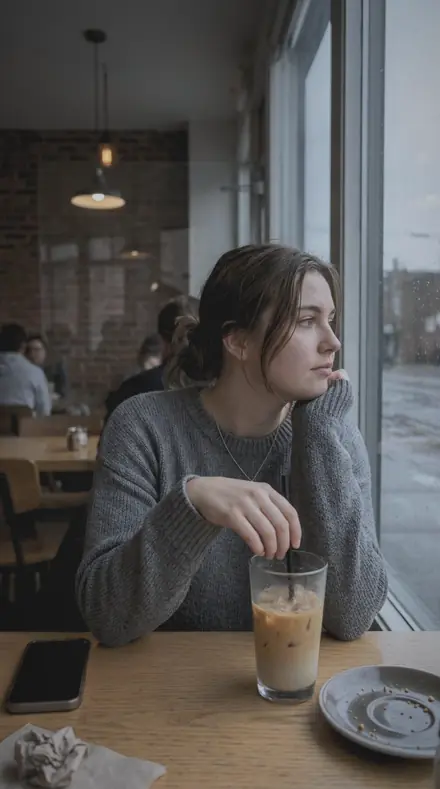
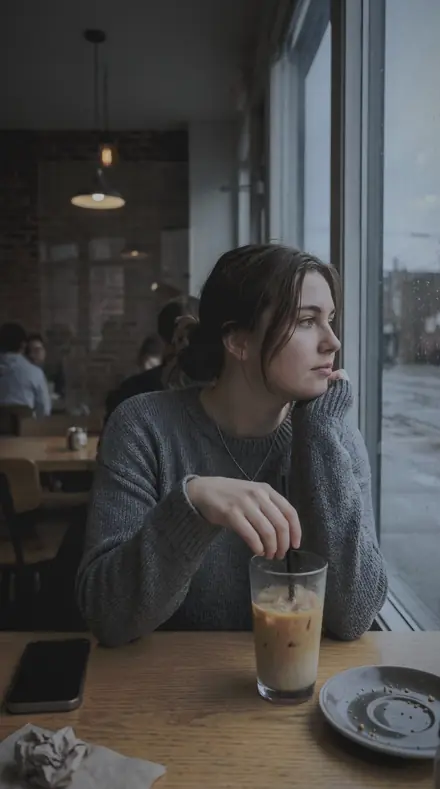
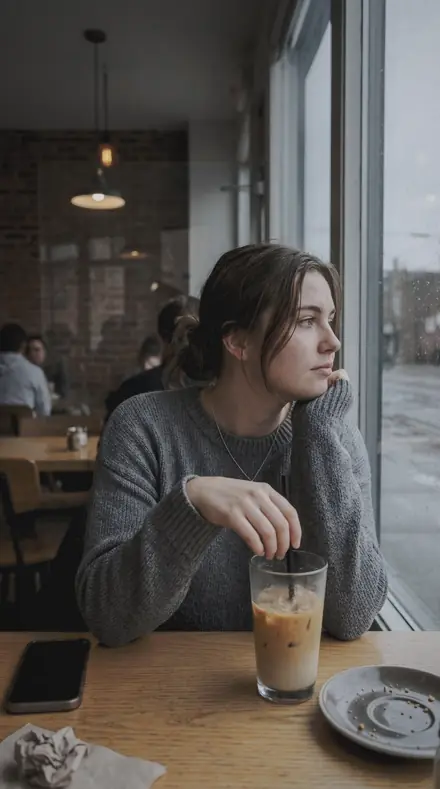
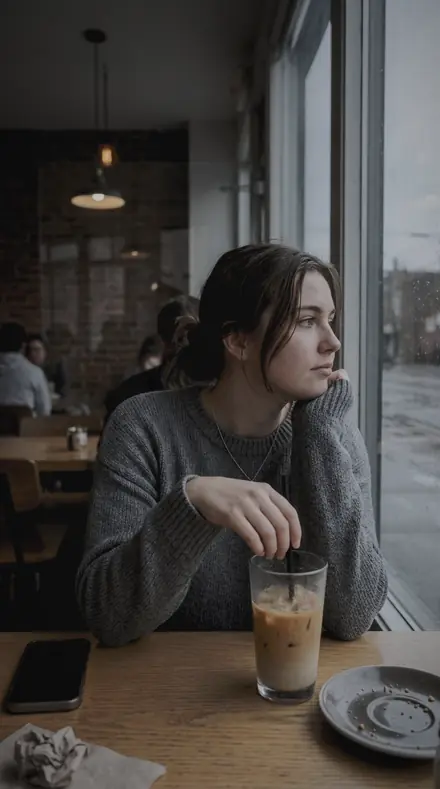
Cafe window. With the Rainpane preset applied.Cafe window. Photographed without a preset.
Rainpane applied to Cafe window
Cafe window

The Lightbox

3 groups

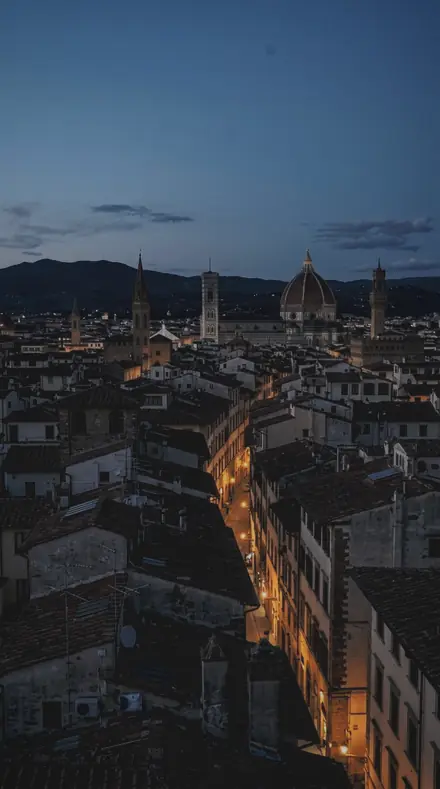
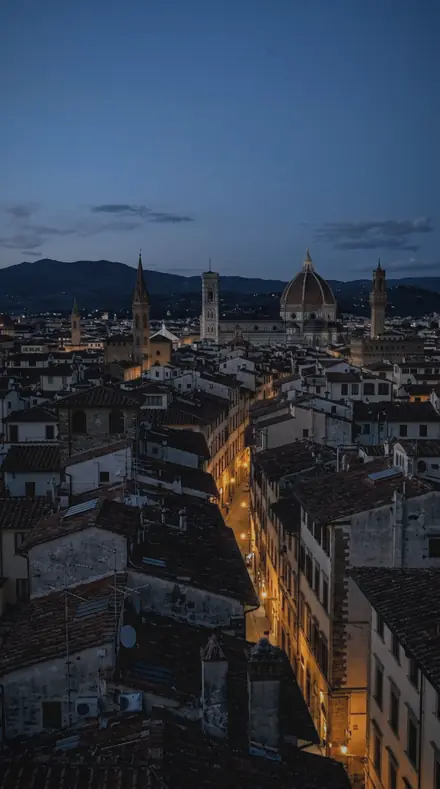
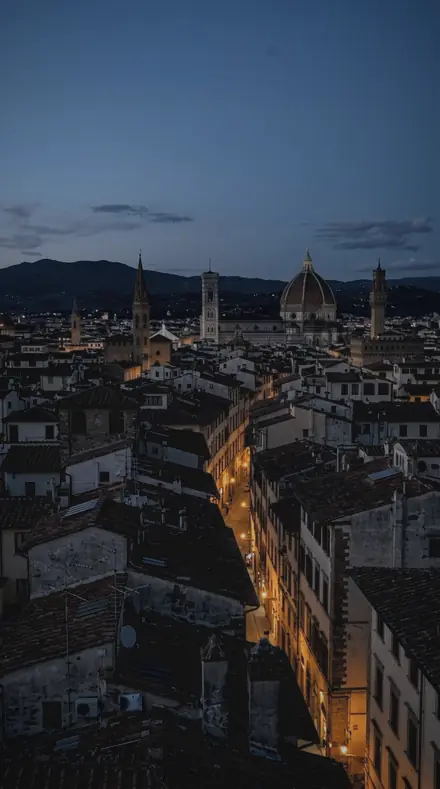
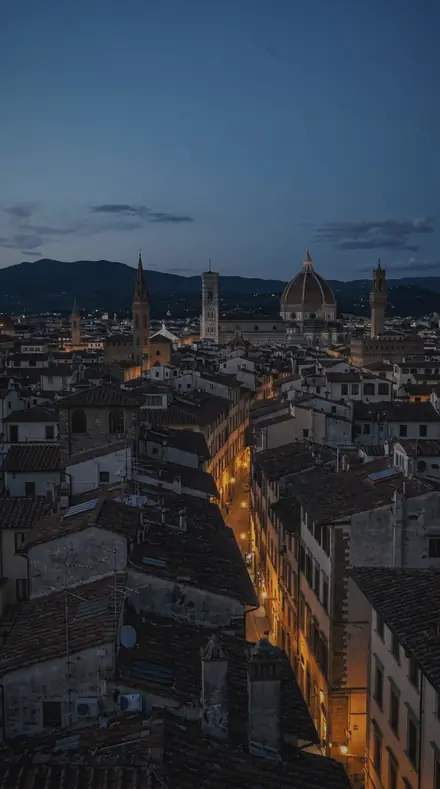
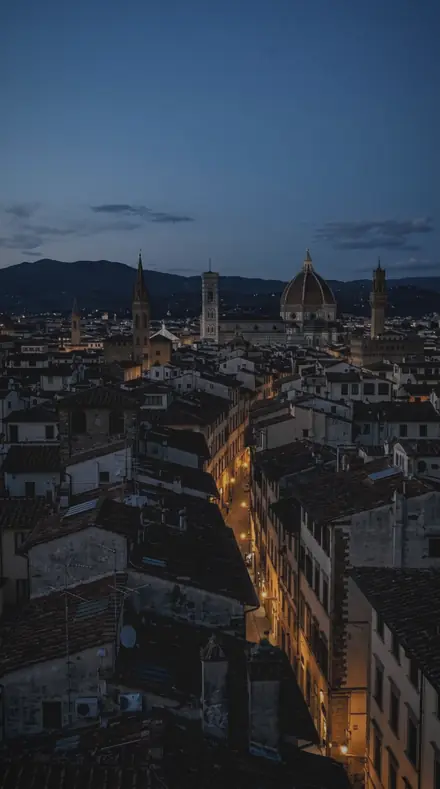
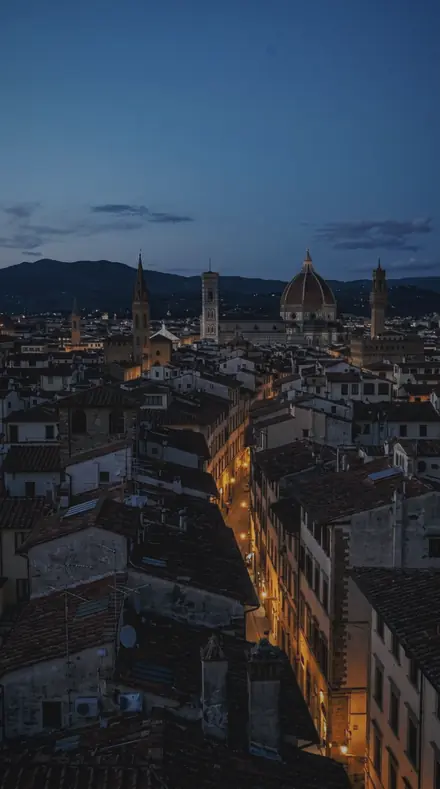
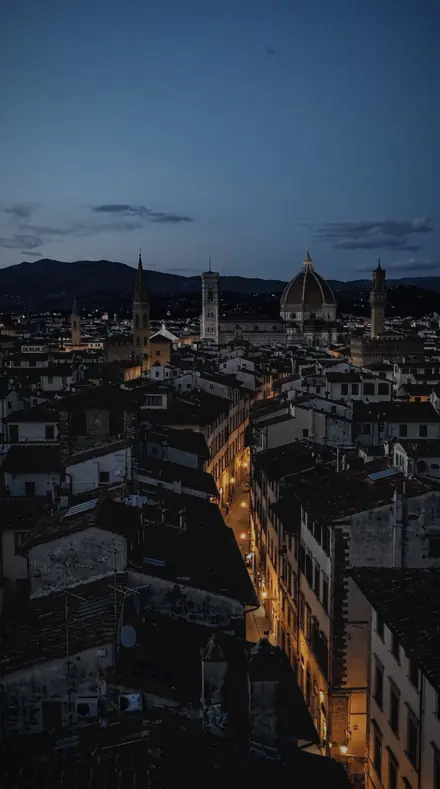
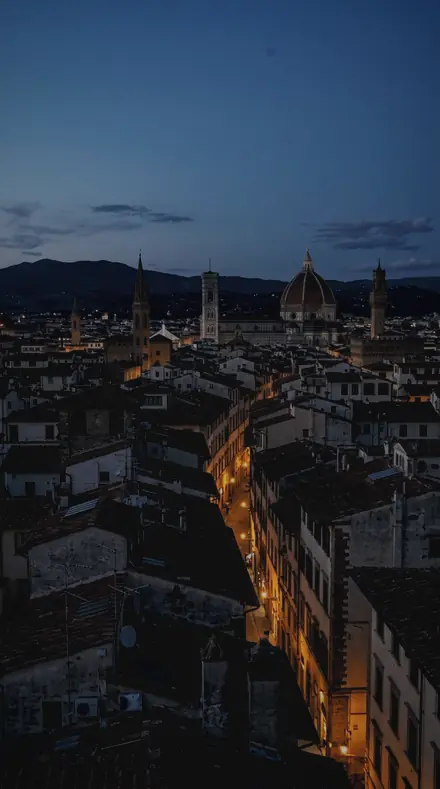
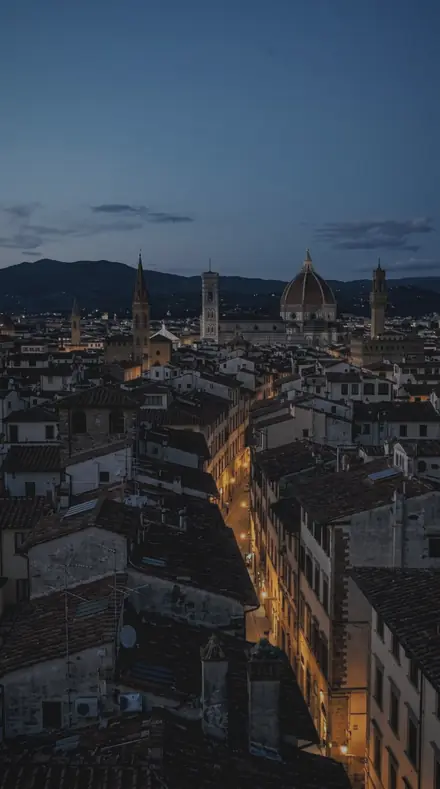
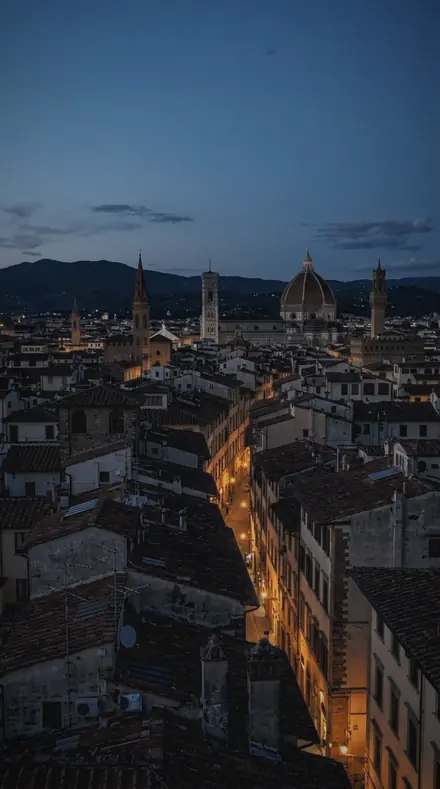
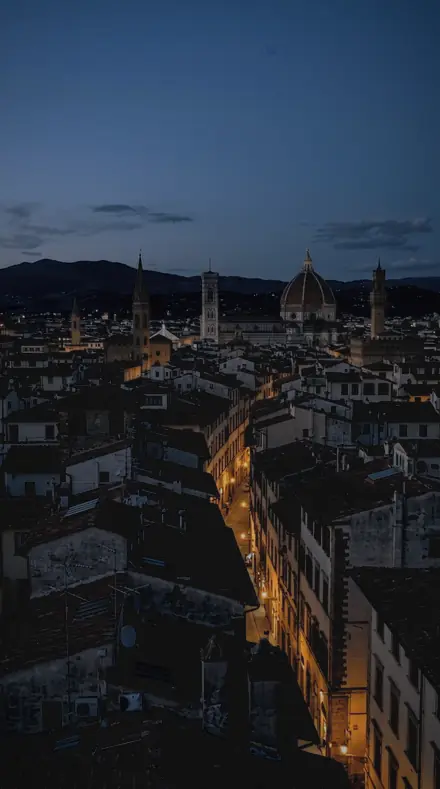
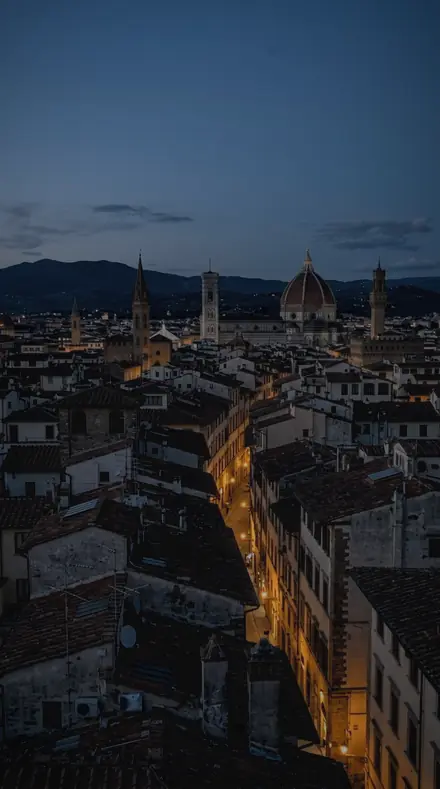
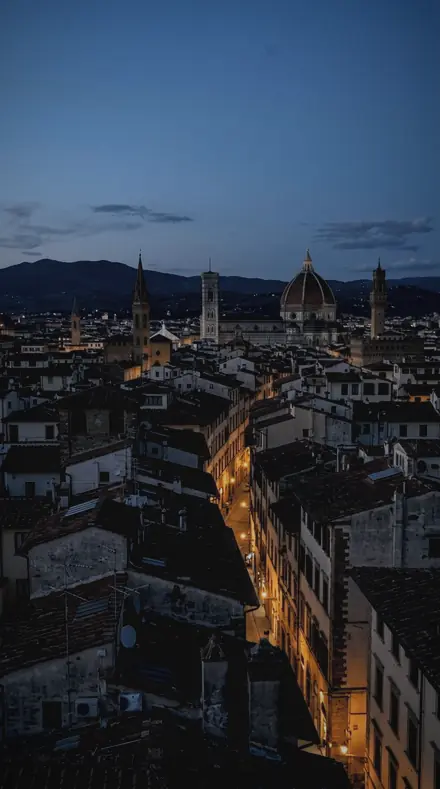
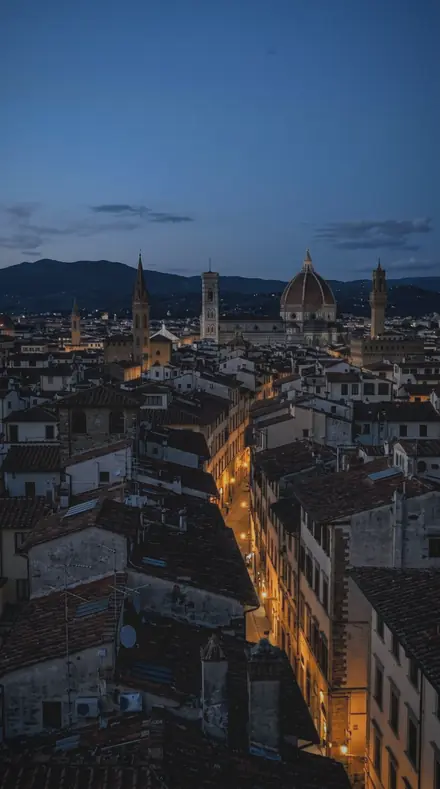
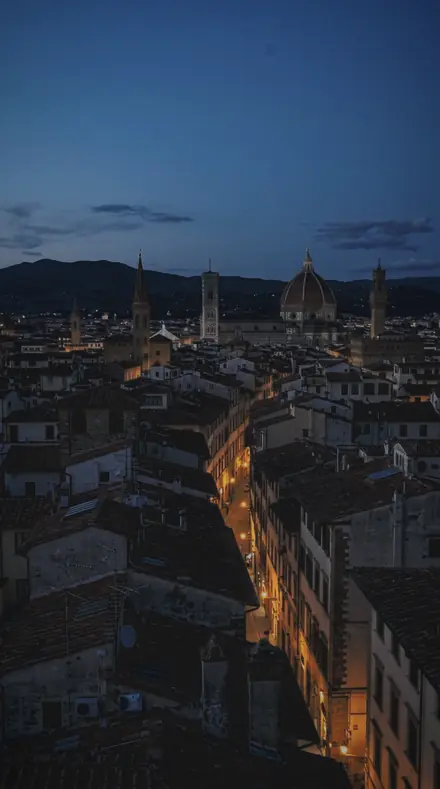
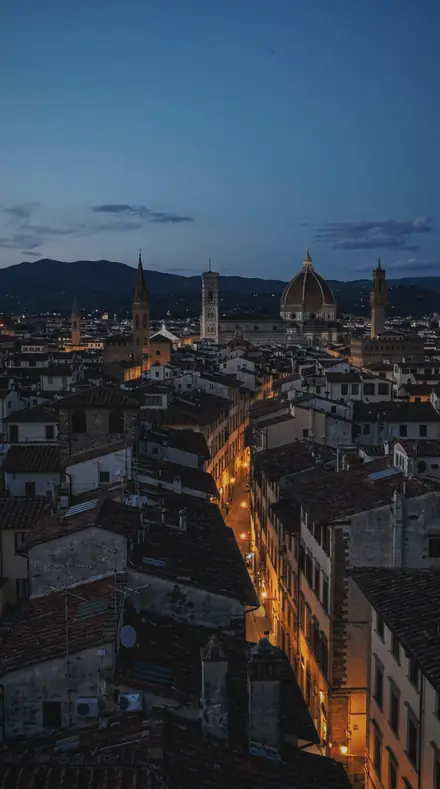
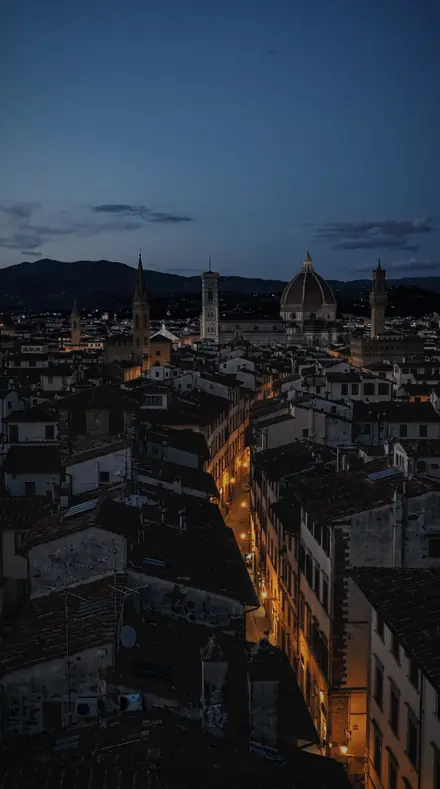
Drops, panes and the hours after dark, each on the same four windows, a cafe, a bedroom, a forecourt and the city at night.

  • DropsThe water itself. Beads, runnels, streaks and the pool on the sill, each given an edge.
  • PanesThe glass. Fog, condensation, the film after the wiper, a grey afternoon.
  • After darkThe lights you keep. Streetlamps, bokeh, the cab, the storm through the window.

Explore every preset in this pack

18 presets · 4 scenes

Every preset in the pack is here, on the same four photographs. Nothing below is a sample. Open one and drag.

  1. No. 01Rain BeadBeads of rain held on the glass, each drop given texture while the world behind it stays soft and desaturated.
    Rain Bead applied to Cafe window Before: Cafe window
    Cafe window
    Rain Bead applied to Bed morning Before: Bed morning
    Bed morning
    Rain Bead applied to Petrol station Before: Petrol station
    Petrol station
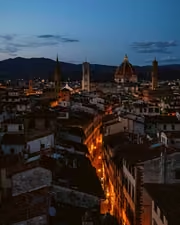
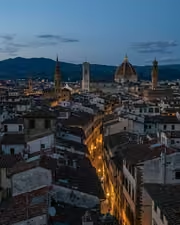
    Rain Bead applied to City rooftop Before: City rooftop
    City rooftop

    Drag the handle. Left is the original, right is Rain Bead. Rendered from the preset's own settings, not a Lightroom export, so the real thing carries a little more bite.

  2. No. 02Window RainRain running down a window at dusk, the frame darkened and the corners pulled in so the pane is the whole subject.
    Window Rain applied to Cafe window Before: Cafe window
    Cafe window
    Window Rain applied to Bed morning Before: Bed morning
    Bed morning
    Window Rain applied to Petrol station Before: Petrol station
    Petrol station
    Window Rain applied to City rooftop Before: City rooftop
    City rooftop

    Drag the handle. Left is the original, right is Window Rain. Rendered from the preset's own settings, not a Lightroom export, so the real thing carries a little more bite.

  3. No. 03Wet PaneA wet pane with the room behind it, dehaze taken negative so the glass keeps its bloom and the toe lifted to hold the grey.
    Wet Pane applied to Cafe window Before: Cafe window
    Cafe window
    Wet Pane applied to Bed morning Before: Bed morning
    Bed morning
    Wet Pane applied to Petrol station Before: Petrol station
    Petrol station
    Wet Pane applied to City rooftop Before: City rooftop
    City rooftop

    Drag the handle. Left is the original, right is Wet Pane. Rendered from the preset's own settings, not a Lightroom export, so the real thing carries a little more bite.

  4. No. 04RunnelA runnel cutting down the glass, the trail given surface detail against a muted, cooled background.
    Runnel applied to Cafe window Before: Cafe window
    Cafe window
    Runnel applied to Bed morning Before: Bed morning
    Bed morning
    Runnel applied to Petrol station Before: Petrol station
    Petrol station
    Runnel applied to City rooftop Before: City rooftop
    City rooftop

    Drag the handle. Left is the original, right is Runnel. Rendered from the preset's own settings, not a Lightroom export, so the real thing carries a little more bite.

  5. No. 05Glass BlurThe blur a wet window makes of a street, colour pulled out of it and the blue band set down so only shape survives.
    Glass Blur applied to Cafe window Before: Cafe window
    Cafe window
    Glass Blur applied to Bed morning Before: Bed morning
    Bed morning
    Glass Blur applied to Petrol station Before: Petrol station
    Petrol station
    Glass Blur applied to City rooftop Before: City rooftop
    City rooftop

    Drag the handle. Left is the original, right is Glass Blur. Rendered from the preset's own settings, not a Lightroom export, so the real thing carries a little more bite.

  6. No. 06Drop TrailThe trail a drop leaves behind it, texture raised on the track with the scene beyond kept low and quiet.
    Drop Trail applied to Cafe window Before: Cafe window
    Cafe window
    Drop Trail applied to Bed morning Before: Bed morning
    Bed morning
    Drop Trail applied to Petrol station Before: Petrol station
    Petrol station
    Drop Trail applied to City rooftop Before: City rooftop
    City rooftop

    Drag the handle. Left is the original, right is Drop Trail. Rendered from the preset's own settings, not a Lightroom export, so the real thing carries a little more bite.

  7. No. 07Fogged PaneA fogged pane in a cold room, the frame cooled and the midtones set down so the fog reads heavy.
    Fogged Pane applied to Cafe window Before: Cafe window
    Cafe window
    Fogged Pane applied to Bed morning Before: Bed morning
    Bed morning
    Fogged Pane applied to Petrol station Before: Petrol station
    Petrol station
    Fogged Pane applied to City rooftop Before: City rooftop
    City rooftop

    Drag the handle. Left is the original, right is Fogged Pane. Rendered from the preset's own settings, not a Lightroom export, so the real thing carries a little more bite.

  8. No. 08Storm WindowA storm seen through a window, highlights contained on the wet glass and the corners darkened around it.
    Storm Window applied to Cafe window Before: Cafe window
    Cafe window
    Storm Window applied to Bed morning Before: Bed morning
    Bed morning
    Storm Window applied to Petrol station Before: Petrol station
    Petrol station
    Storm Window applied to City rooftop Before: City rooftop
    City rooftop

    Drag the handle. Left is the original, right is Storm Window. Rendered from the preset's own settings, not a Lightroom export, so the real thing carries a little more bite.

  9. No. 09Night PaneA window at night in the rain, the glow through the drops kept off the ceiling and the toe lifted so the dark stays open.
    Night Pane applied to Cafe window Before: Cafe window
    Cafe window
    Night Pane applied to Bed morning Before: Bed morning
    Bed morning
    Night Pane applied to Petrol station Before: Petrol station
    Petrol station
    Night Pane applied to City rooftop Before: City rooftop
    City rooftop

    Drag the handle. Left is the original, right is Night Pane. Rendered from the preset's own settings, not a Lightroom export, so the real thing carries a little more bite.

  10. No. 10Streetlight BloomA streetlight seen through a wet pane, the orange band raised in luminance so the bloom carries while the rest is muted.
    Streetlight Bloom applied to Cafe window Before: Cafe window
    Cafe window
    Streetlight Bloom applied to Bed morning Before: Bed morning
    Bed morning
    Streetlight Bloom applied to Petrol station Before: Petrol station
    Petrol station
    Streetlight Bloom applied to City rooftop Before: City rooftop
    City rooftop

    Drag the handle. Left is the original, right is Streetlight Bloom. Rendered from the preset's own settings, not a Lightroom export, so the real thing carries a little more bite.

  11. No. 11Wiper SweepThe moment after a wiper sweep, the remaining film given texture and the view through it left soft.
    Wiper Sweep applied to Cafe window Before: Cafe window
    Cafe window
    Wiper Sweep applied to Bed morning Before: Bed morning
    Bed morning
    Wiper Sweep applied to Petrol station Before: Petrol station
    Petrol station
    Wiper Sweep applied to City rooftop Before: City rooftop
    City rooftop

    Drag the handle. Left is the original, right is Wiper Sweep. Rendered from the preset's own settings, not a Lightroom export, so the real thing carries a little more bite.

  12. No. 12Rain StreakLong streaks of rain across the glass, the streaks given surface with the background colour taken out.
    Rain Streak applied to Cafe window Before: Cafe window
    Cafe window
    Rain Streak applied to Bed morning Before: Bed morning
    Bed morning
    Rain Streak applied to Petrol station Before: Petrol station
    Petrol station
    Rain Streak applied to City rooftop Before: City rooftop
    City rooftop

    Drag the handle. Left is the original, right is Rain Streak. Rendered from the preset's own settings, not a Lightroom export, so the real thing carries a little more bite.

  13. No. 13CondensationCondensation on the inside of the glass, dehaze taken negative so the haze is kept rather than fought.
    Condensation applied to Cafe window Before: Cafe window
    Cafe window
    Condensation applied to Bed morning Before: Bed morning
    Bed morning
    Condensation applied to Petrol station Before: Petrol station
    Petrol station
    Condensation applied to City rooftop Before: City rooftop
    City rooftop

    Drag the handle. Left is the original, right is Condensation. Rendered from the preset's own settings, not a Lightroom export, so the real thing carries a little more bite.

  14. No. 14Cab WindowA rainy view from inside a cab, the frame darkened and the exterior cooled so the interior feels sheltered.
    Cab Window applied to Cafe window Before: Cafe window
    Cafe window
    Cab Window applied to Bed morning Before: Bed morning
    Bed morning
    Cab Window applied to Petrol station Before: Petrol station
    Petrol station
    Cab Window applied to City rooftop Before: City rooftop
    City rooftop

    Drag the handle. Left is the original, right is Cab Window. Rendered from the preset's own settings, not a Lightroom export, so the real thing carries a little more bite.

  15. No. 15Downpour GlassA downpour flattening against the window, drop texture raised while the frame stays low-key and cool.
    Downpour Glass applied to Cafe window Before: Cafe window
    Cafe window
    Downpour Glass applied to Bed morning Before: Bed morning
    Bed morning
    Downpour Glass applied to Petrol station Before: Petrol station
    Petrol station
    Downpour Glass applied to City rooftop Before: City rooftop
    City rooftop

    Drag the handle. Left is the original, right is Downpour Glass. Rendered from the preset's own settings, not a Lightroom export, so the real thing carries a little more bite.

  16. No. 16Sill PoolA pool of water gathered on the sill, the water's surface given detail with the corners drawn in around it.
    Sill Pool applied to Cafe window Before: Cafe window
    Cafe window
    Sill Pool applied to Bed morning Before: Bed morning
    Bed morning
    Sill Pool applied to Petrol station Before: Petrol station
    Petrol station
    Sill Pool applied to City rooftop Before: City rooftop
    City rooftop

    Drag the handle. Left is the original, right is Sill Pool. Rendered from the preset's own settings, not a Lightroom export, so the real thing carries a little more bite.

  17. No. 17Bokeh RainOut-of-focus lights behind a wet pane, the bright cores contained and the toe lifted so the frame stays soft.
    Bokeh Rain applied to Cafe window Before: Cafe window
    Cafe window
    Bokeh Rain applied to Bed morning Before: Bed morning
    Bed morning
    Bokeh Rain applied to Petrol station Before: Petrol station
    Petrol station
    Bokeh Rain applied to City rooftop Before: City rooftop
    City rooftop

    Drag the handle. Left is the original, right is Bokeh Rain. Rendered from the preset's own settings, not a Lightroom export, so the real thing carries a little more bite.

  18. No. 18Grey PaneA grey pane on a wet afternoon, saturation taken out and the whole frame cooled so the weather does the talking.
    Grey Pane applied to Cafe window Before: Cafe window
    Cafe window
    Grey Pane applied to Bed morning Before: Bed morning
    Bed morning
    Grey Pane applied to Petrol station Before: Petrol station
    Petrol station
    Grey Pane applied to City rooftop Before: City rooftop
    City rooftop

    Drag the handle. Left is the original, right is Grey Pane. Rendered from the preset's own settings, not a Lightroom export, so the real thing carries a little more bite.

You are on the dry side of the glass. Each preset here gives the water on the pane its texture, then takes the scene beyond it down: saturation out, the blue band set low, the frame cooled, so shape survives and colour does not compete. Rain Bead is where you start, every drop given an edge and the street behind it left soft.

Drops follow the water. Runnel and Drop Trail raise texture on the track a drop leaves. Rain Streak gives long streaks their surface. Downpour Glass holds the whole window low-key while the beads come forward. Sill Pool finds the water gathered at the bottom of the frame. Panes are about the glass: Wet Pane and Condensation take dehaze negative so the bloom stays, Fogged Pane sets the midtones down until the fog reads heavy, Wiper Sweep keeps the film the blade left, Grey Pane lets the weather do the talking.

After dark, you keep the lights. Night Pane holds the glow through the drops off the ceiling and lifts the toe so the dark stays open. Streetlight Bloom raises the orange band so one lamp carries. Bokeh Rain contains the bright cores behind a wet pane. Cab Window darkens the frame and cools the exterior, so the inside feels sheltered.

You apply one, then you look again. The drops are still yours to sharpen or soften.

Yours in two minutes

how it works

  1. Step 1

    Buy

    Pay with Apple Pay, Google Pay or a card.

  2. Step 2

    Download

    The zip downloads right away, and a copy lands in your email.

  3. Step 3

    Import

    Add the presets to Lightroom in a minute.

    PhoneClassicDesktop
  4. Step 4

    Tap

    One tap on any photo. Every slider stays yours to adjust.

Yours to keep, for personal and client work. Please do not share the files. The license

Netzah Elad Topaz, the photographer who makes these presets

the maker

Why I Make These

I am Netzah Elad Topaz. I take photographs and I build software, and the two keep leading me back to the same problem. You were there. The light was doing something you will not see again. Then the photo comes back flat, and it is not what you were looking at.

Closing that gap is the whole job. Every preset here is built from Adobe defaults by hand, with a written note for what it should do to a picture, and it is judged on photographs before it ships. Nothing is a filter dropped on top of your work.

What I want is simple. You open a photo you almost gave up on, you tap once, and there it is: the day you remember, not the file your camera handed you. That is worth doing properly.

Questions, answered

I shot the rain from outside. Does it still work?

Yes, as a cool muted grade with texture raised on wet surfaces. The presets were built for glass in the foreground, so on an open street the effect is gentler and the frame simply reads colder and quieter.

Do the drops need to be in focus?

They need to be sharper than what is behind them. Focus on the glass, let the scene fall off, and the texture moves have something to hold.

Do these work in the free Lightroom app?

Yes. Import the .xmp files in the free Lightroom app on iPhone or Android, no subscription needed. They also work in Lightroom Classic and Lightroom on desktop.

What exactly do I get?

All 18 presets from Rain Glass as .xmp files in an instant ZIP download. The link also lands in your email, and the purchase stays in your account so you can re-download any time.

How do I install them?

Two minutes: unzip, then import inside Lightroom. The step-by-step guide covers iPhone, Android, and desktop.

Can I use them for client work?

Yes. The single-user license covers personal and commercial photography. The one thing you can't do is share or resell the preset files themselves.

Can I tweak a preset after applying it?

Always. A preset is a starting point; every slider stays yours to adjust.

What else is like this

All light and weather
Canopy light, kept deep. With the Monsoonhaze preset applied.Canopy light, kept deep. Photographed without a preset.
Monsoonhaze applied to Canopy light, kept deep

Monsoonhaze

Light and weather · 18 presets

was $49.99now $29.99Save $20

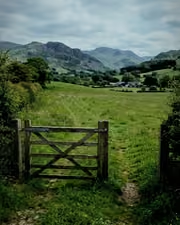
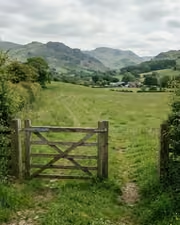
The gate, the field, the green done right. With the Cloudlatitude preset applied.The gate, the field, the green done right. Photographed without a preset.
Cloudlatitude applied to The gate, the field, the green done right

Cloudlatitude

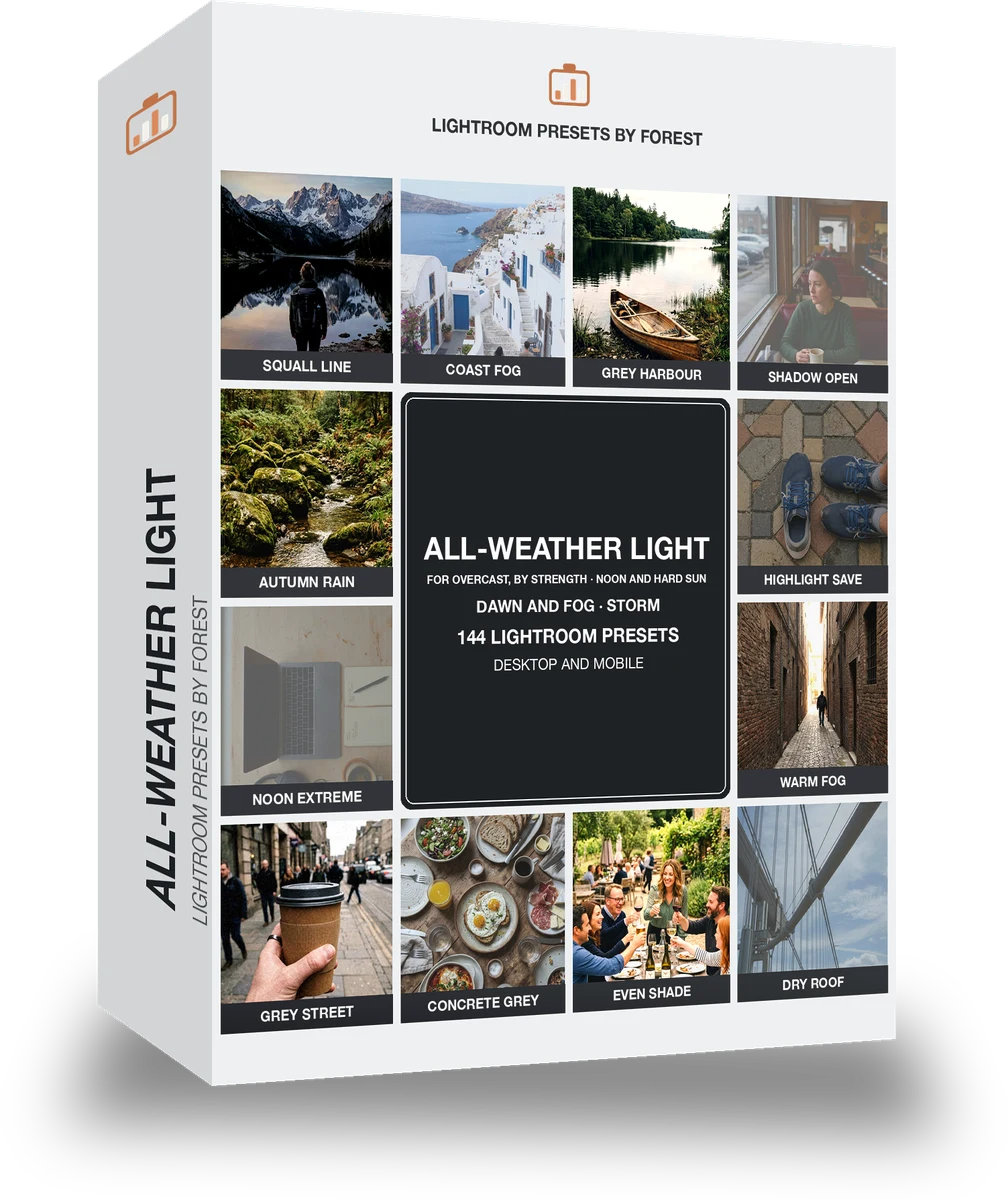
Light and weather · 144 presets

was $199now $99Save $100

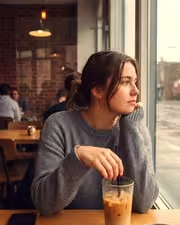
Cafe window, one tap later. With the Reeltint preset applied.Cafe window, one tap later. Photographed without a preset.
Reeltint applied to Cafe window, one tap later

Reeltint

Everyday and mobile creators · 15 presets

was $49.99now $29.99Save $20

The rooftop hour, kept the way it felt. With the Roamhue preset applied.The rooftop hour, kept the way it felt. Photographed without a preset.
Roamhue applied to The rooftop hour, kept the way it felt.

Roamhue

Travel and street · 15 presets

was $49.99now $29.99Save $20