 PRE|SETS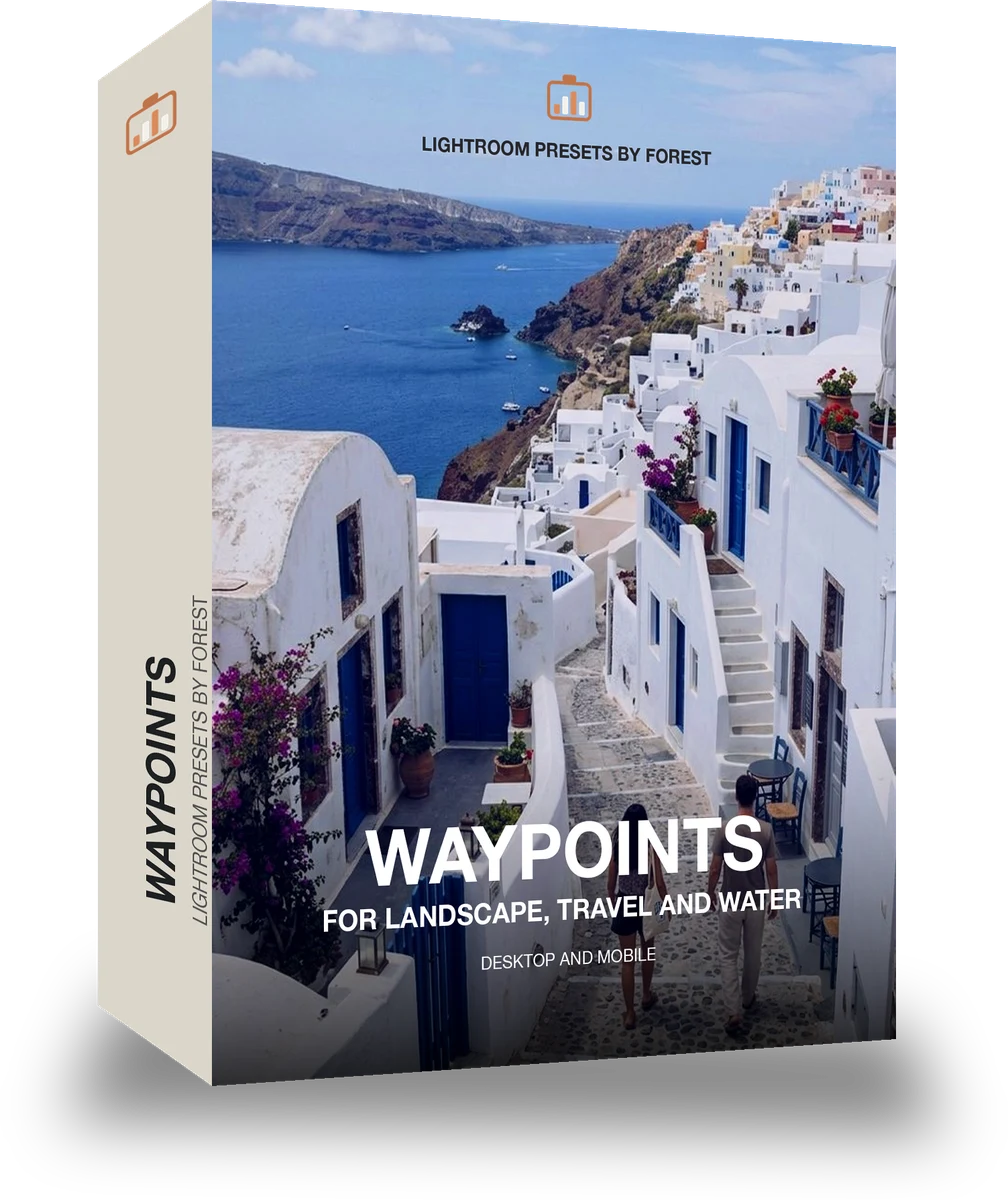
Waypoints
was $49.99now $29.99Save $20
Instant download.
- Presets15
- Works inLightroom desktop and mobile
- Format.xmp and .dng
Roamhue · Travel and street
Roamhue makes one kind of light.
Waypoints is 15 presets for travel and street photography. Every one of them is below, before you pay for any of it.
What this light does
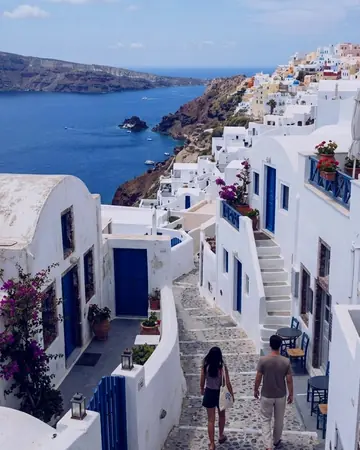
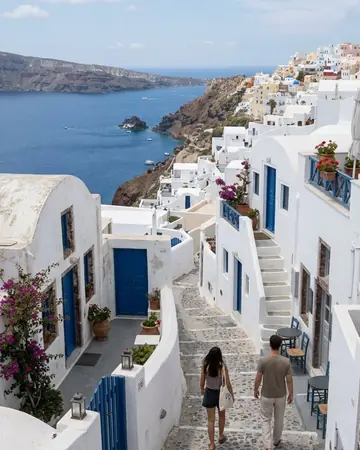
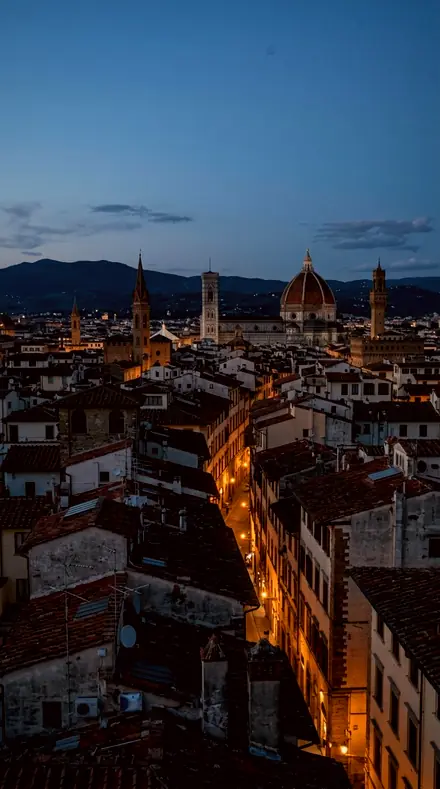
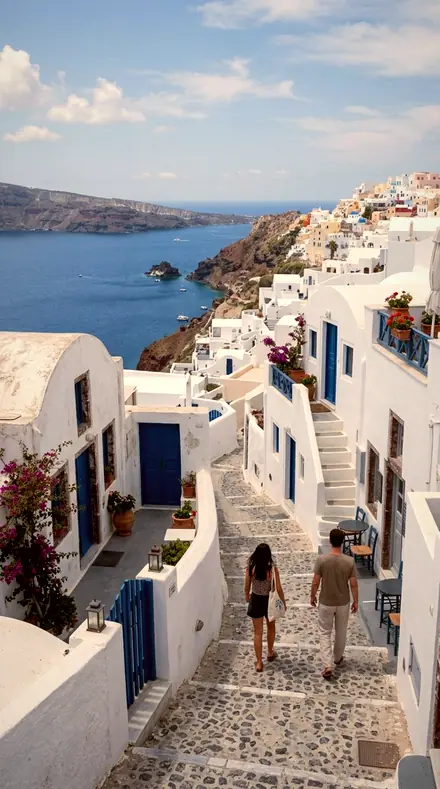
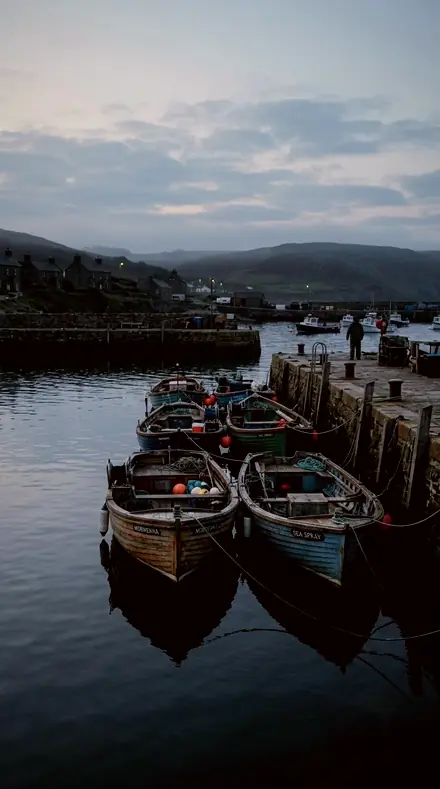
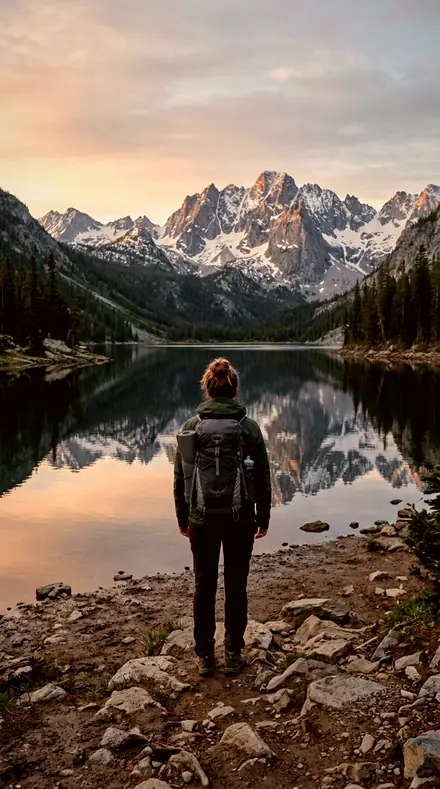
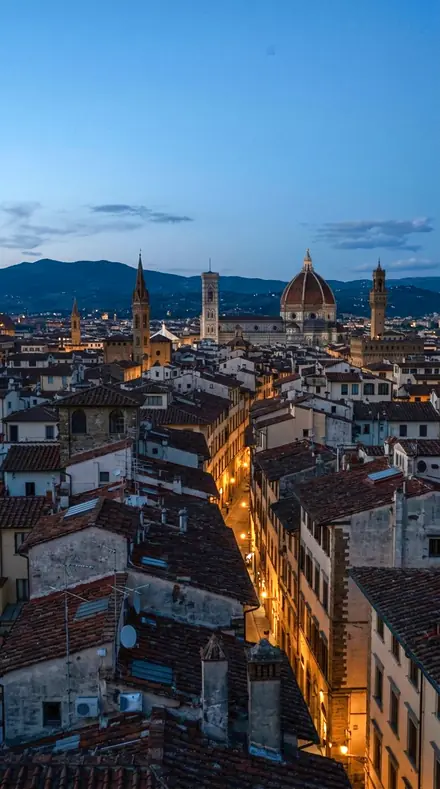
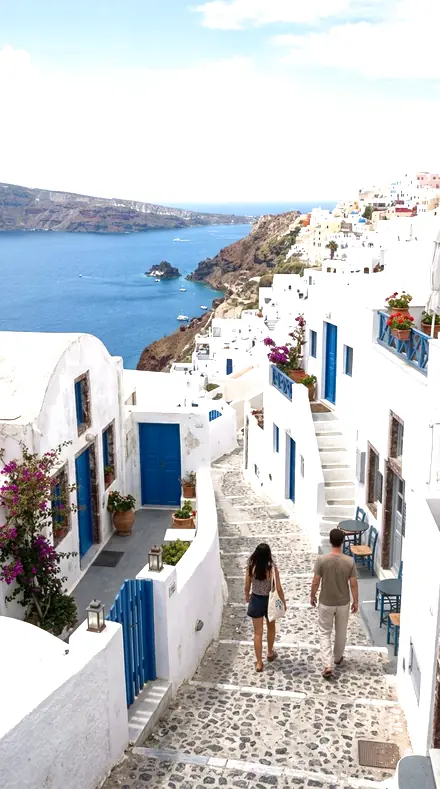
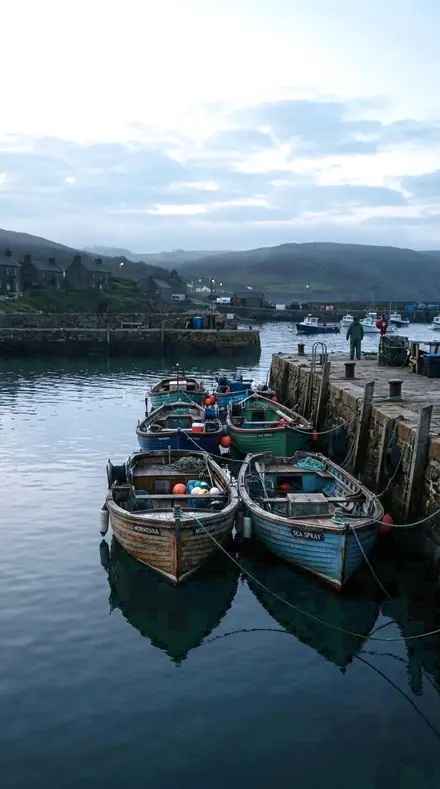
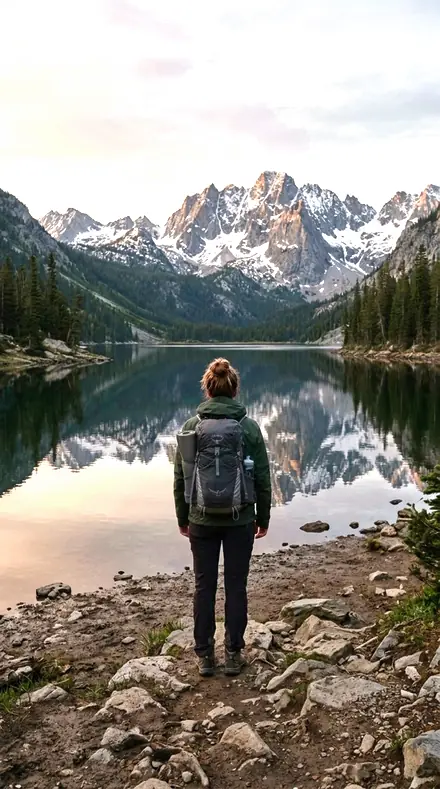
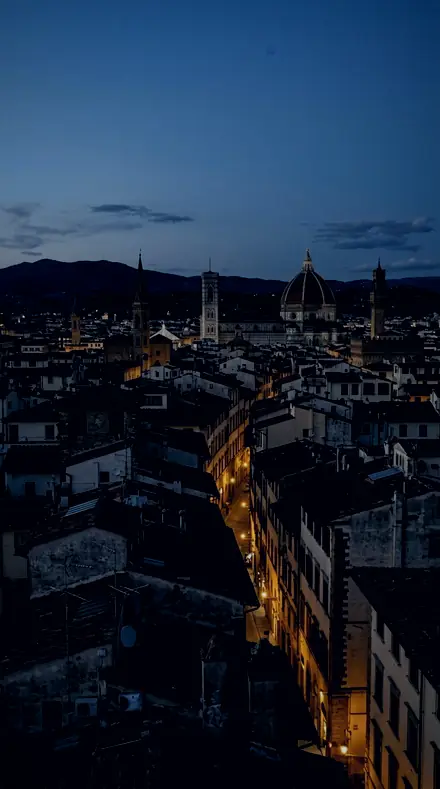
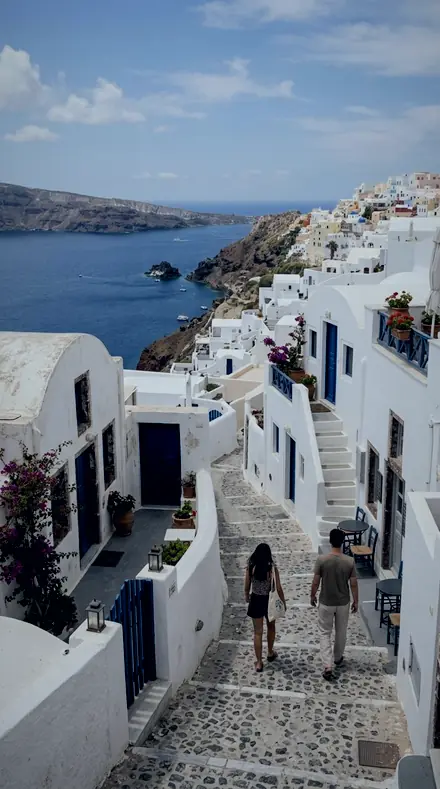
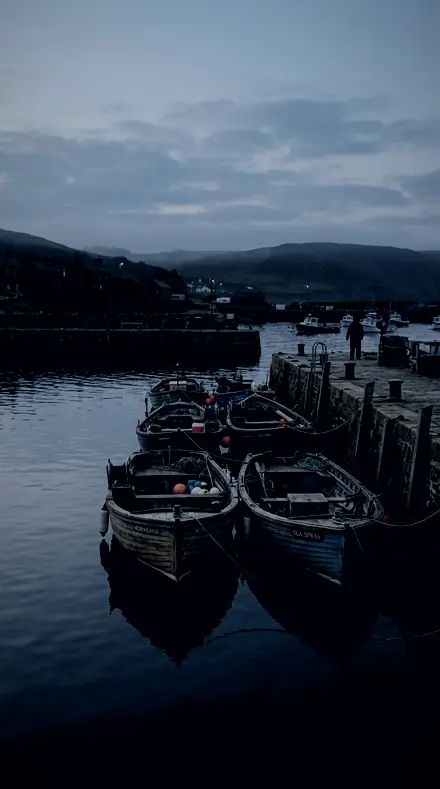
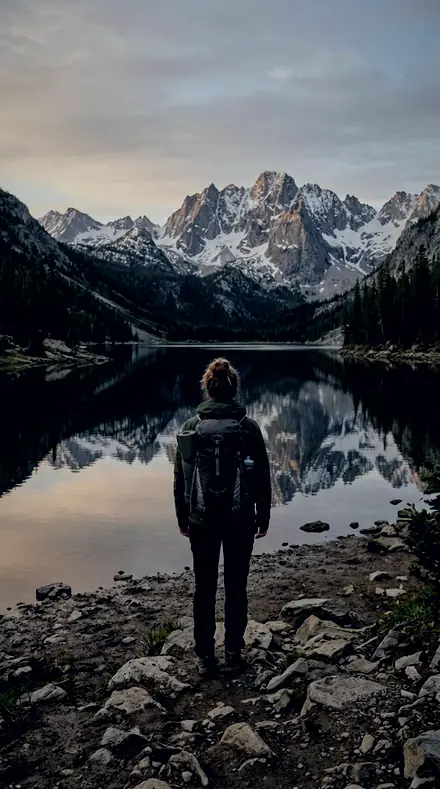
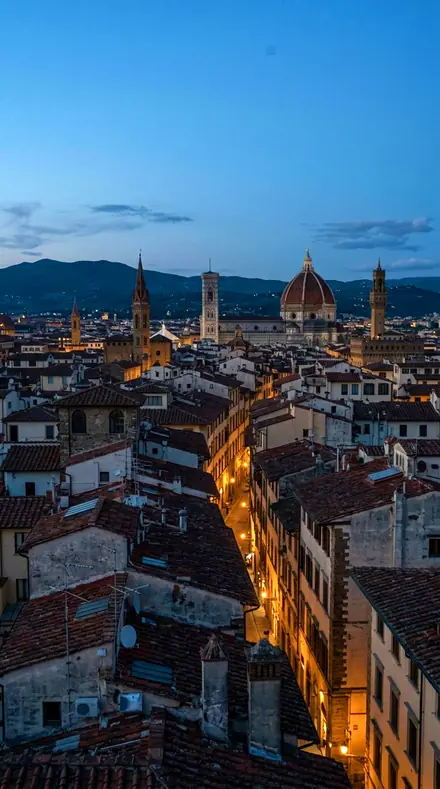
one frame, 4 presets
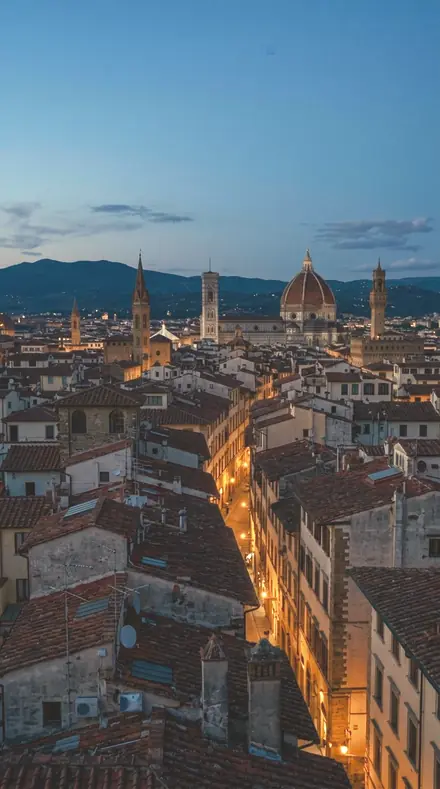
The rooftop hour, kept the way it felt.
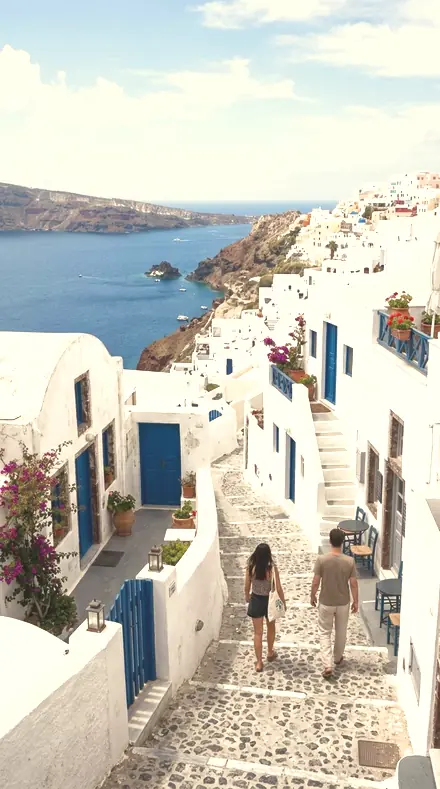
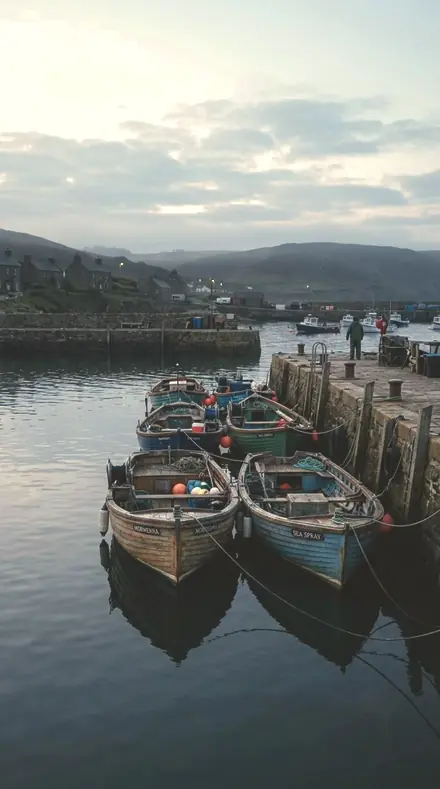
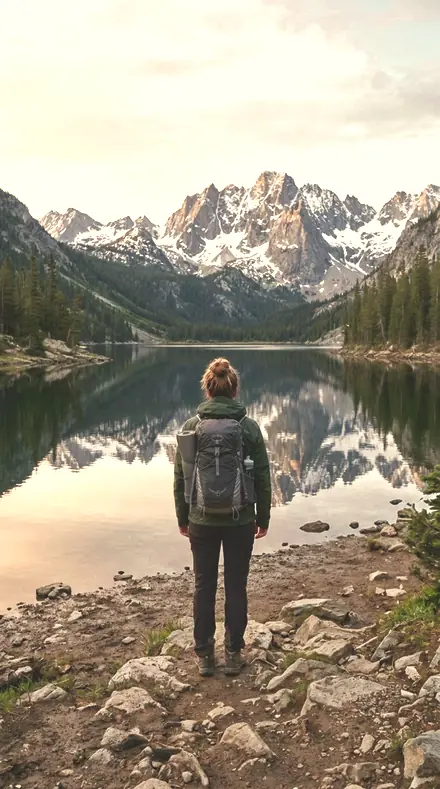
4 of them, on one photograph. Drag to compare before and after.
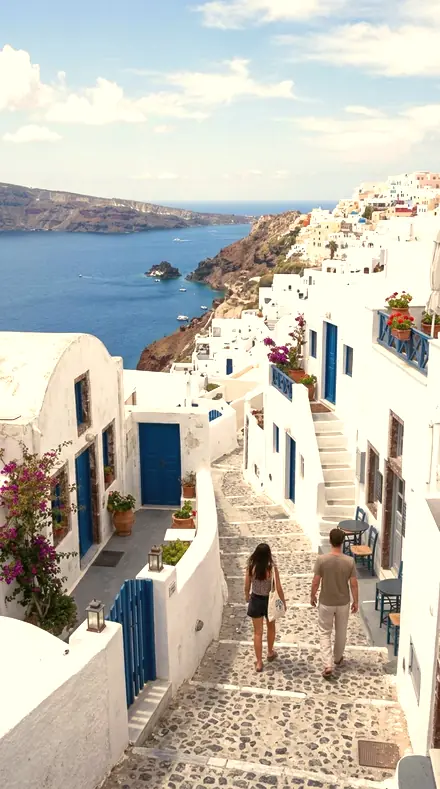
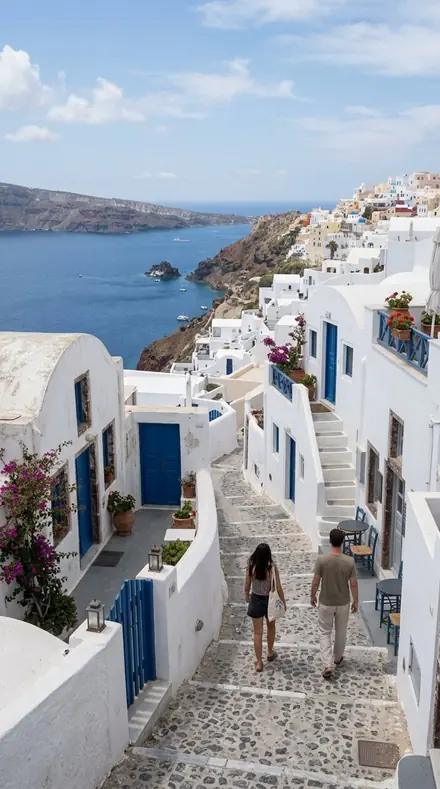
Amber Meridian applied to The lane you promised yourself you'd remember. No. 01
Amber Meridian
Classic golden-hour glow with recovered highlights for backlit portraits at sunset.
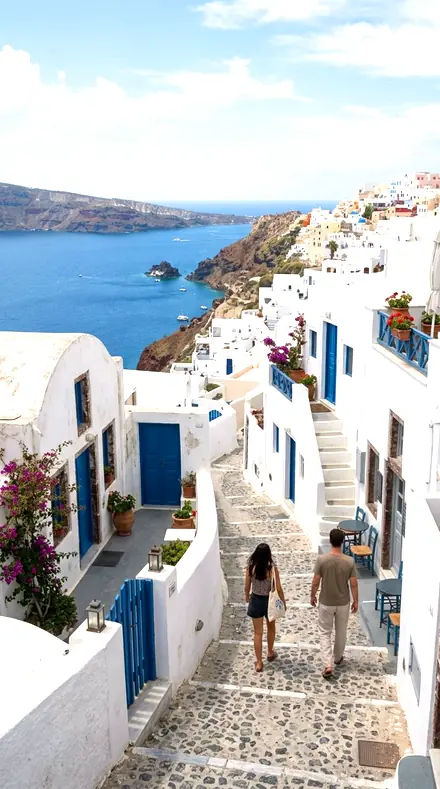
Reef Bloom applied to The lane you promised yourself you'd remember. No. 06
Reef Bloom
Tropical vivid water and palms for lagoon, snorkel, and island days.
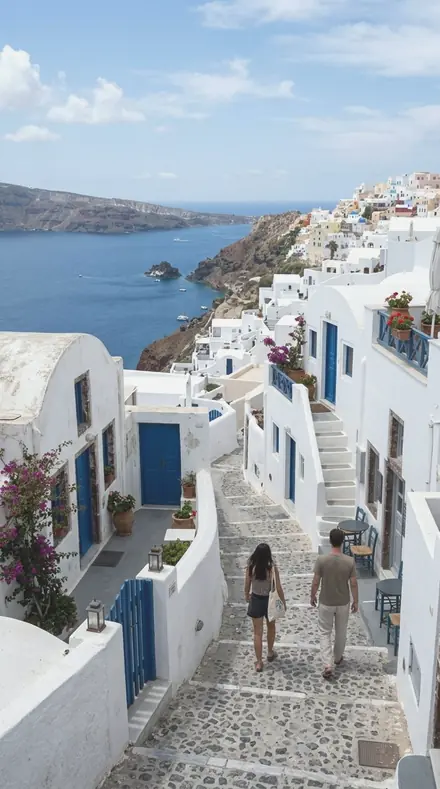
Fog Ridge applied to The lane you promised yourself you'd remember. No. 10
Fog Ridge
Muted misty highlands with restrained greens for alpine and overcast forest.
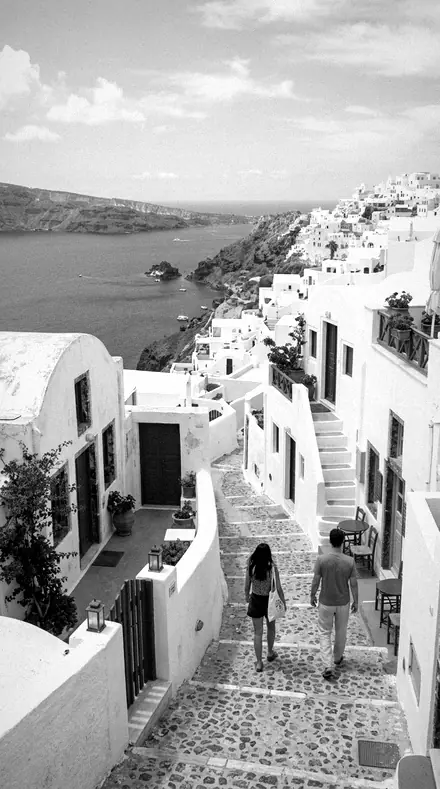
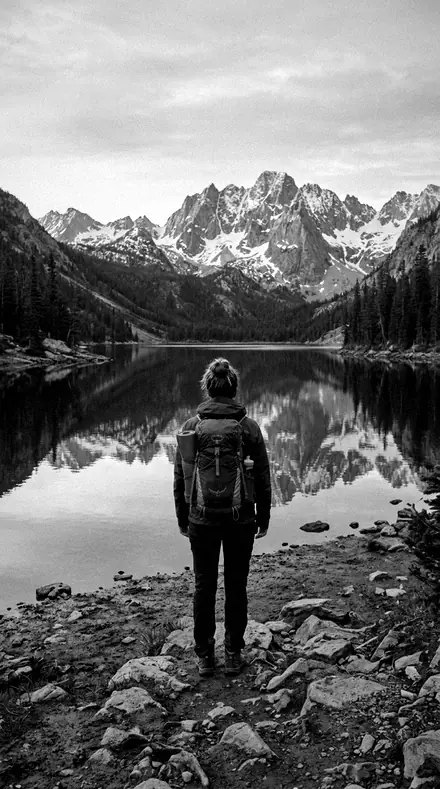
Mile Zero Mono applied to The lane you promised yourself you'd remember. No. 15
Mile Zero Mono
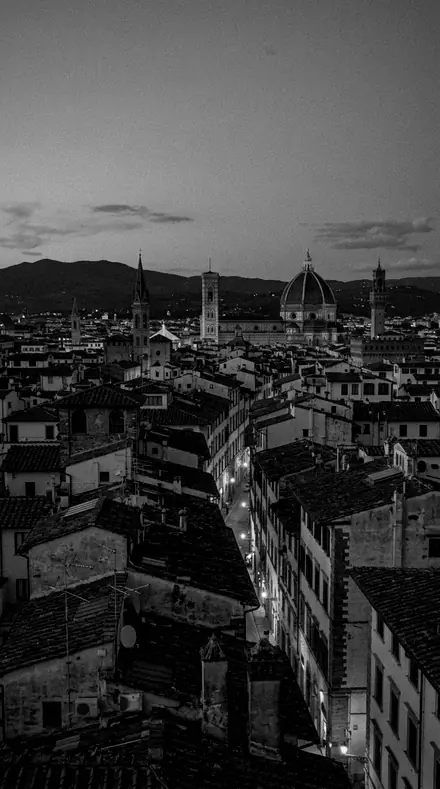
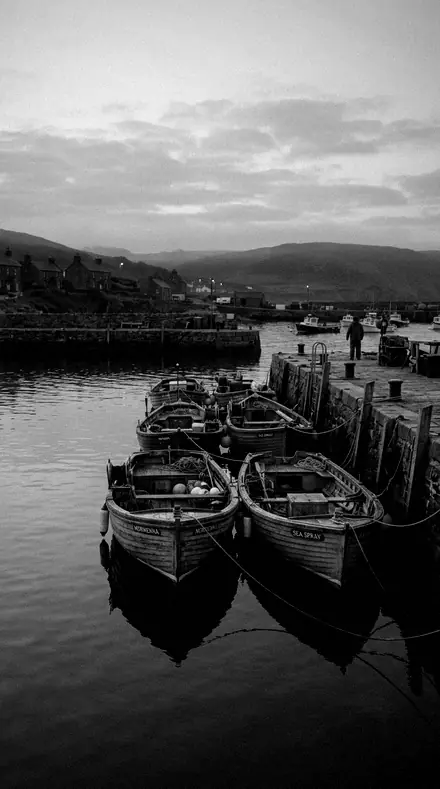
Strong black-and-white travel documentary look with deep structure and bright skies held.
See the light change
drag the line
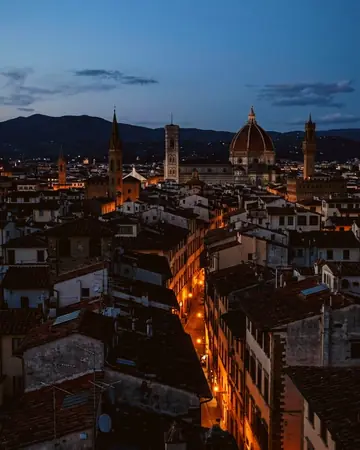
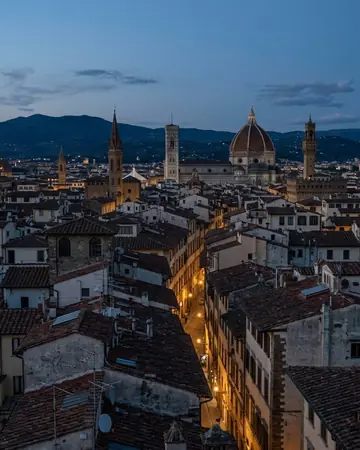
The same frame, one tap apart. Drag any handle and the scene goes back to the way it looked before Roamhue touched it.
Seven legs, fifteen stops
7 groups
Every preset below is named and described exactly as it ships. No two stops do the same job; together they cover a full trip from first light to the last black-and-white frame.
- Golden hour
- Coast
- Desert
- Forest & mountain
- City
- Film travel
- Black & white
Explore every preset in this pack
15 presets · 4 scenes
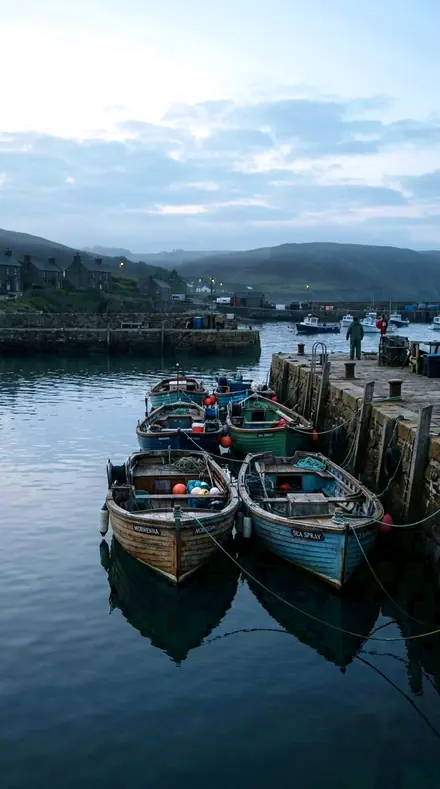
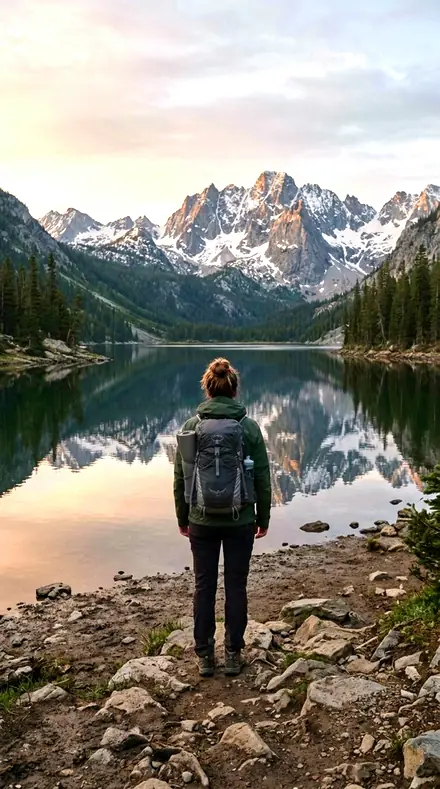
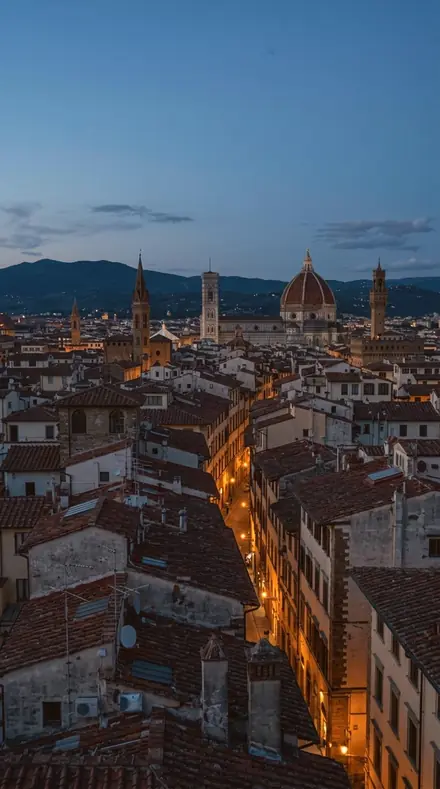
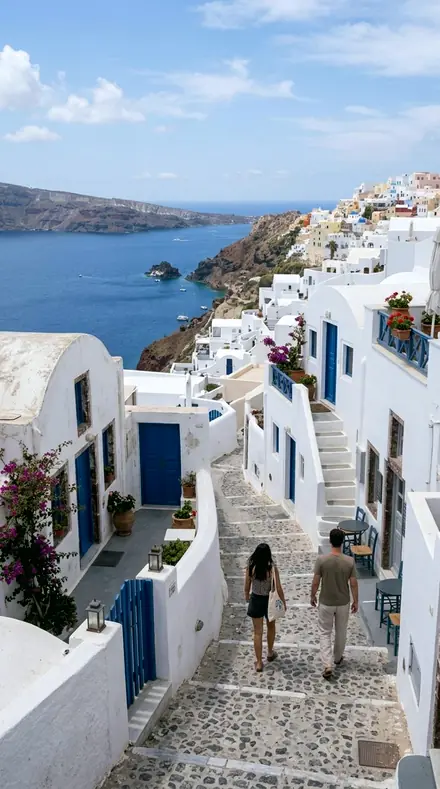
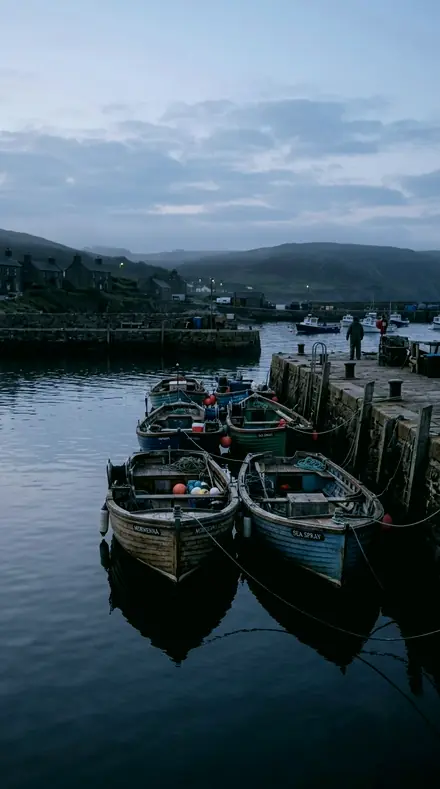
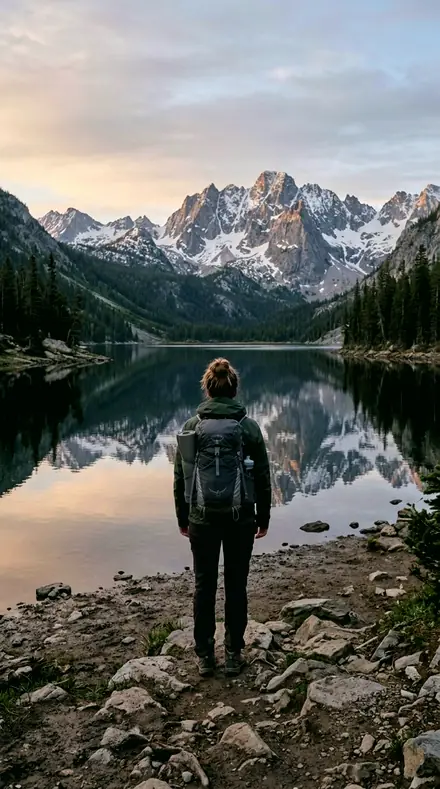
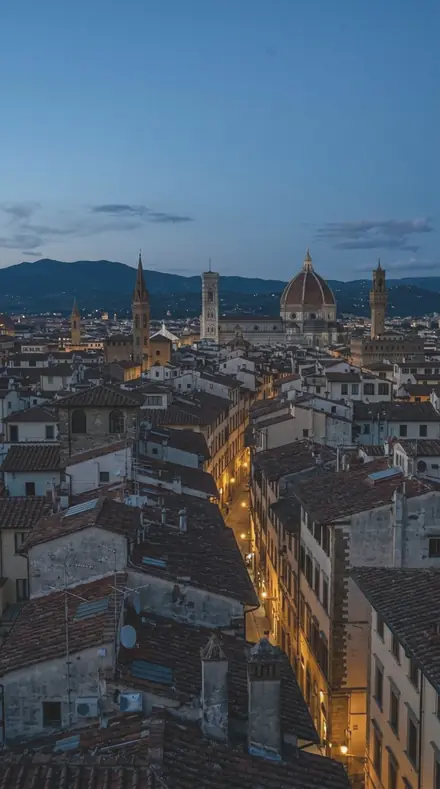
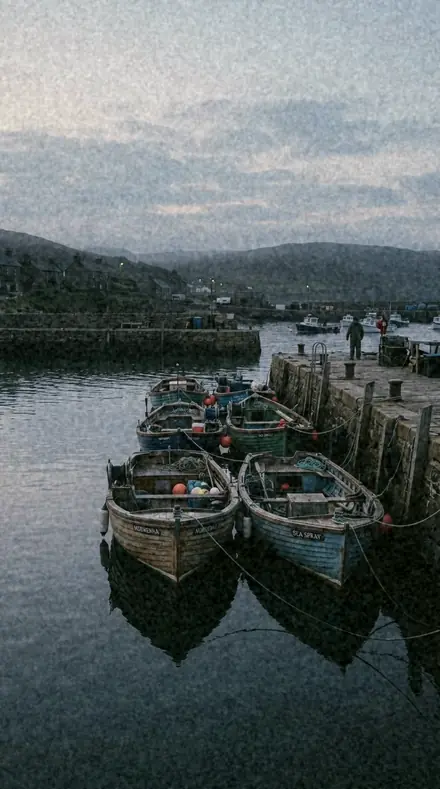
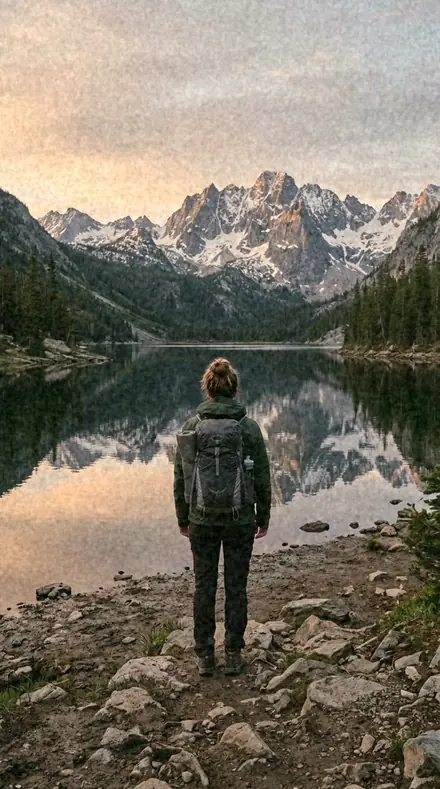
Every preset in the pack is here, on the same four photographs. Nothing below is a sample. Open one and drag.
No. 01Amber MeridianClassic golden-hour glow with recovered highlights for backlit portraits at sunset.
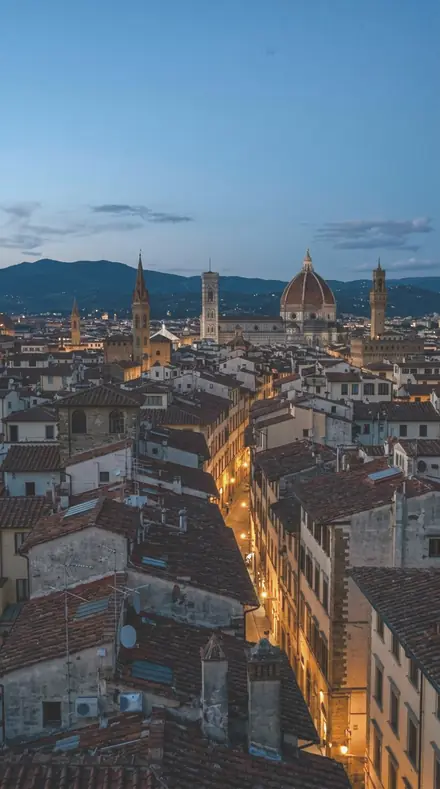
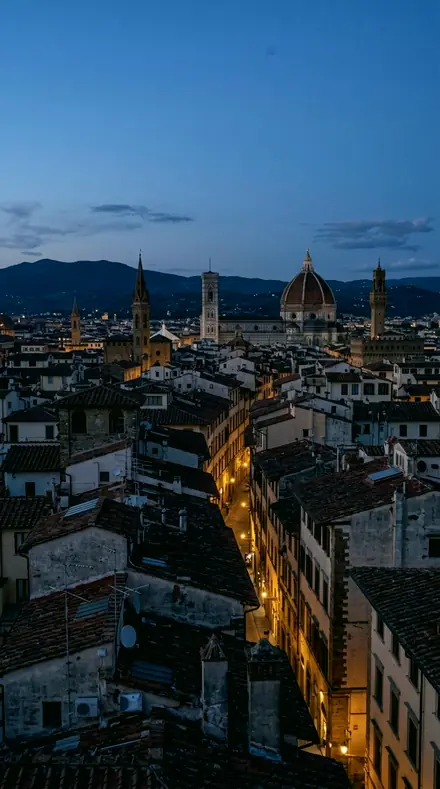
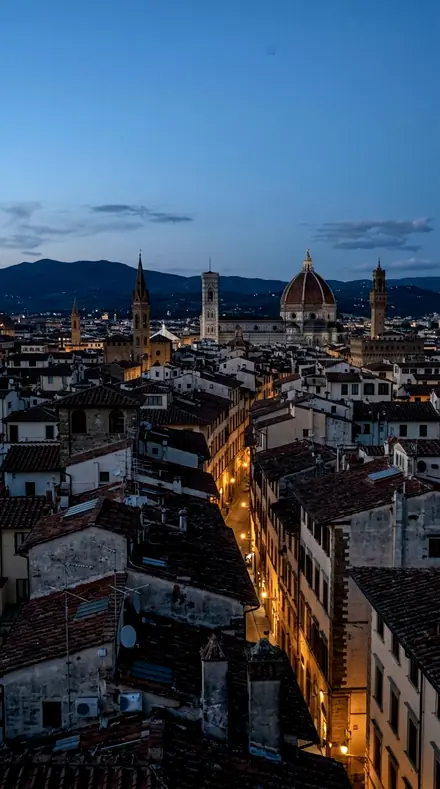
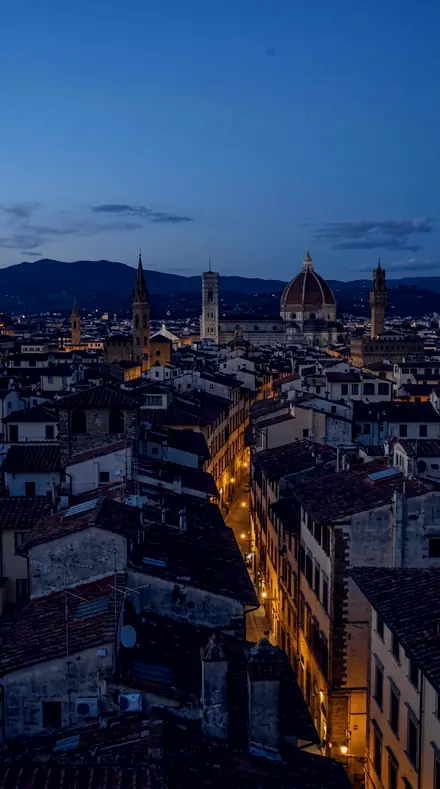
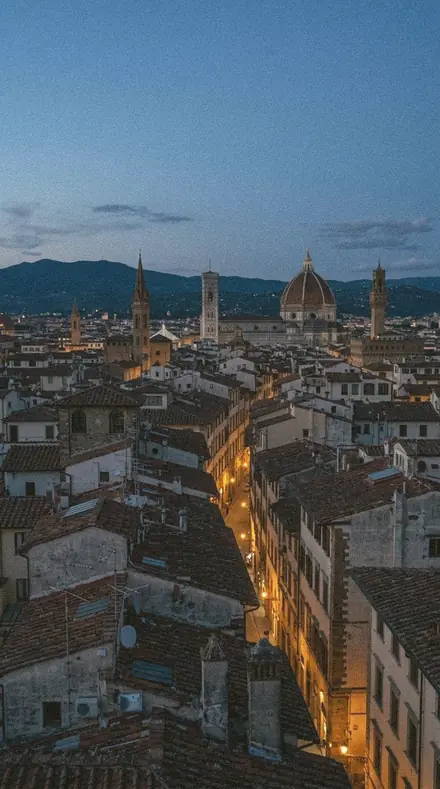
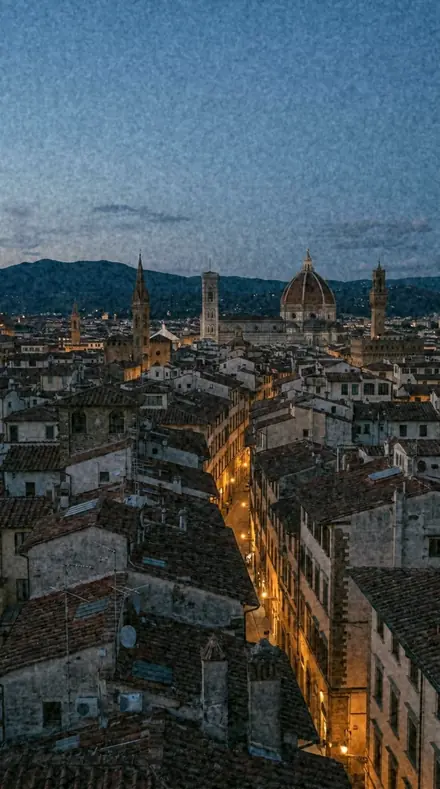
![Amber Meridian applied to City rooftop]()
![Before: City rooftop]()
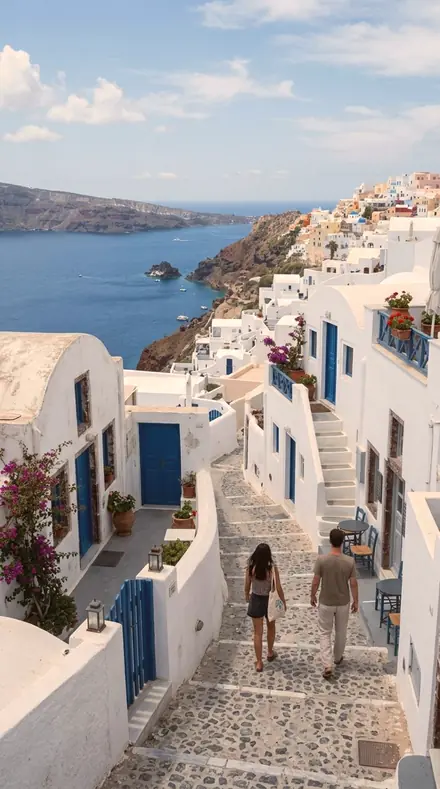
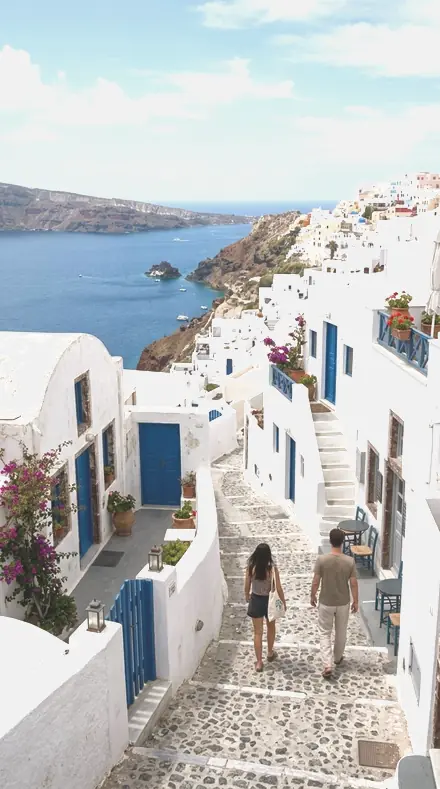
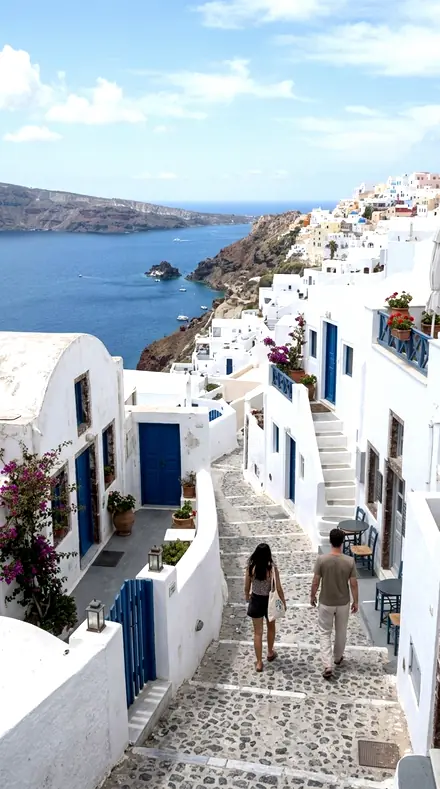
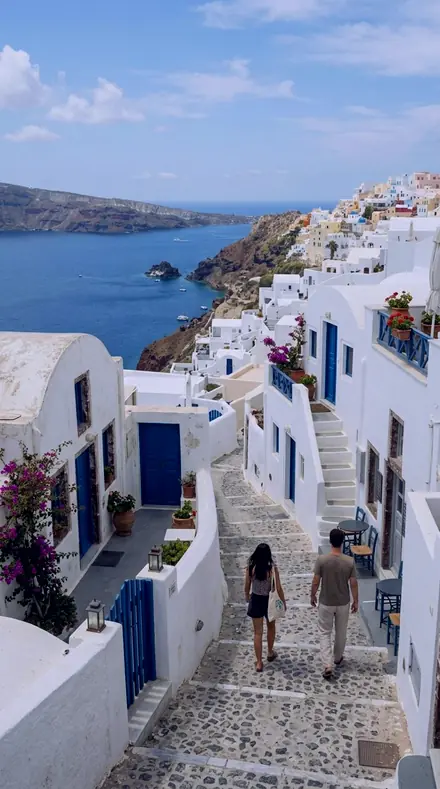
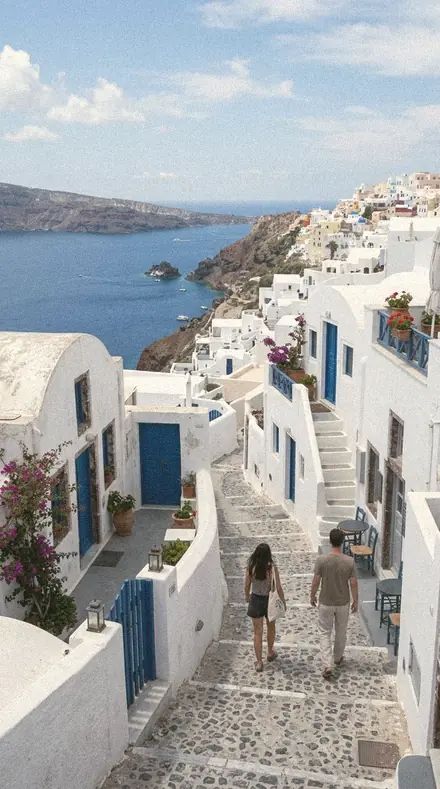
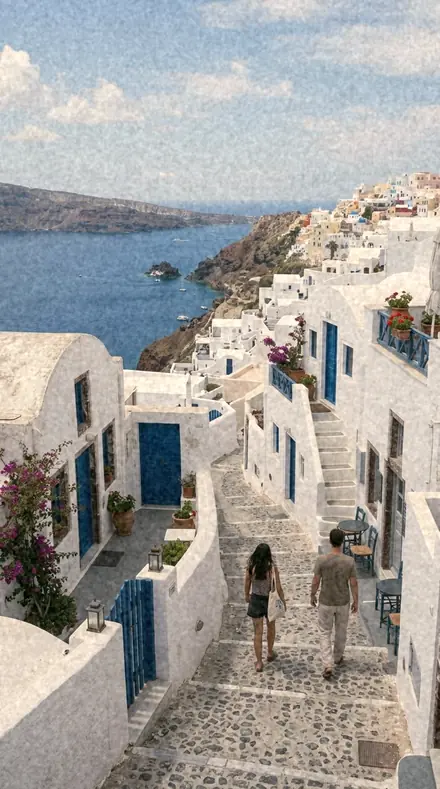
City rooftop ![Amber Meridian applied to Coast village]()
![Before: Coast village]()
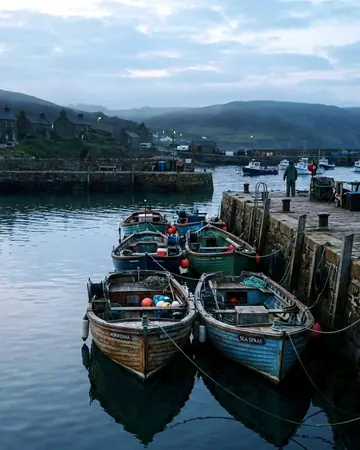
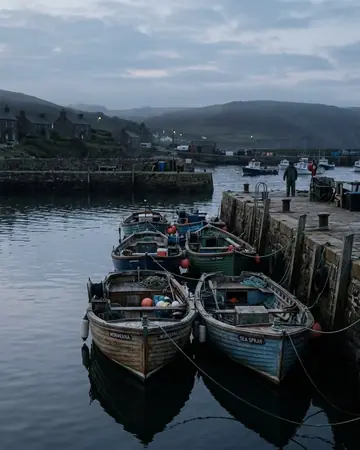
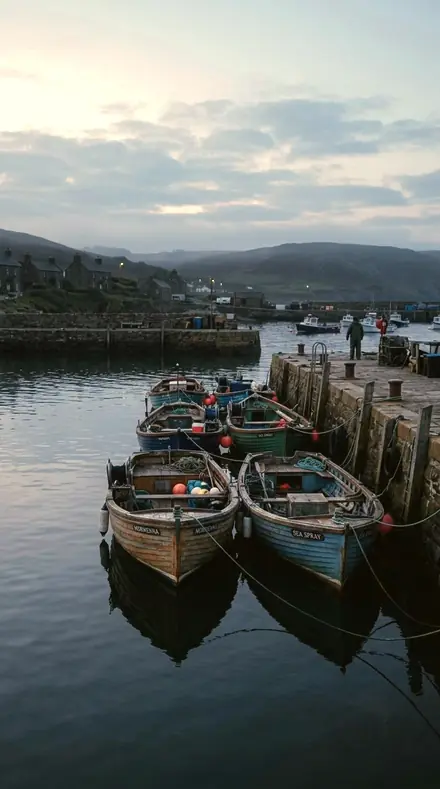
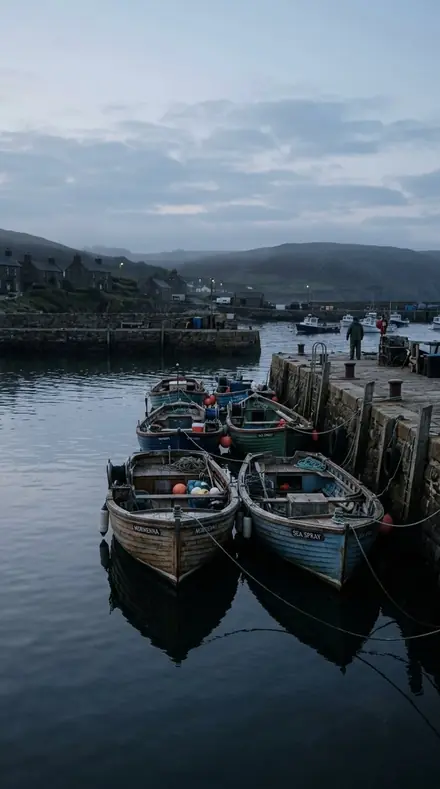
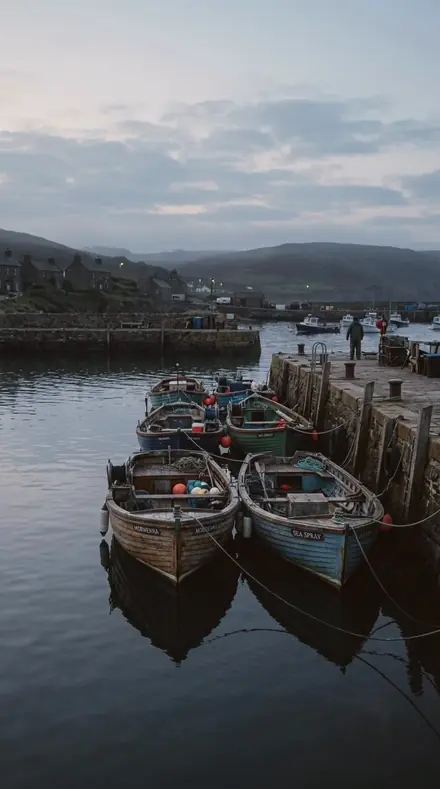
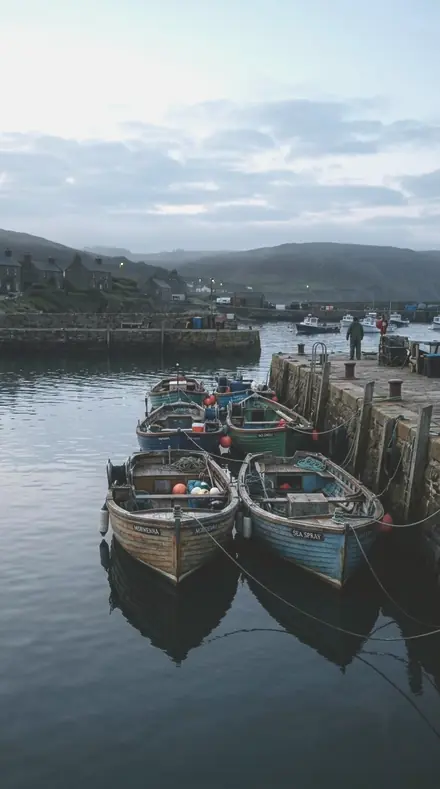
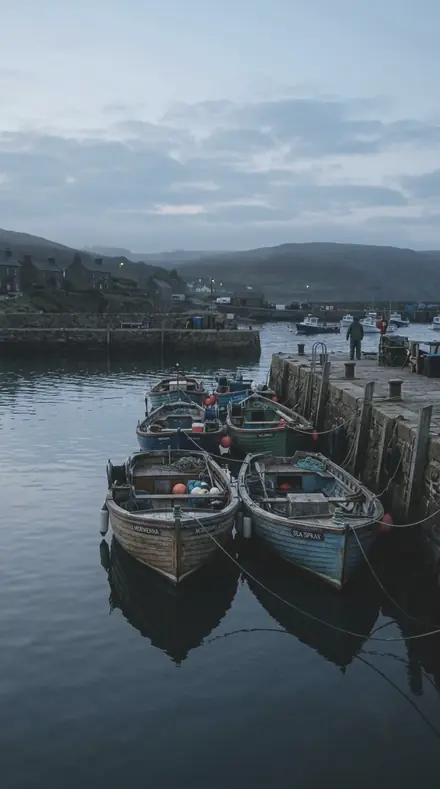
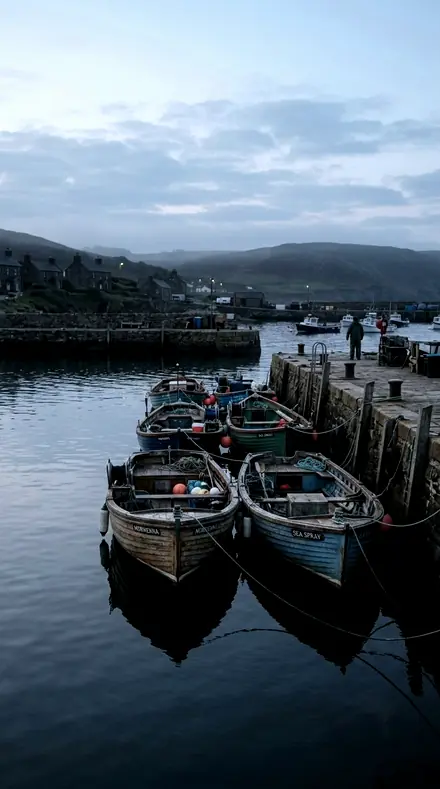
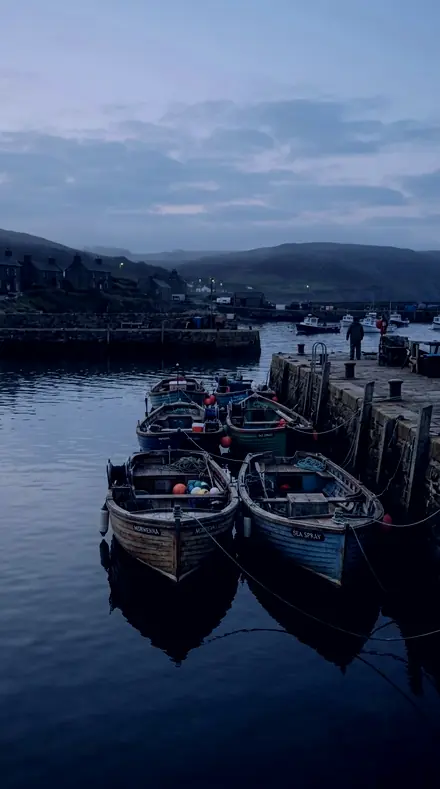
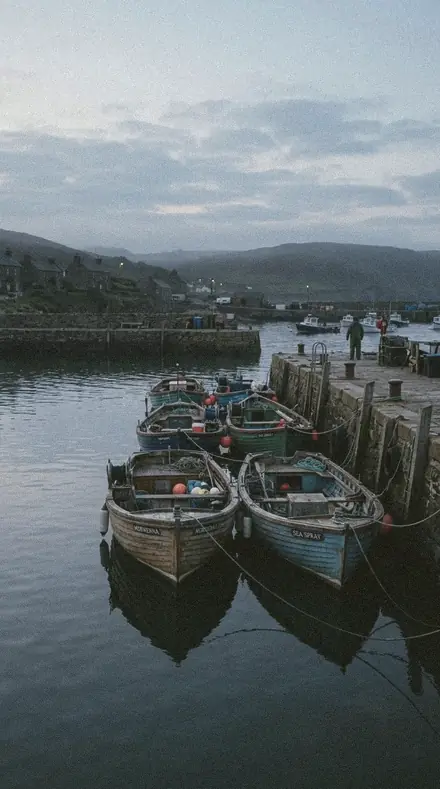
Coast village ![Amber Meridian applied to Harbour boats]()
![Before: Harbour boats]()
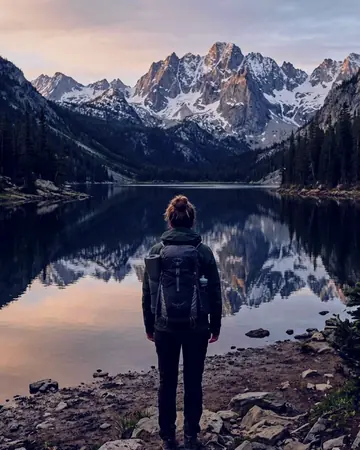
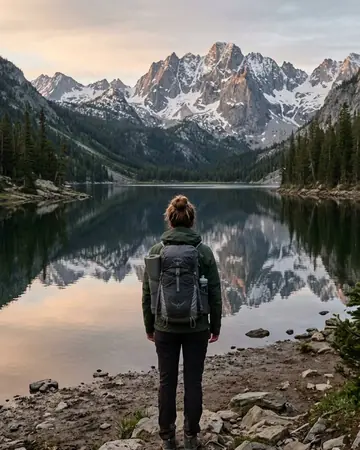
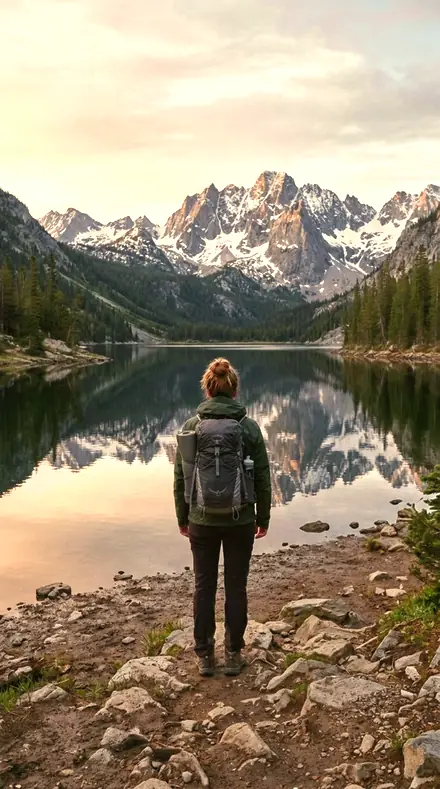
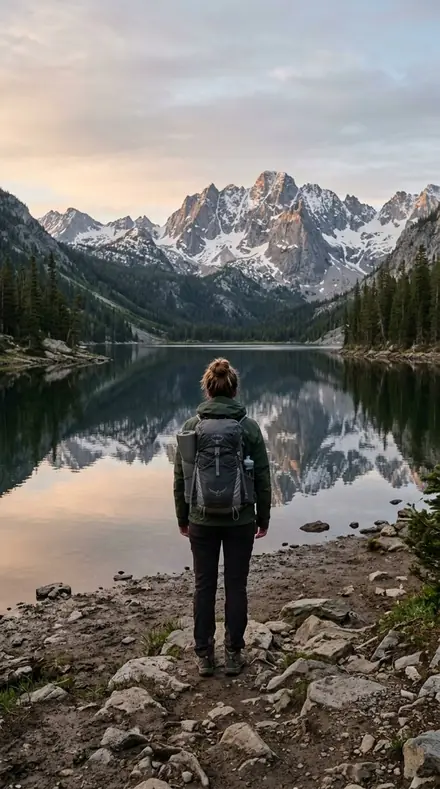
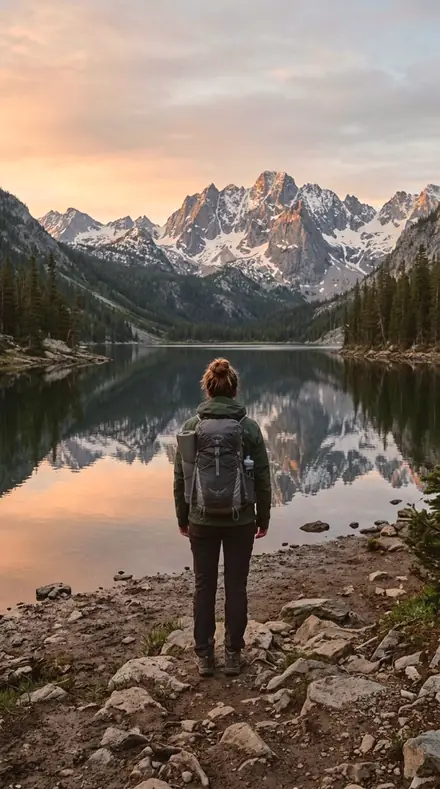
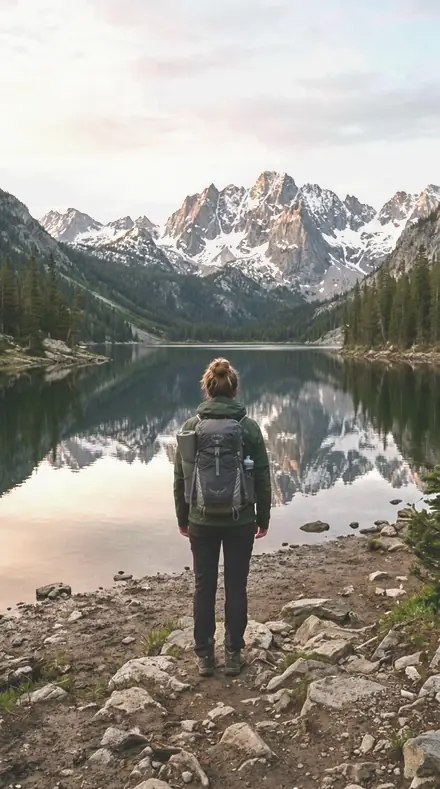
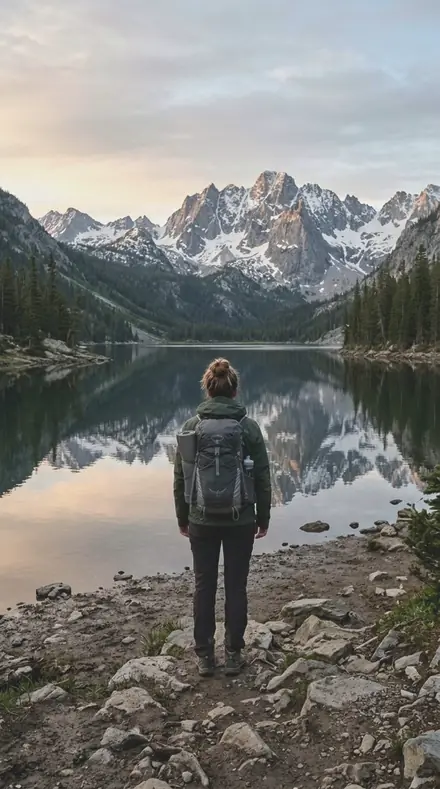
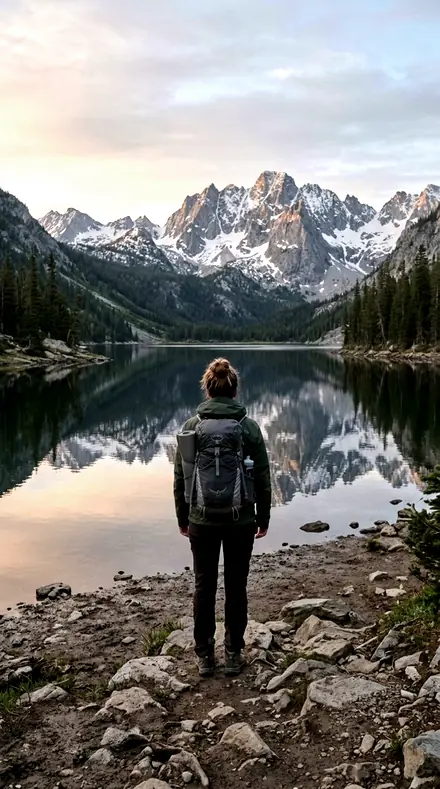
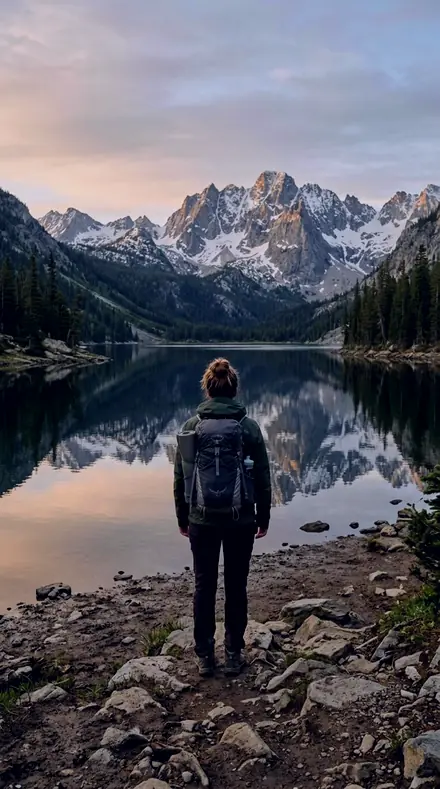
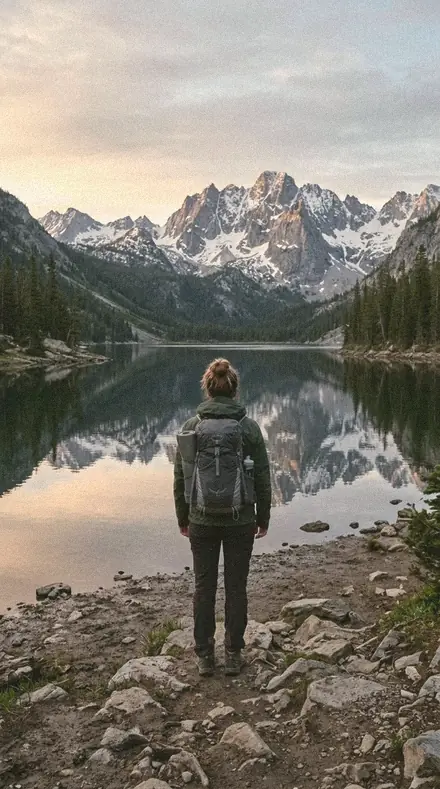
Harbour boats ![Amber Meridian applied to Mountain lake]()
![Before: Mountain lake]()
Mountain lake Drag the handle. Left is the original, right is Amber Meridian. Rendered from the preset's own settings, not a Lightroom export, so the real thing carries a little more bite.
No. 02Last Light RoadRich late-sun look with deeper contrast for landscapes in the final minutes of light.
![Last Light Road applied to City rooftop]()
![Before: City rooftop]()
City rooftop ![Last Light Road applied to Coast village]()
![Before: Coast village]()
Coast village ![Last Light Road applied to Harbour boats]()
![Before: Harbour boats]()
Harbour boats ![Last Light Road applied to Mountain lake]()
![Before: Mountain lake]()
Mountain lake Drag the handle. Left is the original, right is Last Light Road. Rendered from the preset's own settings, not a Lightroom export, so the real thing carries a little more bite.
No. 03Honey LatitudeAiry soft golden light for lifestyle and cafe scenes in warm afternoon sun.
![Honey Latitude applied to City rooftop]()
![Before: City rooftop]()
City rooftop ![Honey Latitude applied to Coast village]()
![Before: Coast village]()
Coast village ![Honey Latitude applied to Harbour boats]()
![Before: Harbour boats]()
Harbour boats ![Honey Latitude applied to Mountain lake]()
![Before: Mountain lake]()
Mountain lake Drag the handle. Left is the original, right is Honey Latitude. Rendered from the preset's own settings, not a Lightroom export, so the real thing carries a little more bite.
No. 04Salt LineBright Mediterranean coast with clean whites and clear aqua water.
![Salt Line applied to City rooftop]()
![Before: City rooftop]()
City rooftop ![Salt Line applied to Coast village]()
![Before: Coast village]()
Coast village ![Salt Line applied to Harbour boats]()
![Before: Harbour boats]()
Harbour boats ![Salt Line applied to Mountain lake]()
![Before: Mountain lake]()
Mountain lake Drag the handle. Left is the original, right is Salt Line. Rendered from the preset's own settings, not a Lightroom export, so the real thing carries a little more bite.
No. 05Deep FathomMoody deep-sea look for overcast coasts, cliffs, and cold open water.
![Deep Fathom applied to City rooftop]()
![Before: City rooftop]()
City rooftop ![Deep Fathom applied to Coast village]()
![Before: Coast village]()
Coast village ![Deep Fathom applied to Harbour boats]()
![Before: Harbour boats]()
Harbour boats ![Deep Fathom applied to Mountain lake]()
![Before: Mountain lake]()
Mountain lake Drag the handle. Left is the original, right is Deep Fathom. Rendered from the preset's own settings, not a Lightroom export, so the real thing carries a little more bite.
No. 06Reef BloomTropical vivid water and palms for lagoon, snorkel, and island days.
![Reef Bloom applied to City rooftop]()
![Before: City rooftop]()
City rooftop ![Reef Bloom applied to Coast village]()
![Before: Coast village]()
Coast village ![Reef Bloom applied to Harbour boats]()
![Before: Harbour boats]()
Harbour boats ![Reef Bloom applied to Mountain lake]()
![Before: Mountain lake]()
Mountain lake Drag the handle. Left is the original, right is Reef Bloom. Rendered from the preset's own settings, not a Lightroom export, so the real thing carries a little more bite.
No. 07Terra RouteTerracotta desert tones with soft contrast for canyon, adobe, and red-rock scenes.
![Terra Route applied to City rooftop]()
![Before: City rooftop]()
City rooftop ![Terra Route applied to Coast village]()
![Before: Coast village]()
Coast village ![Terra Route applied to Harbour boats]()
![Before: Harbour boats]()
Harbour boats ![Terra Route applied to Mountain lake]()
![Before: Mountain lake]()
Mountain lake Drag the handle. Left is the original, right is Terra Route. Rendered from the preset's own settings, not a Lightroom export, so the real thing carries a little more bite.
No. 08Dune HourPale soft-morning desert with gentle sand tones and low-contrast light.
![Dune Hour applied to City rooftop]()
![Before: City rooftop]()
City rooftop ![Dune Hour applied to Coast village]()
![Before: Coast village]()
Coast village ![Dune Hour applied to Harbour boats]()
![Before: Harbour boats]()
Harbour boats ![Dune Hour applied to Mountain lake]()
![Before: Mountain lake]()
Mountain lake Drag the handle. Left is the original, right is Dune Hour. Rendered from the preset's own settings, not a Lightroom export, so the real thing carries a little more bite.
No. 09Pine BearingDeepened emerald forest with crisp mountain air for trail and canopy shots.
![Pine Bearing applied to City rooftop]()
![Before: City rooftop]()
City rooftop ![Pine Bearing applied to Coast village]()
![Before: Coast village]()
Coast village ![Pine Bearing applied to Harbour boats]()
![Before: Harbour boats]()
Harbour boats ![Pine Bearing applied to Mountain lake]()
![Before: Mountain lake]()
Mountain lake Drag the handle. Left is the original, right is Pine Bearing. Rendered from the preset's own settings, not a Lightroom export, so the real thing carries a little more bite.
No. 10Fog RidgeMuted misty highlands with restrained greens for alpine and overcast forest.
![Fog Ridge applied to City rooftop]()
![Before: City rooftop]()
City rooftop ![Fog Ridge applied to Coast village]()
![Before: Coast village]()
Coast village ![Fog Ridge applied to Harbour boats]()
![Before: Harbour boats]()
Harbour boats ![Fog Ridge applied to Mountain lake]()
![Before: Mountain lake]()
Mountain lake Drag the handle. Left is the original, right is Fog Ridge. Rendered from the preset's own settings, not a Lightroom export, so the real thing carries a little more bite.
No. 11Grid NorthClean daylight architecture with neutral color and crisp geometry.
![Grid North applied to City rooftop]()
![Before: City rooftop]()
City rooftop ![Grid North applied to Coast village]()
![Before: Coast village]()
Coast village ![Grid North applied to Harbour boats]()
![Before: Harbour boats]()
Harbour boats ![Grid North applied to Mountain lake]()
![Before: Mountain lake]()
Mountain lake Drag the handle. Left is the original, right is Grid North. Rendered from the preset's own settings, not a Lightroom export, so the real thing carries a little more bite.
No. 12Neon CrossingDusk city with cool shadows and lifted neon signage for blue-hour streets.
![Neon Crossing applied to City rooftop]()
![Before: City rooftop]()
City rooftop ![Neon Crossing applied to Coast village]()
![Before: Coast village]()
Coast village ![Neon Crossing applied to Harbour boats]()
![Before: Harbour boats]()
Harbour boats ![Neon Crossing applied to Mountain lake]()
![Before: Mountain lake]()
Mountain lake Drag the handle. Left is the original, right is Neon Crossing. Rendered from the preset's own settings, not a Lightroom export, so the real thing carries a little more bite.
No. 13Paper MapMatte film-travel look with lifted blacks and a quiet muted palette for journal-style sets.
![Paper Map applied to City rooftop]()
![Before: City rooftop]()
City rooftop ![Paper Map applied to Coast village]()
![Before: Coast village]()
Coast village ![Paper Map applied to Harbour boats]()
![Before: Harbour boats]()
Harbour boats ![Paper Map applied to Mountain lake]()
![Before: Mountain lake]()
Mountain lake Drag the handle. Left is the original, right is Paper Map. Rendered from the preset's own settings, not a Lightroom export, so the real thing carries a little more bite.
No. 14Transit StampWarmer nostalgic film look with faded highlights for stations, markets, and slow mornings.
![Transit Stamp applied to City rooftop]()
![Before: City rooftop]()
City rooftop ![Transit Stamp applied to Coast village]()
![Before: Coast village]()
Coast village ![Transit Stamp applied to Harbour boats]()
![Before: Harbour boats]()
Harbour boats ![Transit Stamp applied to Mountain lake]()
![Before: Mountain lake]()
Mountain lake Drag the handle. Left is the original, right is Transit Stamp. Rendered from the preset's own settings, not a Lightroom export, so the real thing carries a little more bite.
No. 15Mile Zero MonoStrong black-and-white travel documentary look with deep structure and bright skies held.
![Mile Zero Mono applied to City rooftop]()
![Before: City rooftop]()
City rooftop ![Mile Zero Mono applied to Coast village]()
![Before: Coast village]()
Coast village ![Mile Zero Mono applied to Harbour boats]()
![Before: Harbour boats]()
Harbour boats ![Mile Zero Mono applied to Mountain lake]()
![Before: Mountain lake]()
Mountain lake Drag the handle. Left is the original, right is Mile Zero Mono. Rendered from the preset's own settings, not a Lightroom export, so the real thing carries a little more bite.
Yours in two minutes
how it works
Step 1
BuyPay with Apple Pay, Google Pay or a card.
Step 2
DownloadThe zip downloads right away, and a copy lands in your email.
Step 3
ImportAdd the presets to Lightroom in a minute.
PhoneClassicDesktopStep 4
TapOne tap on any photo. Every slider stays yours to adjust.
Yours to keep, for personal and client work. Please do not share the files. The license

the maker
Why I Make These
I am Netzah Elad Topaz. I take photographs and I build software, and the two keep leading me back to the same problem. You were there. The light was doing something you will not see again. Then the photo comes back flat, and it is not what you were looking at.
Closing that gap is the whole job. Every preset here is built from Adobe defaults by hand, with a written note for what it should do to a picture, and it is judged on photographs before it ships. Nothing is a filter dropped on top of your work.
What I want is simple. You open a photo you almost gave up on, you tap once, and there it is: the day you remember, not the file your camera handed you. That is worth doing properly.
Questions, answered
Do these work in the free Lightroom app?
Yes. Import the .xmp files in the free Lightroom app on iPhone or Android, no subscription needed. They also work in Lightroom Classic and Lightroom on desktop.
What exactly do I get?
All 15 presets from Waypoints as .xmp files in an instant ZIP download. The link also lands in your email, and the purchase stays in your account so you can re-download any time.
How do I install them?
Two minutes: unzip, then import inside Lightroom. The step-by-step guide covers iPhone, Android, and desktop.
Can I use them for client work?
Yes. The single-user license covers personal and commercial photography. The one thing you can't do is share or resell the preset files themselves.
Can I tweak a preset after applying it?
Always. A preset is a starting point; every slider stays yours to adjust.
What else is like this
All travel and street
Skylineglow
was $49.99now $29.99Save $20


Reeltint
was $49.99now $29.99Save $20



Savoryhue
was $49.99now $29.99Save $20
Mossgrade
was $49.99now $29.99Save $20