


PRE|SETS

True Skin · portrait

True Skin makes one kind of light.

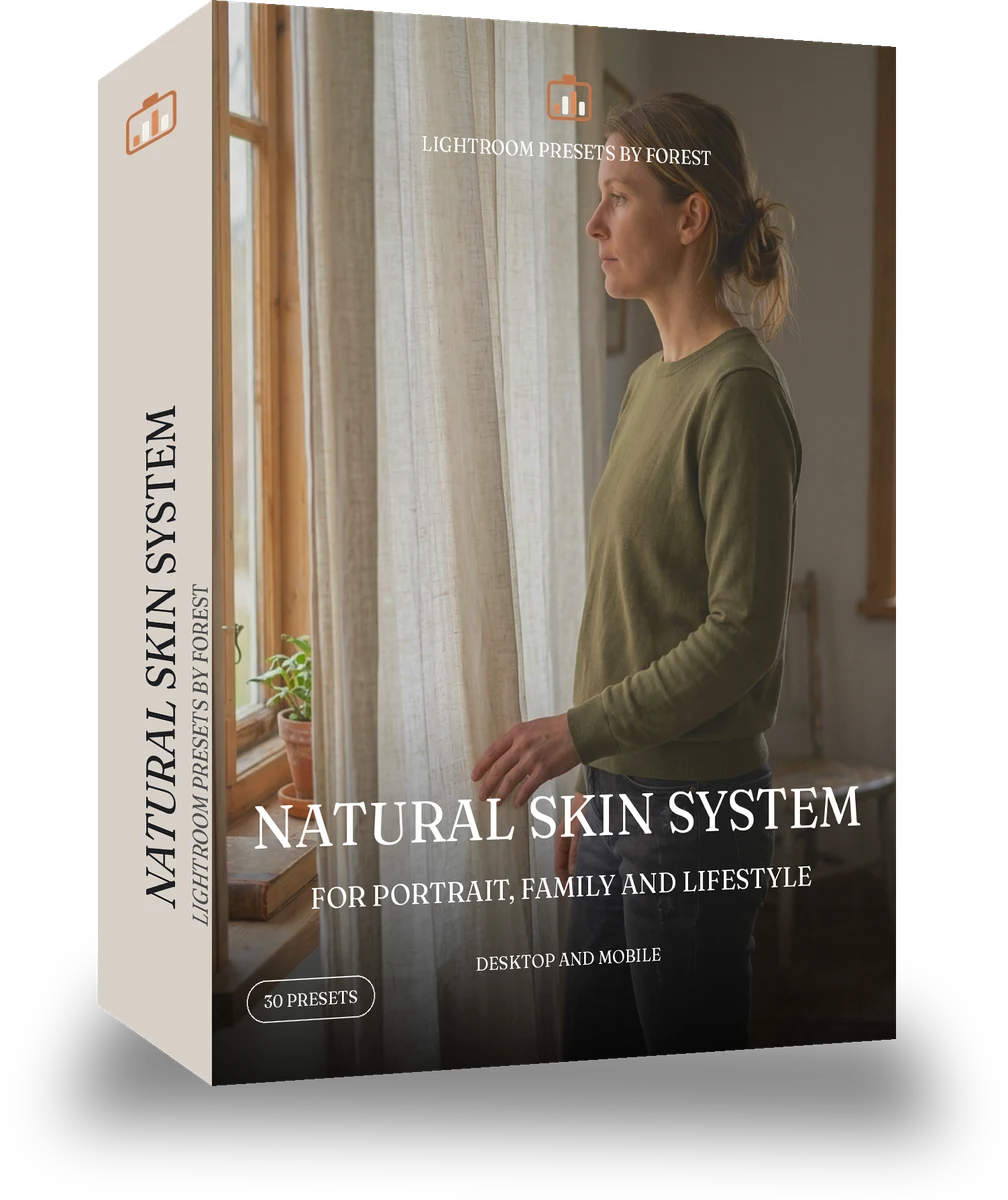
Natural Skin System is 30 presets for portrait photography. Every one of them is below, before you pay for any of it.

Welcome offer

Natural Skin System, 30 Lightroom presets

was $59.99now $34.99Save $25

Instant download.

child sledding. With the True Skin preset applied.child sledding. Photographed without a preset.
True Skin applied to child sledding

See the light change

drag the line

The same frame, one tap apart. Drag any handle and the scene goes back to the way it looked before True Skin touched it.

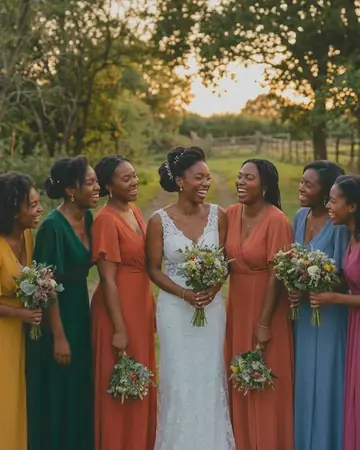
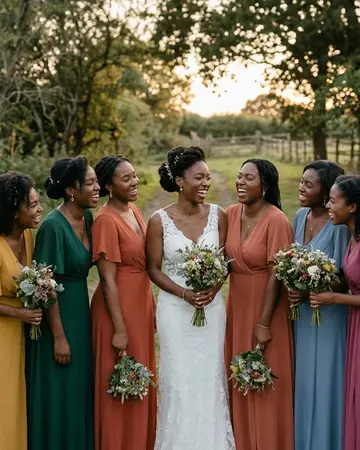
Bride laughing. With the True Skin preset applied.Bride laughing. Photographed without a preset.
True Skin applied to Bride laughing
Bride laughing
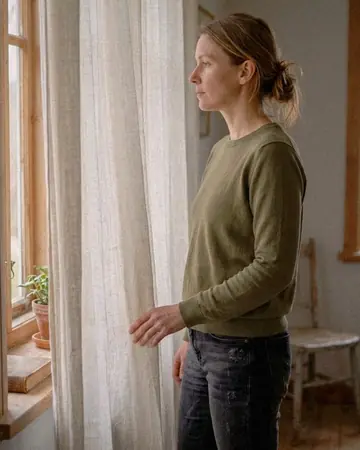
Curtain light. With the True Skin preset applied.Curtain light. Photographed without a preset.
True Skin applied to Curtain light
Curtain light
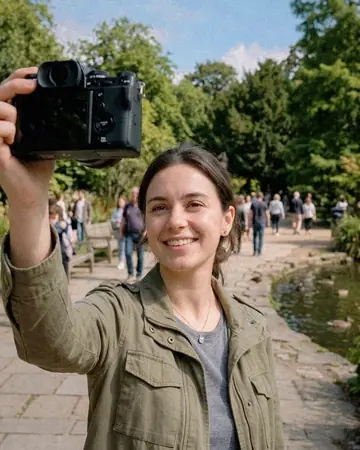
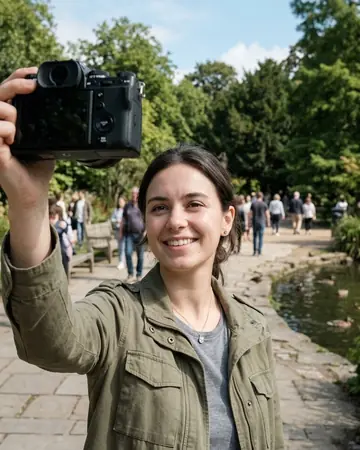
Selfie park. With the True Skin preset applied.Selfie park. Photographed without a preset.
True Skin applied to Selfie park
Selfie park

True Skin is the portrait brand of the factory. Every preset is chosen for one thing first: the skin tone it was built for stays true, in the light it was built for. Fair, olive, warm and deep skin each get their own packs because one curve cannot serve all four. Window light, strobe, hard light and backlight are separate jobs. Nothing here smooths a face into plastic or pushes skin to orange; the finish is true colour with a little polish.

Every pack here is its own product with its own page, so you buy the one look you need, and a larger pack or the family collection is always one step up from it.

Yours in two minutes

how it works

the four steps

  • Buy the setCheckout takes a card; you get a receipt by email.
  • Download instantlyThe preset files download right after payment. Re-download any time from your account.
  • Import to LightroomOpen the files in the free Lightroom app (iOS or Android) or Lightroom Classic. Lightroom saves them as presets automatically.
  • Tap a presetOne tap applies the full look. Every setting stays editable after.

what you may do with them

  • Single-user license.Yours to use in personal and client work.
  • No redistribution.Don't resell or share the preset files themselves.
  • Free app is enough.No Adobe subscription needed for Lightroom mobile.
  • Keep it forever.Files live in your account for re-download.
Netzah Elad Topaz, the photographer who makes these presets

the maker

Why I Make These

I am Netzah Elad Topaz. I take photographs and I build software, and the two keep leading me back to the same problem. You were there. The light was doing something you will not see again. Then the photo comes back flat, and it is not what you were looking at.

Closing that gap is the whole job. Every preset here is built from Adobe defaults by hand, with a written note for what it should do to a picture, and it is judged on photographs before it ships. Nothing is a filter dropped on top of your work.

What I want is simple. You open a photo you almost gave up on, you tap once, and there it is: the day you remember, not the file your camera handed you. That is worth doing properly.

Get Natural Skin System

instant download

The download starts the moment you pay, the link is emailed to you as well, and the pack stays in your account to download again.

every pack, in detail

Questions, answered

Do these work in the free Lightroom app?

Yes. Import the .xmp files in the free Lightroom app on iPhone or Android, no subscription needed. They also work in Lightroom Classic and Lightroom on desktop.

What exactly do I get?

All 30 presets from Natural Skin System as .xmp files in an instant ZIP download. The link also lands in your email, and the purchase stays in your account so you can re-download any time.

How do I install them?

Two minutes: unzip, then import inside Lightroom. The step-by-step guide covers iPhone, Android, and desktop.

Can I use them for client work?

Yes. The single-user license covers personal and commercial photography. The one thing you can't do is share or resell the preset files themselves.

Can I tweak a preset after applying it?

Always. A preset is a starting point; every slider stays yours to adjust.