Back

Vitroglass · Architecture, interiors and property

Vitroglass makes one kind of light.

Stained Glass is 18 presets for architecture, interiors and property photography. Every one of them is below, on real photographs, before you pay for any of it.

Stained Glass, 18 Lightroom presets

$79.99

Instant download.

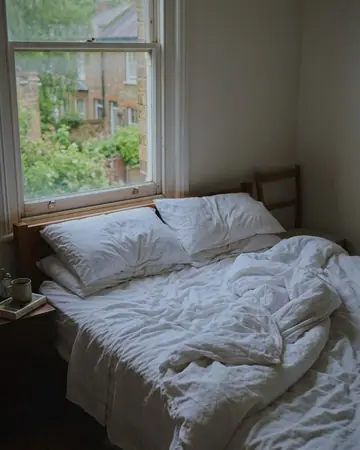
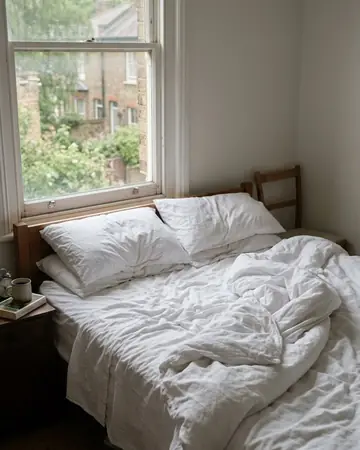
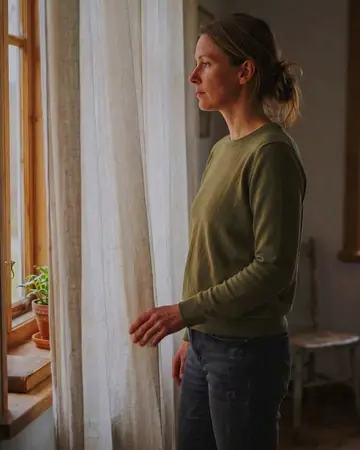
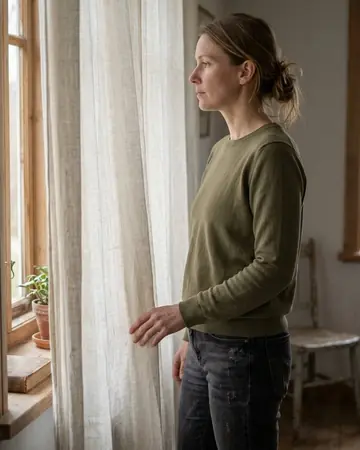
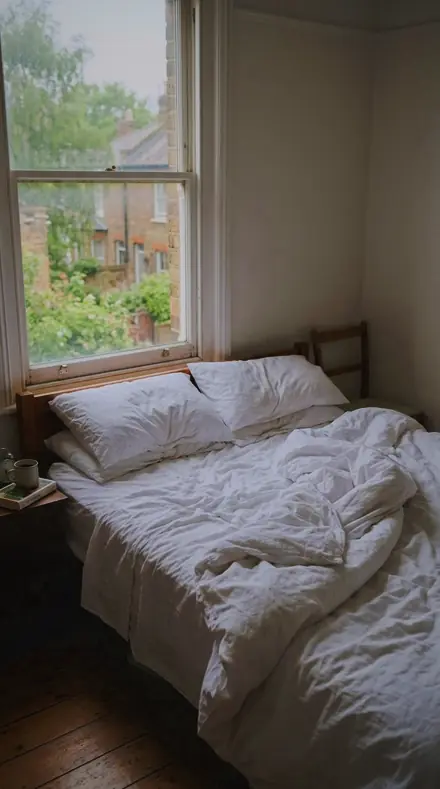
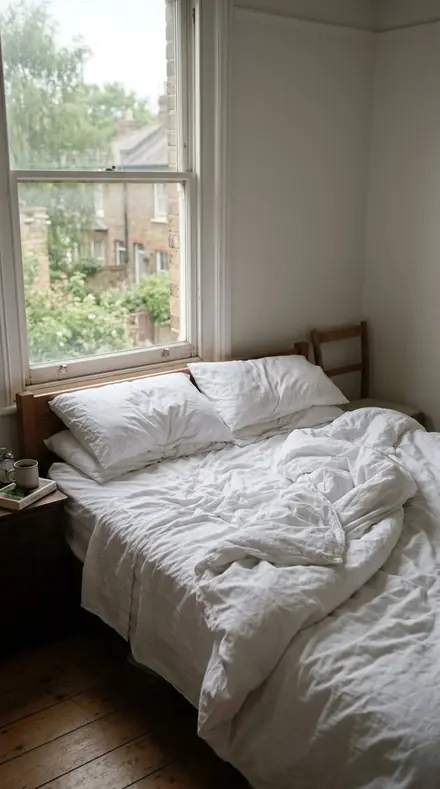
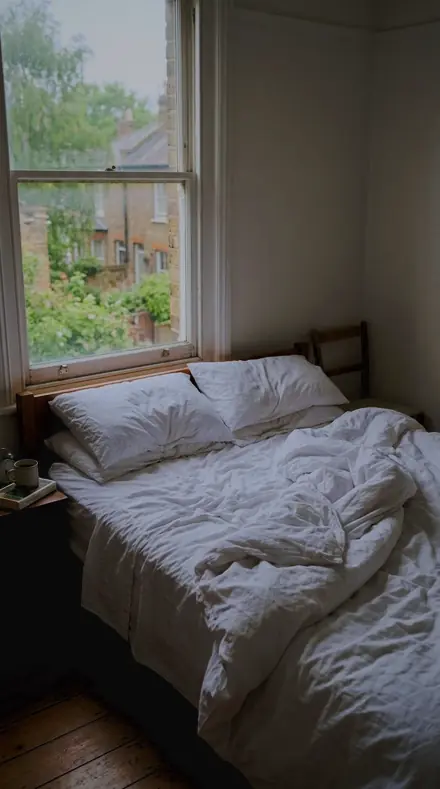
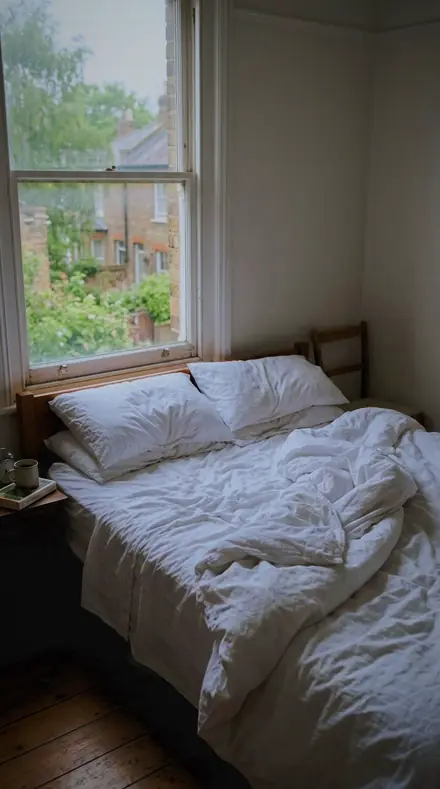
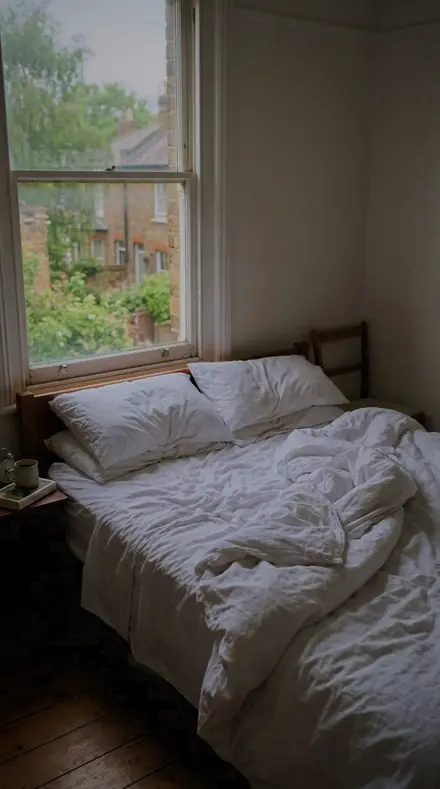
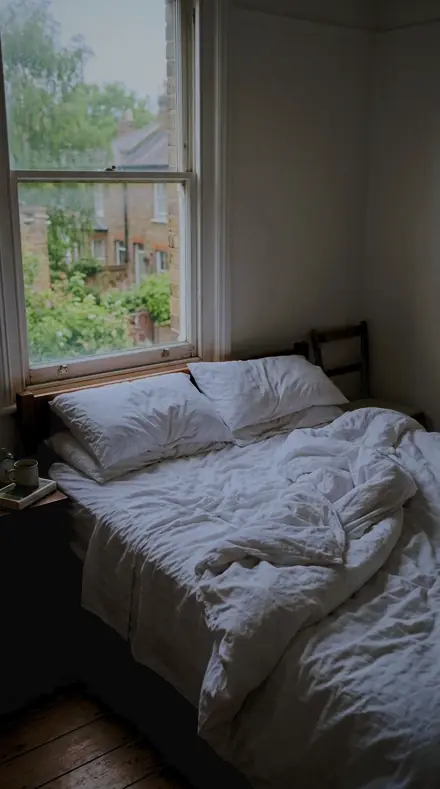
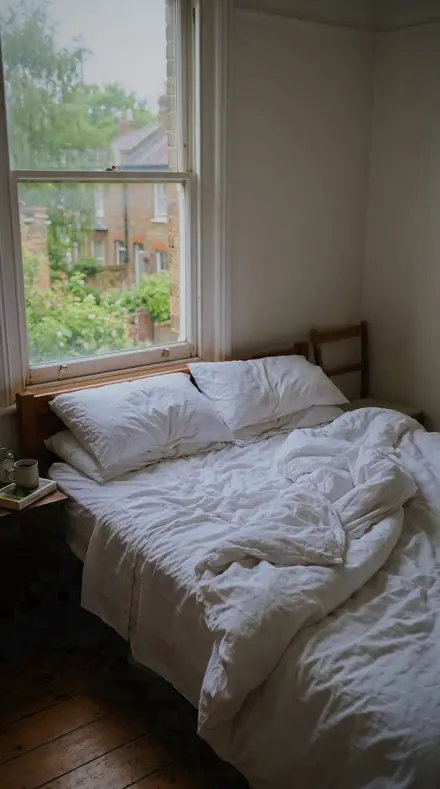
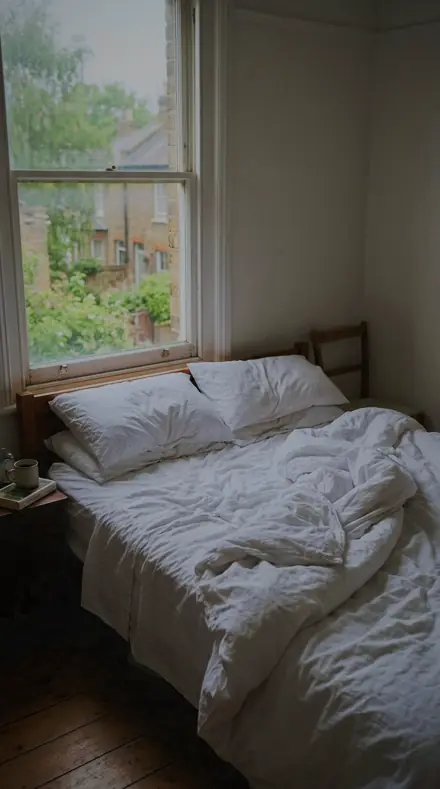
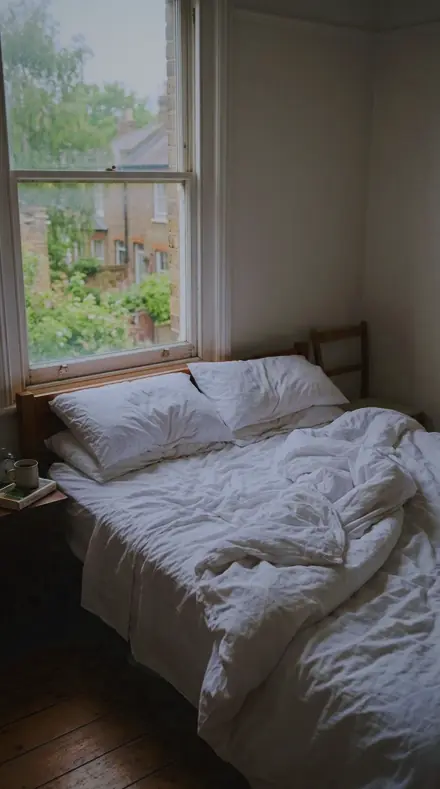
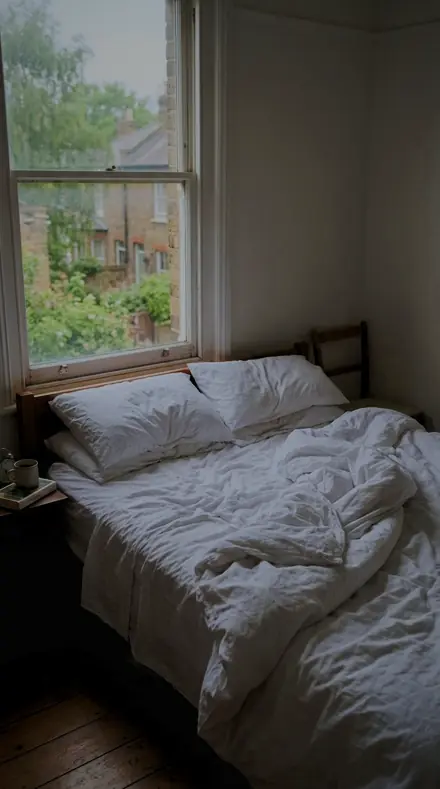
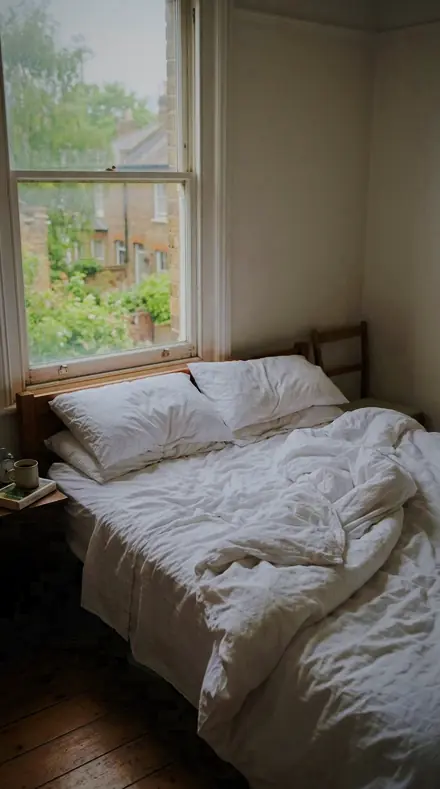
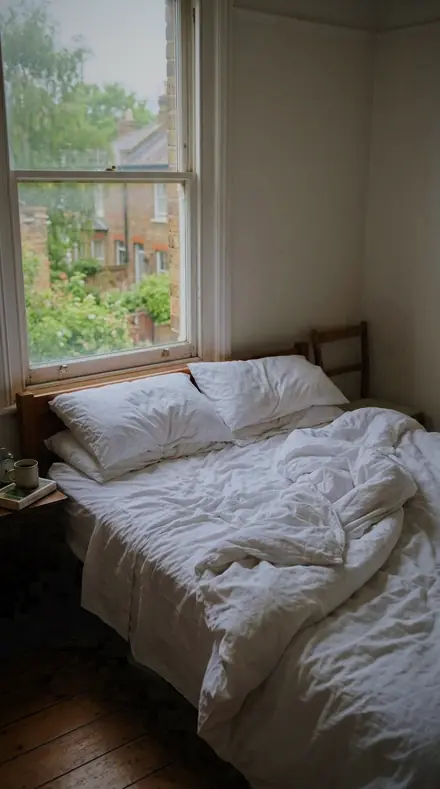
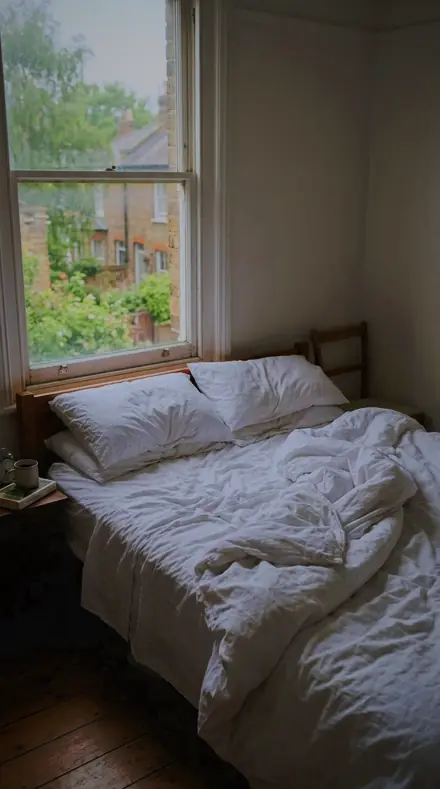
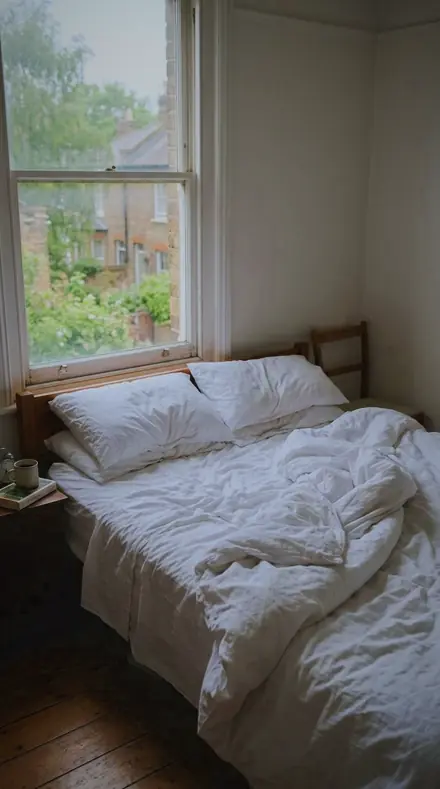
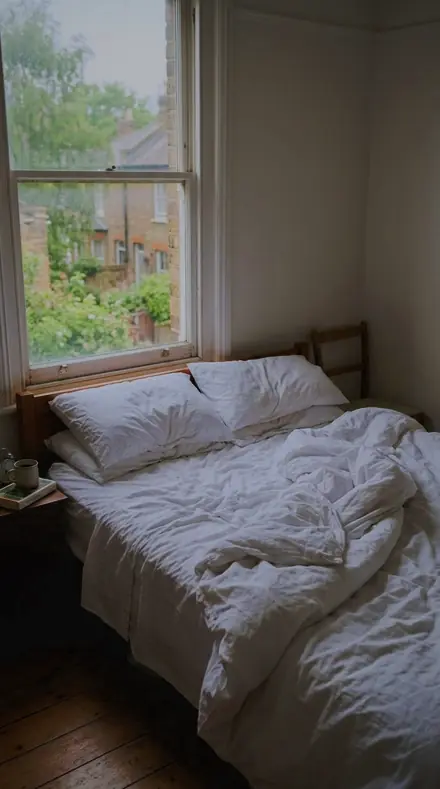
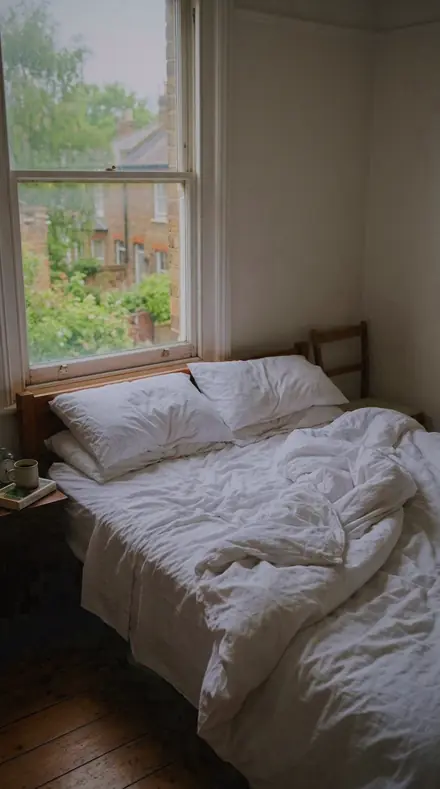
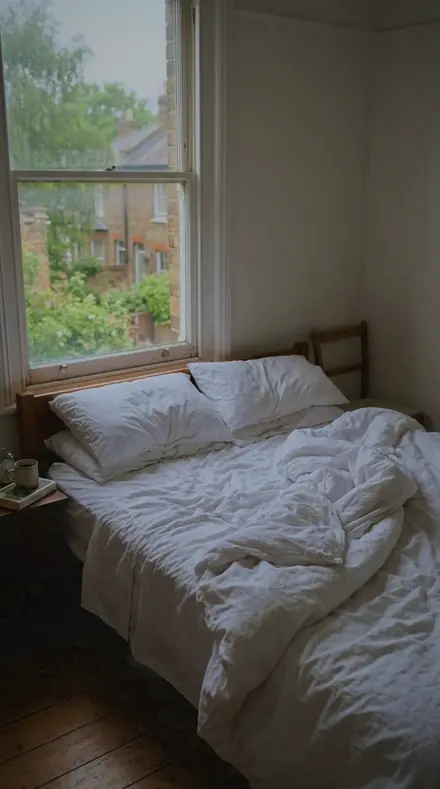
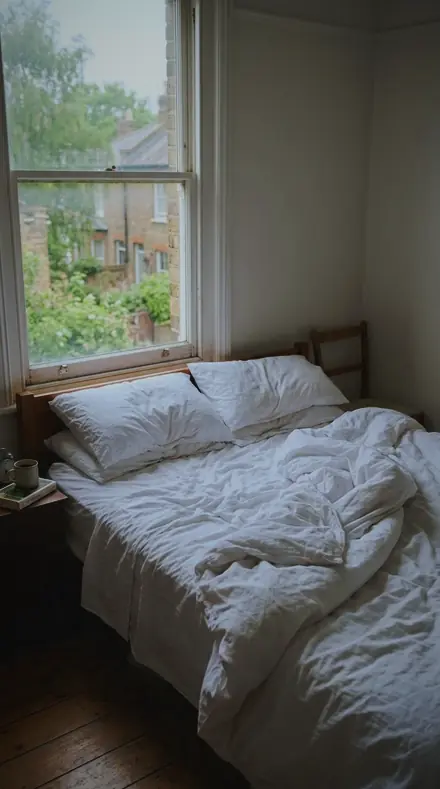
The same bed morning with the Vitroglass preset appliedbed morning, photographed without the Vitroglass preset
Vitroglass applied to bed morning

What this light does

one frame, 4 presets

Stained Glass, a folio of windows

4 of them, on one photograph. Drag any seam.

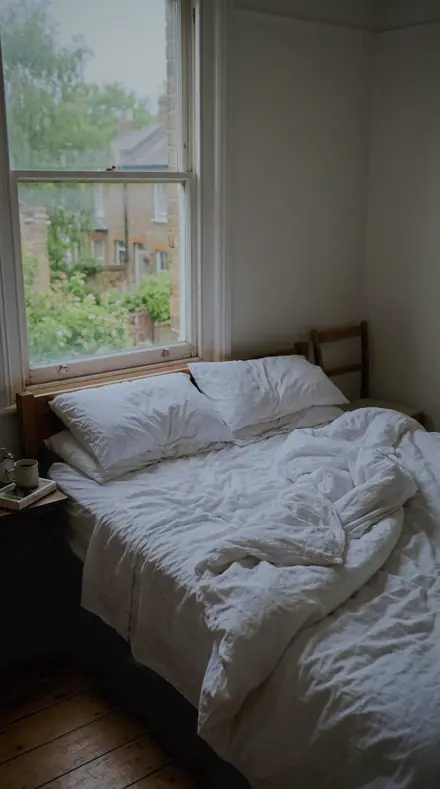
  1. Bed morning with the Leaded Light preset appliedBed morning photographed without a preset
    Leaded Light applied to Bed morning

    No. 01

    Leaded Light

    Leaded panels blazing against dark stone: highlights rolled off hard, exposure pulled down and the colour bands lifted so the glass keeps its hue.

  2. Bed morning with the Ruby Pane preset appliedBed morning photographed without a preset
    Ruby Pane applied to Bed morning

    No. 07

    Ruby Pane

    Ruby glass with the sun behind it, reds given band saturation and pulled down in luminance so the pane holds colour rather than clipping.

  3. Bed morning with the Glass Ember preset appliedBed morning photographed without a preset
    Glass Ember applied to Bed morning

    No. 12

    Glass Ember

    Warm glass low in a panel, reds and yellows lifted in their bands while the surrounding stone is cooled.

  4. Bed morning with the Saint Panel preset appliedBed morning photographed without a preset
    Saint Panel applied to Bed morning

    No. 18

    Saint Panel

    A figure panel with a painted face, contrast firmed and texture raised so the brushwork on the glass survives the backlight.

See the light change

drag the line

The same frame, one tap apart. Drag any handle and the scene goes back to the way it looked before Vitroglass touched it.

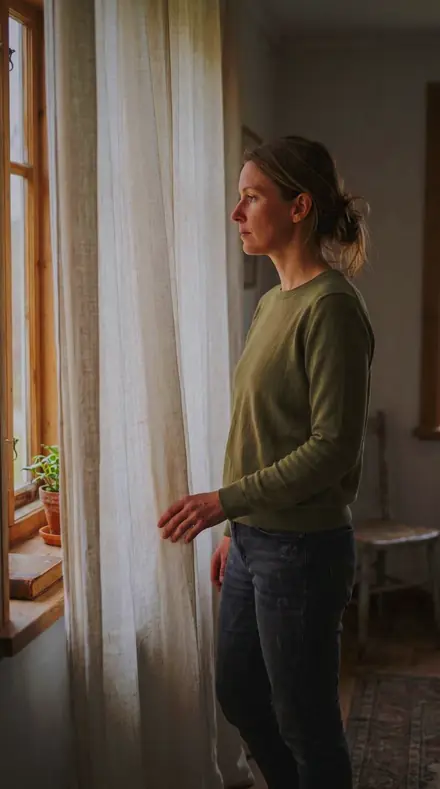
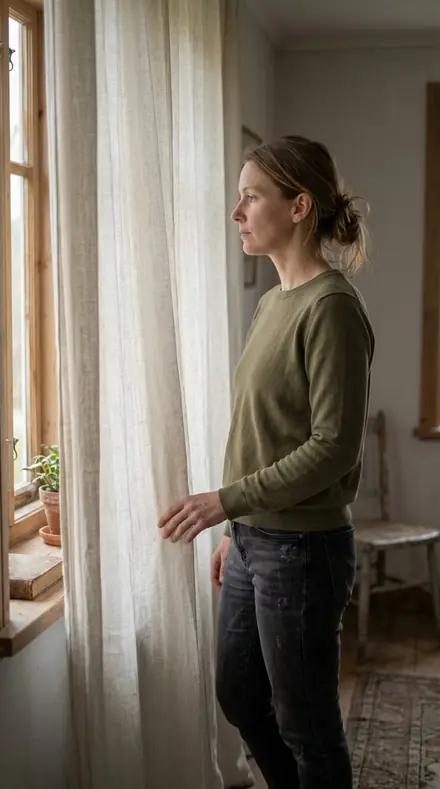
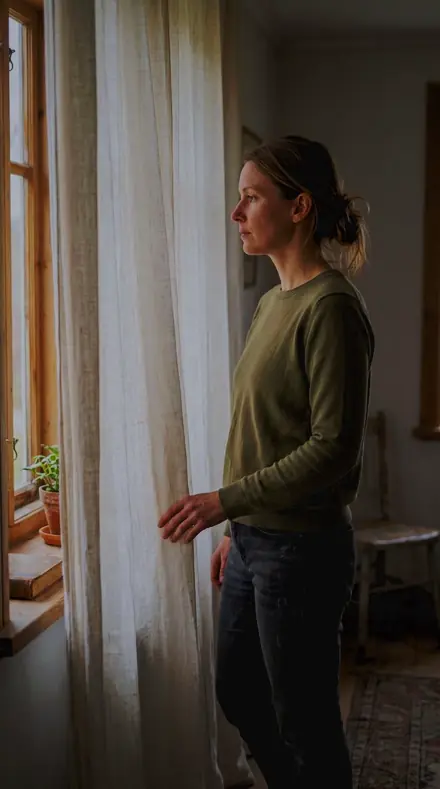
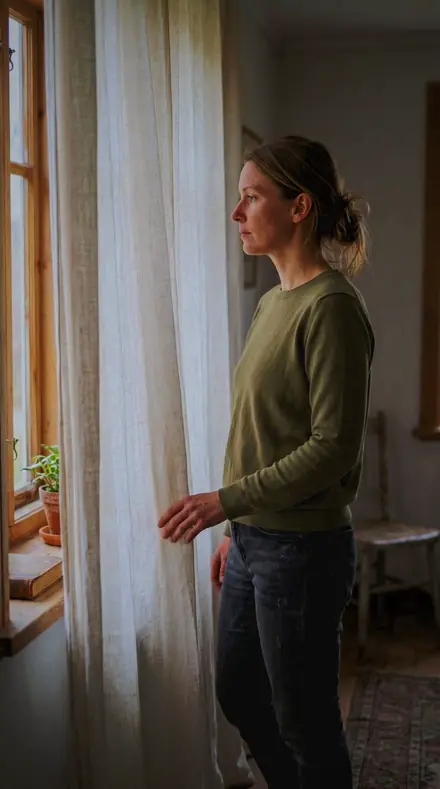
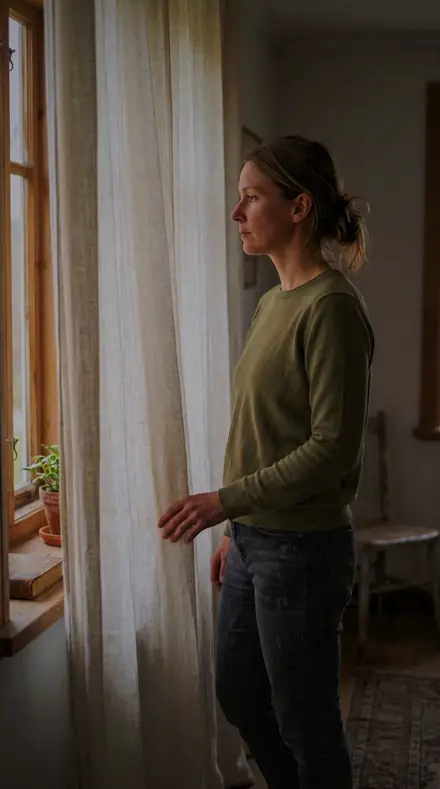
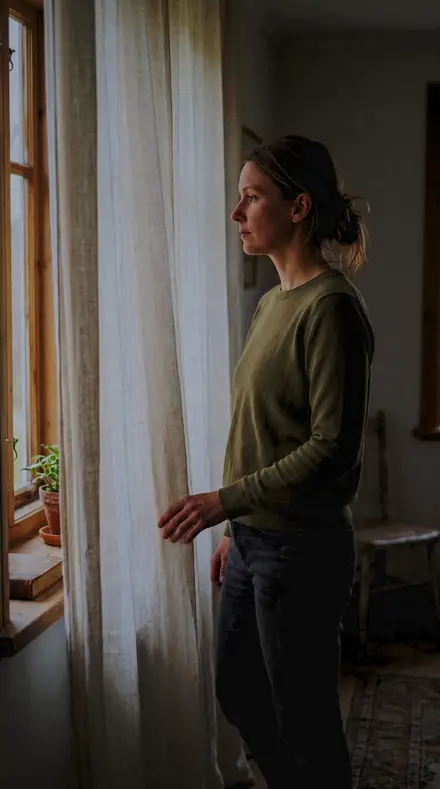
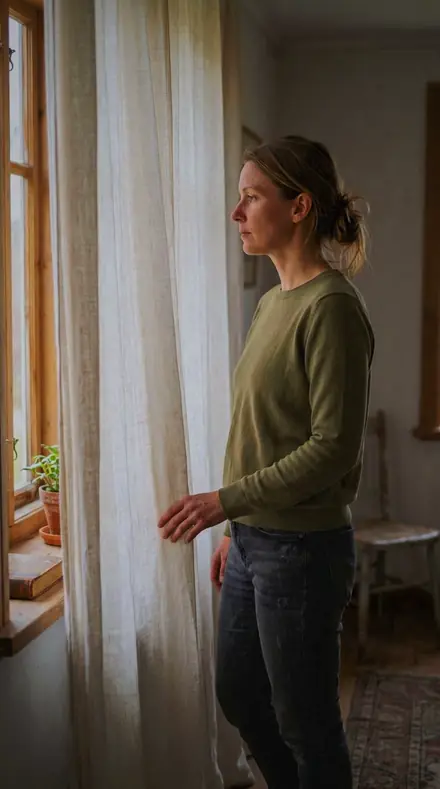
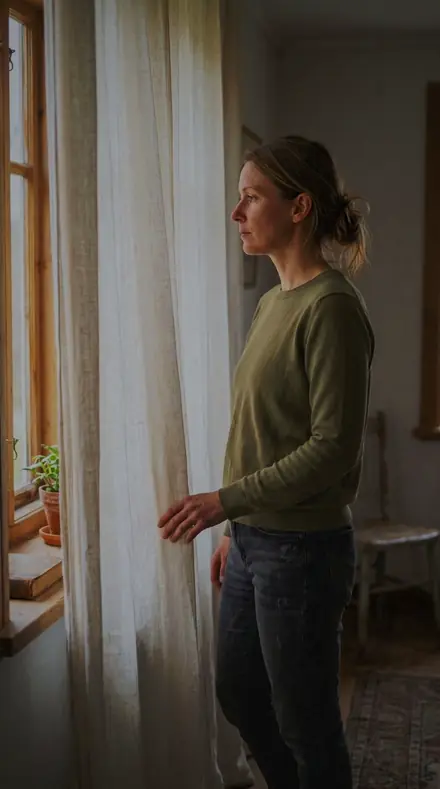
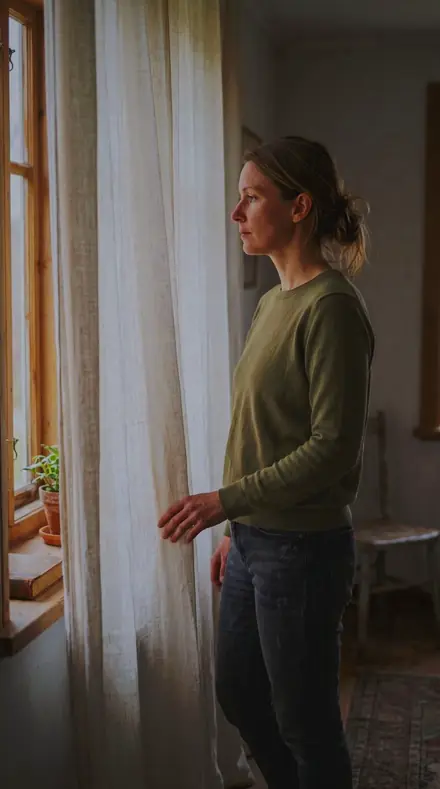
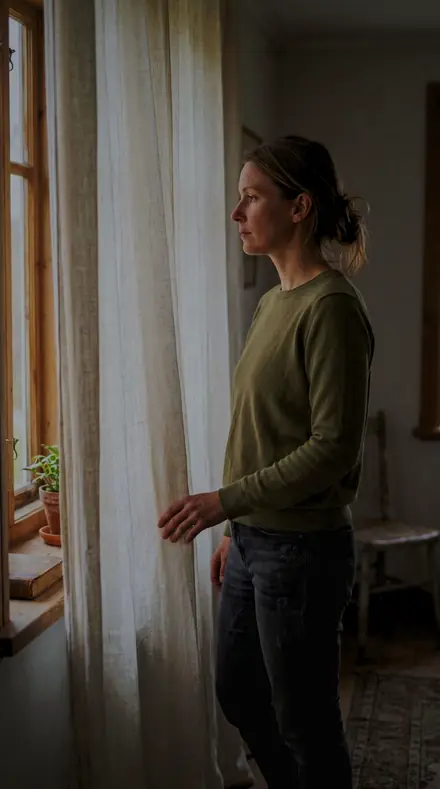
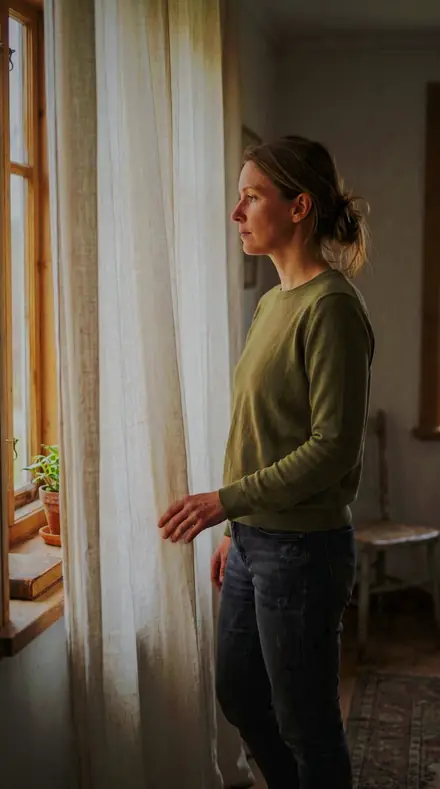
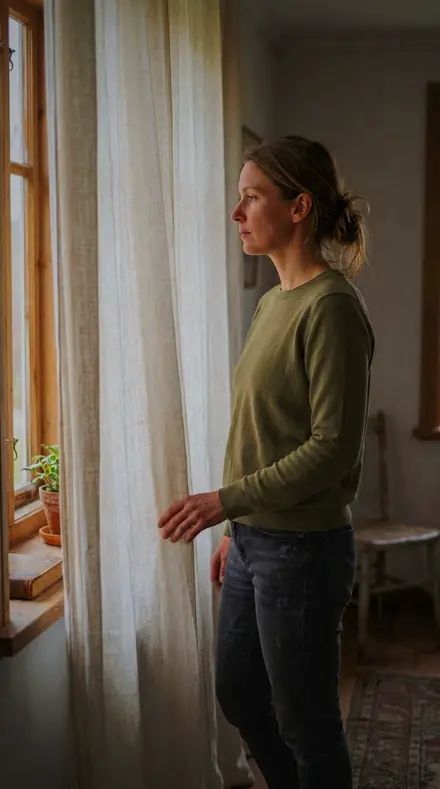
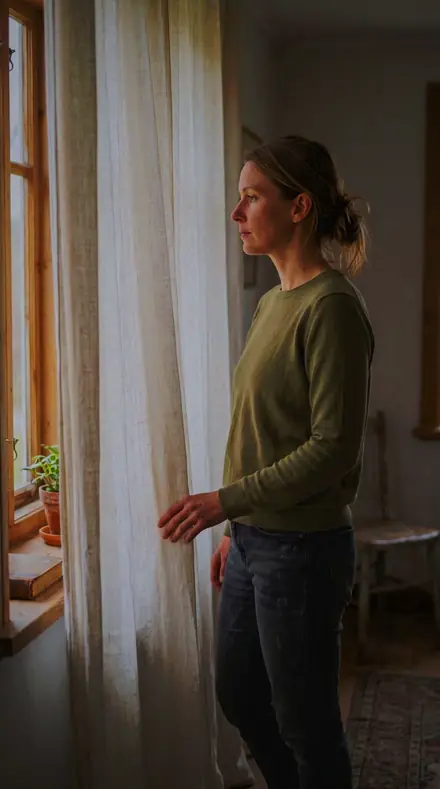
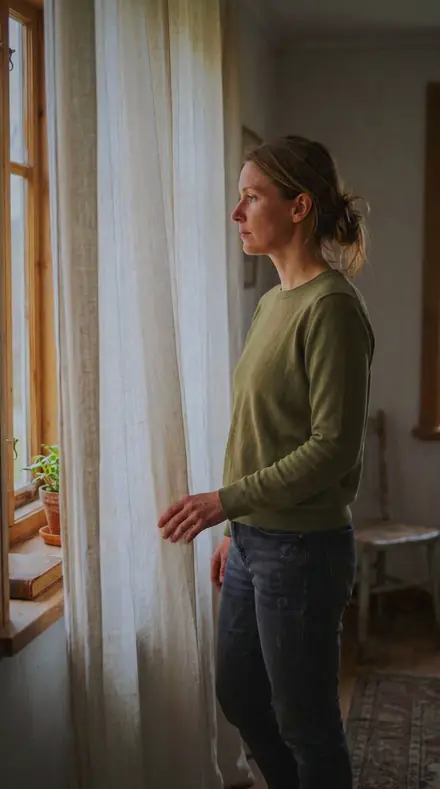
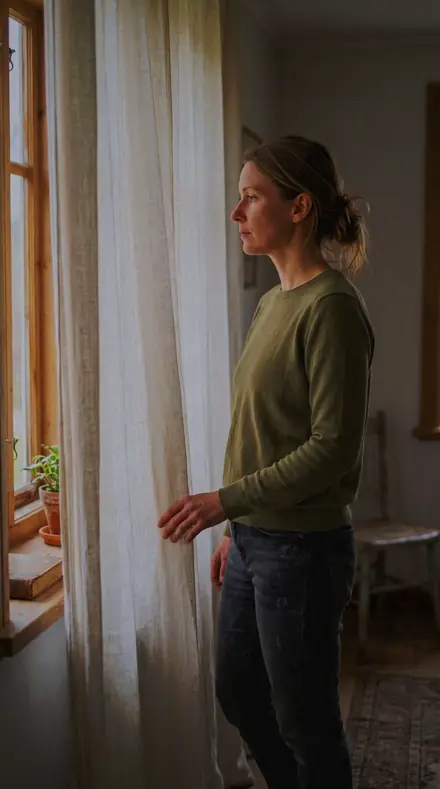
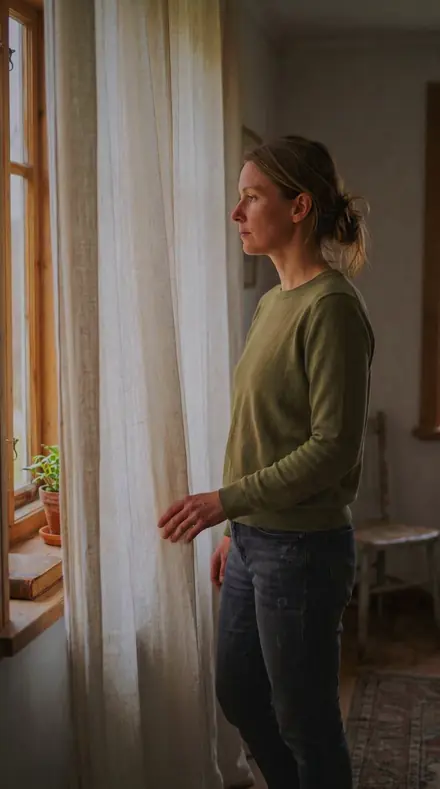
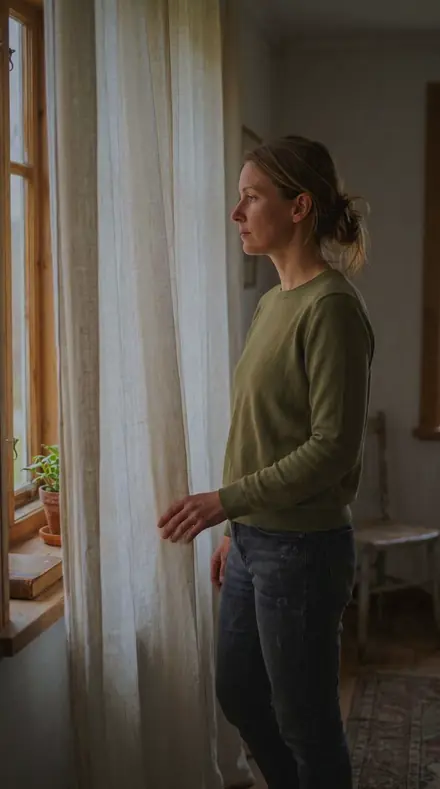
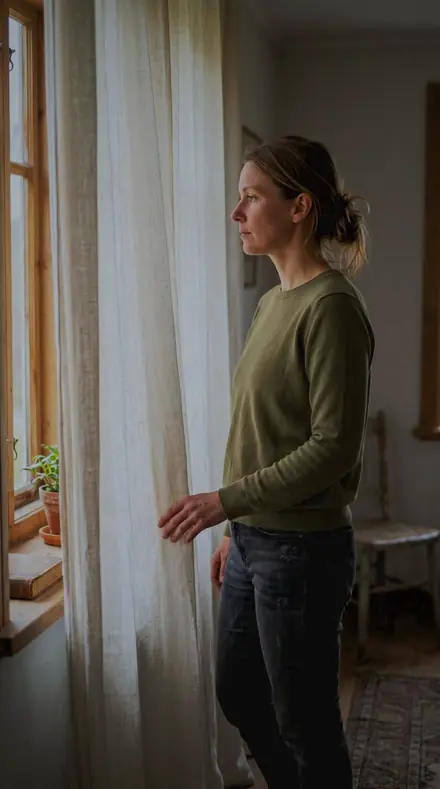
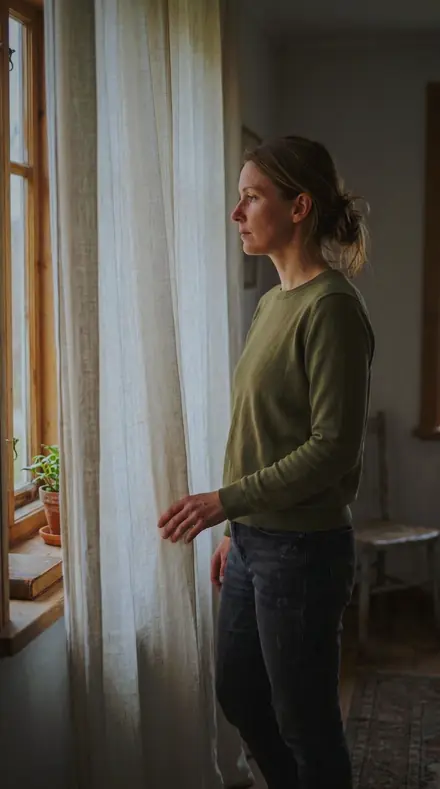
The same Curtain light with the Vitroglass preset appliedCurtain light, photographed without the Vitroglass preset
Vitroglass applied to Curtain light
Curtain light
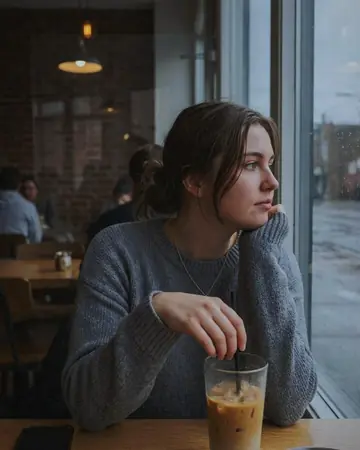
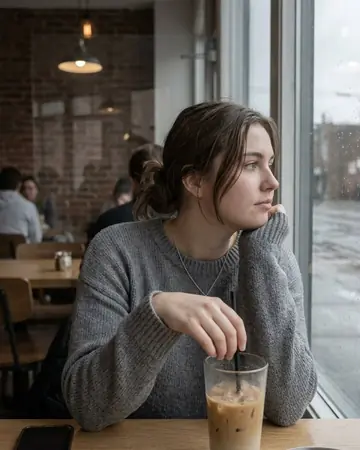
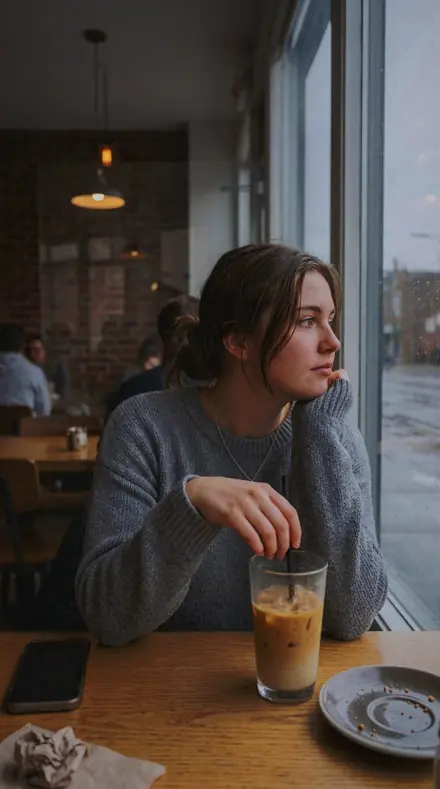
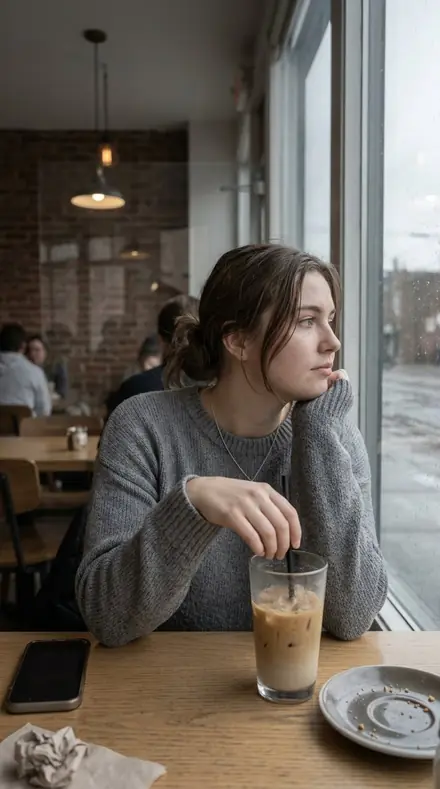
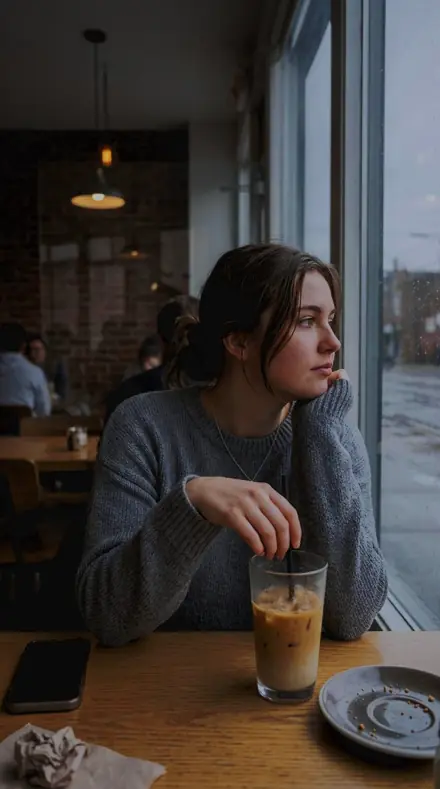
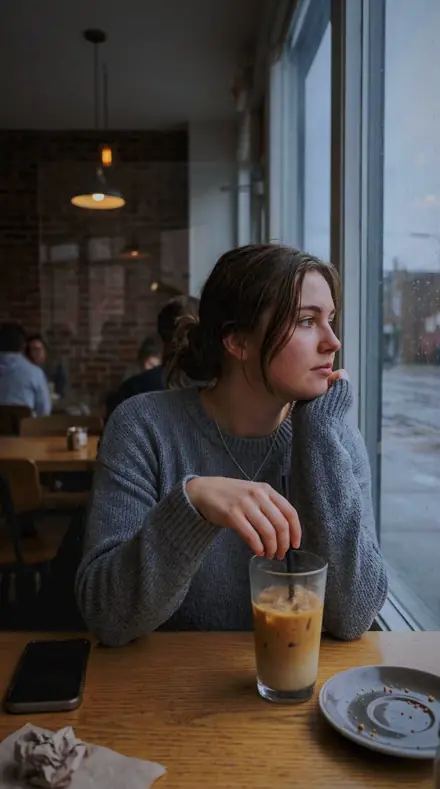
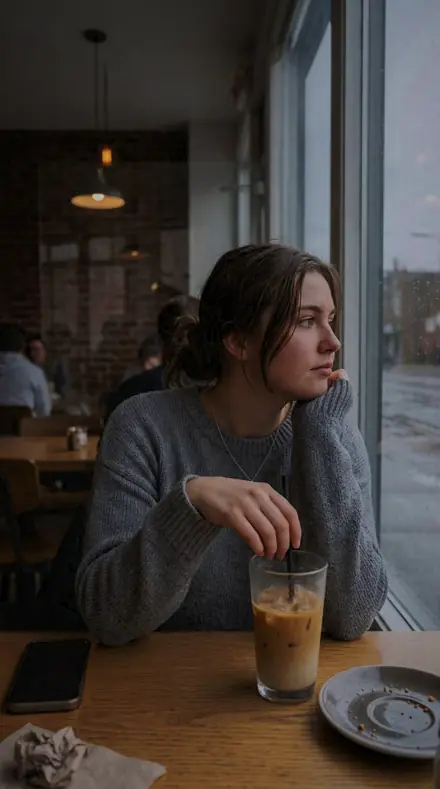
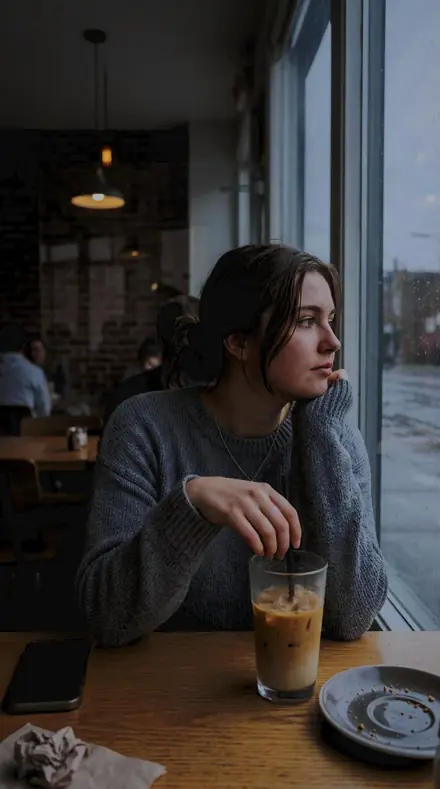
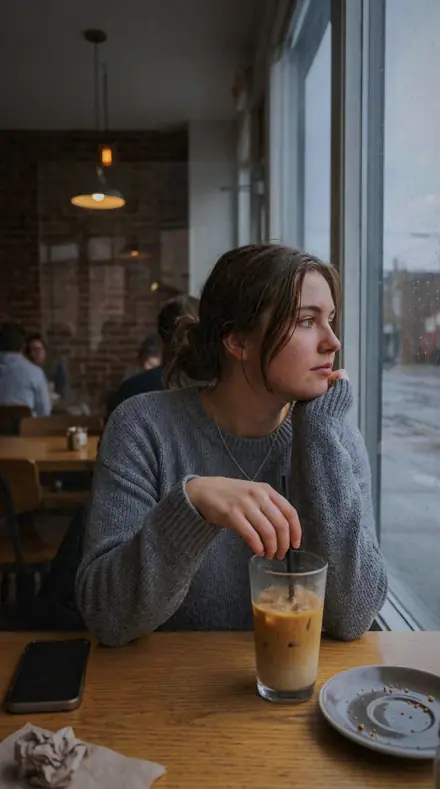
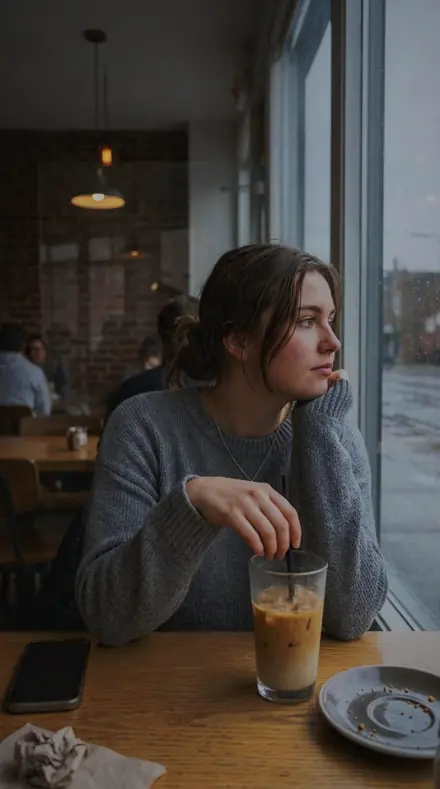
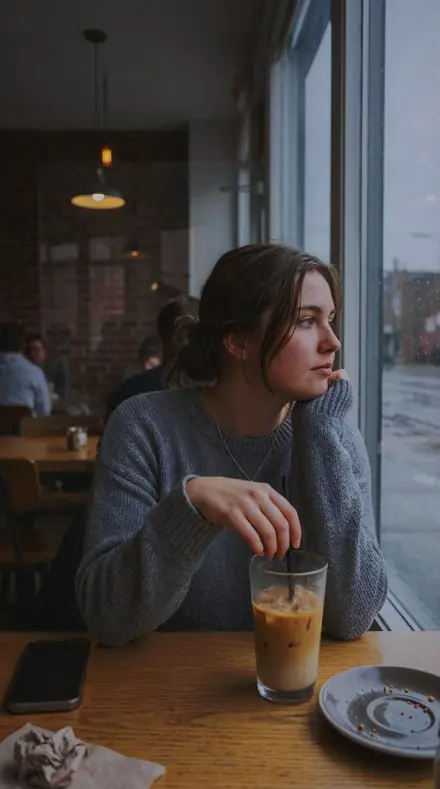
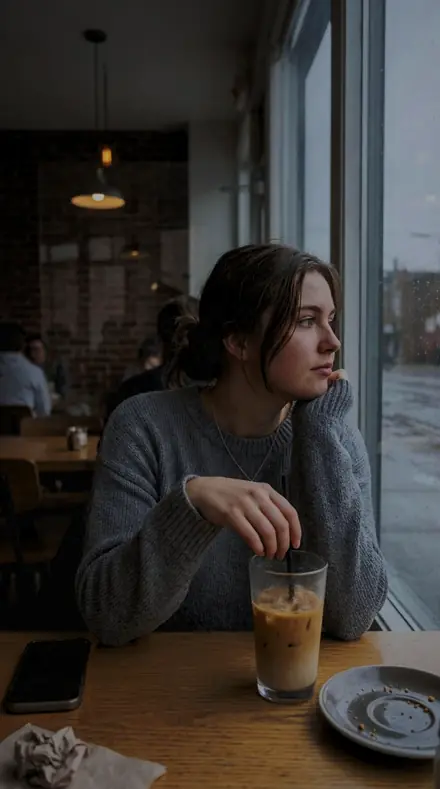
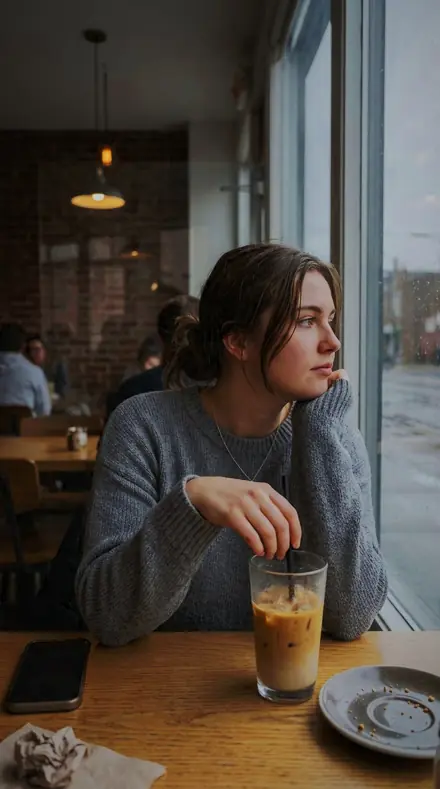
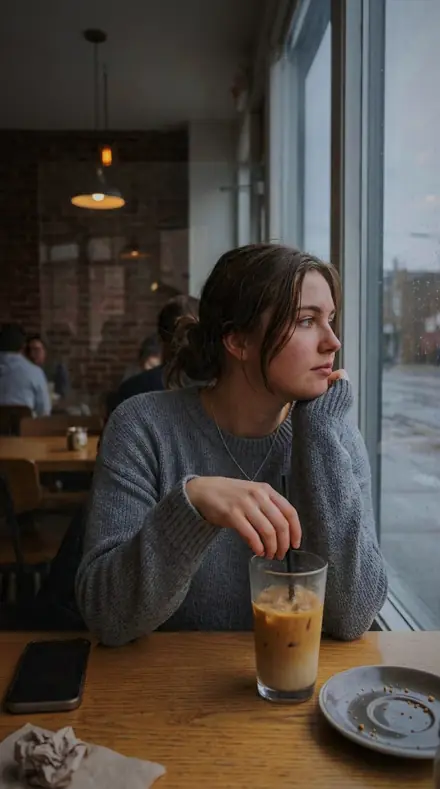
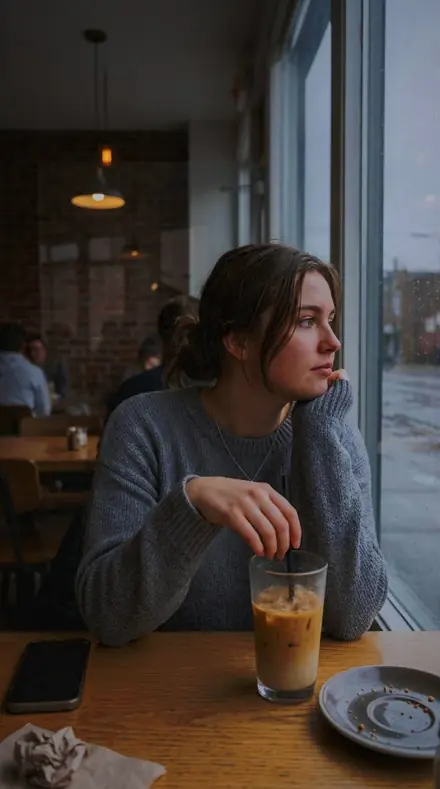
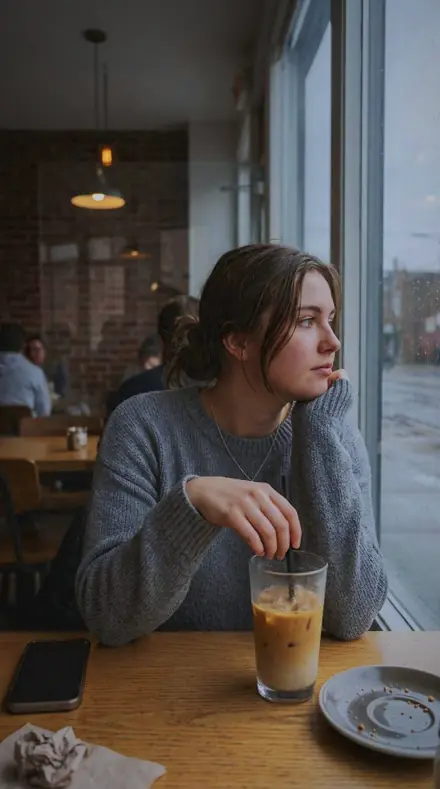
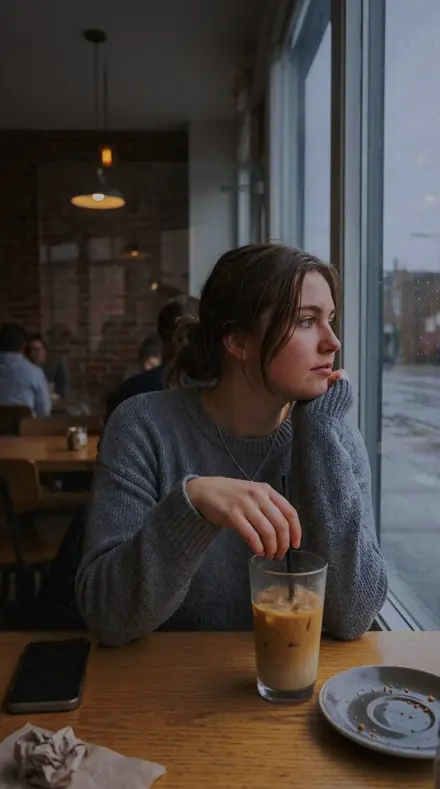
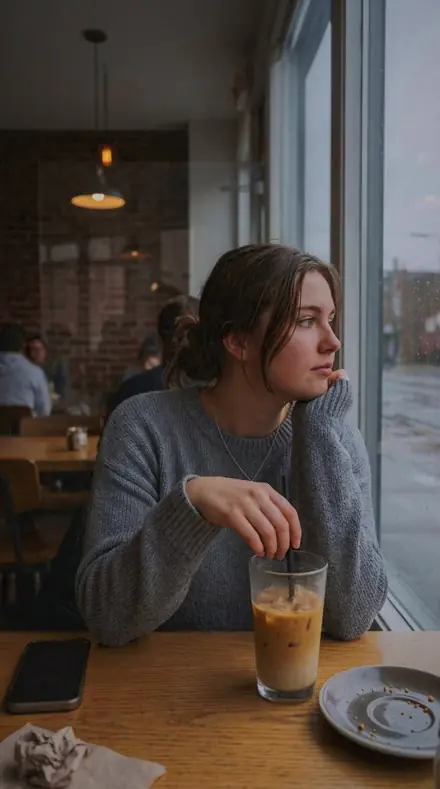
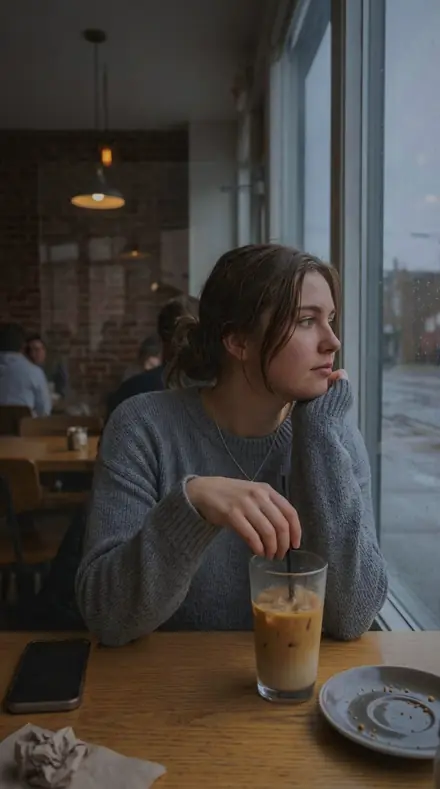
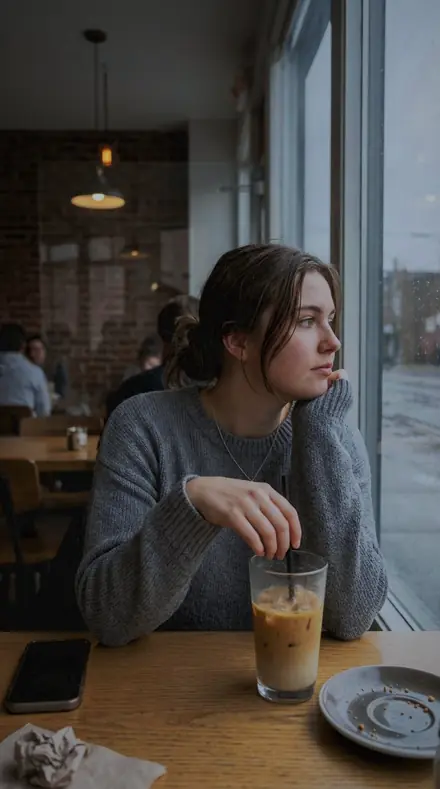
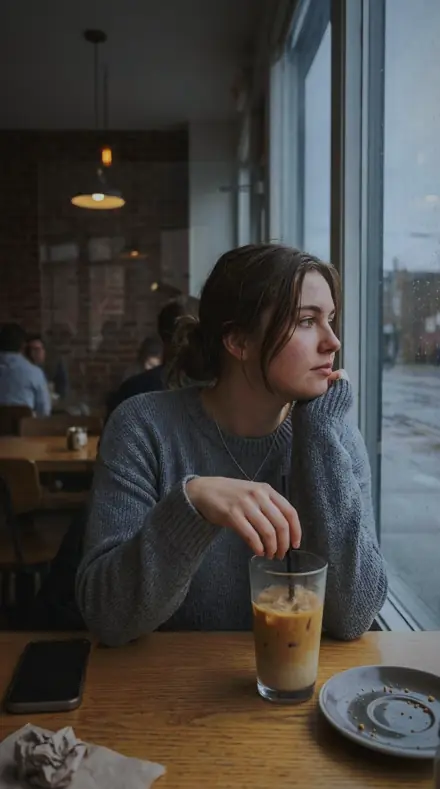
The same Cafe window with the Vitroglass preset appliedCafe window, photographed without the Vitroglass preset
Vitroglass applied to Cafe window
Cafe window

The Folio

3 groups

Every preset on the same windows, so you can see the highlight held and the tracery kept across each one.

  • WindowsThe whole opening, lancet to rose to clerestory. Each one an exposure problem with its own answer.
  • PanesThe colour itself. Cobalt deepened, ruby held off clipping, amber kept warm, a jewel darkened until it sits like a stone.
  • Lead and PaintThe drawing. Cames kept as line work, painted brushwork held through the backlight.

The specimen index

18 presets · 4 scenes

Every preset in the pack is here, on the same four photographs. Nothing below is a sample. Open one and drag.

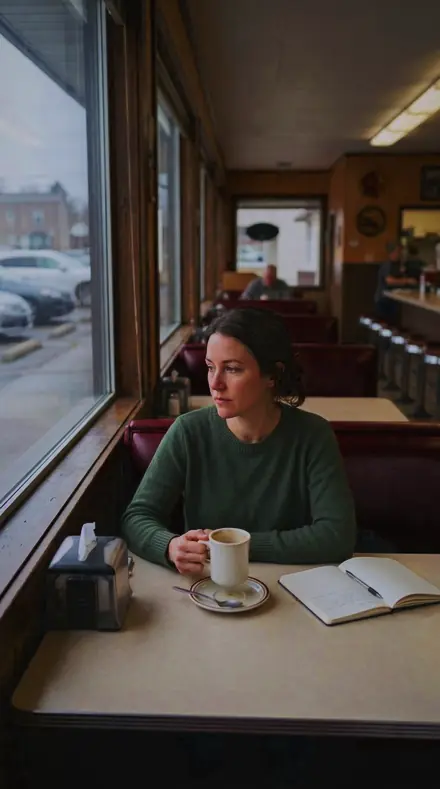
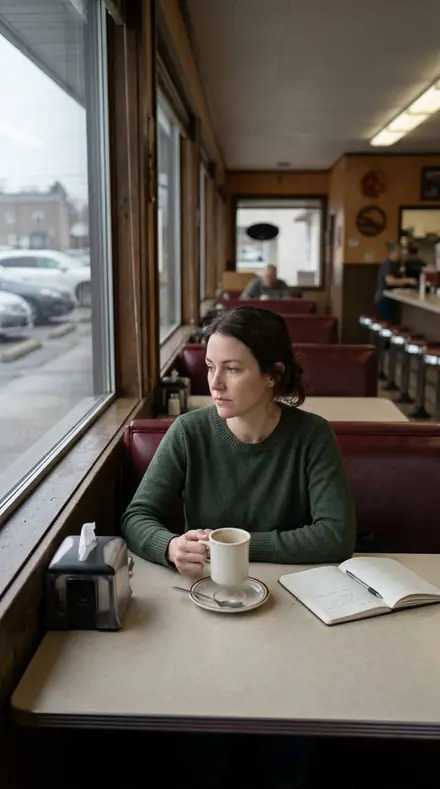
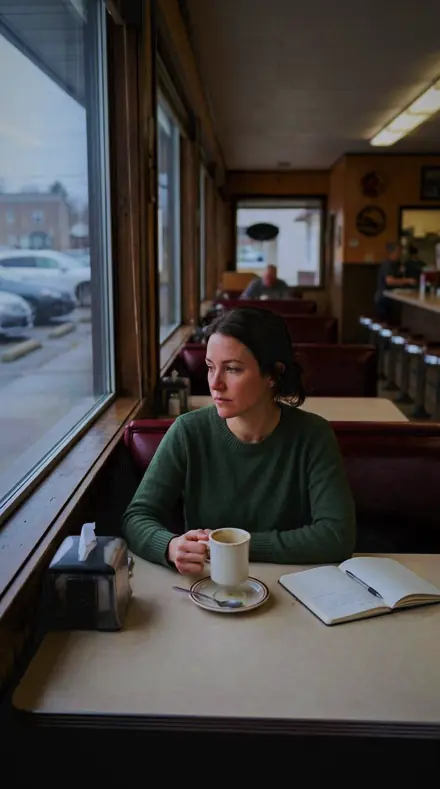
  1. No. 01Leaded LightLeaded panels blazing against dark stone: highlights rolled off hard, exposure pulled down and the colour bands lifted so the glass keeps its hue.
    Leaded Light applied to Curtain light Before: Curtain light
    Curtain light
    Leaded Light applied to Cafe window Before: Cafe window
    Cafe window
    Leaded Light applied to Bed morning Before: Bed morning
    Bed morning
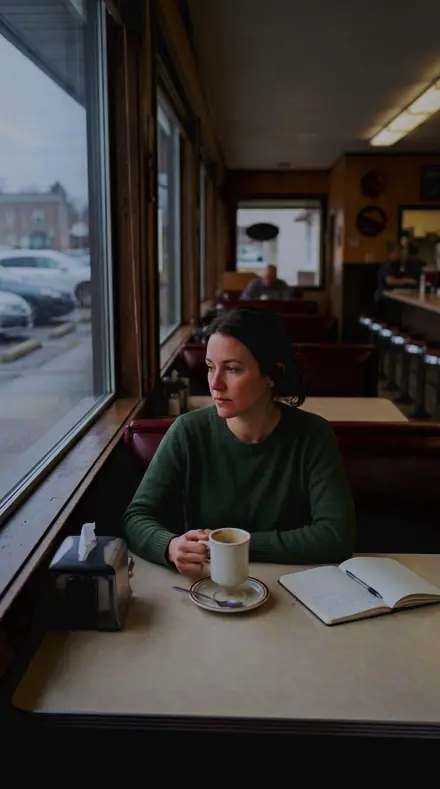
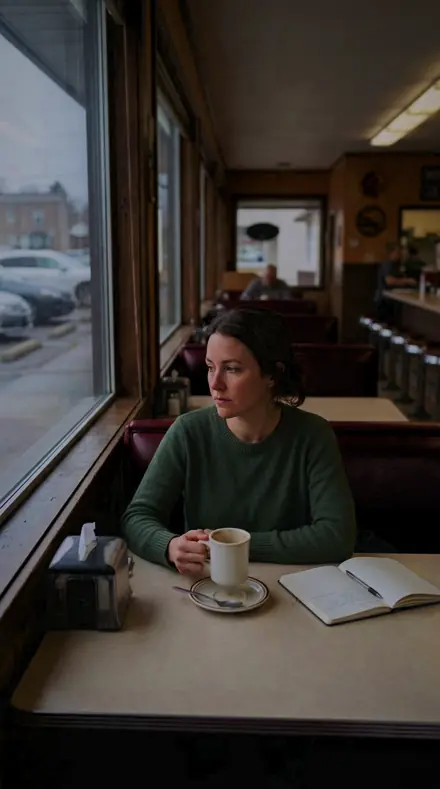
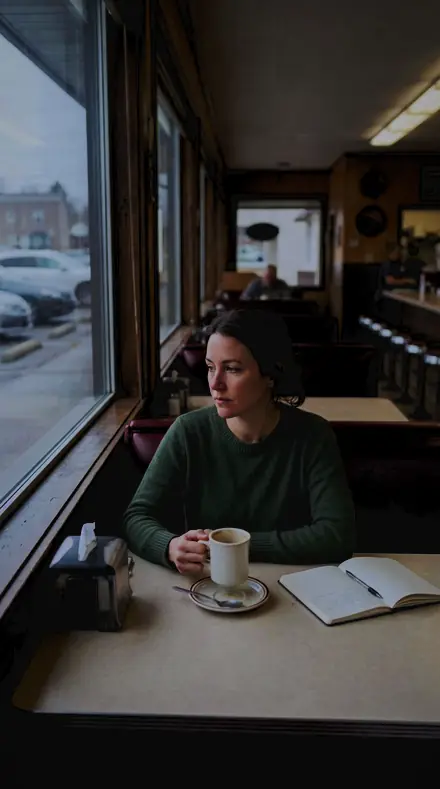
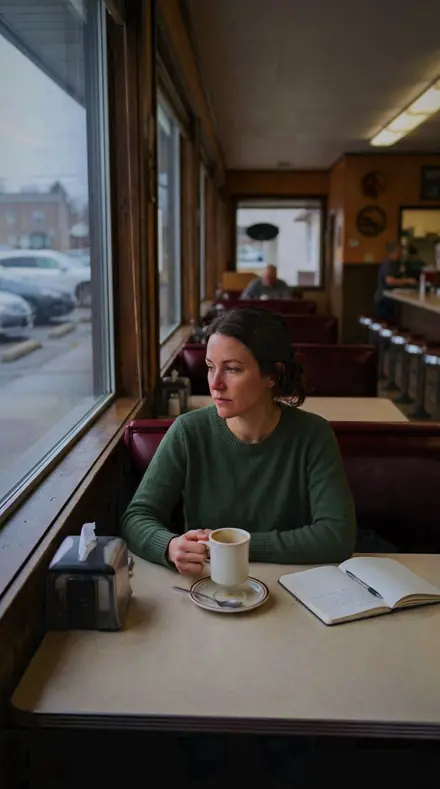
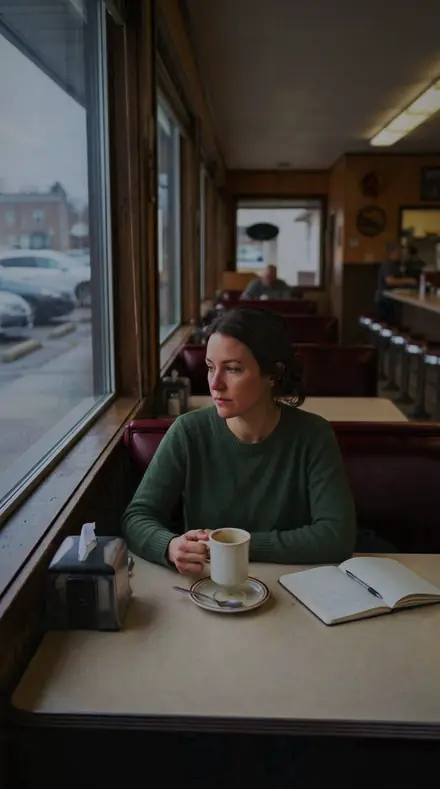
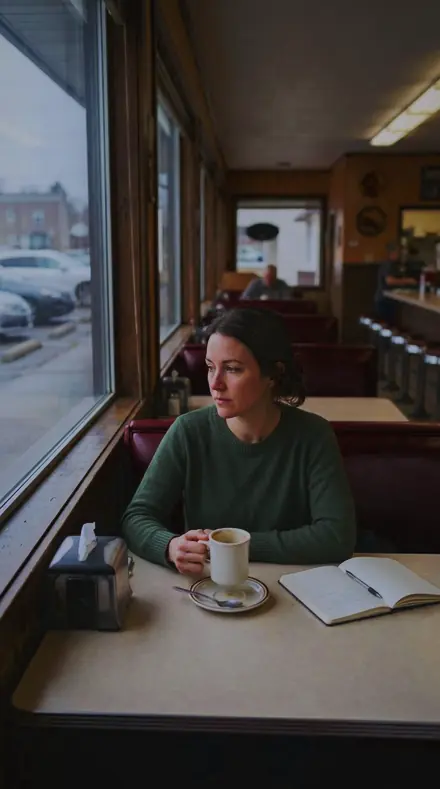
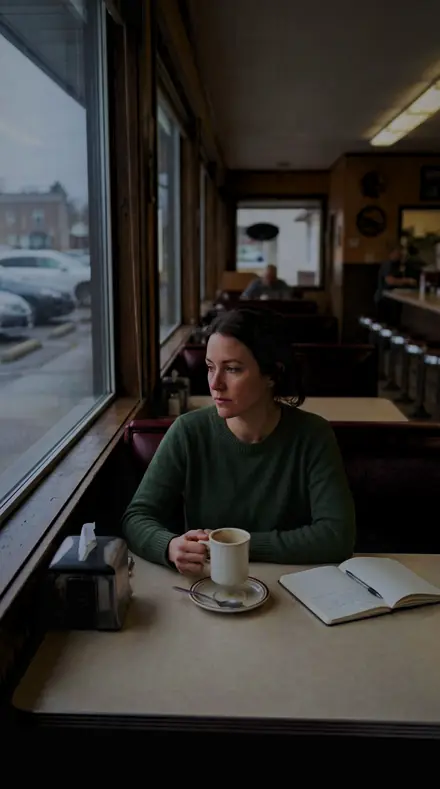
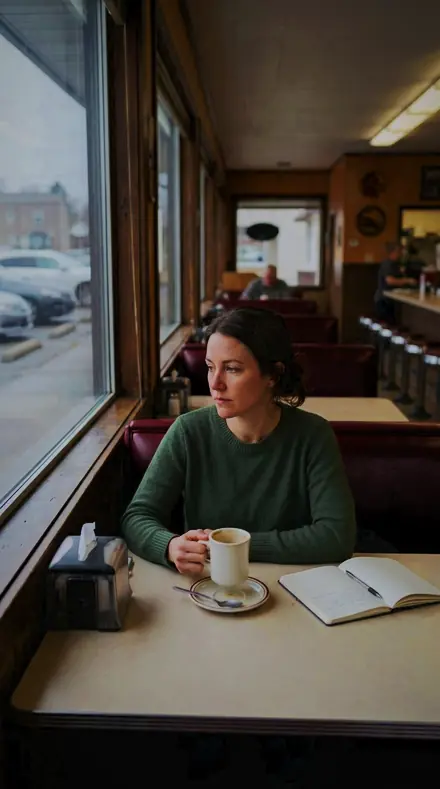
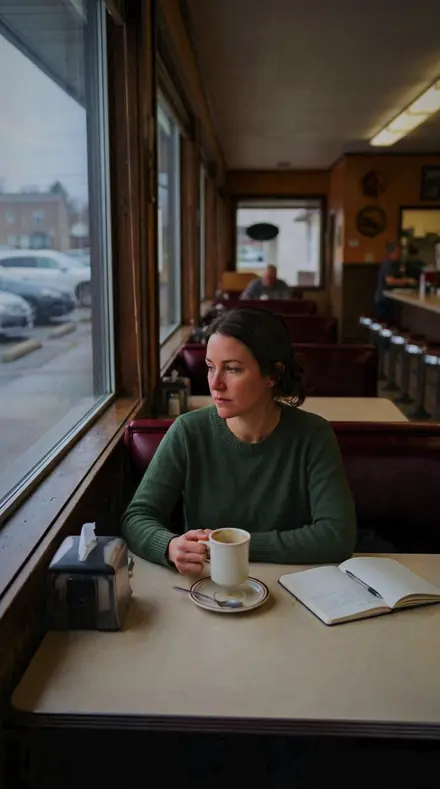
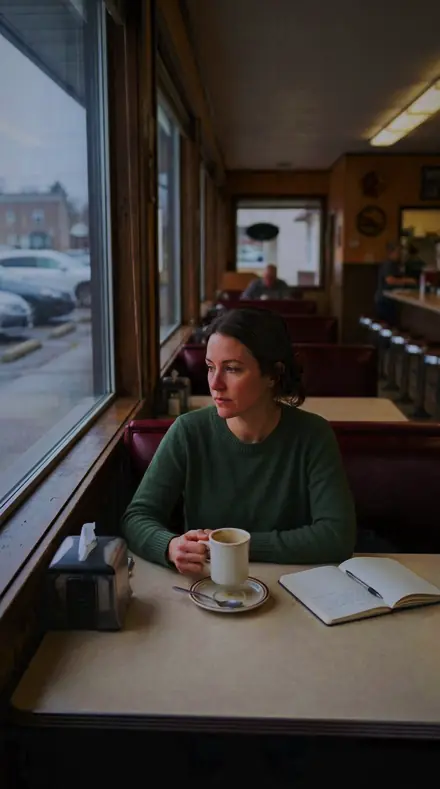
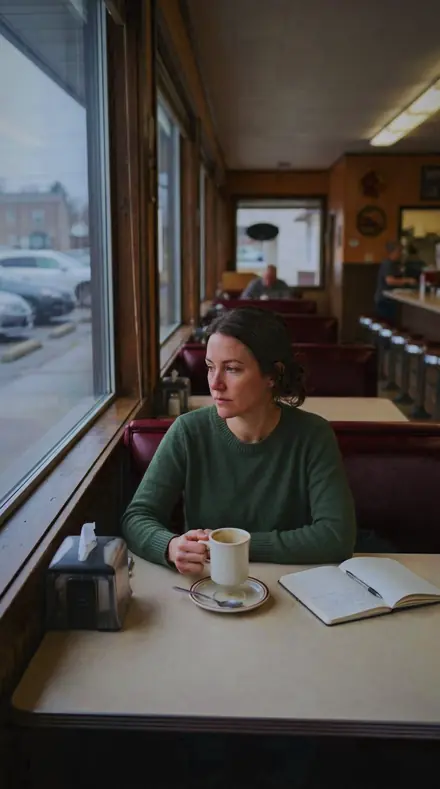
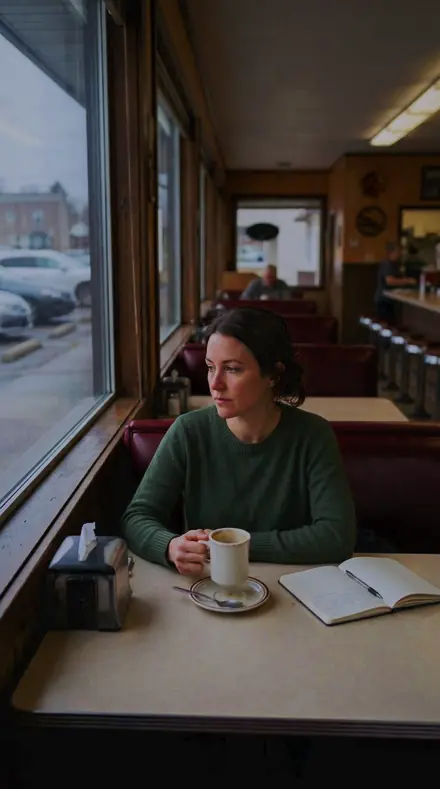
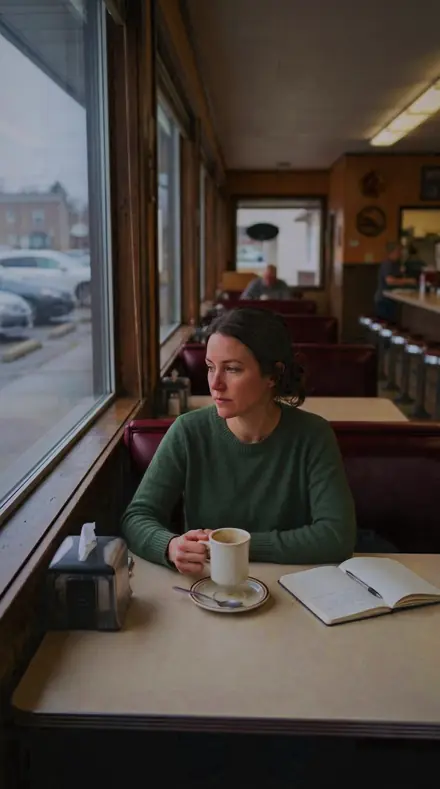
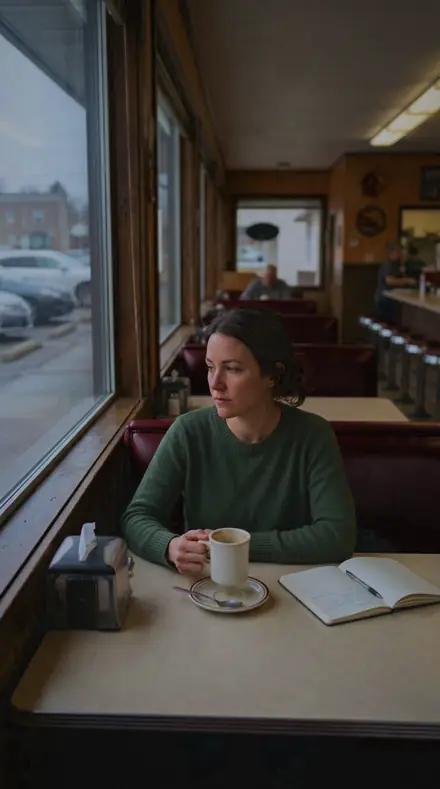
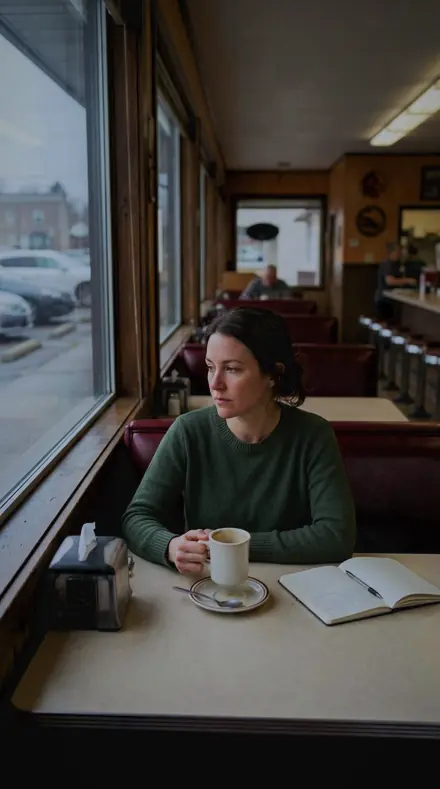
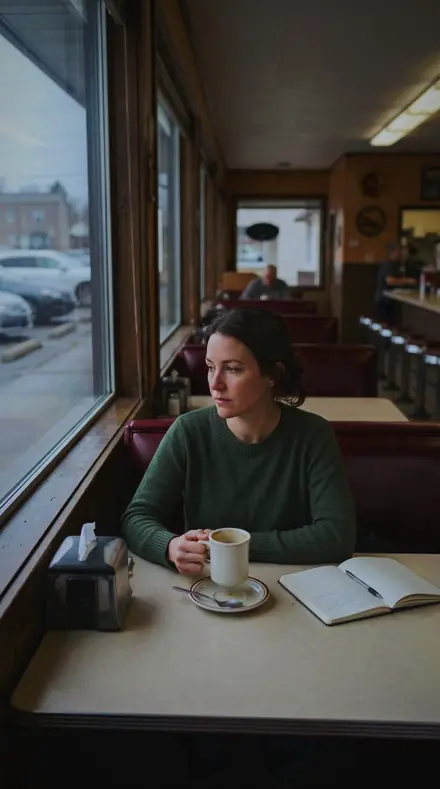
    Leaded Light applied to Diner booth Before: Diner booth
    Diner booth

    Drag the handle. Left is the original, right is Leaded Light. Rendered from the preset's own settings, not a Lightroom export, so the real thing carries a little more bite.

  2. No. 02Rose WindowA rose window read whole, blues and purples given band saturation while the highlights are rolled off so the tracery stays black.
    Rose Window applied to Curtain light Before: Curtain light
    Curtain light
    Rose Window applied to Cafe window Before: Cafe window
    Cafe window
    Rose Window applied to Bed morning Before: Bed morning
    Bed morning
    Rose Window applied to Diner booth Before: Diner booth
    Diner booth

    Drag the handle. Left is the original, right is Rose Window. Rendered from the preset's own settings, not a Lightroom export, so the real thing carries a little more bite.

  3. No. 03Glass BlueCobalt glass in full sun, blues lifted in saturation and taken down in luminance so the pane reads deep instead of pale.
    Glass Blue applied to Curtain light Before: Curtain light
    Curtain light
    Glass Blue applied to Cafe window Before: Cafe window
    Cafe window
    Glass Blue applied to Bed morning Before: Bed morning
    Bed morning
    Glass Blue applied to Diner booth Before: Diner booth
    Diner booth

    Drag the handle. Left is the original, right is Glass Blue. Rendered from the preset's own settings, not a Lightroom export, so the real thing carries a little more bite.

  4. No. 04Lancet PanelA tall lancet with light behind it, exposure pulled down and shadows opened so the stone around it does not go solid.
    Lancet Panel applied to Curtain light Before: Curtain light
    Curtain light
    Lancet Panel applied to Cafe window Before: Cafe window
    Cafe window
    Lancet Panel applied to Bed morning Before: Bed morning
    Bed morning
    Lancet Panel applied to Diner booth Before: Diner booth
    Diner booth

    Drag the handle. Left is the original, right is Lancet Panel. Rendered from the preset's own settings, not a Lightroom export, so the real thing carries a little more bite.

  5. No. 05Tracery LineStone tracery against bright glass, contrast firmed and blacks set deep so the lead and stone stay drawn.
    Tracery Line applied to Curtain light Before: Curtain light
    Curtain light
    Tracery Line applied to Cafe window Before: Cafe window
    Cafe window
    Tracery Line applied to Bed morning Before: Bed morning
    Bed morning
    Tracery Line applied to Diner booth Before: Diner booth
    Diner booth

    Drag the handle. Left is the original, right is Tracery Line. Rendered from the preset's own settings, not a Lightroom export, so the real thing carries a little more bite.

  6. No. 06Cobalt PaneOne cobalt pane among warmer glass, blue shifted toward violet and lifted in saturation so it separates from its neighbours.
    Cobalt Pane applied to Curtain light Before: Curtain light
    Curtain light
    Cobalt Pane applied to Cafe window Before: Cafe window
    Cafe window
    Cobalt Pane applied to Bed morning Before: Bed morning
    Bed morning
    Cobalt Pane applied to Diner booth Before: Diner booth
    Diner booth

    Drag the handle. Left is the original, right is Cobalt Pane. Rendered from the preset's own settings, not a Lightroom export, so the real thing carries a little more bite.

  7. No. 07Ruby PaneRuby glass with the sun behind it, reds given band saturation and pulled down in luminance so the pane holds colour rather than clipping.
    Ruby Pane applied to Curtain light Before: Curtain light
    Curtain light
    Ruby Pane applied to Cafe window Before: Cafe window
    Cafe window
    Ruby Pane applied to Bed morning Before: Bed morning
    Bed morning
    Ruby Pane applied to Diner booth Before: Diner booth
    Diner booth

    Drag the handle. Left is the original, right is Ruby Pane. Rendered from the preset's own settings, not a Lightroom export, so the real thing carries a little more bite.

  8. No. 08Quarry GlassPlain diamond quarries in a side window, highlights rolled off and the yellow band lifted so the clear glass reads warm.
    Quarry Glass applied to Curtain light Before: Curtain light
    Curtain light
    Quarry Glass applied to Cafe window Before: Cafe window
    Cafe window
    Quarry Glass applied to Bed morning Before: Bed morning
    Bed morning
    Quarry Glass applied to Diner booth Before: Diner booth
    Diner booth

    Drag the handle. Left is the original, right is Quarry Glass. Rendered from the preset's own settings, not a Lightroom export, so the real thing carries a little more bite.

  9. No. 09Nave WindowA nave window seen from the aisle, exposure pulled down with shadows opened so the interior reads around the light.
    Nave Window applied to Curtain light Before: Curtain light
    Curtain light
    Nave Window applied to Cafe window Before: Cafe window
    Cafe window
    Nave Window applied to Bed morning Before: Bed morning
    Bed morning
    Nave Window applied to Diner booth Before: Diner booth
    Diner booth

    Drag the handle. Left is the original, right is Nave Window. Rendered from the preset's own settings, not a Lightroom export, so the real thing carries a little more bite.

  10. No. 10ClerestoryClerestory glazing high in the wall, highlights rolled off hard and the whites drawn back so the panels stop burning.
    Clerestory applied to Curtain light Before: Curtain light
    Curtain light
    Clerestory applied to Cafe window Before: Cafe window
    Cafe window
    Clerestory applied to Bed morning Before: Bed morning
    Bed morning
    Clerestory applied to Diner booth Before: Diner booth
    Diner booth

    Drag the handle. Left is the original, right is Clerestory. Rendered from the preset's own settings, not a Lightroom export, so the real thing carries a little more bite.

  11. No. 11Pane LeadThe lead came between panes, contrast firmed and texture raised so the cames stay as line work.
    Pane Lead applied to Curtain light Before: Curtain light
    Curtain light
    Pane Lead applied to Cafe window Before: Cafe window
    Cafe window
    Pane Lead applied to Bed morning Before: Bed morning
    Bed morning
    Pane Lead applied to Diner booth Before: Diner booth
    Diner booth

    Drag the handle. Left is the original, right is Pane Lead. Rendered from the preset's own settings, not a Lightroom export, so the real thing carries a little more bite.

  12. No. 12Glass EmberWarm glass low in a panel, reds and yellows lifted in their bands while the surrounding stone is cooled.
    Glass Ember applied to Curtain light Before: Curtain light
    Curtain light
    Glass Ember applied to Cafe window Before: Cafe window
    Cafe window
    Glass Ember applied to Bed morning Before: Bed morning
    Bed morning
    Glass Ember applied to Diner booth Before: Diner booth
    Diner booth

    Drag the handle. Left is the original, right is Glass Ember. Rendered from the preset's own settings, not a Lightroom export, so the real thing carries a little more bite.

  13. No. 13Transept LightLight crossing the transept, dehaze raised so the beam has body and the shadow tone pushed down for weight.
    Transept Light applied to Curtain light Before: Curtain light
    Curtain light
    Transept Light applied to Cafe window Before: Cafe window
    Cafe window
    Transept Light applied to Bed morning Before: Bed morning
    Bed morning
    Transept Light applied to Diner booth Before: Diner booth
    Diner booth

    Drag the handle. Left is the original, right is Transept Light. Rendered from the preset's own settings, not a Lightroom export, so the real thing carries a little more bite.

  14. No. 14Amber QuarryAmber quarries in a domestic window, yellow given band saturation with the highlights rolled off so the pane keeps its tone.
    Amber Quarry applied to Curtain light Before: Curtain light
    Curtain light
    Amber Quarry applied to Cafe window Before: Cafe window
    Cafe window
    Amber Quarry applied to Bed morning Before: Bed morning
    Bed morning
    Amber Quarry applied to Diner booth Before: Diner booth
    Diner booth

    Drag the handle. Left is the original, right is Amber Quarry. Rendered from the preset's own settings, not a Lightroom export, so the real thing carries a little more bite.

  15. No. 15Grisaille PanelA grisaille panel of greys and greens, greens lifted in saturation so the painted work reads against the plain glazing.
    Grisaille Panel applied to Curtain light Before: Curtain light
    Curtain light
    Grisaille Panel applied to Cafe window Before: Cafe window
    Cafe window
    Grisaille Panel applied to Bed morning Before: Bed morning
    Bed morning
    Grisaille Panel applied to Diner booth Before: Diner booth
    Diner booth

    Drag the handle. Left is the original, right is Grisaille Panel. Rendered from the preset's own settings, not a Lightroom export, so the real thing carries a little more bite.

  16. No. 16Window JewelA small jewel of coloured glass in a plain field, purples lifted in saturation and darkened in luminance so it sits like a stone.
    Window Jewel applied to Curtain light Before: Curtain light
    Curtain light
    Window Jewel applied to Cafe window Before: Cafe window
    Cafe window
    Window Jewel applied to Bed morning Before: Bed morning
    Bed morning
    Window Jewel applied to Diner booth Before: Diner booth
    Diner booth

    Drag the handle. Left is the original, right is Window Jewel. Rendered from the preset's own settings, not a Lightroom export, so the real thing carries a little more bite.

  17. No. 17Chancel GlassChancel windows behind the altar, exposure pulled down and the parametric highlights closed so the east end stays readable.
    Chancel Glass applied to Curtain light Before: Curtain light
    Curtain light
    Chancel Glass applied to Cafe window Before: Cafe window
    Cafe window
    Chancel Glass applied to Bed morning Before: Bed morning
    Bed morning
    Chancel Glass applied to Diner booth Before: Diner booth
    Diner booth

    Drag the handle. Left is the original, right is Chancel Glass. Rendered from the preset's own settings, not a Lightroom export, so the real thing carries a little more bite.

  18. No. 18Saint PanelA figure panel with a painted face, contrast firmed and texture raised so the brushwork on the glass survives the backlight.
    Saint Panel applied to Curtain light Before: Curtain light
    Curtain light
    Saint Panel applied to Cafe window Before: Cafe window
    Cafe window
    Saint Panel applied to Bed morning Before: Bed morning
    Bed morning
    Saint Panel applied to Diner booth Before: Diner booth
    Diner booth

    Drag the handle. Left is the original, right is Saint Panel. Rendered from the preset's own settings, not a Lightroom export, so the real thing carries a little more bite.

The problem is always the same. A window meters as the brightest thing in the building, the camera clips it to white, and the stone around it falls to a solid block. Every preset here starts with that: the highlight rolled off hard, the exposure pulled down, the shadows opened just enough that the aisle reads around the light.

The folio is set in departments. Windows are the whole opening, from a lancet to a rose to the clerestory high in the wall, each one a different exposure problem with its own answer. Panes go to the colour itself: cobalt lifted and taken down in luminance so it reads deep, ruby held off clipping, amber quarries kept warm, a jewel of purple darkened until it sits like a stone.

Lead and Paint keep the drawing. Tracery Line and Pane Lead firm the contrast and raise the texture so the cames stay as line work. Grisaille Panel and Saint Panel hold the painted brushwork through the backlight.

Apply one, then check the darkest stone. If it has gone solid, open the shadows a touch. The window will hold.

Yours in two minutes

how it works

the four steps

  • Buy the setCheckout takes a card; you get a receipt by email.
  • Download instantlyThe preset files download right after payment. Re-download any time from your account.
  • Import to LightroomOpen the files in the free Lightroom app (iOS or Android) or Lightroom Classic. Lightroom saves them as presets automatically.
  • Tap a presetOne tap applies the full look. Every setting stays editable after.

what you may do with them

  • Single-user license.Yours to use in personal and client work.
  • No redistribution.Don't resell or share the preset files themselves.
  • Free app is enough.No Adobe subscription needed for Lightroom mobile.
  • Keep it forever.Files live in your account for re-download.
Netzah Elad Topaz, the photographer who makes these presets

the maker

Why I Make These

I am Netzah Elad Topaz. I take photographs and I build software, and the two keep leading me back to the same problem. You were there. The light was doing something you will not see again. Then the photo comes back flat, and it is not what you were looking at.

Closing that gap is the whole job. Every preset here is built from Adobe defaults by hand, with a written note for what it should do to a picture, and it is judged on real photographs before it ships. Nothing is a filter dropped on top of your work.

What I want is simple. You open a photo you almost gave up on, you tap once, and there it is: the day you remember, not the file your camera handed you. That is worth doing properly.

Netzah Elad Topaz, photographer and software builder

Get Stained Glass

instant download

Stained Glass

18 presets for architecture, interiors and property photography

  • Every preset on this page, as .xmp files in one ZIP.
  • The free Lightroom app on iPhone and Android, and Lightroom Classic.
  • Yours to keep, and to download again from your account.
  • Personal and client work, under the single-user license.

$79.99

Instant download.

The download starts the moment you pay, the link is emailed to you as well, and the pack stays in your account to download again.

every pack, in detail

Questions, answered

My windows still clip to white.

Start with Clerestory or Leaded Light, the two that roll the highlight off hardest. If a pane is still burning, pull the exposure slider down a further stop. The shadows are already opened, so the stone will not close up.

Do these work in the free Lightroom app?

Yes. Import the .xmp files in the free Lightroom app on iPhone or Android, no subscription needed. They also work in Lightroom Classic and Lightroom on desktop.

What exactly do I get?

All 18 presets from Stained Glass as .xmp files in an instant ZIP download. The link also lands in your email, and the purchase stays in your account so you can re-download any time.

How do I install them?

Two minutes: unzip, then import inside Lightroom. The step-by-step guide covers iPhone, Android, and desktop.

Can I use them for client work?

Yes. The single-user license covers personal and commercial photography. The one thing you can't do is share or resell the preset files themselves.

Can I tweak a preset after applying it?

Always. A preset is a starting point; every slider stays yours to adjust.

The same Lamplight the way the room felt with the Lobbylamp preset appliedLamplight the way the room felt, photographed without the Lobbylamp preset
Lobbylamp applied to Lamplight the way the room felt

Lobbylamp

Architecture, interiors and property · 18 presets

was $49.99now $29.99Save $20

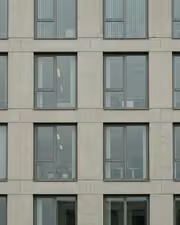
The same The grid the color was hiding with the Plumbline preset appliedThe grid the color was hiding, photographed without the Plumbline preset
Plumbline applied to The grid the color was hiding

Plumbline

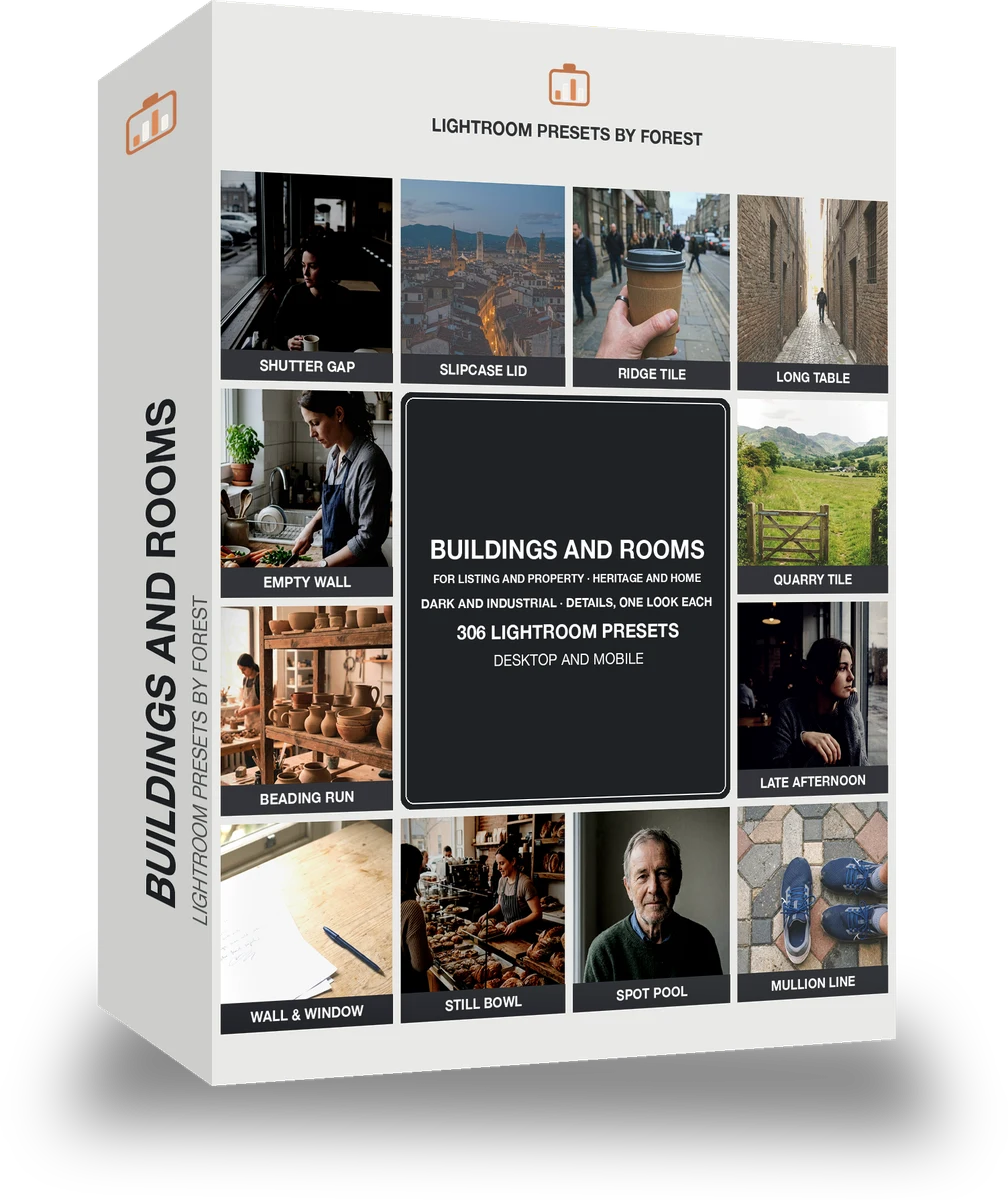
Architecture, interiors and property · 306 presets

was $399now $149Save $250

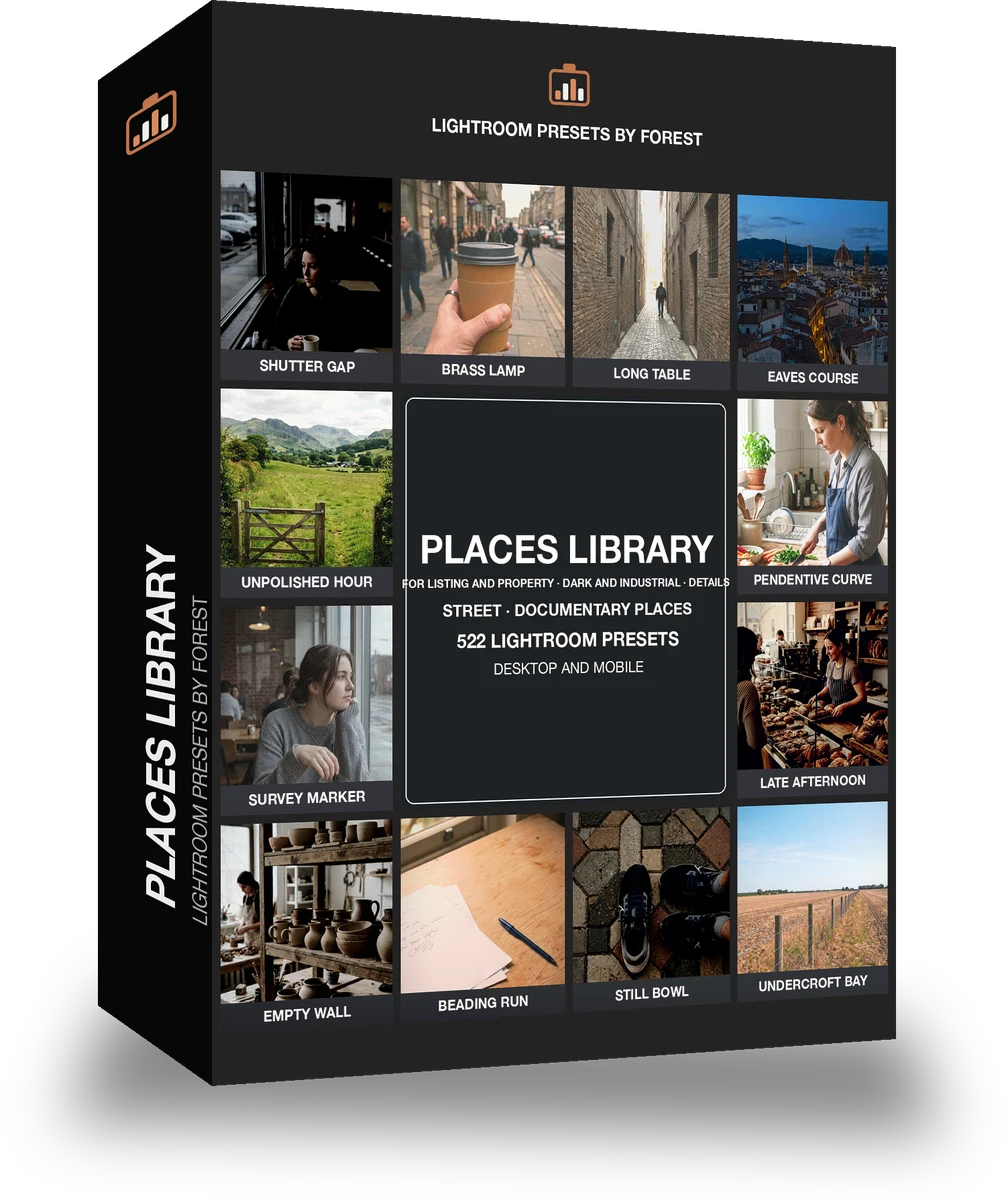
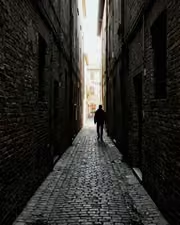
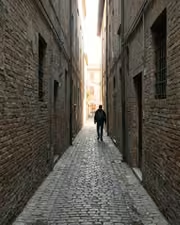
The same The alley says more in ink with the Facadestone preset appliedThe alley says more in ink, photographed without the Facadestone preset
Facadestone applied to The alley says more in ink

Facadestone

Architecture, interiors and property · 522 presets

was $449now $199Save $250