PRE|SETS
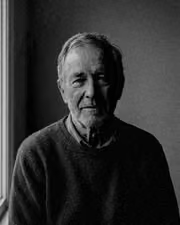
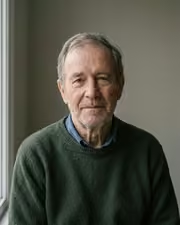
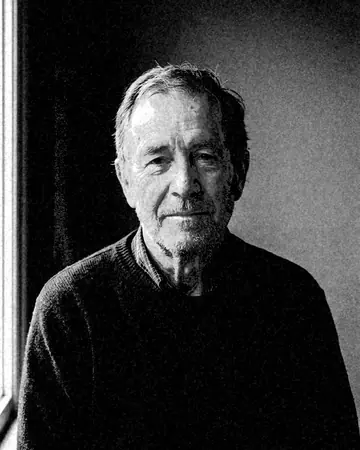
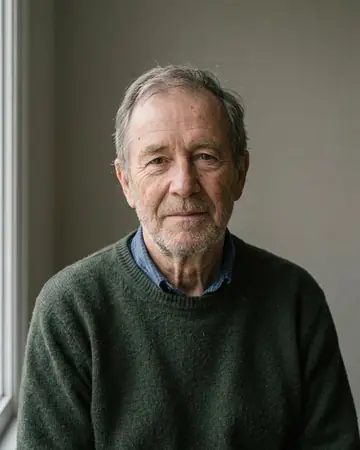
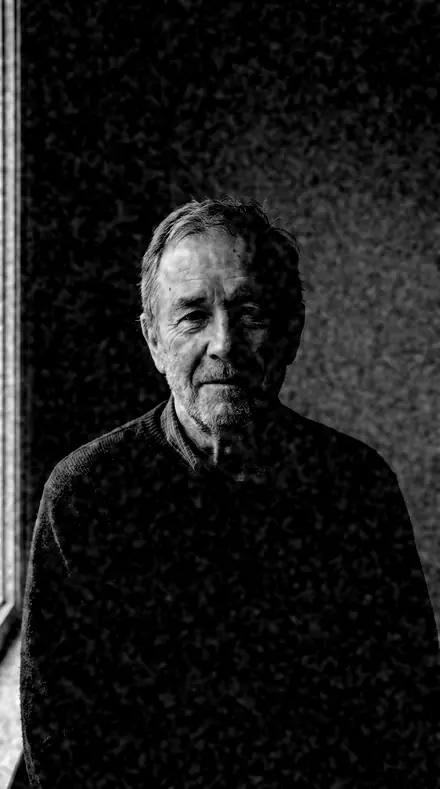
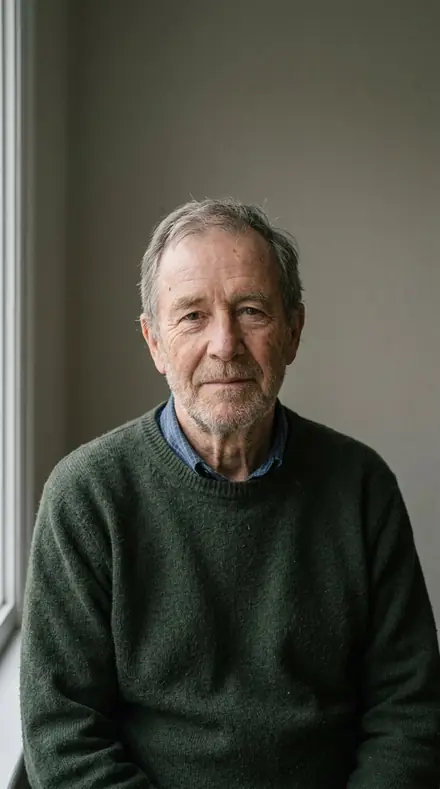
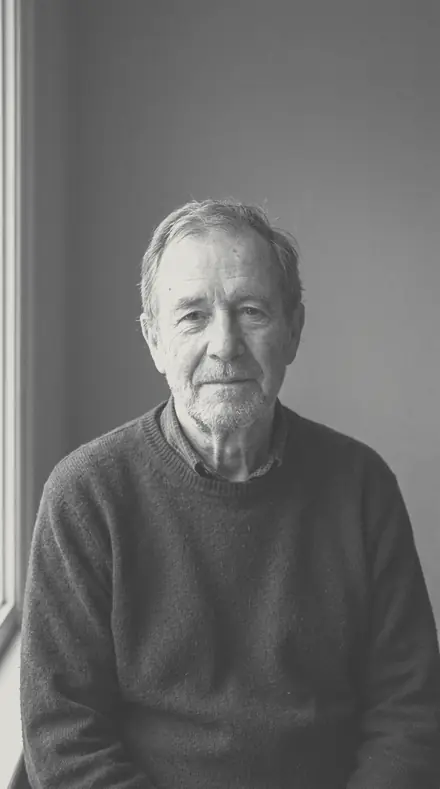
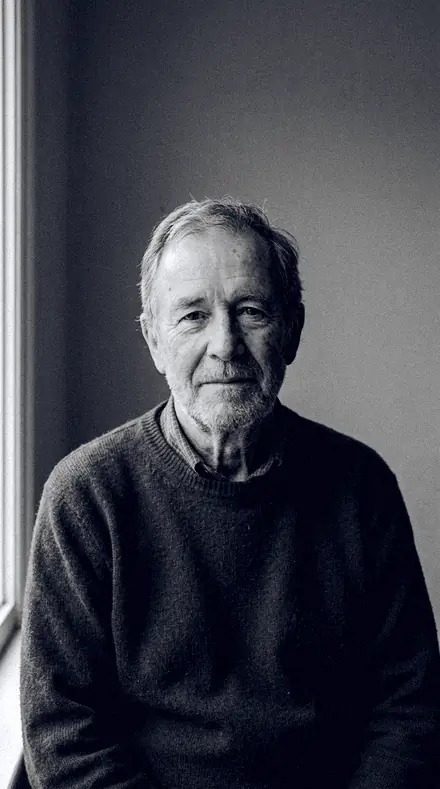
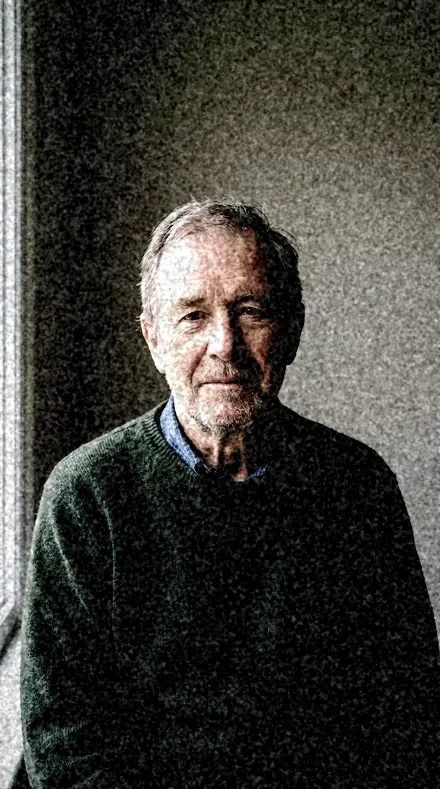
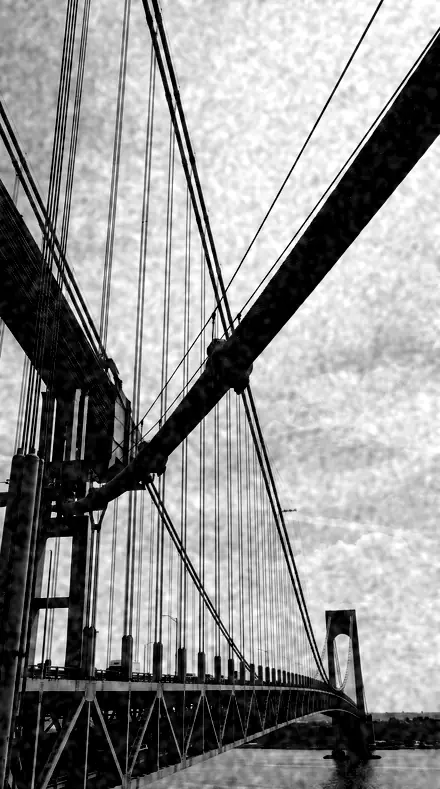
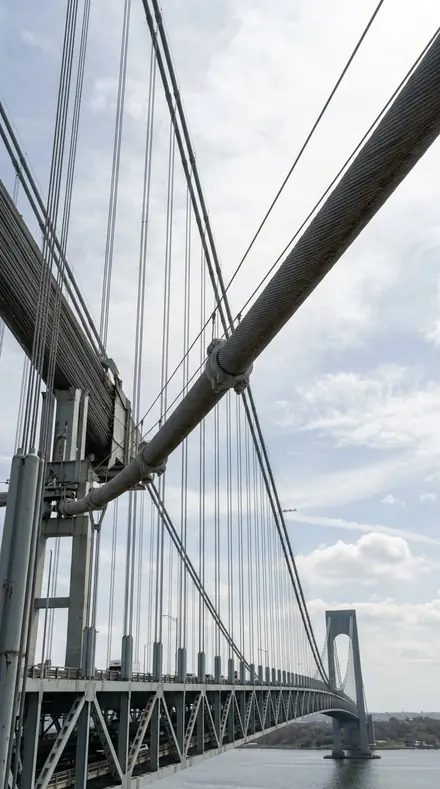
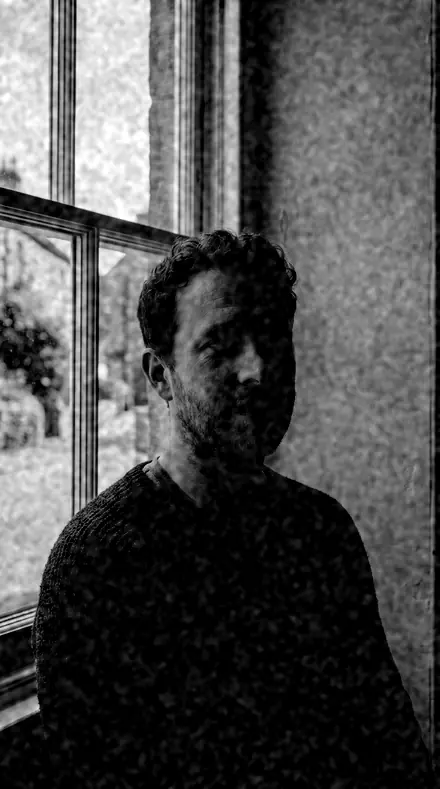
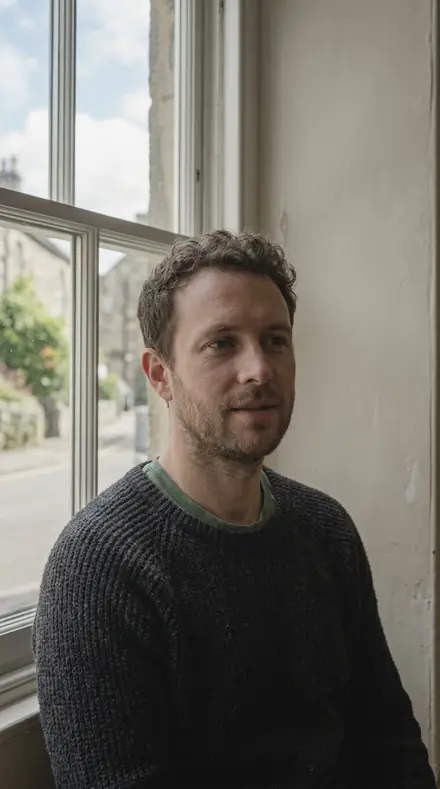
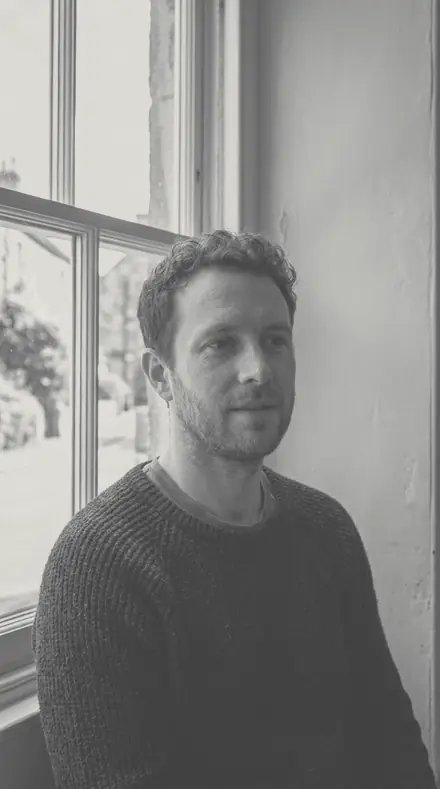
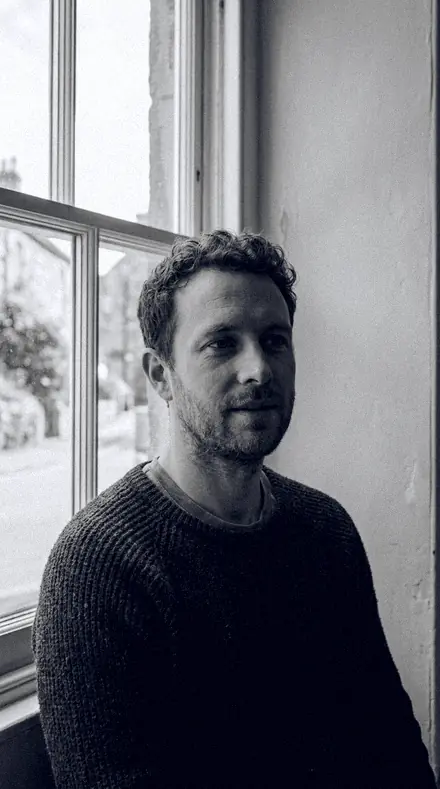
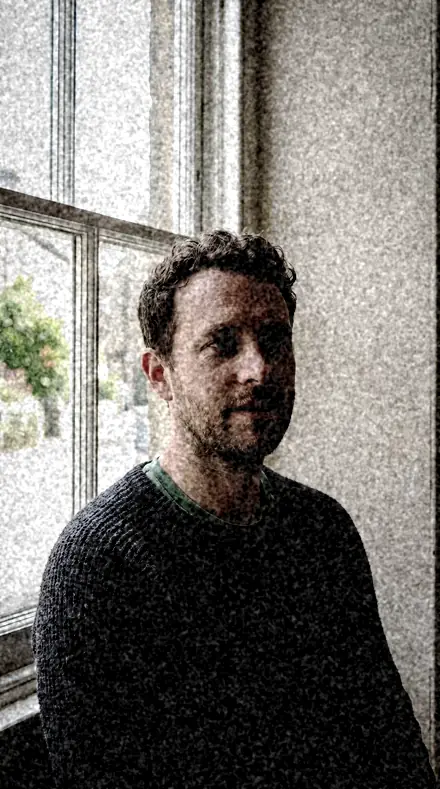
man portrait. With the Barytaprint preset applied.man portrait. Photographed without a preset.
Barytaprint applied to man portrait

Darkroom

Built for black and white editorial. The subjects inside it are monochrome, film, documentary, interior and food. The light runs film matte, monochrome, mid and crisp clean.

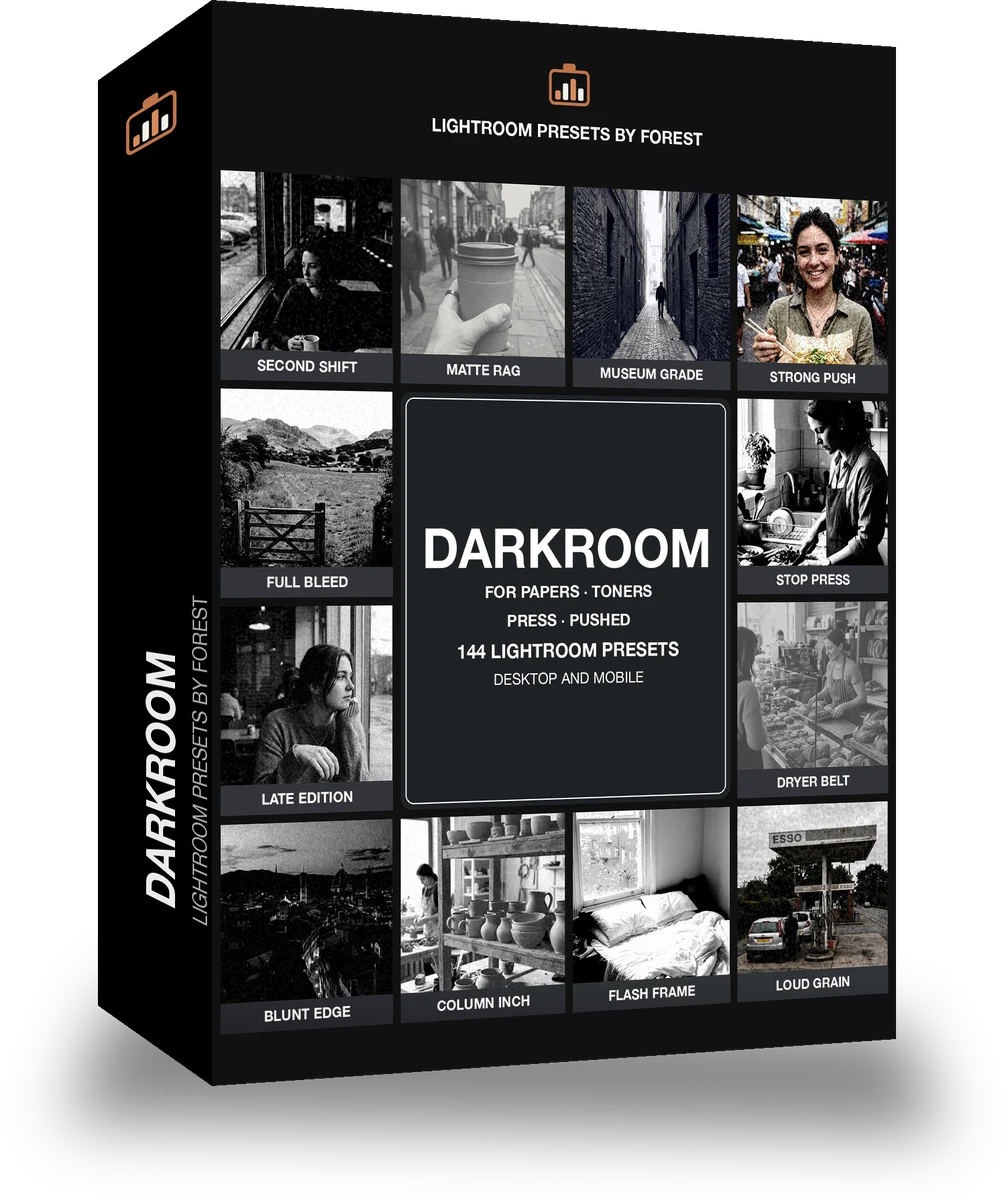
Barytaprint Darkroom is 144 presets in 8 collections.

was $199now $99

This is the welcome price.

Instant download.

Add it and keep looking. Your cart follows you across every store in the network.

  • Works inLightroom desktop and mobile
  • Format.xmp and .dng
  • DeliveryInstant download, and it stays in your account

What it does to a photograph

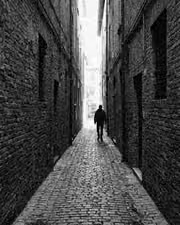
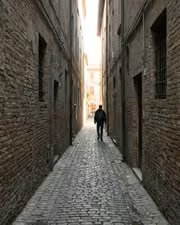
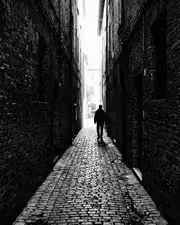
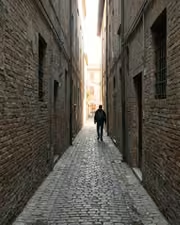
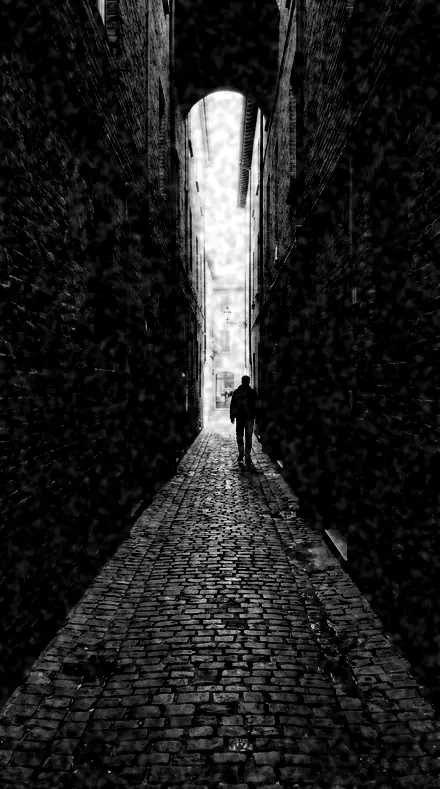
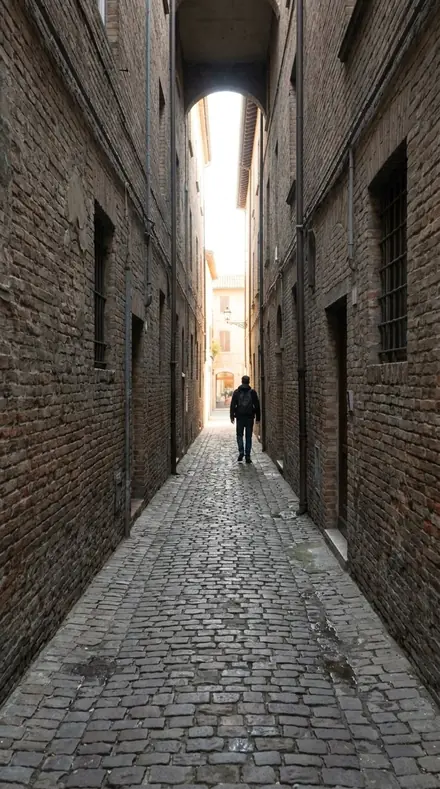
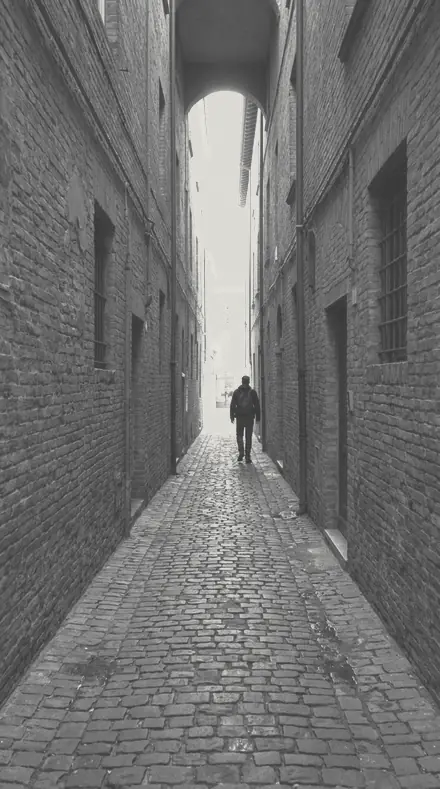
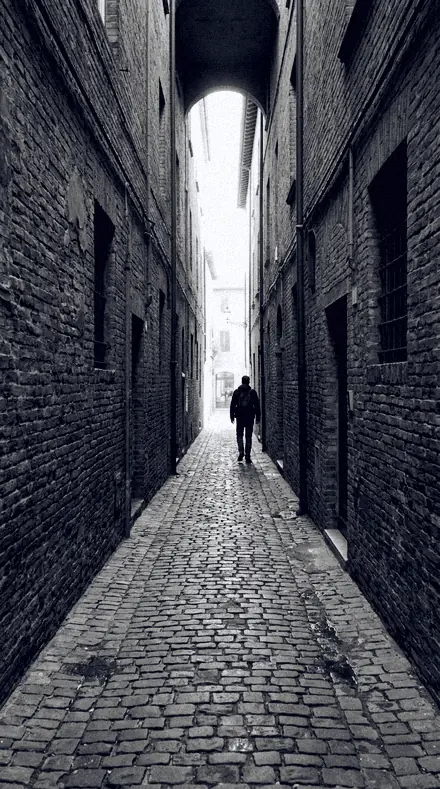
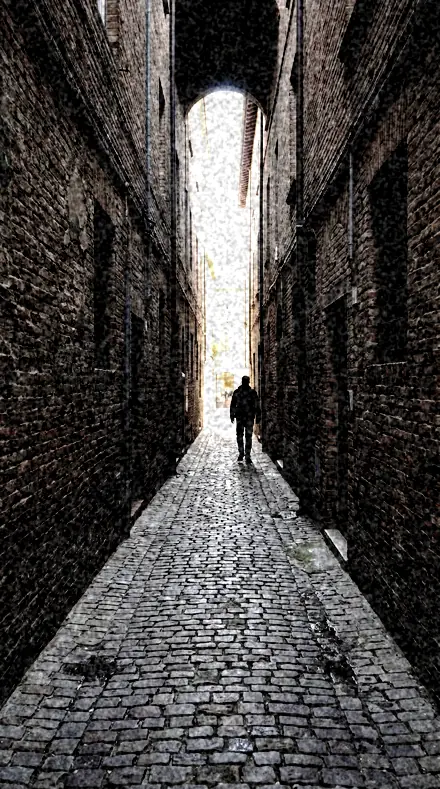
alley lines. With the Barytaprint preset applied.alley lines. Photographed without a preset.
Barytaprint applied to alley lines
alley lines, graded with Barytaprint: 8 of this library's 8 collections
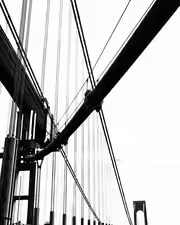
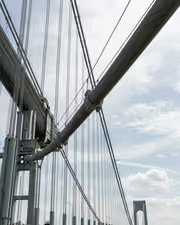
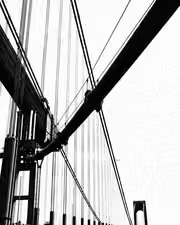
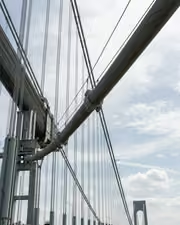
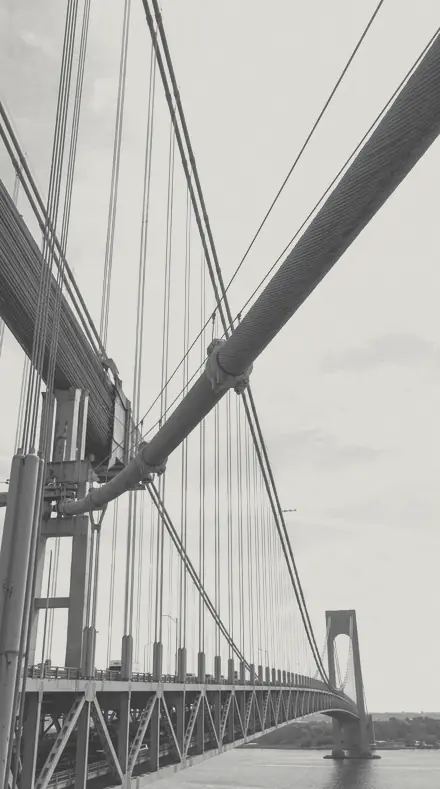
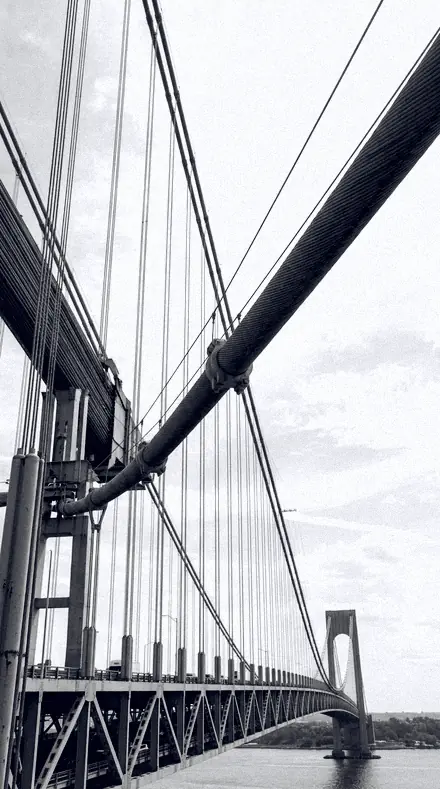
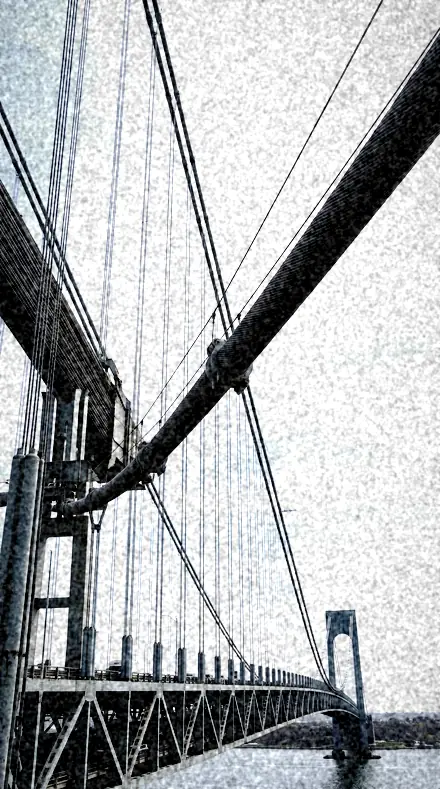
bridge cables. With the Barytaprint preset applied.bridge cables. Photographed without a preset.
Barytaprint applied to bridge cables
bridge cables, graded with Barytaprint: 8 of this library's 8 collections

It does not cover architecture, interiors and property; moods and tonal statements; light and weather; workflow and utility bases. Those collections live in other products on this network, and nothing here stands in for them.

What is inside, territory by territory

Black and white editorial

8 collections, 144 presets

  • Contact Print
  • Copper Wash
  • Grain Report
  • Plate Room
  • Platinum Print
  • Press Black
  • Selenium Tone
  • Silver Halide

What contains what

This library is itself inside 3 larger libraries.

Barytaprint · Black and white editorial

Barytaprint makes one kind of light.

144 presets across 4 kinds of light is 144 presets for black and white editorial photography. Every one of them is below, before you pay for any of it.

What this light does

one frame, 4 presets

Darkroom, a folio on baryta

4 of them, on one photograph. Drag to compare before and after.

  1. Man portrait. With the Second Shift preset applied.Man portrait. Photographed without a preset.
    Second Shift applied to Man portrait

    No. 98

    Second Shift

    Late-shift workplace mono, dim rooms pushed to a hard readable print.

  2. Man portrait. With the Matte Rag preset applied.Man portrait. Photographed without a preset.
    Matte Rag applied to Man portrait

    No. 87

    Matte Rag

    Long scale with dehaze negative, a deliberately airless matte surface look.

  3. Man portrait. With the Museum Grade preset applied.Man portrait. Photographed without a preset.
    Museum Grade applied to Man portrait

    No. 120

    Museum Grade

    Conservative selenium for exhibition copies, gentle highlight rolloff and minimal grain.

  4. Man portrait. With the Strong Push preset applied.Man portrait. Photographed without a preset.
    Strong Push applied to Man portrait

    No. 45

    Strong Push

    Contrast near the top of the envelope with the palette well down.

Explore every preset in this pack

4 presets · 4 scenes

4 of the 144 presets in this library, on the same four photographs. Nothing below is a sample. Open one and drag.

  1. No. 98Second ShiftLate-shift workplace mono, dim rooms pushed to a hard readable print.
    Second Shift applied to Alley lines Before: Alley lines
    Alley lines
    Second Shift applied to Bridge cables Before: Bridge cables
    Bridge cables
    Second Shift applied to Man portrait Before: Man portrait
    Man portrait
    Second Shift applied to Portrait window Before: Portrait window
    Portrait window

    Drag the handle. Left is the original, right is Second Shift. Rendered from the preset's own settings, not a Lightroom export, so the real thing carries a little more bite.

  2. No. 87Matte RagLong scale with dehaze negative, a deliberately airless matte surface look.
    Matte Rag applied to Alley lines Before: Alley lines
    Alley lines
    Matte Rag applied to Bridge cables Before: Bridge cables
    Bridge cables
    Matte Rag applied to Man portrait Before: Man portrait
    Man portrait
    Matte Rag applied to Portrait window Before: Portrait window
    Portrait window

    Drag the handle. Left is the original, right is Matte Rag. Rendered from the preset's own settings, not a Lightroom export, so the real thing carries a little more bite.

  3. No. 120Museum GradeConservative selenium for exhibition copies, gentle highlight rolloff and minimal grain.
    Museum Grade applied to Alley lines Before: Alley lines
    Alley lines
    Museum Grade applied to Bridge cables Before: Bridge cables
    Bridge cables
    Museum Grade applied to Man portrait Before: Man portrait
    Man portrait
    Museum Grade applied to Portrait window Before: Portrait window
    Portrait window

    Drag the handle. Left is the original, right is Museum Grade. Rendered from the preset's own settings, not a Lightroom export, so the real thing carries a little more bite.

  4. No. 45Strong PushContrast near the top of the envelope with the palette well down.
    Strong Push applied to Alley lines Before: Alley lines
    Alley lines
    Strong Push applied to Bridge cables Before: Bridge cables
    Bridge cables
    Strong Push applied to Man portrait Before: Man portrait
    Man portrait
    Strong Push applied to Portrait window Before: Portrait window
    Portrait window

    Drag the handle. Left is the original, right is Strong Push. Rendered from the preset's own settings, not a Lightroom export, so the real thing carries a little more bite.

The papers come first. Contact Print is the honest proof: near-neutral, nothing hidden, a true black to mark against with a grease pencil. Platinum Print is the long scale, no true black and warm delicate highlights, contrast well below normal. Plate Room is the soft-graded print for filing and reproduction, a lifted black point and a ceiling on the whites so ink never blows.

Toners next. Copper Wash splits the print, copper highlights against blue shadows at bath strength, with Two Bath near neutral and Penny Print at the warm extreme. Selenium Tone cools it instead: blue-grey shadows and firm blacks, from a short dip that barely shows to a full second bath.

Press Black is the agency print at working contrast, filed daily; Front Page is the house hard-news mono and Full Bleed the maximum ink. Silver Halide is the classic gelatin rendering, full range and quiet grain, with Fibre Base for the display print and Baryta Sheet for the glossy one.

Grain Report is the pushed roll: heavy grain over a muted palette for reportage weight. A few prints from each department are below, on the same negatives.

Yours in two minutes

how it works

  1. Step 1

    Buy

    Pay with Apple Pay, Google Pay or a card.

  2. Step 2

    Download

    The zip downloads right away, and a copy lands in your email.

  3. Step 3

    Import

    Add the presets to Lightroom in a minute.

    PhoneClassicDesktop
  4. Step 4

    Tap

    One tap on any photo. Every slider stays yours to adjust.

Yours to keep, for personal and client work. Please do not share the files. The license

Netzah Elad Topaz, the photographer who makes these presets

the maker

Why I Make These

I am Netzah Elad Topaz. I take photographs and I build software, and the two keep leading me back to the same problem. You were there. The light was doing something you will not see again. Then the photo comes back flat, and it is not what you were looking at.

Closing that gap is the whole job. Every preset here is built from Adobe defaults by hand, with a written note for what it should do to a picture, and it is judged on photographs before it ships. Nothing is a filter dropped on top of your work.

What I want is simple. You open a photo you almost gave up on, you tap once, and there it is: the day you remember, not the file your camera handed you. That is worth doing properly.

Questions, answered

Are these all black and white?

Yes. Every preset converts to mono first. The toners add a single colour to the print the way a chemical bath would, and nothing more.

Do these work in the free Lightroom app?

Yes. Import the .xmp files in the free Lightroom app on iPhone or Android, no subscription needed. They also work in Lightroom Classic and Lightroom on desktop.

What exactly do I get?

All 144 presets from Darkroom as .xmp files in an instant ZIP download. The link also lands in your email, and the purchase stays in your account so you can re-download any time.

How do I install them?

Two minutes: unzip, then import inside Lightroom. The step-by-step guide covers iPhone, Android, and desktop.

Can I use them for client work?

Yes. The single-user license covers personal and commercial photography. The one thing you can't do is share or resell the preset files themselves.

Can I tweak a preset after applying it?

Always. A preset is a starting point; every slider stays yours to adjust.

What else is like this

All black and white editorial
The alley says more in ink. With the Inklooks preset applied.The alley says more in ink. Photographed without a preset.
Inklooks applied to The alley says more in ink

Inklooks

Black and white editorial · 15 presets

was $49.99now $29.99Save $20

Cables, sky, nothing else. With the Pitchblock preset applied.Cables, sky, nothing else. Photographed without a preset.
Pitchblock applied to Cables, sky, nothing else

Pitchblock

Black and white editorial · 18 presets

was $49.99now $29.99Save $20

A face, fully read. With the Orthosilver preset applied.A face, fully read. Photographed without a preset.
Orthosilver applied to A face, fully read

Orthosilver

Black and white editorial · 18 presets

was $49.99now $29.99Save $20

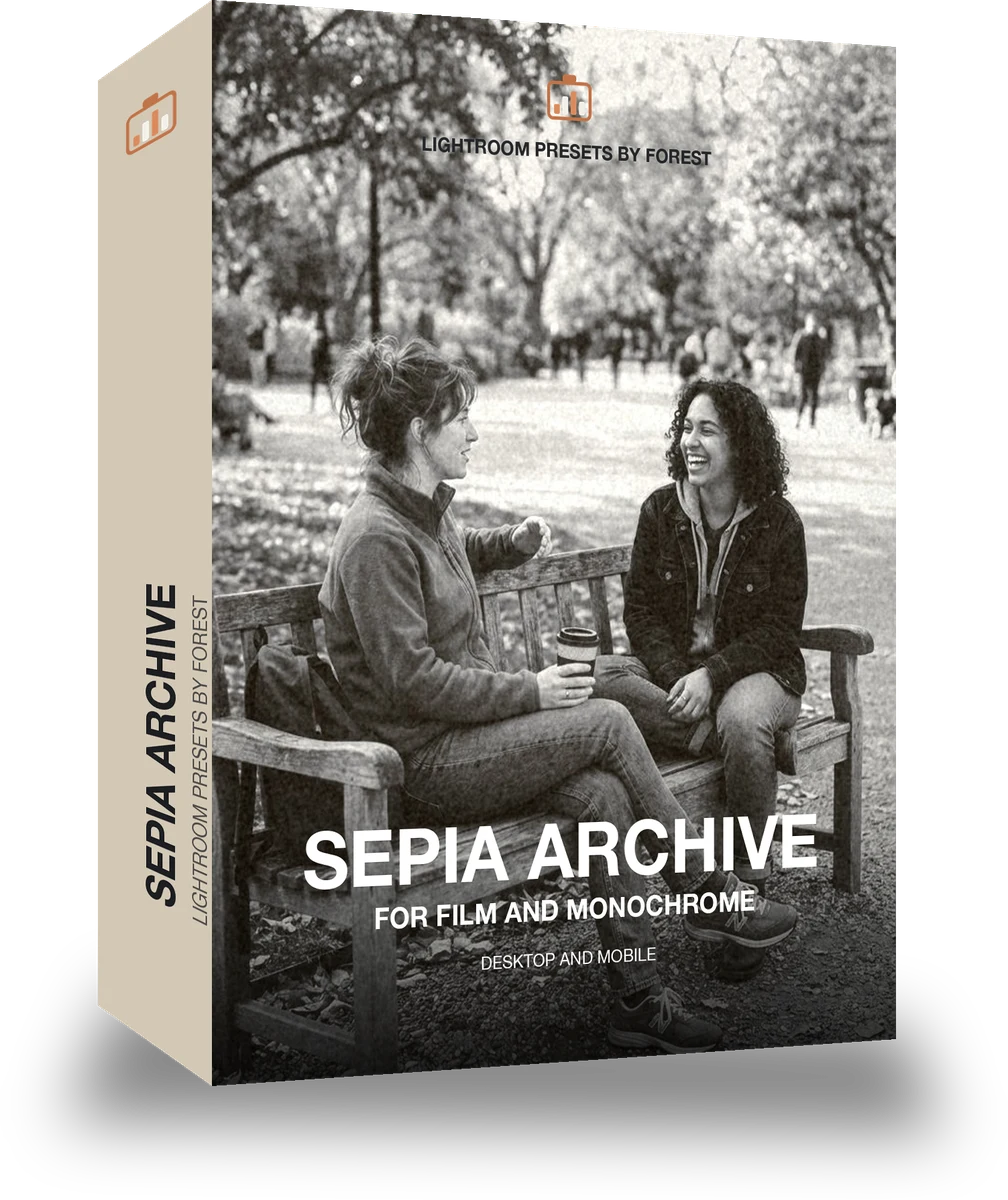
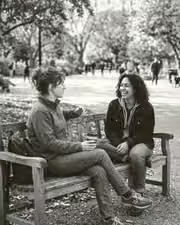
A bench and your people, suddenly a keeper. With the Umberpaper preset applied.A bench and your people, suddenly a keeper. Photographed without a preset.
Umberpaper applied to A bench and your people, suddenly a keeper

Umberpaper

Black and white editorial · 18 presets

was $49.99now $29.99Save $20