PRE|SETS
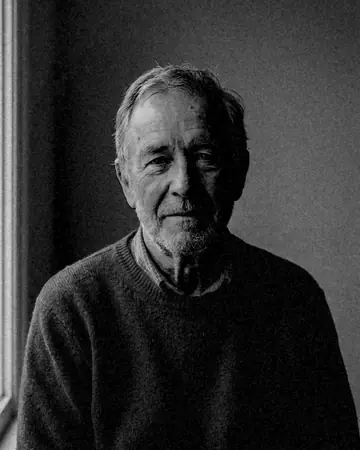
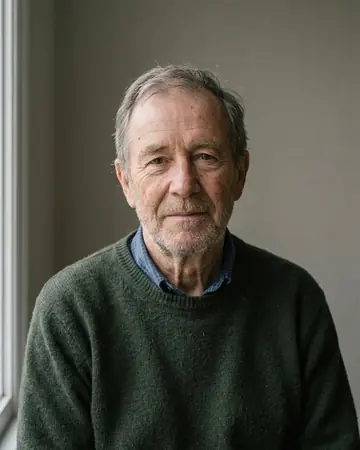
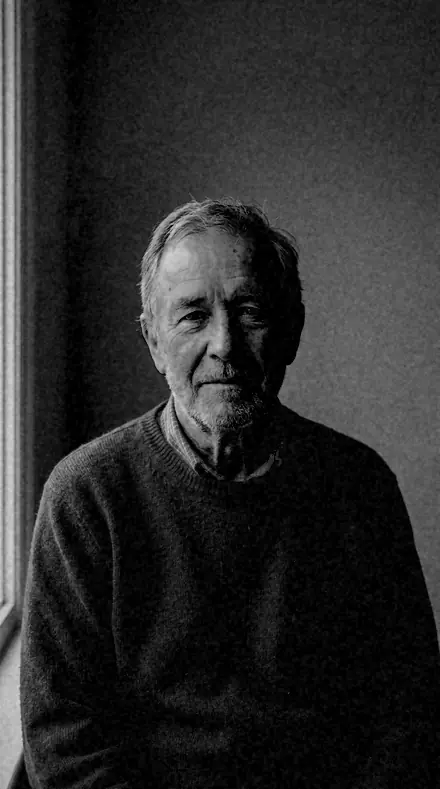
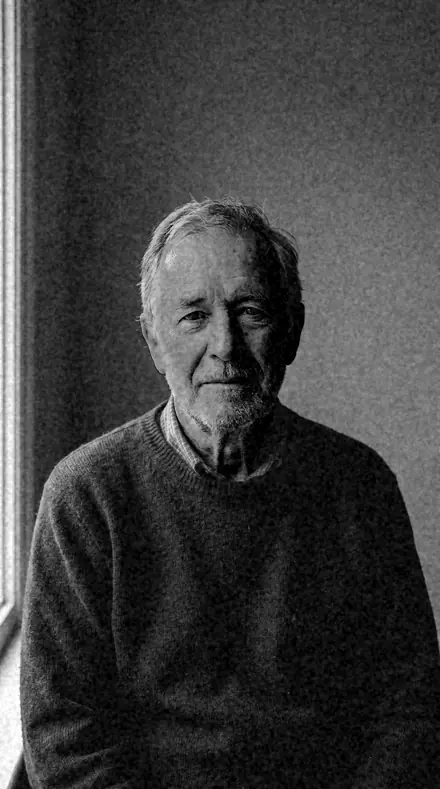
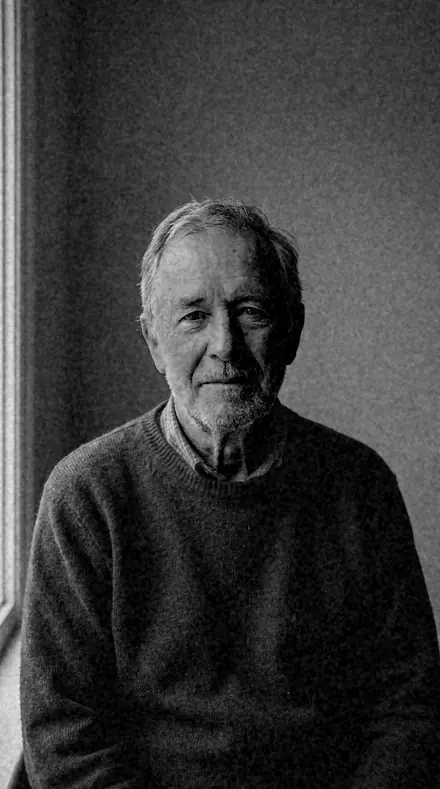
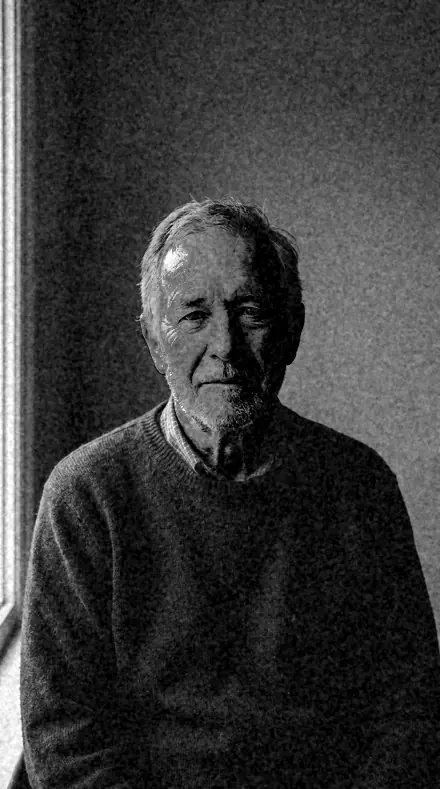
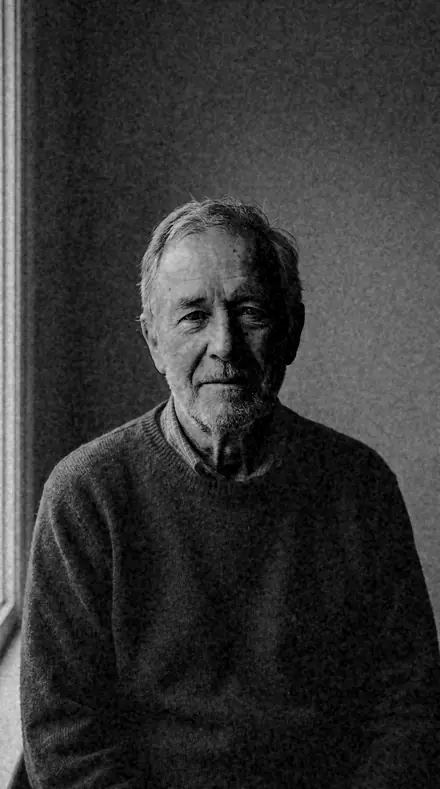
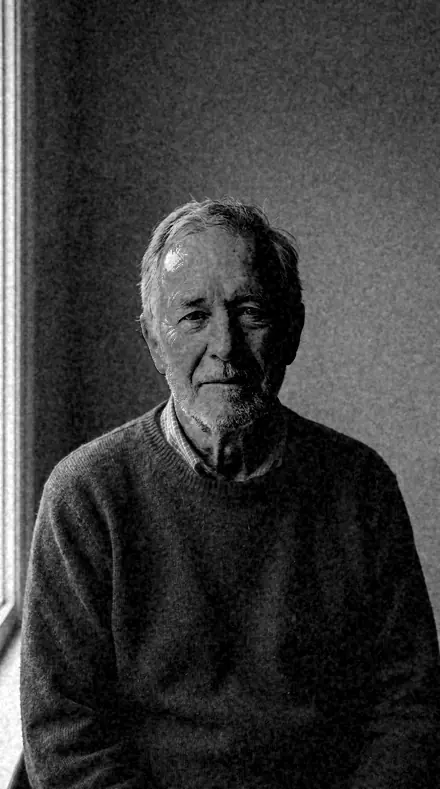
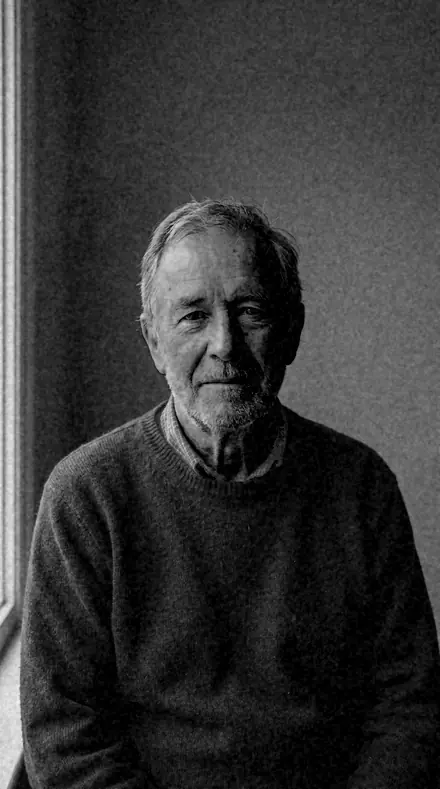
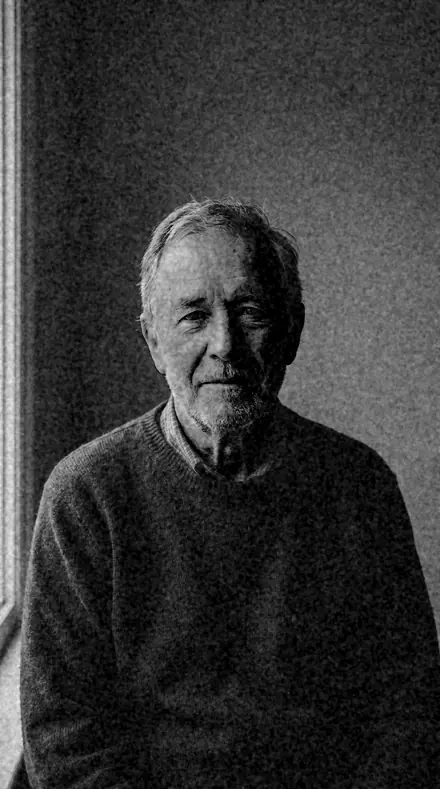
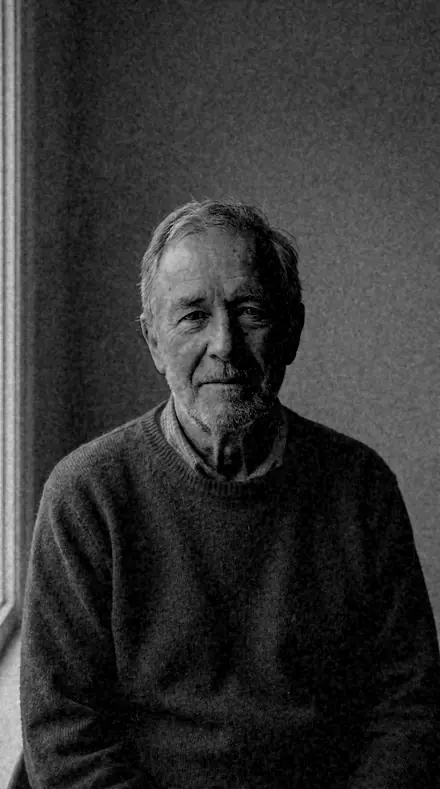
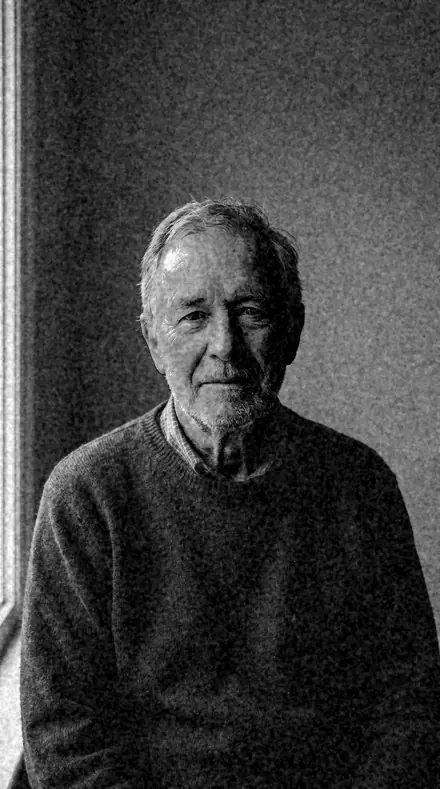
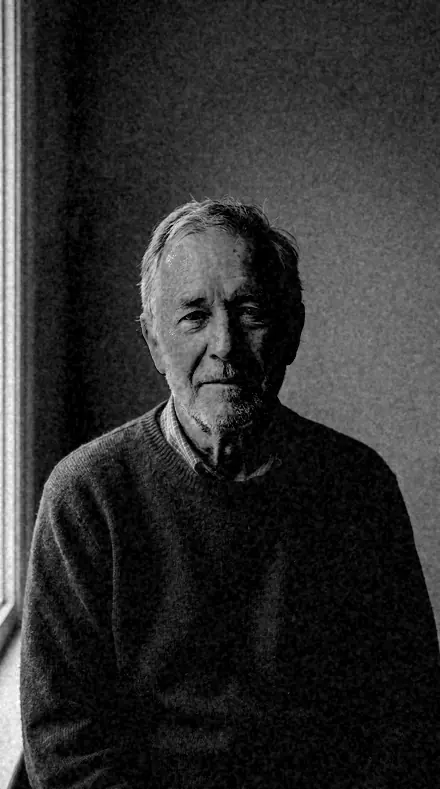
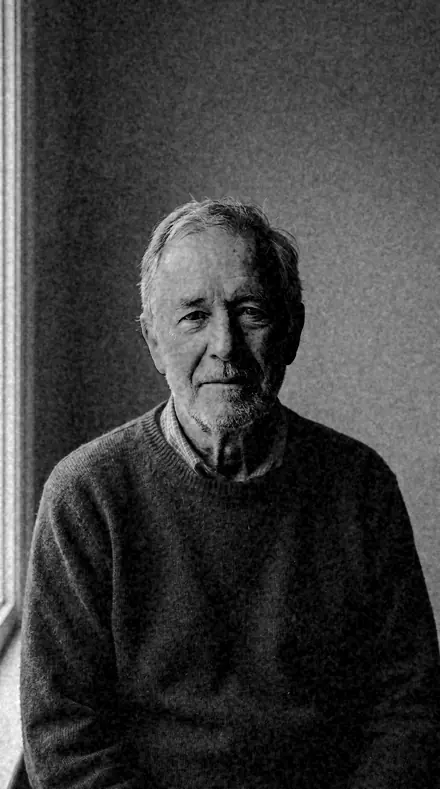
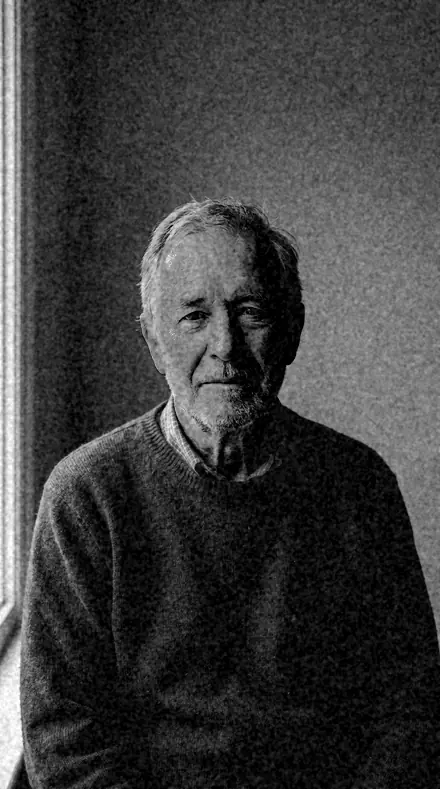
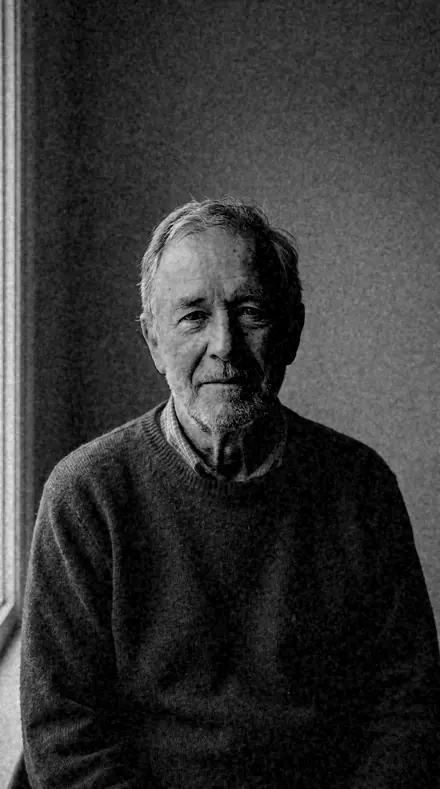
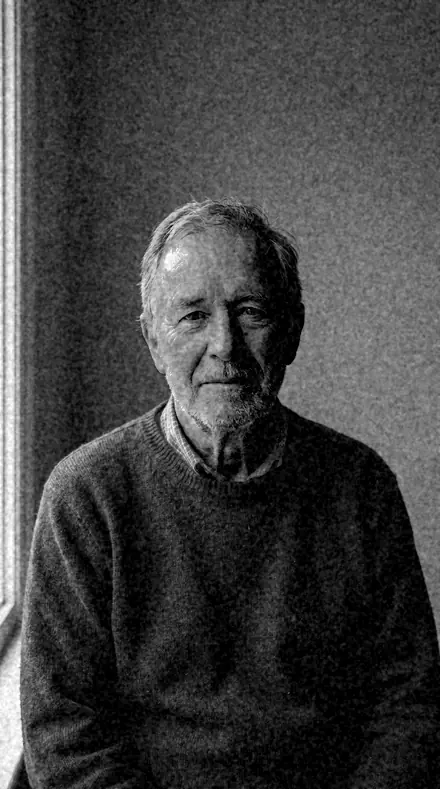
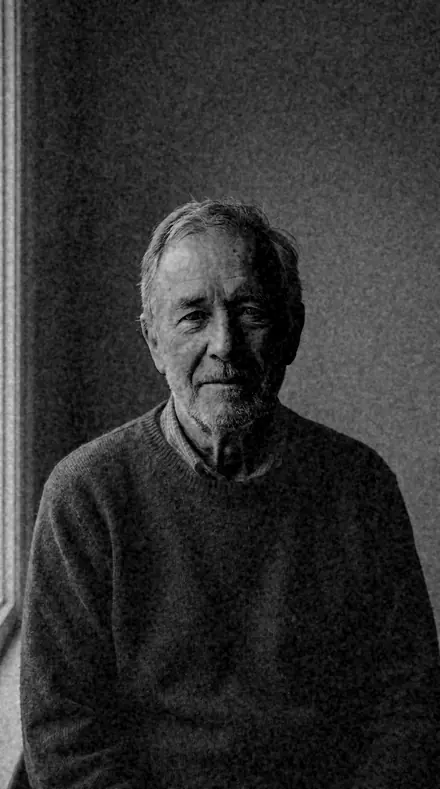
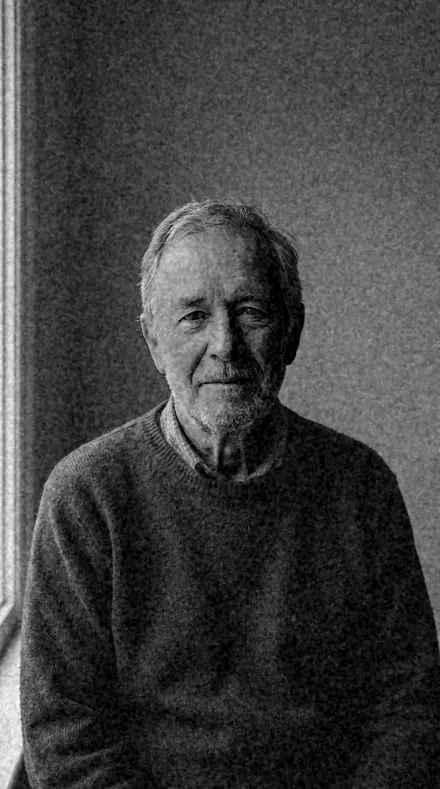
man portrait. With the Orthosilver preset applied.man portrait. Photographed without a preset.
Orthosilver applied to man portrait

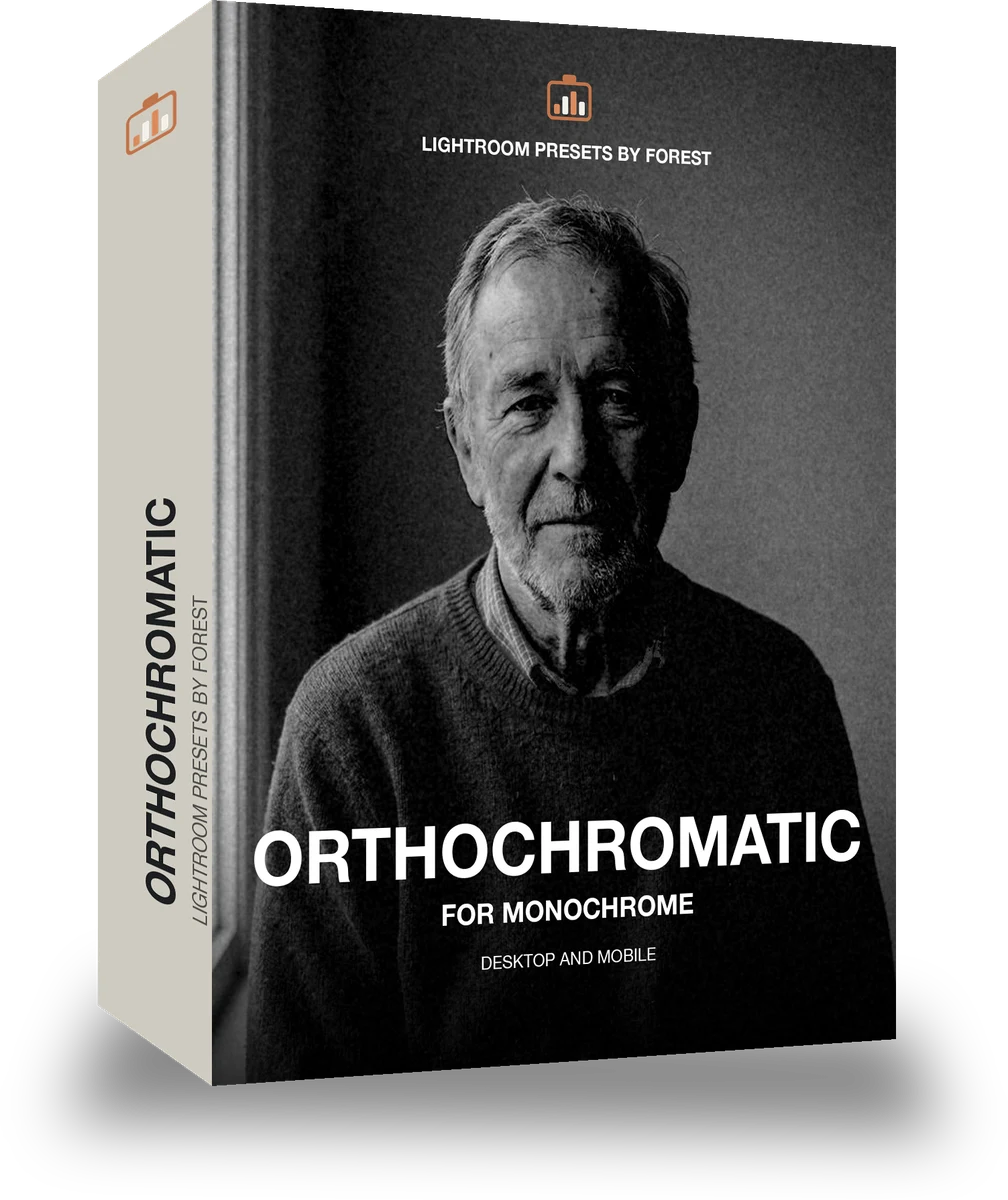
Orthochromatic

welcome priceonly here

was $49.99now $29.99Save $20

Save for later

Instant download.

  • Presets18
  • Styleblack and white, orthochromatic, historical
  • Works inLightroom desktop and mobile
  • Format.xmp and .dng

Orthosilver · Black and white editorial

Orthosilver makes one kind of light.

Orthochromatic is 18 presets for black and white editorial photography. Every one of them is below, before you pay for any of it.

What this light does

one frame, 4 presets

Orthochromatic, a register of blue-sensitive plates

4 of them, on one photograph. Drag to compare before and after.

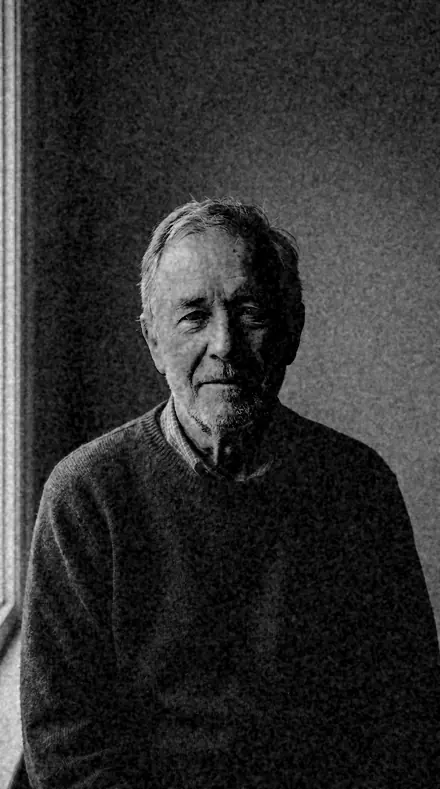
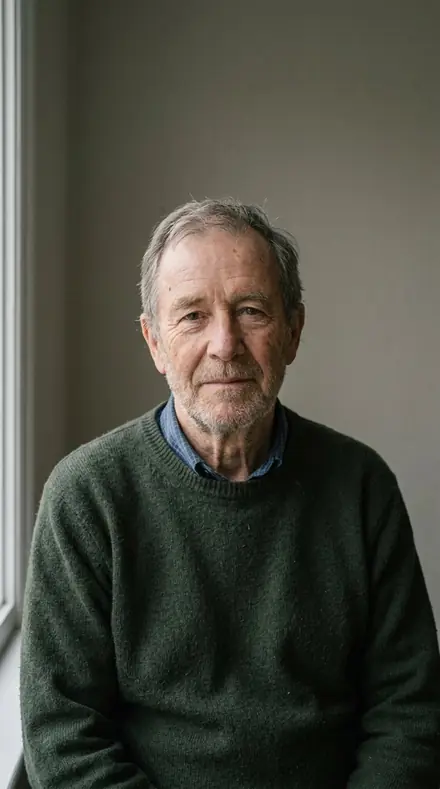
  1. Man portrait. With the Ortho Plate preset applied.Man portrait. Photographed without a preset.
    Ortho Plate applied to Man portrait

    No. 01

    Ortho Plate

    The reference early-emulsion look: reds render dark, blues render light, skin goes heavy.

  2. Man portrait. With the Dark Lip preset applied.Man portrait. Photographed without a preset.
    Dark Lip applied to Man portrait

    No. 07

    Dark Lip

    The most extreme red suppression of the set, for faces where lips should go near-black.

  3. Man portrait. With the Blanched Sky preset applied.Man portrait. Photographed without a preset.
    Blanched Sky applied to Man portrait

    No. 12

    Blanched Sky

    Blues bright with highlights pushed, the least detail retained at the top end.

  4. Man portrait. With the Slow Plate preset applied.Man portrait. Photographed without a preset.
    Slow Plate applied to Man portrait

    No. 18

    Slow Plate

    Coarsest grain of the family with the lowest contrast, a long-exposure plate quality.

See the light change

drag the line

The same frame, one tap apart. Drag any handle and the scene goes back to the way it looked before Orthosilver touched it.

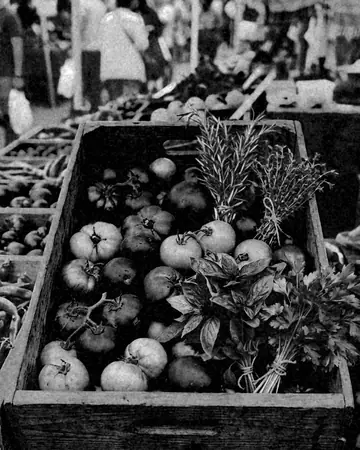
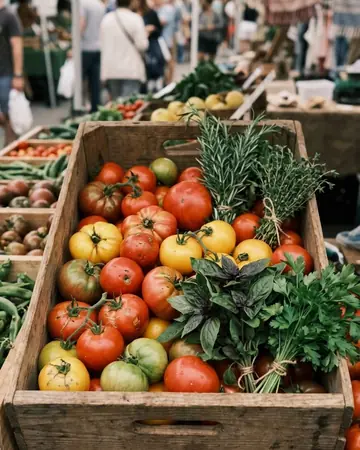
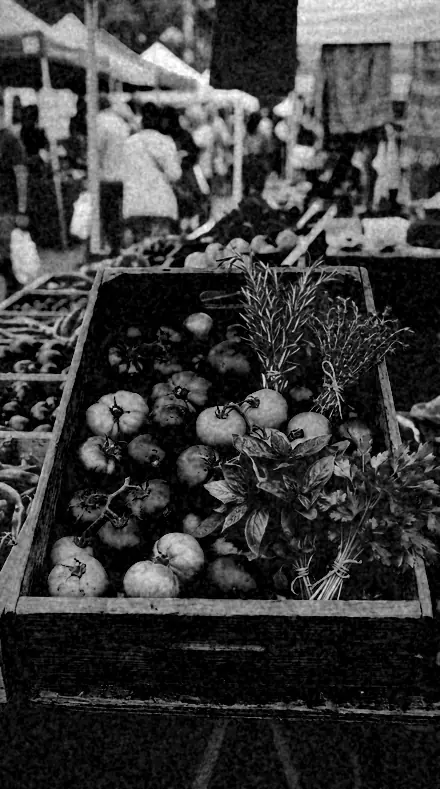
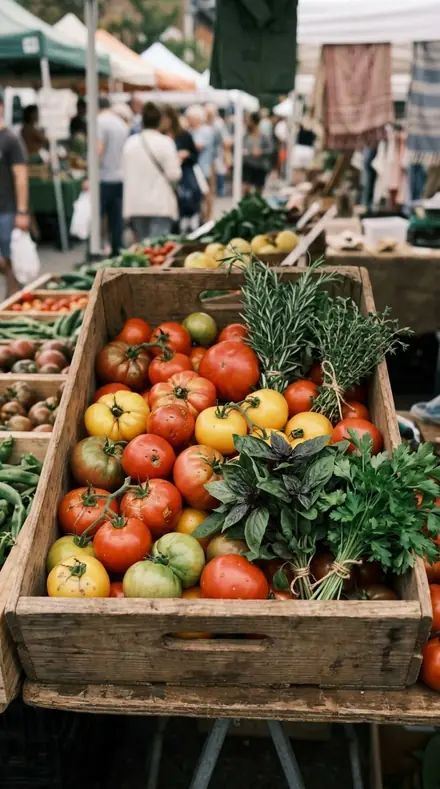
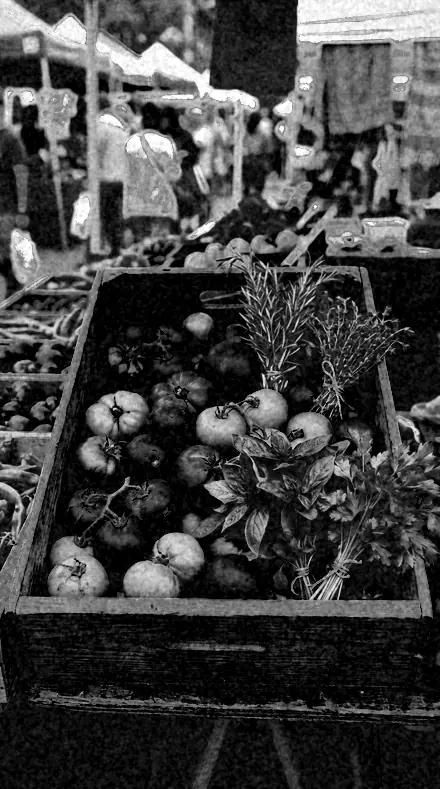
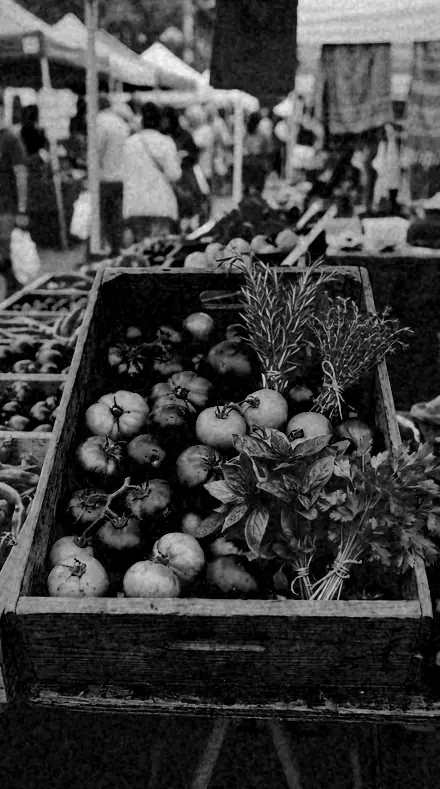
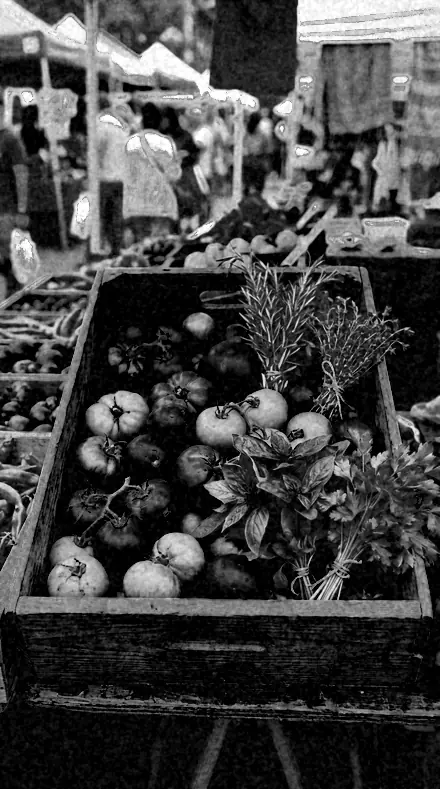
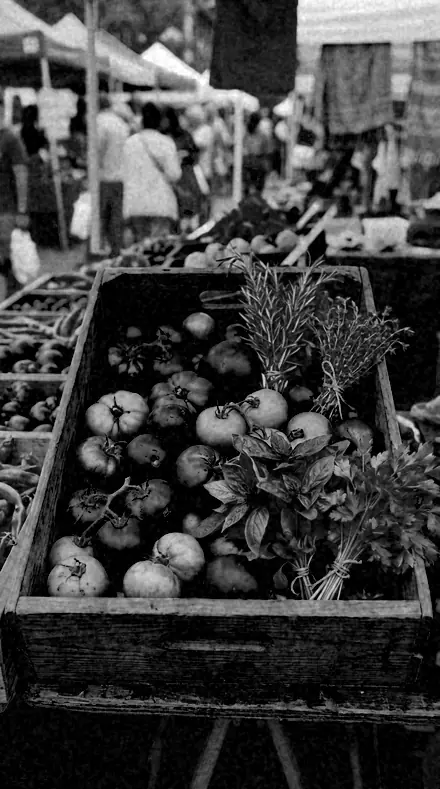
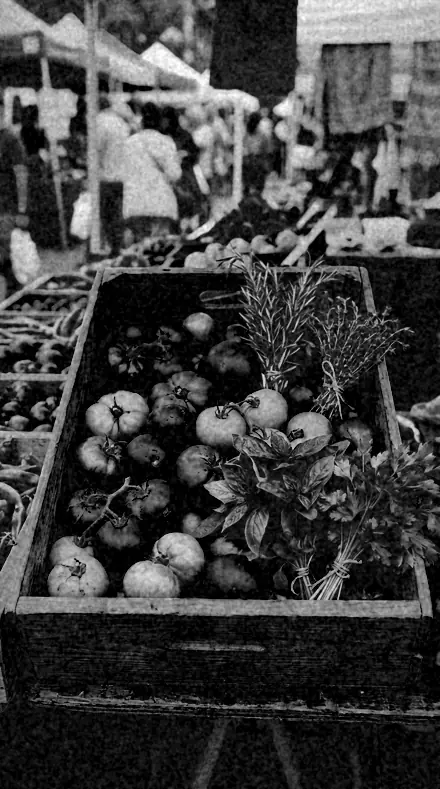
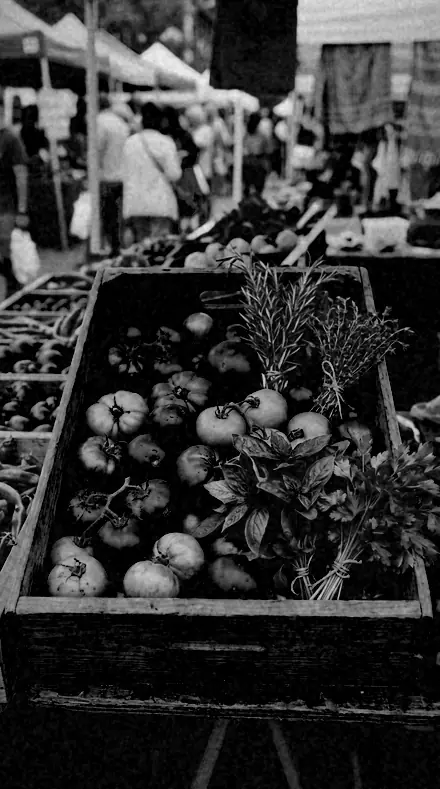
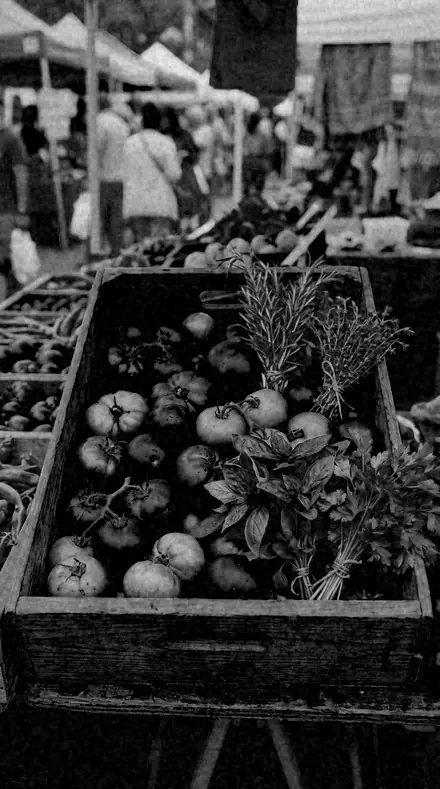
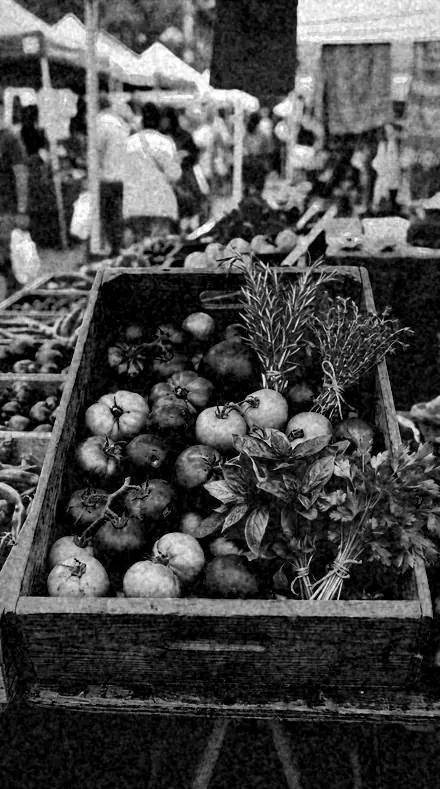
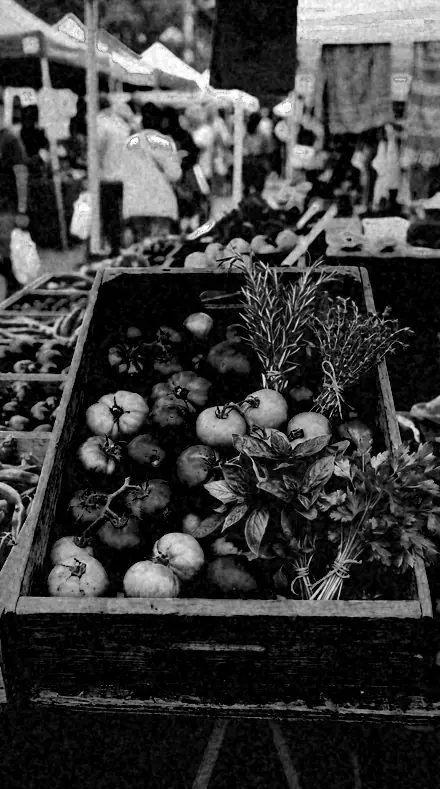
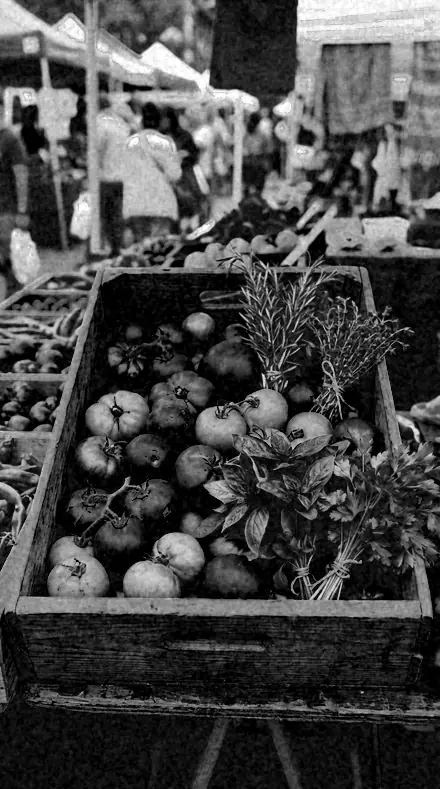
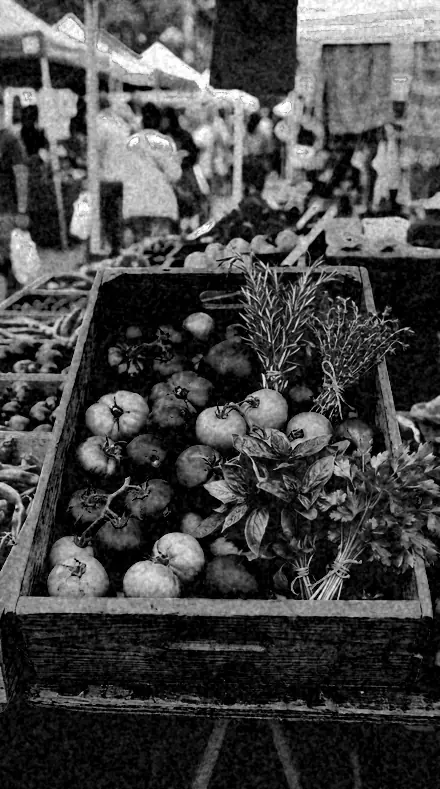
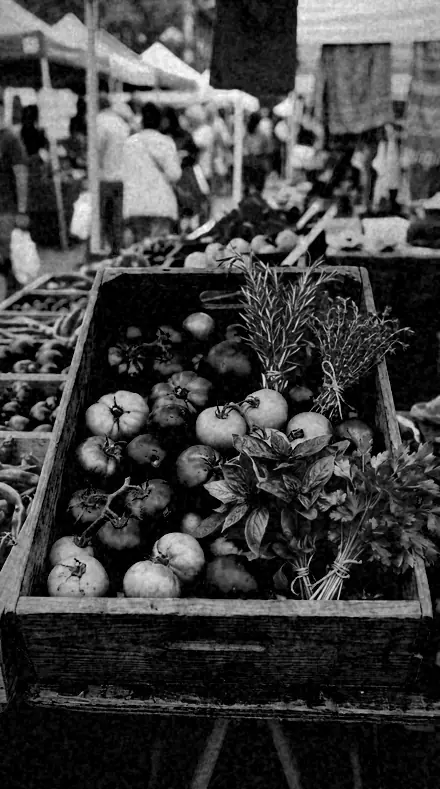
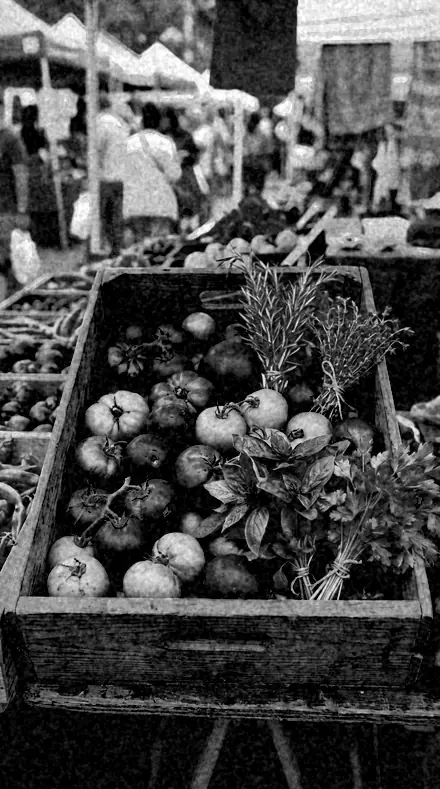
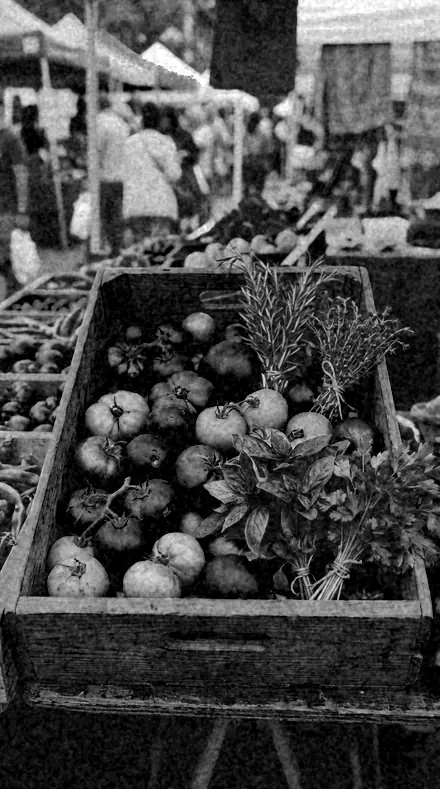
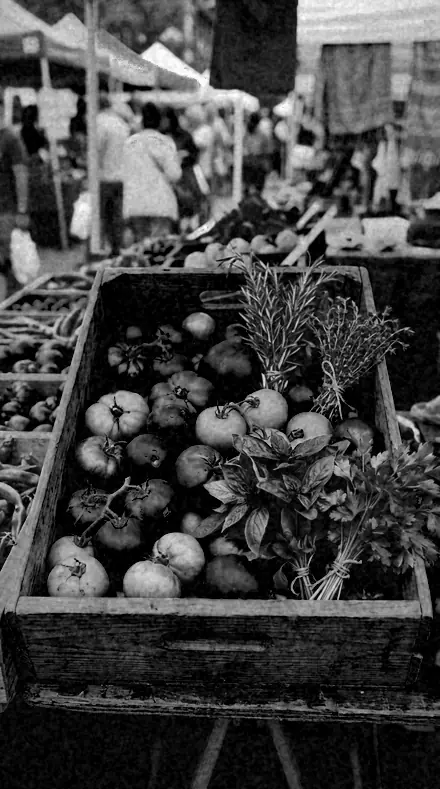
Market produce. With the Orthosilver preset applied.Market produce. Photographed without a preset.
Orthosilver applied to Market produce
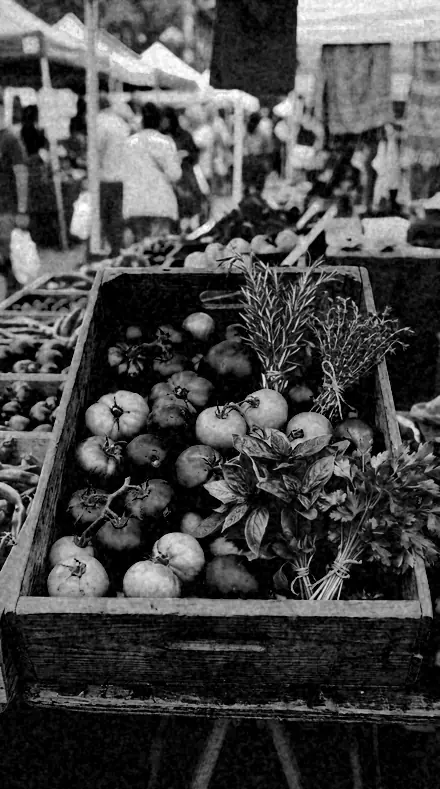
Market produce
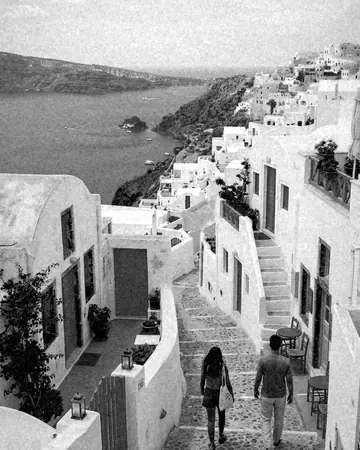
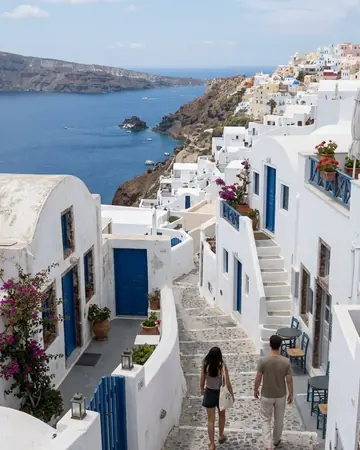
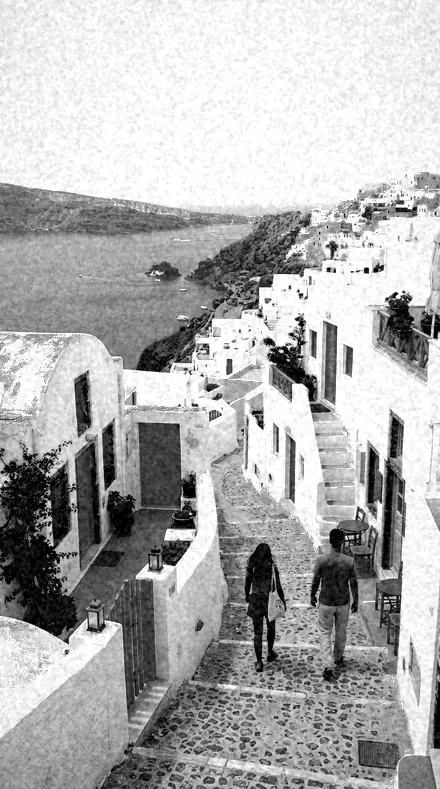
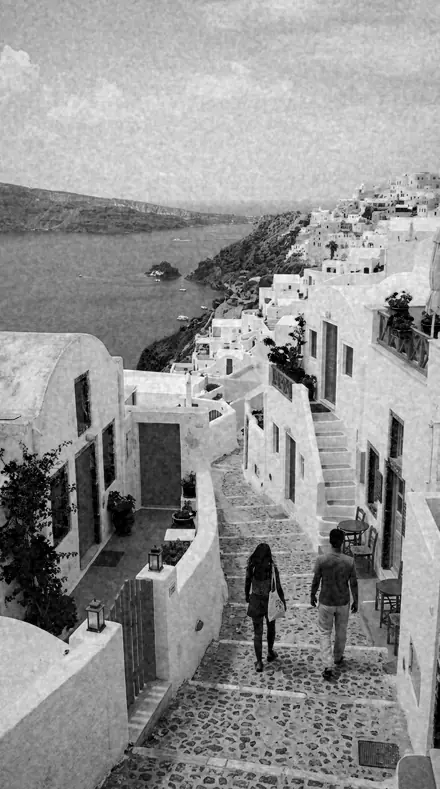
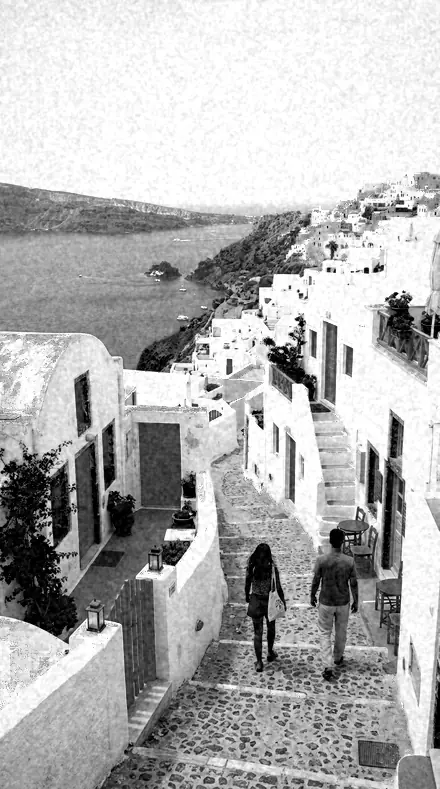
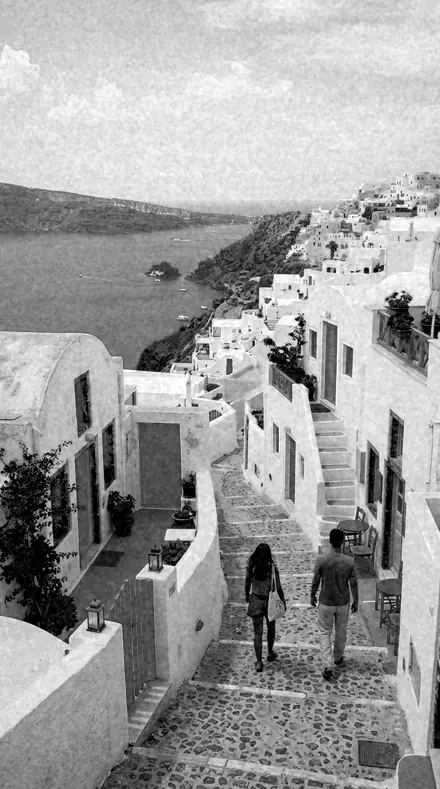
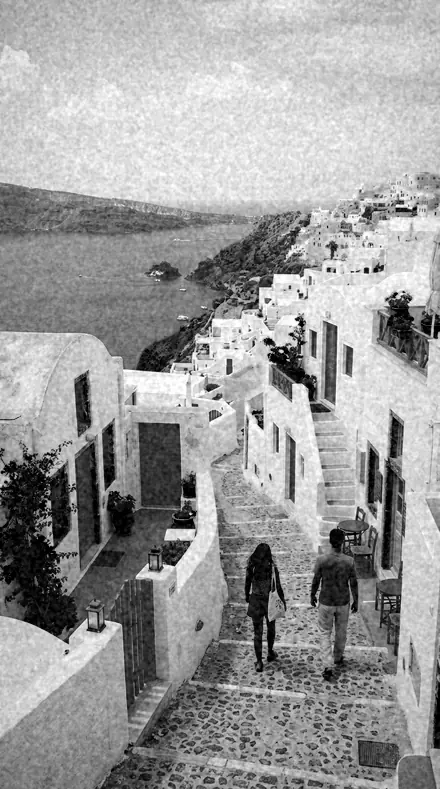
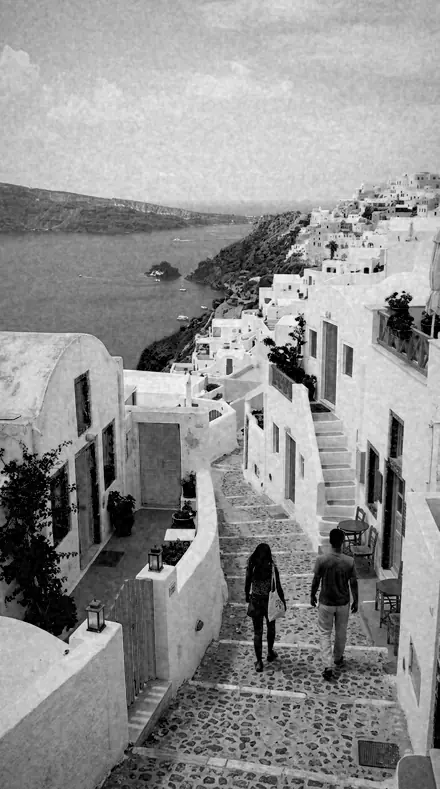
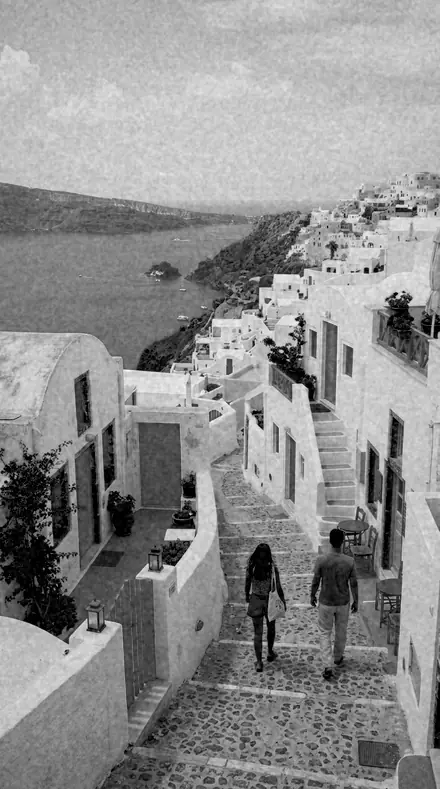
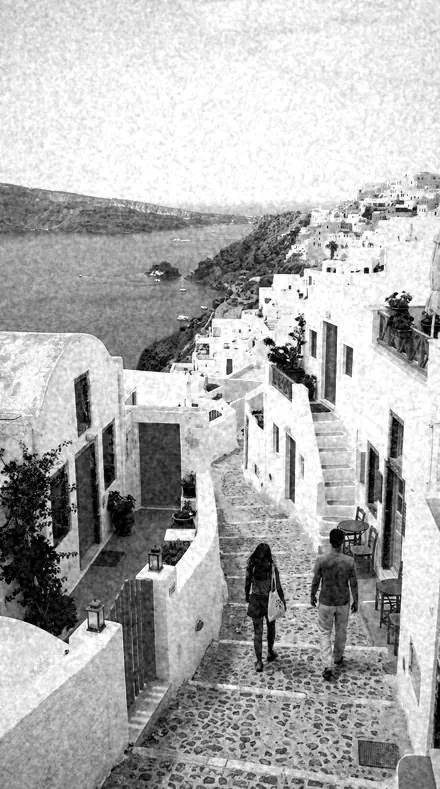
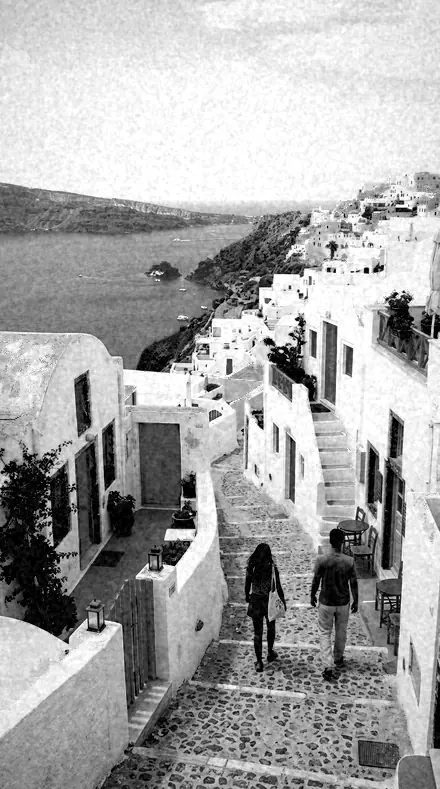
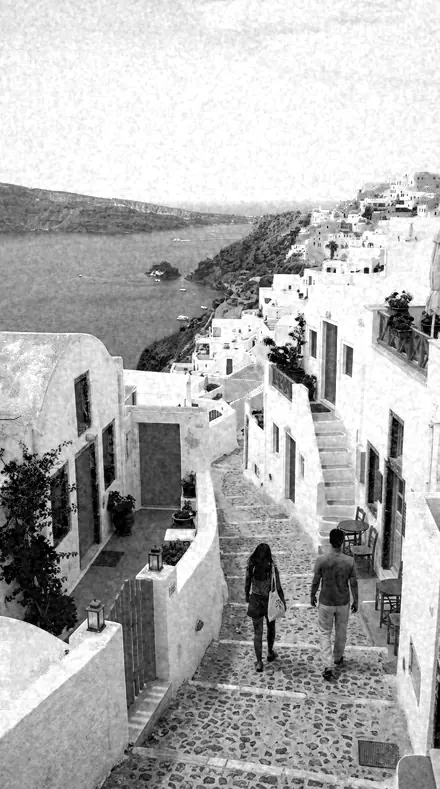
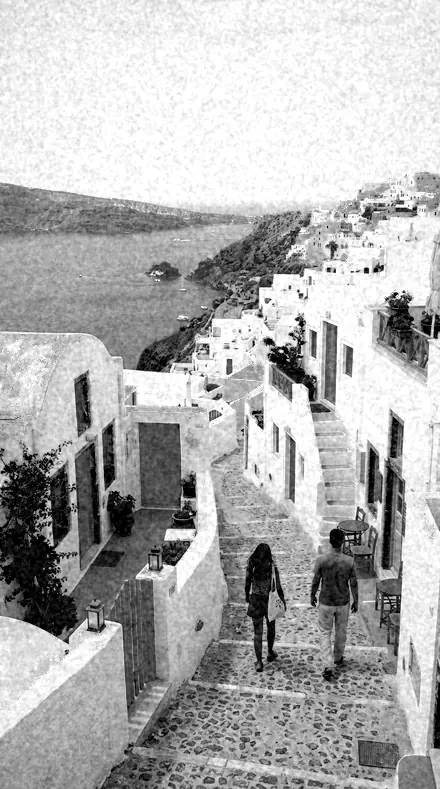
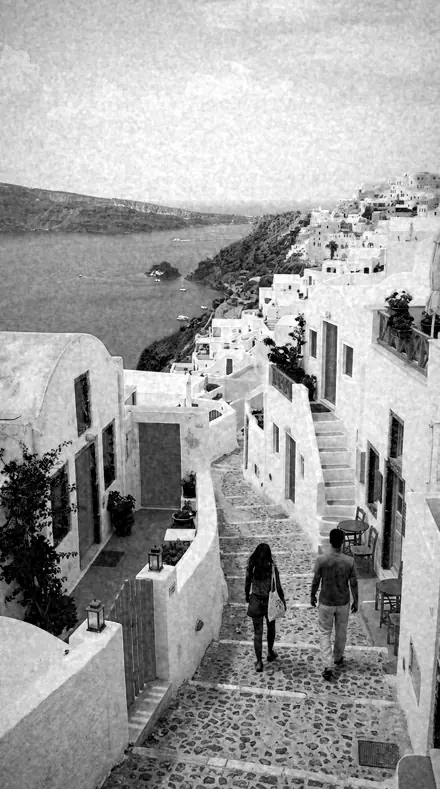
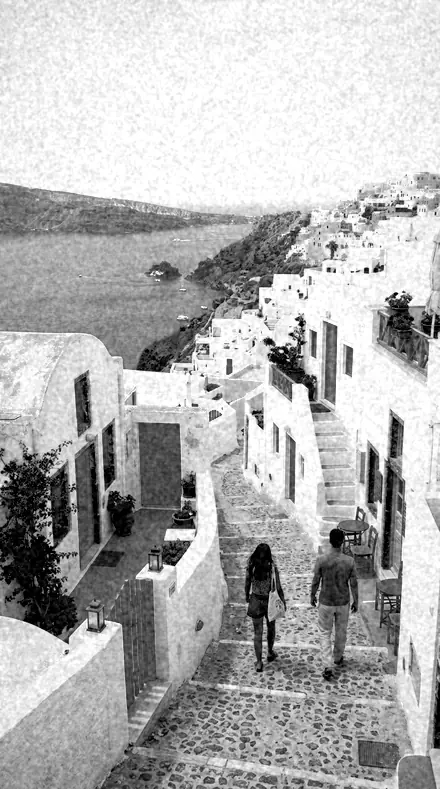
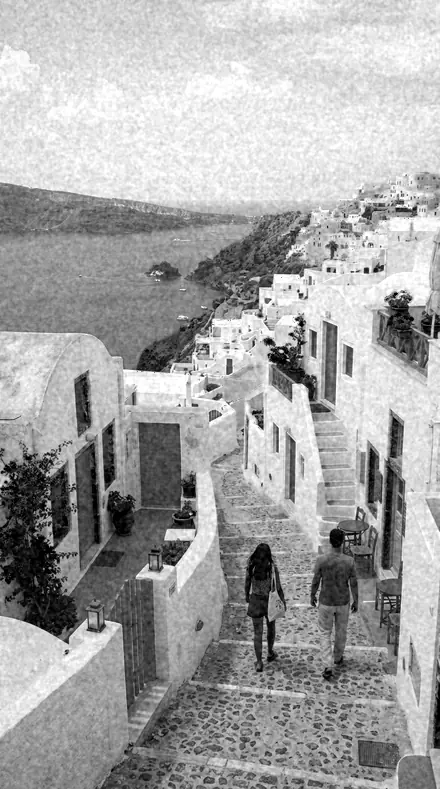
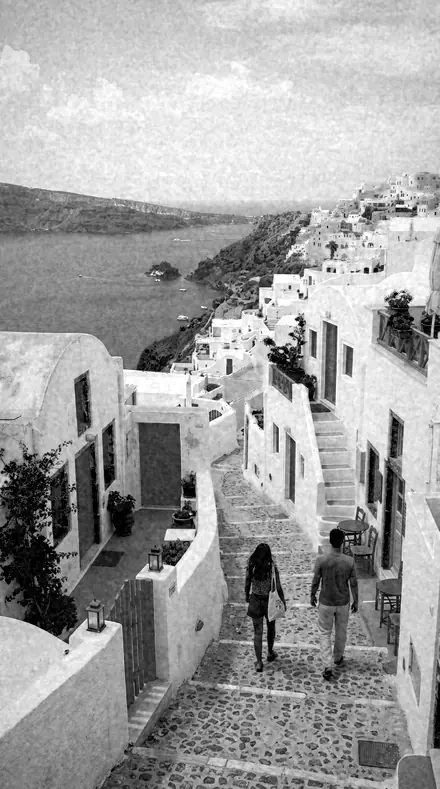
Coast village. With the Orthosilver preset applied.Coast village. Photographed without a preset.
Orthosilver applied to Coast village
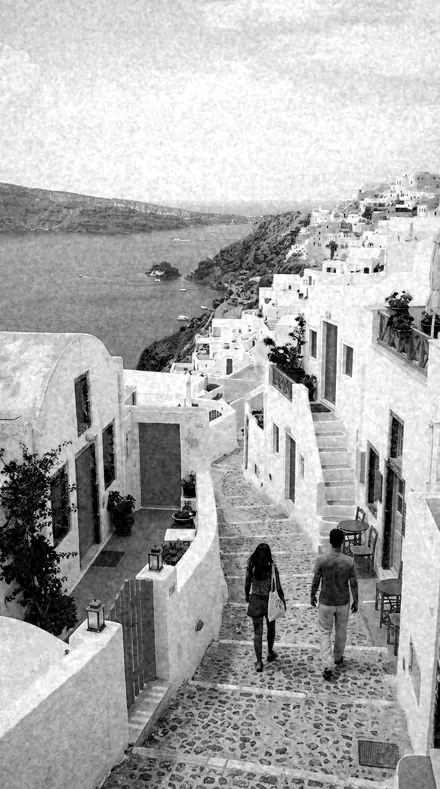
Coast village

The Register

3 groups

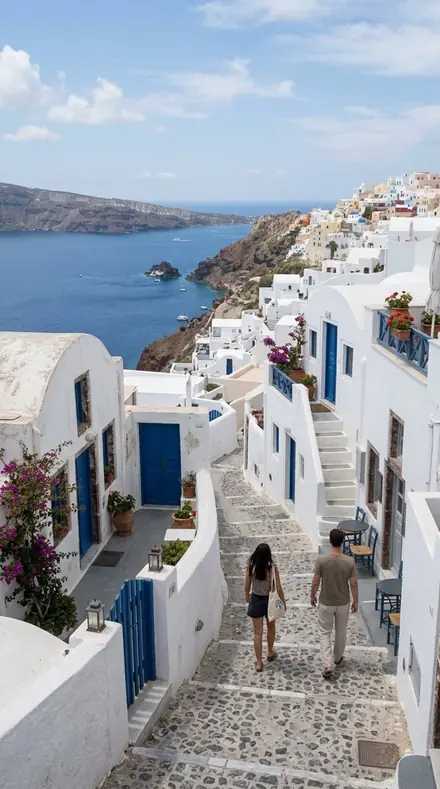
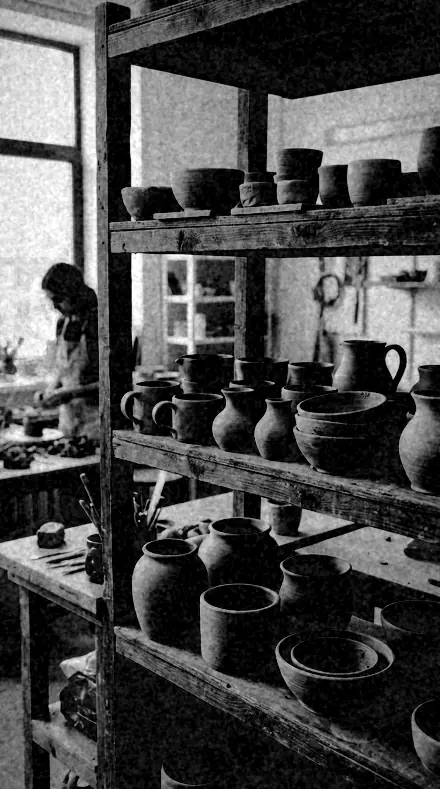
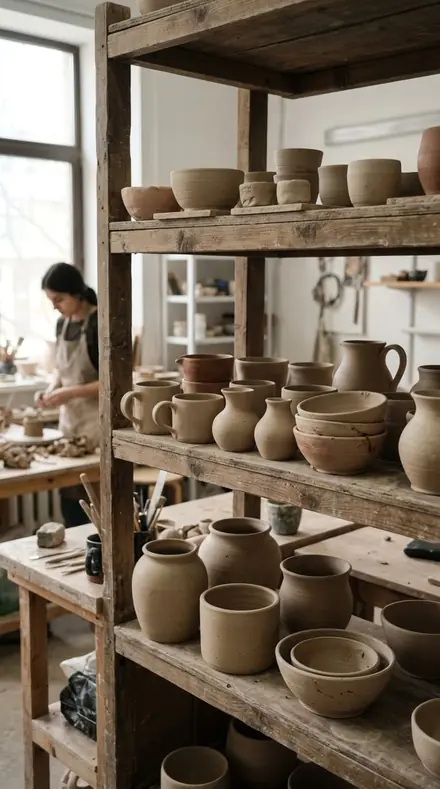
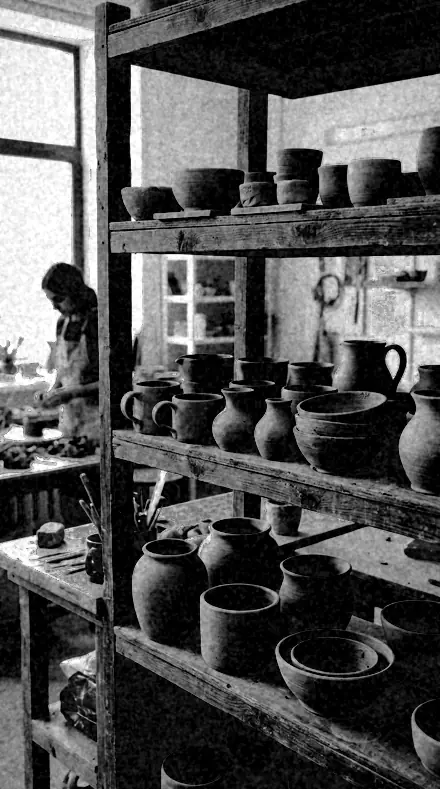
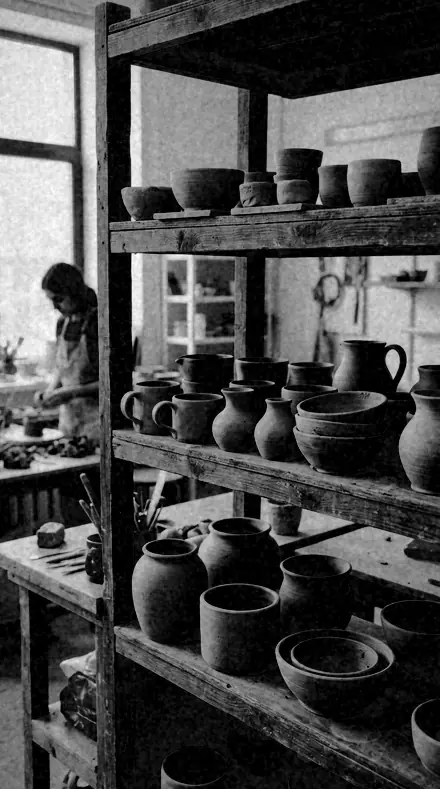
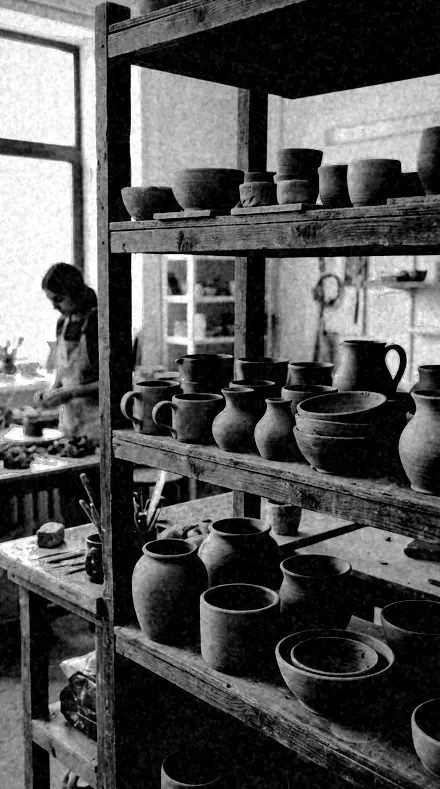
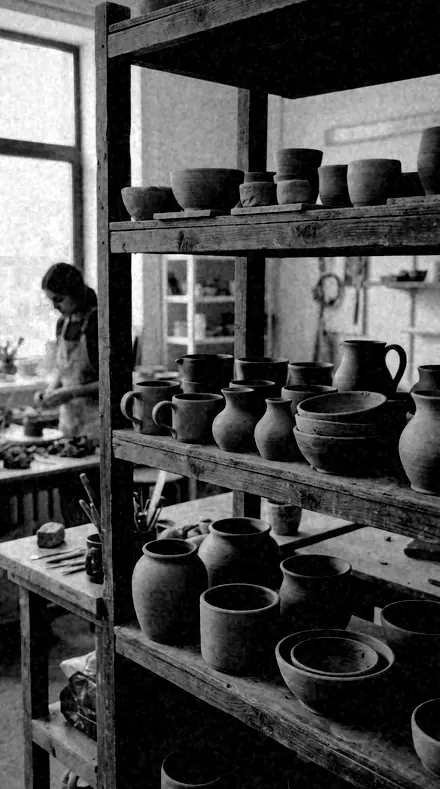
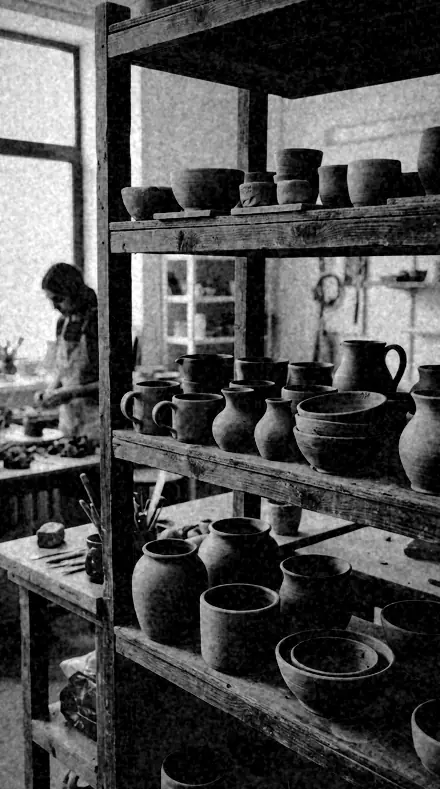
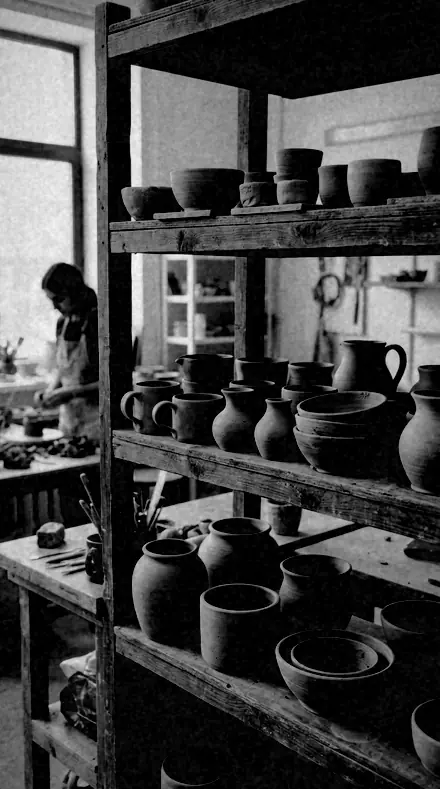
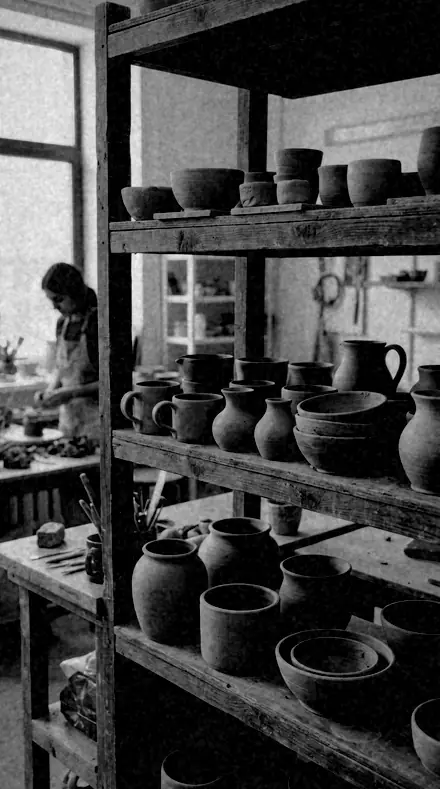
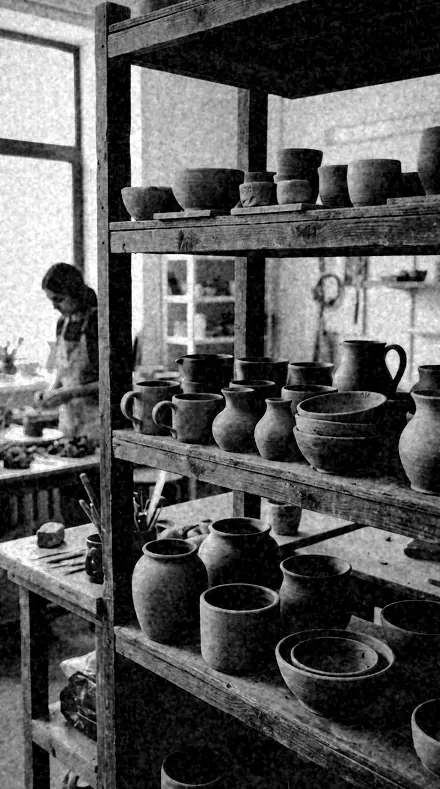
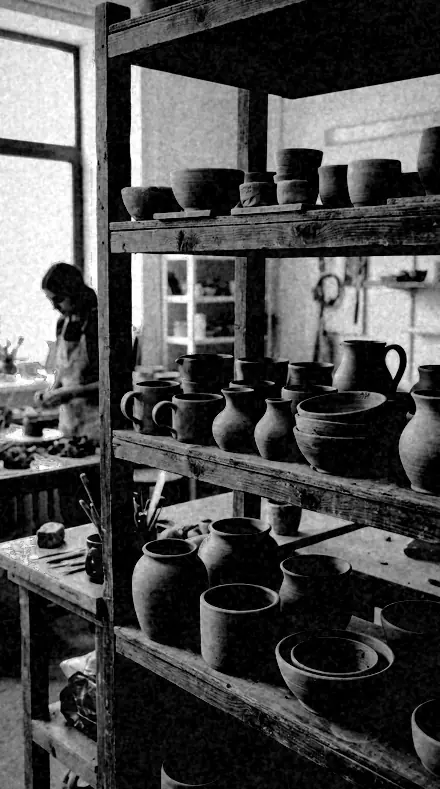
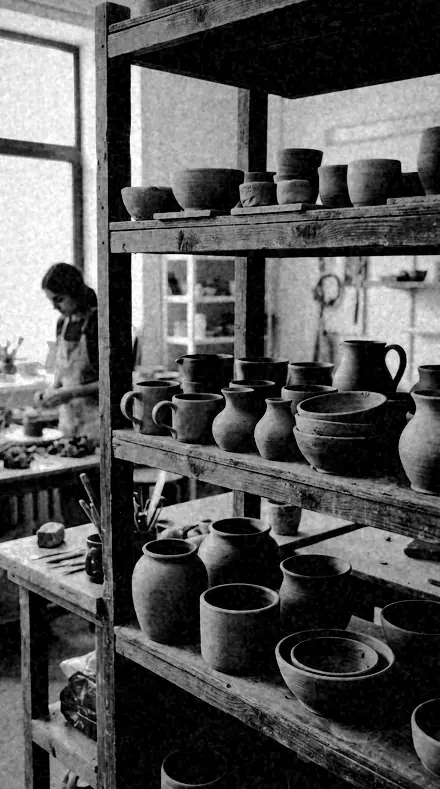
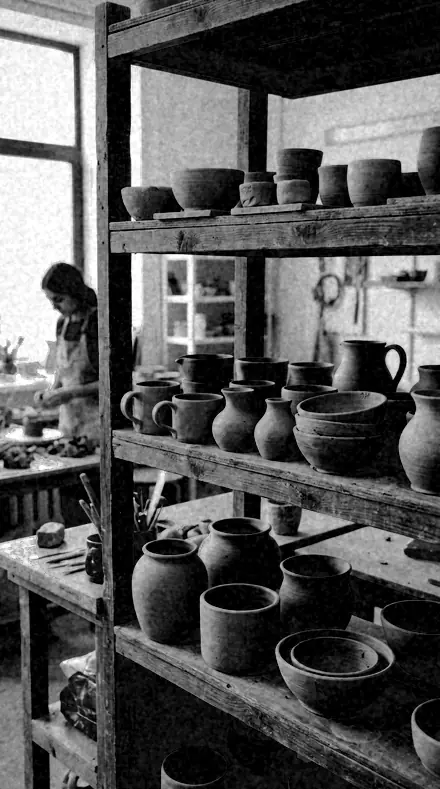
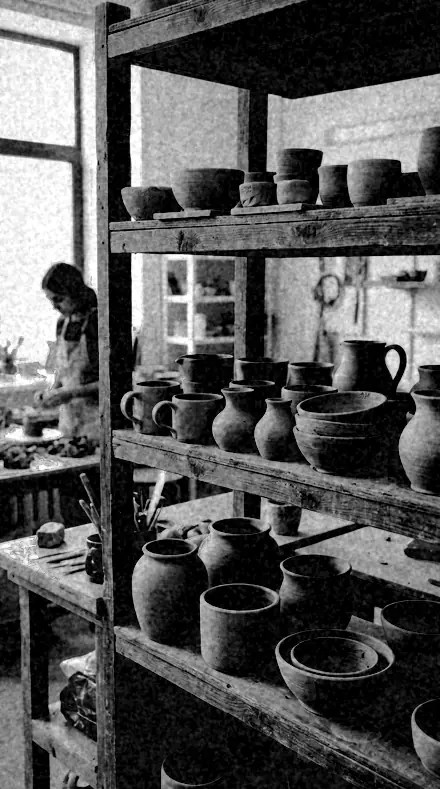
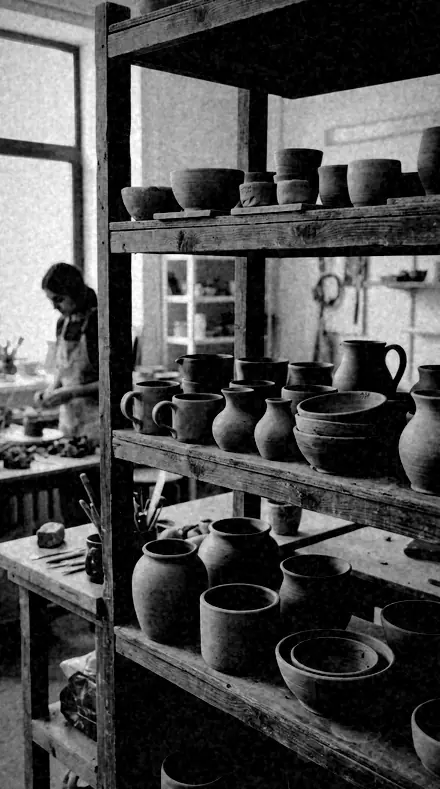
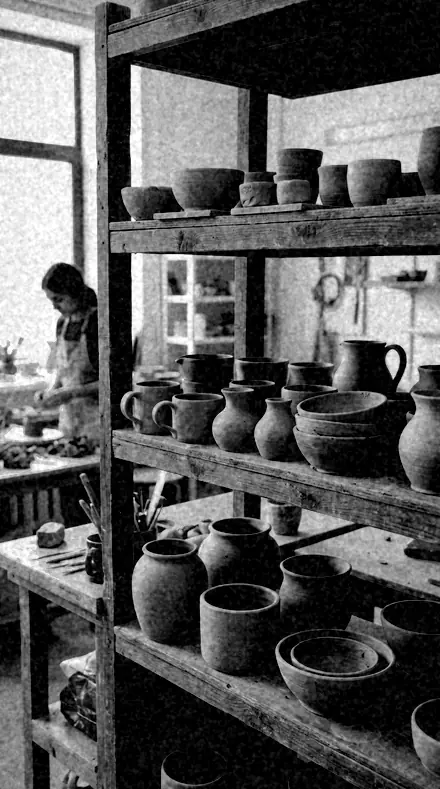
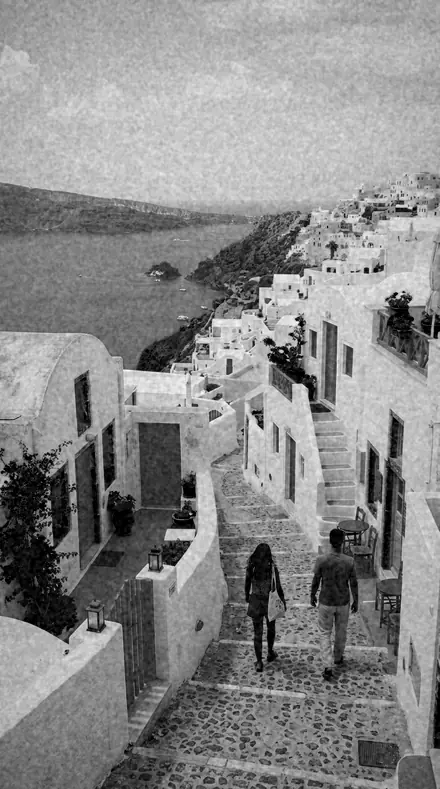
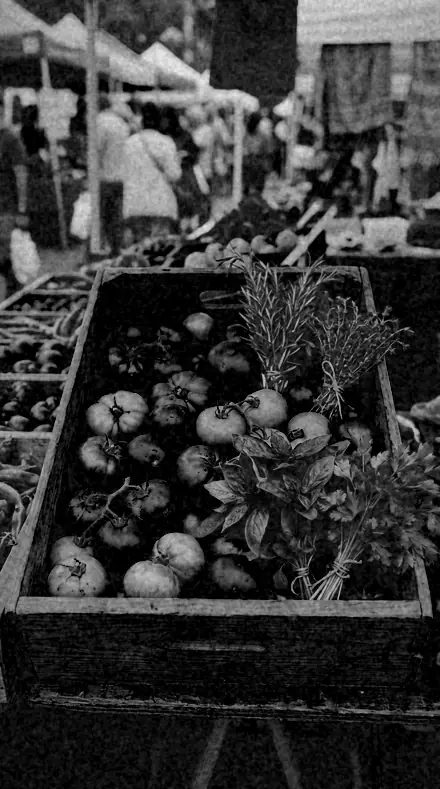
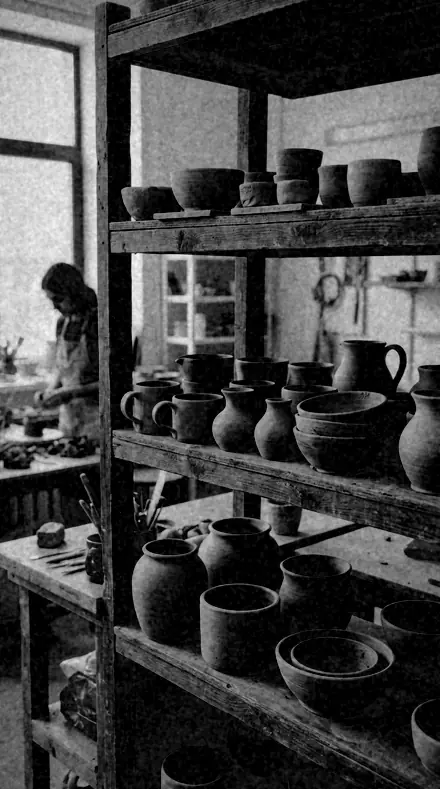
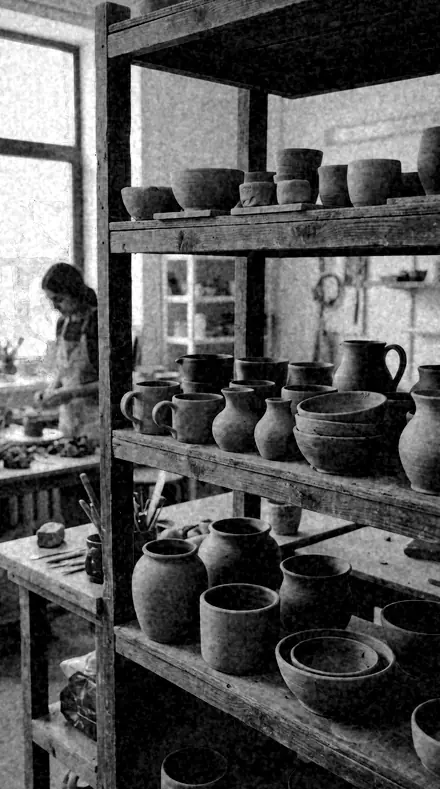
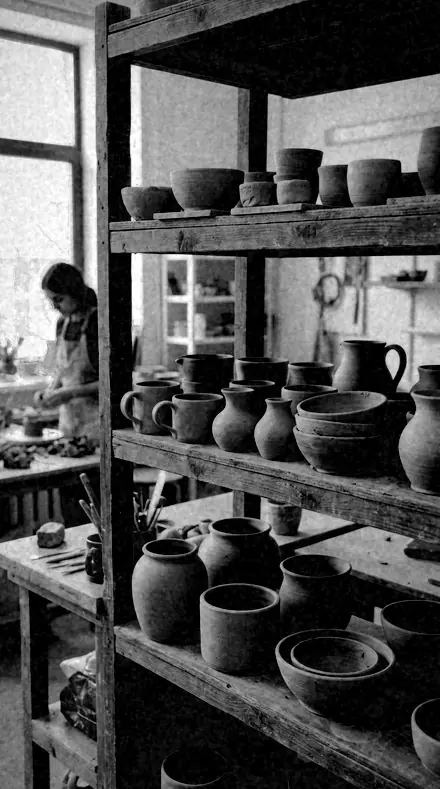
Every entry on the same four photographs, a face, a lane, a market and a shelf of clay, so you can see what the plate does to red and what it does to blue.

  • FacesReds held down, so lips darken, freckles come forward and skin carries weight.
  • SkiesBlue and aqua lifted toward paper. Sky, water and glazing go pale; brick goes dark.
  • PlatesThe emulsion itself. The reference inversion, the glass negative, the slow plate.

Explore every preset in this pack

18 presets · 4 scenes

Every preset in the pack is here, on the same four photographs. Nothing below is a sample. Open one and drag.

  1. No. 01Ortho PlateThe reference early-emulsion look: reds render dark, blues render light, skin goes heavy.
    Ortho Plate applied to Man portrait Before: Man portrait
    Man portrait
    Ortho Plate applied to Coast village Before: Coast village
    Coast village
    Ortho Plate applied to Market produce Before: Market produce
    Market produce
    Ortho Plate applied to Clay pots Before: Clay pots
    Clay pots

    Drag the handle. Left is the original, right is Ortho Plate. Rendered from the preset's own settings, not a Lightroom export, so the real thing carries a little more bite.

  2. No. 02Blue SensitiveBlue and aqua luminance at their highest, so skies and water go pale and empty.
    Blue Sensitive applied to Man portrait Before: Man portrait
    Man portrait
    Blue Sensitive applied to Coast village Before: Coast village
    Coast village
    Blue Sensitive applied to Market produce Before: Market produce
    Market produce
    Blue Sensitive applied to Clay pots Before: Clay pots
    Clay pots

    Drag the handle. Left is the original, right is Blue Sensitive. Rendered from the preset's own settings, not a Lightroom export, so the real thing carries a little more bite.

  3. No. 03Red BlindRed and magenta pushed furthest down, the heaviest reds in the family.
    Red Blind applied to Man portrait Before: Man portrait
    Man portrait
    Red Blind applied to Coast village Before: Coast village
    Coast village
    Red Blind applied to Market produce Before: Market produce
    Market produce
    Red Blind applied to Clay pots Before: Clay pots
    Clay pots

    Drag the handle. Left is the original, right is Red Blind. Rendered from the preset's own settings, not a Lightroom export, so the real thing carries a little more bite.

  4. No. 04Glass NegativeMid-strength with grain coarse and large, in the manner of a glass plate.
    Glass Negative applied to Man portrait Before: Man portrait
    Man portrait
    Glass Negative applied to Coast village Before: Coast village
    Coast village
    Glass Negative applied to Market produce Before: Market produce
    Market produce
    Glass Negative applied to Clay pots Before: Clay pots
    Clay pots

    Drag the handle. Left is the original, right is Glass Negative. Rendered from the preset's own settings, not a Lightroom export, so the real thing carries a little more bite.

  5. No. 05Collodion SkySky-led: blues bright here over a firmer curve, for landscape on an old emulsion.
    Collodion Sky applied to Man portrait Before: Man portrait
    Man portrait
    Collodion Sky applied to Coast village Before: Coast village
    Coast village
    Collodion Sky applied to Market produce Before: Market produce
    Market produce
    Collodion Sky applied to Clay pots Before: Clay pots
    Clay pots

    Drag the handle. Left is the original, right is Collodion Sky. Rendered from the preset's own settings, not a Lightroom export, so the real thing carries a little more bite.

  6. No. 06Freckle CastPortrait-aimed, reds dark and sharpening high, so freckles and blemishes read strongly.
    Freckle Cast applied to Man portrait Before: Man portrait
    Man portrait
    Freckle Cast applied to Coast village Before: Coast village
    Coast village
    Freckle Cast applied to Market produce Before: Market produce
    Market produce
    Freckle Cast applied to Clay pots Before: Clay pots
    Clay pots

    Drag the handle. Left is the original, right is Freckle Cast. Rendered from the preset's own settings, not a Lightroom export, so the real thing carries a little more bite.

  7. No. 07Dark LipThe most extreme red suppression of the set, for faces where lips should go near-black.
    Dark Lip applied to Man portrait Before: Man portrait
    Man portrait
    Dark Lip applied to Coast village Before: Coast village
    Coast village
    Dark Lip applied to Market produce Before: Market produce
    Market produce
    Dark Lip applied to Clay pots Before: Clay pots
    Clay pots

    Drag the handle. Left is the original, right is Dark Lip. Rendered from the preset's own settings, not a Lightroom export, so the real thing carries a little more bite.

  8. No. 08Chalk SkyHigh-key: whites and blues both up, for a blank, overexposed-looking sky.
    Chalk Sky applied to Man portrait Before: Man portrait
    Man portrait
    Chalk Sky applied to Coast village Before: Coast village
    Coast village
    Chalk Sky applied to Market produce Before: Market produce
    Market produce
    Chalk Sky applied to Clay pots Before: Clay pots
    Clay pots

    Drag the handle. Left is the original, right is Chalk Sky. Rendered from the preset's own settings, not a Lightroom export, so the real thing carries a little more bite.

  9. No. 09Plate CameraThe plainest member: the inversion present, everything else left near normal.
    Plate Camera applied to Man portrait Before: Man portrait
    Man portrait
    Plate Camera applied to Coast village Before: Coast village
    Coast village
    Plate Camera applied to Market produce Before: Market produce
    Market produce
    Plate Camera applied to Clay pots Before: Clay pots
    Clay pots

    Drag the handle. Left is the original, right is Plate Camera. Rendered from the preset's own settings, not a Lightroom export, so the real thing carries a little more bite.

  10. No. 10Early EmulsionLow contrast ortho with lifted shadows, for interiors on a slow plate.
    Early Emulsion applied to Man portrait Before: Man portrait
    Man portrait
    Early Emulsion applied to Coast village Before: Coast village
    Coast village
    Early Emulsion applied to Market produce Before: Market produce
    Market produce
    Early Emulsion applied to Clay pots Before: Clay pots
    Clay pots

    Drag the handle. Left is the original, right is Early Emulsion. Rendered from the preset's own settings, not a Lightroom export, so the real thing carries a little more bite.

  11. No. 11Ruby DarkDensest interpretation here, exposure down and blacks deep under dark reds.
    Ruby Dark applied to Man portrait Before: Man portrait
    Man portrait
    Ruby Dark applied to Coast village Before: Coast village
    Coast village
    Ruby Dark applied to Market produce Before: Market produce
    Market produce
    Ruby Dark applied to Clay pots Before: Clay pots
    Clay pots

    Drag the handle. Left is the original, right is Ruby Dark. Rendered from the preset's own settings, not a Lightroom export, so the real thing carries a little more bite.

  12. No. 12Blanched SkyBlues bright with highlights pushed, the least detail retained at the top end.
    Blanched Sky applied to Man portrait Before: Man portrait
    Man portrait
    Blanched Sky applied to Coast village Before: Coast village
    Coast village
    Blanched Sky applied to Market produce Before: Market produce
    Market produce
    Blanched Sky applied to Clay pots Before: Clay pots
    Clay pots

    Drag the handle. Left is the original, right is Blanched Sky. Rendered from the preset's own settings, not a Lightroom export, so the real thing carries a little more bite.

  13. No. 13Studio PlateFirm contrast with a vignette pulled in, for seated studio work on an ortho plate.
    Studio Plate applied to Man portrait Before: Man portrait
    Man portrait
    Studio Plate applied to Coast village Before: Coast village
    Coast village
    Studio Plate applied to Market produce Before: Market produce
    Market produce
    Studio Plate applied to Clay pots Before: Clay pots
    Clay pots

    Drag the handle. Left is the original, right is Studio Plate. Rendered from the preset's own settings, not a Lightroom export, so the real thing carries a little more bite.

  14. No. 14Portrait PlateSofter contrast with the heaviest skin rendering, for close portraits.
    Portrait Plate applied to Man portrait Before: Man portrait
    Man portrait
    Portrait Plate applied to Coast village Before: Coast village
    Coast village
    Portrait Plate applied to Market produce Before: Market produce
    Market produce
    Portrait Plate applied to Clay pots Before: Clay pots
    Clay pots

    Drag the handle. Left is the original, right is Portrait Plate. Rendered from the preset's own settings, not a Lightroom export, so the real thing carries a little more bite.

  15. No. 15Heavy SkinReds and oranges both at their lowest with clarity high, the most unforgiving of faces.
    Heavy Skin applied to Man portrait Before: Man portrait
    Man portrait
    Heavy Skin applied to Coast village Before: Coast village
    Coast village
    Heavy Skin applied to Market produce Before: Market produce
    Market produce
    Heavy Skin applied to Clay pots Before: Clay pots
    Clay pots

    Drag the handle. Left is the original, right is Heavy Skin. Rendered from the preset's own settings, not a Lightroom export, so the real thing carries a little more bite.

  16. No. 16Brick DarkAimed at masonry and terracotta, where the red suppression does the architectural work.
    Brick Dark applied to Man portrait Before: Man portrait
    Man portrait
    Brick Dark applied to Coast village Before: Coast village
    Coast village
    Brick Dark applied to Market produce Before: Market produce
    Market produce
    Brick Dark applied to Clay pots Before: Clay pots
    Clay pots

    Drag the handle. Left is the original, right is Brick Dark. Rendered from the preset's own settings, not a Lightroom export, so the real thing carries a little more bite.

  17. No. 17Cyan BrightAqua led over blue, so water and glazing lift more than the sky does.
    Cyan Bright applied to Man portrait Before: Man portrait
    Man portrait
    Cyan Bright applied to Coast village Before: Coast village
    Coast village
    Cyan Bright applied to Market produce Before: Market produce
    Market produce
    Cyan Bright applied to Clay pots Before: Clay pots
    Clay pots

    Drag the handle. Left is the original, right is Cyan Bright. Rendered from the preset's own settings, not a Lightroom export, so the real thing carries a little more bite.

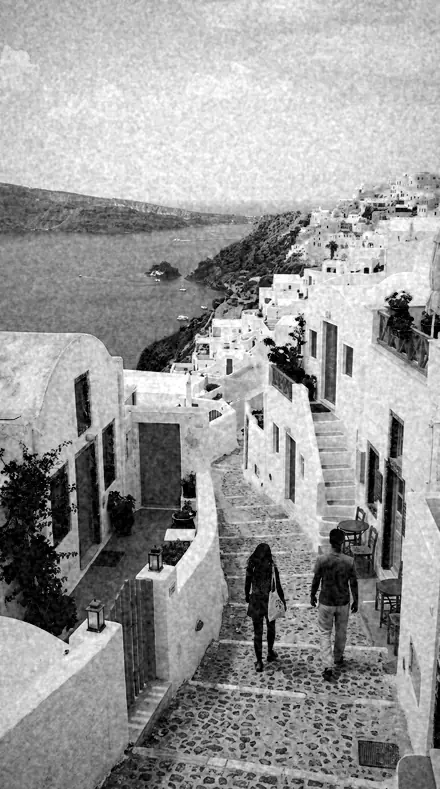
  18. No. 18Slow PlateCoarsest grain of the family with the lowest contrast, a long-exposure plate quality.
    Slow Plate applied to Man portrait Before: Man portrait
    Man portrait
    Slow Plate applied to Coast village Before: Coast village
    Coast village
    Slow Plate applied to Market produce Before: Market produce
    Market produce
    Slow Plate applied to Clay pots Before: Clay pots
    Clay pots

    Drag the handle. Left is the original, right is Slow Plate. Rendered from the preset's own settings, not a Lightroom export, so the real thing carries a little more bite.

Early emulsions were sensitive to blue and blind to red. A sky came out white, a red dress came out black, and a face, which is mostly red, came out heavy and freckled. Every entry here reproduces that inversion first, red and orange luminance taken down, blue and aqua taken up, then fits a curve to the plate.

The register is ruled in three parts. Faces push the red suppression hardest, from the reference Ortho Plate to Dark Lip and Heavy Skin, where clarity is raised so blemishes read as they did on a studio plate. Skies lift blue toward paper: Chalk Sky for a blank overexposed top, Collodion Sky over a firmer curve for landscape, Cyan Bright where water and glazing should lift more than the sky does. Plates hold the emulsion itself: Glass Negative with its coarse grain, Slow Plate at the lowest contrast, Plate Camera with nothing but the inversion.

Apply one, then read the file. Each preset sets the colour mixer, the curve and the grain and leaves every slider in reach, so the plate is yours to expose again.

Yours in two minutes

how it works

  1. Step 1

    Buy

    Pay with Apple Pay, Google Pay or a card.

  2. Step 2

    Download

    The zip downloads right away, and a copy lands in your email.

  3. Step 3

    Import

    Add the presets to Lightroom in a minute.

    PhoneClassicDesktop
  4. Step 4

    Tap

    One tap on any photo. Every slider stays yours to adjust.

Yours to keep, for personal and client work. Please do not share the files. The license

Netzah Elad Topaz, the photographer who makes these presets

the maker

Why I Make These

I am Netzah Elad Topaz. I take photographs and I build software, and the two keep leading me back to the same problem. You were there. The light was doing something you will not see again. Then the photo comes back flat, and it is not what you were looking at.

Closing that gap is the whole job. Every preset here is built from Adobe defaults by hand, with a written note for what it should do to a picture, and it is judged on photographs before it ships. Nothing is a filter dropped on top of your work.

What I want is simple. You open a photo you almost gave up on, you tap once, and there it is: the day you remember, not the file your camera handed you. That is worth doing properly.

Questions, answered

Why does skin come out so dark?

Because that is what the plate did. Skin is mostly red and orange, and an orthochromatic emulsion barely recorded either. Portrait Plate is the gentlest of the face entries; Plate Camera keeps the inversion and leaves everything else near normal.

Can I use it on a colour photograph?

Yes, and it works best from one. The colour mixer needs the red and blue information to decide what goes dark and what goes pale. A file already in mono has nothing left to invert.

Do these work in the free Lightroom app?

Yes. Import the .xmp files in the free Lightroom app on iPhone or Android, no subscription needed. They also work in Lightroom Classic and Lightroom on desktop.

What exactly do I get?

All 18 presets from Orthochromatic as .xmp files in an instant ZIP download. The link also lands in your email, and the purchase stays in your account so you can re-download any time.

How do I install them?

Two minutes: unzip, then import inside Lightroom. The step-by-step guide covers iPhone, Android, and desktop.

Can I use them for client work?

Yes. The single-user license covers personal and commercial photography. The one thing you can't do is share or resell the preset files themselves.

Can I tweak a preset after applying it?

Always. A preset is a starting point; every slider stays yours to adjust.

What else is like this

All black and white editorial
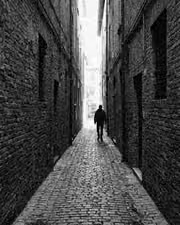
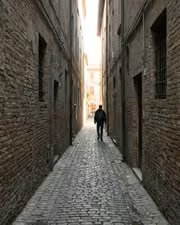
The alley says more in ink. With the Inklooks preset applied.The alley says more in ink. Photographed without a preset.
Inklooks applied to The alley says more in ink

Inklooks

Black and white editorial · 15 presets

was $49.99now $29.99Save $20

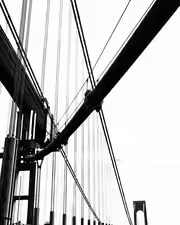
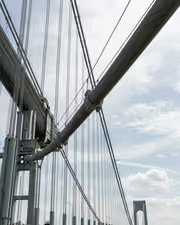
Cables, sky, nothing else. With the Pitchblock preset applied.Cables, sky, nothing else. Photographed without a preset.
Pitchblock applied to Cables, sky, nothing else

Pitchblock

Black and white editorial · 18 presets

was $49.99now $29.99Save $20

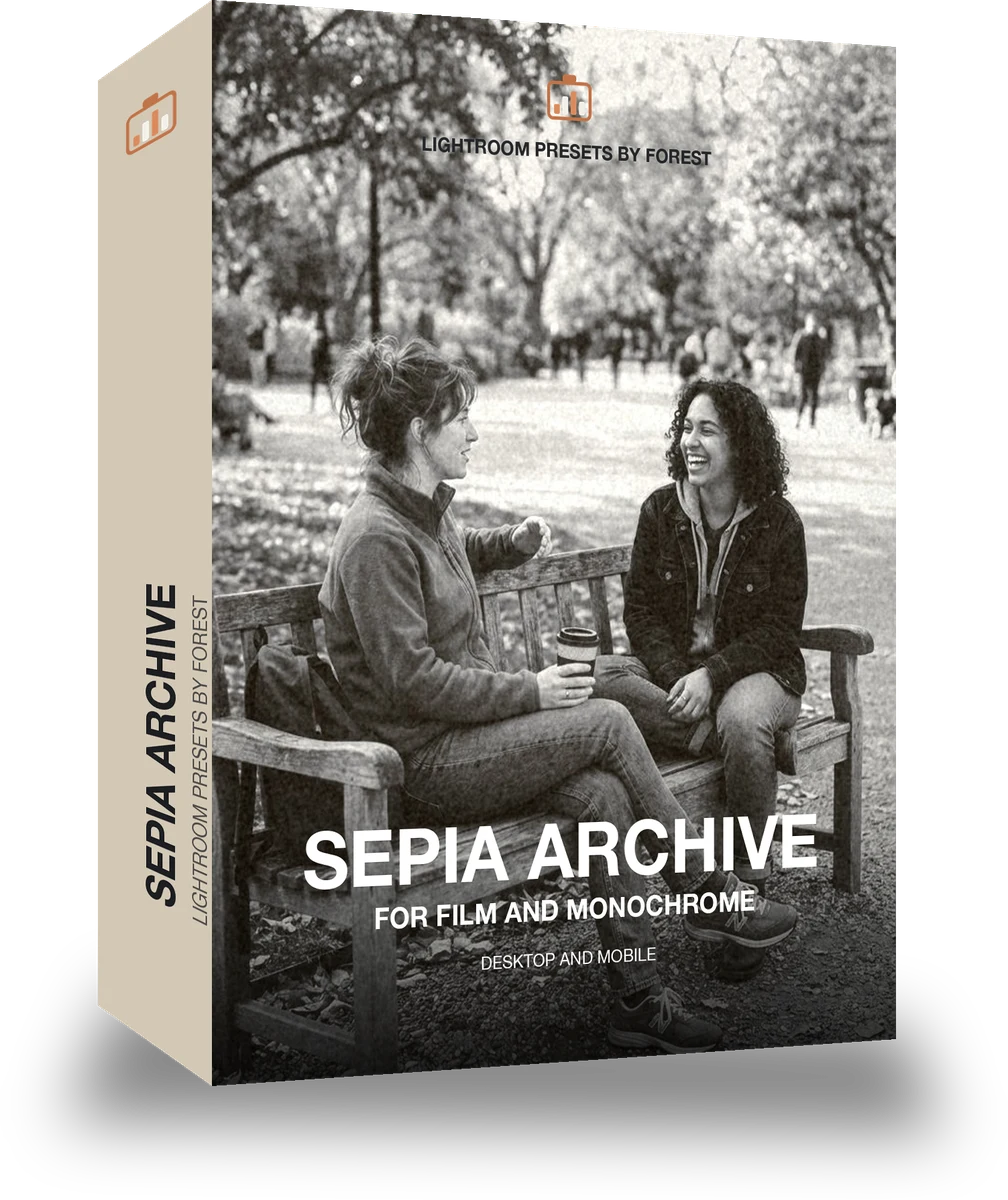
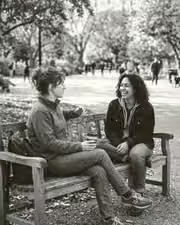
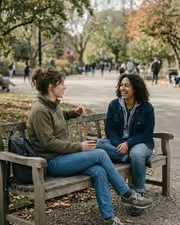
A bench and your people, suddenly a keeper. With the Umberpaper preset applied.A bench and your people, suddenly a keeper. Photographed without a preset.
Umberpaper applied to A bench and your people, suddenly a keeper

Umberpaper

Black and white editorial · 18 presets

was $49.99now $29.99Save $20

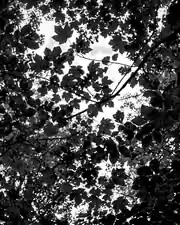
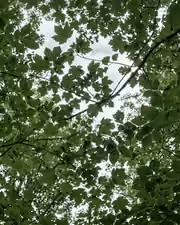
Canopy light, kept deep. With the Infrawhite preset applied.Canopy light, kept deep. Photographed without a preset.
Infrawhite applied to Canopy light, kept deep

Infrawhite

Black and white editorial · 36 presets

was $129.99now $79.99Save $50