 PRE|SETS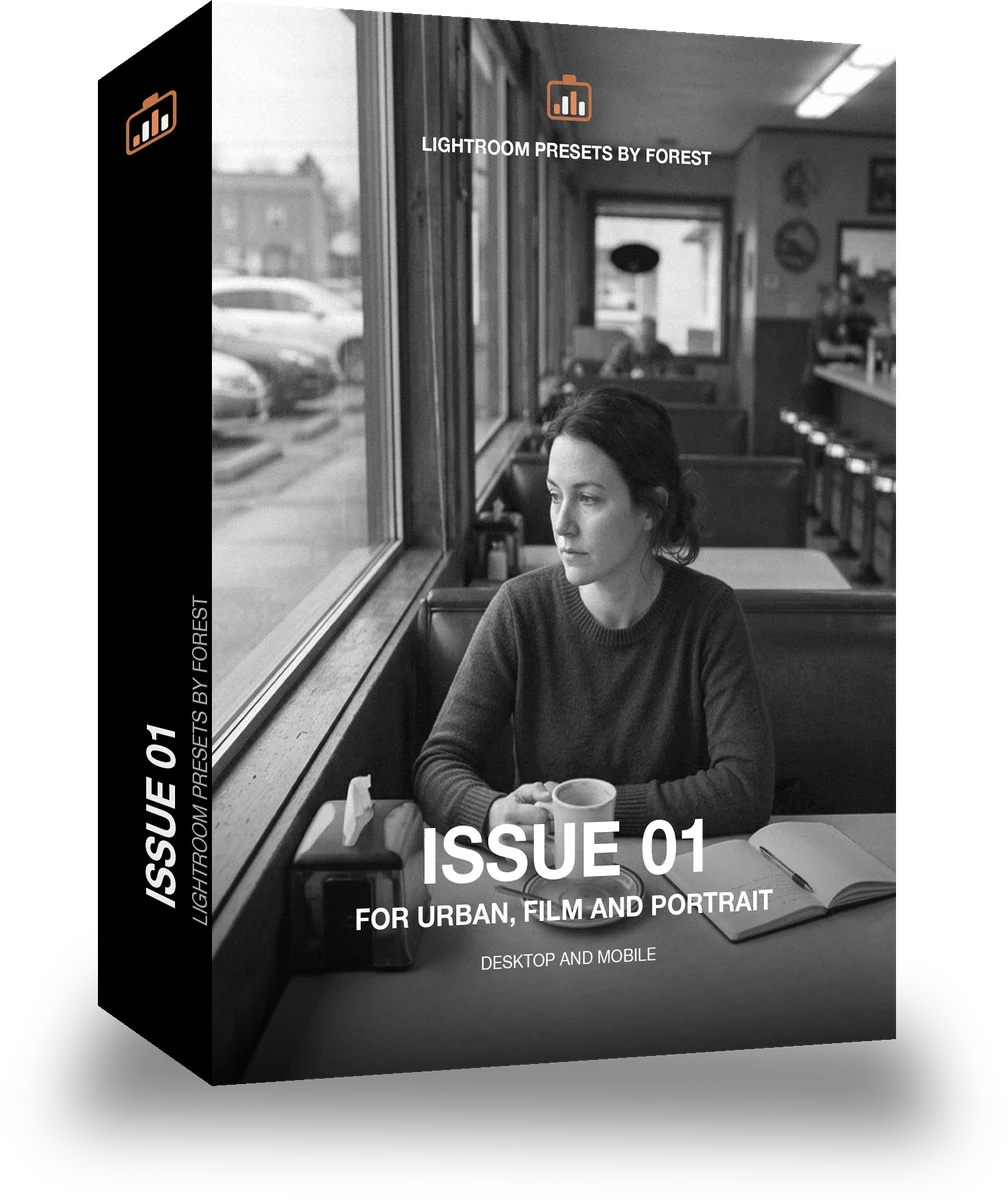
Issue 01
was $49.99now $29.99Save $20
Instant download.
- Presets15
- Works inLightroom desktop and mobile
- Format.xmp and .dng
Inklooks · Black and white editorial
Inklooks makes one kind of light.
Issue 01 is 15 presets for black and white editorial photography. Every one of them is below, before you pay for any of it.
What this light does
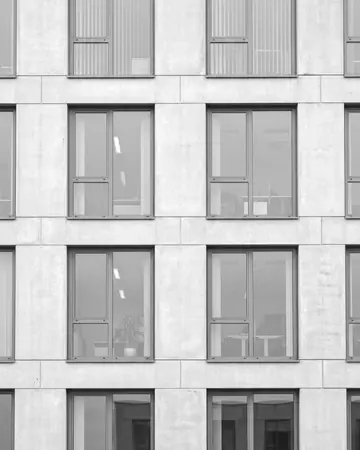
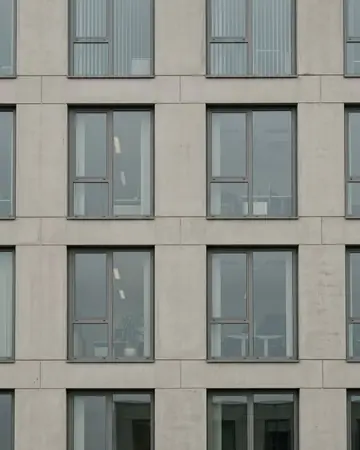
one frame, 4 presets
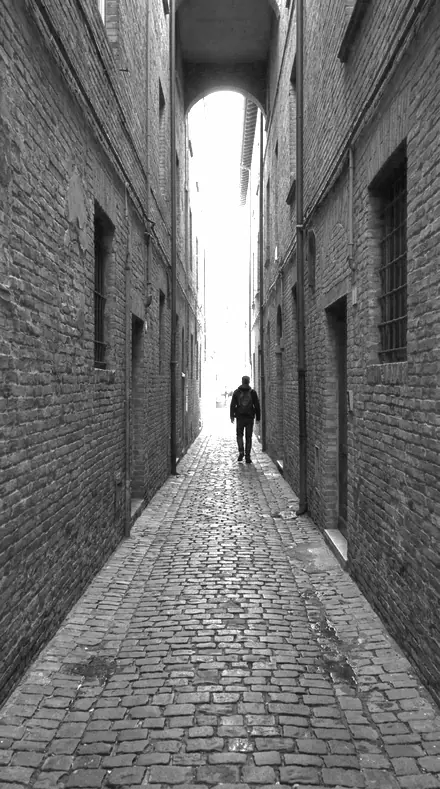
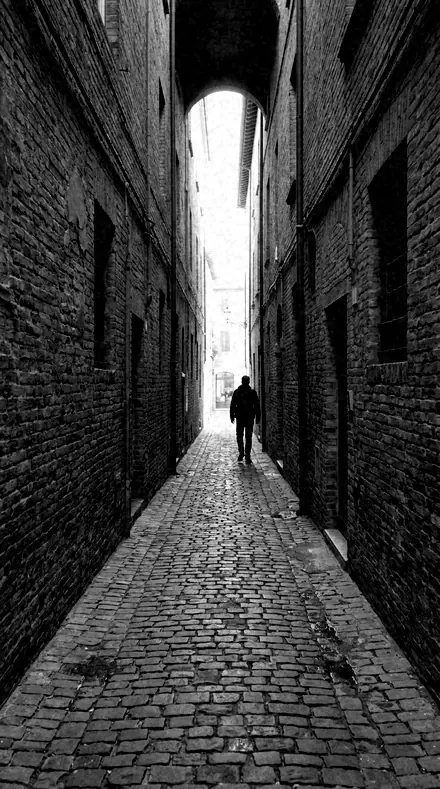
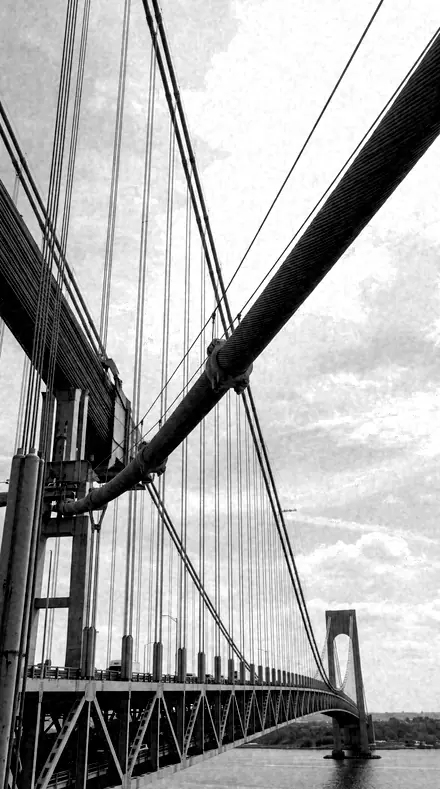
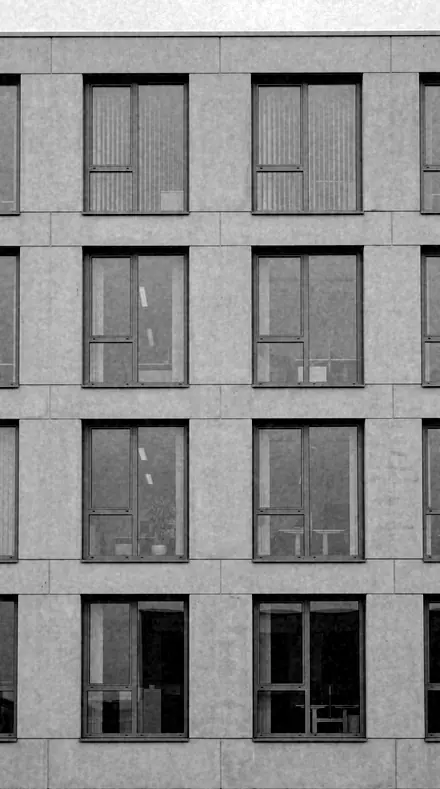
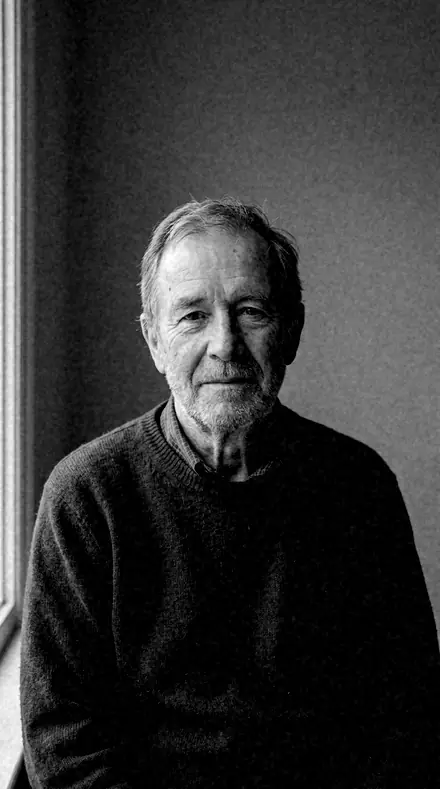
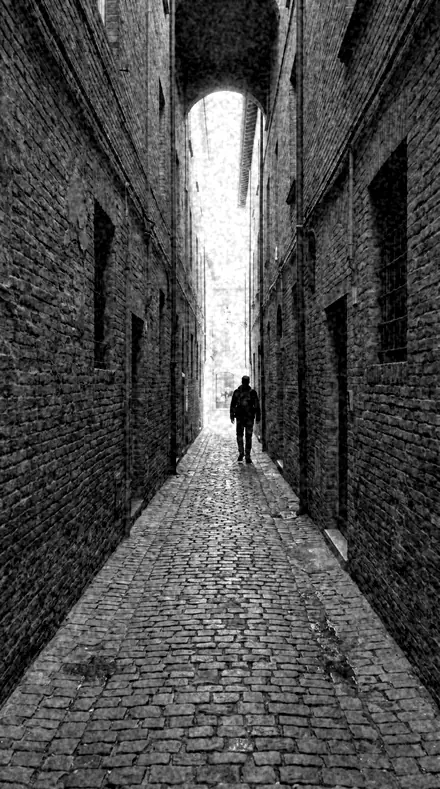
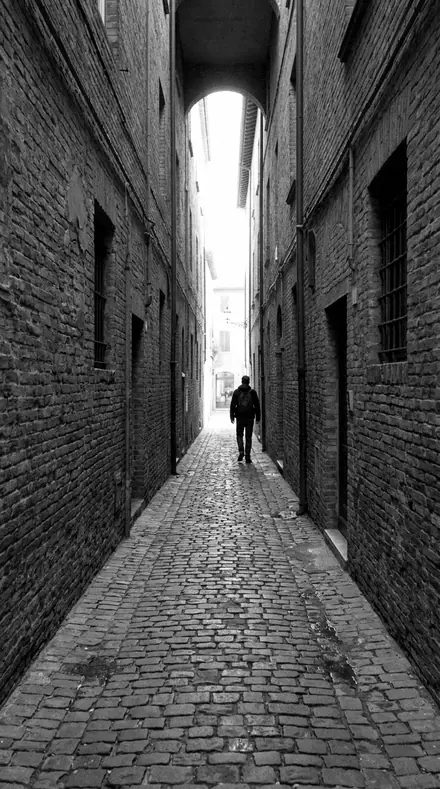
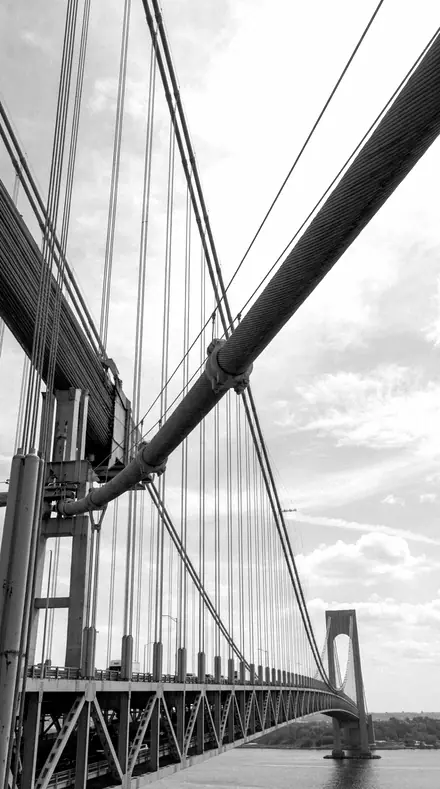
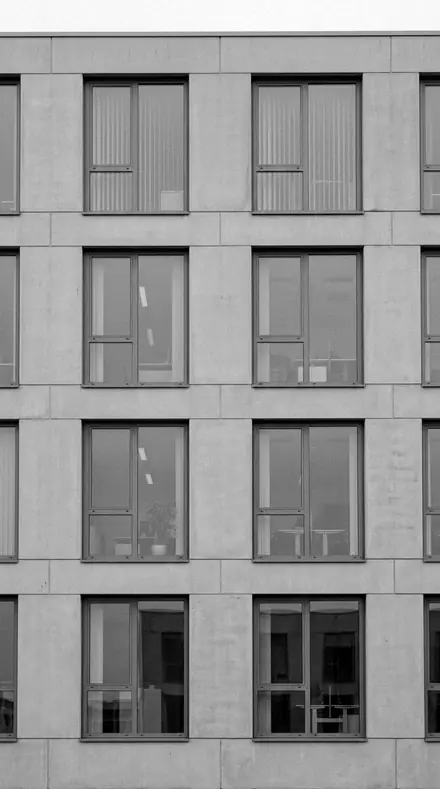
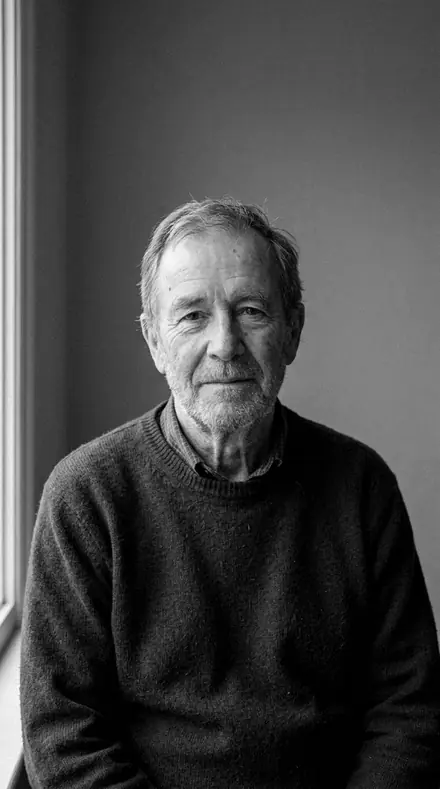
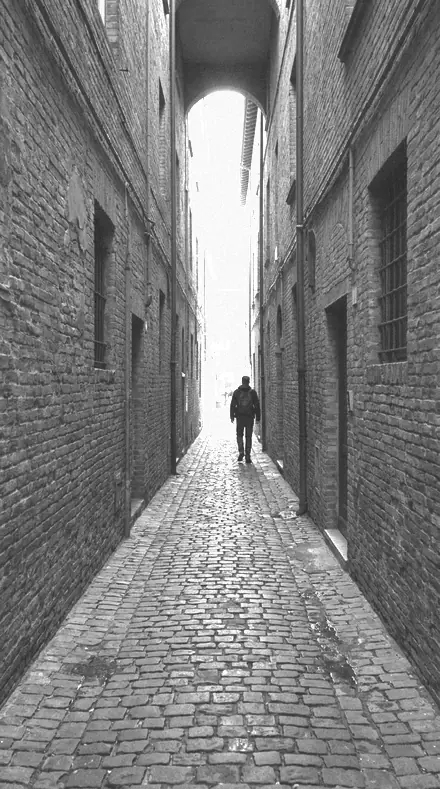
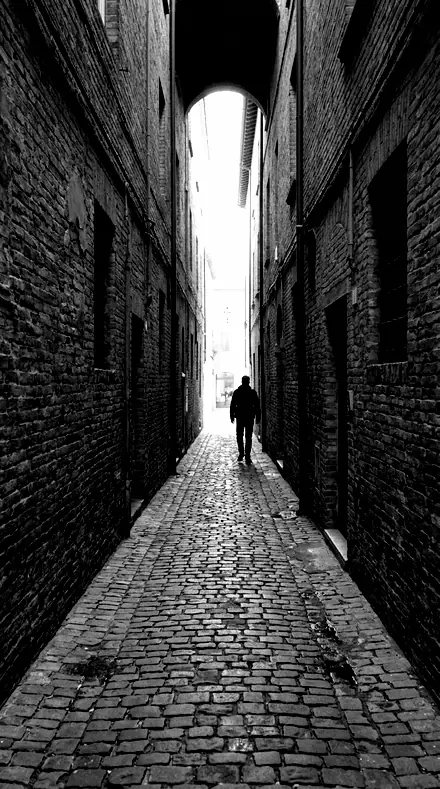
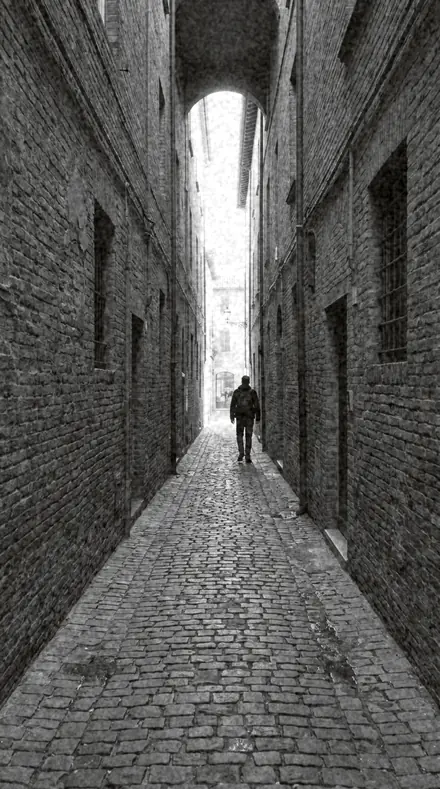
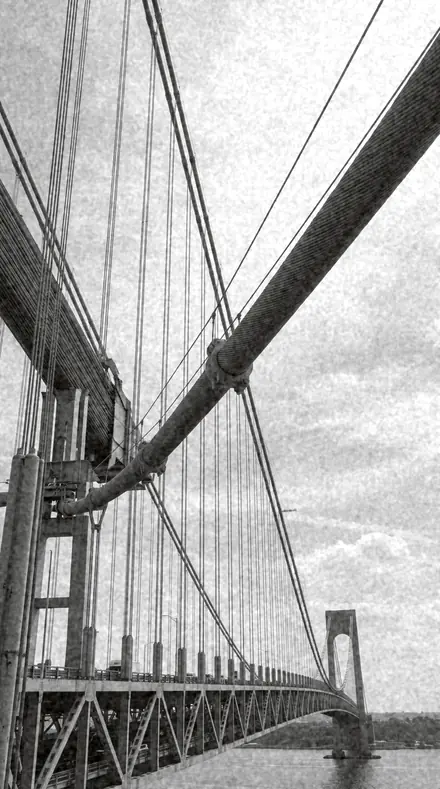
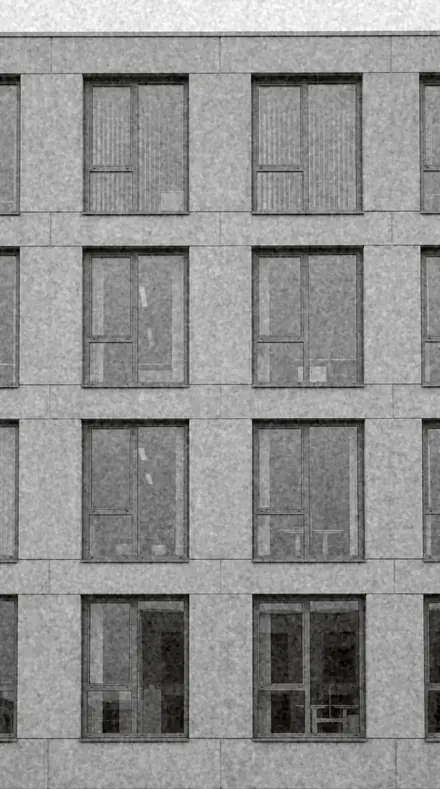
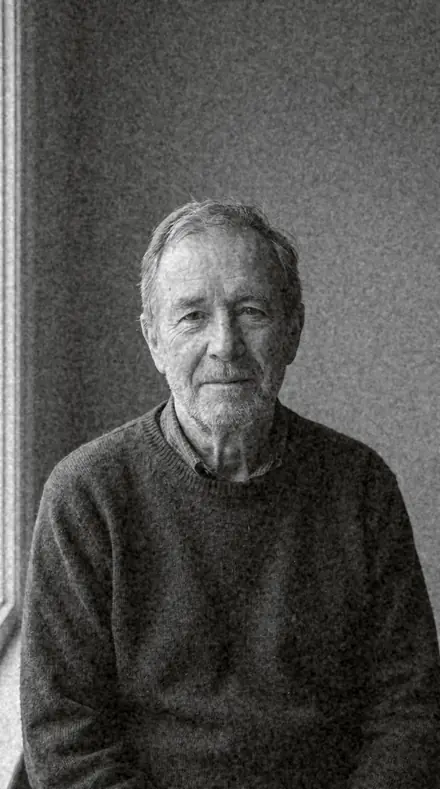
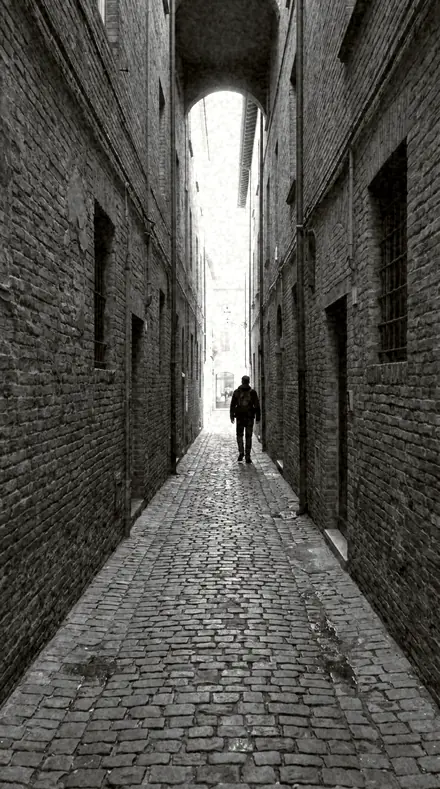
The alley says more in ink
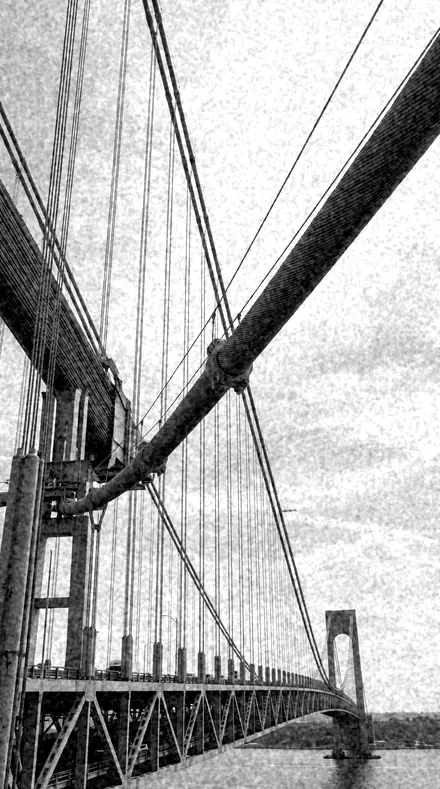
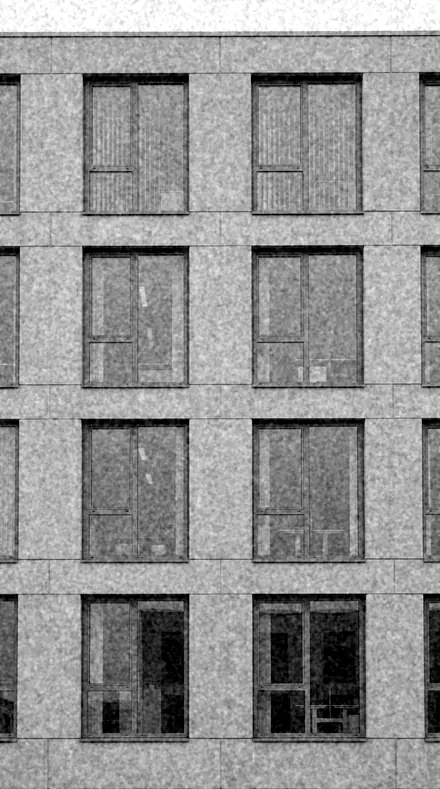
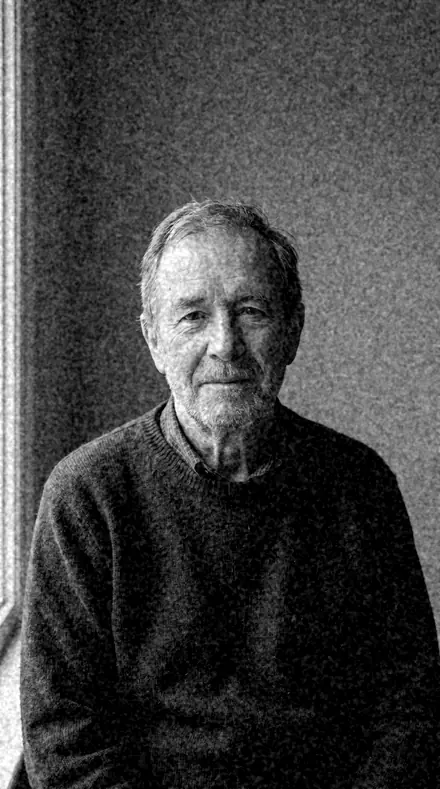
4 of them, on one photograph. Drag to compare before and after.
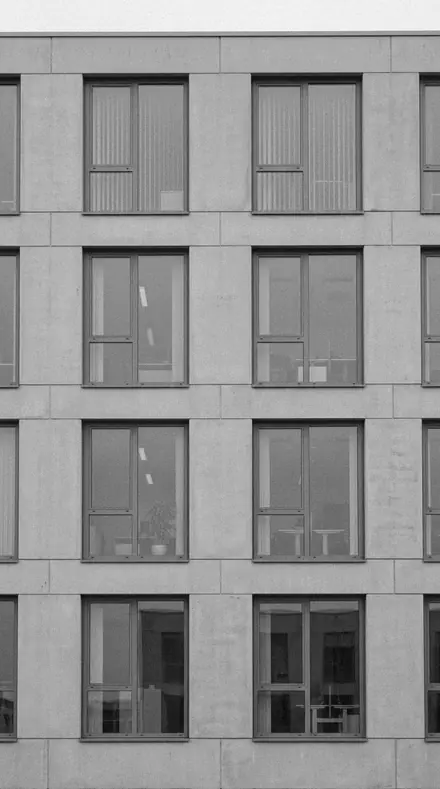
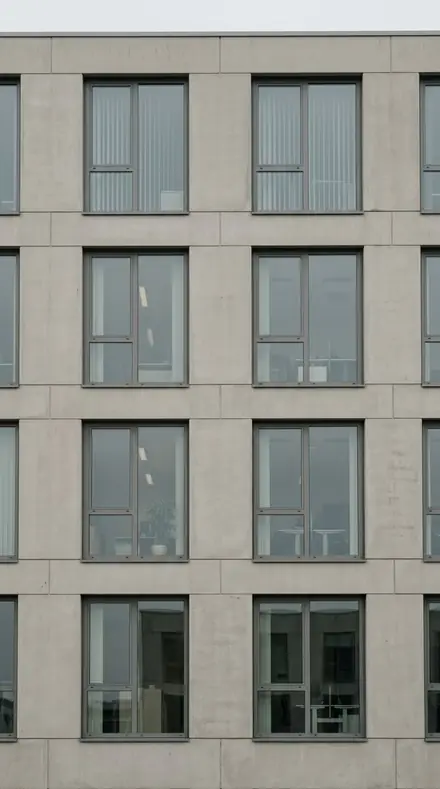
Soft Proof applied to The grid the color was hiding No. 01
Soft Proof
Soft classic portrait mono, gentle tonality and open shadows for timeless sittings.
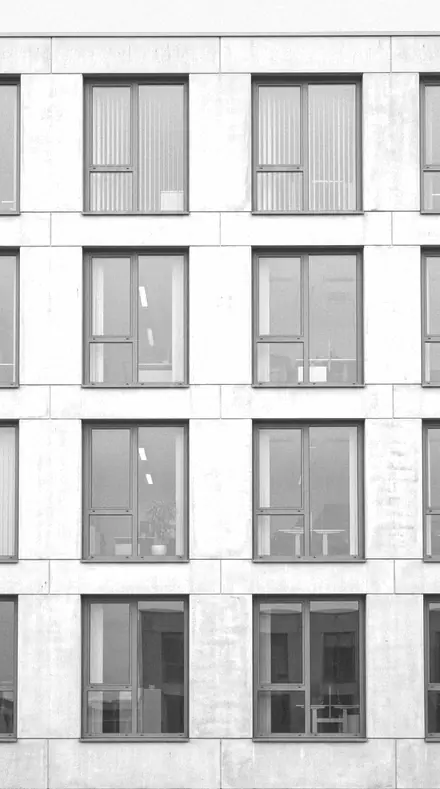
Noon Edition applied to The grid the color was hiding No. 06
Noon Edition
High-key street mono, bleached daylight with airy shadows and thin blacks.
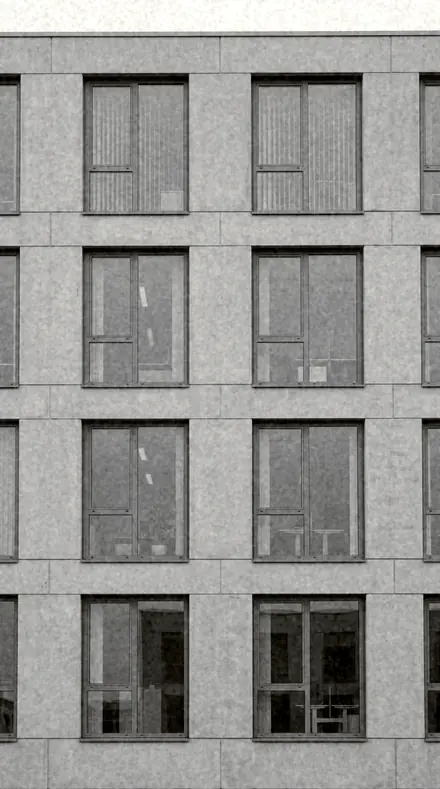
Warmplate applied to The grid the color was hiding No. 10
Warmplate
Warm-silver tinted mono, a bathed print warmth over classic gelatin contrast.
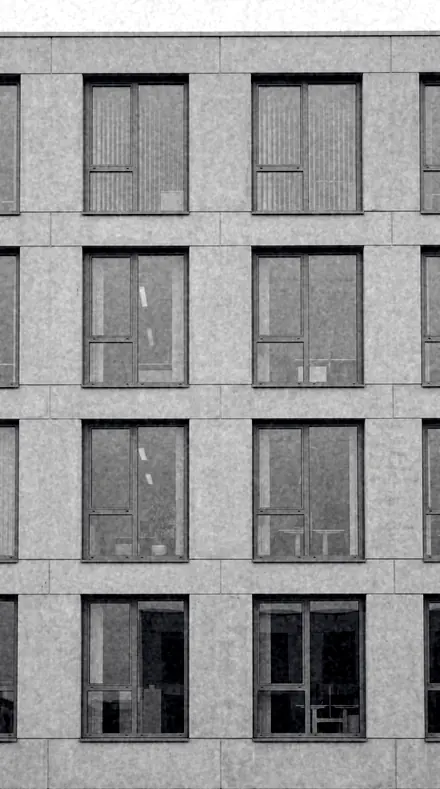
Masthead applied to The grid the color was hiding No. 15
Masthead
The cover look, confident editorial ink with faded toe, deep sky and selenium cool.
See the light change
drag the line
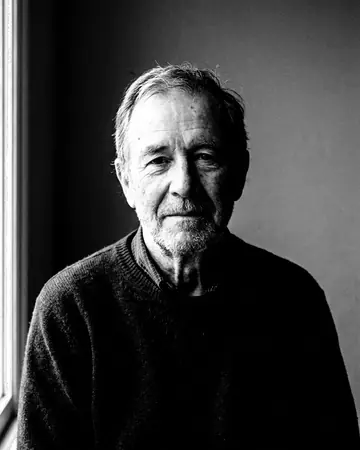
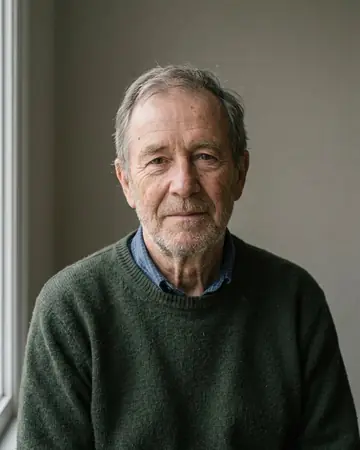
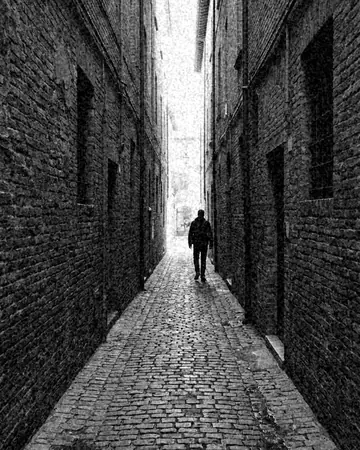
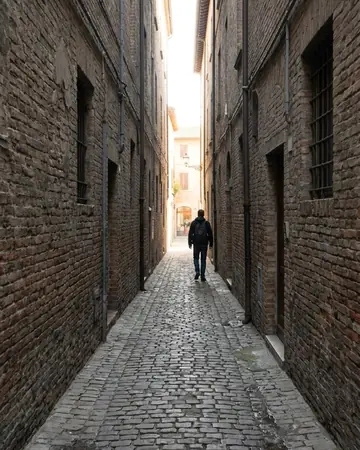
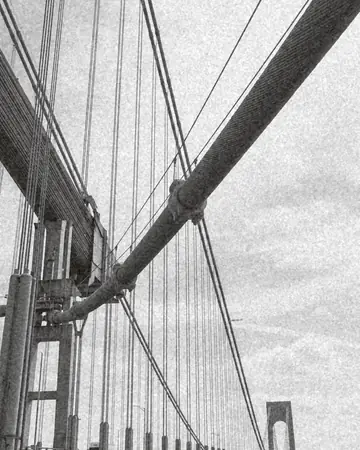
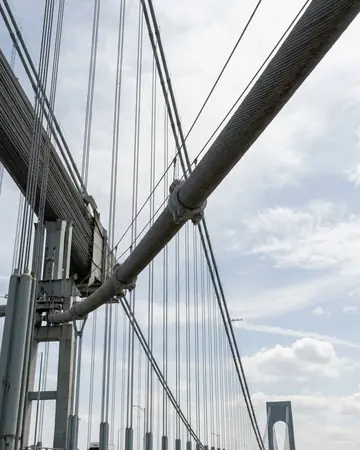
The same frame, one tap apart. Drag any handle and the scene goes back to the way it looked before Inklooks touched it.
How the set is ordered
7 groups
- PortraitsThree sittings: soft, bright, carved.
- StreetThe pavement, three ways.
- ArchitectureGeometry in gray.
- Film paperTwo prints from the darkroom shelf.
- Low lightAfter dark, kept quiet.
- LandscapeLand and weather without the postcard.
- The cover lookOne signature. It is on the front for a reason.
Explore every preset in this pack
15 presets · 4 scenes
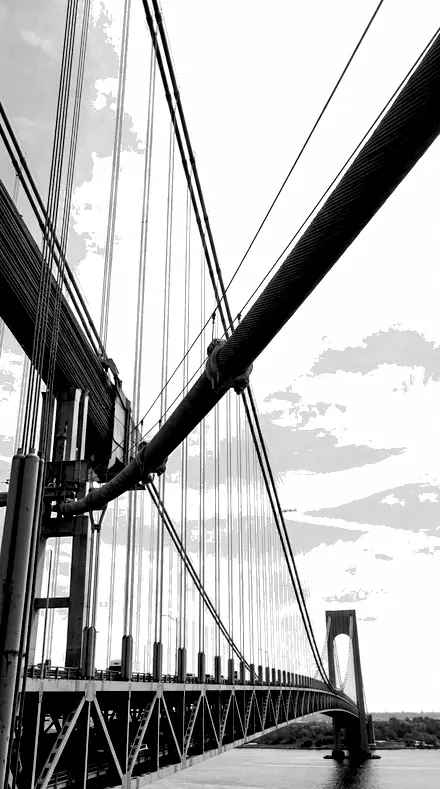
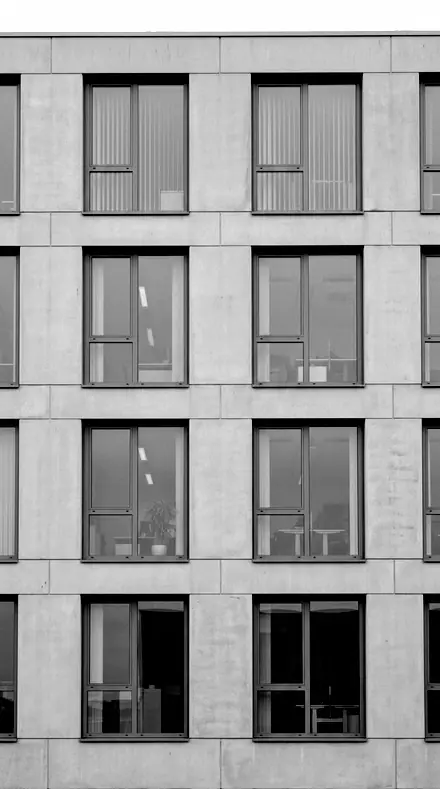
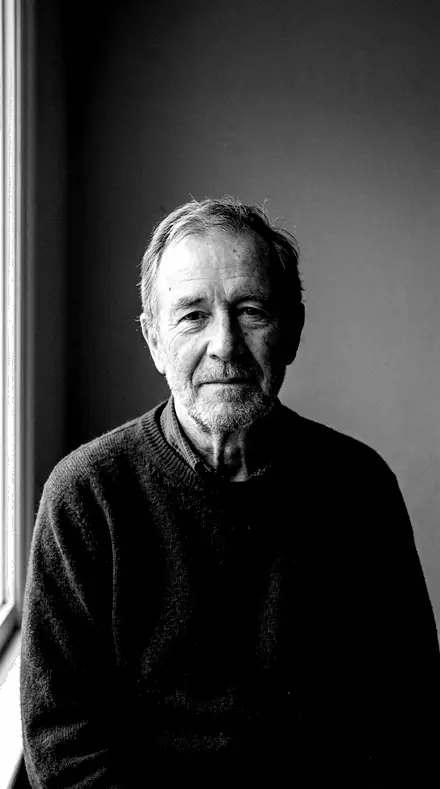
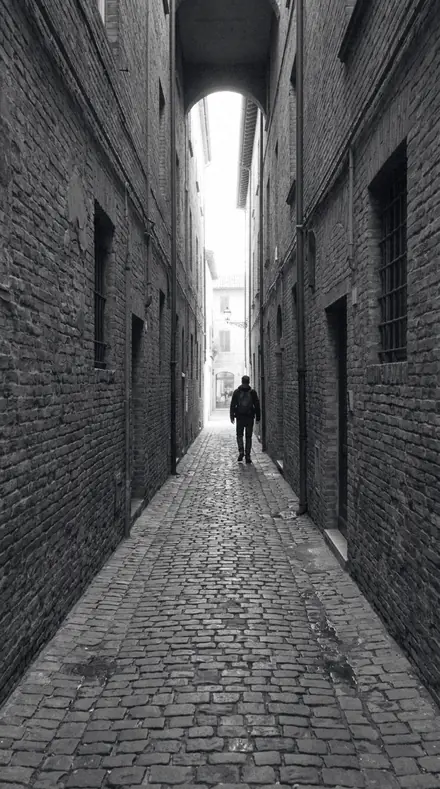
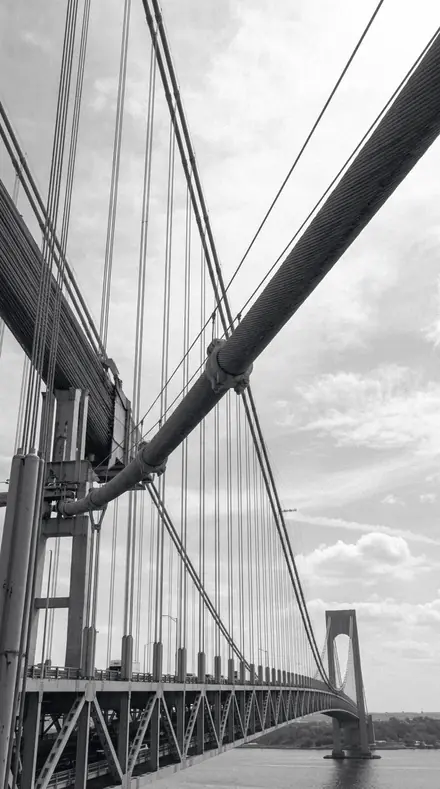
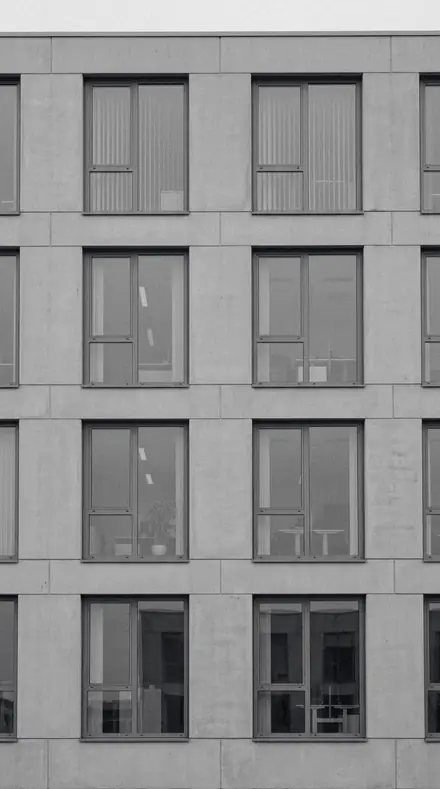
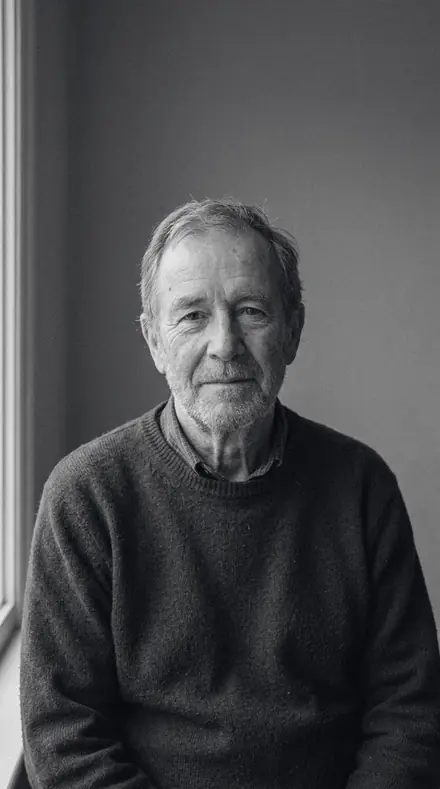
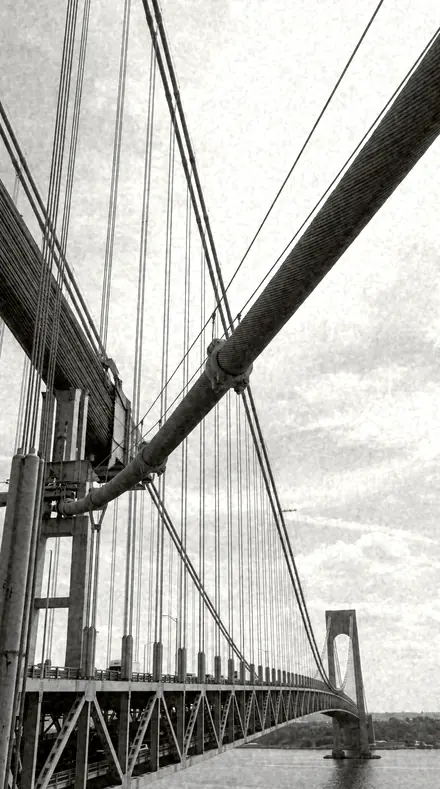
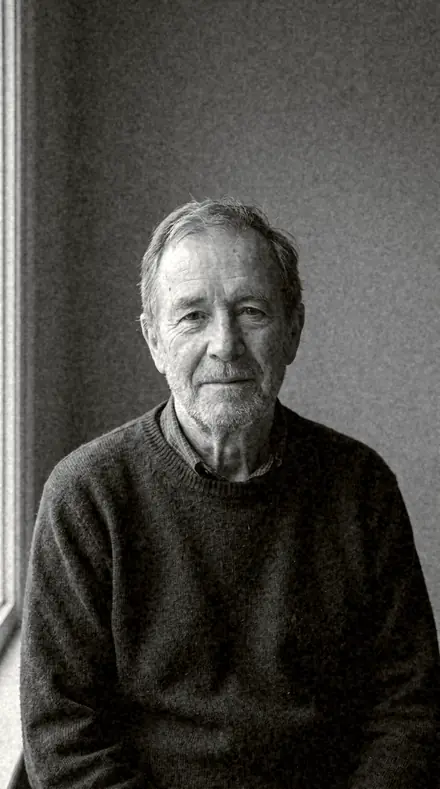
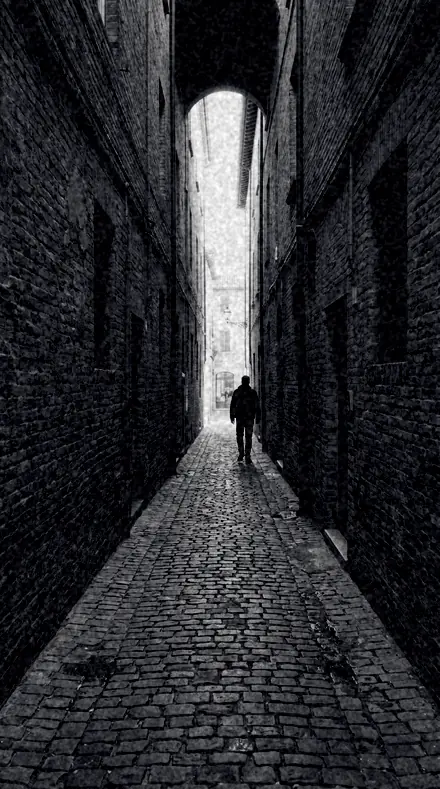
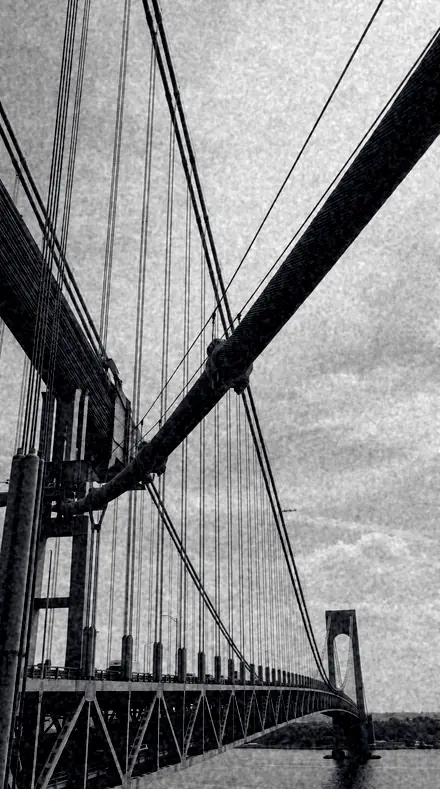
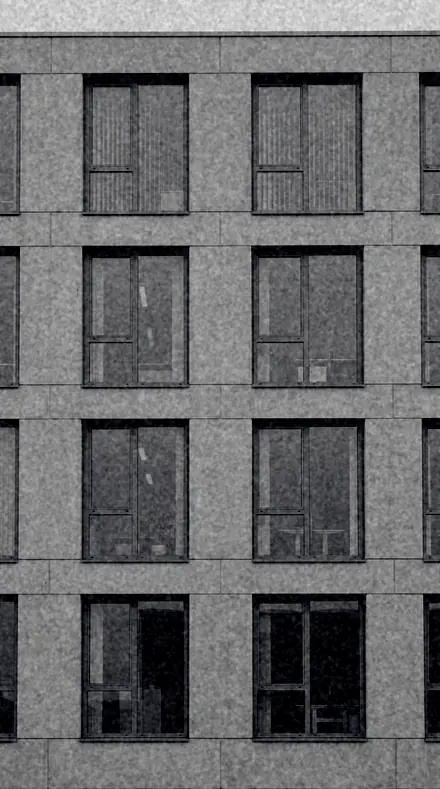
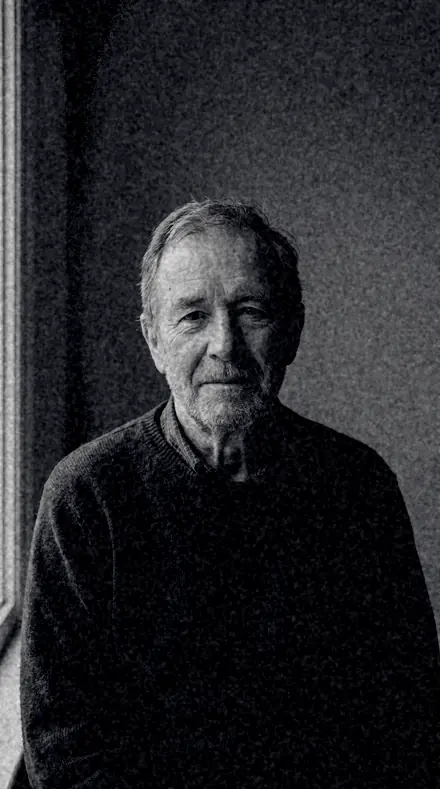
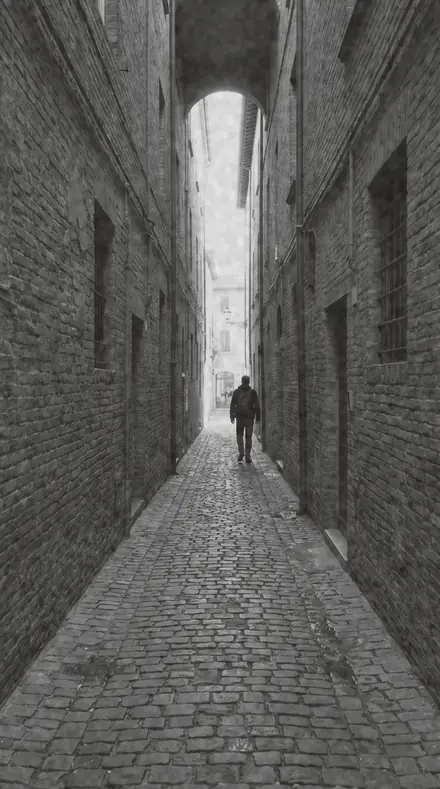
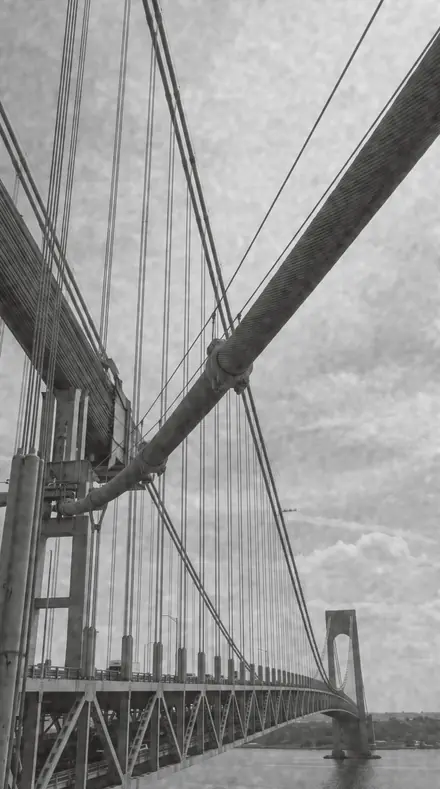
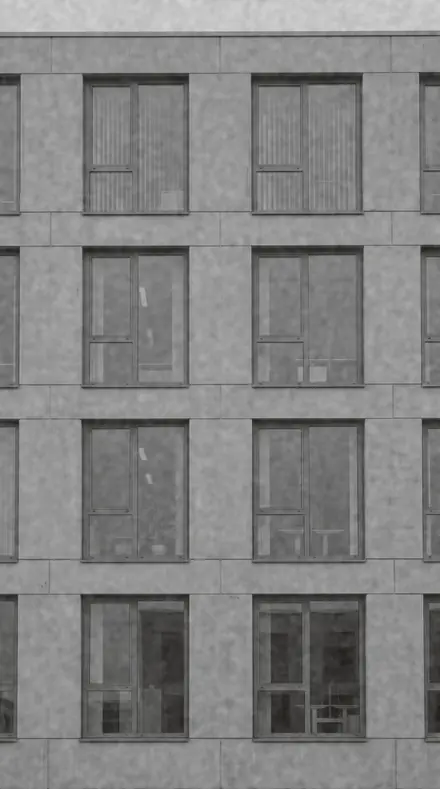
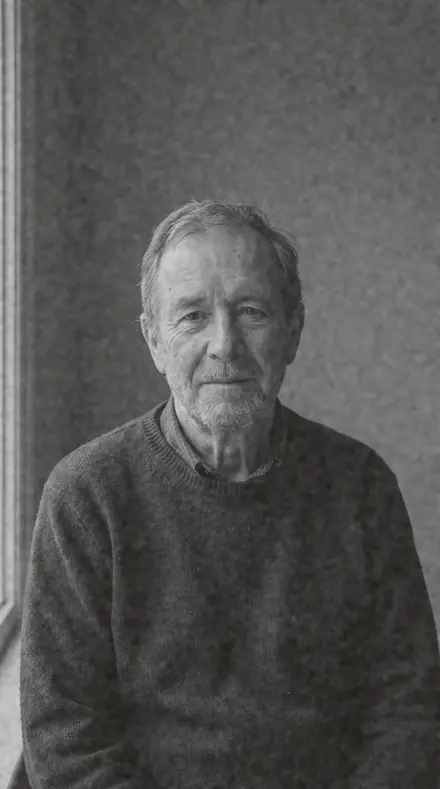
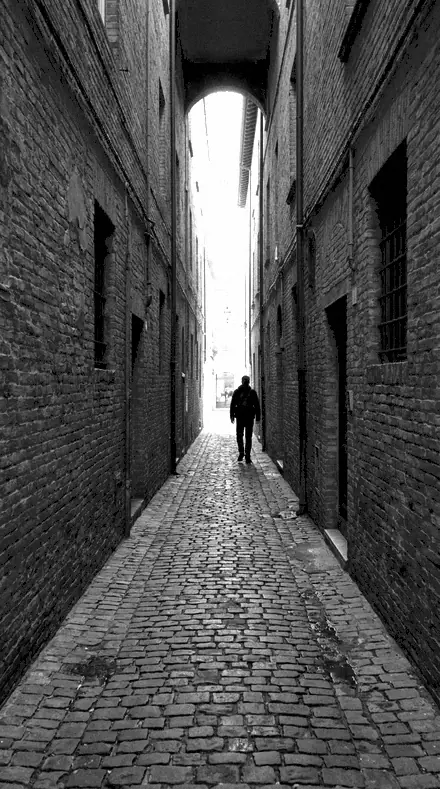
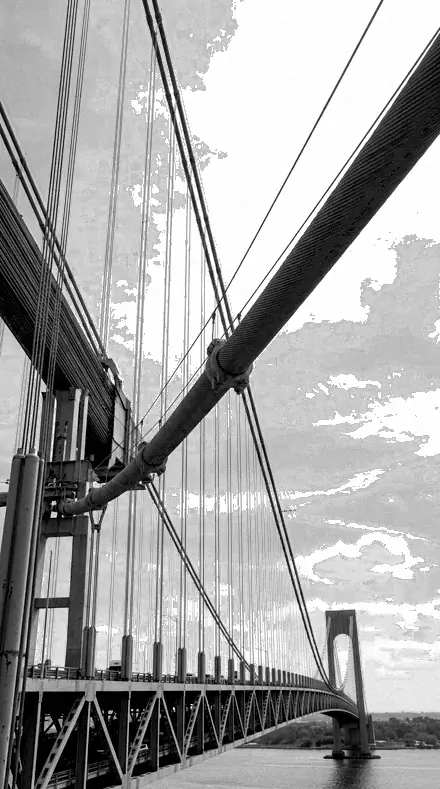
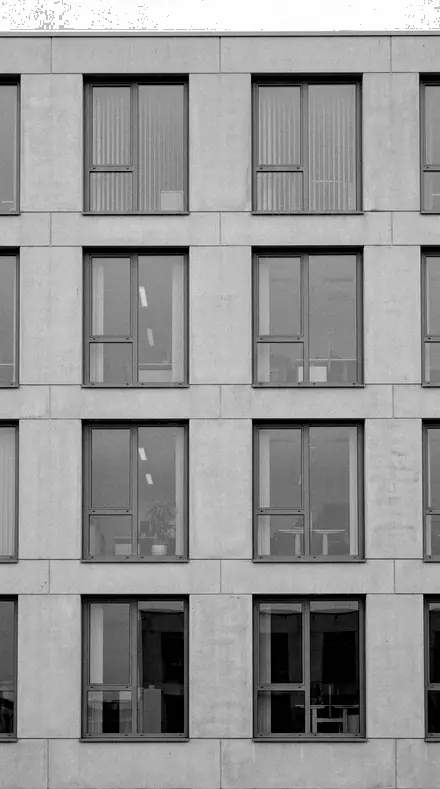
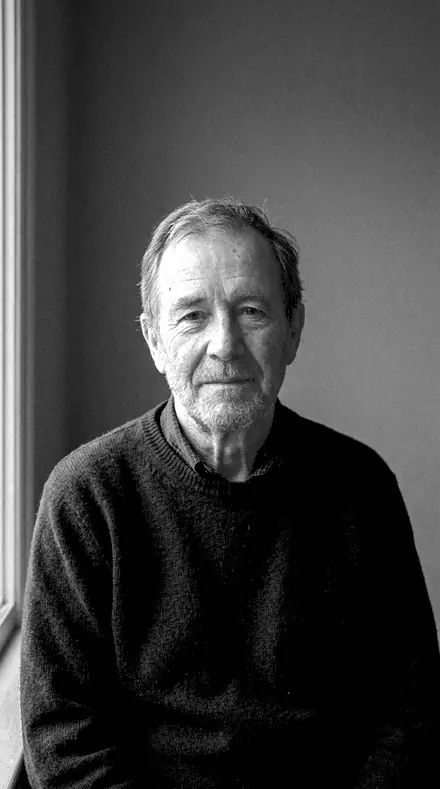
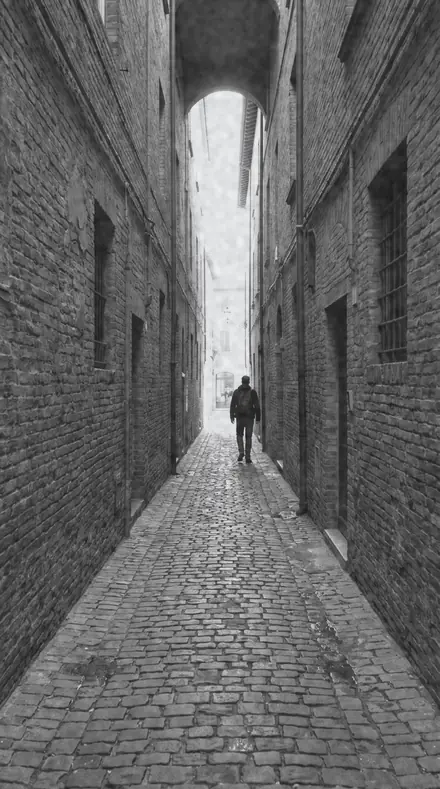
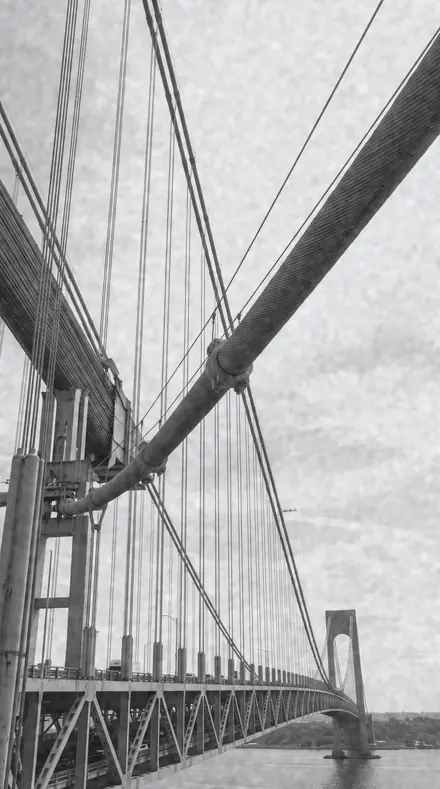
Every preset in the pack is here, on the same four photographs. Nothing below is a sample. Open one and drag.
No. 01Soft ProofSoft classic portrait mono, gentle tonality and open shadows for timeless sittings.
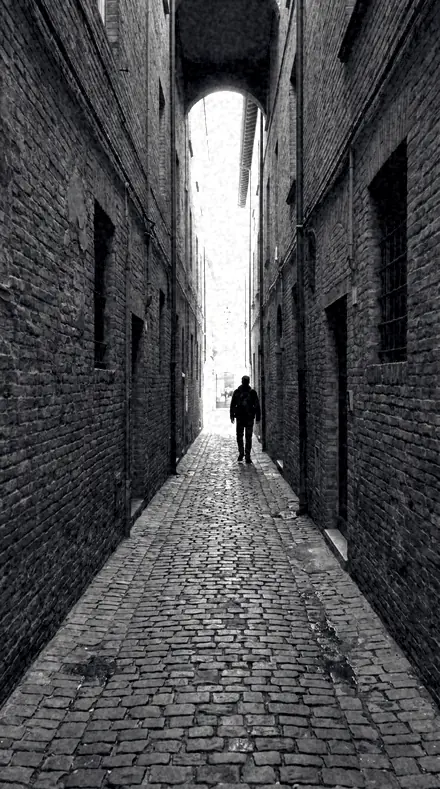
![Soft Proof applied to Alley lines]()
![Before: Alley lines]()
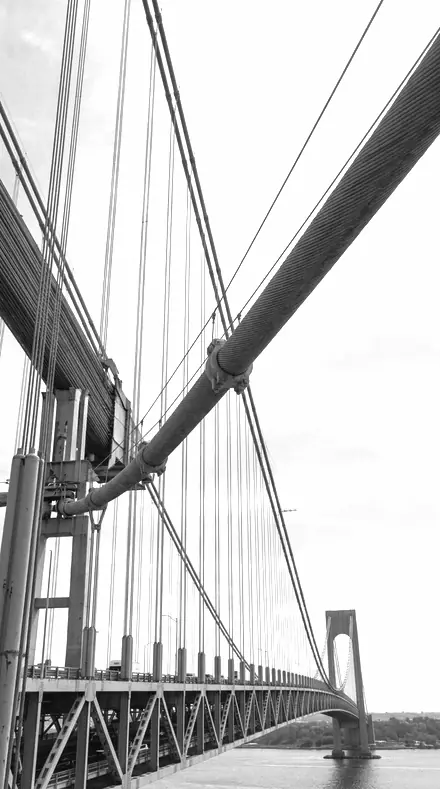
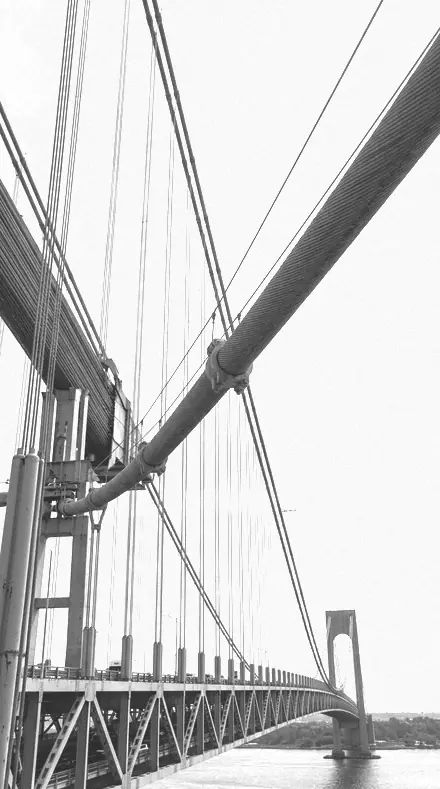
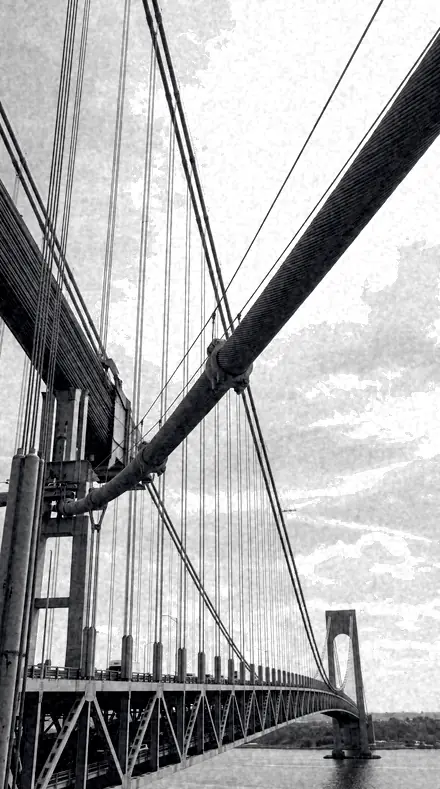
Alley lines ![Soft Proof applied to Bridge cables]()
![Before: Bridge cables]()
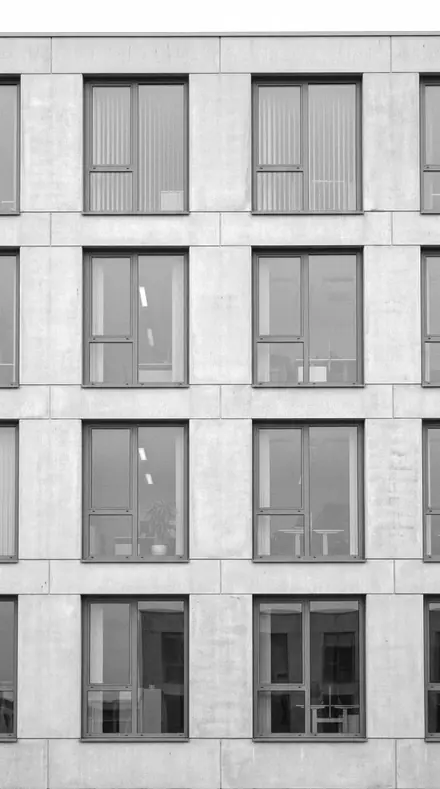
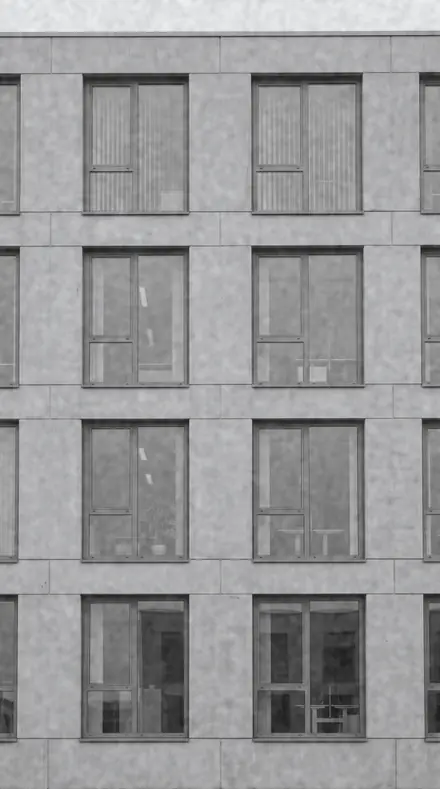
Bridge cables ![Soft Proof applied to Facade grid]()
![Before: Facade grid]()
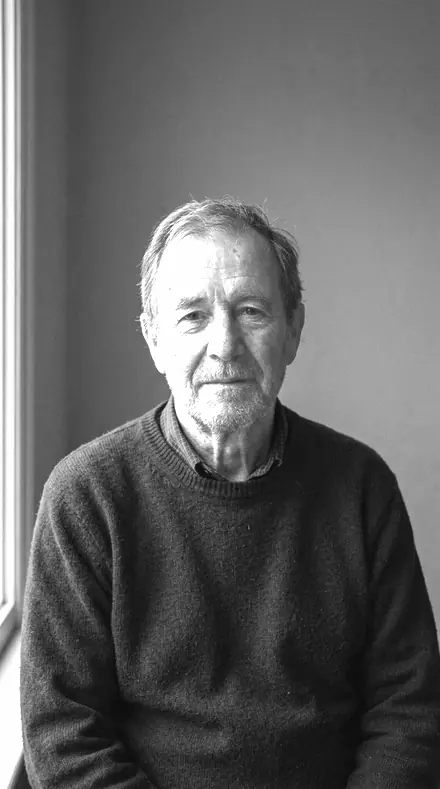
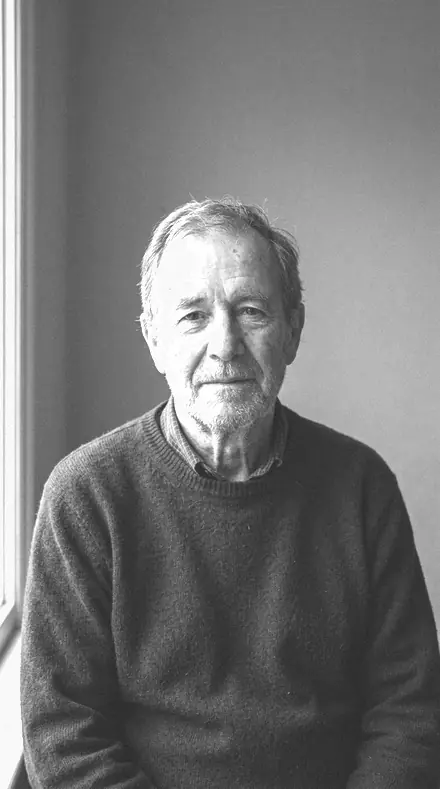
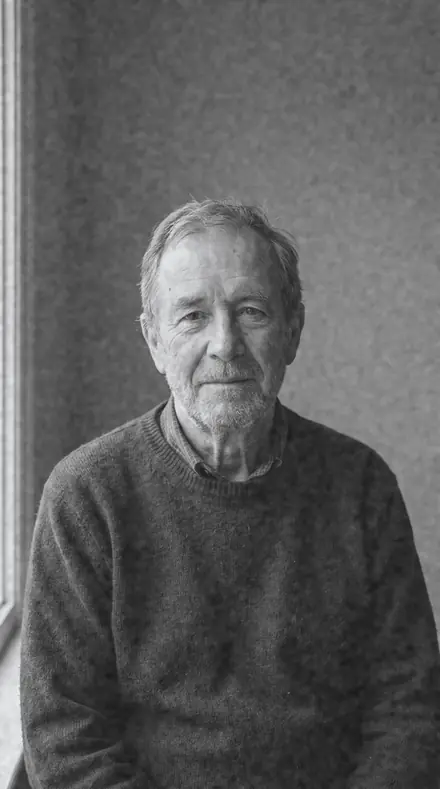
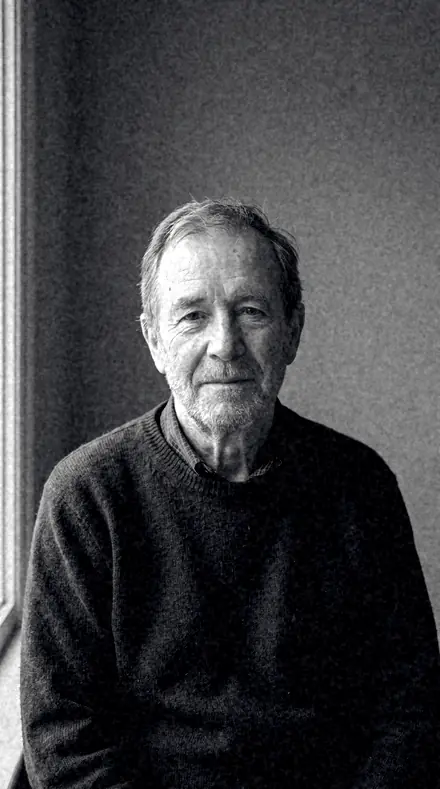
Facade grid ![Soft Proof applied to Man portrait]()
![Before: Man portrait]()
Man portrait Drag the handle. Left is the original, right is Soft Proof. Rendered from the preset's own settings, not a Lightroom export, so the real thing carries a little more bite.
No. 02Bright SitterLuminous bright-skin portrait mono, orange and yellow luminance lifted for glowing faces.
![Bright Sitter applied to Alley lines]()
![Before: Alley lines]()
Alley lines ![Bright Sitter applied to Bridge cables]()
![Before: Bridge cables]()
Bridge cables ![Bright Sitter applied to Facade grid]()
![Before: Facade grid]()
Facade grid ![Bright Sitter applied to Man portrait]()
![Before: Man portrait]()
Man portrait Drag the handle. Left is the original, right is Bright Sitter. Rendered from the preset's own settings, not a Lightroom export, so the real thing carries a little more bite.
No. 03Carved LightCarved dramatic portrait mono, deep blacks and sculpted midtone contrast.
![Carved Light applied to Alley lines]()
![Before: Alley lines]()
Alley lines ![Carved Light applied to Bridge cables]()
![Before: Bridge cables]()
Bridge cables ![Carved Light applied to Facade grid]()
![Before: Facade grid]()
Facade grid ![Carved Light applied to Man portrait]()
![Before: Man portrait]()
Man portrait Drag the handle. Left is the original, right is Carved Light. Rendered from the preset's own settings, not a Lightroom export, so the real thing carries a little more bite.
No. 04Curb GrainGritty street mono, heavy grain and coarse texture for hard pavement stories.
![Curb Grain applied to Alley lines]()
![Before: Alley lines]()
Alley lines ![Curb Grain applied to Bridge cables]()
![Before: Bridge cables]()
Bridge cables ![Curb Grain applied to Facade grid]()
![Before: Facade grid]()
Facade grid ![Curb Grain applied to Man portrait]()
![Before: Man portrait]()
Man portrait Drag the handle. Left is the original, right is Curb Grain. Rendered from the preset's own settings, not a Lightroom export, so the real thing carries a little more bite.
No. 05Wire CopyClean documentary street mono, honest neutral tonality that stays out of the picture.
![Wire Copy applied to Alley lines]()
![Before: Alley lines]()
Alley lines ![Wire Copy applied to Bridge cables]()
![Before: Bridge cables]()
Bridge cables ![Wire Copy applied to Facade grid]()
![Before: Facade grid]()
Facade grid ![Wire Copy applied to Man portrait]()
![Before: Man portrait]()
Man portrait Drag the handle. Left is the original, right is Wire Copy. Rendered from the preset's own settings, not a Lightroom export, so the real thing carries a little more bite.
No. 06Noon EditionHigh-key street mono, bleached daylight with airy shadows and thin blacks.
![Noon Edition applied to Alley lines]()
![Before: Alley lines]()
Alley lines ![Noon Edition applied to Bridge cables]()
![Before: Bridge cables]()
Bridge cables ![Noon Edition applied to Facade grid]()
![Before: Facade grid]()
Facade grid ![Noon Edition applied to Man portrait]()
![Before: Man portrait]()
Man portrait Drag the handle. Left is the original, right is Noon Edition. Rendered from the preset's own settings, not a Lightroom export, so the real thing carries a little more bite.
No. 07BlacklineHard graphic architecture mono, poster-black contrast and darkened skies for pure geometry.
![Blackline applied to Alley lines]()
![Before: Alley lines]()
Alley lines ![Blackline applied to Bridge cables]()
![Before: Bridge cables]()
Bridge cables ![Blackline applied to Facade grid]()
![Before: Facade grid]()
Facade grid ![Blackline applied to Man portrait]()
![Before: Man portrait]()
Man portrait Drag the handle. Left is the original, right is Blackline. Rendered from the preset's own settings, not a Lightroom export, so the real thing carries a little more bite.
No. 08Zinc PlateSilver mid-tone architecture mono, dense midtone detail with restrained extremes.
![Zinc Plate applied to Alley lines]()
![Before: Alley lines]()
Alley lines ![Zinc Plate applied to Bridge cables]()
![Before: Bridge cables]()
Bridge cables ![Zinc Plate applied to Facade grid]()
![Before: Facade grid]()
Facade grid ![Zinc Plate applied to Man portrait]()
![Before: Man portrait]()
Man portrait Drag the handle. Left is the original, right is Zinc Plate. Rendered from the preset's own settings, not a Lightroom export, so the real thing carries a little more bite.
No. 09Pulp FadeMatte fade film-paper mono, lifted blacks and capped whites with newsprint grain.
![Pulp Fade applied to Alley lines]()
![Before: Alley lines]()
Alley lines ![Pulp Fade applied to Bridge cables]()
![Before: Bridge cables]()
Bridge cables ![Pulp Fade applied to Facade grid]()
![Before: Facade grid]()
Facade grid ![Pulp Fade applied to Man portrait]()
![Before: Man portrait]()
Man portrait Drag the handle. Left is the original, right is Pulp Fade. Rendered from the preset's own settings, not a Lightroom export, so the real thing carries a little more bite.
No. 10WarmplateWarm-silver tinted mono, a bathed print warmth over classic gelatin contrast.
![Warmplate applied to Alley lines]()
![Before: Alley lines]()
Alley lines ![Warmplate applied to Bridge cables]()
![Before: Bridge cables]()
Bridge cables ![Warmplate applied to Facade grid]()
![Before: Facade grid]()
Facade grid ![Warmplate applied to Man portrait]()
![Before: Man portrait]()
Man portrait Drag the handle. Left is the original, right is Warmplate. Rendered from the preset's own settings, not a Lightroom export, so the real thing carries a little more bite.
No. 11Last TrainDeep shadow city mono, crushed night blacks with lamp highlights held bright.
![Last Train applied to Alley lines]()
![Before: Alley lines]()
Alley lines ![Last Train applied to Bridge cables]()
![Before: Bridge cables]()
Bridge cables ![Last Train applied to Facade grid]()
![Before: Facade grid]()
Facade grid ![Last Train applied to Man portrait]()
![Before: Man portrait]()
Man portrait Drag the handle. Left is the original, right is Last Train. Rendered from the preset's own settings, not a Lightroom export, so the real thing carries a little more bite.
No. 12Reading LampSoft dim interior mono, hushed low-contrast warmth for quiet rooms after dark.
![Reading Lamp applied to Alley lines]()
![Before: Alley lines]()
Alley lines ![Reading Lamp applied to Bridge cables]()
![Before: Bridge cables]()
Bridge cables ![Reading Lamp applied to Facade grid]()
![Before: Facade grid]()
Facade grid ![Reading Lamp applied to Man portrait]()
![Before: Man portrait]()
Man portrait Drag the handle. Left is the original, right is Reading Lamp. Rendered from the preset's own settings, not a Lightroom export, so the real thing carries a little more bite.
No. 13Iron SkyRed-filter landscape mono, blue sky driven black while warm land tones lift.
![Iron Sky applied to Alley lines]()
![Before: Alley lines]()
Alley lines ![Iron Sky applied to Bridge cables]()
![Before: Bridge cables]()
Bridge cables ![Iron Sky applied to Facade grid]()
![Before: Facade grid]()
Facade grid ![Iron Sky applied to Man portrait]()
![Before: Man portrait]()
Man portrait Drag the handle. Left is the original, right is Iron Sky. Rendered from the preset's own settings, not a Lightroom export, so the real thing carries a little more bite.
No. 14Milk FogGentle fog landscape mono, veiled contrast and pale distance kept soft on purpose.
![Milk Fog applied to Alley lines]()
![Before: Alley lines]()
Alley lines ![Milk Fog applied to Bridge cables]()
![Before: Bridge cables]()
Bridge cables ![Milk Fog applied to Facade grid]()
![Before: Facade grid]()
Facade grid ![Milk Fog applied to Man portrait]()
![Before: Man portrait]()
Man portrait Drag the handle. Left is the original, right is Milk Fog. Rendered from the preset's own settings, not a Lightroom export, so the real thing carries a little more bite.
No. 15MastheadThe cover look, confident editorial ink with faded toe, deep sky and selenium cool.
![Masthead applied to Alley lines]()
![Before: Alley lines]()
Alley lines ![Masthead applied to Bridge cables]()
![Before: Bridge cables]()
Bridge cables ![Masthead applied to Facade grid]()
![Before: Facade grid]()
Facade grid ![Masthead applied to Man portrait]()
![Before: Man portrait]()
Man portrait Drag the handle. Left is the original, right is Masthead. Rendered from the preset's own settings, not a Lightroom export, so the real thing carries a little more bite.
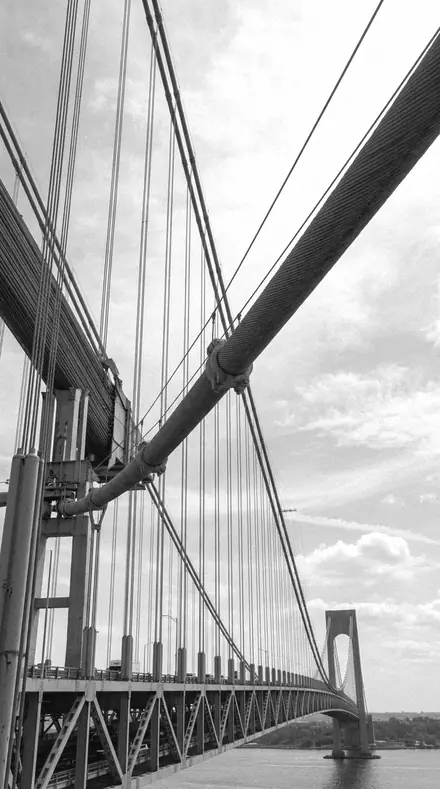
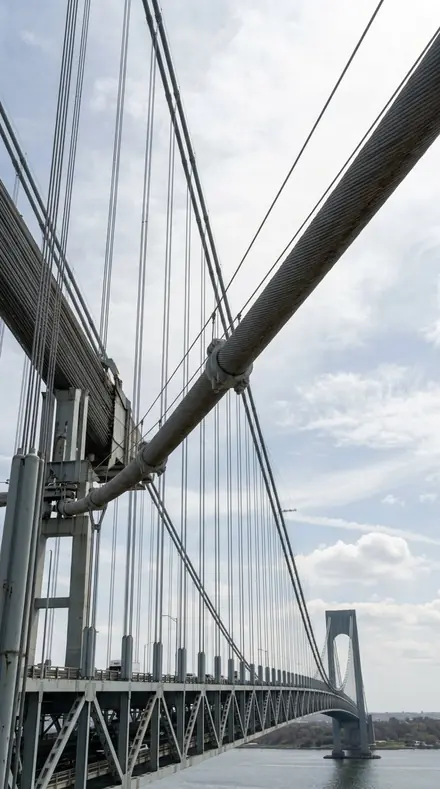
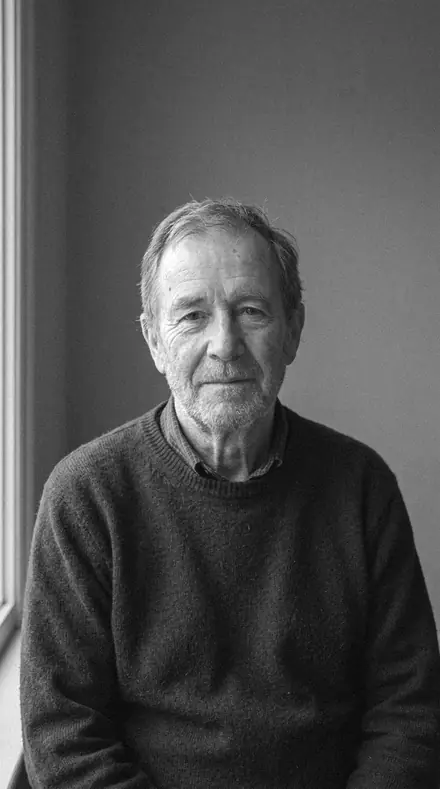
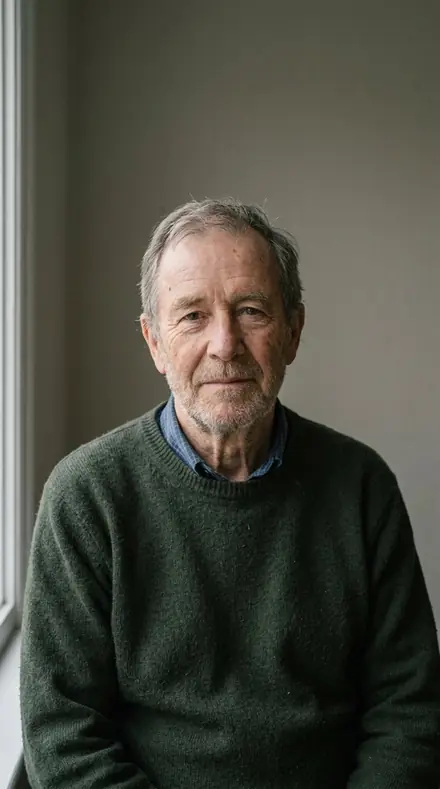
Yours in two minutes
how it works
Step 1
BuyPay with Apple Pay, Google Pay or a card.
Step 2
DownloadThe zip downloads right away, and a copy lands in your email.
Step 3
ImportAdd the presets to Lightroom in a minute.
PhoneClassicDesktopStep 4
TapOne tap on any photo. Every slider stays yours to adjust.
Yours to keep, for personal and client work. Please do not share the files. The license

the maker
Why I Make These
I am Netzah Elad Topaz. I take photographs and I build software, and the two keep leading me back to the same problem. You were there. The light was doing something you will not see again. Then the photo comes back flat, and it is not what you were looking at.
Closing that gap is the whole job. Every preset here is built from Adobe defaults by hand, with a written note for what it should do to a picture, and it is judged on photographs before it ships. Nothing is a filter dropped on top of your work.
What I want is simple. You open a photo you almost gave up on, you tap once, and there it is: the day you remember, not the file your camera handed you. That is worth doing properly.
Questions, answered
Do these work in the free Lightroom app?
Yes. Import the .xmp files in the free Lightroom app on iPhone or Android, no subscription needed. They also work in Lightroom Classic and Lightroom on desktop.
What exactly do I get?
All 15 presets from Issue 01 as .xmp files in an instant ZIP download. The link also lands in your email, and the purchase stays in your account so you can re-download any time.
How do I install them?
Two minutes: unzip, then import inside Lightroom. The step-by-step guide covers iPhone, Android, and desktop.
Can I use them for client work?
Yes. The single-user license covers personal and commercial photography. The one thing you can't do is share or resell the preset files themselves.
Can I tweak a preset after applying it?
Always. A preset is a starting point; every slider stays yours to adjust.
What else is like this
All black and white editorial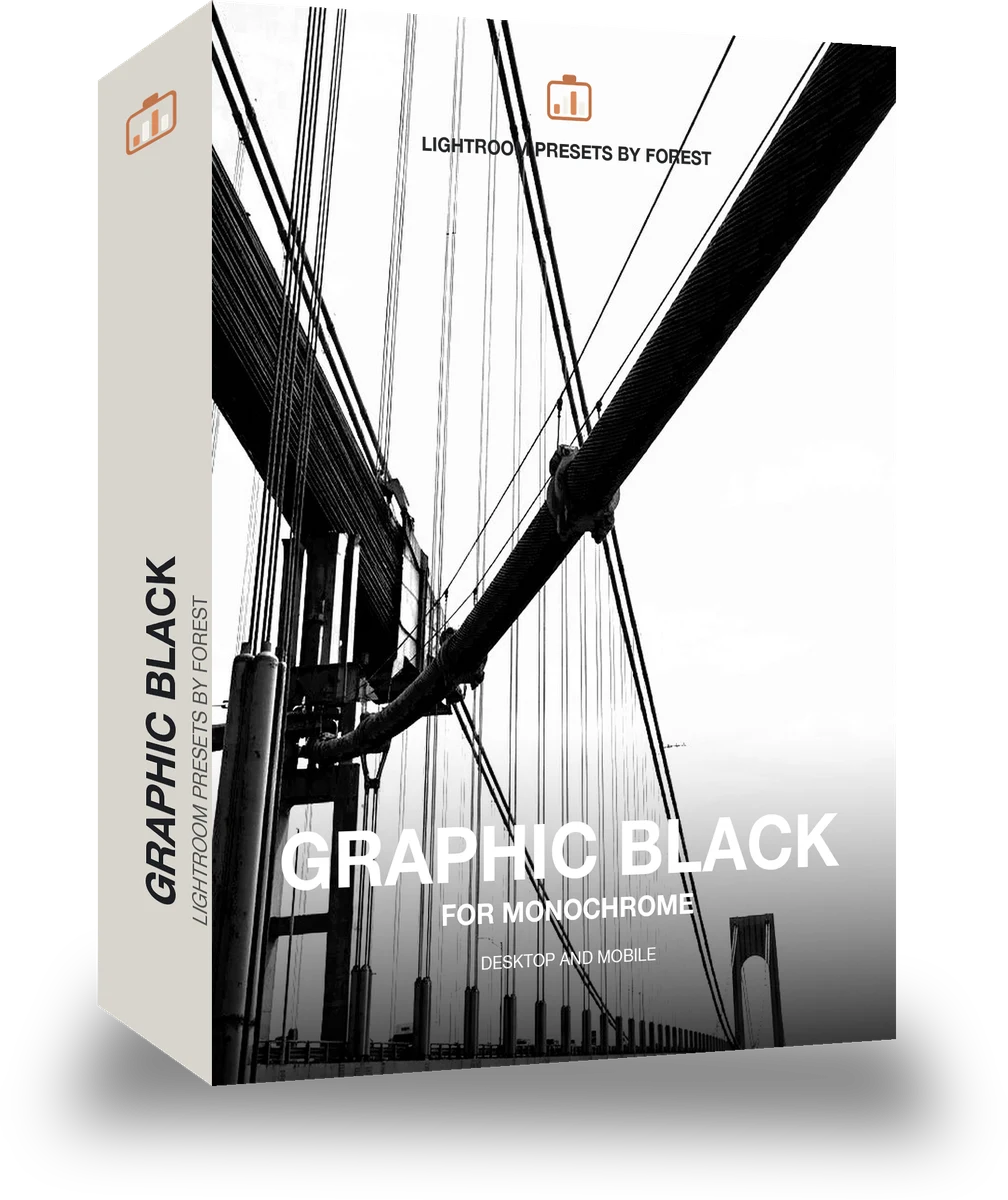
Pitchblock
was $49.99now $29.99Save $20
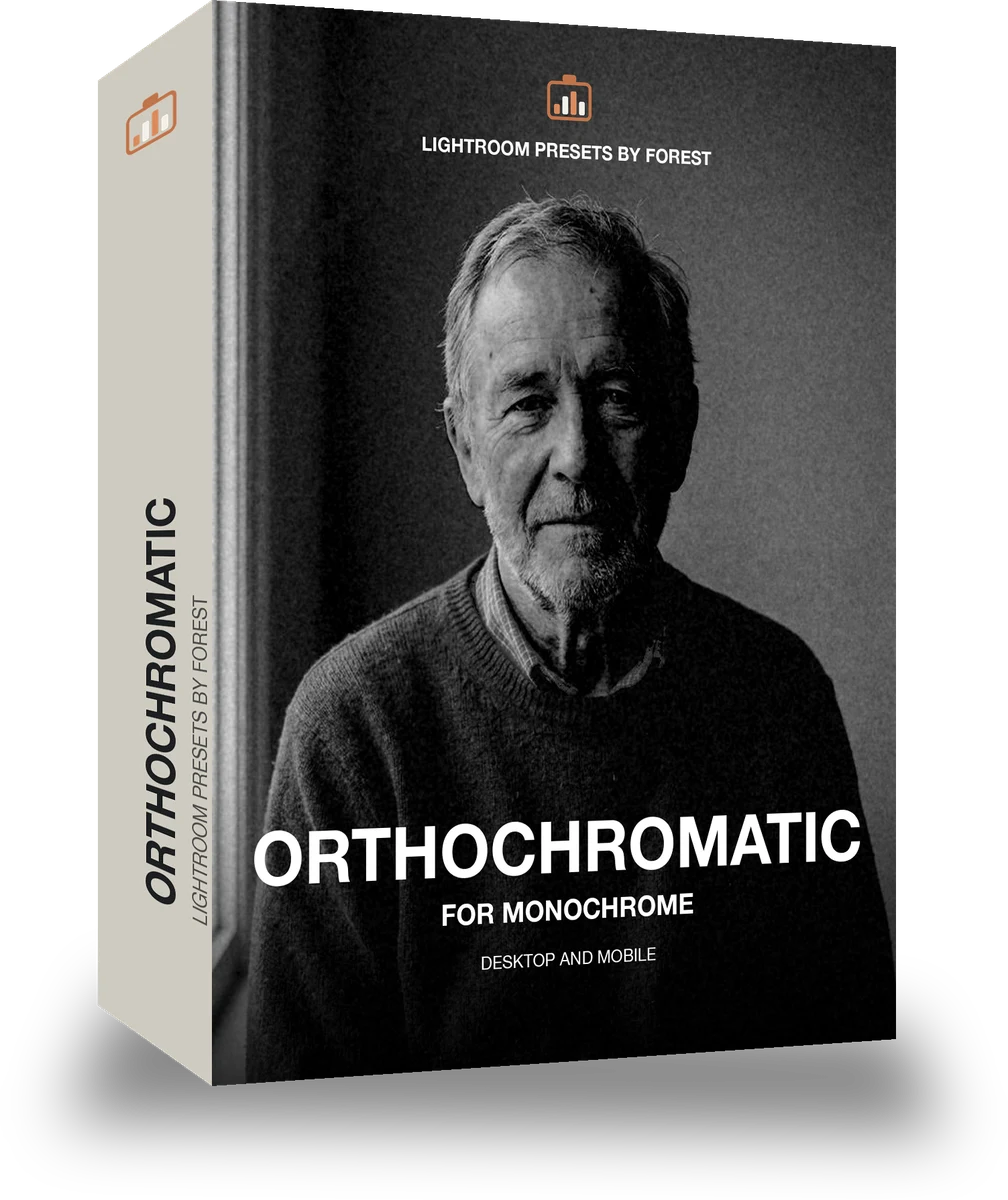
Orthosilver
was $49.99now $29.99Save $20
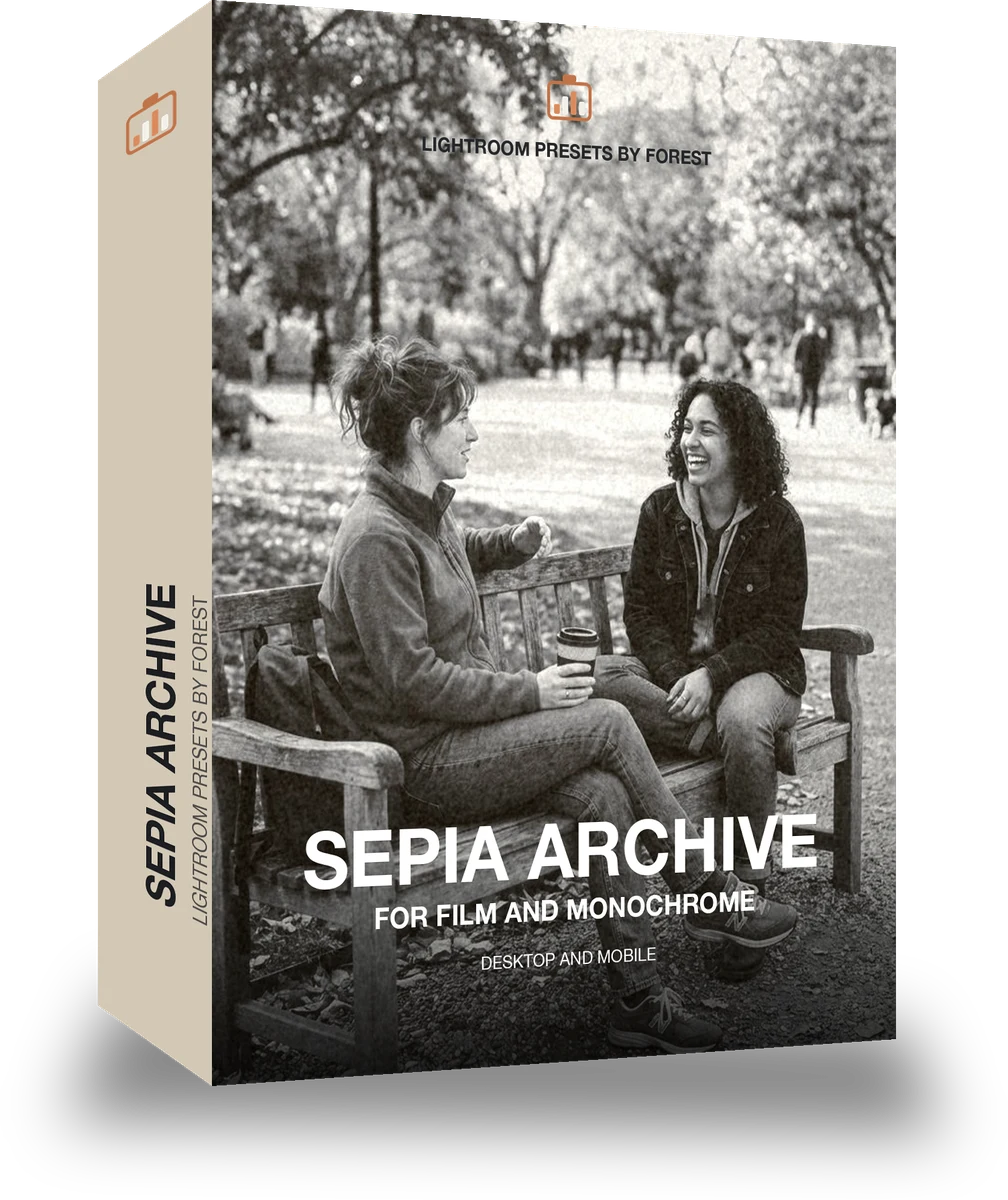
Umberpaper
was $49.99now $29.99Save $20
Infrawhite
was $129.99now $79.99Save $50