Back

Blackzenith · Night and astro

Blackzenith makes one kind of light.

Light Pollution is 18 presets for night and astro photography. Every one of them is below, on real photographs, before you pay for any of it.

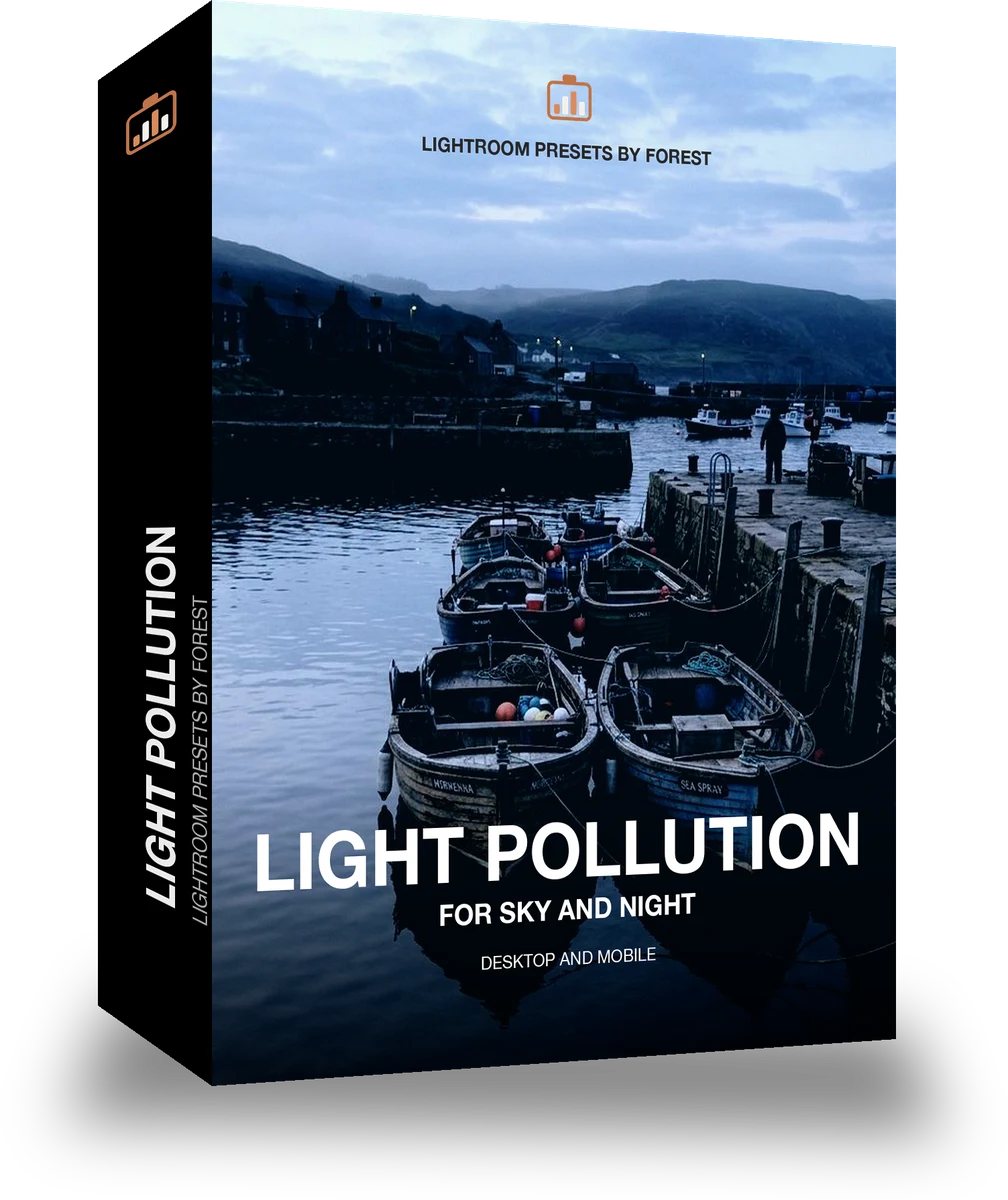
Light Pollution, 18 Lightroom presets

$79.99

Instant download.

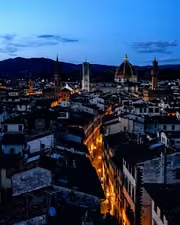
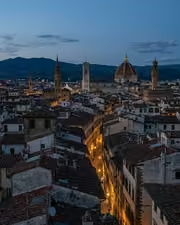
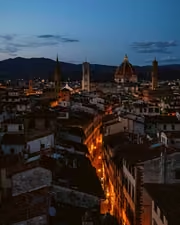
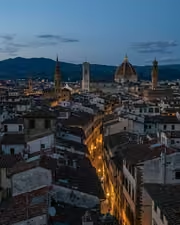
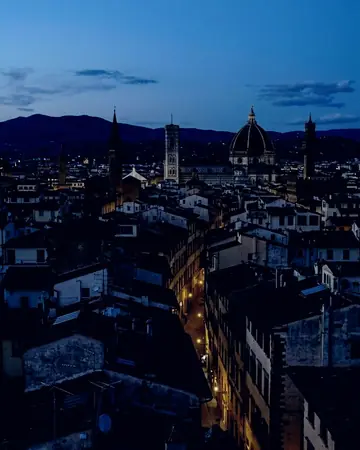
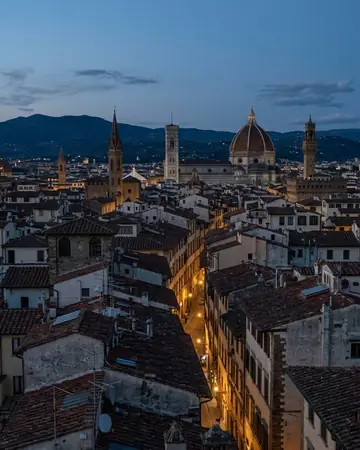
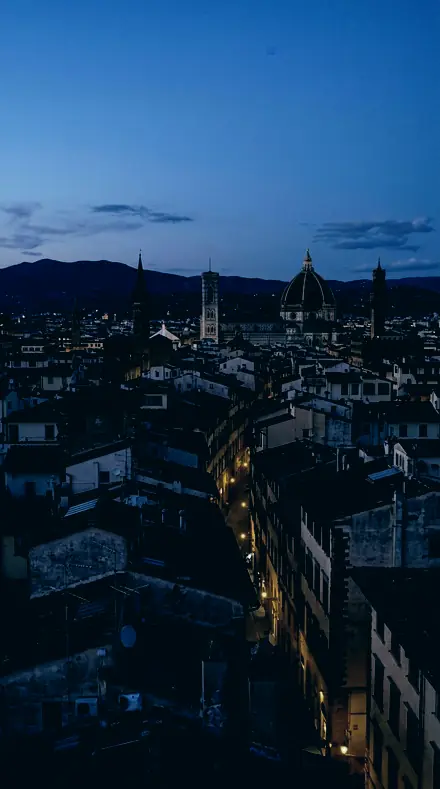
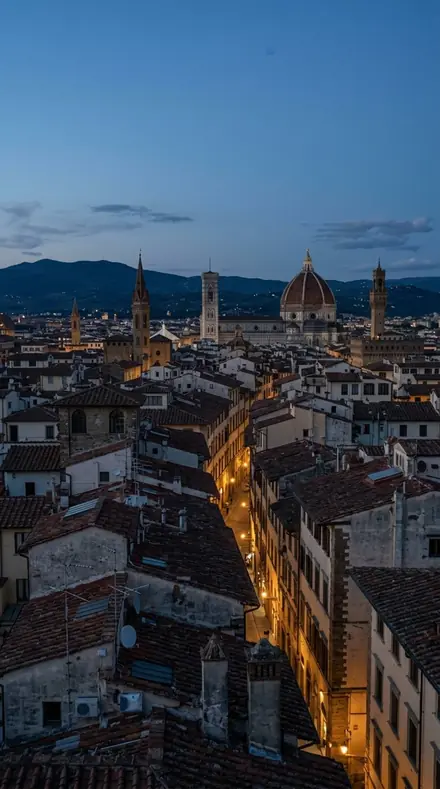
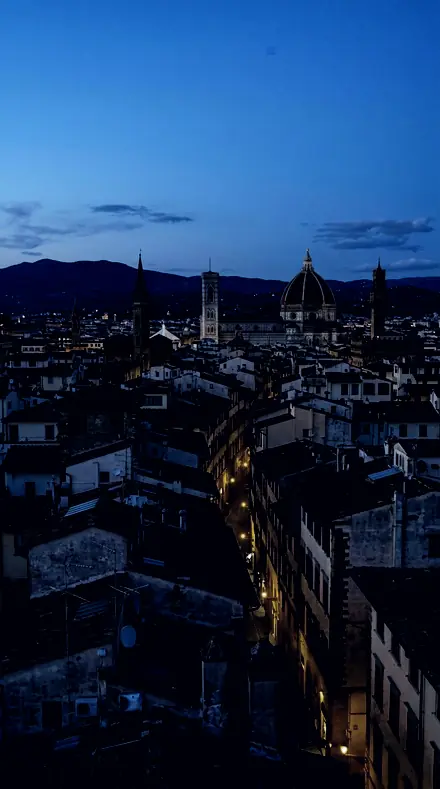
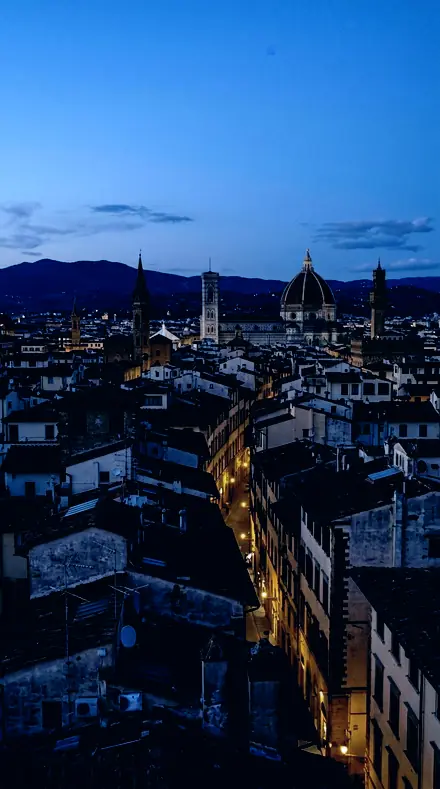
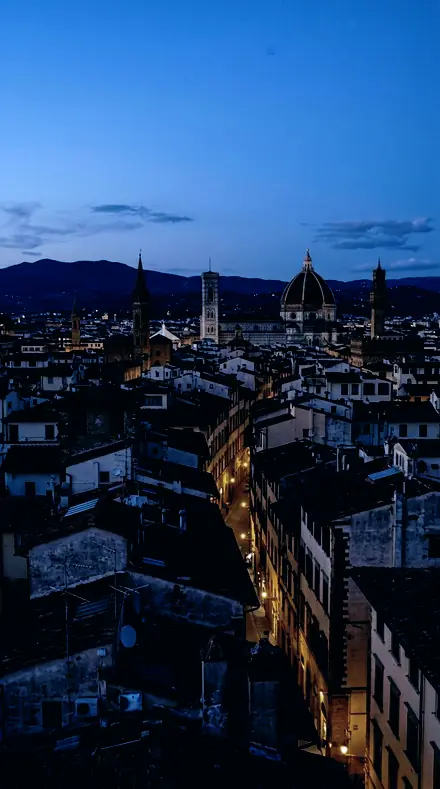
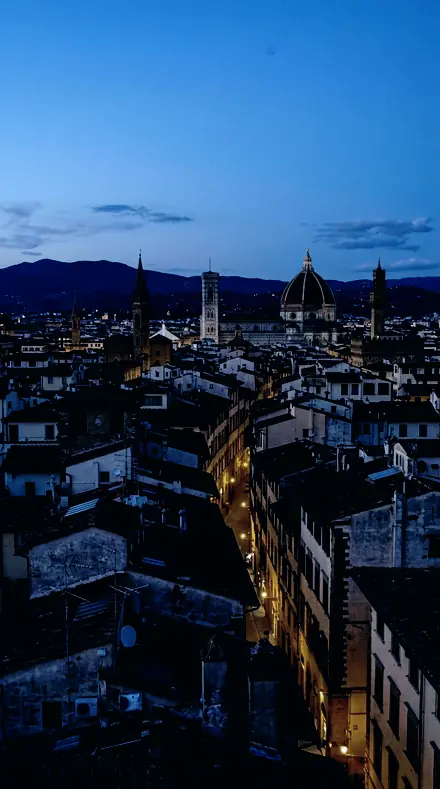
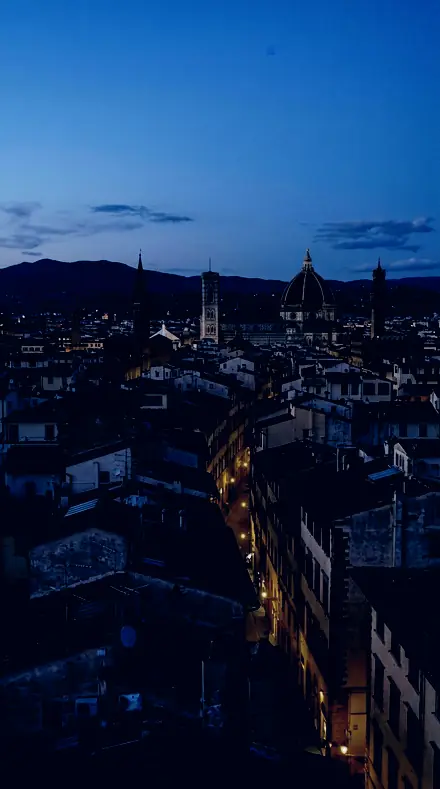
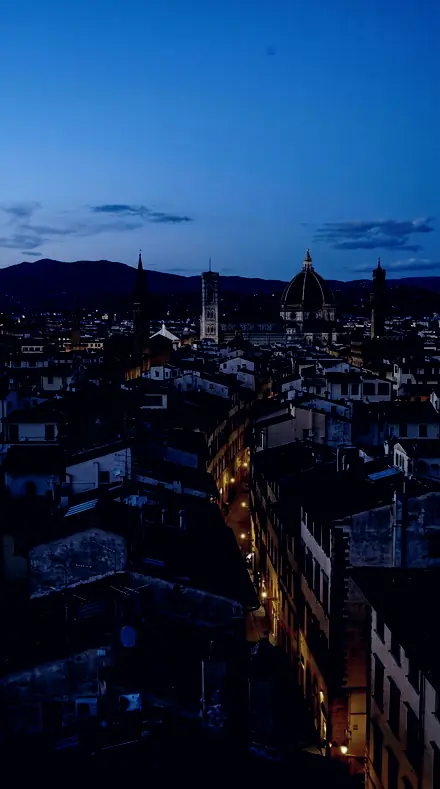
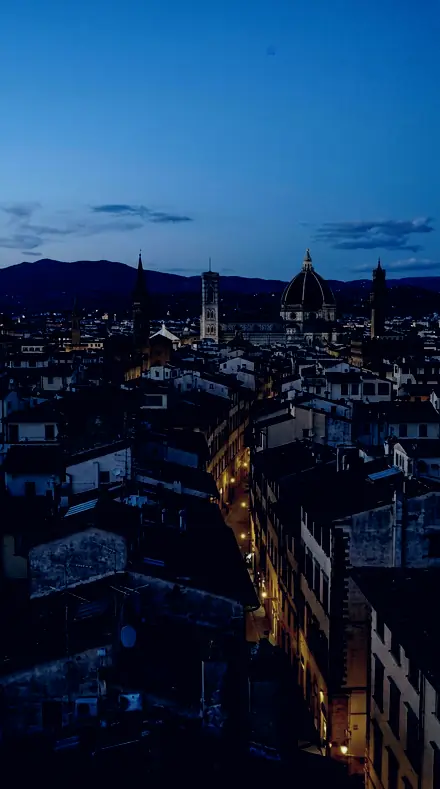
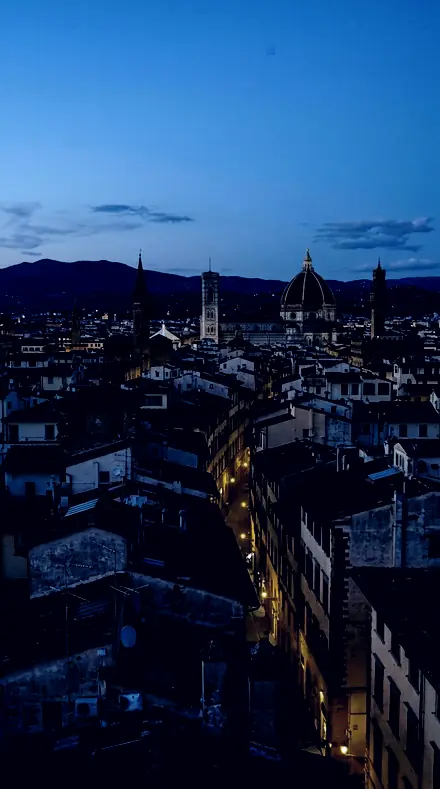
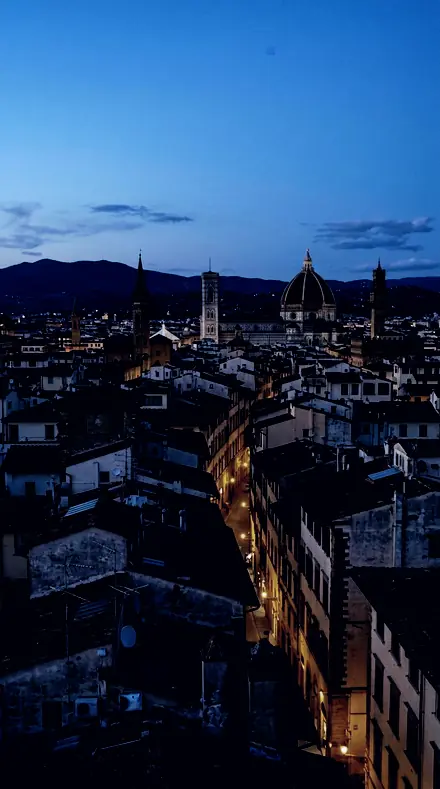
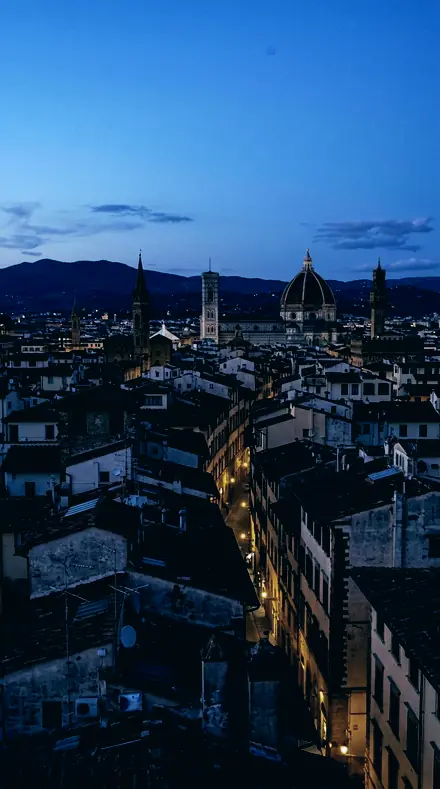
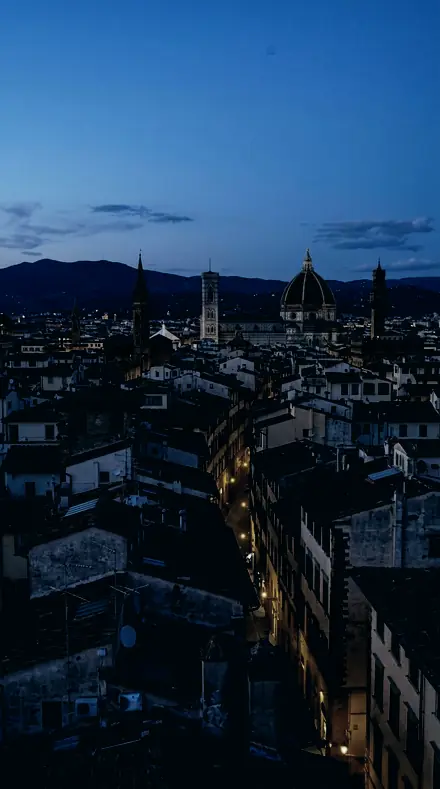
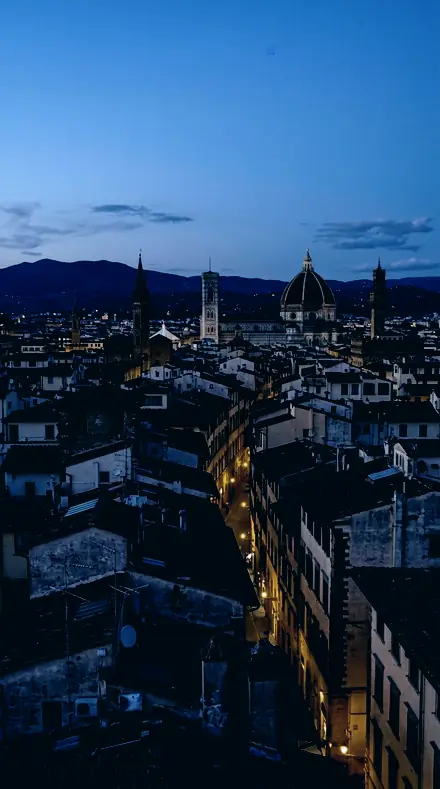
The same city rooftop with the Blackzenith preset appliedcity rooftop, photographed without the Blackzenith preset
Blackzenith applied to city rooftop

What this light does

one frame, 4 presets

Light Pollution, an observing log for a town sky

4 of them, on one photograph. Drag any seam.

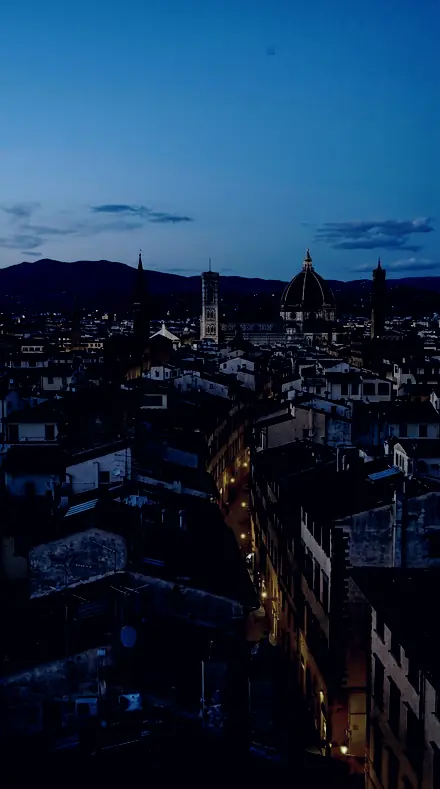
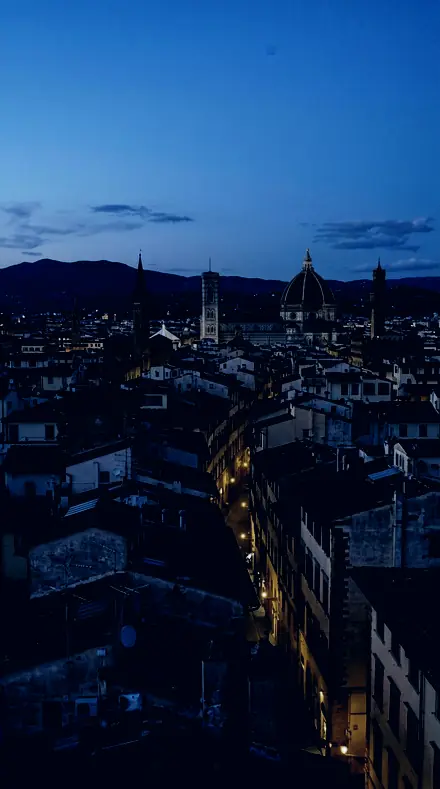
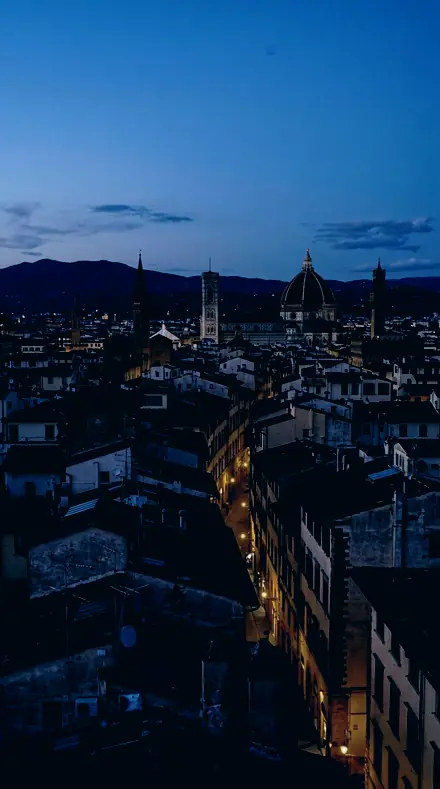
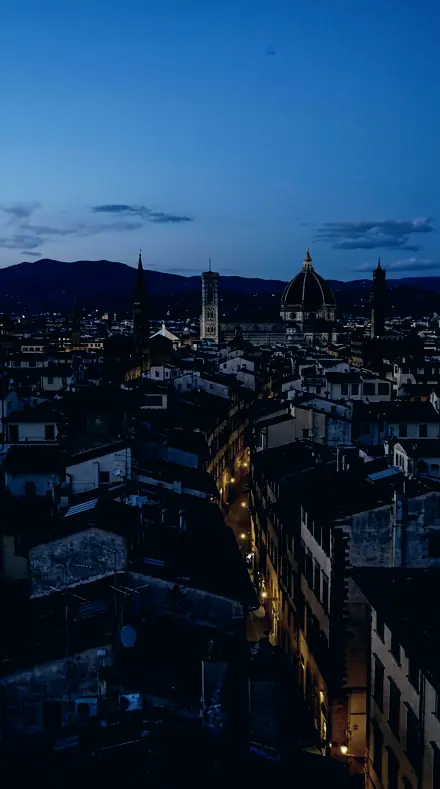
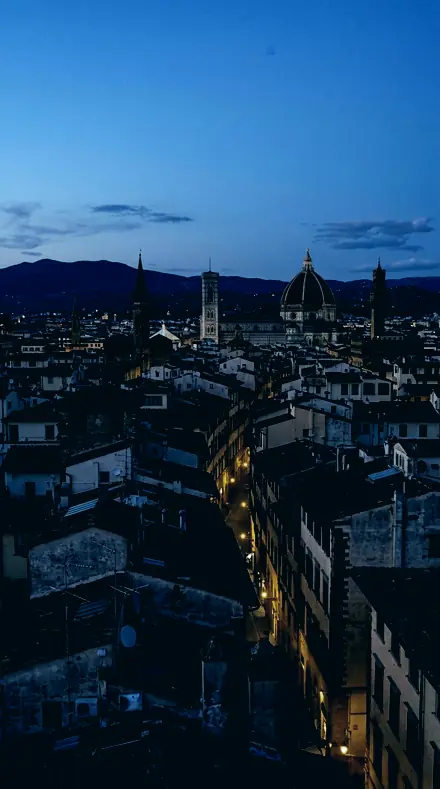
  1. City rooftop with the Sodium Wash preset appliedCity rooftop photographed without a preset
    Sodium Wash applied to City rooftop

    No. 01

    Sodium Wash

    Whites raised a little, which gives the surviving stars somewhere to go after the floor has dropped.

  2. City rooftop with the Edge Wash preset appliedCity rooftop photographed without a preset
    Edge Wash applied to City rooftop

    No. 07

    Edge Wash

    Shadows pulled down alongside the deep black point, since lifting them here only makes the glow more visible.

  3. City rooftop with the Amber Wash preset appliedCity rooftop photographed without a preset
    Amber Wash applied to City rooftop

    No. 12

    Amber Wash

    Cooled white balance, moving the whole frame off the warm point a sodium-lit sky sets.

  4. City rooftop with the Suburb Sky preset appliedCity rooftop photographed without a preset
    Suburb Sky applied to City rooftop

    No. 18

    Suburb Sky

    A shadow split tone toward blue-cyan with real saturation, the complement of sodium orange, so the glow neutralises where it lives.

See the light change

drag the line

The same frame, one tap apart. Drag any handle and the scene goes back to the way it looked before Blackzenith touched it.

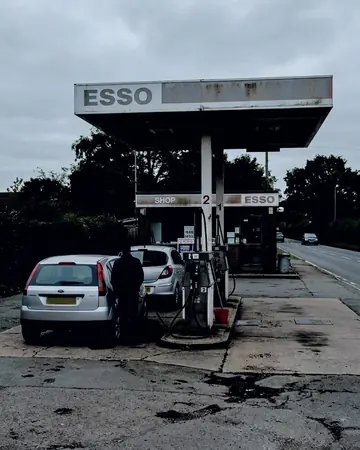
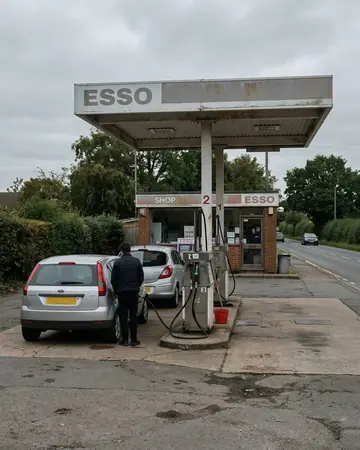
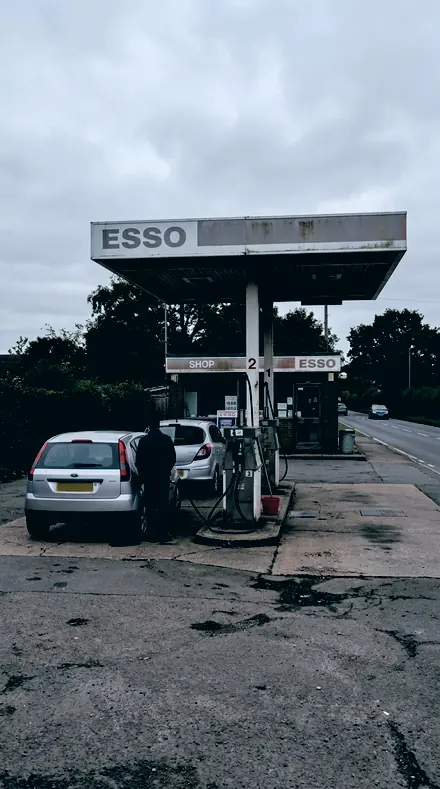
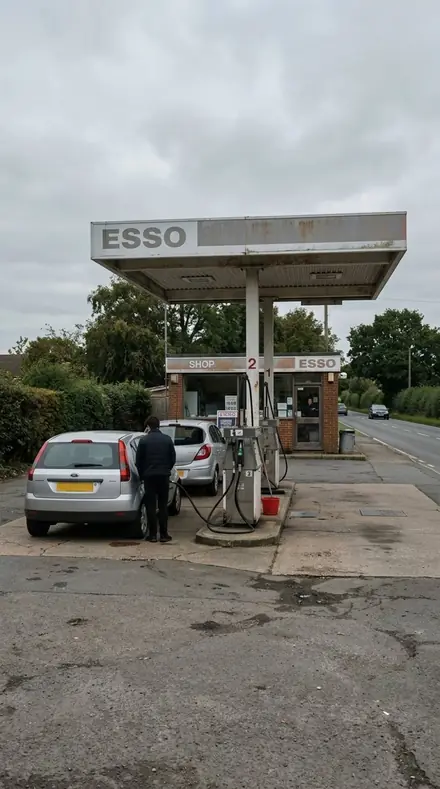
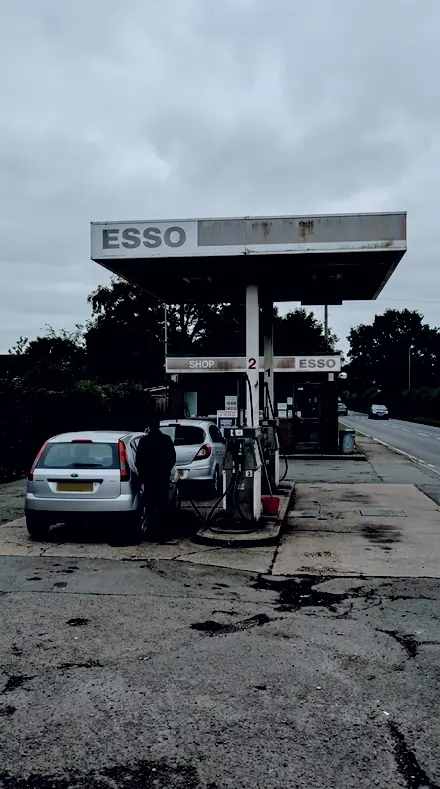
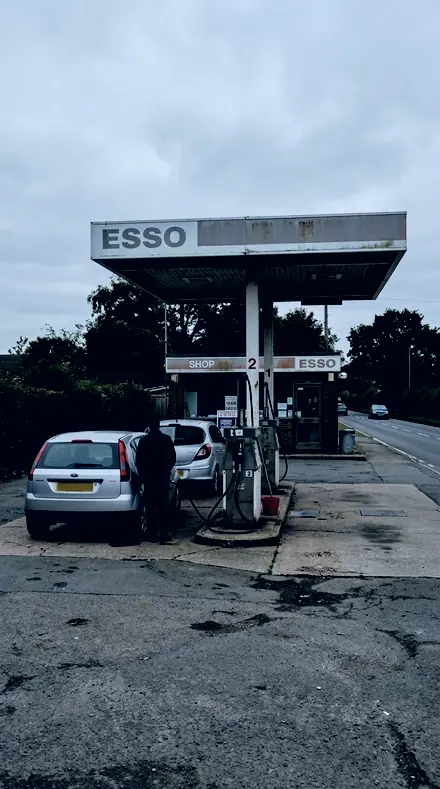
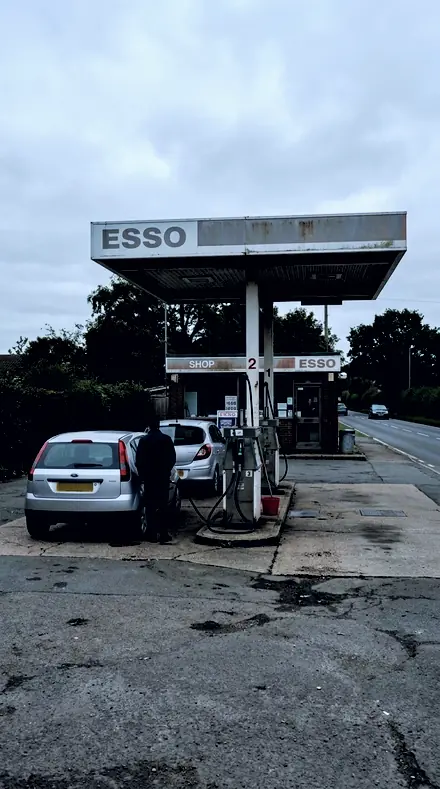
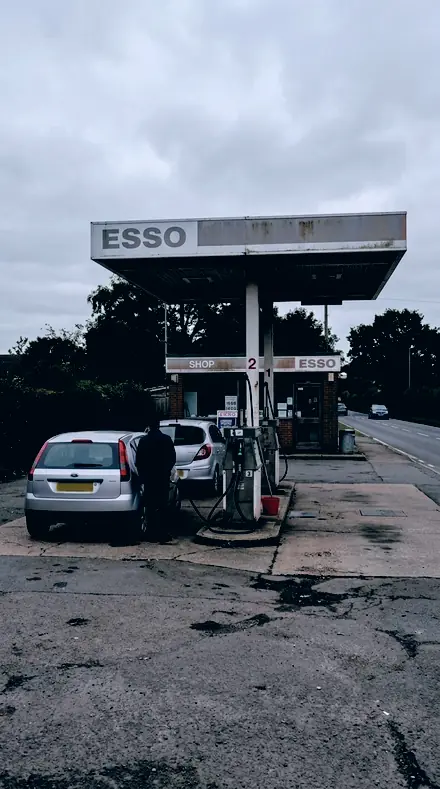
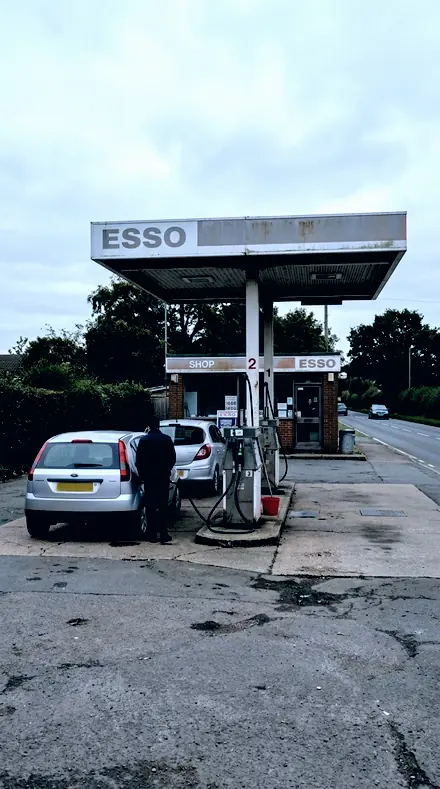
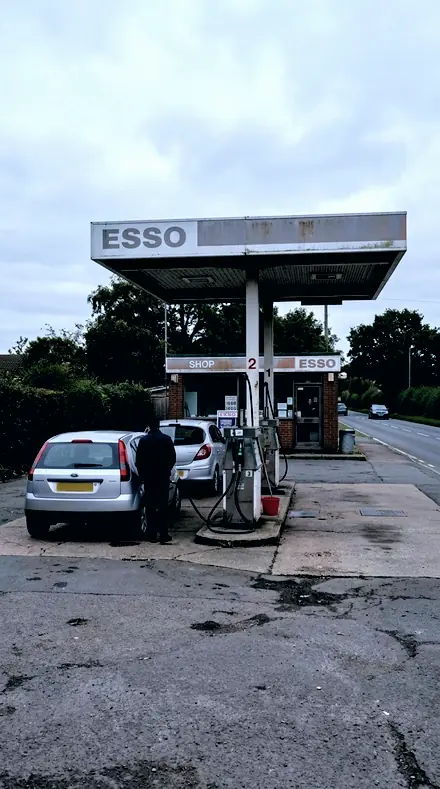
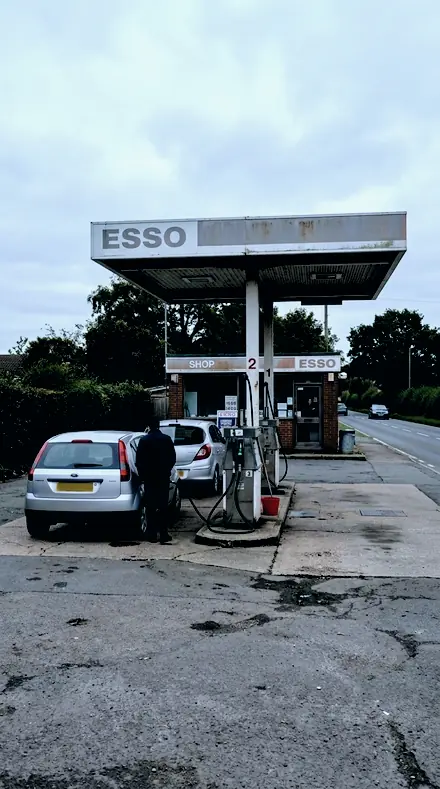
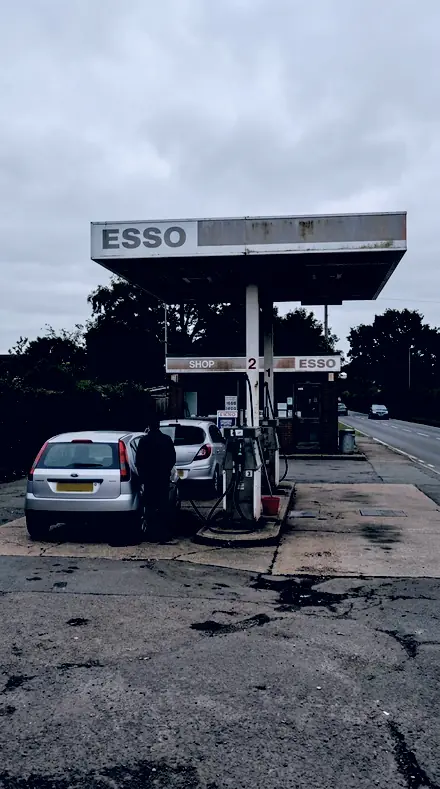
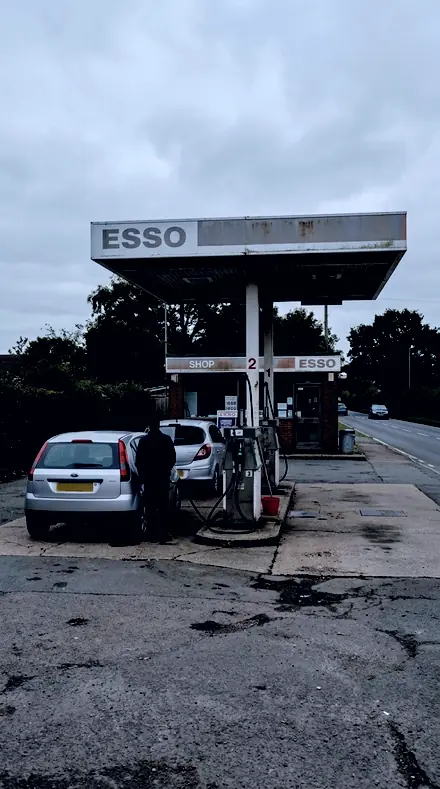
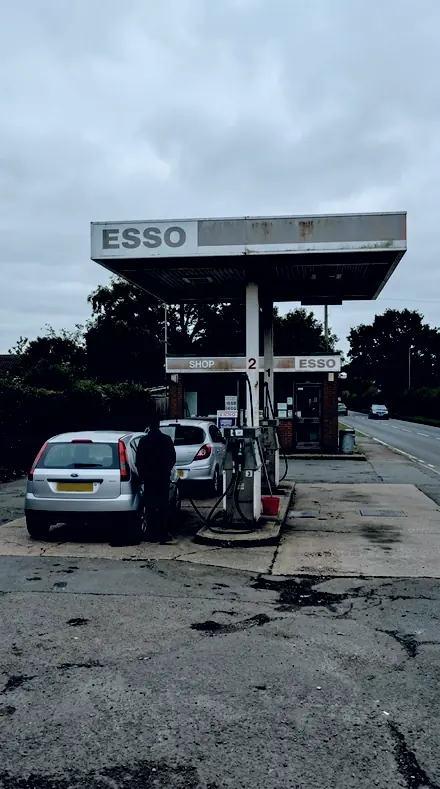
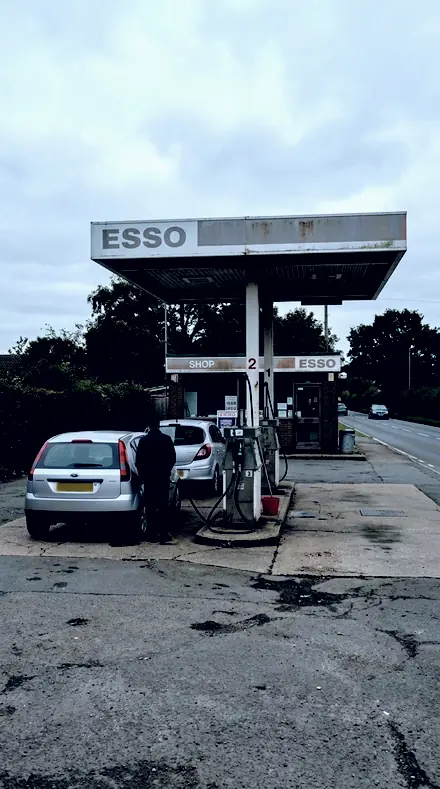
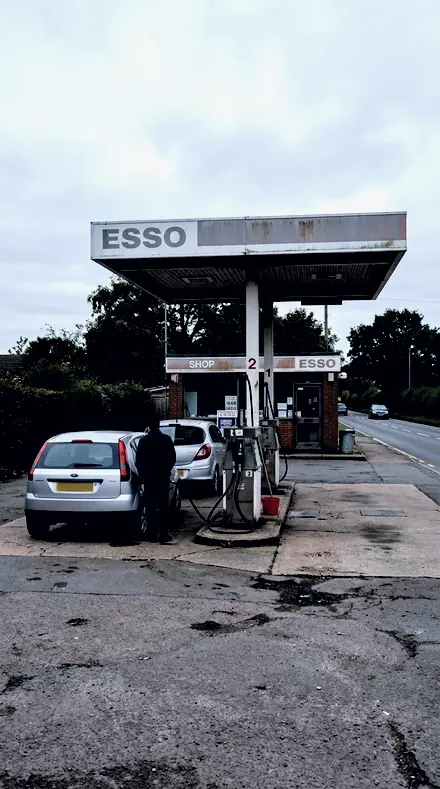
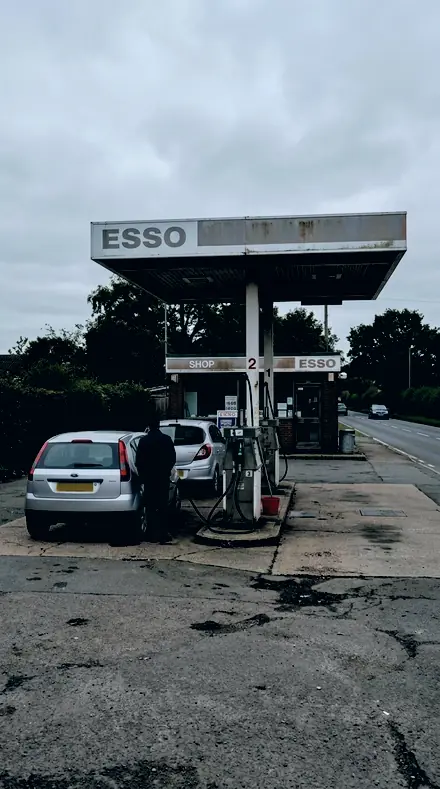
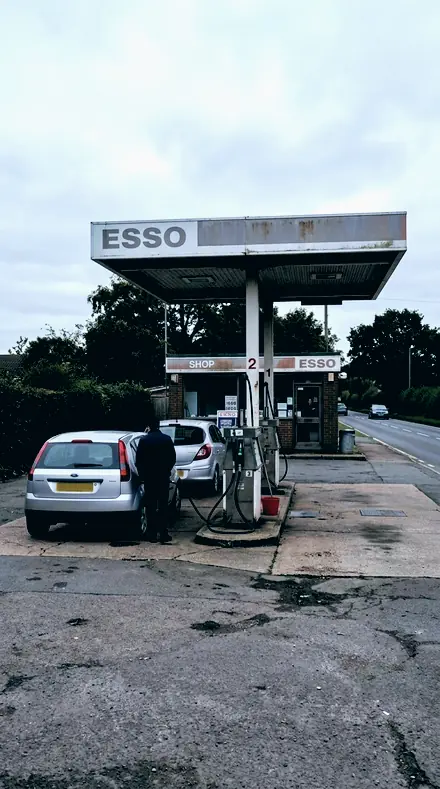
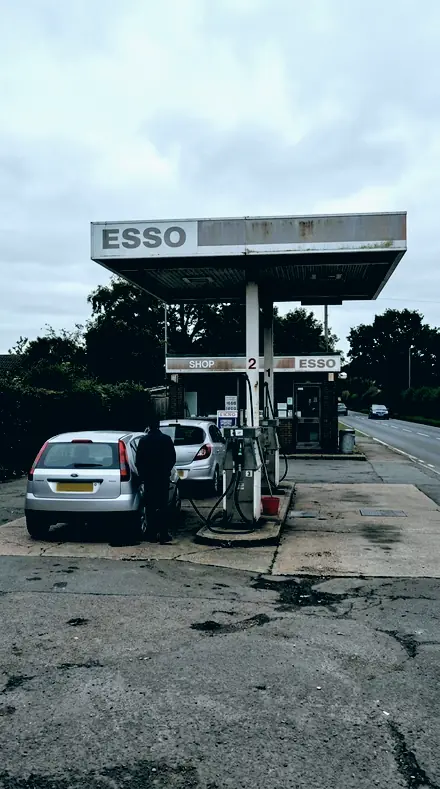
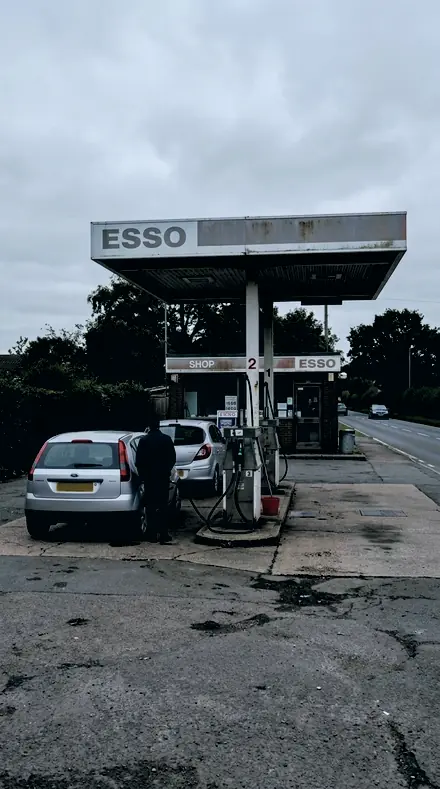
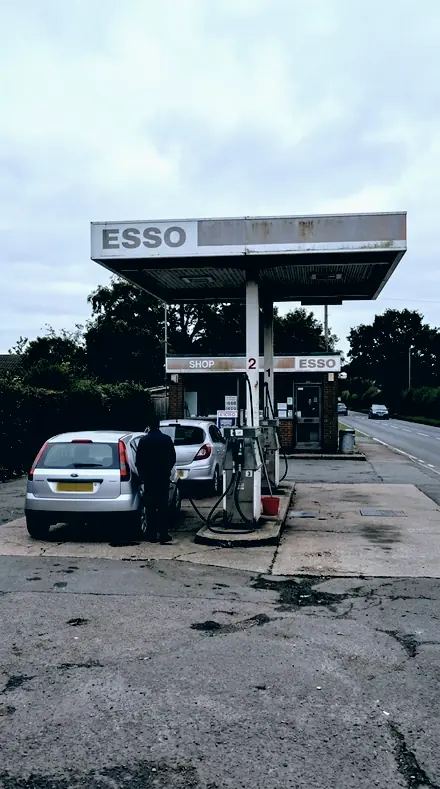
The same Petrol station with the Blackzenith preset appliedPetrol station, photographed without the Blackzenith preset
Blackzenith applied to Petrol station
Petrol station
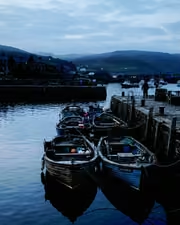
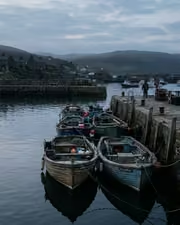
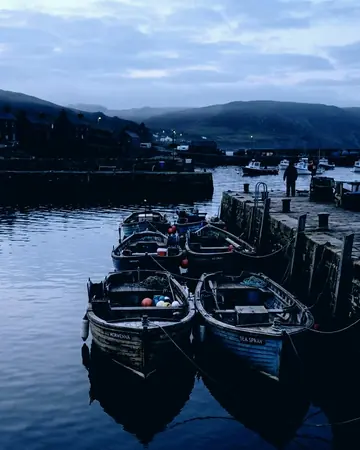
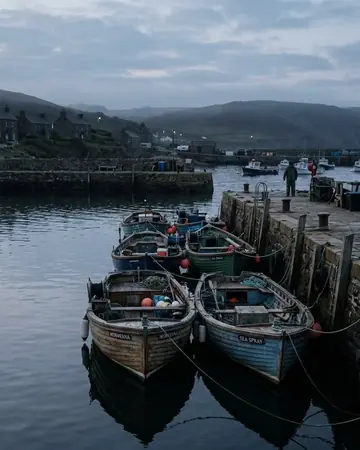
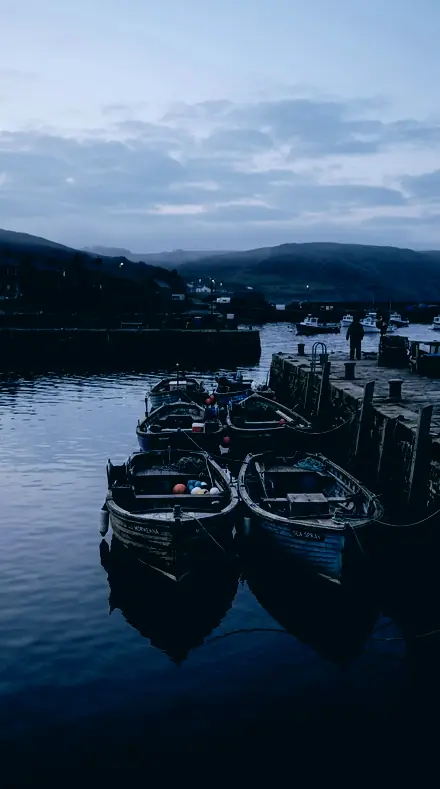
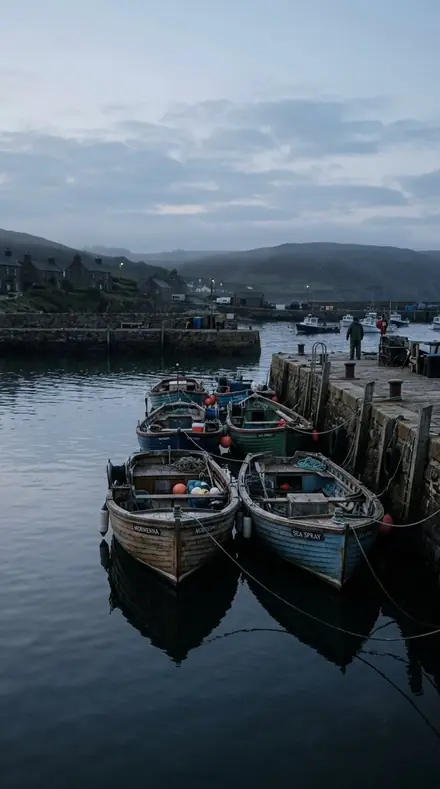
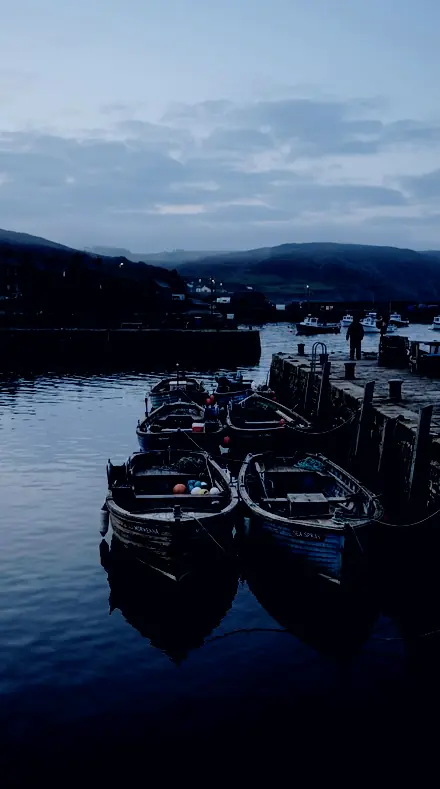
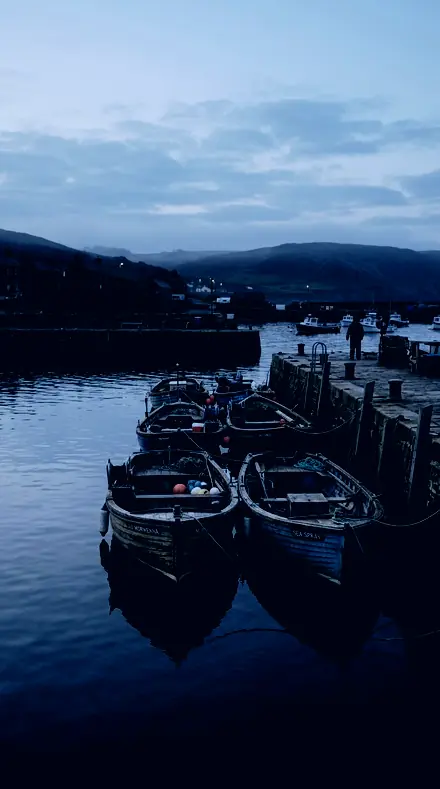
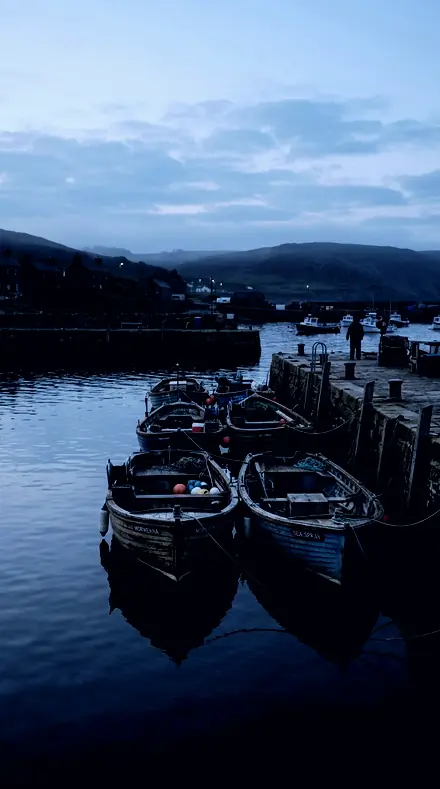
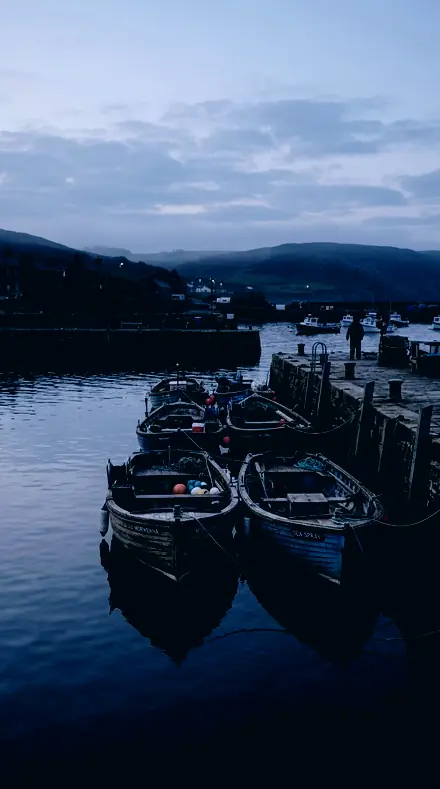
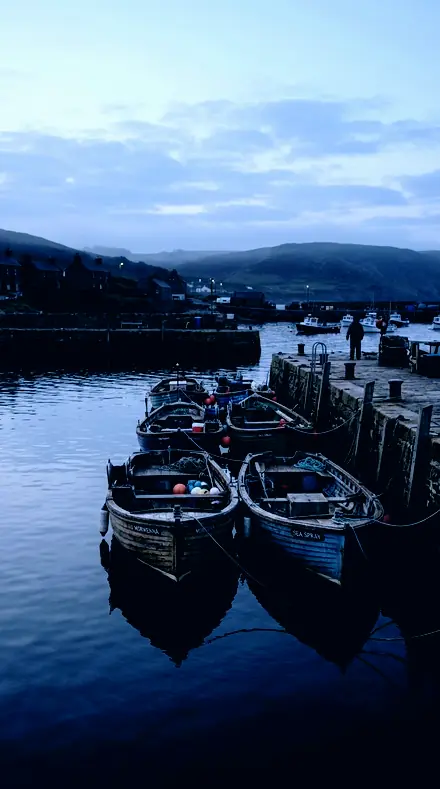
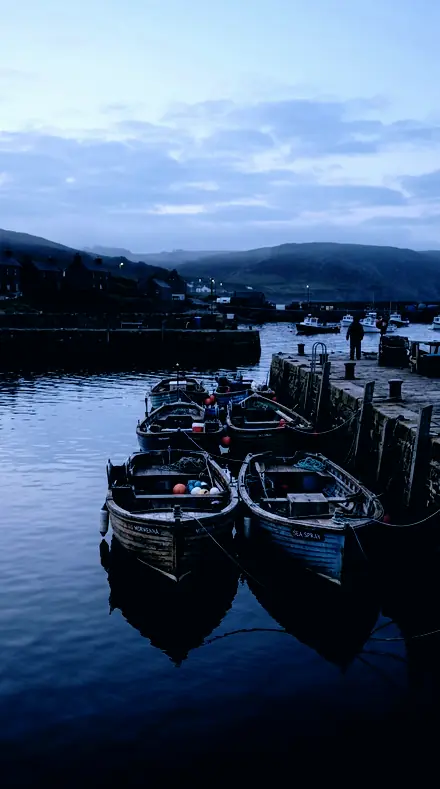
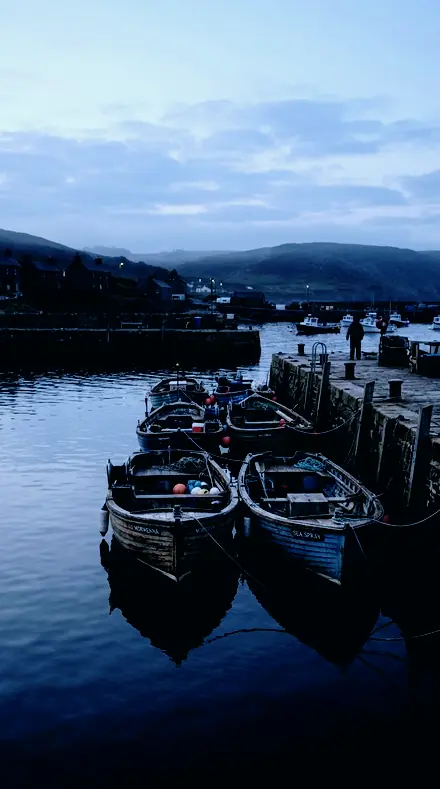
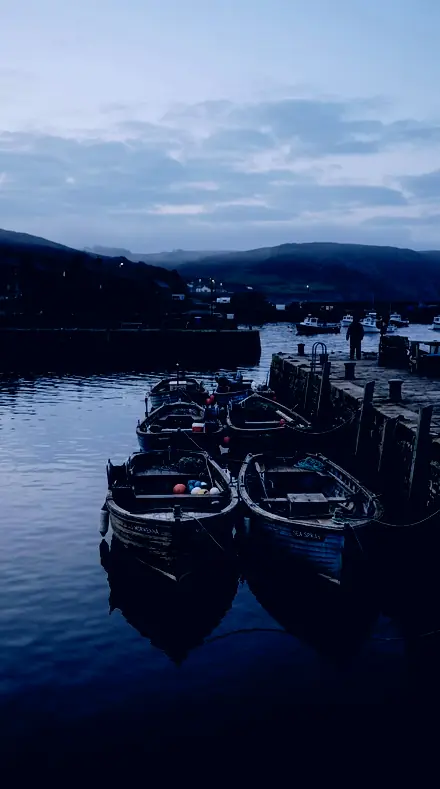
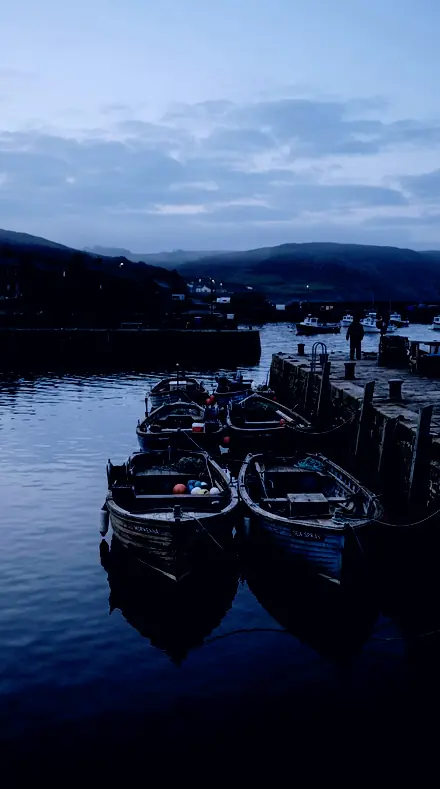
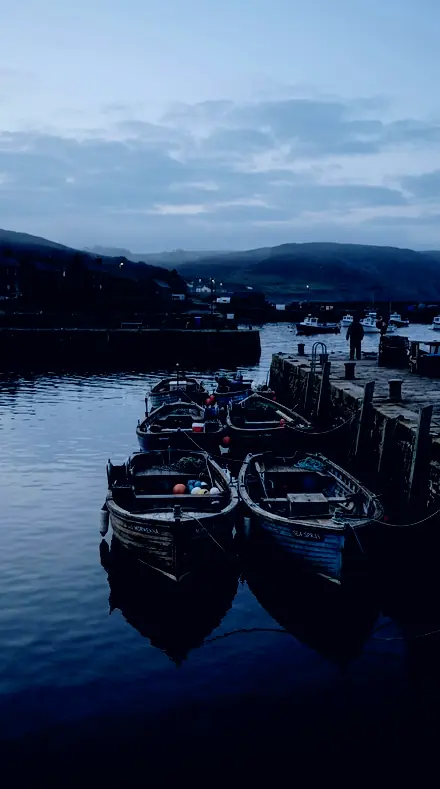
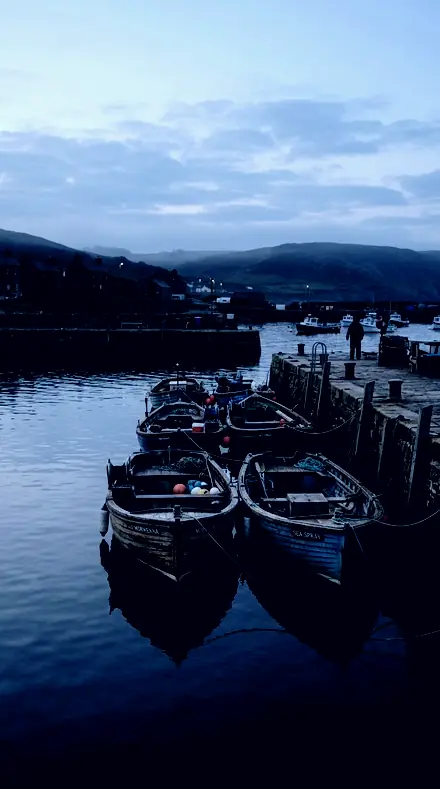
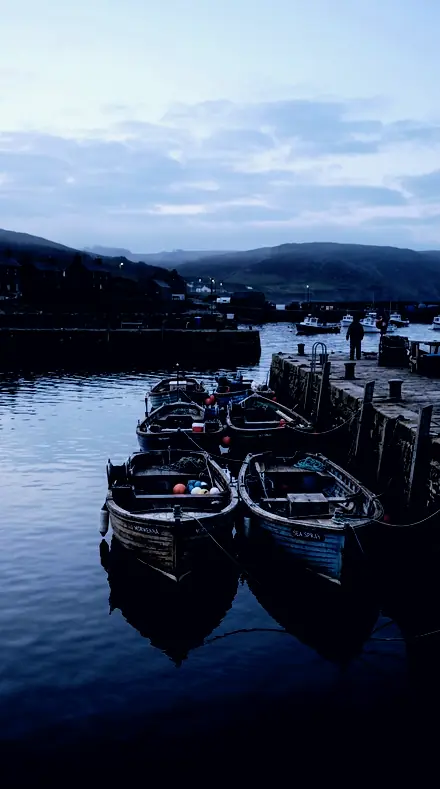
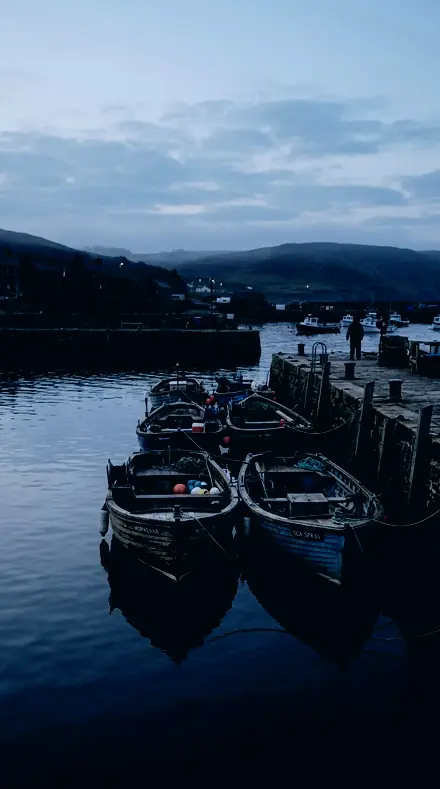
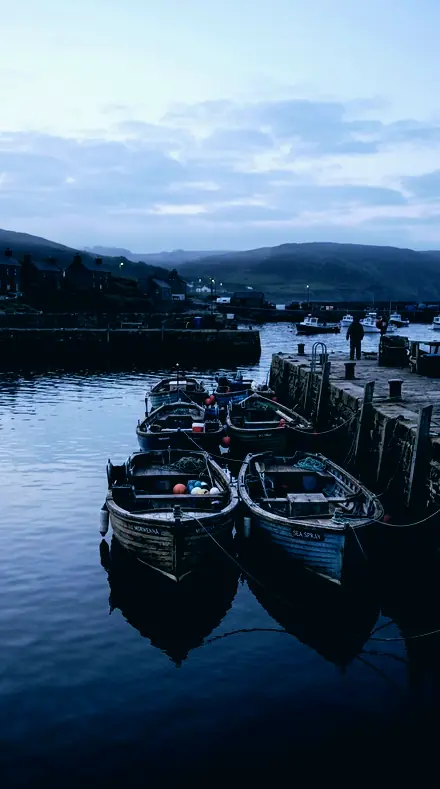
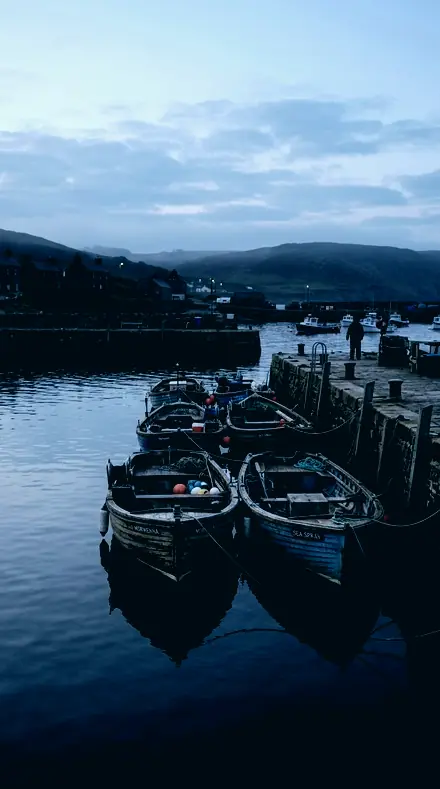
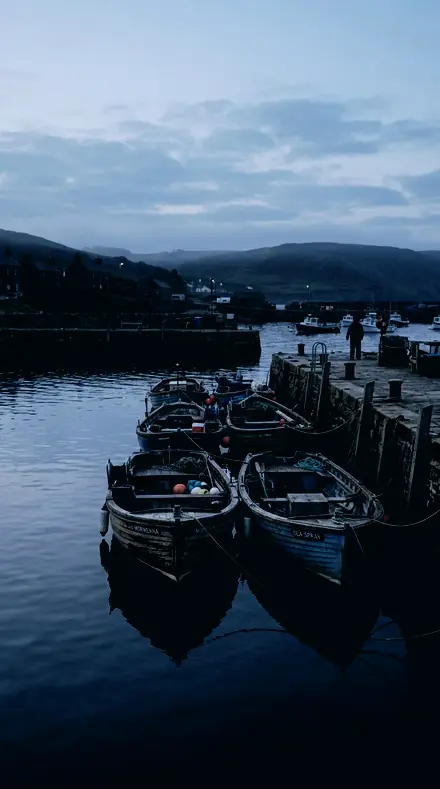
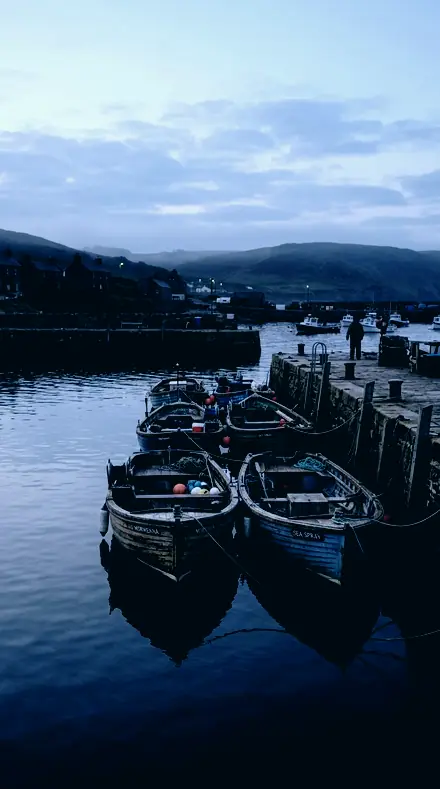
The same Harbour boats with the Blackzenith preset appliedHarbour boats, photographed without the Blackzenith preset
Blackzenith applied to Harbour boats
Harbour boats

The Log

3 groups

Floor, cast and field, each entry on the same frames, a skyline at night, a harbour before dawn, a lamp and a lit door.

  • FloorBlack point and curve toe. The raised floor that skyglow is, taken back down.
  • CastSodium orange and LED green, neutralised where they live, by split and by band.
  • FieldWhat survived, given somewhere to go. Whites, texture and the lightest touch.

The specimen index

18 presets · 4 scenes

Every preset in the pack is here, on the same four photographs. Nothing below is a sample. Open one and drag.

  1. No. 01Sodium WashWhites raised a little, which gives the surviving stars somewhere to go after the floor has dropped.
    Sodium Wash applied to City rooftop Before: City rooftop
    City rooftop
    Sodium Wash applied to Harbour boats Before: Harbour boats
    Harbour boats
    Sodium Wash applied to Petrol station Before: Petrol station
    Petrol station
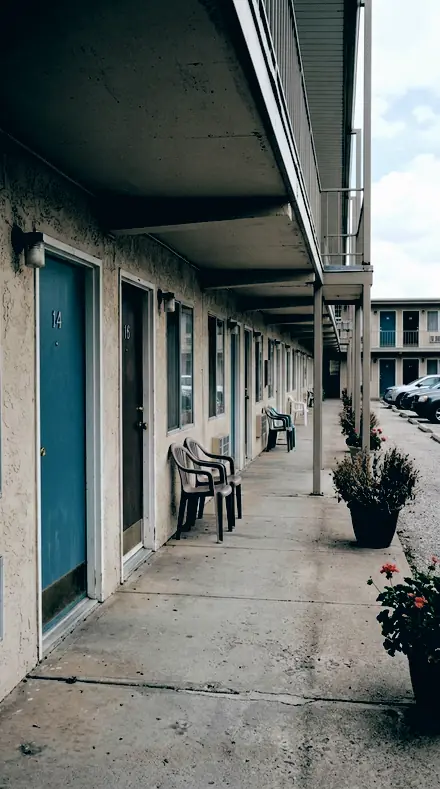
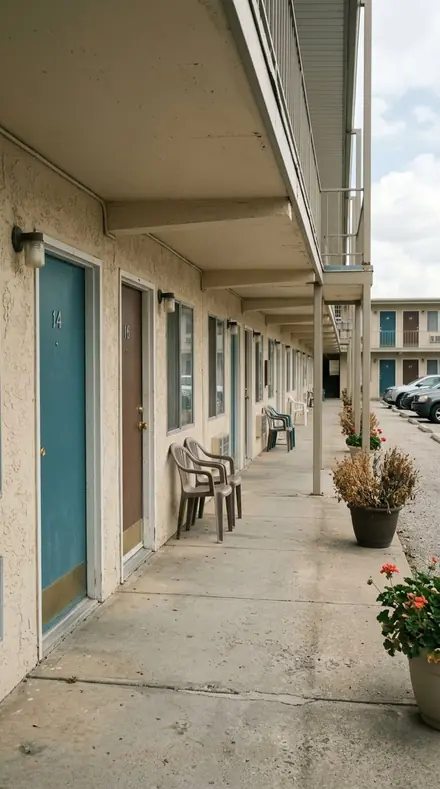
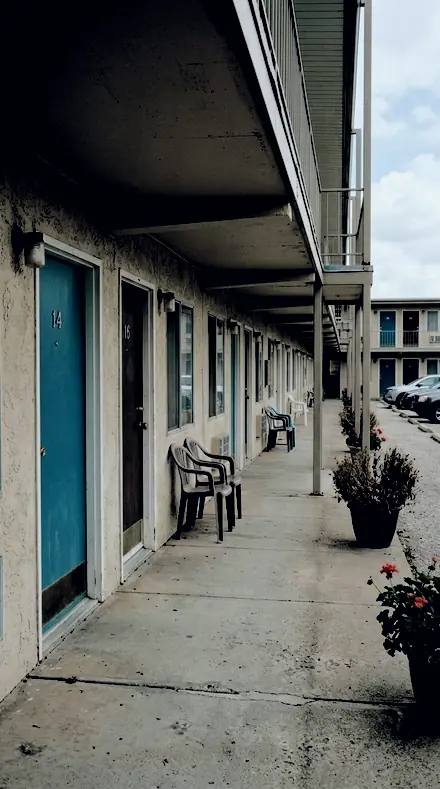
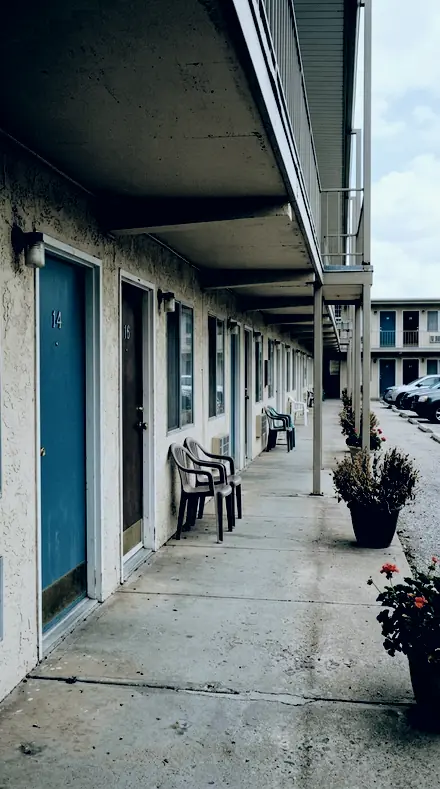
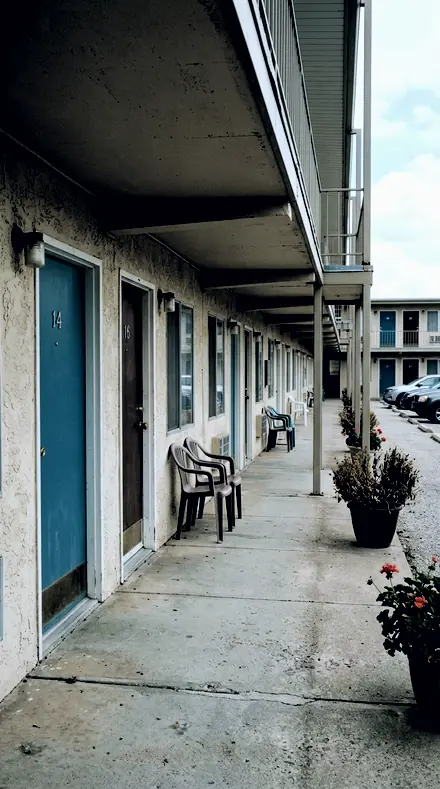
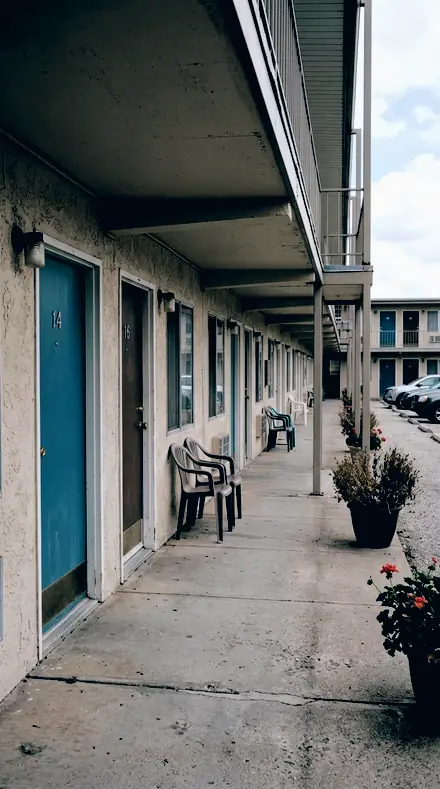
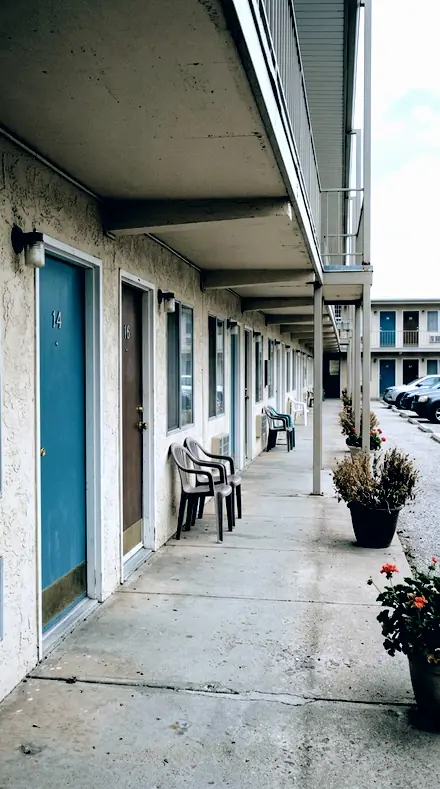
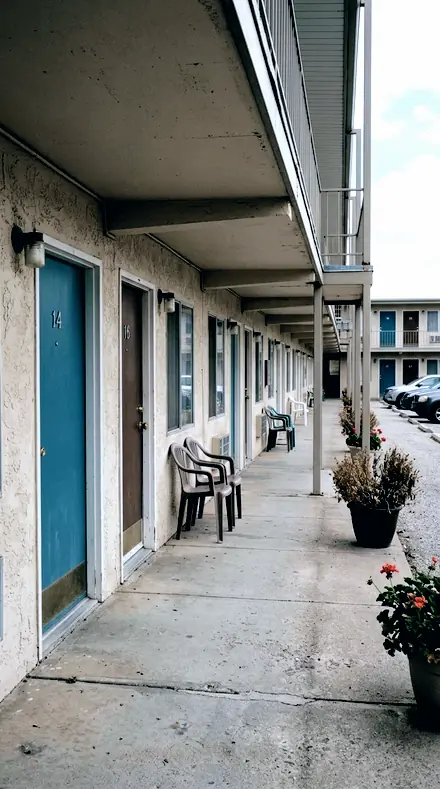
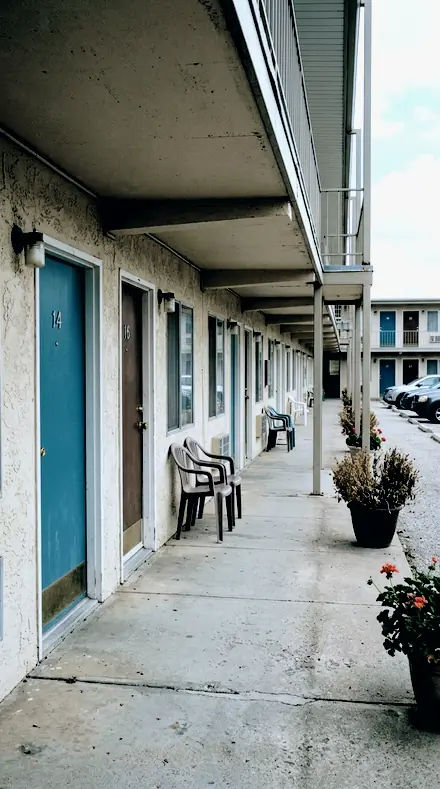
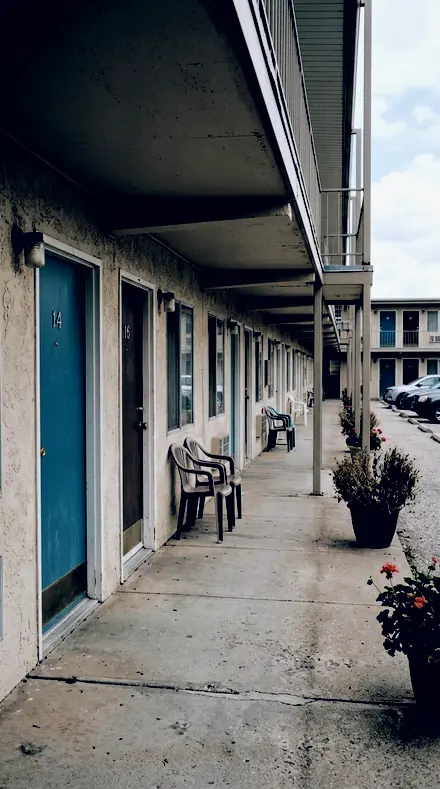
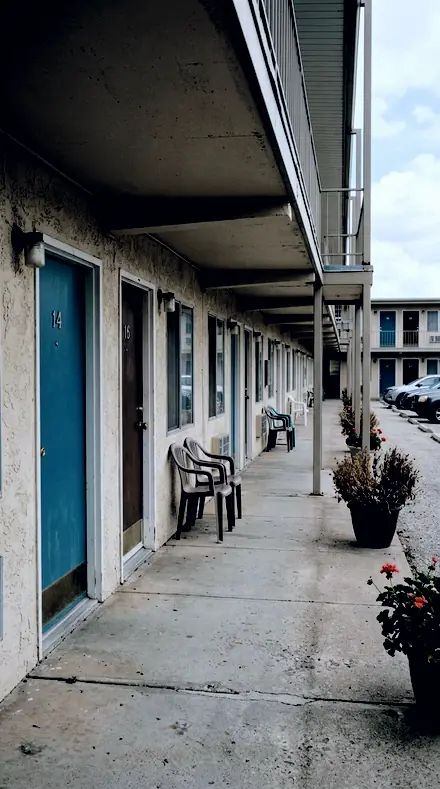
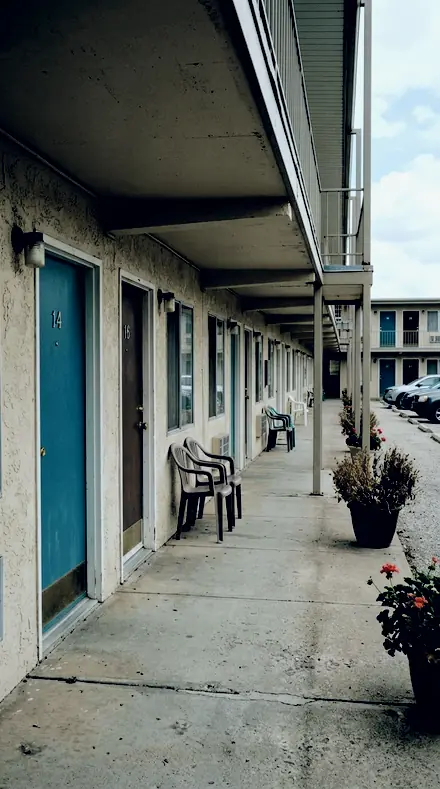
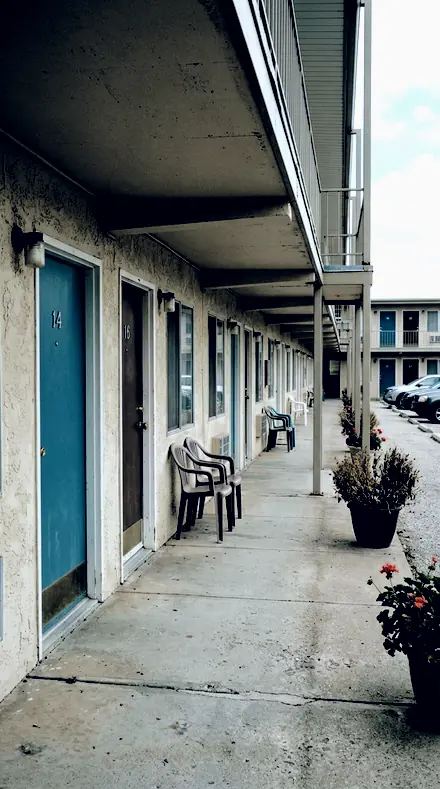
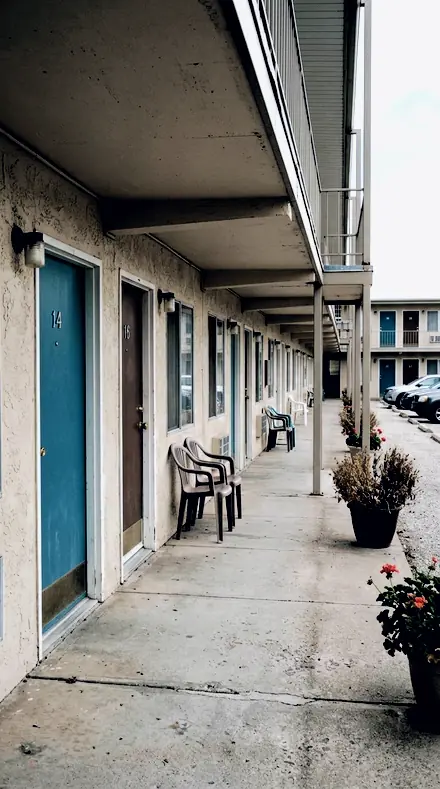
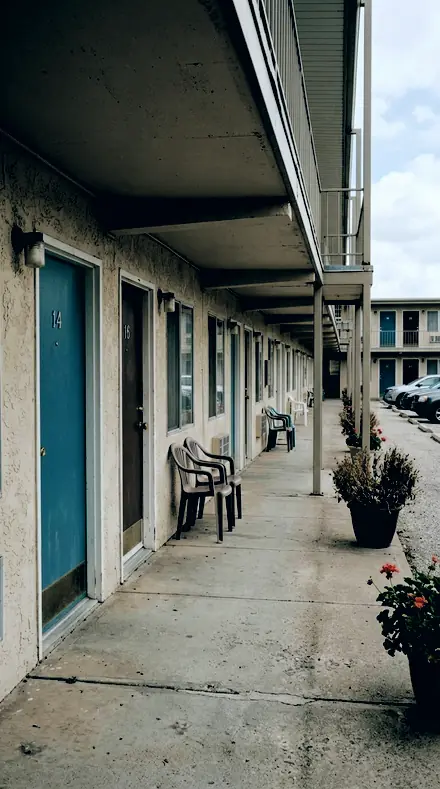
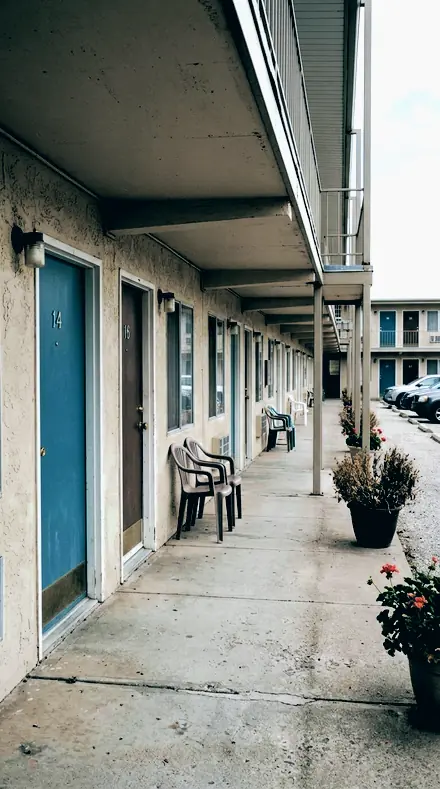
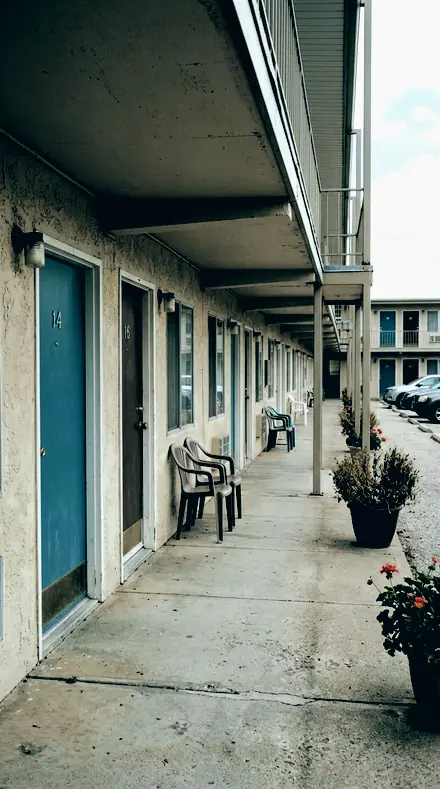
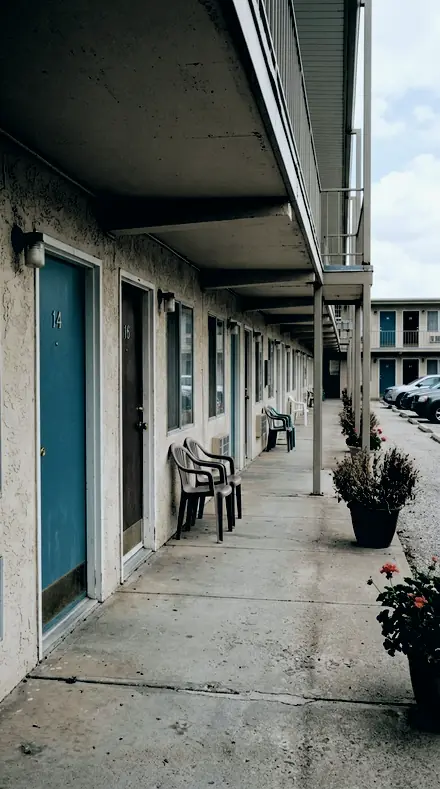
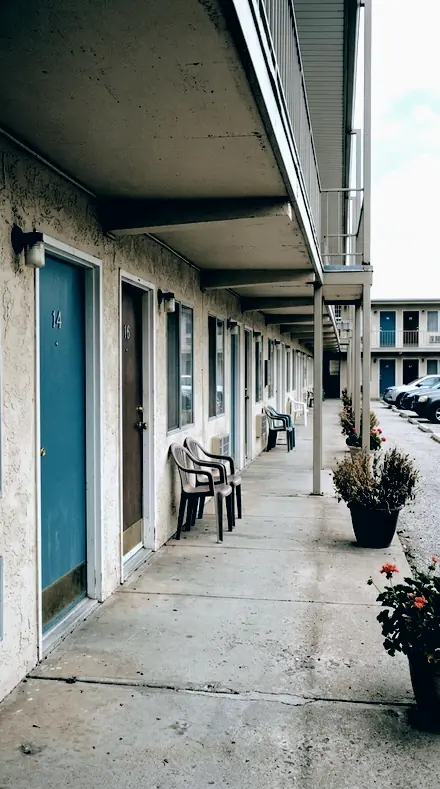
    Sodium Wash applied to Motel door Before: Motel door
    Motel door

    Drag the handle. Left is the original, right is Sodium Wash. Rendered from the preset's own settings, not a Lightroom export, so the real thing carries a little more bite.

  2. No. 02Lamp CastTexture and clarity raised modestly so what is left of the star field reads once the glow is gone.
    Lamp Cast applied to City rooftop Before: City rooftop
    City rooftop
    Lamp Cast applied to Harbour boats Before: Harbour boats
    Harbour boats
    Lamp Cast applied to Petrol station Before: Petrol station
    Petrol station
    Lamp Cast applied to Motel door Before: Motel door
    Motel door

    Drag the handle. Left is the original, right is Lamp Cast. Rendered from the preset's own settings, not a Lightroom export, so the real thing carries a little more bite.

  3. No. 03Vapour CastShadow colour grade luminance negative, a second floor drop that does not need another black point change.
    Vapour Cast applied to City rooftop Before: City rooftop
    City rooftop
    Vapour Cast applied to Harbour boats Before: Harbour boats
    Harbour boats
    Vapour Cast applied to Petrol station Before: Petrol station
    Petrol station
    Vapour Cast applied to Motel door Before: Motel door
    Motel door

    Drag the handle. Left is the original, right is Vapour Cast. Rendered from the preset's own settings, not a Lightroom export, so the real thing carries a little more bite.

  4. No. 04Vapour GlowThe furthest of the eighteen from the Adobe default on the visible parameters: black point down, dehaze up, orange and yellow removed in both saturation and luminance; it cannot recover a star the glow never let the sensor record.
    Vapour Glow applied to City rooftop Before: City rooftop
    City rooftop
    Vapour Glow applied to Harbour boats Before: Harbour boats
    Harbour boats
    Vapour Glow applied to Petrol station Before: Petrol station
    Petrol station
    Vapour Glow applied to Motel door Before: Motel door
    Motel door

    Drag the handle. Left is the original, right is Vapour Glow. Rendered from the preset's own settings, not a Lightroom export, so the real thing carries a little more bite.

  5. No. 05Street GlowThe lightest touch of the eighteen on the parameters a viewer can see, for the edge of a small town rather than the middle of one.
    Street Glow applied to City rooftop Before: City rooftop
    City rooftop
    Street Glow applied to Harbour boats Before: Harbour boats
    Harbour boats
    Street Glow applied to Petrol station Before: Petrol station
    Petrol station
    Street Glow applied to Motel door Before: Motel door
    Motel door

    Drag the handle. Left is the original, right is Street Glow. Rendered from the preset's own settings, not a Lightroom export, so the real thing carries a little more bite.

  6. No. 06Town EdgeContrast firmed after the correction, which is what makes the remaining sky usable rather than grey.
    Town Edge applied to City rooftop Before: City rooftop
    City rooftop
    Town Edge applied to Harbour boats Before: Harbour boats
    Harbour boats
    Town Edge applied to Petrol station Before: Petrol station
    Petrol station
    Town Edge applied to Motel door Before: Motel door
    Motel door

    Drag the handle. Left is the original, right is Town Edge. Rendered from the preset's own settings, not a Lightroom export, so the real thing carries a little more bite.

  7. No. 07Edge WashShadows pulled down alongside the deep black point, since lifting them here only makes the glow more visible.
    Edge Wash applied to City rooftop Before: City rooftop
    City rooftop
    Edge Wash applied to Harbour boats Before: Harbour boats
    Harbour boats
    Edge Wash applied to Petrol station Before: Petrol station
    Petrol station
    Edge Wash applied to Motel door Before: Motel door
    Motel door

    Drag the handle. Left is the original, right is Edge Wash. Rendered from the preset's own settings, not a Lightroom export, so the real thing carries a little more bite.

  8. No. 08Glow FloorHighlights rolled off so a nearby streetlight in frame does not clip after the contrast move.
    Glow Floor applied to City rooftop Before: City rooftop
    City rooftop
    Glow Floor applied to Harbour boats Before: Harbour boats
    Harbour boats
    Glow Floor applied to Petrol station Before: Petrol station
    Petrol station
    Glow Floor applied to Motel door Before: Motel door
    Motel door

    Drag the handle. Left is the original, right is Glow Floor. Rendered from the preset's own settings, not a Lightroom export, so the real thing carries a little more bite.

  9. No. 09Tint CutThe split tone balance pushed to the shadow end so the tint stays in the sky floor and off the highlights.
    Tint Cut applied to City rooftop Before: City rooftop
    City rooftop
    Tint Cut applied to Harbour boats Before: Harbour boats
    Harbour boats
    Tint Cut applied to Petrol station Before: Petrol station
    Petrol station
    Tint Cut applied to Motel door Before: Motel door
    Motel door

    Drag the handle. Left is the original, right is Tint Cut. Rendered from the preset's own settings, not a Lightroom export, so the real thing carries a little more bite.

  10. No. 10Sky CastGreen band saturation and luminance negative, which is the LED half of the problem rather than the sodium half.
    Sky Cast applied to City rooftop Before: City rooftop
    City rooftop
    Sky Cast applied to Harbour boats Before: Harbour boats
    Harbour boats
    Sky Cast applied to Petrol station Before: Petrol station
    Petrol station
    Sky Cast applied to Motel door Before: Motel door
    Motel door

    Drag the handle. Left is the original, right is Sky Cast. Rendered from the preset's own settings, not a Lightroom export, so the real thing carries a little more bite.

  11. No. 11Skyglow CutA midtone colour grade toward blue, correcting the mid sky separately from the shadow tint below it.
    Skyglow Cut applied to City rooftop Before: City rooftop
    City rooftop
    Skyglow Cut applied to Harbour boats Before: Harbour boats
    Harbour boats
    Skyglow Cut applied to Petrol station Before: Petrol station
    Petrol station
    Skyglow Cut applied to Motel door Before: Motel door
    Motel door

    Drag the handle. Left is the original, right is Skyglow Cut. Rendered from the preset's own settings, not a Lightroom export, so the real thing carries a little more bite.

  12. No. 12Amber WashCooled white balance, moving the whole frame off the warm point a sodium-lit sky sets.
    Amber Wash applied to City rooftop Before: City rooftop
    City rooftop
    Amber Wash applied to Harbour boats Before: Harbour boats
    Harbour boats
    Amber Wash applied to Petrol station Before: Petrol station
    Petrol station
    Amber Wash applied to Motel door Before: Motel door
    Motel door

    Drag the handle. Left is the original, right is Amber Wash. Rendered from the preset's own settings, not a Lightroom export, so the real thing carries a little more bite.

  13. No. 13Amber CastOrange and yellow band saturation negative to take the remaining colour off the glow, after the luminance move has already darkened it.
    Amber Cast applied to City rooftop Before: City rooftop
    City rooftop
    Amber Cast applied to Harbour boats Before: Harbour boats
    Harbour boats
    Amber Cast applied to Petrol station Before: Petrol station
    Petrol station
    Amber Cast applied to Motel door Before: Motel door
    Motel door

    Drag the handle. Left is the original, right is Amber Cast. Rendered from the preset's own settings, not a Lightroom export, so the real thing carries a little more bite.

  14. No. 14Copper WashThe reference skyglow grade, and it is a shadow-tint and black-point job rather than a saturation one: a blue shadow split tone against the sodium cast, with the black point set deep where the glow sits.
    Copper Wash applied to City rooftop Before: City rooftop
    City rooftop
    Copper Wash applied to Harbour boats Before: Harbour boats
    Harbour boats
    Copper Wash applied to Petrol station Before: Petrol station
    Petrol station
    Copper Wash applied to Motel door Before: Motel door
    Motel door

    Drag the handle. Left is the original, right is Copper Wash. Rendered from the preset's own settings, not a Lightroom export, so the real thing carries a little more bite.

  15. No. 15Lumen WashThe black point taken deep and the curve toe cut, which removes the raised floor skyglow actually is.
    Lumen Wash applied to City rooftop Before: City rooftop
    City rooftop
    Lumen Wash applied to Harbour boats Before: Harbour boats
    Harbour boats
    Lumen Wash applied to Petrol station Before: Petrol station
    Petrol station
    Lumen Wash applied to Motel door Before: Motel door
    Motel door

    Drag the handle. Left is the original, right is Lumen Wash. Rendered from the preset's own settings, not a Lightroom export, so the real thing carries a little more bite.

  16. No. 16Spill EdgeDehaze raised hard, because skyglow is a low-contrast veil and that is exactly what dehaze removes.
    Spill Edge applied to City rooftop Before: City rooftop
    City rooftop
    Spill Edge applied to Harbour boats Before: Harbour boats
    Harbour boats
    Spill Edge applied to Petrol station Before: Petrol station
    Petrol station
    Spill Edge applied to Motel door Before: Motel door
    Motel door

    Drag the handle. Left is the original, right is Spill Edge. Rendered from the preset's own settings, not a Lightroom export, so the real thing carries a little more bite.

  17. No. 17Bloom EdgeOrange and yellow band luminance pulled well down, which darkens the glow itself rather than merely draining its colour.
    Bloom Edge applied to City rooftop Before: City rooftop
    City rooftop
    Bloom Edge applied to Harbour boats Before: Harbour boats
    Harbour boats
    Bloom Edge applied to Petrol station Before: Petrol station
    Petrol station
    Bloom Edge applied to Motel door Before: Motel door
    Motel door

    Drag the handle. Left is the original, right is Bloom Edge. Rendered from the preset's own settings, not a Lightroom export, so the real thing carries a little more bite.

  18. No. 18Suburb SkyA shadow split tone toward blue-cyan with real saturation, the complement of sodium orange, so the glow neutralises where it lives.
    Suburb Sky applied to City rooftop Before: City rooftop
    City rooftop
    Suburb Sky applied to Harbour boats Before: Harbour boats
    Harbour boats
    Suburb Sky applied to Petrol station Before: Petrol station
    Petrol station
    Suburb Sky applied to Motel door Before: Motel door
    Motel door

    Drag the handle. Left is the original, right is Suburb Sky. Rendered from the preset's own settings, not a Lightroom export, so the real thing carries a little more bite.

Skyglow is two problems that look like one. Sodium lamps put an orange tint into the shadows, LEDs add green, and both raise the black point so the sky sits on a grey floor instead of black. Copper Wash is the reference correction, and it is a black-point and shadow-tint job rather than a saturation one: a blue shadow split against the sodium cast, with the black point set deep where the glow lives.

Floor entries do the level work. Lumen Wash takes the black point deep and cuts the curve toe. Vapour Cast adds a second floor drop through shadow luminance. Glow Floor rolls the highlights off so a streetlight in frame does not clip after the contrast move. Vapour Glow is the furthest from default on every visible parameter, and it still cannot recover a star the glow never let the sensor record.

Cast entries do the colour work. Suburb Sky neutralises with a blue-cyan shadow split, the complement of sodium orange. Sky Cast takes the green band down, which is the LED half. Amber Wash cools the white balance off the warm point a sodium sky sets. Bloom Edge darkens the glow itself by pulling orange and yellow luminance rather than draining colour. Field entries then give what survived somewhere to go: Sodium Wash raises the whites a little, Lamp Cast lifts texture and clarity, Street Glow is the lightest touch, for the edge of a small town rather than the middle of one.

Apply, then check the histogram. The left edge should sit at black with nothing stacked against it.

Yours in two minutes

how it works

the four steps

  • Buy the setCheckout takes a card; you get a receipt by email.
  • Download instantlyThe preset files download right after payment. Re-download any time from your account.
  • Import to LightroomOpen the files in the free Lightroom app (iOS or Android) or Lightroom Classic. Lightroom saves them as presets automatically.
  • Tap a presetOne tap applies the full look. Every setting stays editable after.

what you may do with them

  • Single-user license.Yours to use in personal and client work.
  • No redistribution.Don't resell or share the preset files themselves.
  • Free app is enough.No Adobe subscription needed for Lightroom mobile.
  • Keep it forever.Files live in your account for re-download.
Netzah Elad Topaz, the photographer who makes these presets

the maker

Why I Make These

I am Netzah Elad Topaz. I take photographs and I build software, and the two keep leading me back to the same problem. You were there. The light was doing something you will not see again. Then the photo comes back flat, and it is not what you were looking at.

Closing that gap is the whole job. Every preset here is built from Adobe defaults by hand, with a written note for what it should do to a picture, and it is judged on real photographs before it ships. Nothing is a filter dropped on top of your work.

What I want is simple. You open a photo you almost gave up on, you tap once, and there it is: the day you remember, not the file your camera handed you. That is worth doing properly.

Netzah Elad Topaz, photographer and software builder

Get Light Pollution

instant download

Light Pollution

18 presets for night and astro photography

  • Every preset on this page, as .xmp files in one ZIP.
  • The free Lightroom app on iPhone and Android, and Lightroom Classic.
  • Yours to keep, and to download again from your account.
  • Personal and client work, under the single-user license.

$79.99

Instant download.

The download starts the moment you pay, the link is emailed to you as well, and the pack stays in your account to download again.

every pack, in detail

Questions, answered

Where do I start on a Bortle 6 sky?

Copper Wash. It sets the black point and the blue shadow split in one move. If the orange still shows, add Amber Cast; if the tint is green rather than orange, Sky Cast is the LED correction.

Will it bring back stars I cannot see?

No. If the glow was brighter than a star when the sensor recorded it, the star is not in the file. These presets remove the floor and the tint; they do not invent signal.

Do these work in the free Lightroom app?

Yes. Import the .xmp files in the free Lightroom app on iPhone or Android, no subscription needed. They also work in Lightroom Classic and Lightroom on desktop.

What exactly do I get?

All 18 presets from Light Pollution as .xmp files in an instant ZIP download. The link also lands in your email, and the purchase stays in your account so you can re-download any time.

How do I install them?

Two minutes: unzip, then import inside Lightroom. The step-by-step guide covers iPhone, Android, and desktop.

Can I use them for client work?

Yes. The single-user license covers personal and commercial photography. The one thing you can't do is share or resell the preset files themselves.

Can I tweak a preset after applying it?

Always. A preset is a starting point; every slider stays yours to adjust.

What else is like this

All night and astro
The same Morning boats, before the harbour woke. with the Electricsky preset appliedMorning boats, before the harbour woke., photographed without the Electricsky preset
Electricsky applied to Morning boats, before the harbour woke.

Electricsky

Night and astro · 36 presets

was $129.99now $79.99Save $50

The same The rooftop hour, kept the way it felt. with the Nightcurve preset appliedThe rooftop hour, kept the way it felt., photographed without the Nightcurve preset
Nightcurve applied to The rooftop hour, kept the way it felt.

Nightcurve

Night and astro · 144 presets

was $199now $99Save $100