Back

Electricsky · Night and astro

Electricsky makes one kind of light.

Aurora Curtain, Noctilucent Cloud is 36 presets for night and astro photography. Every one of them is below, on real photographs, before you pay for any of it.

Aurora Curtain + Noctilucent Cloud, 36 Lightroom presets

was $129.99now $79.99Save $50

Instant download.

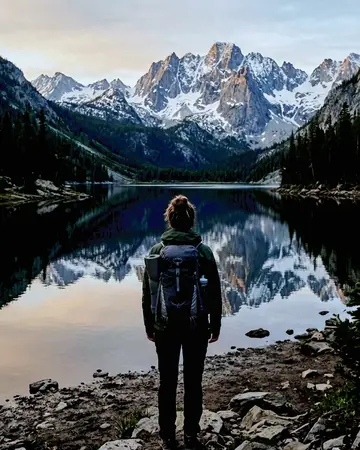
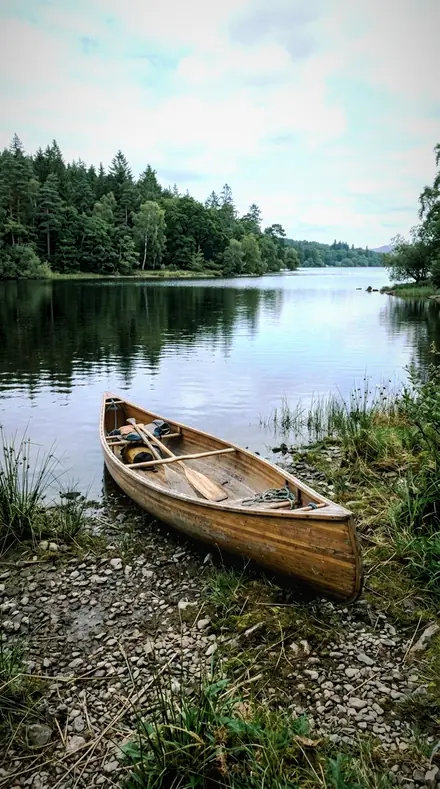
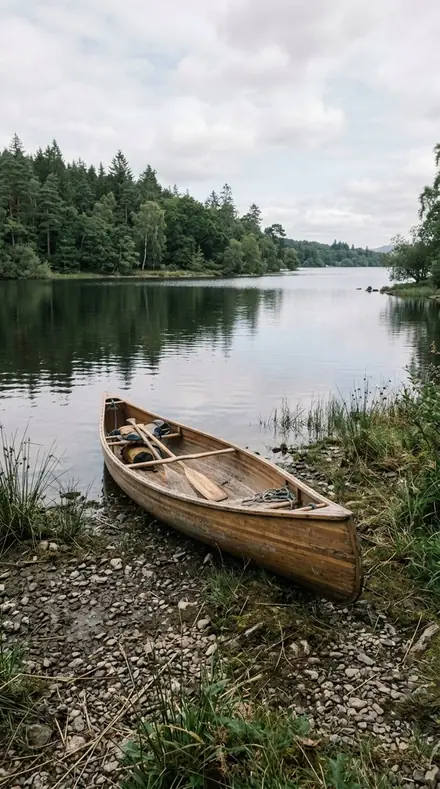
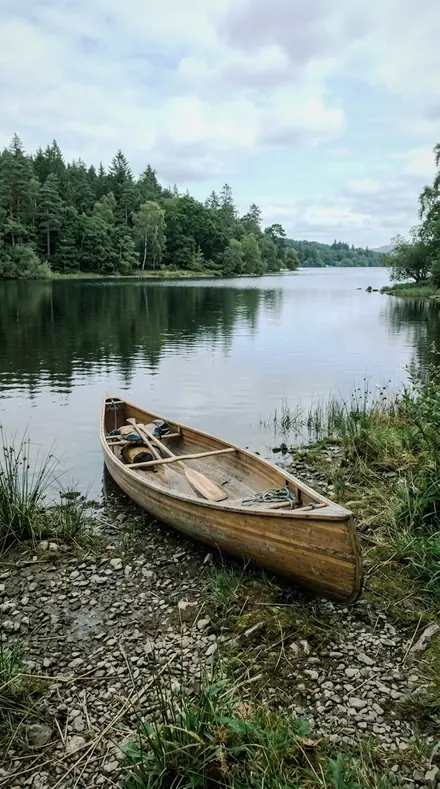
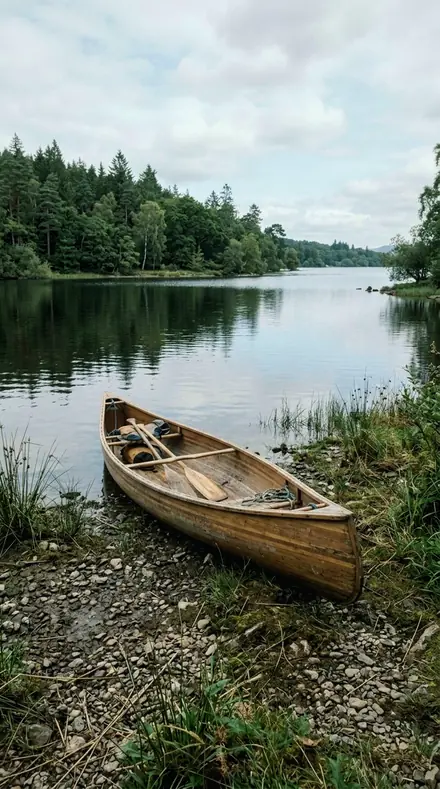
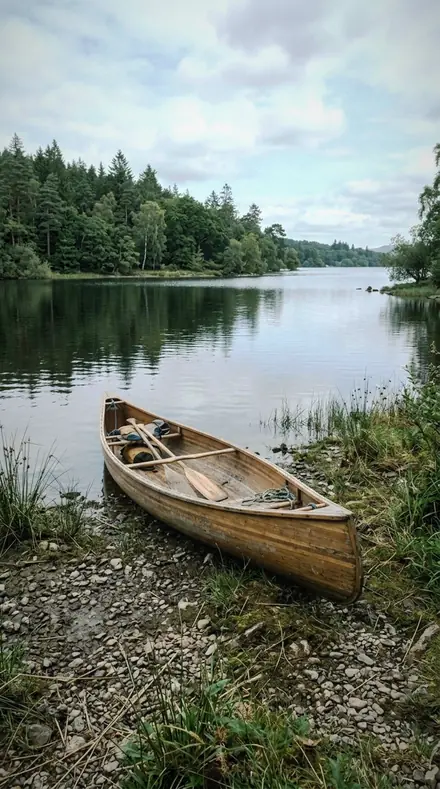
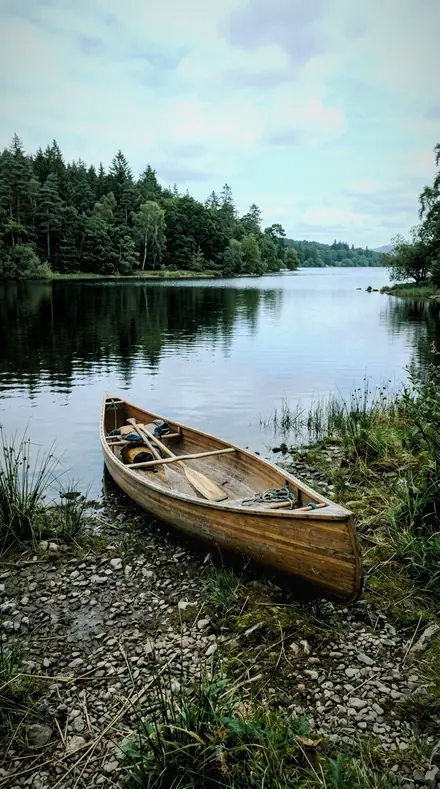
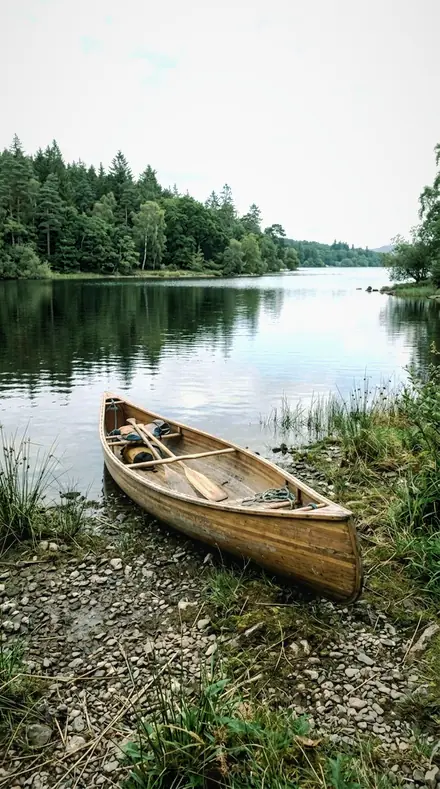
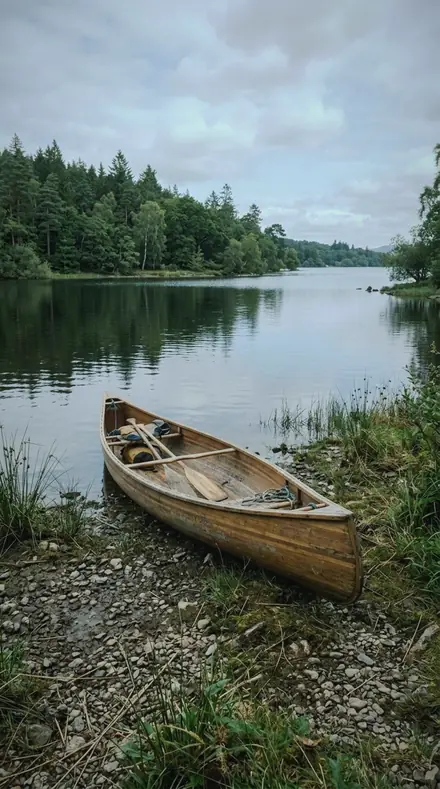
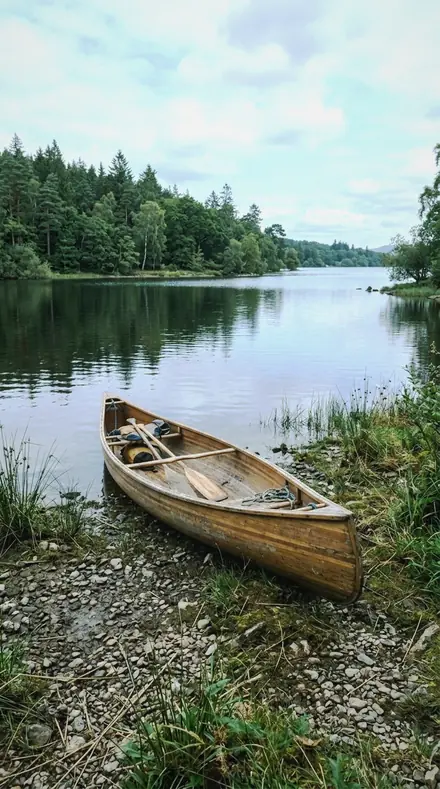
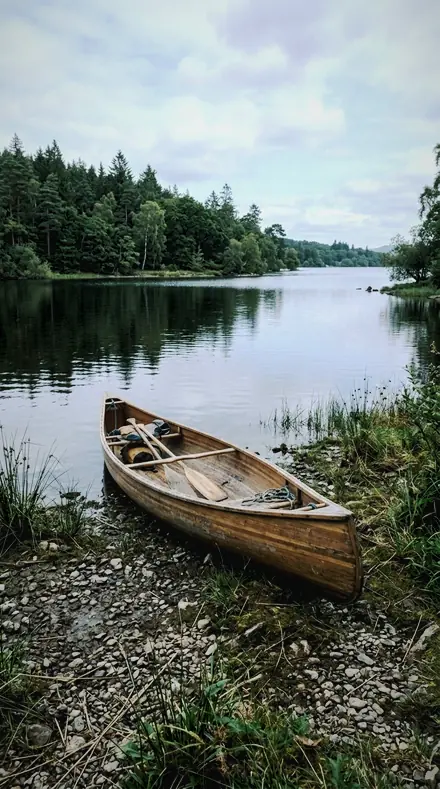
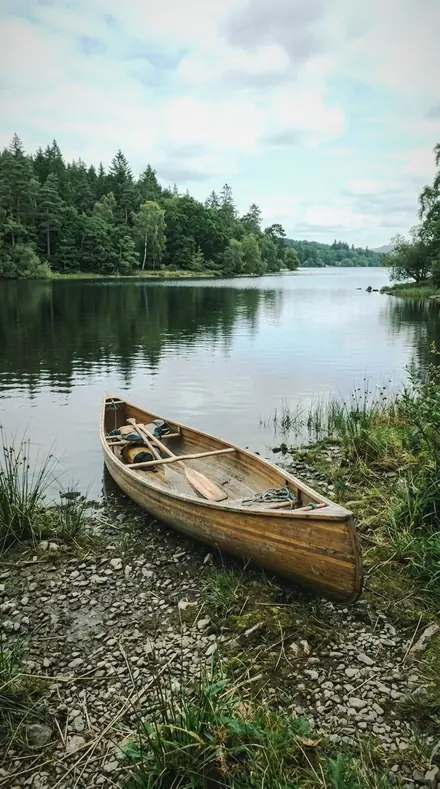
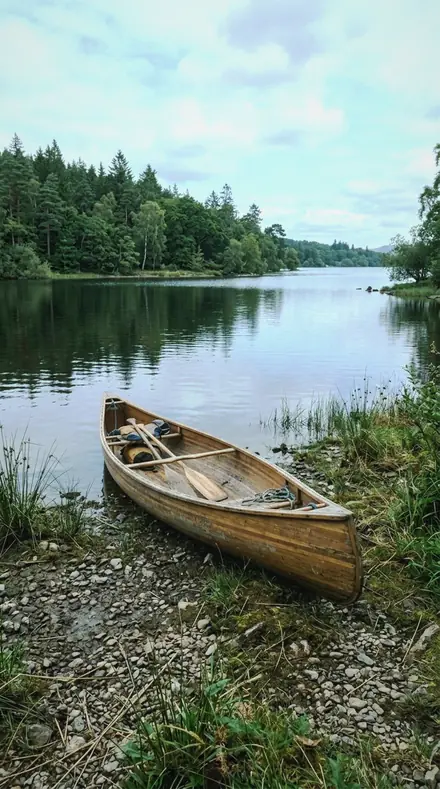
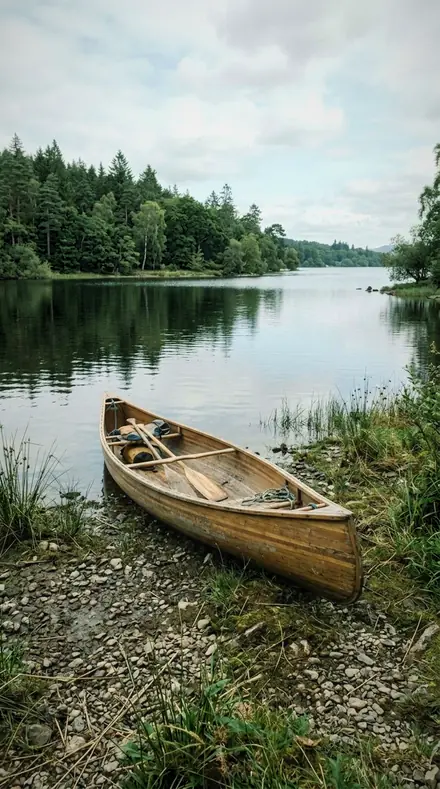
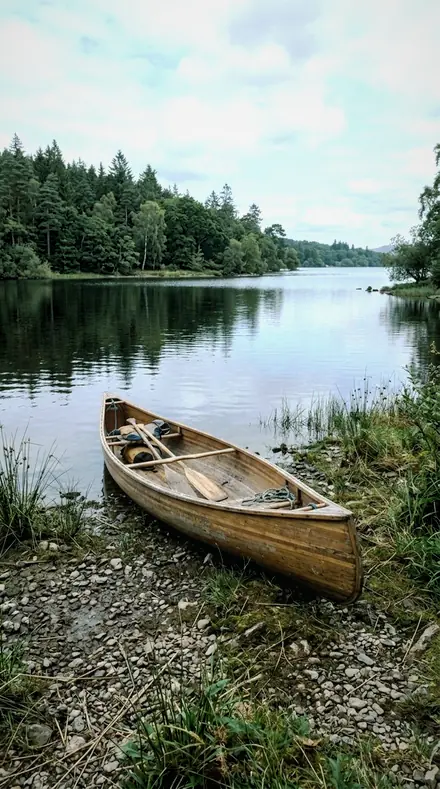
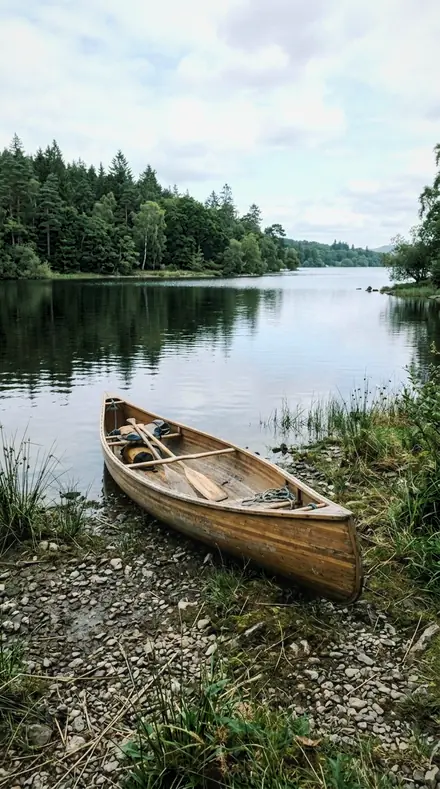
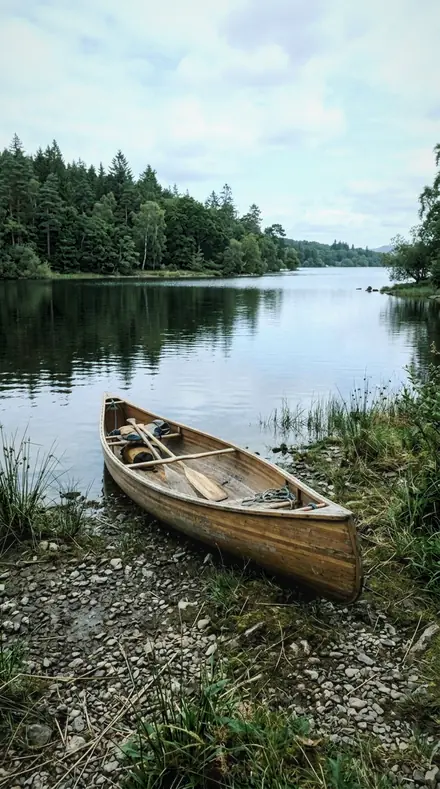
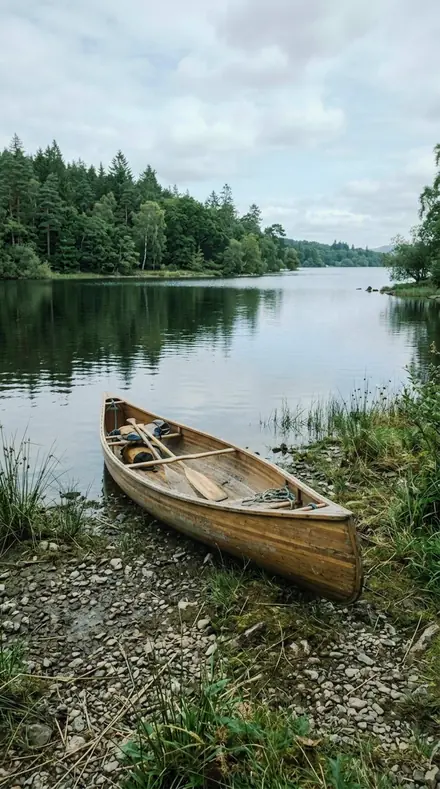
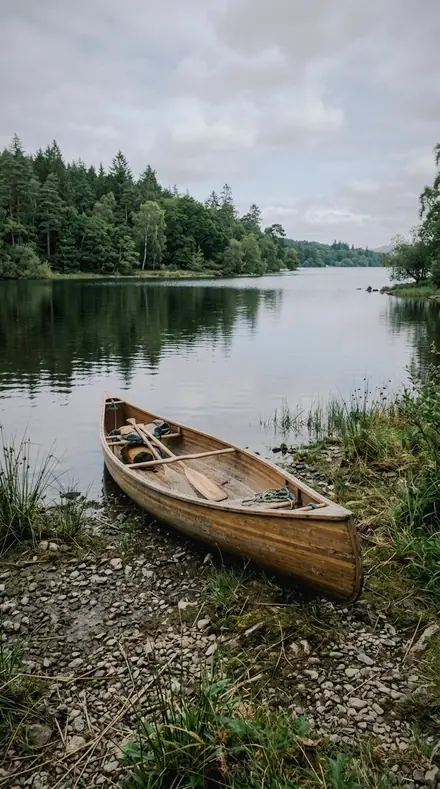
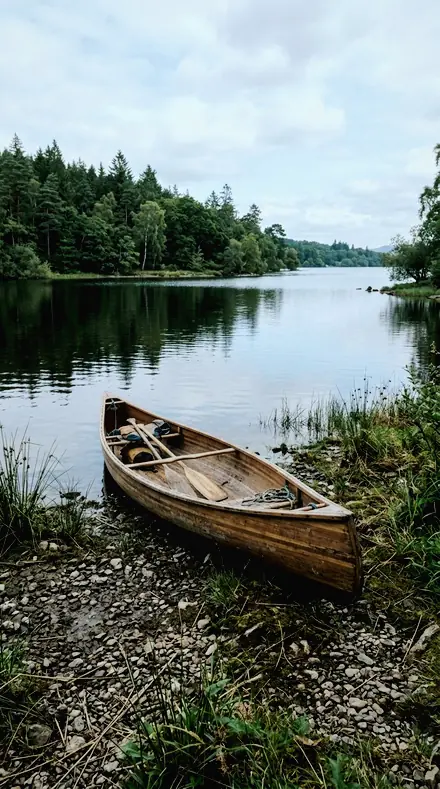
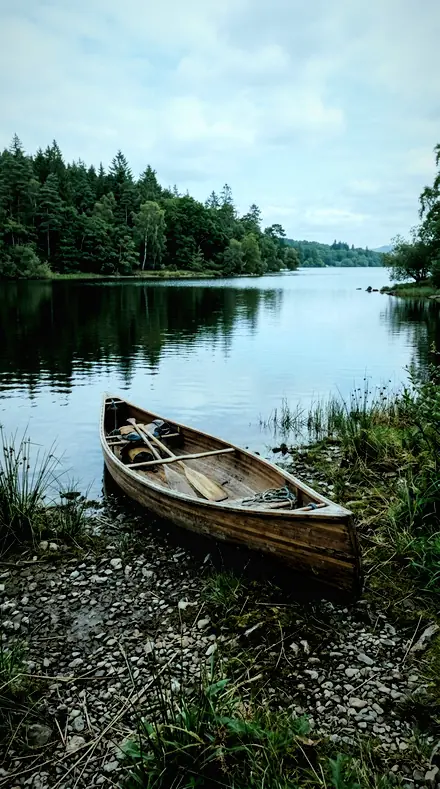
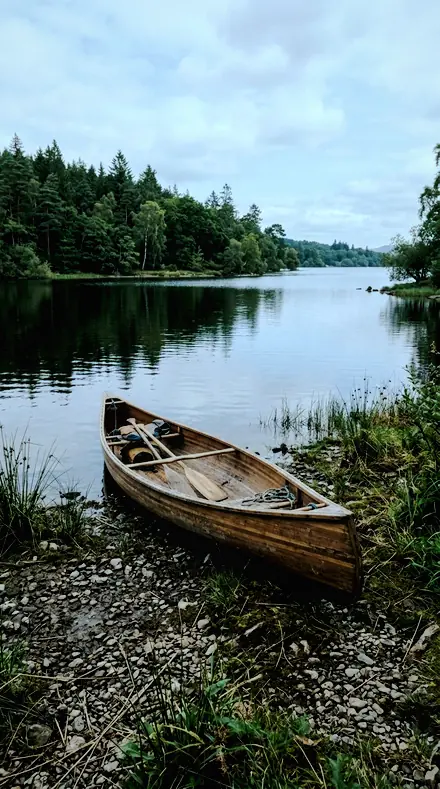
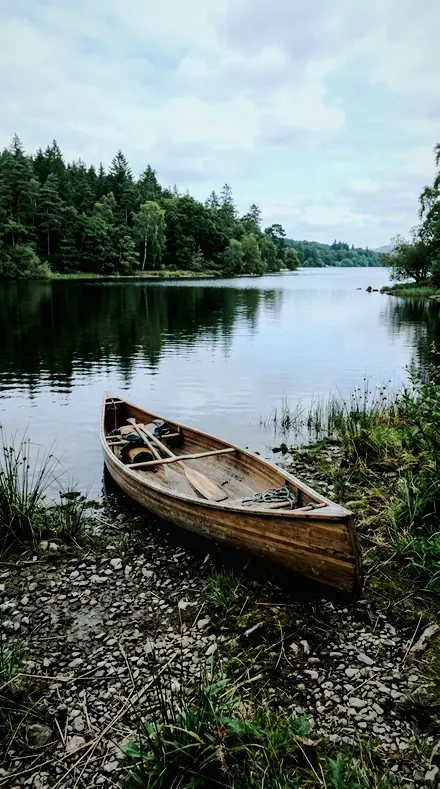
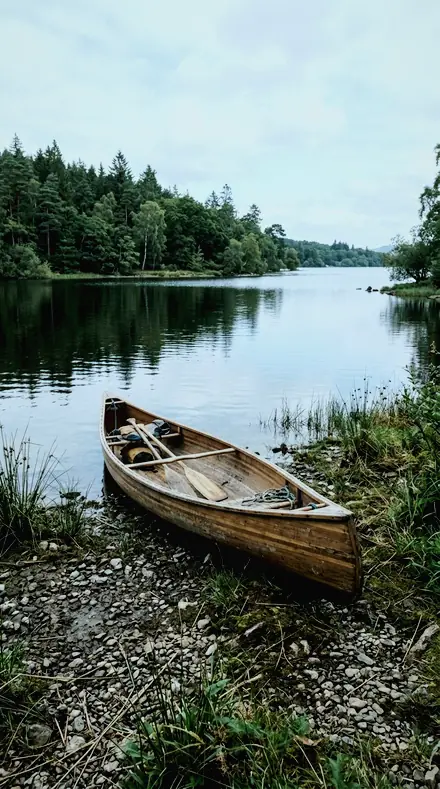
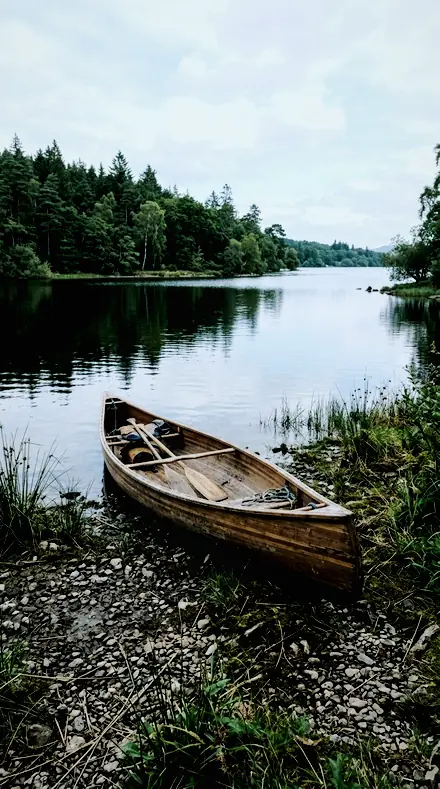
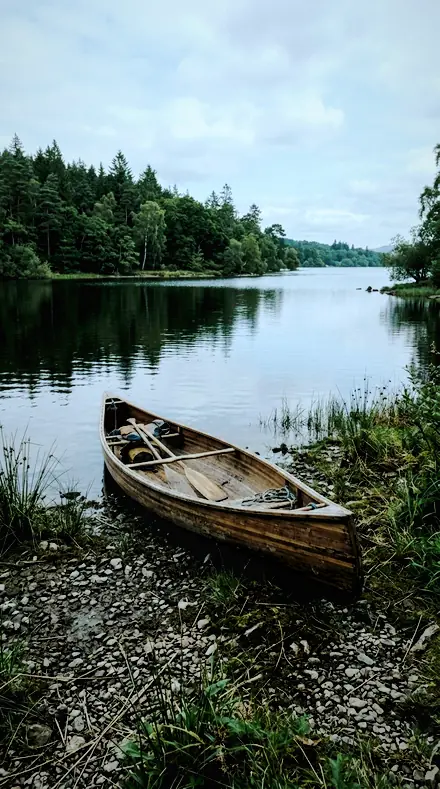
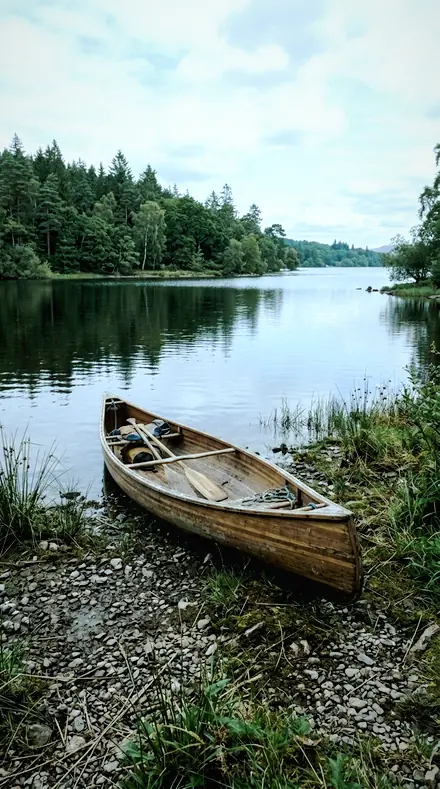
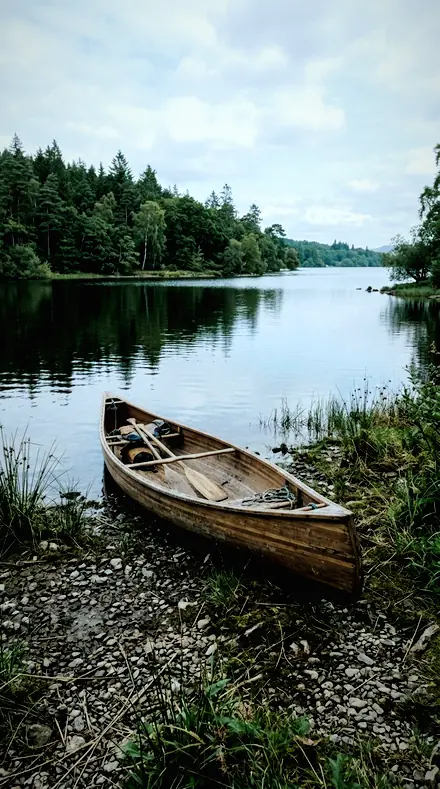
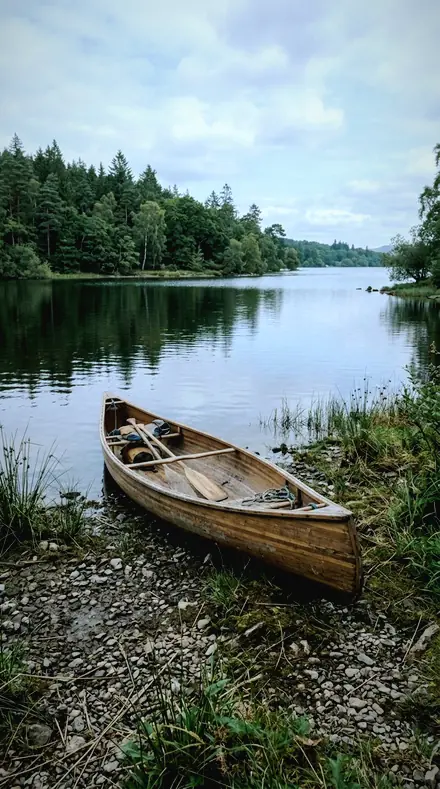
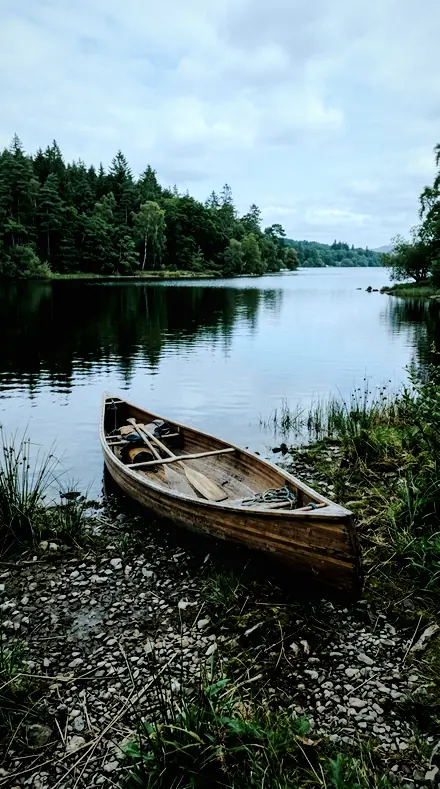
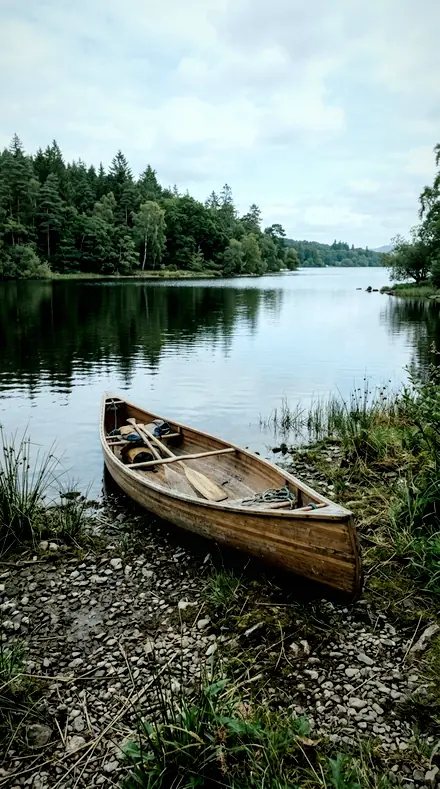
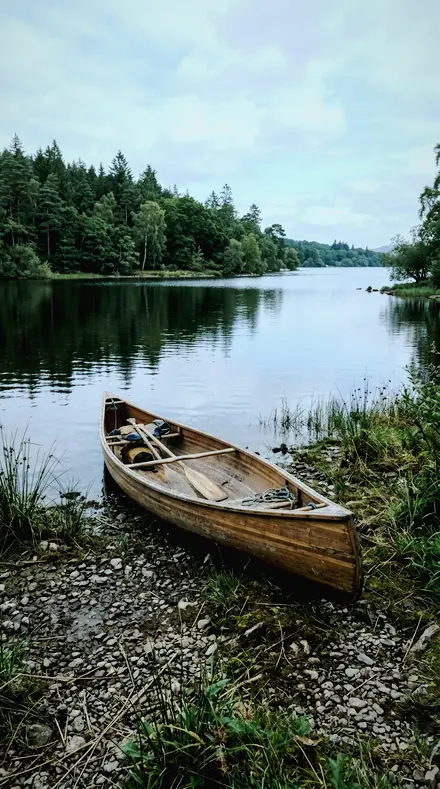
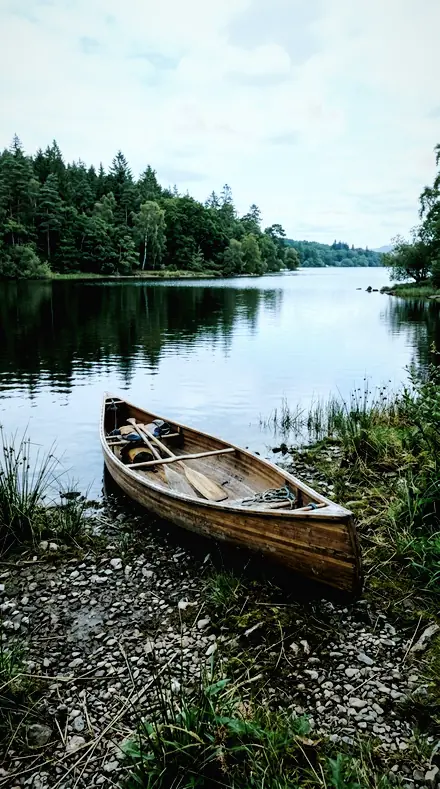
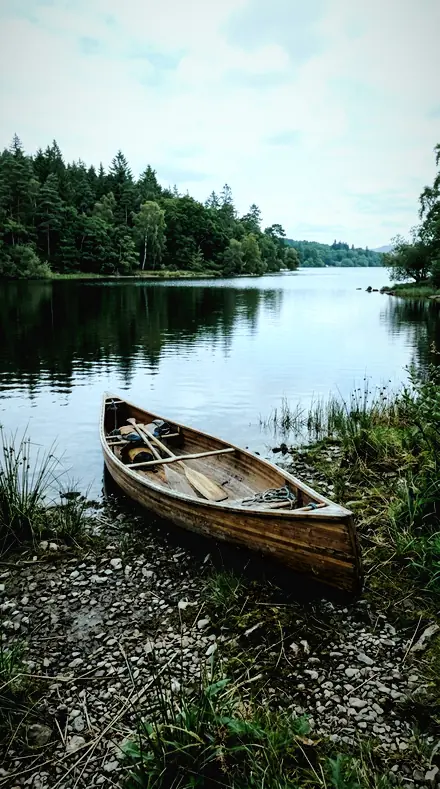
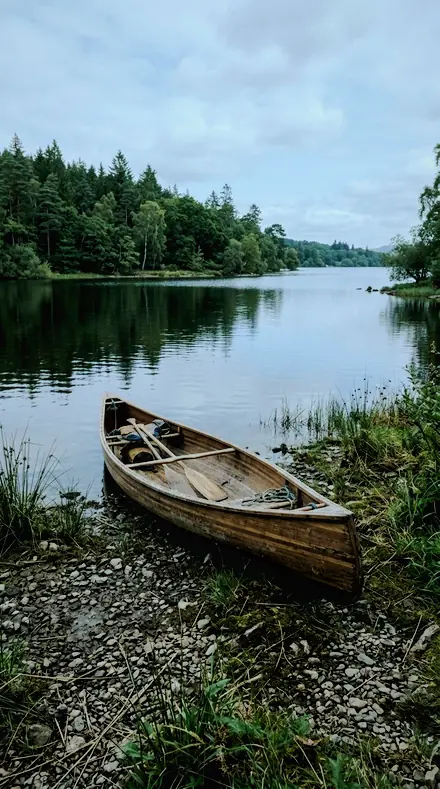
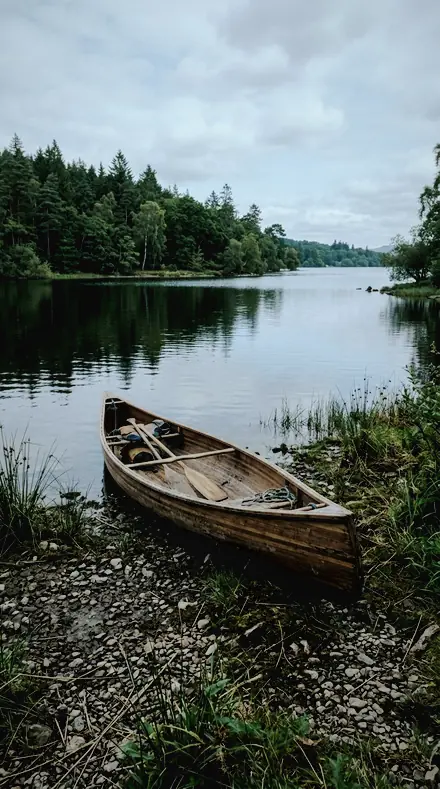
The same lake canoe with the Electricsky preset appliedlake canoe, photographed without the Electricsky preset
Electricsky applied to lake canoe

What this light does

one frame, 4 presets

Aurora Curtain and Noctilucent Cloud, a trail under a moving sky

4 of them, on one photograph. Drag any seam.

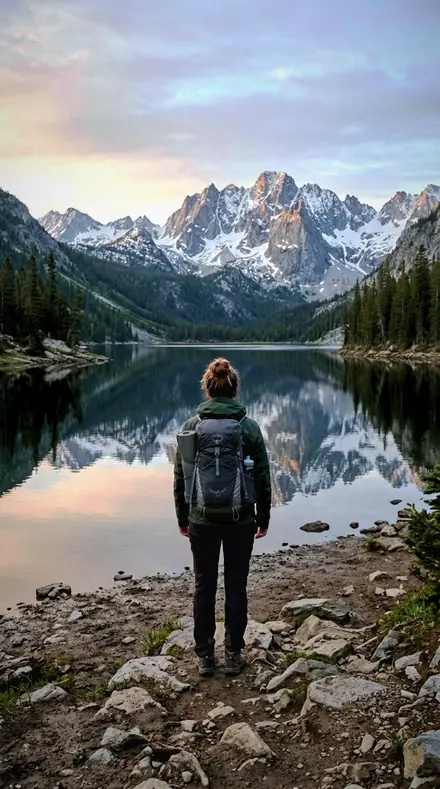
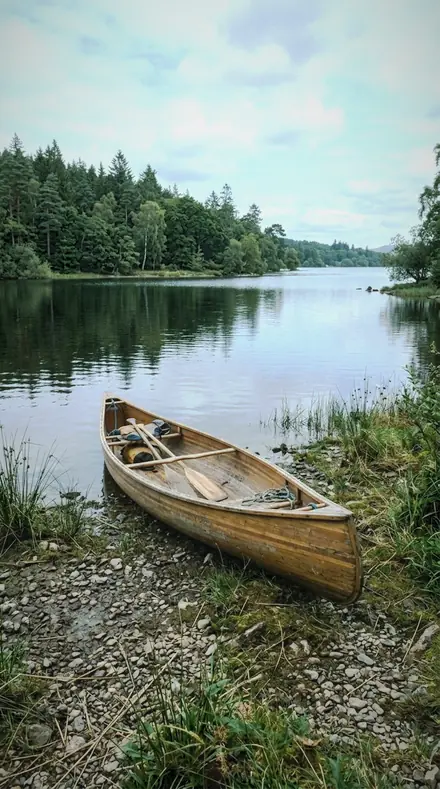
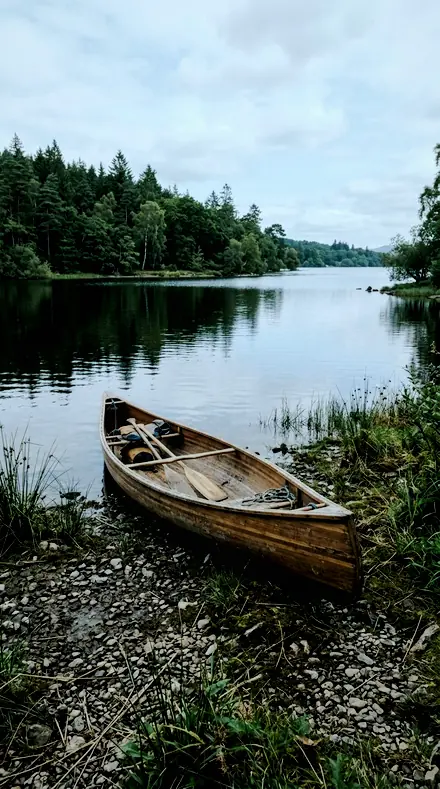
  1. Lake canoe with the Curtain Fold preset appliedLake canoe photographed without a preset
    Curtain Fold applied to Lake canoe

    No. 01

    Curtain Fold

    A vignette pulled in slightly, which stops a wide lens brightening the corners above the curtain.

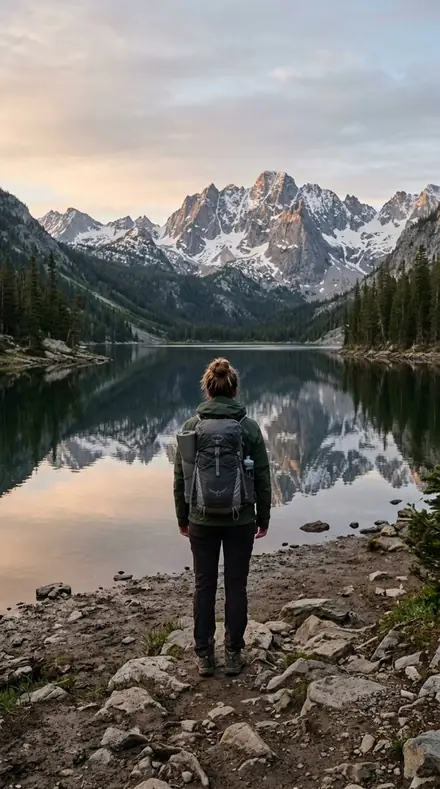
  2. Lake canoe with the Corona Fold preset appliedLake canoe photographed without a preset
    Corona Fold applied to Lake canoe

    No. 13

    Corona Fold

    The reference aurora grade: highlights rolled off and green luminance pulled down so the emission holds detail instead of clipping to a flat green.

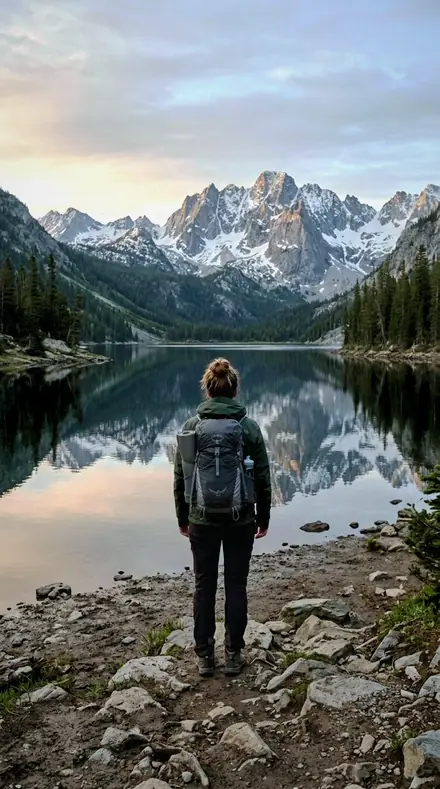
  3. Lake canoe with the Herringbone Wave preset appliedLake canoe photographed without a preset
    Herringbone Wave applied to Lake canoe

    No. 24

    Herringbone Wave

    The lightest touch of the eighteen on the parameters a viewer can see, for a faint display low on the horizon.

  4. Lake canoe with the Steady Wave preset appliedLake canoe photographed without a preset
    Steady Wave applied to Lake canoe

    No. 36

    Steady Wave

    Exposure held down, for a display shot on a bright northern twilight.

See the light change

drag the line

The same frame, one tap apart. Drag any handle and the scene goes back to the way it looked before Electricsky touched it.

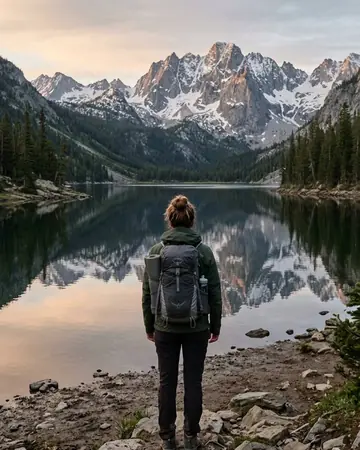
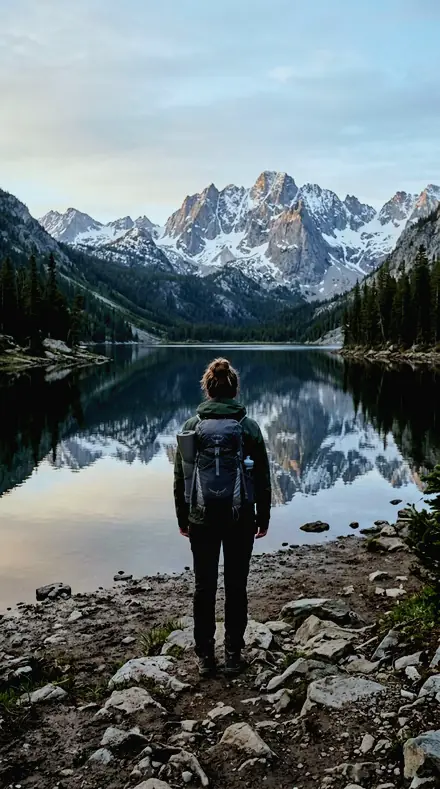
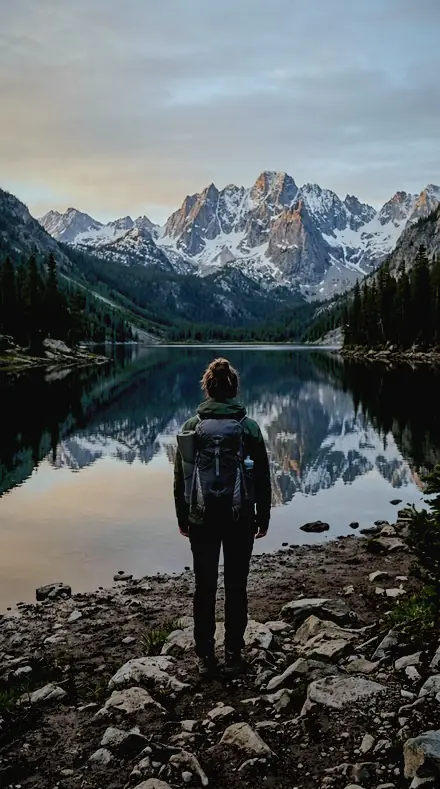
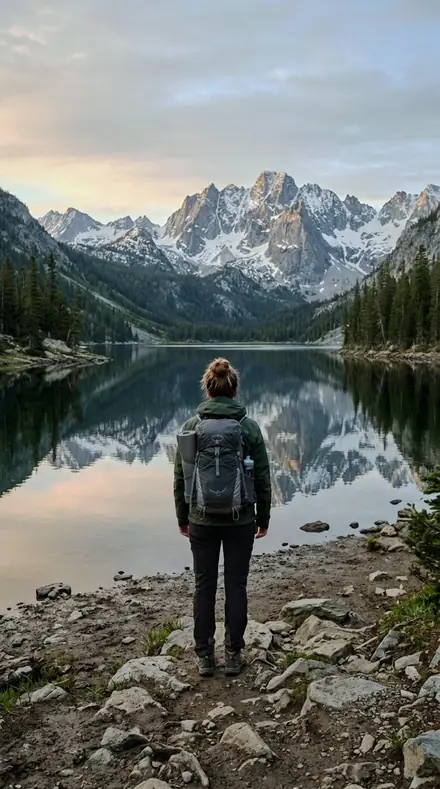
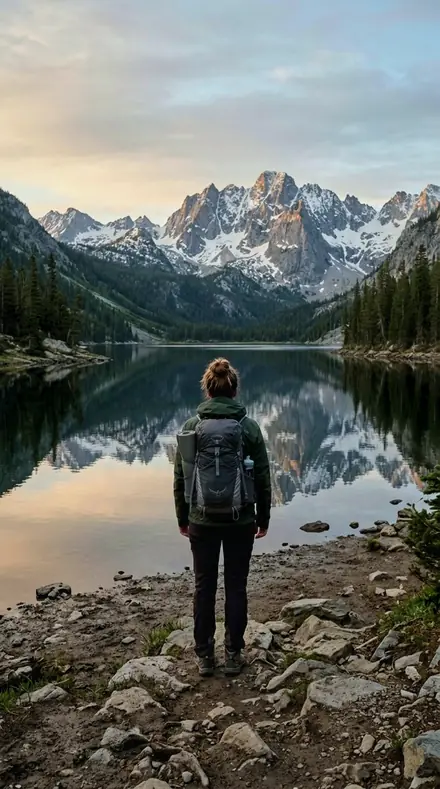
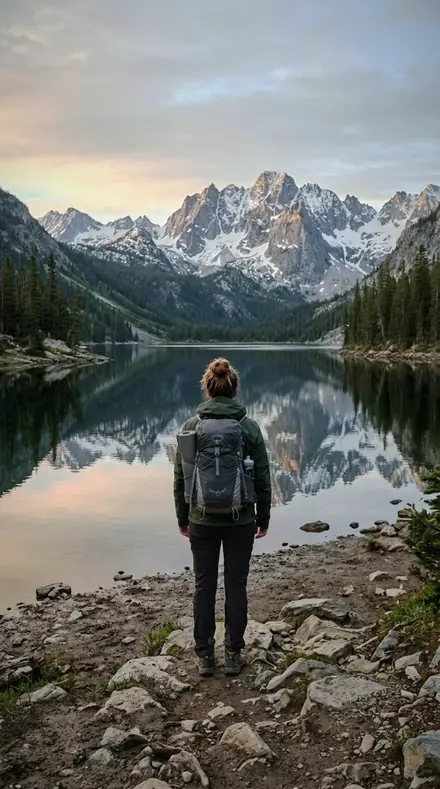
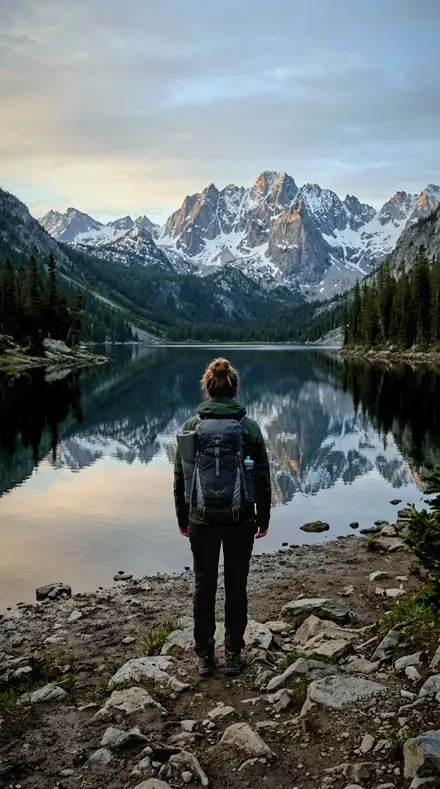
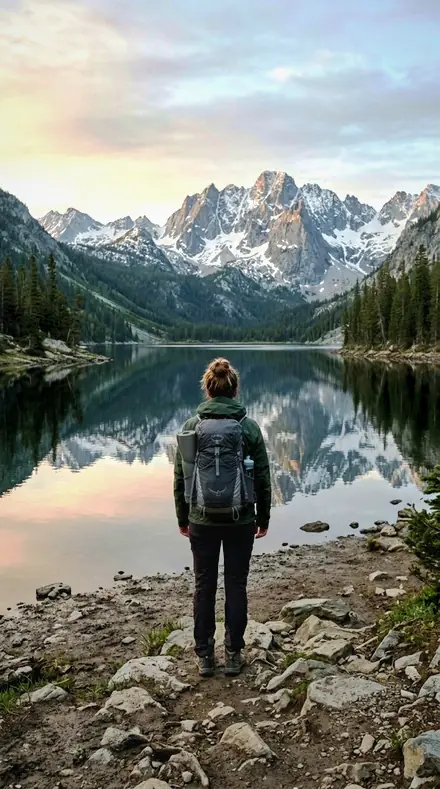
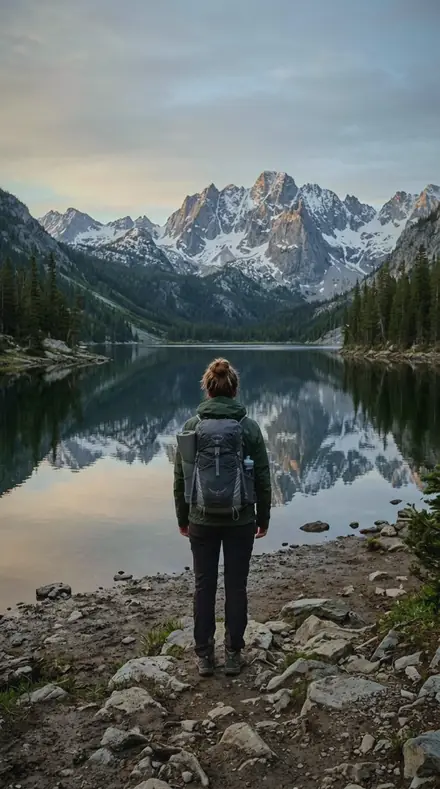
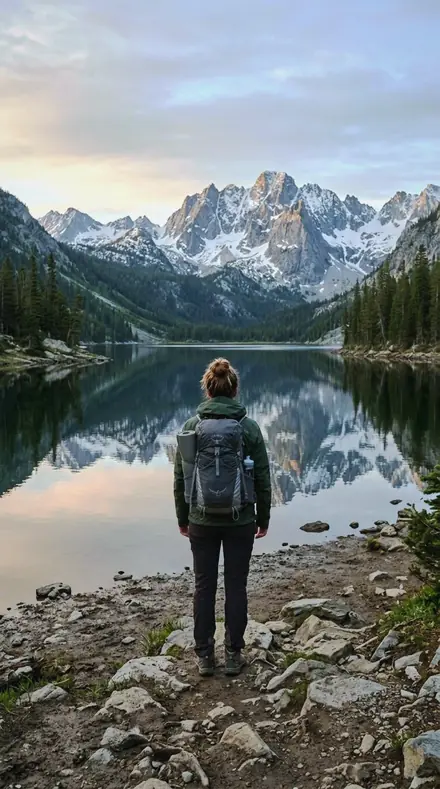
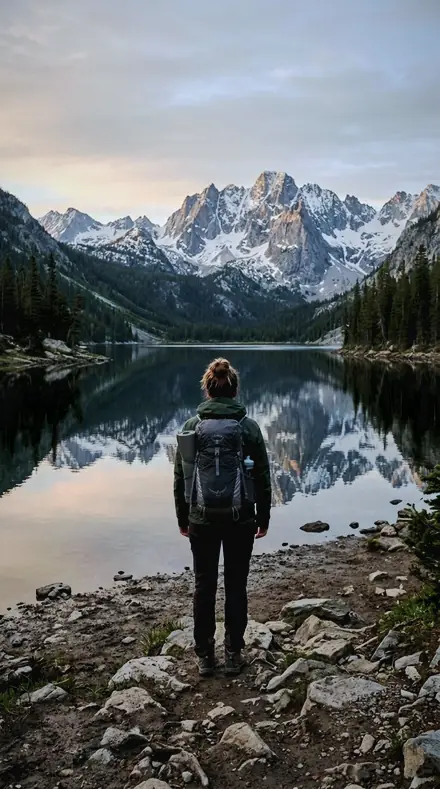
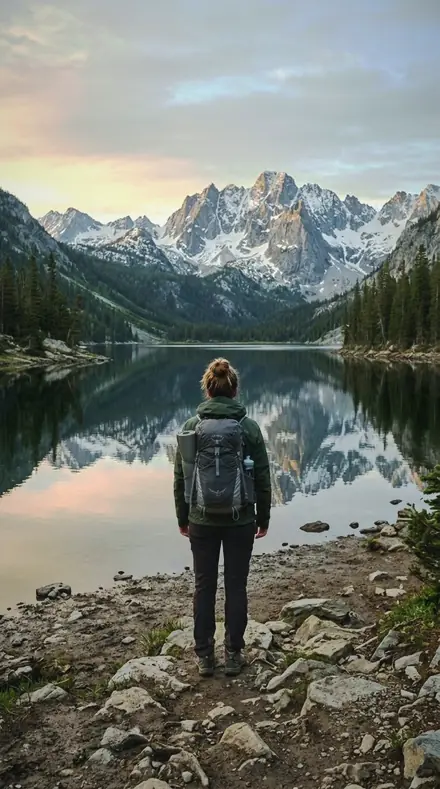
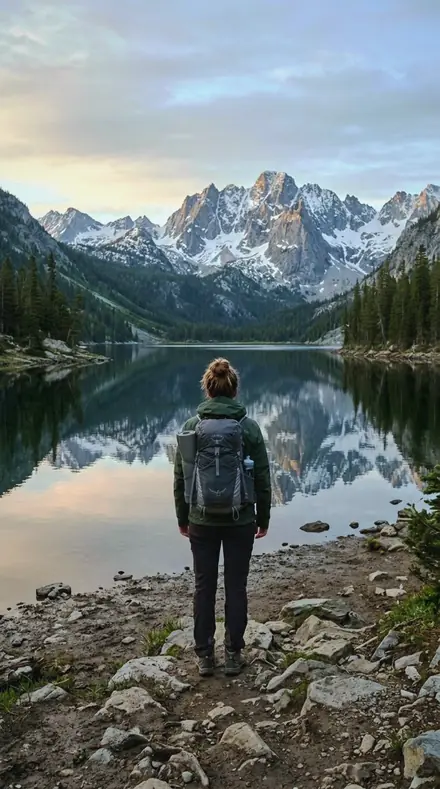
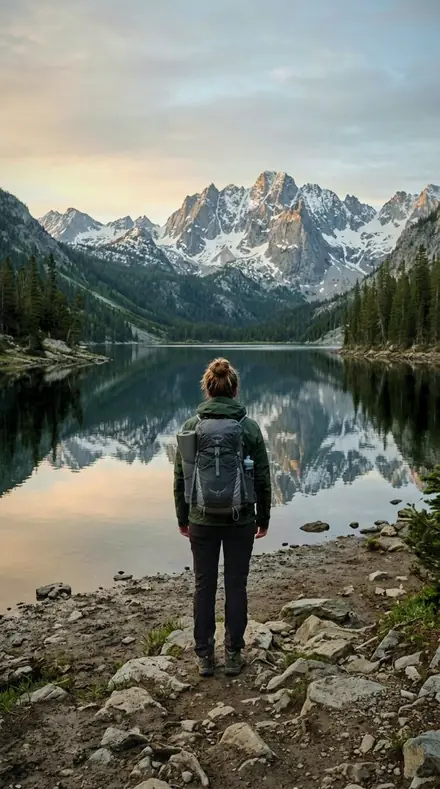
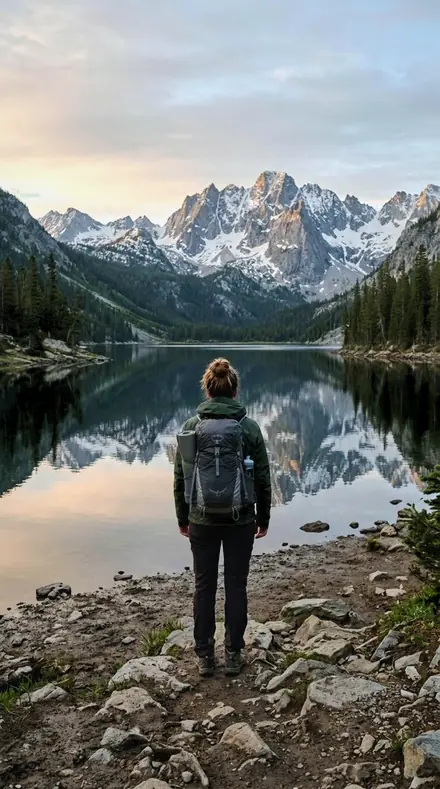
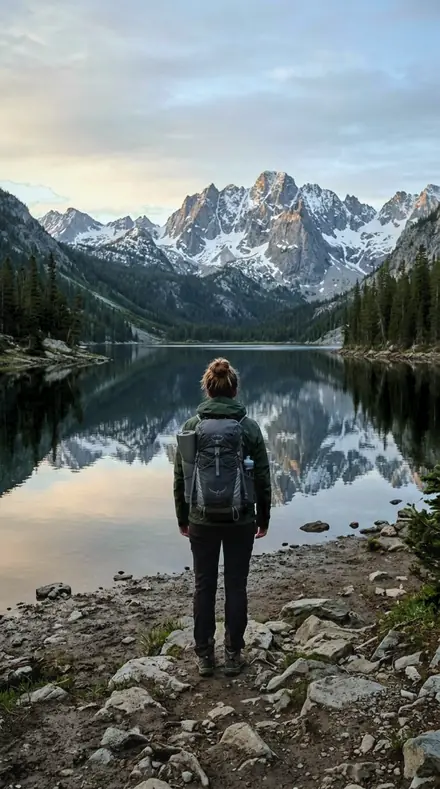
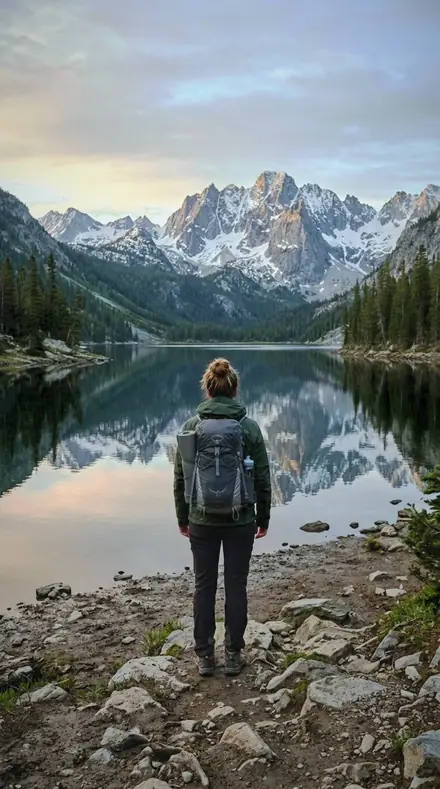
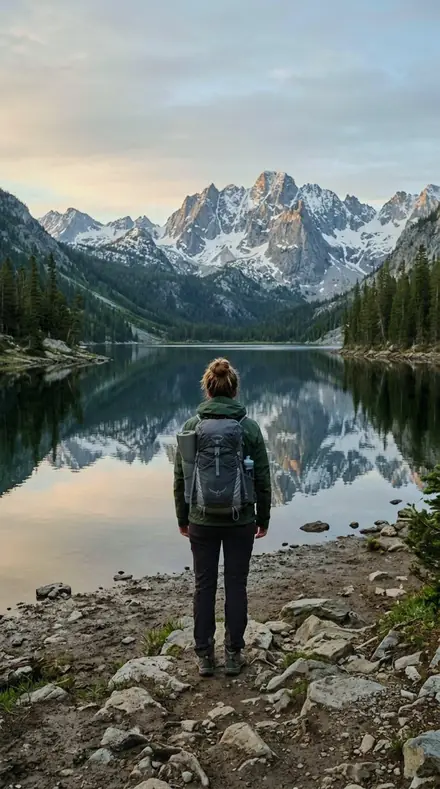
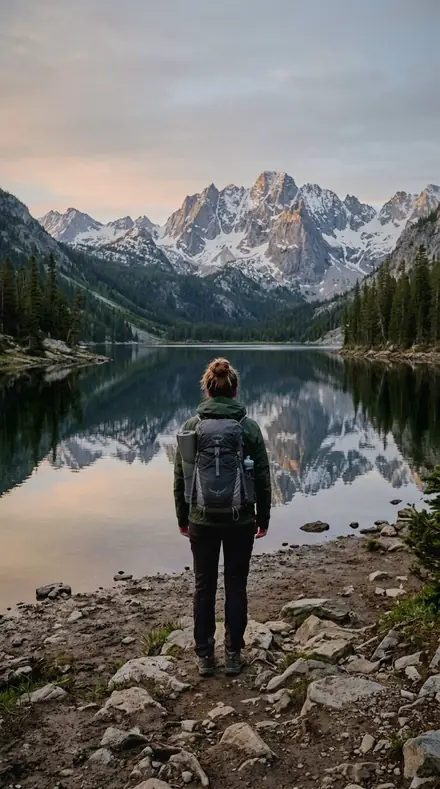
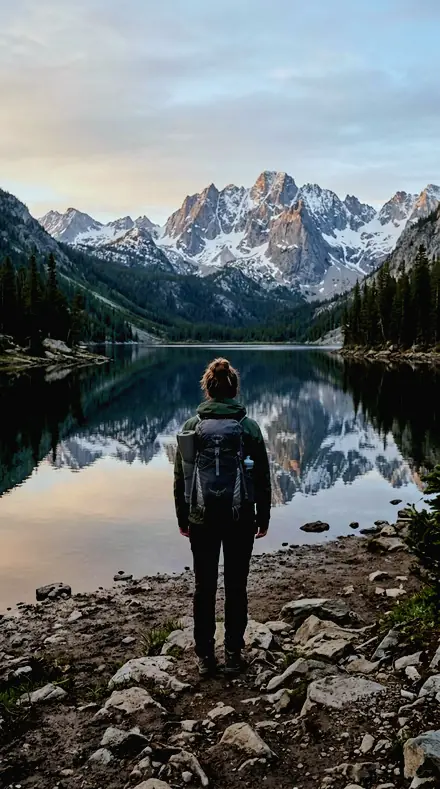
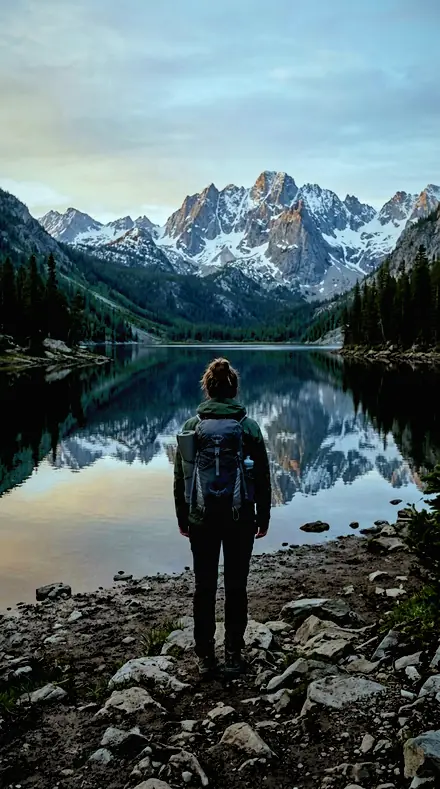
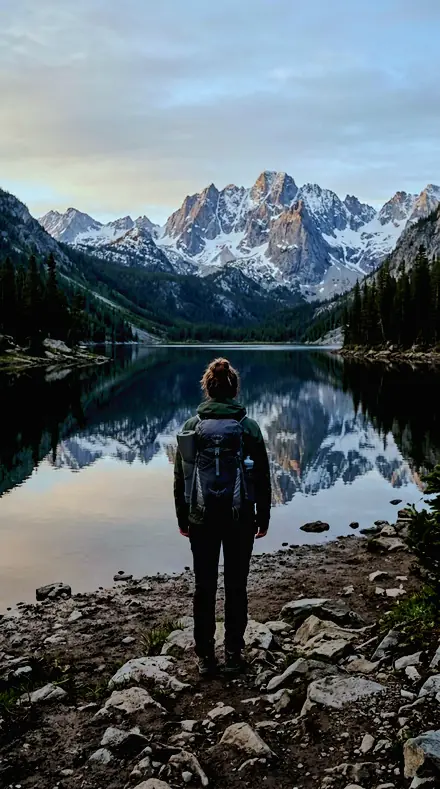
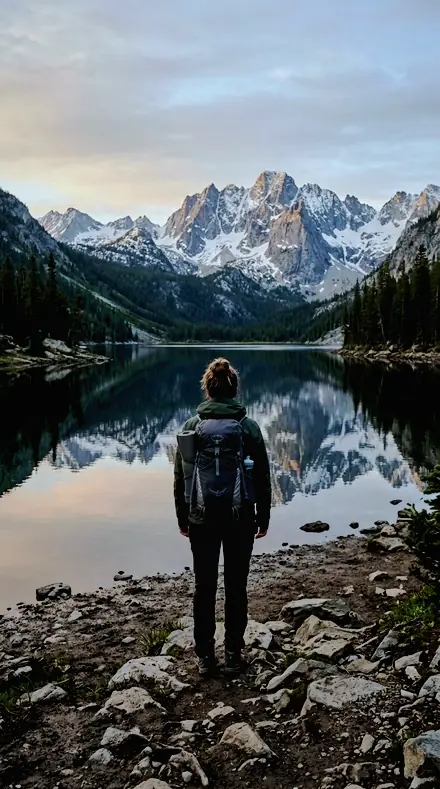
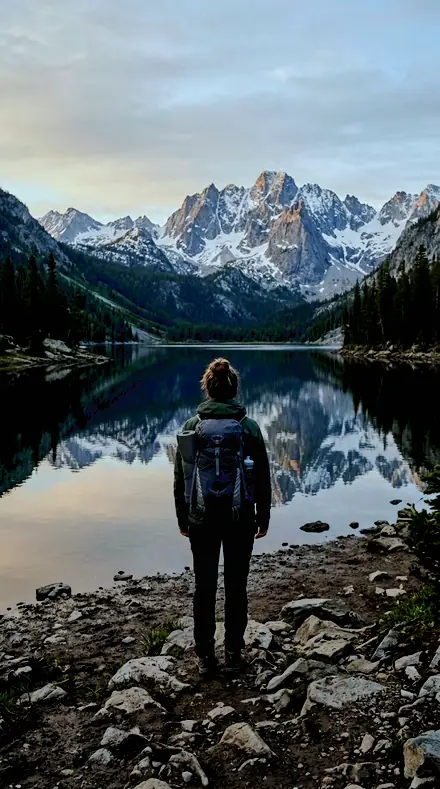
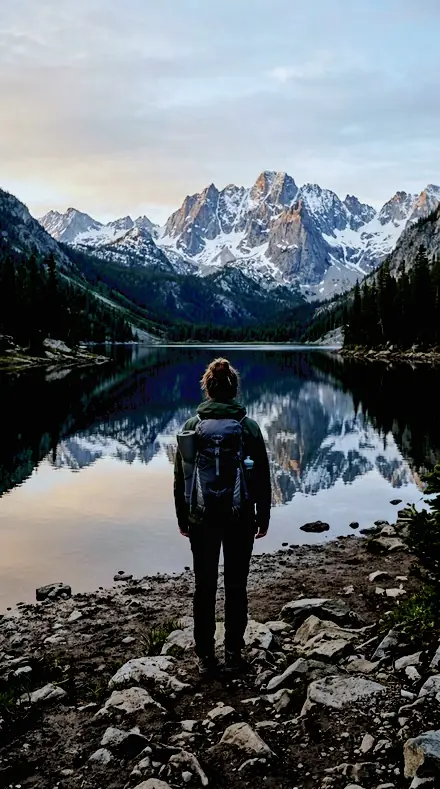
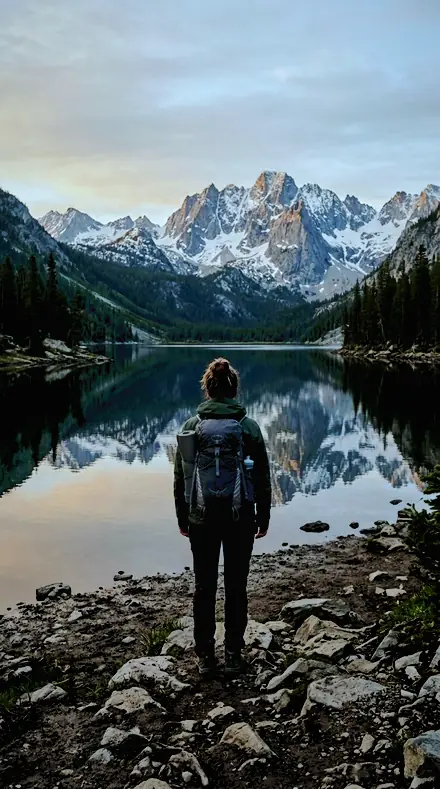
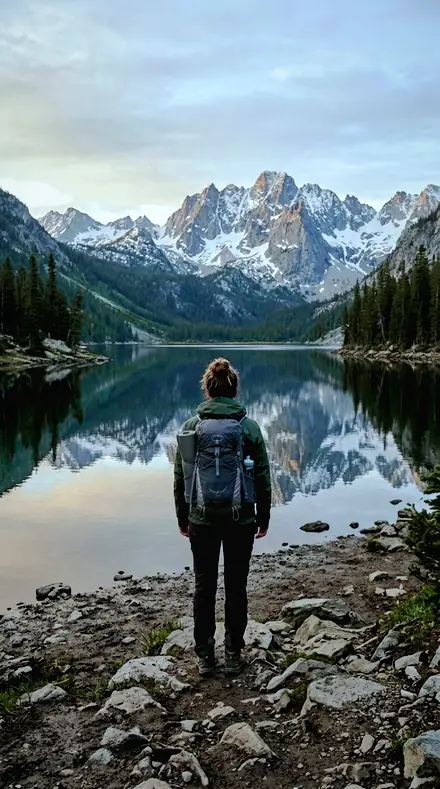
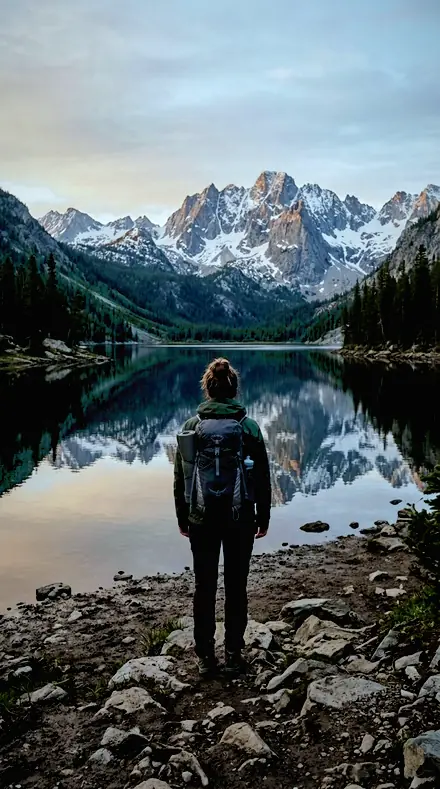
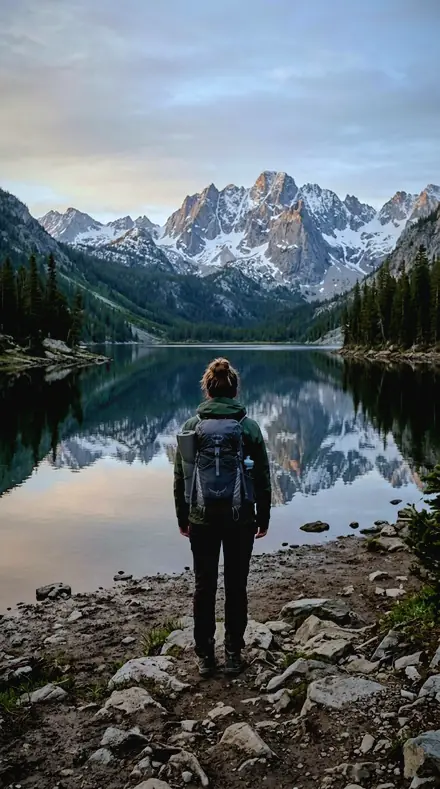
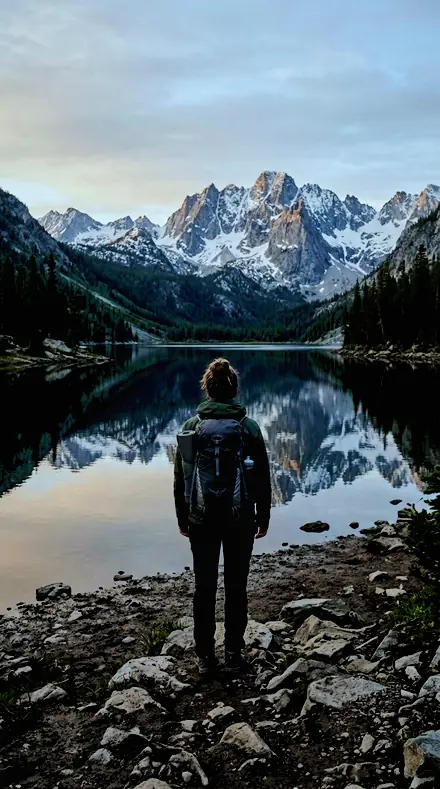
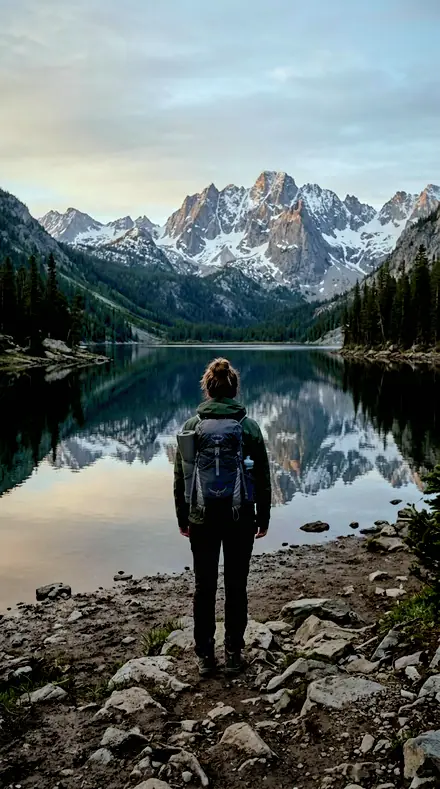
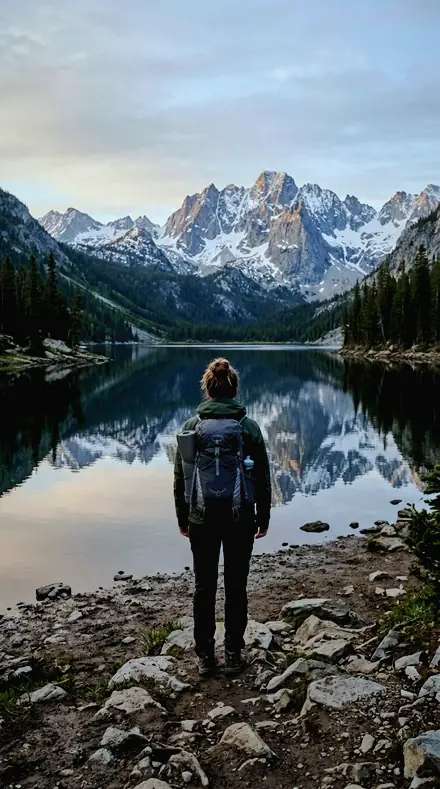
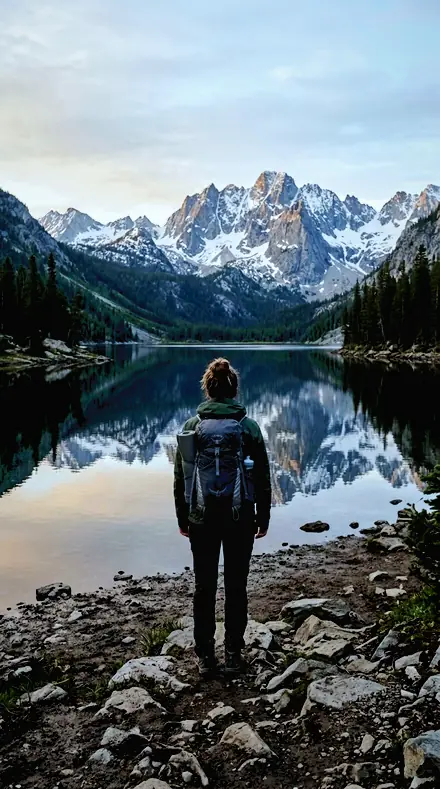
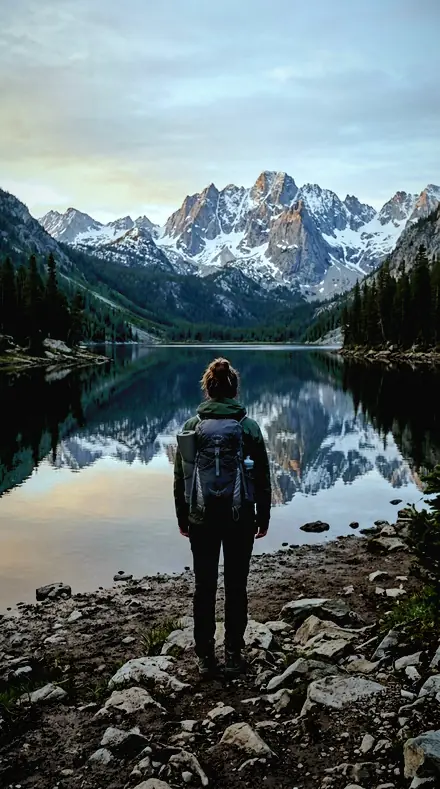
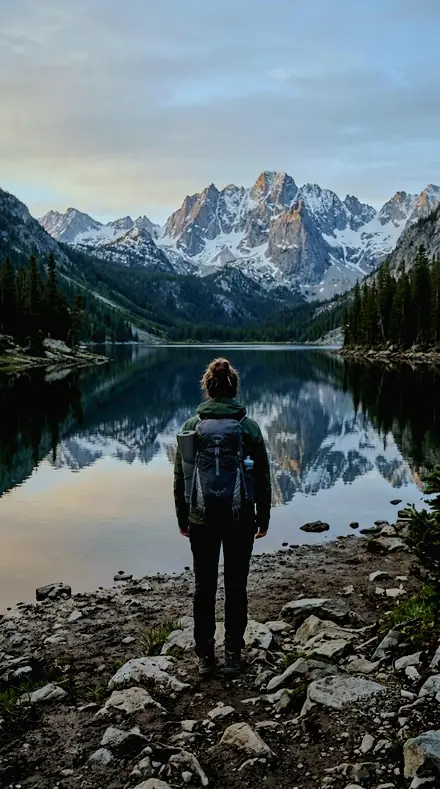
The same Mountain lake with the Electricsky preset appliedMountain lake, photographed without the Electricsky preset
Electricsky applied to Mountain lake
Mountain lake
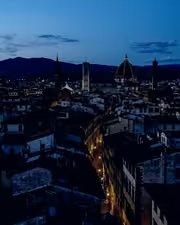
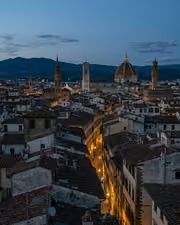
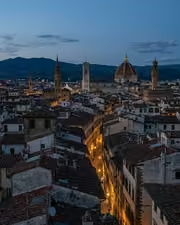
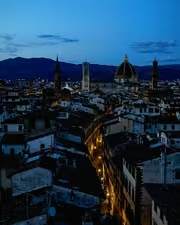
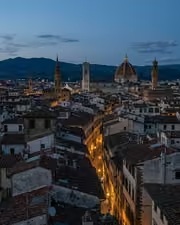
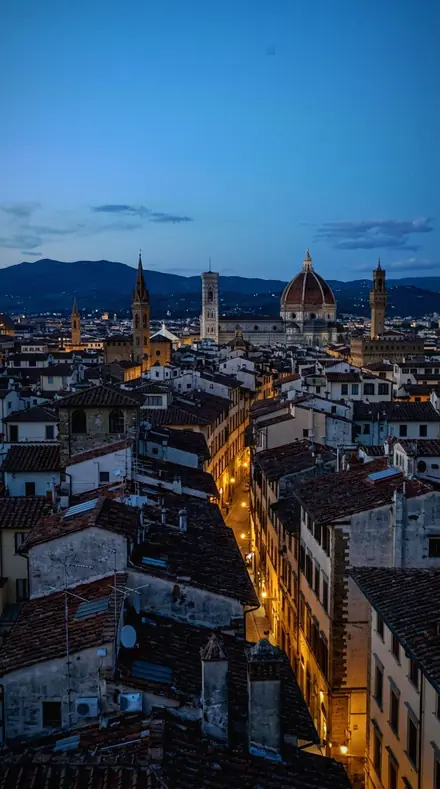
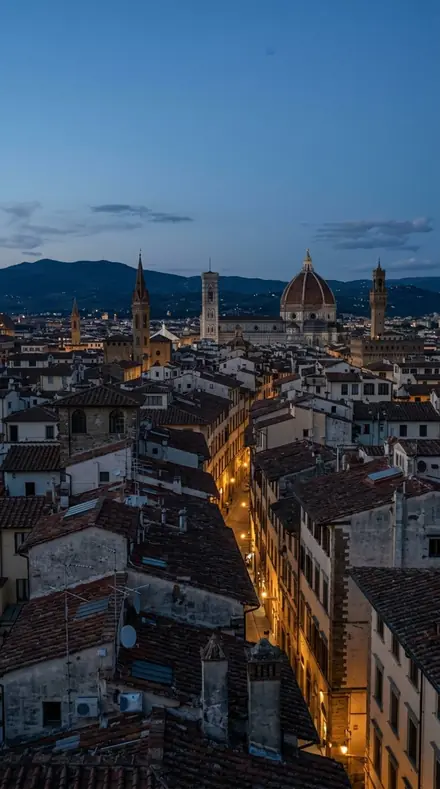
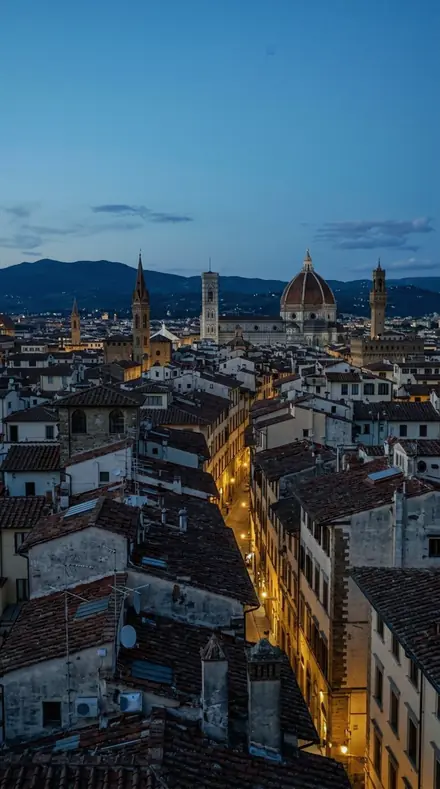
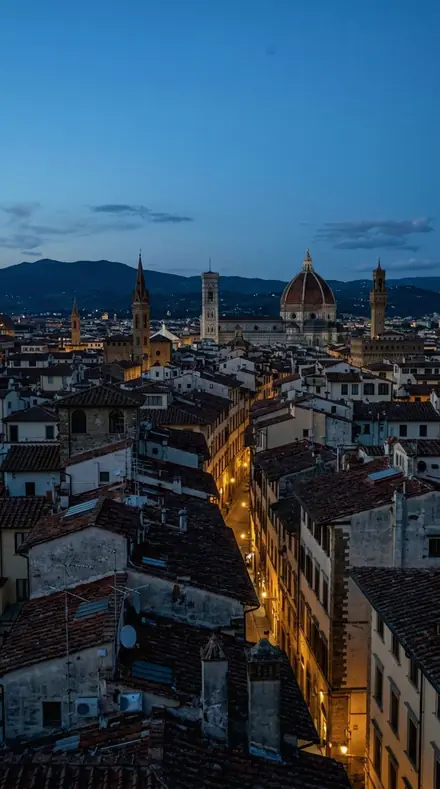
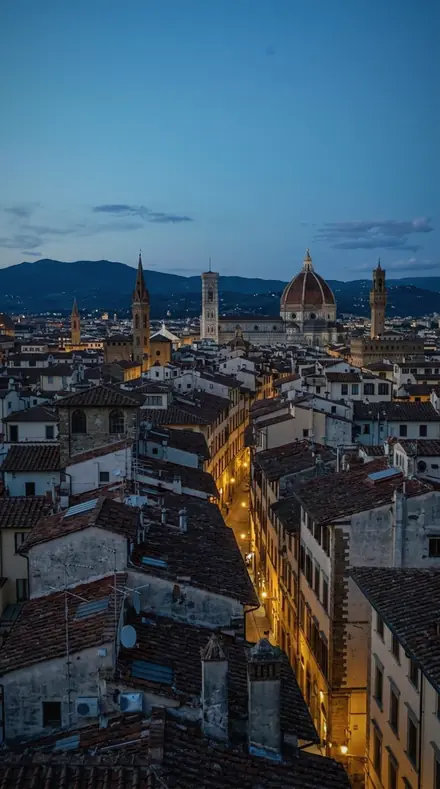
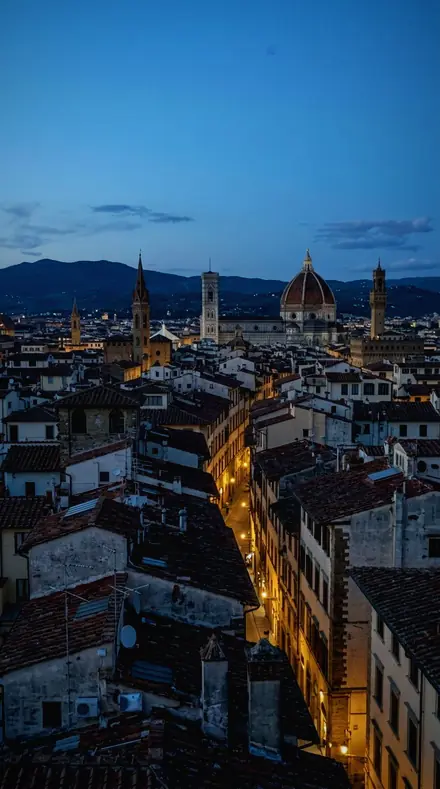
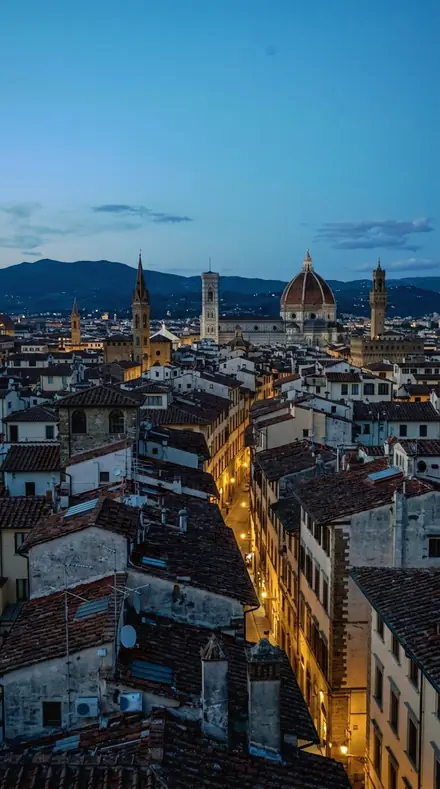
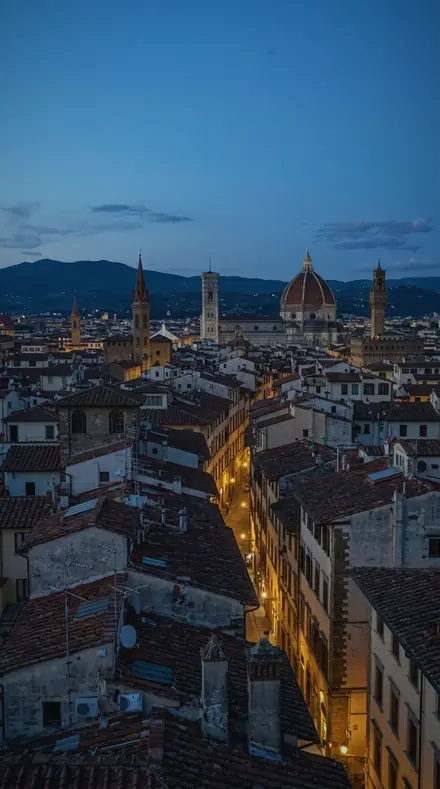
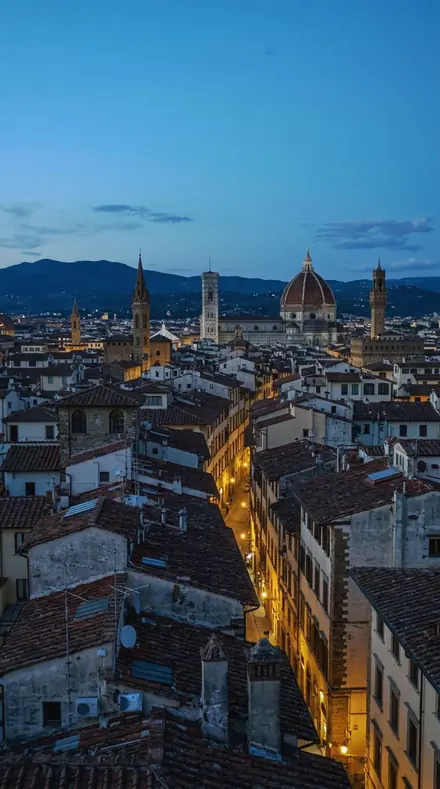
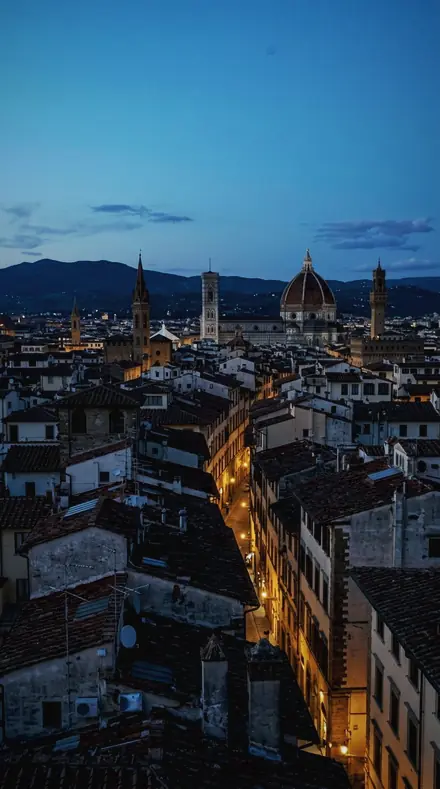
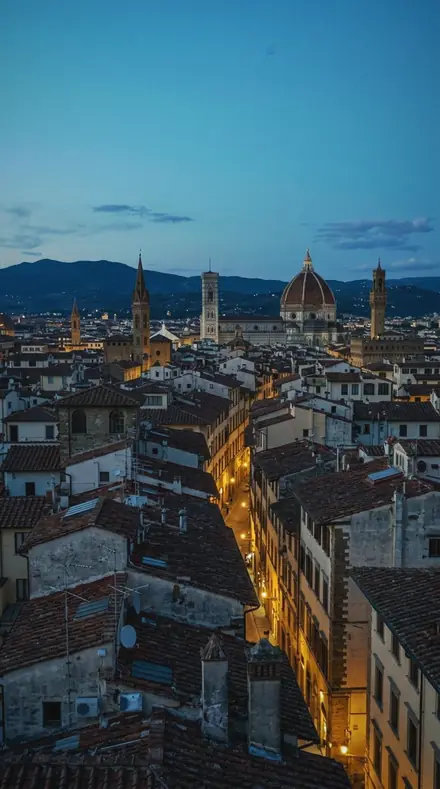
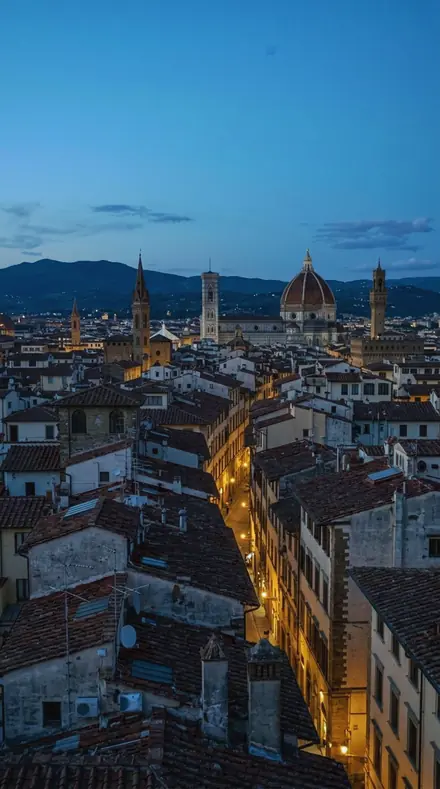
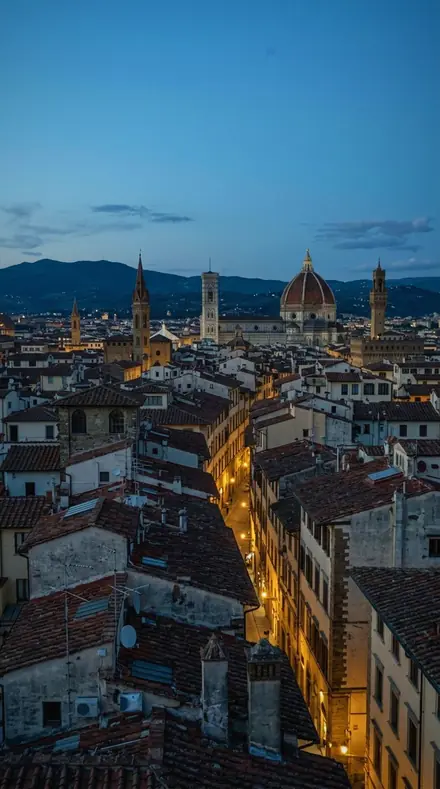
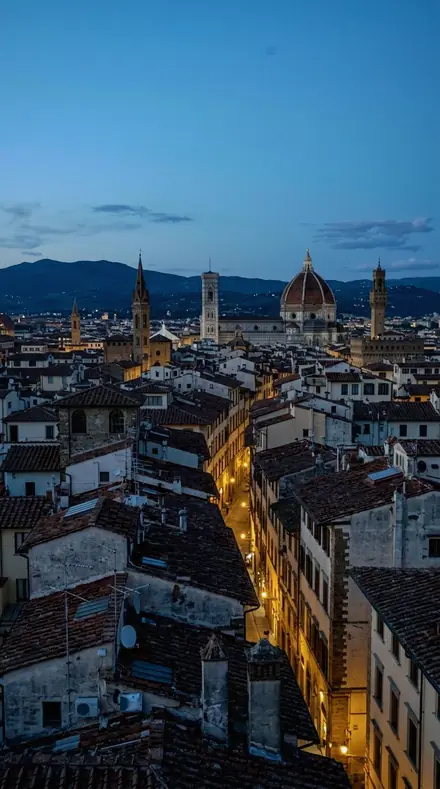
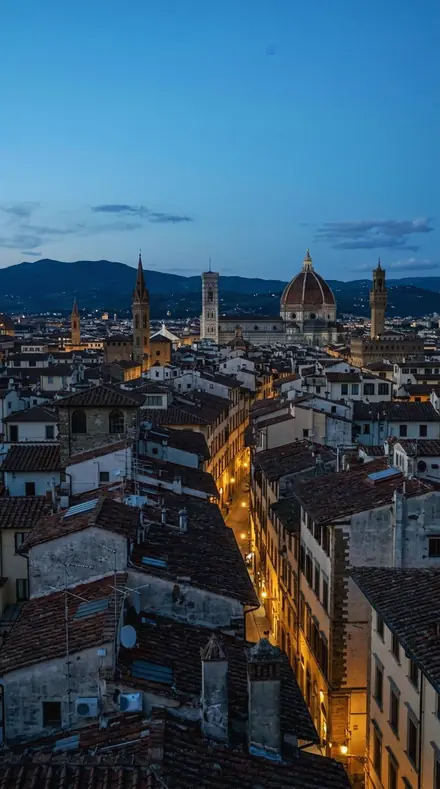
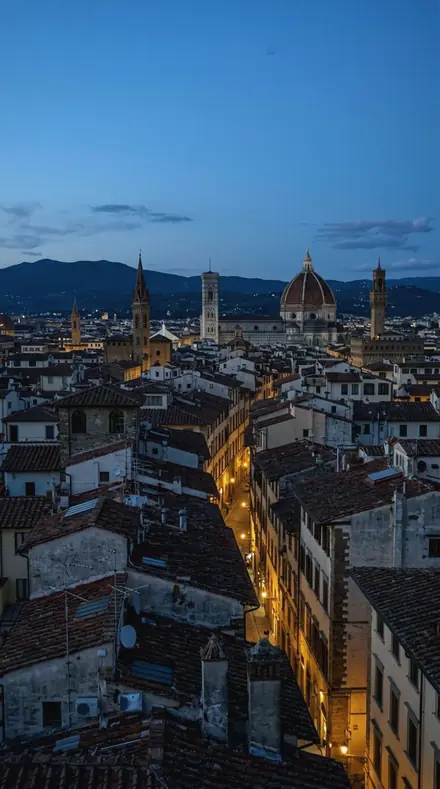
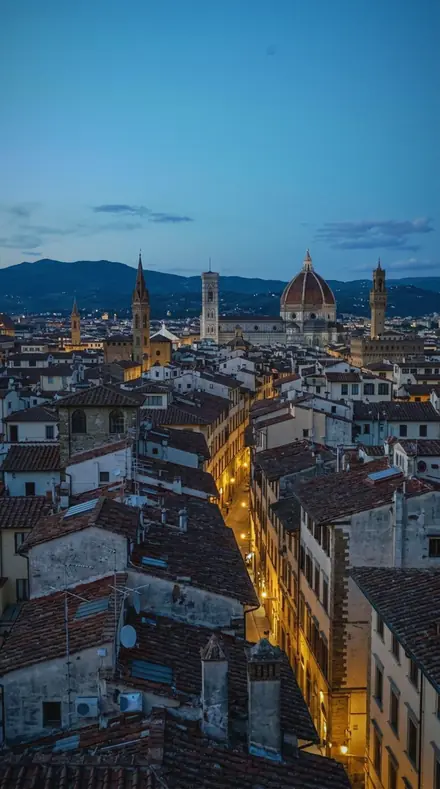
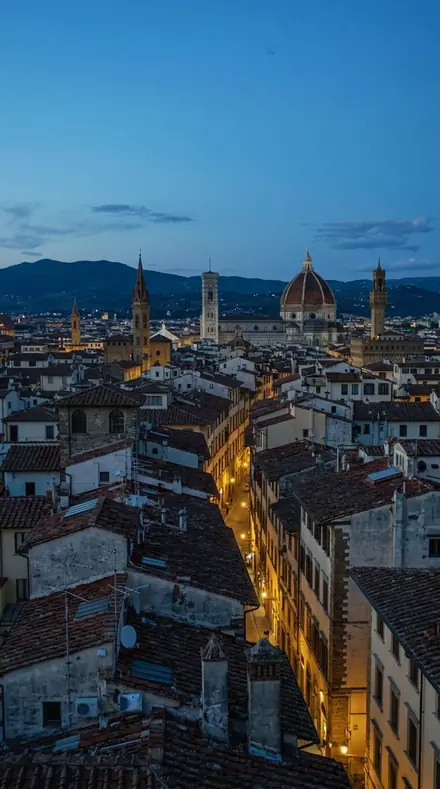
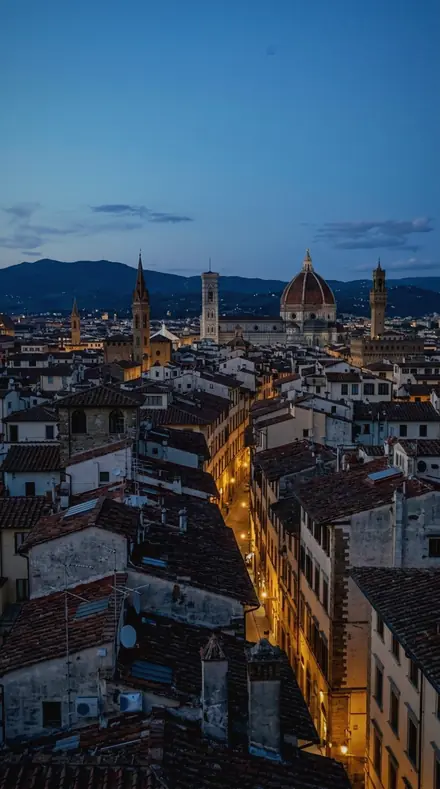
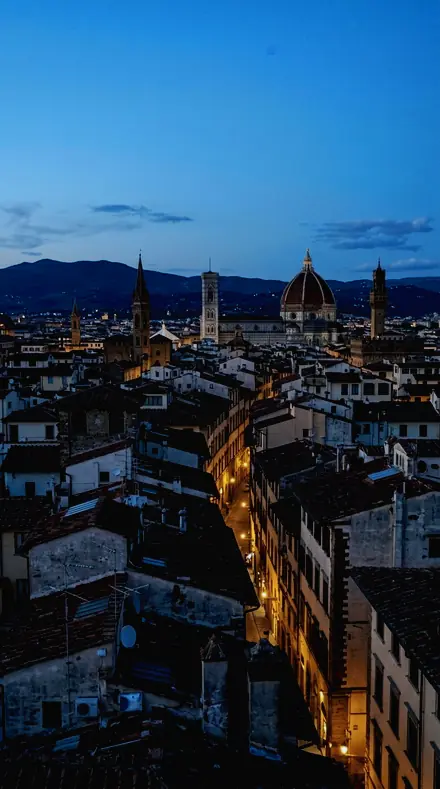
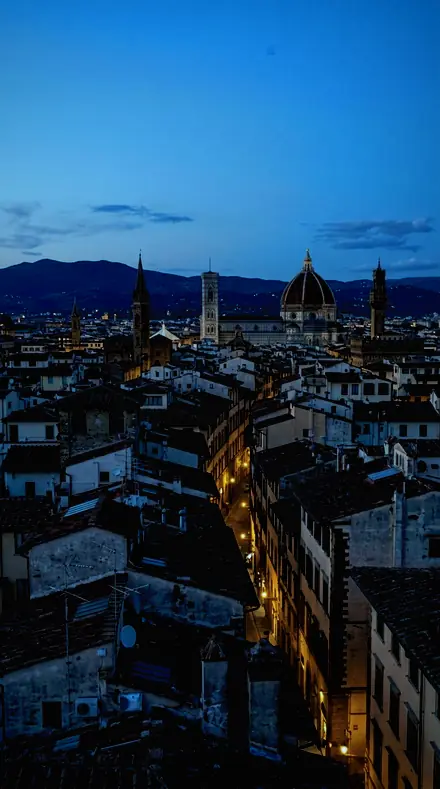
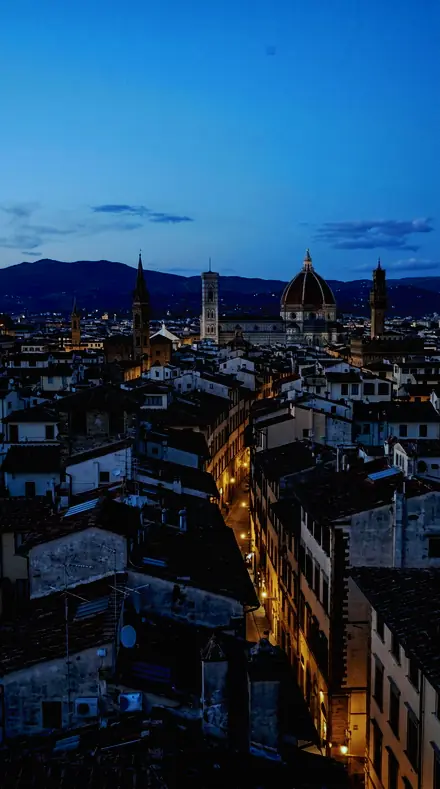
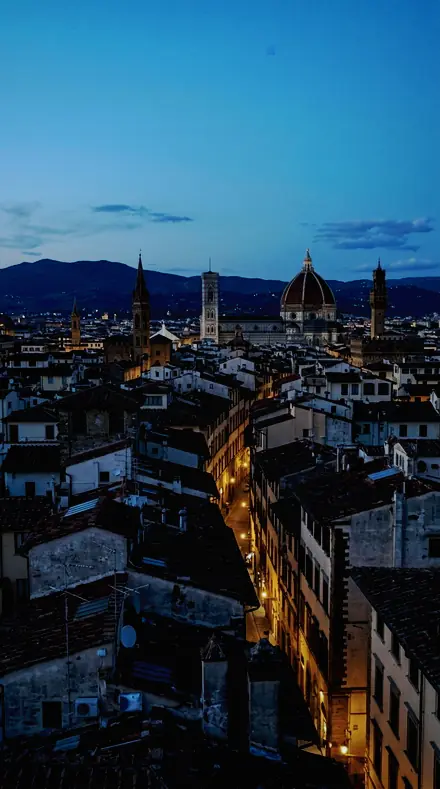
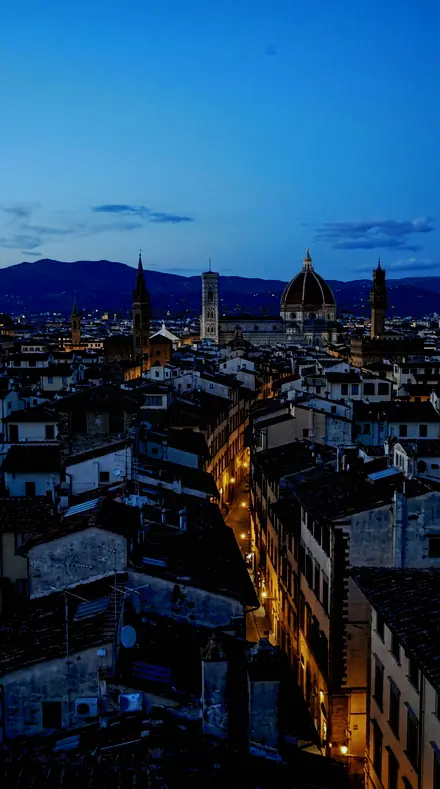
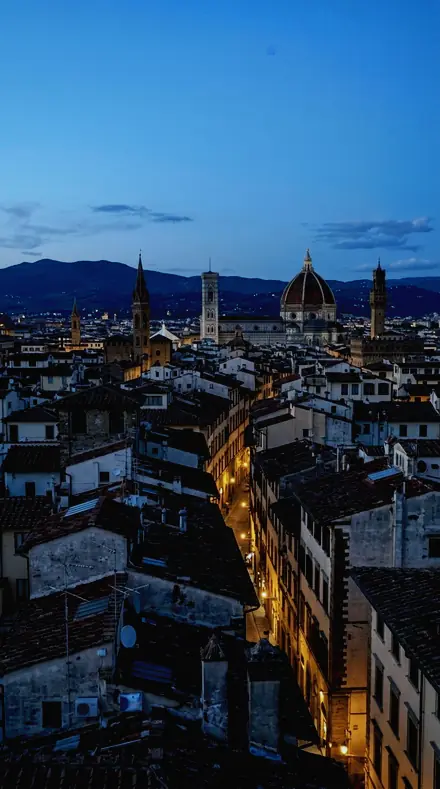
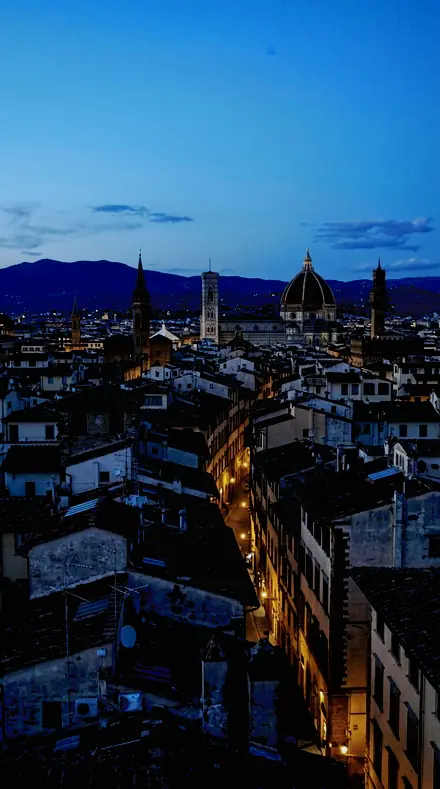
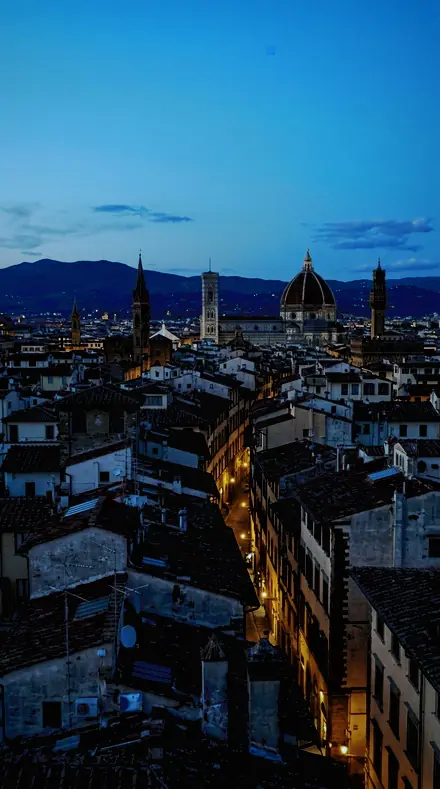
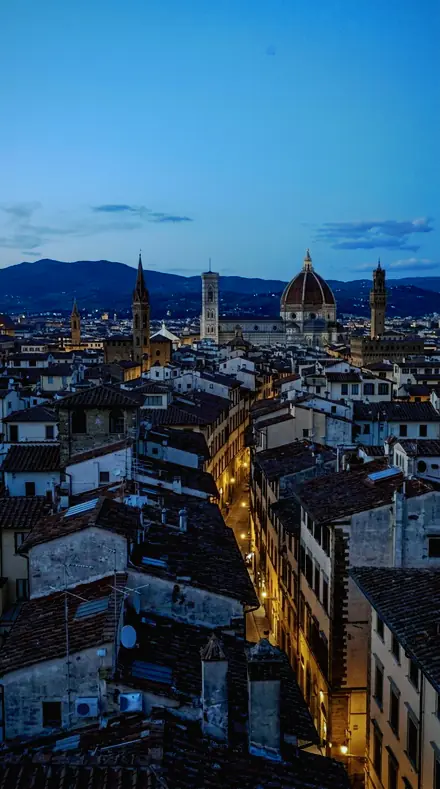
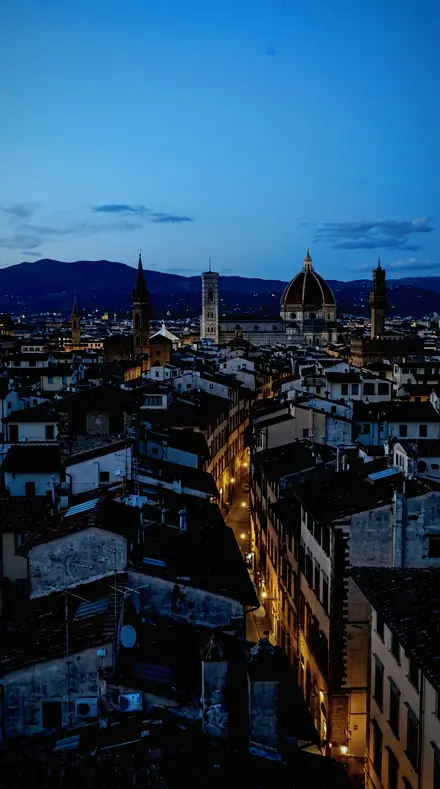
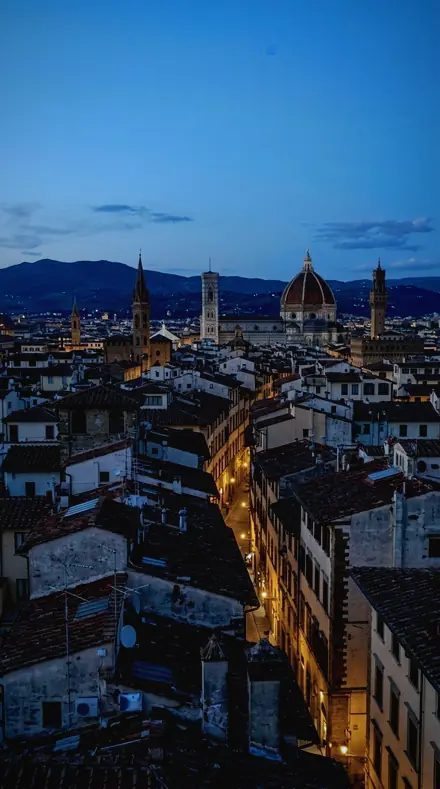
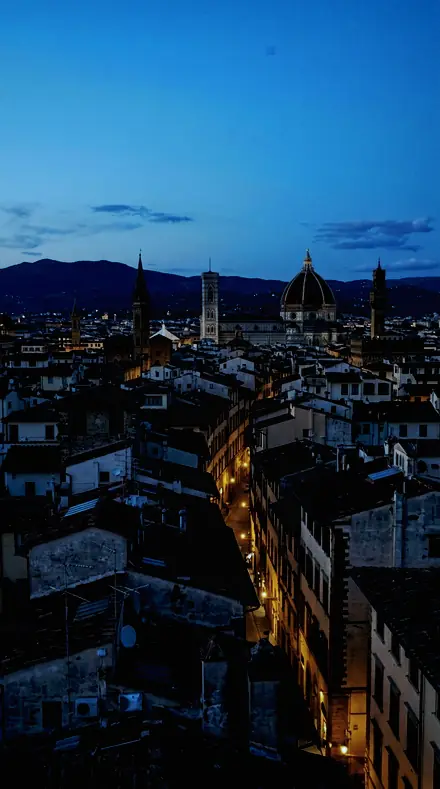
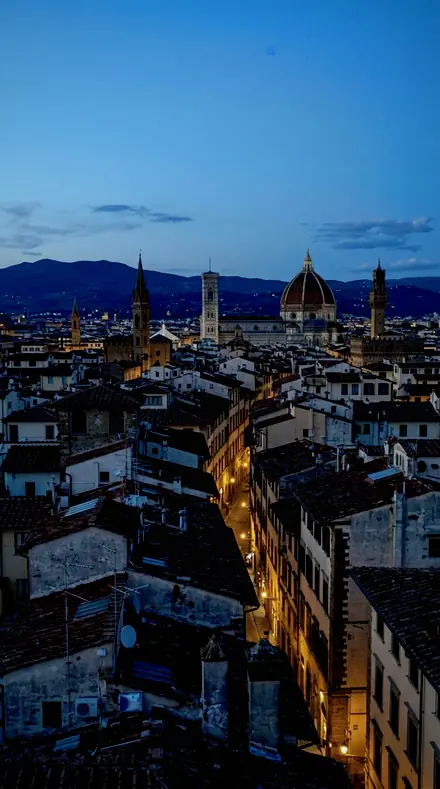
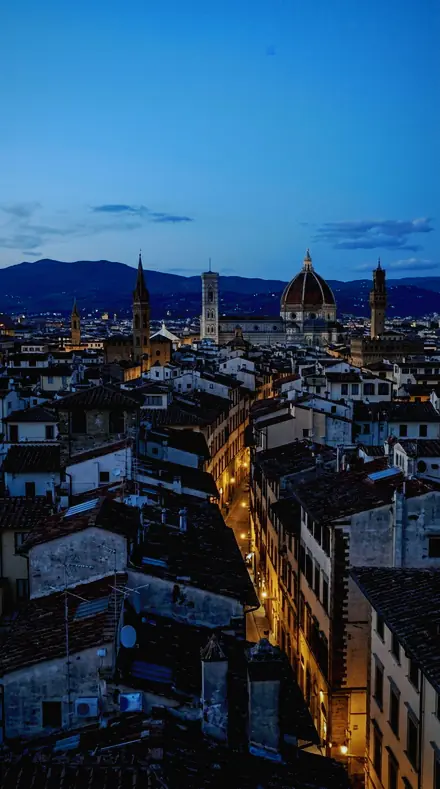
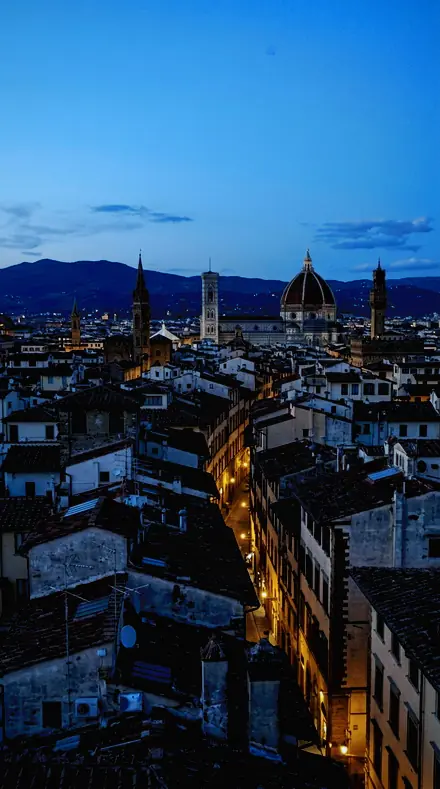
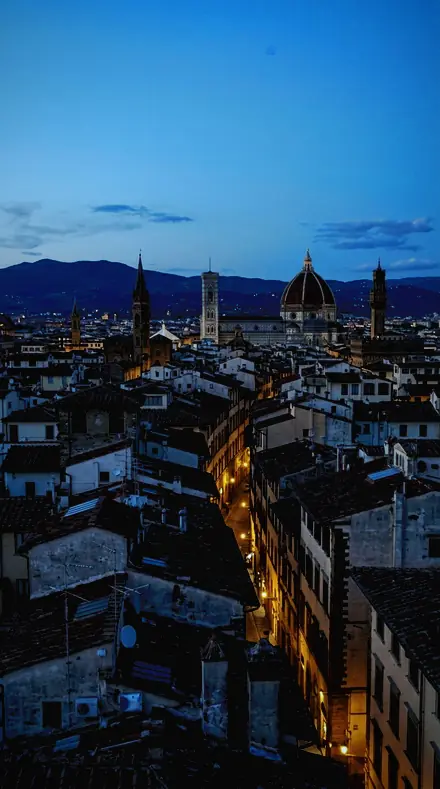
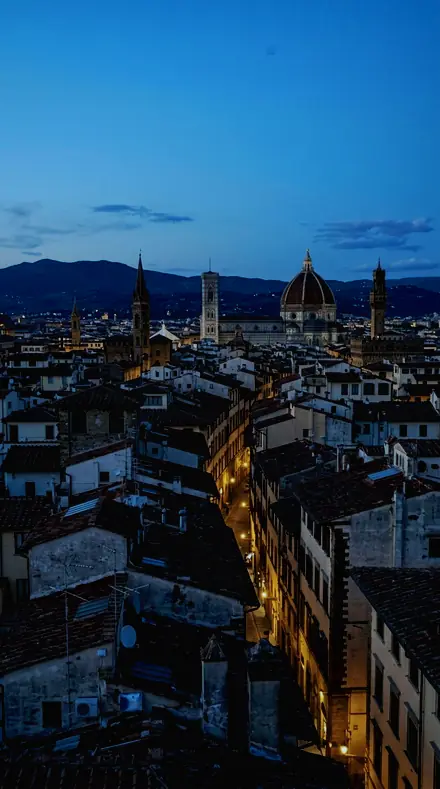
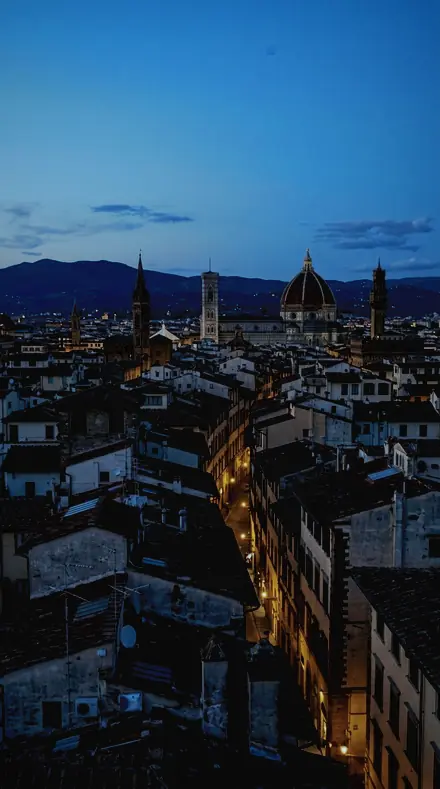
The same City rooftop with the Electricsky preset appliedCity rooftop, photographed without the Electricsky preset
Electricsky applied to City rooftop
City rooftop
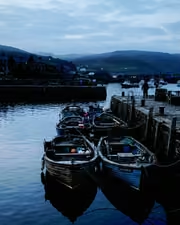
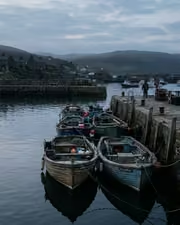
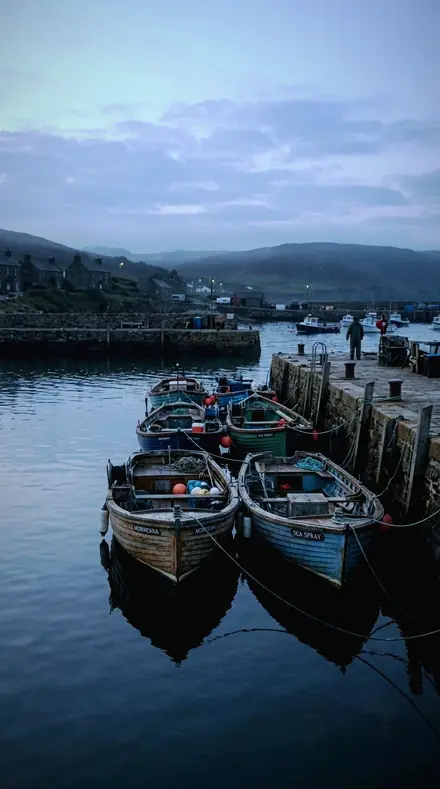
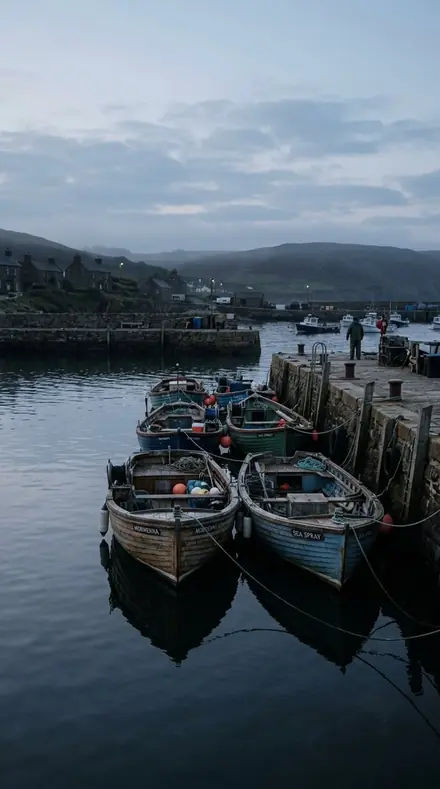
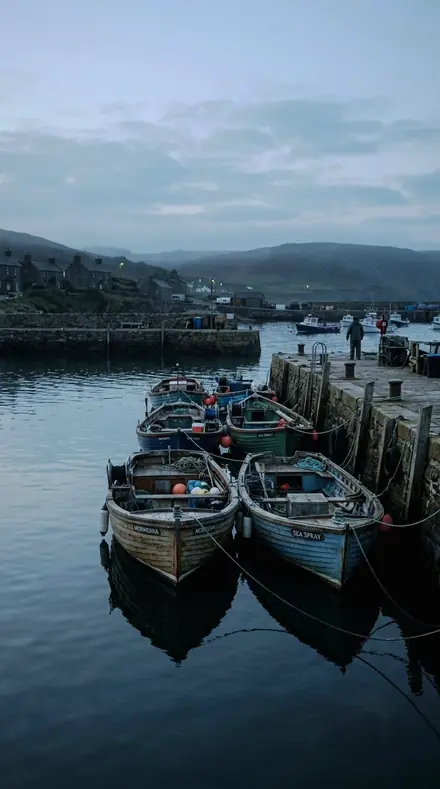
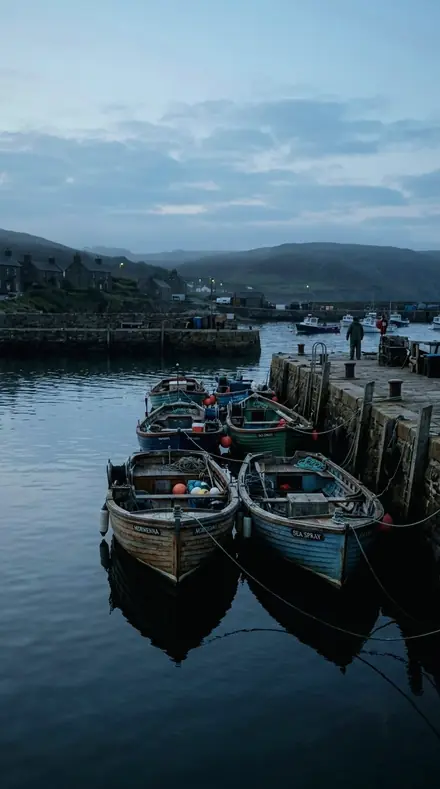
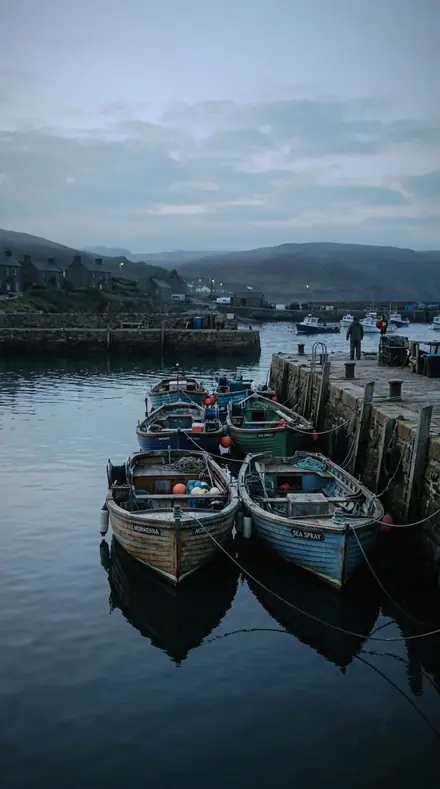
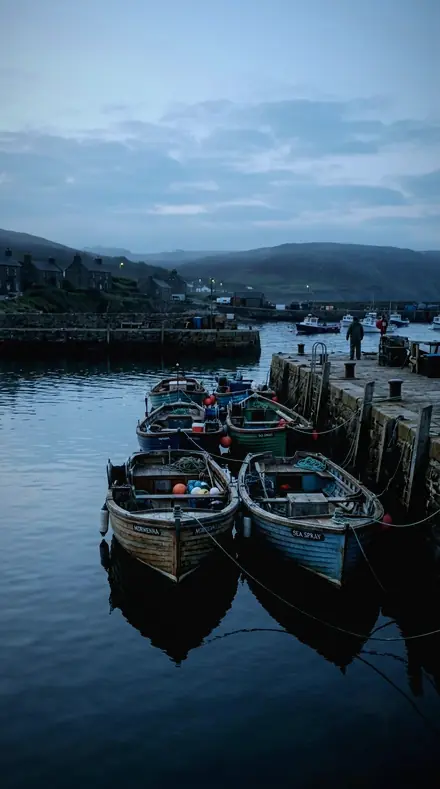
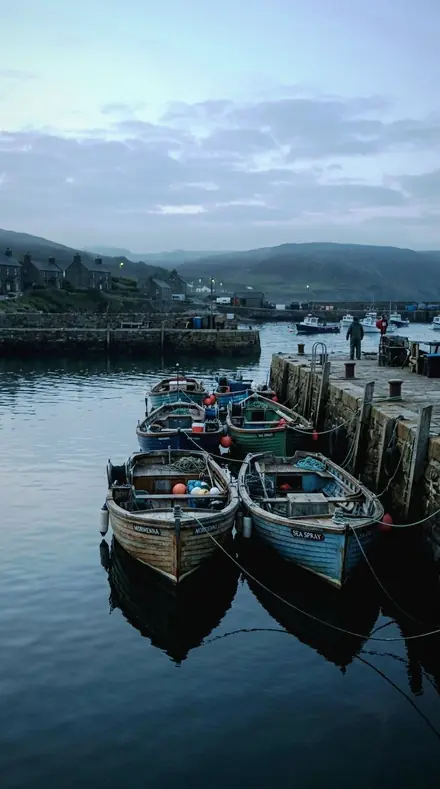
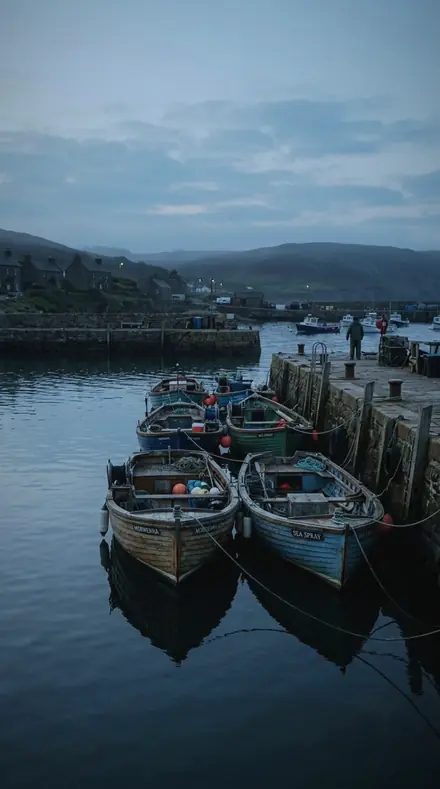
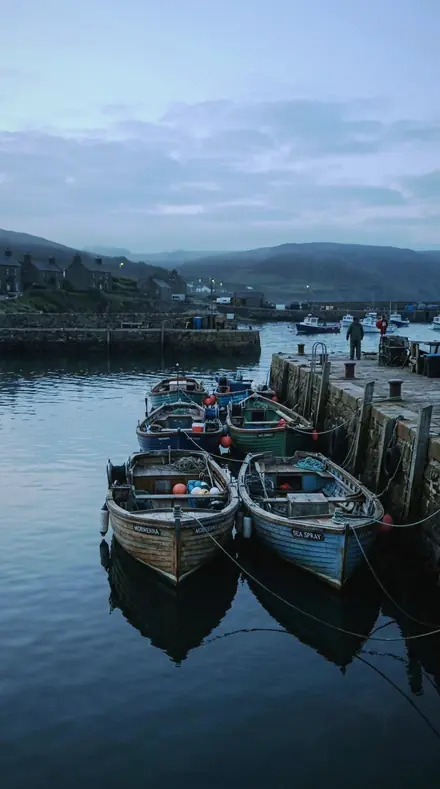
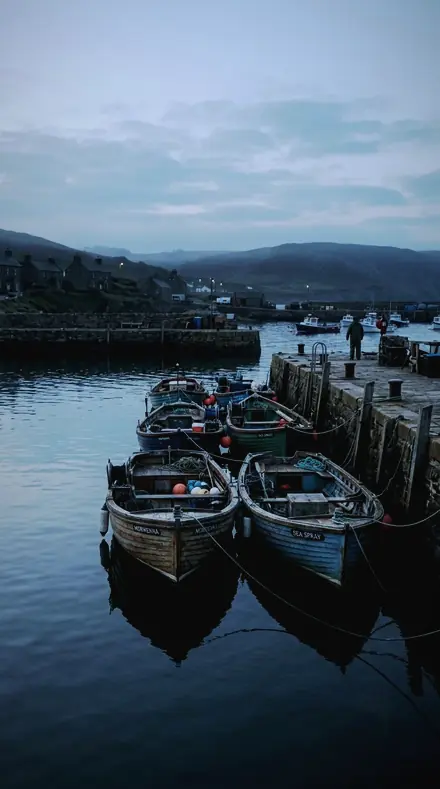
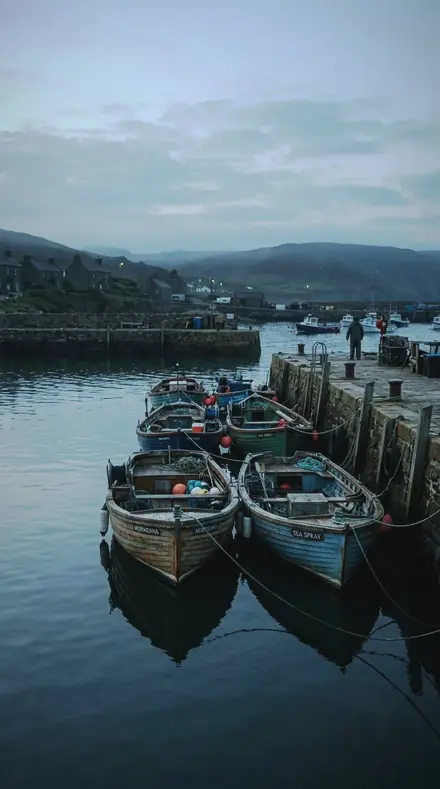
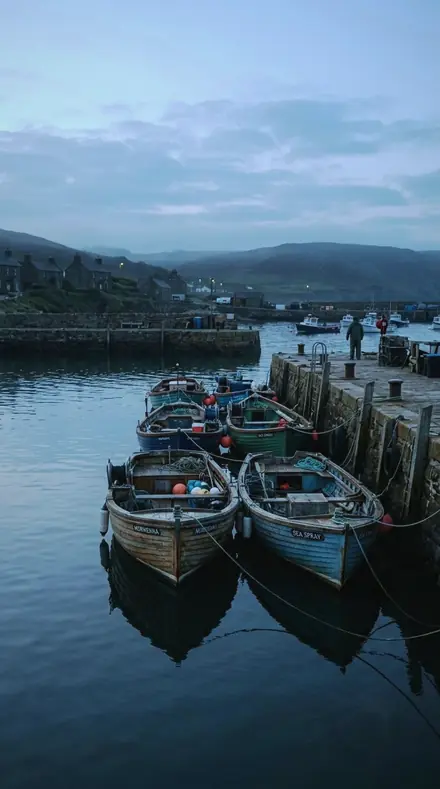
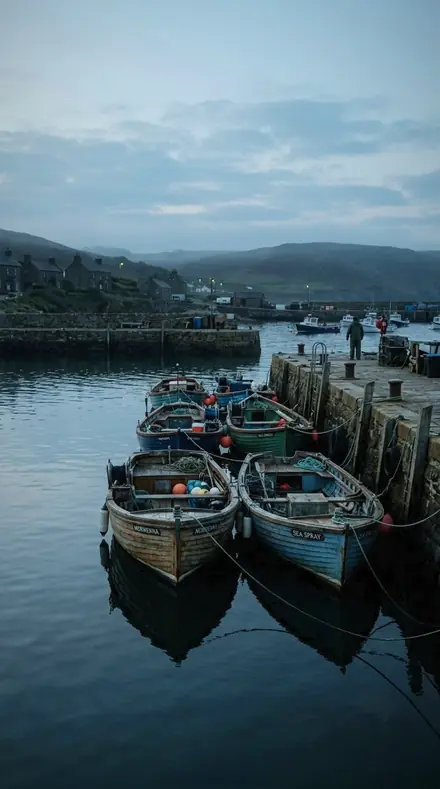
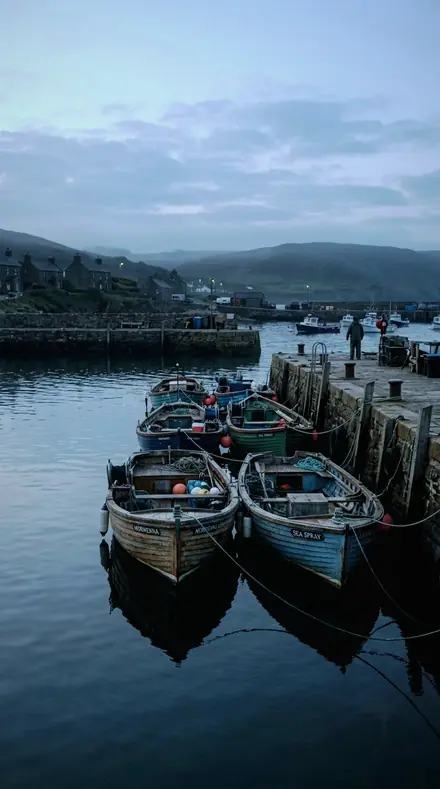
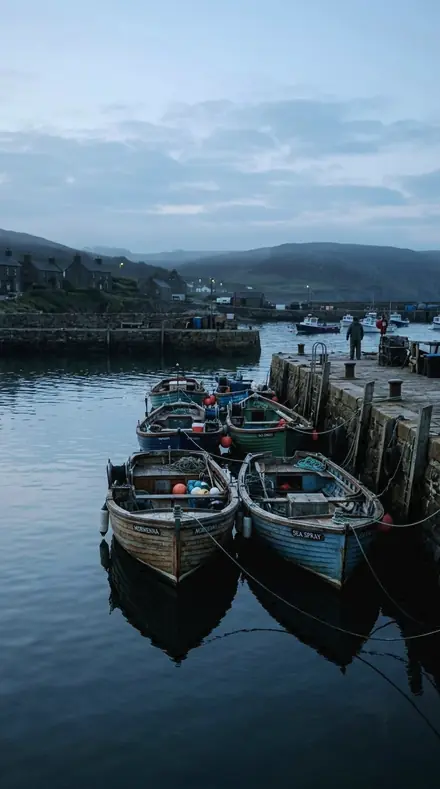
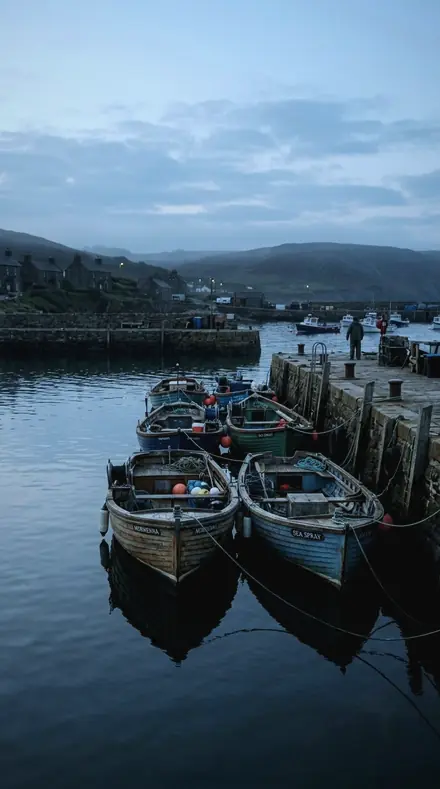
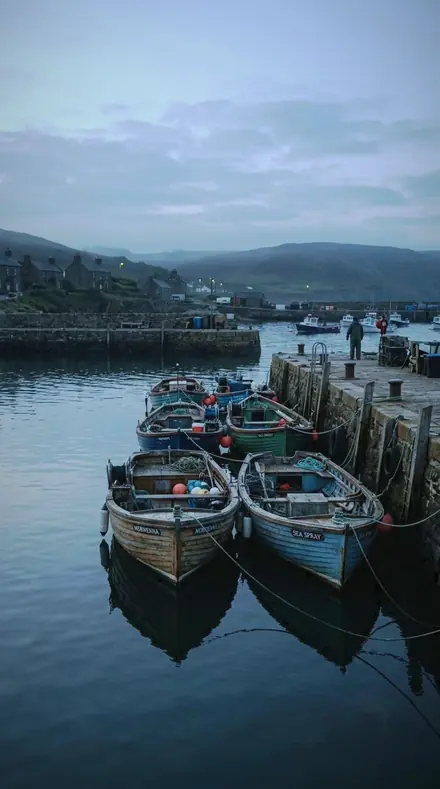
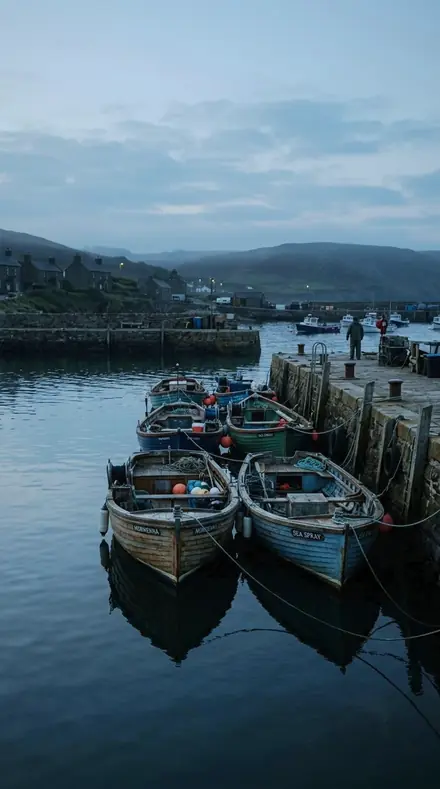
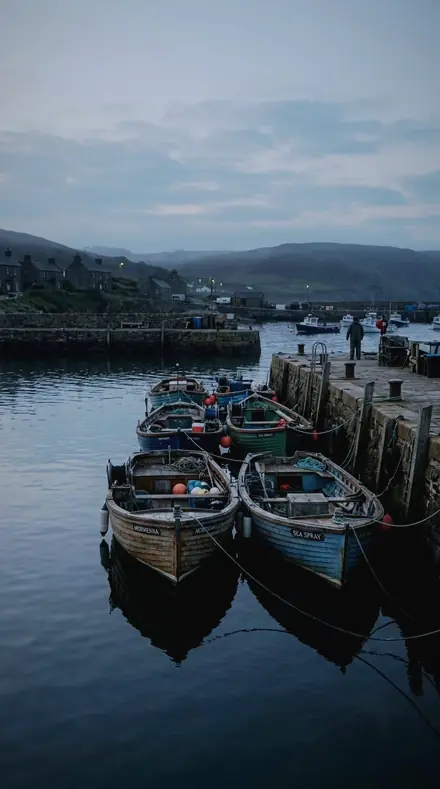
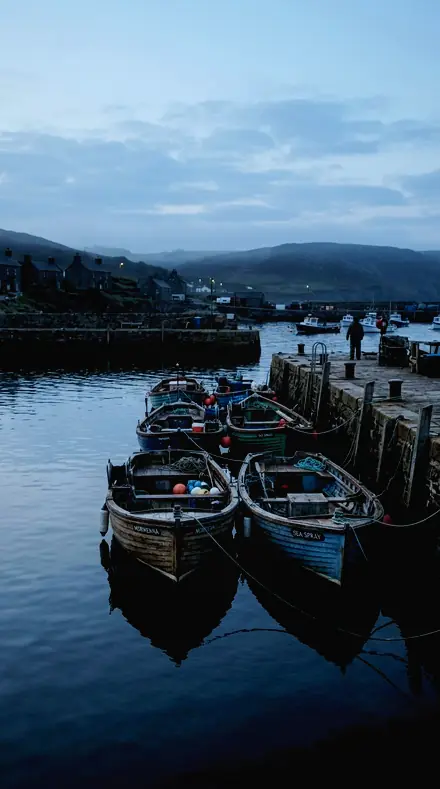
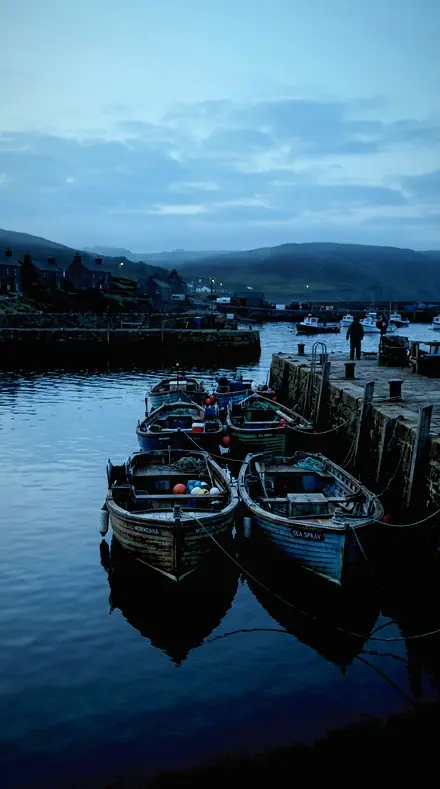
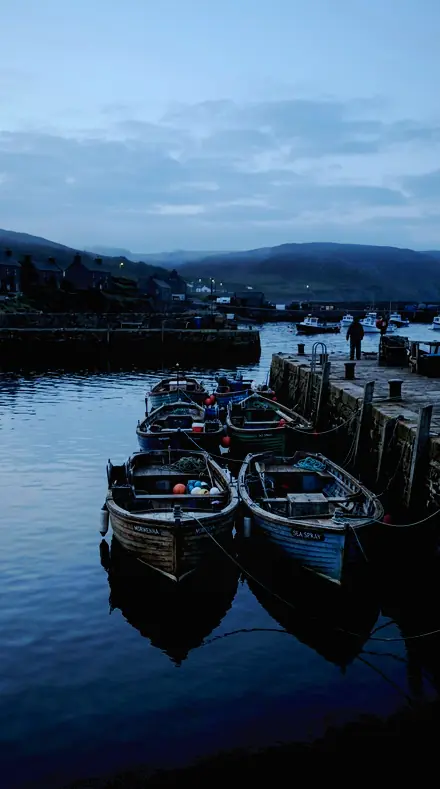
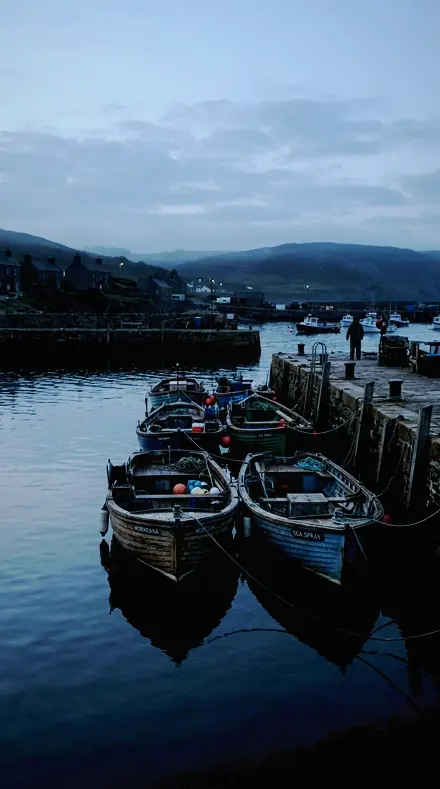
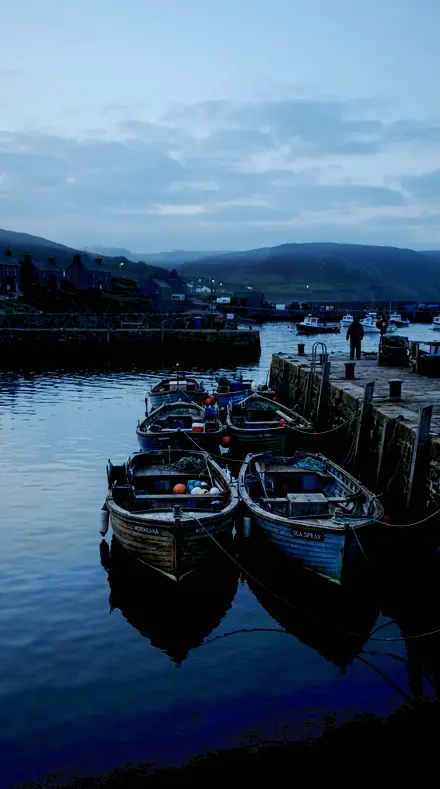
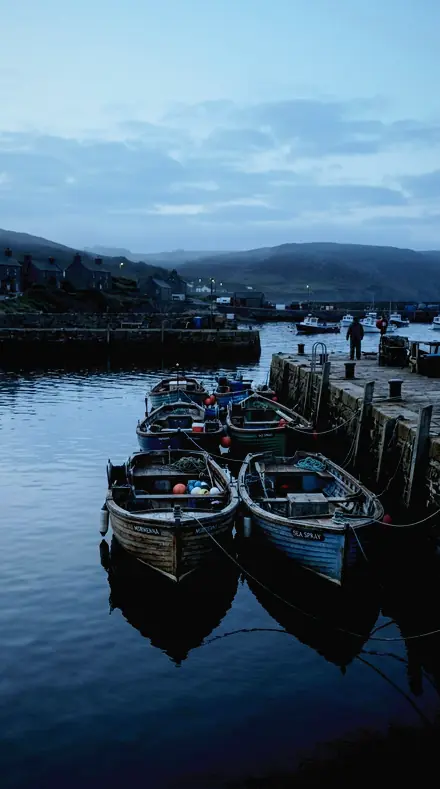
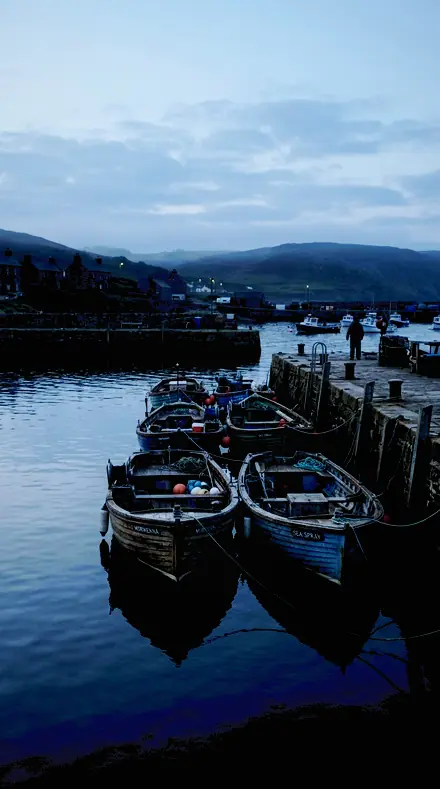
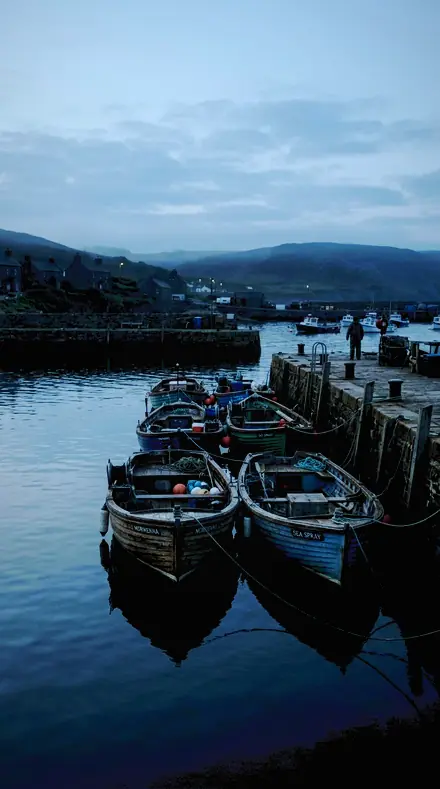
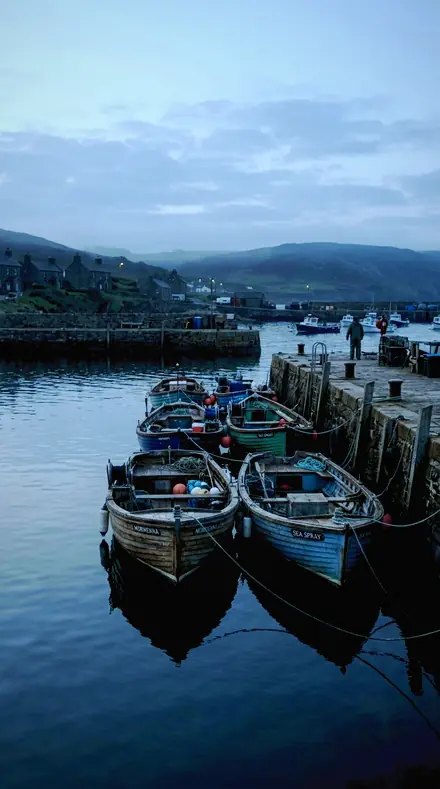
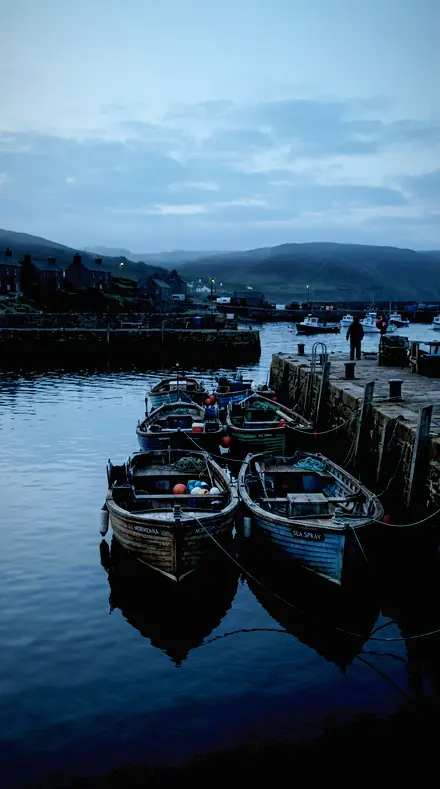
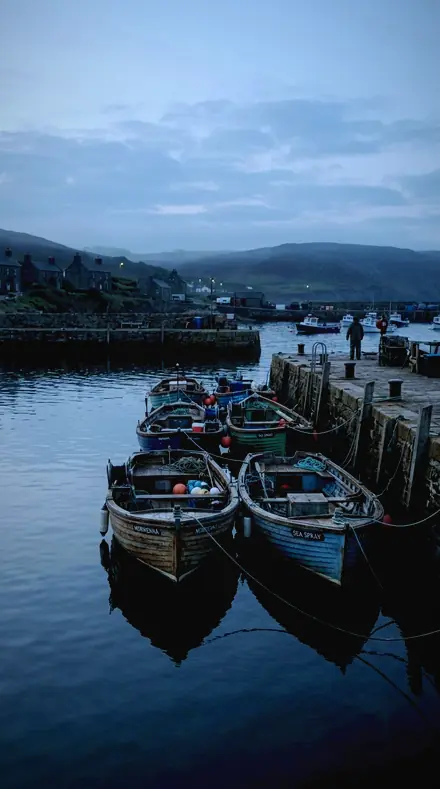
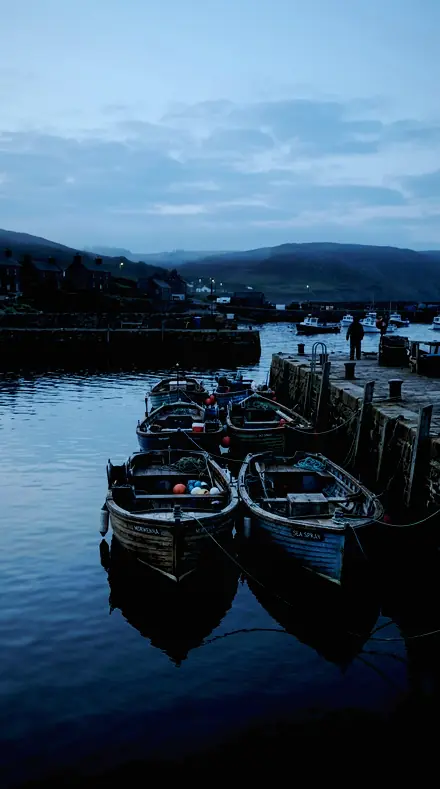
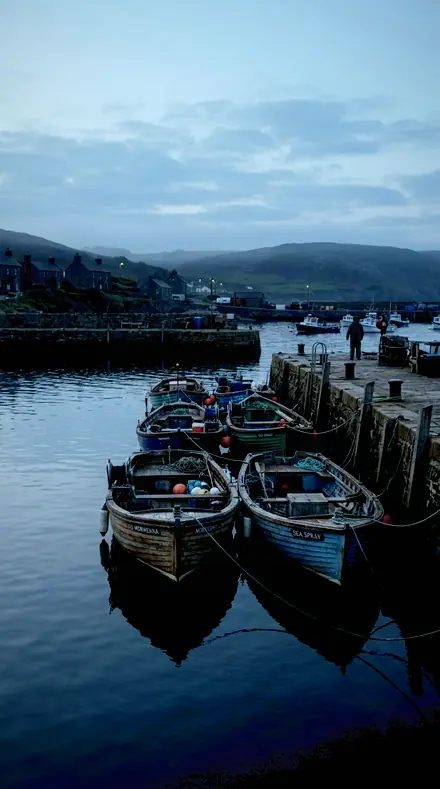
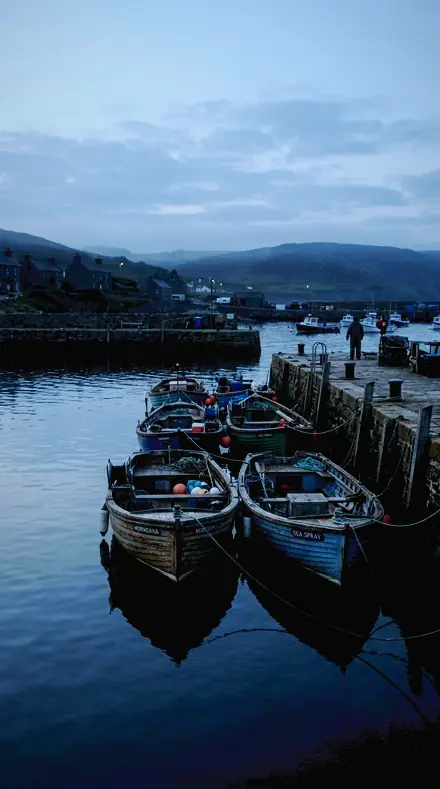
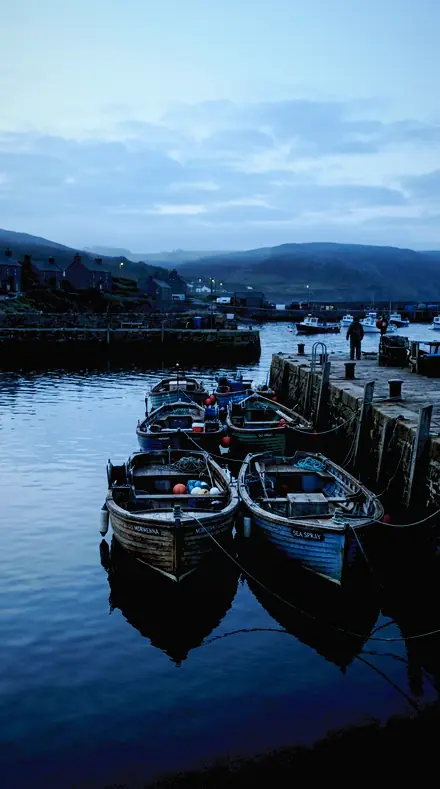
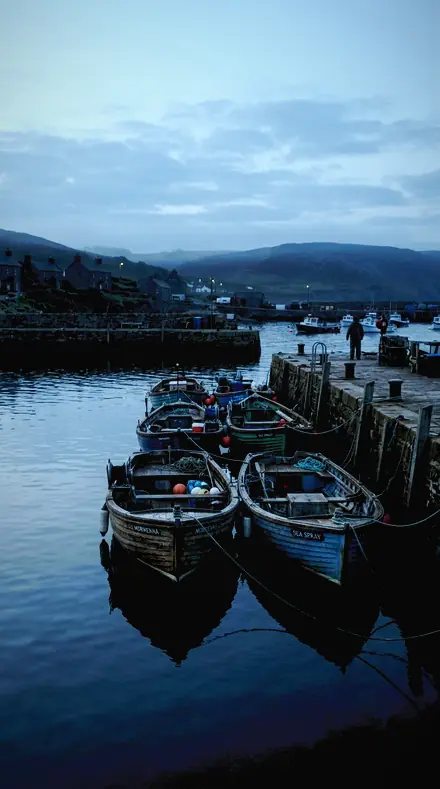
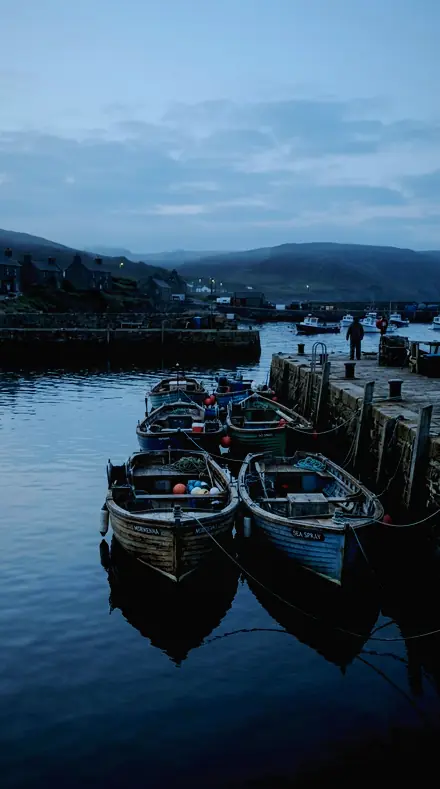
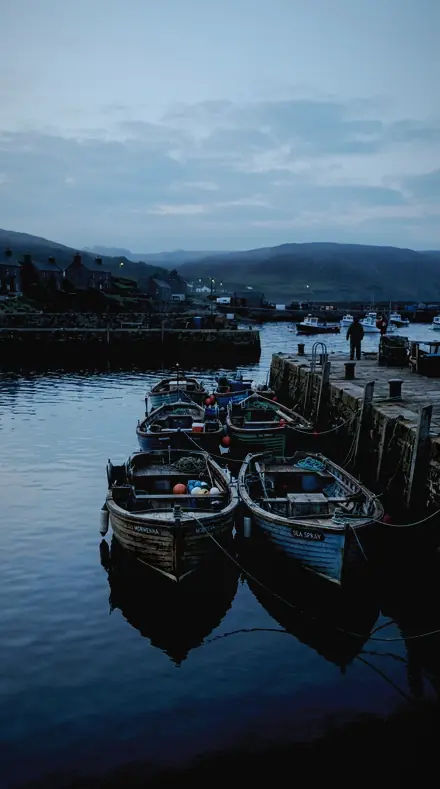
The same Harbour boats with the Electricsky preset appliedHarbour boats, photographed without the Electricsky preset
Electricsky applied to Harbour boats
Harbour boats

The Trail

4 groups

Every preset from both collections on the same four frames, dusk and water, so the green and the blue can be judged side by side.

  • Aurora Curtain, the emissionThe green itself. Held down from the clip, steered toward aqua, the magenta hem and the purple tops given their bands.
  • Aurora Curtain, the ground and the frameWhat sits under the curtain. Shadows opened for the land, snow kept neutral, striation kept soft, a faint arc kept faint.
  • Noctilucent Cloud, the blueElectric blue rather than navy. Blue and aqua raised, the filaments kept, the twilight warmth removed.
  • Noctilucent Cloud, the twilightThe dark sky around the display. Black point deep, the foreground a silhouette, the ripple kept fine.

The specimen index

36 presets · 4 scenes

Every preset in the pack is here, on the same four photographs. Nothing below is a sample. Open one and drag.

  1. No. 01Curtain FoldA vignette pulled in slightly, which stops a wide lens brightening the corners above the curtain.
    Curtain Fold applied to Harbour boats Before: Harbour boats
    Harbour boats
    Curtain Fold applied to City rooftop Before: City rooftop
    City rooftop
    Curtain Fold applied to Mountain lake Before: Mountain lake
    Mountain lake
    Curtain Fold applied to Lake canoe Before: Lake canoe
    Lake canoe

    Drag the handle. Left is the original, right is Curtain Fold. Rendered from the preset's own settings, not a Lightroom export, so the real thing carries a little more bite.

  2. No. 02Ribbon FoldMagenta luminance pulled down so the hem darkens into the green instead of glowing.
    Ribbon Fold applied to Harbour boats Before: Harbour boats
    Harbour boats
    Ribbon Fold applied to City rooftop Before: City rooftop
    City rooftop
    Ribbon Fold applied to Mountain lake Before: Mountain lake
    Mountain lake
    Ribbon Fold applied to Lake canoe Before: Lake canoe
    Lake canoe

    Drag the handle. Left is the original, right is Ribbon Fold. Rendered from the preset's own settings, not a Lightroom export, so the real thing carries a little more bite.

  3. No. 03Emerald DrapeBlacks set deep so the sky between rays stays dark while the shadows above remain open.
    Emerald Drape applied to Harbour boats Before: Harbour boats
    Harbour boats
    Emerald Drape applied to City rooftop Before: City rooftop
    City rooftop
    Emerald Drape applied to Mountain lake Before: Mountain lake
    Mountain lake
    Emerald Drape applied to Lake canoe Before: Lake canoe
    Lake canoe

    Drag the handle. Left is the original, right is Emerald Drape. Rendered from the preset's own settings, not a Lightroom export, so the real thing carries a little more bite.

  4. No. 04Drape EdgeThe furthest of the eighteen from the Adobe default on the visible parameters: emission bands well saturated, their luminance held down, foreground still readable.
    Drape Edge applied to Harbour boats Before: Harbour boats
    Harbour boats
    Drape Edge applied to City rooftop Before: City rooftop
    City rooftop
    Drape Edge applied to Mountain lake Before: Mountain lake
    Mountain lake
    Drape Edge applied to Lake canoe Before: Lake canoe
    Lake canoe

    Drag the handle. Left is the original, right is Drape Edge. Rendered from the preset's own settings, not a Lightroom export, so the real thing carries a little more bite.

  5. No. 05Pleat EdgeContrast firmed modestly, because a curtain has its own structure and heavy contrast destroys the fold edges.
    Pleat Edge applied to Harbour boats Before: Harbour boats
    Harbour boats
    Pleat Edge applied to City rooftop Before: City rooftop
    City rooftop
    Pleat Edge applied to Mountain lake Before: Mountain lake
    Mountain lake
    Pleat Edge applied to Lake canoe Before: Lake canoe
    Lake canoe

    Drag the handle. Left is the original, right is Pleat Edge. Rendered from the preset's own settings, not a Lightroom export, so the real thing carries a little more bite.

  6. No. 06Arc RibbonA midtone colour grade toward green-aqua, tinting the mid sky without moving the curtain's own hue.
    Arc Ribbon applied to Harbour boats Before: Harbour boats
    Harbour boats
    Arc Ribbon applied to City rooftop Before: City rooftop
    City rooftop
    Arc Ribbon applied to Mountain lake Before: Mountain lake
    Mountain lake
    Arc Ribbon applied to Lake canoe Before: Lake canoe
    Lake canoe

    Drag the handle. Left is the original, right is Arc Ribbon. Rendered from the preset's own settings, not a Lightroom export, so the real thing carries a little more bite.

  7. No. 07Curtain BaseAqua band saturation raised for a display high overhead, where the curtain sits closer to teal than to green.
    Curtain Base applied to Harbour boats Before: Harbour boats
    Harbour boats
    Curtain Base applied to City rooftop Before: City rooftop
    City rooftop
    Curtain Base applied to Mountain lake Before: Mountain lake
    Mountain lake
    Curtain Base applied to Lake canoe Before: Lake canoe
    Lake canoe

    Drag the handle. Left is the original, right is Curtain Base. Rendered from the preset's own settings, not a Lightroom export, so the real thing carries a little more bite.

  8. No. 08Substorm ArcWhites pulled down so a bright substorm does not blow the brightest part of the curtain.
    Substorm Arc applied to Harbour boats Before: Harbour boats
    Harbour boats
    Substorm Arc applied to City rooftop Before: City rooftop
    City rooftop
    Substorm Arc applied to Mountain lake Before: Mountain lake
    Mountain lake
    Substorm Arc applied to Lake canoe Before: Lake canoe
    Lake canoe

    Drag the handle. Left is the original, right is Substorm Arc. Rendered from the preset's own settings, not a Lightroom export, so the real thing carries a little more bite.

  9. No. 09Oval ArcGreen hue steered toward aqua, which is where a bright oxygen curtain reads on most sensors.
    Oval Arc applied to Harbour boats Before: Harbour boats
    Harbour boats
    Oval Arc applied to City rooftop Before: City rooftop
    City rooftop
    Oval Arc applied to Mountain lake Before: Mountain lake
    Mountain lake
    Oval Arc applied to Lake canoe Before: Lake canoe
    Lake canoe

    Drag the handle. Left is the original, right is Oval Arc. Rendered from the preset's own settings, not a Lightroom export, so the real thing carries a little more bite.

  10. No. 10Ray CurtainMagenta band saturation raised for the lower hem of a strong display, where the red nitrogen emission actually lives.
    Ray Curtain applied to Harbour boats Before: Harbour boats
    Harbour boats
    Ray Curtain applied to City rooftop Before: City rooftop
    City rooftop
    Ray Curtain applied to Mountain lake Before: Mountain lake
    Mountain lake
    Ray Curtain applied to Lake canoe Before: Lake canoe
    Lake canoe

    Drag the handle. Left is the original, right is Ray Curtain. Rendered from the preset's own settings, not a Lightroom export, so the real thing carries a little more bite.

  11. No. 11Shimmer FoldGreen band saturation raised and green luminance lowered together, which deepens the colour rather than brightening it toward the clip.
    Shimmer Fold applied to Harbour boats Before: Harbour boats
    Harbour boats
    Shimmer Fold applied to City rooftop Before: City rooftop
    City rooftop
    Shimmer Fold applied to Mountain lake Before: Mountain lake
    Mountain lake
    Shimmer Fold applied to Lake canoe Before: Lake canoe
    Lake canoe

    Drag the handle. Left is the original, right is Shimmer Fold. Rendered from the preset's own settings, not a Lightroom export, so the real thing carries a little more bite.

  12. No. 12Pulse ArcShadows opened so the foreground land reads while the curtain itself is protected by a negative highlight move.
    Pulse Arc applied to Harbour boats Before: Harbour boats
    Harbour boats
    Pulse Arc applied to City rooftop Before: City rooftop
    City rooftop
    Pulse Arc applied to Mountain lake Before: Mountain lake
    Mountain lake
    Pulse Arc applied to Lake canoe Before: Lake canoe
    Lake canoe

    Drag the handle. Left is the original, right is Pulse Arc. Rendered from the preset's own settings, not a Lightroom export, so the real thing carries a little more bite.

  13. No. 13Corona FoldThe reference aurora grade: highlights rolled off and green luminance pulled down so the emission holds detail instead of clipping to a flat green.
    Corona Fold applied to Harbour boats Before: Harbour boats
    Harbour boats
    Corona Fold applied to City rooftop Before: City rooftop
    City rooftop
    Corona Fold applied to Mountain lake Before: Mountain lake
    Mountain lake
    Corona Fold applied to Lake canoe Before: Lake canoe
    Lake canoe

    Drag the handle. Left is the original, right is Corona Fold. Rendered from the preset's own settings, not a Lightroom export, so the real thing carries a little more bite.

  14. No. 14Emission FoldPurple band saturation raised for the top of tall rays, held mild so it does not become a cast.
    Emission Fold applied to Harbour boats Before: Harbour boats
    Harbour boats
    Emission Fold applied to City rooftop Before: City rooftop
    City rooftop
    Emission Fold applied to Mountain lake Before: Mountain lake
    Mountain lake
    Emission Fold applied to Lake canoe Before: Lake canoe
    Lake canoe

    Drag the handle. Left is the original, right is Emission Fold. Rendered from the preset's own settings, not a Lightroom export, so the real thing carries a little more bite.

  15. No. 15Verdant DrapeCooled white balance and a green-steered tint, the pairing that keeps snow neutral under a green sky.
    Verdant Drape applied to Harbour boats Before: Harbour boats
    Harbour boats
    Verdant Drape applied to City rooftop Before: City rooftop
    City rooftop
    Verdant Drape applied to Mountain lake Before: Mountain lake
    Mountain lake
    Verdant Drape applied to Lake canoe Before: Lake canoe
    Lake canoe

    Drag the handle. Left is the original, right is Verdant Drape. Rendered from the preset's own settings, not a Lightroom export, so the real thing carries a little more bite.

  16. No. 16Jade CurtainClarity near zero and texture low, keeping the soft vertical striation soft.
    Jade Curtain applied to Harbour boats Before: Harbour boats
    Harbour boats
    Jade Curtain applied to City rooftop Before: City rooftop
    City rooftop
    Jade Curtain applied to Mountain lake Before: Mountain lake
    Mountain lake
    Jade Curtain applied to Lake canoe Before: Lake canoe
    Lake canoe

    Drag the handle. Left is the original, right is Jade Curtain. Rendered from the preset's own settings, not a Lightroom export, so the real thing carries a little more bite.

  17. No. 17Jade RibbonThe lightest touch of the eighteen on the parameters a viewer can see, for a faint arc rather than a full display.
    Jade Ribbon applied to Harbour boats Before: Harbour boats
    Harbour boats
    Jade Ribbon applied to City rooftop Before: City rooftop
    City rooftop
    Jade Ribbon applied to Mountain lake Before: Mountain lake
    Mountain lake
    Jade Ribbon applied to Lake canoe Before: Lake canoe
    Lake canoe

    Drag the handle. Left is the original, right is Jade Ribbon. Rendered from the preset's own settings, not a Lightroom export, so the real thing carries a little more bite.

  18. No. 18Emerald FoldVibrance carries the colour and the global saturation slider stays near zero, so the noisy dark sky is not pushed with it.
    Emerald Fold applied to Harbour boats Before: Harbour boats
    Harbour boats
    Emerald Fold applied to City rooftop Before: City rooftop
    City rooftop
    Emerald Fold applied to Mountain lake Before: Mountain lake
    Mountain lake
    Emerald Fold applied to Lake canoe Before: Lake canoe
    Lake canoe

    Drag the handle. Left is the original, right is Emerald Fold. Rendered from the preset's own settings, not a Lightroom export, so the real thing carries a little more bite.

  19. No. 19Silver RippleShadows pulled down rather than lifted, since the foreground here is a silhouette by choice.
    Silver Ripple applied to Harbour boats Before: Harbour boats
    Harbour boats
    Silver Ripple applied to City rooftop Before: City rooftop
    City rooftop
    Silver Ripple applied to Mountain lake Before: Mountain lake
    Mountain lake
    Silver Ripple applied to Lake canoe Before: Lake canoe
    Lake canoe

    Drag the handle. Left is the original, right is Silver Ripple. Rendered from the preset's own settings, not a Lightroom export, so the real thing carries a little more bite.

  20. No. 20Ripple SheetA vignette pulled in so a wide lens does not brighten the corners of the twilight band.
    Ripple Sheet applied to Harbour boats Before: Harbour boats
    Harbour boats
    Ripple Sheet applied to City rooftop Before: City rooftop
    City rooftop
    Ripple Sheet applied to Mountain lake Before: Mountain lake
    Mountain lake
    Ripple Sheet applied to Lake canoe Before: Lake canoe
    Lake canoe

    Drag the handle. Left is the original, right is Ripple Sheet. Rendered from the preset's own settings, not a Lightroom export, so the real thing carries a little more bite.

  21. No. 21Billow WaveThe shadow colour grade luminance negative, dropping the dark sky further behind the pale cloud.
    Billow Wave applied to Harbour boats Before: Harbour boats
    Harbour boats
    Billow Wave applied to City rooftop Before: City rooftop
    City rooftop
    Billow Wave applied to Mountain lake Before: Mountain lake
    Mountain lake
    Billow Wave applied to Lake canoe Before: Lake canoe
    Lake canoe

    Drag the handle. Left is the original, right is Billow Wave. Rendered from the preset's own settings, not a Lightroom export, so the real thing carries a little more bite.

  22. No. 22Crest SheenContrast firmed through the curve midtones where the wave structure lives.
    Crest Sheen applied to Harbour boats Before: Harbour boats
    Harbour boats
    Crest Sheen applied to City rooftop Before: City rooftop
    City rooftop
    Crest Sheen applied to Mountain lake Before: Mountain lake
    Mountain lake
    Crest Sheen applied to Lake canoe Before: Lake canoe
    Lake canoe

    Drag the handle. Left is the original, right is Crest Sheen. Rendered from the preset's own settings, not a Lightroom export, so the real thing carries a little more bite.

  23. No. 23Sheen EdgeA highlight split tone toward cyan, tinting only the cloud and leaving the dark sky alone.
    Sheen Edge applied to Harbour boats Before: Harbour boats
    Harbour boats
    Sheen Edge applied to City rooftop Before: City rooftop
    City rooftop
    Sheen Edge applied to Mountain lake Before: Mountain lake
    Mountain lake
    Sheen Edge applied to Lake canoe Before: Lake canoe
    Lake canoe

    Drag the handle. Left is the original, right is Sheen Edge. Rendered from the preset's own settings, not a Lightroom export, so the real thing carries a little more bite.

  24. No. 24Herringbone WaveThe lightest touch of the eighteen on the parameters a viewer can see, for a faint display low on the horizon.
    Herringbone Wave applied to Harbour boats Before: Harbour boats
    Harbour boats
    Herringbone Wave applied to City rooftop Before: City rooftop
    City rooftop
    Herringbone Wave applied to Mountain lake Before: Mountain lake
    Mountain lake
    Herringbone Wave applied to Lake canoe Before: Lake canoe
    Lake canoe

    Drag the handle. Left is the original, right is Herringbone Wave. Rendered from the preset's own settings, not a Lightroom export, so the real thing carries a little more bite.

  25. No. 25Whorl SheetTexture and clarity both raised for the herringbone striation, which is the whole reason to photograph this.
    Whorl Sheet applied to Harbour boats Before: Harbour boats
    Harbour boats
    Whorl Sheet applied to City rooftop Before: City rooftop
    City rooftop
    Whorl Sheet applied to Mountain lake Before: Mountain lake
    Mountain lake
    Whorl Sheet applied to Lake canoe Before: Lake canoe
    Lake canoe

    Drag the handle. Left is the original, right is Whorl Sheet. Rendered from the preset's own settings, not a Lightroom export, so the real thing carries a little more bite.

  26. No. 26Ice SheetThe furthest of the eighteen from the Adobe default on the visible parameters: blue and aqua well raised while the surrounding sky is held down by a deep black point and a negative shadow move.
    Ice Sheet applied to Harbour boats Before: Harbour boats
    Harbour boats
    Ice Sheet applied to City rooftop Before: City rooftop
    City rooftop
    Ice Sheet applied to Mountain lake Before: Mountain lake
    Mountain lake
    Ice Sheet applied to Lake canoe Before: Lake canoe
    Lake canoe

    Drag the handle. Left is the original, right is Ice Sheet. Rendered from the preset's own settings, not a Lightroom export, so the real thing carries a little more bite.

  27. No. 27Frost SheetWhites pulled down alongside the highlight move, so the brightest billow does not clip on a bright twilight.
    Frost Sheet applied to Harbour boats Before: Harbour boats
    Harbour boats
    Frost Sheet applied to City rooftop Before: City rooftop
    City rooftop
    Frost Sheet applied to Mountain lake Before: Mountain lake
    Mountain lake
    Frost Sheet applied to Lake canoe Before: Lake canoe
    Lake canoe

    Drag the handle. Left is the original, right is Frost Sheet. Rendered from the preset's own settings, not a Lightroom export, so the real thing carries a little more bite.

  28. No. 28Crystal VeilCooled white balance and a green-steered tint, matching a sky lit from below the horizon.
    Crystal Veil applied to Harbour boats Before: Harbour boats
    Harbour boats
    Crystal Veil applied to City rooftop Before: City rooftop
    City rooftop
    Crystal Veil applied to Mountain lake Before: Mountain lake
    Mountain lake
    Crystal Veil applied to Lake canoe Before: Lake canoe
    Lake canoe

    Drag the handle. Left is the original, right is Crystal Veil. Rendered from the preset's own settings, not a Lightroom export, so the real thing carries a little more bite.

  29. No. 29Veil RippleAqua band saturation and luminance both raised, since the brightest part of a display sits nearer teal than blue.
    Veil Ripple applied to Harbour boats Before: Harbour boats
    Harbour boats
    Veil Ripple applied to City rooftop Before: City rooftop
    City rooftop
    Veil Ripple applied to Mountain lake Before: Mountain lake
    Mountain lake
    Veil Ripple applied to Lake canoe Before: Lake canoe
    Lake canoe

    Drag the handle. Left is the original, right is Veil Ripple. Rendered from the preset's own settings, not a Lightroom export, so the real thing carries a little more bite.

  30. No. 30Electric SheenBlue luminance raised while the sky around it is held down by a deep black point, which is what makes the cloud read pale against dark.
    Electric Sheen applied to Harbour boats Before: Harbour boats
    Harbour boats
    Electric Sheen applied to City rooftop Before: City rooftop
    City rooftop
    Electric Sheen applied to Mountain lake Before: Mountain lake
    Mountain lake
    Electric Sheen applied to Lake canoe Before: Lake canoe
    Lake canoe

    Drag the handle. Left is the original, right is Electric Sheen. Rendered from the preset's own settings, not a Lightroom export, so the real thing carries a little more bite.

  31. No. 31Sheet FoldBlue hue steered toward aqua with blue luminance raised, which is the pairing that produces electric blue rather than deep navy.
    Sheet Fold applied to Harbour boats Before: Harbour boats
    Harbour boats
    Sheet Fold applied to City rooftop Before: City rooftop
    City rooftop
    Sheet Fold applied to Mountain lake Before: Mountain lake
    Mountain lake
    Sheet Fold applied to Lake canoe Before: Lake canoe
    Lake canoe

    Drag the handle. Left is the original, right is Sheet Fold. Rendered from the preset's own settings, not a Lightroom export, so the real thing carries a little more bite.

  32. No. 32Fold CrestThe reference noctilucent grade: highlights rolled off hard so the pale electric blue keeps its filament structure instead of flattening to white.
    Fold Crest applied to Harbour boats Before: Harbour boats
    Harbour boats
    Fold Crest applied to City rooftop Before: City rooftop
    City rooftop
    Fold Crest applied to Mountain lake Before: Mountain lake
    Mountain lake
    Fold Crest applied to Lake canoe Before: Lake canoe
    Lake canoe

    Drag the handle. Left is the original, right is Fold Crest. Rendered from the preset's own settings, not a Lightroom export, so the real thing carries a little more bite.

  33. No. 33Silver SheenOrange band saturation and luminance negative, removing the residual twilight warmth from the low sky.
    Silver Sheen applied to Harbour boats Before: Harbour boats
    Harbour boats
    Silver Sheen applied to City rooftop Before: City rooftop
    City rooftop
    Silver Sheen applied to Mountain lake Before: Mountain lake
    Mountain lake
    Silver Sheen applied to Lake canoe Before: Lake canoe
    Lake canoe

    Drag the handle. Left is the original, right is Silver Sheen. Rendered from the preset's own settings, not a Lightroom export, so the real thing carries a little more bite.

  34. No. 34Silver WavePurple band saturation negative, keeping the display from drifting toward violet where it should stay blue.
    Silver Wave applied to Harbour boats Before: Harbour boats
    Harbour boats
    Silver Wave applied to City rooftop Before: City rooftop
    City rooftop
    Silver Wave applied to Mountain lake Before: Mountain lake
    Mountain lake
    Silver Wave applied to Lake canoe Before: Lake canoe
    Lake canoe

    Drag the handle. Left is the original, right is Silver Wave. Rendered from the preset's own settings, not a Lightroom export, so the real thing carries a little more bite.

  35. No. 35Quiet RippleNoise reduction low, because twilight means a short exposure at moderate ISO and smoothing would cost the fine ripple.
    Quiet Ripple applied to Harbour boats Before: Harbour boats
    Harbour boats
    Quiet Ripple applied to City rooftop Before: City rooftop
    City rooftop
    Quiet Ripple applied to Mountain lake Before: Mountain lake
    Mountain lake
    Quiet Ripple applied to Lake canoe Before: Lake canoe
    Lake canoe

    Drag the handle. Left is the original, right is Quiet Ripple. Rendered from the preset's own settings, not a Lightroom export, so the real thing carries a little more bite.

  36. No. 36Steady WaveExposure held down, for a display shot on a bright northern twilight.
    Steady Wave applied to Harbour boats Before: Harbour boats
    Harbour boats
    Steady Wave applied to City rooftop Before: City rooftop
    City rooftop
    Steady Wave applied to Mountain lake Before: Mountain lake
    Mountain lake
    Steady Wave applied to Lake canoe Before: Lake canoe
    Lake canoe

    Drag the handle. Left is the original, right is Steady Wave. Rendered from the preset's own settings, not a Lightroom export, so the real thing carries a little more bite.

An aurora clips before anything else in the frame. The brightest green goes to a flat wall and every fold in the curtain is gone. Corona Fold is the reference answer: highlights rolled off and green luminance pulled down, so the emission holds detail. The rest of the collection moves one control each. Ribbon Fold darkens the magenta hem into the green instead of letting it glow. Ray Curtain raises the magenta band for the red nitrogen line at the base of a strong display. Emerald Fold lets vibrance carry the colour so the noisy dark sky is not pushed with it.

Ground and frame get their own leg. Pulse Arc opens the shadows so the land reads while the curtain is protected. Verdant Drape cools the white balance and steers the tint green, the pairing that keeps snow neutral under a green sky. Jade Curtain keeps clarity near zero so the vertical striation stays soft. Jade Ribbon is the lightest touch, for a faint arc rather than a full display.

Noctilucent cloud is the other sky, a summer twilight with filaments of electric blue at the edge of space. Fold Crest is its reference: highlights rolled off hard so the blue keeps its structure instead of flattening to white. Sheet Fold steers blue toward aqua and raises its luminance, the pairing that gives electric blue rather than navy. Ice Sheet goes furthest. Whorl Sheet raises texture for the herringbone striation, which is the whole reason to photograph it. Silver Ripple pulls the shadows down, since the foreground here is a silhouette by choice.

Four legs, two skies. The samples run on the same four dusk and water frames, so what you see is each grade's colour and tone; on a real display it does more.

Yours in two minutes

how it works

the four steps

  • Buy the setCheckout takes a card; you get a receipt by email.
  • Download instantlyThe preset files download right after payment. Re-download any time from your account.
  • Import to LightroomOpen the files in the free Lightroom app (iOS or Android) or Lightroom Classic. Lightroom saves them as presets automatically.
  • Tap a presetOne tap applies the full look. Every setting stays editable after.

what you may do with them

  • Single-user license.Yours to use in personal and client work.
  • No redistribution.Don't resell or share the preset files themselves.
  • Free app is enough.No Adobe subscription needed for Lightroom mobile.
  • Keep it forever.Files live in your account for re-download.
Netzah Elad Topaz, the photographer who makes these presets

the maker

Why I Make These

I am Netzah Elad Topaz. I take photographs and I build software, and the two keep leading me back to the same problem. You were there. The light was doing something you will not see again. Then the photo comes back flat, and it is not what you were looking at.

Closing that gap is the whole job. Every preset here is built from Adobe defaults by hand, with a written note for what it should do to a picture, and it is judged on real photographs before it ships. Nothing is a filter dropped on top of your work.

What I want is simple. You open a photo you almost gave up on, you tap once, and there it is: the day you remember, not the file your camera handed you. That is worth doing properly.

Netzah Elad Topaz, photographer and software builder

Get Aurora Curtain, Noctilucent Cloud

instant download

Aurora Curtain + Noctilucent Cloud

36 presets for night and astro photography

  • Every preset on this page, as .xmp files in one ZIP.
  • The free Lightroom app on iPhone and Android, and Lightroom Classic.
  • Yours to keep, and to download again from your account.
  • Personal and client work, under the single-user license.

was $129.99now $79.99Save $50

Instant download.

The download starts the moment you pay, the link is emailed to you as well, and the pack stays in your account to download again.

every pack, in detail

Questions, answered

Which slider actually holds the curtain?

Highlights, rolled off, and green luminance, pulled down. Corona Fold sets both. If the curtain still clips, Substorm Arc adds a whites move for a display that is simply too bright.

Will these work on a normal night sky?

Yes, as cool night grades with the black point deep. The aurora presets will tint any green in the frame; the noctilucent ones raise blue, so a plain starfield comes out cold and clean.

Do these work in the free Lightroom app?

Yes. Import the .xmp files in the free Lightroom app on iPhone or Android, no subscription needed. They also work in Lightroom Classic and Lightroom on desktop.

What exactly do I get?

All 36 presets from Aurora Curtain, Noctilucent Cloud as .xmp files in an instant ZIP download. The link also lands in your email, and the purchase stays in your account so you can re-download any time.

How do I install them?

Two minutes: unzip, then import inside Lightroom. The step-by-step guide covers iPhone, Android, and desktop.

Can I use them for client work?

Yes. The single-user license covers personal and commercial photography. The one thing you can't do is share or resell the preset files themselves.

Can I tweak a preset after applying it?

Always. A preset is a starting point; every slider stays yours to adjust.

What else is like this

All night and astro
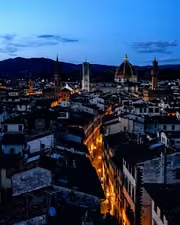
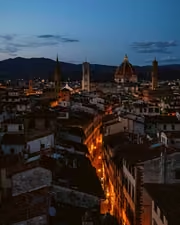
The same The rooftop hour, kept the way it felt. with the Blackzenith preset appliedThe rooftop hour, kept the way it felt., photographed without the Blackzenith preset
Blackzenith applied to The rooftop hour, kept the way it felt.

Blackzenith

Night and astro · 18 presets

$79.99

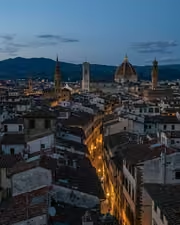
The same The rooftop hour, kept the way it felt. with the Nightcurve preset appliedThe rooftop hour, kept the way it felt., photographed without the Nightcurve preset
Nightcurve applied to The rooftop hour, kept the way it felt.

Nightcurve

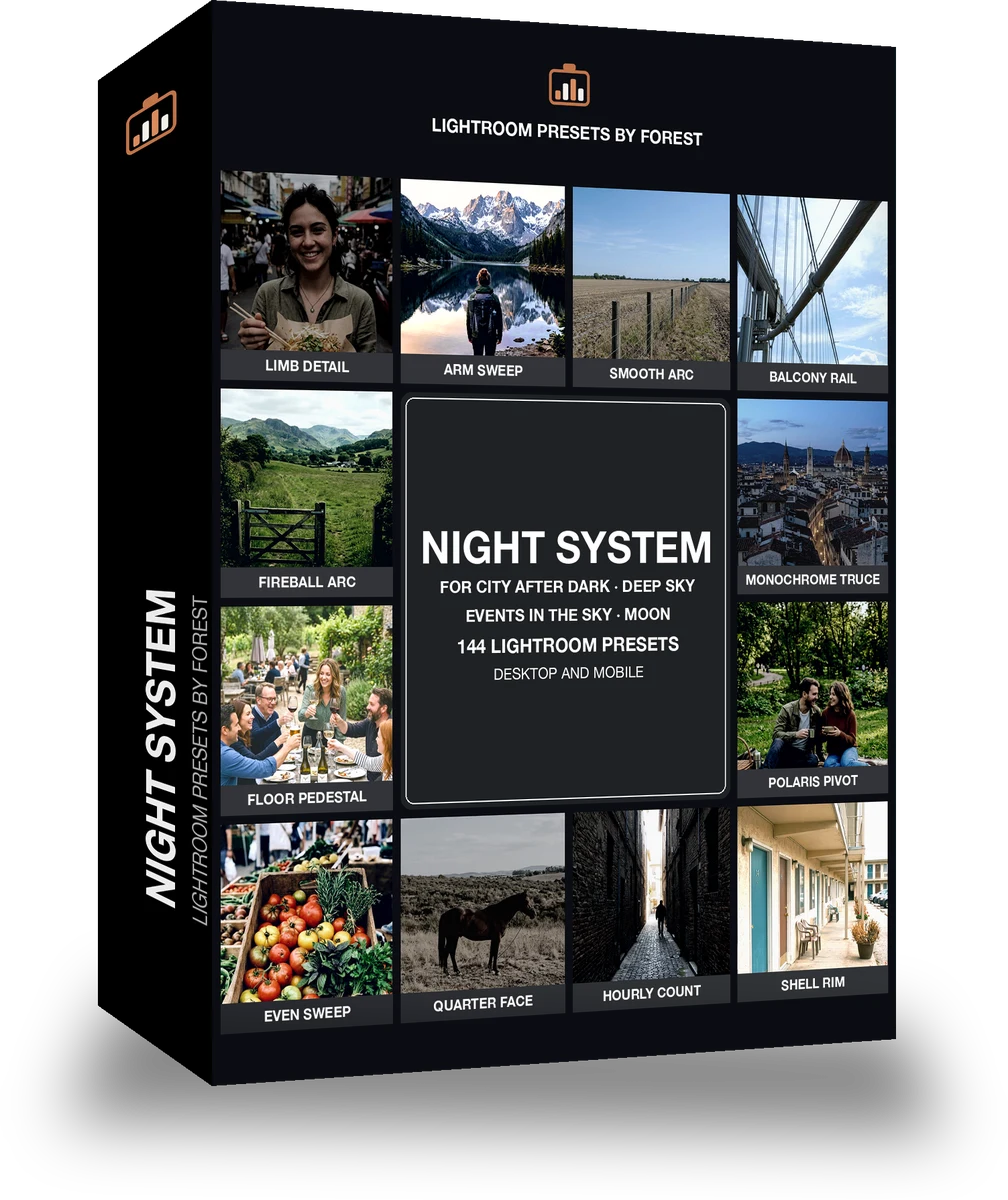
Night and astro · 144 presets

was $199now $99Save $100