Back

Foamcrest · Water and coast

Foamcrest makes one kind of light.

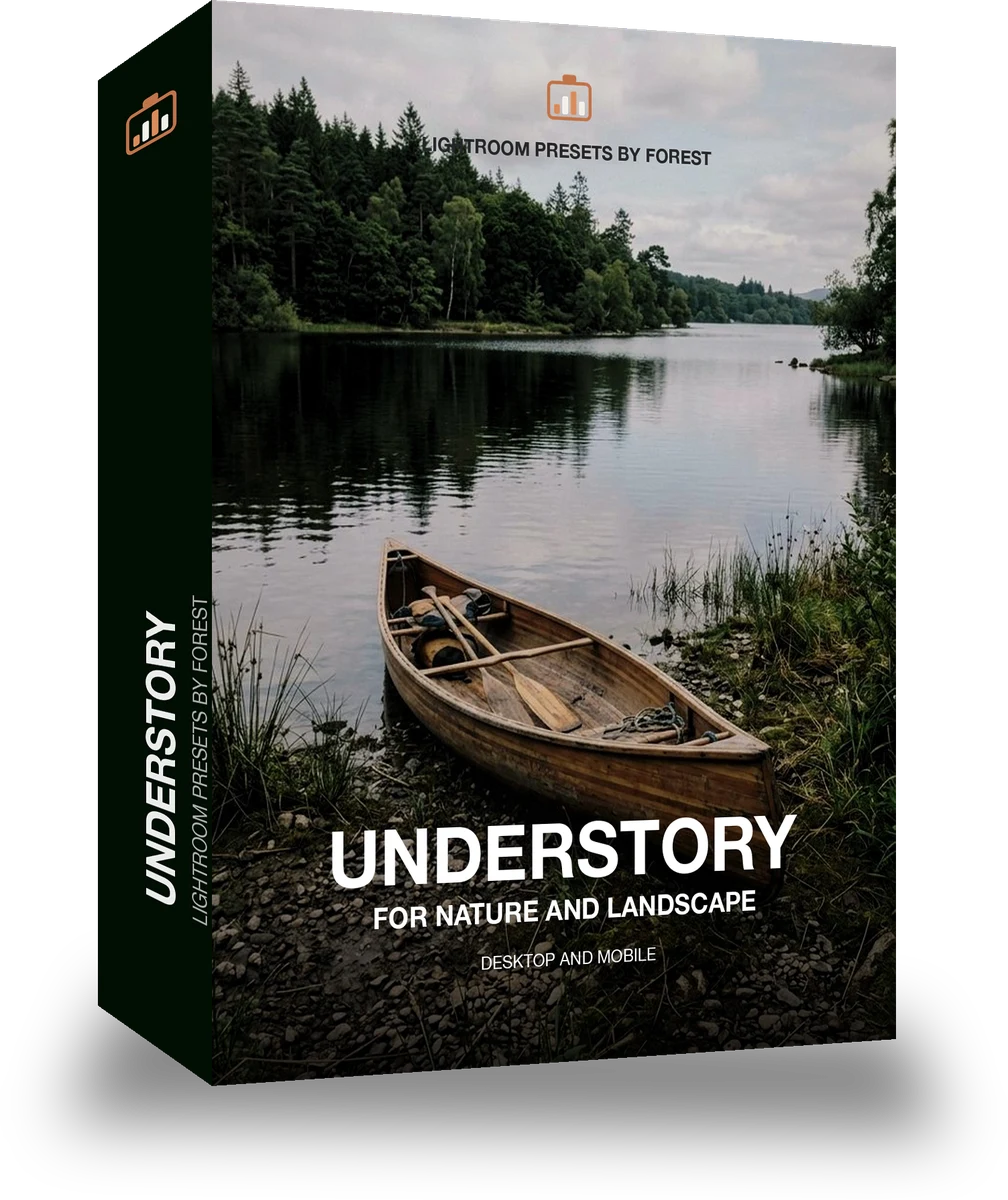
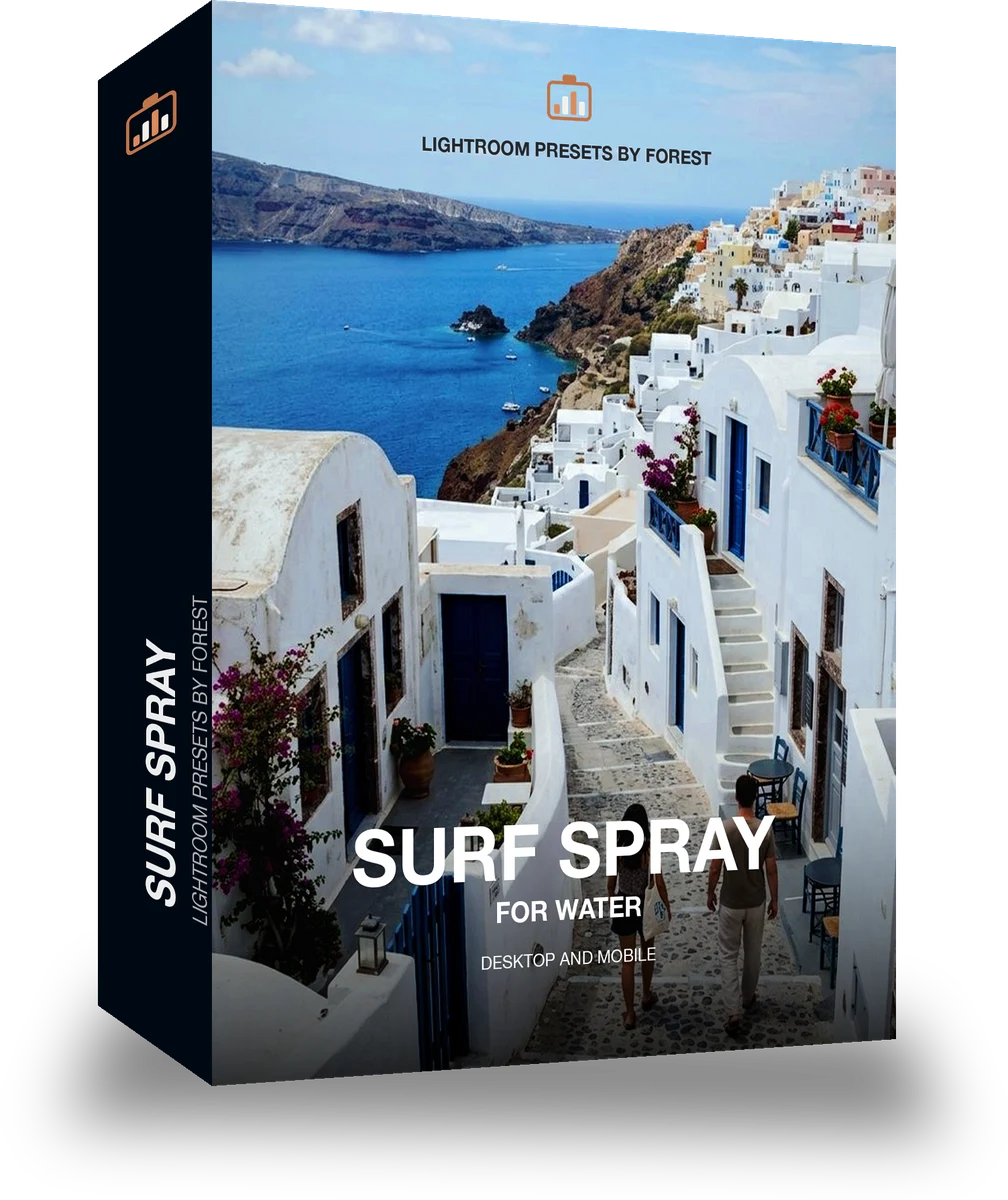
Surf Spray is 18 presets for water and coast photography. Every one of them is below, on real photographs, before you pay for any of it.

Surf Spray, 18 Lightroom presets

$79.99

Instant download.

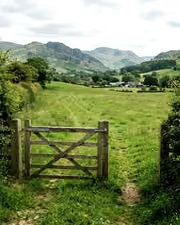
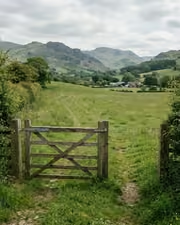
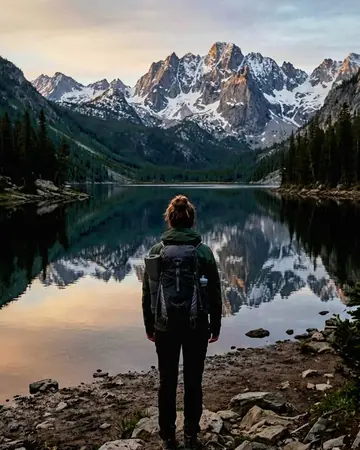
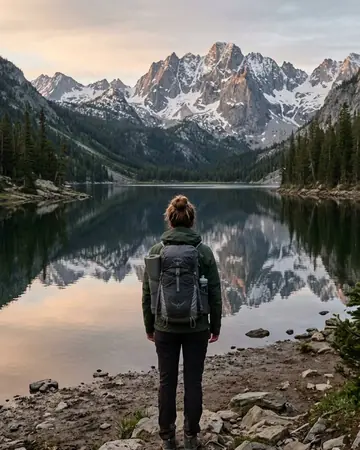
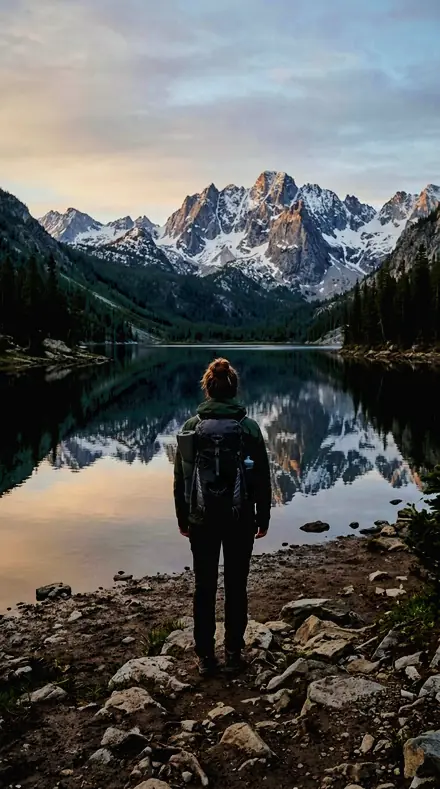
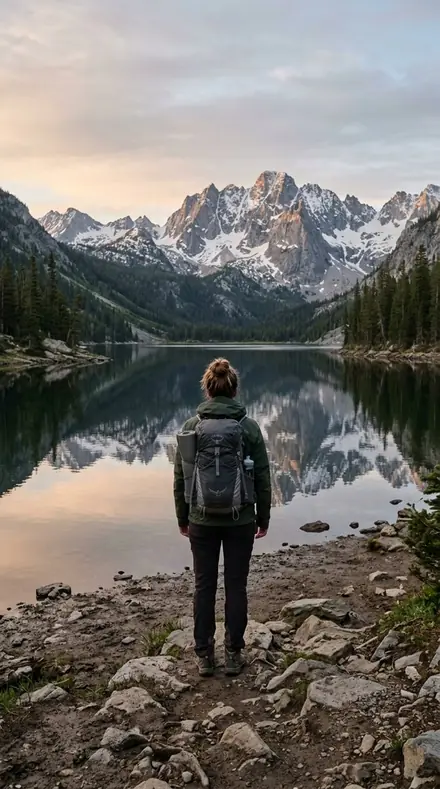
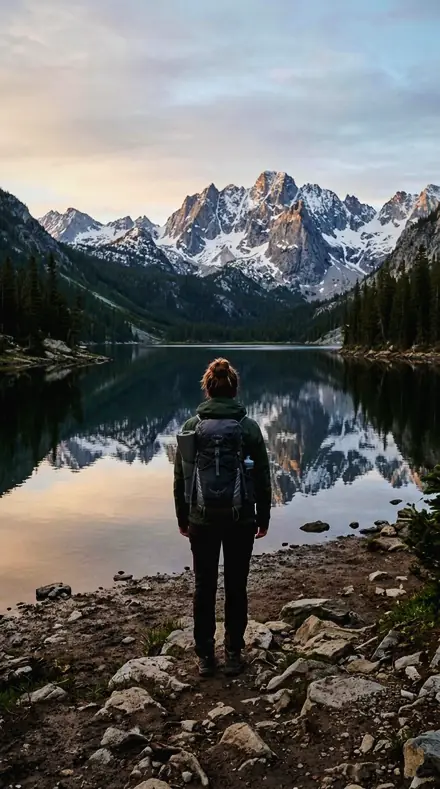
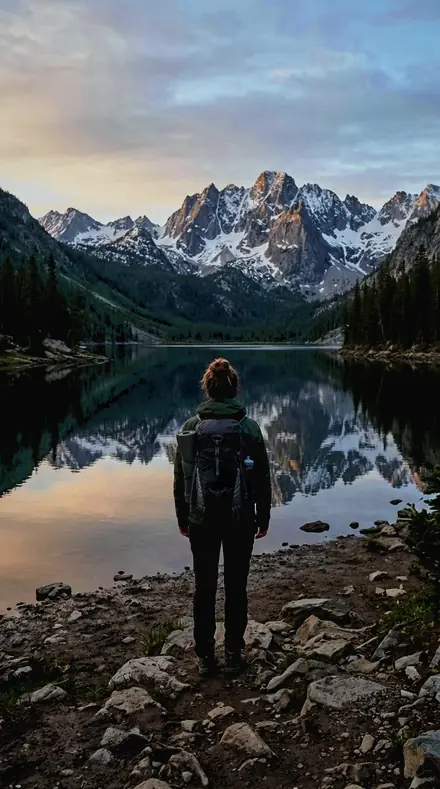
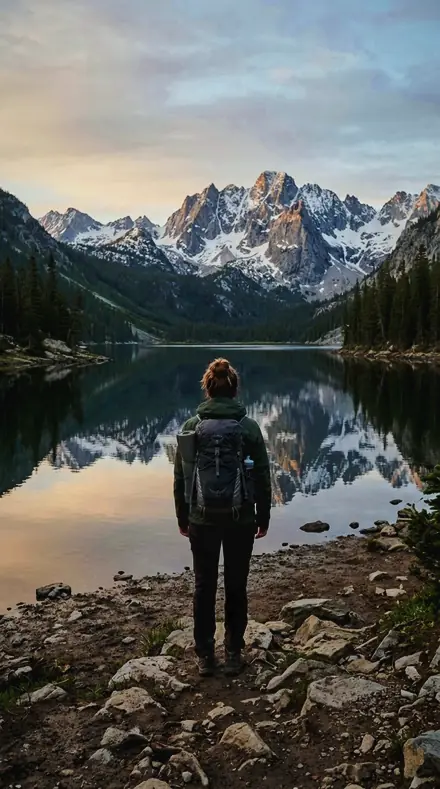
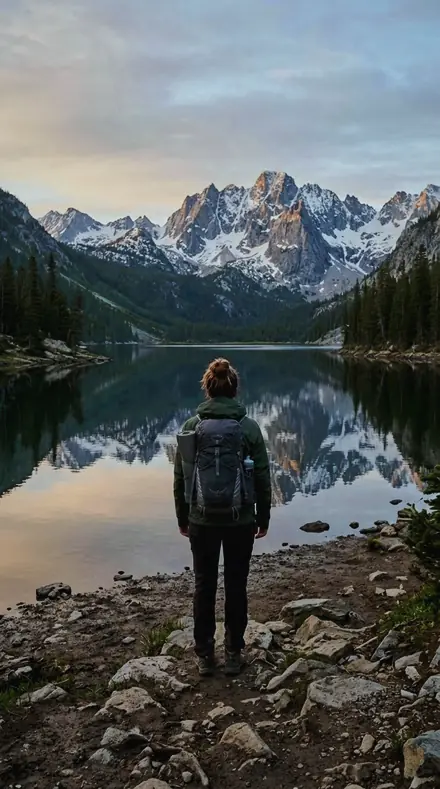
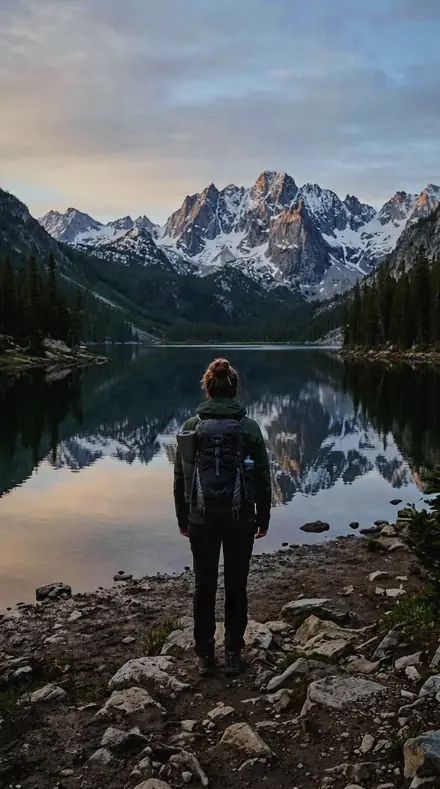
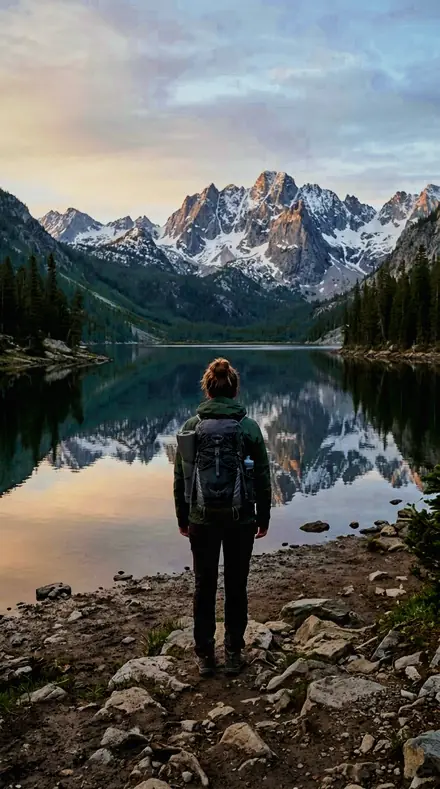
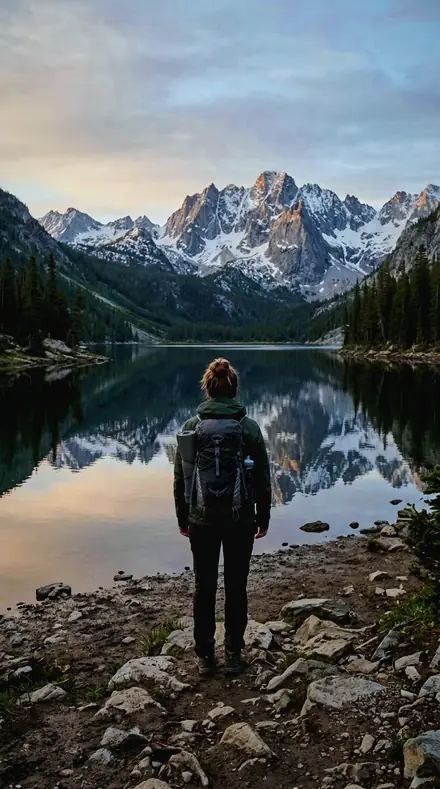
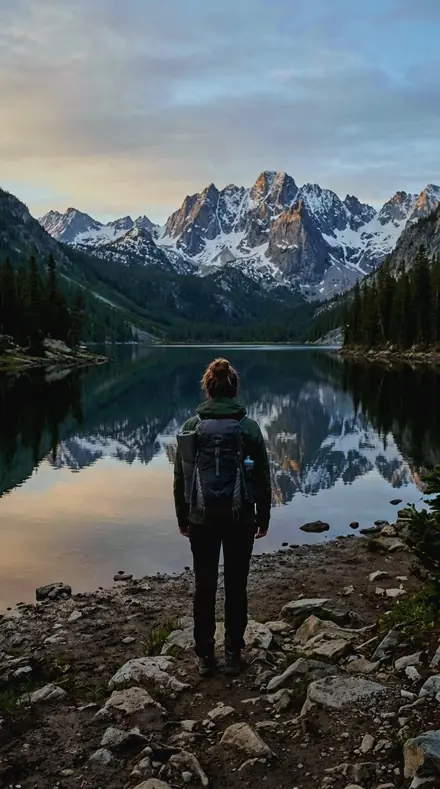
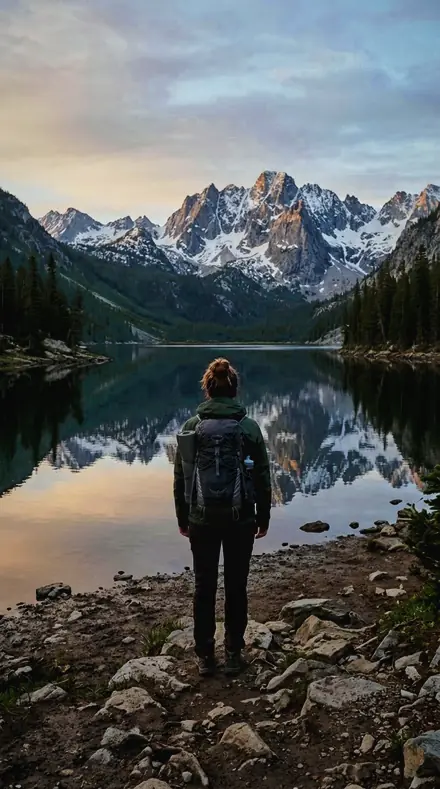
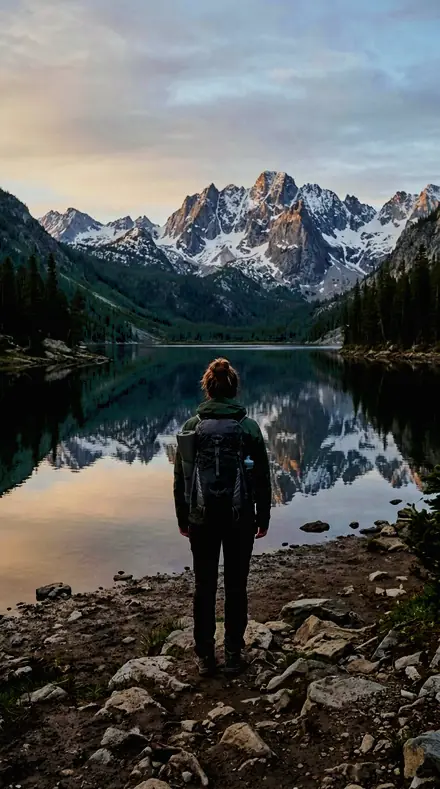
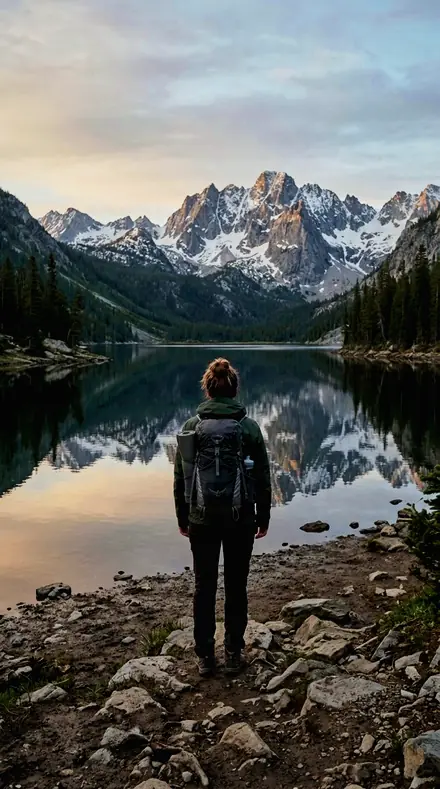
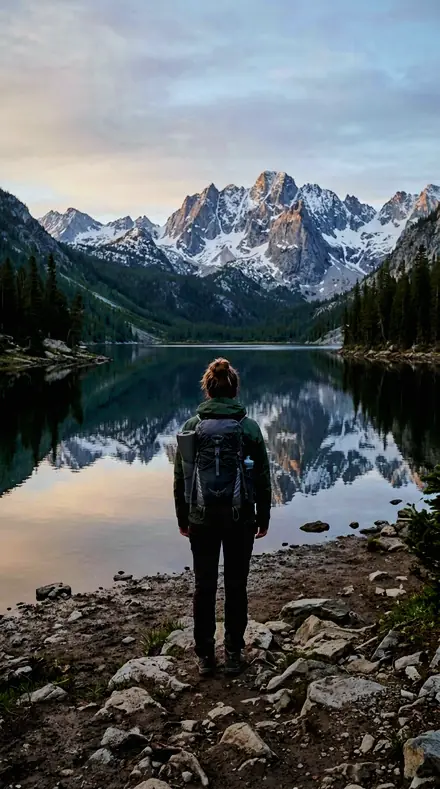
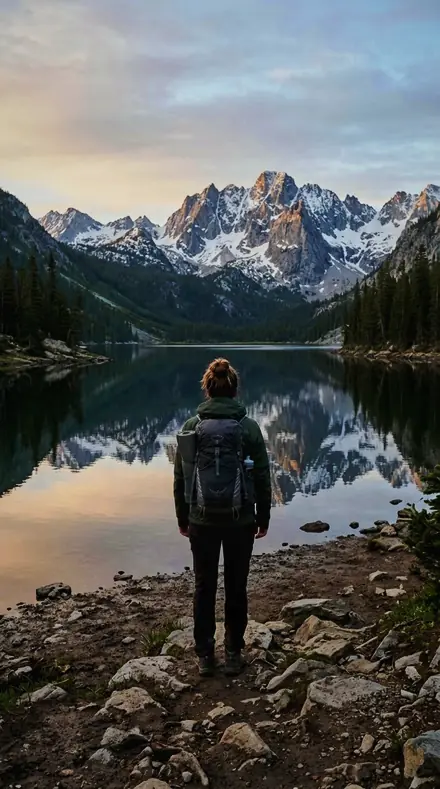
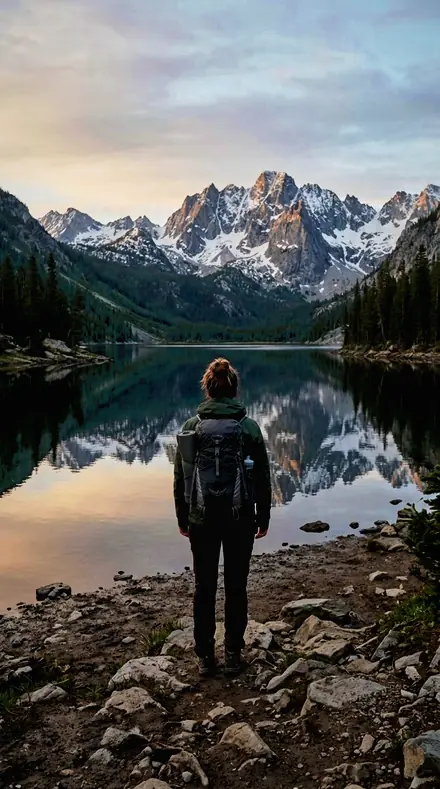
The same mountain lake with the Foamcrest preset appliedmountain lake, photographed without the Foamcrest preset
Foamcrest applied to mountain lake

What this light does

one frame, 4 presets

Surf Spray, a trail along the break

4 of them, on one photograph. Drag any seam.

  1. Mountain lake with the Spray Line preset appliedMountain lake photographed without a preset
    Spray Line applied to Mountain lake

    No. 01

    Spray Line

    A spray line thrown off the back of a wave, the white kept off the ceiling and the water cooled so the foam stays the brightest thing in frame.

  2. Mountain lake with the Foam Bank preset appliedMountain lake photographed without a preset
    Foam Bank applied to Mountain lake

    No. 07

    Foam Bank

    A bank of drifting foam, its surface given texture with shadows opened just enough to keep the pattern legible.

  3. Mountain lake with the Swell Face preset appliedMountain lake photographed without a preset
    Swell Face applied to Mountain lake

    No. 12

    Swell Face

    The open face of a swell, aqua saturation raised so the water keeps colour while the highlight on the face is contained.

  4. Mountain lake with the Salt Spray preset appliedMountain lake photographed without a preset
    Salt Spray applied to Mountain lake

    No. 18

    Salt Spray

    Salt spray hanging in the air off a headland, droplets given texture with the sky band held low behind them.

See the light change

drag the line

The same frame, one tap apart. Drag any handle and the scene goes back to the way it looked before Foamcrest touched it.

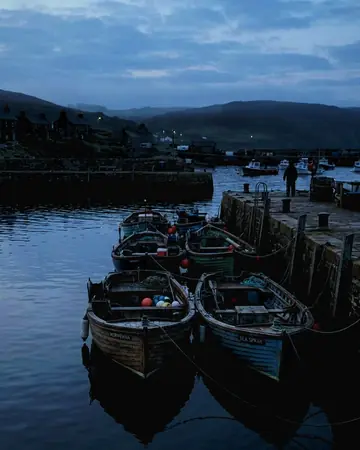
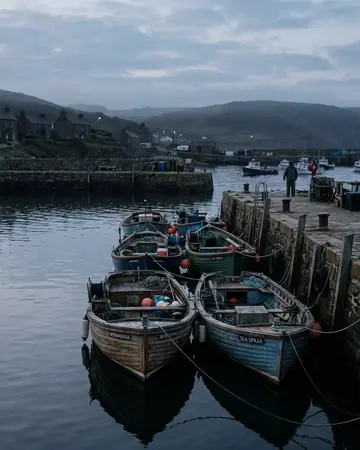
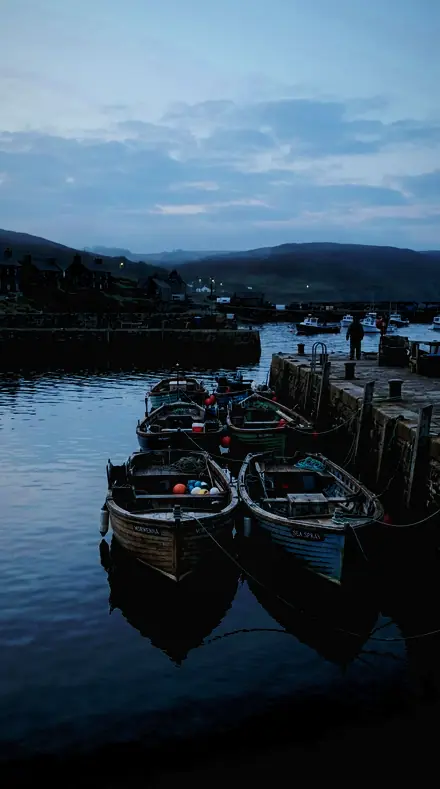
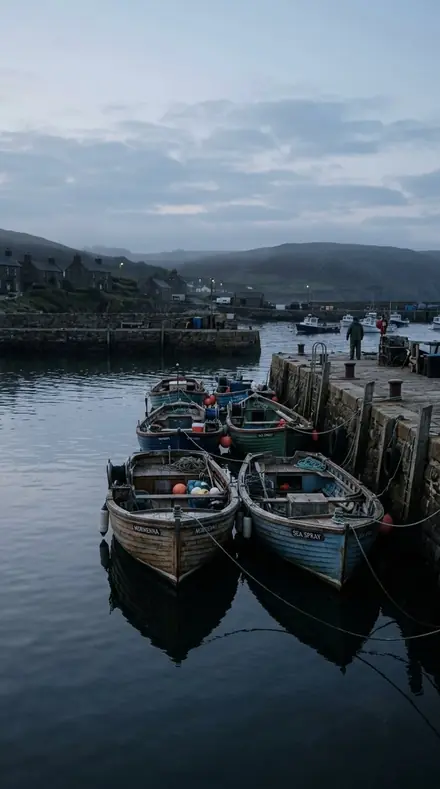
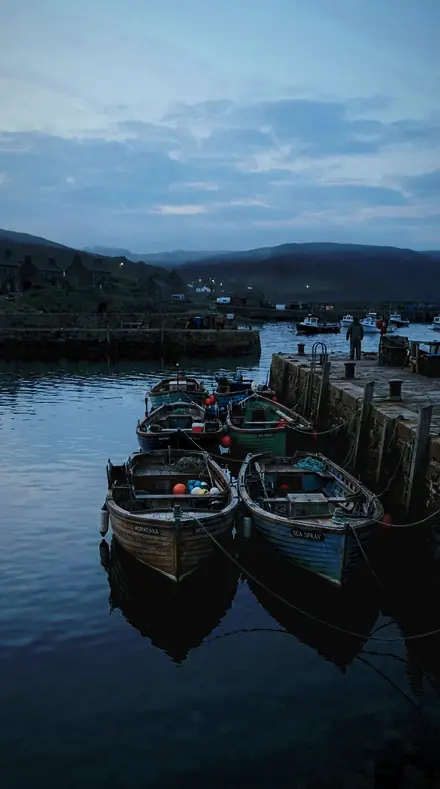
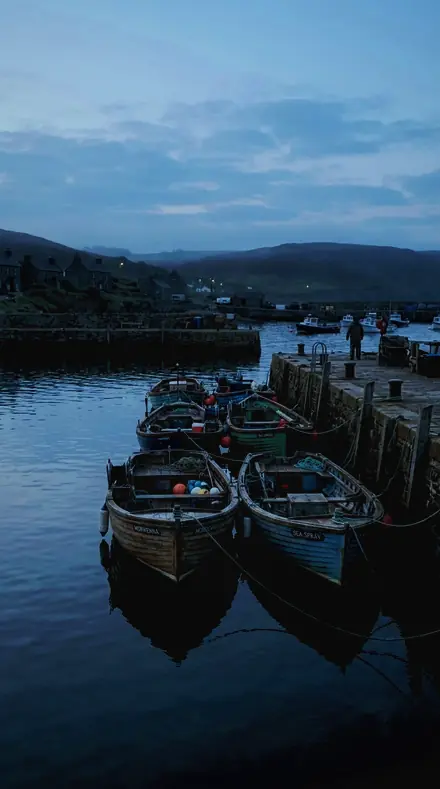
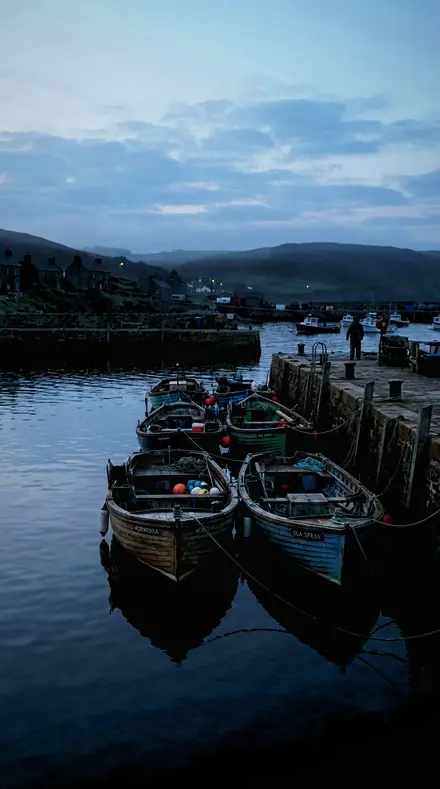
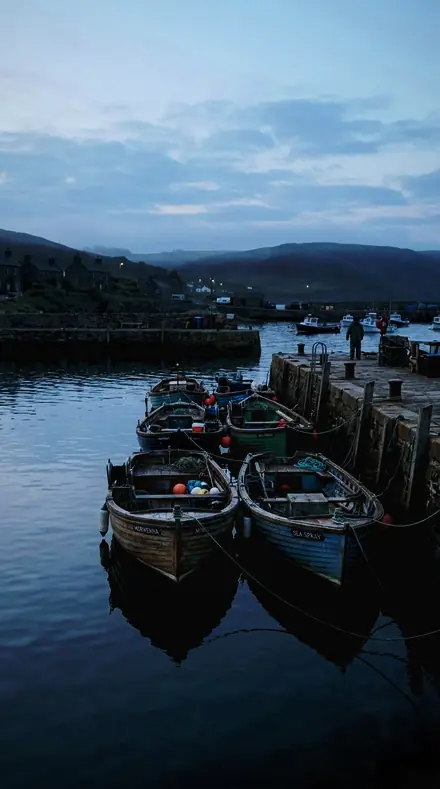
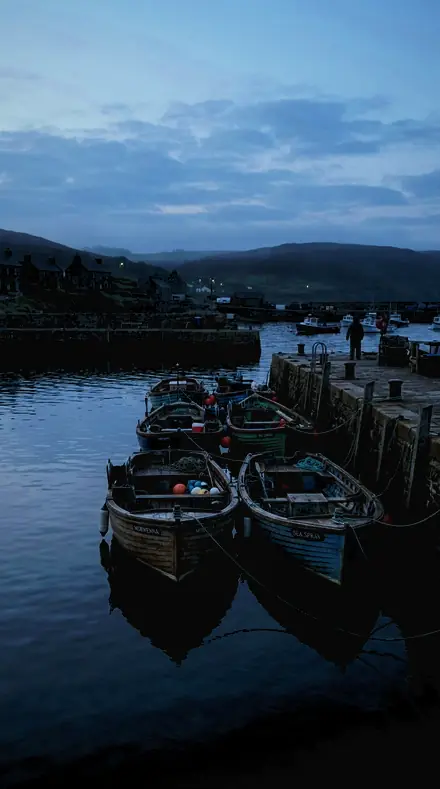
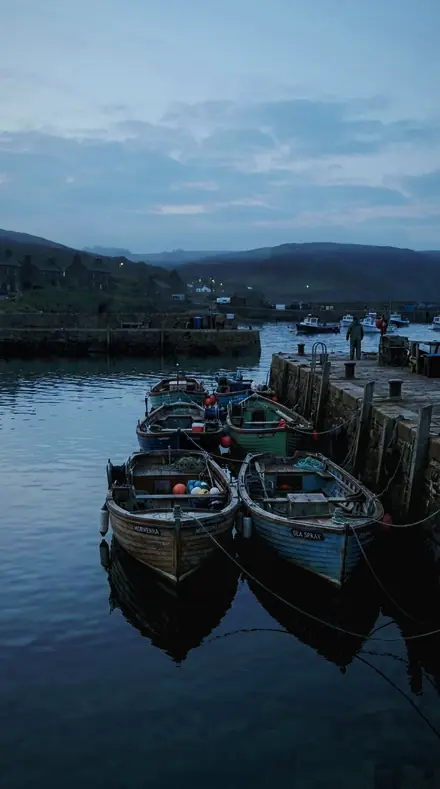
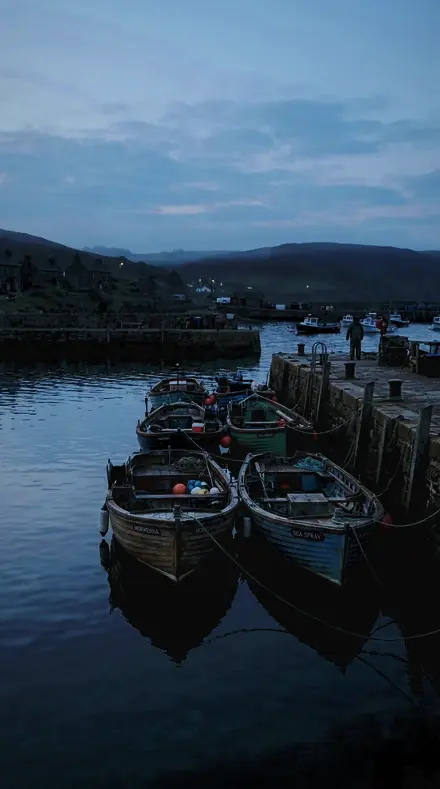
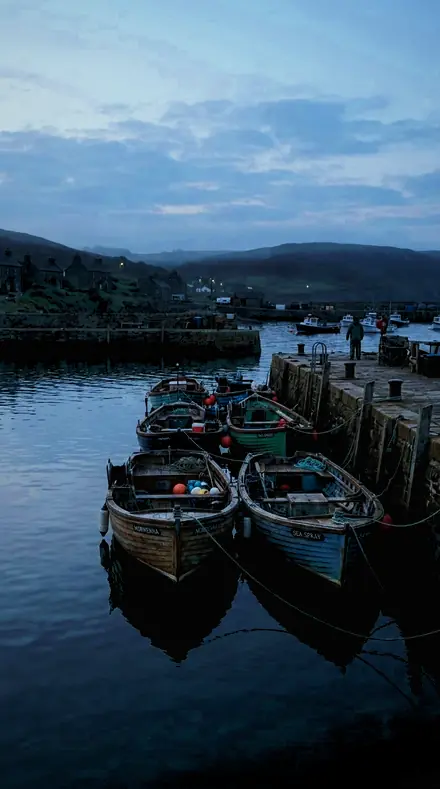
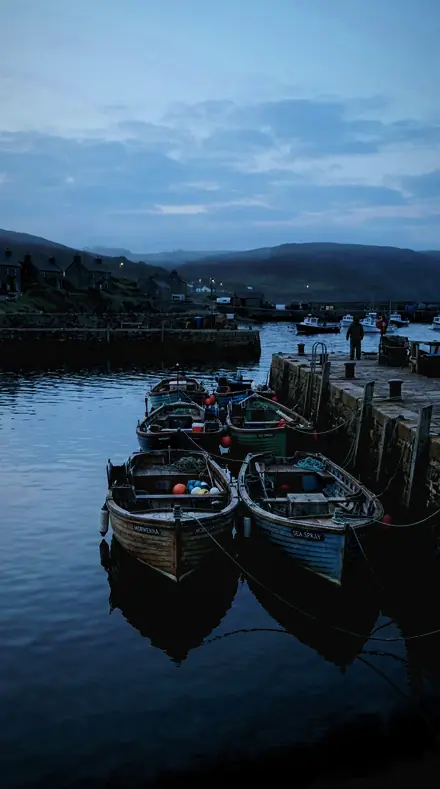
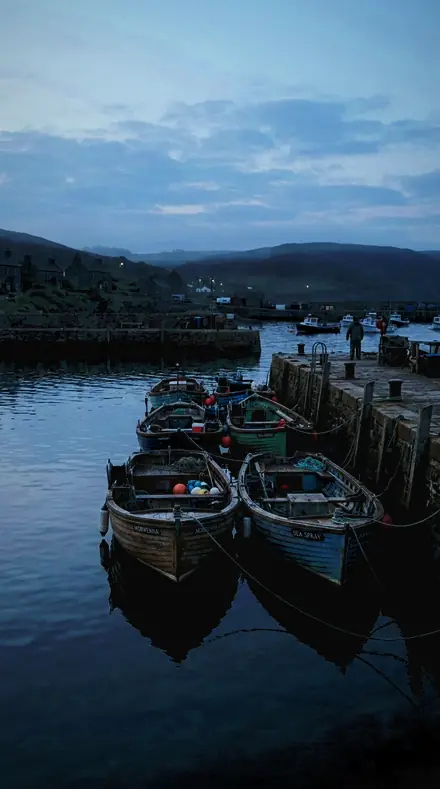
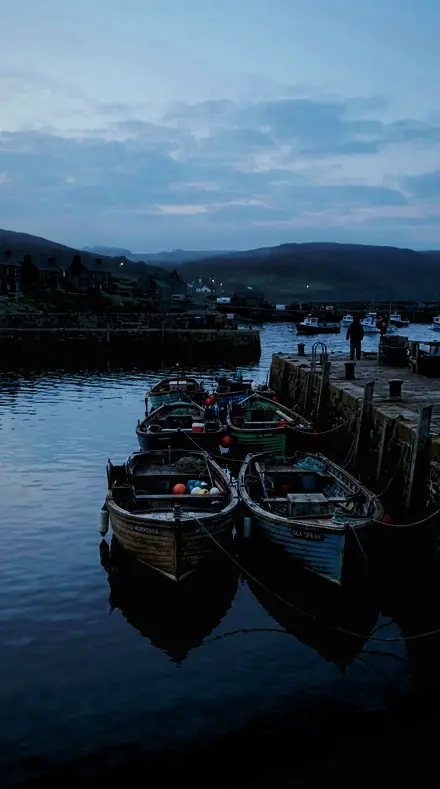
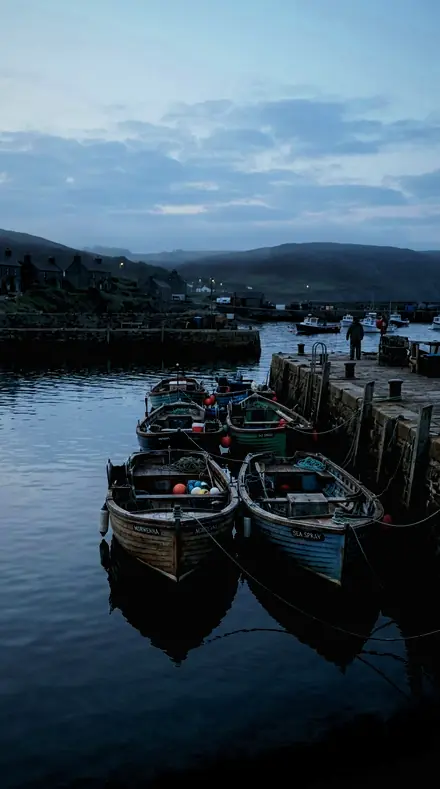
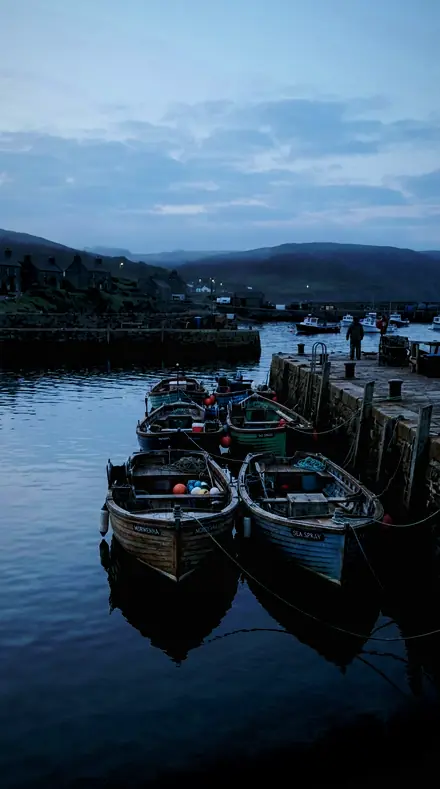
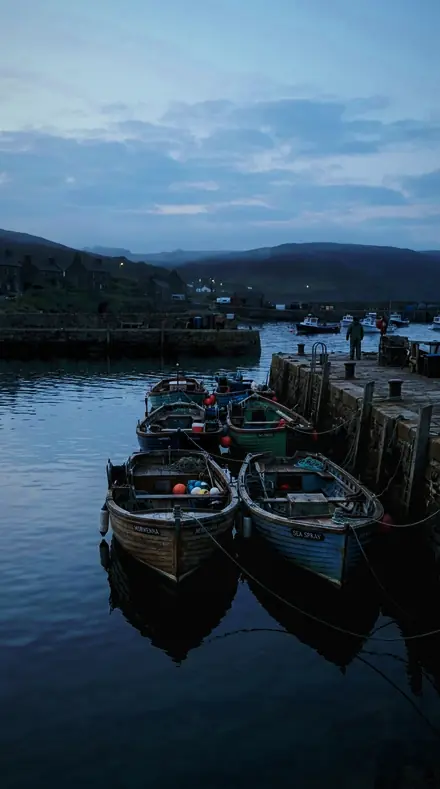
The same Harbour boats with the Foamcrest preset appliedHarbour boats, photographed without the Foamcrest preset
Foamcrest applied to Harbour boats
Harbour boats
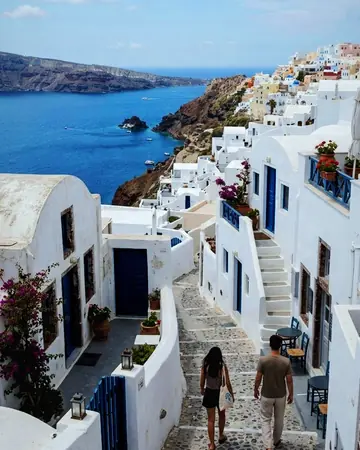
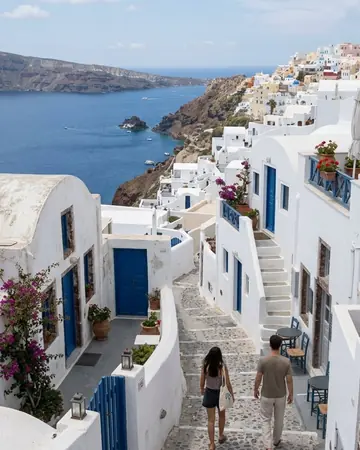
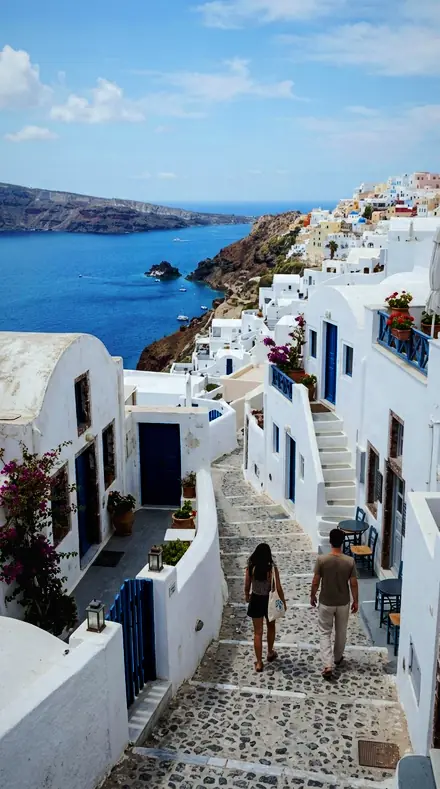
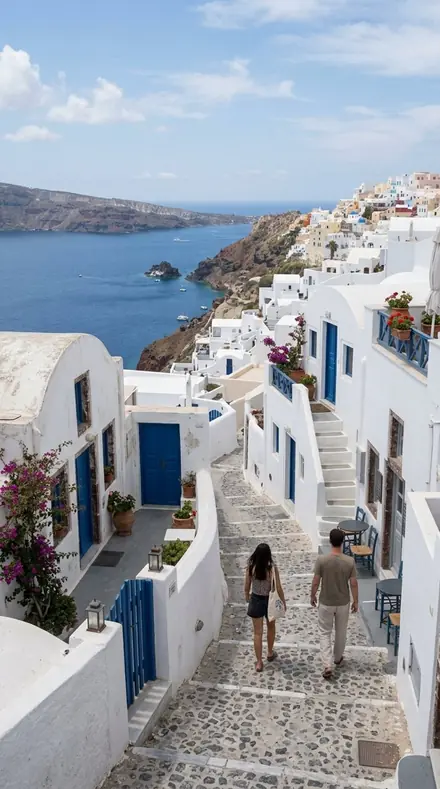
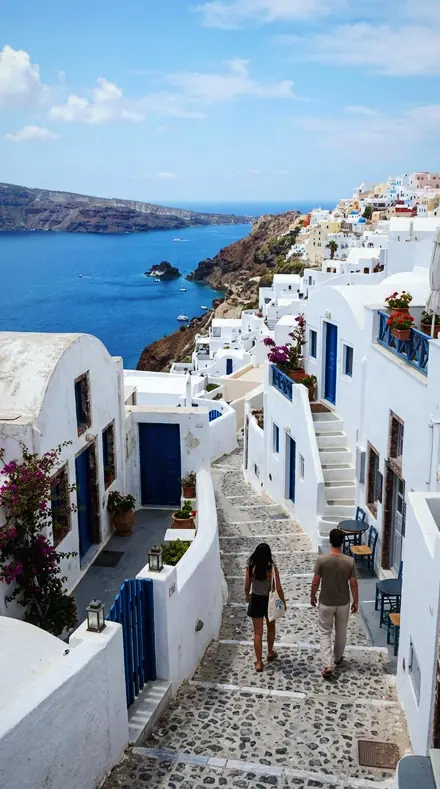
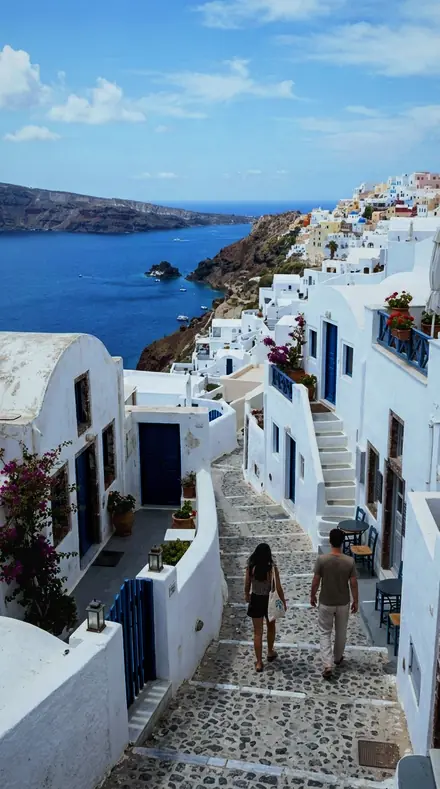
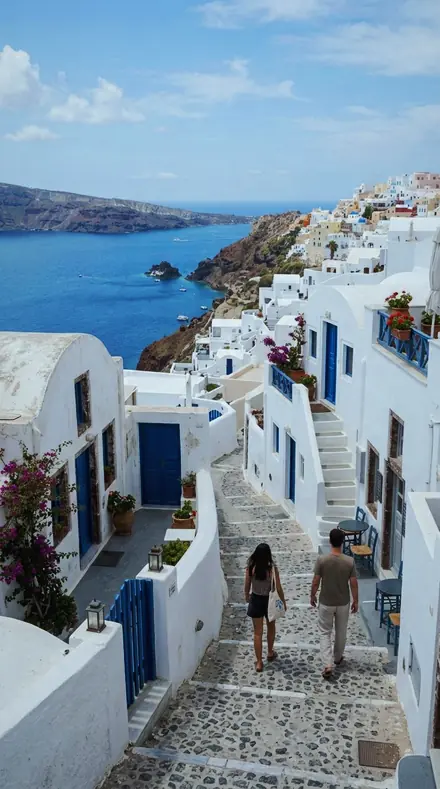
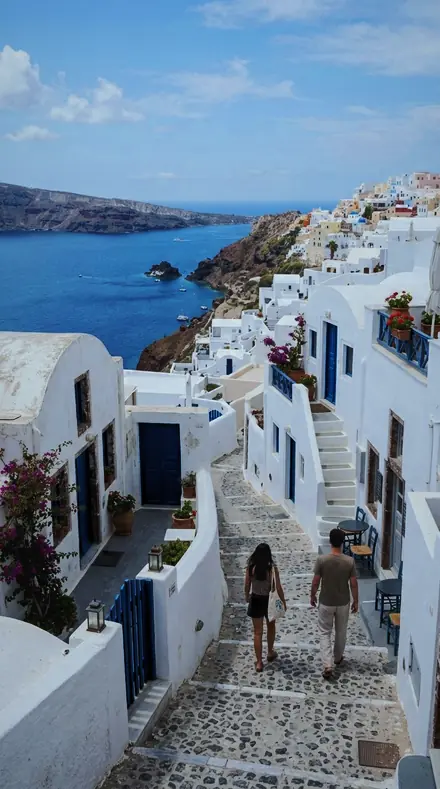
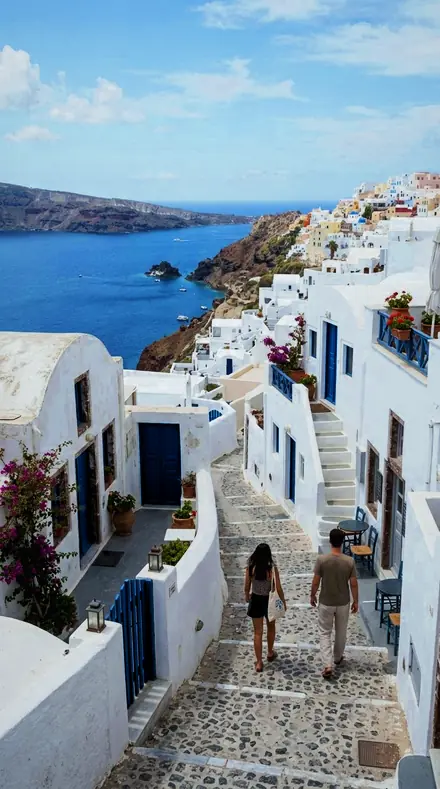
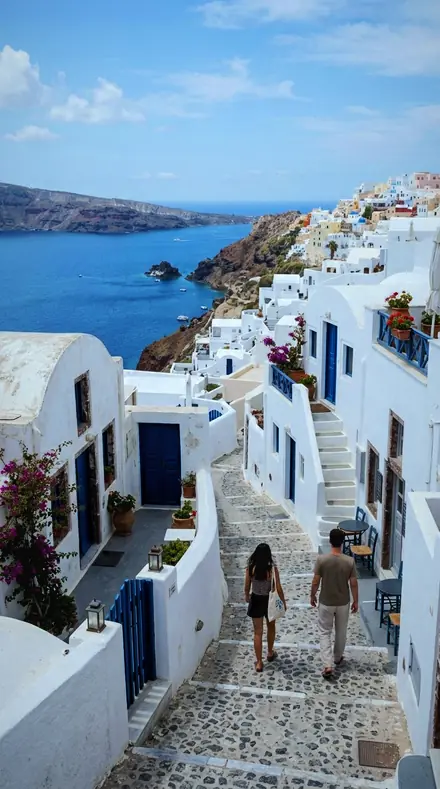
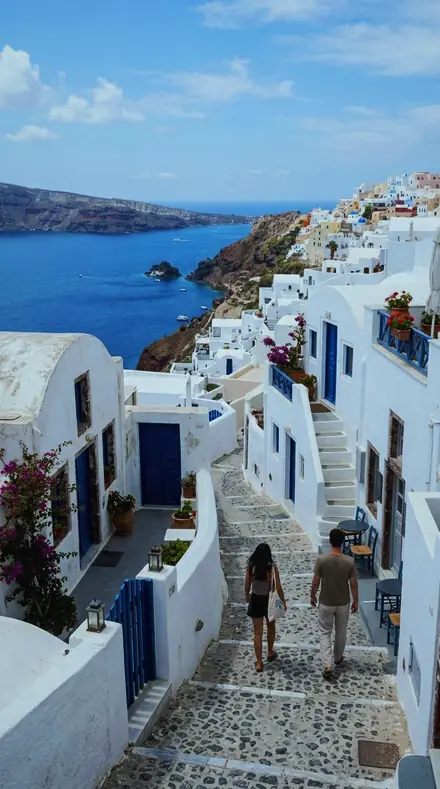
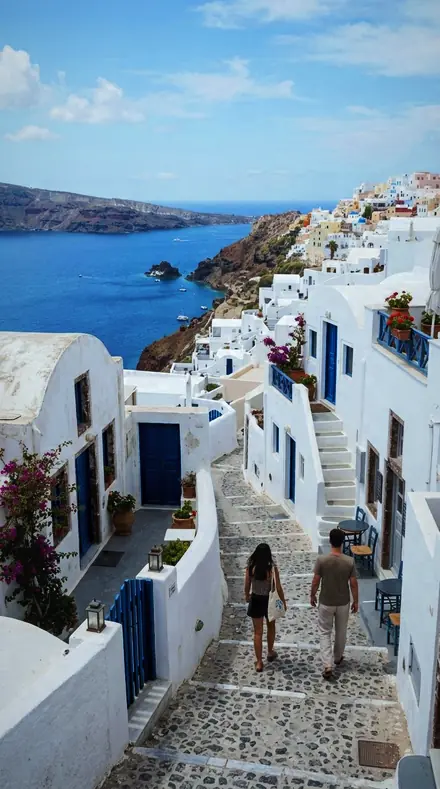
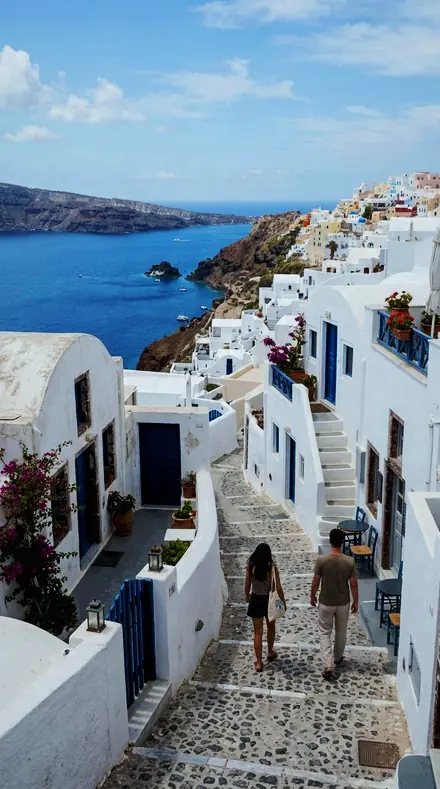
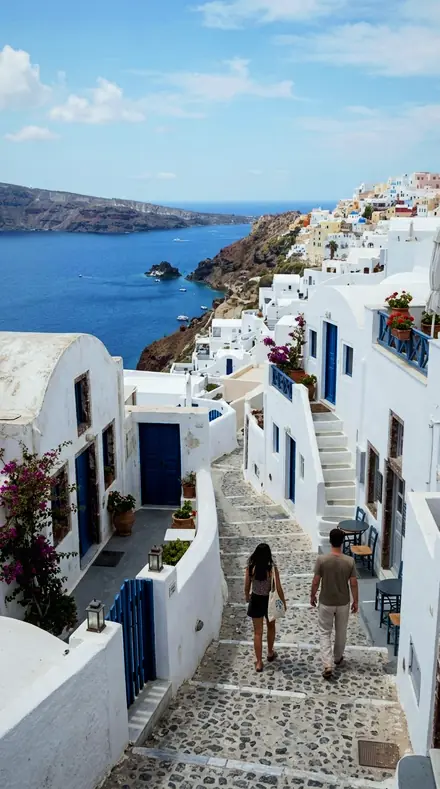
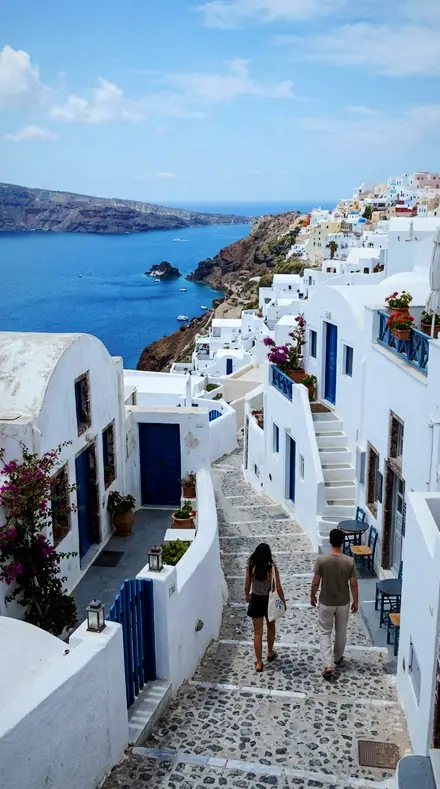
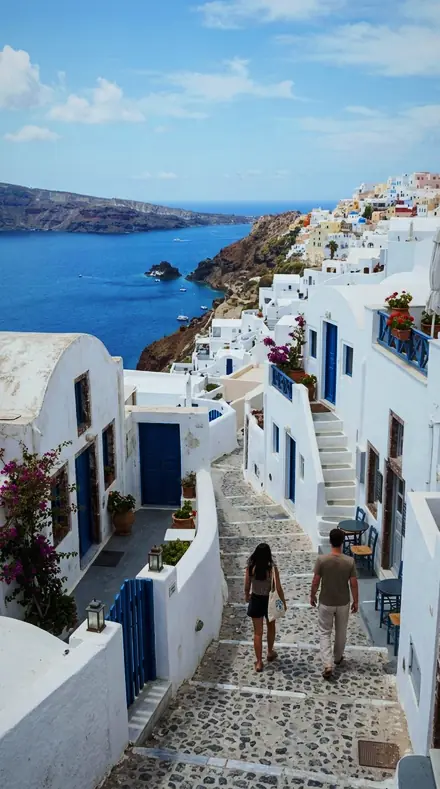
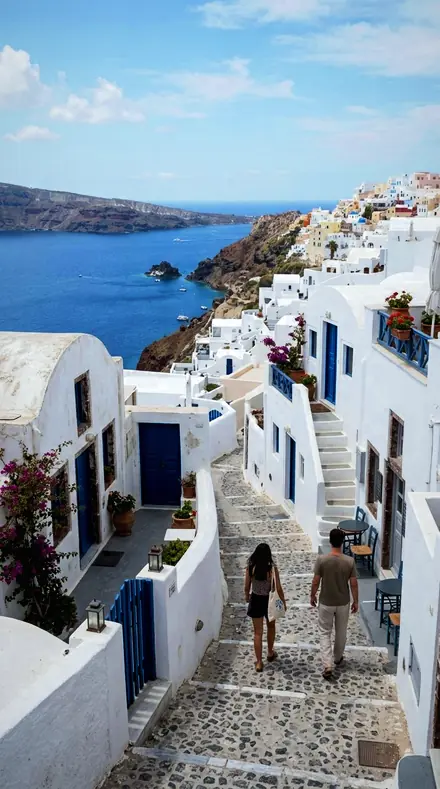
The same Coast village with the Foamcrest preset appliedCoast village, photographed without the Foamcrest preset
Foamcrest applied to Coast village
Coast village

The Break

3 groups

Every preset on the same water, coast at noon to a lake at dusk, so you can see the whites held and the sea cooled.

  • OutsideThe swell before it breaks. The wall given clarity and colour, spray held against a deepened sky.
  • The WaveThe moment. Lip, barrel, drop, the thrown water held off the ceiling.
  • InsideThe wash. White water, shore break, foam bank, the sheet running back over sand.

The specimen index

18 presets · 4 scenes

Every preset in the pack is here, on the same four photographs. Nothing below is a sample. Open one and drag.

  1. No. 01Spray LineA spray line thrown off the back of a wave, the white kept off the ceiling and the water cooled so the foam stays the brightest thing in frame.
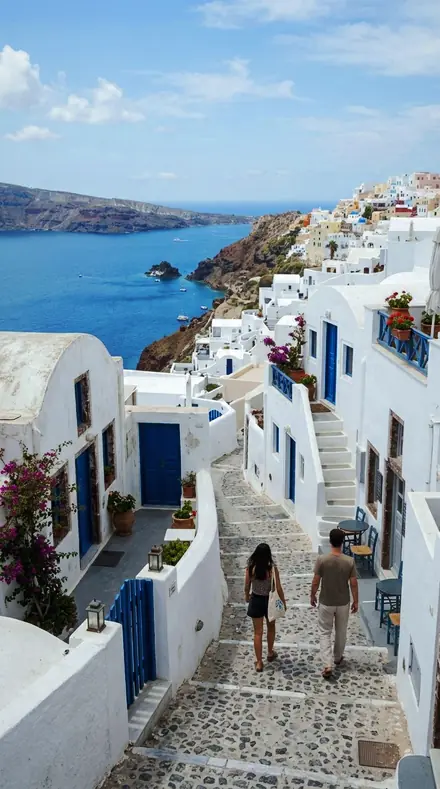
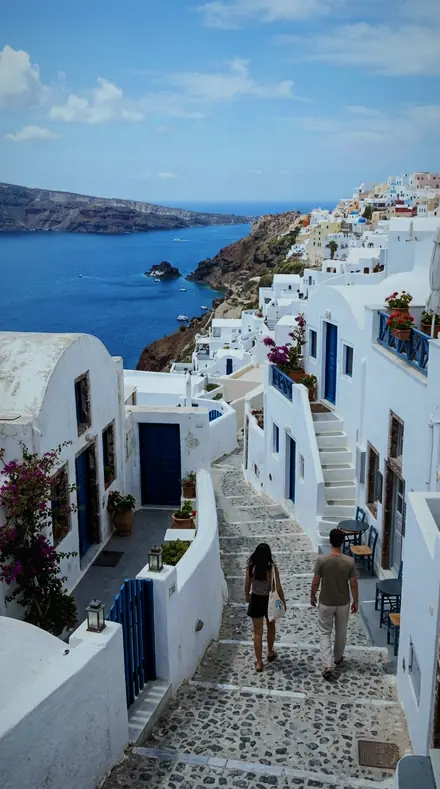
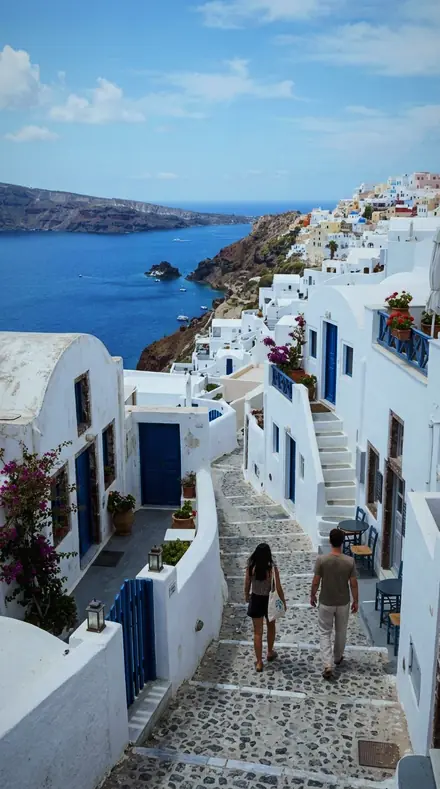
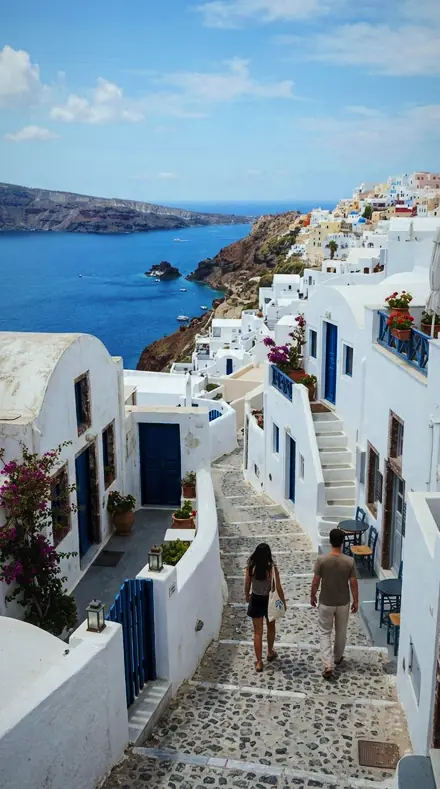
    Spray Line applied to Coast village Before: Coast village
    Coast village
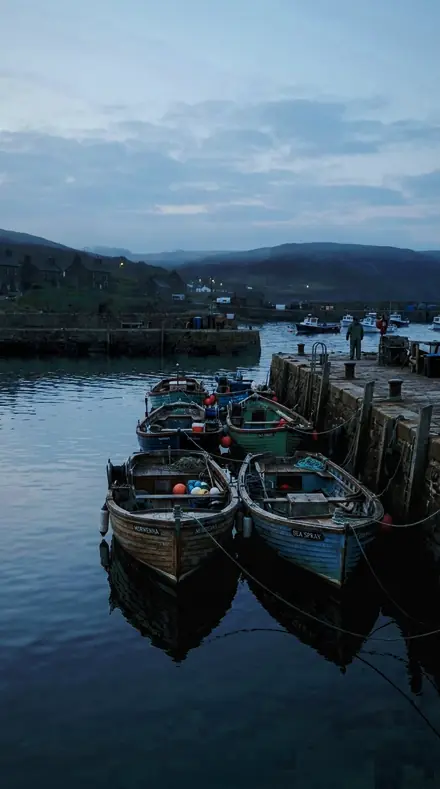
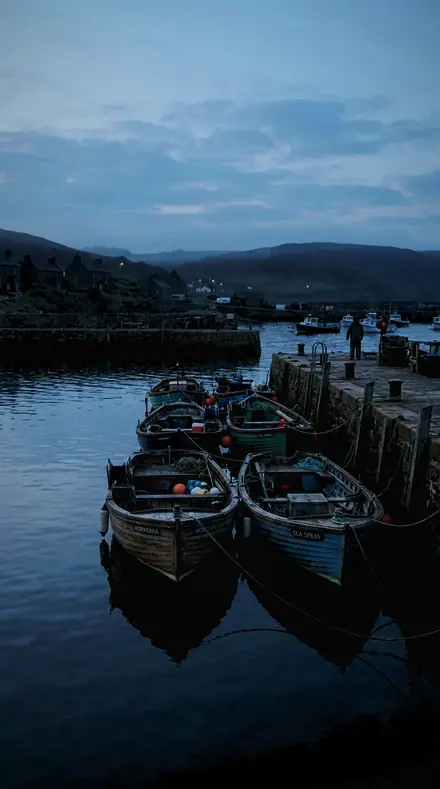
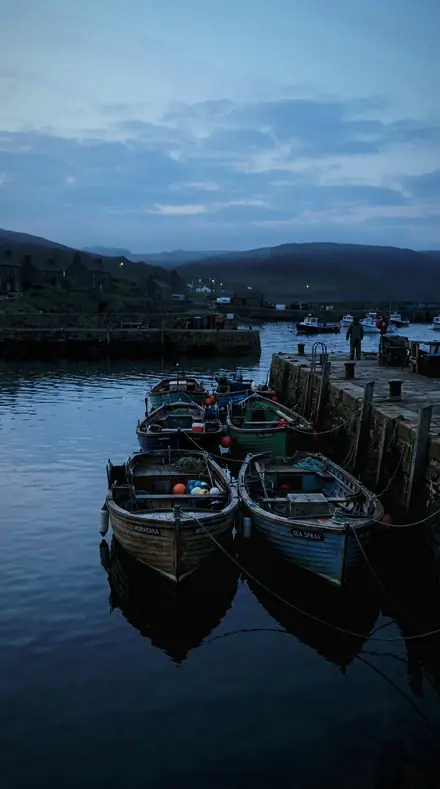
    Spray Line applied to Harbour boats Before: Harbour boats
    Harbour boats
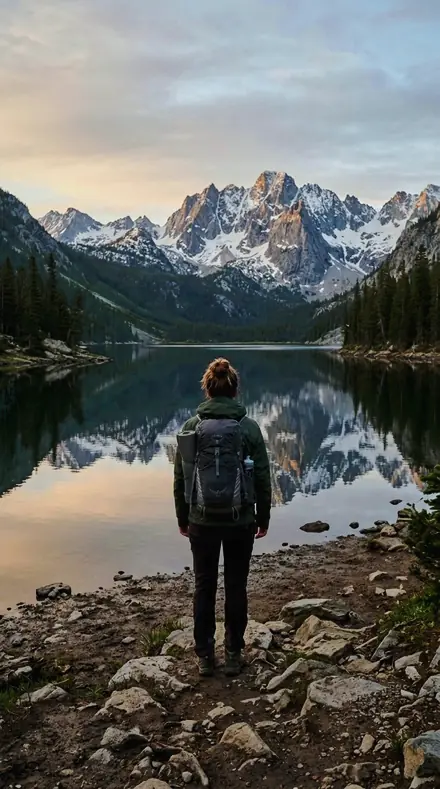
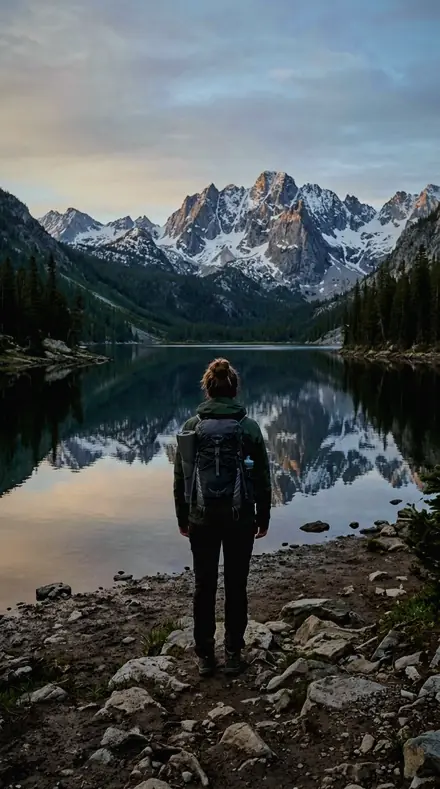
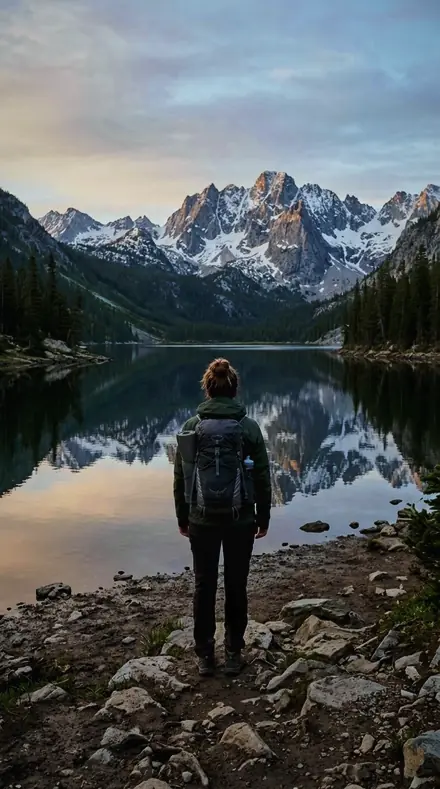
    Spray Line applied to Mountain lake Before: Mountain lake
    Mountain lake
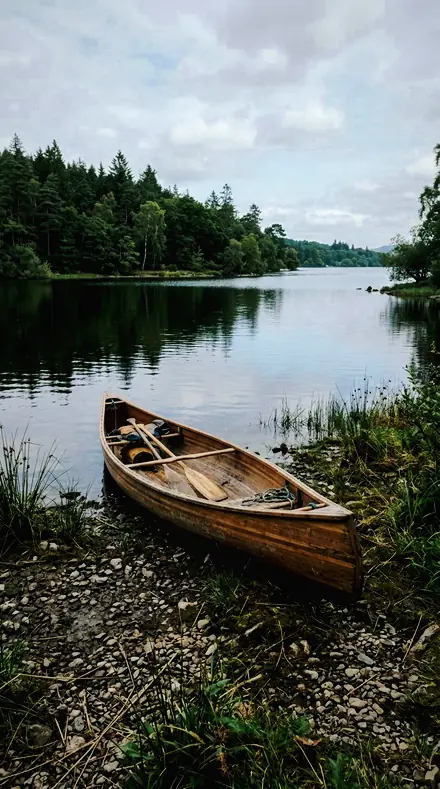
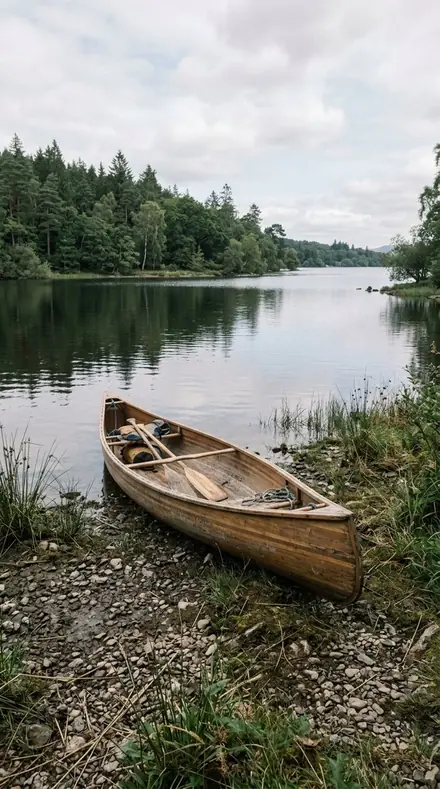
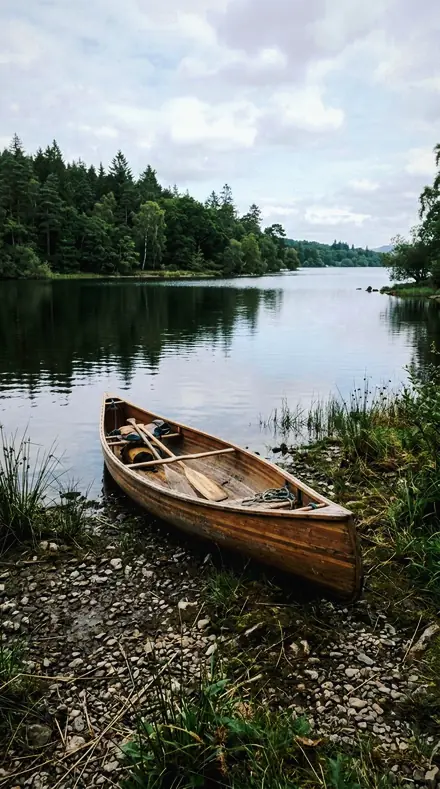
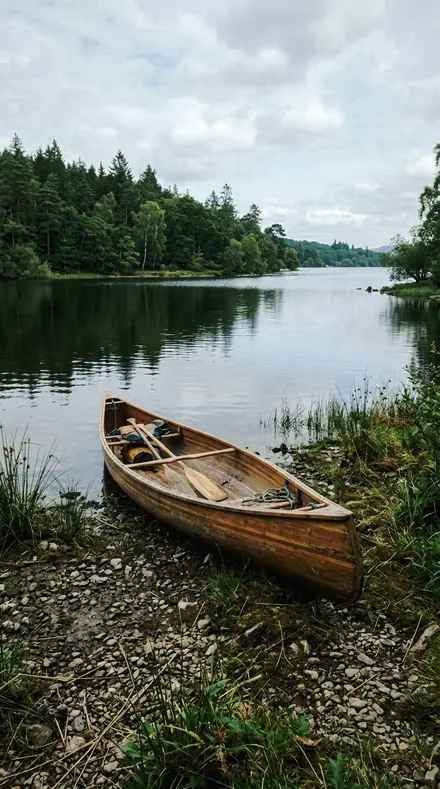
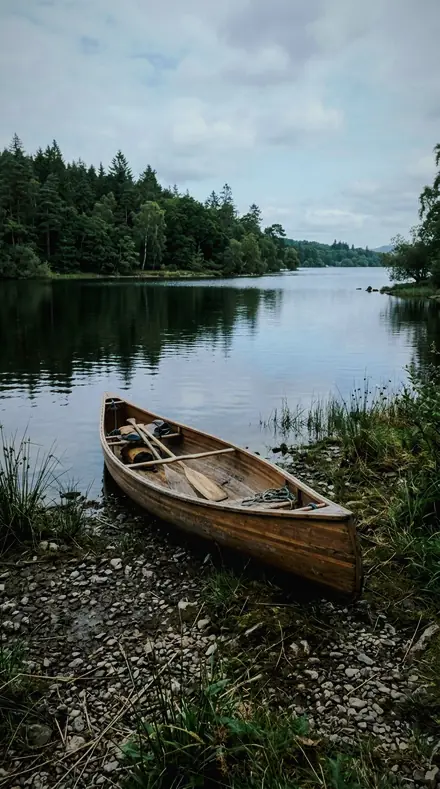
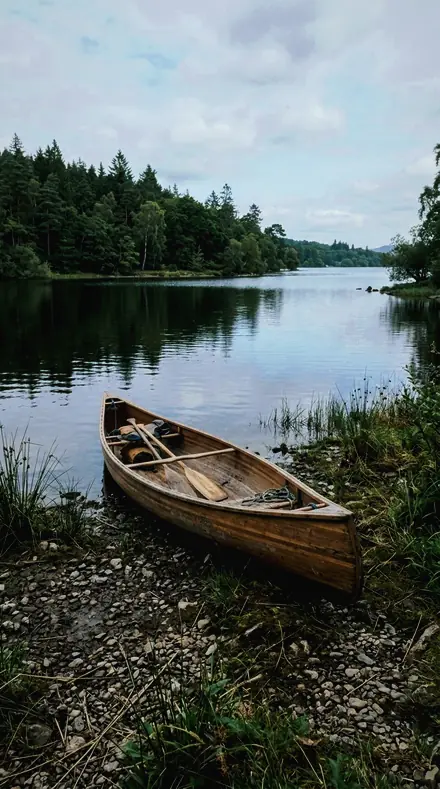
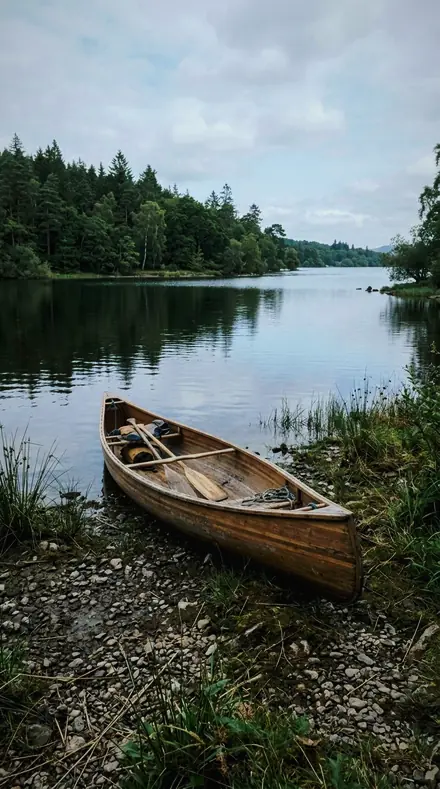
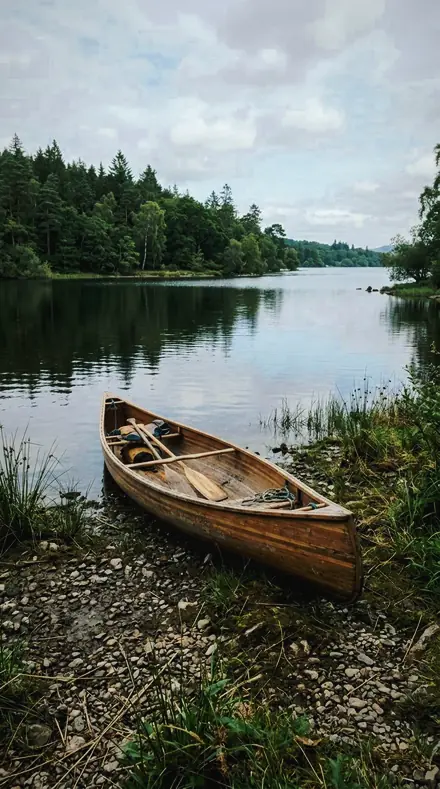
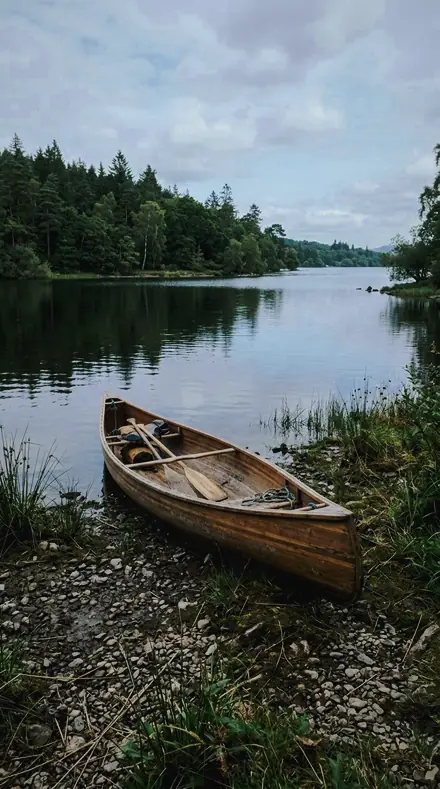
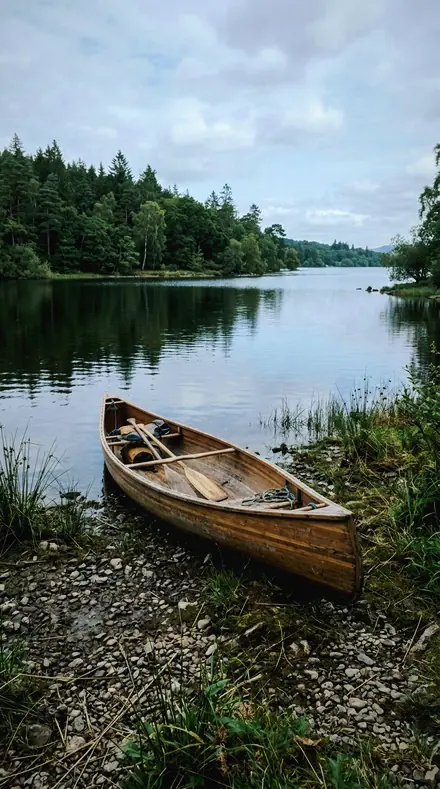
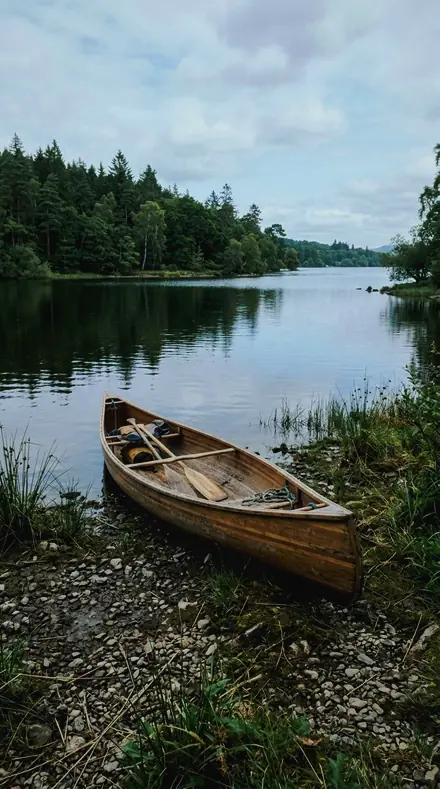
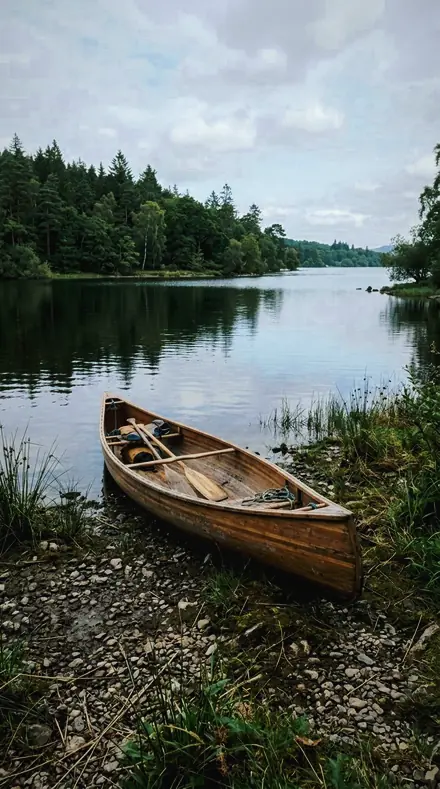
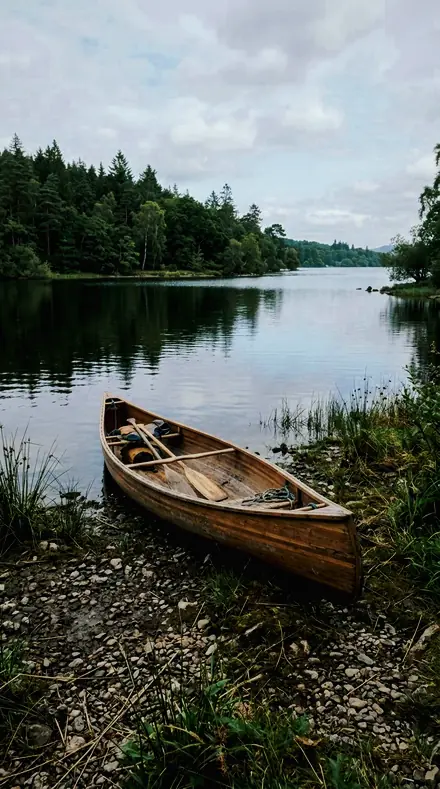
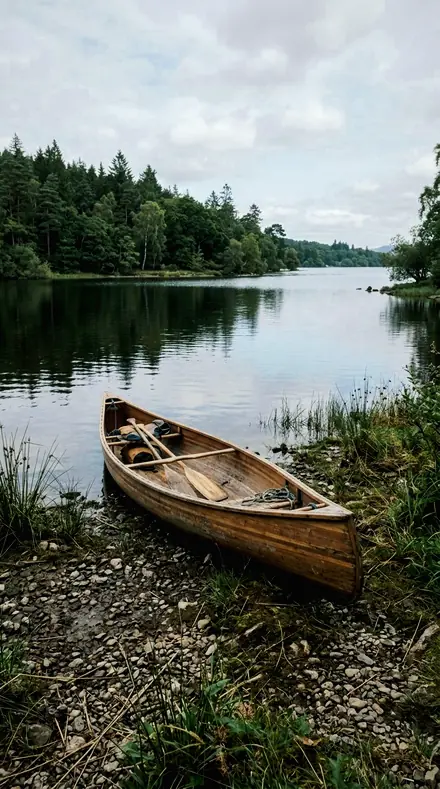
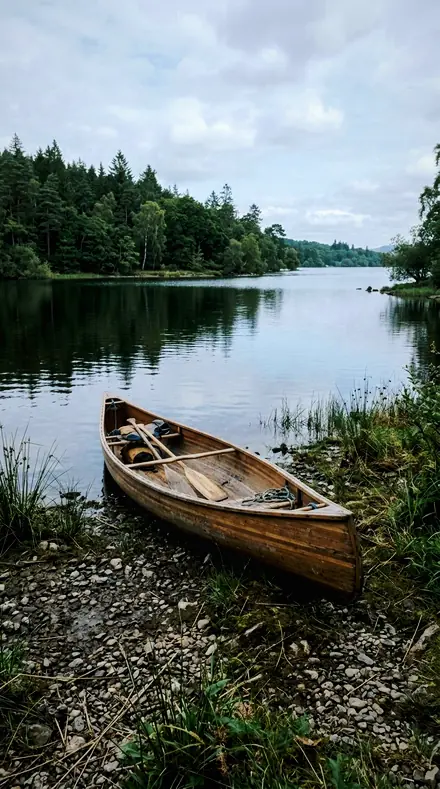
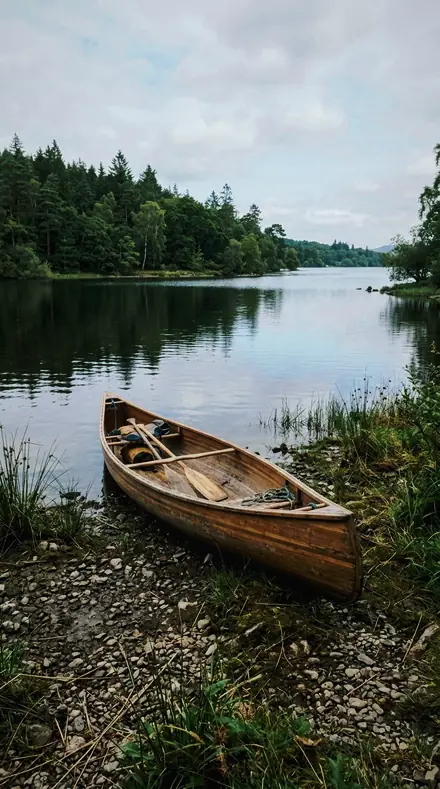
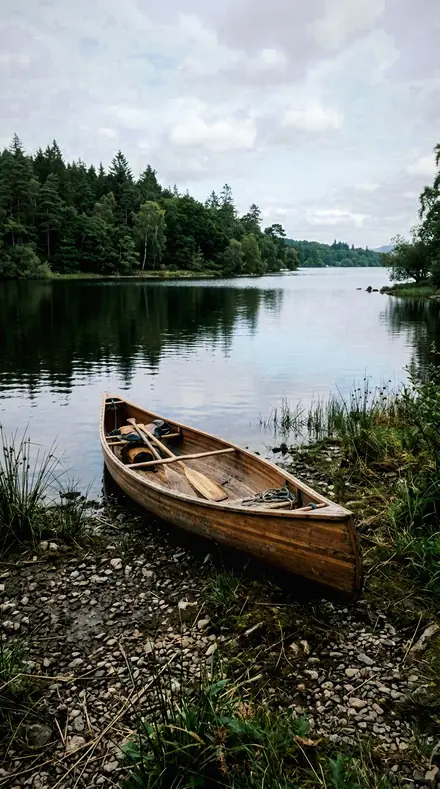
    Spray Line applied to Lake canoe Before: Lake canoe
    Lake canoe

    Drag the handle. Left is the original, right is Spray Line. Rendered from the preset's own settings, not a Lightroom export, so the real thing carries a little more bite.

  2. No. 02Break EdgeThe edge of a breaking wave, contrast firmed through the face while the sea is cooled and the blue band pulled down behind it.
    Break Edge applied to Coast village Before: Coast village
    Coast village
    Break Edge applied to Harbour boats Before: Harbour boats
    Harbour boats
    Break Edge applied to Mountain lake Before: Mountain lake
    Mountain lake
    Break Edge applied to Lake canoe Before: Lake canoe
    Lake canoe

    Drag the handle. Left is the original, right is Break Edge. Rendered from the preset's own settings, not a Lightroom export, so the real thing carries a little more bite.

  3. No. 03WhitewaterWhite water at full boil, highlights rolled off to keep the froth from flattening and the aqua band lit so the water still reads as water.
    Whitewater applied to Coast village Before: Coast village
    Coast village
    Whitewater applied to Harbour boats Before: Harbour boats
    Harbour boats
    Whitewater applied to Mountain lake Before: Mountain lake
    Mountain lake
    Whitewater applied to Lake canoe Before: Lake canoe
    Lake canoe

    Drag the handle. Left is the original, right is Whitewater. Rendered from the preset's own settings, not a Lightroom export, so the real thing carries a little more bite.

  4. No. 04Shore BreakA shore break landing on wet sand, texture raised in the foam and the blue band darkened so the wave separates from the sky.
    Shore Break applied to Coast village Before: Coast village
    Coast village
    Shore Break applied to Harbour boats Before: Harbour boats
    Harbour boats
    Shore Break applied to Mountain lake Before: Mountain lake
    Mountain lake
    Shore Break applied to Lake canoe Before: Lake canoe
    Lake canoe

    Drag the handle. Left is the original, right is Shore Break. Rendered from the preset's own settings, not a Lightroom export, so the real thing carries a little more bite.

  5. No. 05Lip ThrowThe lip of a wave throwing forward, the thrown water held back from clipping while the aqua band carries the colour.
    Lip Throw applied to Coast village Before: Coast village
    Coast village
    Lip Throw applied to Harbour boats Before: Harbour boats
    Harbour boats
    Lip Throw applied to Mountain lake Before: Mountain lake
    Mountain lake
    Lip Throw applied to Lake canoe Before: Lake canoe
    Lake canoe

    Drag the handle. Left is the original, right is Lip Throw. Rendered from the preset's own settings, not a Lightroom export, so the real thing carries a little more bite.

  6. No. 06Set WaveA set wave standing up outside, the sea cooled and the face given clarity so the wall reads as a shape.
    Set Wave applied to Coast village Before: Coast village
    Coast village
    Set Wave applied to Harbour boats Before: Harbour boats
    Harbour boats
    Set Wave applied to Mountain lake Before: Mountain lake
    Mountain lake
    Set Wave applied to Lake canoe Before: Lake canoe
    Lake canoe

    Drag the handle. Left is the original, right is Set Wave. Rendered from the preset's own settings, not a Lightroom export, so the real thing carries a little more bite.

  7. No. 07Foam BankA bank of drifting foam, its surface given texture with shadows opened just enough to keep the pattern legible.
    Foam Bank applied to Coast village Before: Coast village
    Coast village
    Foam Bank applied to Harbour boats Before: Harbour boats
    Harbour boats
    Foam Bank applied to Mountain lake Before: Mountain lake
    Mountain lake
    Foam Bank applied to Lake canoe Before: Lake canoe
    Lake canoe

    Drag the handle. Left is the original, right is Foam Bank. Rendered from the preset's own settings, not a Lightroom export, so the real thing carries a little more bite.

  8. No. 08Barrel LightLight coming through the inside of a wave, the bright wall contained and the aqua band brightened so the tube glows.
    Barrel Light applied to Coast village Before: Coast village
    Coast village
    Barrel Light applied to Harbour boats Before: Harbour boats
    Harbour boats
    Barrel Light applied to Mountain lake Before: Mountain lake
    Mountain lake
    Barrel Light applied to Lake canoe Before: Lake canoe
    Lake canoe

    Drag the handle. Left is the original, right is Barrel Light. Rendered from the preset's own settings, not a Lightroom export, so the real thing carries a little more bite.

  9. No. 09Peak CurlThe curl at the peak, blues taken down behind the crest and contrast firmed so the shape stands out of the water.
    Peak Curl applied to Coast village Before: Coast village
    Coast village
    Peak Curl applied to Harbour boats Before: Harbour boats
    Harbour boats
    Peak Curl applied to Mountain lake Before: Mountain lake
    Mountain lake
    Peak Curl applied to Lake canoe Before: Lake canoe
    Lake canoe

    Drag the handle. Left is the original, right is Peak Curl. Rendered from the preset's own settings, not a Lightroom export, so the real thing carries a little more bite.

  10. No. 10Wash BackThe wash running back down the sand, the sheet of water cooled and given surface without lifting the whole frame.
    Wash Back applied to Coast village Before: Coast village
    Coast village
    Wash Back applied to Harbour boats Before: Harbour boats
    Harbour boats
    Wash Back applied to Mountain lake Before: Mountain lake
    Mountain lake
    Wash Back applied to Lake canoe Before: Lake canoe
    Lake canoe

    Drag the handle. Left is the original, right is Wash Back. Rendered from the preset's own settings, not a Lightroom export, so the real thing carries a little more bite.

  11. No. 11Offshore SprayAn offshore wind holding spray above the crest, the airborne droplets kept off the ceiling and the sky band deepened.
    Offshore Spray applied to Coast village Before: Coast village
    Coast village
    Offshore Spray applied to Harbour boats Before: Harbour boats
    Harbour boats
    Offshore Spray applied to Mountain lake Before: Mountain lake
    Mountain lake
    Offshore Spray applied to Lake canoe Before: Lake canoe
    Lake canoe

    Drag the handle. Left is the original, right is Offshore Spray. Rendered from the preset's own settings, not a Lightroom export, so the real thing carries a little more bite.

  12. No. 12Swell FaceThe open face of a swell, aqua saturation raised so the water keeps colour while the highlight on the face is contained.
    Swell Face applied to Coast village Before: Coast village
    Coast village
    Swell Face applied to Harbour boats Before: Harbour boats
    Harbour boats
    Swell Face applied to Mountain lake Before: Mountain lake
    Mountain lake
    Swell Face applied to Lake canoe Before: Lake canoe
    Lake canoe

    Drag the handle. Left is the original, right is Swell Face. Rendered from the preset's own settings, not a Lightroom export, so the real thing carries a little more bite.

  13. No. 13Impact ZoneThe impact zone after a wave lands, foam given texture and the sea cooled so the churn stays cold and heavy.
    Impact Zone applied to Coast village Before: Coast village
    Coast village
    Impact Zone applied to Harbour boats Before: Harbour boats
    Harbour boats
    Impact Zone applied to Mountain lake Before: Mountain lake
    Mountain lake
    Impact Zone applied to Lake canoe Before: Lake canoe
    Lake canoe

    Drag the handle. Left is the original, right is Impact Zone. Rendered from the preset's own settings, not a Lightroom export, so the real thing carries a little more bite.

  14. No. 14Beach BreakA beach break in flat morning light, contrast firmed and blues taken down so a grey sea gets its weight back.
    Beach Break applied to Coast village Before: Coast village
    Coast village
    Beach Break applied to Harbour boats Before: Harbour boats
    Harbour boats
    Beach Break applied to Mountain lake Before: Mountain lake
    Mountain lake
    Beach Break applied to Lake canoe Before: Lake canoe
    Lake canoe

    Drag the handle. Left is the original, right is Beach Break. Rendered from the preset's own settings, not a Lightroom export, so the real thing carries a little more bite.

  15. No. 15Paddle OutThe paddle-out through broken water, spray held back from clipping while the water beneath keeps its aqua.
    Paddle Out applied to Coast village Before: Coast village
    Coast village
    Paddle Out applied to Harbour boats Before: Harbour boats
    Harbour boats
    Paddle Out applied to Mountain lake Before: Mountain lake
    Mountain lake
    Paddle Out applied to Lake canoe Before: Lake canoe
    Lake canoe

    Drag the handle. Left is the original, right is Paddle Out. Rendered from the preset's own settings, not a Lightroom export, so the real thing carries a little more bite.

  16. No. 16Drop InThe drop into a wave face, shadows opened under the lip and the blue band darkened above it.
    Drop In applied to Coast village Before: Coast village
    Coast village
    Drop In applied to Harbour boats Before: Harbour boats
    Harbour boats
    Drop In applied to Mountain lake Before: Mountain lake
    Mountain lake
    Drop In applied to Lake canoe Before: Lake canoe
    Lake canoe

    Drag the handle. Left is the original, right is Drop In. Rendered from the preset's own settings, not a Lightroom export, so the real thing carries a little more bite.

  17. No. 17Tide PushAn incoming tide pushing over a bar, the moving sheet given clarity and the cast cooled off the sand.
    Tide Push applied to Coast village Before: Coast village
    Coast village
    Tide Push applied to Harbour boats Before: Harbour boats
    Harbour boats
    Tide Push applied to Mountain lake Before: Mountain lake
    Mountain lake
    Tide Push applied to Lake canoe Before: Lake canoe
    Lake canoe

    Drag the handle. Left is the original, right is Tide Push. Rendered from the preset's own settings, not a Lightroom export, so the real thing carries a little more bite.

  18. No. 18Salt SpraySalt spray hanging in the air off a headland, droplets given texture with the sky band held low behind them.
    Salt Spray applied to Coast village Before: Coast village
    Coast village
    Salt Spray applied to Harbour boats Before: Harbour boats
    Harbour boats
    Salt Spray applied to Mountain lake Before: Mountain lake
    Mountain lake
    Salt Spray applied to Lake canoe Before: Lake canoe
    Lake canoe

    Drag the handle. Left is the original, right is Salt Spray. Rendered from the preset's own settings, not a Lightroom export, so the real thing carries a little more bite.

Conditions first. Foam is the brightest thing in any surf frame, and the camera clips it to a flat white. Every preset here rolls the highlight off before it hits the ceiling, then cools the sea and pulls the blue band down so the wave separates from the water and the sky.

Outside is the swell before it breaks: Set Wave and Swell Face give the wall clarity and colour, Peak Curl and Break Edge firm the contrast through the face, Offshore Spray and Salt Spray hold the airborne droplets against a deepened sky. The Wave is the moment: Spray Line, Lip Throw, Barrel Light with the aqua brightened so the tube glows, Drop In with the shadow opened under the lip, Paddle Out, Impact Zone.

Inside is the wash: Whitewater at full boil, Shore Break on wet sand, Foam Bank, Wash Back, Tide Push over the bar, and Beach Break for a grey morning when the sea needs its weight back.

Report: check the foam first. If it has texture, the rest of the frame is right.

Yours in two minutes

how it works

the four steps

  • Buy the setCheckout takes a card; you get a receipt by email.
  • Download instantlyThe preset files download right after payment. Re-download any time from your account.
  • Import to LightroomOpen the files in the free Lightroom app (iOS or Android) or Lightroom Classic. Lightroom saves them as presets automatically.
  • Tap a presetOne tap applies the full look. Every setting stays editable after.

what you may do with them

  • Single-user license.Yours to use in personal and client work.
  • No redistribution.Don't resell or share the preset files themselves.
  • Free app is enough.No Adobe subscription needed for Lightroom mobile.
  • Keep it forever.Files live in your account for re-download.
Netzah Elad Topaz, the photographer who makes these presets

the maker

Why I Make These

I am Netzah Elad Topaz. I take photographs and I build software, and the two keep leading me back to the same problem. You were there. The light was doing something you will not see again. Then the photo comes back flat, and it is not what you were looking at.

Closing that gap is the whole job. Every preset here is built from Adobe defaults by hand, with a written note for what it should do to a picture, and it is judged on real photographs before it ships. Nothing is a filter dropped on top of your work.

What I want is simple. You open a photo you almost gave up on, you tap once, and there it is: the day you remember, not the file your camera handed you. That is worth doing properly.

Netzah Elad Topaz, photographer and software builder

Get Surf Spray

instant download

Surf Spray

18 presets for water and coast photography

  • Every preset on this page, as .xmp files in one ZIP.
  • The free Lightroom app on iPhone and Android, and Lightroom Classic.
  • Yours to keep, and to download again from your account.
  • Personal and client work, under the single-user license.

$79.99

Instant download.

The download starts the moment you pay, the link is emailed to you as well, and the pack stays in your account to download again.

every pack, in detail

Questions, answered

What about a grey day with no colour in the sea?

Beach Break. It firms the contrast and takes the blues down so a flat sea gets its weight back, without inventing an aqua that was not there.

Do these work in the free Lightroom app?

Yes. Import the .xmp files in the free Lightroom app on iPhone or Android, no subscription needed. They also work in Lightroom Classic and Lightroom on desktop.

What exactly do I get?

All 18 presets from Surf Spray as .xmp files in an instant ZIP download. The link also lands in your email, and the purchase stays in your account so you can re-download any time.

How do I install them?

Two minutes: unzip, then import inside Lightroom. The step-by-step guide covers iPhone, Android, and desktop.

Can I use them for client work?

Yes. The single-user license covers personal and commercial photography. The one thing you can't do is share or resell the preset files themselves.

Can I tweak a preset after applying it?

Always. A preset is a starting point; every slider stays yours to adjust.