 PRE|SETS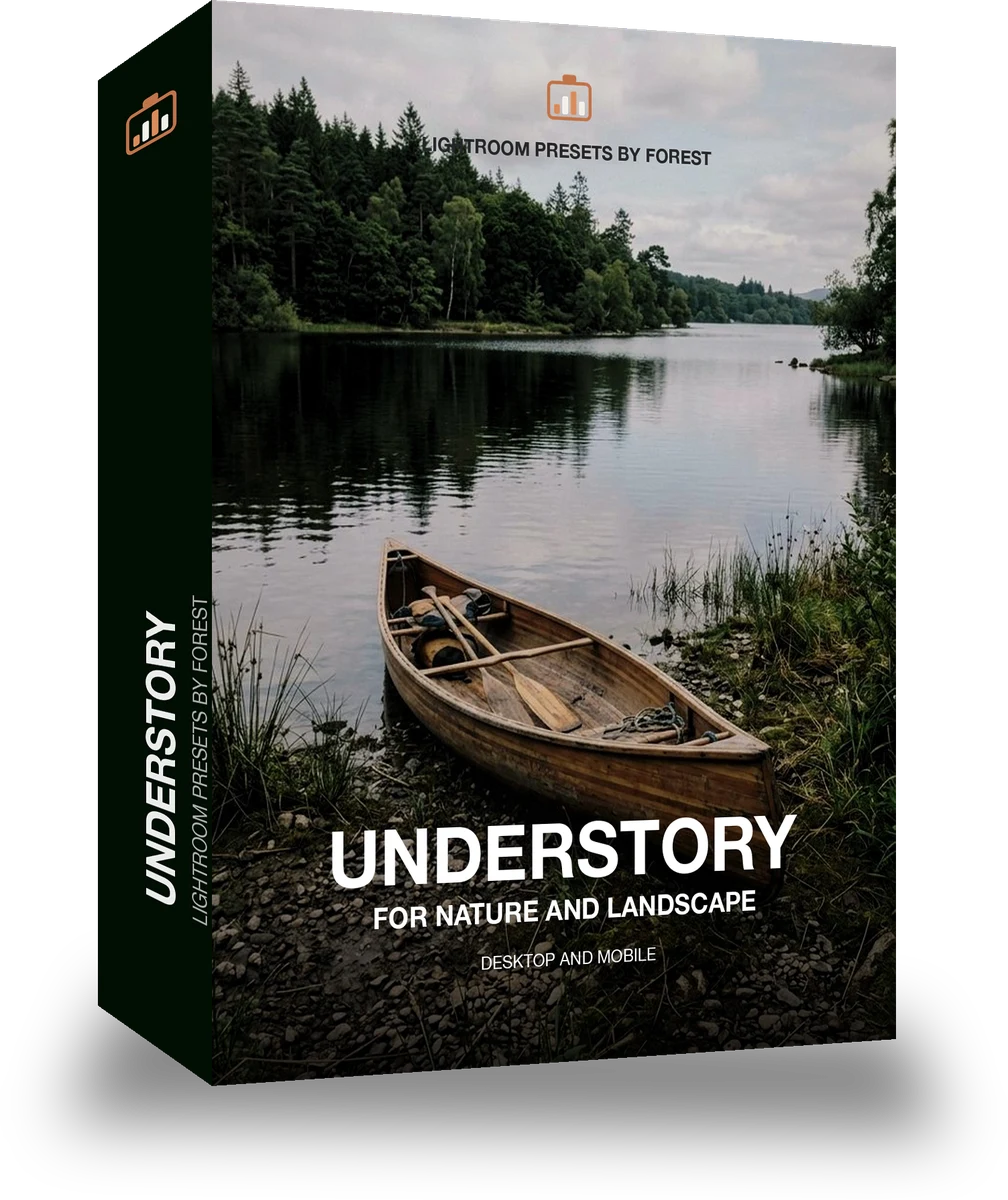
Understory
was $49.99now $29.99Save $20
Instant download.
- Presets15
- Works inLightroom desktop and mobile
- Format.xmp and .dng
Mossgrade · Green nature and macro
Mossgrade makes one kind of light.
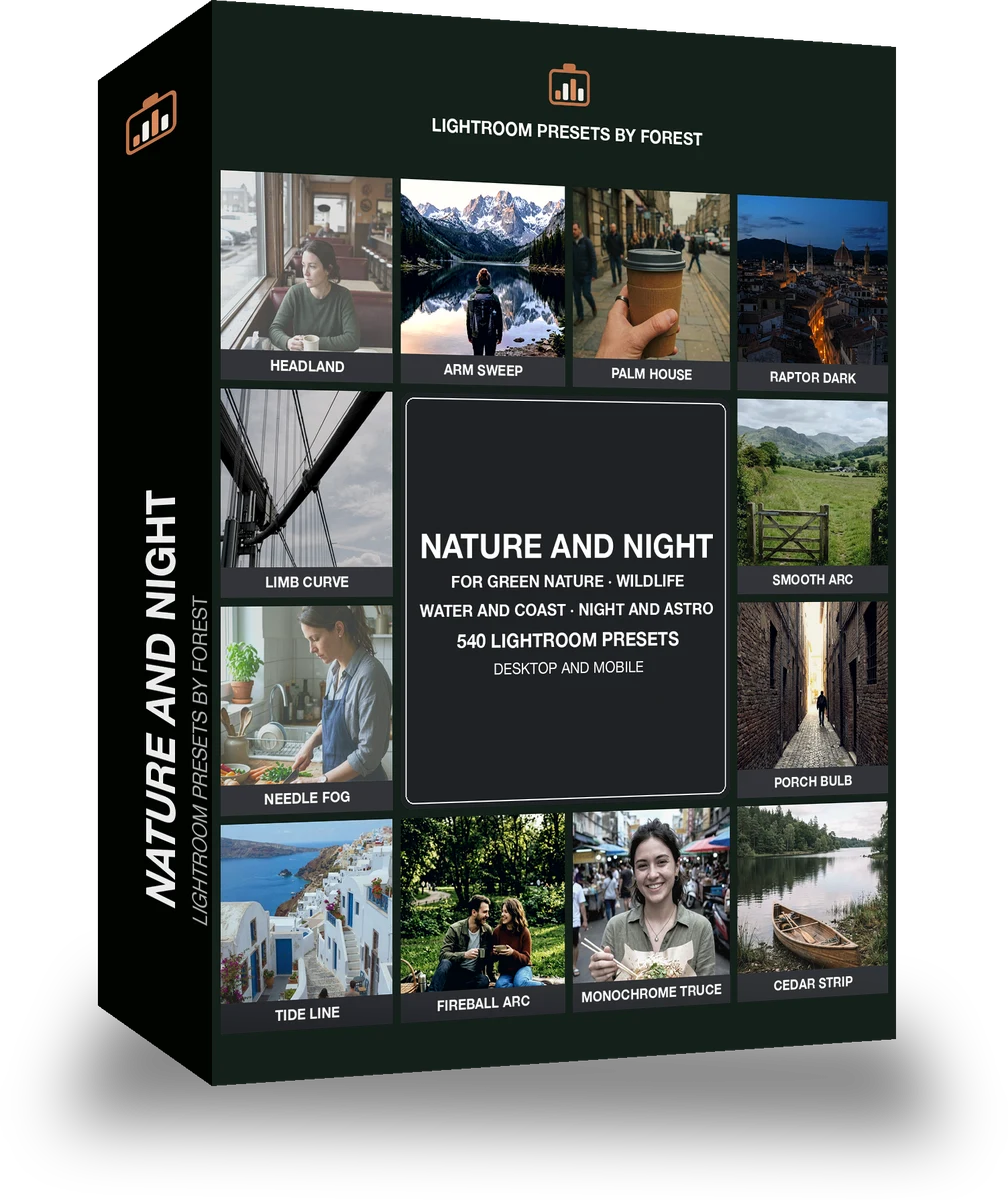
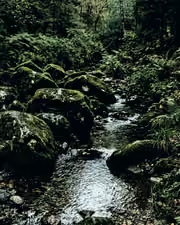
Understory is 15 presets for green nature and macro photography. Every one of them is below, before you pay for any of it.
What this light does
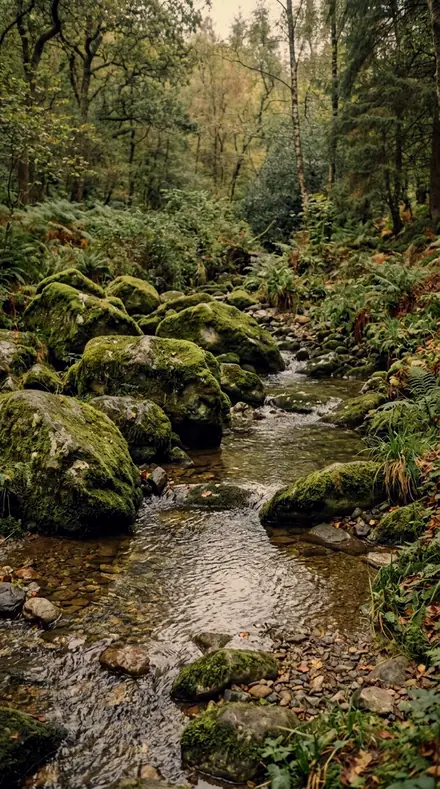
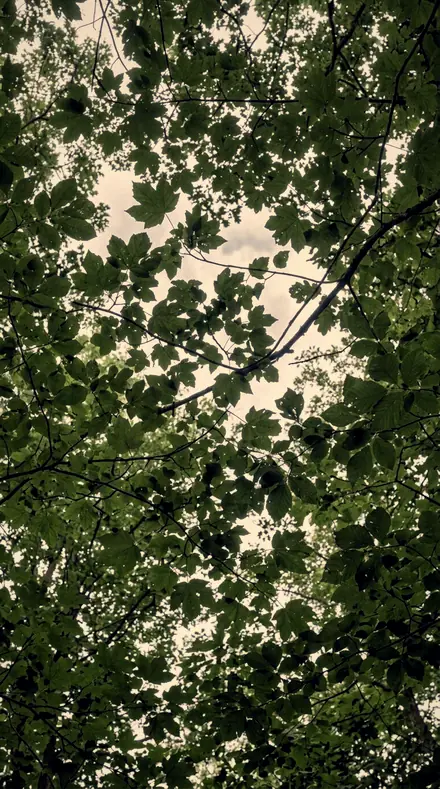
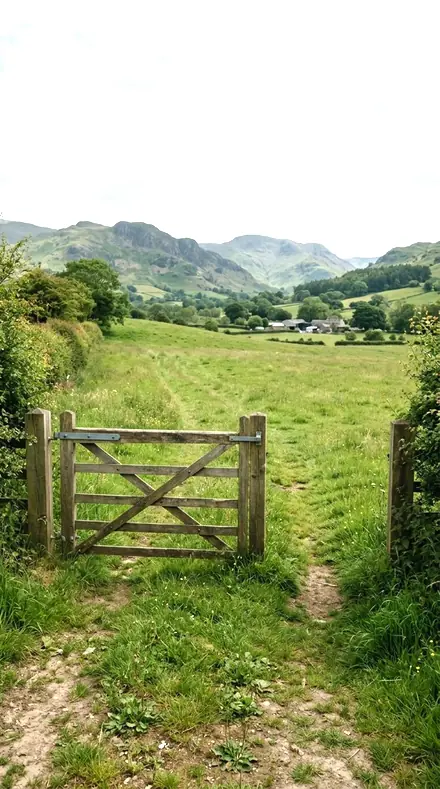
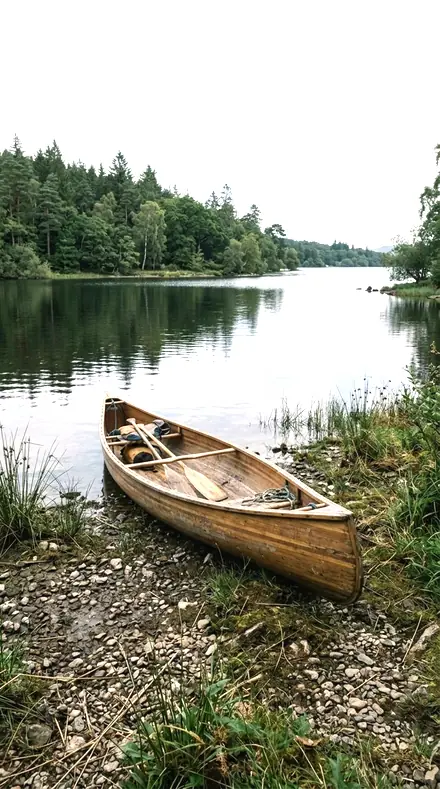
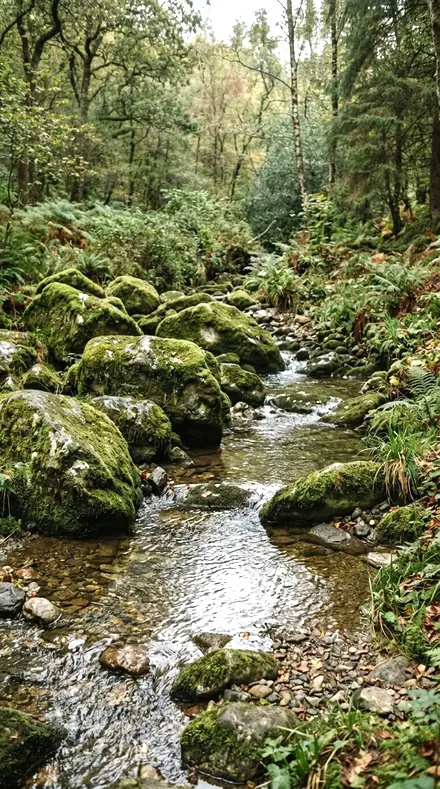
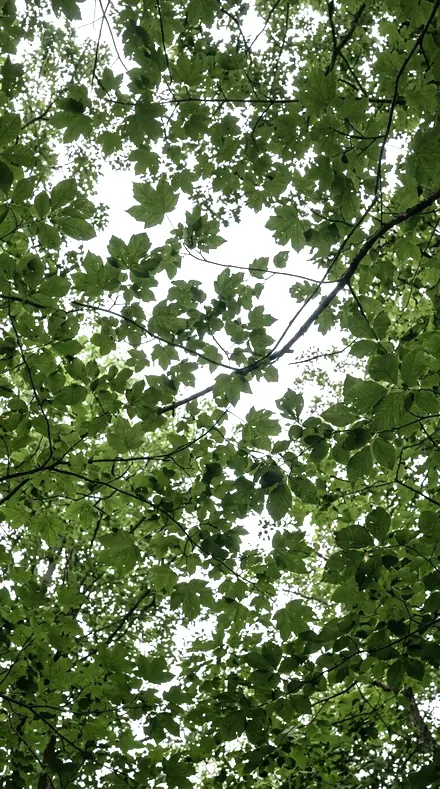
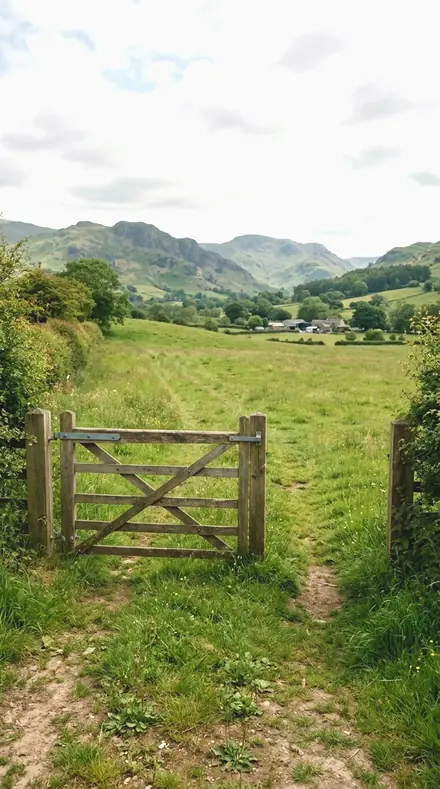
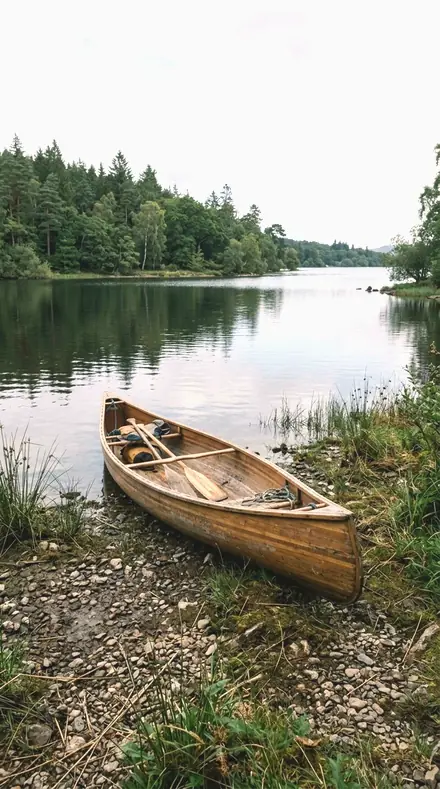
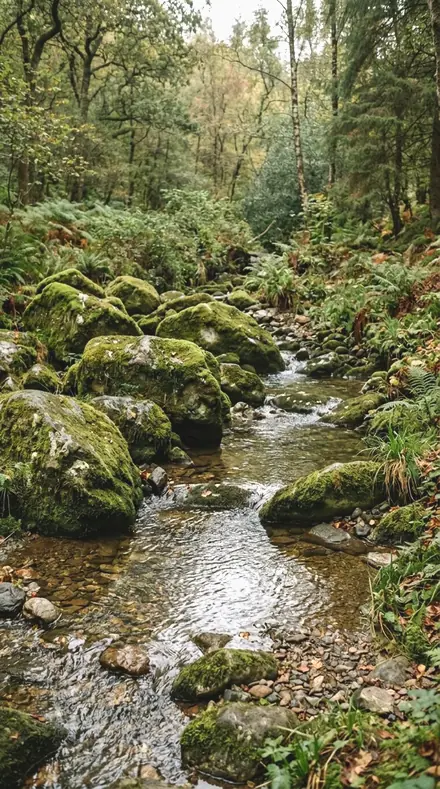
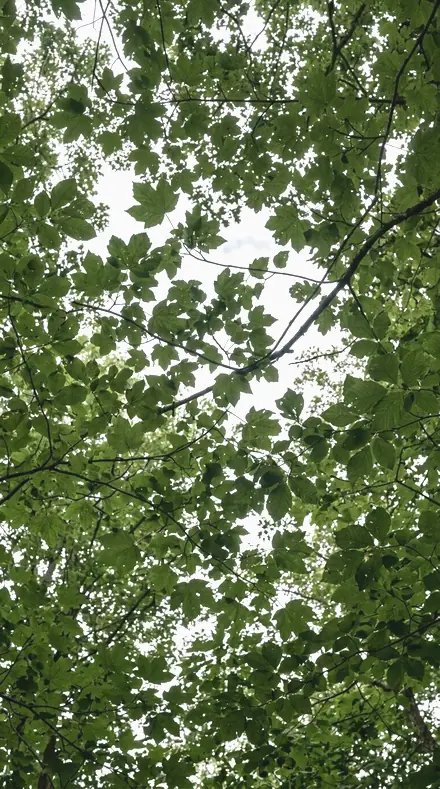
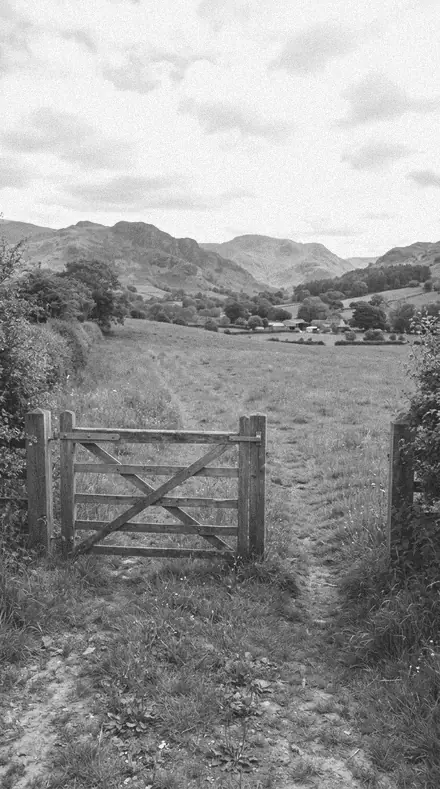
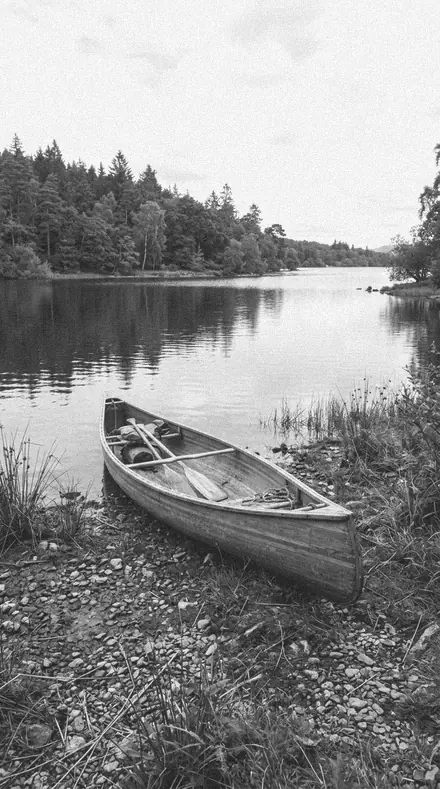
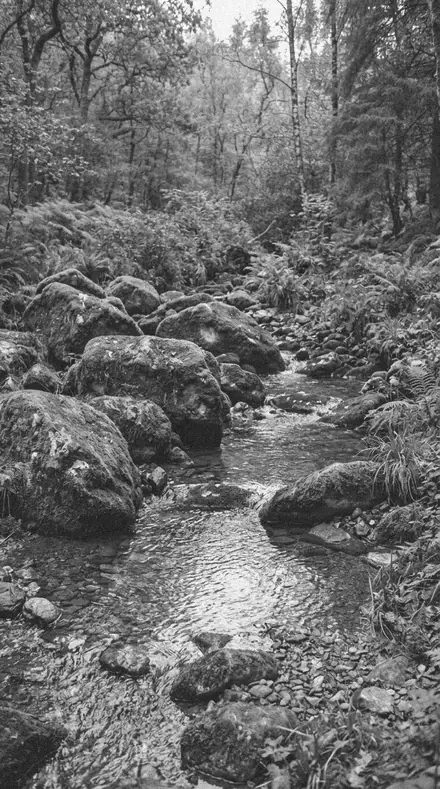
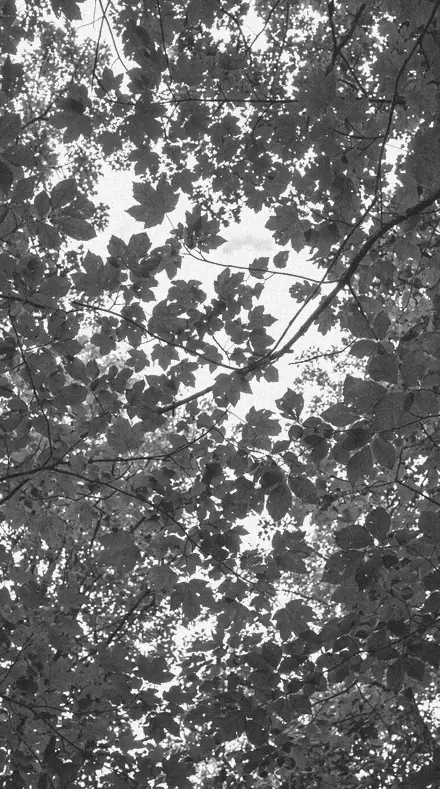
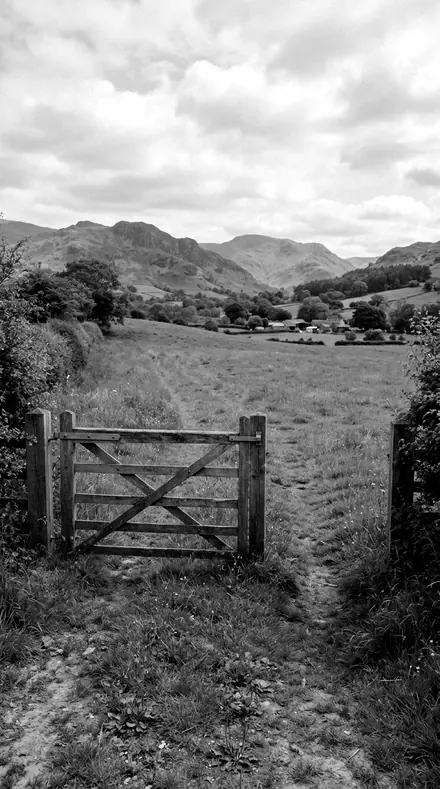
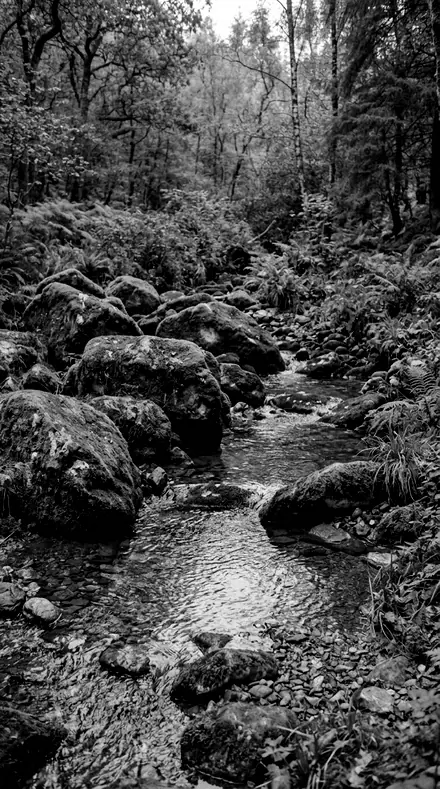
one frame, 4 presets
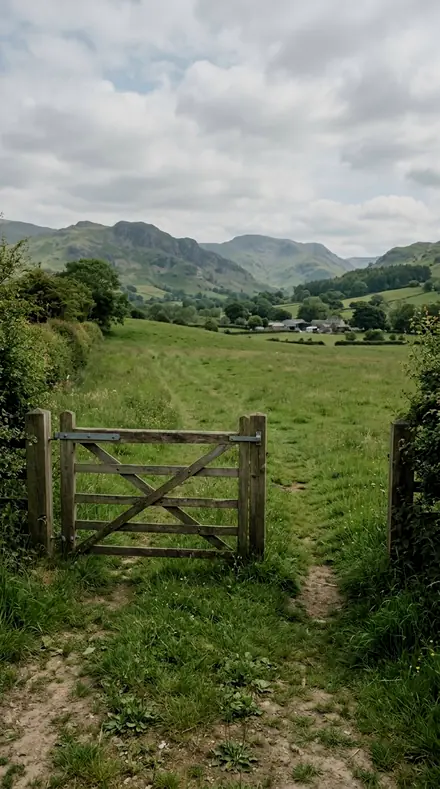
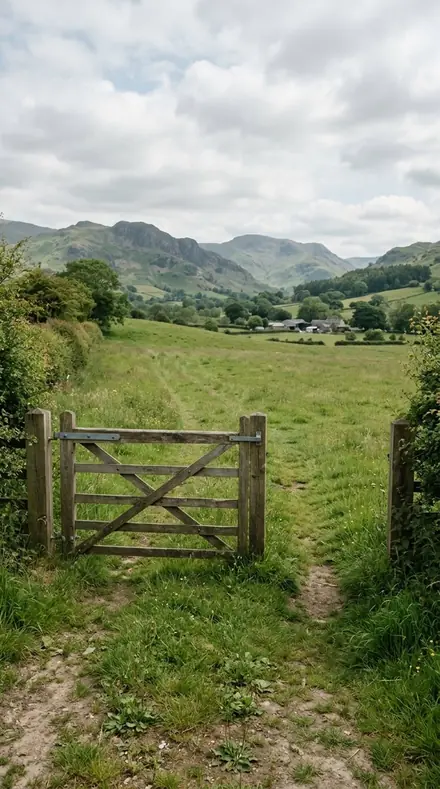
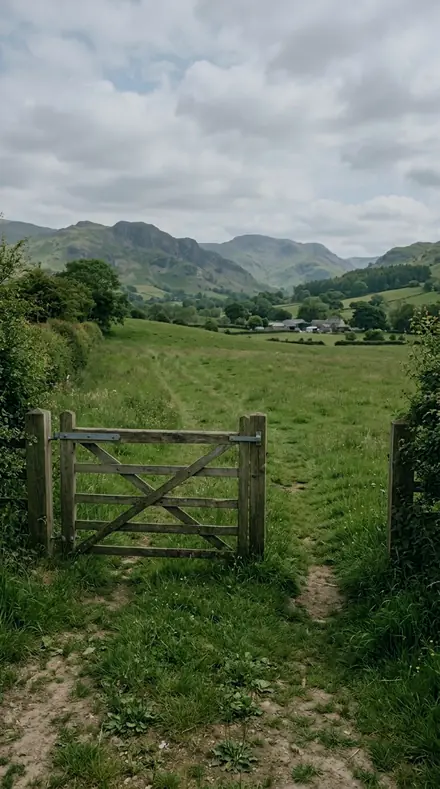
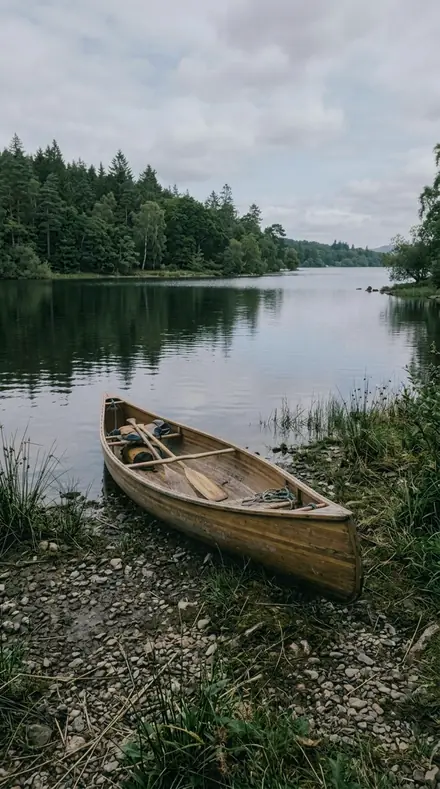
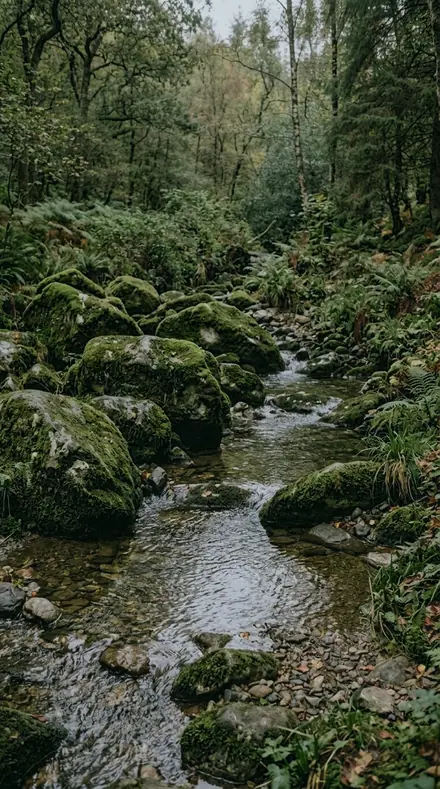
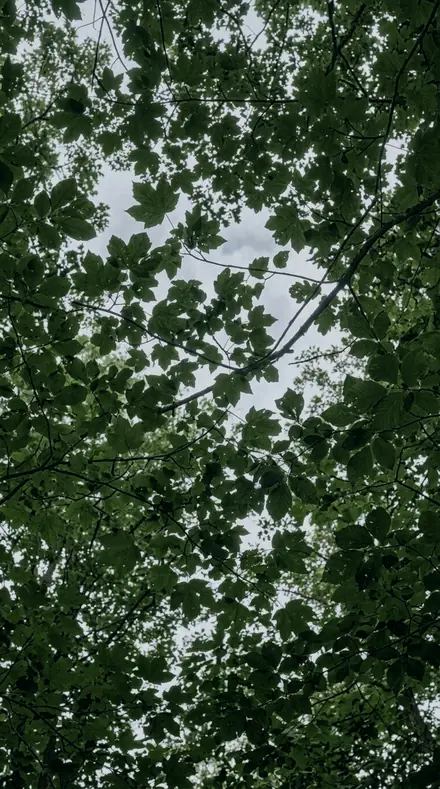
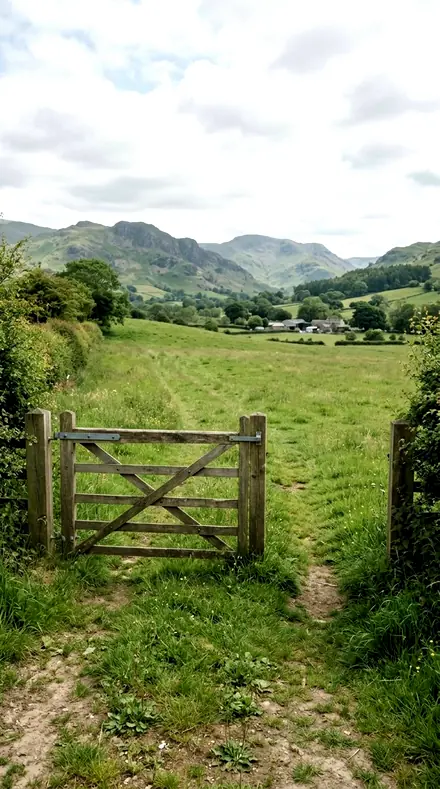
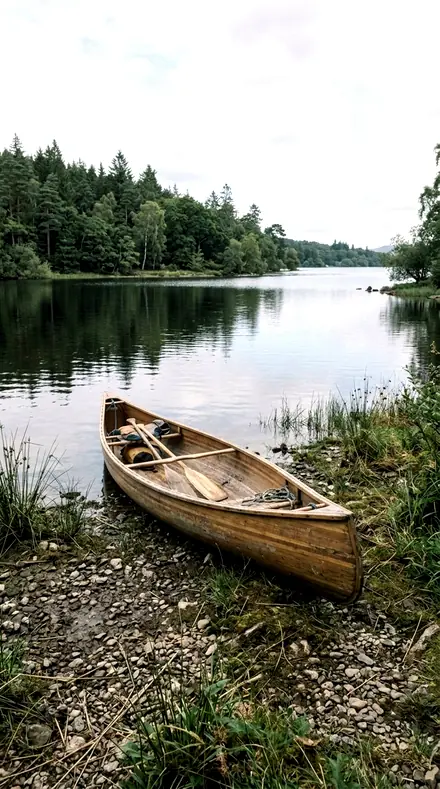
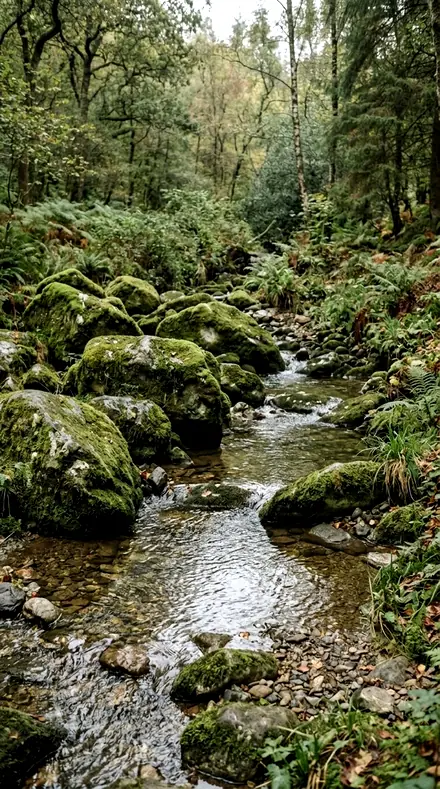
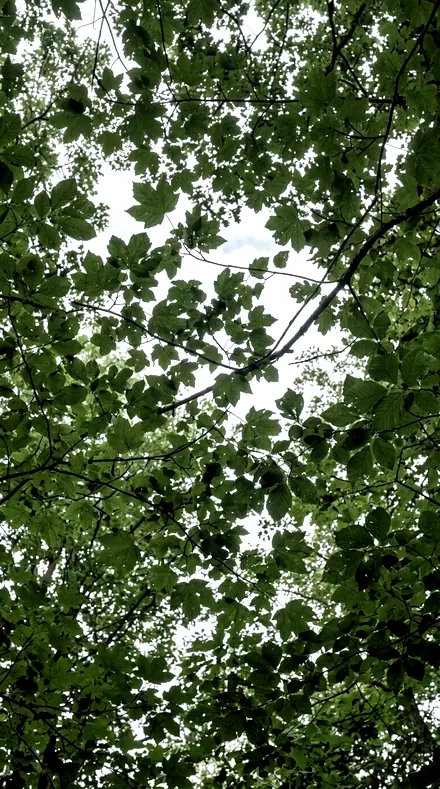
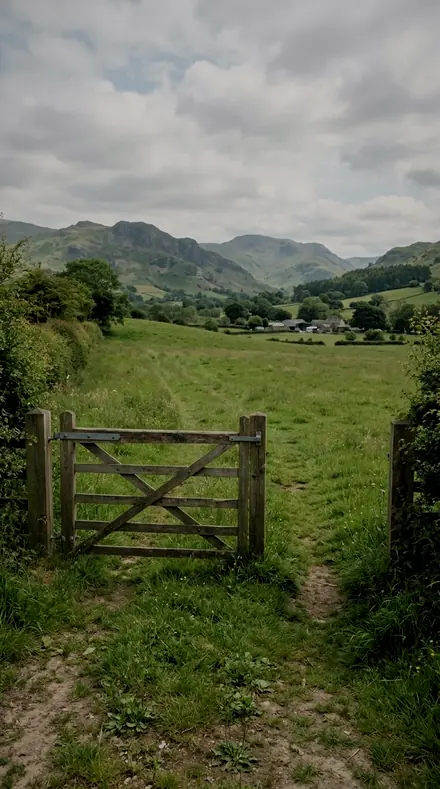
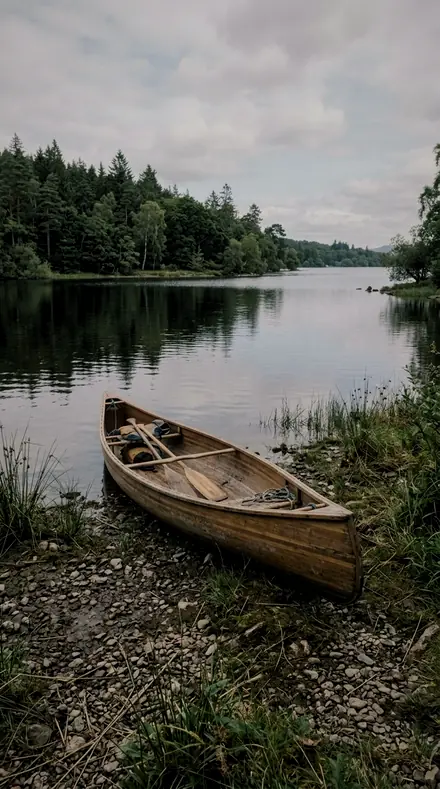
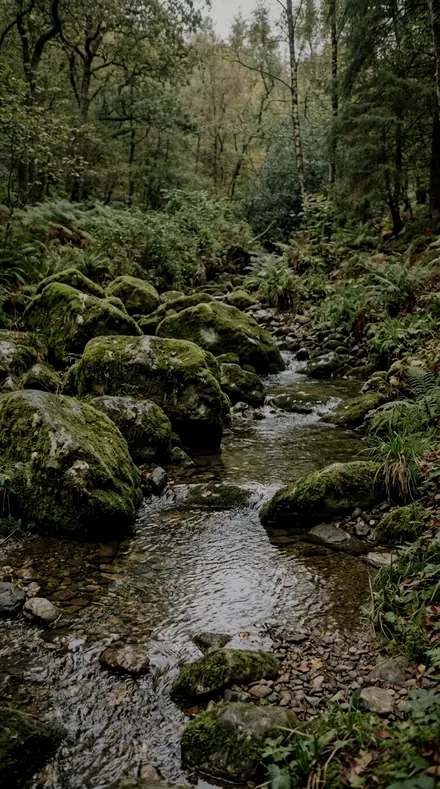
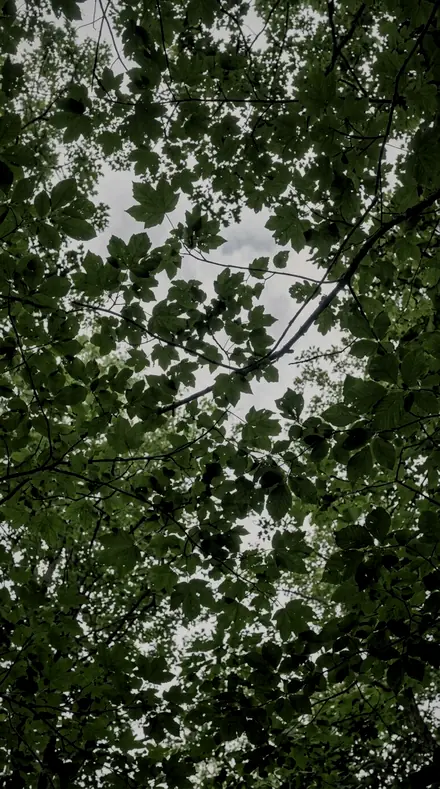
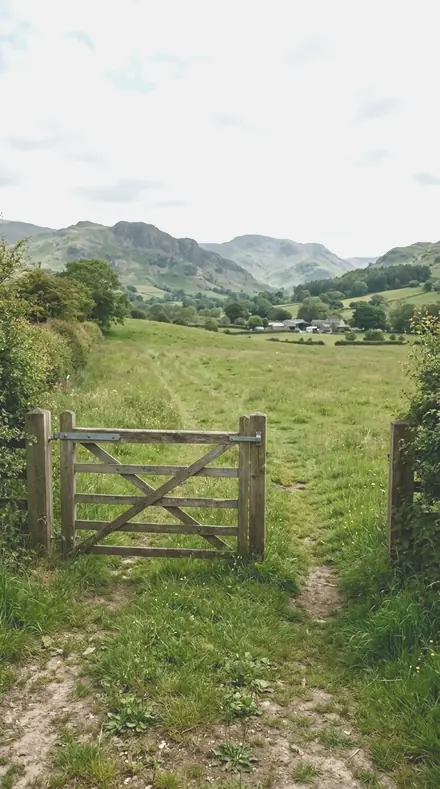
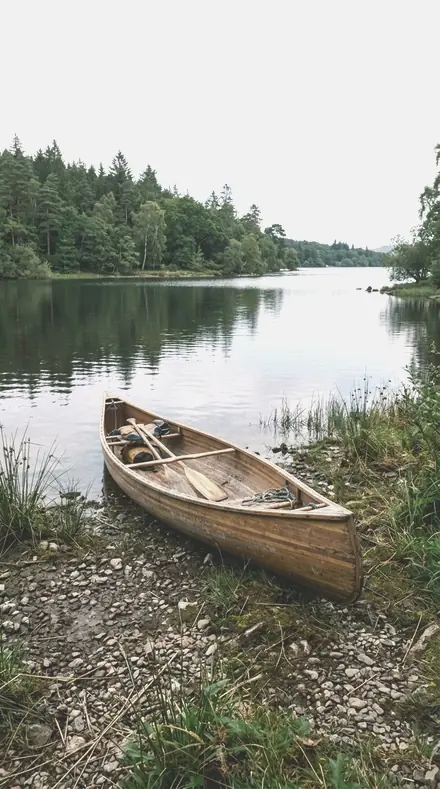
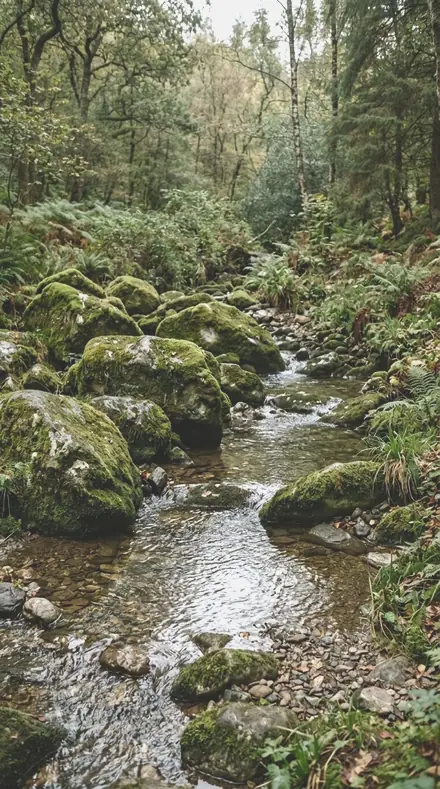
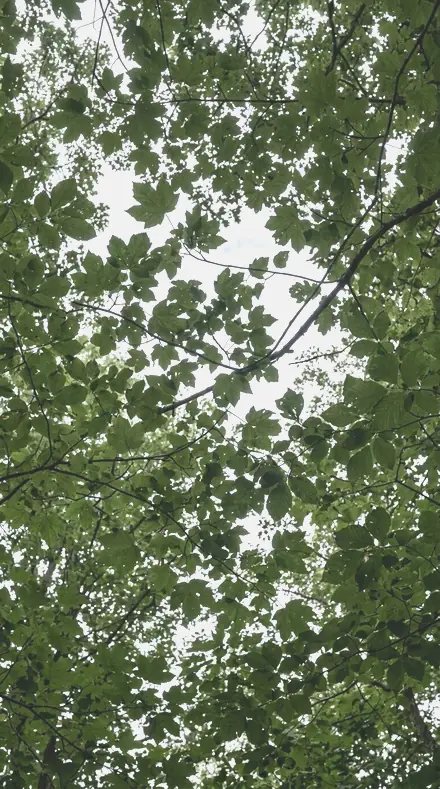
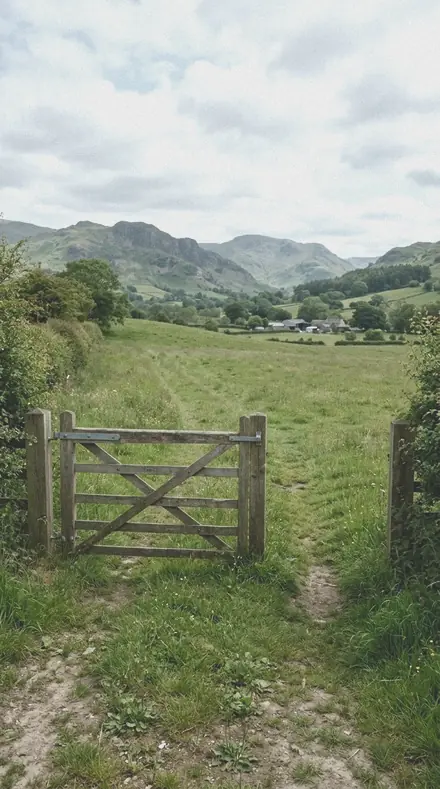
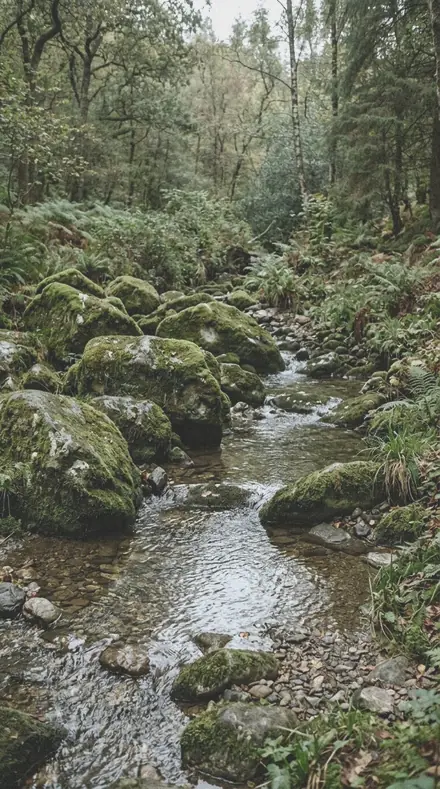
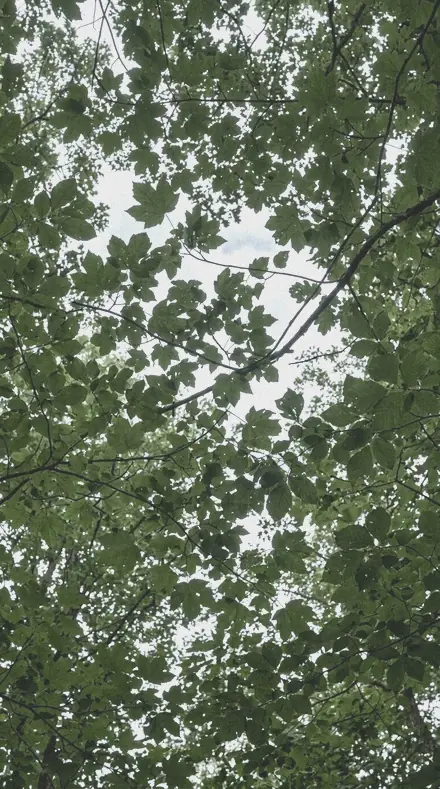
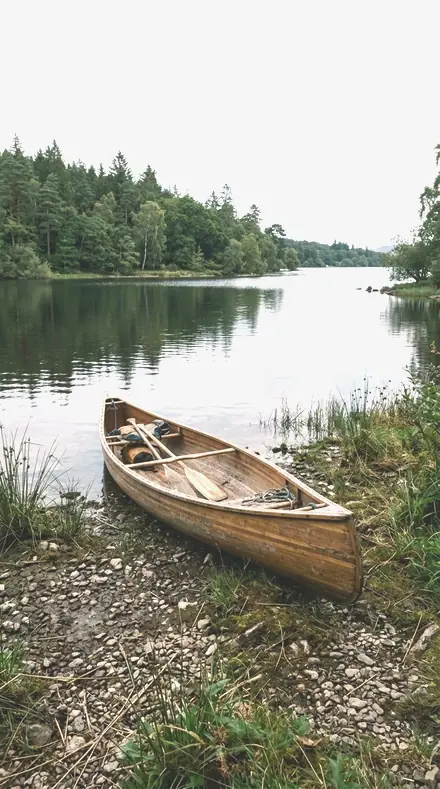
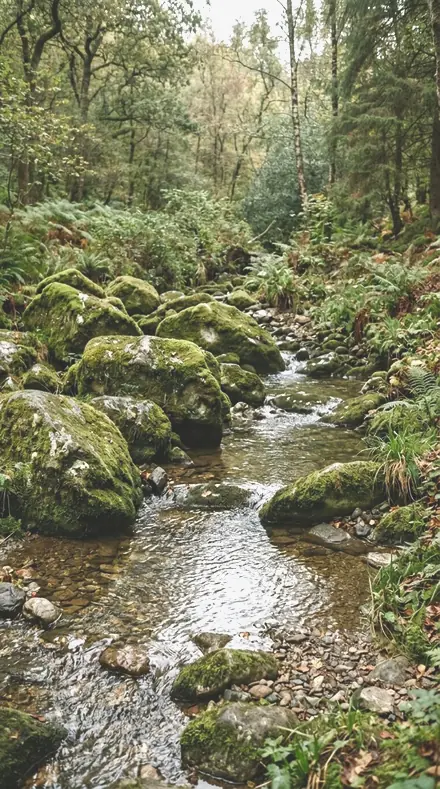
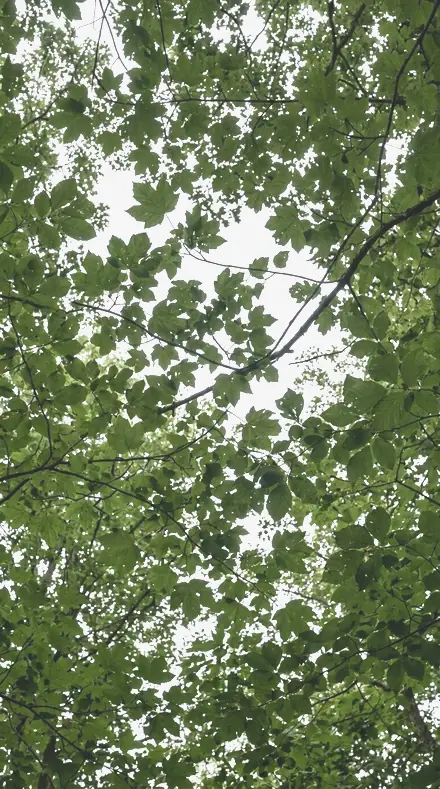
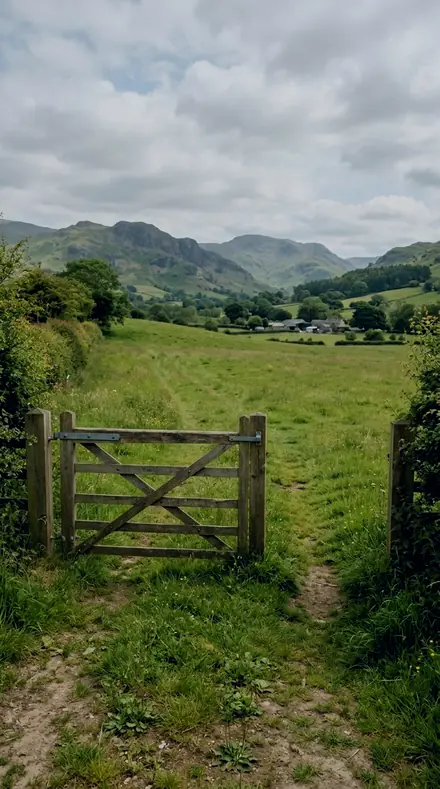
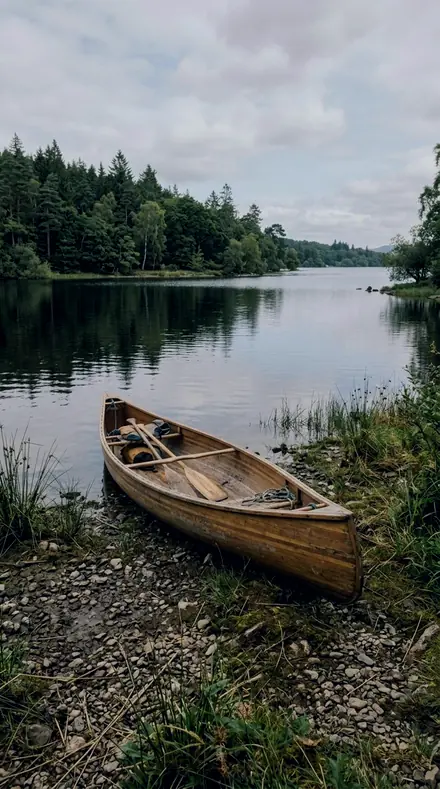
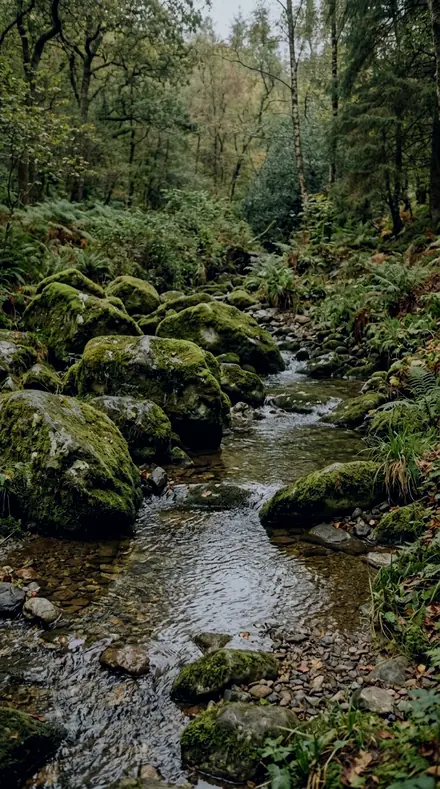
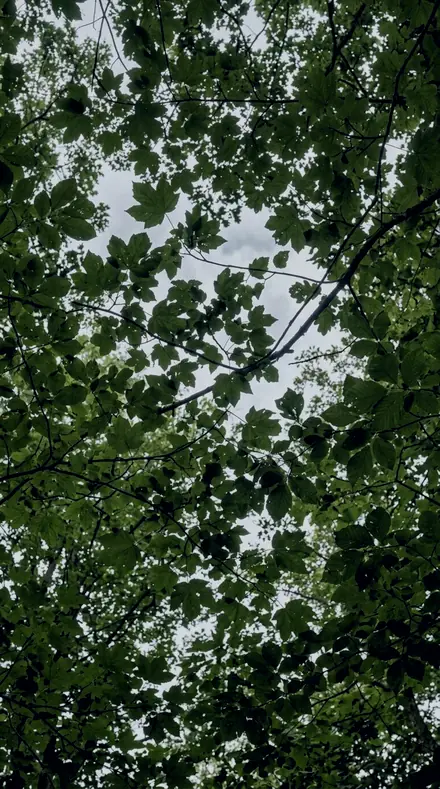
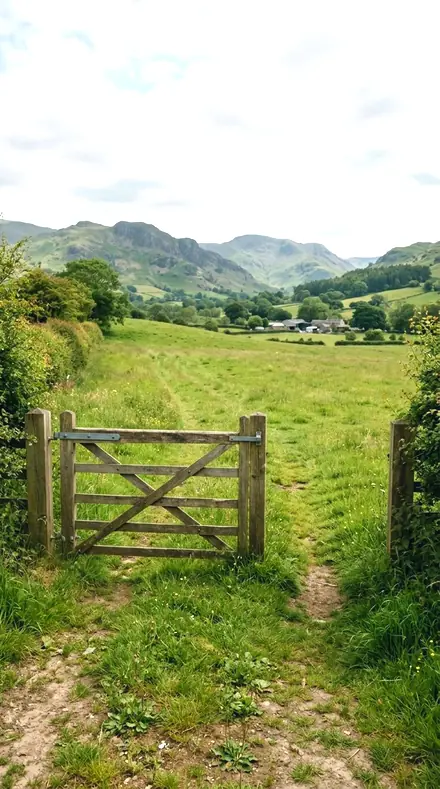
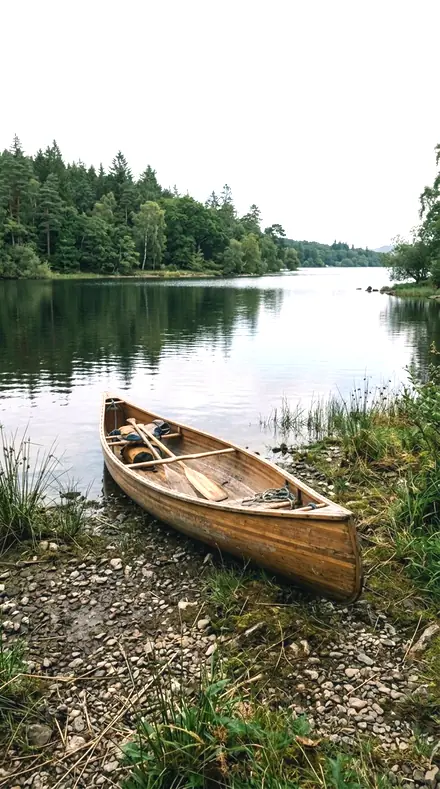
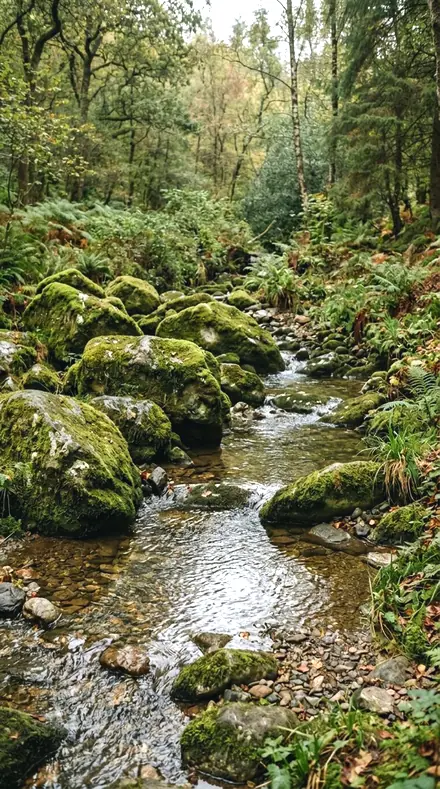
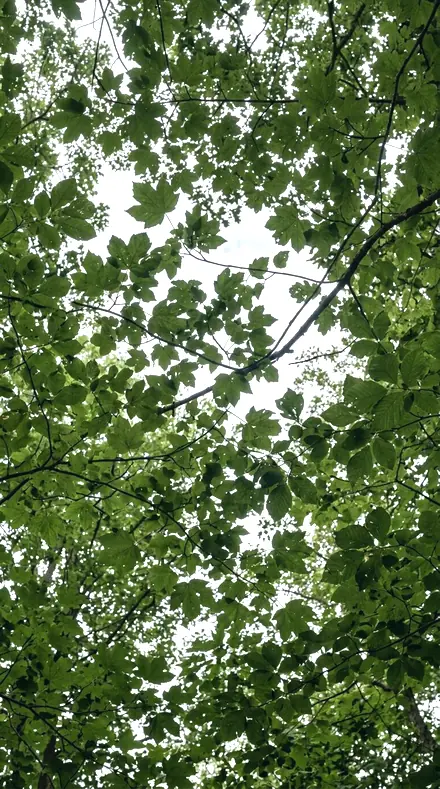
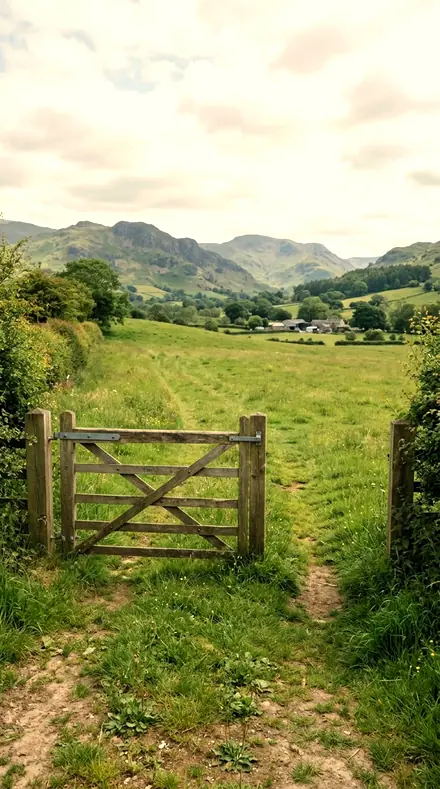
The gate, the field, the green done right
4 of them, on one photograph. Drag to compare before and after.
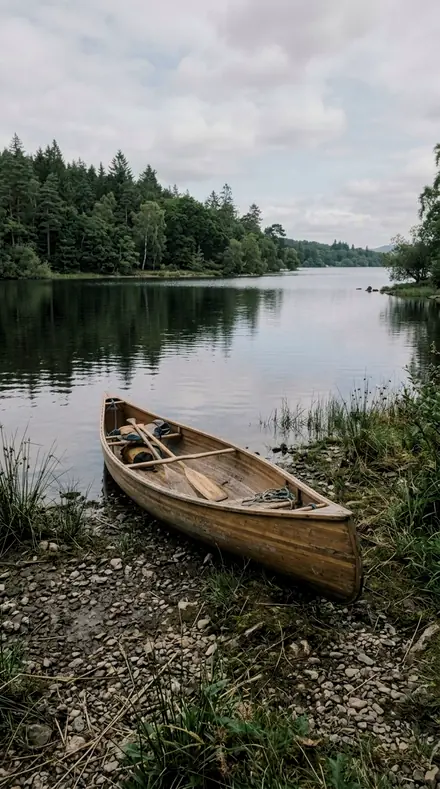
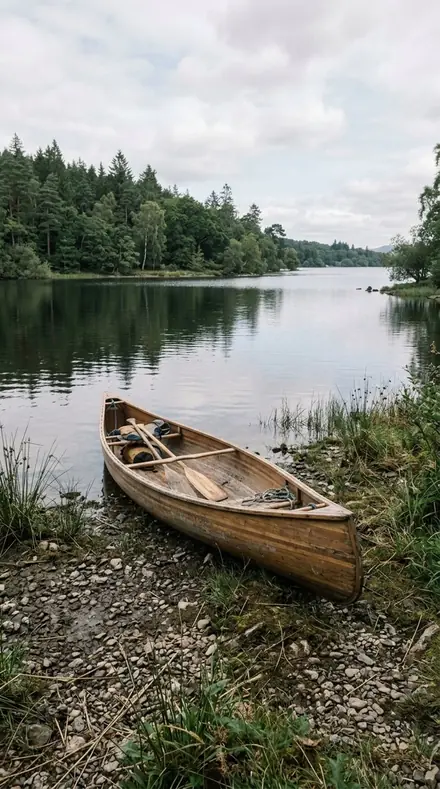
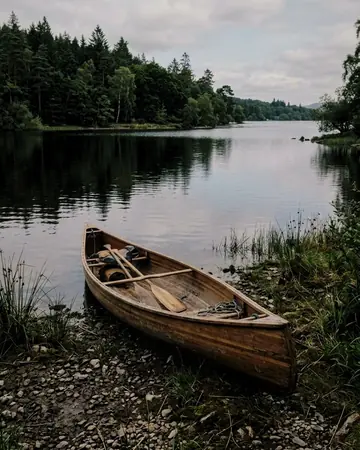
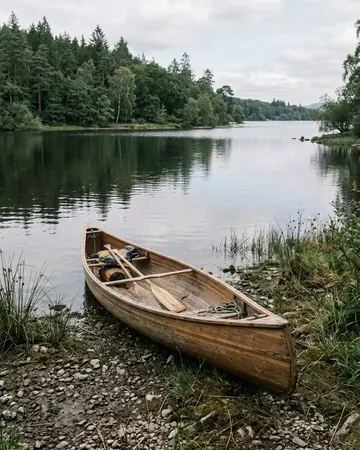
Deep Canopy applied to Still water, honest greens No. 01
Deep Canopy
Dense forest interior, emerald-pulled greens with darkened leaf luminance and a gentle S for depth.
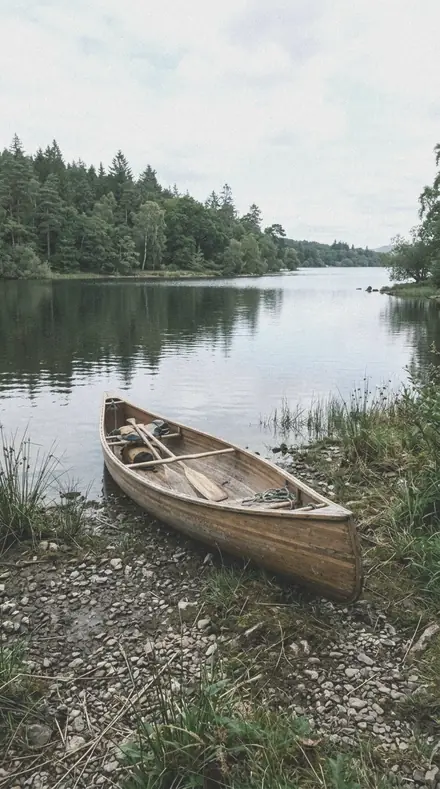
Greyveil applied to Still water, honest greens No. 06
Greyveil
Flat overcast light kept flat on purpose, cool silver cast with quiet greens and soft matte curve.
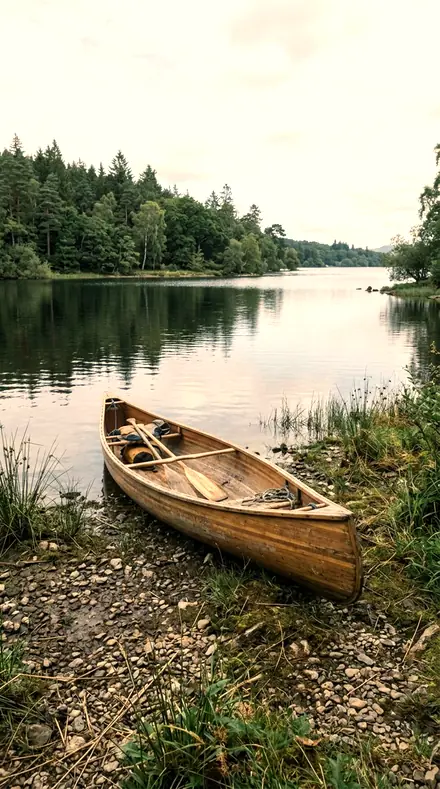
Lightfall applied to Still water, honest greens No. 10
Lightfall
Low sun through leaves, warm glowing highlights while yellows are pulled back toward leaf-green.
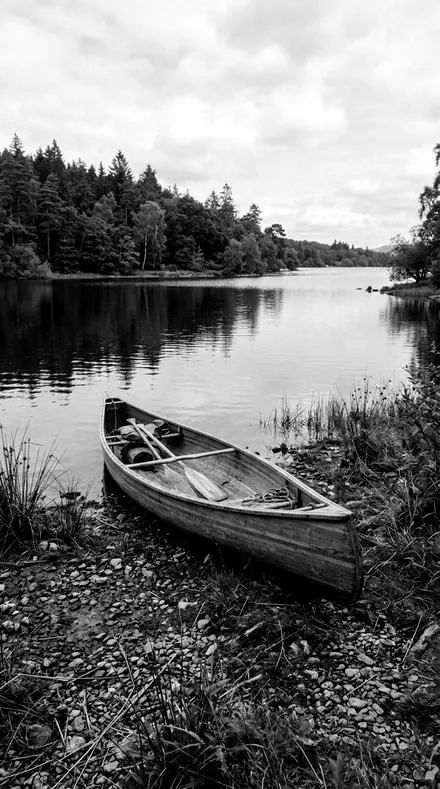
Barkline applied to Still water, honest greens No. 15
Barkline
Carved high-contrast monochrome for bark ridges and branch structure, deep blacks and biting texture.


See the light change
drag the line
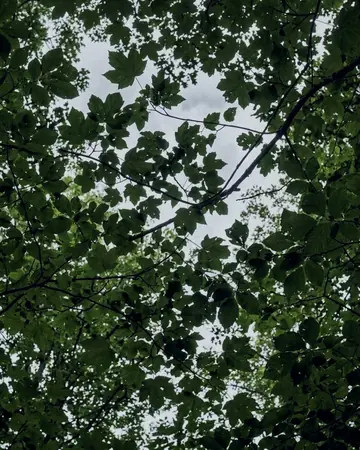
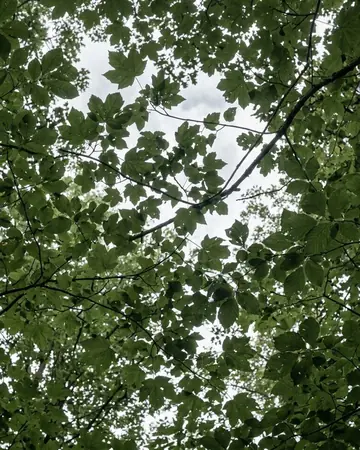
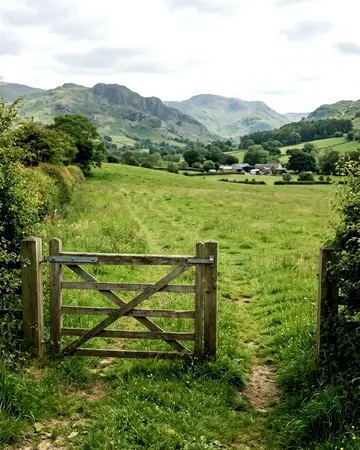
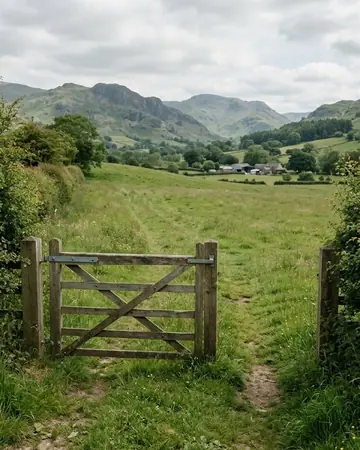
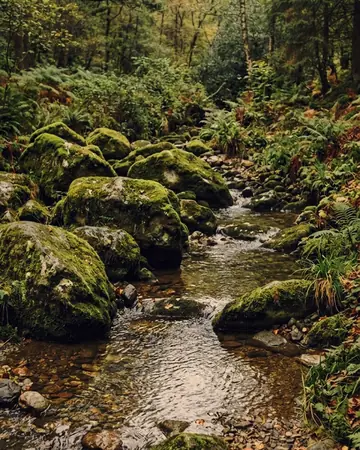
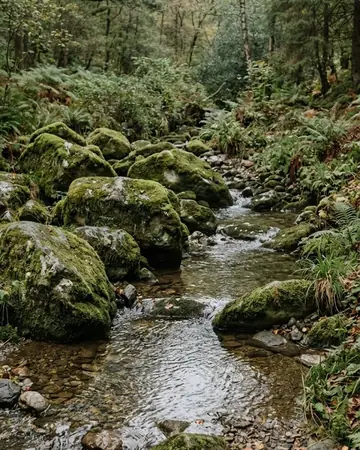
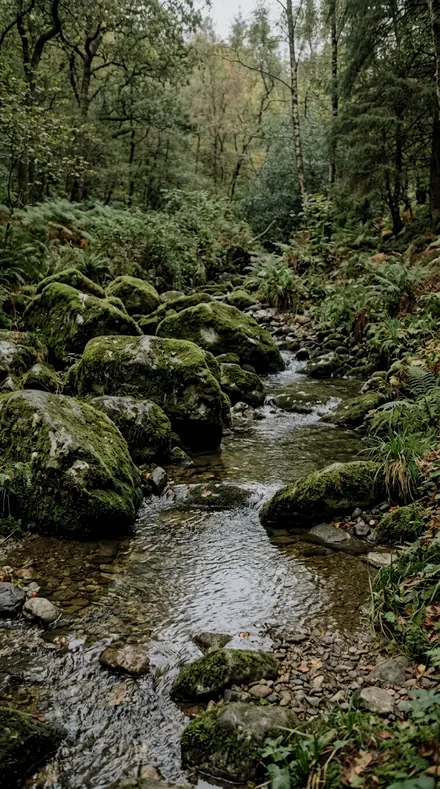
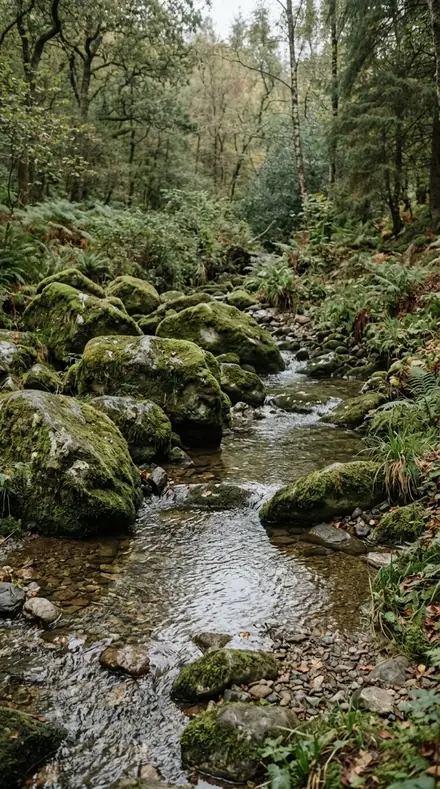
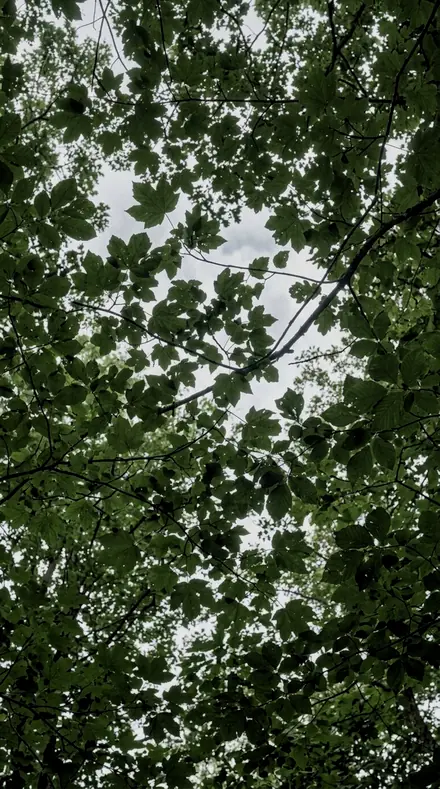
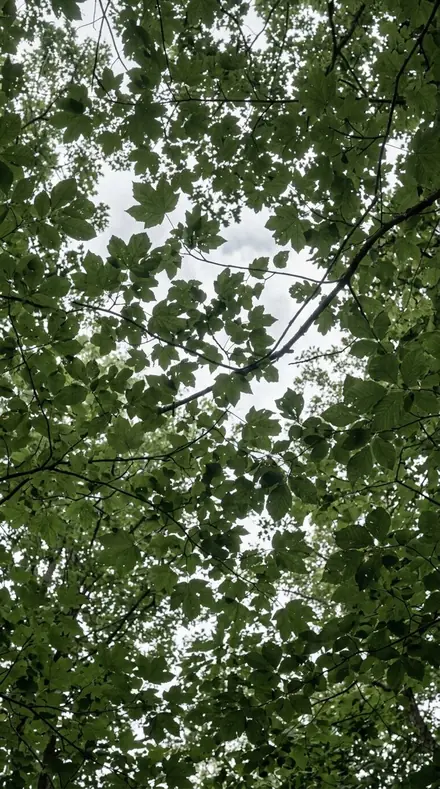
The same frame, one tap apart. Drag any handle and the scene goes back to the way it looked before Mossgrade touched it.
Explore every preset in this pack
15 presets · 4 scenes
Every preset in the pack is here, on the same four photographs. Nothing below is a sample. Open one and drag.
No. 01Deep CanopyDense forest interior, emerald-pulled greens with darkened leaf luminance and a gentle S for depth.
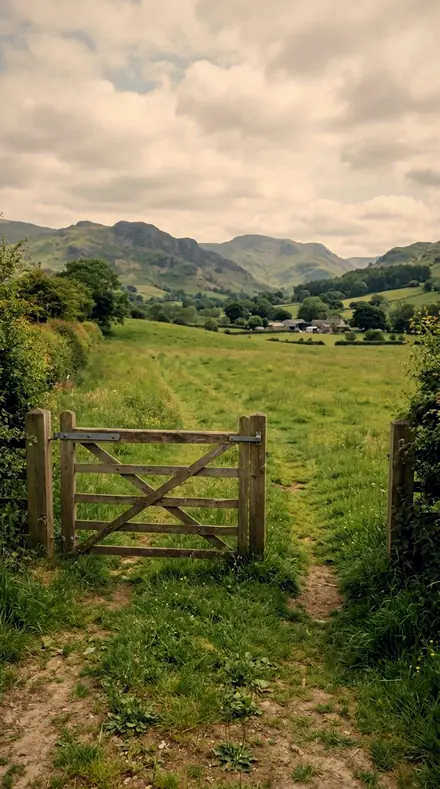
![Deep Canopy applied to Farm gate]()
![Before: Farm gate]()
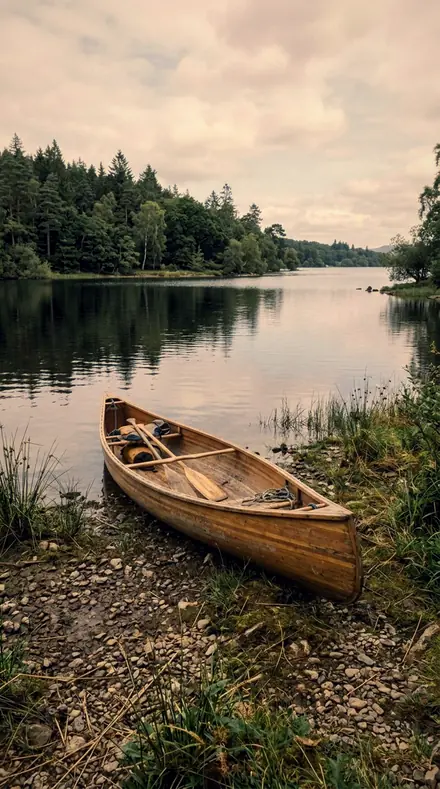
Farm gate ![Deep Canopy applied to Lake canoe]()
![Before: Lake canoe]()
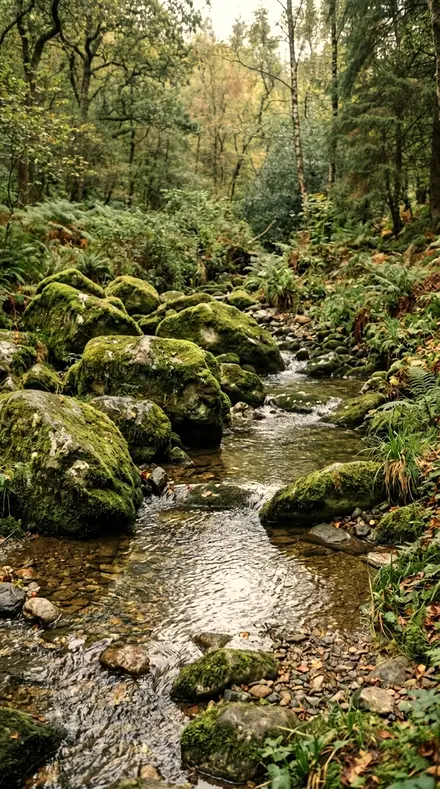
Lake canoe ![Deep Canopy applied to Moss rocks]()
![Before: Moss rocks]()
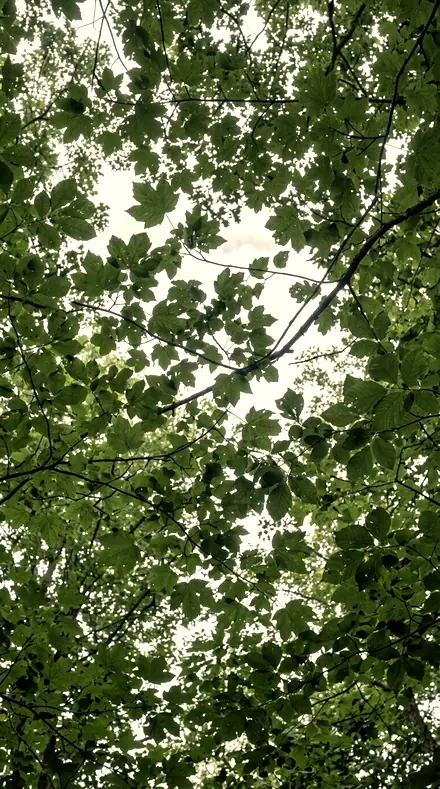
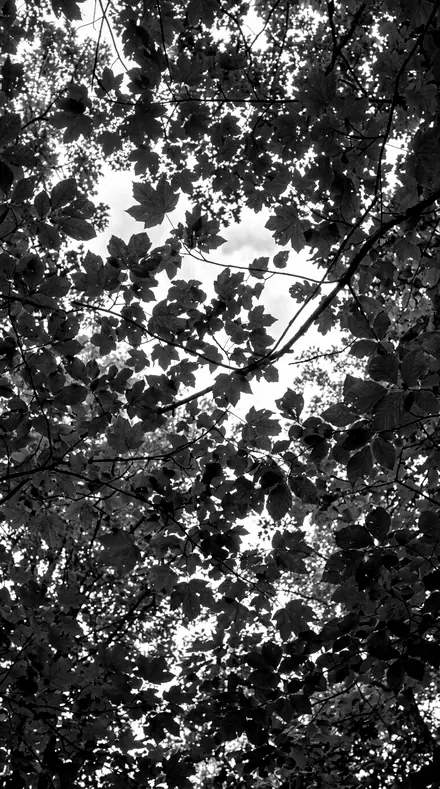
Moss rocks ![Deep Canopy applied to Tree canopy]()
![Before: Tree canopy]()
Tree canopy Drag the handle. Left is the original, right is Deep Canopy. Rendered from the preset's own settings, not a Lightroom export, so the real thing carries a little more bite.
No. 02Emerald HollowCanopy shots with the deepest green shift of the set, cool shadow floor and a fade-black filmic curve.
![Emerald Hollow applied to Farm gate]()
![Before: Farm gate]()
Farm gate ![Emerald Hollow applied to Lake canoe]()
![Before: Lake canoe]()
Lake canoe ![Emerald Hollow applied to Moss rocks]()
![Before: Moss rocks]()
Moss rocks ![Emerald Hollow applied to Tree canopy]()
![Before: Tree canopy]()
Tree canopy Drag the handle. Left is the original, right is Emerald Hollow. Rendered from the preset's own settings, not a Lightroom export, so the real thing carries a little more bite.
No. 03TrailheadCrisp bright-air trail look, believable greens with punchy linear midtones and clean whites.
![Trailhead applied to Farm gate]()
![Before: Farm gate]()
Farm gate ![Trailhead applied to Lake canoe]()
![Before: Lake canoe]()
Lake canoe ![Trailhead applied to Moss rocks]()
![Before: Moss rocks]()
Moss rocks ![Trailhead applied to Tree canopy]()
![Before: Tree canopy]()
Tree canopy Drag the handle. Left is the original, right is Trailhead. Rendered from the preset's own settings, not a Lightroom export, so the real thing carries a little more bite.
No. 04Old GrowthHeavy ancient-forest mood, strong S-curve contrast with crushed shadows and muted warm bark tones.
![Old Growth applied to Farm gate]()
![Before: Farm gate]()
Farm gate ![Old Growth applied to Lake canoe]()
![Before: Lake canoe]()
Lake canoe ![Old Growth applied to Moss rocks]()
![Before: Moss rocks]()
Moss rocks ![Old Growth applied to Tree canopy]()
![Before: Tree canopy]()
Tree canopy Drag the handle. Left is the original, right is Old Growth. Rendered from the preset's own settings, not a Lightroom export, so the real thing carries a little more bite.
No. 05SilverleafGrey-day woodland lifted to a silvery pastel, everything desaturated except a held green core.
![Silverleaf applied to Farm gate]()
![Before: Farm gate]()
Farm gate ![Silverleaf applied to Lake canoe]()
![Before: Lake canoe]()
Lake canoe ![Silverleaf applied to Moss rocks]()
![Before: Moss rocks]()
Moss rocks ![Silverleaf applied to Tree canopy]()
![Before: Tree canopy]()
Tree canopy Drag the handle. Left is the original, right is Silverleaf. Rendered from the preset's own settings, not a Lightroom export, so the real thing carries a little more bite.
No. 06GreyveilFlat overcast light kept flat on purpose, cool silver cast with quiet greens and soft matte curve.
![Greyveil applied to Farm gate]()
![Before: Farm gate]()
Farm gate ![Greyveil applied to Lake canoe]()
![Before: Lake canoe]()
Lake canoe ![Greyveil applied to Moss rocks]()
![Before: Moss rocks]()
Moss rocks ![Greyveil applied to Tree canopy]()
![Before: Tree canopy]()
Tree canopy Drag the handle. Left is the original, right is Greyveil. Rendered from the preset's own settings, not a Lightroom export, so the real thing carries a little more bite.
No. 07Fern MistBright misty-woodland pastel, warm-neutral lift with greens turned slightly spring and airy highlights.
![Fern Mist applied to Farm gate]()
![Before: Farm gate]()
Farm gate ![Fern Mist applied to Lake canoe]()
![Before: Lake canoe]()
Lake canoe ![Fern Mist applied to Moss rocks]()
![Before: Moss rocks]()
Moss rocks ![Fern Mist applied to Tree canopy]()
![Before: Tree canopy]()
Tree canopy Drag the handle. Left is the original, right is Fern Mist. Rendered from the preset's own settings, not a Lightroom export, so the real thing carries a little more bite.
No. 08Wet StoneDark rain-soaked moss macro, heavy texture on saturated micro-detail with cold stone shadows.
![Wet Stone applied to Farm gate]()
![Before: Farm gate]()
Farm gate ![Wet Stone applied to Lake canoe]()
![Before: Lake canoe]()
Lake canoe ![Wet Stone applied to Moss rocks]()
![Before: Moss rocks]()
Moss rocks ![Wet Stone applied to Tree canopy]()
![Before: Tree canopy]()
Tree canopy Drag the handle. Left is the original, right is Wet Stone. Rendered from the preset's own settings, not a Lightroom export, so the real thing carries a little more bite.
No. 09RainbrightBright after-rain moss and leaf litter, texture-forward saturated greens with a fresh lifted exposure.
![Rainbright applied to Farm gate]()
![Before: Farm gate]()
Farm gate ![Rainbright applied to Lake canoe]()
![Before: Lake canoe]()
Lake canoe ![Rainbright applied to Moss rocks]()
![Before: Moss rocks]()
Moss rocks ![Rainbright applied to Tree canopy]()
![Before: Tree canopy]()
Tree canopy Drag the handle. Left is the original, right is Rainbright. Rendered from the preset's own settings, not a Lightroom export, so the real thing carries a little more bite.
No. 10LightfallLow sun through leaves, warm glowing highlights while yellows are pulled back toward leaf-green.
![Lightfall applied to Farm gate]()
![Before: Farm gate]()
Farm gate ![Lightfall applied to Lake canoe]()
![Before: Lake canoe]()
Lake canoe ![Lightfall applied to Moss rocks]()
![Before: Moss rocks]()
Moss rocks ![Lightfall applied to Tree canopy]()
![Before: Tree canopy]()
Tree canopy Drag the handle. Left is the original, right is Lightfall. Rendered from the preset's own settings, not a Lightroom export, so the real thing carries a little more bite.
No. 11Amber UnderstoryDeep golden-hour forest floor, richer warmth and darker frame while greens stay leafy not mustard.
![Amber Understory applied to Farm gate]()
![Before: Farm gate]()
Farm gate ![Amber Understory applied to Lake canoe]()
![Before: Lake canoe]()
Lake canoe ![Amber Understory applied to Moss rocks]()
![Before: Moss rocks]()
Moss rocks ![Amber Understory applied to Tree canopy]()
![Before: Tree canopy]()
Tree canopy Drag the handle. Left is the original, right is Amber Understory. Rendered from the preset's own settings, not a Lightroom export, so the real thing carries a little more bite.
No. 12GreenhouseClean bright plant-catalog look, honest whites and accurate greens for product-grade foliage.
![Greenhouse applied to Farm gate]()
![Before: Farm gate]()
Farm gate ![Greenhouse applied to Lake canoe]()
![Before: Lake canoe]()
Lake canoe ![Greenhouse applied to Moss rocks]()
![Before: Moss rocks]()
Moss rocks ![Greenhouse applied to Tree canopy]()
![Before: Tree canopy]()
Tree canopy Drag the handle. Left is the original, right is Greenhouse. Rendered from the preset's own settings, not a Lightroom export, so the real thing carries a little more bite.
No. 13Potting BenchSoft studio garden look, gentle warmth and slightly lower contrast for lifestyle plant sellers.
![Potting Bench applied to Farm gate]()
![Before: Farm gate]()
Farm gate ![Potting Bench applied to Lake canoe]()
![Before: Lake canoe]()
Lake canoe ![Potting Bench applied to Moss rocks]()
![Before: Moss rocks]()
Moss rocks ![Potting Bench applied to Tree canopy]()
![Before: Tree canopy]()
Tree canopy Drag the handle. Left is the original, right is Potting Bench. Rendered from the preset's own settings, not a Lightroom export, so the real thing carries a little more bite.
No. 14FogwoodSilvery fog monochrome, lifted matte blacks with fine grain for misty treeline scenes.
![Fogwood applied to Farm gate]()
![Before: Farm gate]()
Farm gate ![Fogwood applied to Lake canoe]()
![Before: Lake canoe]()
Lake canoe ![Fogwood applied to Moss rocks]()
![Before: Moss rocks]()
Moss rocks ![Fogwood applied to Tree canopy]()
![Before: Tree canopy]()
Tree canopy Drag the handle. Left is the original, right is Fogwood. Rendered from the preset's own settings, not a Lightroom export, so the real thing carries a little more bite.
No. 15BarklineCarved high-contrast monochrome for bark ridges and branch structure, deep blacks and biting texture.
![Barkline applied to Farm gate]()
![Before: Farm gate]()
Farm gate ![Barkline applied to Lake canoe]()
![Before: Lake canoe]()
Lake canoe ![Barkline applied to Moss rocks]()
![Before: Moss rocks]()
Moss rocks ![Barkline applied to Tree canopy]()
![Before: Tree canopy]()
Tree canopy Drag the handle. Left is the original, right is Barkline. Rendered from the preset's own settings, not a Lightroom export, so the real thing carries a little more bite.
Yours in two minutes
how it works
Step 1
BuyPay with Apple Pay, Google Pay or a card.
Step 2
DownloadThe zip downloads right away, and a copy lands in your email.
Step 3
ImportAdd the presets to Lightroom in a minute.
PhoneClassicDesktopStep 4
TapOne tap on any photo. Every slider stays yours to adjust.
Yours to keep, for personal and client work. Please do not share the files. The license

the maker
Why I Make These
I am Netzah Elad Topaz. I take photographs and I build software, and the two keep leading me back to the same problem. You were there. The light was doing something you will not see again. Then the photo comes back flat, and it is not what you were looking at.
Closing that gap is the whole job. Every preset here is built from Adobe defaults by hand, with a written note for what it should do to a picture, and it is judged on photographs before it ships. Nothing is a filter dropped on top of your work.
What I want is simple. You open a photo you almost gave up on, you tap once, and there it is: the day you remember, not the file your camera handed you. That is worth doing properly.
Questions, answered
Do these work in the free Lightroom app?
Yes. Import the .xmp files in the free Lightroom app on iPhone or Android, no subscription needed. They also work in Lightroom Classic and Lightroom on desktop.
What exactly do I get?
All 15 presets from Understory as .xmp files in an instant ZIP download. The link also lands in your email, and the purchase stays in your account so you can re-download any time.
How do I install them?
Two minutes: unzip, then import inside Lightroom. The step-by-step guide covers iPhone, Android, and desktop.
Can I use them for client work?
Yes. The single-user license covers personal and commercial photography. The one thing you can't do is share or resell the preset files themselves.
Can I tweak a preset after applying it?
Always. A preset is a starting point; every slider stays yours to adjust.
What else is like this
All green nature and macro
Petalpastel
was $129.99now $79.99Save $50
Fernnight
was $449now $199Save $250



Reeltint
was $49.99now $29.99Save $20

Roamhue
was $49.99now $29.99Save $20