PRE|SETS
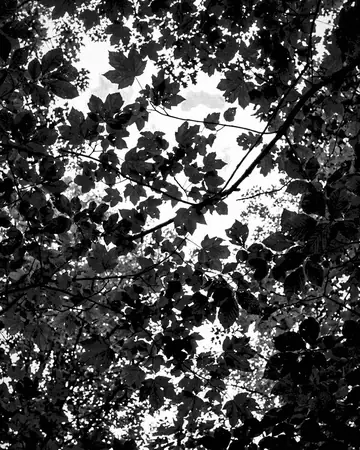
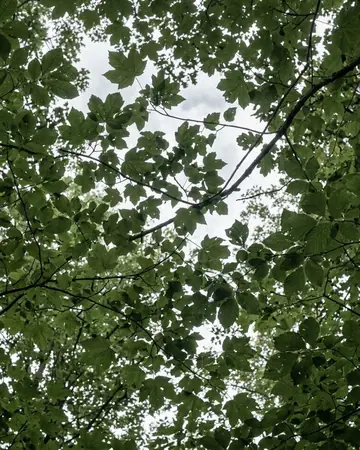
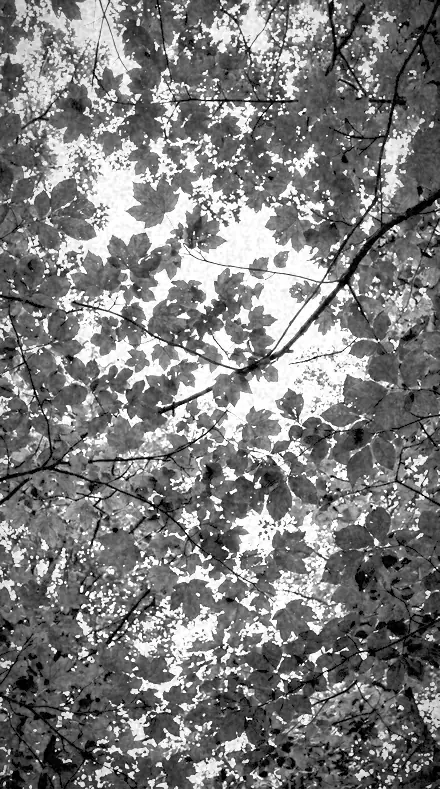
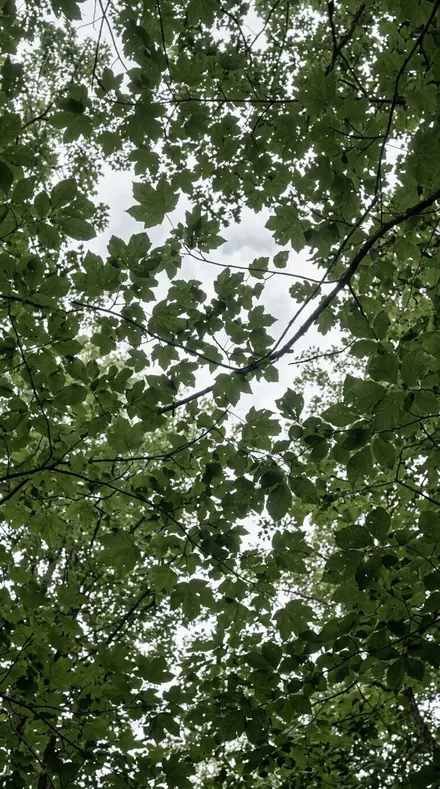
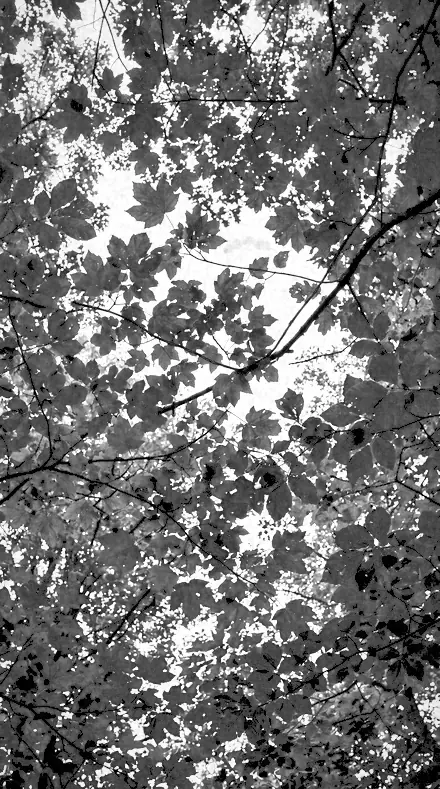
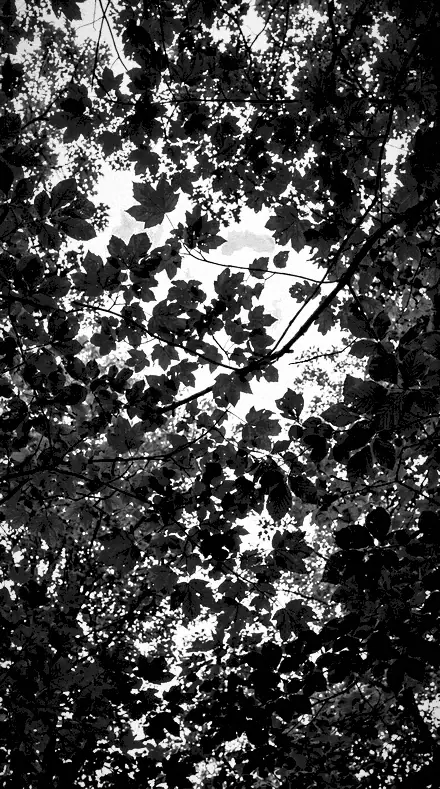
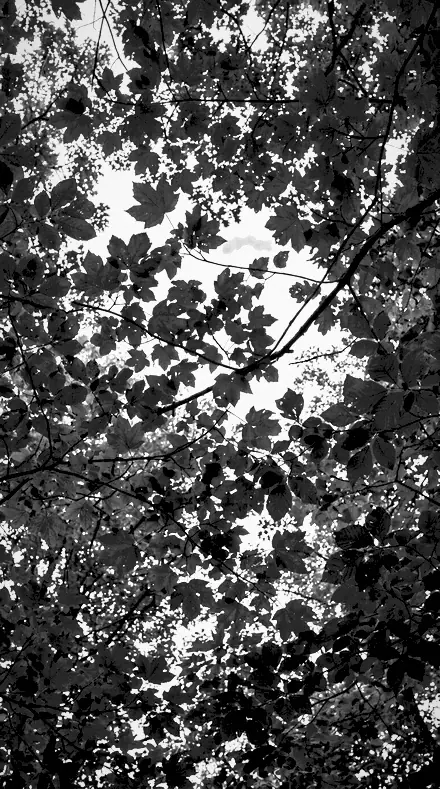
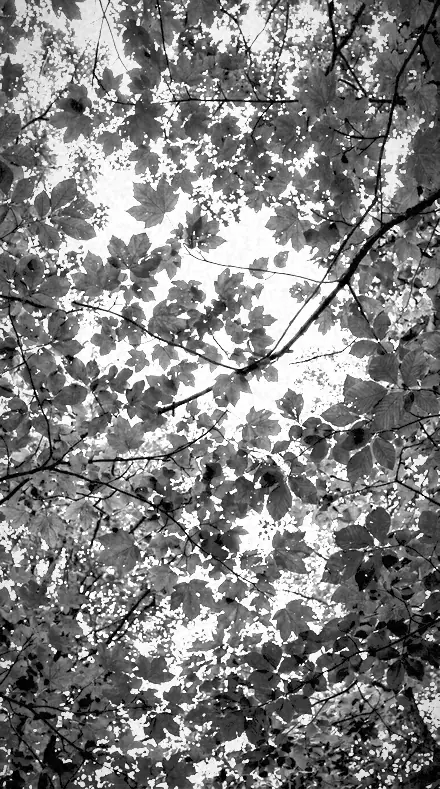
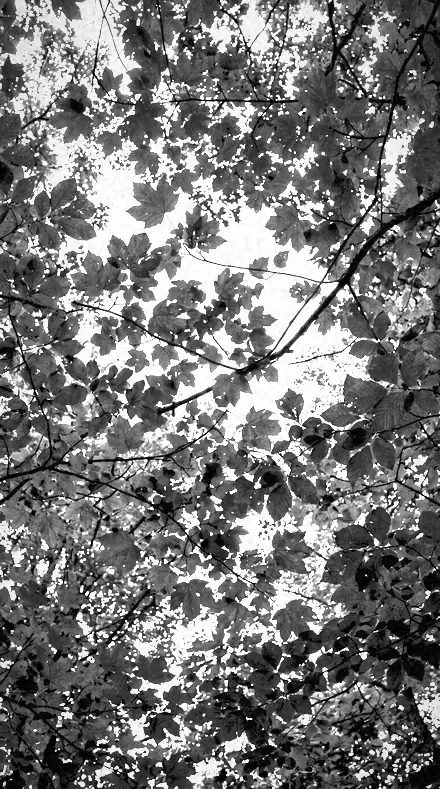
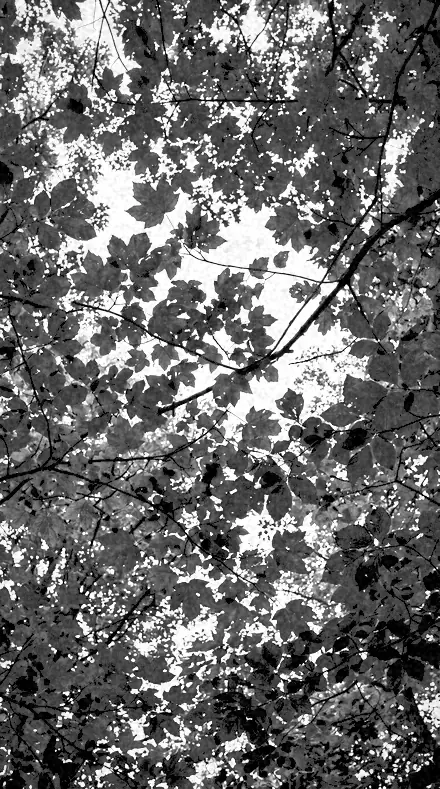
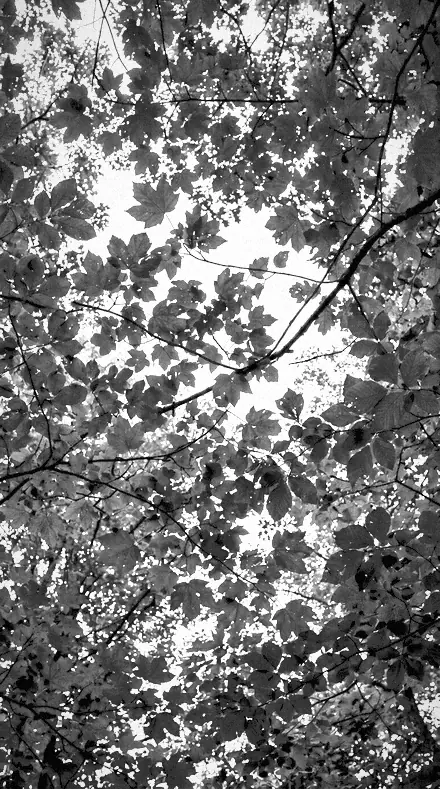
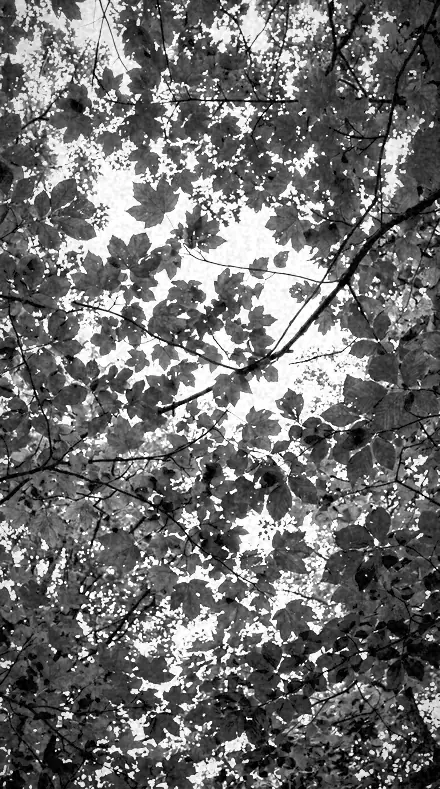
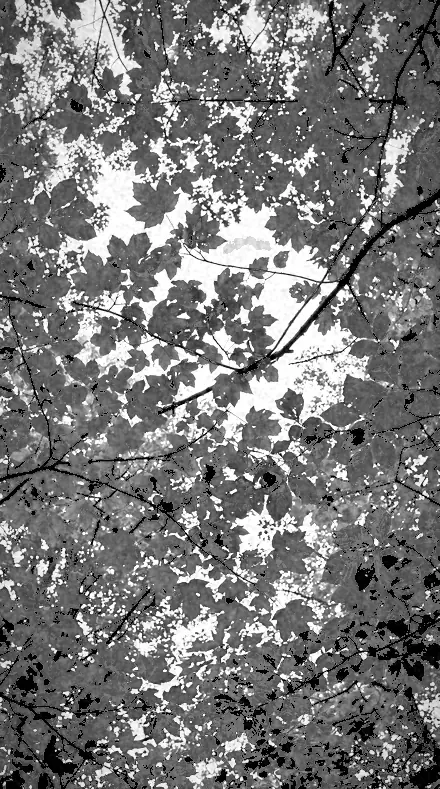
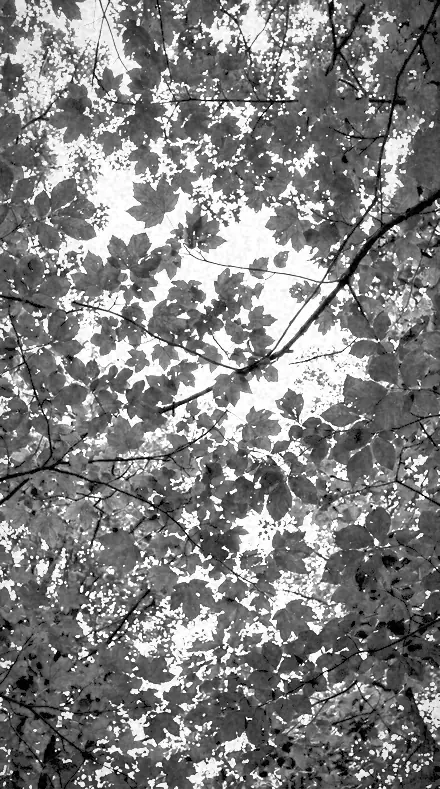
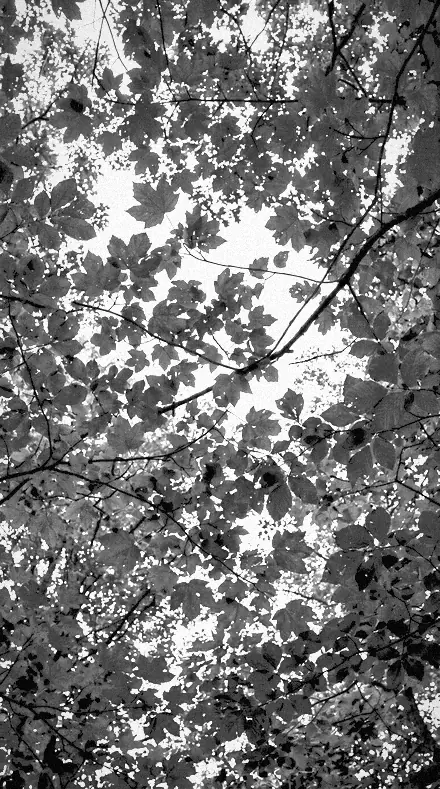
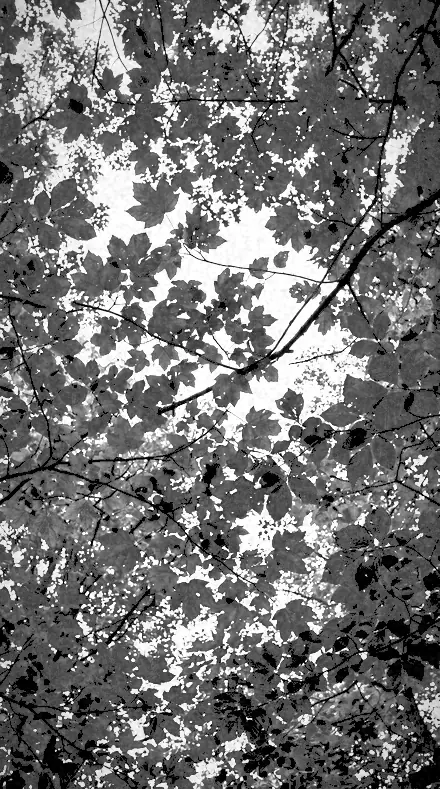
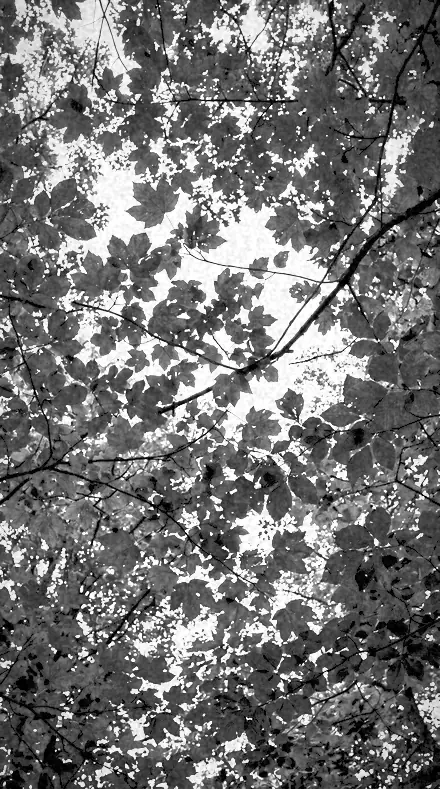
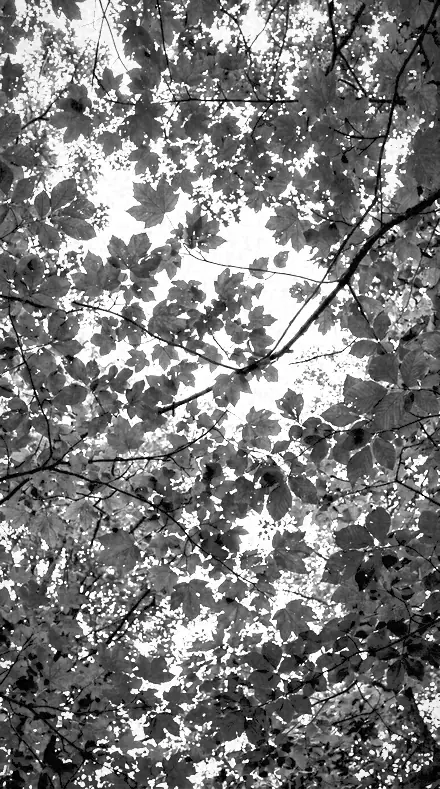
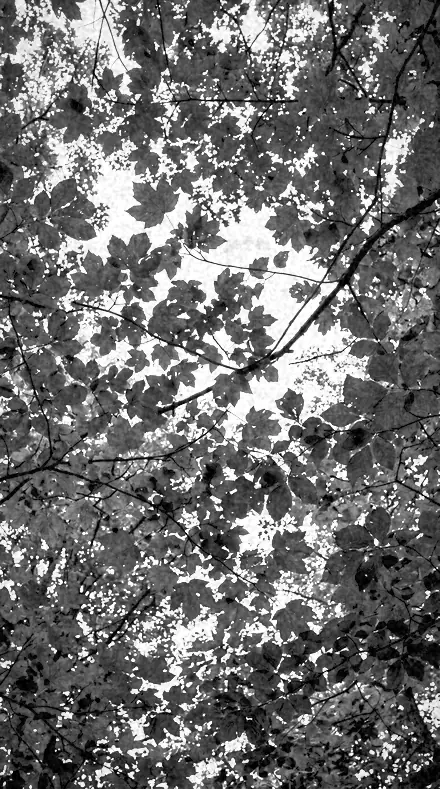
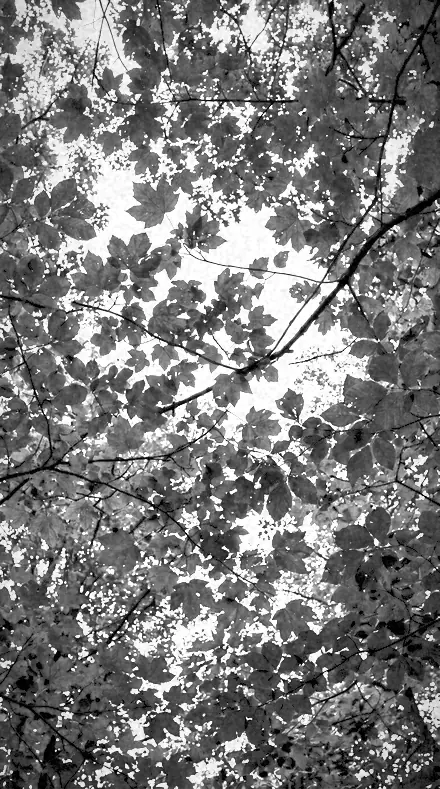
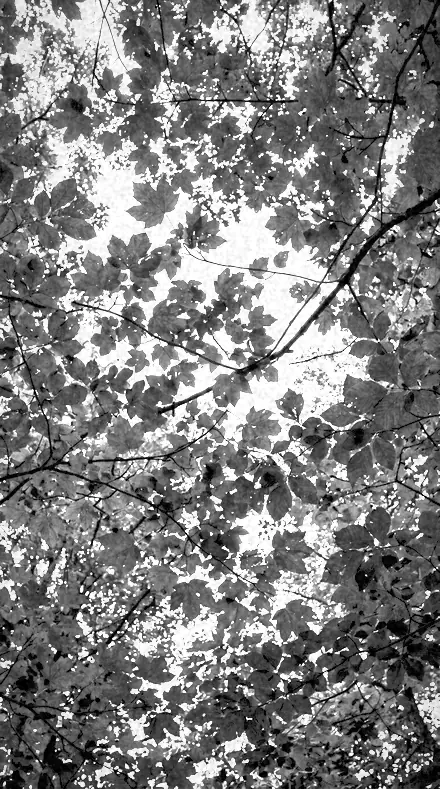
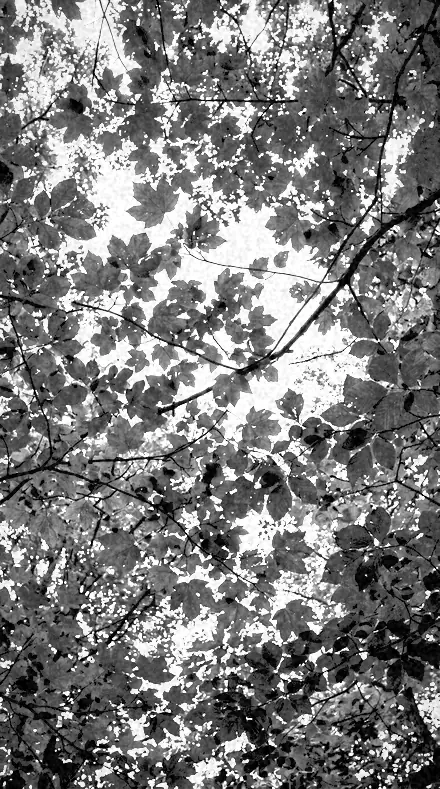
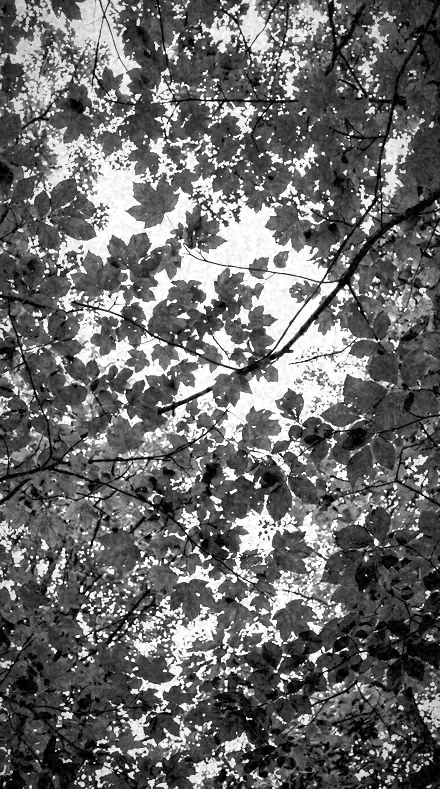
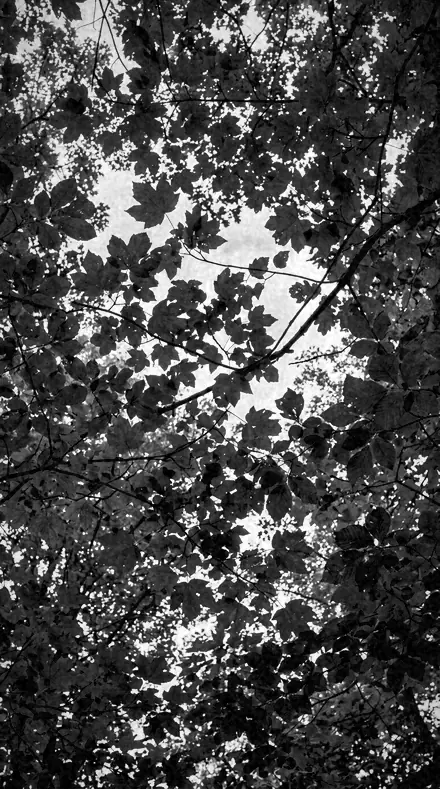
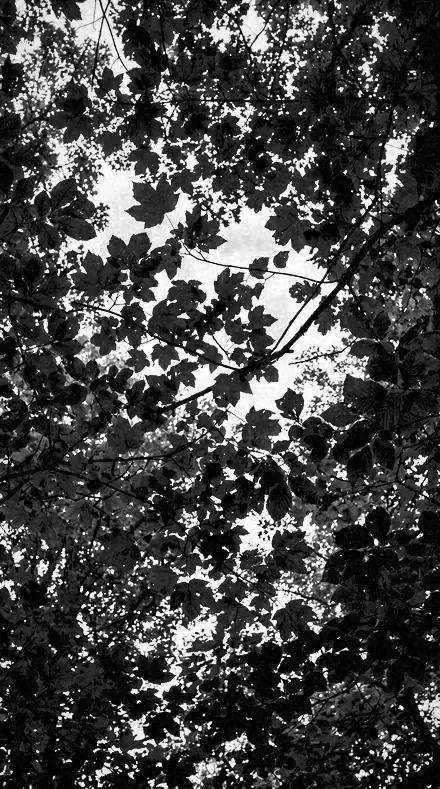
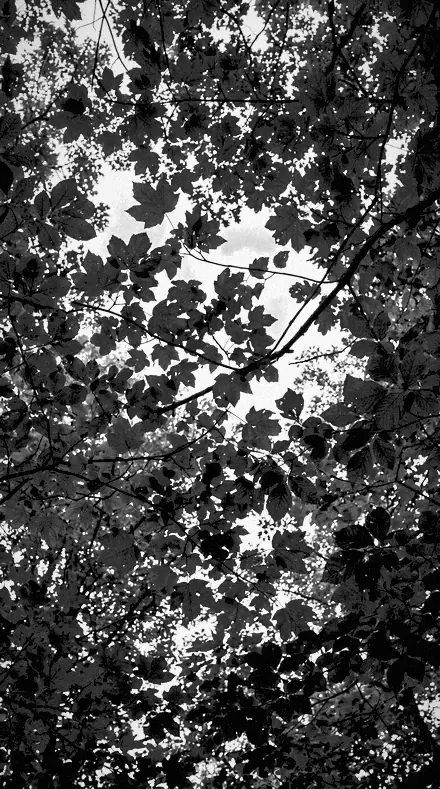
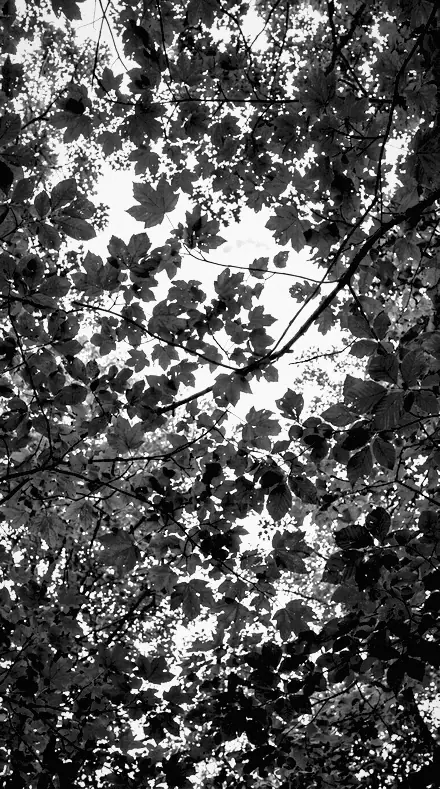
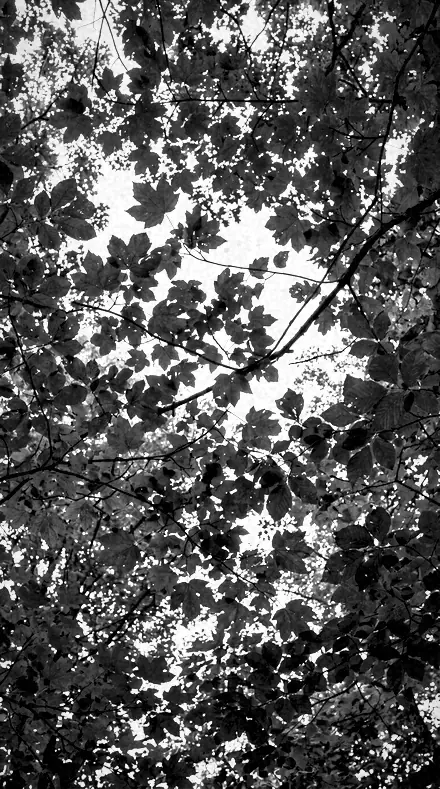
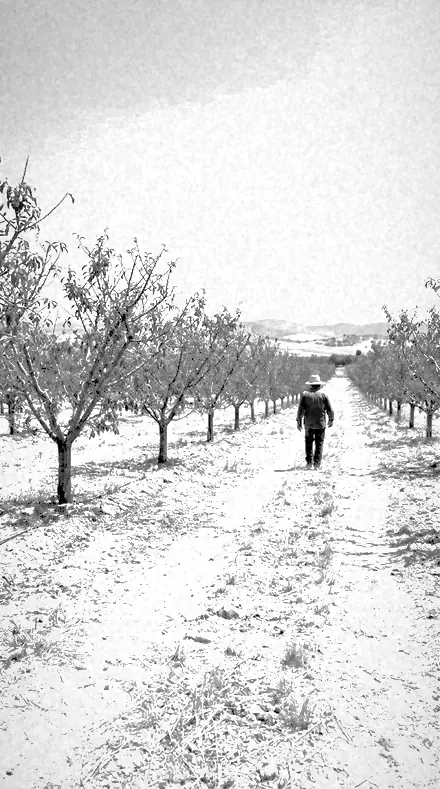
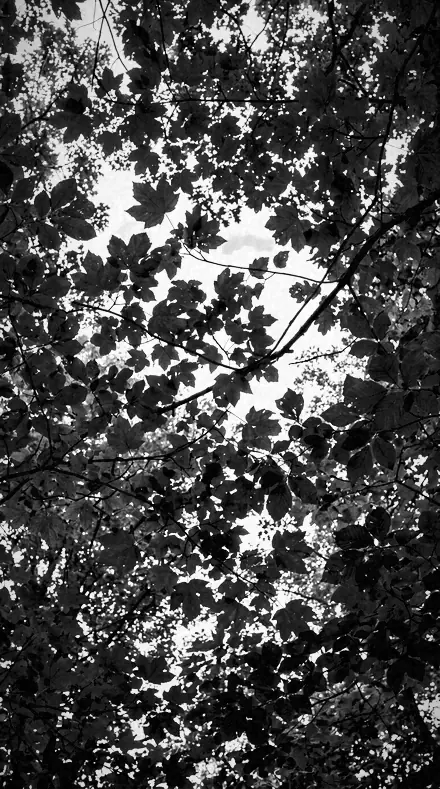
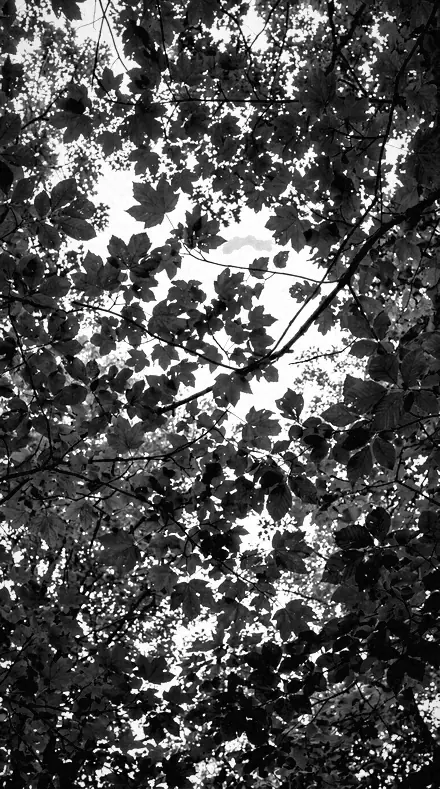
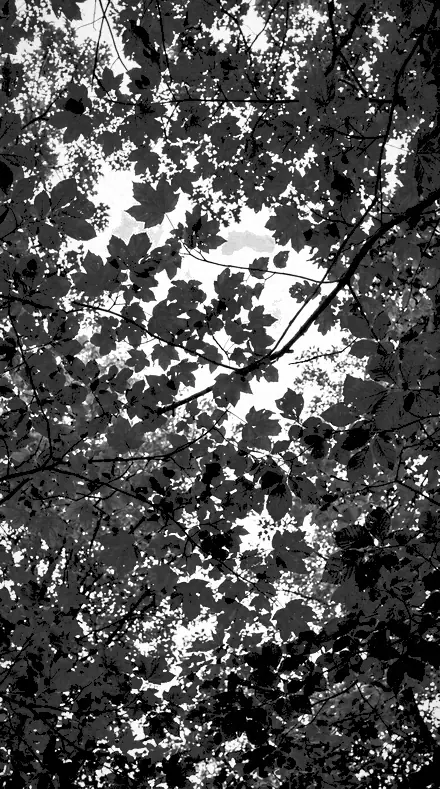
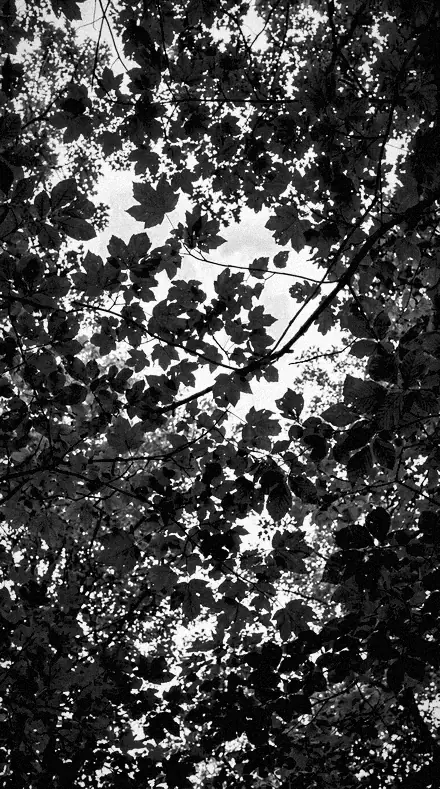
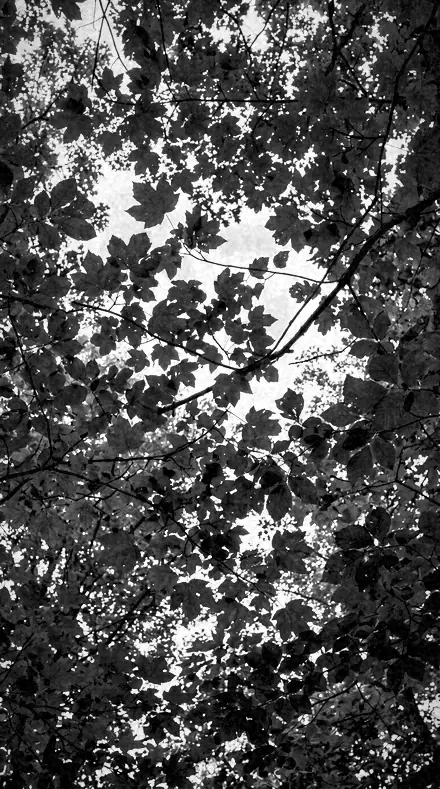
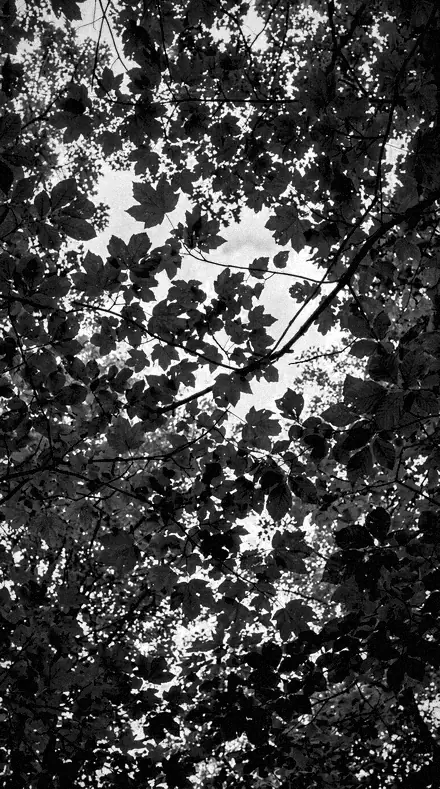
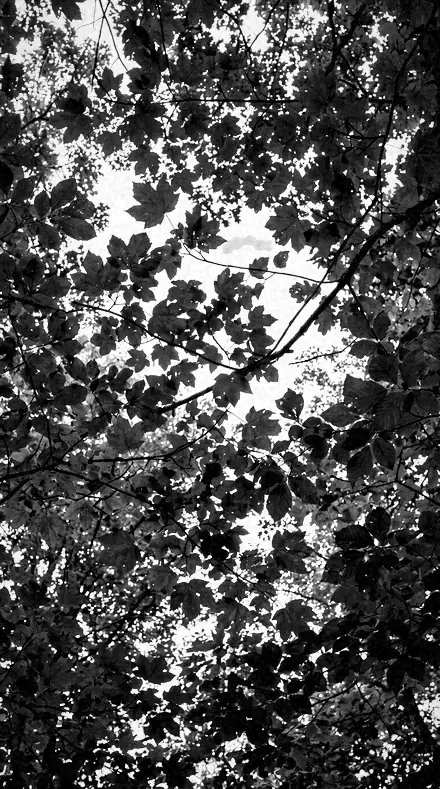
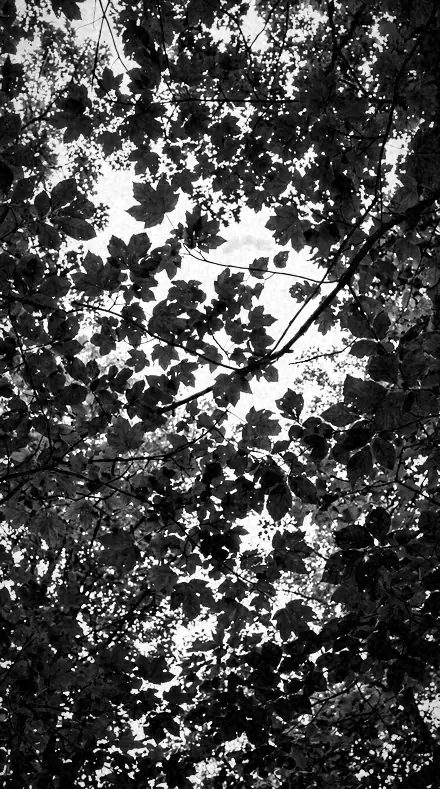
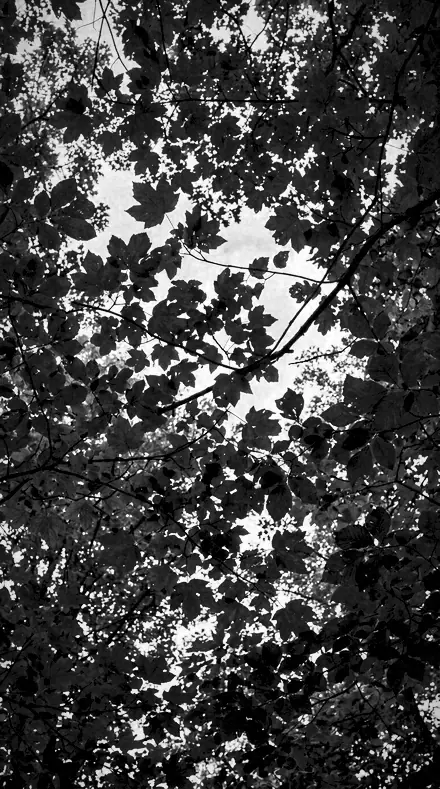
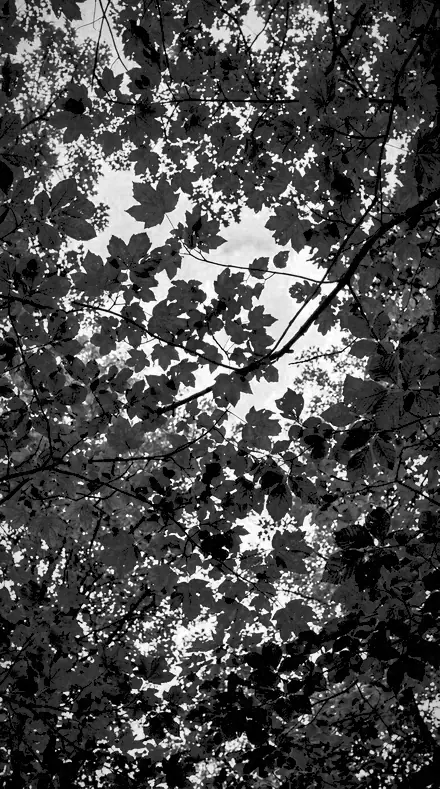
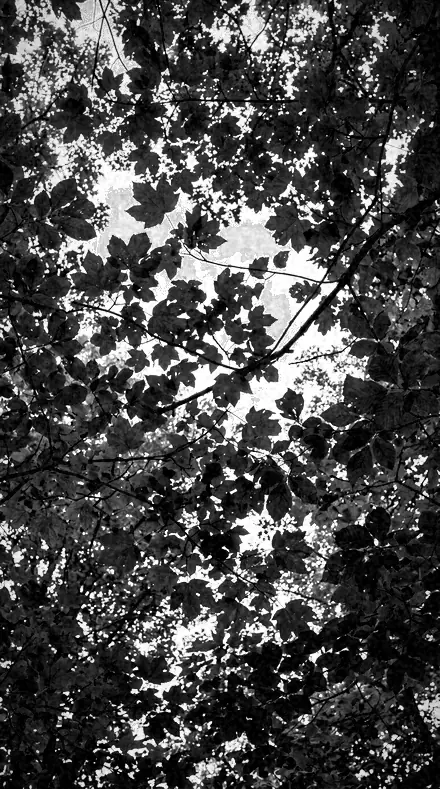
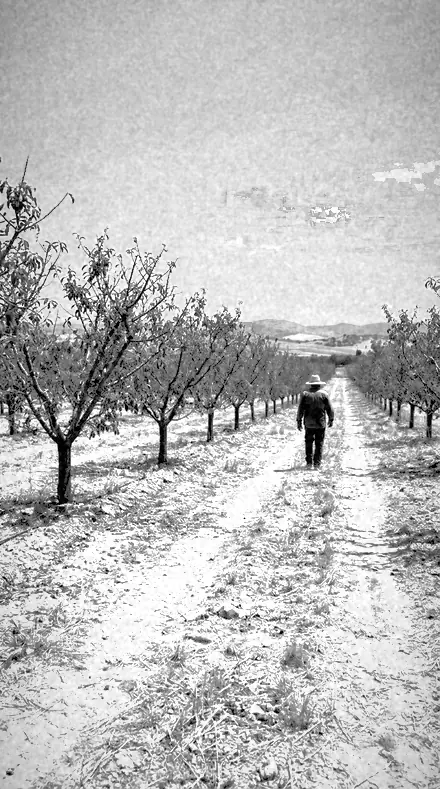
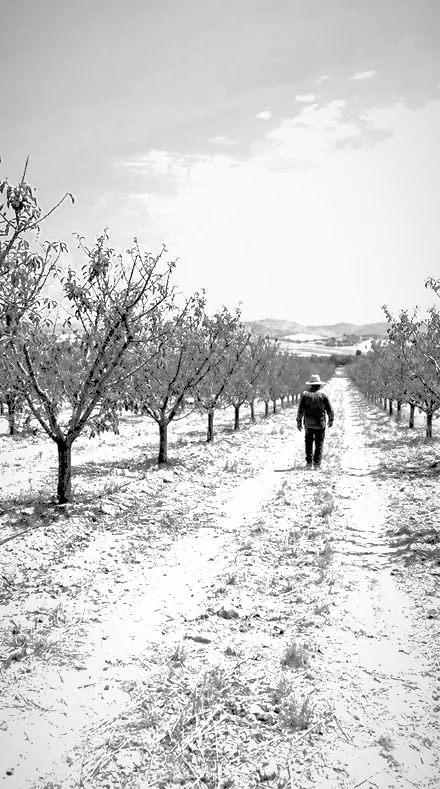
tree canopy. With the Infrawhite preset applied.tree canopy. Photographed without a preset.
Infrawhite applied to tree canopy

Infrared Look + Red Filter

Built for black and white editorial. The subjects inside it are monochrome, sky, landscape, night and nature. The light runs monochrome, film matte, crisp clean and mid.

Infrawhite Infrared Look + Red Filter is 36 presets in 2 collections.

was $129.99now $79.99

This is the welcome price.

Instant download.

Add it and keep looking. Your cart follows you across every store in the network.

  • Works inLightroom desktop and mobile
  • Format.xmp and .dng
  • DeliveryInstant download, and it stays in your account

What it does to a photograph

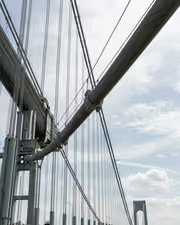
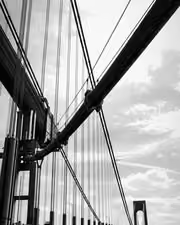
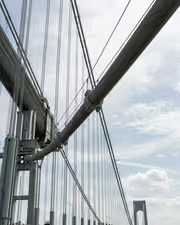
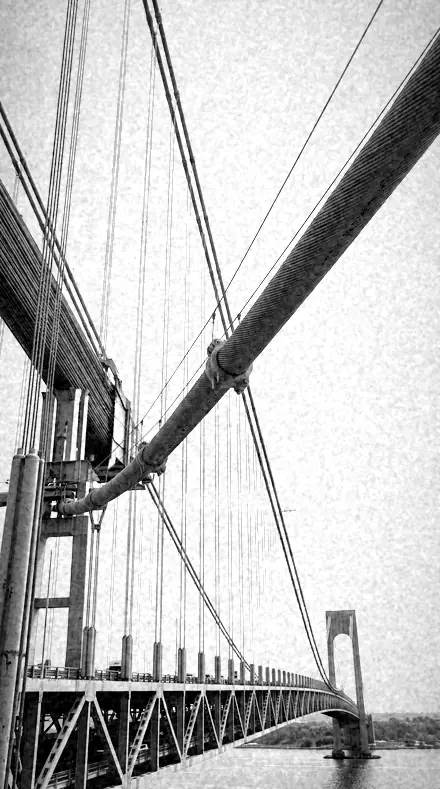
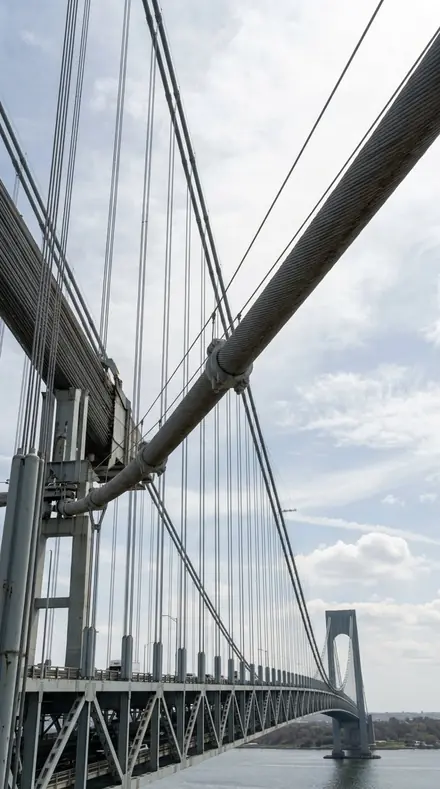
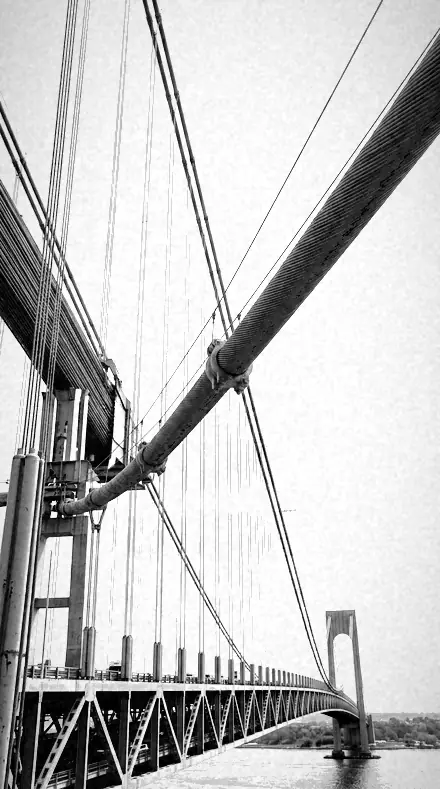
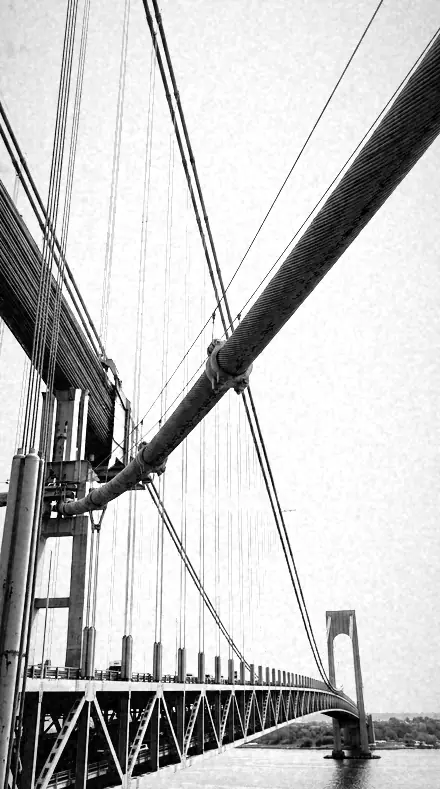
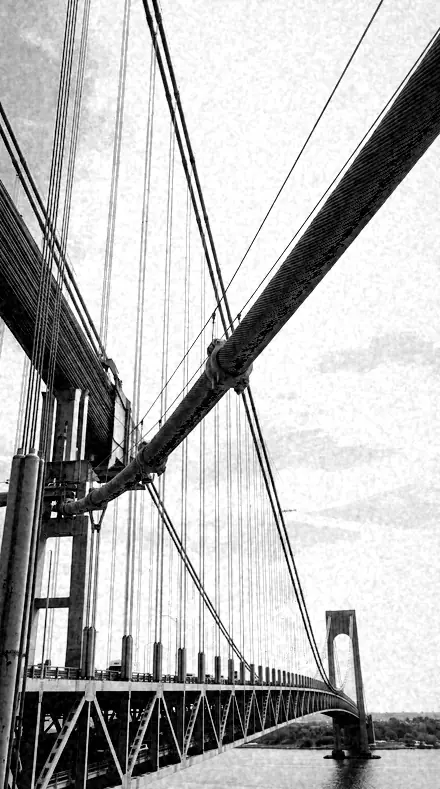
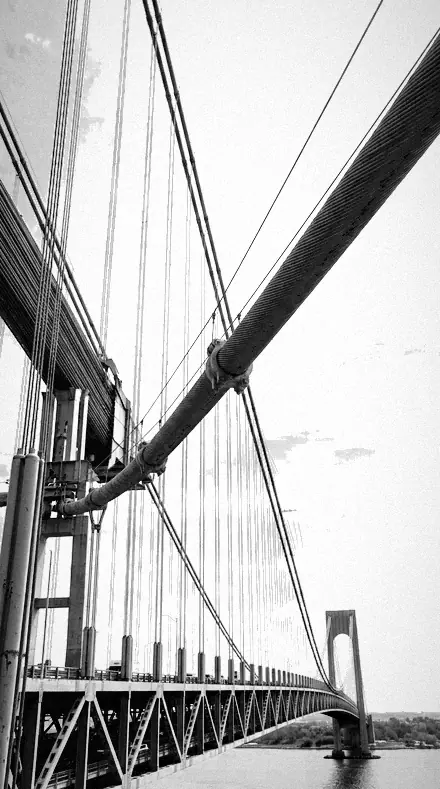
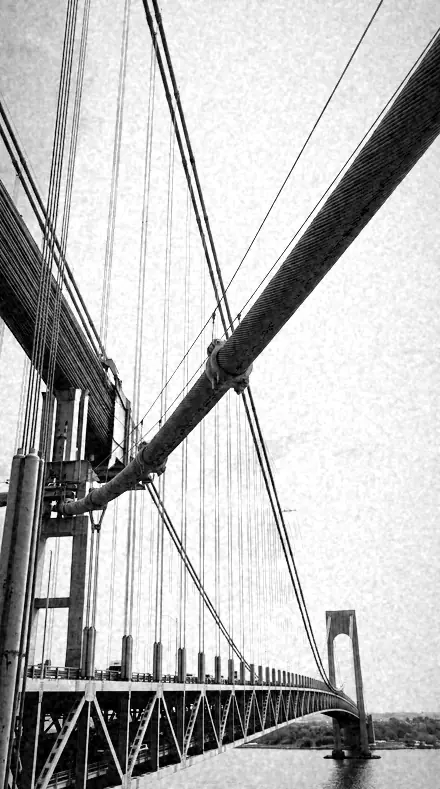
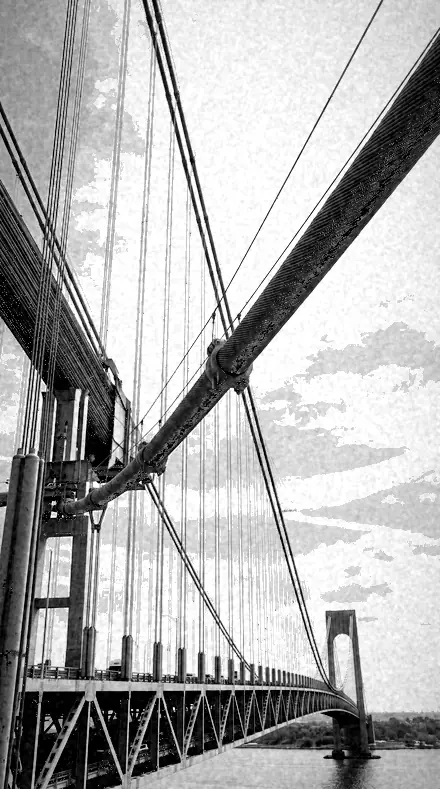
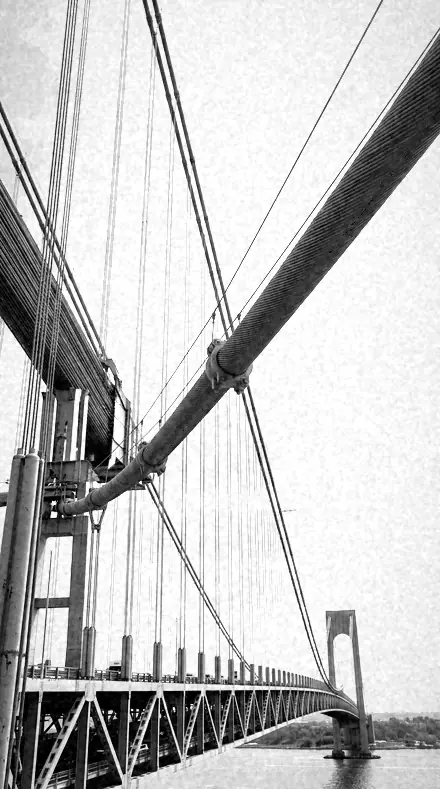
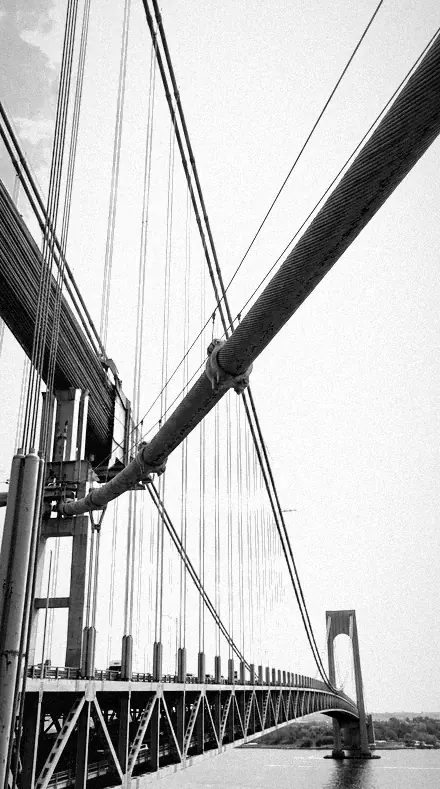
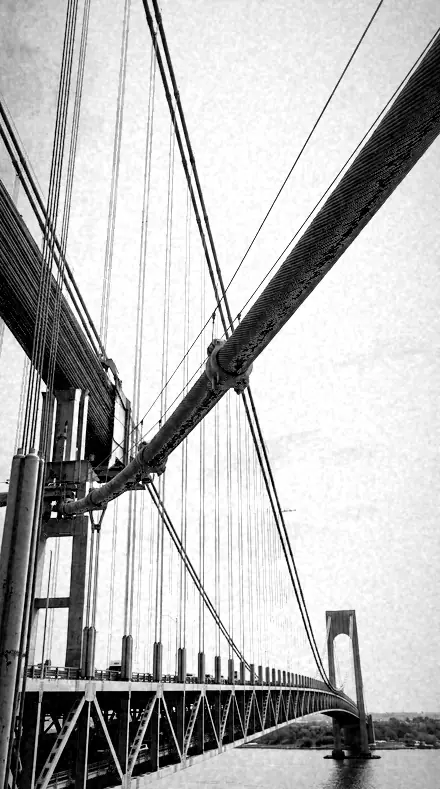
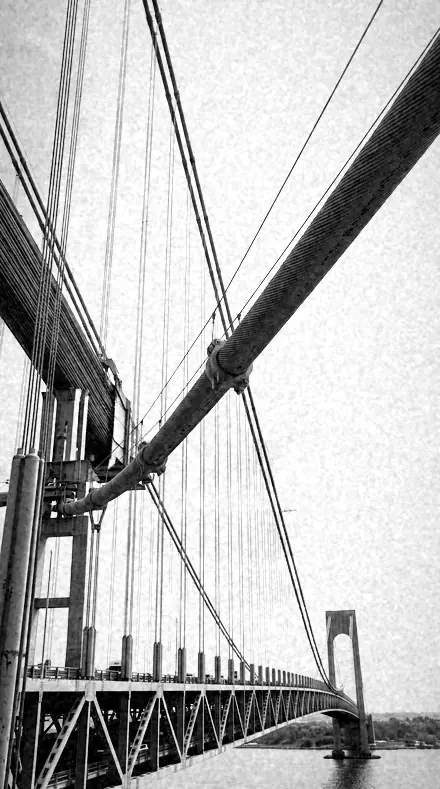
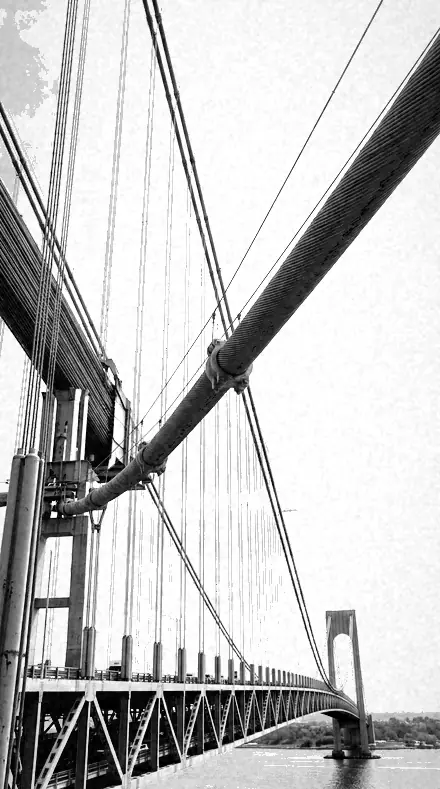
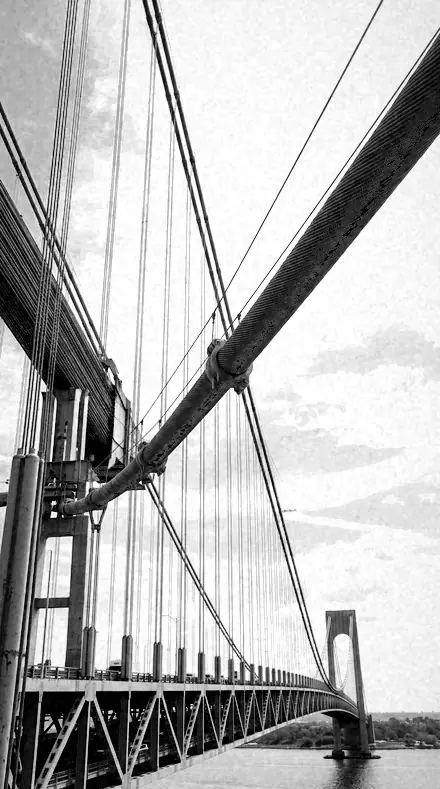
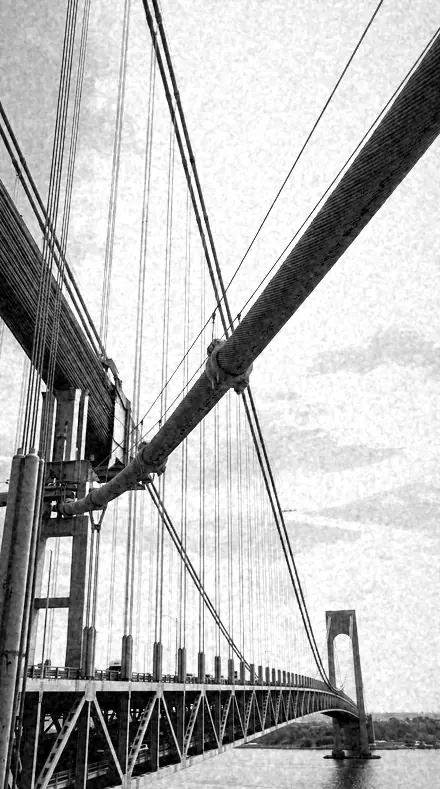
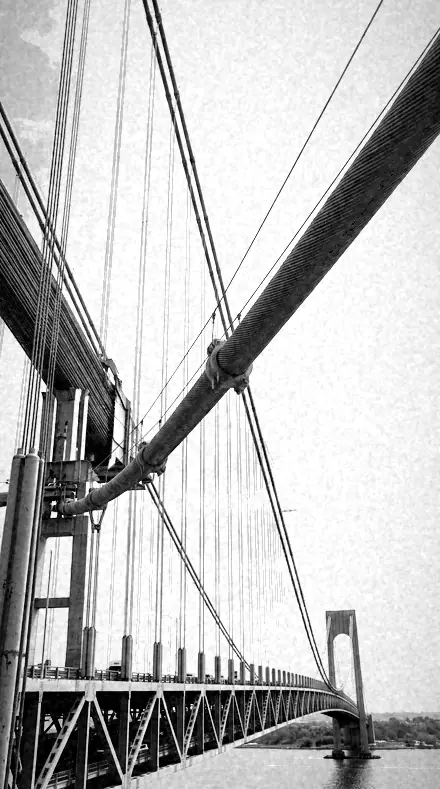
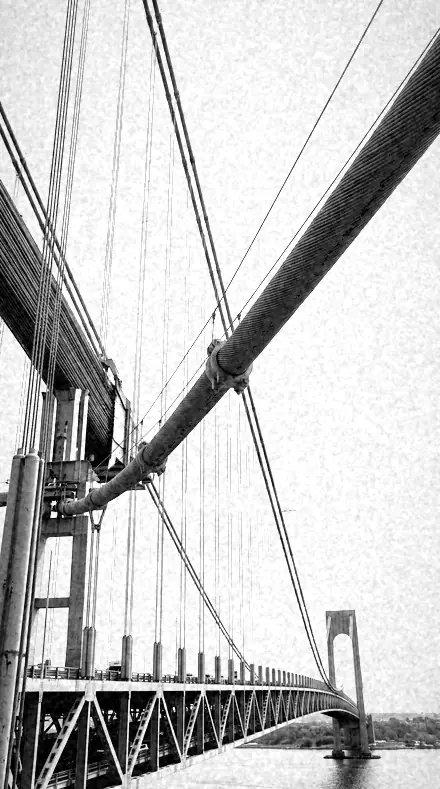
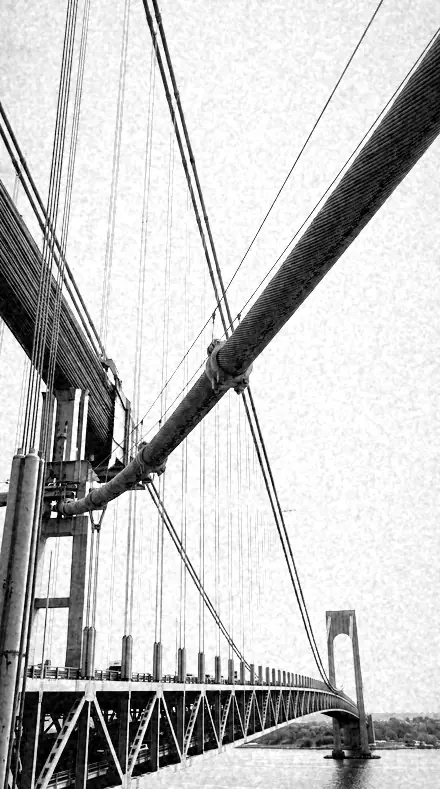
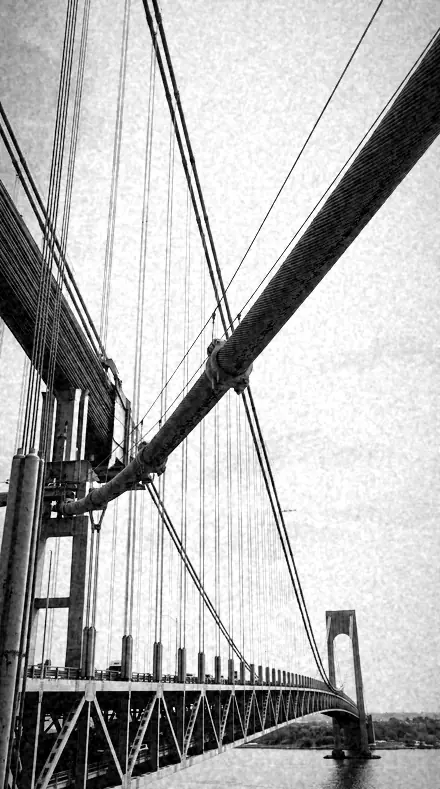
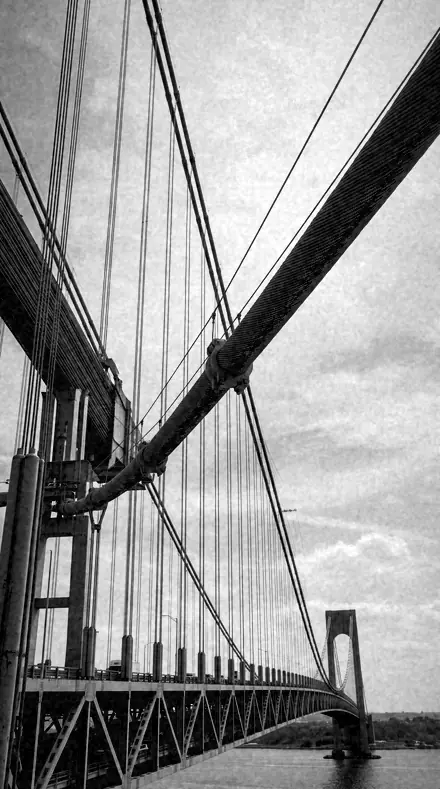
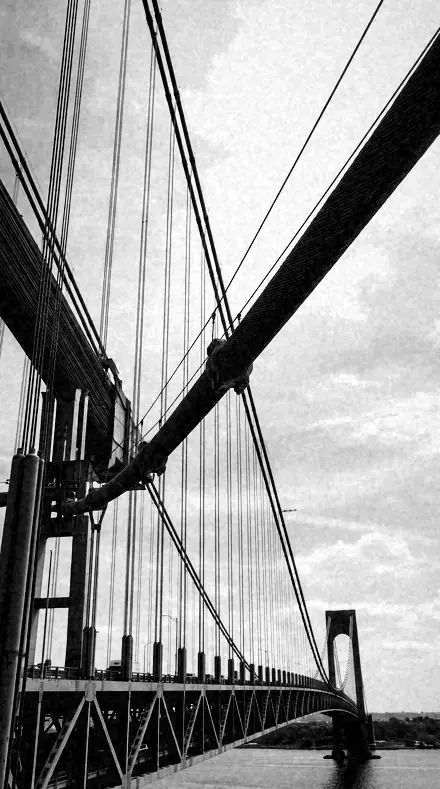
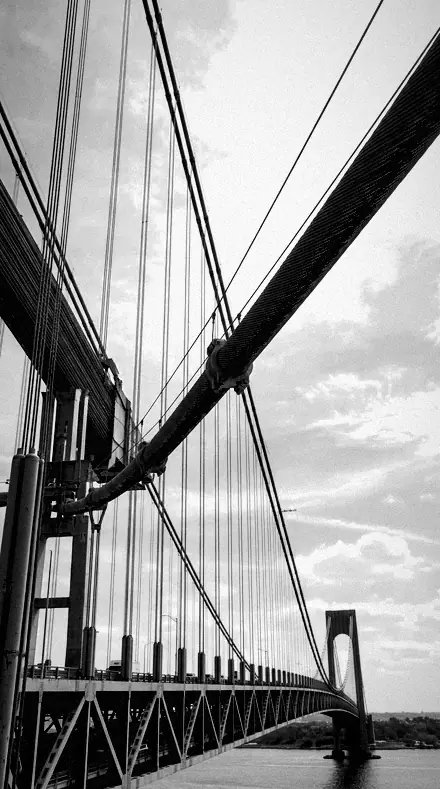
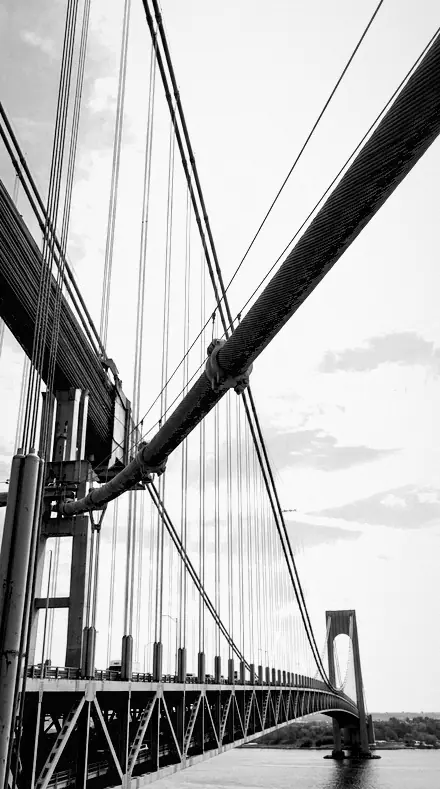
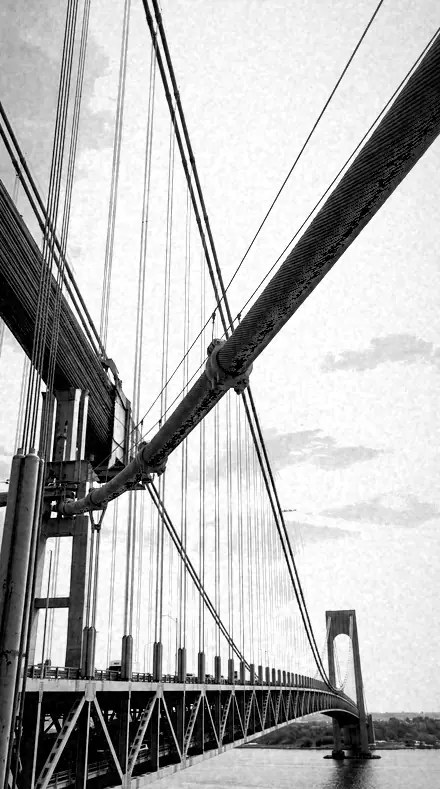
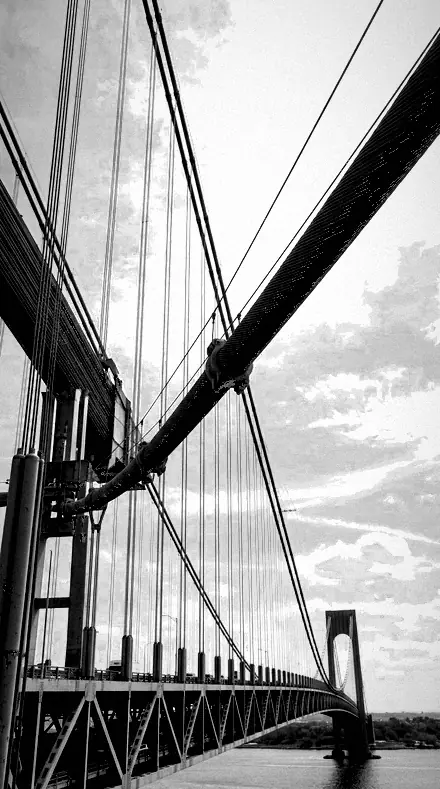
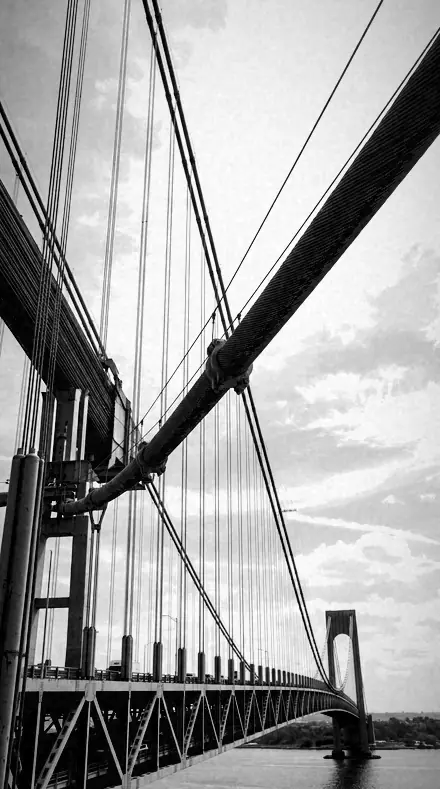
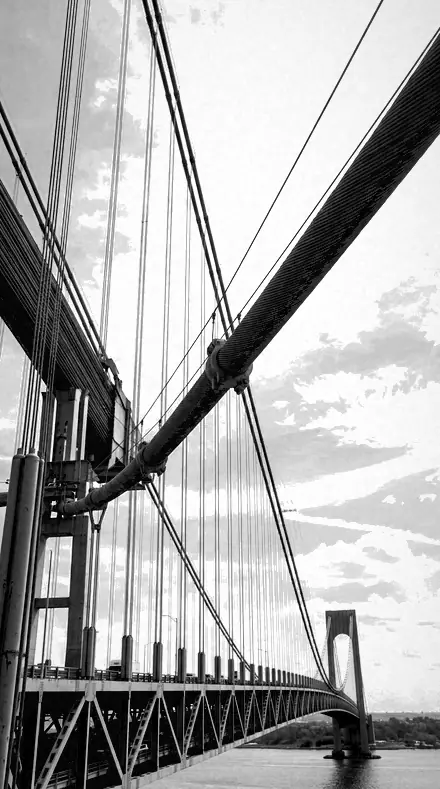
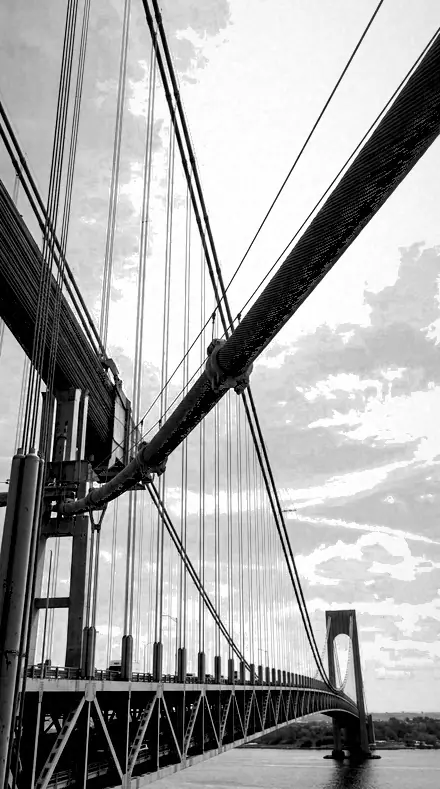
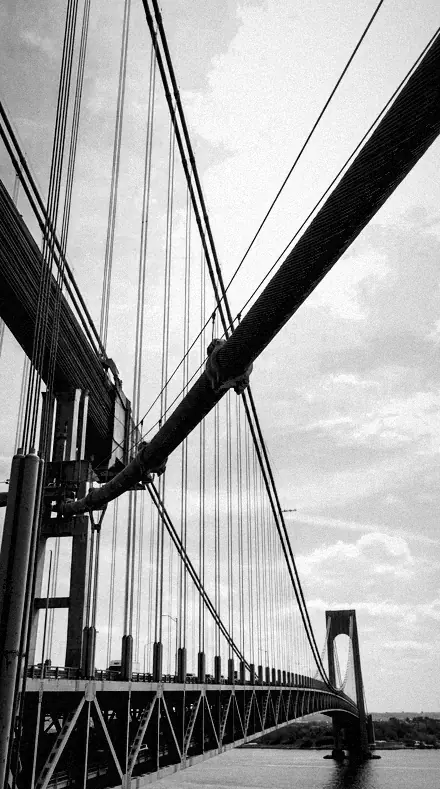
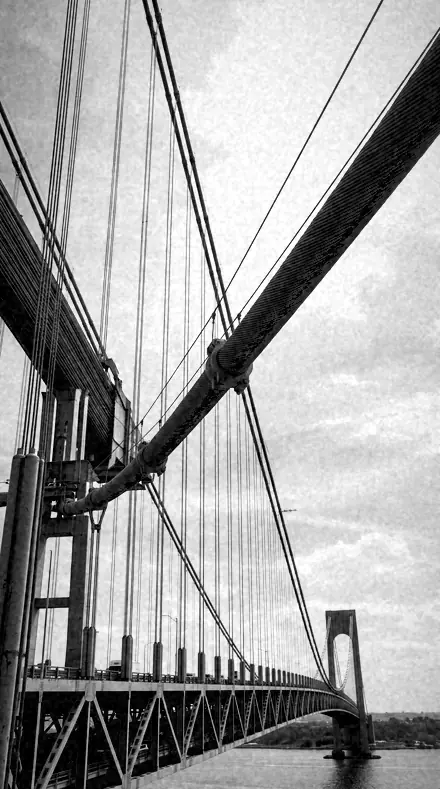
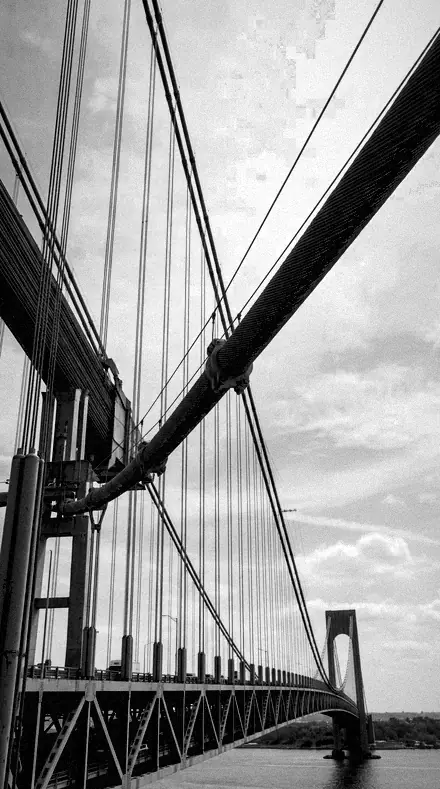
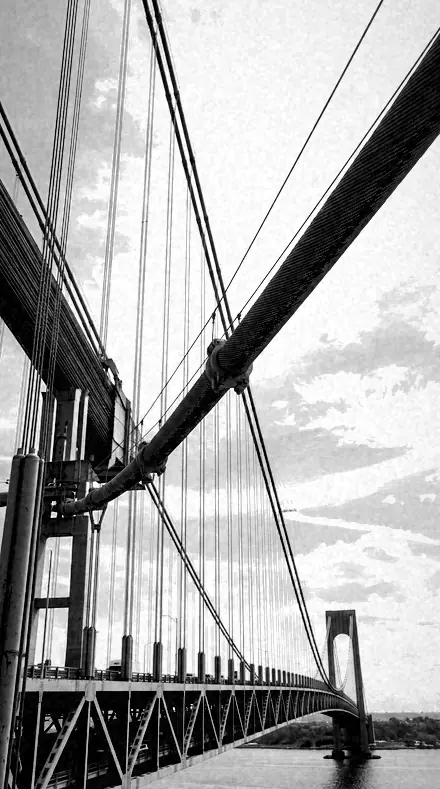
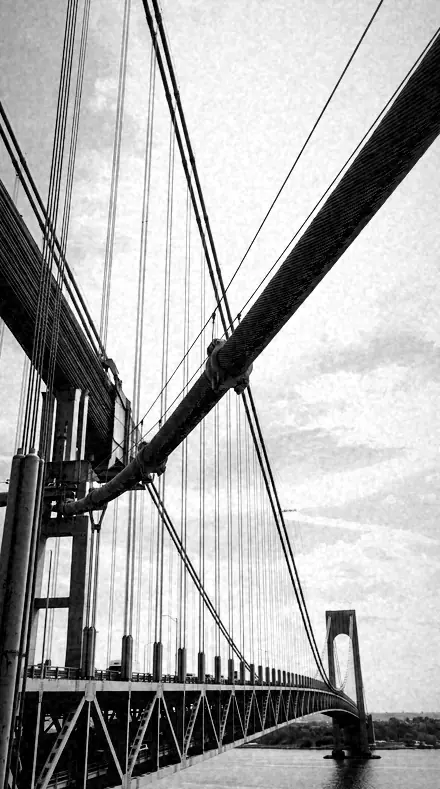
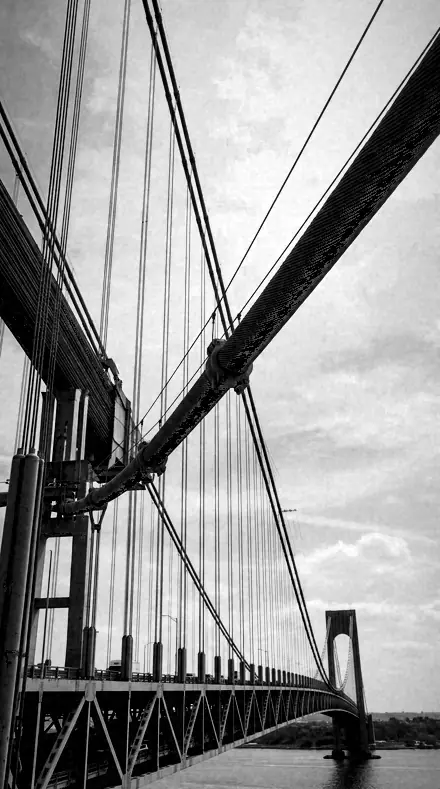
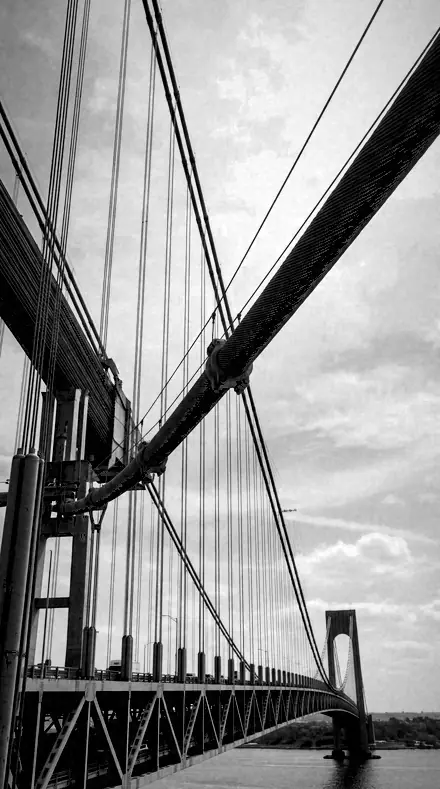
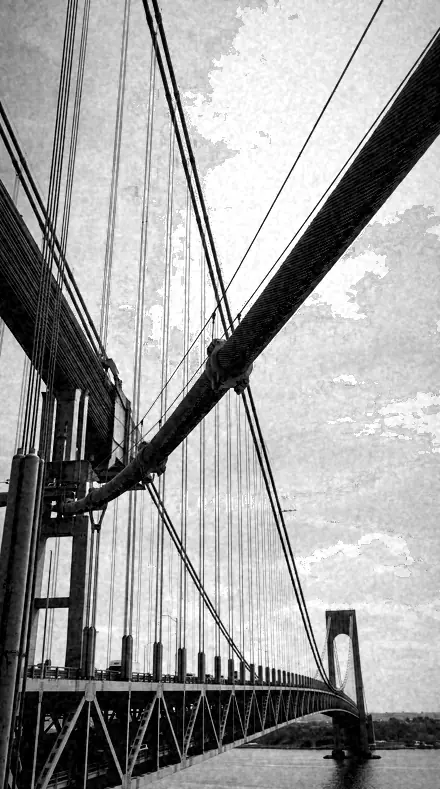
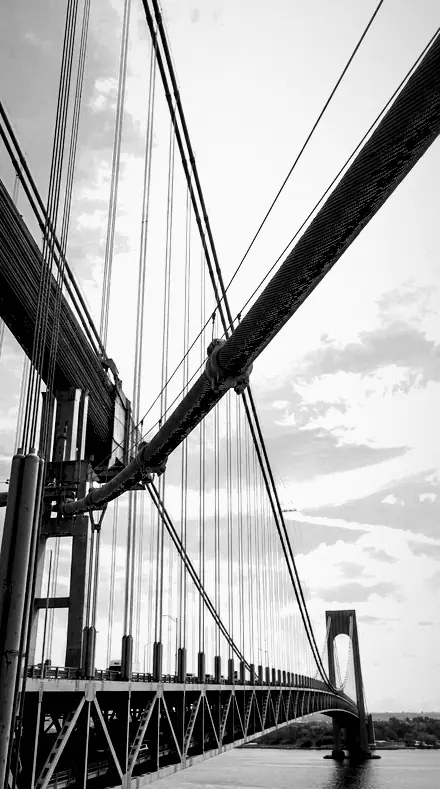
bridge cables. With the Infrawhite preset applied.bridge cables. Photographed without a preset.
Infrawhite applied to bridge cables
bridge cables, graded with Infrawhite: 2 of this library's 2 collections
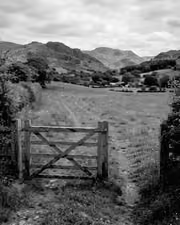
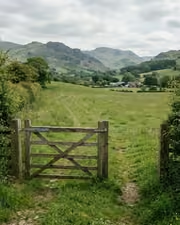
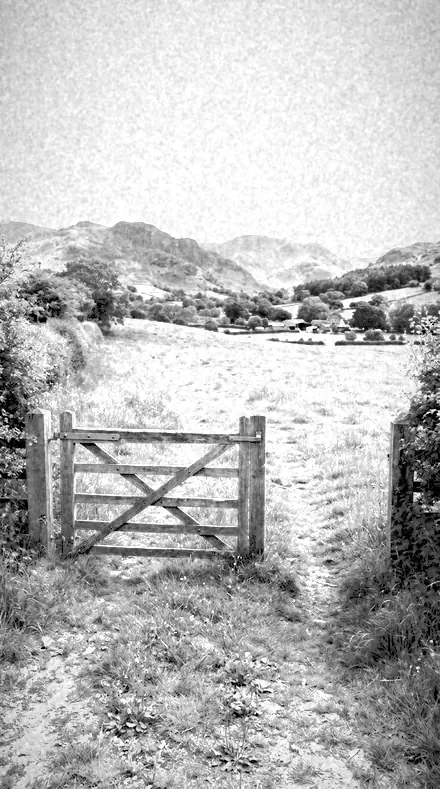
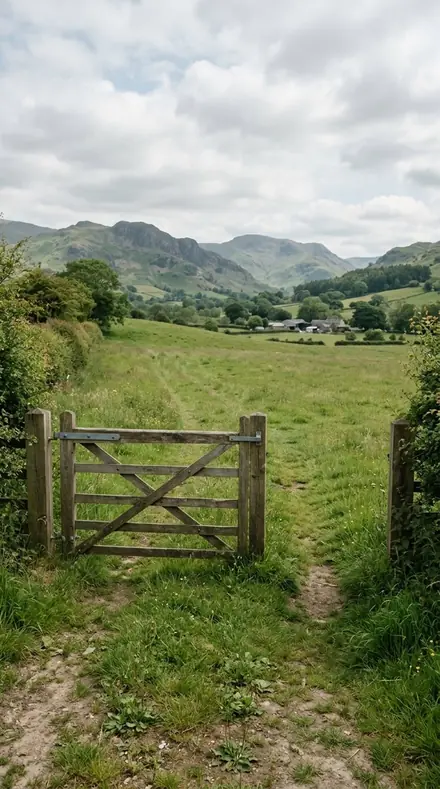
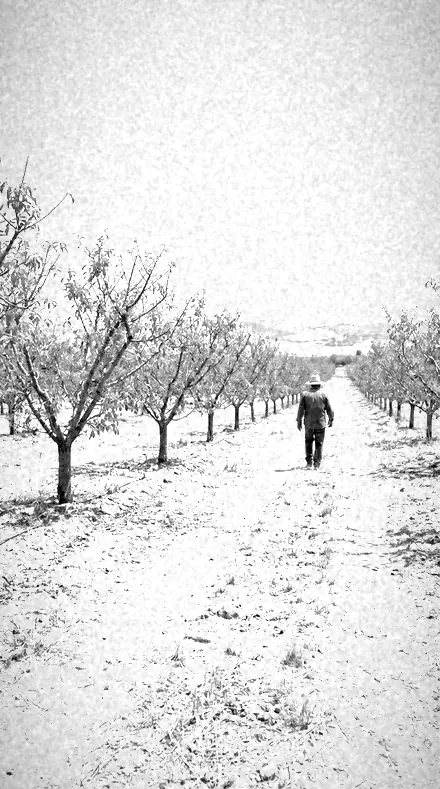
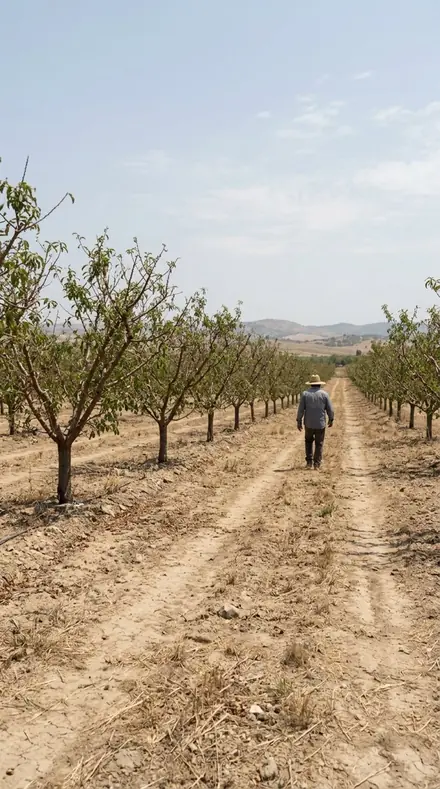
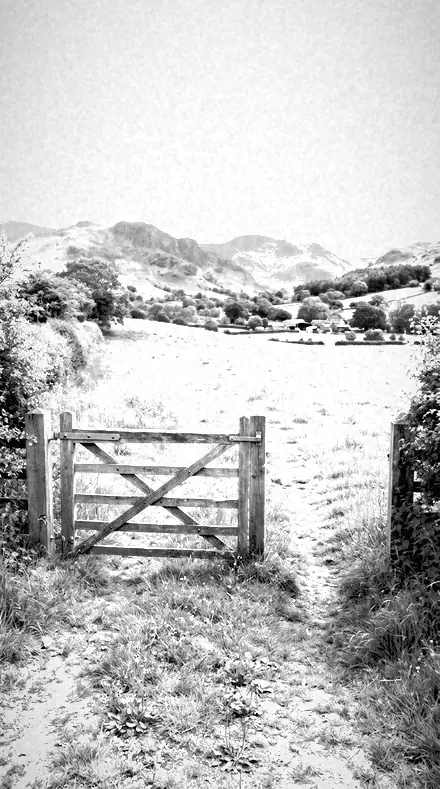
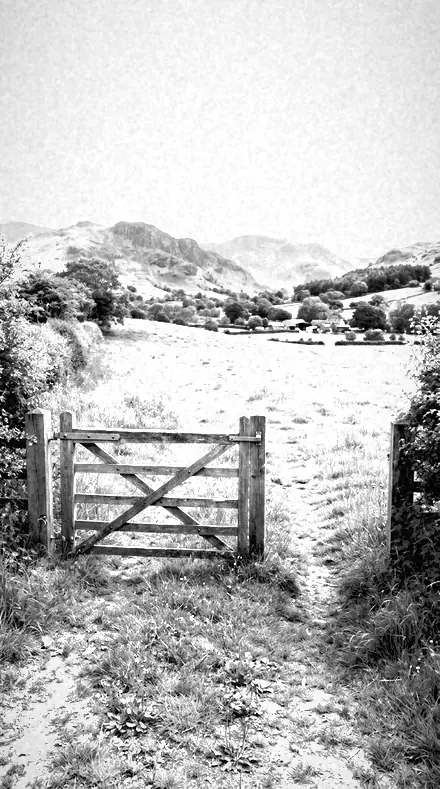
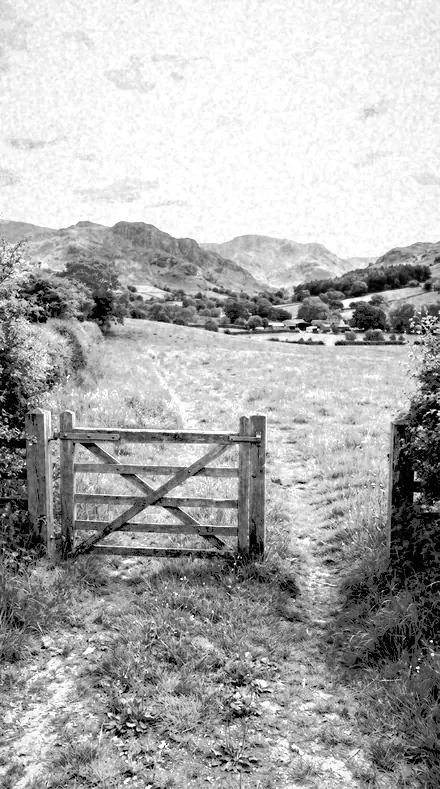
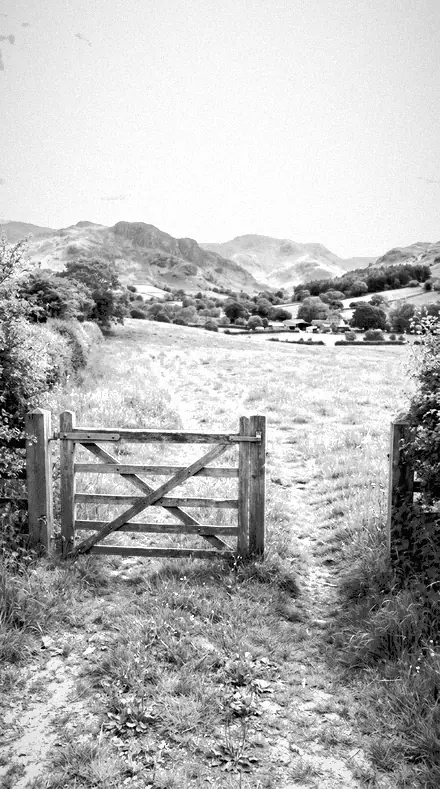
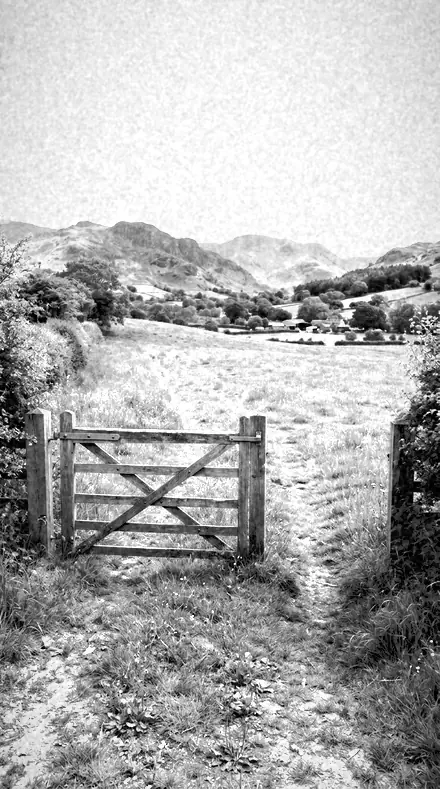
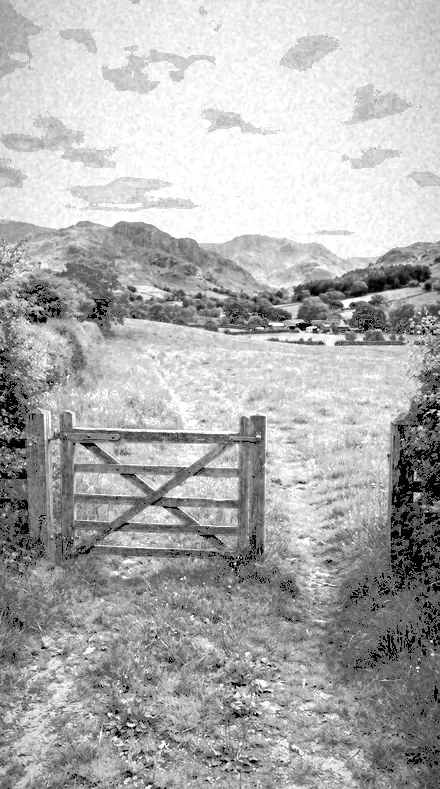
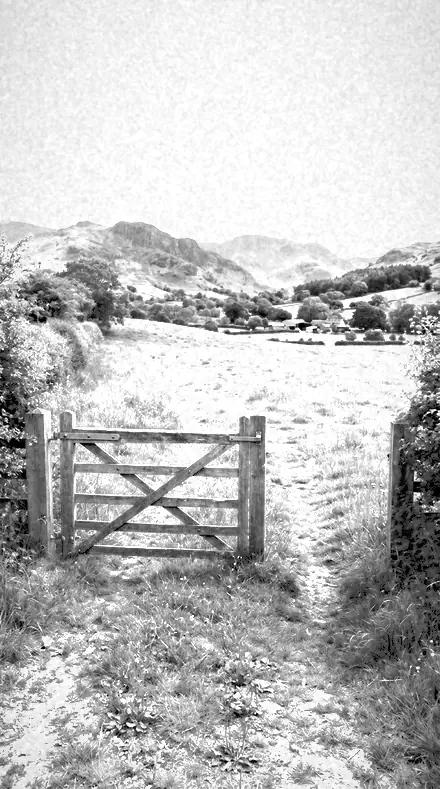
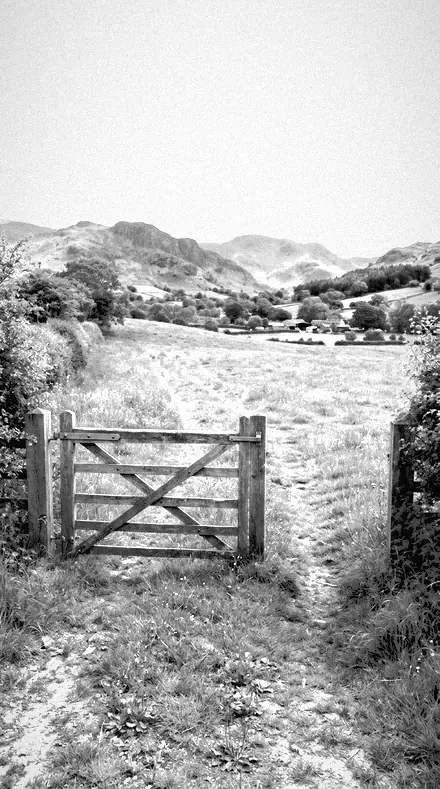
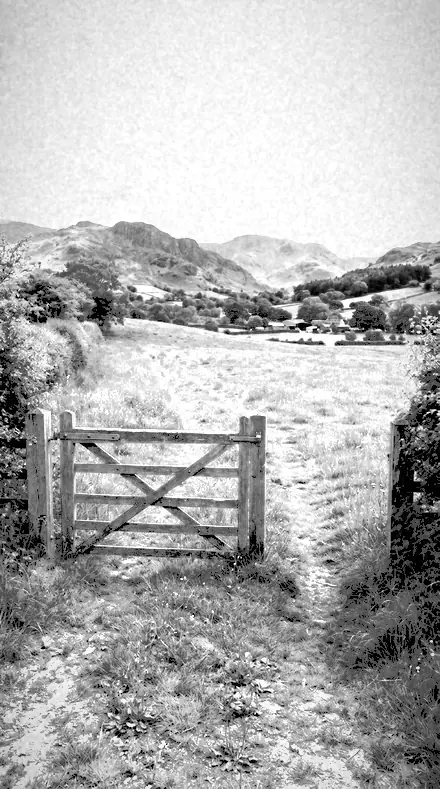
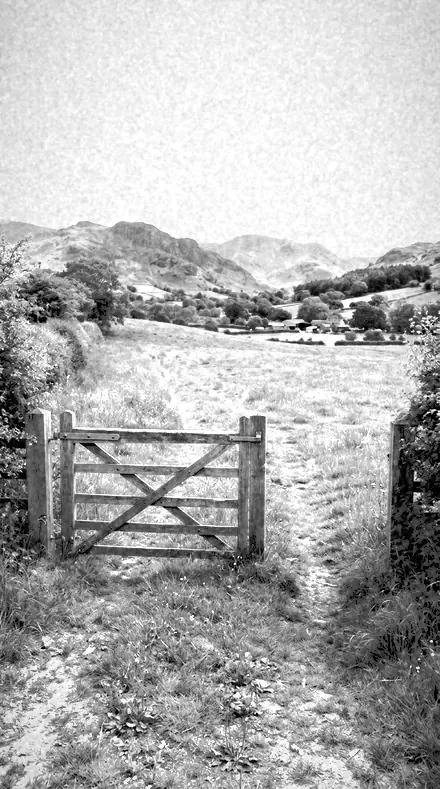
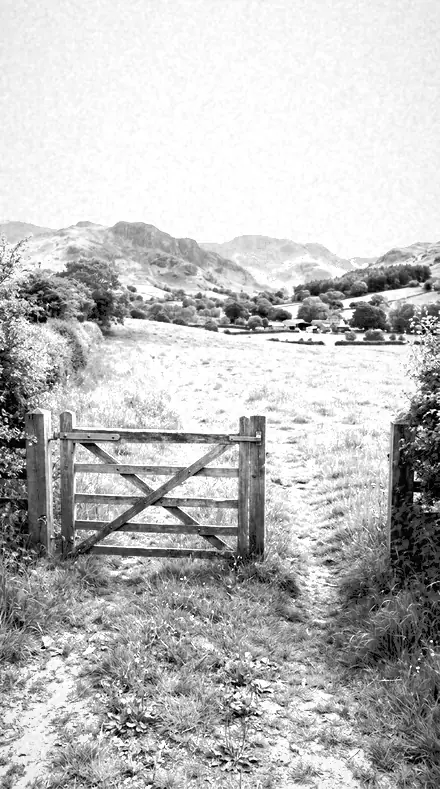
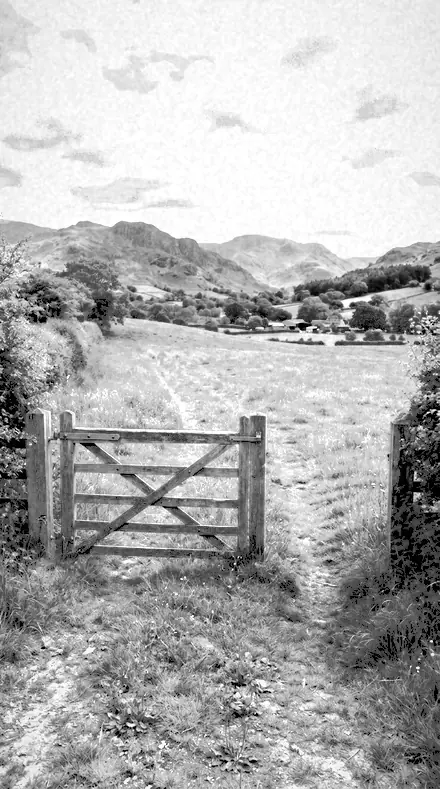
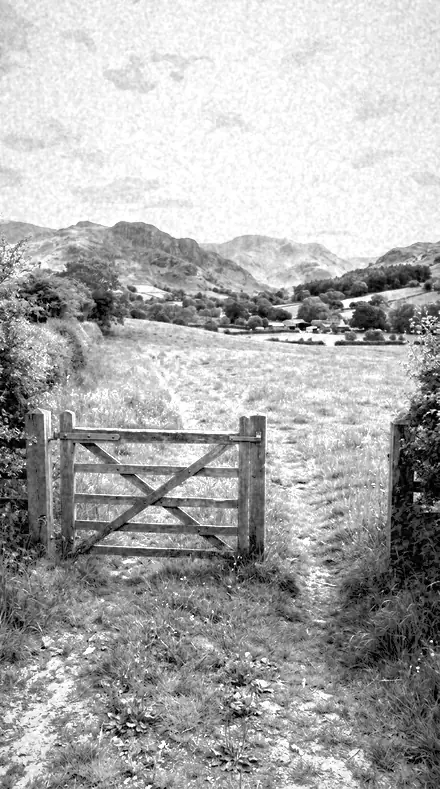
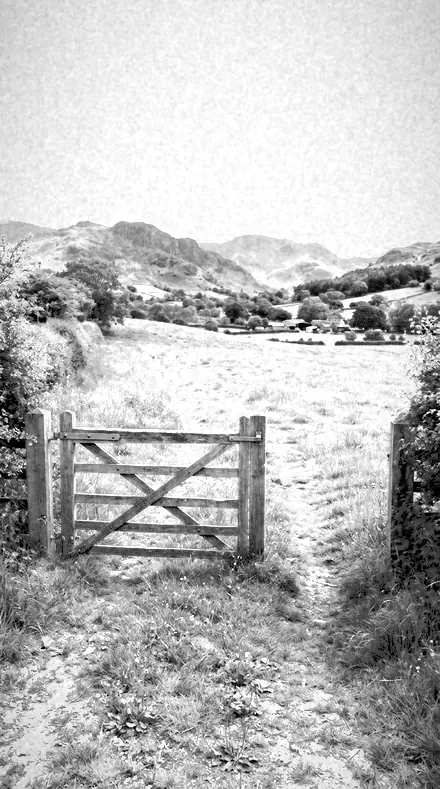
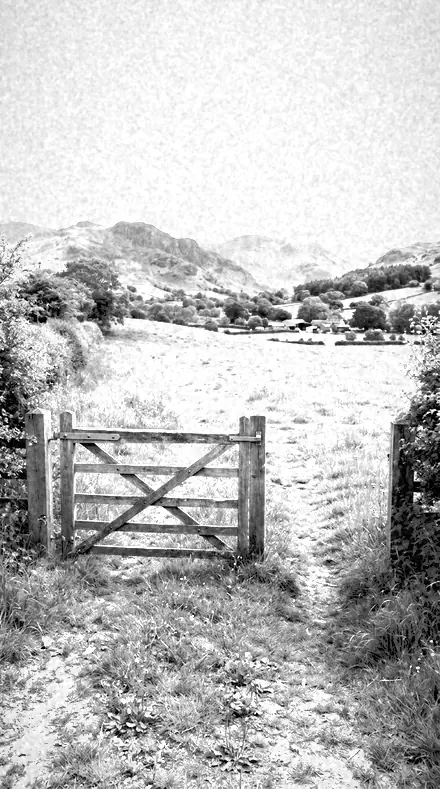
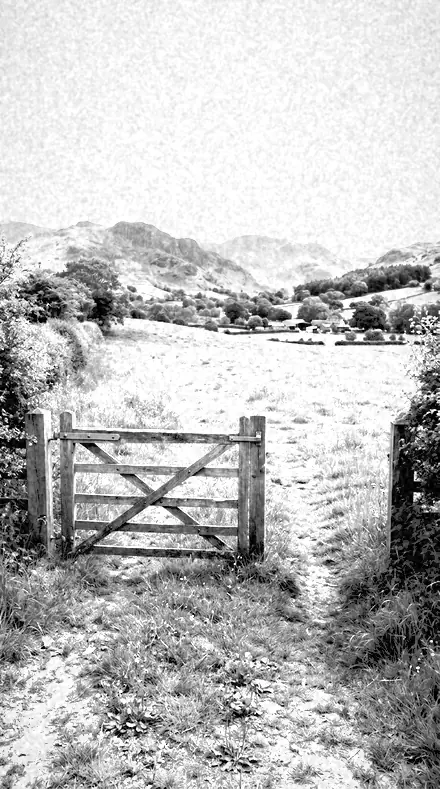
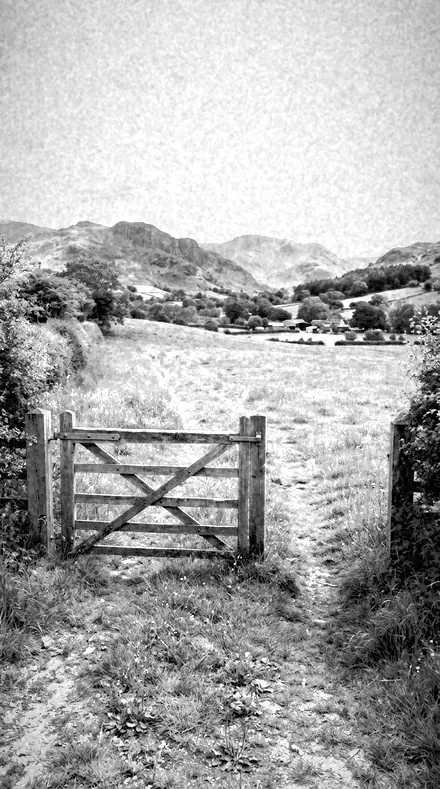
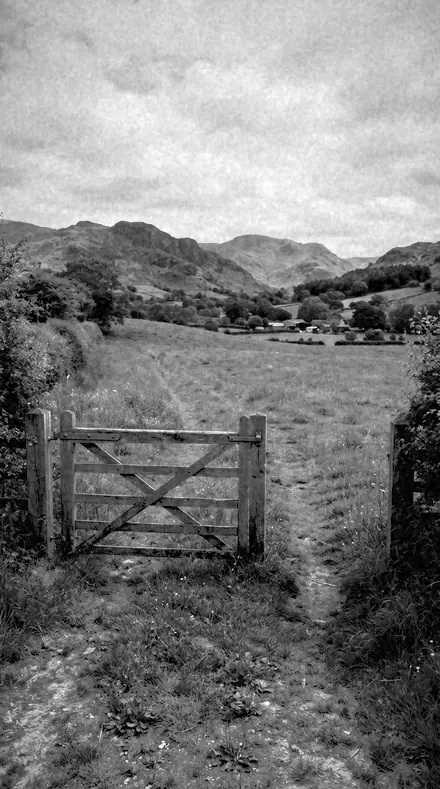
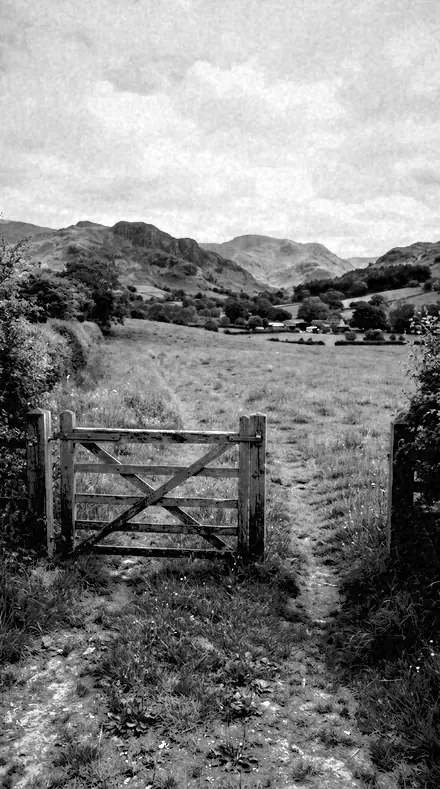
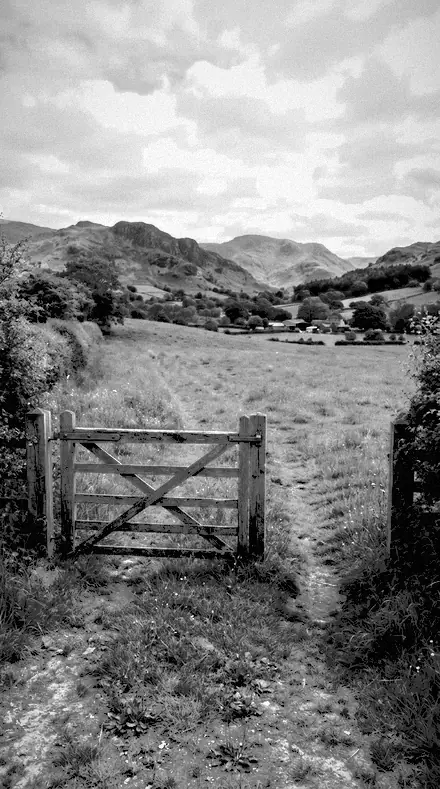
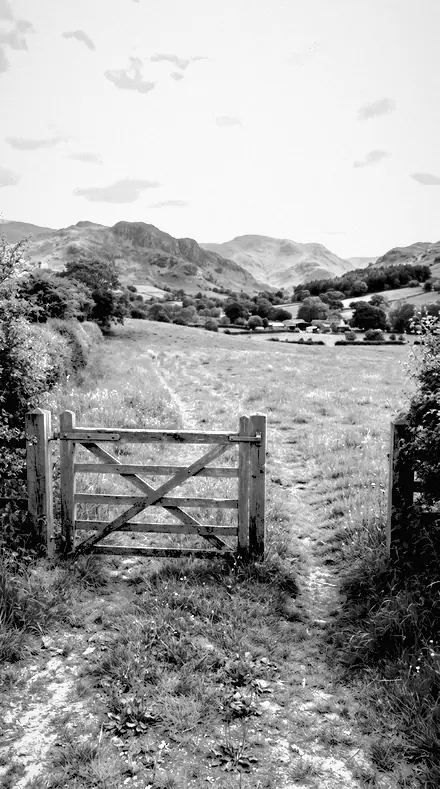
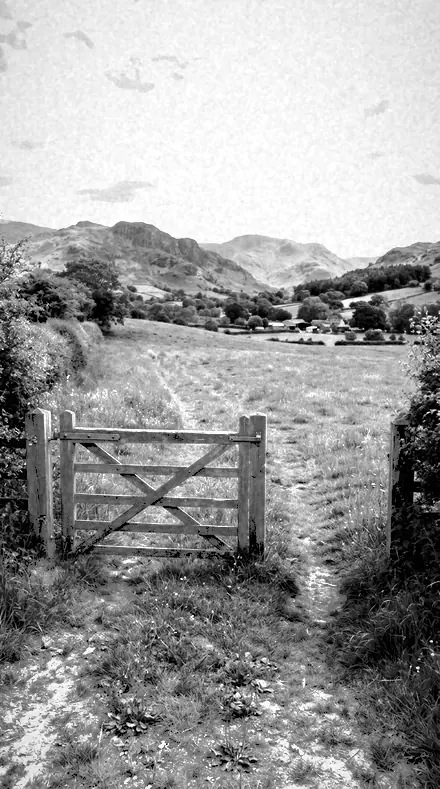
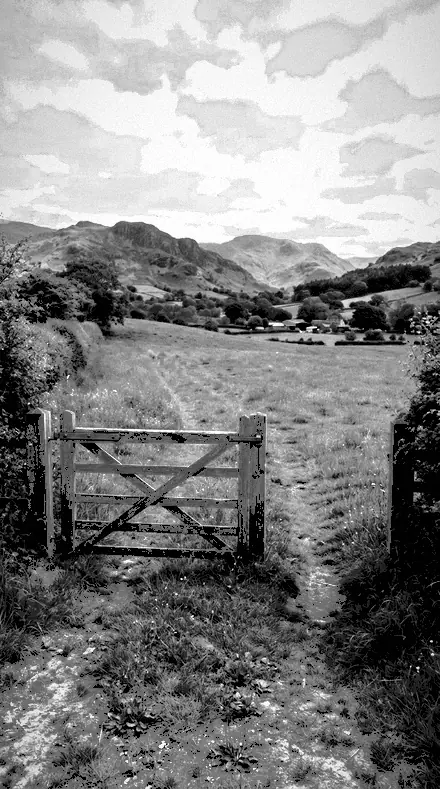
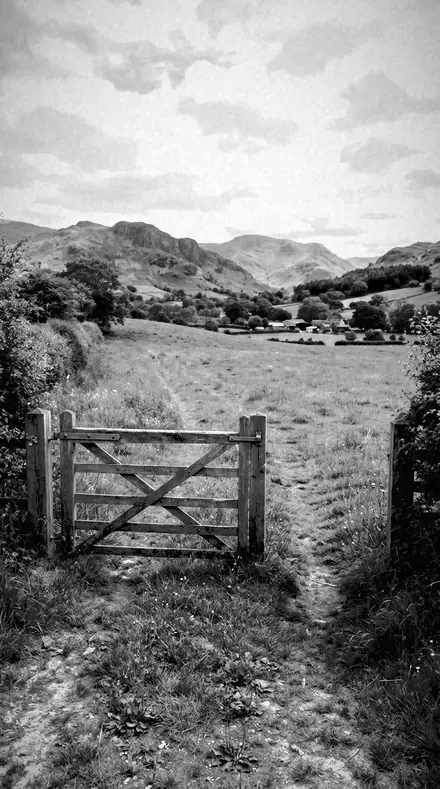
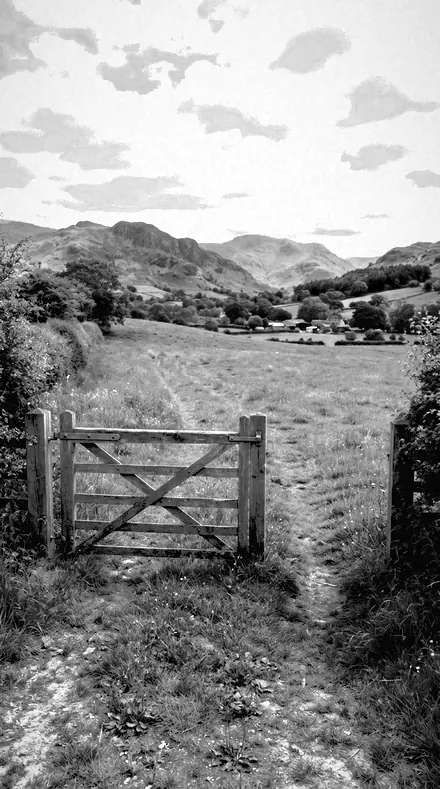
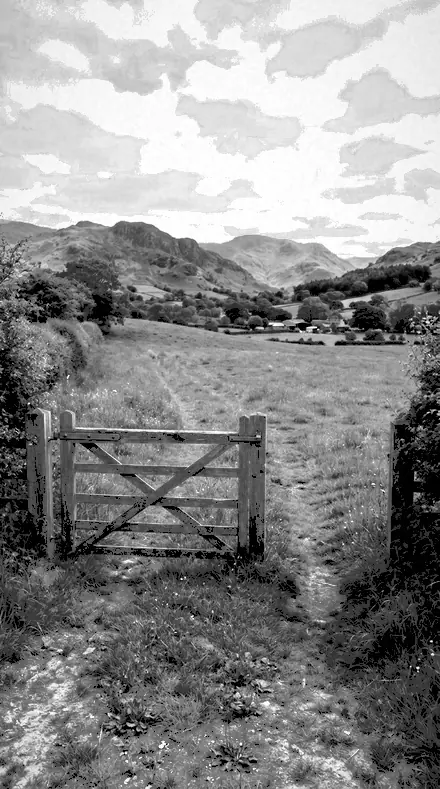
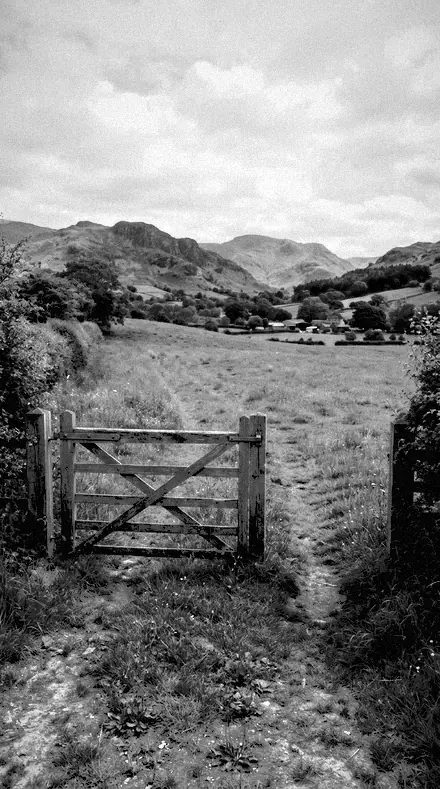
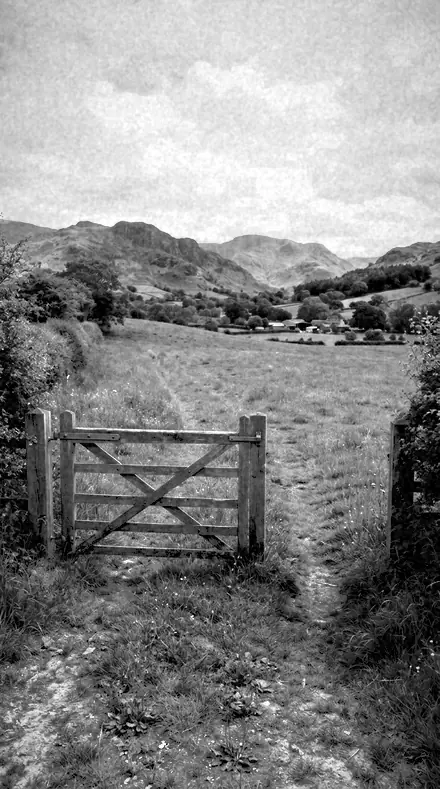
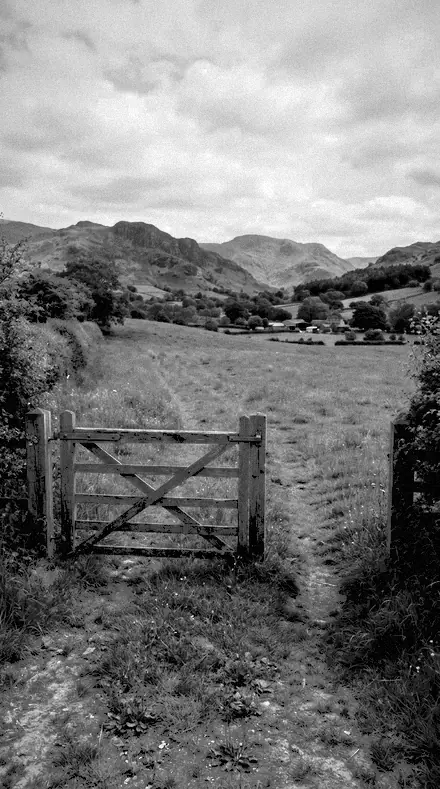
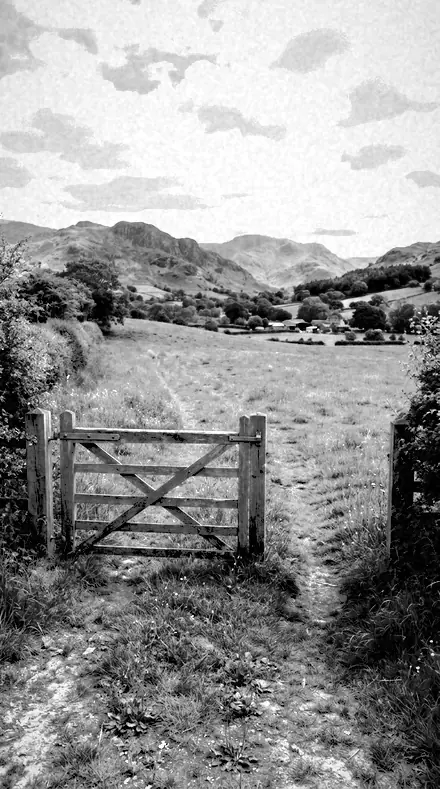
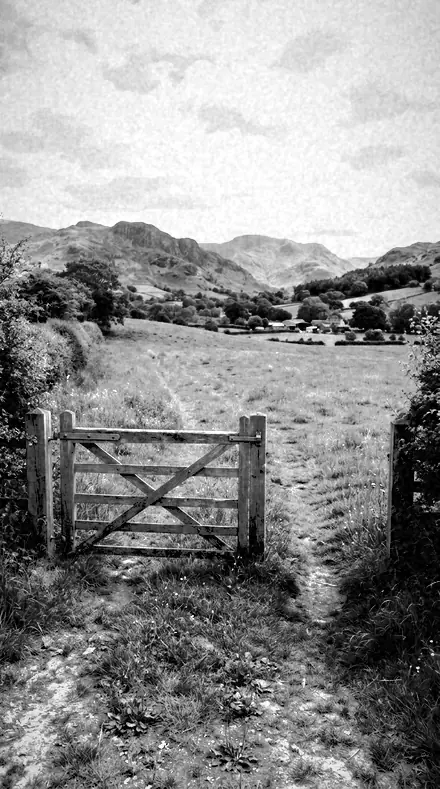
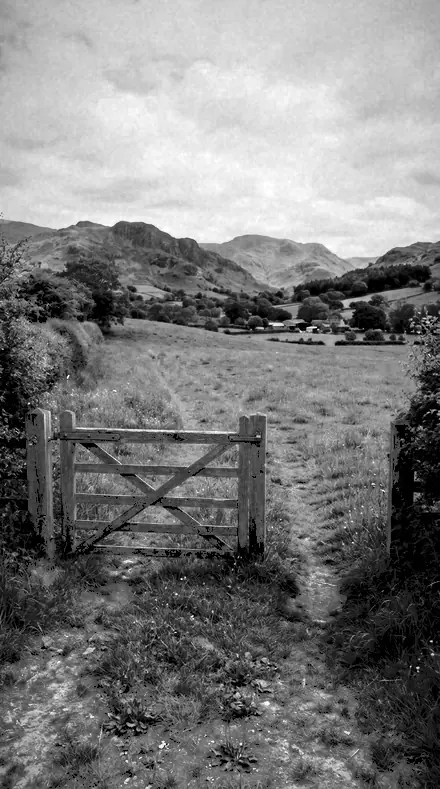
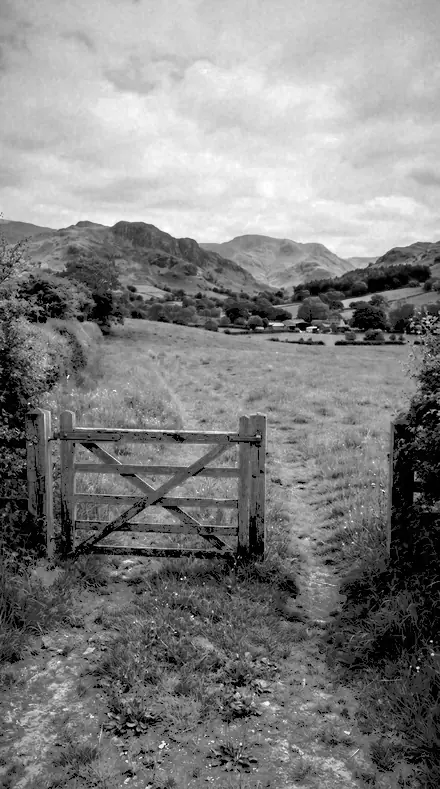
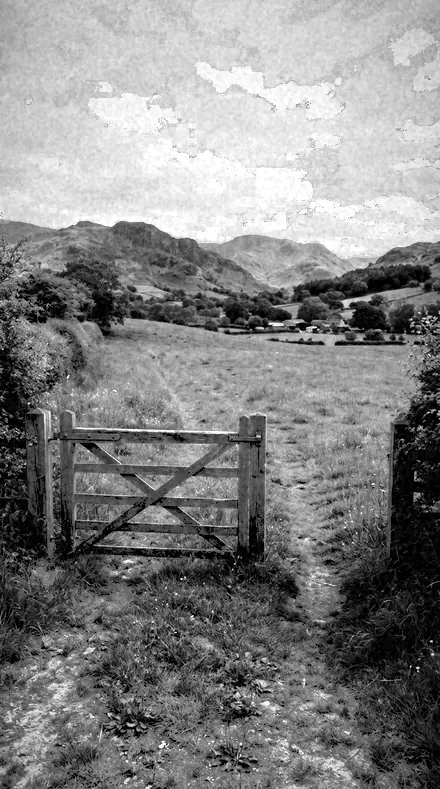
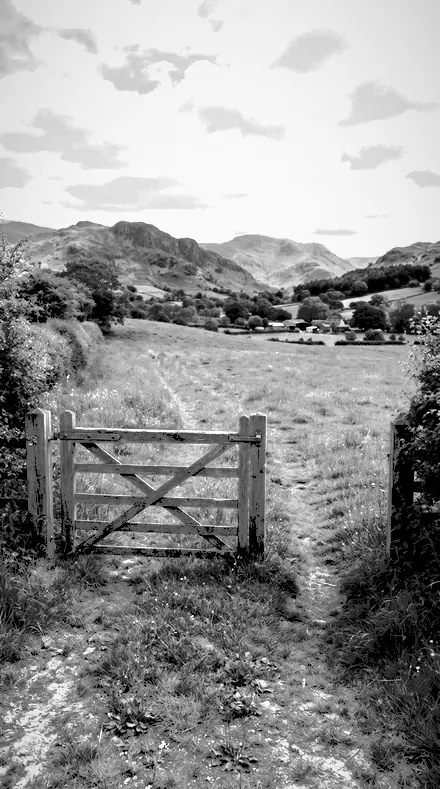
farm gate. With the Infrawhite preset applied.farm gate. Photographed without a preset.
Infrawhite applied to farm gate
farm gate, graded with Infrawhite: 2 of this library's 2 collections

It does not cover architecture, interiors and property; moods and tonal statements; light and weather; workflow and utility bases. Those collections live in other products on this network, and nothing here stands in for them.

What is inside, territory by territory

Black and white editorial

2 collections, 36 presets

  • Infrared Look
  • Red Filter

Infrawhite · Black and white editorial

Infrawhite makes one kind of light.

Infrared Look + Red Filter is 36 presets for black and white editorial photography. Every one of them is below, before you pay for any of it.

What this light does

one frame, 4 presets

Infrared Look and Red Filter, one drawer of filtered mono

4 of them, on one photograph. Drag to compare before and after.

  1. Tree canopy. With the Wood Effect preset applied.Tree canopy. Photographed without a preset.
    Wood Effect applied to Tree canopy

    No. 01

    Wood Effect

    The reference false-tonality look: foliage bright to near-white, blue sky near-black.

  2. Tree canopy. With the Vein Detail preset applied.Tree canopy. Photographed without a preset.
    Vein Detail applied to Tree canopy

    No. 13

    Vein Detail

    Clarity and texture at their highest here, so leaf structure survives the brightness.

  3. Tree canopy. With the Chalk Ridge preset applied.Tree canopy. Photographed without a preset.
    Chalk Ridge applied to Tree canopy

    No. 24

    Chalk Ridge

    A dark sky in this set, for chalk and limestone country where the ground prints near white.

  4. Tree canopy. With the Canopy Light preset applied.Tree canopy. Photographed without a preset.
    Canopy Light applied to Tree canopy

    No. 36

    Canopy Light

    Filtered mono for shooting up into trees, bright leaves against a weighted sky.

The Filter Drawer

4 groups

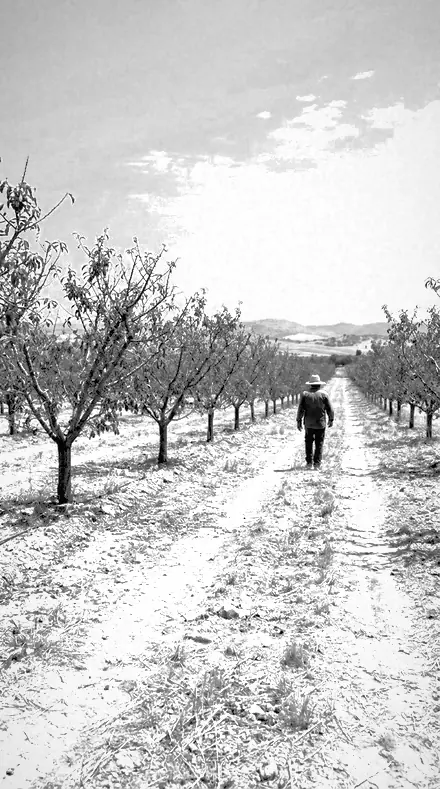
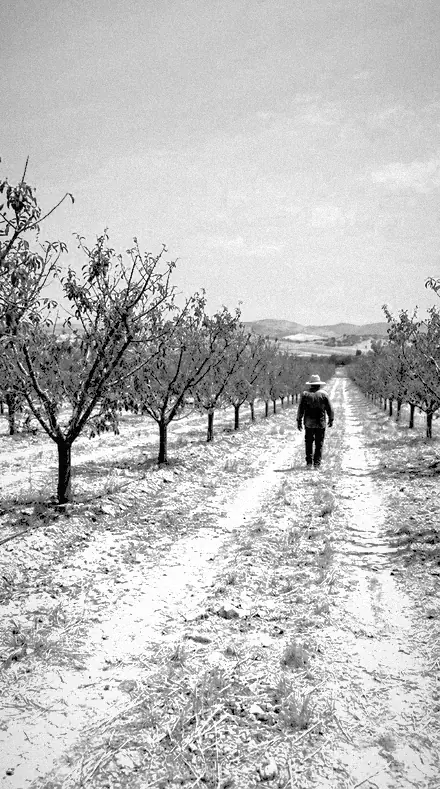
Every preset from both collections on the same four frames, so the infrared inversion and the red gel can be compared side by side.

  • Infrared, foliage ledChlorophyll driven to white. Leaves glow, meadows bloom, the canopy goes to snow.
  • Infrared, sky ledThe blue crushed to black. Deep zeniths, plate grain, the inversion held restrained or pushed to its edge.
  • Red filter, open countryThe classic gel on mono. Sky weighted, ridge cut clean, chalk and heather and drystone wall.
  • Red filter, woodland and waterCanopy raised, needles brightened, reeds pale against dark water.

Explore every preset in this pack

36 presets · 4 scenes

Every preset in the pack is here, on the same four photographs. Nothing below is a sample. Open one and drag.

  1. No. 01Wood EffectThe reference false-tonality look: foliage bright to near-white, blue sky near-black.
    Wood Effect applied to Tree canopy Before: Tree canopy
    Tree canopy
    Wood Effect applied to Farm gate Before: Farm gate
    Farm gate
    Wood Effect applied to Bridge cables Before: Bridge cables
    Bridge cables
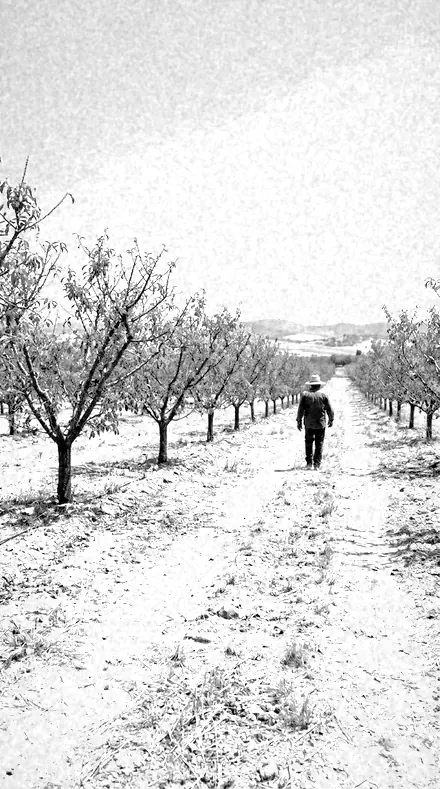
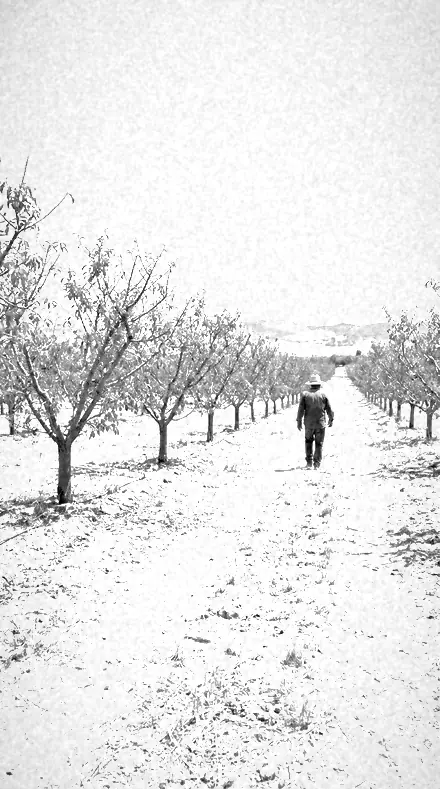
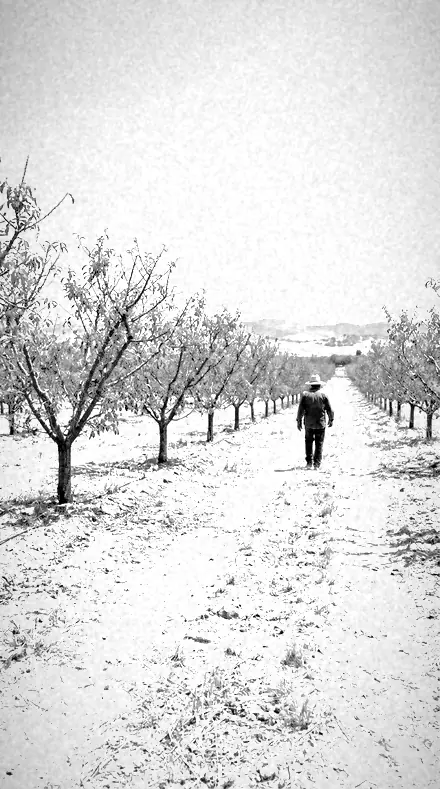
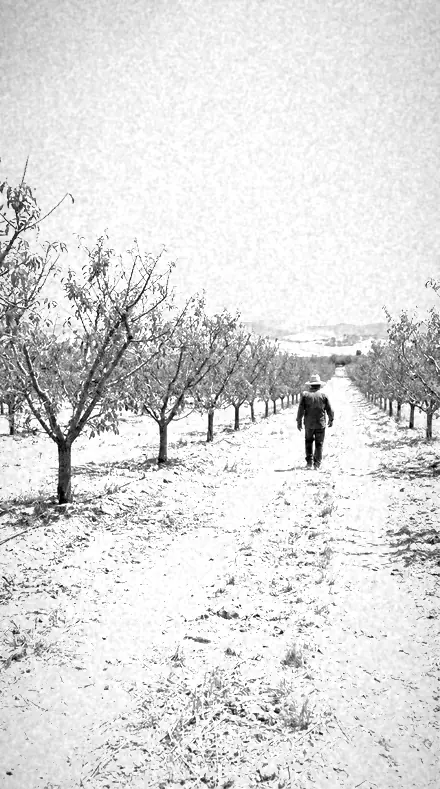
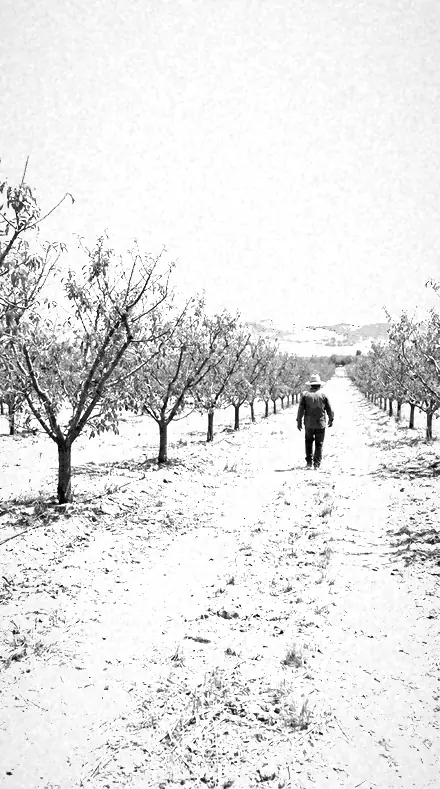
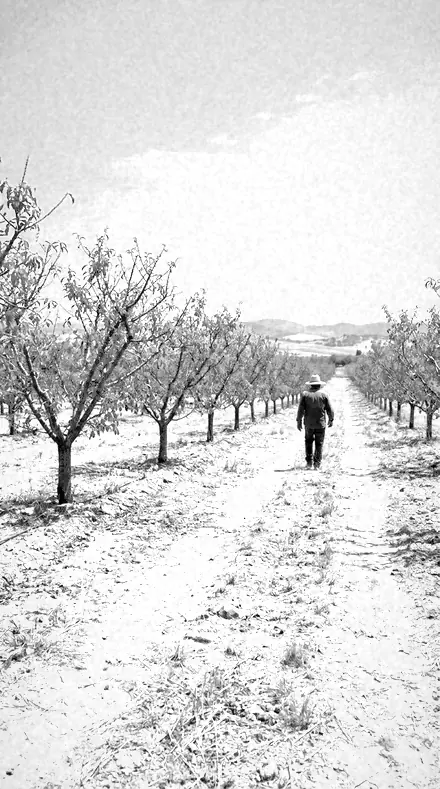
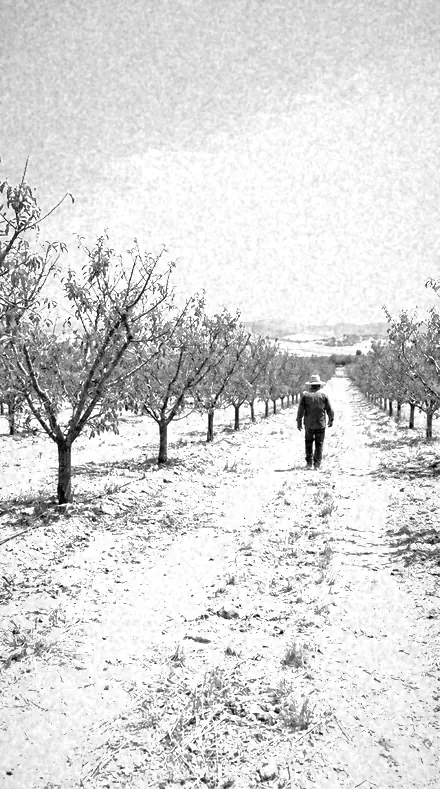
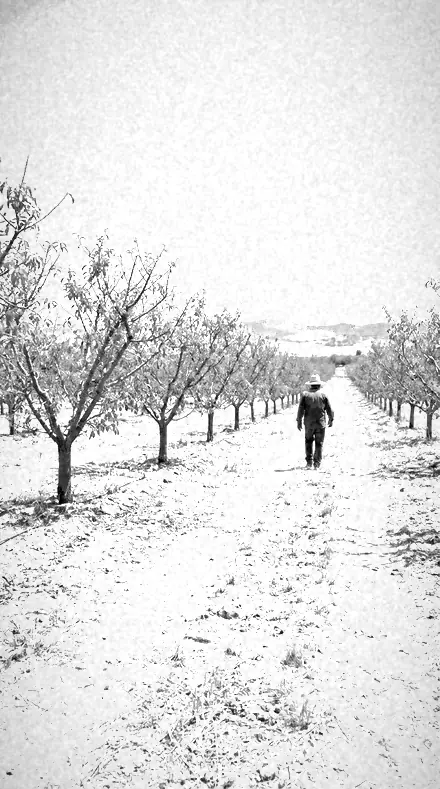
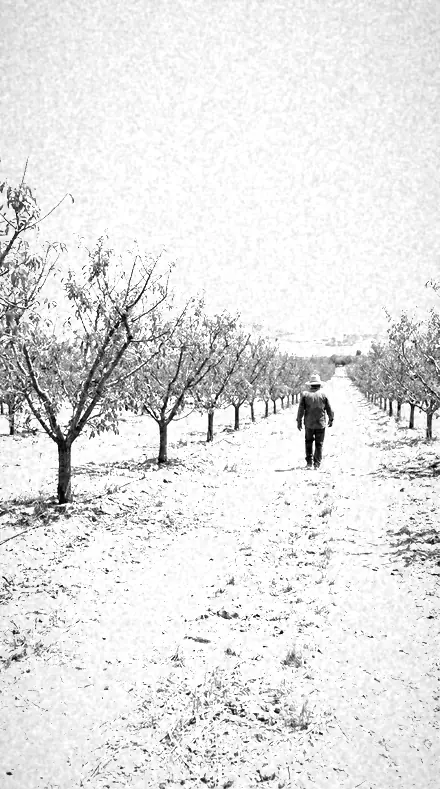
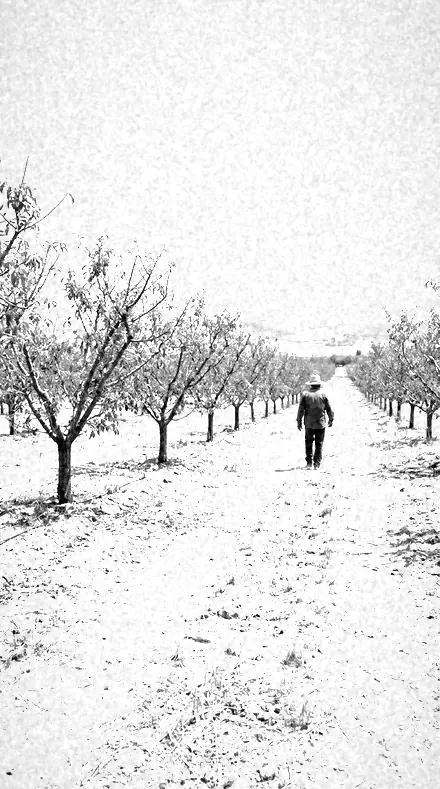
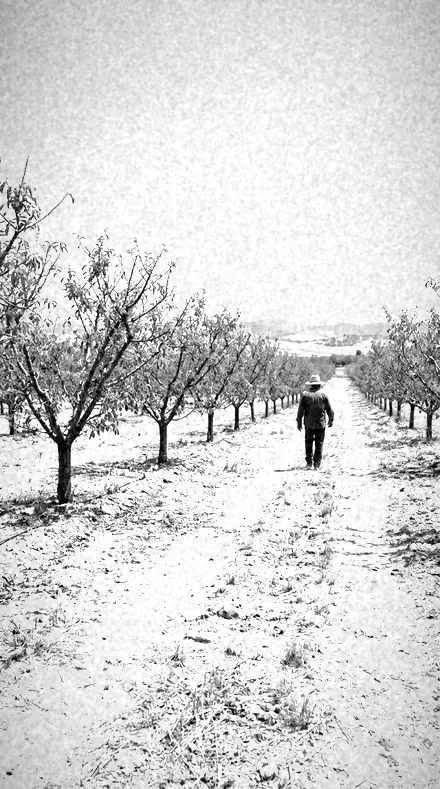
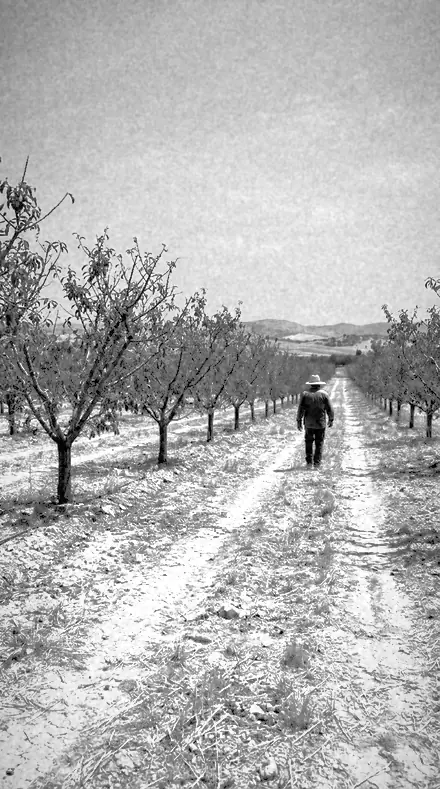
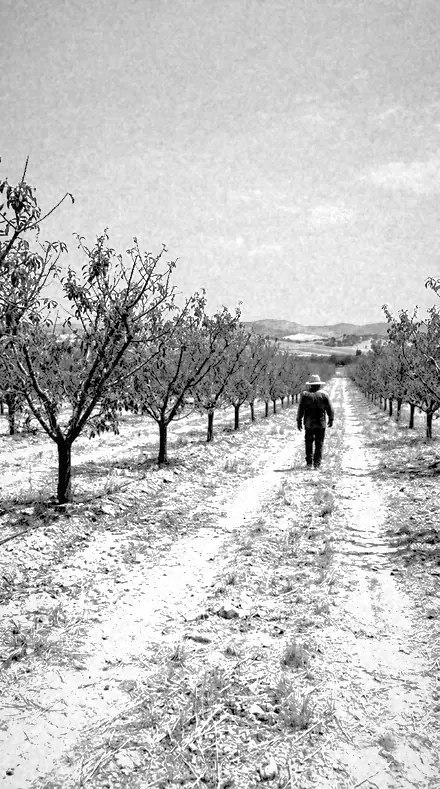
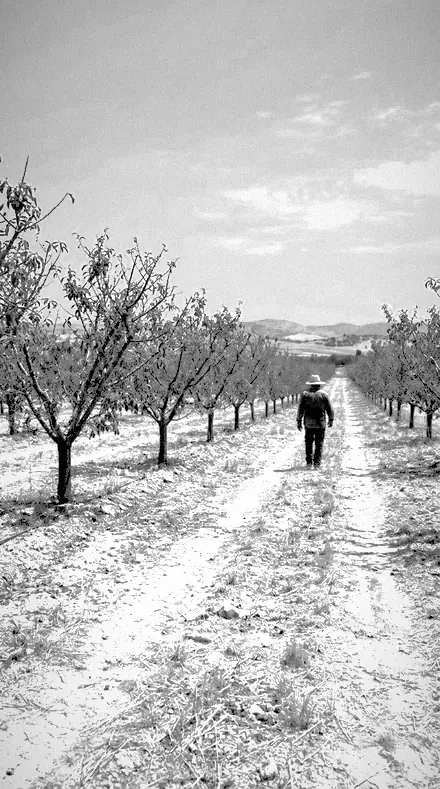
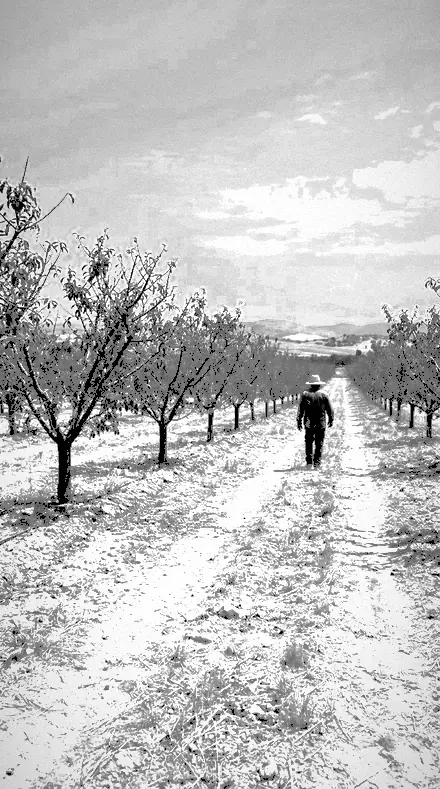
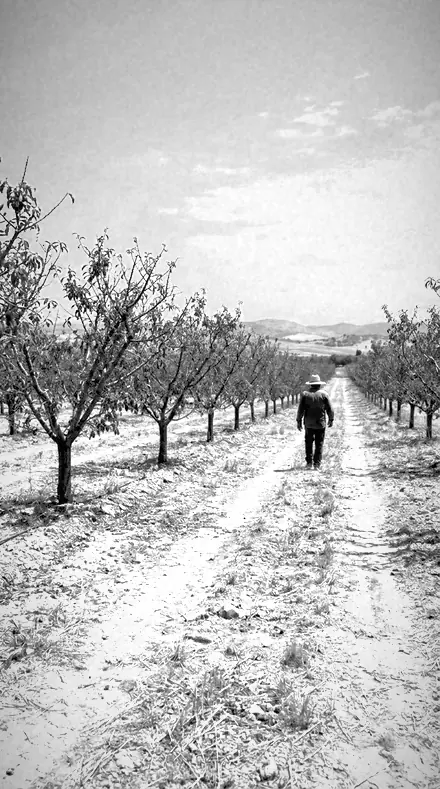
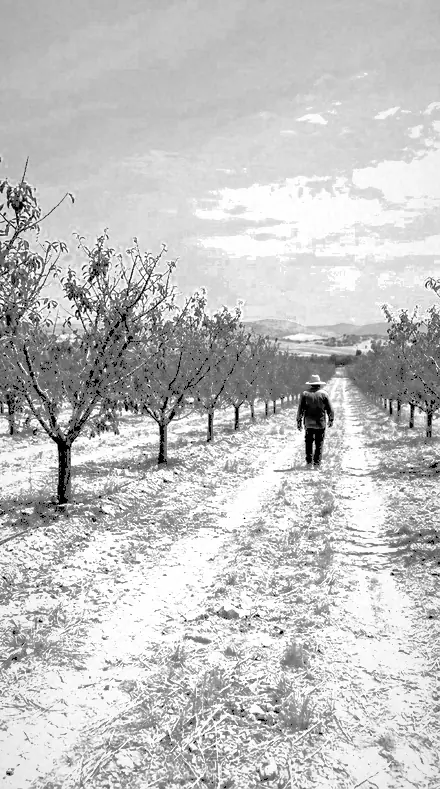
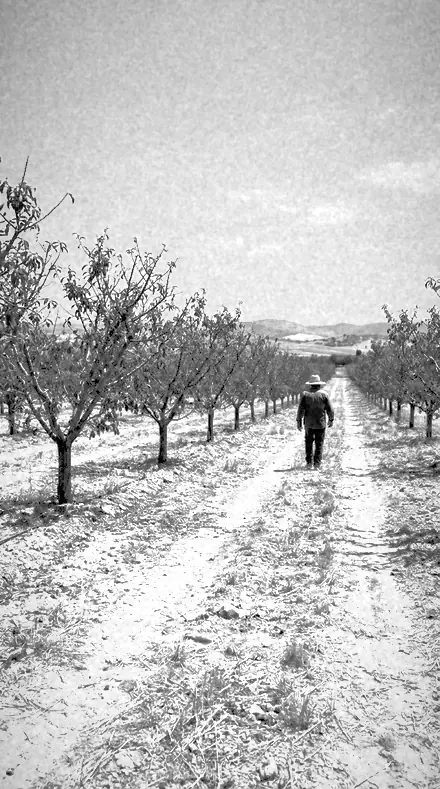
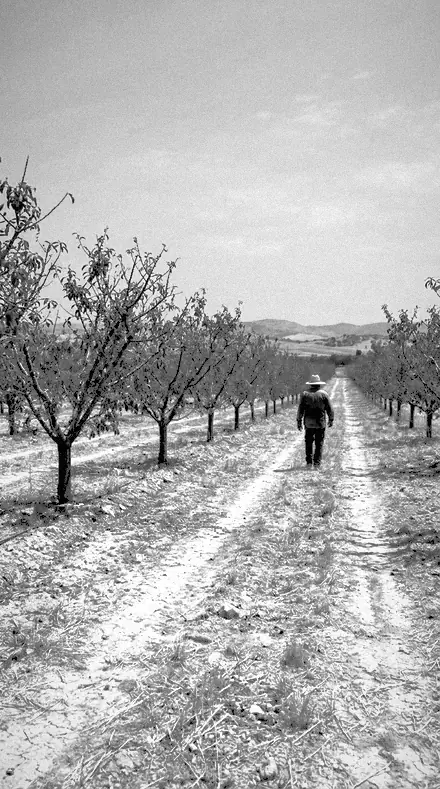
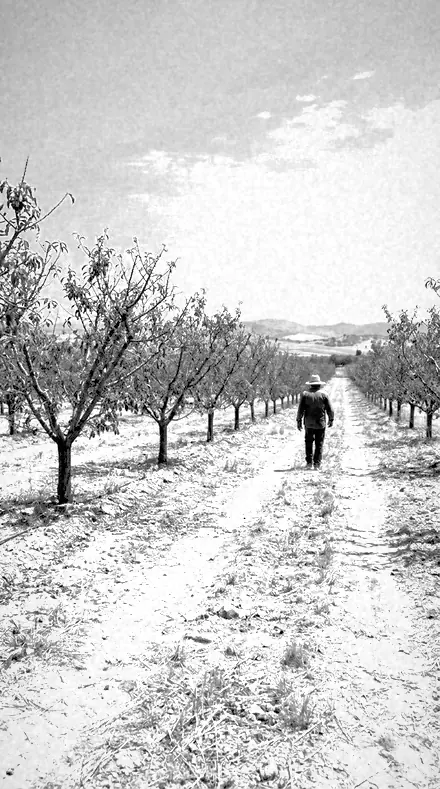
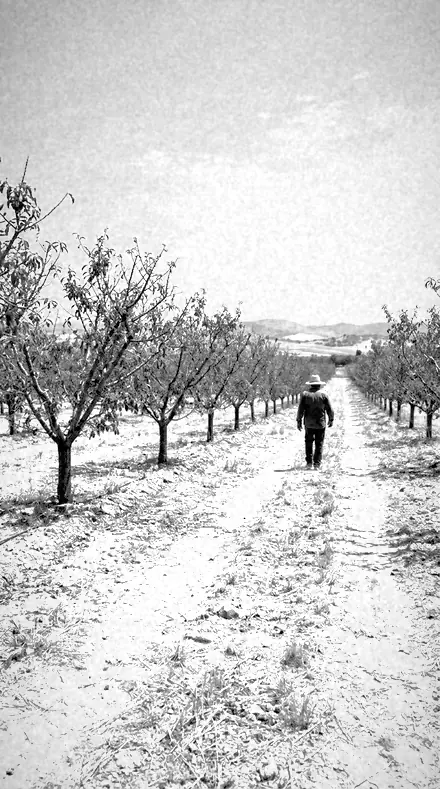
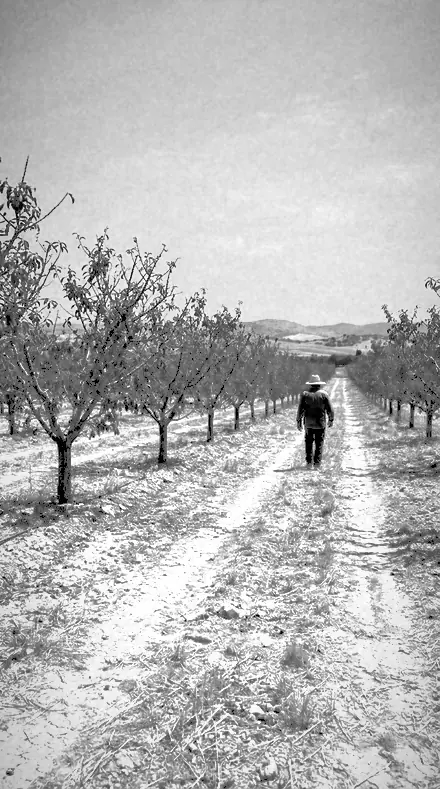
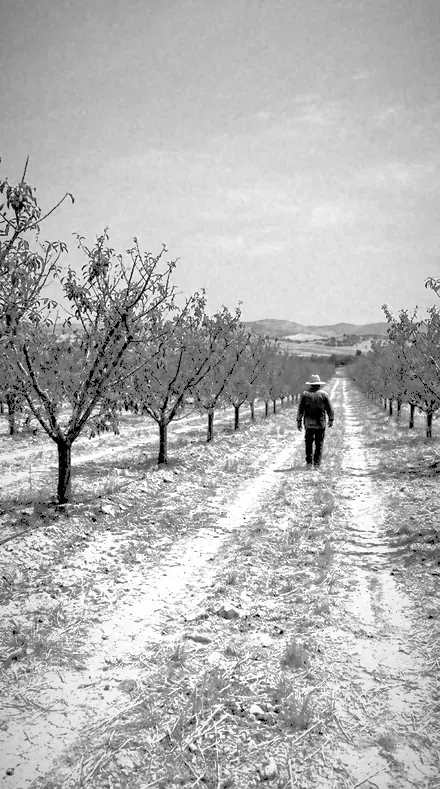
    Wood Effect applied to Orchard rows Before: Orchard rows
    Orchard rows

    Drag the handle. Left is the original, right is Wood Effect. Rendered from the preset's own settings, not a Lightroom export, so the real thing carries a little more bite.

  2. No. 02Leaf BloomGreen luminance well up here with smoothing up, so leaves glow and spread.
    Leaf Bloom applied to Tree canopy Before: Tree canopy
    Tree canopy
    Leaf Bloom applied to Farm gate Before: Farm gate
    Farm gate
    Leaf Bloom applied to Bridge cables Before: Bridge cables
    Bridge cables
    Leaf Bloom applied to Orchard rows Before: Orchard rows
    Orchard rows

    Drag the handle. Left is the original, right is Leaf Bloom. Rendered from the preset's own settings, not a Lightroom export, so the real thing carries a little more bite.

  3. No. 03Chlorophyll GlowGreen and yellow both driven hard, bright vegetation in the family.
    Chlorophyll Glow applied to Tree canopy Before: Tree canopy
    Tree canopy
    Chlorophyll Glow applied to Farm gate Before: Farm gate
    Farm gate
    Chlorophyll Glow applied to Bridge cables Before: Bridge cables
    Bridge cables
    Chlorophyll Glow applied to Orchard rows Before: Orchard rows
    Orchard rows

    Drag the handle. Left is the original, right is Chlorophyll Glow. Rendered from the preset's own settings, not a Lightroom export, so the real thing carries a little more bite.

  4. No. 04Sky CrushA dark sky in the set, blue and purple bands at their lowest, foliage moderate.
    Sky Crush applied to Tree canopy Before: Tree canopy
    Tree canopy
    Sky Crush applied to Farm gate Before: Farm gate
    Farm gate
    Sky Crush applied to Bridge cables Before: Bridge cables
    Bridge cables
    Sky Crush applied to Orchard rows Before: Orchard rows
    Orchard rows

    Drag the handle. Left is the original, right is Sky Crush. Rendered from the preset's own settings, not a Lightroom export, so the real thing carries a little more bite.

  5. No. 05Summer SnowA bright member overall, exposure and whites high, for full-canopy summer frames.
    Summer Snow applied to Tree canopy Before: Tree canopy
    Tree canopy
    Summer Snow applied to Farm gate Before: Farm gate
    Farm gate
    Summer Snow applied to Bridge cables Before: Bridge cables
    Bridge cables
    Summer Snow applied to Orchard rows Before: Orchard rows
    Orchard rows

    Drag the handle. Left is the original, right is Summer Snow. Rendered from the preset's own settings, not a Lightroom export, so the real thing carries a little more bite.

  6. No. 06Bright HedgeMid-strength infrared with texture negative, aimed at dense hedging and shrubs.
    Bright Hedge applied to Tree canopy Before: Tree canopy
    Tree canopy
    Bright Hedge applied to Farm gate Before: Farm gate
    Farm gate
    Bright Hedge applied to Bridge cables Before: Bridge cables
    Bridge cables
    Bright Hedge applied to Orchard rows Before: Orchard rows
    Orchard rows

    Drag the handle. Left is the original, right is Bright Hedge. Rendered from the preset's own settings, not a Lightroom export, so the real thing carries a little more bite.

  7. No. 07Dark ZenithSky-led rather than foliage-led, a heavy vignette here, for wide skies with a horizon.
    Dark Zenith applied to Tree canopy Before: Tree canopy
    Tree canopy
    Dark Zenith applied to Farm gate Before: Farm gate
    Farm gate
    Dark Zenith applied to Bridge cables Before: Bridge cables
    Bridge cables
    Dark Zenith applied to Orchard rows Before: Orchard rows
    Orchard rows

    Drag the handle. Left is the original, right is Dark Zenith. Rendered from the preset's own settings, not a Lightroom export, so the real thing carries a little more bite.

  8. No. 08Filter SevenA deep-filter rendering: strong contrast in the family and the least softening.
    Filter Seven applied to Tree canopy Before: Tree canopy
    Tree canopy
    Filter Seven applied to Farm gate Before: Farm gate
    Farm gate
    Filter Seven applied to Bridge cables Before: Bridge cables
    Bridge cables
    Filter Seven applied to Orchard rows Before: Orchard rows
    Orchard rows

    Drag the handle. Left is the original, right is Filter Seven. Rendered from the preset's own settings, not a Lightroom export, so the real thing carries a little more bite.

  9. No. 09False ToneThe most restrained infrared here, the inversion clearly visible but not extreme.
    False Tone applied to Tree canopy Before: Tree canopy
    Tree canopy
    False Tone applied to Farm gate Before: Farm gate
    Farm gate
    False Tone applied to Bridge cables Before: Bridge cables
    Bridge cables
    False Tone applied to Orchard rows Before: Orchard rows
    Orchard rows

    Drag the handle. Left is the original, right is False Tone. Rendered from the preset's own settings, not a Lightroom export, so the real thing carries a little more bite.

  10. No. 10Halation EdgeSoftest member: smoothing well up and sharpening lowest, for a glowing edge.
    Halation Edge applied to Tree canopy Before: Tree canopy
    Tree canopy
    Halation Edge applied to Farm gate Before: Farm gate
    Farm gate
    Halation Edge applied to Bridge cables Before: Bridge cables
    Bridge cables
    Halation Edge applied to Orchard rows Before: Orchard rows
    Orchard rows

    Drag the handle. Left is the original, right is Halation Edge. Rendered from the preset's own settings, not a Lightroom export, so the real thing carries a little more bite.

  11. No. 11Meadow GlowYellow band led over green, for grass, wheat and open meadow rather than trees.
    Meadow Glow applied to Tree canopy Before: Tree canopy
    Tree canopy
    Meadow Glow applied to Farm gate Before: Farm gate
    Farm gate
    Meadow Glow applied to Bridge cables Before: Bridge cables
    Bridge cables
    Meadow Glow applied to Orchard rows Before: Orchard rows
    Orchard rows

    Drag the handle. Left is the original, right is Meadow Glow. Rendered from the preset's own settings, not a Lightroom export, so the real thing carries a little more bite.

  12. No. 12Orchard BrightBright foliage over a lifted midtone, so trunks and branches keep separation.
    Orchard Bright applied to Tree canopy Before: Tree canopy
    Tree canopy
    Orchard Bright applied to Farm gate Before: Farm gate
    Farm gate
    Orchard Bright applied to Bridge cables Before: Bridge cables
    Bridge cables
    Orchard Bright applied to Orchard rows Before: Orchard rows
    Orchard rows

    Drag the handle. Left is the original, right is Orchard Bright. Rendered from the preset's own settings, not a Lightroom export, so the real thing carries a little more bite.

  13. No. 13Vein DetailClarity and texture at their highest here, so leaf structure survives the brightness.
    Vein Detail applied to Tree canopy Before: Tree canopy
    Tree canopy
    Vein Detail applied to Farm gate Before: Farm gate
    Farm gate
    Vein Detail applied to Bridge cables Before: Bridge cables
    Bridge cables
    Vein Detail applied to Orchard rows Before: Orchard rows
    Orchard rows

    Drag the handle. Left is the original, right is Vein Detail. Rendered from the preset's own settings, not a Lightroom export, so the real thing carries a little more bite.

  14. No. 14Ink SkyDeep sky with heavier grain, for a coarse, plate-like infrared rendering.
    Ink Sky applied to Tree canopy Before: Tree canopy
    Tree canopy
    Ink Sky applied to Farm gate Before: Farm gate
    Farm gate
    Ink Sky applied to Bridge cables Before: Bridge cables
    Bridge cables
    Ink Sky applied to Orchard rows Before: Orchard rows
    Orchard rows

    Drag the handle. Left is the original, right is Ink Sky. Rendered from the preset's own settings, not a Lightroom export, so the real thing carries a little more bite.

  15. No. 15Frost CanopyHigh-key infrared with shadows lifted, for pale winter and early-spring canopy.
    Frost Canopy applied to Tree canopy Before: Tree canopy
    Tree canopy
    Frost Canopy applied to Farm gate Before: Farm gate
    Farm gate
    Frost Canopy applied to Bridge cables Before: Bridge cables
    Bridge cables
    Frost Canopy applied to Orchard rows Before: Orchard rows
    Orchard rows

    Drag the handle. Left is the original, right is Frost Canopy. Rendered from the preset's own settings, not a Lightroom export, so the real thing carries a little more bite.

  16. No. 16Spectrum EdgeThe widest band spread of the set, both the lift and the crush at their extremes.
    Spectrum Edge applied to Tree canopy Before: Tree canopy
    Tree canopy
    Spectrum Edge applied to Farm gate Before: Farm gate
    Farm gate
    Spectrum Edge applied to Bridge cables Before: Bridge cables
    Bridge cables
    Spectrum Edge applied to Orchard rows Before: Orchard rows
    Orchard rows

    Drag the handle. Left is the original, right is Spectrum Edge. Rendered from the preset's own settings, not a Lightroom export, so the real thing carries a little more bite.

  17. No. 17Heat SignalDenser and more contrasty, exposure held back, for hard midday infrared.
    Heat Signal applied to Tree canopy Before: Tree canopy
    Tree canopy
    Heat Signal applied to Farm gate Before: Farm gate
    Farm gate
    Heat Signal applied to Bridge cables Before: Bridge cables
    Bridge cables
    Heat Signal applied to Orchard rows Before: Orchard rows
    Orchard rows

    Drag the handle. Left is the original, right is Heat Signal. Rendered from the preset's own settings, not a Lightroom export, so the real thing carries a little more bite.

  18. No. 18Willow BrightAqua less suppressed than elsewhere here, so water keeps tone under bright foliage.
    Willow Bright applied to Tree canopy Before: Tree canopy
    Tree canopy
    Willow Bright applied to Farm gate Before: Farm gate
    Farm gate
    Willow Bright applied to Bridge cables Before: Bridge cables
    Bridge cables
    Willow Bright applied to Orchard rows Before: Orchard rows
    Orchard rows

    Drag the handle. Left is the original, right is Willow Bright. Rendered from the preset's own settings, not a Lightroom export, so the real thing carries a little more bite.

  19. No. 19Filter SlotFiltered landscape mono for mixed cloud, sky pushed down and foliage held light.
    Filter Slot applied to Tree canopy Before: Tree canopy
    Tree canopy
    Filter Slot applied to Farm gate Before: Farm gate
    Farm gate
    Filter Slot applied to Bridge cables Before: Bridge cables
    Bridge cables
    Filter Slot applied to Orchard rows Before: Orchard rows
    Orchard rows

    Drag the handle. Left is the original, right is Filter Slot. Rendered from the preset's own settings, not a Lightroom export, so the real thing carries a little more bite.

  20. No. 20Gel HolderStrong band separation for hillside views, warm ground against a dark sky.
    Gel Holder applied to Tree canopy Before: Tree canopy
    Tree canopy
    Gel Holder applied to Farm gate Before: Farm gate
    Farm gate
    Gel Holder applied to Bridge cables Before: Bridge cables
    Bridge cables
    Gel Holder applied to Orchard rows Before: Orchard rows
    Orchard rows

    Drag the handle. Left is the original, right is Gel Holder. Rendered from the preset's own settings, not a Lightroom export, so the real thing carries a little more bite.

  21. No. 21Ridge LineHigh-separation mono for skyline shots, ridge edges cut clean from the sky behind.
    Ridge Line applied to Tree canopy Before: Tree canopy
    Tree canopy
    Ridge Line applied to Farm gate Before: Farm gate
    Farm gate
    Ridge Line applied to Bridge cables Before: Bridge cables
    Bridge cables
    Ridge Line applied to Orchard rows Before: Orchard rows
    Orchard rows

    Drag the handle. Left is the original, right is Ridge Line. Rendered from the preset's own settings, not a Lightroom export, so the real thing carries a little more bite.

  22. No. 22Skyline CutFirm mono for city skylines against open sky, brickwork light and sky heavy.
    Skyline Cut applied to Tree canopy Before: Tree canopy
    Tree canopy
    Skyline Cut applied to Farm gate Before: Farm gate
    Farm gate
    Skyline Cut applied to Bridge cables Before: Bridge cables
    Bridge cables
    Skyline Cut applied to Orchard rows Before: Orchard rows
    Orchard rows

    Drag the handle. Left is the original, right is Skyline Cut. Rendered from the preset's own settings, not a Lightroom export, so the real thing carries a little more bite.

  23. No. 23Foliage LiftLeaf-bright mono for woodland in summer, canopy raised and shadow kept honest.
    Foliage Lift applied to Tree canopy Before: Tree canopy
    Tree canopy
    Foliage Lift applied to Farm gate Before: Farm gate
    Farm gate
    Foliage Lift applied to Bridge cables Before: Bridge cables
    Bridge cables
    Foliage Lift applied to Orchard rows Before: Orchard rows
    Orchard rows

    Drag the handle. Left is the original, right is Foliage Lift. Rendered from the preset's own settings, not a Lightroom export, so the real thing carries a little more bite.

  24. No. 24Chalk RidgeA dark sky in this set, for chalk and limestone country where the ground prints near white.
    Chalk Ridge applied to Tree canopy Before: Tree canopy
    Tree canopy
    Chalk Ridge applied to Farm gate Before: Farm gate
    Farm gate
    Chalk Ridge applied to Bridge cables Before: Bridge cables
    Bridge cables
    Chalk Ridge applied to Orchard rows Before: Orchard rows
    Orchard rows

    Drag the handle. Left is the original, right is Chalk Ridge. Rendered from the preset's own settings, not a Lightroom export, so the real thing carries a little more bite.

  25. No. 25Meadow CutMono for open grassland, grass separated from sky by the mixer rather than by contrast.
    Meadow Cut applied to Tree canopy Before: Tree canopy
    Tree canopy
    Meadow Cut applied to Farm gate Before: Farm gate
    Farm gate
    Meadow Cut applied to Bridge cables Before: Bridge cables
    Bridge cables
    Meadow Cut applied to Orchard rows Before: Orchard rows
    Orchard rows

    Drag the handle. Left is the original, right is Meadow Cut. Rendered from the preset's own settings, not a Lightroom export, so the real thing carries a little more bite.

  26. No. 26Field GateWorking landscape mono for farmland, crops light and distant sky suppressed.
    Field Gate applied to Tree canopy Before: Tree canopy
    Tree canopy
    Field Gate applied to Farm gate Before: Farm gate
    Farm gate
    Field Gate applied to Bridge cables Before: Bridge cables
    Bridge cables
    Field Gate applied to Orchard rows Before: Orchard rows
    Orchard rows

    Drag the handle. Left is the original, right is Field Gate. Rendered from the preset's own settings, not a Lightroom export, so the real thing carries a little more bite.

  27. No. 27Summit HazeMono for high ground with distance haze, dehaze working with a heavy blue band.
    Summit Haze applied to Tree canopy Before: Tree canopy
    Tree canopy
    Summit Haze applied to Farm gate Before: Farm gate
    Farm gate
    Summit Haze applied to Bridge cables Before: Bridge cables
    Bridge cables
    Summit Haze applied to Orchard rows Before: Orchard rows
    Orchard rows

    Drag the handle. Left is the original, right is Summit Haze. Rendered from the preset's own settings, not a Lightroom export, so the real thing carries a little more bite.

  28. No. 28Valley FloorMono for shaded valleys, ground lifted while the sky above stays weighted.
    Valley Floor applied to Tree canopy Before: Tree canopy
    Tree canopy
    Valley Floor applied to Farm gate Before: Farm gate
    Farm gate
    Valley Floor applied to Bridge cables Before: Bridge cables
    Bridge cables
    Valley Floor applied to Orchard rows Before: Orchard rows
    Orchard rows

    Drag the handle. Left is the original, right is Valley Floor. Rendered from the preset's own settings, not a Lightroom export, so the real thing carries a little more bite.

  29. No. 29Pine StandMono for conifer woodland, needles brightened where a straight mix leaves them dull.
    Pine Stand applied to Tree canopy Before: Tree canopy
    Tree canopy
    Pine Stand applied to Farm gate Before: Farm gate
    Farm gate
    Pine Stand applied to Bridge cables Before: Bridge cables
    Bridge cables
    Pine Stand applied to Orchard rows Before: Orchard rows
    Orchard rows

    Drag the handle. Left is the original, right is Pine Stand. Rendered from the preset's own settings, not a Lightroom export, so the real thing carries a little more bite.

  30. No. 30Heather SlopeMono for moorland in flower, purple ground pulled dark for shape.
    Heather Slope applied to Tree canopy Before: Tree canopy
    Tree canopy
    Heather Slope applied to Farm gate Before: Farm gate
    Farm gate
    Heather Slope applied to Bridge cables Before: Bridge cables
    Bridge cables
    Heather Slope applied to Orchard rows Before: Orchard rows
    Orchard rows

    Drag the handle. Left is the original, right is Heather Slope. Rendered from the preset's own settings, not a Lightroom export, so the real thing carries a little more bite.

  31. No. 31Lens HoodContrasty mono for backlit landscape, flare-tolerant with a firm black point.
    Lens Hood applied to Tree canopy Before: Tree canopy
    Tree canopy
    Lens Hood applied to Farm gate Before: Farm gate
    Farm gate
    Lens Hood applied to Bridge cables Before: Bridge cables
    Bridge cables
    Lens Hood applied to Orchard rows Before: Orchard rows
    Orchard rows

    Drag the handle. Left is the original, right is Lens Hood. Rendered from the preset's own settings, not a Lightroom export, so the real thing carries a little more bite.

  32. No. 32Stop RingMono for bright midday scenes, exposure pulled with the sky filtration intact.
    Stop Ring applied to Tree canopy Before: Tree canopy
    Tree canopy
    Stop Ring applied to Farm gate Before: Farm gate
    Farm gate
    Stop Ring applied to Bridge cables Before: Bridge cables
    Bridge cables
    Stop Ring applied to Orchard rows Before: Orchard rows
    Orchard rows

    Drag the handle. Left is the original, right is Stop Ring. Rendered from the preset's own settings, not a Lightroom export, so the real thing carries a little more bite.

  33. No. 33Marsh GrassMono for wetland and reeds, pale grass against dark water and sky.
    Marsh Grass applied to Tree canopy Before: Tree canopy
    Tree canopy
    Marsh Grass applied to Farm gate Before: Farm gate
    Farm gate
    Marsh Grass applied to Bridge cables Before: Bridge cables
    Bridge cables
    Marsh Grass applied to Orchard rows Before: Orchard rows
    Orchard rows

    Drag the handle. Left is the original, right is Marsh Grass. Rendered from the preset's own settings, not a Lightroom export, so the real thing carries a little more bite.

  34. No. 34Gorse BankMono for scrub and gorse in bloom, yellow flowers printing near white.
    Gorse Bank applied to Tree canopy Before: Tree canopy
    Tree canopy
    Gorse Bank applied to Farm gate Before: Farm gate
    Farm gate
    Gorse Bank applied to Bridge cables Before: Bridge cables
    Bridge cables
    Gorse Bank applied to Orchard rows Before: Orchard rows
    Orchard rows

    Drag the handle. Left is the original, right is Gorse Bank. Rendered from the preset's own settings, not a Lightroom export, so the real thing carries a little more bite.

  35. No. 35Drystone WallMono for stone in landscape, warm stone lifted clear of the ground around it.
    Drystone Wall applied to Tree canopy Before: Tree canopy
    Tree canopy
    Drystone Wall applied to Farm gate Before: Farm gate
    Farm gate
    Drystone Wall applied to Bridge cables Before: Bridge cables
    Bridge cables
    Drystone Wall applied to Orchard rows Before: Orchard rows
    Orchard rows

    Drag the handle. Left is the original, right is Drystone Wall. Rendered from the preset's own settings, not a Lightroom export, so the real thing carries a little more bite.

  36. No. 36Canopy LightFiltered mono for shooting up into trees, bright leaves against a weighted sky.
    Canopy Light applied to Tree canopy Before: Tree canopy
    Tree canopy
    Canopy Light applied to Farm gate Before: Farm gate
    Farm gate
    Canopy Light applied to Bridge cables Before: Bridge cables
    Bridge cables
    Canopy Light applied to Orchard rows Before: Orchard rows
    Orchard rows

    Drag the handle. Left is the original, right is Canopy Light. Rendered from the preset's own settings, not a Lightroom export, so the real thing carries a little more bite.

Read the chart from the long end. Infrared Look renders what a converted sensor sees past visible light: chlorophyll bright to near white, a blue sky near black, water kept dark under glowing leaves. The reference is Wood Effect. Around it the set moves in one direction at a time: the sky crushed further, the foliage lifted further, the grain coarsened to a plate, the whole thing held high key for a pale winter canopy.

Then the red gel. Red Filter is the classic landscape mono: sky pushed down, warm ground and foliage lifted, ridges cut clean from the sky behind. It runs by country, chalk and limestone, moor in flower, farmland, conifer stands, marsh and reed, drystone wall. Distance haze is cut through with the blue held heavy.

The sheet is filed in four rows: infrared led by foliage, infrared led by sky, red filter over open country, red filter in woodland and water. Colour goes in; a filtered negative comes out.

Yours in two minutes

how it works

  1. Step 1

    Buy

    Pay with Apple Pay, Google Pay or a card.

  2. Step 2

    Download

    The zip downloads right away, and a copy lands in your email.

  3. Step 3

    Import

    Add the presets to Lightroom in a minute.

    PhoneClassicDesktop
  4. Step 4

    Tap

    One tap on any photo. Every slider stays yours to adjust.

Yours to keep, for personal and client work. Please do not share the files. The license

Netzah Elad Topaz, the photographer who makes these presets

the maker

Why I Make These

I am Netzah Elad Topaz. I take photographs and I build software, and the two keep leading me back to the same problem. You were there. The light was doing something you will not see again. Then the photo comes back flat, and it is not what you were looking at.

Closing that gap is the whole job. Every preset here is built from Adobe defaults by hand, with a written note for what it should do to a picture, and it is judged on photographs before it ships. Nothing is a filter dropped on top of your work.

What I want is simple. You open a photo you almost gave up on, you tap once, and there it is: the day you remember, not the file your camera handed you. That is worth doing properly.

Questions, answered

Do I need an infrared-converted camera?

No. Infrared Look builds the false tonality from a normal colour file by driving the green and yellow bands bright and the blue band dark. A true converted sensor records something different; this is the look, not the physics.

What is the difference between the two collections?

Red Filter keeps foliage lighter than sky, as a red gel on mono film would. Infrared Look goes further, foliage to near white and sky to near black. The first is a landscape convention; the second is an inversion.

Do these work in the free Lightroom app?

Yes. Import the .xmp files in the free Lightroom app on iPhone or Android, no subscription needed. They also work in Lightroom Classic and Lightroom on desktop.

What exactly do I get?

All 36 presets from Infrared Look + Red Filter as .xmp files in an instant ZIP download. The link also lands in your email, and the purchase stays in your account so you can re-download any time.

How do I install them?

Two minutes: unzip, then import inside Lightroom. The step-by-step guide covers iPhone, Android, and desktop.

Can I use them for client work?

Yes. The single-user license covers personal and commercial photography. The one thing you can't do is share or resell the preset files themselves.

Can I tweak a preset after applying it?

Always. A preset is a starting point; every slider stays yours to adjust.

What else is like this

All black and white editorial
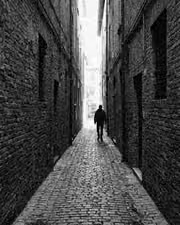
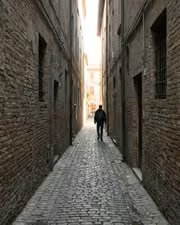
The alley says more in ink. With the Inklooks preset applied.The alley says more in ink. Photographed without a preset.
Inklooks applied to The alley says more in ink

Inklooks

Black and white editorial · 15 presets

was $49.99now $29.99Save $20

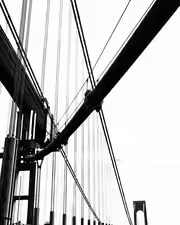
Cables, sky, nothing else. With the Pitchblock preset applied.Cables, sky, nothing else. Photographed without a preset.
Pitchblock applied to Cables, sky, nothing else

Pitchblock

Black and white editorial · 18 presets

was $49.99now $29.99Save $20

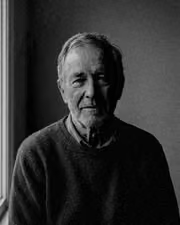
A face, fully read. With the Orthosilver preset applied.A face, fully read. Photographed without a preset.
Orthosilver applied to A face, fully read

Orthosilver

Black and white editorial · 18 presets

was $49.99now $29.99Save $20

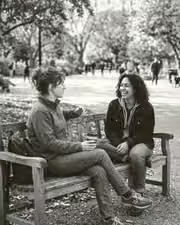
A bench and your people, suddenly a keeper. With the Umberpaper preset applied.A bench and your people, suddenly a keeper. Photographed without a preset.
Umberpaper applied to A bench and your people, suddenly a keeper

Umberpaper

Black and white editorial · 18 presets

was $49.99now $29.99Save $20