























PRE|SETS
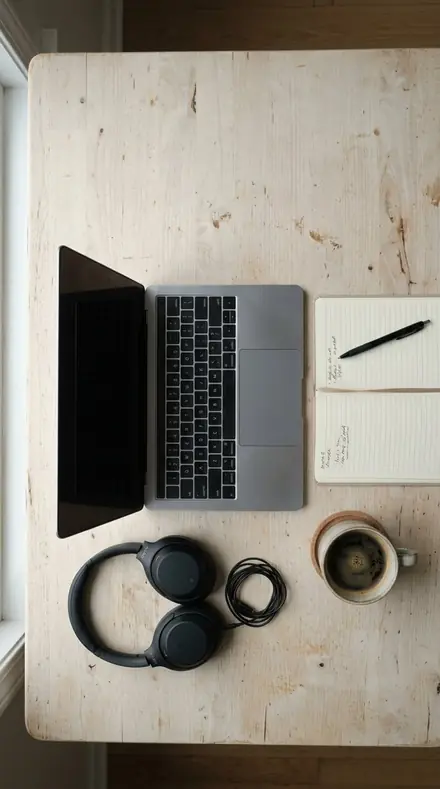
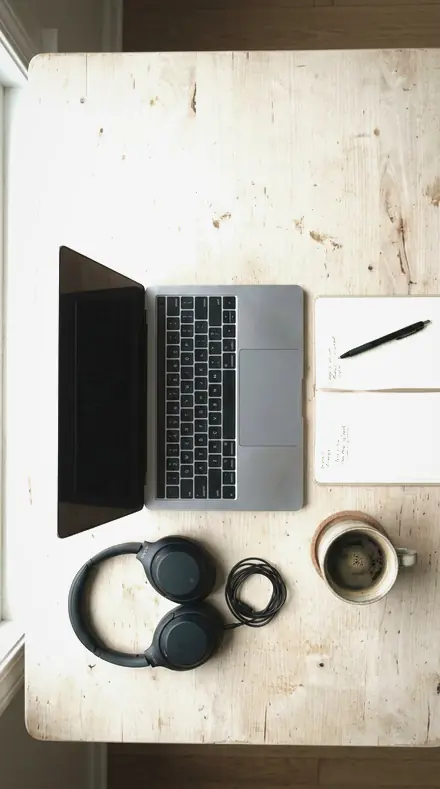
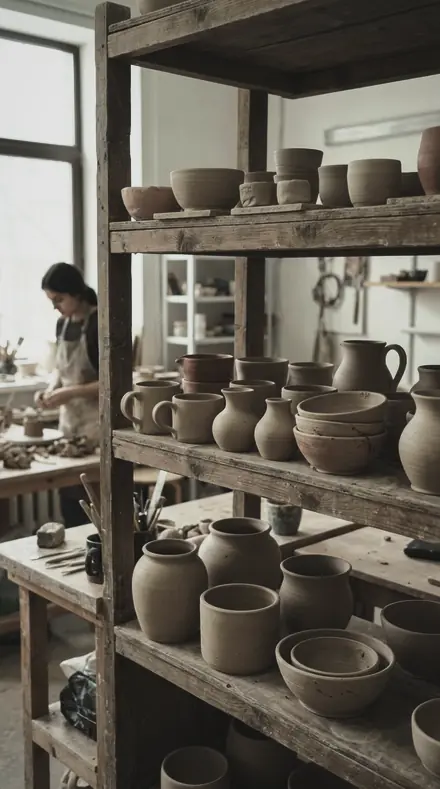
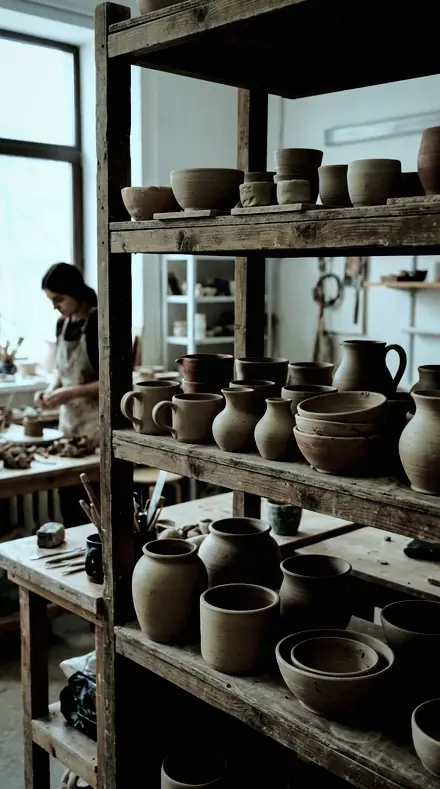
coffee pour. With the Steelsheen preset applied.coffee pour. Photographed without a preset.
Steelsheen applied to coffee pour

Metal & Glass

welcome priceonly here

was $49.99now $29.99Save $20

Save for later

Instant download.

  • Presets18
  • Styleproduct, metal, glass
  • Works inLightroom desktop and mobile
  • Format.xmp and .dng

Steelsheen · Product and materials

Steelsheen makes one kind of light.

Metal & Glass is 18 presets for product and materials photography. Every one of them is below, before you pay for any of it.

What this light does

one frame, 4 presets

Metal & Glass, a product light table

4 of them, on one photograph. Drag to compare before and after.

  1. Coffee pour. With the Chrome Edge preset applied.Coffee pour. Photographed without a preset.
    Chrome Edge applied to Coffee pour

    No. 01

    Chrome Edge

    Chrome and mirror-bright fittings, the strongest highlight recovery in the family.

  2. Coffee pour. With the Steel Rim preset applied.Coffee pour. Photographed without a preset.
    Steel Rim applied to Coffee pour

    No. 07

    Steel Rim

    Rims, bezels and thin bright edges, sharpening detail raised for that one feature.

  3. Coffee pour. With the Brushed Steel preset applied.Coffee pour. Photographed without a preset.
    Brushed Steel applied to Coffee pour

    No. 12

    Brushed Steel

    Brushed and satin metal, texture raised so the grain direction reads, colour taken almost out.

  4. Coffee pour. With the Clear Bottle preset applied.Coffee pour. Photographed without a preset.
    Clear Bottle applied to Coffee pour

    No. 18

    Clear Bottle

    Clear bottles and glassware on light backgrounds, contrast in the edges rather than the body.

See the light change

drag the line

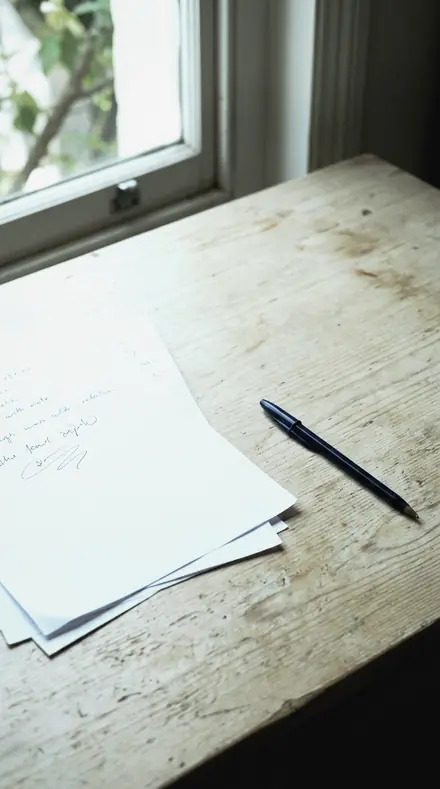
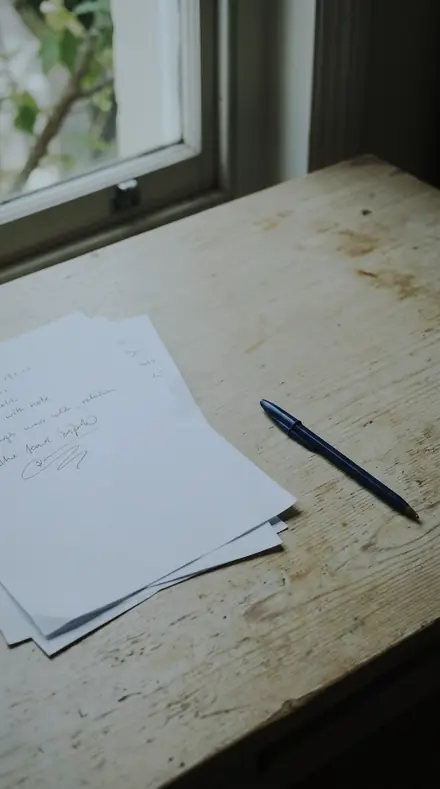
The same frame, one tap apart. Drag any handle and the scene goes back to the way it looked before Steelsheen touched it.

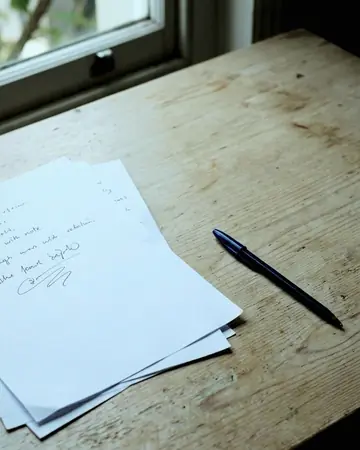
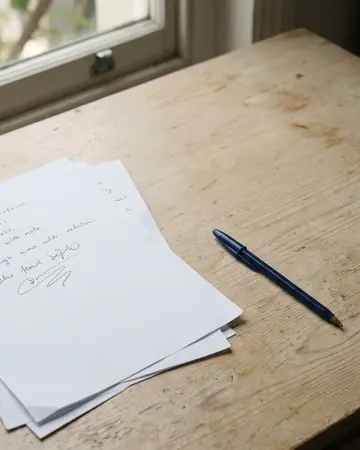
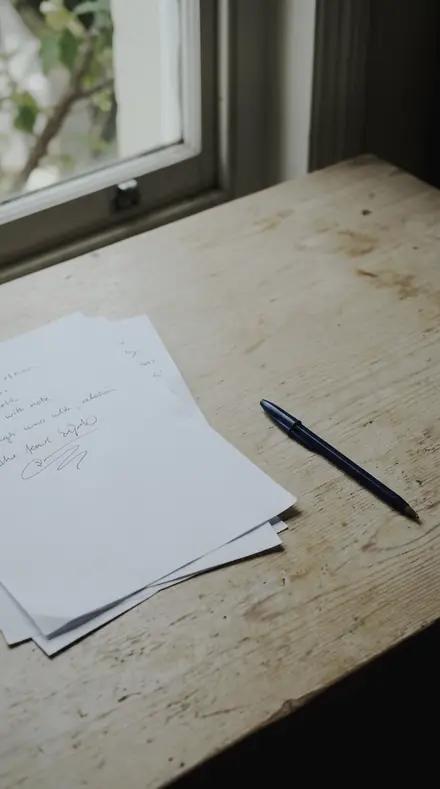
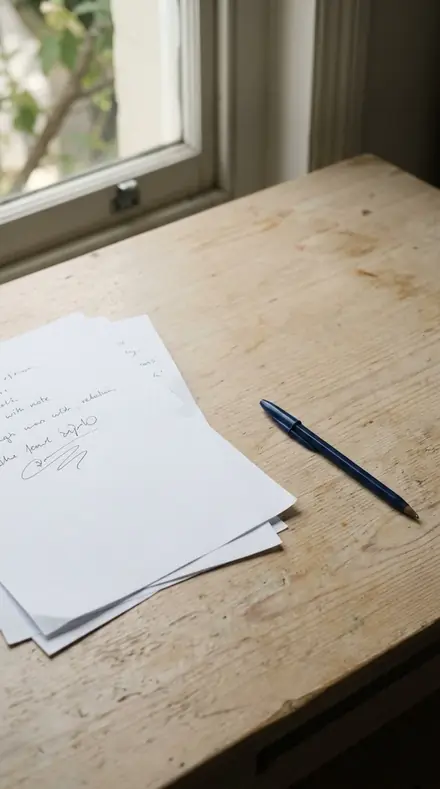
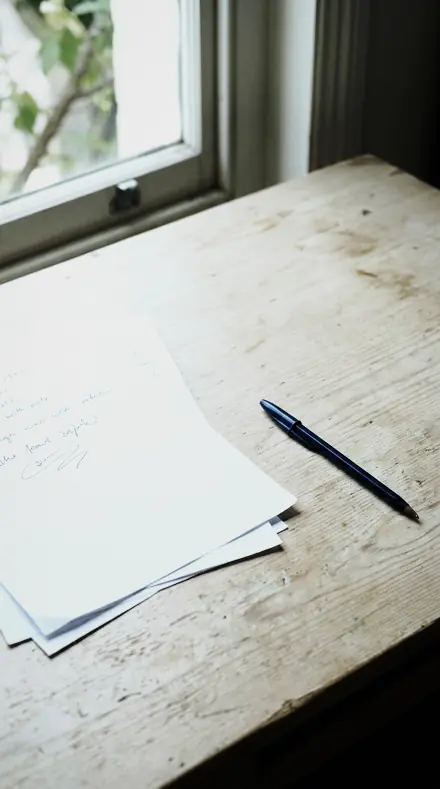
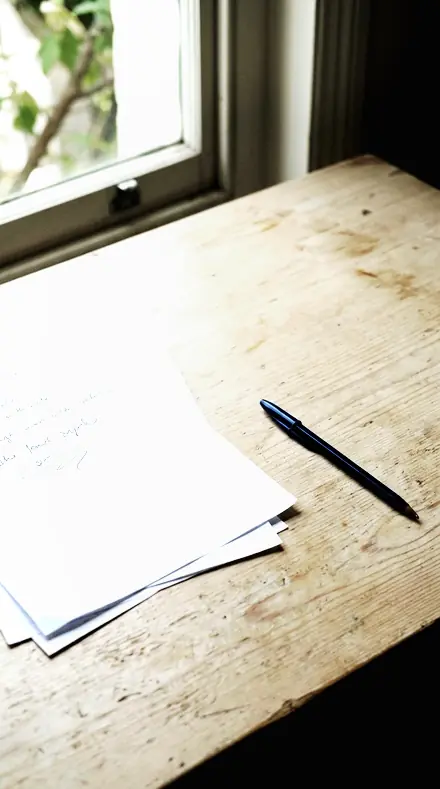
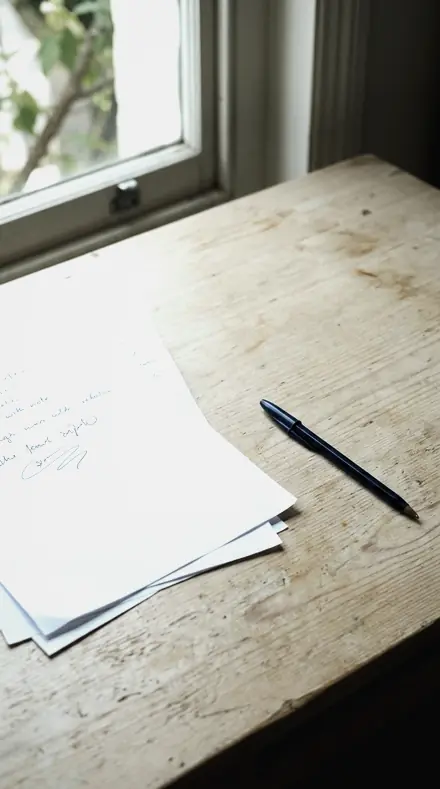
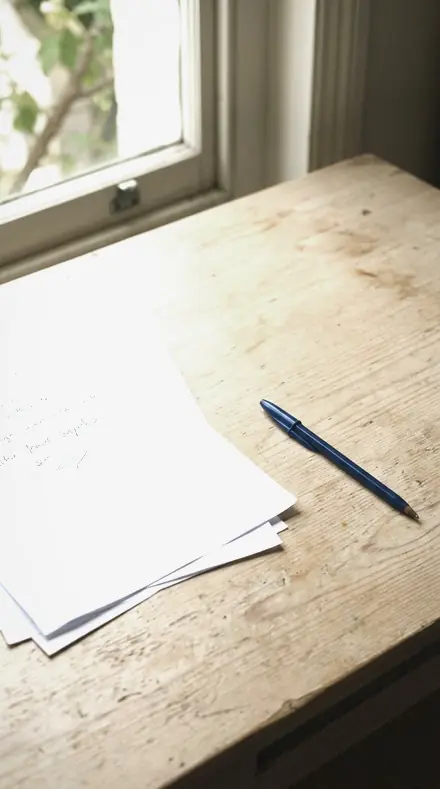
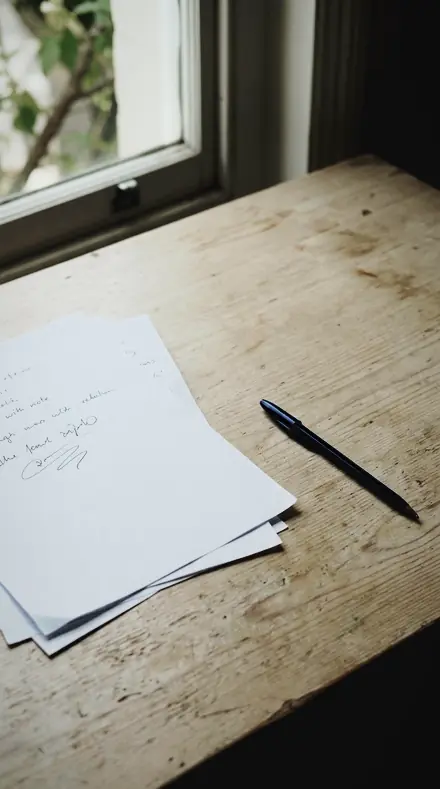
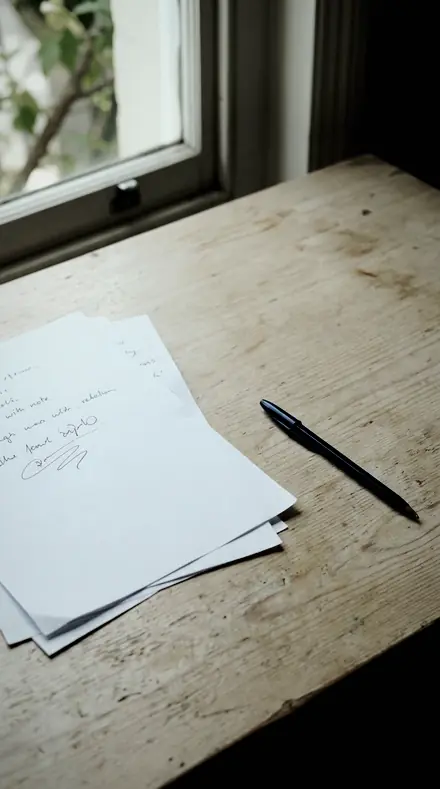
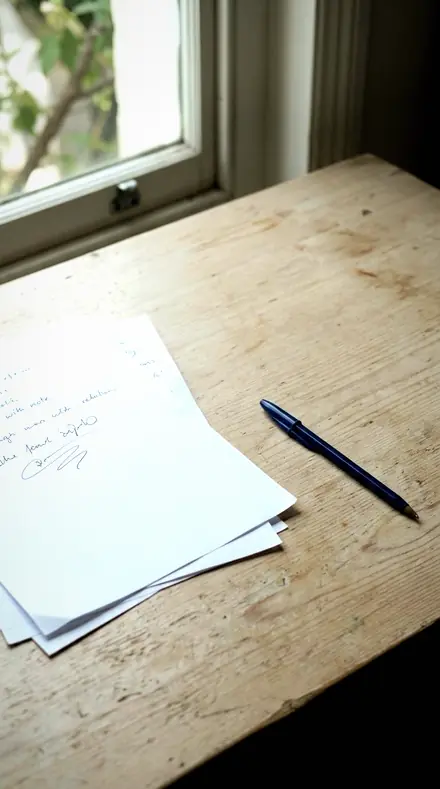
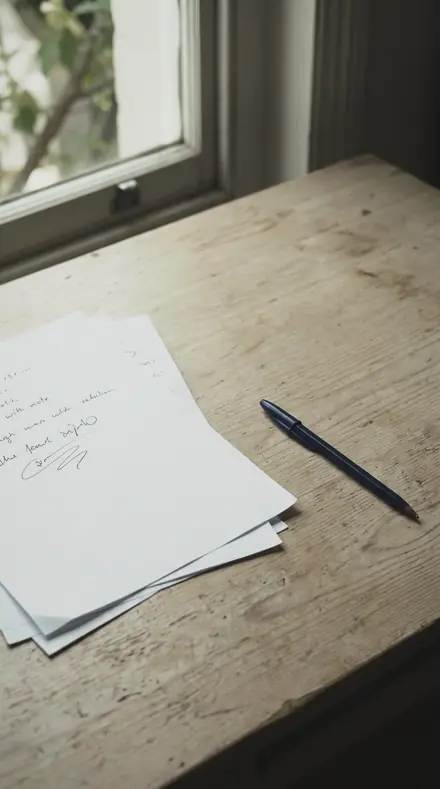
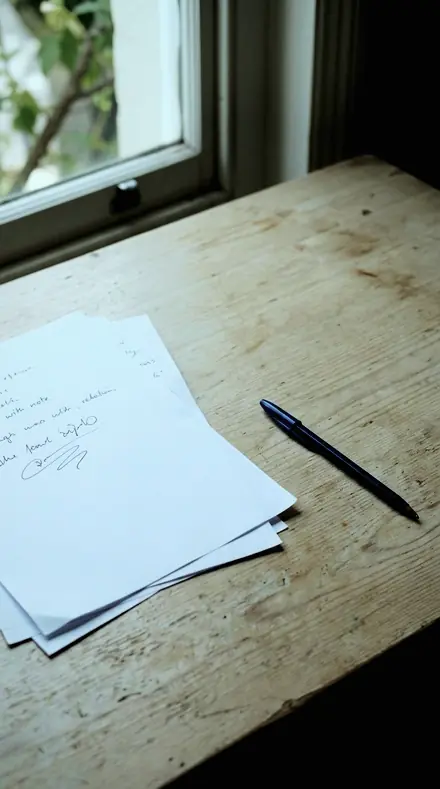
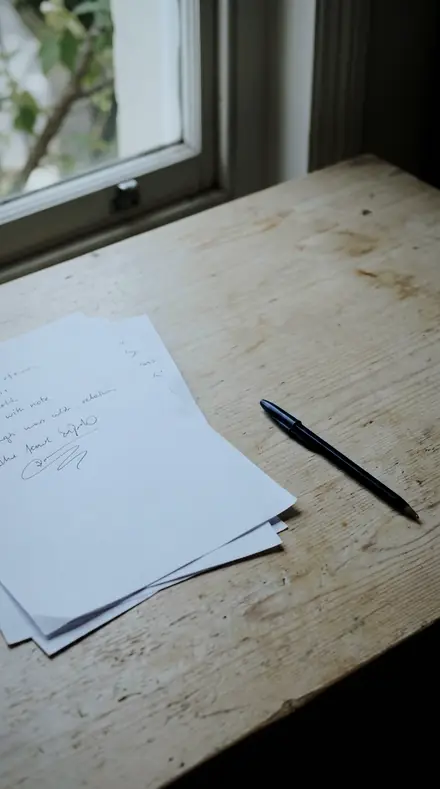
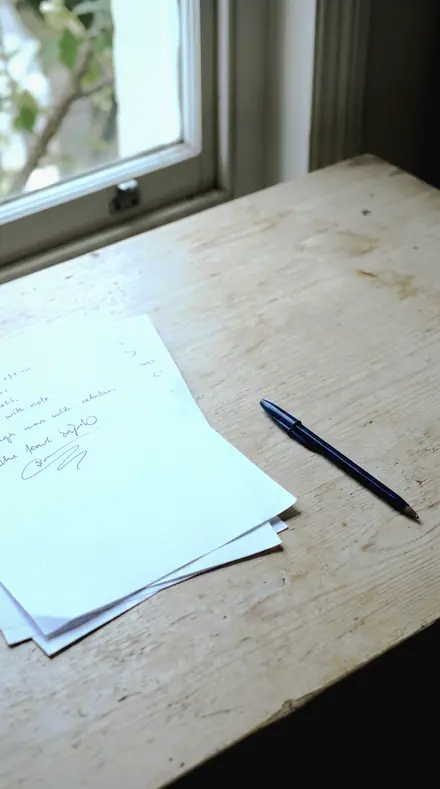
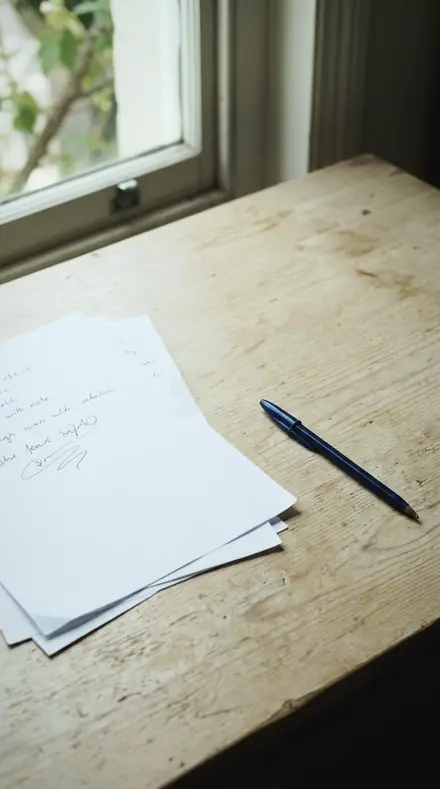
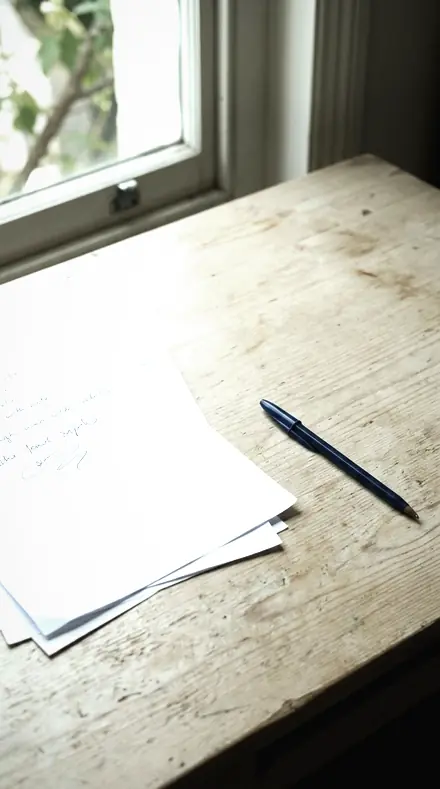
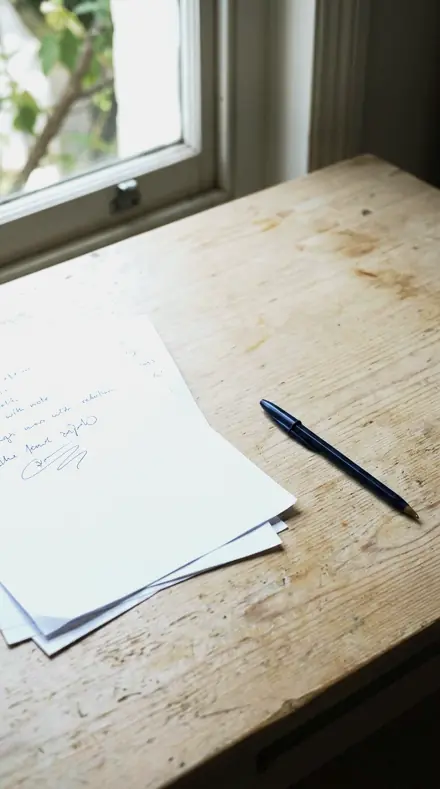
Paper desk. With the Steelsheen preset applied.Paper desk. Photographed without a preset.
Steelsheen applied to Paper desk
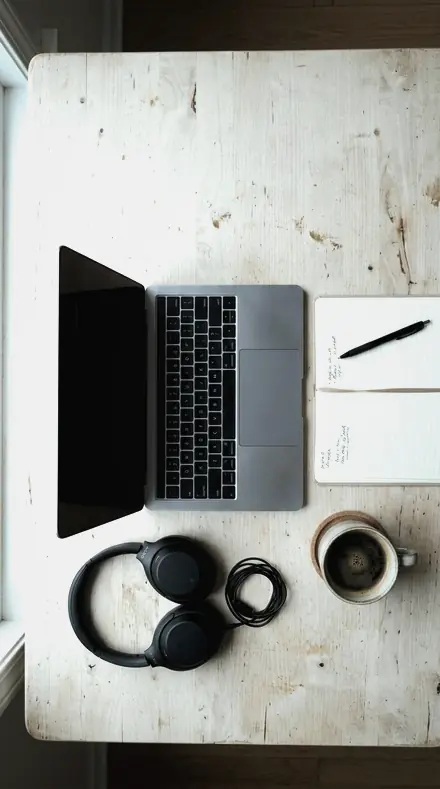
Paper desk
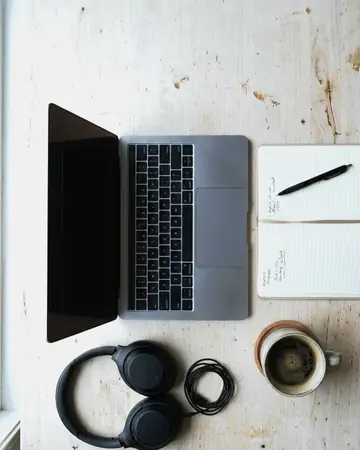
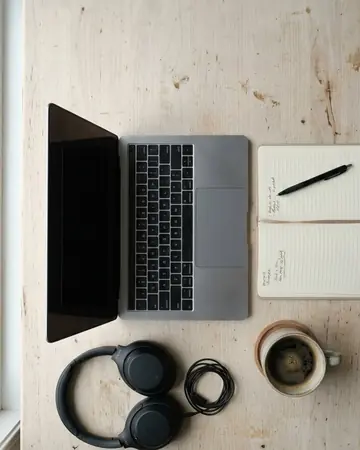
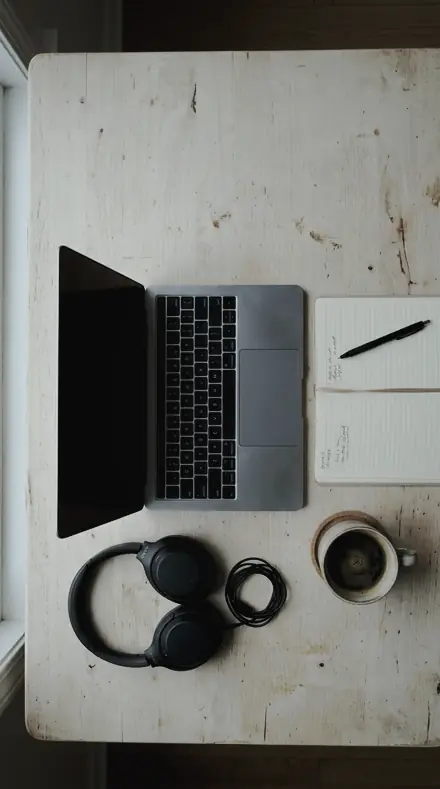
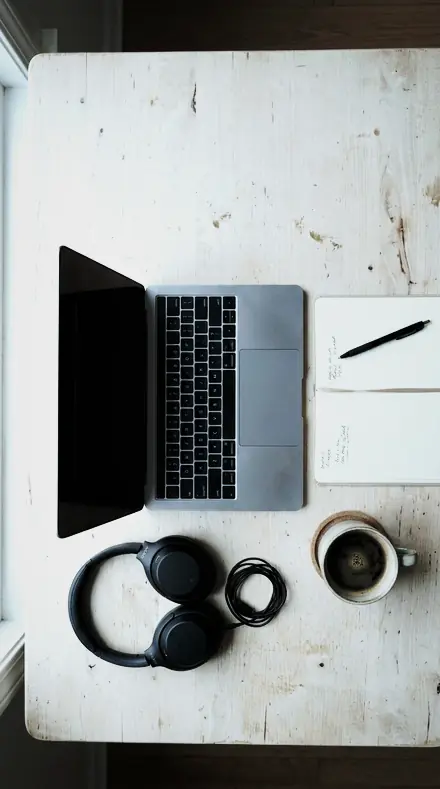
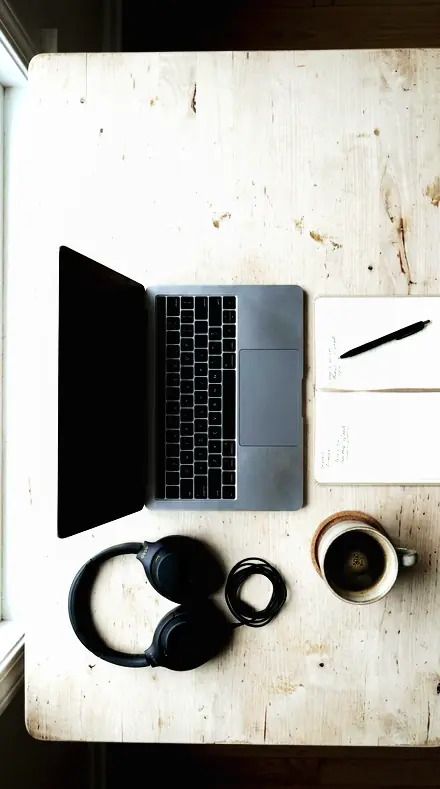
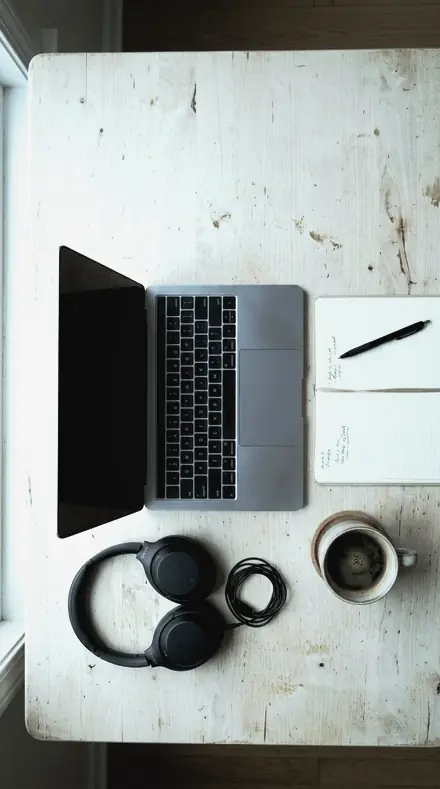
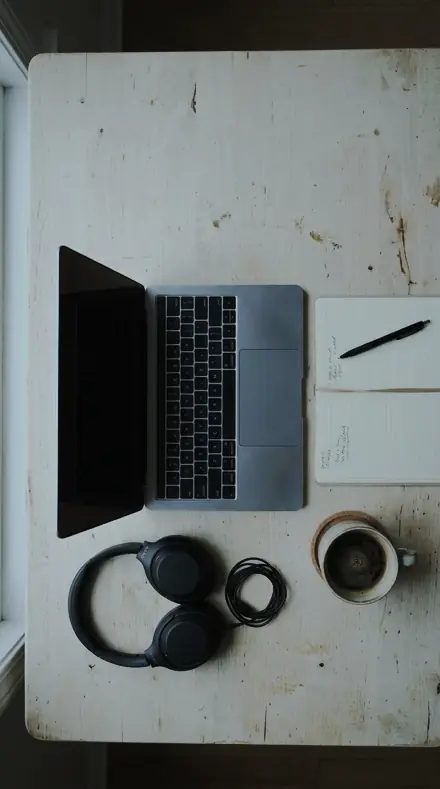
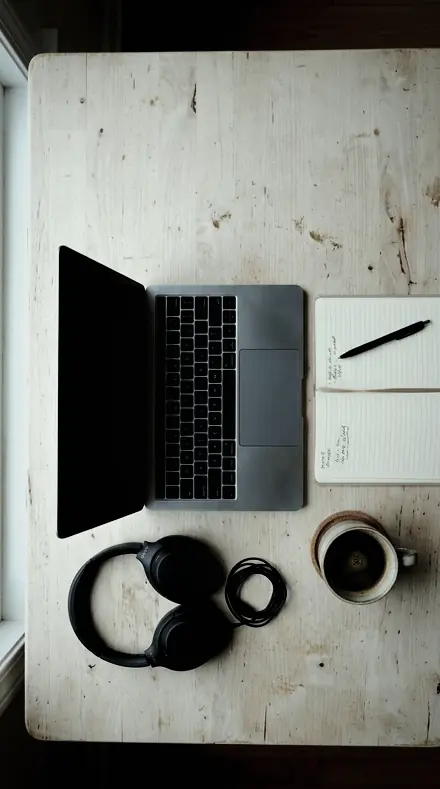
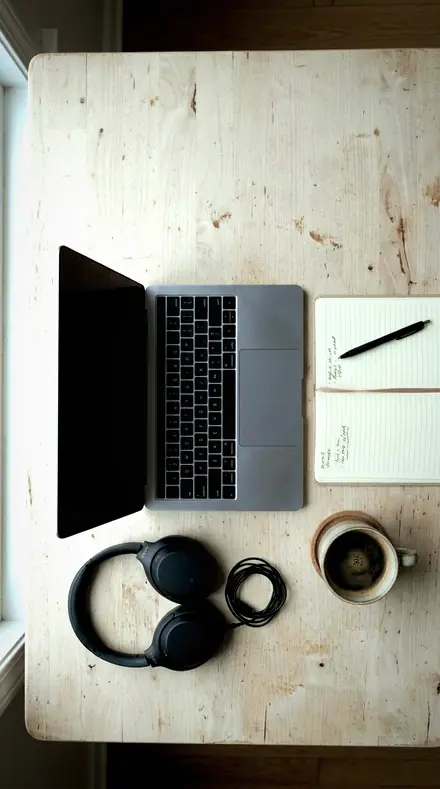
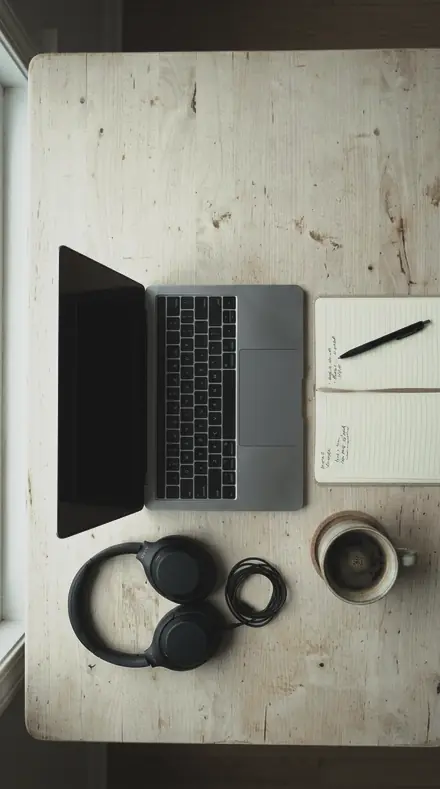
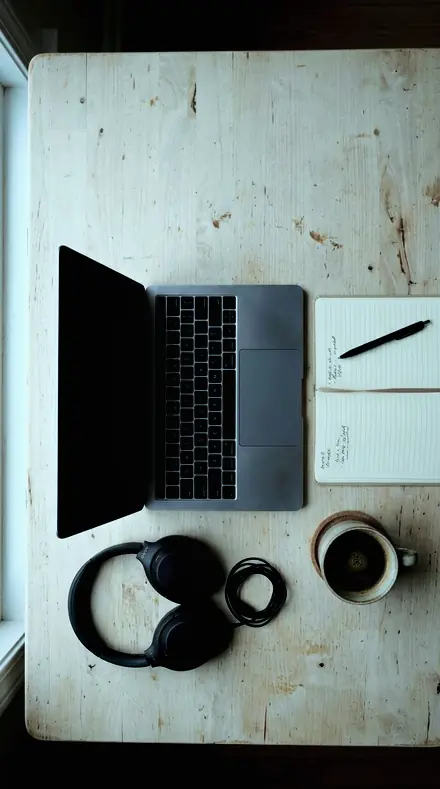
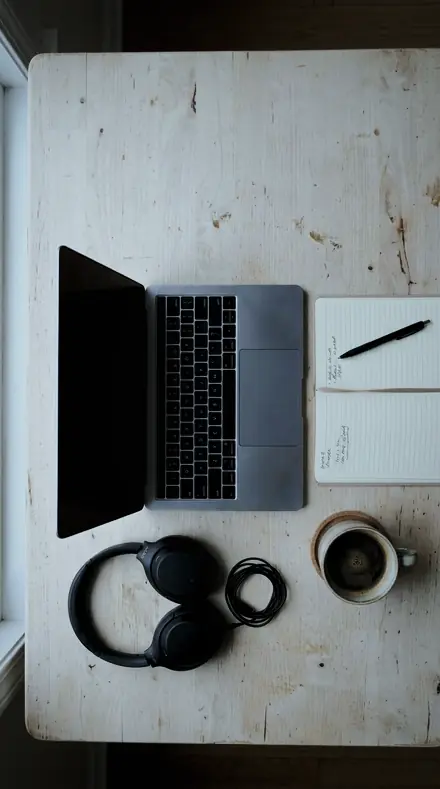
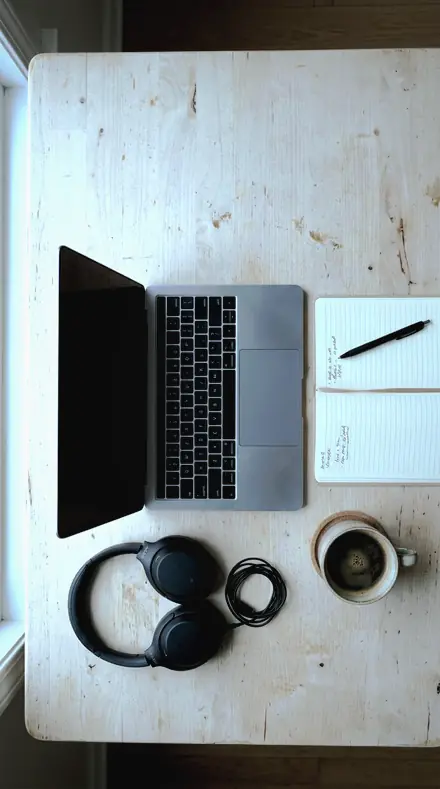
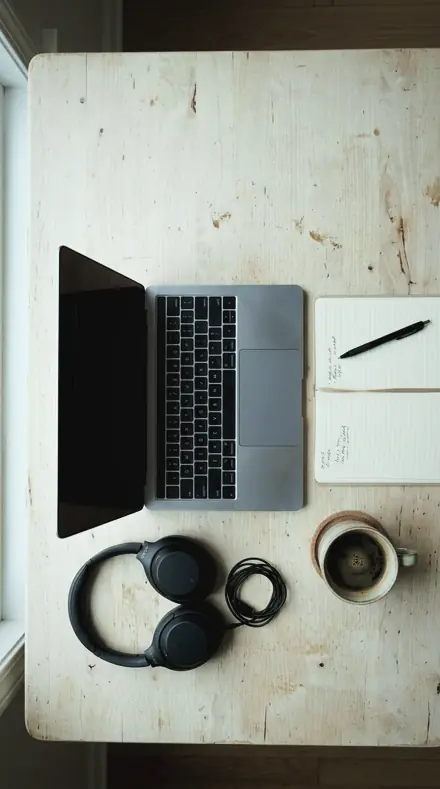
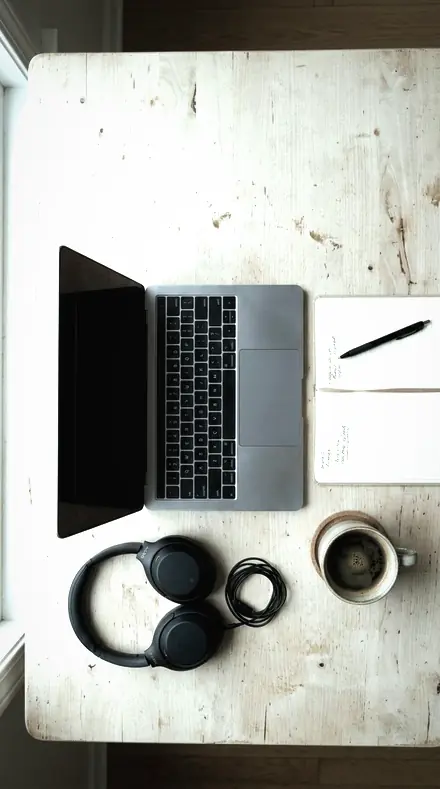
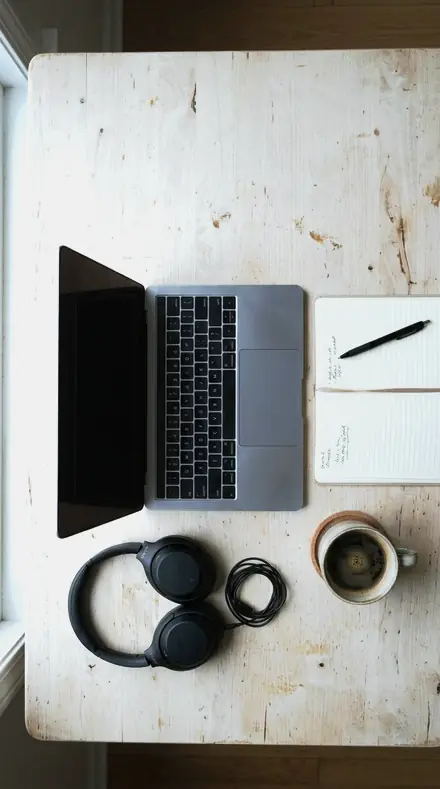
Desk flatlay. With the Steelsheen preset applied.Desk flatlay. Photographed without a preset.
Steelsheen applied to Desk flatlay
Desk flatlay

The Light Table

3 groups

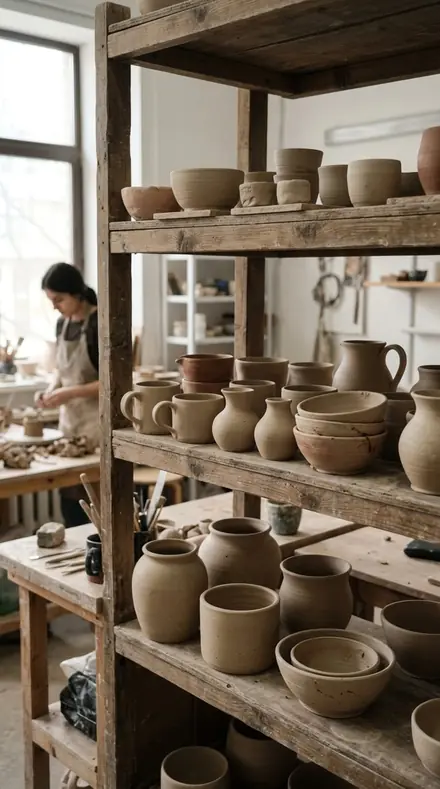
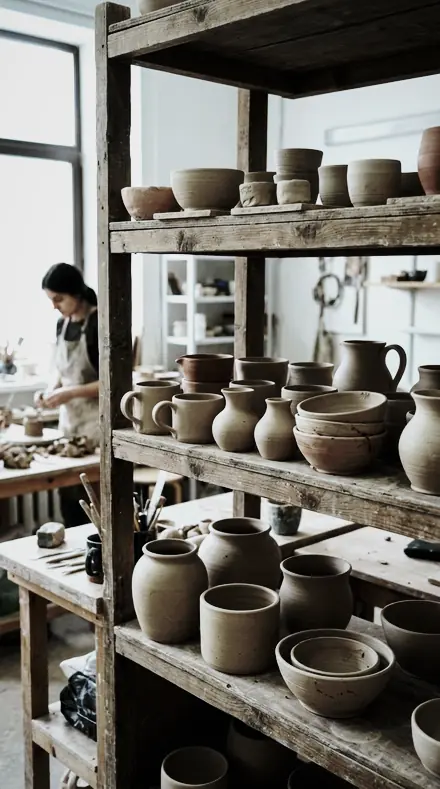
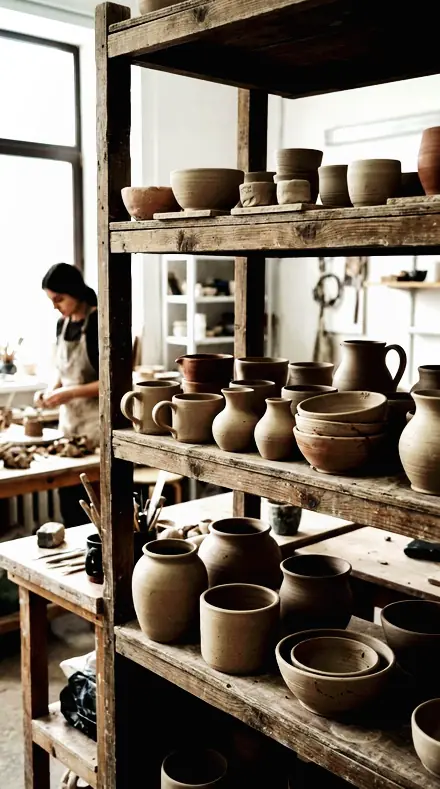
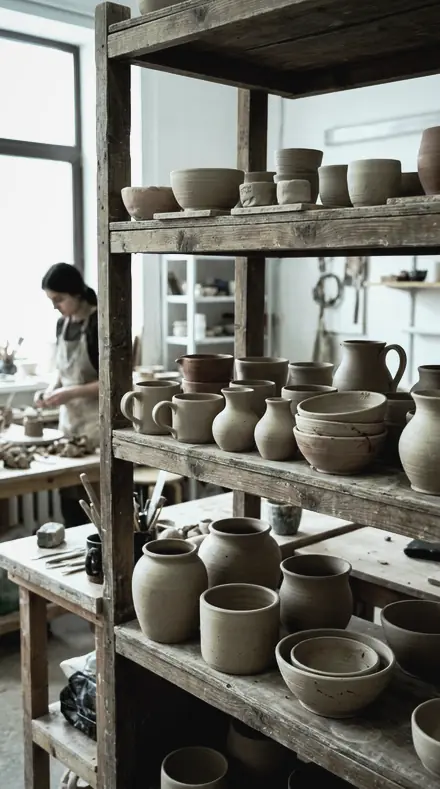
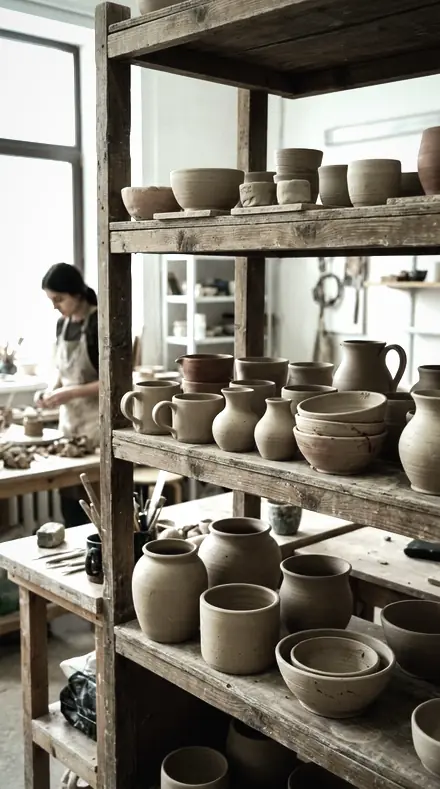
Every preset on the same warm-lit desk, paper, pour and glaze, so the cast can be seen coming off.

  • MetalThe finishes. Chrome, nickel, alloy, anodised, brushed, machined, plate. Silver reads as silver.
  • GlassThe transparent. Facets with an edge and no halo, stems not brittle, the green edge kept aqua.
  • Precision and CastClose range and colour cast. Barrels, rims and watch cases, then the two presets for warm light that must not stay.

Explore every preset in this pack

18 presets · 4 scenes

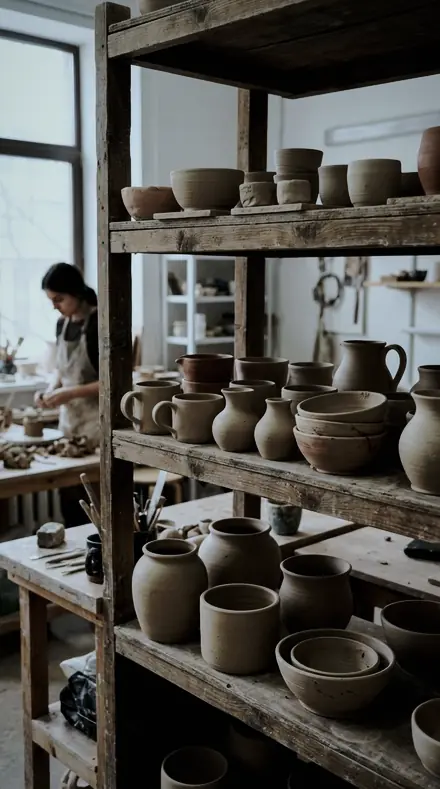
Every preset in the pack is here, on the same four photographs. Nothing below is a sample. Open one and drag.

  1. No. 01Chrome EdgeChrome and mirror-bright fittings, the strongest highlight recovery in the family.
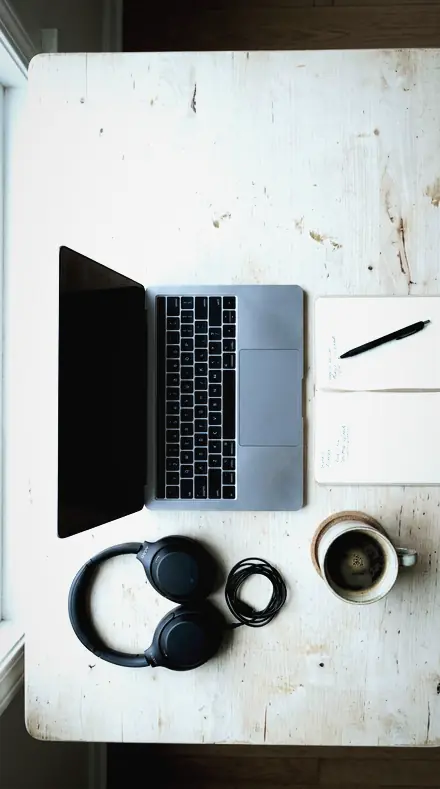
    Chrome Edge applied to Desk flatlay Before: Desk flatlay
    Desk flatlay
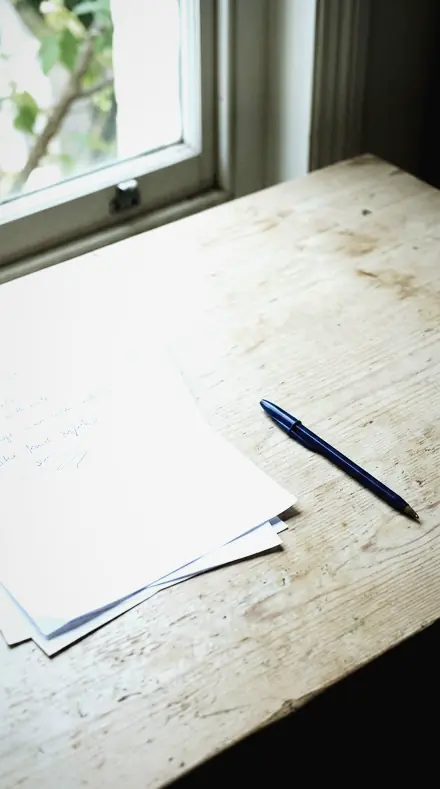
    Chrome Edge applied to Paper desk Before: Paper desk
    Paper desk
    Chrome Edge applied to Coffee pour Before: Coffee pour
    Coffee pour
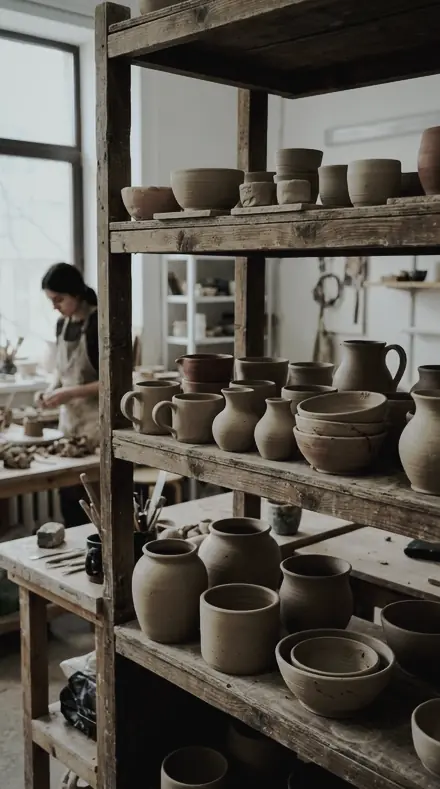
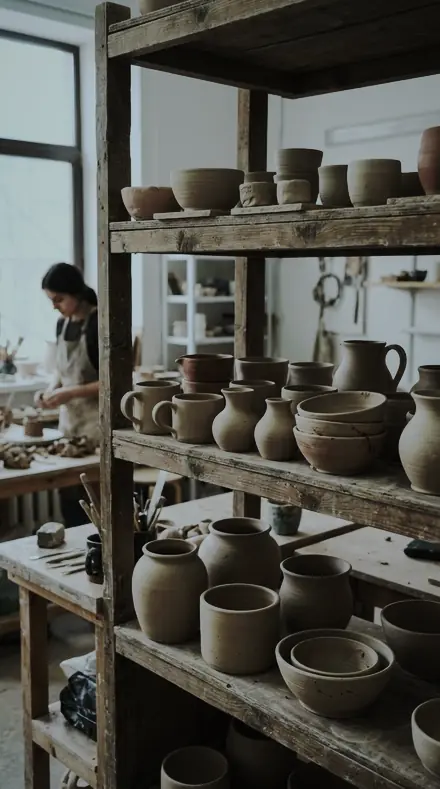
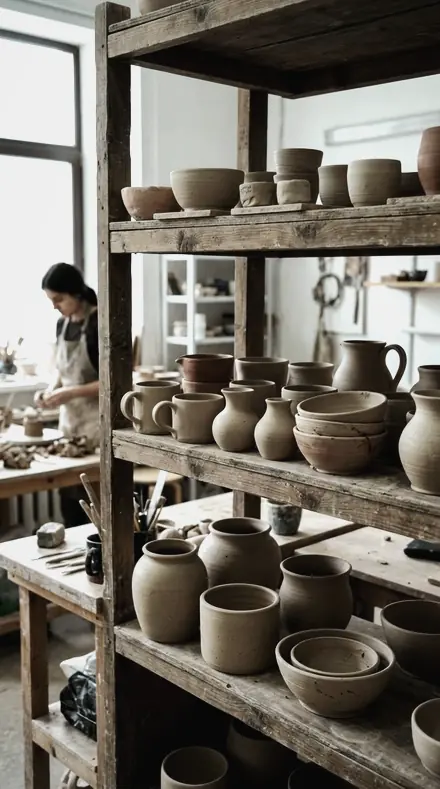
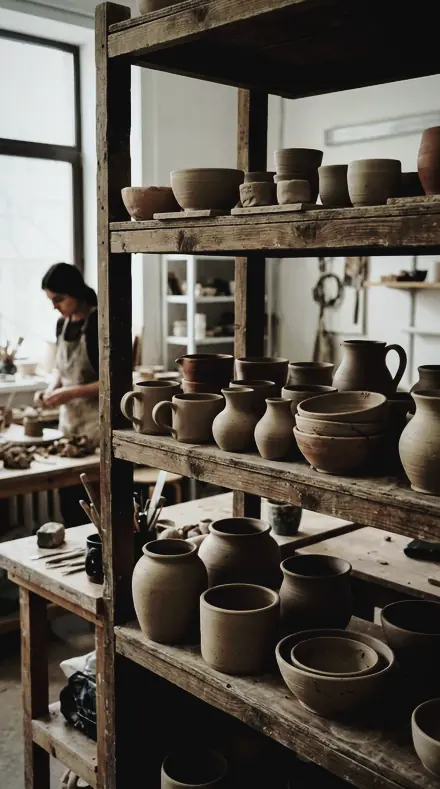
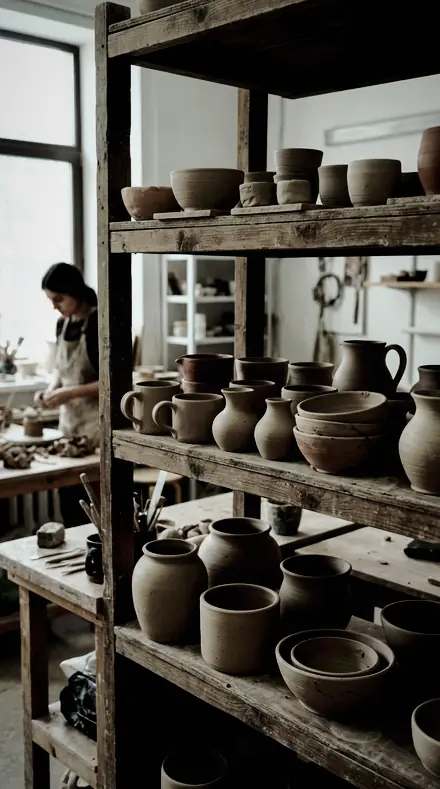
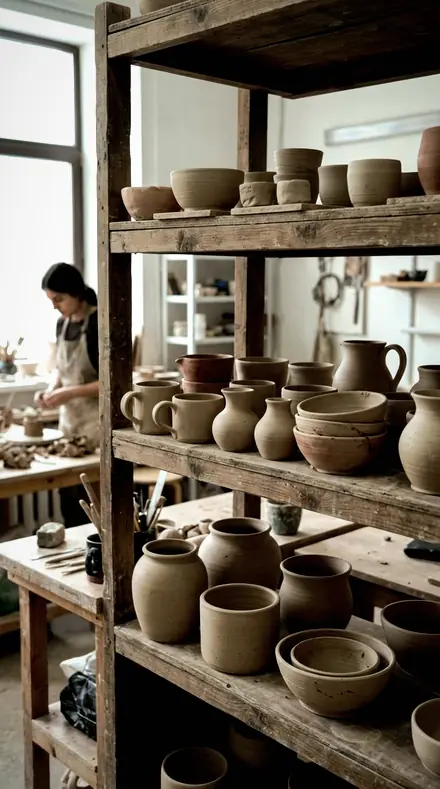
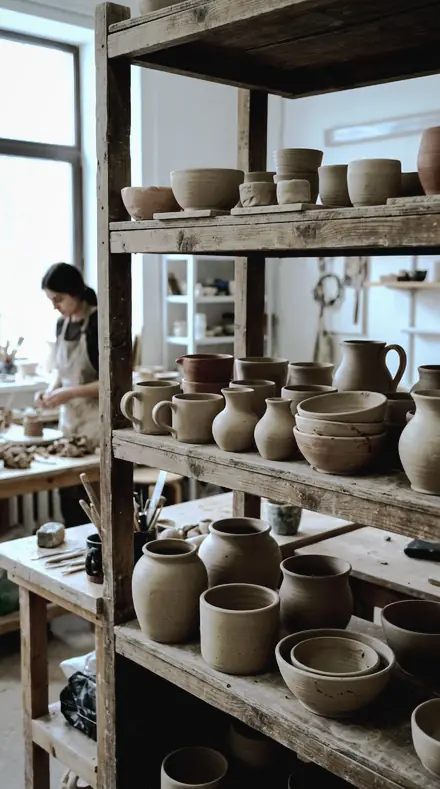
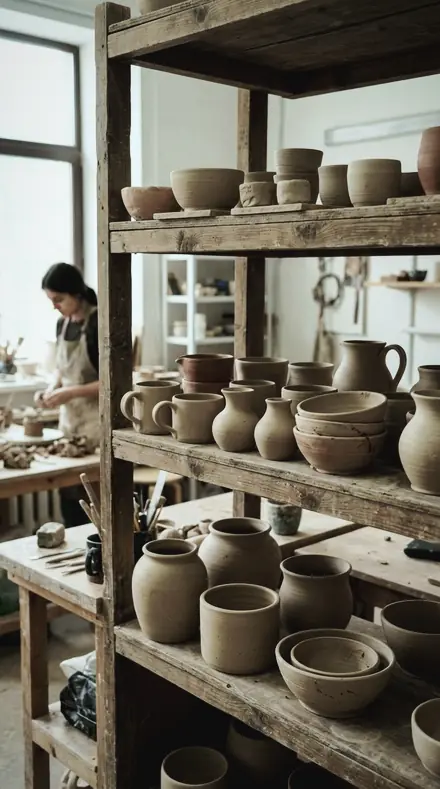
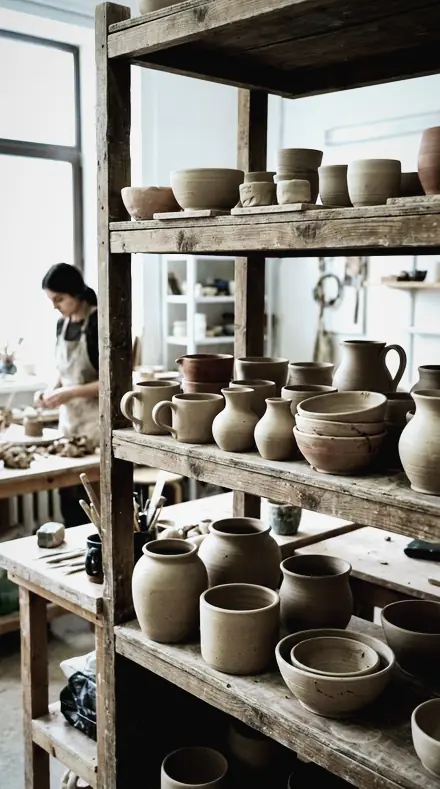
    Chrome Edge applied to Clay pots Before: Clay pots
    Clay pots

    Drag the handle. Left is the original, right is Chrome Edge. Rendered from the preset's own settings, not a Lightroom export, so the real thing carries a little more bite.

  2. No. 02Bright NickelNickel, tin and pale plating, the brightest version, for pieces that photograph too dark.
    Bright Nickel applied to Desk flatlay Before: Desk flatlay
    Desk flatlay
    Bright Nickel applied to Paper desk Before: Paper desk
    Paper desk
    Bright Nickel applied to Coffee pour Before: Coffee pour
    Coffee pour
    Bright Nickel applied to Clay pots Before: Clay pots
    Clay pots

    Drag the handle. Left is the original, right is Bright Nickel. Rendered from the preset's own settings, not a Lightroom export, so the real thing carries a little more bite.

  3. No. 03Polished AlloyPolished alloy and aluminium, mid contrast, orange and yellow pulled out so it stays silver.
    Polished Alloy applied to Desk flatlay Before: Desk flatlay
    Desk flatlay
    Polished Alloy applied to Paper desk Before: Paper desk
    Paper desk
    Polished Alloy applied to Coffee pour Before: Coffee pour
    Coffee pour
    Polished Alloy applied to Clay pots Before: Clay pots
    Clay pots

    Drag the handle. Left is the original, right is Polished Alloy. Rendered from the preset's own settings, not a Lightroom export, so the real thing carries a little more bite.

  4. No. 04Glass & SteelMixed metal-and-glass assemblies, the general-purpose version of this territory.
    Glass & Steel applied to Desk flatlay Before: Desk flatlay
    Desk flatlay
    Glass & Steel applied to Paper desk Before: Paper desk
    Paper desk
    Glass & Steel applied to Coffee pour Before: Coffee pour
    Coffee pour
    Glass & Steel applied to Clay pots Before: Clay pots
    Clay pots

    Drag the handle. Left is the original, right is Glass & Steel. Rendered from the preset's own settings, not a Lightroom export, so the real thing carries a little more bite.

  5. No. 05Anodised GreyAnodised and powder-coated grey, low saturation with the colour grade keeping it off blue.
    Anodised Grey applied to Desk flatlay Before: Desk flatlay
    Desk flatlay
    Anodised Grey applied to Paper desk Before: Paper desk
    Paper desk
    Anodised Grey applied to Coffee pour Before: Coffee pour
    Coffee pour
    Anodised Grey applied to Clay pots Before: Clay pots
    Clay pots

    Drag the handle. Left is the original, right is Anodised Grey. Rendered from the preset's own settings, not a Lightroom export, so the real thing carries a little more bite.

  6. No. 06Lens BarrelBarrels, threads and knurled controls, edge masking high so the background stays smooth.
    Lens Barrel applied to Desk flatlay Before: Desk flatlay
    Desk flatlay
    Lens Barrel applied to Paper desk Before: Paper desk
    Paper desk
    Lens Barrel applied to Coffee pour Before: Coffee pour
    Coffee pour
    Lens Barrel applied to Clay pots Before: Clay pots
    Clay pots

    Drag the handle. Left is the original, right is Lens Barrel. Rendered from the preset's own settings, not a Lightroom export, so the real thing carries a little more bite.

  7. No. 07Steel RimRims, bezels and thin bright edges, sharpening detail raised for that one feature.
    Steel Rim applied to Desk flatlay Before: Desk flatlay
    Desk flatlay
    Steel Rim applied to Paper desk Before: Paper desk
    Paper desk
    Steel Rim applied to Coffee pour Before: Coffee pour
    Coffee pour
    Steel Rim applied to Clay pots Before: Clay pots
    Clay pots

    Drag the handle. Left is the original, right is Steel Rim. Rendered from the preset's own settings, not a Lightroom export, so the real thing carries a little more bite.

  8. No. 08Watch CaseWatches and small precision goods, maximum texture and detail at close range.
    Watch Case applied to Desk flatlay Before: Desk flatlay
    Desk flatlay
    Watch Case applied to Paper desk Before: Paper desk
    Paper desk
    Watch Case applied to Coffee pour Before: Coffee pour
    Coffee pour
    Watch Case applied to Clay pots Before: Clay pots
    Clay pots

    Drag the handle. Left is the original, right is Watch Case. Rendered from the preset's own settings, not a Lightroom export, so the real thing carries a little more bite.

  9. No. 09Cut GlassFaceted and pressed glass, where every facet edge needs definition without a halo.
    Cut Glass applied to Desk flatlay Before: Desk flatlay
    Desk flatlay
    Cut Glass applied to Paper desk Before: Paper desk
    Paper desk
    Cut Glass applied to Coffee pour Before: Coffee pour
    Coffee pour
    Cut Glass applied to Clay pots Before: Clay pots
    Clay pots

    Drag the handle. Left is the original, right is Cut Glass. Rendered from the preset's own settings, not a Lightroom export, so the real thing carries a little more bite.

  10. No. 10Glass StemStemware and thin-walled glass, gentle clarity so the stem does not go brittle.
    Glass Stem applied to Desk flatlay Before: Desk flatlay
    Desk flatlay
    Glass Stem applied to Paper desk Before: Paper desk
    Paper desk
    Glass Stem applied to Coffee pour Before: Coffee pour
    Coffee pour
    Glass Stem applied to Clay pots Before: Clay pots
    Clay pots

    Drag the handle. Left is the original, right is Glass Stem. Rendered from the preset's own settings, not a Lightroom export, so the real thing carries a little more bite.

  11. No. 11Silver PlateSilverware and plate, the flattest version, so shape rather than contrast carries the object.
    Silver Plate applied to Desk flatlay Before: Desk flatlay
    Desk flatlay
    Silver Plate applied to Paper desk Before: Paper desk
    Paper desk
    Silver Plate applied to Coffee pour Before: Coffee pour
    Coffee pour
    Silver Plate applied to Clay pots Before: Clay pots
    Clay pots

    Drag the handle. Left is the original, right is Silver Plate. Rendered from the preset's own settings, not a Lightroom export, so the real thing carries a little more bite.

  12. No. 12Brushed SteelBrushed and satin metal, texture raised so the grain direction reads, colour taken almost out.
    Brushed Steel applied to Desk flatlay Before: Desk flatlay
    Desk flatlay
    Brushed Steel applied to Paper desk Before: Paper desk
    Paper desk
    Brushed Steel applied to Coffee pour Before: Coffee pour
    Coffee pour
    Brushed Steel applied to Clay pots Before: Clay pots
    Clay pots

    Drag the handle. Left is the original, right is Brushed Steel. Rendered from the preset's own settings, not a Lightroom export, so the real thing carries a little more bite.

  13. No. 13Mirror FaceMirrors and mirror-finish faces, where what is reflected has to stay controlled and readable.
    Mirror Face applied to Desk flatlay Before: Desk flatlay
    Desk flatlay
    Mirror Face applied to Paper desk Before: Paper desk
    Paper desk
    Mirror Face applied to Coffee pour Before: Coffee pour
    Coffee pour
    Mirror Face applied to Clay pots Before: Clay pots
    Clay pots

    Drag the handle. Left is the original, right is Mirror Face. Rendered from the preset's own settings, not a Lightroom export, so the real thing carries a little more bite.

  14. No. 14Tempered GlassToughened and laminated glass with a green edge, aqua lifted and yellow suppressed.
    Tempered Glass applied to Desk flatlay Before: Desk flatlay
    Desk flatlay
    Tempered Glass applied to Paper desk Before: Paper desk
    Paper desk
    Tempered Glass applied to Coffee pour Before: Coffee pour
    Coffee pour
    Tempered Glass applied to Clay pots Before: Clay pots
    Clay pots

    Drag the handle. Left is the original, right is Tempered Glass. Rendered from the preset's own settings, not a Lightroom export, so the real thing carries a little more bite.

  15. No. 15Machined EdgeMachined and CNC surfaces, sharply rendered version, tool marks left visible.
    Machined Edge applied to Desk flatlay Before: Desk flatlay
    Desk flatlay
    Machined Edge applied to Paper desk Before: Paper desk
    Paper desk
    Machined Edge applied to Coffee pour Before: Coffee pour
    Coffee pour
    Machined Edge applied to Clay pots Before: Clay pots
    Clay pots

    Drag the handle. Left is the original, right is Machined Edge. Rendered from the preset's own settings, not a Lightroom export, so the real thing carries a little more bite.

  16. No. 16Cool ChromeThe coolest version: for warm-lit metal that needs pulling back to neutral silver.
    Cool Chrome applied to Desk flatlay Before: Desk flatlay
    Desk flatlay
    Cool Chrome applied to Paper desk Before: Paper desk
    Paper desk
    Cool Chrome applied to Coffee pour Before: Coffee pour
    Coffee pour
    Cool Chrome applied to Clay pots Before: Clay pots
    Clay pots

    Drag the handle. Left is the original, right is Cool Chrome. Rendered from the preset's own settings, not a Lightroom export, so the real thing carries a little more bite.

  17. No. 17Cold MetalThe most neutral cool version: for metal that must not carry any warm cast at all.
    Cold Metal applied to Desk flatlay Before: Desk flatlay
    Desk flatlay
    Cold Metal applied to Paper desk Before: Paper desk
    Paper desk
    Cold Metal applied to Coffee pour Before: Coffee pour
    Coffee pour
    Cold Metal applied to Clay pots Before: Clay pots
    Clay pots

    Drag the handle. Left is the original, right is Cold Metal. Rendered from the preset's own settings, not a Lightroom export, so the real thing carries a little more bite.

  18. No. 18Clear BottleClear bottles and glassware on light backgrounds, contrast in the edges rather than the body.
    Clear Bottle applied to Desk flatlay Before: Desk flatlay
    Desk flatlay
    Clear Bottle applied to Paper desk Before: Paper desk
    Paper desk
    Clear Bottle applied to Coffee pour Before: Coffee pour
    Coffee pour
    Clear Bottle applied to Clay pots Before: Clay pots
    Clay pots

    Drag the handle. Left is the original, right is Clear Bottle. Rendered from the preset's own settings, not a Lightroom export, so the real thing carries a little more bite.

The brief is neutral. Warm light makes metal look like brass and glass look like tea. Every preset here pulls the orange and yellow out of the object, sets a cool white point and leaves saturation low, so silver reads as silver and clear reads as clear.

Metal covers the finishes. Chrome Edge has the strongest highlight recovery, for mirror-bright fittings. Bright Nickel lifts pale plating that photographs too dark. Polished Alloy, Anodised Grey, Brushed Steel and Machined Edge each hold one surface: the grain direction, the tool marks, the grey kept off blue. Silver Plate is the flattest, so shape carries the object instead of contrast.

Glass covers the transparent. Cut Glass gives every facet an edge without a halo. Glass Stem is gentle so the stem does not go brittle. Tempered Glass lifts the aqua and suppresses the yellow of a green edge. Clear Bottle puts the contrast in the edges rather than the body. Precision and Cast are the close-range and colour-cast presets: Lens Barrel, Steel Rim and Watch Case for detail, Cool Chrome and Cold Metal for when the light was warm and the metal must not carry any of it.

Apply, then check the white. It should be white.

Yours in two minutes

how it works

  1. Step 1

    Buy

    Pay with Apple Pay, Google Pay or a card.

  2. Step 2

    Download

    The zip downloads right away, and a copy lands in your email.

  3. Step 3

    Import

    Add the presets to Lightroom in a minute.

    PhoneClassicDesktop
  4. Step 4

    Tap

    One tap on any photo. Every slider stays yours to adjust.

Yours to keep, for personal and client work. Please do not share the files. The license

Netzah Elad Topaz, the photographer who makes these presets

the maker

Why I Make These

I am Netzah Elad Topaz. I take photographs and I build software, and the two keep leading me back to the same problem. You were there. The light was doing something you will not see again. Then the photo comes back flat, and it is not what you were looking at.

Closing that gap is the whole job. Every preset here is built from Adobe defaults by hand, with a written note for what it should do to a picture, and it is judged on photographs before it ships. Nothing is a filter dropped on top of your work.

What I want is simple. You open a photo you almost gave up on, you tap once, and there it is: the day you remember, not the file your camera handed you. That is worth doing properly.

Questions, answered

What if the product is meant to be gold?

Start from Glass & Steel, the general version, and skip Cool Chrome and Cold Metal. The rest pull orange and yellow out on purpose, so gold will go grey under them.

Do these work in the free Lightroom app?

Yes. Import the .xmp files in the free Lightroom app on iPhone or Android, no subscription needed. They also work in Lightroom Classic and Lightroom on desktop.

What exactly do I get?

All 18 presets from Metal & Glass as .xmp files in an instant ZIP download. The link also lands in your email, and the purchase stays in your account so you can re-download any time.

How do I install them?

Two minutes: unzip, then import inside Lightroom. The step-by-step guide covers iPhone, Android, and desktop.

Can I use them for client work?

Yes. The single-user license covers personal and commercial photography. The one thing you can't do is share or resell the preset files themselves.

Can I tweak a preset after applying it?

Always. A preset is a starting point; every slider stays yours to adjust.

What else is like this

All product and materials
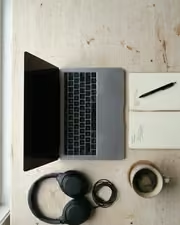
A desk that suddenly looks like content. With the Sweeptable preset applied.A desk that suddenly looks like content. Photographed without a preset.
Sweeptable applied to A desk that suddenly looks like content

Sweeptable

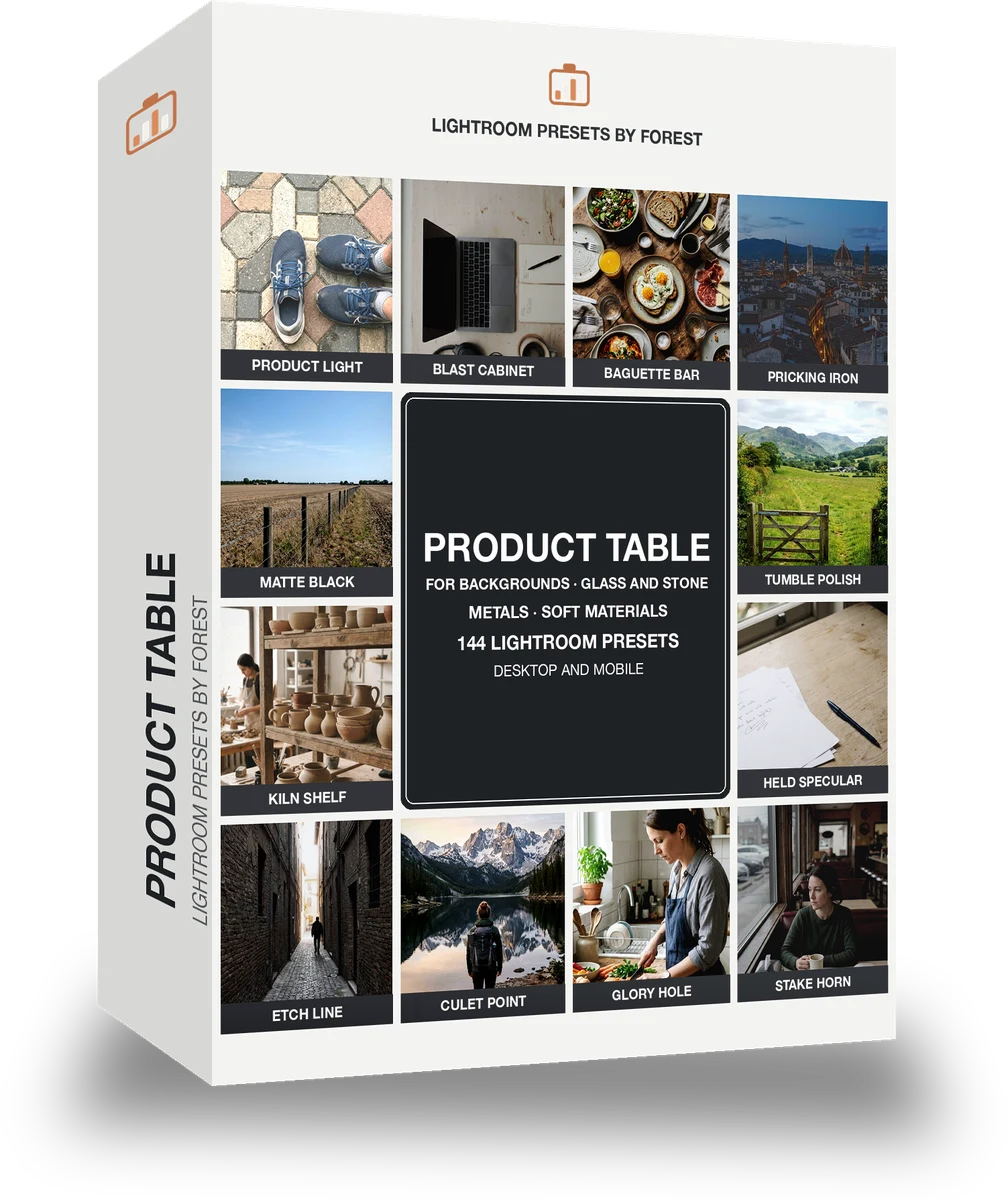
Product and materials · 144 presets

was $199now $99Save $100

Cafe window, one tap later. With the Reeltint preset applied.Cafe window, one tap later. Photographed without a preset.
Reeltint applied to Cafe window, one tap later

Reeltint

Everyday and mobile creators · 15 presets

was $49.99now $29.99Save $20

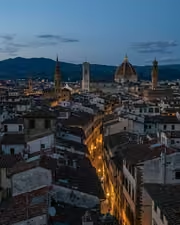
The rooftop hour, kept the way it felt. With the Roamhue preset applied.The rooftop hour, kept the way it felt. Photographed without a preset.
Roamhue applied to The rooftop hour, kept the way it felt.

Roamhue

Travel and street · 15 presets

was $49.99now $29.99Save $20

The croissants look warm again. With the Savoryhue preset applied.The croissants look warm again. Photographed without a preset.
Savoryhue applied to The croissants look warm again.

Savoryhue

Food and hospitality · 15 presets

was $49.99now $29.99Save $20