






PRE|SETS
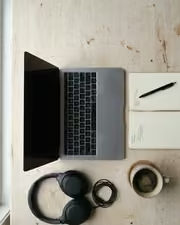
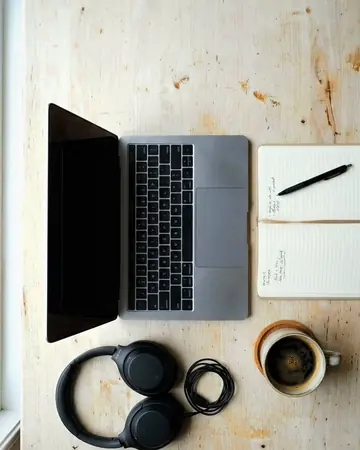
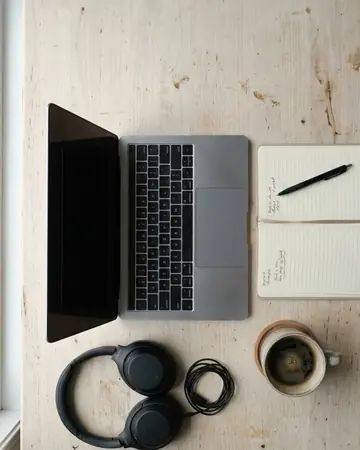
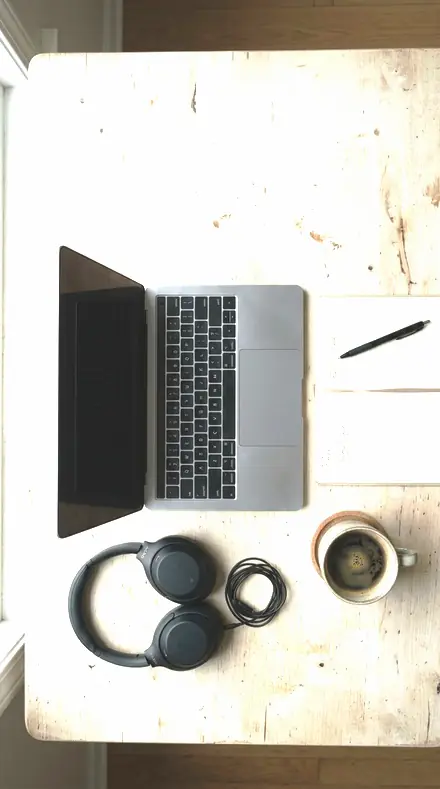
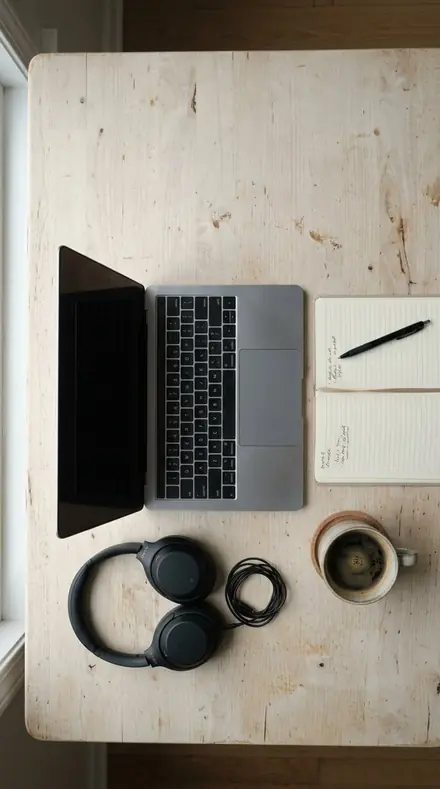
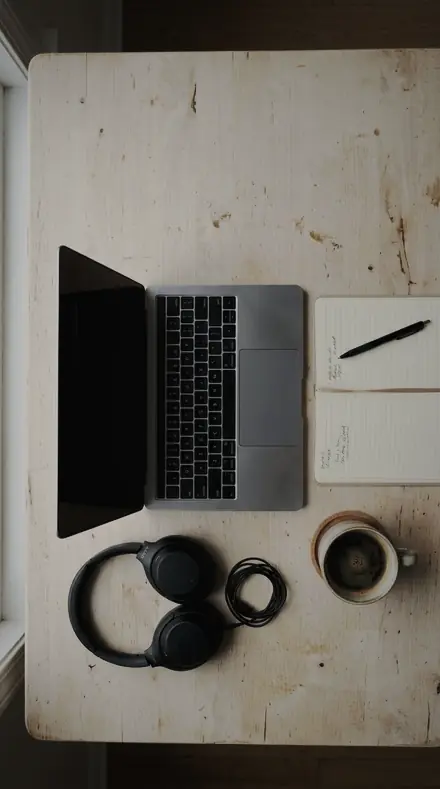
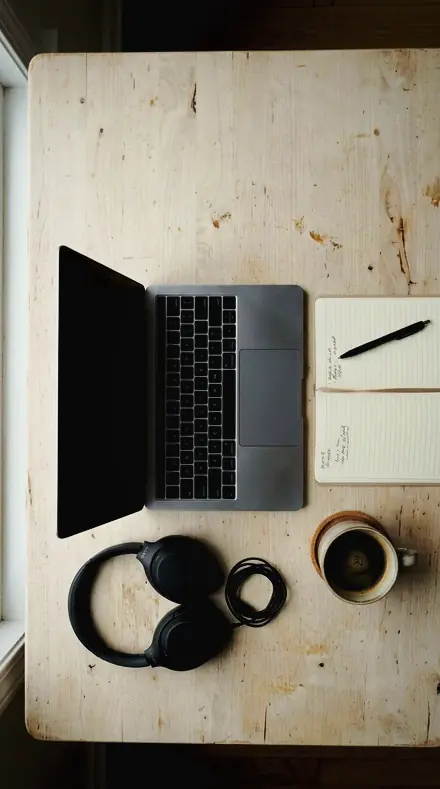
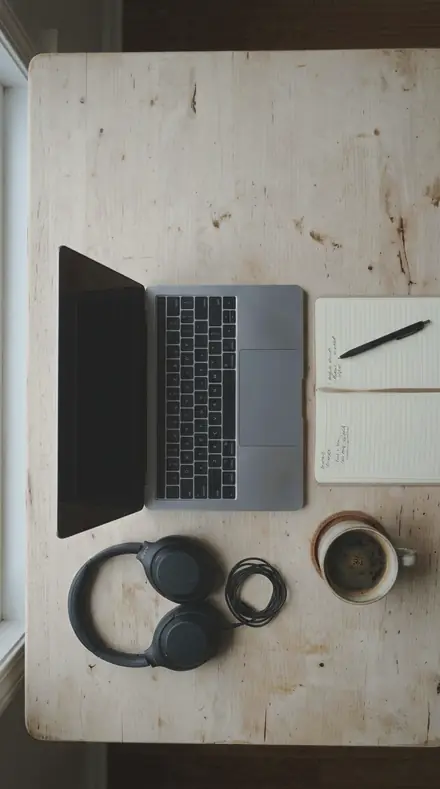
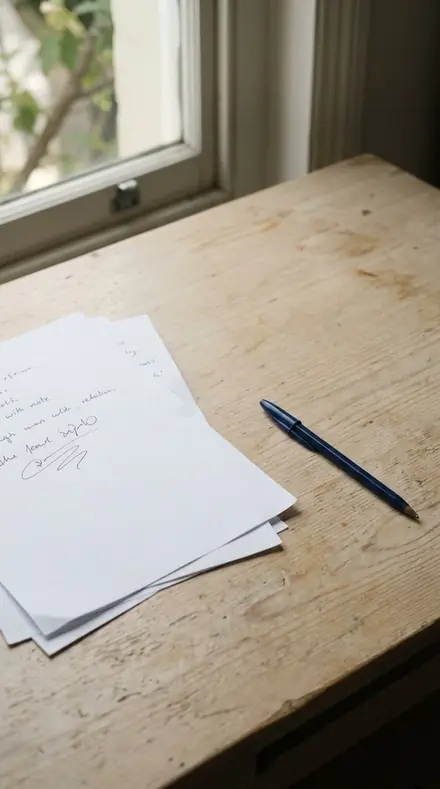
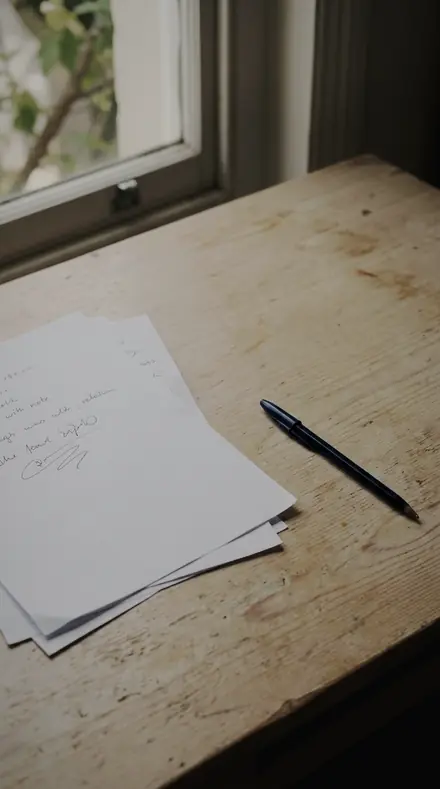
desk flatlay. With the Sweeptable preset applied.desk flatlay. Photographed without a preset.
Sweeptable applied to desk flatlay

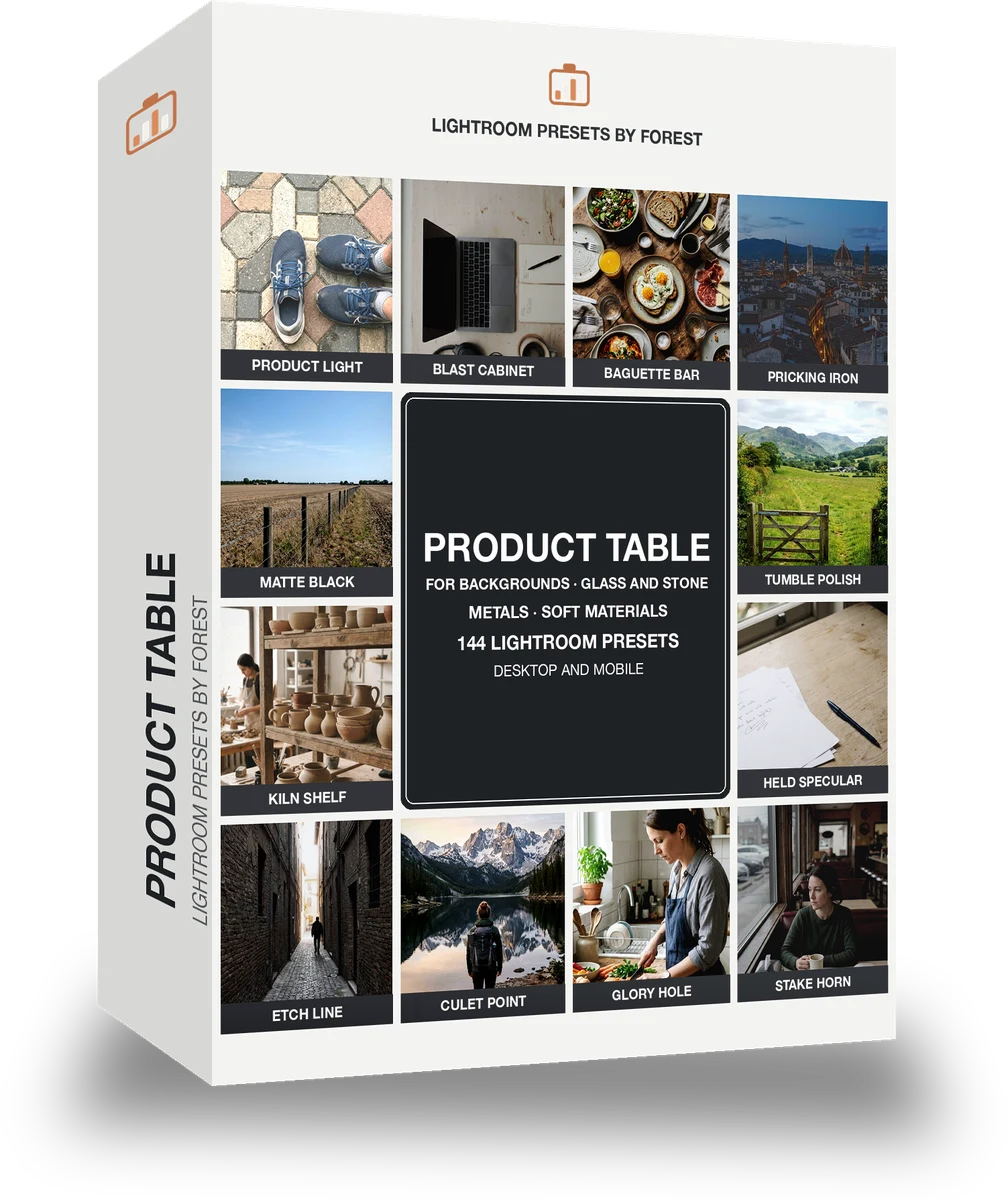
Product Table

Built for product and materials. The subjects inside it are product, night, interior, portrait and film. The light runs neutral natural, film matte, mid and low key.

Sweeptable Product Table is 144 presets in 8 collections.

was $199now $99

This is the welcome price.

Instant download.

Add it and keep looking. Your cart follows you across every store in the network.

  • Works inLightroom desktop and mobile
  • Format.xmp and .dng
  • DeliveryInstant download, and it stays in your account

What it does to a photograph

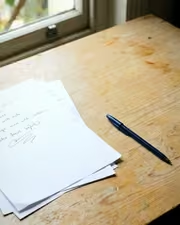
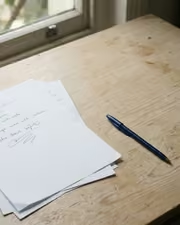
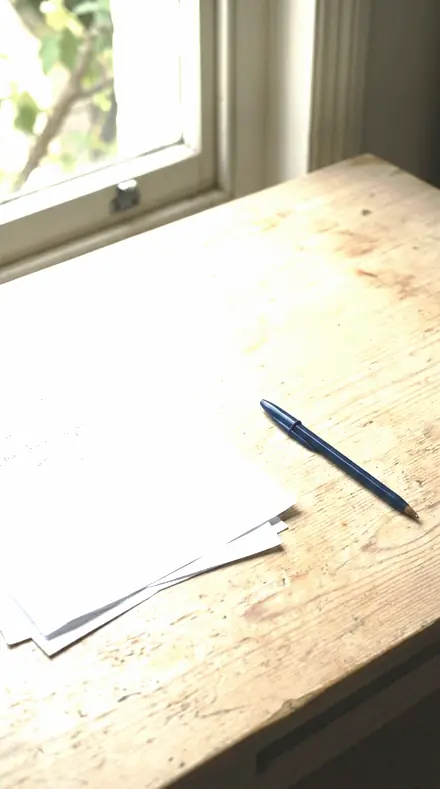
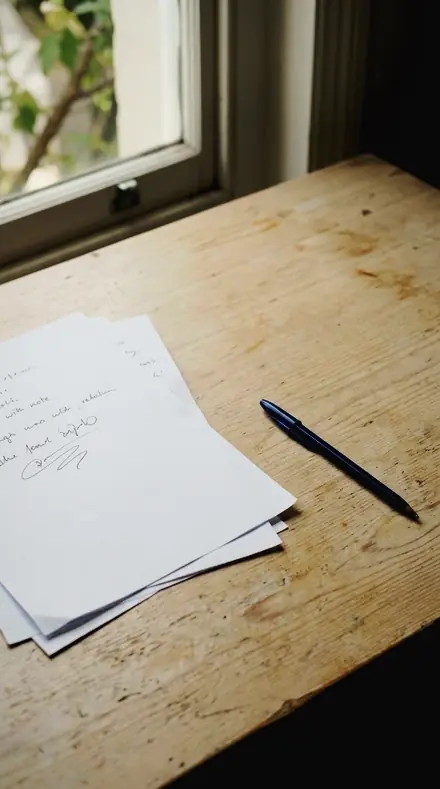
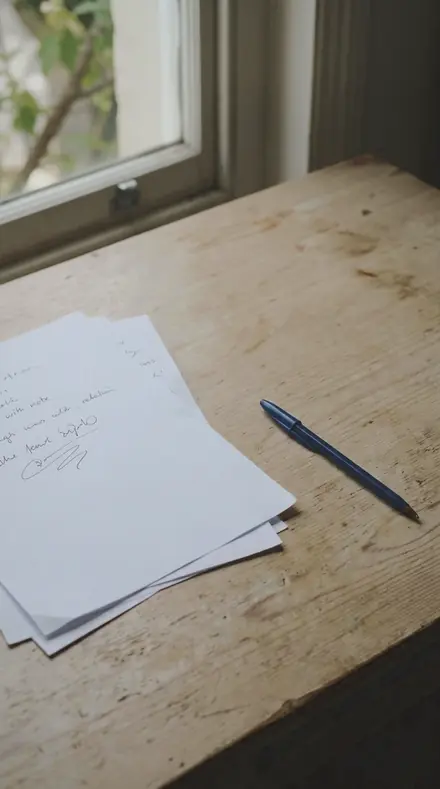
paper desk. With the Sweeptable preset applied.paper desk. Photographed without a preset.
Sweeptable applied to paper desk
paper desk, graded with Sweeptable: 8 of this library's 8 collections
clay pots. With the Sweeptable preset applied.clay pots. Photographed without a preset.
Sweeptable applied to clay pots
clay pots, graded with Sweeptable: 8 of this library's 8 collections

It does not cover architecture, interiors and property; moods and tonal statements; light and weather; workflow and utility bases. Those collections live in other products on this network, and nothing here stands in for them.

What is inside, territory by territory

Product and materials

8 collections, 144 presets

  • Studio Object
  • Studio Black
  • Clear Glass
  • Cut Gemstone
  • Gold Metal
  • Silver Chrome
  • Matte Leather
  • Pale Ceramic

What contains what

This library is itself inside 3 larger libraries.

Sweeptable · Product and materials

Sweeptable makes one kind of light.

144 presets across 4 kinds of light is 144 presets for product and materials photography. Every one of them is below, before you pay for any of it.

What this light does

one frame, 4 presets

Product Table, a contact sheet on a white sweep

4 of them, on one photograph. Drag to compare before and after.

  1. Desk flatlay. With the Product Light preset applied.Desk flatlay. Photographed without a preset.
    Product Light applied to Desk flatlay

    No. 02

    Product Light

    The brightest version for a hero product frame, whites pushed while the highlight slider holds the shine.

  2. Desk flatlay. With the Blast Cabinet preset applied.Desk flatlay. Photographed without a preset.
    Blast Cabinet applied to Desk flatlay

    No. 103

    Blast Cabinet

    Bead blasted steel: an even matte finish where clarity builds halos, so clarity is kept below the texture; the most texture in the set.

  3. Desk flatlay. With the Baguette Bar preset applied.Desk flatlay. Photographed without a preset.
    Baguette Bar applied to Desk flatlay

    No. 65

    Baguette Bar

    Baguettes and calibrated stones in a row: consistent colour across the line, worked band by band so no stone shifts hue; the firmest contrast of the eighteen.

  4. Desk flatlay. With the Pricking Iron preset applied.Desk flatlay. Photographed without a preset.
    Pricking Iron applied to Desk flatlay

    No. 110

    Pricking Iron

    Awl holes and pricked lines: small dark marks on a dark hide, kept open by a shallow black setting.

Explore every preset in this pack

4 presets · 4 scenes

4 of the 144 presets in this library, on the same four photographs. Nothing below is a sample. Open one and drag.

  1. No. 02Product LightThe brightest version for a hero product frame, whites pushed while the highlight slider holds the shine.
    Product Light applied to Desk flatlay Before: Desk flatlay
    Desk flatlay
    Product Light applied to Paper desk Before: Paper desk
    Paper desk
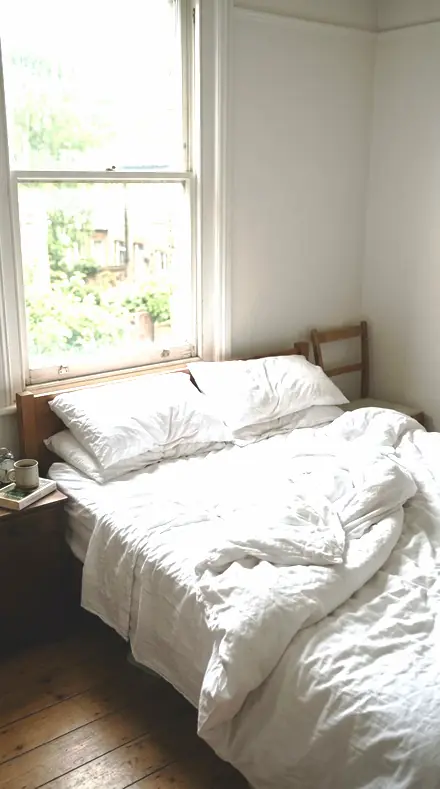
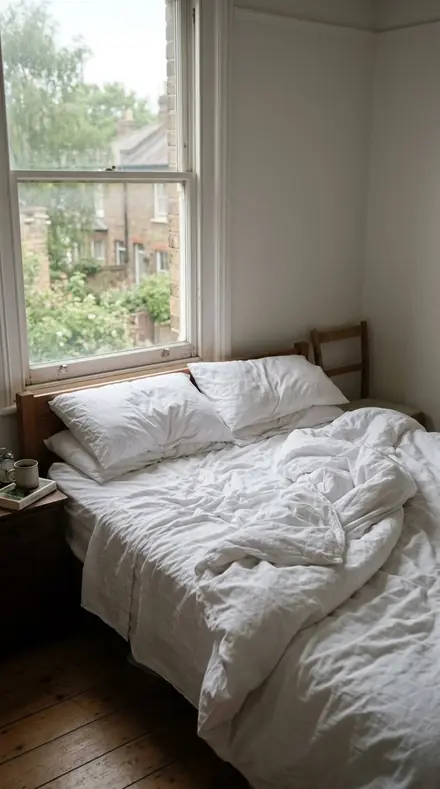
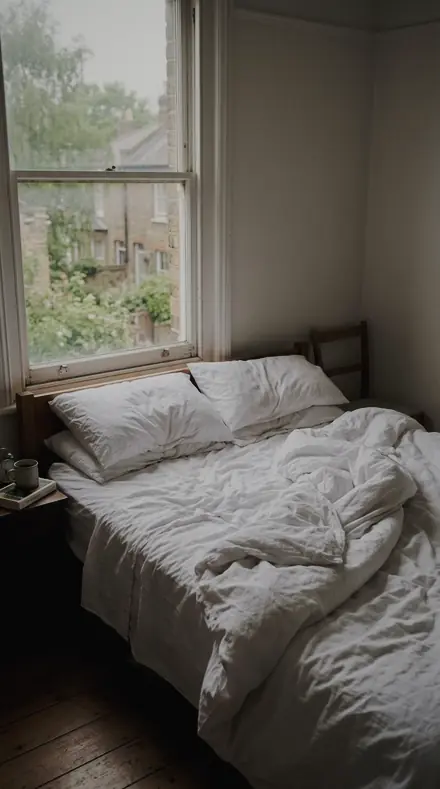
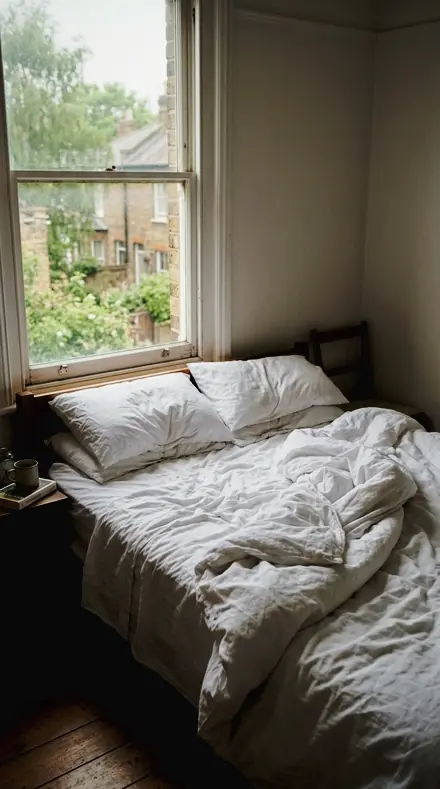
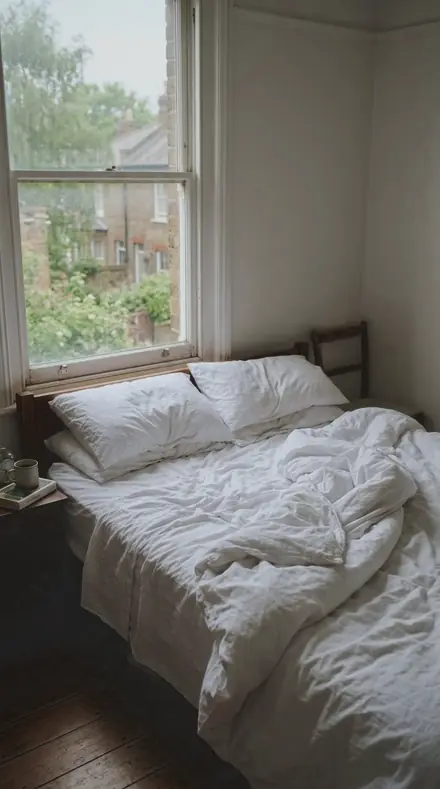
    Product Light applied to Bed morning Before: Bed morning
    Bed morning
    Product Light applied to Clay pots Before: Clay pots
    Clay pots

    Drag the handle. Left is the original, right is Product Light. Rendered from the preset's own settings, not a Lightroom export, so the real thing carries a little more bite.

  2. No. 103Blast CabinetBead blasted steel: an even matte finish where clarity builds halos, so clarity is kept below the texture; the most texture in the set.
    Blast Cabinet applied to Desk flatlay Before: Desk flatlay
    Desk flatlay
    Blast Cabinet applied to Paper desk Before: Paper desk
    Paper desk
    Blast Cabinet applied to Bed morning Before: Bed morning
    Bed morning
    Blast Cabinet applied to Clay pots Before: Clay pots
    Clay pots

    Drag the handle. Left is the original, right is Blast Cabinet. Rendered from the preset's own settings, not a Lightroom export, so the real thing carries a little more bite.

  3. No. 65Baguette BarBaguettes and calibrated stones in a row: consistent colour across the line, worked band by band so no stone shifts hue; the firmest contrast of the eighteen.
    Baguette Bar applied to Desk flatlay Before: Desk flatlay
    Desk flatlay
    Baguette Bar applied to Paper desk Before: Paper desk
    Paper desk
    Baguette Bar applied to Bed morning Before: Bed morning
    Bed morning
    Baguette Bar applied to Clay pots Before: Clay pots
    Clay pots

    Drag the handle. Left is the original, right is Baguette Bar. Rendered from the preset's own settings, not a Lightroom export, so the real thing carries a little more bite.

  4. No. 110Pricking IronAwl holes and pricked lines: small dark marks on a dark hide, kept open by a shallow black setting.
    Pricking Iron applied to Desk flatlay Before: Desk flatlay
    Desk flatlay
    Pricking Iron applied to Paper desk Before: Paper desk
    Paper desk
    Pricking Iron applied to Bed morning Before: Bed morning
    Bed morning
    Pricking Iron applied to Clay pots Before: Clay pots
    Clay pots

    Drag the handle. Left is the original, right is Pricking Iron. Rendered from the preset's own settings, not a Lightroom export, so the real thing carries a little more bite.

Backgrounds first. Studio Object lifts a white sweep to clean paper and stops the speculars short of clipping; True Colour is the neutral member for colour approval and Clean Sweep is the cut-out. Studio Black crushes the set toward black and holds the product edge bright enough to separate, with Low Backdrop for jewellery that fine contrast destroys.

Glass and stone. Clear Glass keeps the body transparent, edge masking high and clarity low, so a rim does not halo. Cut Gemstone protects the sparkle with a small sharpening radius and holds the blacks so the pavilion keeps its return light.

Metals are worked band by band, never with a global warm shift. Gold Metal lifts the yellow band alone so gilt reads as metal rather than plastic. Silver Chrome pulls the room's cast out of the blue and orange bands so steel stays neutral.

Soft materials close the sheet. Matte Leather keeps the hide deep, recovers the hardware and holds the stitch line. Pale Ceramic takes the blue cast out of white clay in band and keeps one white separate from the next. Samples from each row are below, on the same frames.


Yours in two minutes

how it works

  1. Step 1

    Buy

    Pay with Apple Pay, Google Pay or a card.

  2. Step 2

    Download

    The zip downloads right away, and a copy lands in your email.

  3. Step 3

    Import

    Add the presets to Lightroom in a minute.

    PhoneClassicDesktop
  4. Step 4

    Tap

    One tap on any photo. Every slider stays yours to adjust.

Yours to keep, for personal and client work. Please do not share the files. The license

Netzah Elad Topaz, the photographer who makes these presets

the maker

Why I Make These

I am Netzah Elad Topaz. I take photographs and I build software, and the two keep leading me back to the same problem. You were there. The light was doing something you will not see again. Then the photo comes back flat, and it is not what you were looking at.

Closing that gap is the whole job. Every preset here is built from Adobe defaults by hand, with a written note for what it should do to a picture, and it is judged on photographs before it ships. Nothing is a filter dropped on top of your work.

What I want is simple. You open a photo you almost gave up on, you tap once, and there it is: the day you remember, not the file your camera handed you. That is worth doing properly.

Questions, answered

Will it shift my product colour?

No. Every collection works the one band that is causing trouble and leaves global saturation alone. True Colour in Studio Object is the flattest member, for approval shots.

Do these work in the free Lightroom app?

Yes. Import the .xmp files in the free Lightroom app on iPhone or Android, no subscription needed. They also work in Lightroom Classic and Lightroom on desktop.

What exactly do I get?

All 144 presets from Product Table as .xmp files in an instant ZIP download. The link also lands in your email, and the purchase stays in your account so you can re-download any time.

How do I install them?

Two minutes: unzip, then import inside Lightroom. The step-by-step guide covers iPhone, Android, and desktop.

Can I use them for client work?

Yes. The single-user license covers personal and commercial photography. The one thing you can't do is share or resell the preset files themselves.

Can I tweak a preset after applying it?

Always. A preset is a starting point; every slider stays yours to adjust.

What else is like this

All product and materials
A desk that suddenly looks like content. With the Steelsheen preset applied.A desk that suddenly looks like content. Photographed without a preset.
Steelsheen applied to A desk that suddenly looks like content

Steelsheen

Product and materials · 18 presets

was $49.99now $29.99Save $20

Cafe window, one tap later. With the Reeltint preset applied.Cafe window, one tap later. Photographed without a preset.
Reeltint applied to Cafe window, one tap later

Reeltint

Everyday and mobile creators · 15 presets

was $49.99now $29.99Save $20

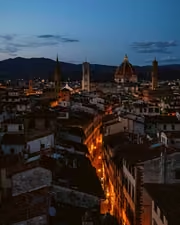
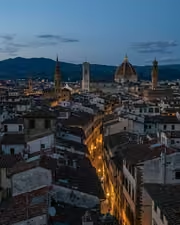
The rooftop hour, kept the way it felt. With the Roamhue preset applied.The rooftop hour, kept the way it felt. Photographed without a preset.
Roamhue applied to The rooftop hour, kept the way it felt.

Roamhue

Travel and street · 15 presets

was $49.99now $29.99Save $20

The croissants look warm again. With the Savoryhue preset applied.The croissants look warm again. Photographed without a preset.
Savoryhue applied to The croissants look warm again.

Savoryhue

Food and hospitality · 15 presets

was $49.99now $29.99Save $20