Back

Trimchrome · Machines and vehicles

Trimchrome makes one kind of light.

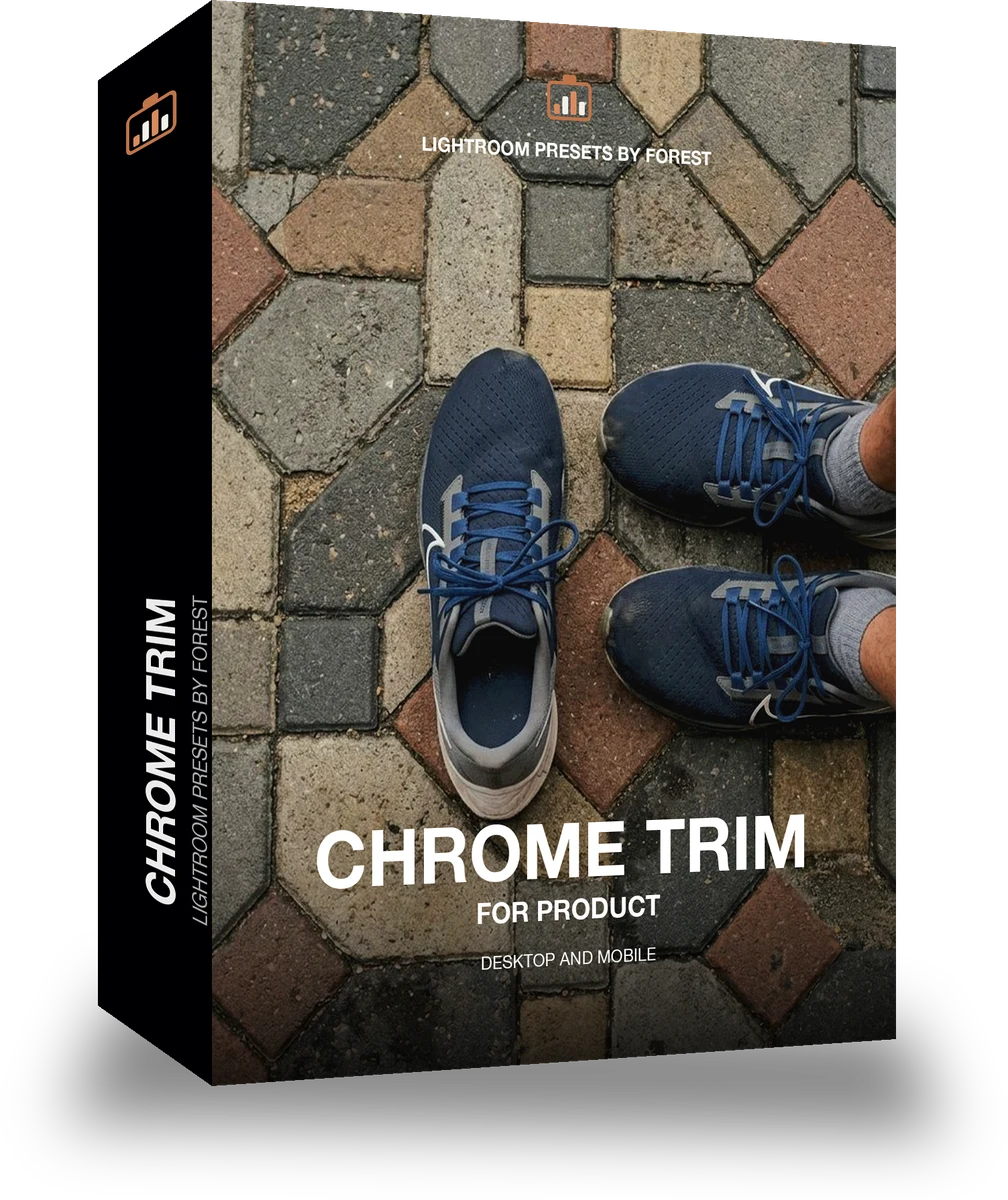
Chrome Trim is 18 presets for machines and vehicles photography. Every one of them is below, on real photographs, before you pay for any of it.

Chrome Trim, 18 Lightroom presets

$79.99

Instant download.

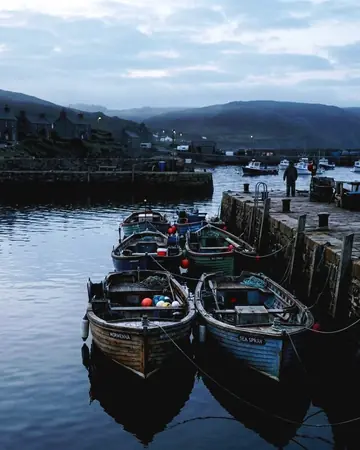
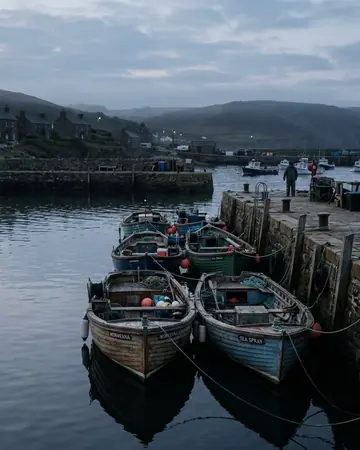
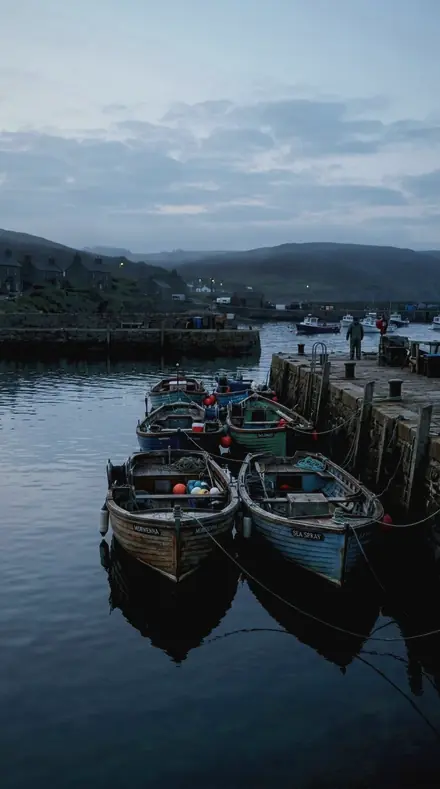
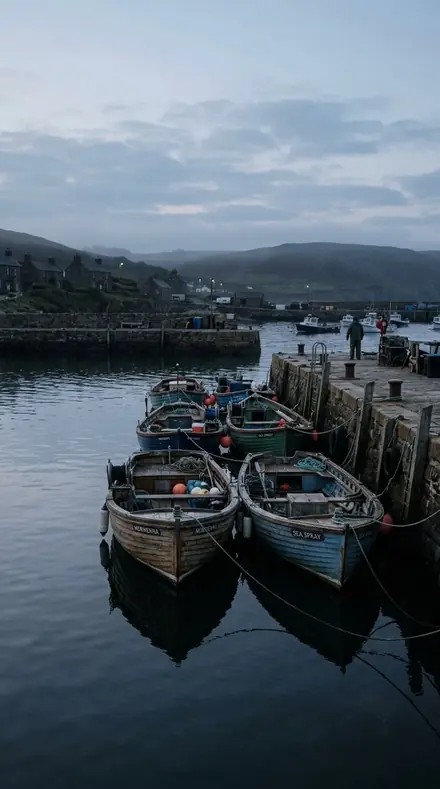
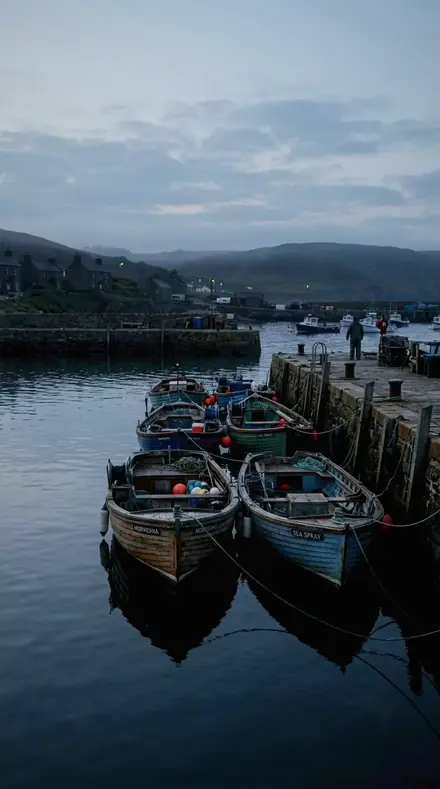
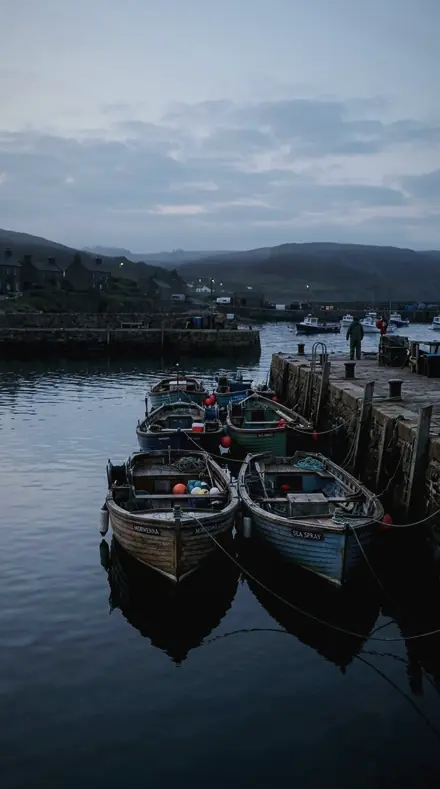
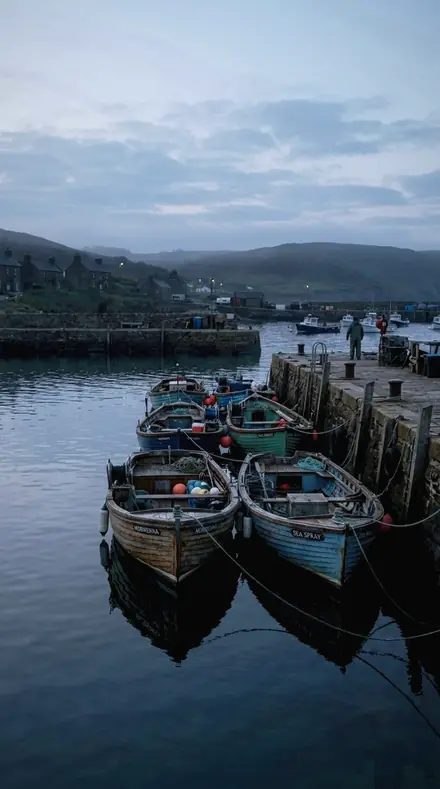
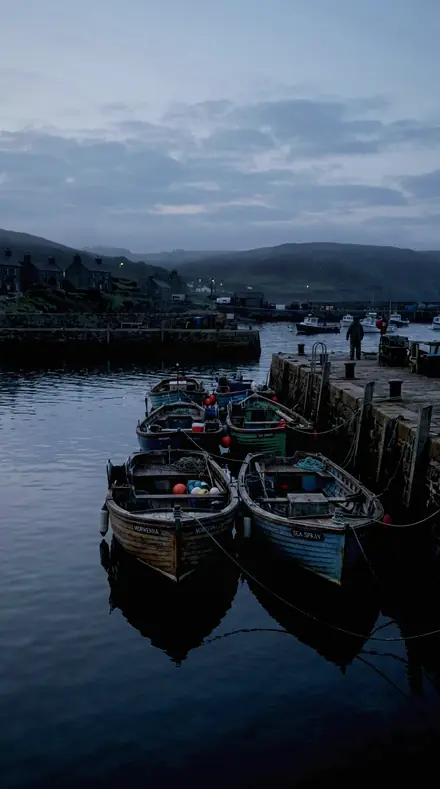
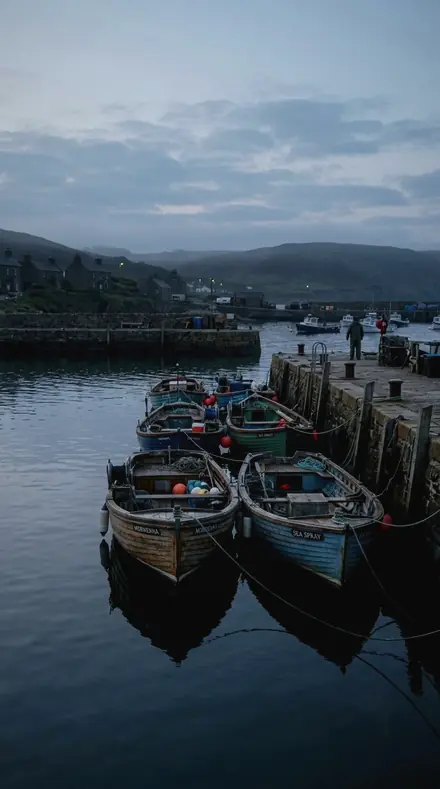
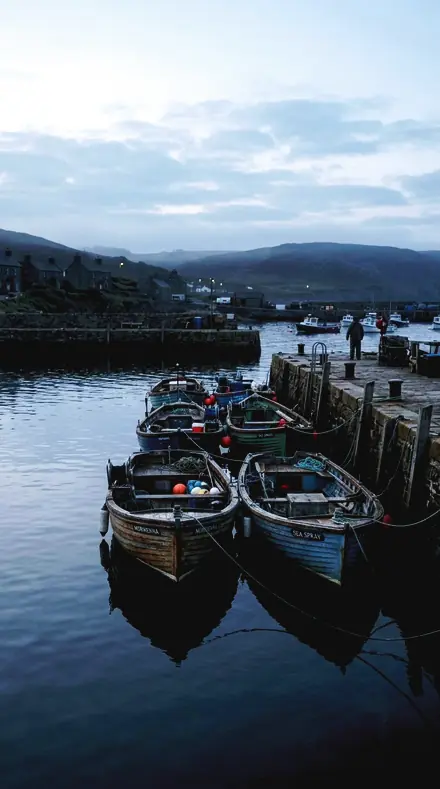
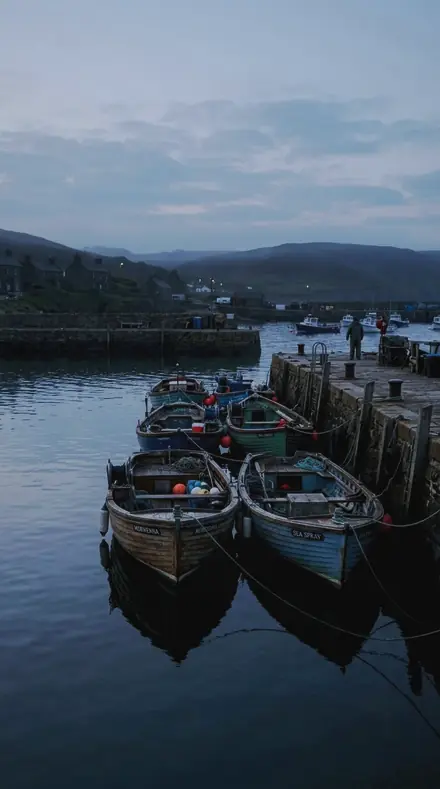
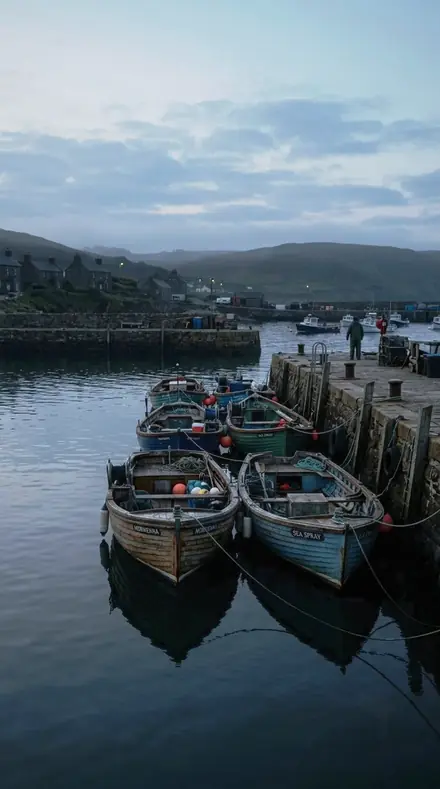
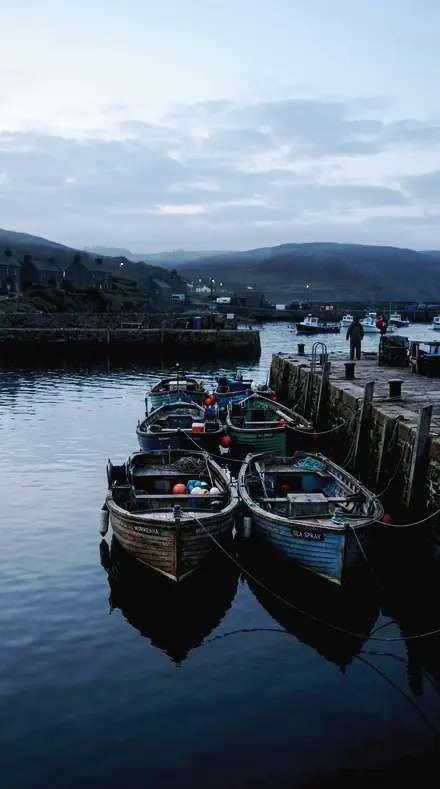
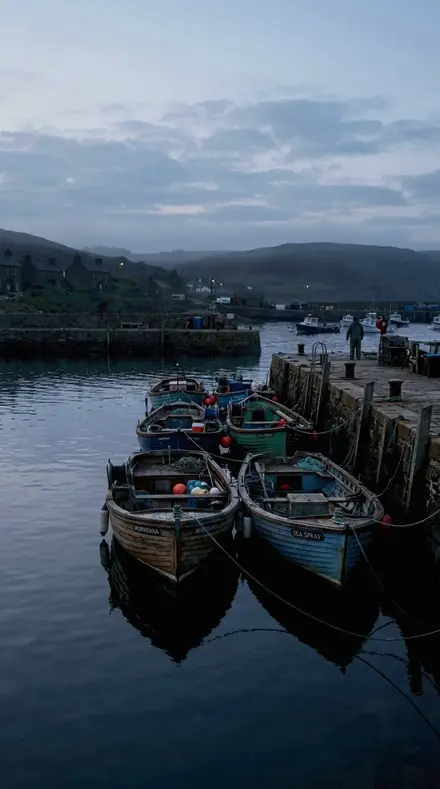
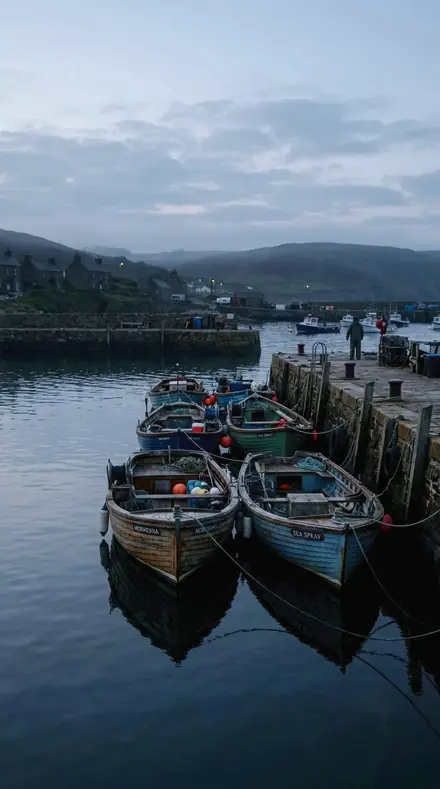
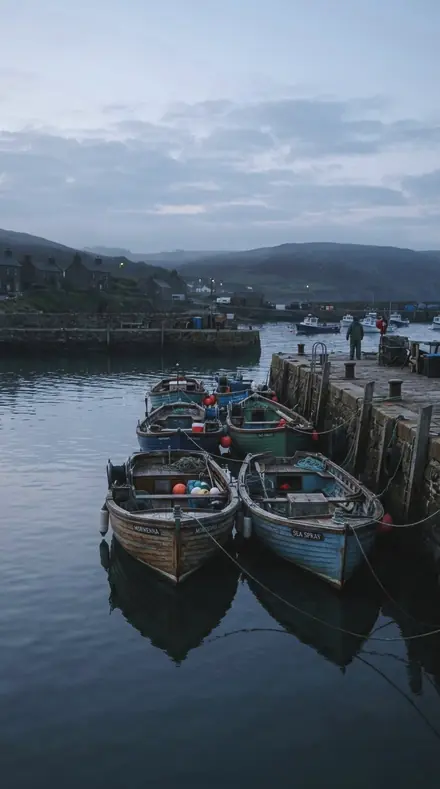
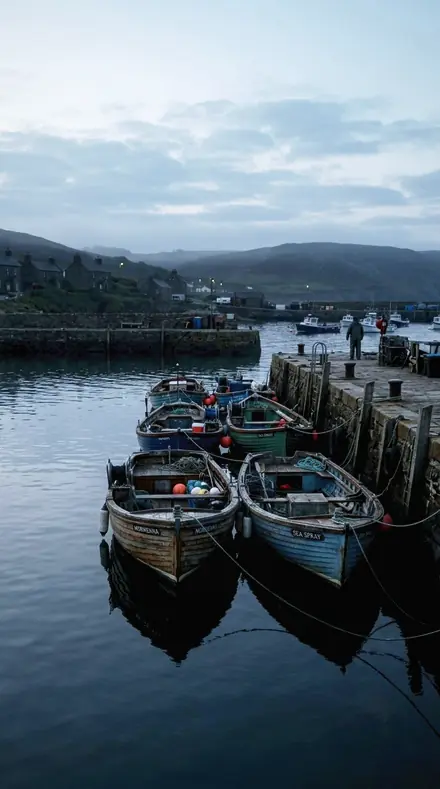
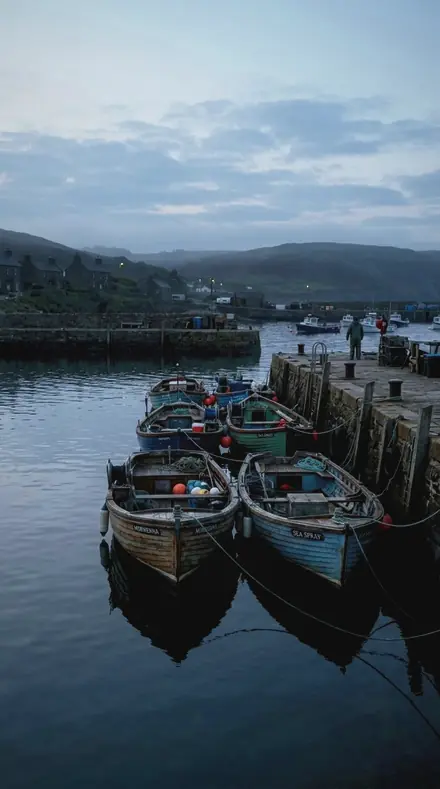
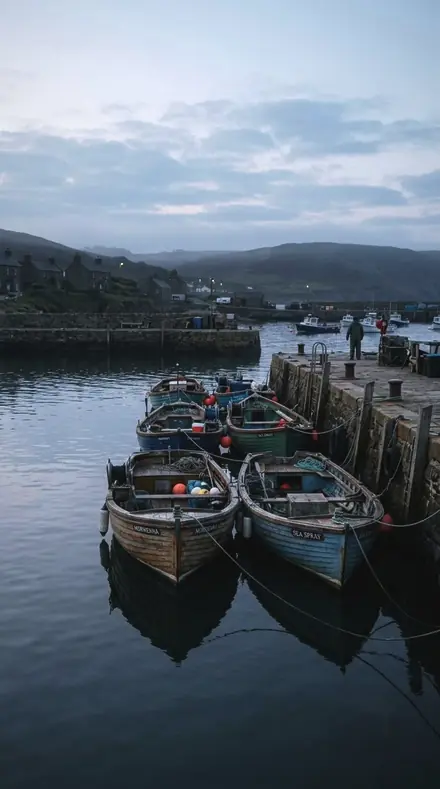
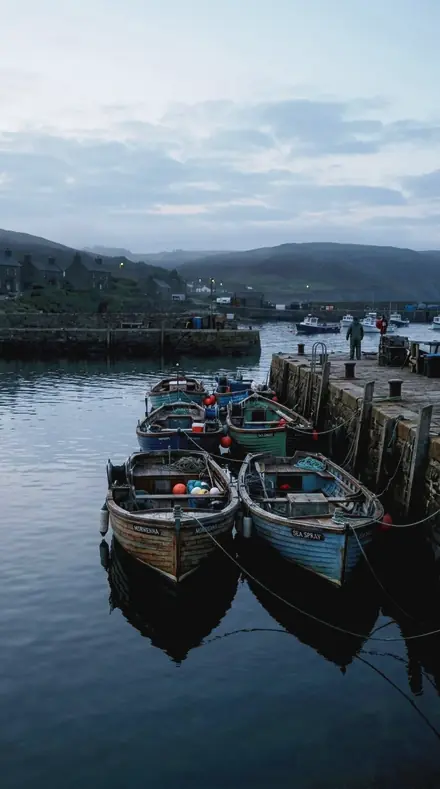
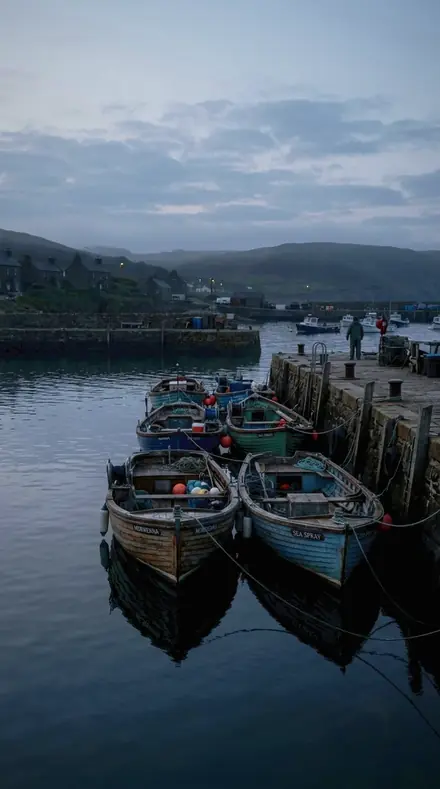
The same harbour boats with the Trimchrome preset appliedharbour boats, photographed without the Trimchrome preset
Trimchrome applied to harbour boats

What this light does

one frame, 4 presets

Chrome Trim, a parts register

4 of them, on one photograph. Drag any seam.

  1. Harbour boats with the Brightwork Line preset appliedHarbour boats photographed without a preset
    Brightwork Line applied to Harbour boats

    No. 01

    Brightwork Line

    Brightwork against paint: the plated line is separated from the colour it sits on, not rendered as a mirror alone.

  2. Harbour boats with the Trim Reveal preset appliedHarbour boats photographed without a preset
    Trim Reveal applied to Harbour boats

    No. 07

    Trim Reveal

    A trim reveal where plating and paint meet, the joint made legible without flattening either material.

  3. Harbour boats with the Chrome Rib preset appliedHarbour boats photographed without a preset
    Chrome Rib applied to Harbour boats

    No. 12

    Chrome Rib

    A chrome rib in a painted panel, the rib's luminance separated from the panel it is pressed into.

  4. Harbour boats with the Brightwork Facet preset appliedHarbour boats photographed without a preset
    Brightwork Facet applied to Harbour boats

    No. 18

    Brightwork Facet

    A facet of brightwork on a painted body, the facet lifted and the body colour deliberately left alone.

See the light change

drag the line

The same frame, one tap apart. Drag any handle and the scene goes back to the way it looked before Trimchrome touched it.

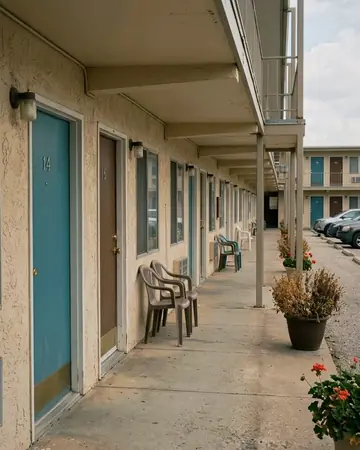
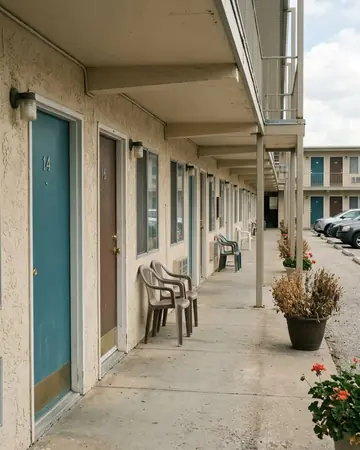
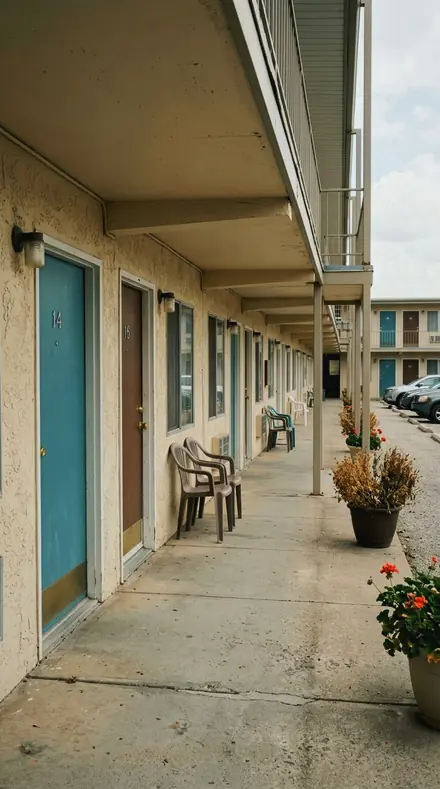
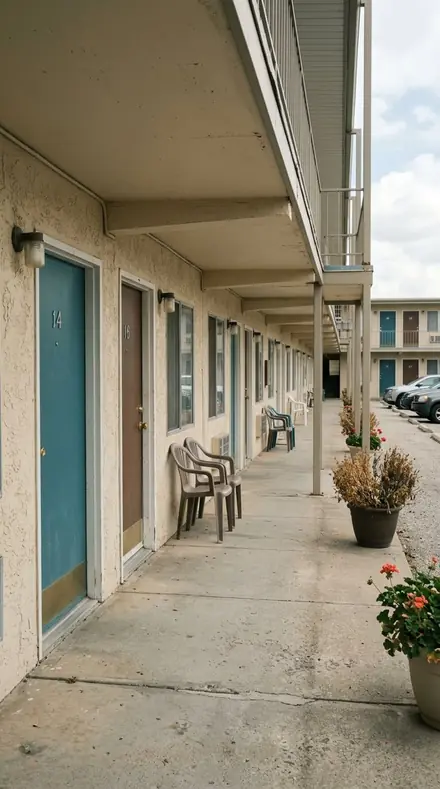
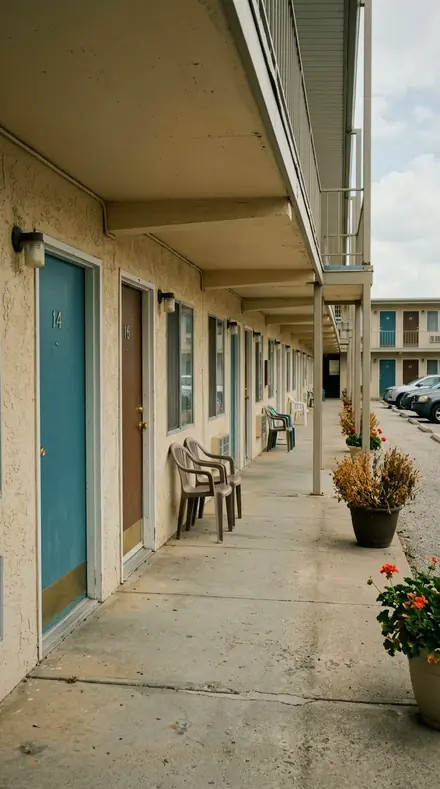
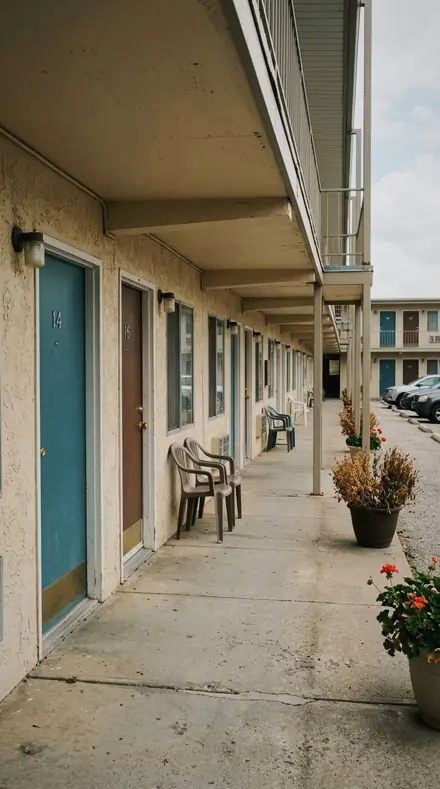
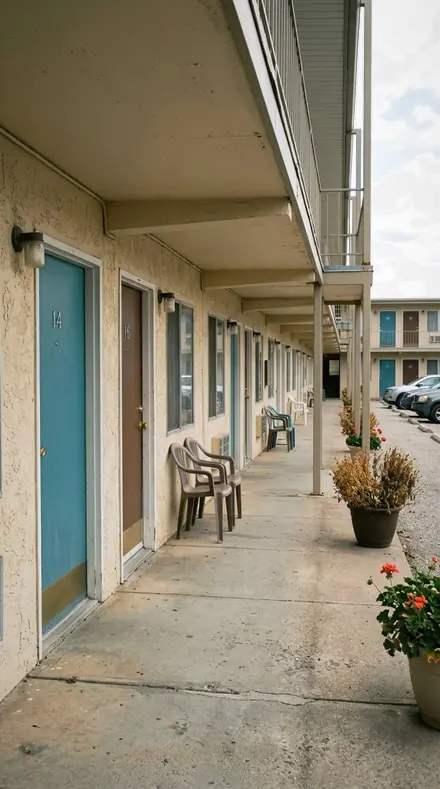
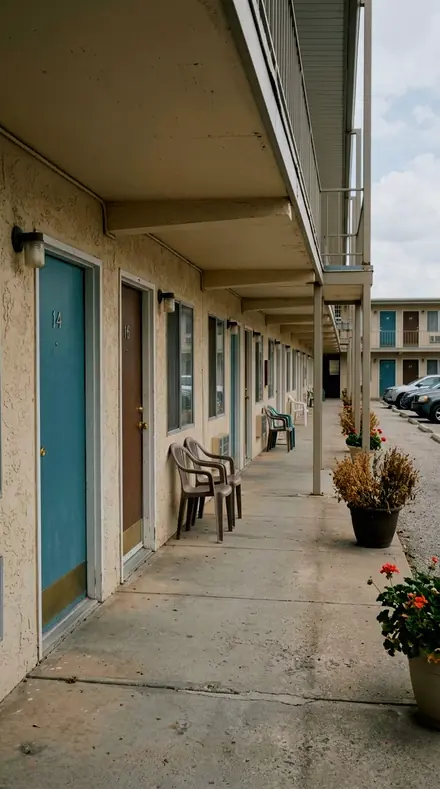
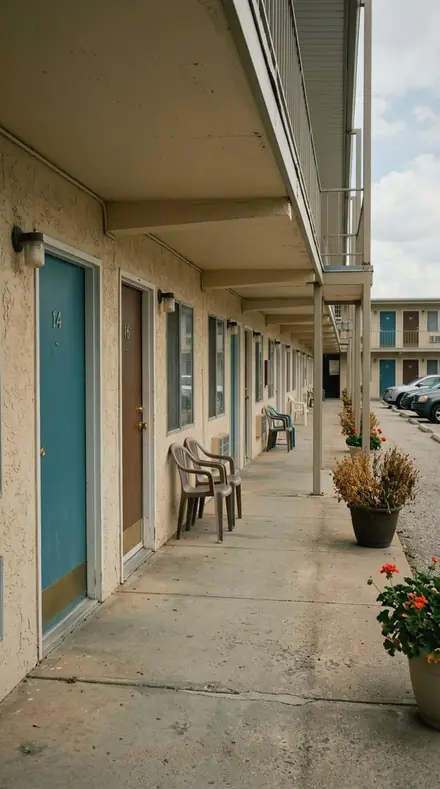
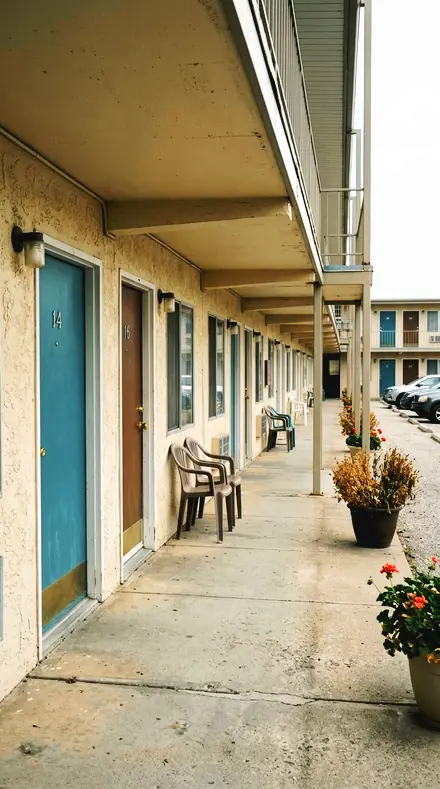
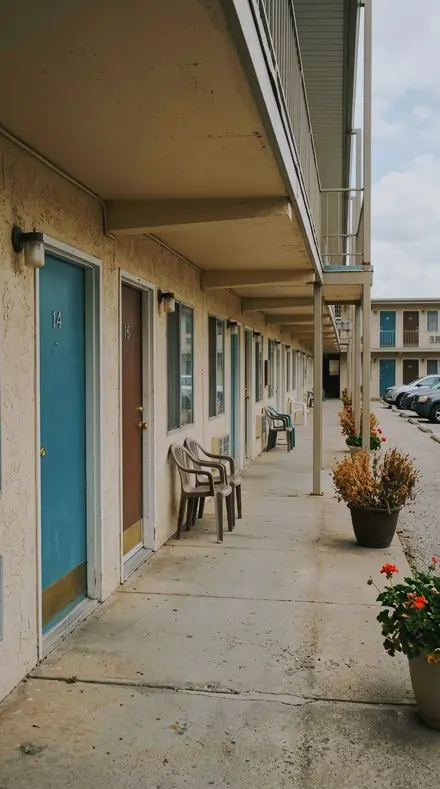
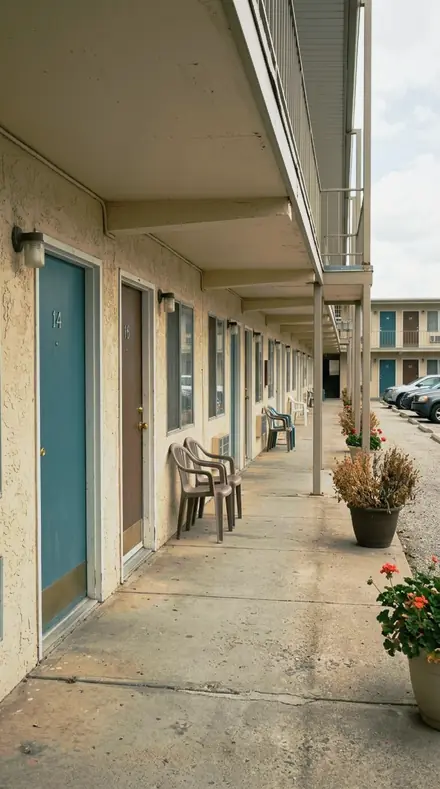
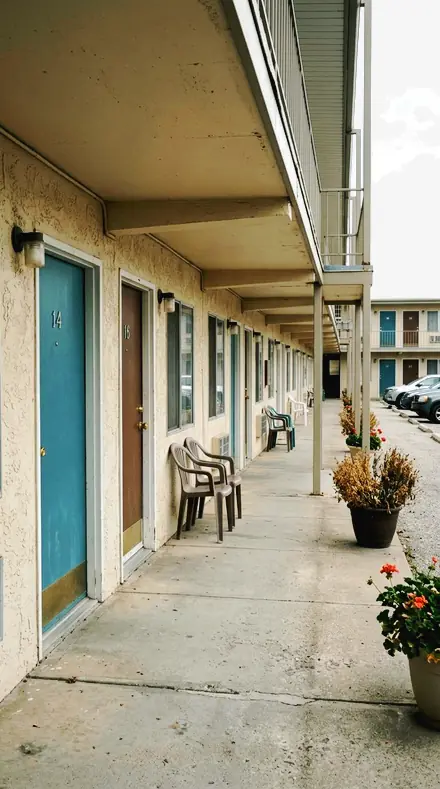
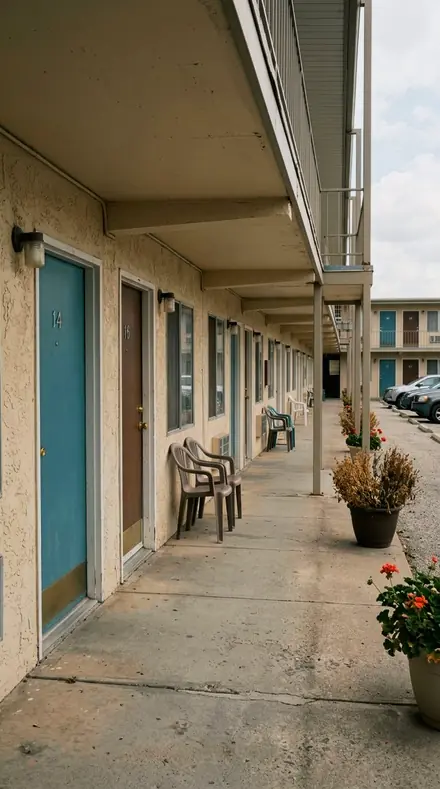
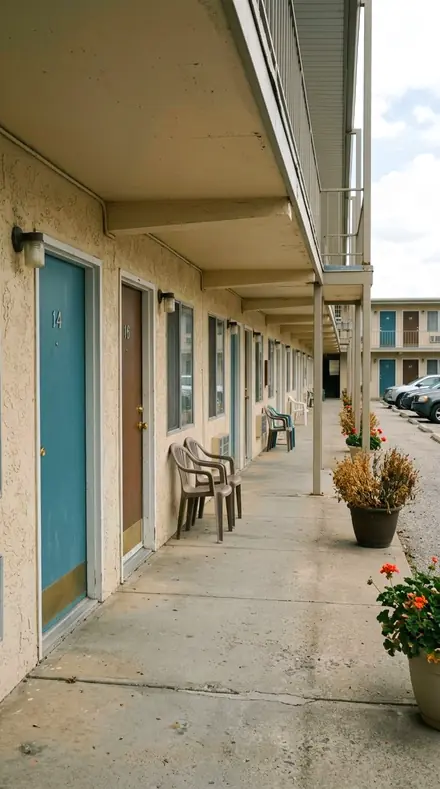
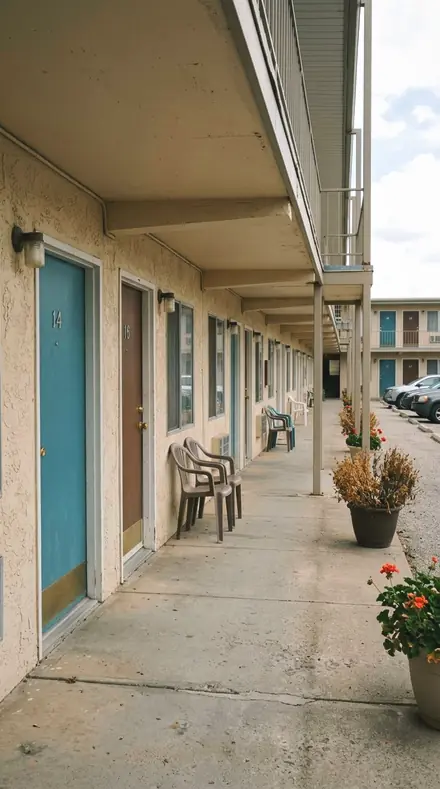
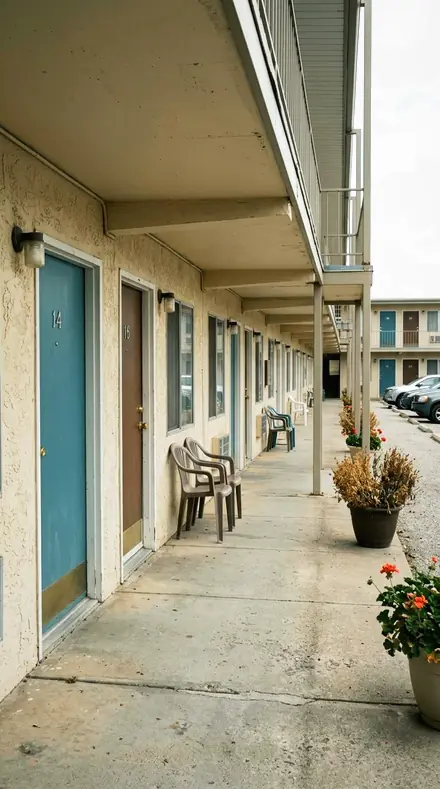
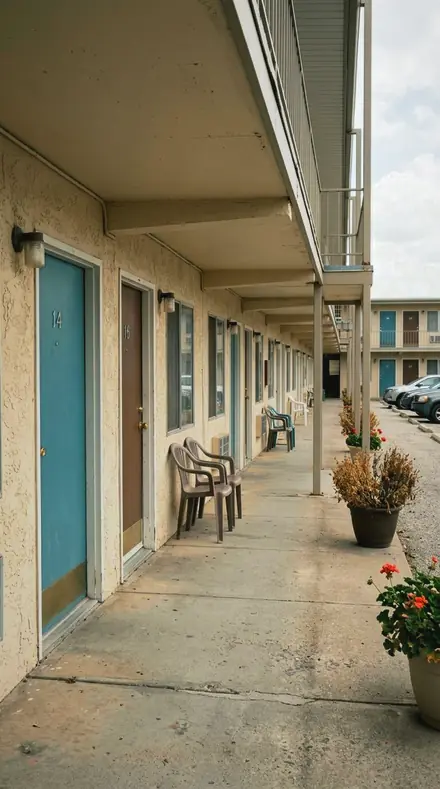
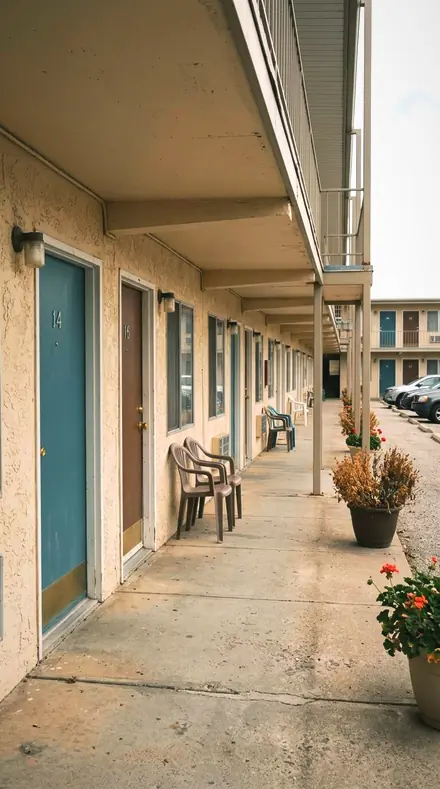
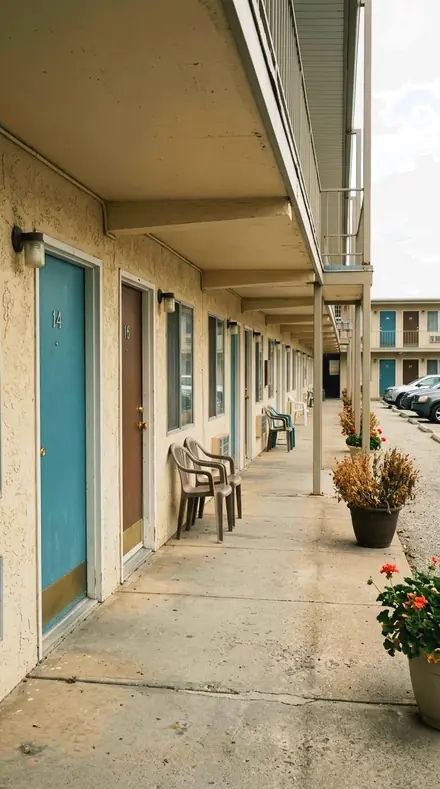
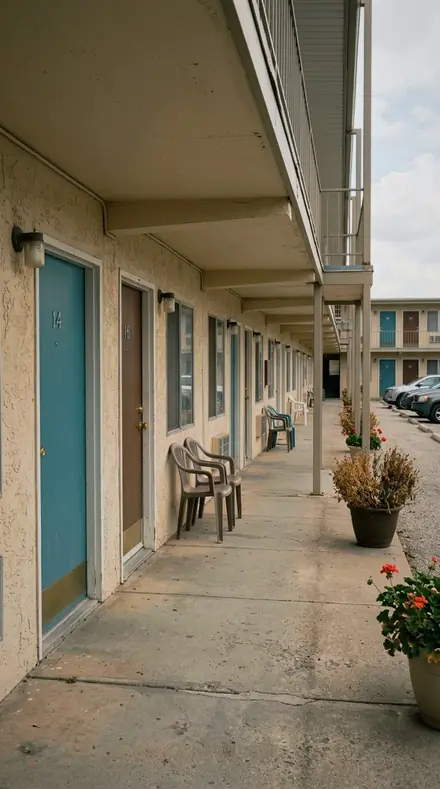
The same Motel door with the Trimchrome preset appliedMotel door, photographed without the Trimchrome preset
Trimchrome applied to Motel door
Motel door
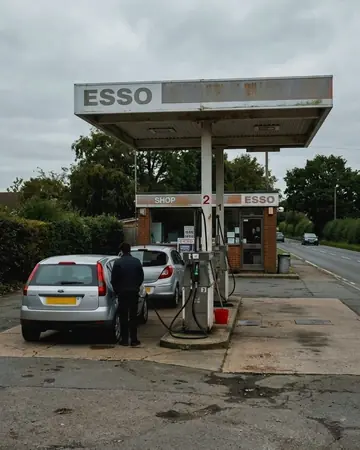
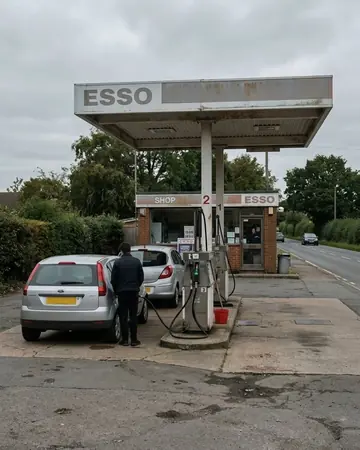
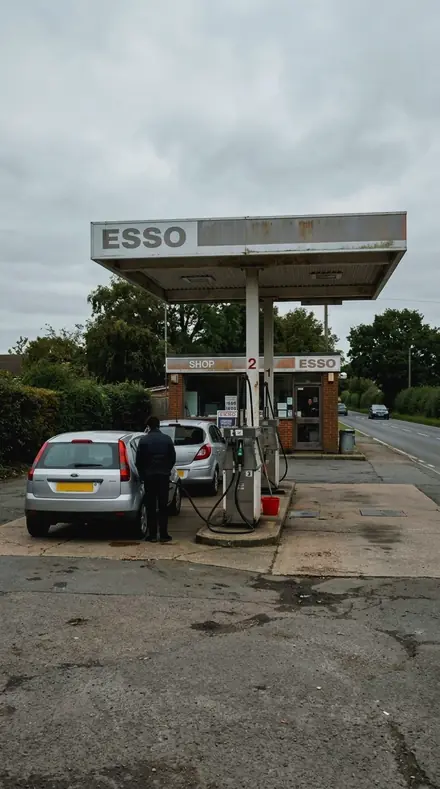
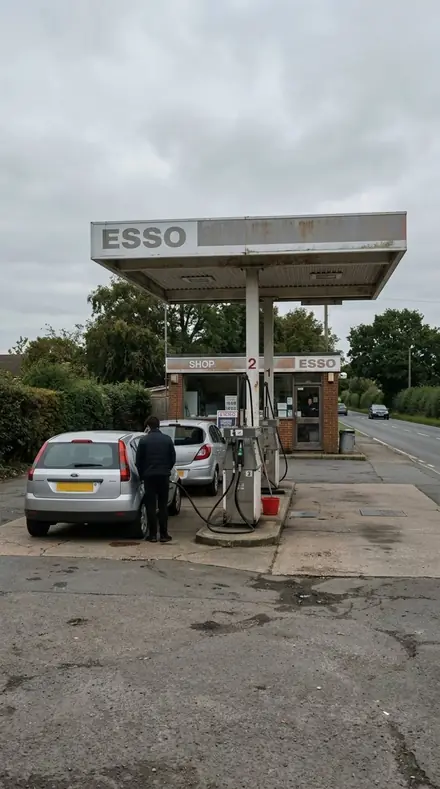
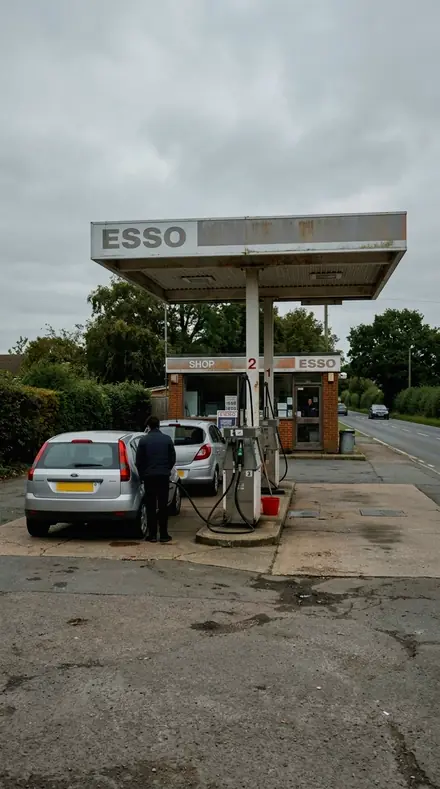
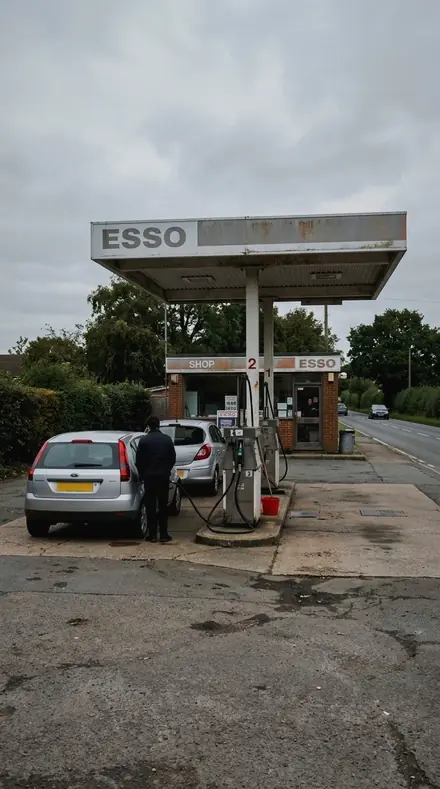
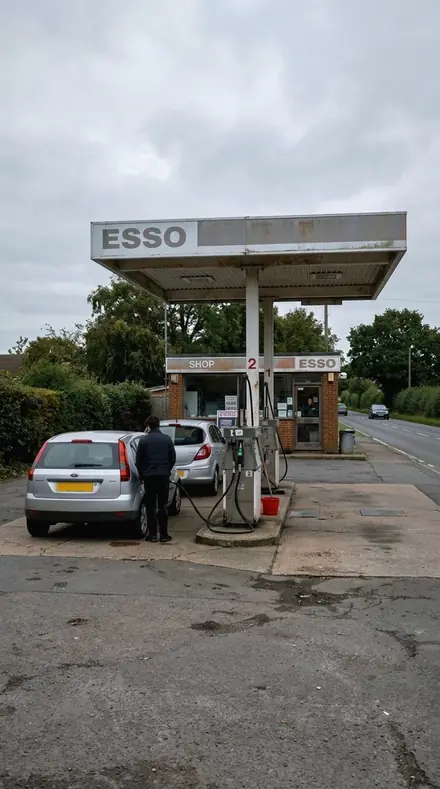
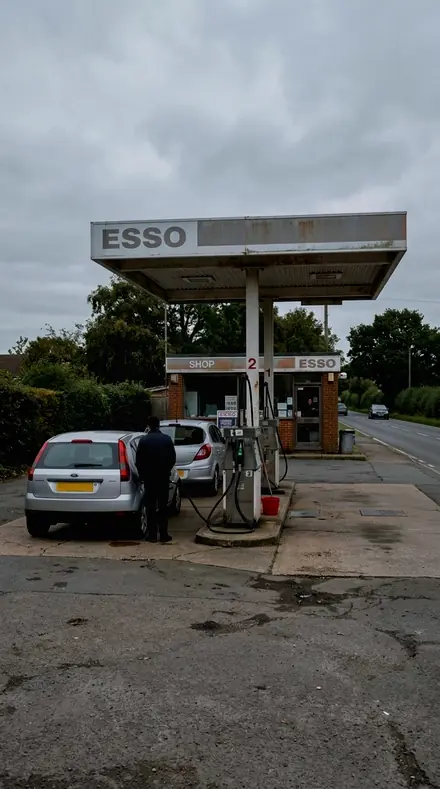
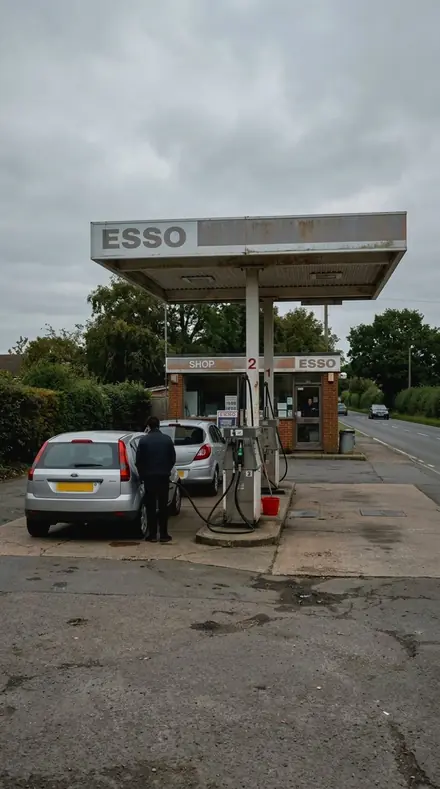
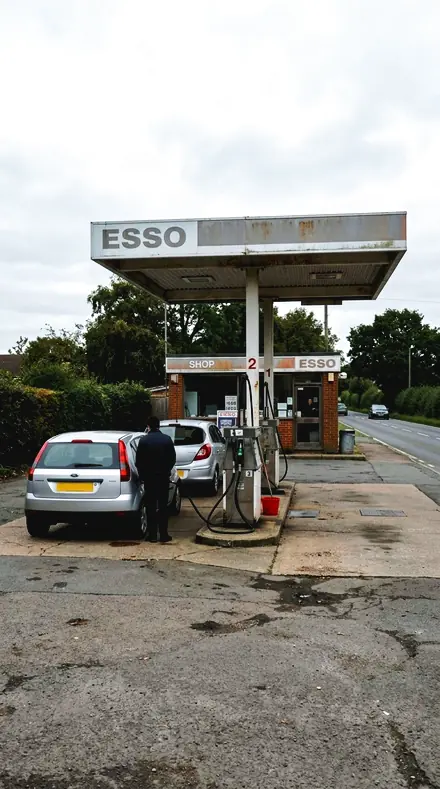
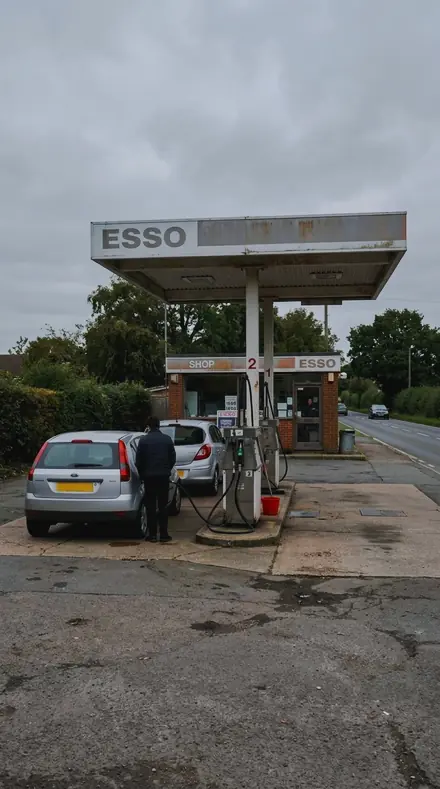
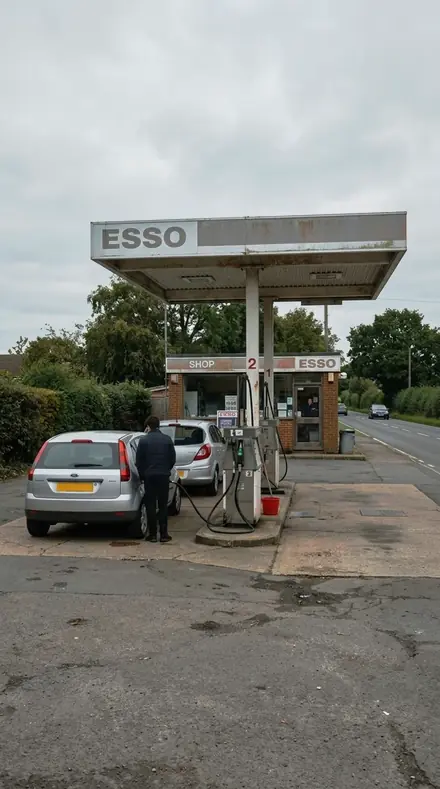
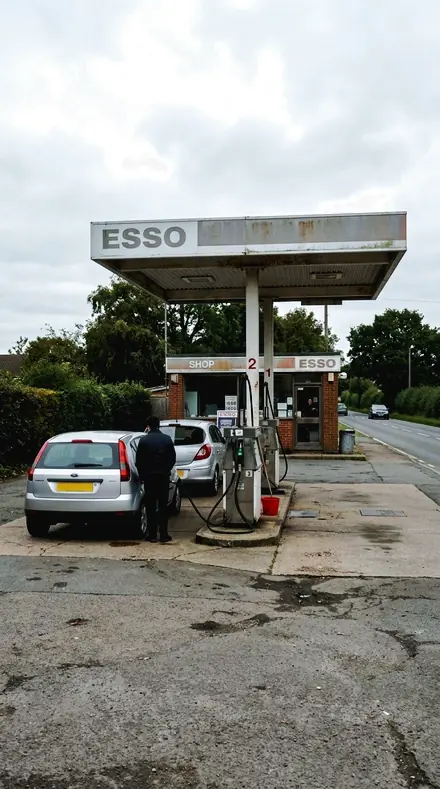
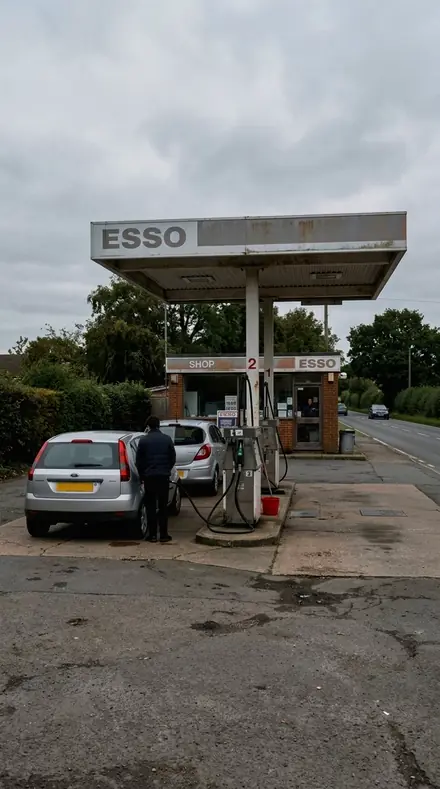
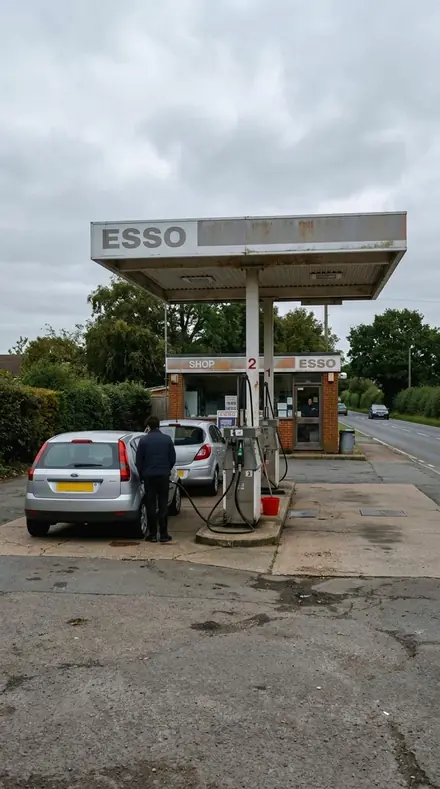
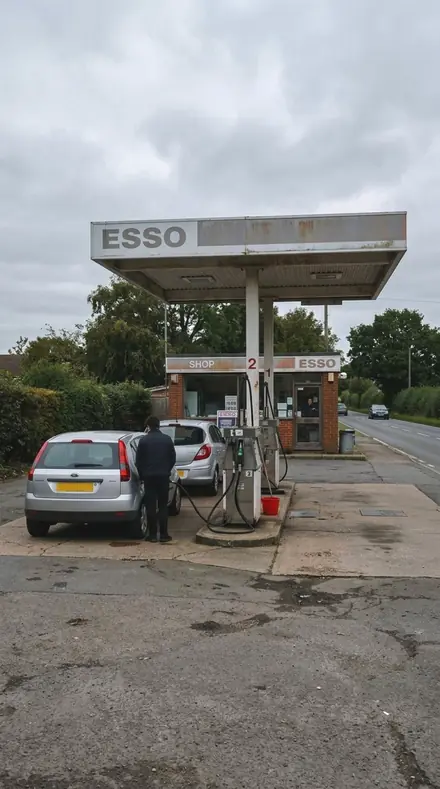
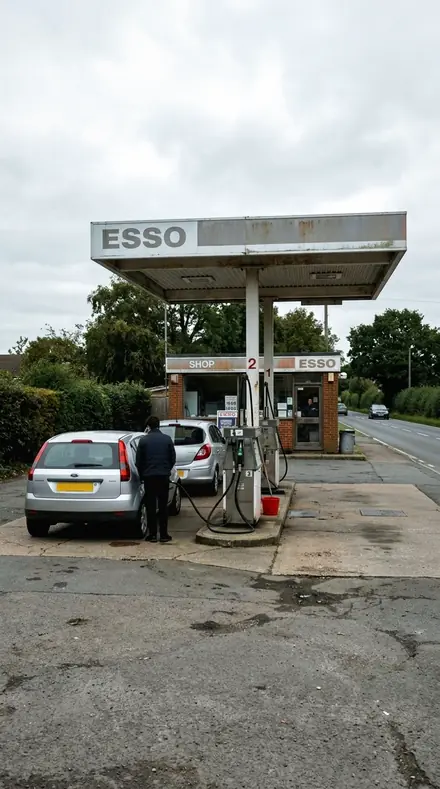
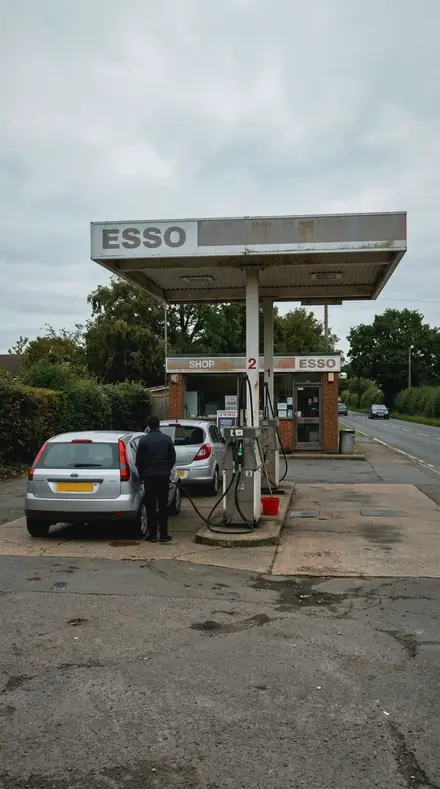
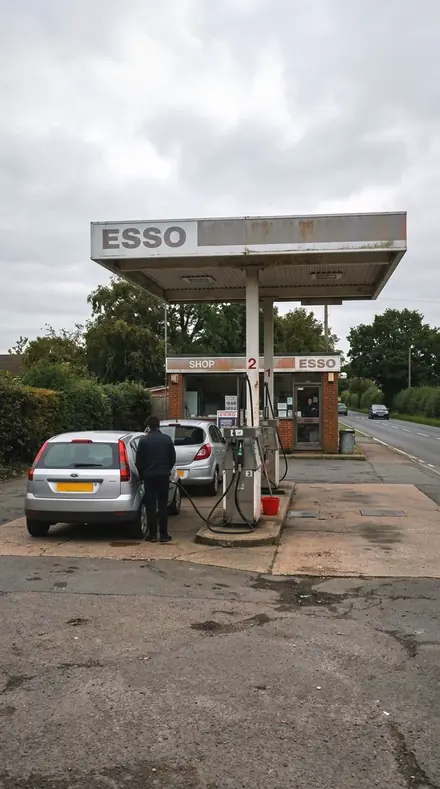
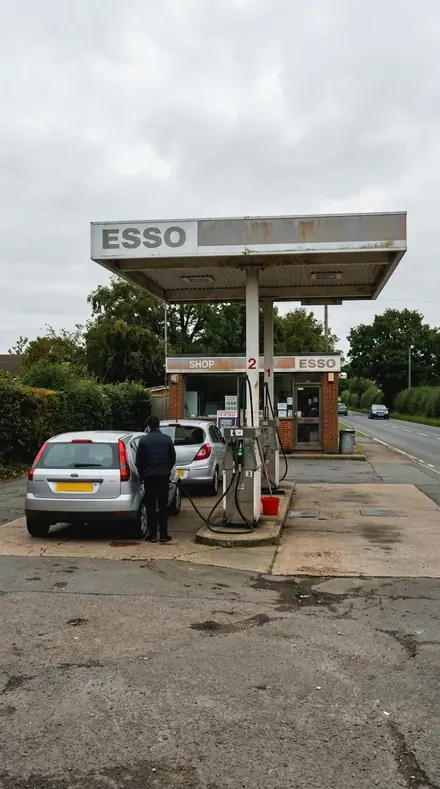
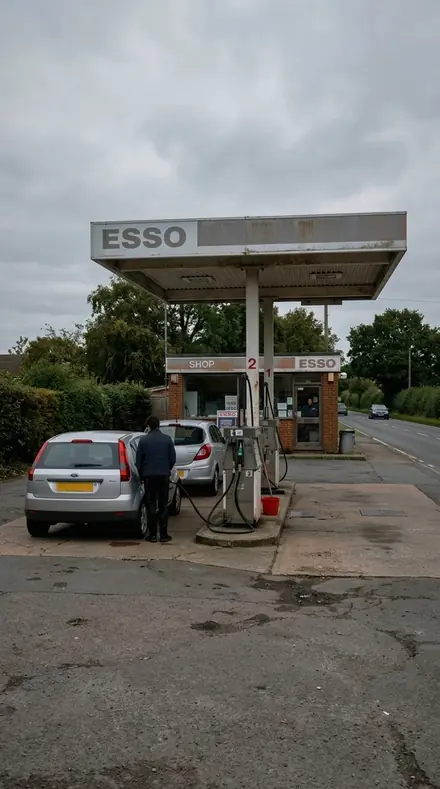
The same Petrol station with the Trimchrome preset appliedPetrol station, photographed without the Trimchrome preset
Trimchrome applied to Petrol station
Petrol station

The Register

3 groups

Every preset on the same forecourt, hull, door and steel, so the plating and the paint can be read side by side.

  • Line and StripThe long runs. A strip along a flank, beading on a body, a rib in a panel, a surround against a painted roof.
  • Bezel and BladeThe front-end pieces. Bezel, bumper, grille, overrider, fillet, and the joint where plating meets paint.
  • Bloom and SparkleThe specular problem. Flare contained at the plating edge, cast neutralised only in the reflected bands.

The specimen index

18 presets · 4 scenes

Every preset in the pack is here, on the same four photographs. Nothing below is a sample. Open one and drag.

  1. No. 01Brightwork LineBrightwork against paint: the plated line is separated from the colour it sits on, not rendered as a mirror alone.
    Brightwork Line applied to Petrol station Before: Petrol station
    Petrol station
    Brightwork Line applied to Harbour boats Before: Harbour boats
    Harbour boats
    Brightwork Line applied to Motel door Before: Motel door
    Motel door
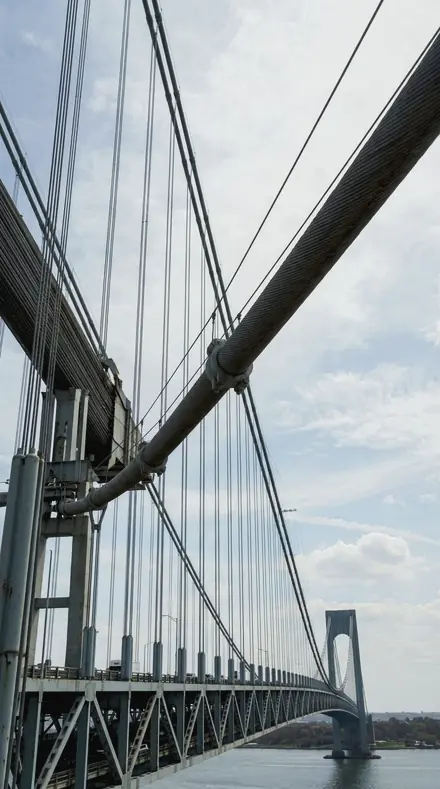
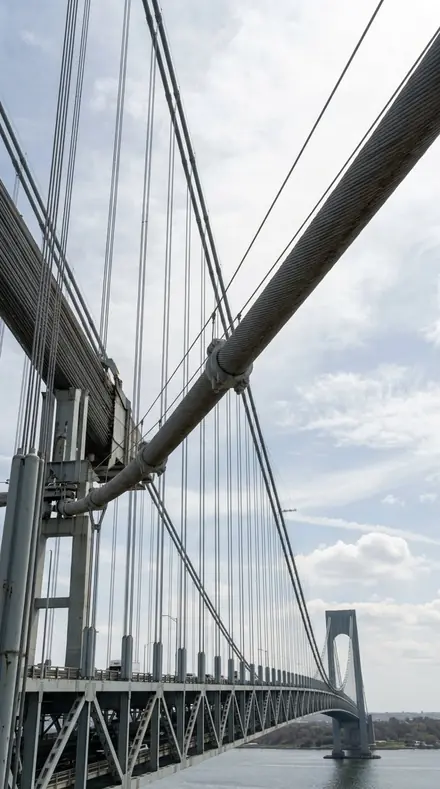
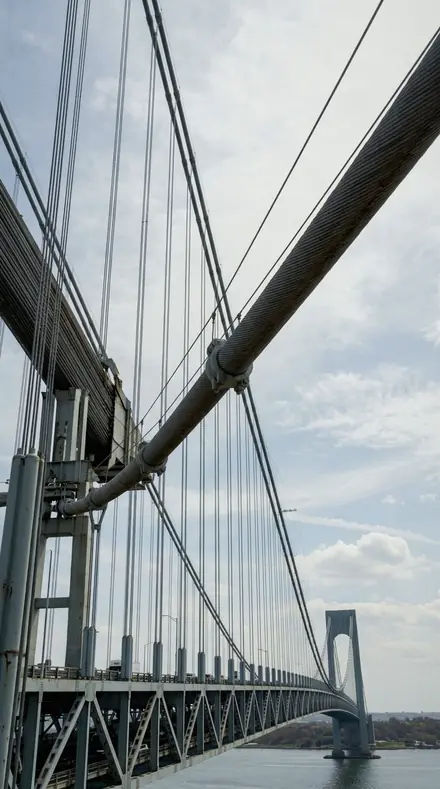
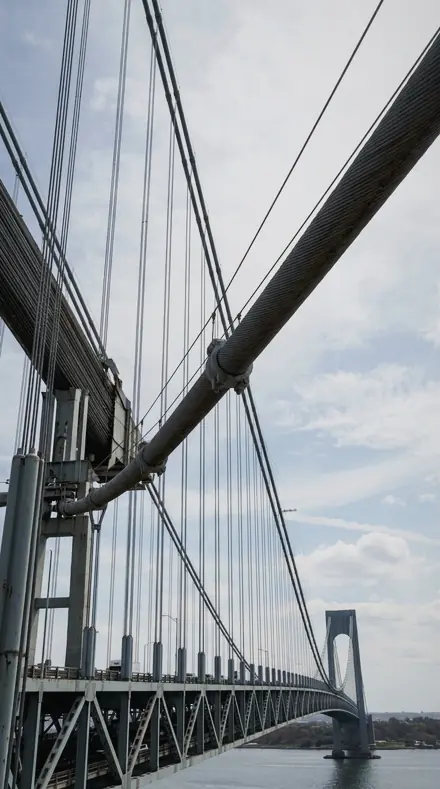
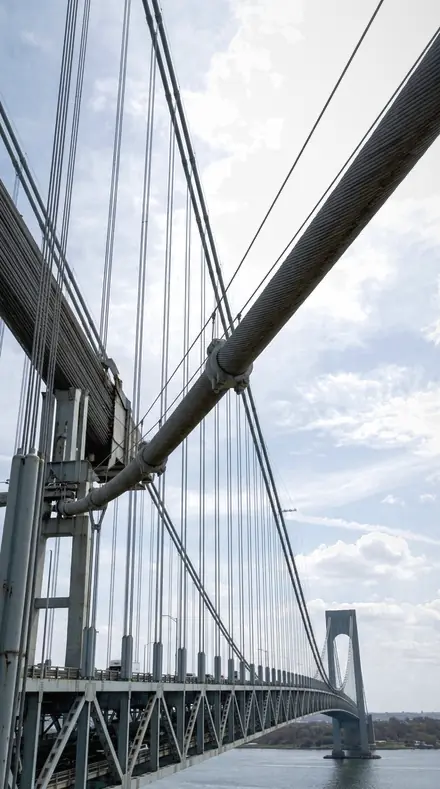
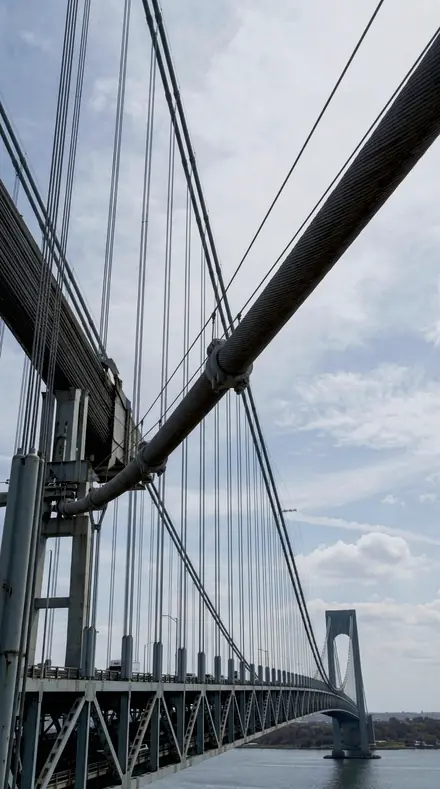
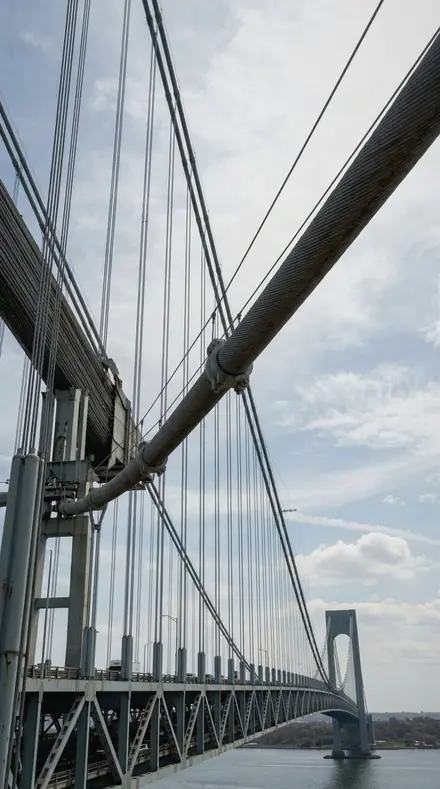
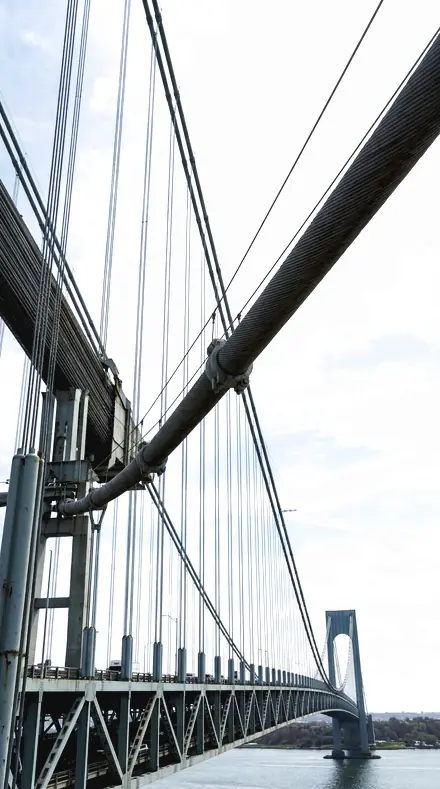
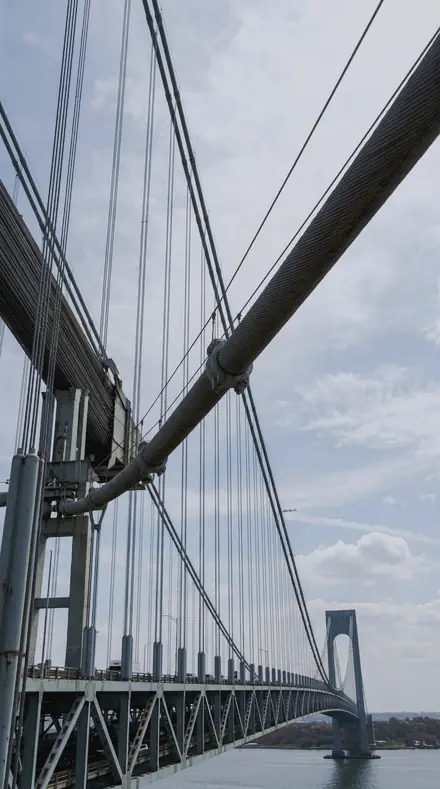
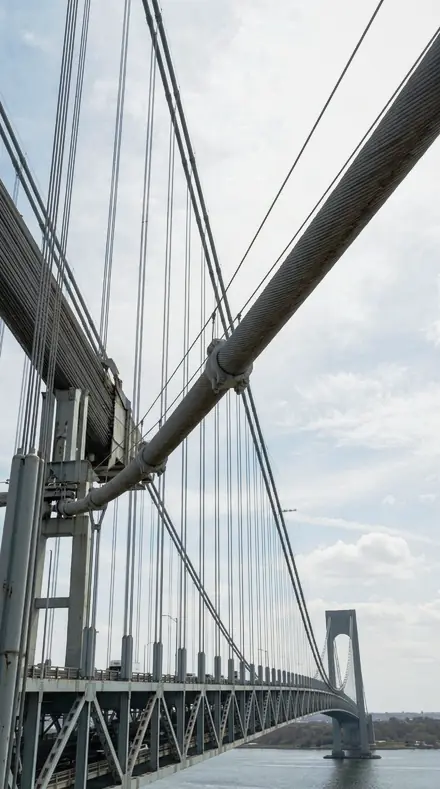
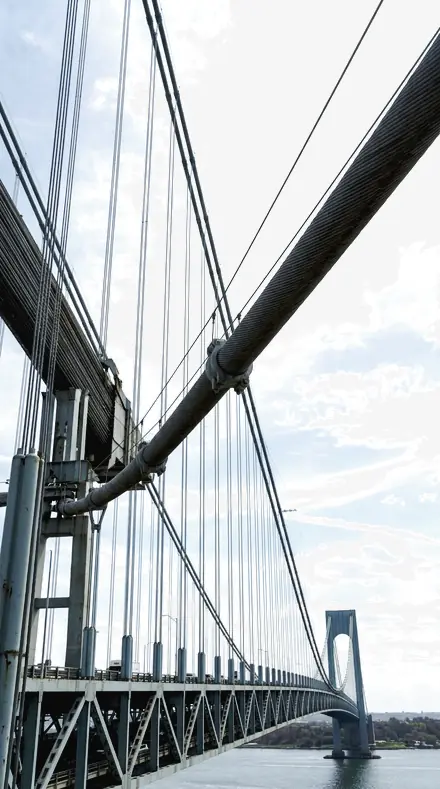
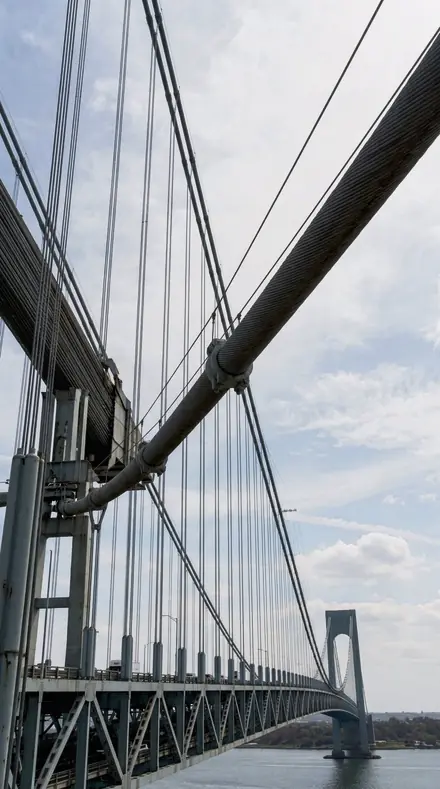
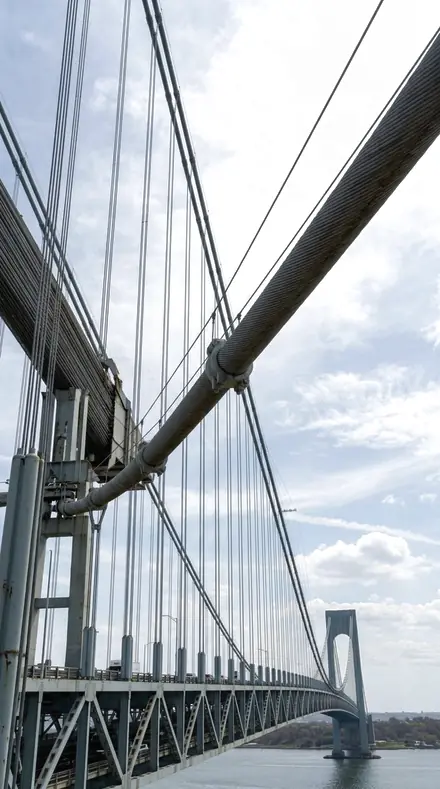
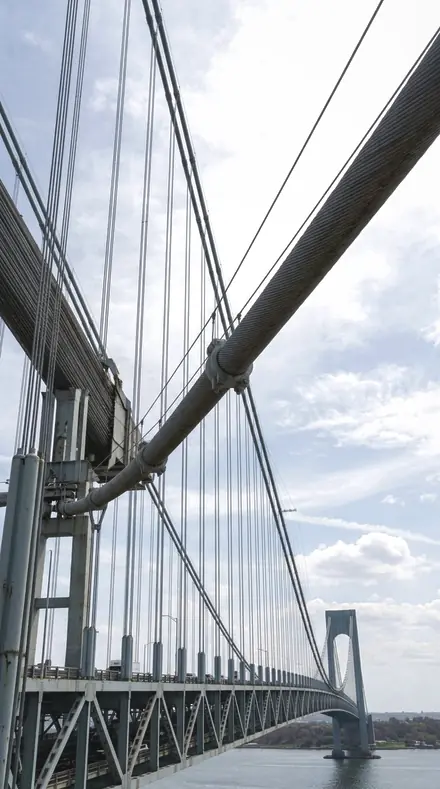
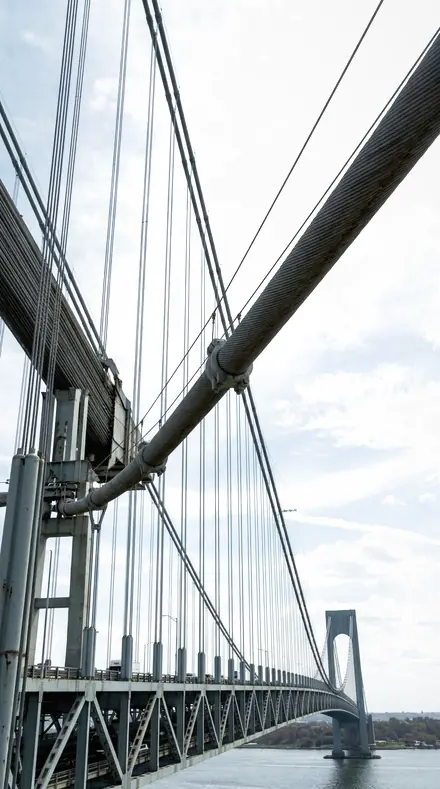
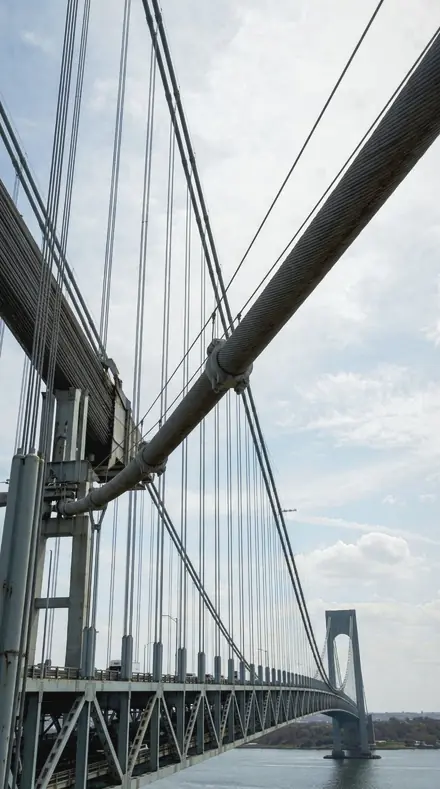
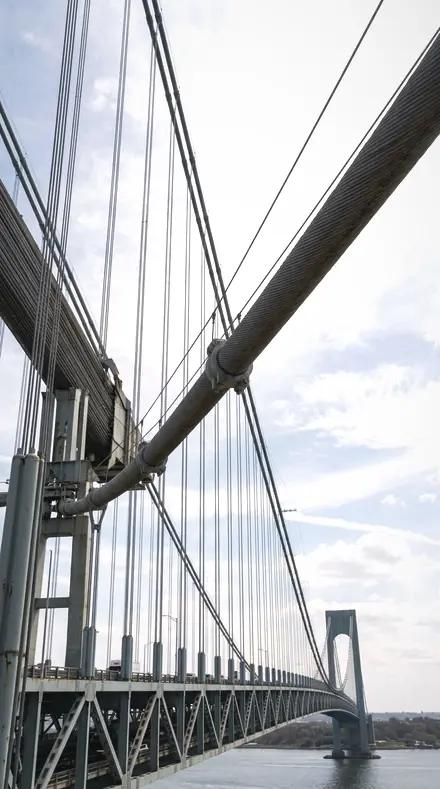
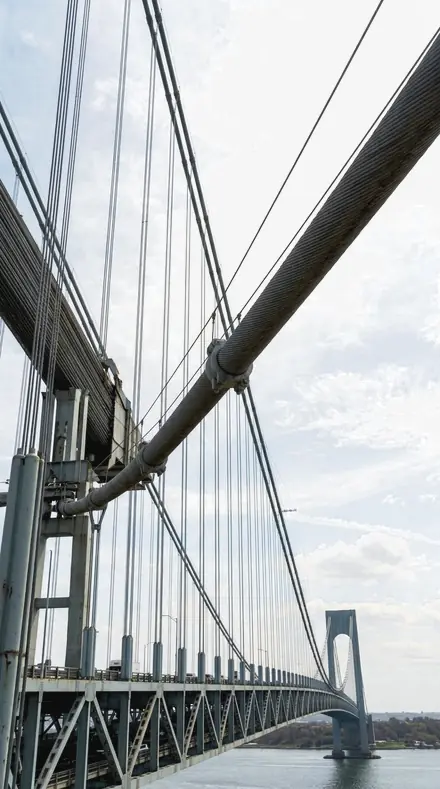
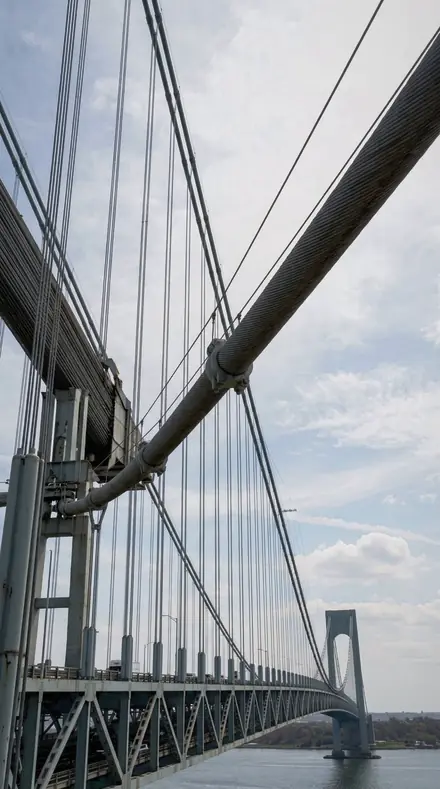
    Brightwork Line applied to Bridge cables Before: Bridge cables
    Bridge cables

    Drag the handle. Left is the original, right is Brightwork Line. Rendered from the preset's own settings, not a Lightroom export, so the real thing carries a little more bite.

  2. No. 02Chrome BezelA chrome bezel ringed by painted metal, the plating given its own luminance while the paint keeps its colour.
    Chrome Bezel applied to Petrol station Before: Petrol station
    Petrol station
    Chrome Bezel applied to Harbour boats Before: Harbour boats
    Harbour boats
    Chrome Bezel applied to Motel door Before: Motel door
    Motel door
    Chrome Bezel applied to Bridge cables Before: Bridge cables
    Bridge cables

    Drag the handle. Left is the original, right is Chrome Bezel. Rendered from the preset's own settings, not a Lightroom export, so the real thing carries a little more bite.

  3. No. 03Bumper BladeA bumper blade meeting a painted wing, the two materials separated rather than both driven to neutral.
    Bumper Blade applied to Petrol station Before: Petrol station
    Petrol station
    Bumper Blade applied to Harbour boats Before: Harbour boats
    Harbour boats
    Bumper Blade applied to Motel door Before: Motel door
    Motel door
    Bumper Blade applied to Bridge cables Before: Bridge cables
    Bridge cables

    Drag the handle. Left is the original, right is Bumper Blade. Rendered from the preset's own settings, not a Lightroom export, so the real thing carries a little more bite.

  4. No. 04Grille ChromeGrille plating against a painted nose, brightwork lifted and the paint colour left where the maker put it.
    Grille Chrome applied to Petrol station Before: Petrol station
    Petrol station
    Grille Chrome applied to Harbour boats Before: Harbour boats
    Harbour boats
    Grille Chrome applied to Motel door Before: Motel door
    Motel door
    Grille Chrome applied to Bridge cables Before: Bridge cables
    Bridge cables

    Drag the handle. Left is the original, right is Grille Chrome. Rendered from the preset's own settings, not a Lightroom export, so the real thing carries a little more bite.

  5. No. 05Chrome StripA chrome strip along a painted flank, the strip separated from the colour by luminance rather than by draining it.
    Chrome Strip applied to Petrol station Before: Petrol station
    Petrol station
    Chrome Strip applied to Harbour boats Before: Harbour boats
    Harbour boats
    Chrome Strip applied to Motel door Before: Motel door
    Motel door
    Chrome Strip applied to Bridge cables Before: Bridge cables
    Bridge cables

    Drag the handle. Left is the original, right is Chrome Strip. Rendered from the preset's own settings, not a Lightroom export, so the real thing carries a little more bite.

  6. No. 06Polished BeadingPolished beading on a coloured body, the bead kept bright and the surrounding paint kept saturated.
    Polished Beading applied to Petrol station Before: Petrol station
    Petrol station
    Polished Beading applied to Harbour boats Before: Harbour boats
    Harbour boats
    Polished Beading applied to Motel door Before: Motel door
    Motel door
    Polished Beading applied to Bridge cables Before: Bridge cables
    Bridge cables

    Drag the handle. Left is the original, right is Polished Beading. Rendered from the preset's own settings, not a Lightroom export, so the real thing carries a little more bite.

  7. No. 07Trim RevealA trim reveal where plating and paint meet, the joint made legible without flattening either material.
    Trim Reveal applied to Petrol station Before: Petrol station
    Petrol station
    Trim Reveal applied to Harbour boats Before: Harbour boats
    Harbour boats
    Trim Reveal applied to Motel door Before: Motel door
    Motel door
    Trim Reveal applied to Bridge cables Before: Bridge cables
    Bridge cables

    Drag the handle. Left is the original, right is Trim Reveal. Rendered from the preset's own settings, not a Lightroom export, so the real thing carries a little more bite.

  8. No. 08Chrome BeadA chrome bead over colour, cast in the plating neutralised only in the reflected bands so the paint is untouched.
    Chrome Bead applied to Petrol station Before: Petrol station
    Petrol station
    Chrome Bead applied to Harbour boats Before: Harbour boats
    Harbour boats
    Chrome Bead applied to Motel door Before: Motel door
    Motel door
    Chrome Bead applied to Bridge cables Before: Bridge cables
    Bridge cables

    Drag the handle. Left is the original, right is Chrome Bead. Rendered from the preset's own settings, not a Lightroom export, so the real thing carries a little more bite.

  9. No. 09Window SurroundA plated window surround against a painted roof, brightwork raised, body colour held at its value.
    Window Surround applied to Petrol station Before: Petrol station
    Petrol station
    Window Surround applied to Harbour boats Before: Harbour boats
    Harbour boats
    Window Surround applied to Motel door Before: Motel door
    Motel door
    Window Surround applied to Bridge cables Before: Bridge cables
    Bridge cables

    Drag the handle. Left is the original, right is Window Surround. Rendered from the preset's own settings, not a Lightroom export, so the real thing carries a little more bite.

  10. No. 10Plated TrimPlated trim on a coloured car, the plating handled as a separate material from the paint behind it.
    Plated Trim applied to Petrol station Before: Petrol station
    Petrol station
    Plated Trim applied to Harbour boats Before: Harbour boats
    Harbour boats
    Plated Trim applied to Motel door Before: Motel door
    Motel door
    Plated Trim applied to Bridge cables Before: Bridge cables
    Bridge cables

    Drag the handle. Left is the original, right is Plated Trim. Rendered from the preset's own settings, not a Lightroom export, so the real thing carries a little more bite.

  11. No. 11Brightwork BloomBrightwork bloom controlled at the plating edge while the paint alongside it keeps its own weight.
    Brightwork Bloom applied to Petrol station Before: Petrol station
    Petrol station
    Brightwork Bloom applied to Harbour boats Before: Harbour boats
    Harbour boats
    Brightwork Bloom applied to Motel door Before: Motel door
    Motel door
    Brightwork Bloom applied to Bridge cables Before: Bridge cables
    Bridge cables

    Drag the handle. Left is the original, right is Brightwork Bloom. Rendered from the preset's own settings, not a Lightroom export, so the real thing carries a little more bite.

  12. No. 12Chrome RibA chrome rib in a painted panel, the rib's luminance separated from the panel it is pressed into.
    Chrome Rib applied to Petrol station Before: Petrol station
    Petrol station
    Chrome Rib applied to Harbour boats Before: Harbour boats
    Harbour boats
    Chrome Rib applied to Motel door Before: Motel door
    Motel door
    Chrome Rib applied to Bridge cables Before: Bridge cables
    Bridge cables

    Drag the handle. Left is the original, right is Chrome Rib. Rendered from the preset's own settings, not a Lightroom export, so the real thing carries a little more bite.

  13. No. 13Trim SparkleTrim sparkle against colour: the specular is contained, the paint next to it stays fully coloured.
    Trim Sparkle applied to Petrol station Before: Petrol station
    Petrol station
    Trim Sparkle applied to Harbour boats Before: Harbour boats
    Harbour boats
    Trim Sparkle applied to Motel door Before: Motel door
    Motel door
    Trim Sparkle applied to Bridge cables Before: Bridge cables
    Bridge cables

    Drag the handle. Left is the original, right is Trim Sparkle. Rendered from the preset's own settings, not a Lightroom export, so the real thing carries a little more bite.

  14. No. 14Overrider ChromeAn overrider in plating against a painted bumper, the two read as two materials rather than one neutral.
    Overrider Chrome applied to Petrol station Before: Petrol station
    Petrol station
    Overrider Chrome applied to Harbour boats Before: Harbour boats
    Harbour boats
    Overrider Chrome applied to Motel door Before: Motel door
    Motel door
    Overrider Chrome applied to Bridge cables Before: Bridge cables
    Bridge cables

    Drag the handle. Left is the original, right is Overrider Chrome. Rendered from the preset's own settings, not a Lightroom export, so the real thing carries a little more bite.

  15. No. 15Chrome FilletA chrome fillet in a painted corner, the fillet given brightness while the corner keeps its paint colour.
    Chrome Fillet applied to Petrol station Before: Petrol station
    Petrol station
    Chrome Fillet applied to Harbour boats Before: Harbour boats
    Harbour boats
    Chrome Fillet applied to Motel door Before: Motel door
    Motel door
    Chrome Fillet applied to Bridge cables Before: Bridge cables
    Bridge cables

    Drag the handle. Left is the original, right is Chrome Fillet. Rendered from the preset's own settings, not a Lightroom export, so the real thing carries a little more bite.

  16. No. 16Beading EdgeThe edge of a beading run against paint, separated by tone so neither the plate nor the colour is drained.
    Beading Edge applied to Petrol station Before: Petrol station
    Petrol station
    Beading Edge applied to Harbour boats Before: Harbour boats
    Harbour boats
    Beading Edge applied to Motel door Before: Motel door
    Motel door
    Beading Edge applied to Bridge cables Before: Bridge cables
    Bridge cables

    Drag the handle. Left is the original, right is Beading Edge. Rendered from the preset's own settings, not a Lightroom export, so the real thing carries a little more bite.

  17. No. 17Trim LustreTrim lustre alongside a coloured panel, the plating kept clean and the paint left saturated beside it.
    Trim Lustre applied to Petrol station Before: Petrol station
    Petrol station
    Trim Lustre applied to Harbour boats Before: Harbour boats
    Harbour boats
    Trim Lustre applied to Motel door Before: Motel door
    Motel door
    Trim Lustre applied to Bridge cables Before: Bridge cables
    Bridge cables

    Drag the handle. Left is the original, right is Trim Lustre. Rendered from the preset's own settings, not a Lightroom export, so the real thing carries a little more bite.

  18. No. 18Brightwork FacetA facet of brightwork on a painted body, the facet lifted and the body colour deliberately left alone.
    Brightwork Facet applied to Petrol station Before: Petrol station
    Petrol station
    Brightwork Facet applied to Harbour boats Before: Harbour boats
    Harbour boats
    Brightwork Facet applied to Motel door Before: Motel door
    Motel door
    Brightwork Facet applied to Bridge cables Before: Bridge cables
    Bridge cables

    Drag the handle. Left is the original, right is Brightwork Facet. Rendered from the preset's own settings, not a Lightroom export, so the real thing carries a little more bite.

Specification: plating and paint are two materials and are treated as two. Each preset raises the luminance of the bright metal and contains its specular, while the colour of the panel beside it is held at the value the maker put there. No global desaturation. No mirror-only render.

Line and Strip covers the long runs of brightwork: a strip along a flank, beading on a body, a rib pressed into a panel, a window surround against a painted roof. Bezel and Blade covers the front-end pieces, bezel, bumper, grille, overrider and fillet, where plating meets paint at a joint that has to stay legible without flattening either side.

Bloom and Sparkle is the specular problem. Brightwork Bloom controls the flare at the plating edge. Chrome Bead neutralises the cast only in the reflected bands. Trim Sparkle, Trim Lustre and Brightwork Facet contain the highlight while the paint alongside stays fully saturated.

Procedure: apply, then check the paint. If it has moved, the preset is wrong for the panel, not the other way round. Try the next line in the register.

Yours in two minutes

how it works

the four steps

  • Buy the setCheckout takes a card; you get a receipt by email.
  • Download instantlyThe preset files download right after payment. Re-download any time from your account.
  • Import to LightroomOpen the files in the free Lightroom app (iOS or Android) or Lightroom Classic. Lightroom saves them as presets automatically.
  • Tap a presetOne tap applies the full look. Every setting stays editable after.

what you may do with them

  • Single-user license.Yours to use in personal and client work.
  • No redistribution.Don't resell or share the preset files themselves.
  • Free app is enough.No Adobe subscription needed for Lightroom mobile.
  • Keep it forever.Files live in your account for re-download.
Netzah Elad Topaz, the photographer who makes these presets

the maker

Why I Make These

I am Netzah Elad Topaz. I take photographs and I build software, and the two keep leading me back to the same problem. You were there. The light was doing something you will not see again. Then the photo comes back flat, and it is not what you were looking at.

Closing that gap is the whole job. Every preset here is built from Adobe defaults by hand, with a written note for what it should do to a picture, and it is judged on real photographs before it ships. Nothing is a filter dropped on top of your work.

What I want is simple. You open a photo you almost gave up on, you tap once, and there it is: the day you remember, not the file your camera handed you. That is worth doing properly.

Netzah Elad Topaz, photographer and software builder

Get Chrome Trim

instant download

Chrome Trim

18 presets for machines and vehicles photography

  • Every preset on this page, as .xmp files in one ZIP.
  • The free Lightroom app on iPhone and Android, and Lightroom Classic.
  • Yours to keep, and to download again from your account.
  • Personal and client work, under the single-user license.

$79.99

Instant download.

The download starts the moment you pay, the link is emailed to you as well, and the pack stays in your account to download again.

every pack, in detail

Questions, answered

Does it work on a black car?

Yes. The separation is by luminance, so black paint stays black and the plating lifts from it. A white car works the other way: the paint holds its value and the specular on the chrome is contained rather than raised.

Do these work in the free Lightroom app?

Yes. Import the .xmp files in the free Lightroom app on iPhone or Android, no subscription needed. They also work in Lightroom Classic and Lightroom on desktop.

What exactly do I get?

All 18 presets from Chrome Trim as .xmp files in an instant ZIP download. The link also lands in your email, and the purchase stays in your account so you can re-download any time.

How do I install them?

Two minutes: unzip, then import inside Lightroom. The step-by-step guide covers iPhone, Android, and desktop.

Can I use them for client work?

Yes. The single-user license covers personal and commercial photography. The one thing you can't do is share or resell the preset files themselves.

Can I tweak a preset after applying it?

Always. A preset is a starting point; every slider stays yours to adjust.