
PRE|SETS
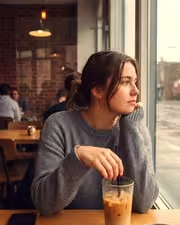
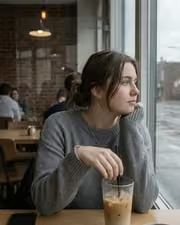
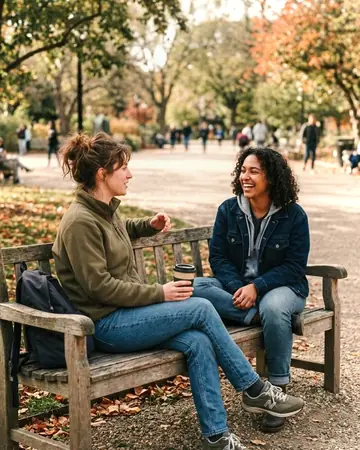
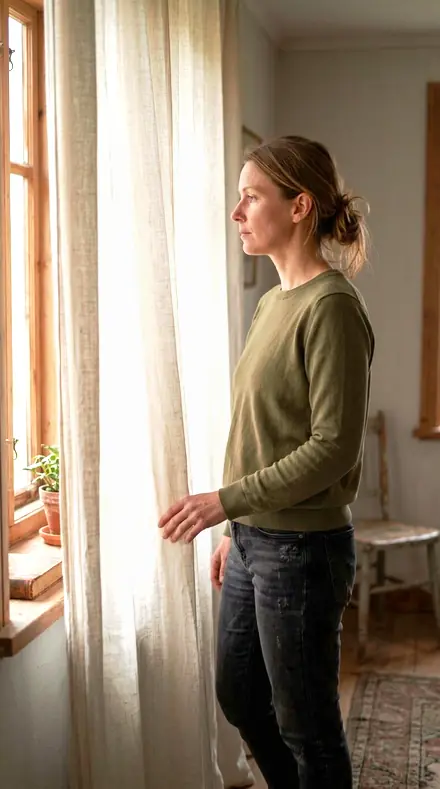
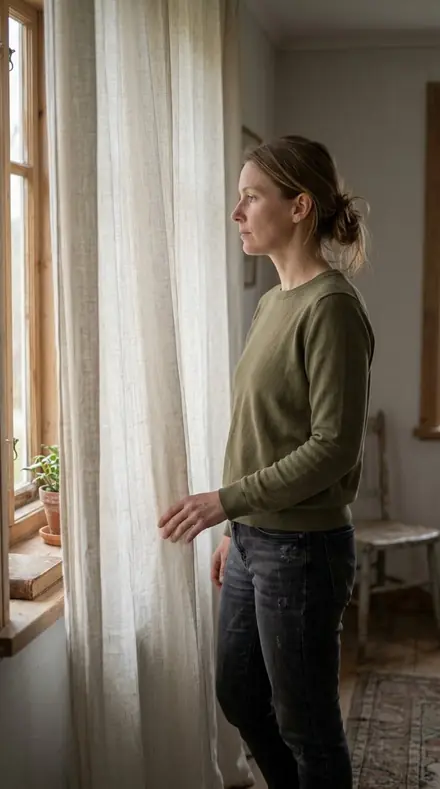
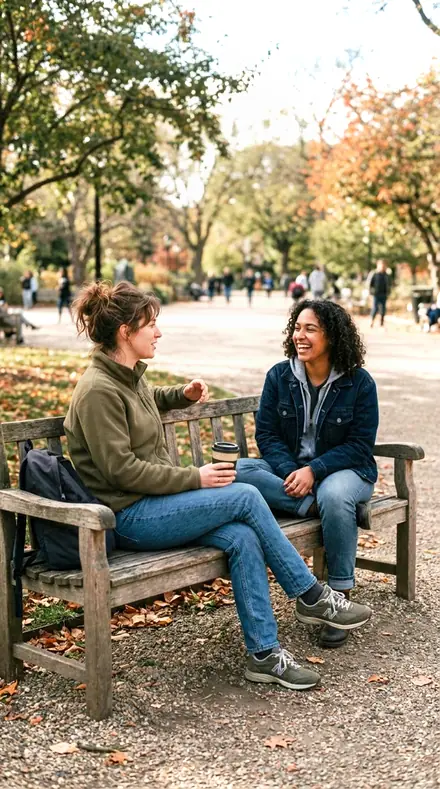
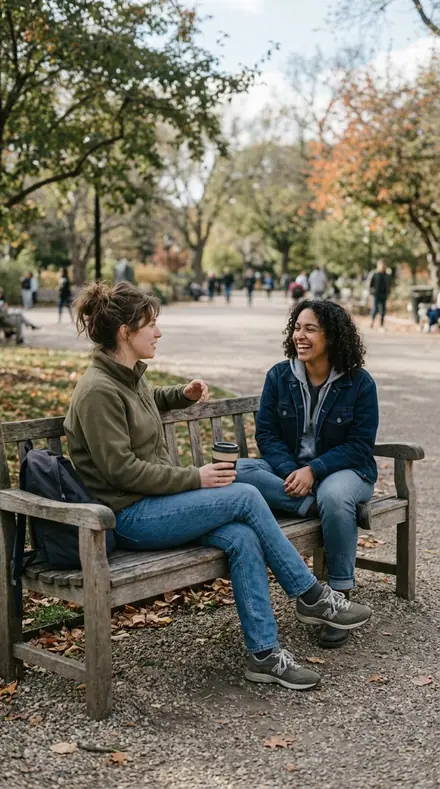
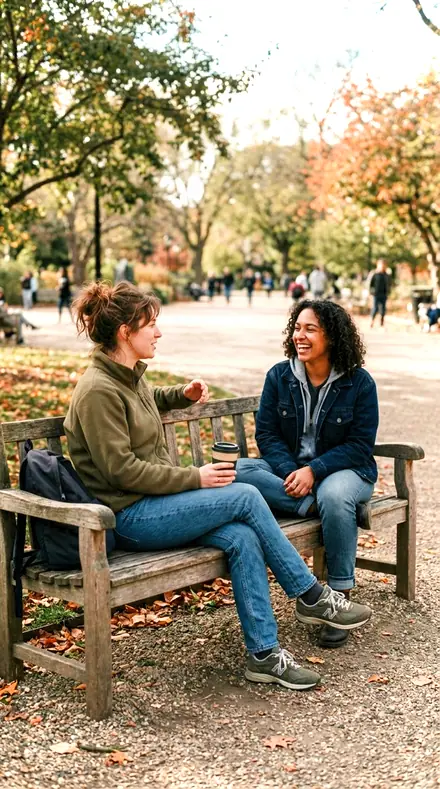
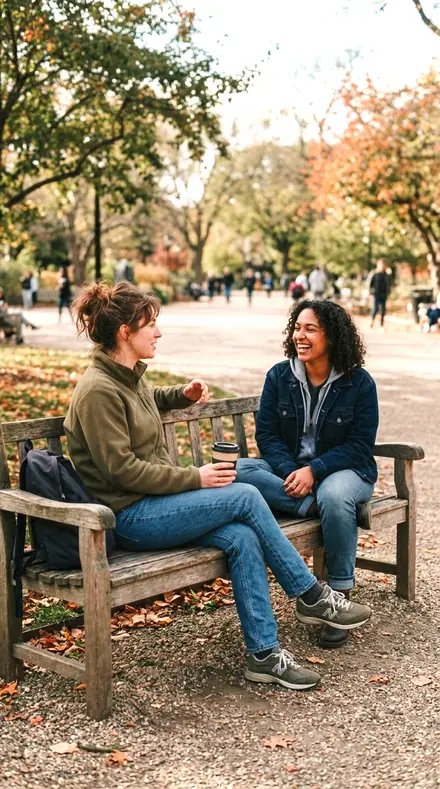
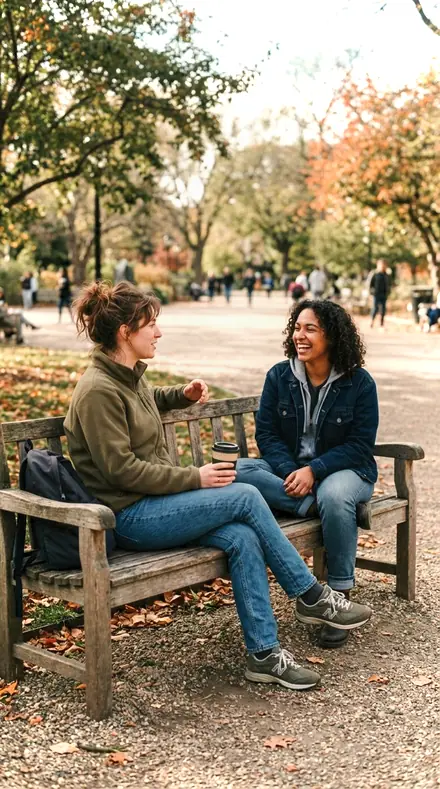
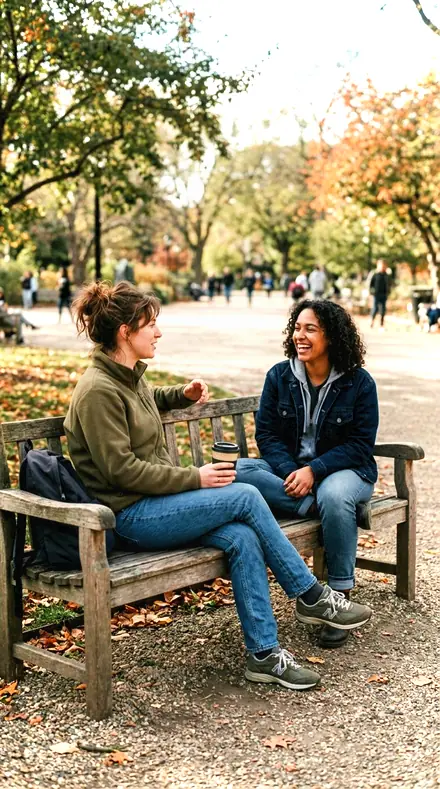
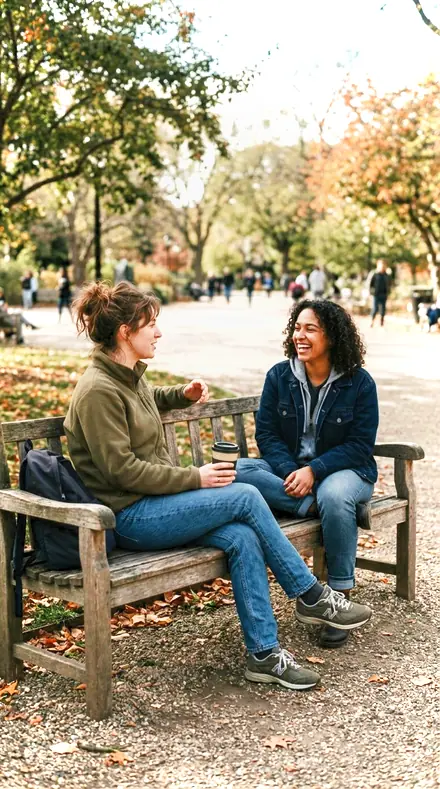
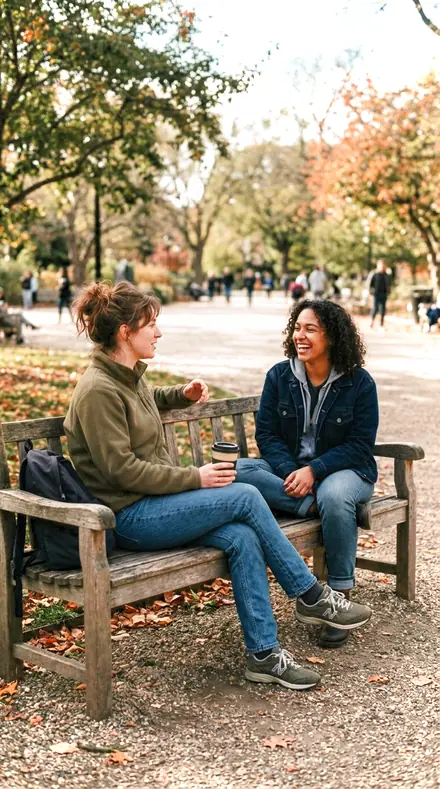
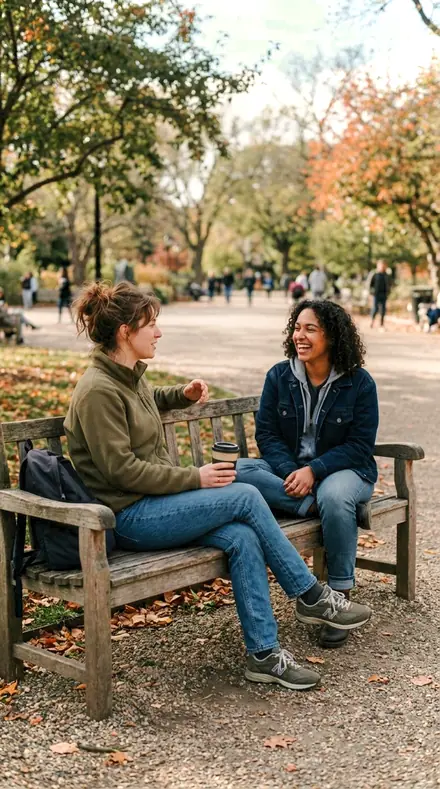
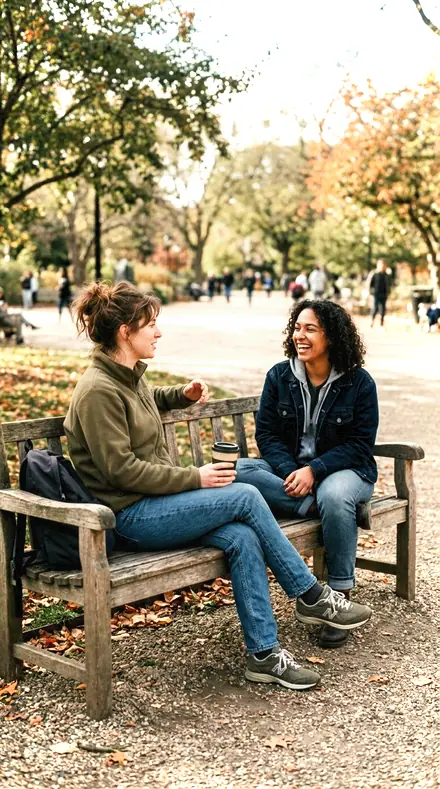
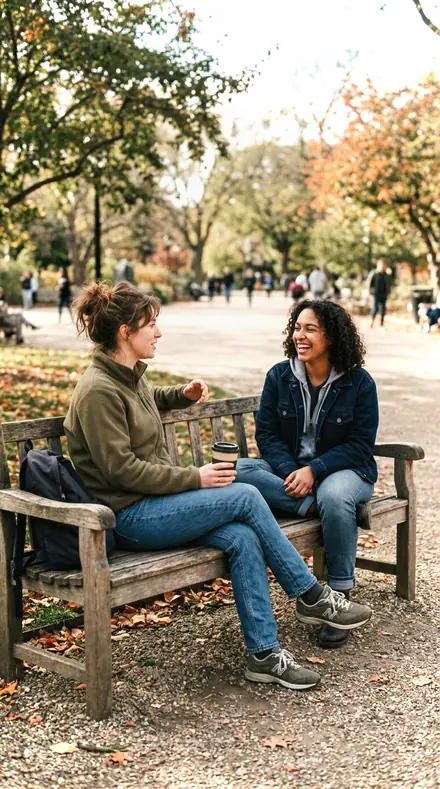
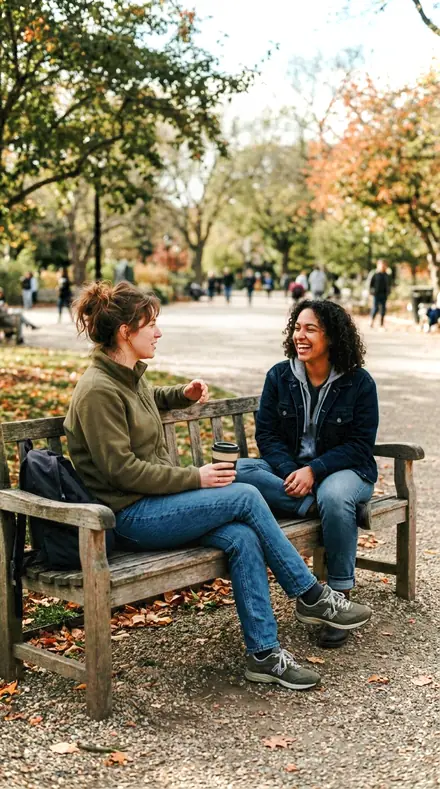
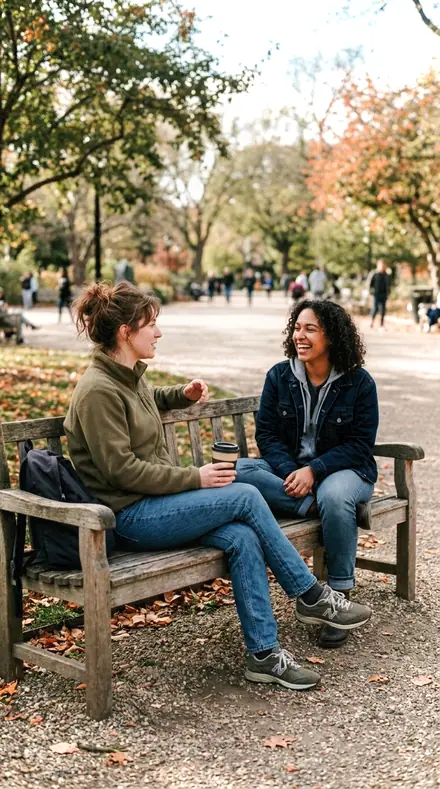
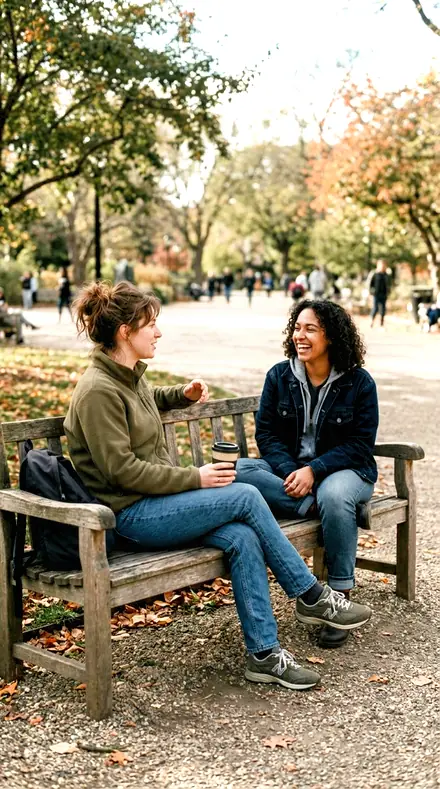
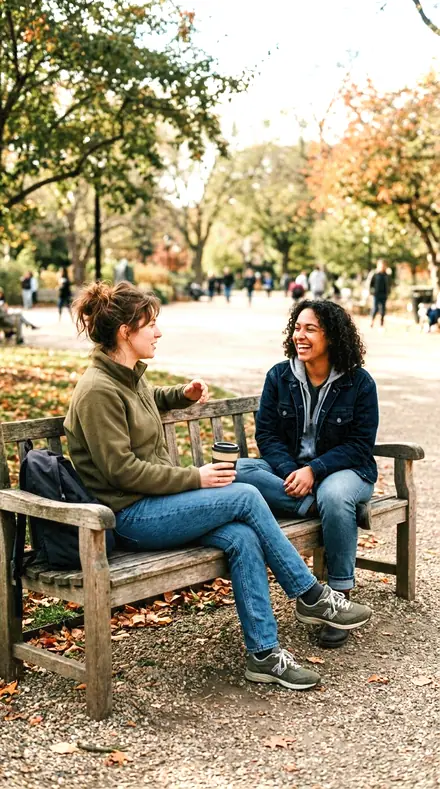
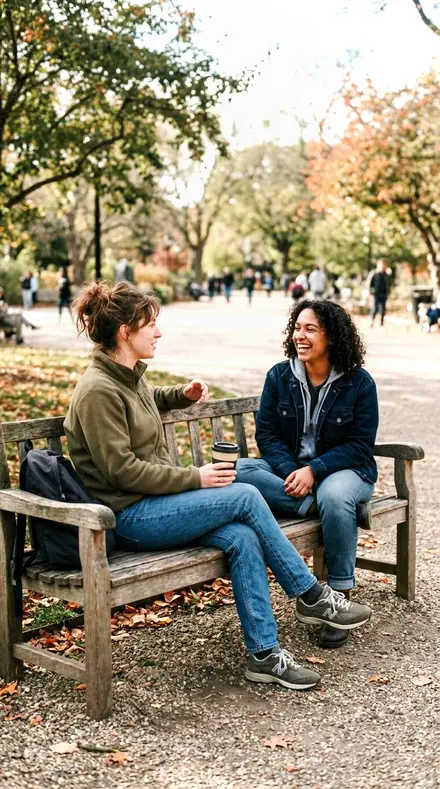
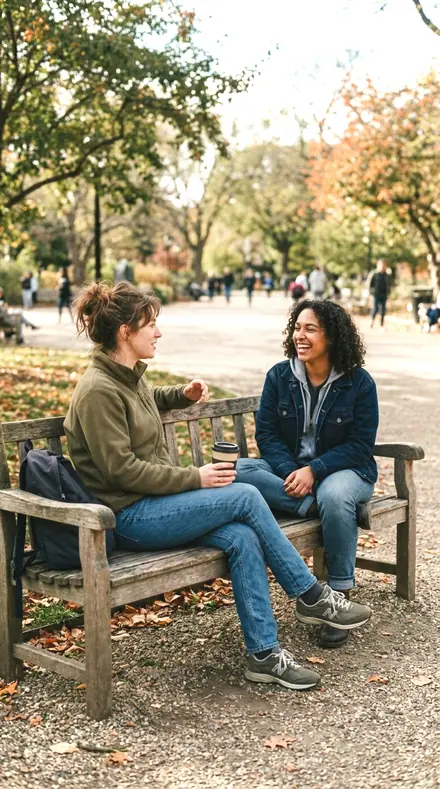
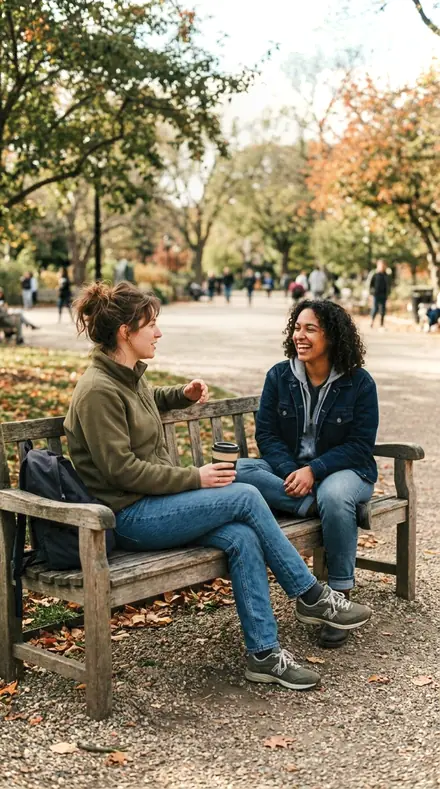
friends bench. With the Widebloom preset applied.friends bench. Photographed without a preset.
Widebloom applied to friends bench

Wide Bokeh

welcome priceonly here

was $49.99now $29.99Save $20

Save for later

Instant download.

  • Presets18
  • Stylebokeh, fast lens, portrait
  • Works inLightroom desktop and mobile
  • Format.xmp and .dng

Widebloom · Lens and device character

Widebloom makes one kind of light.

Wide Bokeh is 18 presets for lens and device character photography. Every one of them is below, before you pay for any of it.

What this light does

one frame, 4 presets

Wide Bokeh, a register for lenses kept open

4 of them, on one photograph. Drag to compare before and after.

  1. Friends bench. With the Iris Blade preset applied.Friends bench. Photographed without a preset.
    Iris Blade applied to Friends bench

    No. 01

    Iris Blade

    For a frame shot wide open: midtone contrast carries the in-focus plane while clarity stays negative, so the grade adds no edge outlines to the out-of-focus wash.

  2. Friends bench. With the Barrel Turn preset applied.Friends bench. Photographed without a preset.
    Barrel Turn applied to Friends bench

    No. 07

    Barrel Turn

    Keeps the subject plane legible without asking clarity to do it, since clarity would find edges in the wash as readily as on the subject.

  3. Friends bench. With the Focal Throw preset applied.Friends bench. Photographed without a preset.
    Focal Throw applied to Friends bench

    No. 12

    Focal Throw

    A portrait read for a fast standard lens: the orange band lifted for skin, greens taken down, and no structure added anywhere.

  4. Friends bench. With the Stop Wide preset applied.Friends bench. Photographed without a preset.
    Stop Wide applied to Friends bench

    No. 18

    Stop Wide

    The widest-aperture case, where depth of field is measured in millimetres and every local-contrast control is kept negative on purpose.

See the light change

drag the line

The same frame, one tap apart. Drag any handle and the scene goes back to the way it looked before Widebloom touched it.

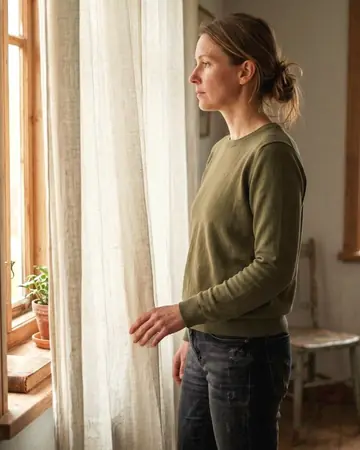
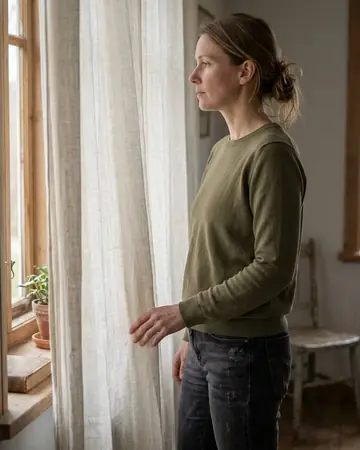
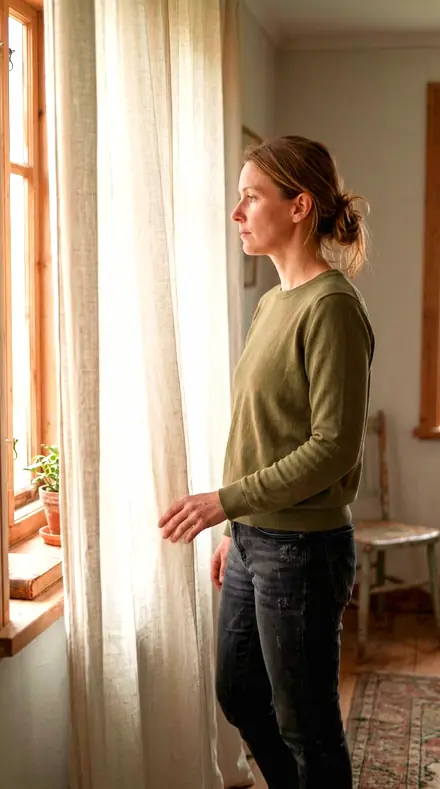
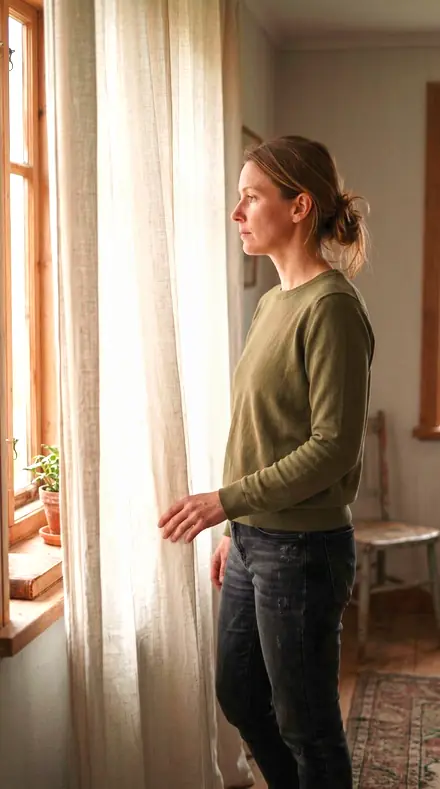
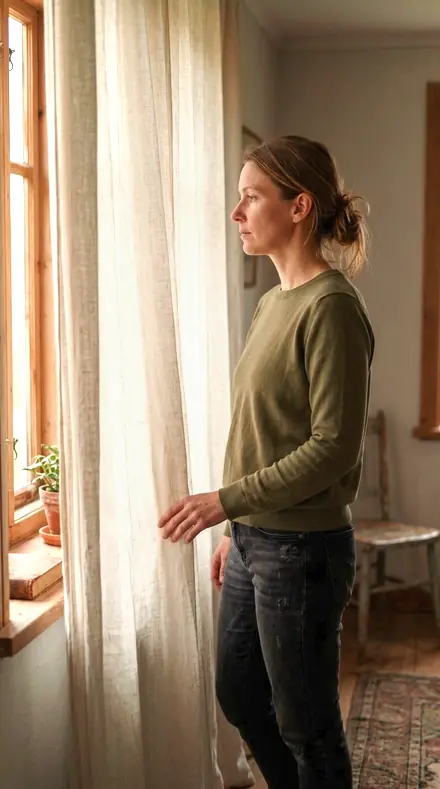
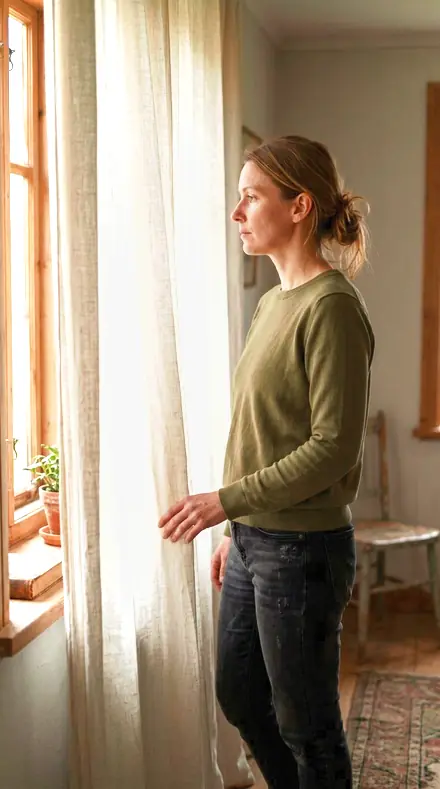
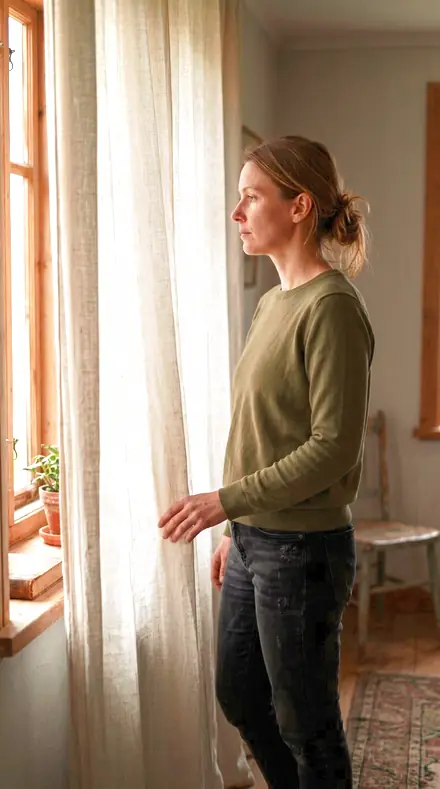
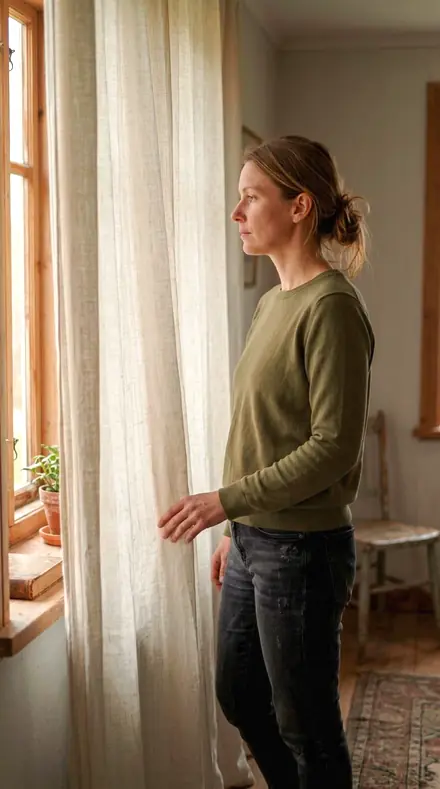
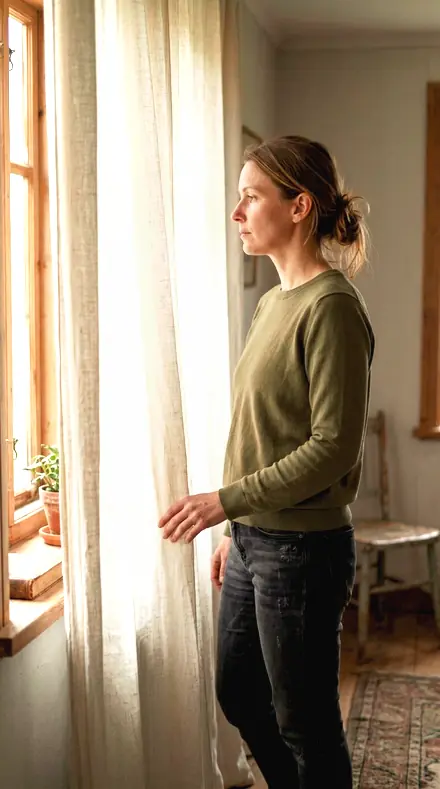
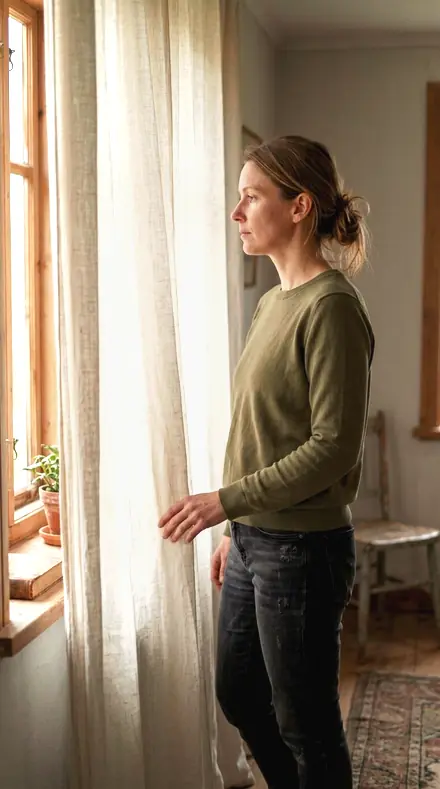
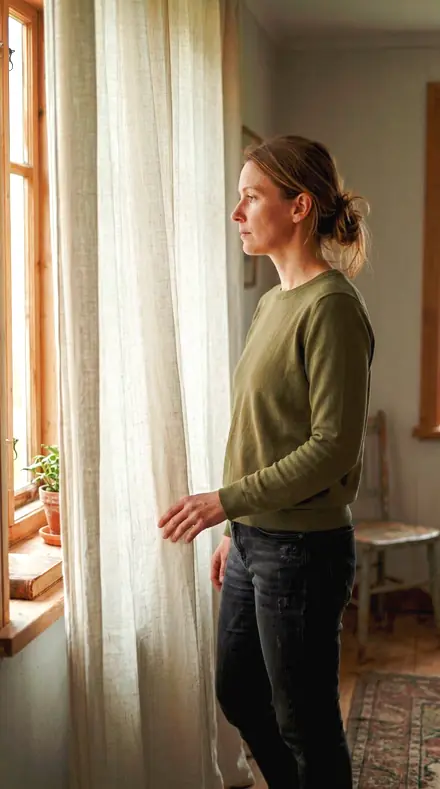
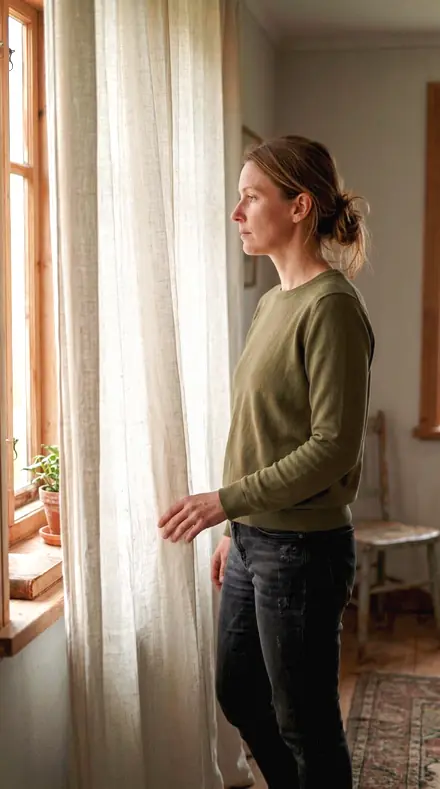
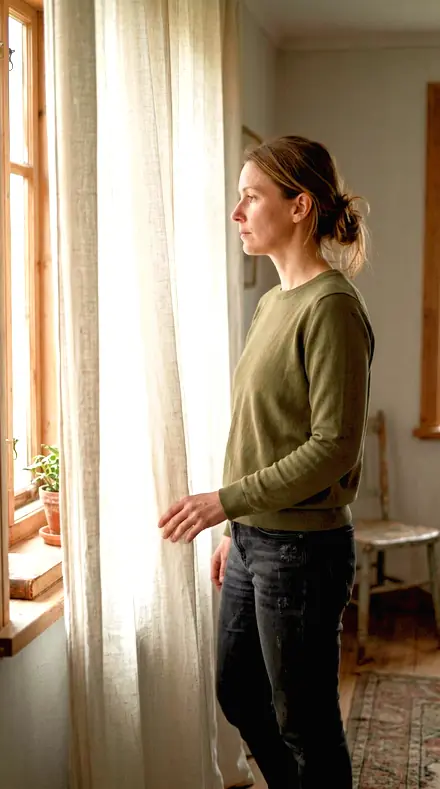
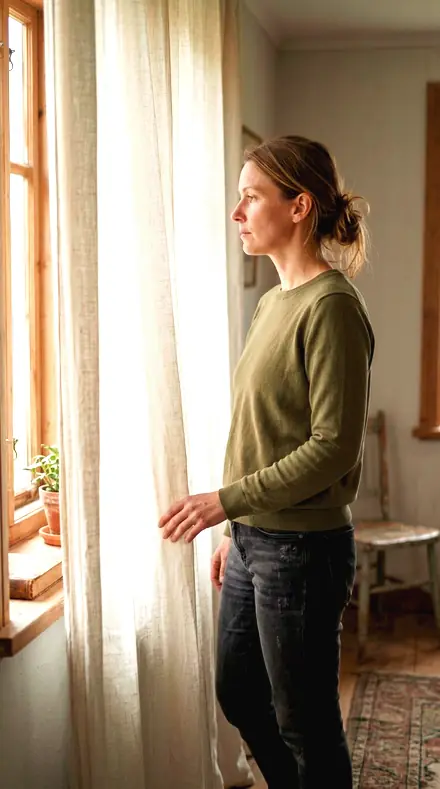
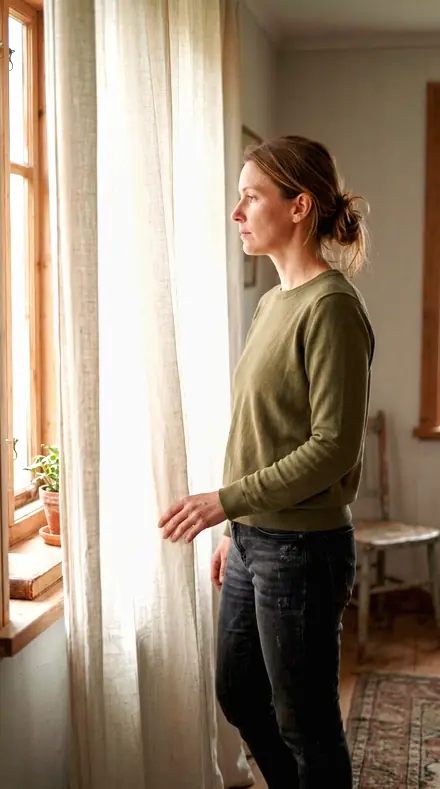
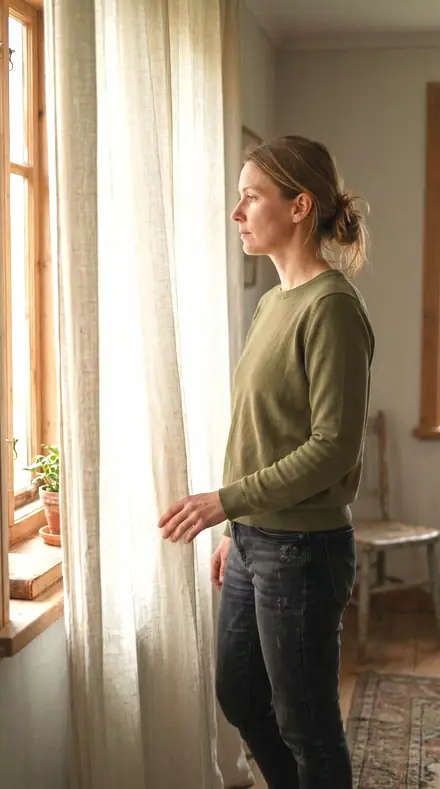
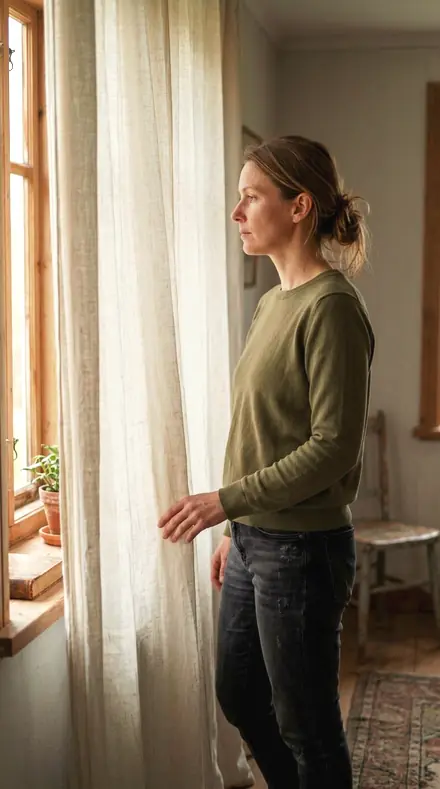
Curtain light. With the Widebloom preset applied.Curtain light. Photographed without a preset.
Widebloom applied to Curtain light
Curtain light
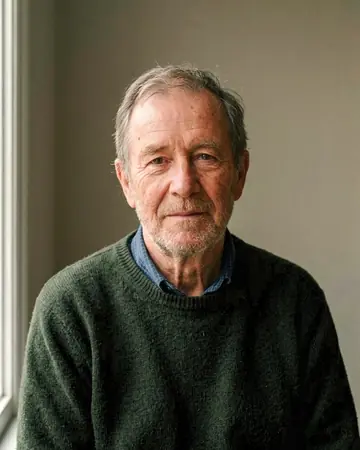
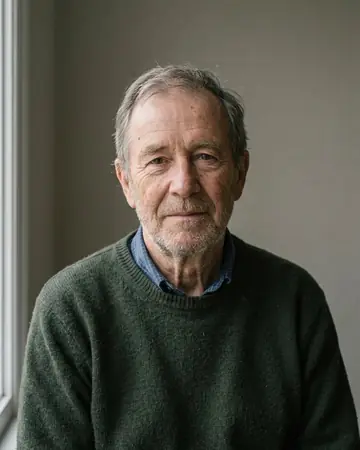
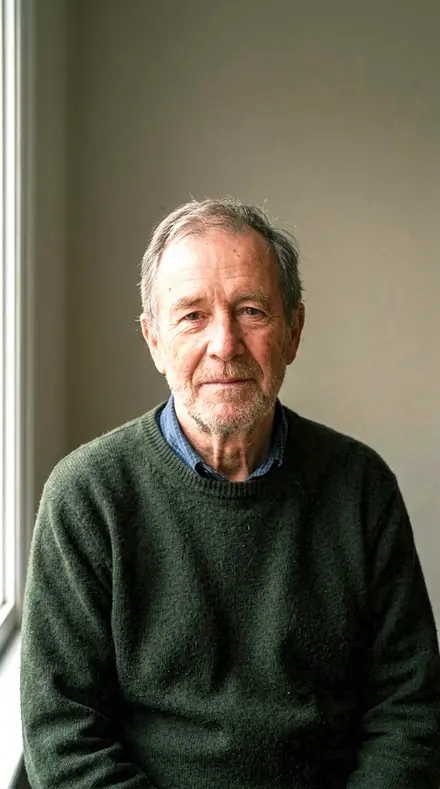
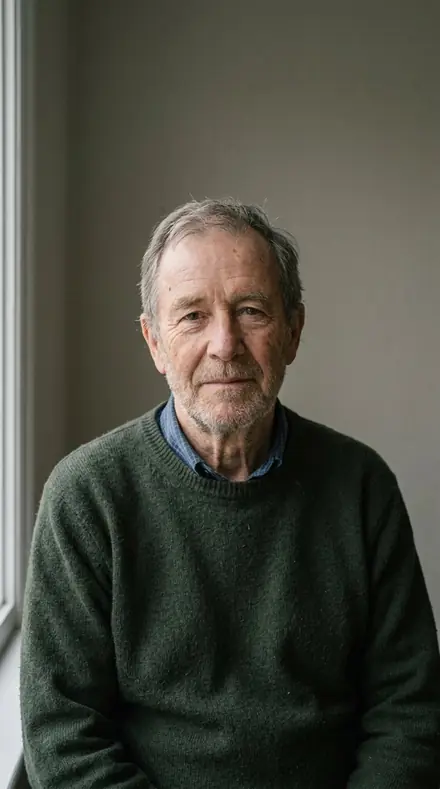
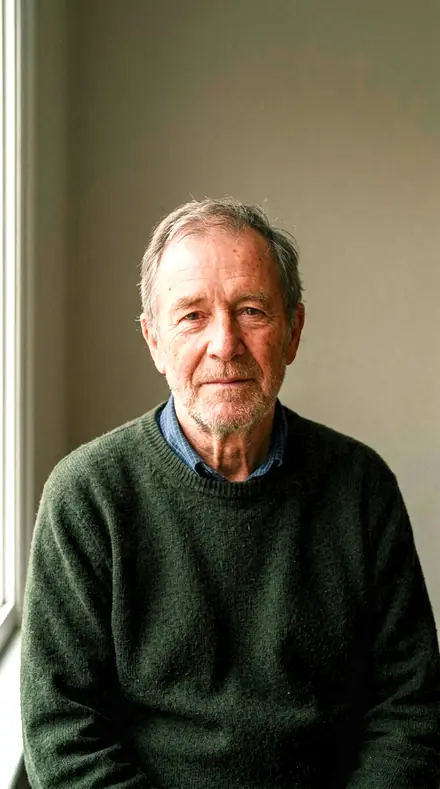
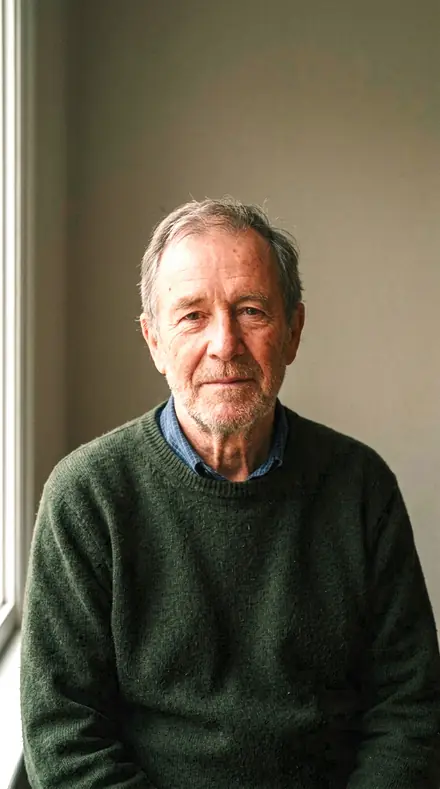
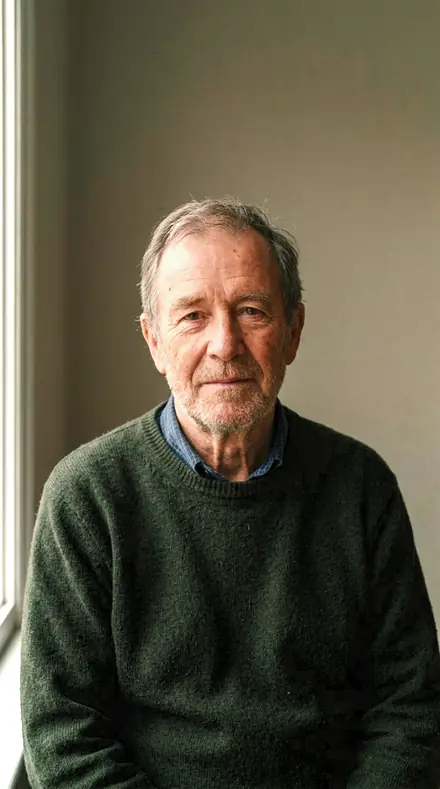
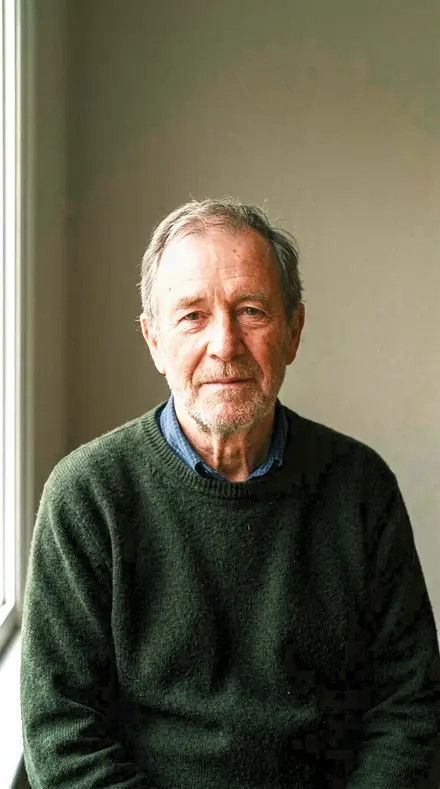
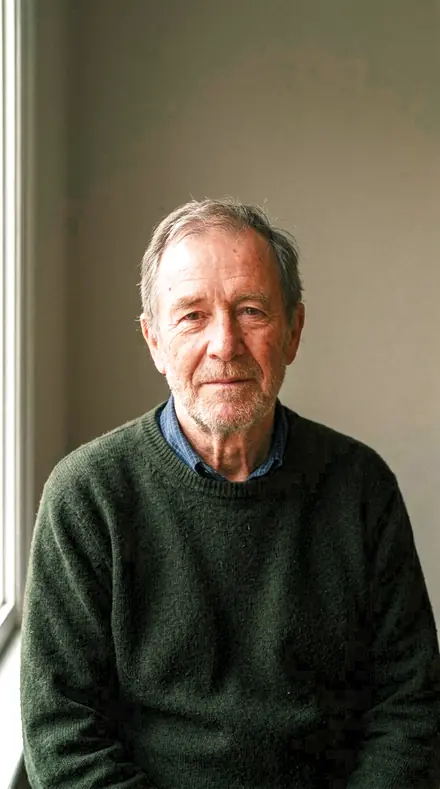
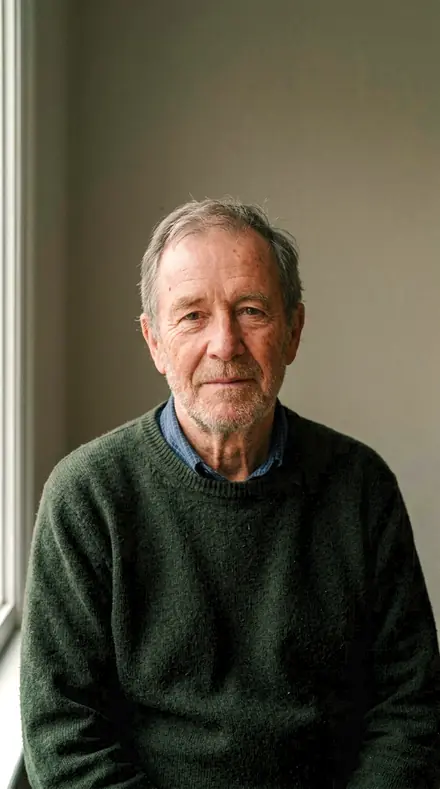
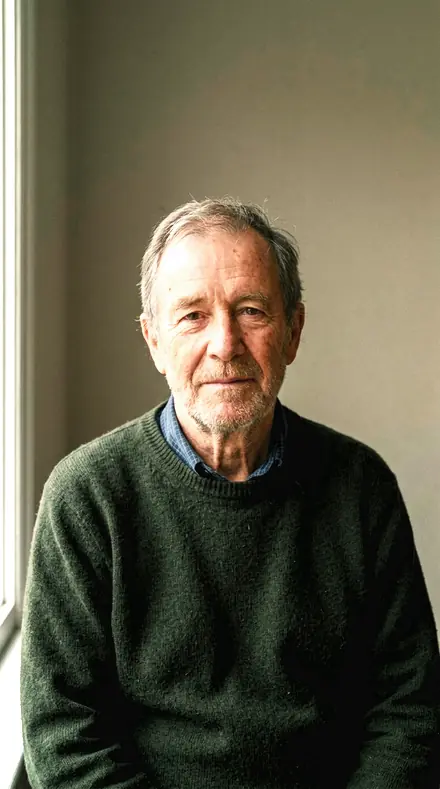
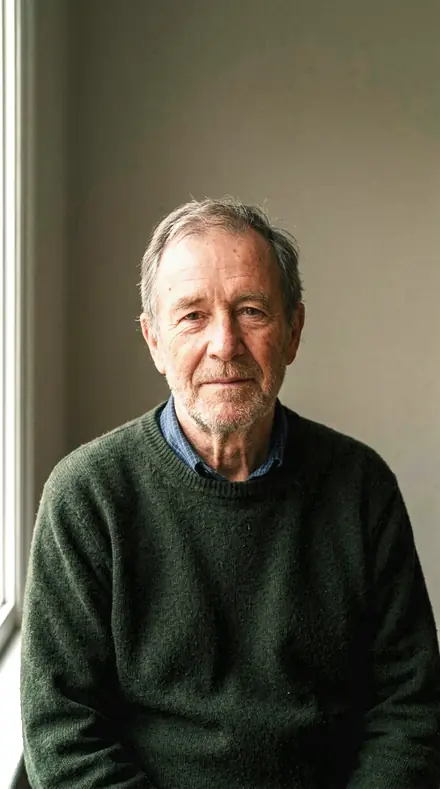
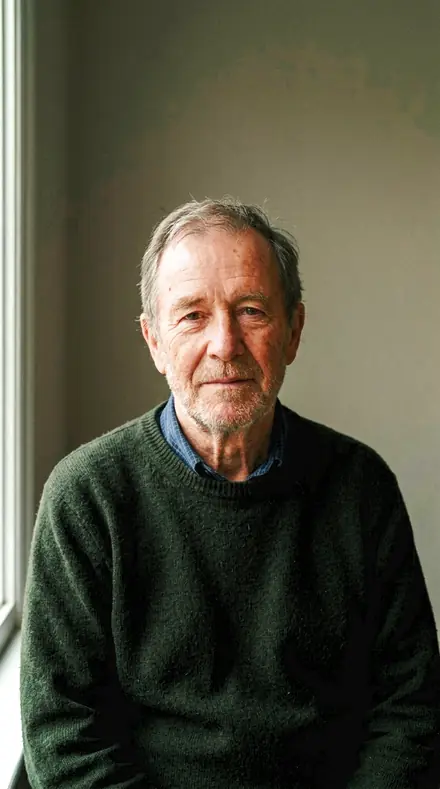
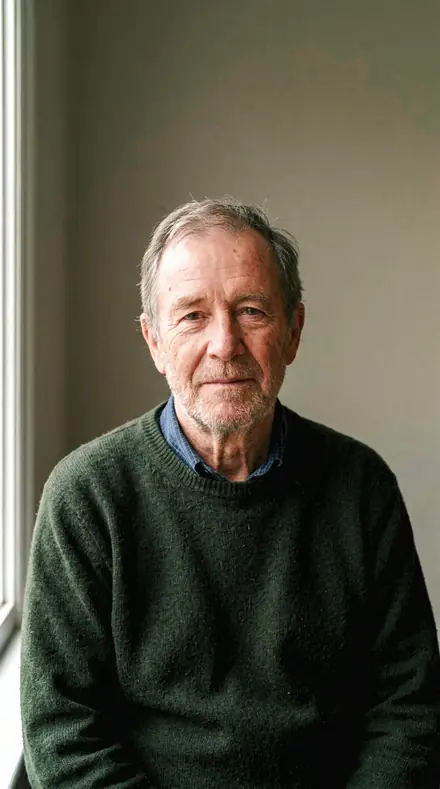
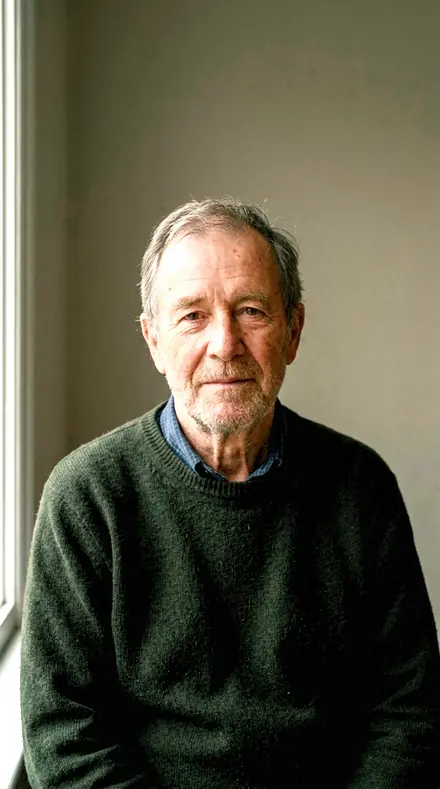
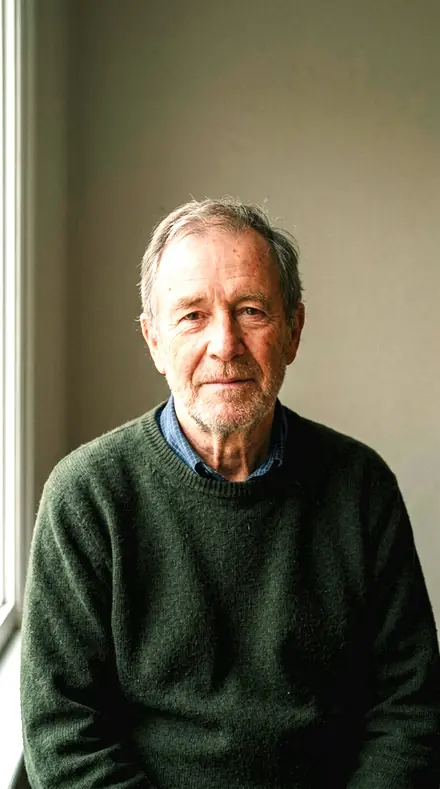
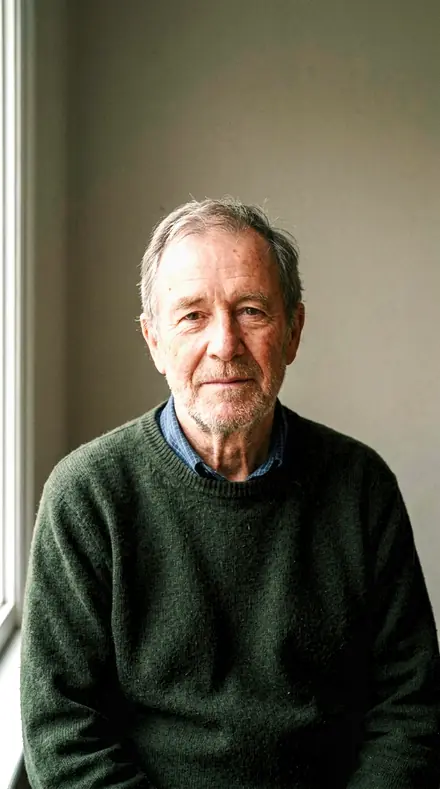
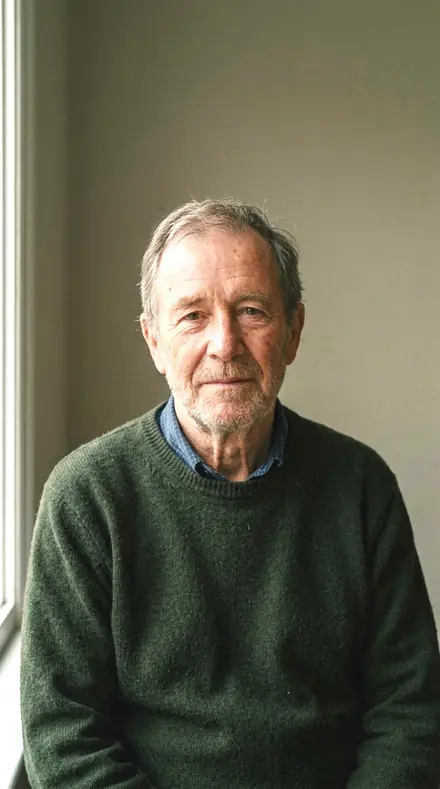
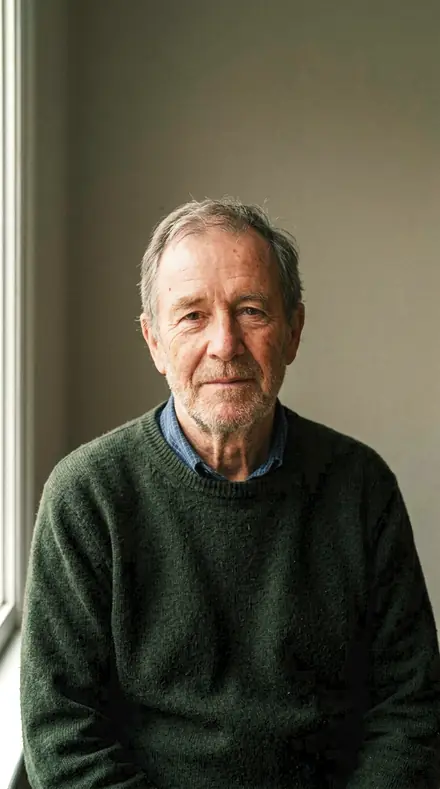
Man portrait. With the Widebloom preset applied.Man portrait. Photographed without a preset.
Widebloom applied to Man portrait
Man portrait

The Register

3 groups

Every preset on the same four frames, each with a thin plane of focus, so you can watch the wash stay smooth.

  • The washThe out-of-focus area. Its colour kept, its points kept as discs, nothing roughened.
  • The planeThe thin band in focus. Skin lifted, a firm toe, the shoulder rolled off.
  • The glassAnswers to the lens itself. Corners opened, a soft glow honoured, contrasty glass seated.

Explore every preset in this pack

18 presets · 4 scenes

Every preset in the pack is here, on the same four photographs. Nothing below is a sample. Open one and drag.

  1. No. 01Iris BladeFor a frame shot wide open: midtone contrast carries the in-focus plane while clarity stays negative, so the grade adds no edge outlines to the out-of-focus wash.
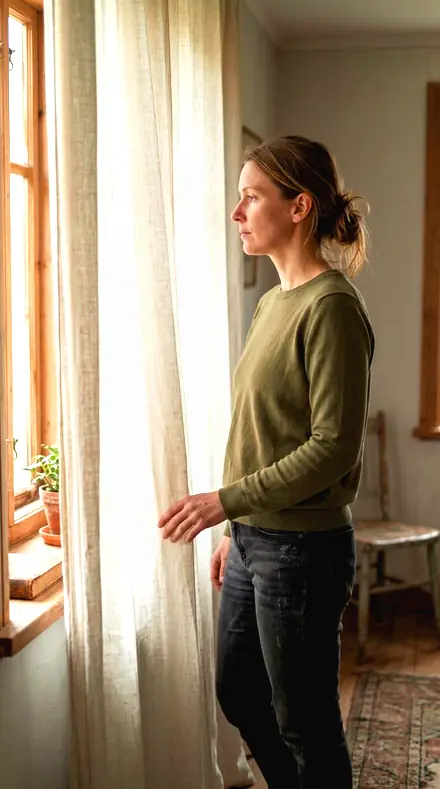
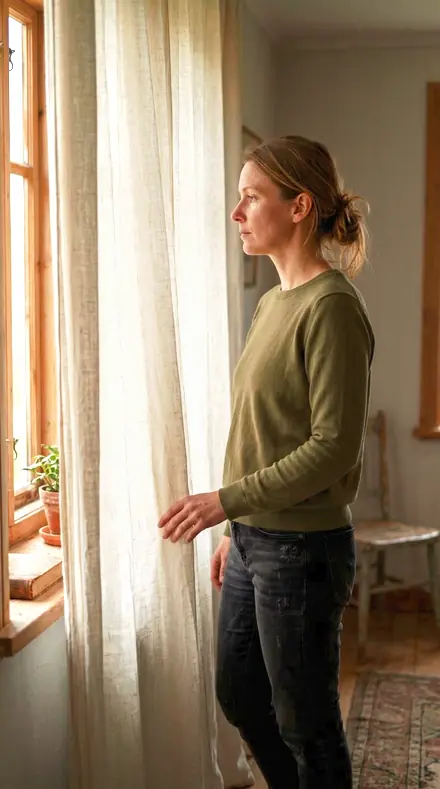
    Iris Blade applied to Curtain light Before: Curtain light
    Curtain light
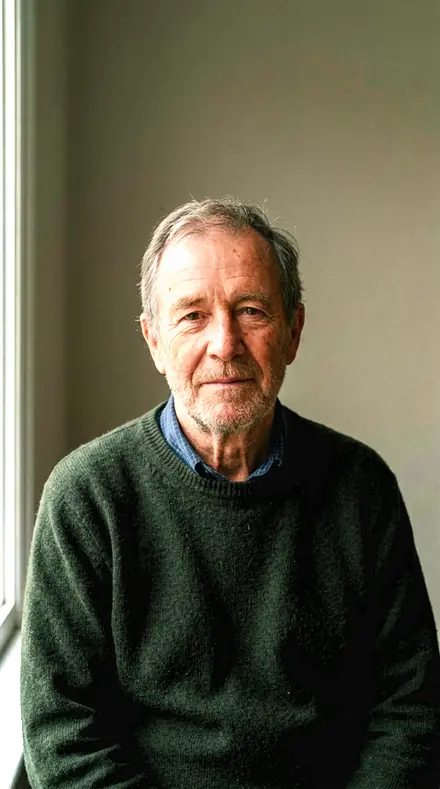
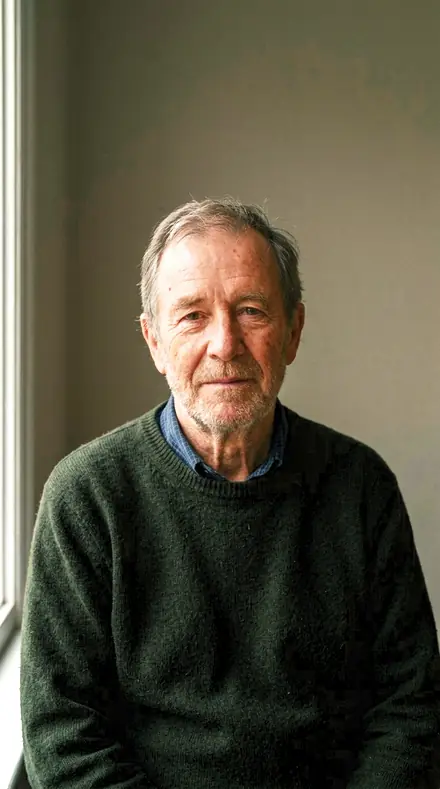
    Iris Blade applied to Man portrait Before: Man portrait
    Man portrait
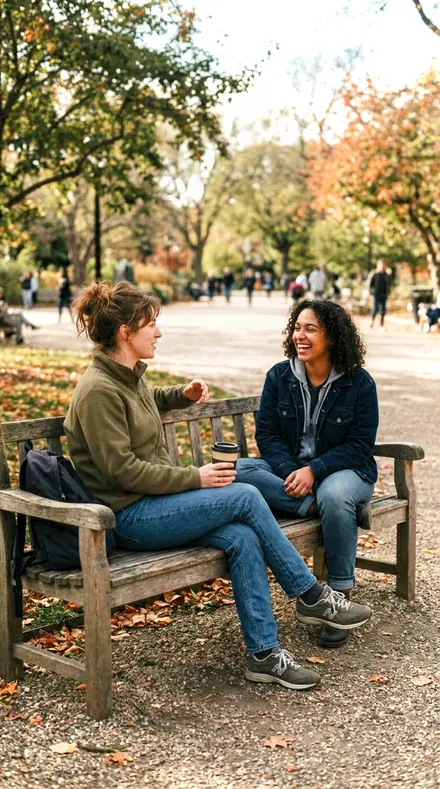
    Iris Blade applied to Friends bench Before: Friends bench
    Friends bench
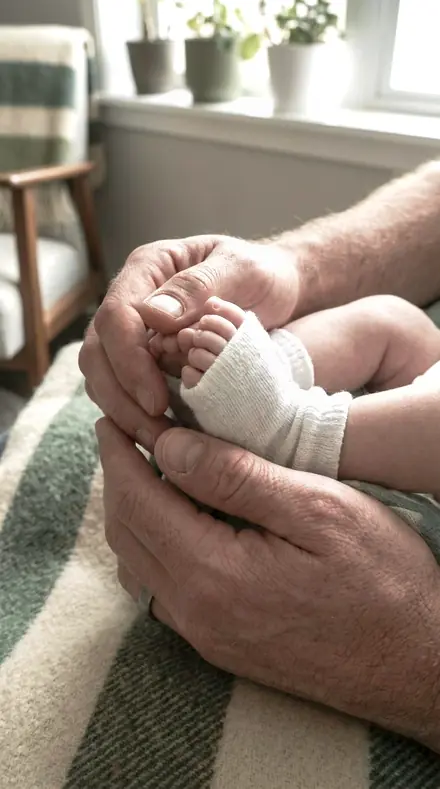
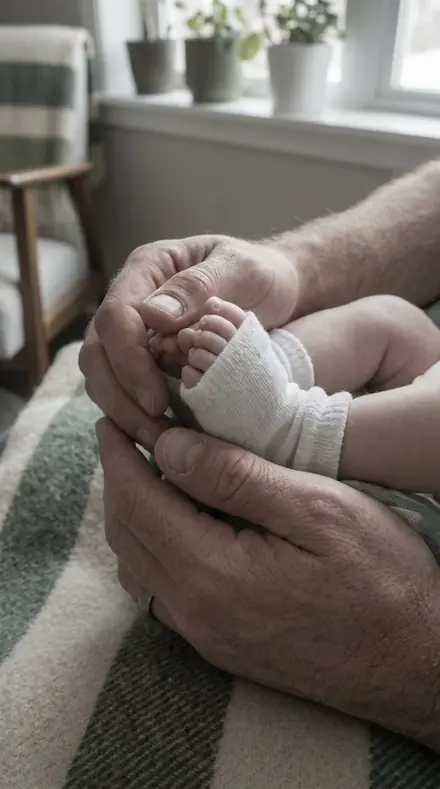
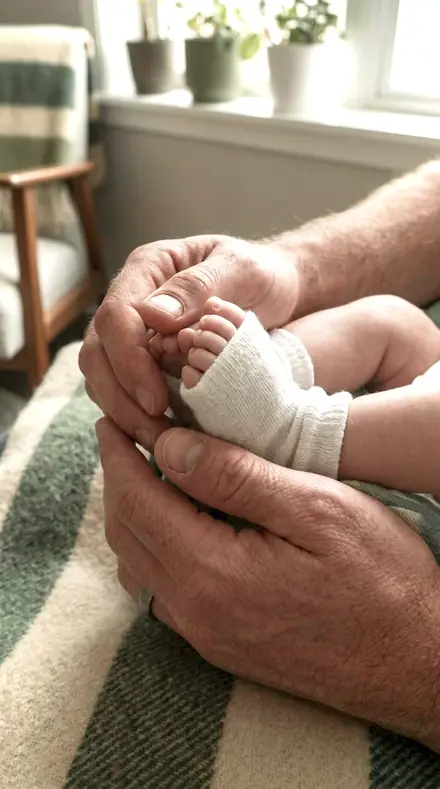
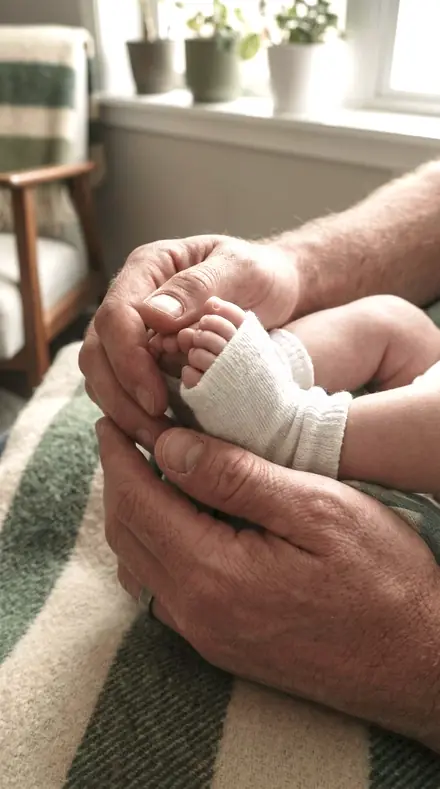
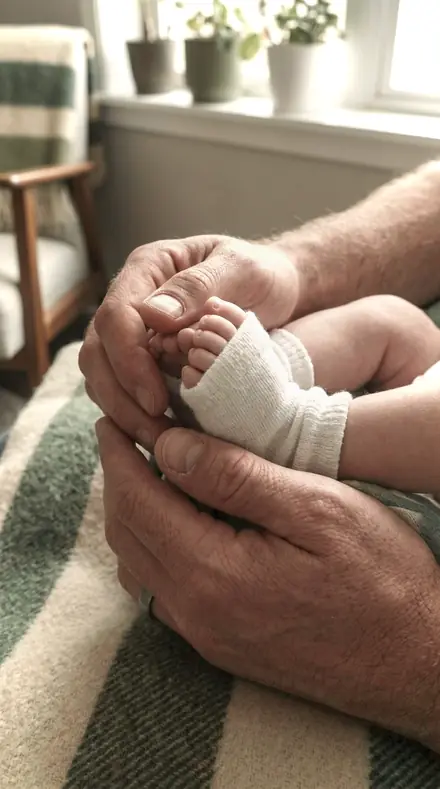
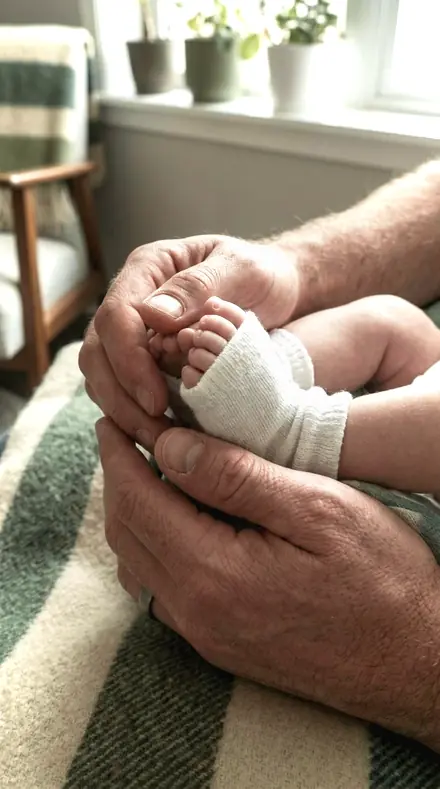
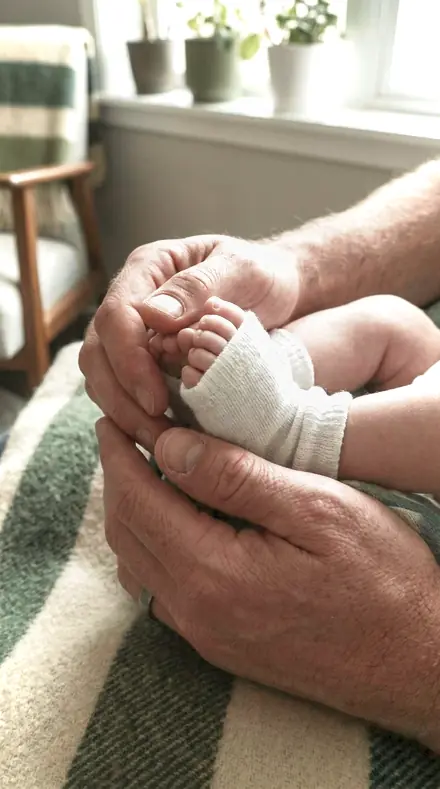
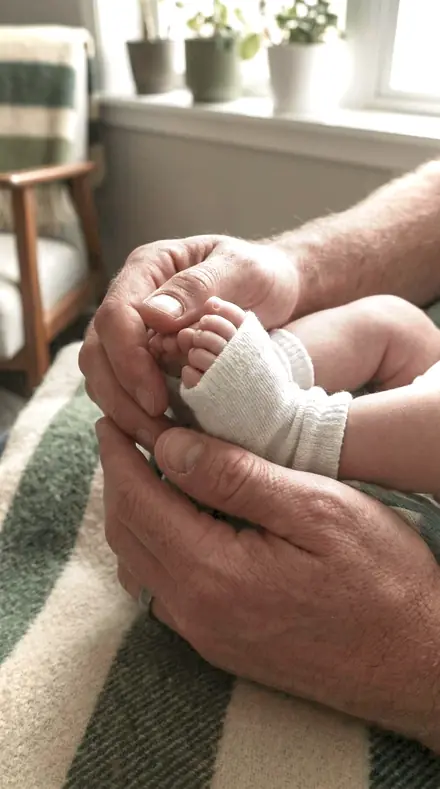
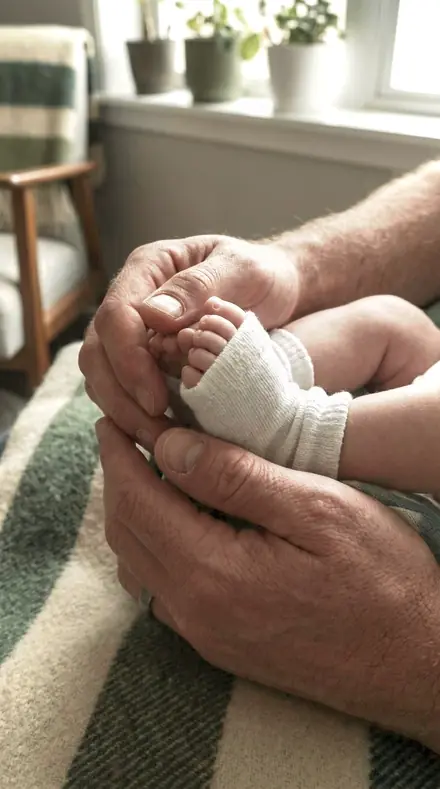
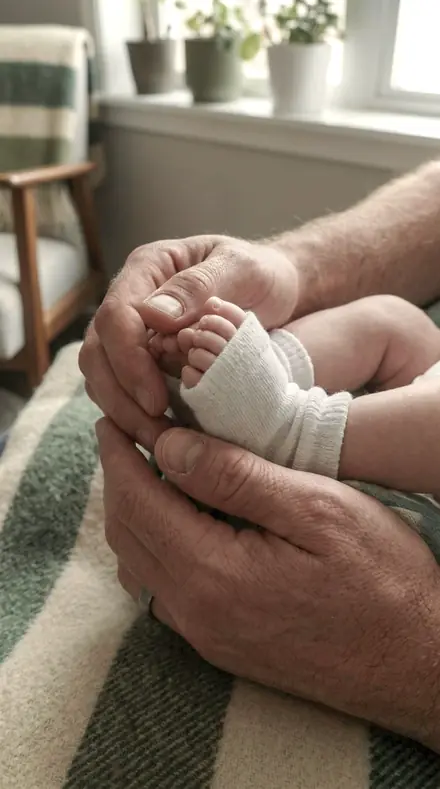
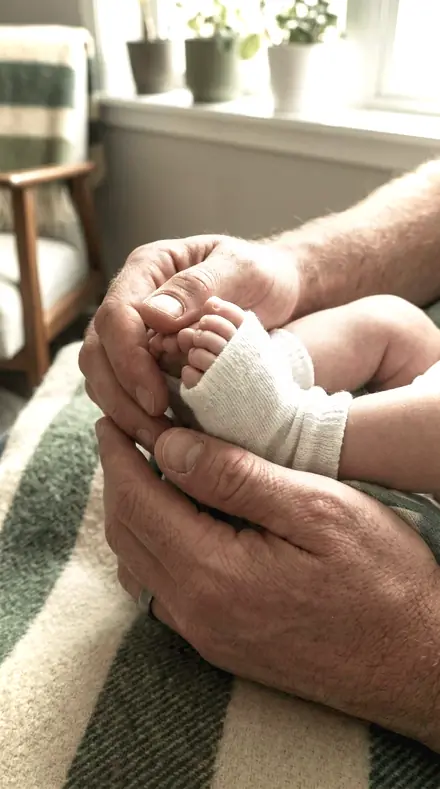
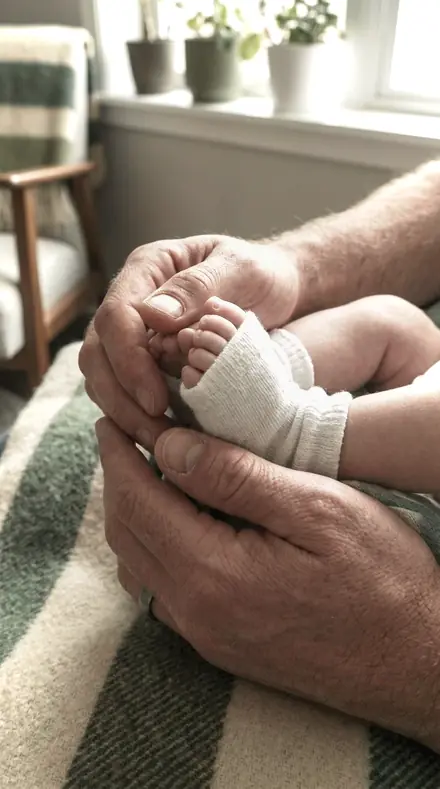
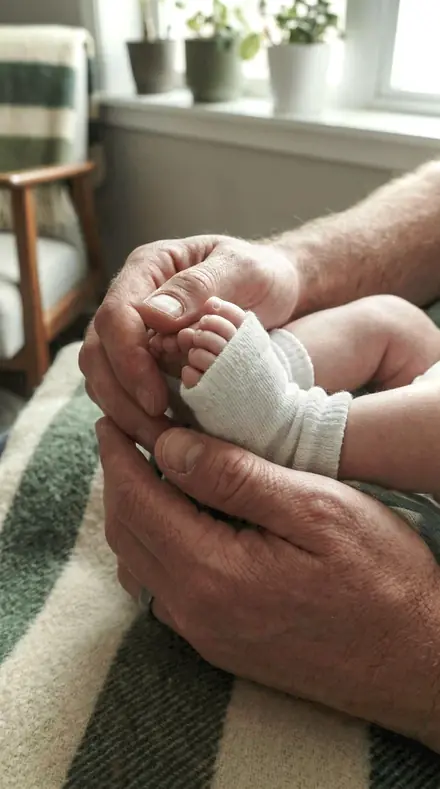
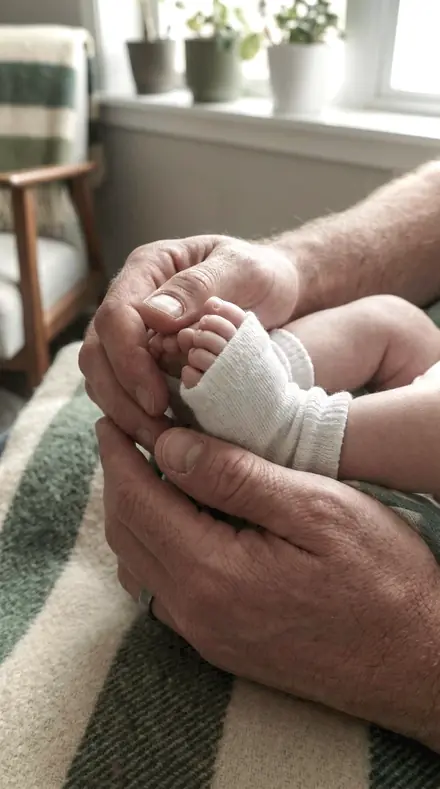
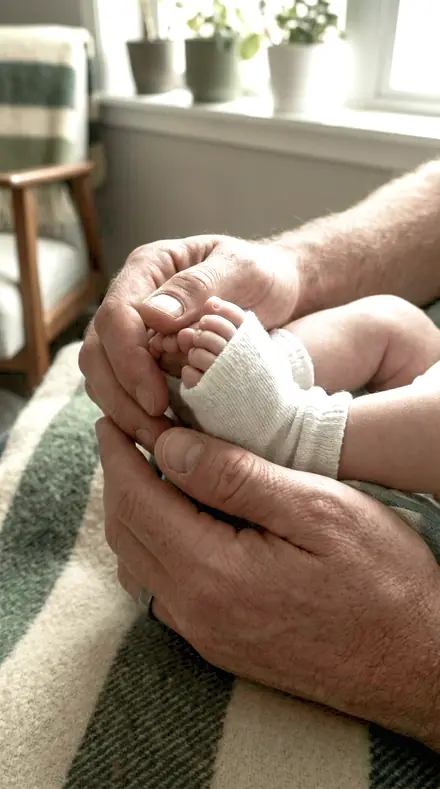
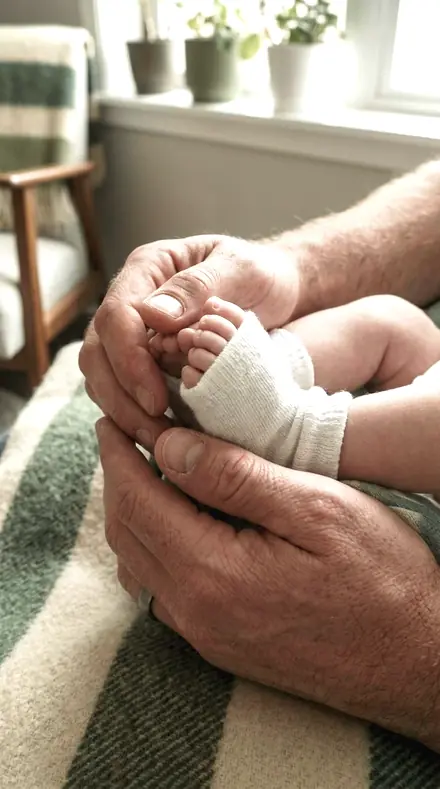
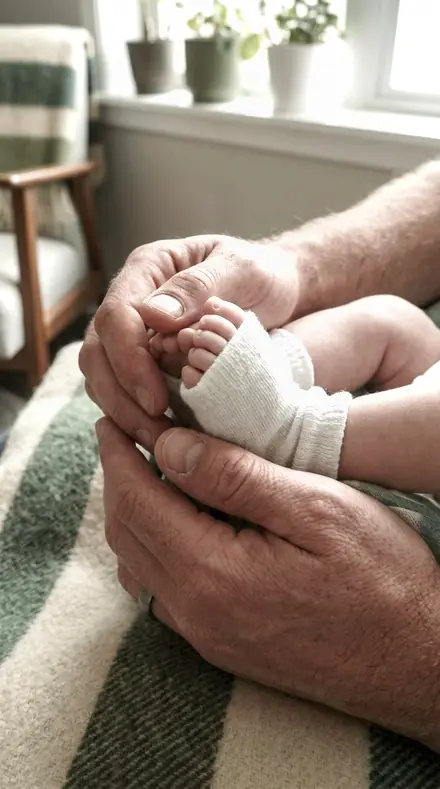
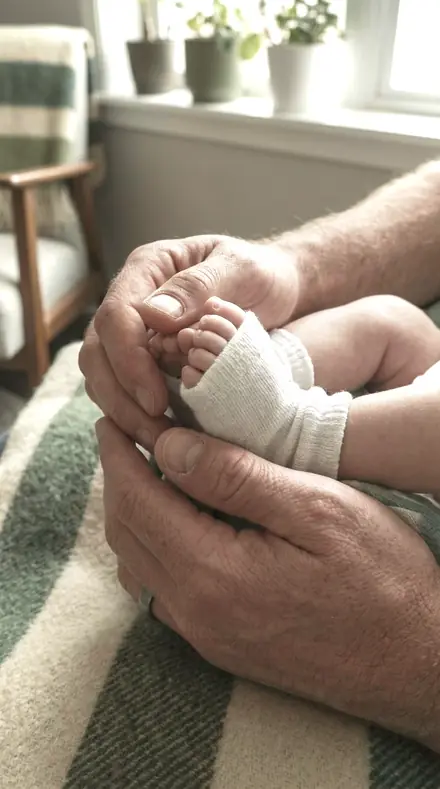
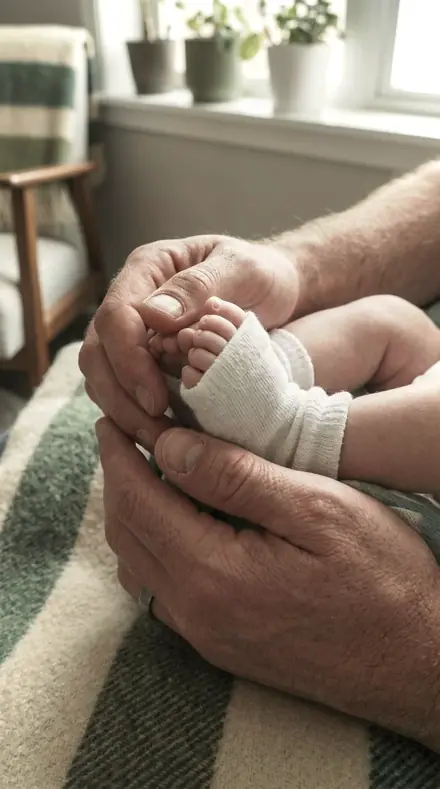
    Iris Blade applied to Newborn hands Before: Newborn hands
    Newborn hands

    Drag the handle. Left is the original, right is Iris Blade. Rendered from the preset's own settings, not a Lightroom export, so the real thing carries a little more bite.

  2. No. 02Aperture WashA preset cannot smooth a wash, only decline to roughen one, so the local-contrast controls sit under zero here and the tone work is done by the curve.
    Aperture Wash applied to Curtain light Before: Curtain light
    Curtain light
    Aperture Wash applied to Man portrait Before: Man portrait
    Man portrait
    Aperture Wash applied to Friends bench Before: Friends bench
    Friends bench
    Aperture Wash applied to Newborn hands Before: Newborn hands
    Newborn hands

    Drag the handle. Left is the original, right is Aperture Wash. Rendered from the preset's own settings, not a Lightroom export, so the real thing carries a little more bite.

  3. No. 03Pupil RoundHolds the colour of the out-of-focus area instead of pushing it, with the green and aqua bands pulled back so a leafy background stays quiet behind the subject.
    Pupil Round applied to Curtain light Before: Curtain light
    Curtain light
    Pupil Round applied to Man portrait Before: Man portrait
    Man portrait
    Pupil Round applied to Friends bench Before: Friends bench
    Friends bench
    Pupil Round applied to Newborn hands Before: Newborn hands
    Newborn hands

    Drag the handle. Left is the original, right is Pupil Round. Rendered from the preset's own settings, not a Lightroom export, so the real thing carries a little more bite.

  4. No. 04Blade CurveBuilt for a fast portrait aperture where the subject plane is thin: highlights rolled off so the brightest part of the wash keeps its gradation.
    Blade Curve applied to Curtain light Before: Curtain light
    Curtain light
    Blade Curve applied to Man portrait Before: Man portrait
    Man portrait
    Blade Curve applied to Friends bench Before: Friends bench
    Friends bench
    Blade Curve applied to Newborn hands Before: Newborn hands
    Newborn hands

    Drag the handle. Left is the original, right is Blade Curve. Rendered from the preset's own settings, not a Lightroom export, so the real thing carries a little more bite.

  5. No. 05Entrance PupilA straightforward read of a wide-open frame, with a positive vignette opening the corners the aperture already darkened.
    Entrance Pupil applied to Curtain light Before: Curtain light
    Curtain light
    Entrance Pupil applied to Man portrait Before: Man portrait
    Man portrait
    Entrance Pupil applied to Friends bench Before: Friends bench
    Friends bench
    Entrance Pupil applied to Newborn hands Before: Newborn hands
    Newborn hands

    Drag the handle. Left is the original, right is Entrance Pupil. Rendered from the preset's own settings, not a Lightroom export, so the real thing carries a little more bite.

  6. No. 06Diaphragm CurlFor a frame whose background is all specular points: whites pulled under zero so those points keep their shape rather than clipping to white discs.
    Diaphragm Curl applied to Curtain light Before: Curtain light
    Curtain light
    Diaphragm Curl applied to Man portrait Before: Man portrait
    Man portrait
    Diaphragm Curl applied to Friends bench Before: Friends bench
    Friends bench
    Diaphragm Curl applied to Newborn hands Before: Newborn hands
    Newborn hands

    Drag the handle. Left is the original, right is Diaphragm Curl. Rendered from the preset's own settings, not a Lightroom export, so the real thing carries a little more bite.

  7. No. 07Barrel TurnKeeps the subject plane legible without asking clarity to do it, since clarity would find edges in the wash as readily as on the subject.
    Barrel Turn applied to Curtain light Before: Curtain light
    Curtain light
    Barrel Turn applied to Man portrait Before: Man portrait
    Man portrait
    Barrel Turn applied to Friends bench Before: Friends bench
    Friends bench
    Barrel Turn applied to Newborn hands Before: Newborn hands
    Newborn hands

    Drag the handle. Left is the original, right is Barrel Turn. Rendered from the preset's own settings, not a Lightroom export, so the real thing carries a little more bite.

  8. No. 08Fast ElementFor glass that is already contrasty wide open: modest contrast, negative texture, and the blue band darkened to seat the background.
    Fast Element applied to Curtain light Before: Curtain light
    Curtain light
    Fast Element applied to Man portrait Before: Man portrait
    Man portrait
    Fast Element applied to Friends bench Before: Friends bench
    Friends bench
    Fast Element applied to Newborn hands Before: Newborn hands
    Newborn hands

    Drag the handle. Left is the original, right is Fast Element. Rendered from the preset's own settings, not a Lightroom export, so the real thing carries a little more bite.

  9. No. 09Circle ConfusionThe out-of-focus circles a lens draws are its own; this only sets the tone they sit in, with a firm toe and an eased shoulder.
    Circle Confusion applied to Curtain light Before: Curtain light
    Curtain light
    Circle Confusion applied to Man portrait Before: Man portrait
    Man portrait
    Circle Confusion applied to Friends bench Before: Friends bench
    Friends bench
    Circle Confusion applied to Newborn hands Before: Newborn hands
    Newborn hands

    Drag the handle. Left is the original, right is Circle Confusion. Rendered from the preset's own settings, not a Lightroom export, so the real thing carries a little more bite.

  10. No. 10Caustic EdgeFor backlit wide-open work where the wash carries most of the light: parametric lights held down so the bright side does not run away.
    Caustic Edge applied to Curtain light Before: Curtain light
    Curtain light
    Caustic Edge applied to Man portrait Before: Man portrait
    Man portrait
    Caustic Edge applied to Friends bench Before: Friends bench
    Friends bench
    Caustic Edge applied to Newborn hands Before: Newborn hands
    Newborn hands

    Drag the handle. Left is the original, right is Caustic Edge. Rendered from the preset's own settings, not a Lightroom export, so the real thing carries a little more bite.

  11. No. 11Cat's EyeWritten for the oval corner bokeh of a lens used at full aperture, where the corners want brightening rather than more contrast.
    Cat's Eye applied to Curtain light Before: Curtain light
    Curtain light
    Cat's Eye applied to Man portrait Before: Man portrait
    Man portrait
    Cat's Eye applied to Friends bench Before: Friends bench
    Friends bench
    Cat's Eye applied to Newborn hands Before: Newborn hands
    Newborn hands

    Drag the handle. Left is the original, right is Cat's Eye. Rendered from the preset's own settings, not a Lightroom export, so the real thing carries a little more bite.

  12. No. 12Focal ThrowA portrait read for a fast standard lens: the orange band lifted for skin, greens taken down, and no structure added anywhere.
    Focal Throw applied to Curtain light Before: Curtain light
    Curtain light
    Focal Throw applied to Man portrait Before: Man portrait
    Man portrait
    Focal Throw applied to Friends bench Before: Friends bench
    Friends bench
    Focal Throw applied to Newborn hands Before: Newborn hands
    Newborn hands

    Drag the handle. Left is the original, right is Focal Throw. Rendered from the preset's own settings, not a Lightroom export, so the real thing carries a little more bite.

  13. No. 13Bokeh FieldFor a shallow frame with an even background: vibrance carries the colour while saturation is held back, so the wash does not turn plastic.
    Bokeh Field applied to Curtain light Before: Curtain light
    Curtain light
    Bokeh Field applied to Man portrait Before: Man portrait
    Man portrait
    Bokeh Field applied to Friends bench Before: Friends bench
    Friends bench
    Bokeh Field applied to Newborn hands Before: Newborn hands
    Newborn hands

    Drag the handle. Left is the original, right is Bokeh Field. Rendered from the preset's own settings, not a Lightroom export, so the real thing carries a little more bite.

  14. No. 14Vertex GlowSupports a lens that glows slightly wide open by keeping the highlight shoulder soft rather than by adding any bloom of its own.
    Vertex Glow applied to Curtain light Before: Curtain light
    Curtain light
    Vertex Glow applied to Man portrait Before: Man portrait
    Man portrait
    Vertex Glow applied to Friends bench Before: Friends bench
    Friends bench
    Vertex Glow applied to Newborn hands Before: Newborn hands
    Newborn hands

    Drag the handle. Left is the original, right is Vertex Glow. Rendered from the preset's own settings, not a Lightroom export, so the real thing carries a little more bite.

  15. No. 15Element BloomFor wide-open frames shot in shade, where the whole frame is low in contrast and the midtones need the work, not the edges.
    Element Bloom applied to Curtain light Before: Curtain light
    Curtain light
    Element Bloom applied to Man portrait Before: Man portrait
    Man portrait
    Element Bloom applied to Friends bench Before: Friends bench
    Friends bench
    Element Bloom applied to Newborn hands Before: Newborn hands
    Newborn hands

    Drag the handle. Left is the original, right is Element Bloom. Rendered from the preset's own settings, not a Lightroom export, so the real thing carries a little more bite.

  16. No. 16Nodal ShiftA quiet baseline for fast glass: warmed, corners opened, and no local contrast asked to separate the planes.
    Nodal Shift applied to Curtain light Before: Curtain light
    Curtain light
    Nodal Shift applied to Man portrait Before: Man portrait
    Man portrait
    Nodal Shift applied to Friends bench Before: Friends bench
    Friends bench
    Nodal Shift applied to Newborn hands Before: Newborn hands
    Newborn hands

    Drag the handle. Left is the original, right is Nodal Shift. Rendered from the preset's own settings, not a Lightroom export, so the real thing carries a little more bite.

  17. No. 17Swirl CornerFor a lens with swirled corner rendering: the positive vignette and lowered green luminance keep the swirl from reading as dirt.
    Swirl Corner applied to Curtain light Before: Curtain light
    Curtain light
    Swirl Corner applied to Man portrait Before: Man portrait
    Man portrait
    Swirl Corner applied to Friends bench Before: Friends bench
    Friends bench
    Swirl Corner applied to Newborn hands Before: Newborn hands
    Newborn hands

    Drag the handle. Left is the original, right is Swirl Corner. Rendered from the preset's own settings, not a Lightroom export, so the real thing carries a little more bite.

  18. No. 18Stop WideThe widest-aperture case, where depth of field is measured in millimetres and every local-contrast control is kept negative on purpose.
    Stop Wide applied to Curtain light Before: Curtain light
    Curtain light
    Stop Wide applied to Man portrait Before: Man portrait
    Man portrait
    Stop Wide applied to Friends bench Before: Friends bench
    Friends bench
    Stop Wide applied to Newborn hands Before: Newborn hands
    Newborn hands

    Drag the handle. Left is the original, right is Stop Wide. Rendered from the preset's own settings, not a Lightroom export, so the real thing carries a little more bite.

A preset cannot make a wash smoother. It can only decline to roughen it. Most looks add local contrast to make a frame pop, and local contrast finds edges in the out-of-focus area as readily as on the subject, so an f/1.2 background fills with outlines that were never there. Every preset here keeps those controls under zero on purpose and does its tone work with the curve instead.

The register runs in three columns. The wash holds the background: its colour kept rather than pushed, leafy greens quieted, specular points kept as discs with shape rather than white holes, a swirled corner kept from reading as dirt. The plane carries the subject: a warm skin lift, a firm toe for the in-focus band, a highlight roll-off so the brightest part of the wash keeps its gradation. The glass answers the lens itself: corners opened where the aperture darkened them, a soft shoulder for a lens that glows, the blue seated behind glass that is already contrasty.

Open the aperture, apply, and the rendering you paid for is still there.

Yours in two minutes

how it works

  1. Step 1

    Buy

    Pay with Apple Pay, Google Pay or a card.

  2. Step 2

    Download

    The zip downloads right away, and a copy lands in your email.

  3. Step 3

    Import

    Add the presets to Lightroom in a minute.

    PhoneClassicDesktop
  4. Step 4

    Tap

    One tap on any photo. Every slider stays yours to adjust.

Yours to keep, for personal and client work. Please do not share the files. The license

Netzah Elad Topaz, the photographer who makes these presets

the maker

Why I Make These

I am Netzah Elad Topaz. I take photographs and I build software, and the two keep leading me back to the same problem. You were there. The light was doing something you will not see again. Then the photo comes back flat, and it is not what you were looking at.

Closing that gap is the whole job. Every preset here is built from Adobe defaults by hand, with a written note for what it should do to a picture, and it is judged on photographs before it ships. Nothing is a filter dropped on top of your work.

What I want is simple. You open a photo you almost gave up on, you tap once, and there it is: the day you remember, not the file your camera handed you. That is worth doing properly.

Questions, answered

Does it add bokeh?

No. The out-of-focus circles a lens draws are its own; nothing in Lightroom invents them. The set only sets the tone they sit in and refuses to roughen them.

What about a slower lens?

It still works; the negative local contrast reads as softness at f/2.8 or f/4. The full effect shows where depth of field is thin.

Do these work in the free Lightroom app?

Yes. Import the .xmp files in the free Lightroom app on iPhone or Android, no subscription needed. They also work in Lightroom Classic and Lightroom on desktop.

What exactly do I get?

All 18 presets from Wide Bokeh as .xmp files in an instant ZIP download. The link also lands in your email, and the purchase stays in your account so you can re-download any time.

How do I install them?

Two minutes: unzip, then import inside Lightroom. The step-by-step guide covers iPhone, Android, and desktop.

Can I use them for client work?

Yes. The single-user license covers personal and commercial photography. The one thing you can't do is share or resell the preset files themselves.

Can I tweak a preset after applying it?

Always. A preset is a starting point; every slider stays yours to adjust.

What else is like this

All lens and device character
Cafe window, one tap later. With the Reeltint preset applied.Cafe window, one tap later. Photographed without a preset.
Reeltint applied to Cafe window, one tap later

Reeltint

Everyday and mobile creators · 15 presets

was $49.99now $29.99Save $20

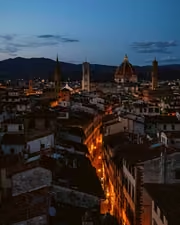
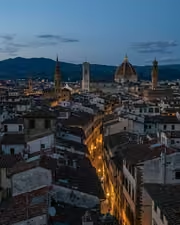
The rooftop hour, kept the way it felt. With the Roamhue preset applied.The rooftop hour, kept the way it felt. Photographed without a preset.
Roamhue applied to The rooftop hour, kept the way it felt.

Roamhue

Travel and street · 15 presets

was $49.99now $29.99Save $20

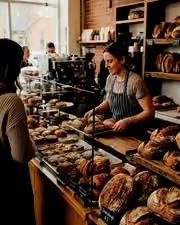
The croissants look warm again. With the Savoryhue preset applied.The croissants look warm again. Photographed without a preset.
Savoryhue applied to The croissants look warm again.

Savoryhue

Food and hospitality · 15 presets

was $49.99now $29.99Save $20

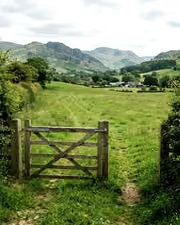
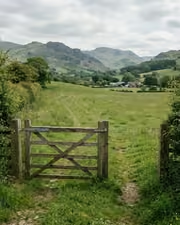
The gate, the field, the green done right. With the Mossgrade preset applied.The gate, the field, the green done right. Photographed without a preset.
Mossgrade applied to The gate, the field, the green done right

Mossgrade

Green nature and macro · 15 presets

was $49.99now $29.99Save $20