PRE|SETS
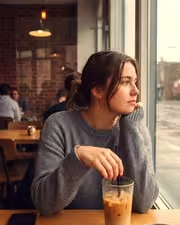
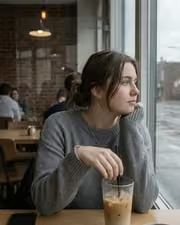
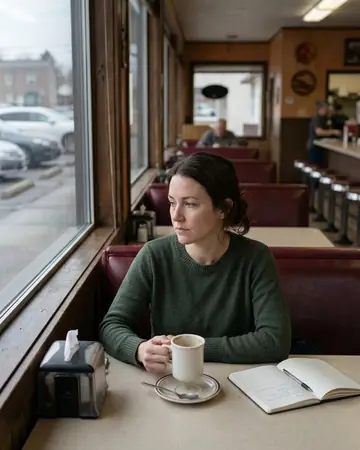
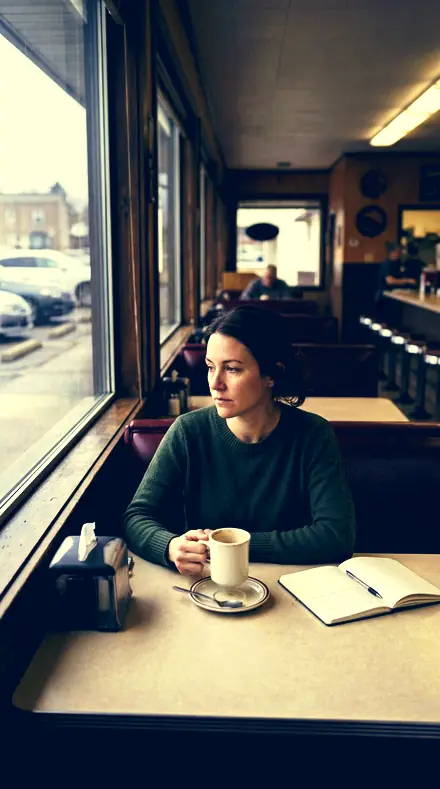
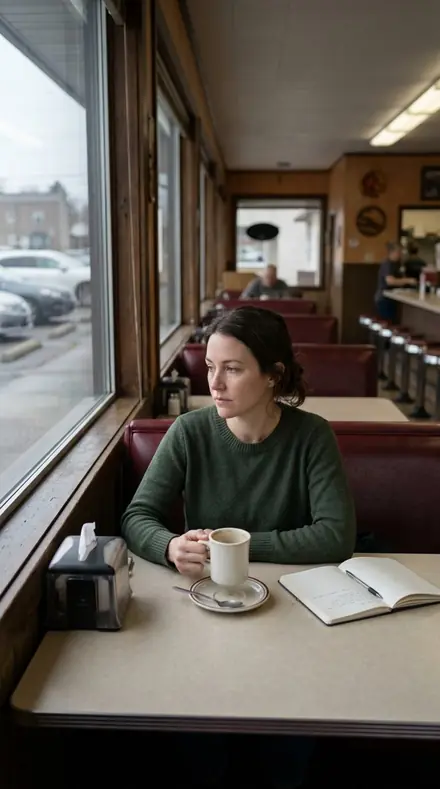
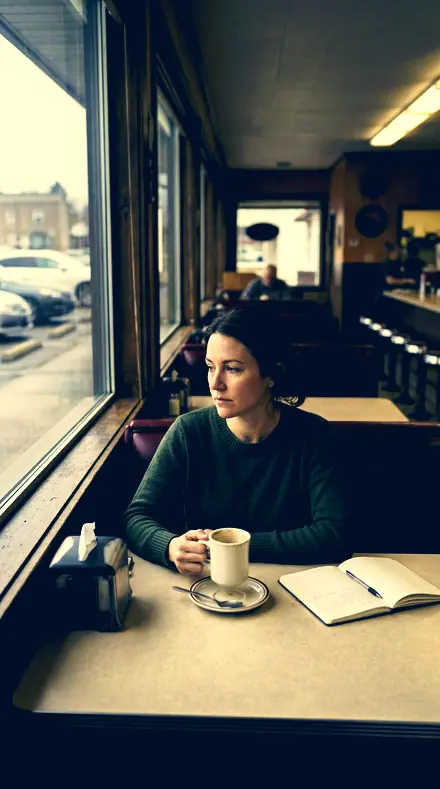
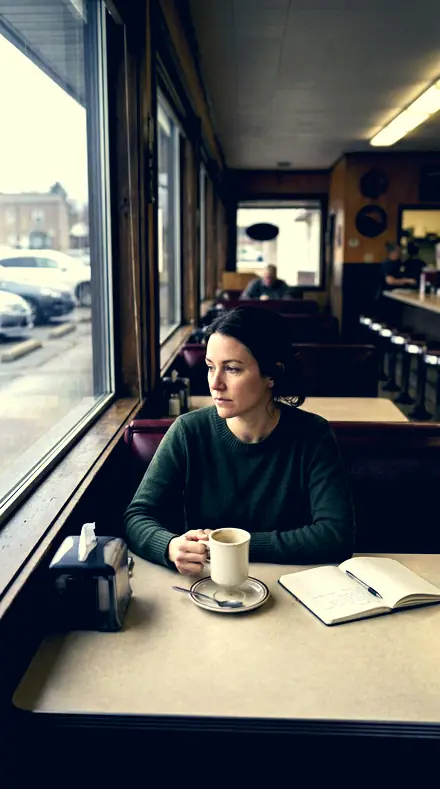
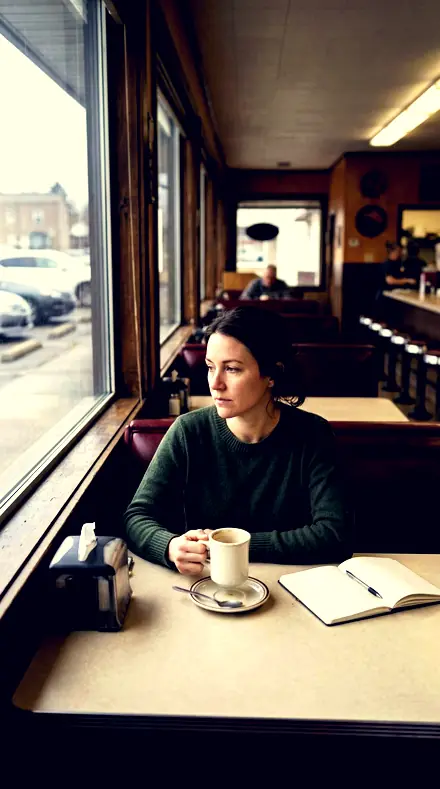
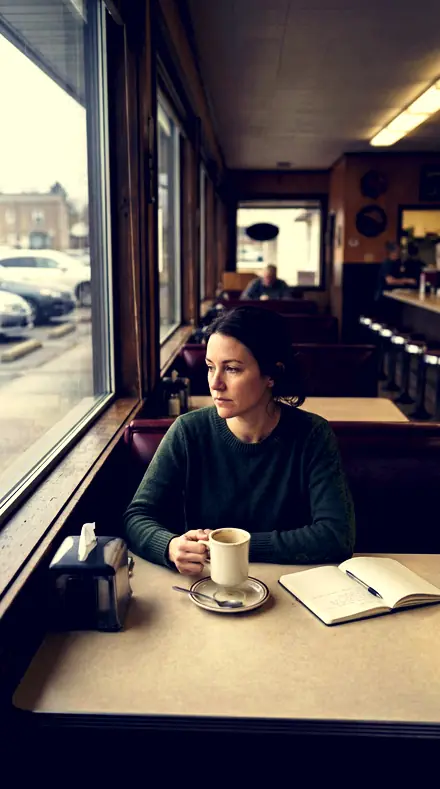
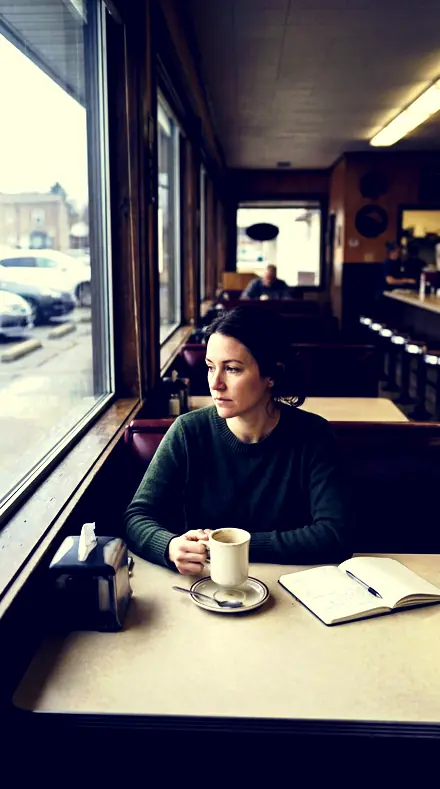
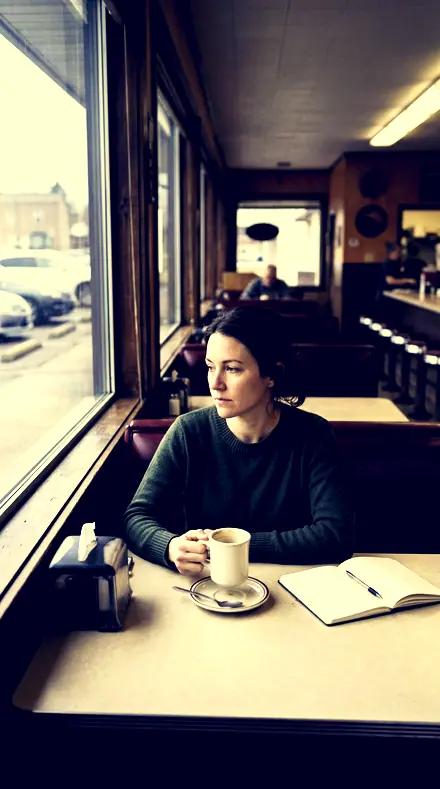
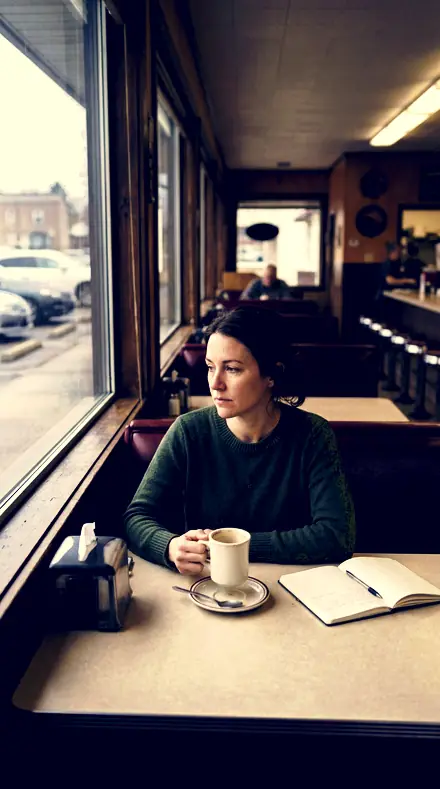
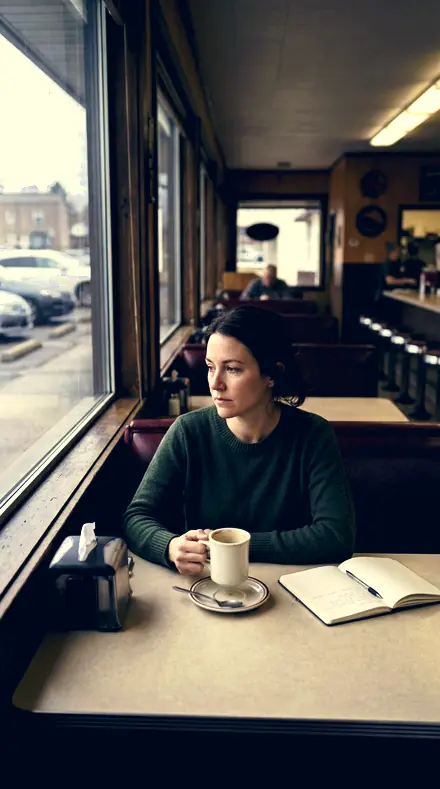
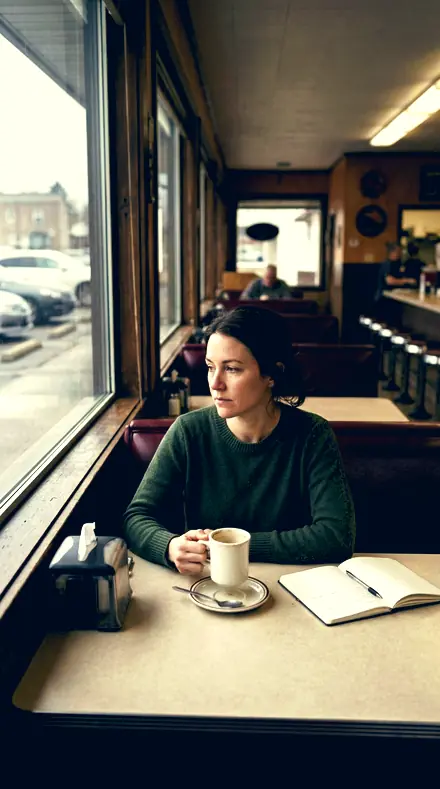
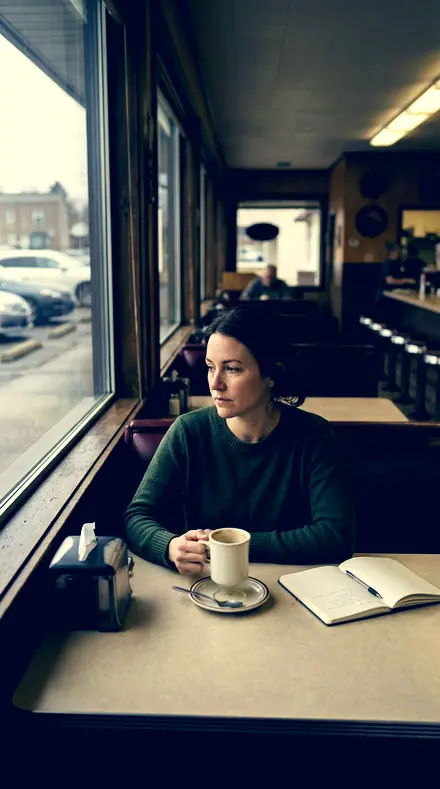
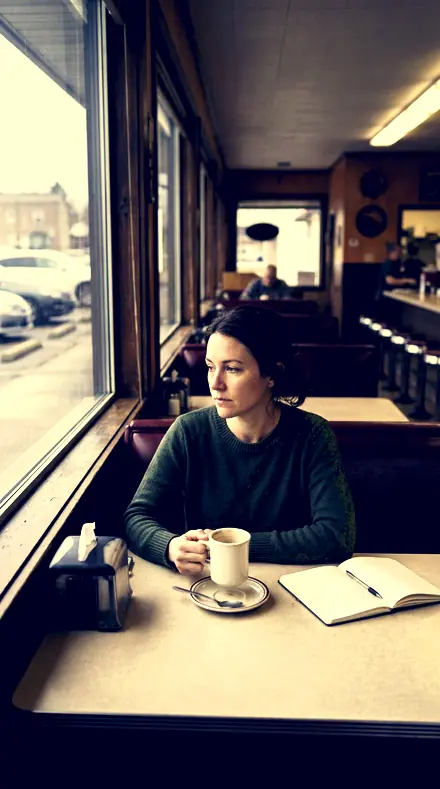
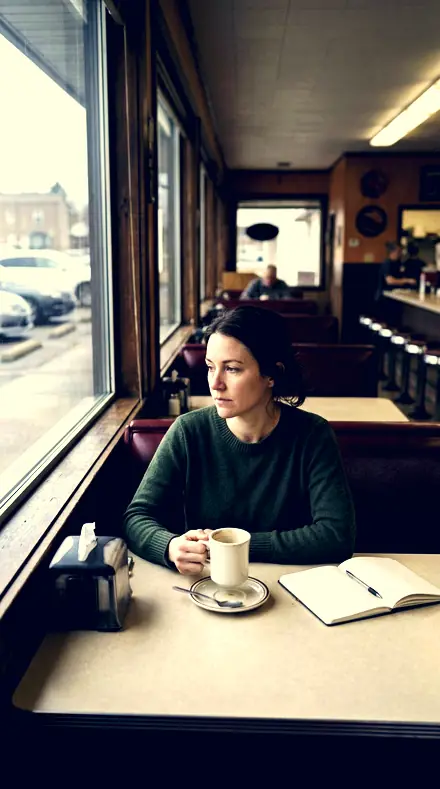
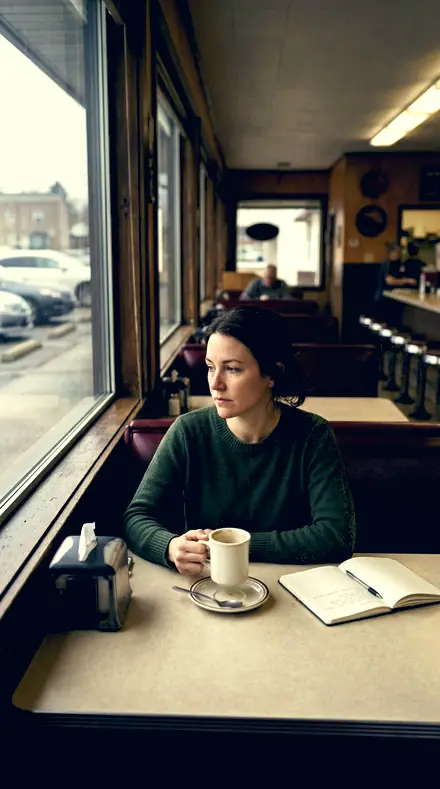
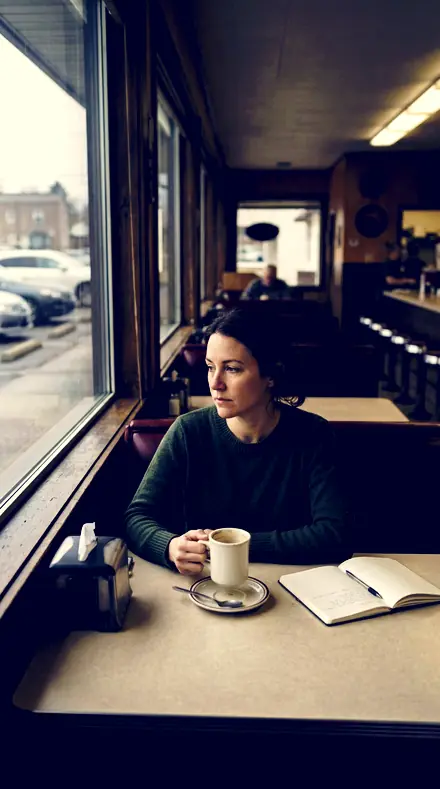
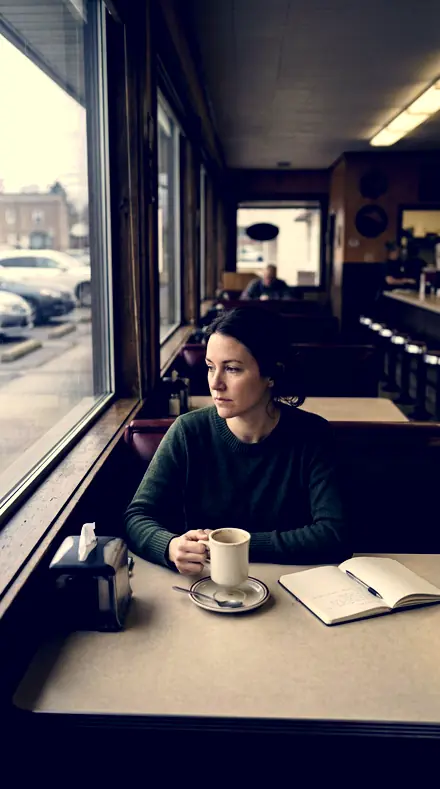
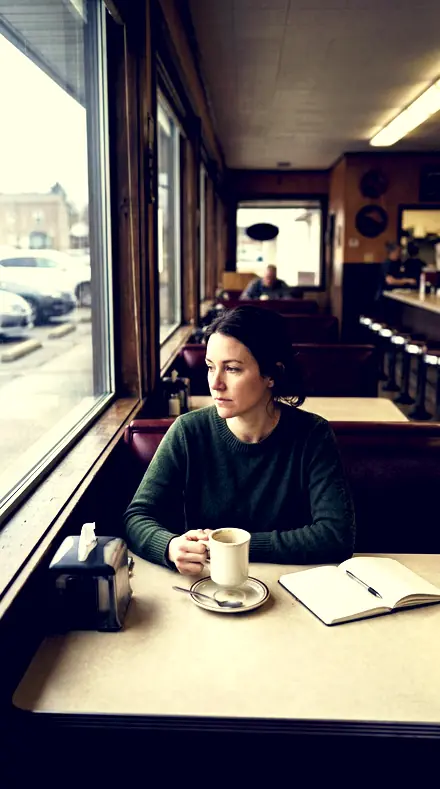
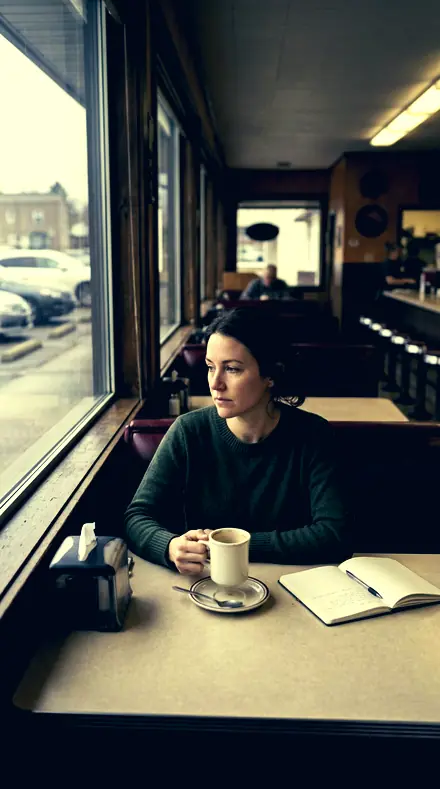
diner booth. With the Amberteal preset applied.diner booth. Photographed without a preset.
Amberteal applied to diner booth

Warm Cool Split

welcome priceonly here

was $49.99now $29.99Save $20

Save for later

Instant download.

  • Presets18
  • Styleteal and orange, split tone, cinematic
  • Works inLightroom desktop and mobile
  • Format.xmp and .dng

Amberteal · Colour harmony and palettes

Amberteal makes one kind of light.

Warm Cool Split is 18 presets for colour harmony and palettes photography. Every one of them is below, before you pay for any of it.

What this light does

one frame, 4 presets

Warm Cool Split, a light table in two halves

4 of them, on one photograph. Drag to compare before and after.

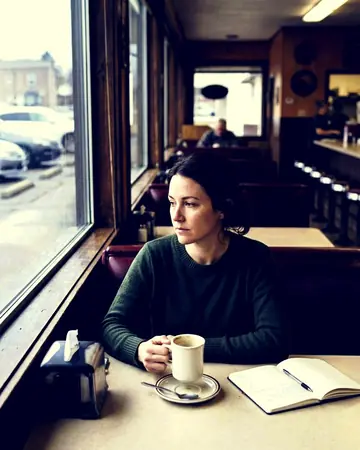
  1. Diner booth. With the Divided Tone preset applied.Diner booth. Photographed without a preset.
    Divided Tone applied to Diner booth

    No. 01

    Divided Tone

    The deepest blacks of this set, warm highlights over cool shadows with real contrast between the halves.

  2. Diner booth. With the Hot Highlight preset applied.Diner booth. Photographed without a preset.
    Hot Highlight applied to Diner booth

    No. 07

    Hot Highlight

    Orange rotated only a few degrees, so faces sit in the warm half without joining the scheme.

  3. Diner booth. With the Shade Under preset applied.Diner booth. Photographed without a preset.
    Shade Under applied to Diner booth

    No. 12

    Shade Under

    Blue and yellow both raised in saturation, one for each half of the scale.

  4. Diner booth. With the Parted Tone preset applied.Diner booth. Photographed without a preset.
    Parted Tone applied to Diner booth

    No. 18

    Parted Tone

    The plainest divided statement: warm highlight tone, cool shadow tone, firm contrast between them.

See the light change

drag the line

The same frame, one tap apart. Drag any handle and the scene goes back to the way it looked before Amberteal touched it.

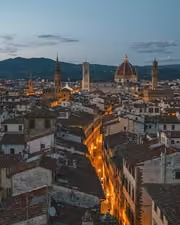
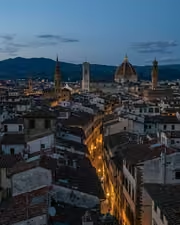
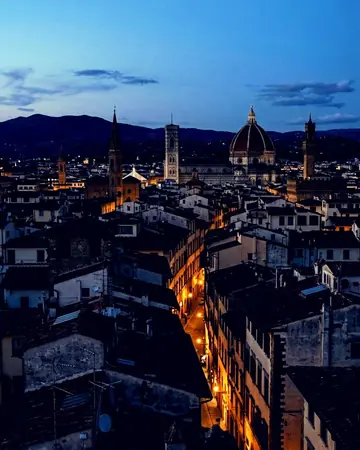
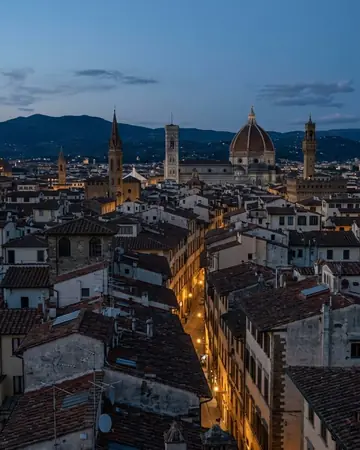
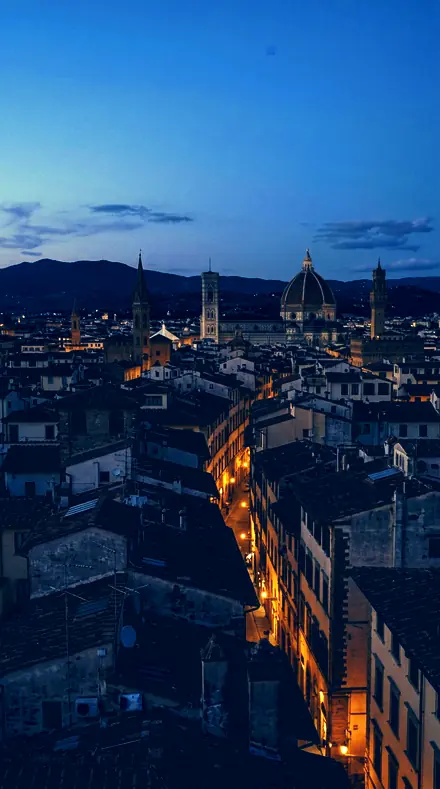
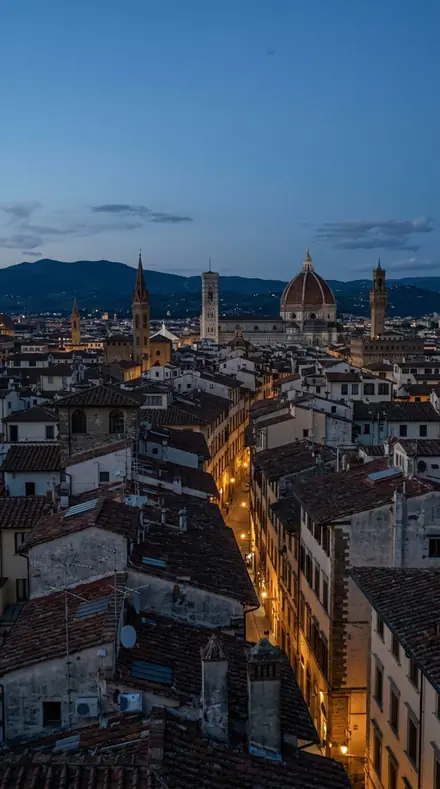
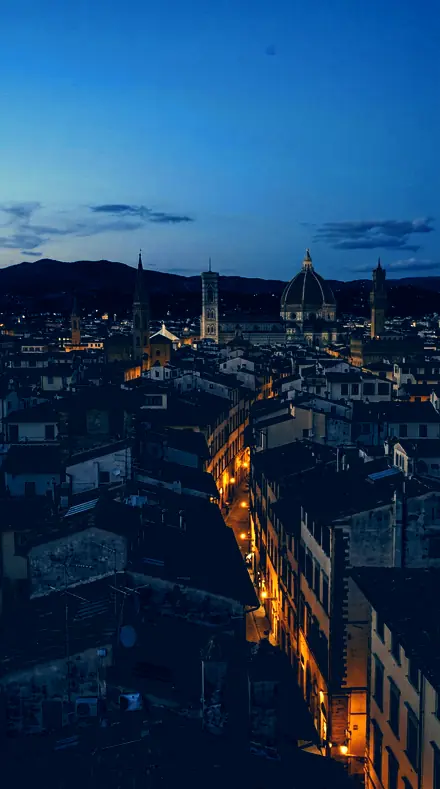
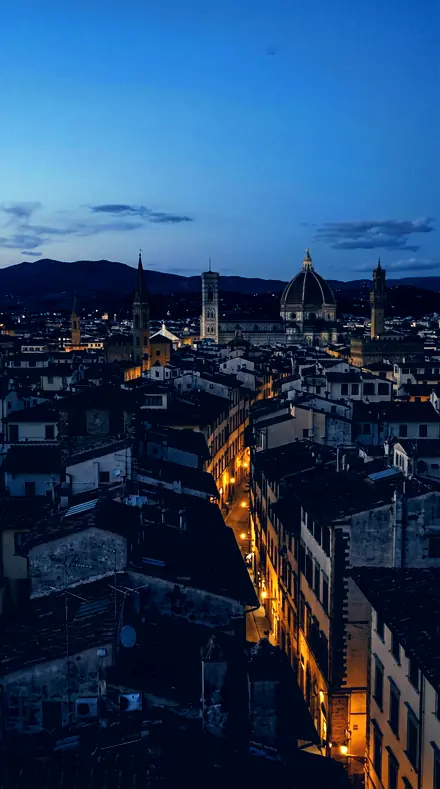
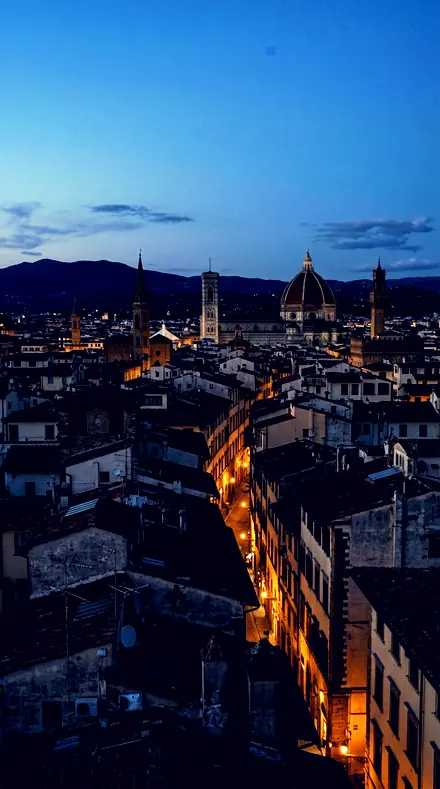
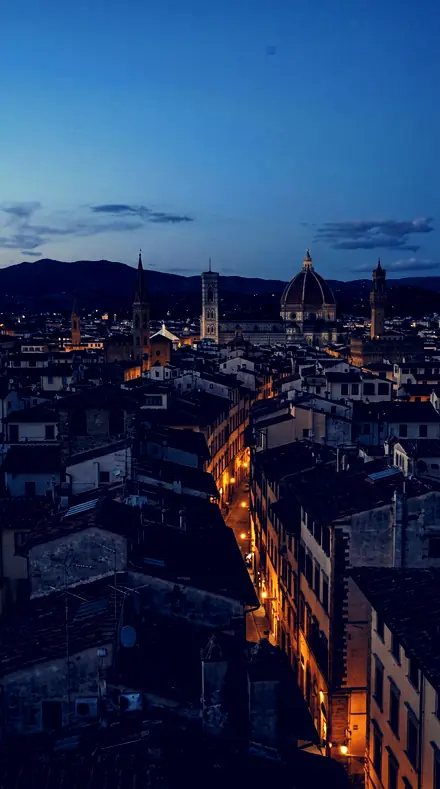
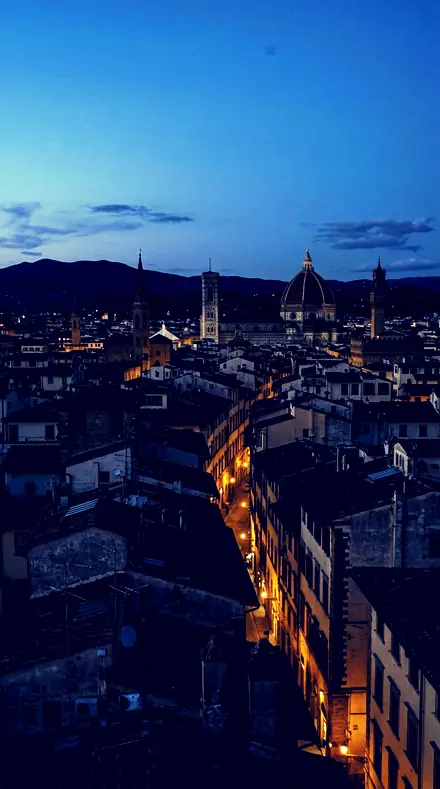
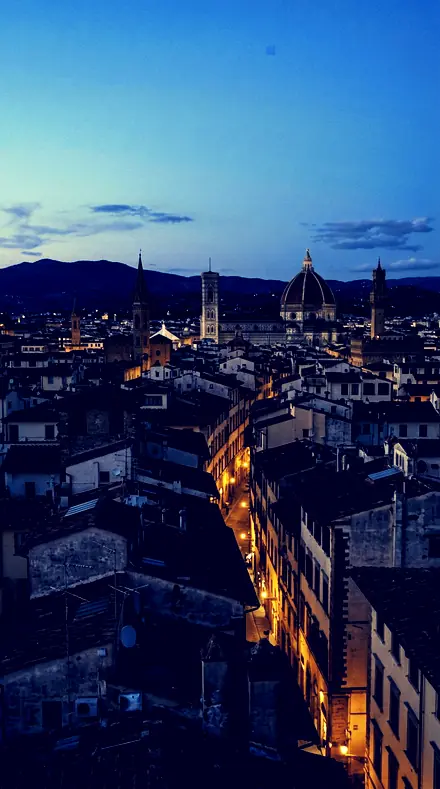
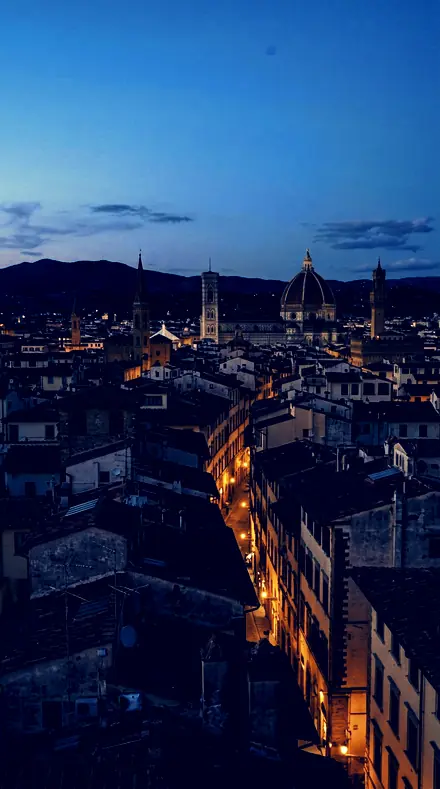
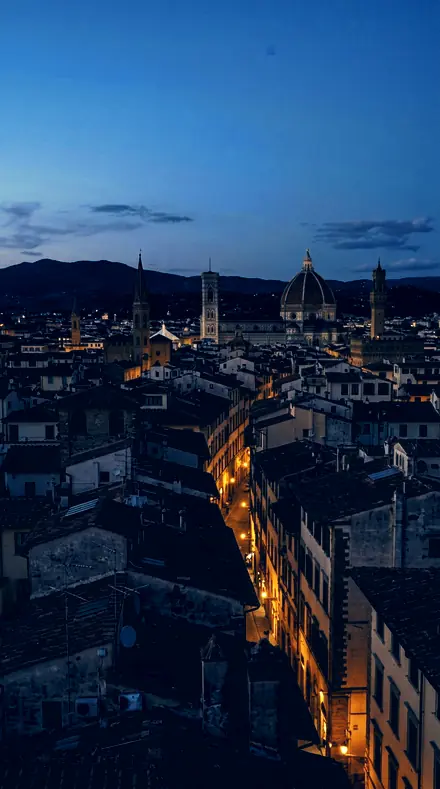
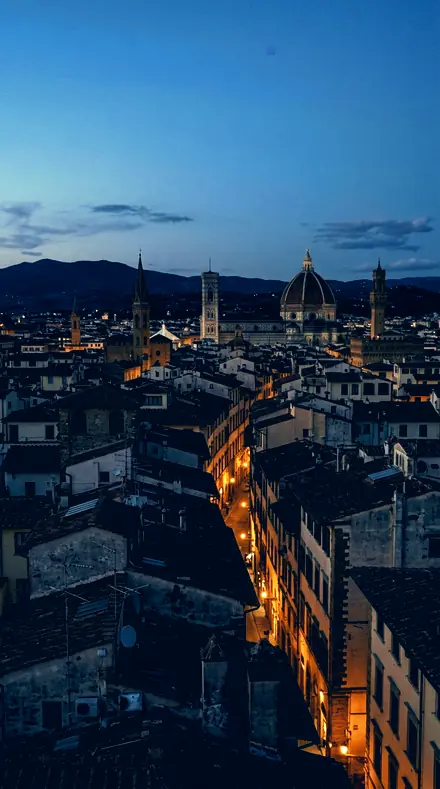
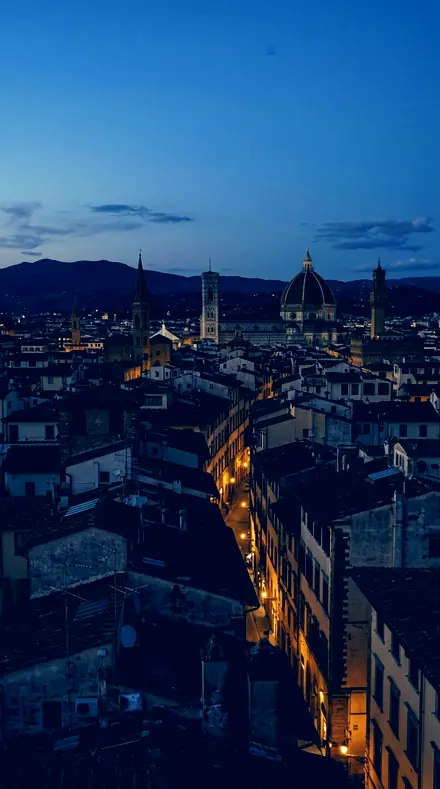
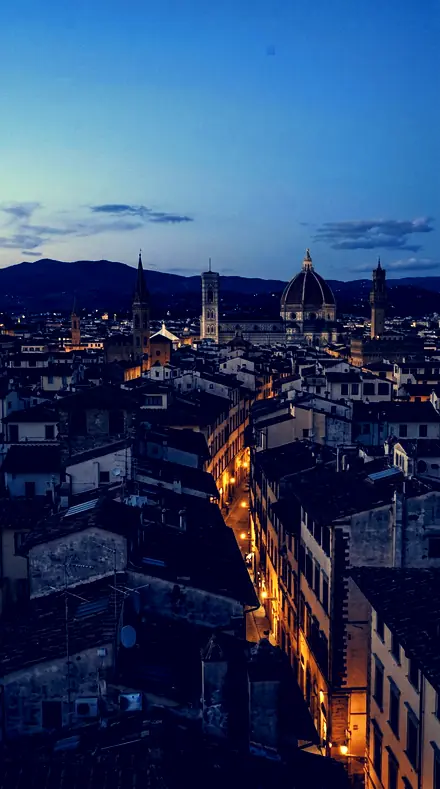
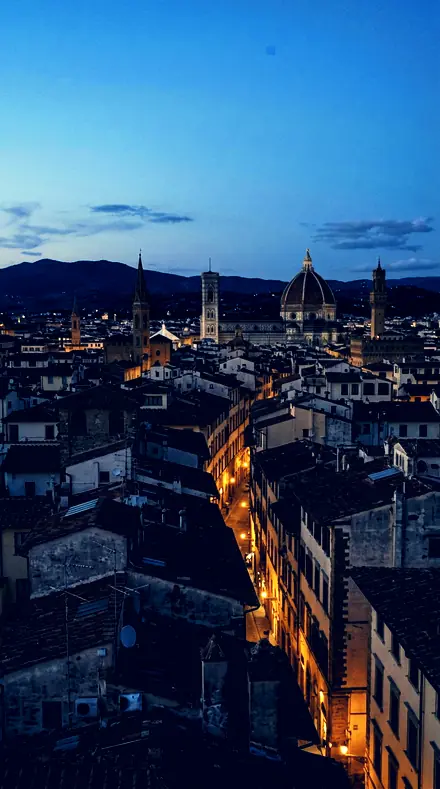
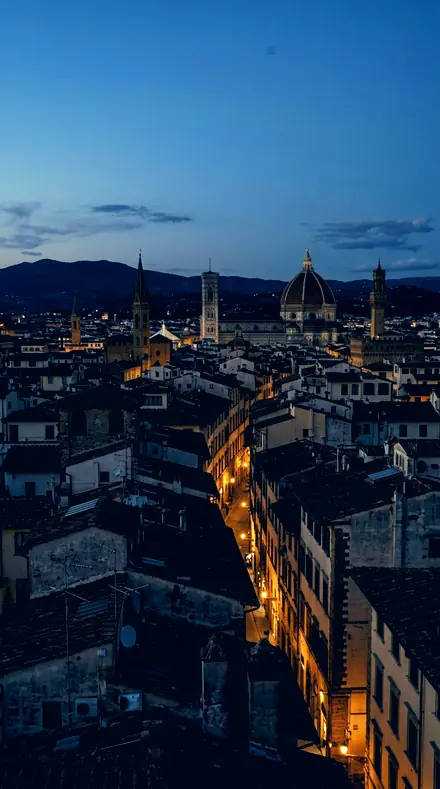
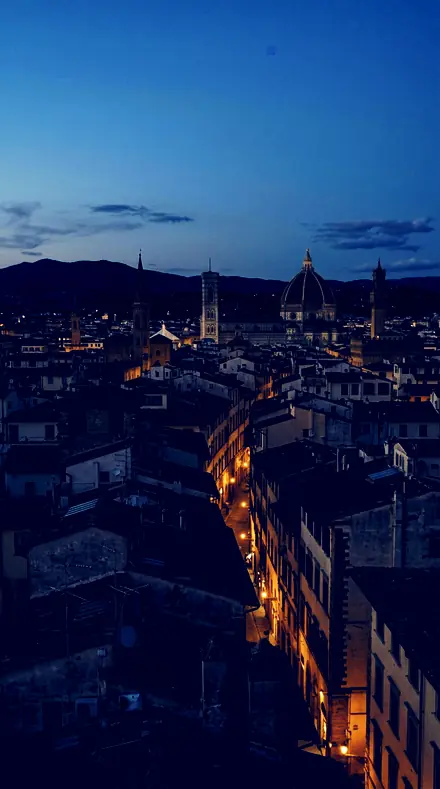
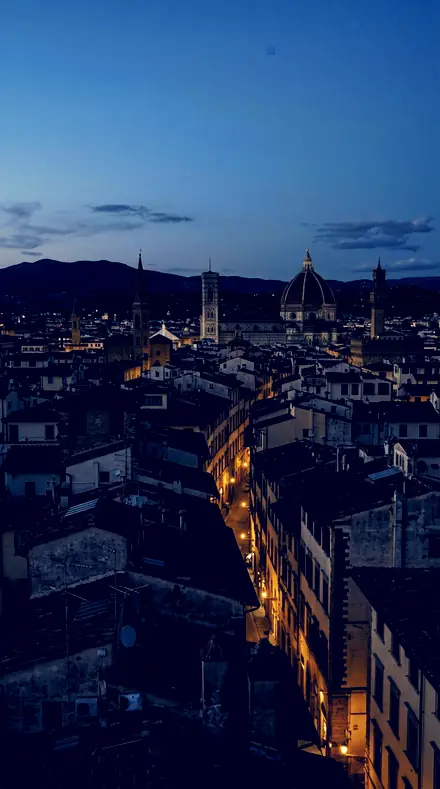
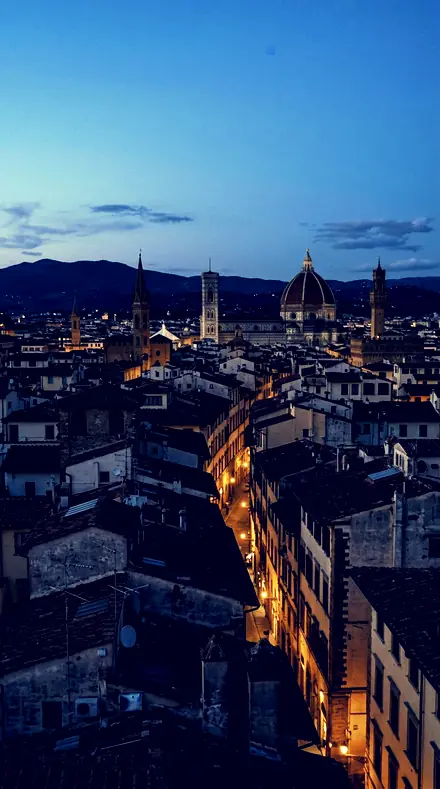
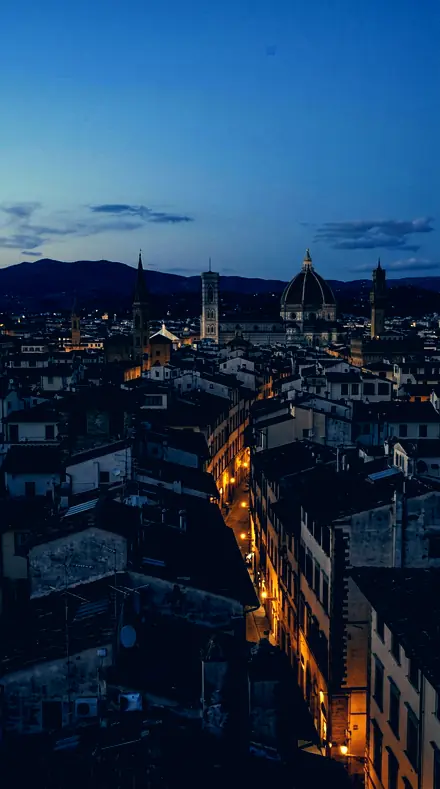
City rooftop. With the Amberteal preset applied.City rooftop. Photographed without a preset.
Amberteal applied to City rooftop
City rooftop
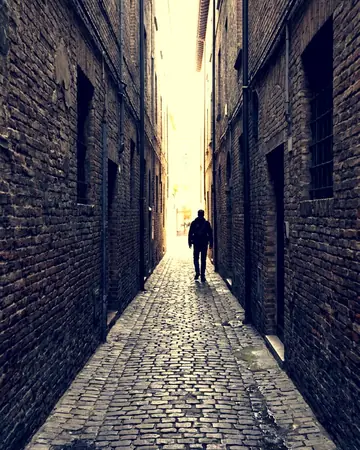
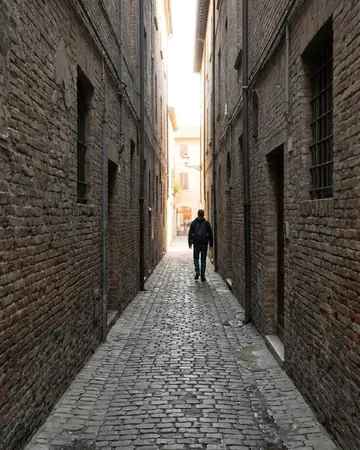
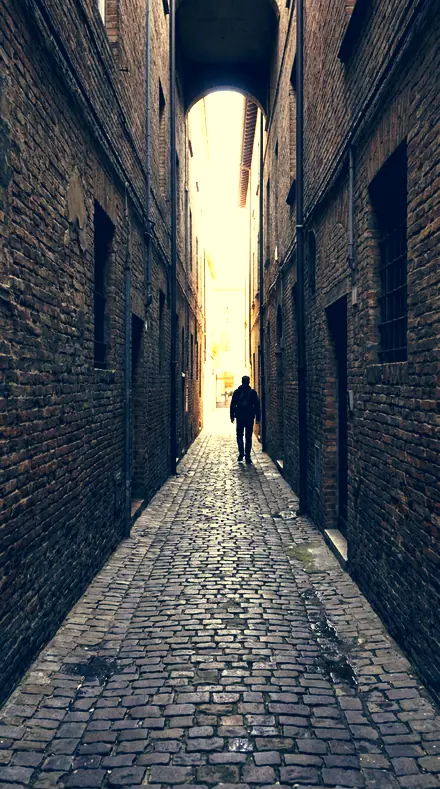
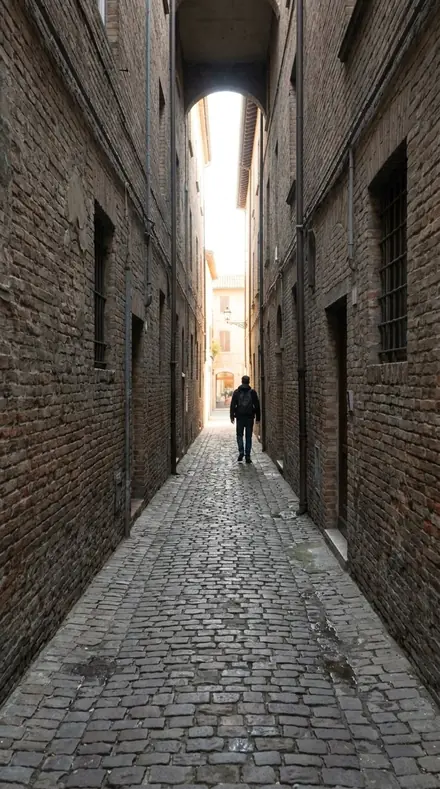
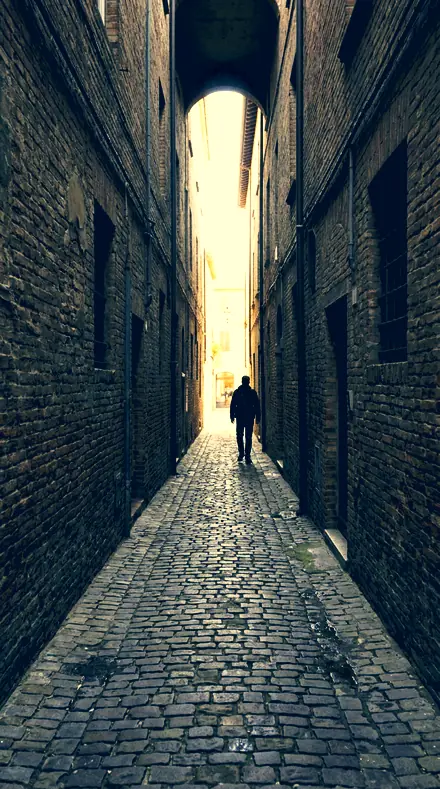
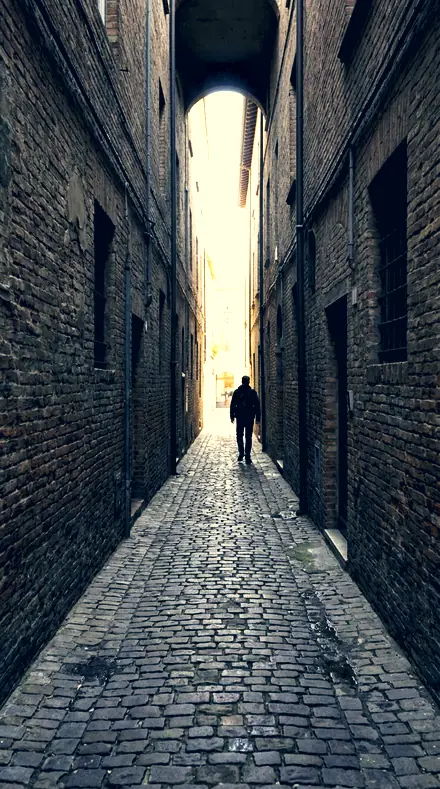
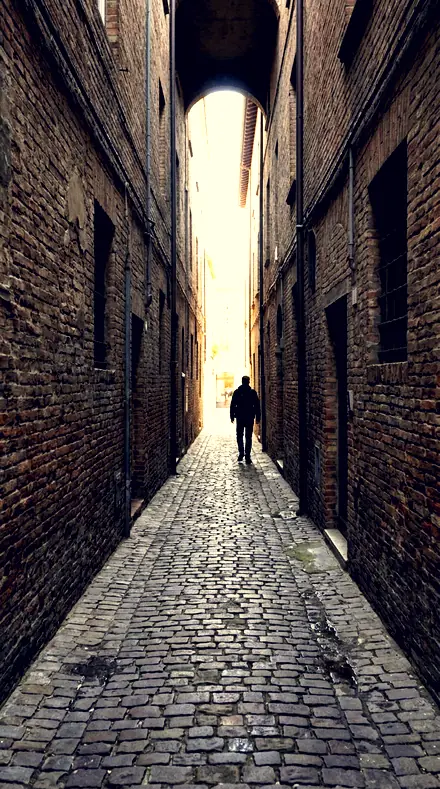
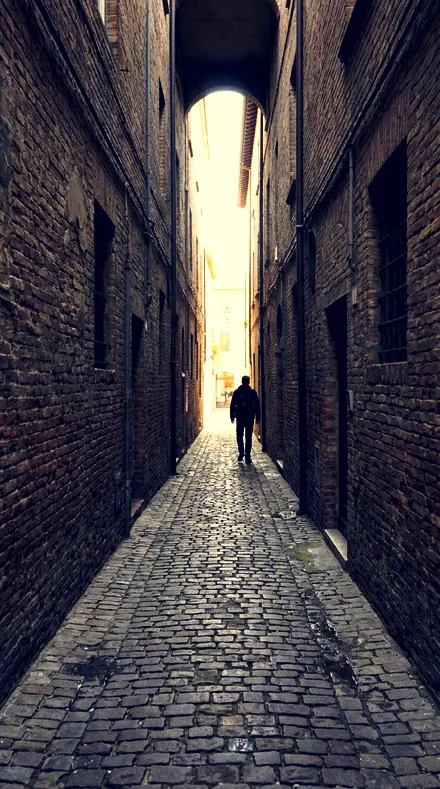
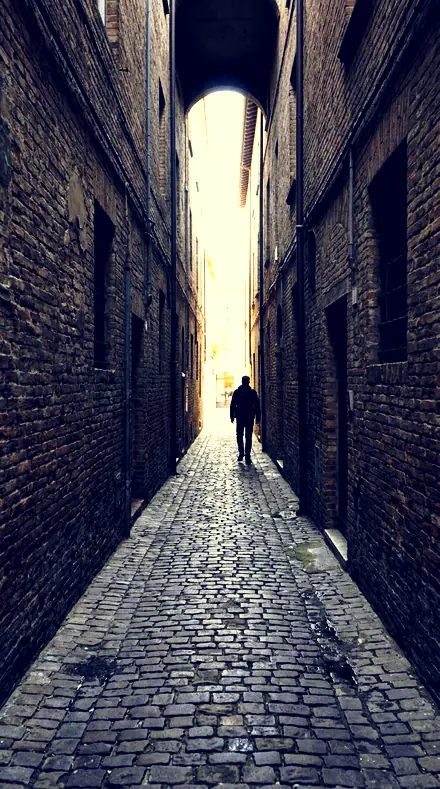
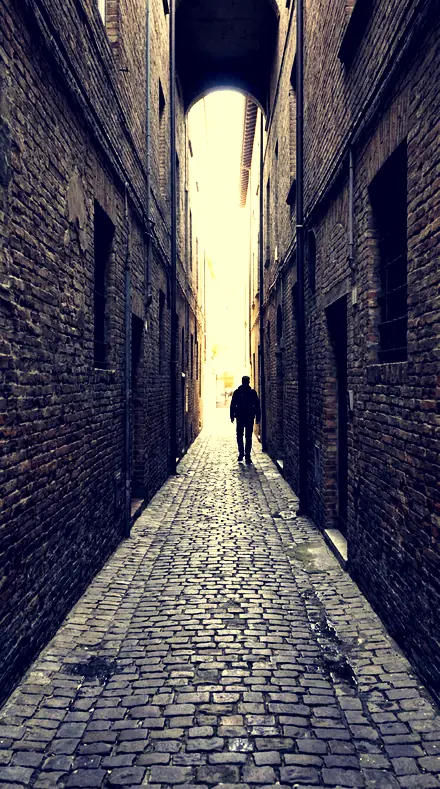
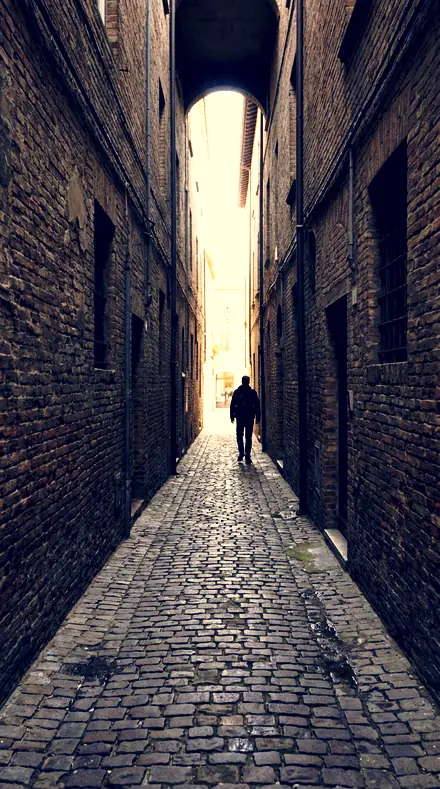
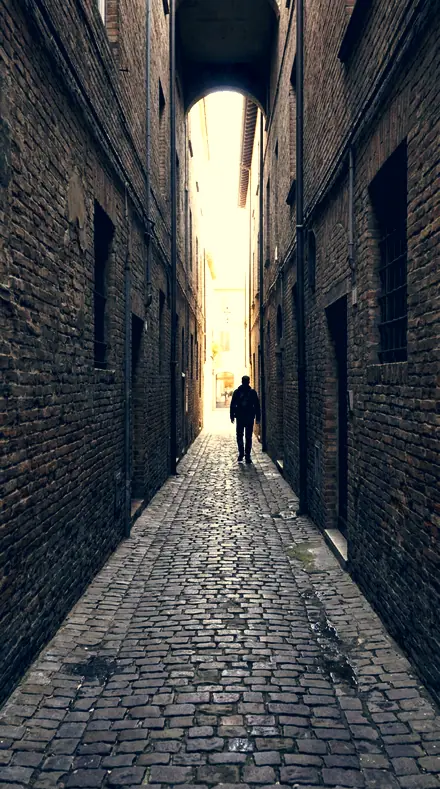
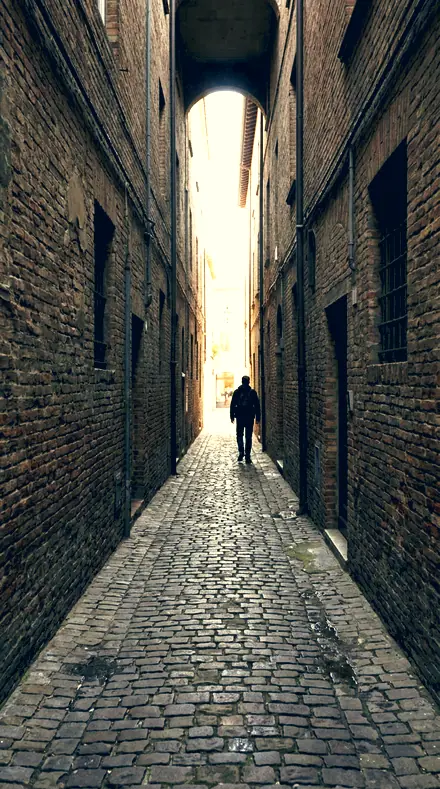
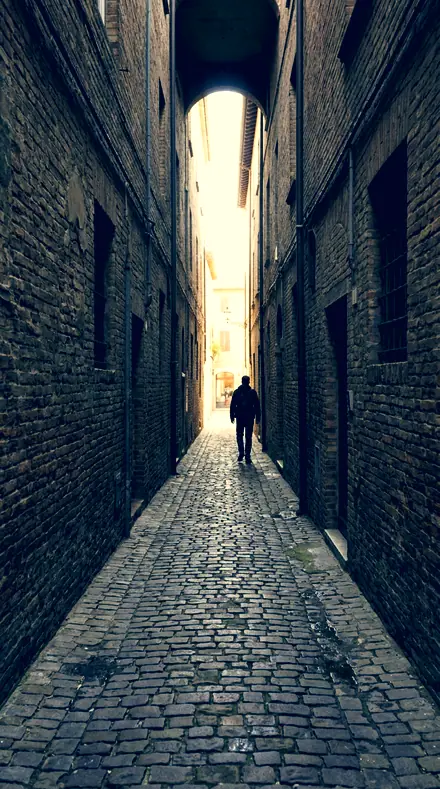
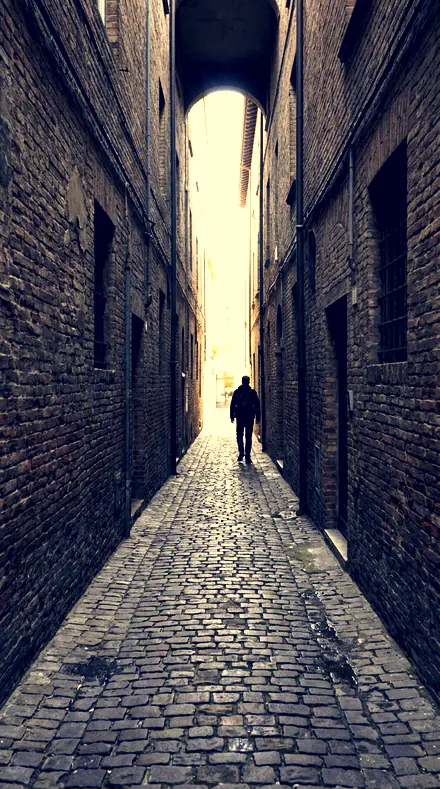
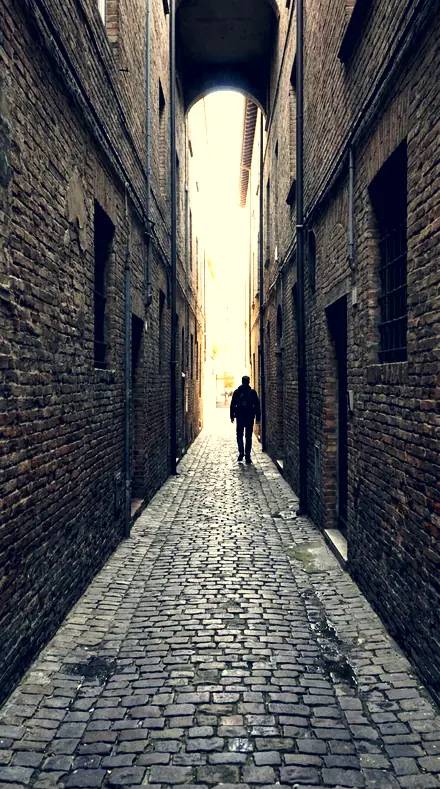
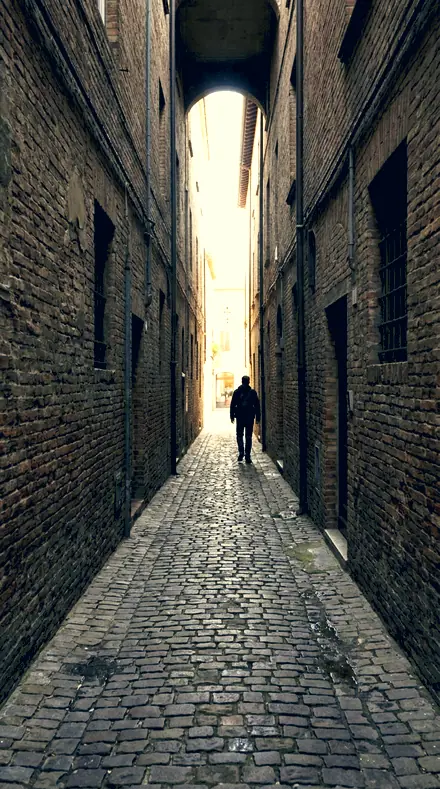
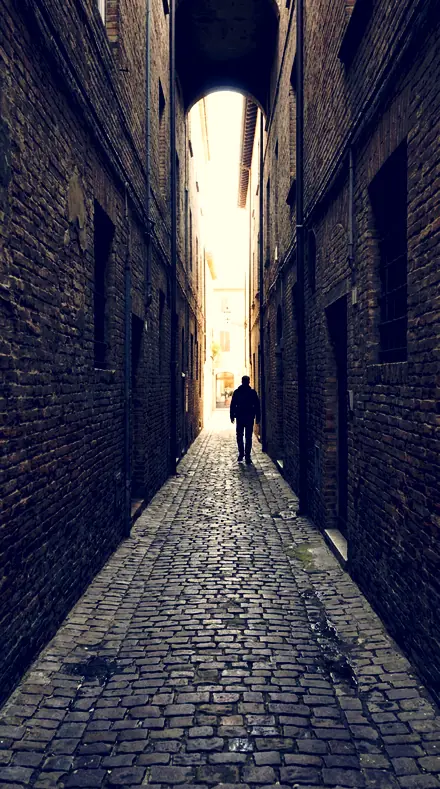
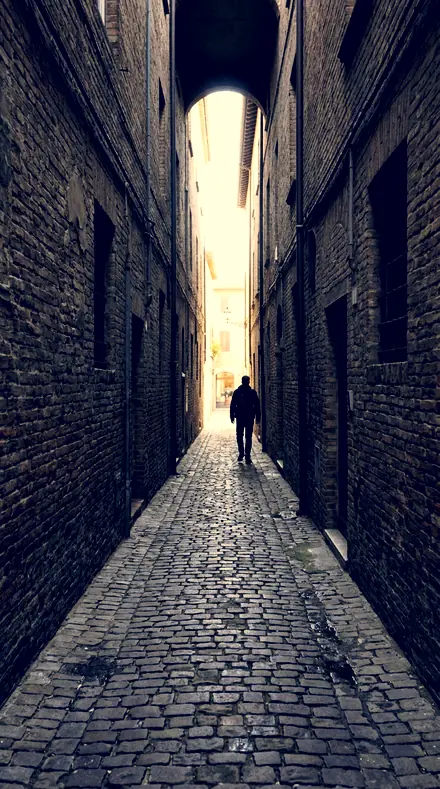
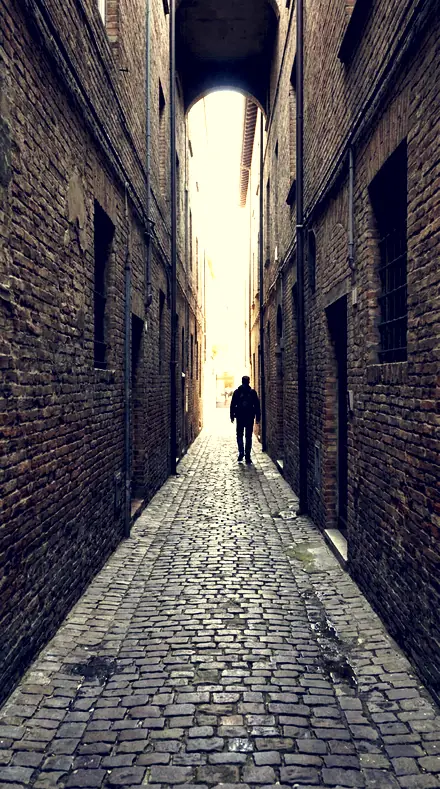
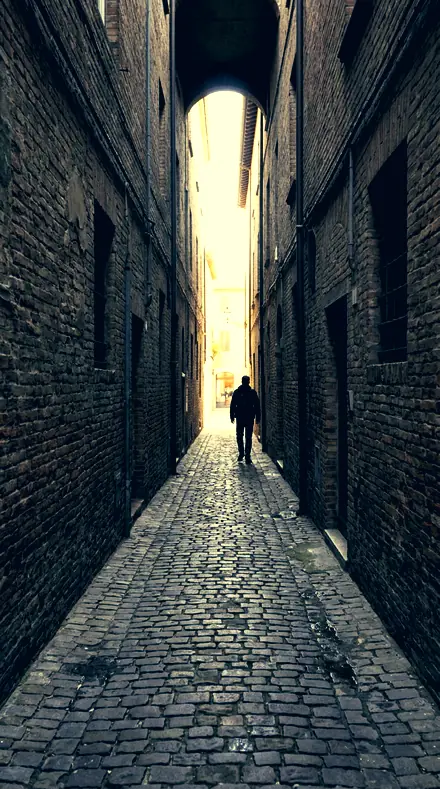
Alley lines. With the Amberteal preset applied.Alley lines. Photographed without a preset.
Amberteal applied to Alley lines
Alley lines

The Light Table

3 groups

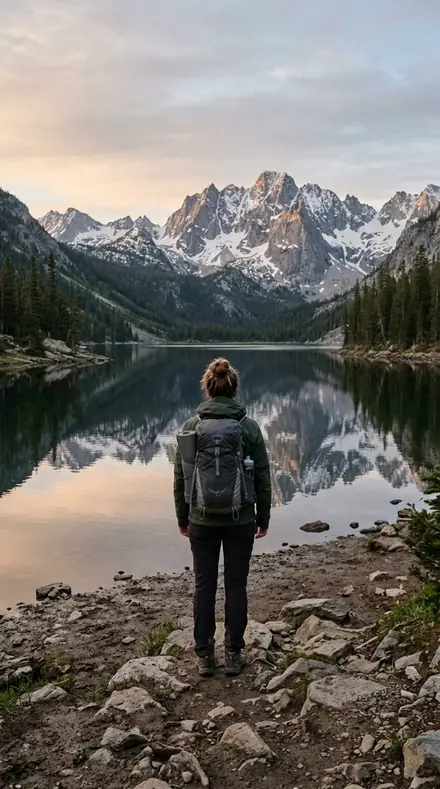
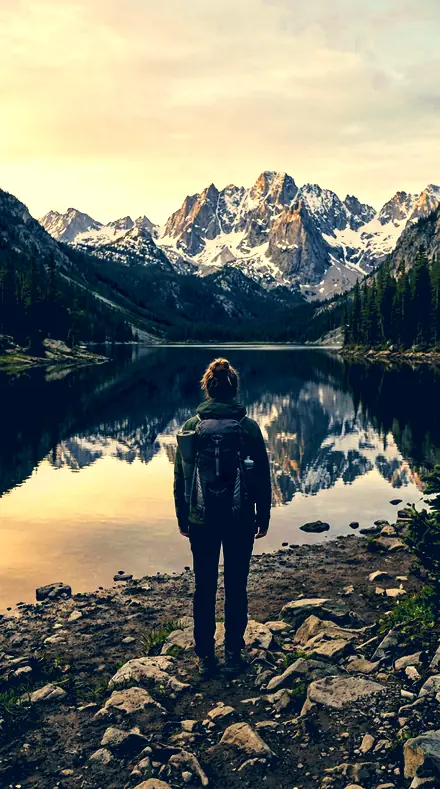
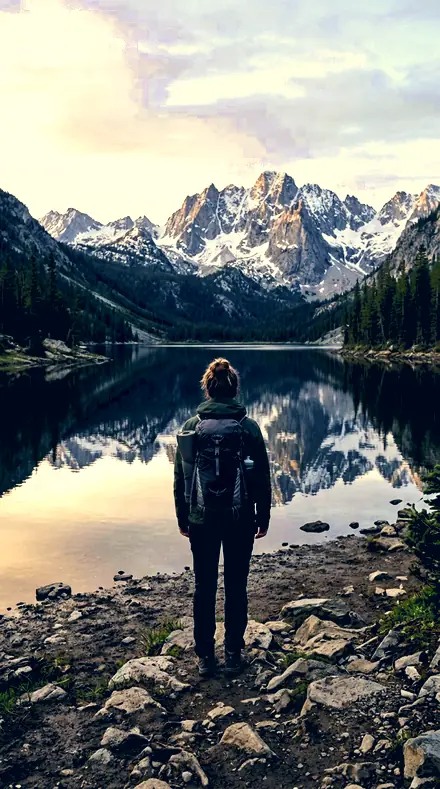
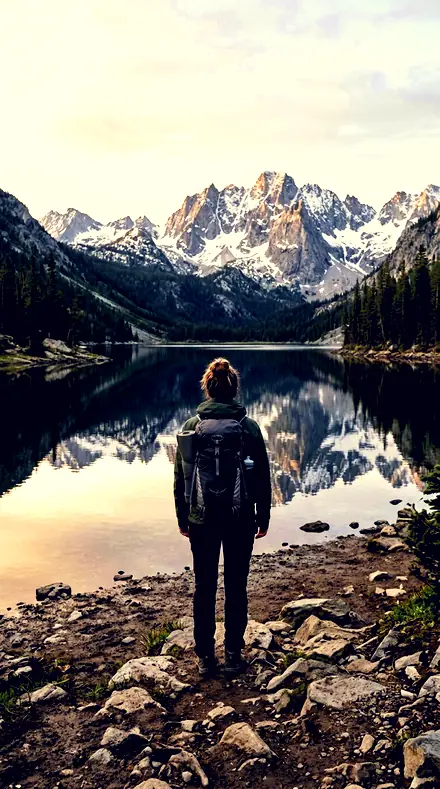
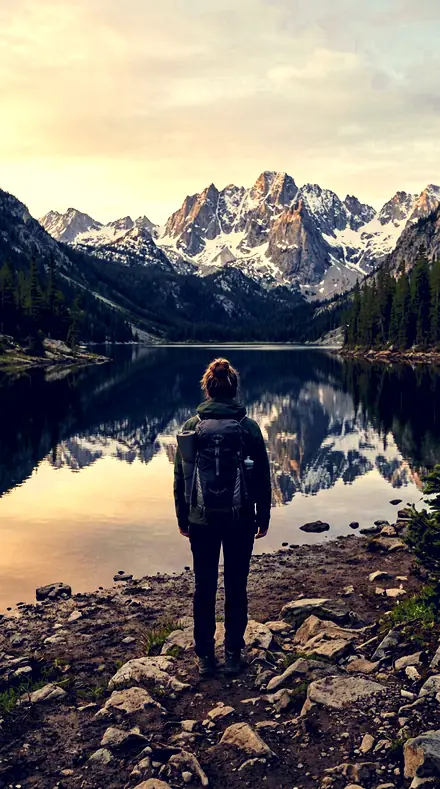
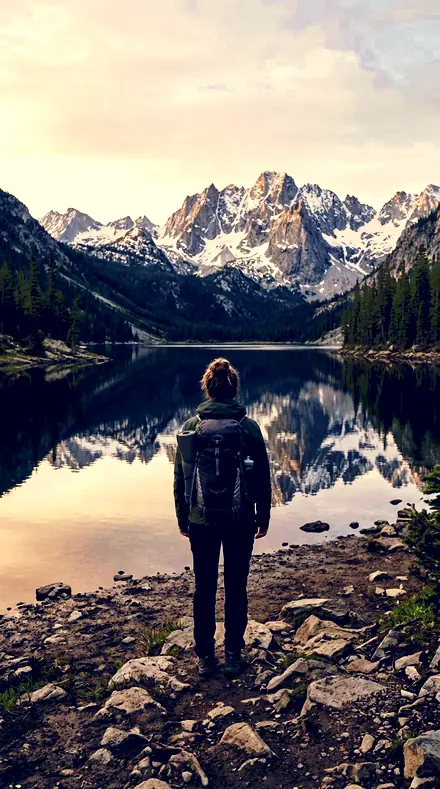
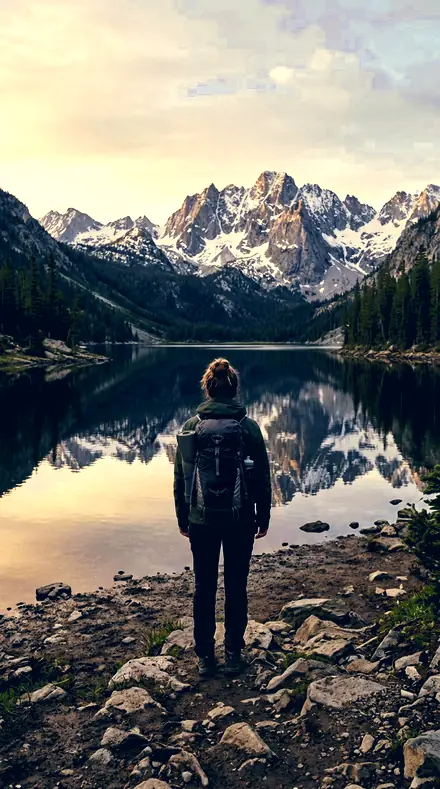
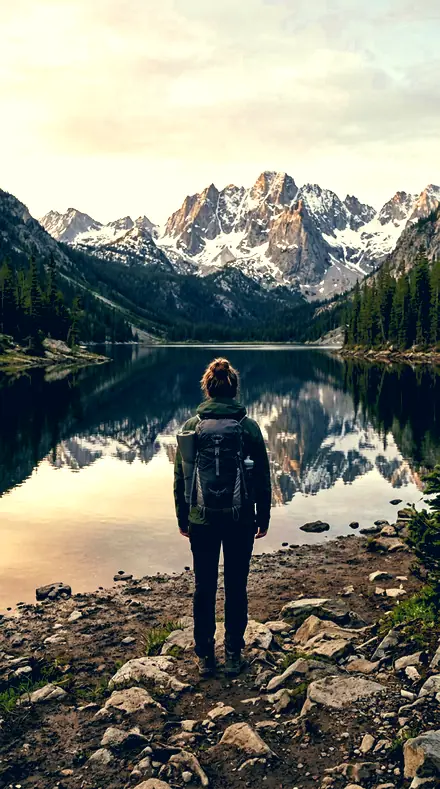
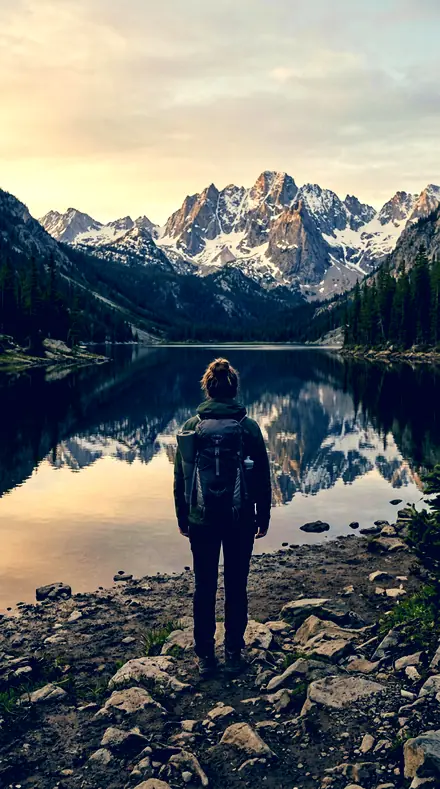
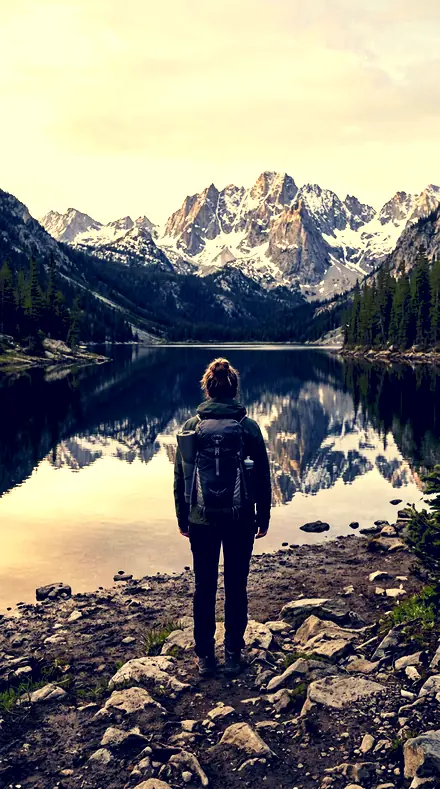
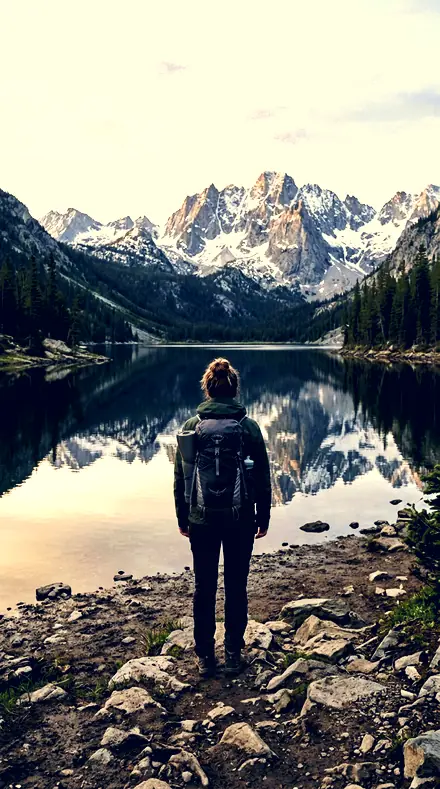
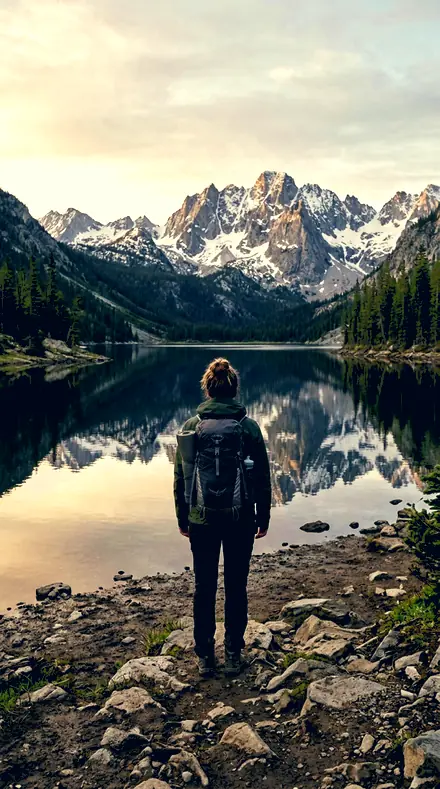
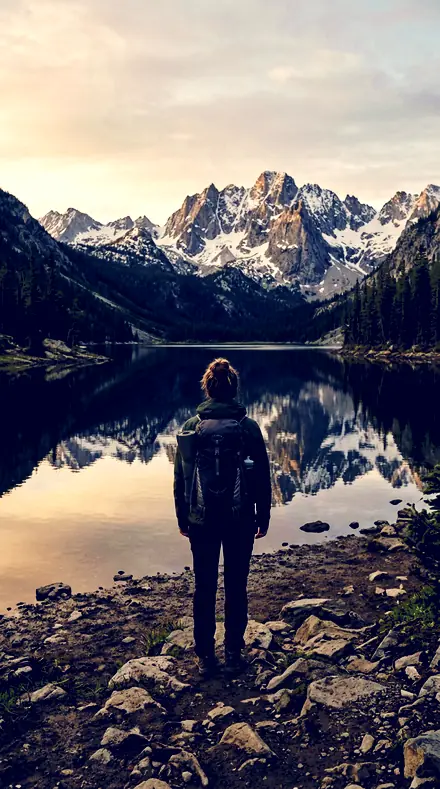
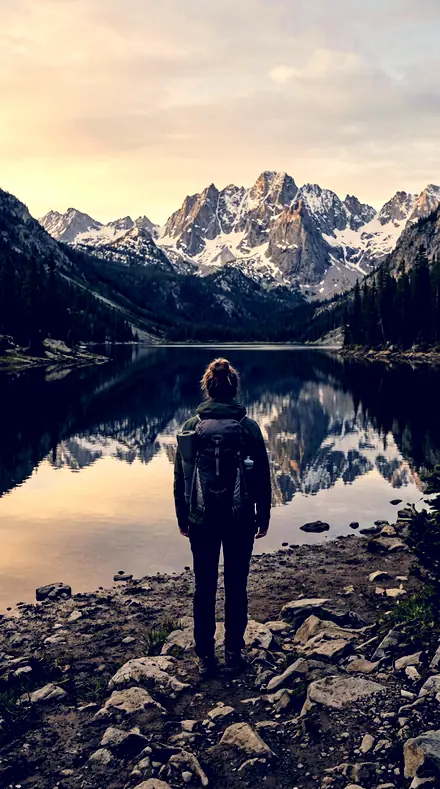
Every preset on the same four scenes, a rooftop, a booth, an alley and a lake, so you can watch one split hold in different light.

  • The DivideBlacks set deep, whites raised. The halves separate on brightness before any colour arrives.
  • The HuesCobalt under amber, green suppressed, faces kept in the warm half without joining the scheme.
  • The CrossoverWhere the line between warm and cool sits, and what is left free for you to move.

Explore every preset in this pack

18 presets · 4 scenes

Every preset in the pack is here, on the same four photographs. Nothing below is a sample. Open one and drag.

  1. No. 01Divided ToneThe deepest blacks of this set, warm highlights over cool shadows with real contrast between the halves.
    Divided Tone applied to City rooftop Before: City rooftop
    City rooftop
    Divided Tone applied to Diner booth Before: Diner booth
    Diner booth
    Divided Tone applied to Alley lines Before: Alley lines
    Alley lines
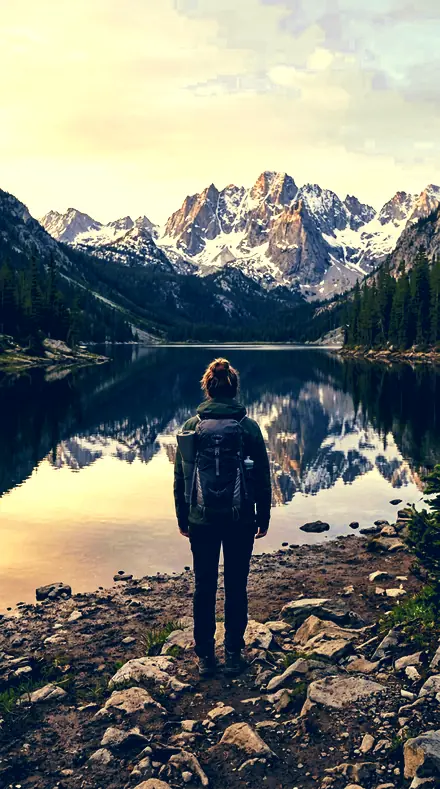
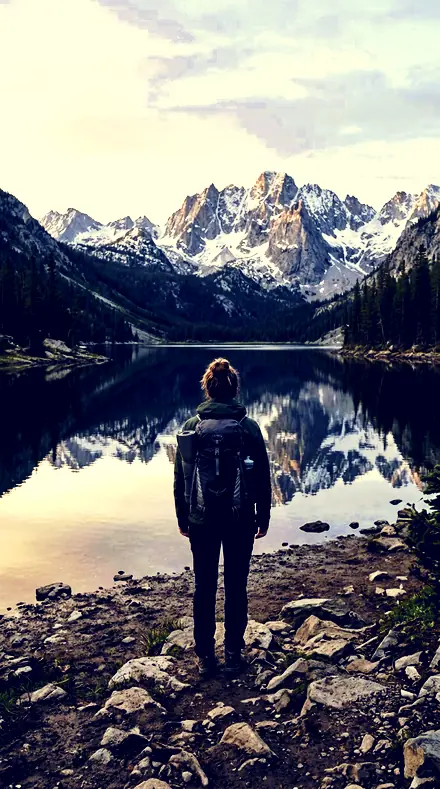
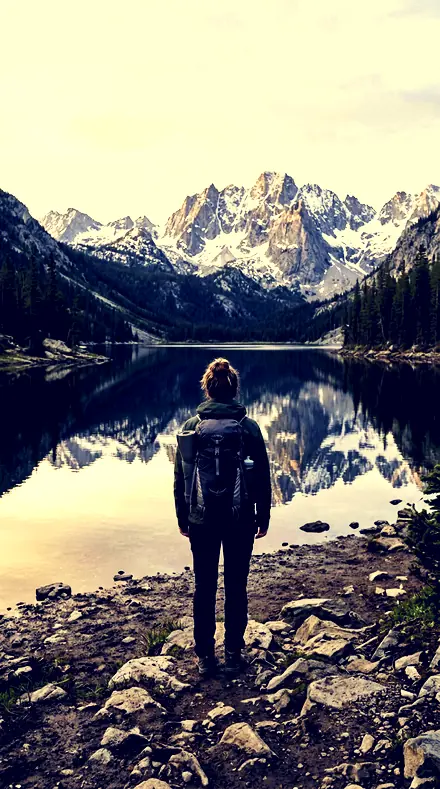
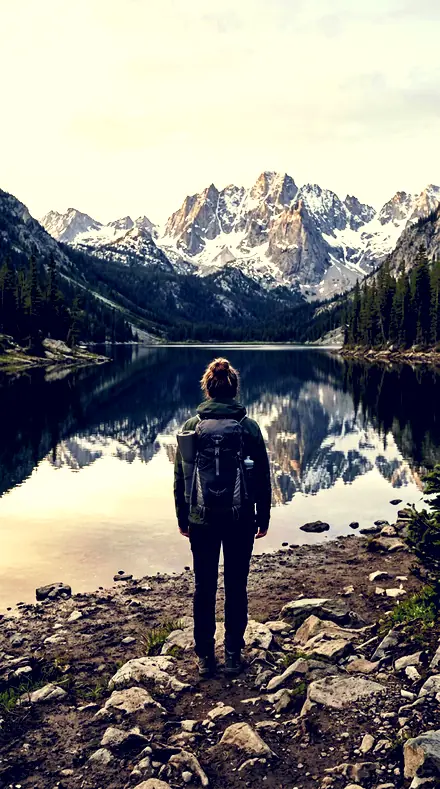
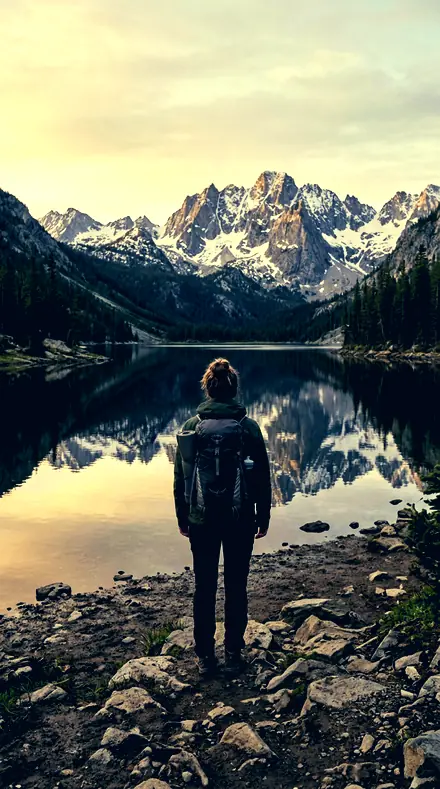
    Divided Tone applied to Mountain lake Before: Mountain lake
    Mountain lake

    Drag the handle. Left is the original, right is Divided Tone. Rendered from the preset's own settings, not a Lightroom export, so the real thing carries a little more bite.

  2. No. 02Halved ScaleContrast firmed and blacks set deep, warmth in the highlights against a cool shadow tone at full strength.
    Halved Scale applied to City rooftop Before: City rooftop
    City rooftop
    Halved Scale applied to Diner booth Before: Diner booth
    Diner booth
    Halved Scale applied to Alley lines Before: Alley lines
    Alley lines
    Halved Scale applied to Mountain lake Before: Mountain lake
    Mountain lake

    Drag the handle. Left is the original, right is Halved Scale. Rendered from the preset's own settings, not a Lightroom export, so the real thing carries a little more bite.

  3. No. 03Two HalvesThe tonal scale genuinely divided: highlights graded lighter, shadows graded darker, warm above and cool below.
    Two Halves applied to City rooftop Before: City rooftop
    City rooftop
    Two Halves applied to Diner booth Before: Diner booth
    Diner booth
    Two Halves applied to Alley lines Before: Alley lines
    Alley lines
    Two Halves applied to Mountain lake Before: Mountain lake
    Mountain lake

    Drag the handle. Left is the original, right is Two Halves. Rendered from the preset's own settings, not a Lightroom export, so the real thing carries a little more bite.

  4. No. 04Amber CobaltA strong cool shadow tone rather than a tint, carried against an equally strong warm highlight.
    Amber Cobalt applied to City rooftop Before: City rooftop
    City rooftop
    Amber Cobalt applied to Diner booth Before: Diner booth
    Diner booth
    Amber Cobalt applied to Alley lines Before: Alley lines
    Alley lines
    Amber Cobalt applied to Mountain lake Before: Mountain lake
    Mountain lake

    Drag the handle. Left is the original, right is Amber Cobalt. Rendered from the preset's own settings, not a Lightroom export, so the real thing carries a little more bite.

  5. No. 05Divided ScaleWhites pushed up and blacks pulled down so the two toned halves separate on brightness as well as hue.
    Divided Scale applied to City rooftop Before: City rooftop
    City rooftop
    Divided Scale applied to Diner booth Before: Diner booth
    Diner booth
    Divided Scale applied to Alley lines Before: Alley lines
    Alley lines
    Divided Scale applied to Mountain lake Before: Mountain lake
    Mountain lake

    Drag the handle. Left is the original, right is Divided Scale. Rendered from the preset's own settings, not a Lightroom export, so the real thing carries a little more bite.

  6. No. 06Cleft ToneBlue luminance dropped while yellow lifts, reinforcing the warm-over-cool division.
    Cleft Tone applied to City rooftop Before: City rooftop
    City rooftop
    Cleft Tone applied to Diner booth Before: Diner booth
    Diner booth
    Cleft Tone applied to Alley lines Before: Alley lines
    Alley lines
    Cleft Tone applied to Mountain lake Before: Mountain lake
    Mountain lake

    Drag the handle. Left is the original, right is Cleft Tone. Rendered from the preset's own settings, not a Lightroom export, so the real thing carries a little more bite.

  7. No. 07Hot HighlightOrange rotated only a few degrees, so faces sit in the warm half without joining the scheme.
    Hot Highlight applied to City rooftop Before: City rooftop
    City rooftop
    Hot Highlight applied to Diner booth Before: Diner booth
    Diner booth
    Hot Highlight applied to Alley lines Before: Alley lines
    Alley lines
    Hot Highlight applied to Mountain lake Before: Mountain lake
    Mountain lake

    Drag the handle. Left is the original, right is Hot Highlight. Rendered from the preset's own settings, not a Lightroom export, so the real thing carries a little more bite.

  8. No. 08Ice FloorThe parametric shadows pulled down under a cool shadow tone, deepening the lower half.
    Ice Floor applied to City rooftop Before: City rooftop
    City rooftop
    Ice Floor applied to Diner booth Before: Diner booth
    Diner booth
    Ice Floor applied to Alley lines Before: Alley lines
    Alley lines
    Ice Floor applied to Mountain lake Before: Mountain lake
    Mountain lake

    Drag the handle. Left is the original, right is Ice Floor. Rendered from the preset's own settings, not a Lightroom export, so the real thing carries a little more bite.

  9. No. 09Divided FrameHighlights rolled off at the very top while the graded highlight luminance still lifts the upper half.
    Divided Frame applied to City rooftop Before: City rooftop
    City rooftop
    Divided Frame applied to Diner booth Before: Diner booth
    Diner booth
    Divided Frame applied to Alley lines Before: Alley lines
    Alley lines
    Divided Frame applied to Mountain lake Before: Mountain lake
    Mountain lake

    Drag the handle. Left is the original, right is Divided Frame. Rendered from the preset's own settings, not a Lightroom export, so the real thing carries a little more bite.

  10. No. 10Halved ToneThe split balance left free, so the crossover between warm and cool moves up and down the scale.
    Halved Tone applied to City rooftop Before: City rooftop
    City rooftop
    Halved Tone applied to Diner booth Before: Diner booth
    Diner booth
    Halved Tone applied to Alley lines Before: Alley lines
    Alley lines
    Halved Tone applied to Mountain lake Before: Mountain lake
    Mountain lake

    Drag the handle. Left is the original, right is Halved Tone. Rendered from the preset's own settings, not a Lightroom export, so the real thing carries a little more bite.

  11. No. 11Amber OverGreen suppressed so the division reads as warm against cool and nothing else.
    Amber Over applied to City rooftop Before: City rooftop
    City rooftop
    Amber Over applied to Diner booth Before: Diner booth
    Diner booth
    Amber Over applied to Alley lines Before: Alley lines
    Alley lines
    Amber Over applied to Mountain lake Before: Mountain lake
    Mountain lake

    Drag the handle. Left is the original, right is Amber Over. Rendered from the preset's own settings, not a Lightroom export, so the real thing carries a little more bite.

  12. No. 12Shade UnderBlue and yellow both raised in saturation, one for each half of the scale.
    Shade Under applied to City rooftop Before: City rooftop
    City rooftop
    Shade Under applied to Diner booth Before: Diner booth
    Diner booth
    Shade Under applied to Alley lines Before: Alley lines
    Alley lines
    Shade Under applied to Mountain lake Before: Mountain lake
    Mountain lake

    Drag the handle. Left is the original, right is Shade Under. Rendered from the preset's own settings, not a Lightroom export, so the real thing carries a little more bite.

  13. No. 13Blue FloorA steep curve under the divided tones: toe pushed down, shoulder pushed up.
    Blue Floor applied to City rooftop Before: City rooftop
    City rooftop
    Blue Floor applied to Diner booth Before: Diner booth
    Diner booth
    Blue Floor applied to Alley lines Before: Alley lines
    Alley lines
    Blue Floor applied to Mountain lake Before: Mountain lake
    Mountain lake

    Drag the handle. Left is the original, right is Blue Floor. Rendered from the preset's own settings, not a Lightroom export, so the real thing carries a little more bite.

  14. No. 14Gold CeilingThe midtone graded luminance left free, so the crossover between the halves can sit high or low.
    Gold Ceiling applied to City rooftop Before: City rooftop
    City rooftop
    Gold Ceiling applied to Diner booth Before: Diner booth
    Diner booth
    Gold Ceiling applied to Alley lines Before: Alley lines
    Alley lines
    Gold Ceiling applied to Mountain lake Before: Mountain lake
    Mountain lake

    Drag the handle. Left is the original, right is Gold Ceiling. Rendered from the preset's own settings, not a Lightroom export, so the real thing carries a little more bite.

  15. No. 15Steep DivideShadow tone saturation carried strong enough to read as a colour, not a wash.
    Steep Divide applied to City rooftop Before: City rooftop
    City rooftop
    Steep Divide applied to Diner booth Before: Diner booth
    Diner booth
    Steep Divide applied to Alley lines Before: Alley lines
    Alley lines
    Steep Divide applied to Mountain lake Before: Mountain lake
    Mountain lake

    Drag the handle. Left is the original, right is Steep Divide. Rendered from the preset's own settings, not a Lightroom export, so the real thing carries a little more bite.

  16. No. 16Cut ToneClarity and texture left free while the warm-highlight cool-shadow direction stays fixed.
    Cut Tone applied to City rooftop Before: City rooftop
    City rooftop
    Cut Tone applied to Diner booth Before: Diner booth
    Diner booth
    Cut Tone applied to Alley lines Before: Alley lines
    Alley lines
    Cut Tone applied to Mountain lake Before: Mountain lake
    Mountain lake

    Drag the handle. Left is the original, right is Cut Tone. Rendered from the preset's own settings, not a Lightroom export, so the real thing carries a little more bite.

  17. No. 17Riven ToneBlacks set deep and whites raised, the two halves of the frame pulled apart before they are toned.
    Riven Tone applied to City rooftop Before: City rooftop
    City rooftop
    Riven Tone applied to Diner booth Before: Diner booth
    Diner booth
    Riven Tone applied to Alley lines Before: Alley lines
    Alley lines
    Riven Tone applied to Mountain lake Before: Mountain lake
    Mountain lake

    Drag the handle. Left is the original, right is Riven Tone. Rendered from the preset's own settings, not a Lightroom export, so the real thing carries a little more bite.

  18. No. 18Parted ToneThe plainest divided statement: warm highlight tone, cool shadow tone, firm contrast between them.
    Parted Tone applied to City rooftop Before: City rooftop
    City rooftop
    Parted Tone applied to Diner booth Before: Diner booth
    Diner booth
    Parted Tone applied to Alley lines Before: Alley lines
    Alley lines
    Parted Tone applied to Mountain lake Before: Mountain lake
    Mountain lake

    Drag the handle. Left is the original, right is Parted Tone. Rendered from the preset's own settings, not a Lightroom export, so the real thing carries a little more bite.

Every preset here casts the same two characters. The highlights get a warm tone, the shadows get a cool one, and the curve between them is set steep enough that the two never blur into a wash. Divided Tone is the reference: the deepest blacks of the set and warmth held hard against the cool.

The light table is set out in three panels. The Divide presets do the tonal work first, blacks set deep and whites raised so the halves separate on brightness before any colour arrives. The Hues presets carry the colour itself: cobalt under amber, green suppressed so nothing competes, faces kept in the warm half without joining the scheme.

The Crossover panel is for control. Halved Tone and Gold Ceiling leave the balance free, so the line between warm and cool moves up or down the scale to suit the frame. Cut Tone leaves clarity and texture alone. Ice Floor and Divided Frame each push one end further.

Apply one, then decide where the divide sits. Every slider underneath stays yours.

Yours in two minutes

how it works

  1. Step 1

    Buy

    Pay with Apple Pay, Google Pay or a card.

  2. Step 2

    Download

    The zip downloads right away, and a copy lands in your email.

  3. Step 3

    Import

    Add the presets to Lightroom in a minute.

    PhoneClassicDesktop
  4. Step 4

    Tap

    One tap on any photo. Every slider stays yours to adjust.

Yours to keep, for personal and client work. Please do not share the files. The license

Netzah Elad Topaz, the photographer who makes these presets

the maker

Why I Make These

I am Netzah Elad Topaz. I take photographs and I build software, and the two keep leading me back to the same problem. You were there. The light was doing something you will not see again. Then the photo comes back flat, and it is not what you were looking at.

Closing that gap is the whole job. Every preset here is built from Adobe defaults by hand, with a written note for what it should do to a picture, and it is judged on photographs before it ships. Nothing is a filter dropped on top of your work.

What I want is simple. You open a photo you almost gave up on, you tap once, and there it is: the day you remember, not the file your camera handed you. That is worth doing properly.

Questions, answered

Will it turn skin orange?

No. Hot Highlight rotates orange only a few degrees, so faces sit in the warm half without going to the scheme. If a face still runs warm, pull the highlight tone slider back and the split stays.

Is this the teal and orange look?

It is the split that look is built on, with the contrast between the halves set on purpose rather than left to the tint. Choose a Divide preset for the harder version and a Crossover one for the softer.

Do these work in the free Lightroom app?

Yes. Import the .xmp files in the free Lightroom app on iPhone or Android, no subscription needed. They also work in Lightroom Classic and Lightroom on desktop.

What exactly do I get?

All 18 presets from Warm Cool Split as .xmp files in an instant ZIP download. The link also lands in your email, and the purchase stays in your account so you can re-download any time.

How do I install them?

Two minutes: unzip, then import inside Lightroom. The step-by-step guide covers iPhone, Android, and desktop.

Can I use them for client work?

Yes. The single-user license covers personal and commercial photography. The one thing you can't do is share or resell the preset files themselves.

Can I tweak a preset after applying it?

Always. A preset is a starting point; every slider stays yours to adjust.

What else is like this

All colour harmony and palettes
Late sun over the field, kept golden. With the Siennatones preset applied.Late sun over the field, kept golden. Photographed without a preset.
Siennatones applied to Late sun over the field, kept golden

Siennatones

Colour harmony and palettes · 15 presets

was $49.99now $29.99Save $20

A bench and your people, suddenly a keeper. With the Pigmentset preset applied.A bench and your people, suddenly a keeper. Photographed without a preset.
Pigmentset applied to A bench and your people, suddenly a keeper

Pigmentset

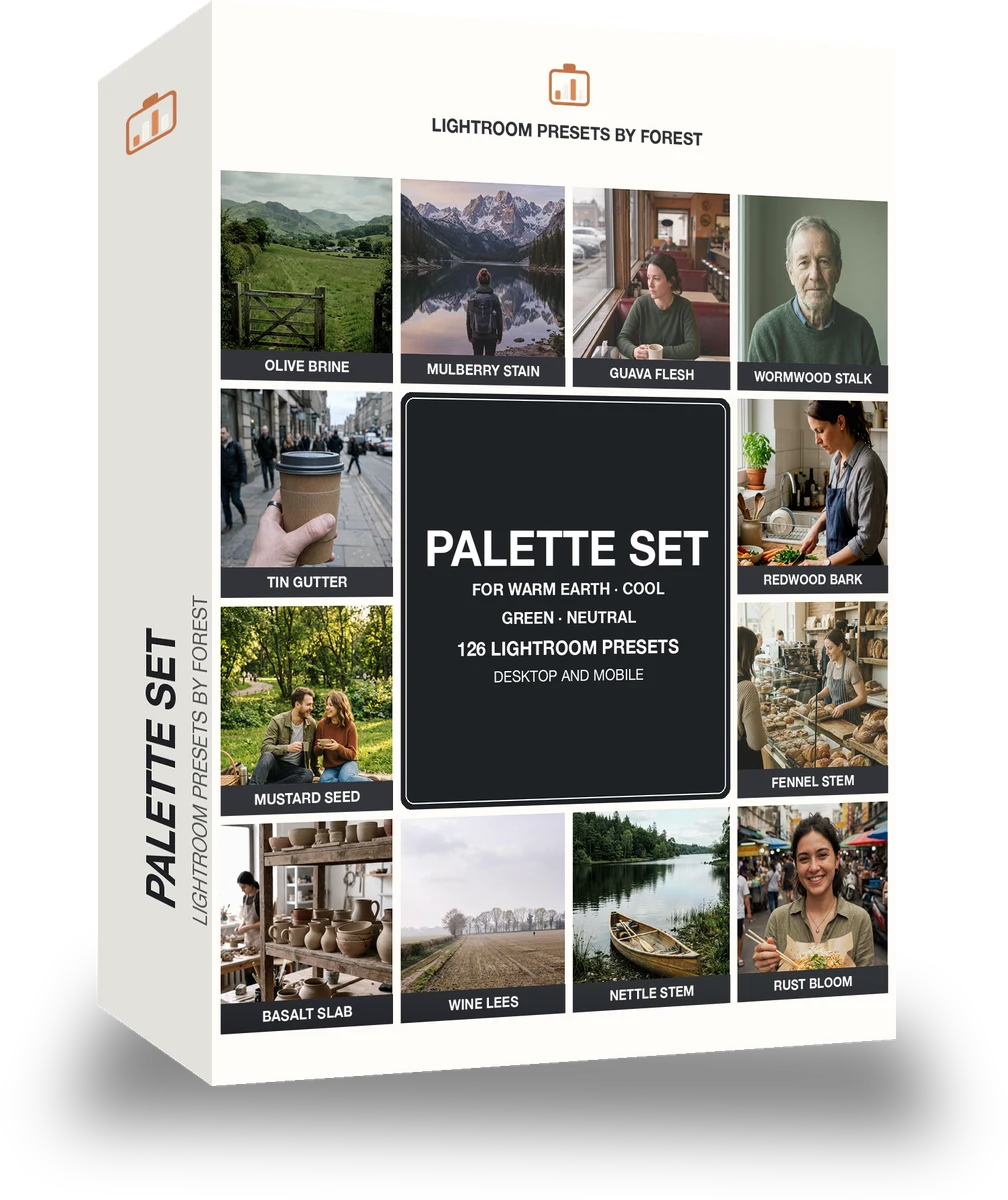
Colour harmony and palettes · 126 presets

was $199now $99Save $100

The rooftop hour, kept the way it felt. With the Chromawheel preset applied.The rooftop hour, kept the way it felt. Photographed without a preset.
Chromawheel applied to The rooftop hour, kept the way it felt.

Chromawheel

Colour harmony and palettes · 252 presets

was $399now $149Save $250

Cafe window, one tap later. With the Reeltint preset applied.Cafe window, one tap later. Photographed without a preset.
Reeltint applied to Cafe window, one tap later

Reeltint

Everyday and mobile creators · 15 presets

was $49.99now $29.99Save $20