

















PRE|SETS
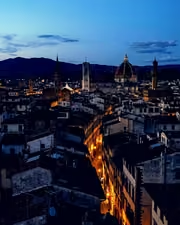
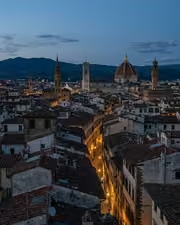
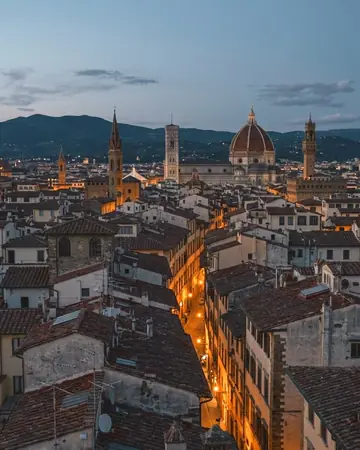
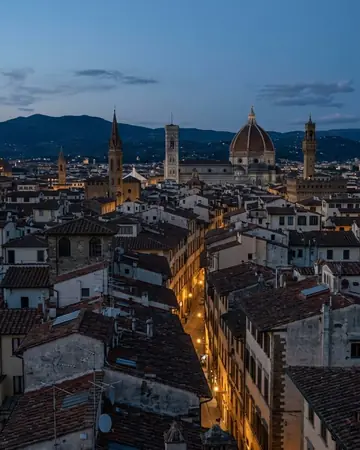
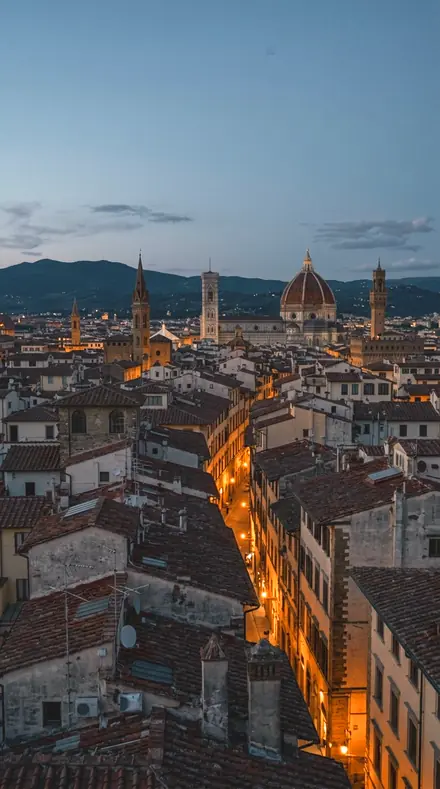
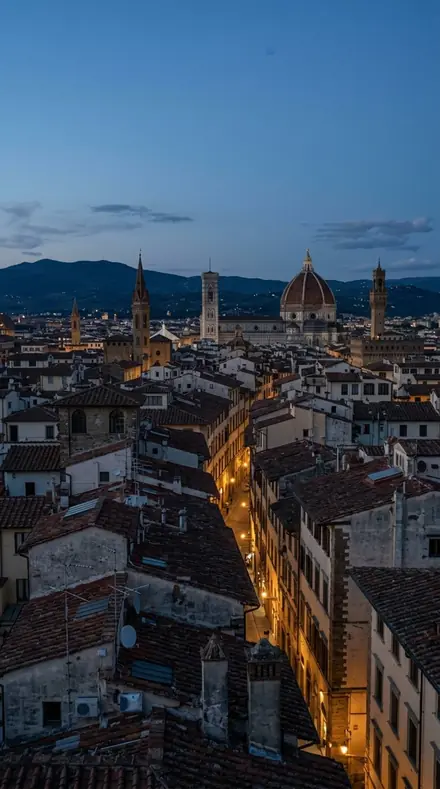
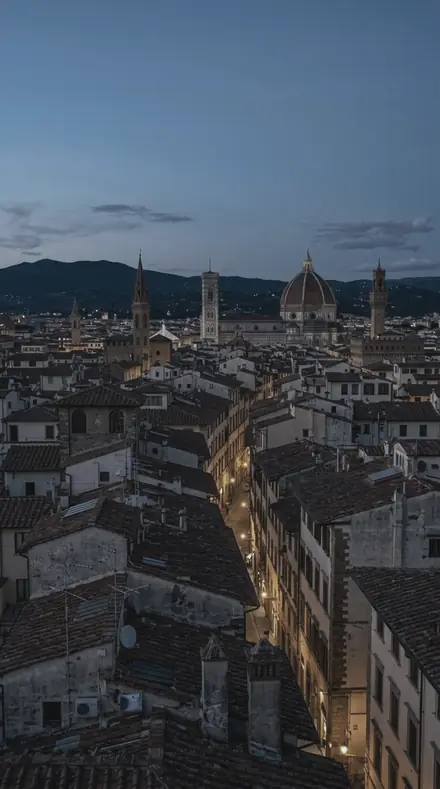
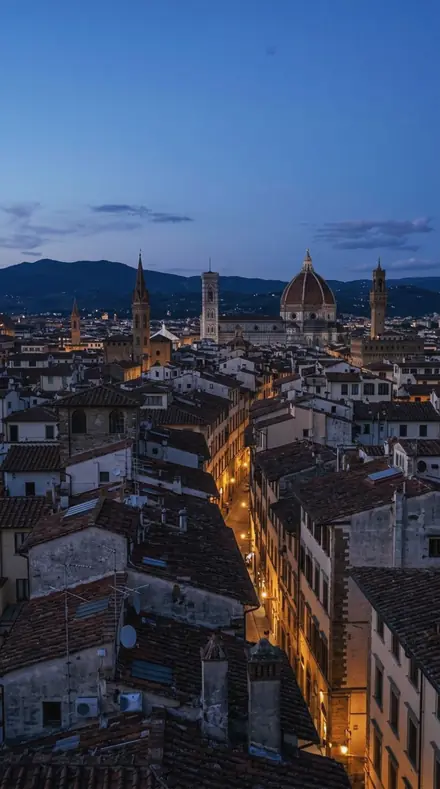
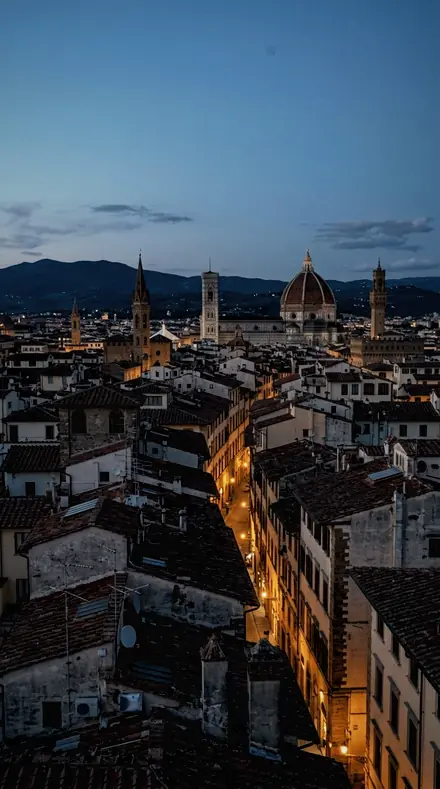
city rooftop. With the Chromawheel preset applied.city rooftop. Photographed without a preset.
Chromawheel applied to city rooftop

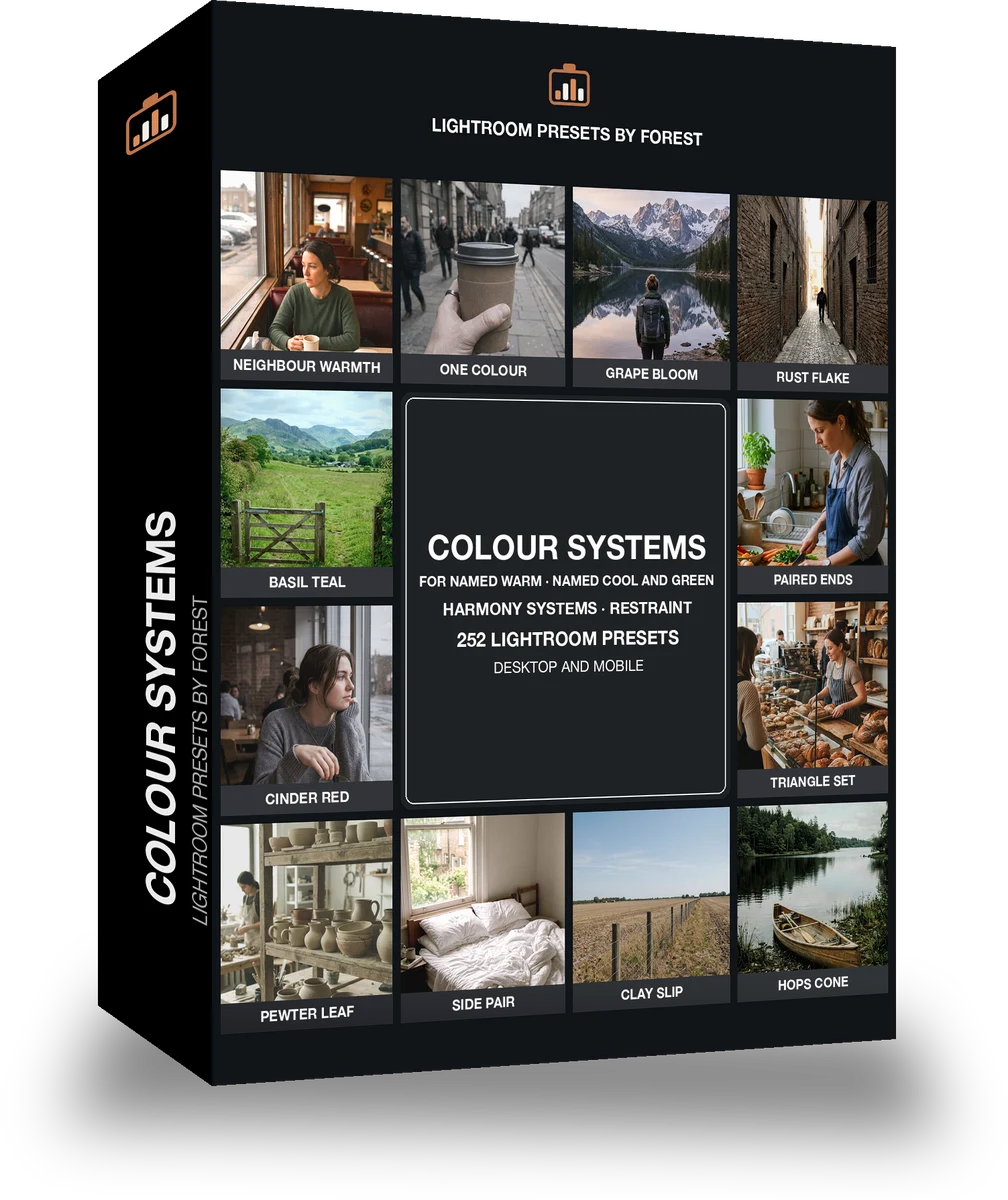
Colour Systems

Built for colour harmony and palettes. The subjects inside it are general, sky, interior, landscape and nature. The light runs mid, film matte, neutral natural and neutral muted.

Chromawheel Colour Systems is 252 presets in 14 collections.

was $399now $149

This is the welcome price.

Instant download.

Add it and keep looking. Your cart follows you across every store in the network.

  • Works inLightroom desktop and mobile
  • Format.xmp and .dng
  • DeliveryInstant download, and it stays in your account

What it does to a photograph

park picnic. With the Pigmentset preset applied.park picnic. Photographed without a preset.
Pigmentset applied to park picnic
park picnic, graded with Pigmentset: 7 of this library's 14 collections
wedding toast. With the Chromawheel preset applied.wedding toast. Photographed without a preset.
Chromawheel applied to wedding toast
wedding toast, graded with Chromawheel: 14 of this library's 14 collections
friends bench. With the Pigmentset preset applied.friends bench. Photographed without a preset.
Pigmentset applied to friends bench
friends bench, graded with Pigmentset: 7 of this library's 14 collections
street food. With the Chromawheel preset applied.street food. Photographed without a preset.
Chromawheel applied to street food
street food, graded with Chromawheel: 14 of this library's 14 collections
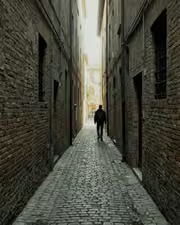
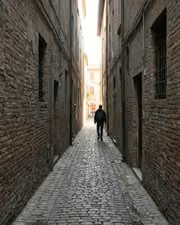
alley lines. With the Pigmentset preset applied.alley lines. Photographed without a preset.
Pigmentset applied to alley lines
alley lines, graded with Pigmentset: 7 of this library's 14 collections

It does not cover architecture, interiors and property; moods and tonal statements; light and weather; workflow and utility bases. Those collections live in other products on this network, and nothing here stands in for them.

What is inside, territory by territory

Colour harmony and palettes

14 collections, 252 presets

  • Analogous Cool
  • Analogous Warm
  • Complementary Pair
  • Copper Rose
  • Monochrome Hue
  • Moss Olive
  • Neutral Accent
  • Ochre Field
  • and 6 more

What contains what

1 smaller product is wholly inside this library. Buy this one and you have all of it; buy one of it first and what you paid comes off this price.

This library is itself inside 2 larger libraries.

Chromawheel · Colour harmony and palettes

Chromawheel makes one kind of light.

252 presets across 4 kinds of light is 252 presets for colour harmony and palettes photography. Every one of them is below, before you pay for any of it.

What this light does

one frame, 4 presets

Colour Systems, the wheel as a folio

4 of them, on one photograph. Drag to compare before and after.

  1. City rooftop. With the Neighbour Warmth preset applied.City rooftop. Photographed without a preset.
    Neighbour Warmth applied to City rooftop

    No. 19

    Neighbour Warmth

    The warmest of this set, red through yellow raised and every cool band suppressed.

  2. City rooftop. With the One Colour preset applied.City rooftop. Photographed without a preset.
    One Colour applied to City rooftop

    No. 74

    One Colour

    Everything desaturated except aqua, which is raised, and a cyan colour grade laid over the whole frame.

  3. City rooftop. With the Grape Bloom preset applied.City rooftop. Photographed without a preset.
    Grape Bloom applied to City rooftop

    No. 157

    Grape Bloom

    Shadow grade at its lowest, which puts the plum mainly under the midtones.

  4. City rooftop. With the Rust Flake preset applied.City rooftop. Photographed without a preset.
    Rust Flake applied to City rooftop

    No. 179

    Rust Flake

    Global saturation held down while red saturation runs high, so only the family hue gains.

Explore every preset in this pack

4 presets · 4 scenes

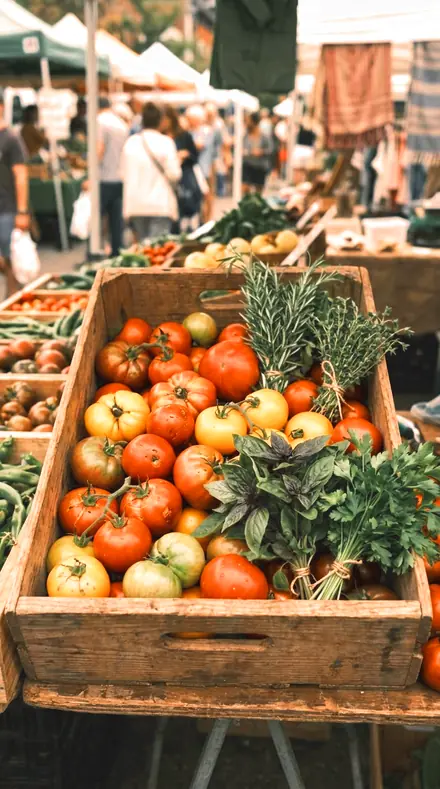
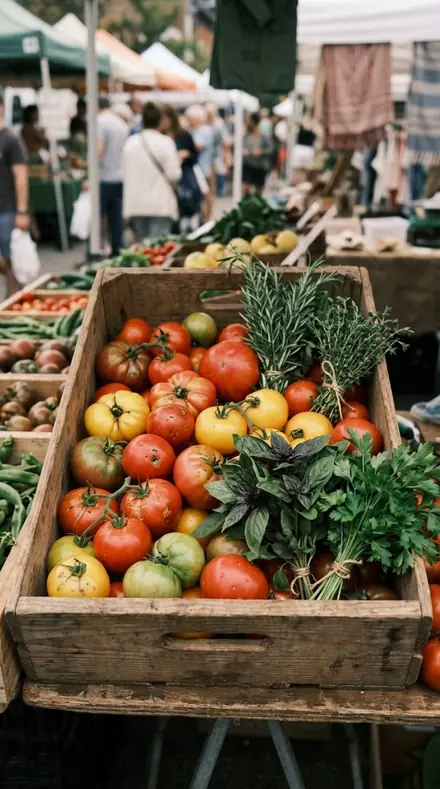
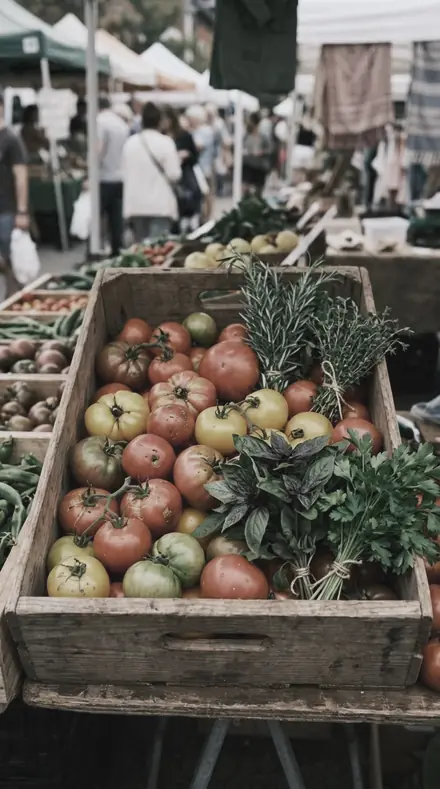
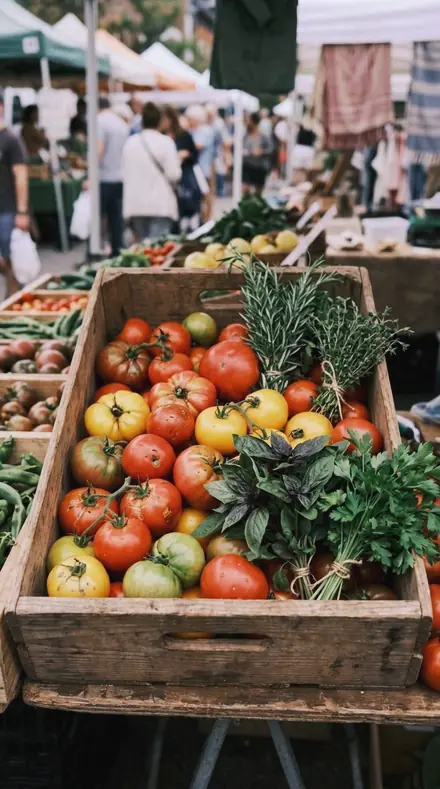
4 of the 252 presets in this library, on the same four photographs. Nothing below is a sample. Open one and drag.

  1. No. 19Neighbour WarmthThe warmest of this set, red through yellow raised and every cool band suppressed.
    Neighbour Warmth applied to Street food Before: Street food
    Street food
    Neighbour Warmth applied to City rooftop Before: City rooftop
    City rooftop
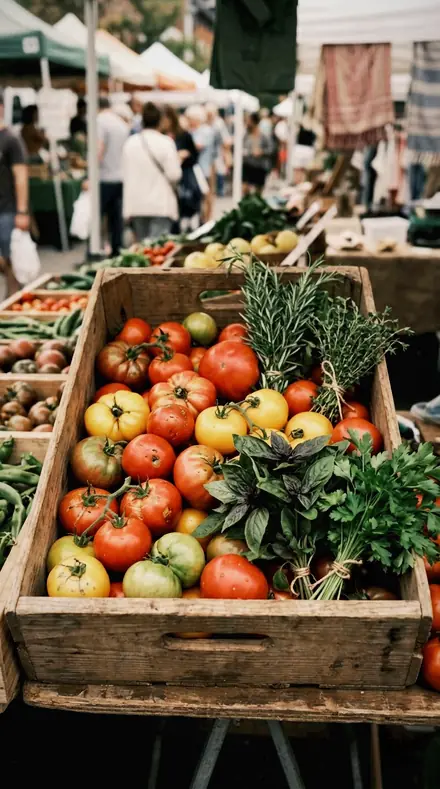
    Neighbour Warmth applied to Market produce Before: Market produce
    Market produce
    Neighbour Warmth applied to Wedding toast Before: Wedding toast
    Wedding toast

    Drag the handle. Left is the original, right is Neighbour Warmth. Rendered from the preset's own settings, not a Lightroom export, so the real thing carries a little more bite.

  2. No. 74One ColourEverything desaturated except aqua, which is raised, and a cyan colour grade laid over the whole frame.
    One Colour applied to Street food Before: Street food
    Street food
    One Colour applied to City rooftop Before: City rooftop
    City rooftop
    One Colour applied to Market produce Before: Market produce
    Market produce
    One Colour applied to Wedding toast Before: Wedding toast
    Wedding toast

    Drag the handle. Left is the original, right is One Colour. Rendered from the preset's own settings, not a Lightroom export, so the real thing carries a little more bite.

  3. No. 157Grape BloomShadow grade at its lowest, which puts the plum mainly under the midtones.
    Grape Bloom applied to Street food Before: Street food
    Street food
    Grape Bloom applied to City rooftop Before: City rooftop
    City rooftop
    Grape Bloom applied to Market produce Before: Market produce
    Market produce
    Grape Bloom applied to Wedding toast Before: Wedding toast
    Wedding toast

    Drag the handle. Left is the original, right is Grape Bloom. Rendered from the preset's own settings, not a Lightroom export, so the real thing carries a little more bite.

  4. No. 179Rust FlakeGlobal saturation held down while red saturation runs high, so only the family hue gains.
    Rust Flake applied to Street food Before: Street food
    Street food
    Rust Flake applied to City rooftop Before: City rooftop
    City rooftop
    Rust Flake applied to Market produce Before: Market produce
    Market produce
    Rust Flake applied to Wedding toast Before: Wedding toast
    Wedding toast

    Drag the handle. Left is the original, right is Rust Flake. Rendered from the preset's own settings, not a Lightroom export, so the real thing carries a little more bite.

Start with the wheel. Analogous Warm keeps red, orange and yellow and suppresses the cool bands; Analogous Cool keeps green, aqua and blue and suppresses the warm ones. Complementary Pair sets blue and aqua against red and yellow and empties everything between. Split Complement puts yellow against blue and purple. Triadic Balance carries yellow, aqua and magenta and holds down the bands between them. Each scheme is worked band by band in hue, saturation and luminance, so skin stays skin while the scheme takes the rest of the frame.

Then the named palettes. Copper Rose turns the reds pink and lifts them, folds magenta in, and restrains orange so faces survive. Ochre Field deepens the yellows, folds the greens in and suppresses the blues. Rust Iron is oxide red with skin kept off it. On the cool side, Slate Blue deepens the blues and folds aqua and purple in; Plum Dusk steers blue and magenta into violet; Moss Olive pushes green toward yellow and lifts the faces; Sage Room drains green to a pale grey-green.

Two collections hold back. Monochrome Hue is a single cyan scheme with every other band emptied. Neutral Accent is a near-neutral frame where one red accent carries all the colour.

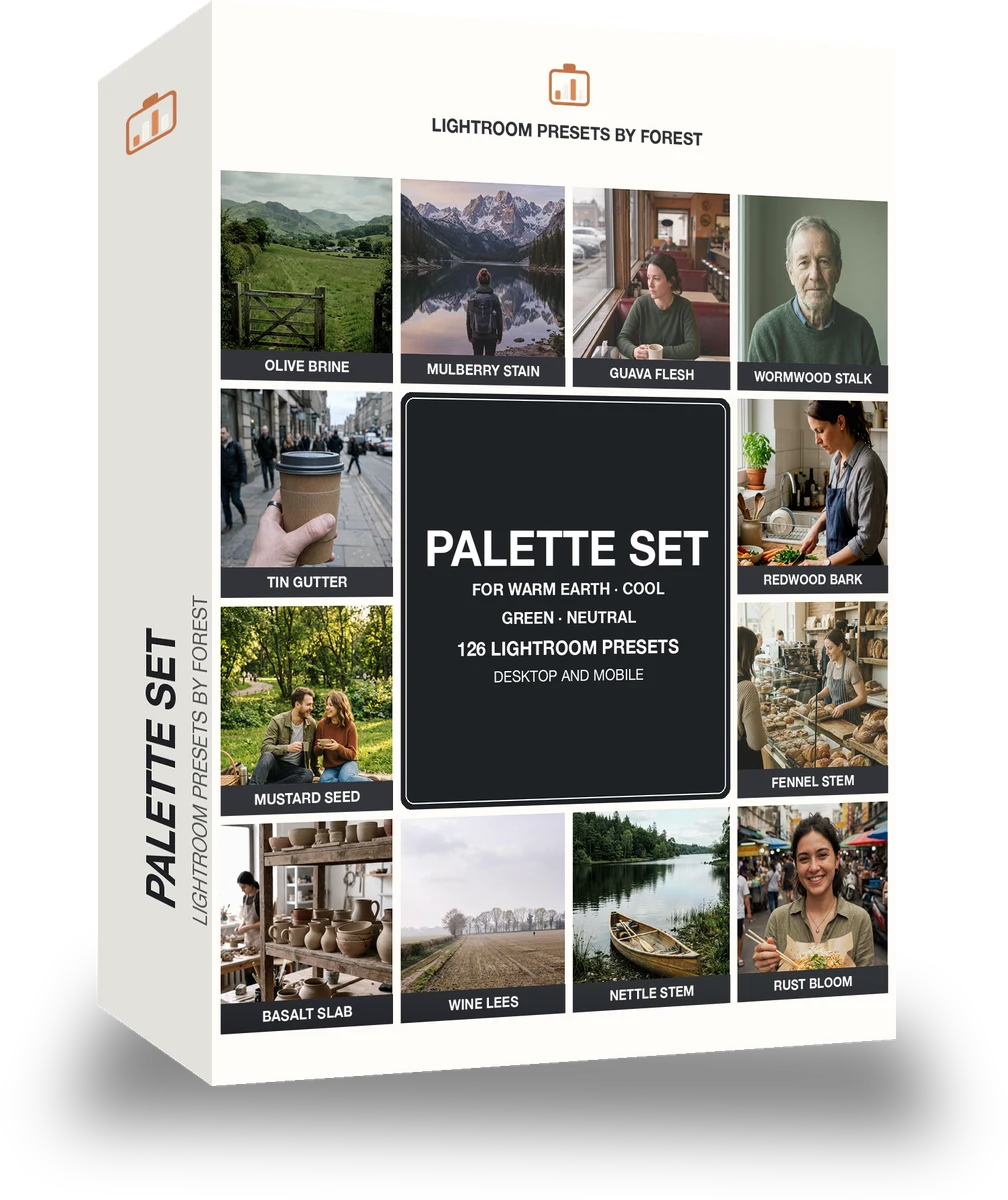
Not on this wheel: Warm Cool Split, the network's exclusive split-tone set, sold on its own page only. The Palette Set is the smaller pack of named families; this folio is the palettes and the harmony systems together.


Yours in two minutes

how it works

  1. Step 1

    Buy

    Pay with Apple Pay, Google Pay or a card.

  2. Step 2

    Download

    The zip downloads right away, and a copy lands in your email.

  3. Step 3

    Import

    Add the presets to Lightroom in a minute.

    PhoneClassicDesktop
  4. Step 4

    Tap

    One tap on any photo. Every slider stays yours to adjust.

Yours to keep, for personal and client work. Please do not share the files. The license

Netzah Elad Topaz, the photographer who makes these presets

the maker

Why I Make These

I am Netzah Elad Topaz. I take photographs and I build software, and the two keep leading me back to the same problem. You were there. The light was doing something you will not see again. Then the photo comes back flat, and it is not what you were looking at.

Closing that gap is the whole job. Every preset here is built from Adobe defaults by hand, with a written note for what it should do to a picture, and it is judged on photographs before it ships. Nothing is a filter dropped on top of your work.

What I want is simple. You open a photo you almost gave up on, you tap once, and there it is: the day you remember, not the file your camera handed you. That is worth doing properly.

Questions, answered

Will a harmony scheme wreck skin tones?

The orange band is turned only a few degrees in every scheme, and the members named for faces, Orchid Throat in Plum Dusk or Counter Weight in Complementary Pair, restrain it further. Start from the face-safe member and step outward.

Do these work in the free Lightroom app?

Yes. Import the .xmp files in the free Lightroom app on iPhone or Android, no subscription needed. They also work in Lightroom Classic and Lightroom on desktop.

What exactly do I get?

All 252 presets from Colour Systems as .xmp files in an instant ZIP download. The link also lands in your email, and the purchase stays in your account so you can re-download any time.

How do I install them?

Two minutes: unzip, then import inside Lightroom. The step-by-step guide covers iPhone, Android, and desktop.

Can I use them for client work?

Yes. The single-user license covers personal and commercial photography. The one thing you can't do is share or resell the preset files themselves.

Can I tweak a preset after applying it?

Always. A preset is a starting point; every slider stays yours to adjust.

What else is like this

All colour harmony and palettes
Late sun over the field, kept golden. With the Siennatones preset applied.Late sun over the field, kept golden. Photographed without a preset.
Siennatones applied to Late sun over the field, kept golden

Siennatones

Colour harmony and palettes · 15 presets

was $49.99now $29.99Save $20

The rooftop hour, kept the way it felt. With the Amberteal preset applied.The rooftop hour, kept the way it felt. Photographed without a preset.
Amberteal applied to The rooftop hour, kept the way it felt.

Amberteal

Colour harmony and palettes · 18 presets

was $49.99now $29.99Save $20

A bench and your people, suddenly a keeper. With the Pigmentset preset applied.A bench and your people, suddenly a keeper. Photographed without a preset.
Pigmentset applied to A bench and your people, suddenly a keeper

Pigmentset

Colour harmony and palettes · 126 presets

was $199now $99Save $100

Cafe window, one tap later. With the Reeltint preset applied.Cafe window, one tap later. Photographed without a preset.
Reeltint applied to Cafe window, one tap later

Reeltint

Everyday and mobile creators · 15 presets

was $49.99now $29.99Save $20