PRE|SETS
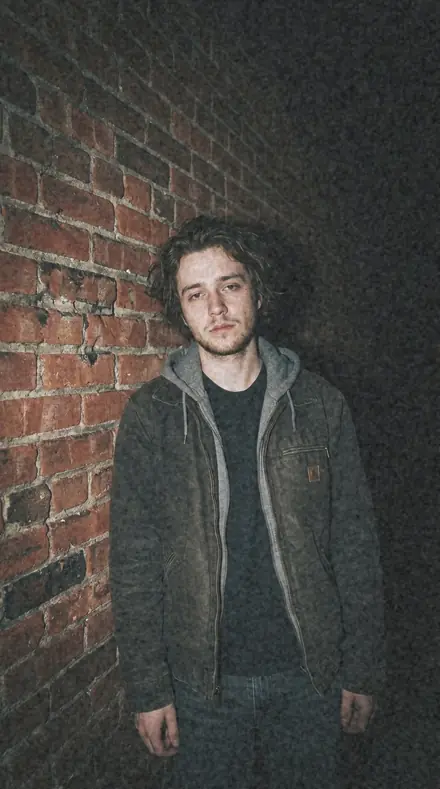
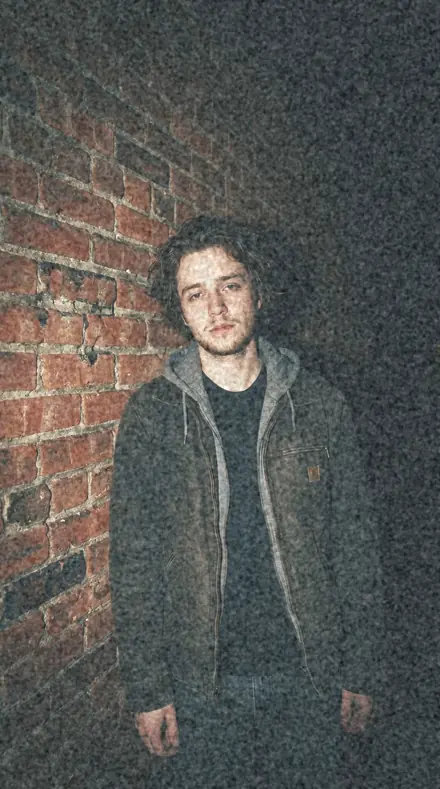
A fictional young man against a brick wall at night, direct camera flash, everything behind him falling to black. With the Pastel Film preset applied.A fictional young man against a brick wall at night, direct camera flash, everything behind him falling to black. Photographed without a preset.
Pastel Film applied to A fictional young man against a brick wall at night, direct camera flash, everything behind him falling to black

Cool Negative System

More packs from Pastel Film (8)

was $59.99now $34.99Save $25

welcome price, your first pack from the network

Save for later

Instant download.

  • Presets30
  • Stylefilm, pastel, wedding
  • Works inLightroom desktop and mobile
  • Format.xmp and .dng

Pastel Film · film

Pastel Film makes one kind of light.

One cool colour-negative system for every grey, green and blue scene, from portrait to street.

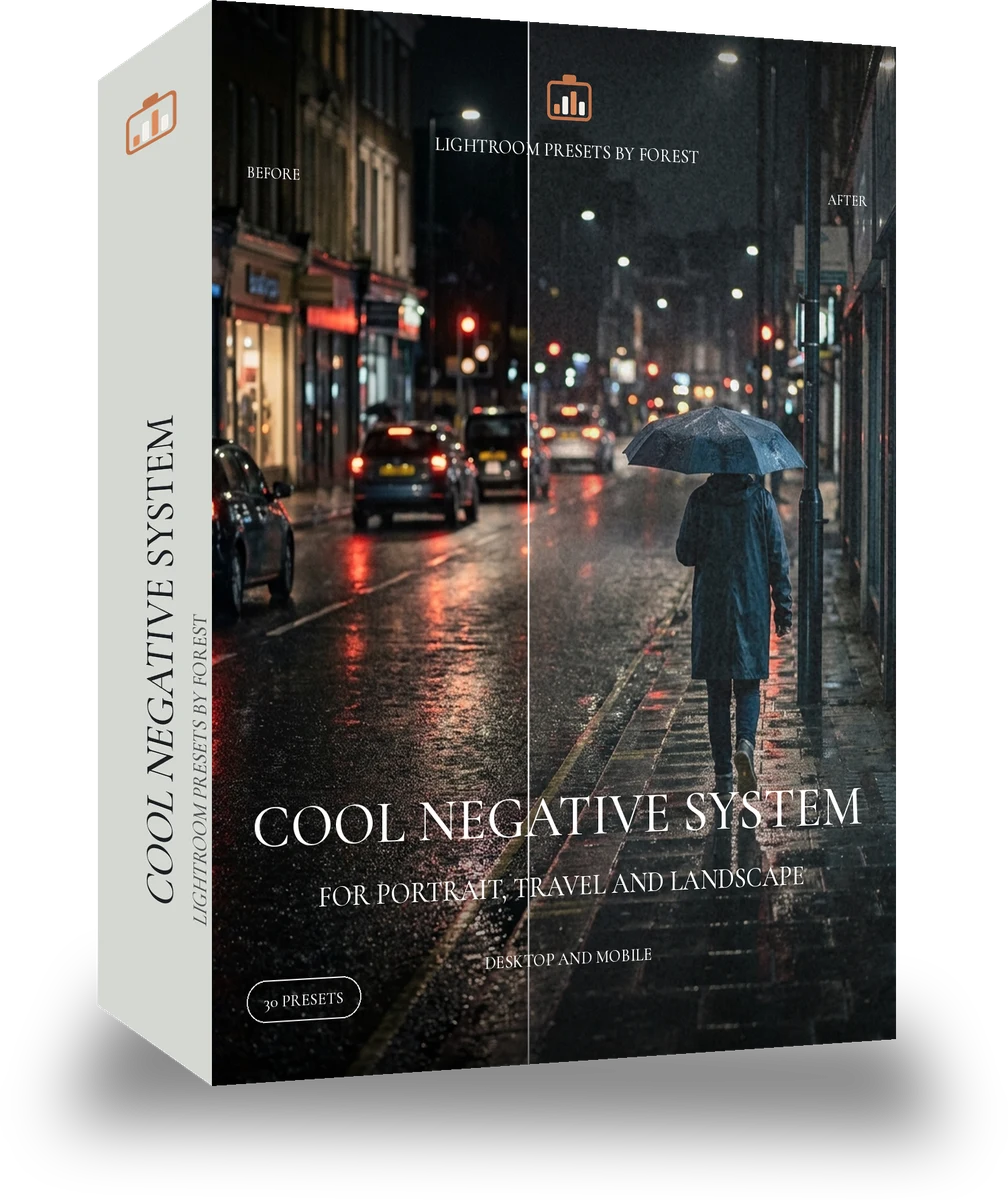
Cool Negative System is 30 presets for film photography. Every one of them is below, before you pay for any of it.

About this pack

The cool negative has more scenes than people expect. This system holds thirty of them in one cool band: the pale portrait looks, the flat bright overcast looks, the mint garden looks, the faded coast, the lavender-shadow winter looks and the contrasty grey street looks. What stays fixed is the cast, the muted colour and the lifted blacks; what moves is contrast, exposure and how green the tint goes. It is the cool counterpart of Warm 400 System and it nests the Portrait, Overcast and Garden 10-packs. Thirty presets organised as a system and named by scene and strength, with a one-page guide to which preset suits which light. XMP for Lightroom Classic and desktop, DNG for the free Lightroom mobile app. Pastel Film is the quiet, cool side of colour negative, for light that should stay light.

  • Every cool scene in one band
  • Flat overcast to contrasty street
  • Skin rule shared across thirty
  • Nests three cool 10-packs

Photographers in grey climates who want one cool film colour across people and places.

The look is inspired by the cool, pastel rendering photographers associate with the discontinued Fujifilm Pro 400H. This product is not made, licensed or endorsed by Fujifilm. Inspired by the look of classic film. Not made, licensed or endorsed by the film's maker.

See the light change

drag the line

The same frame, one tap apart. Drag any handle and the scene goes back to the way it looked before Pastel Film touched it.

Athlete track. With the Pastel Film preset applied.Athlete track. Photographed without a preset.
Pastel Film applied to Athlete track
Athlete track
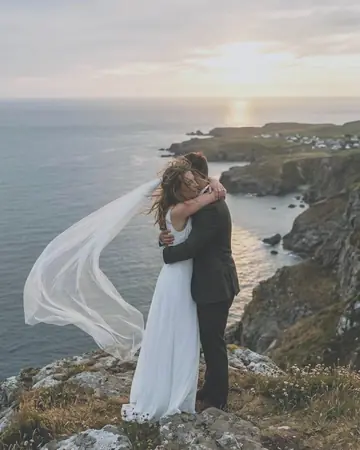
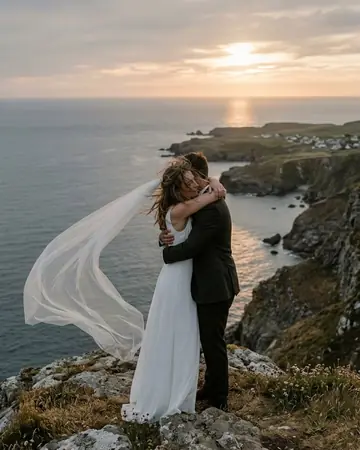
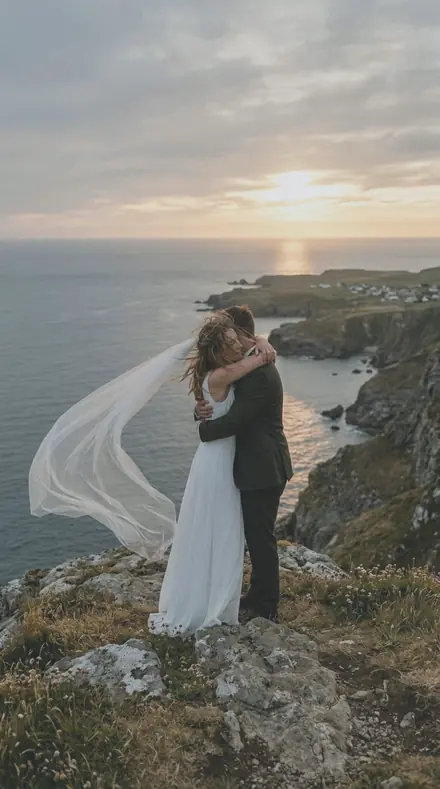
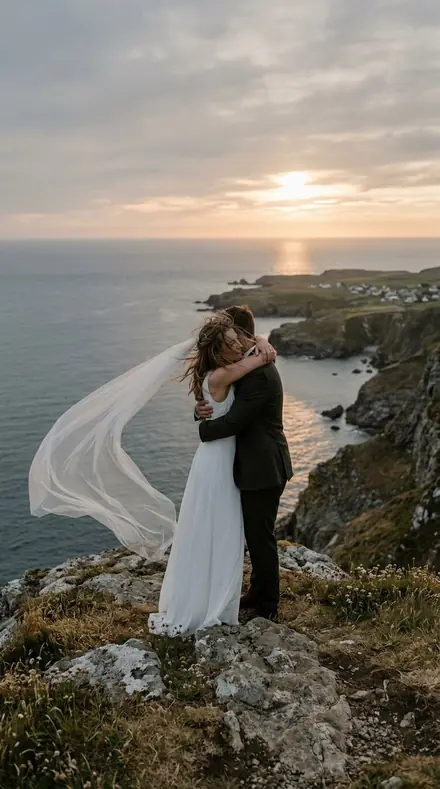
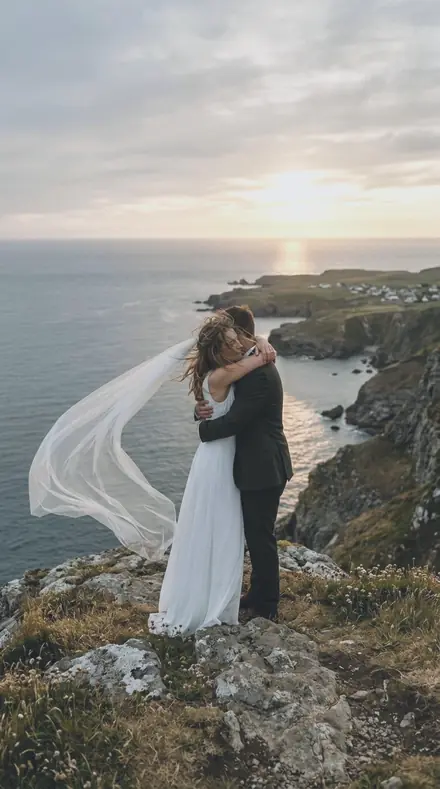
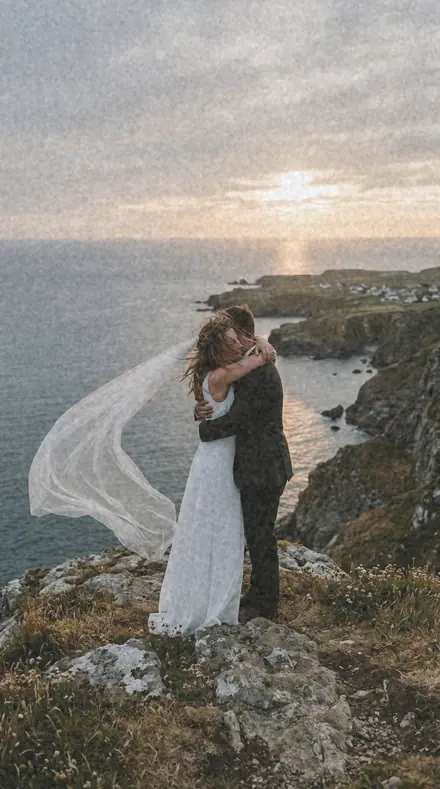
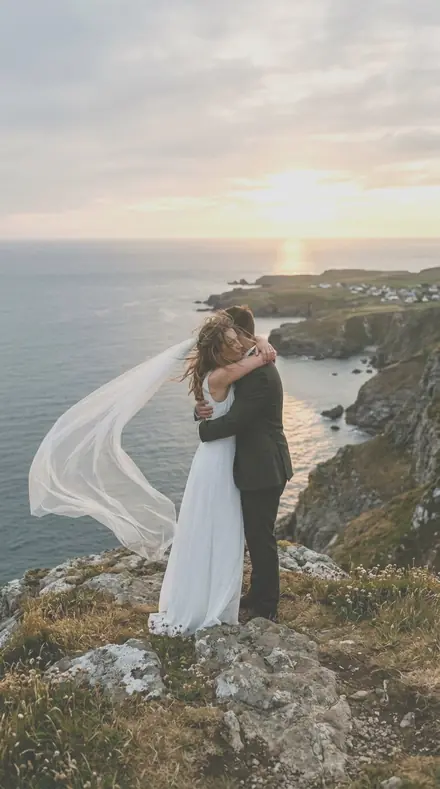
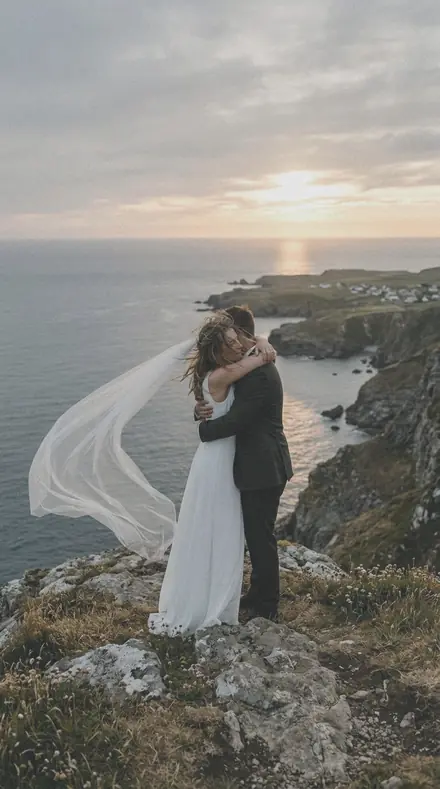
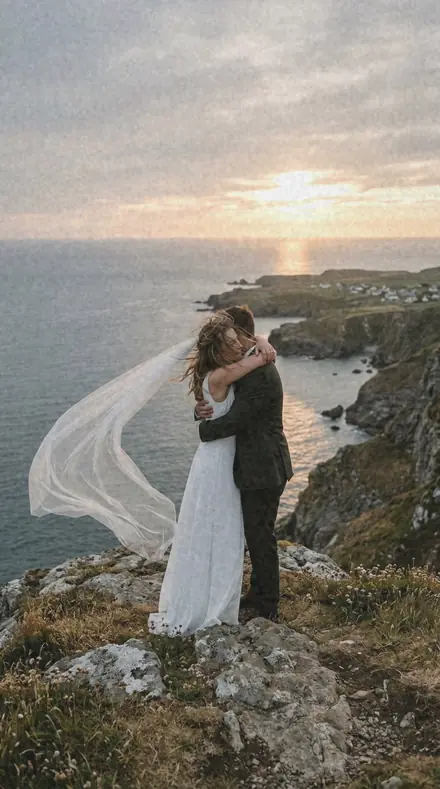
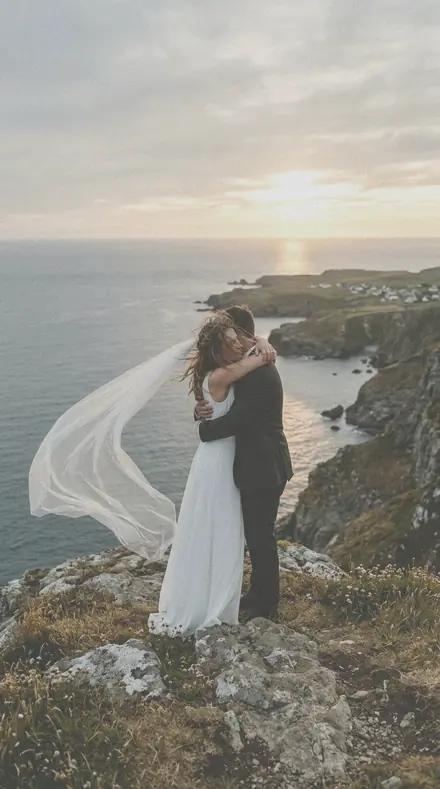
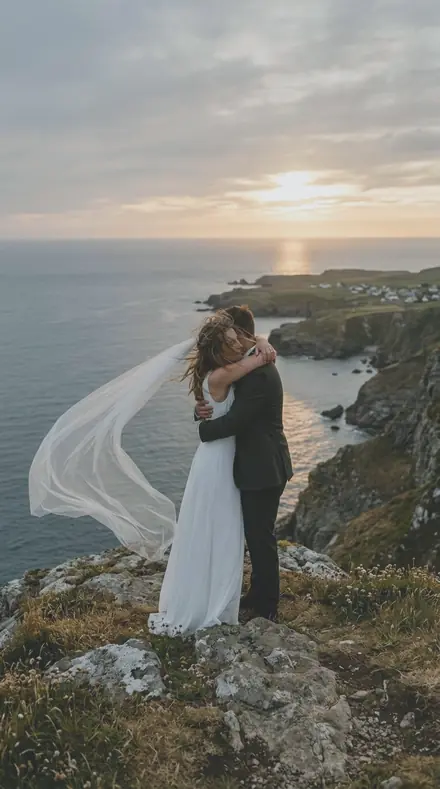
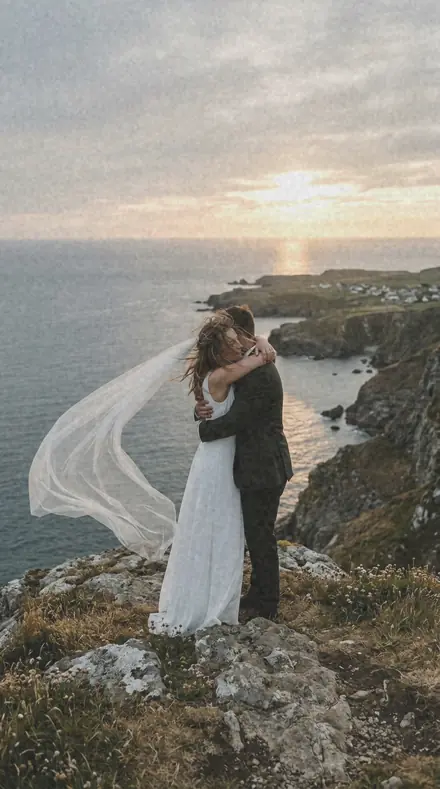
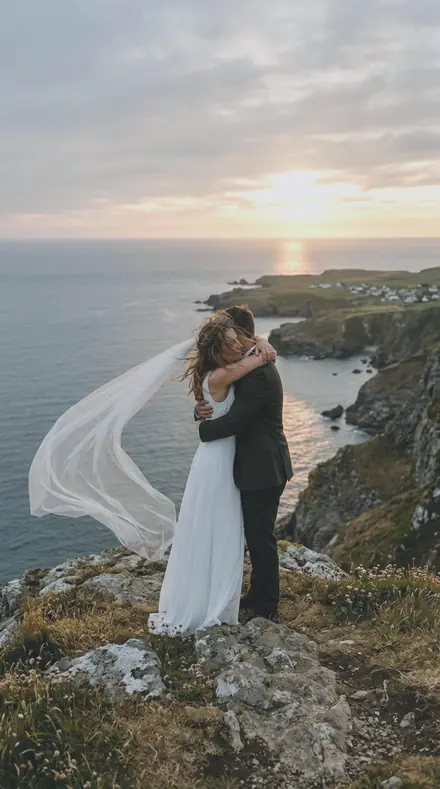
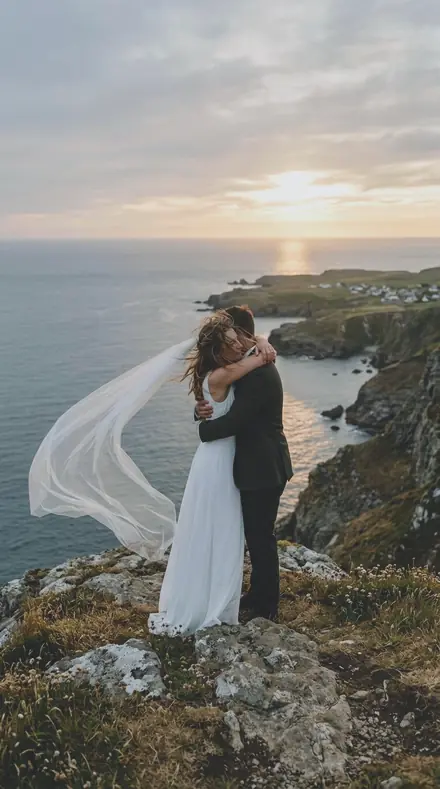
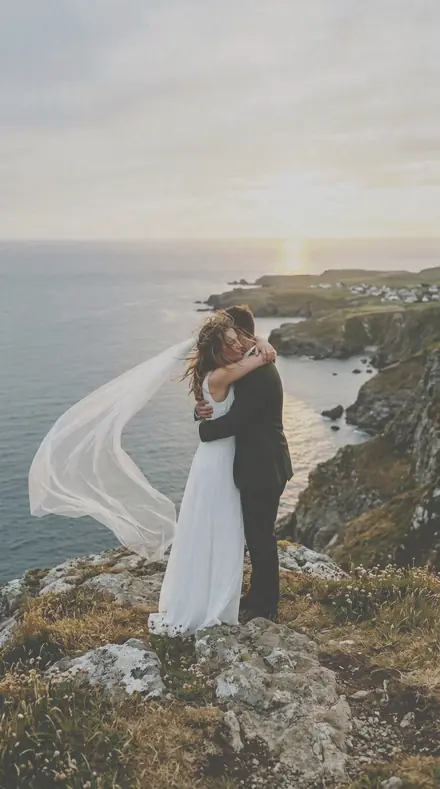
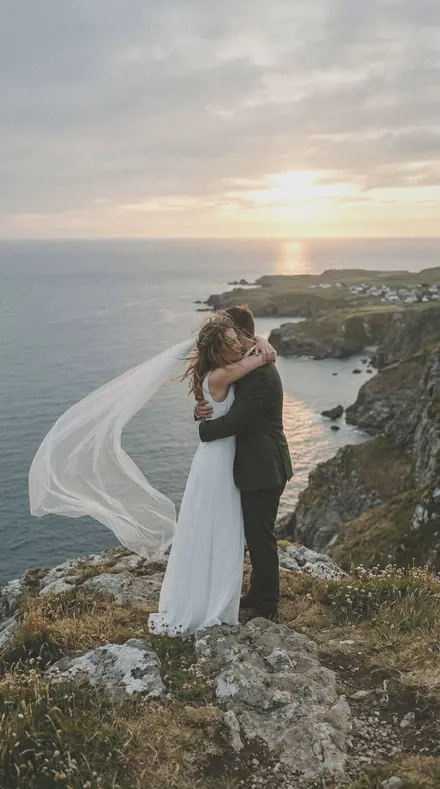
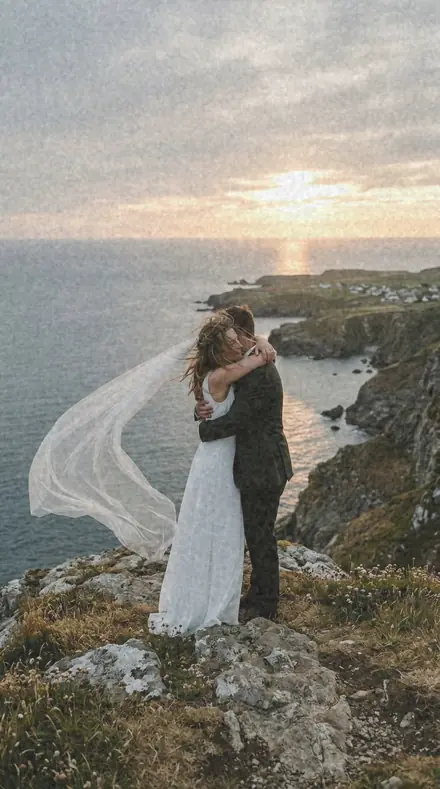
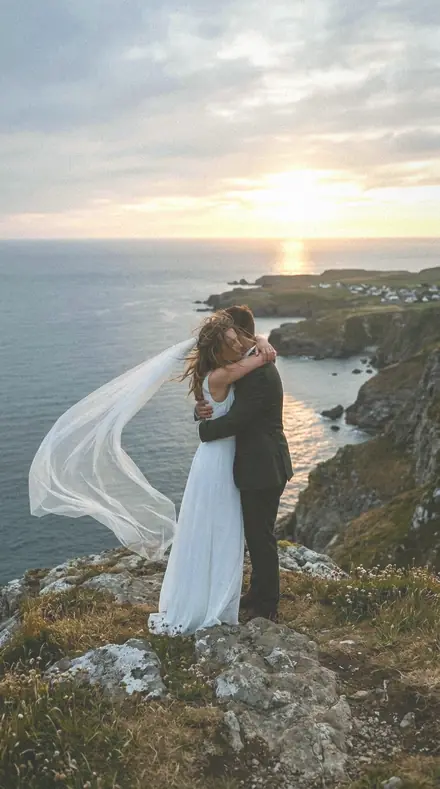
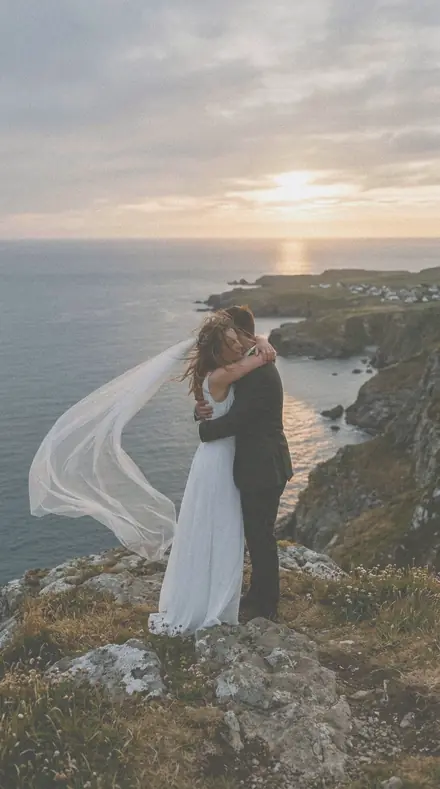
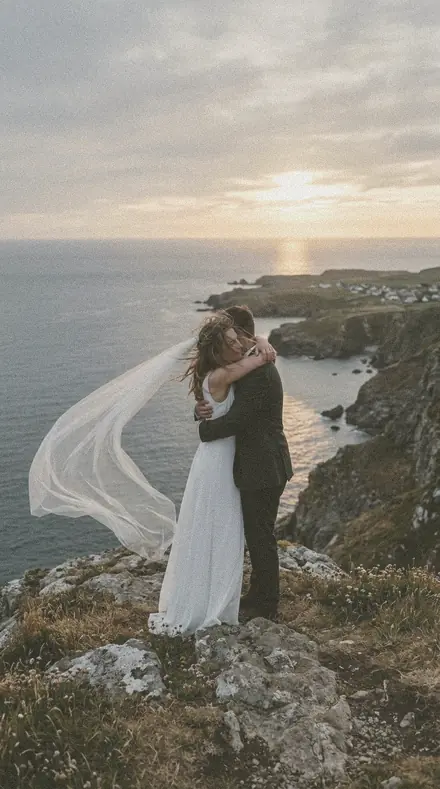
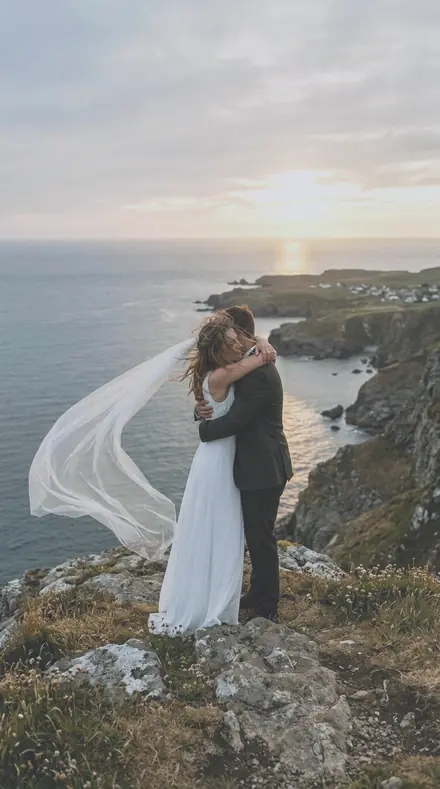
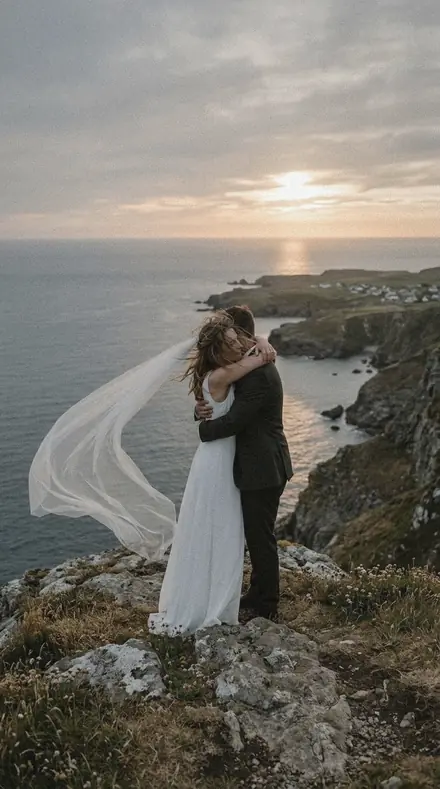
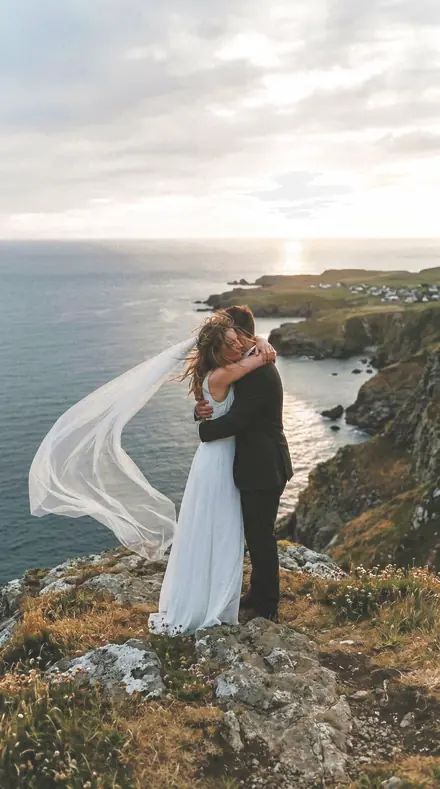
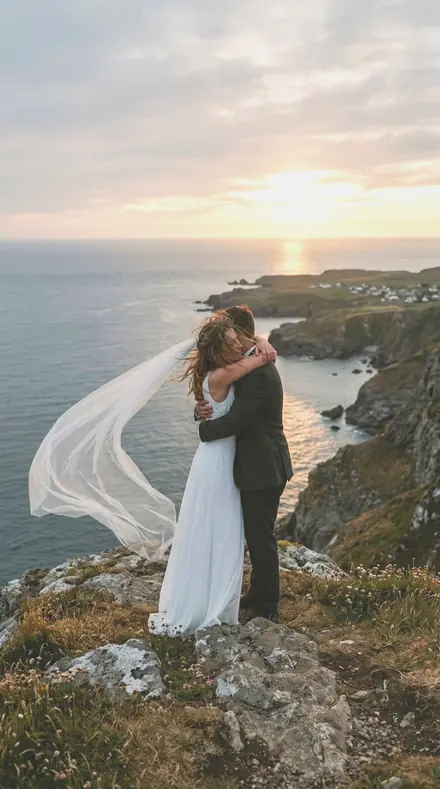
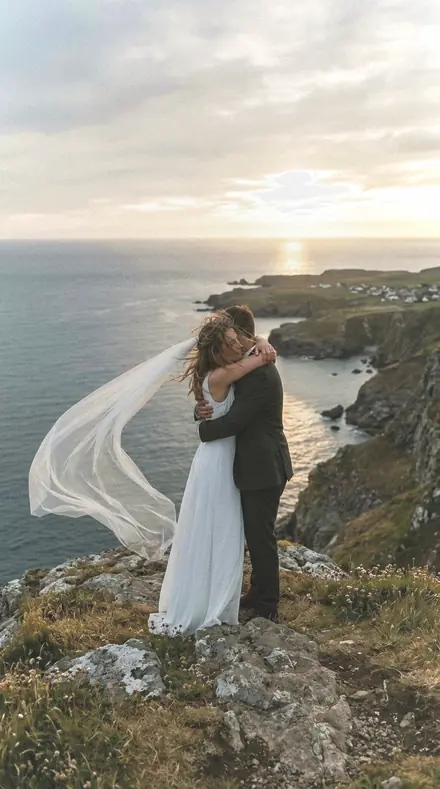
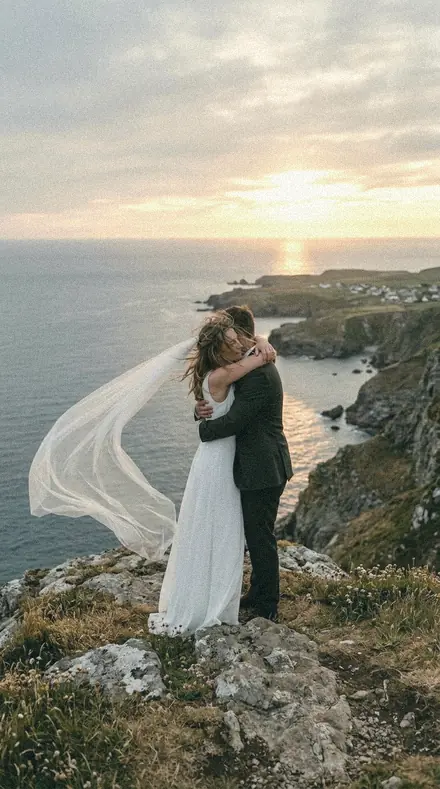
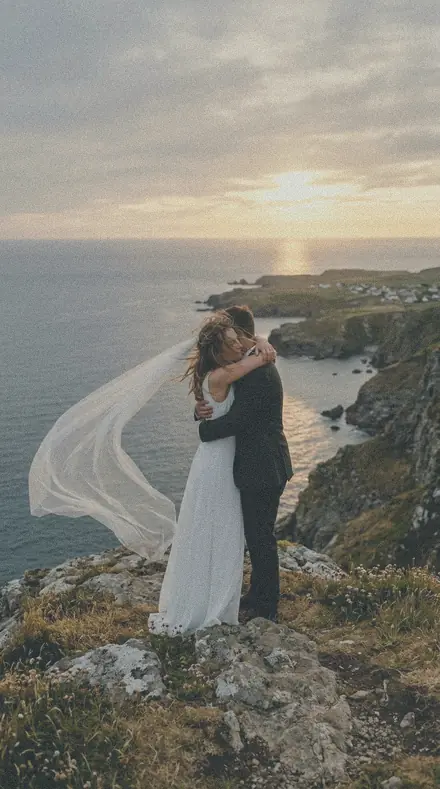
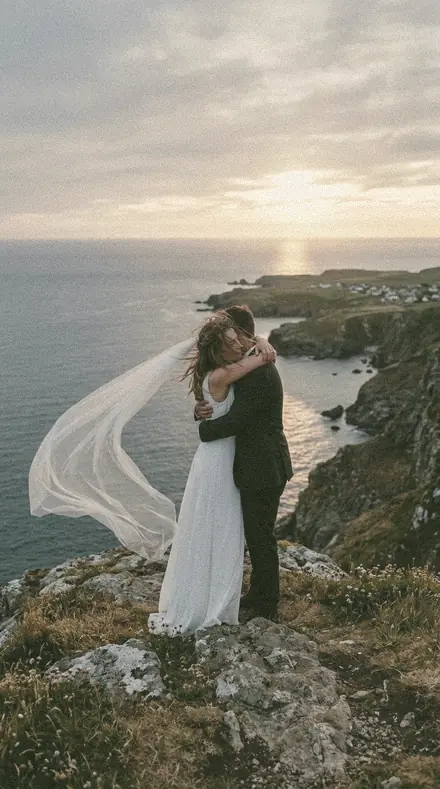
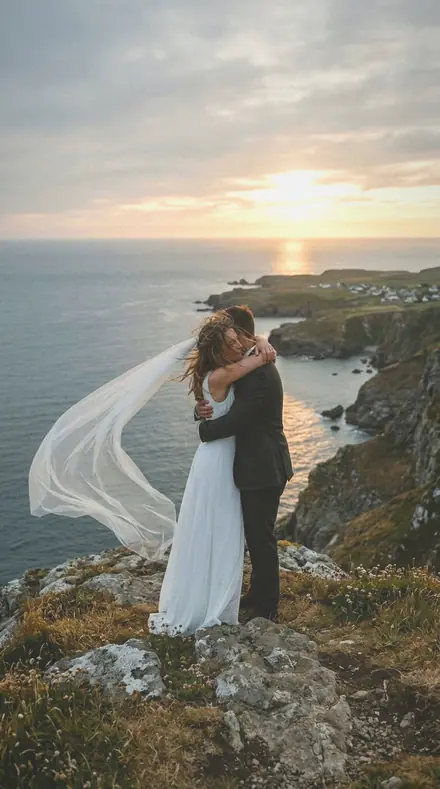
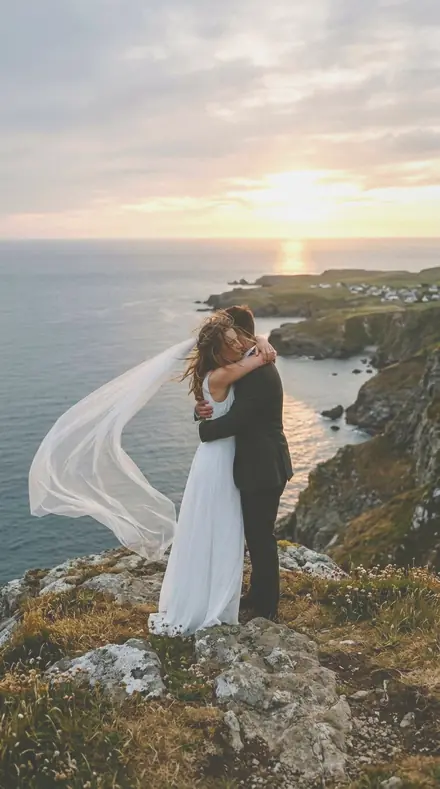
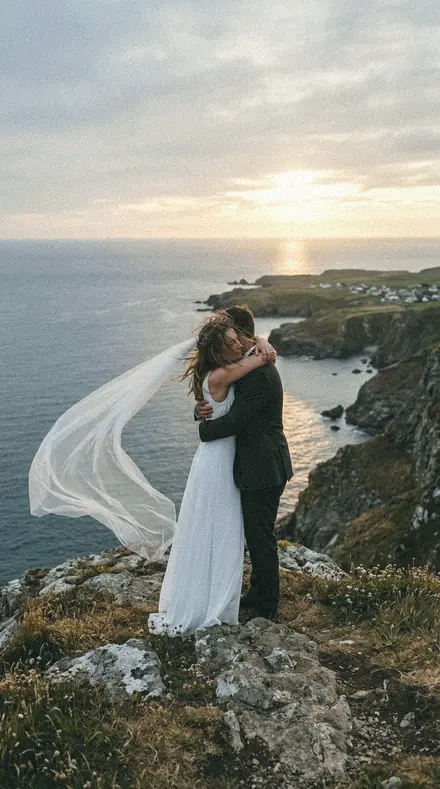
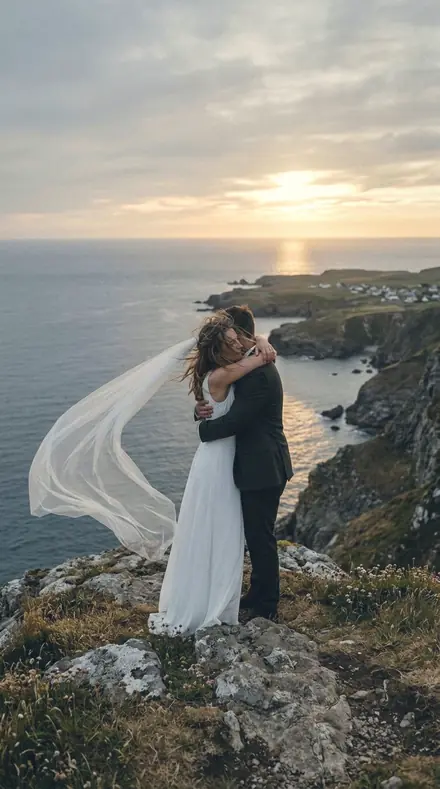
A fictional eloping couple embracing on a sea cliff at sunset, her veil blowing, warm backlight. With the Pastel Film preset applied.A fictional eloping couple embracing on a sea cliff at sunset, her veil blowing, warm backlight. Photographed without a preset.
Pastel Film applied to A fictional eloping couple embracing on a sea cliff at sunset, her veil blowing, warm backlight
A fictional eloping couple embracing on a sea cliff at sunset, her veil blowing, warm backlight
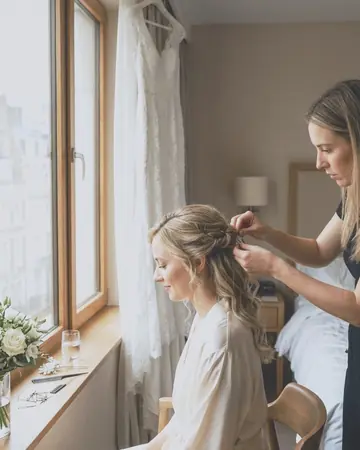
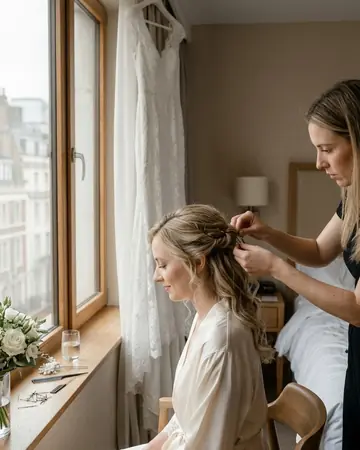
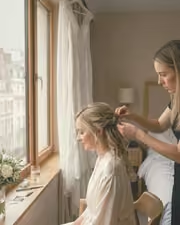
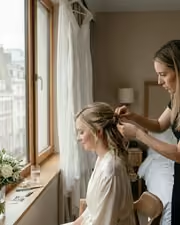
Bridal prep window. With the Pastel Film preset applied.Bridal prep window. Photographed without a preset.
Pastel Film applied to Bridal prep window
Bridal prep window

Explore every preset in this pack

30 presets · 4 scenes

Every preset in the pack is here, on the same four photographs. Nothing below is a sample. Open one and drag.

  1. No. 01Barn Door
    Barn Door applied to Cliff elopement Before: Cliff elopement
    Cliff elopement
    Barn Door applied to Flash brick portrait Before: Flash brick portrait
    Flash brick portrait
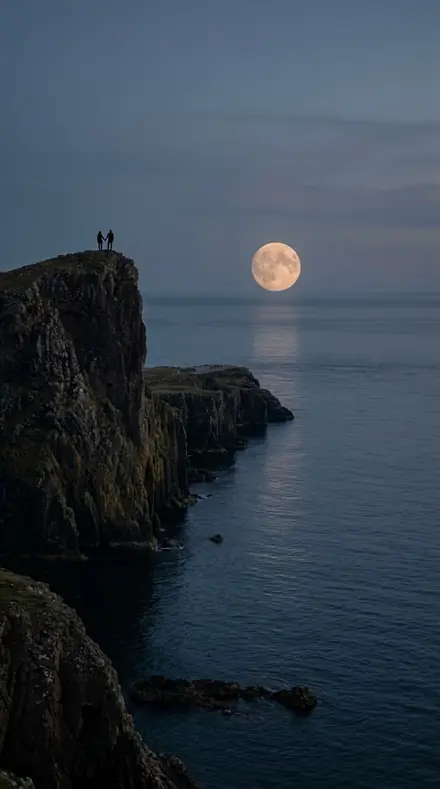
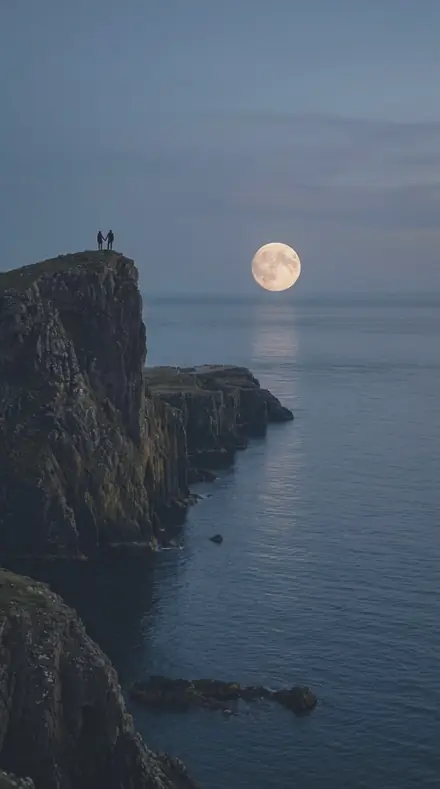
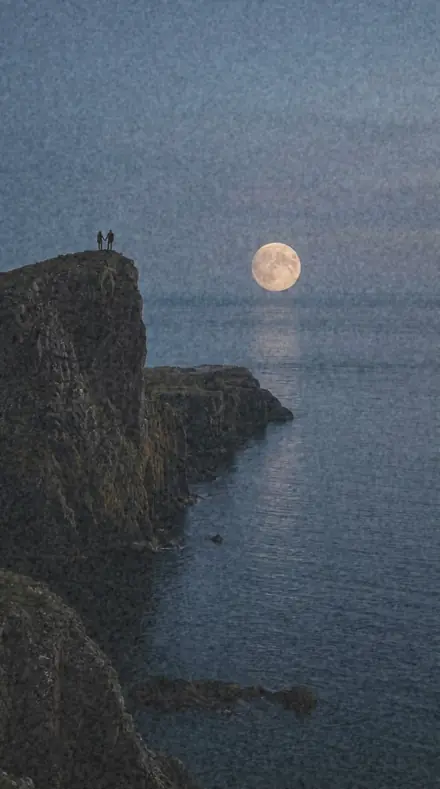
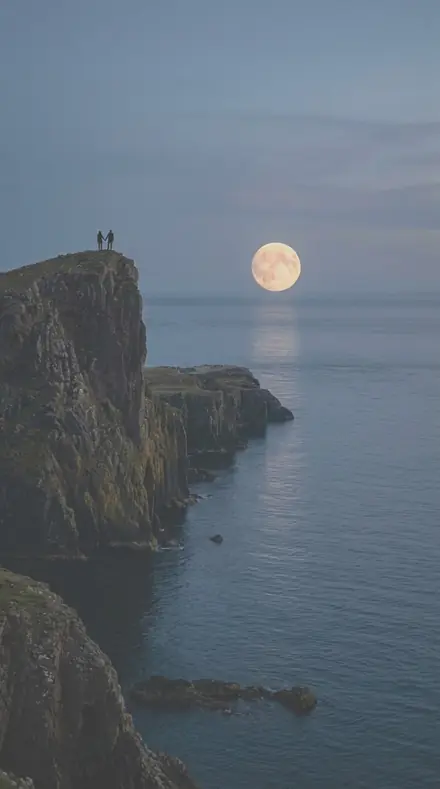
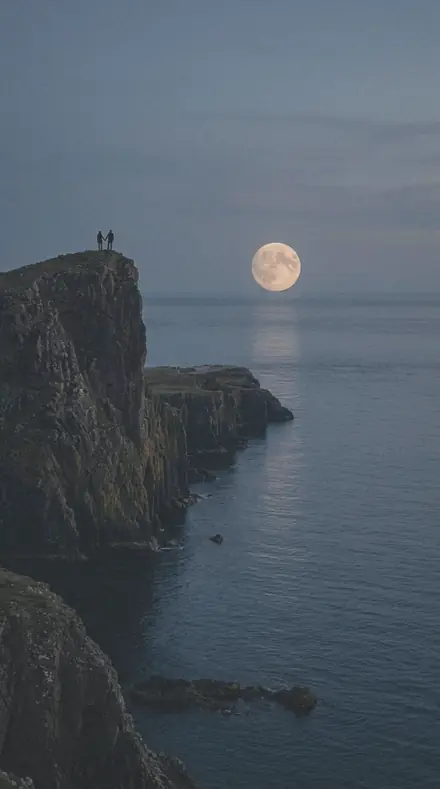
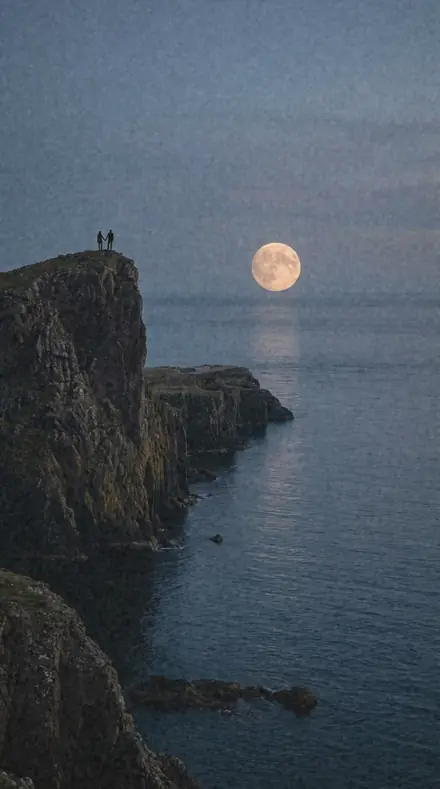
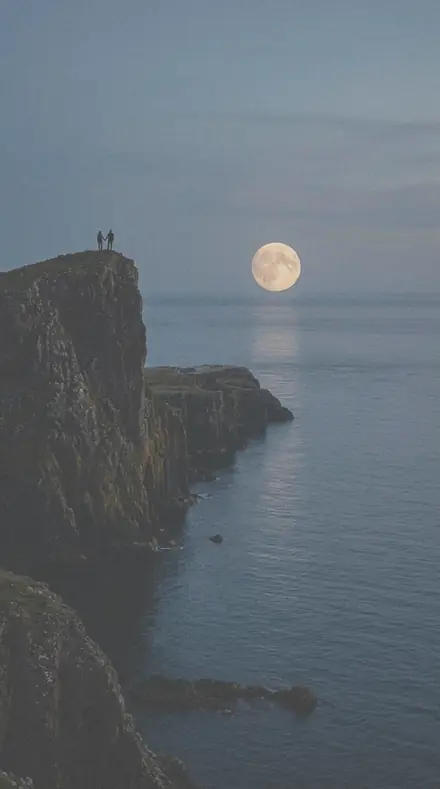
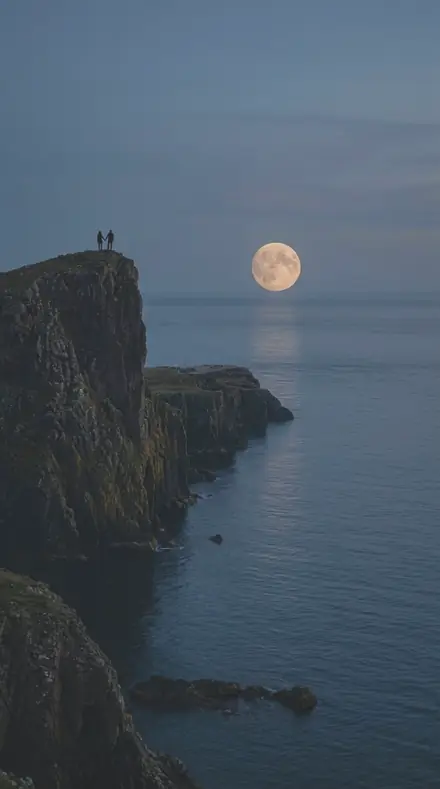
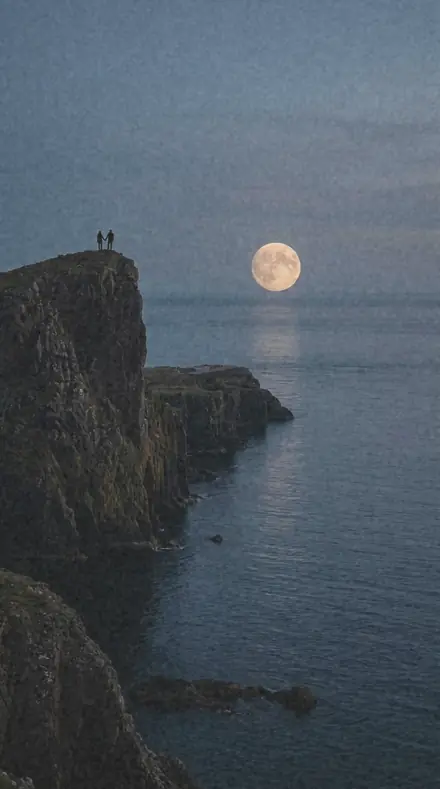
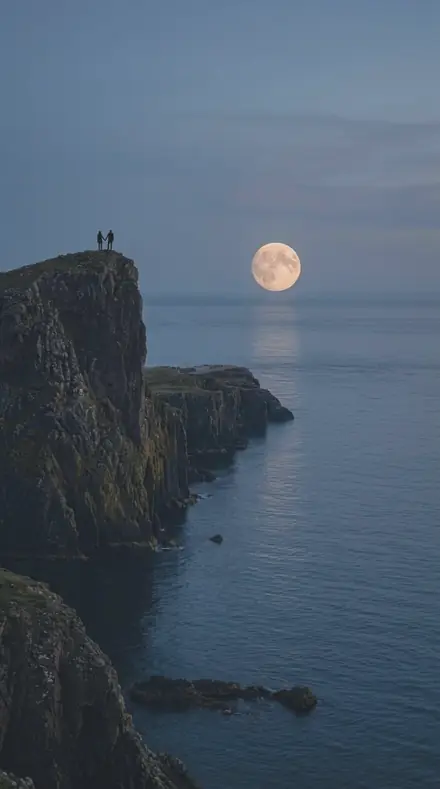
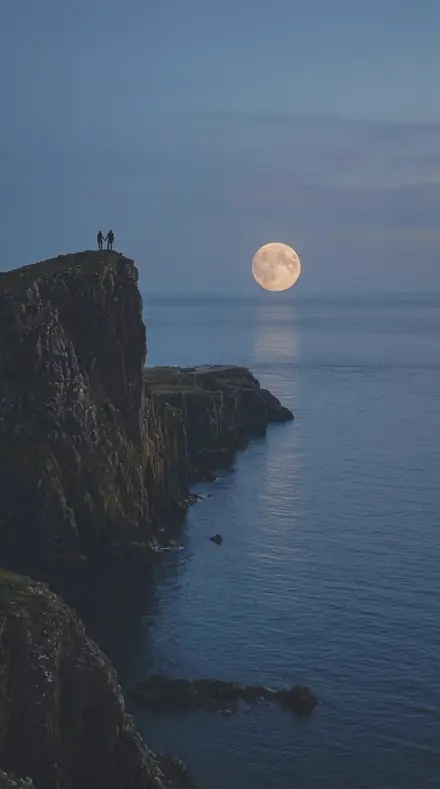
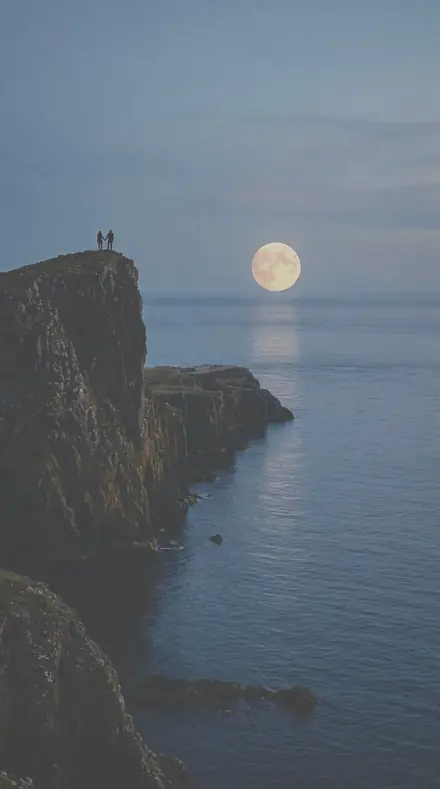
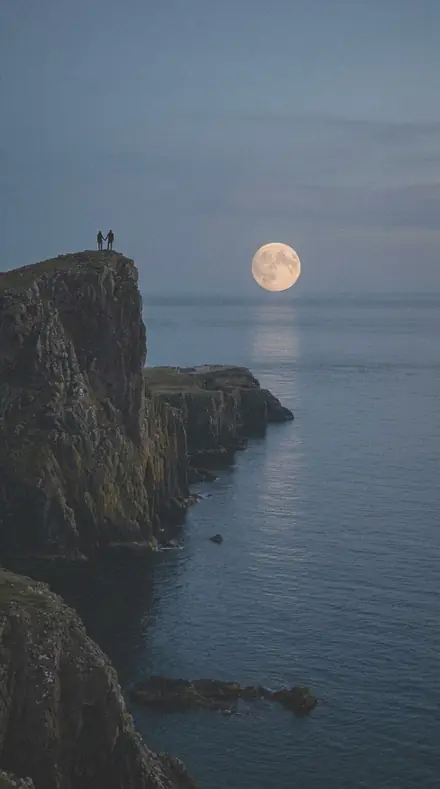
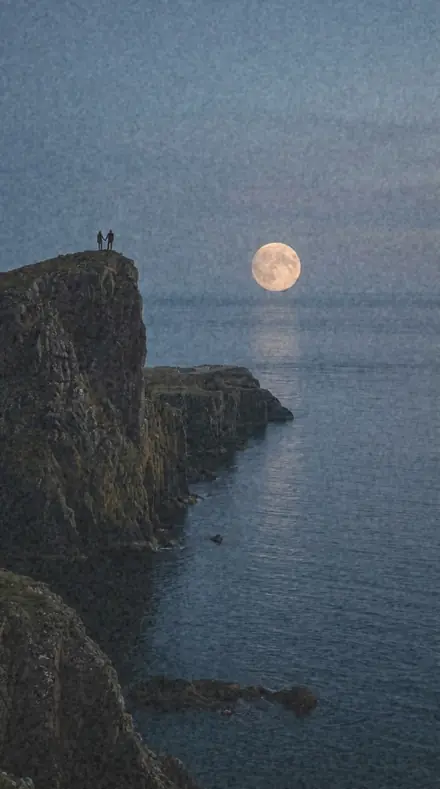
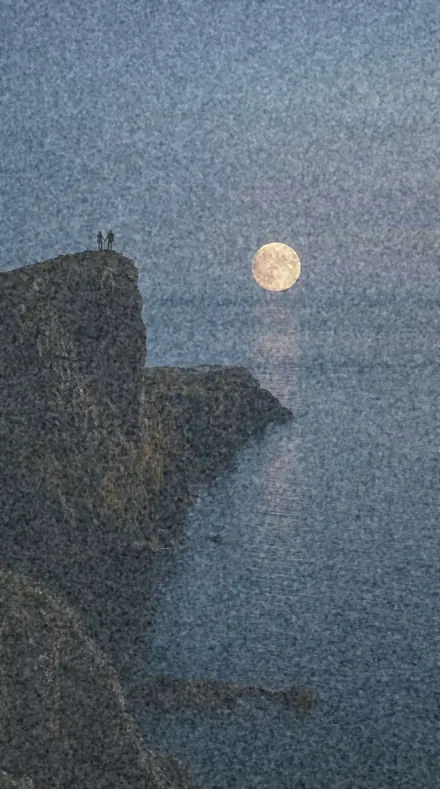
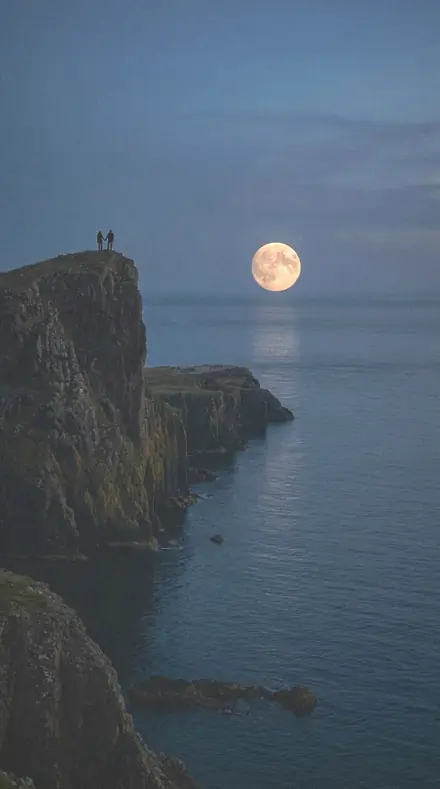
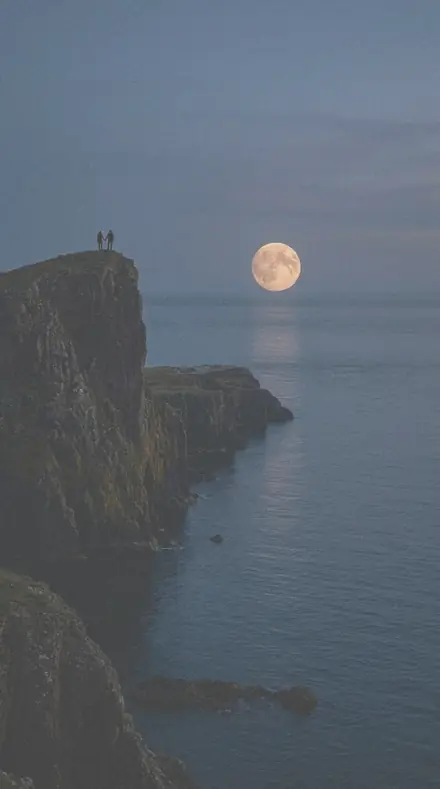
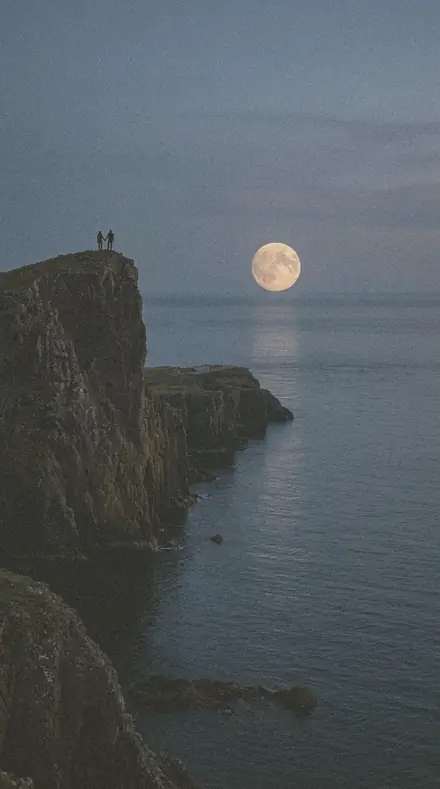
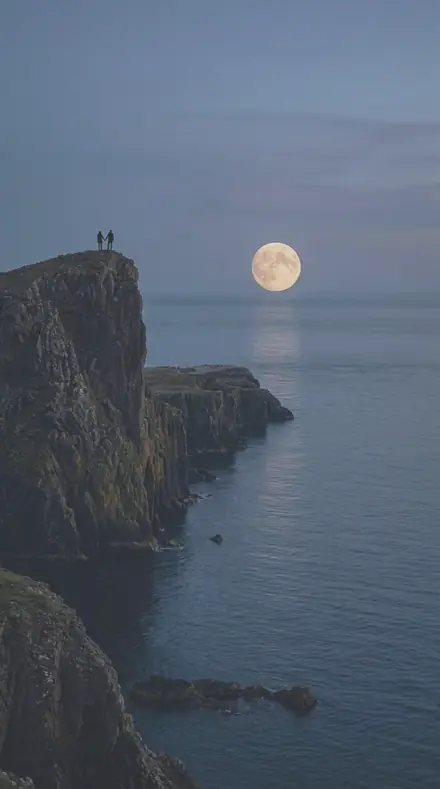
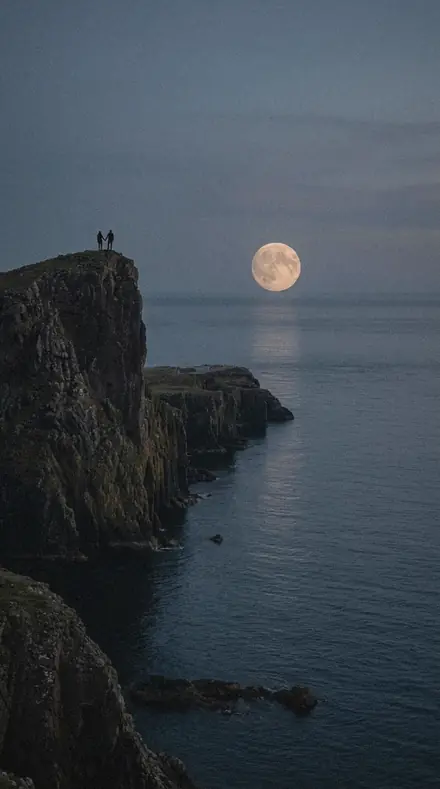
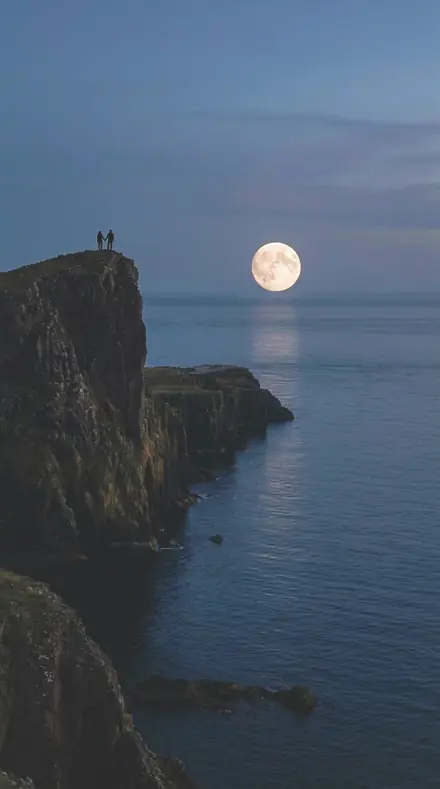
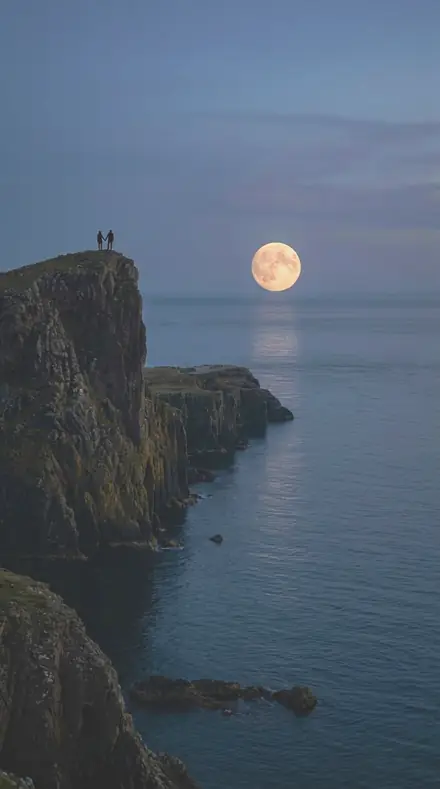
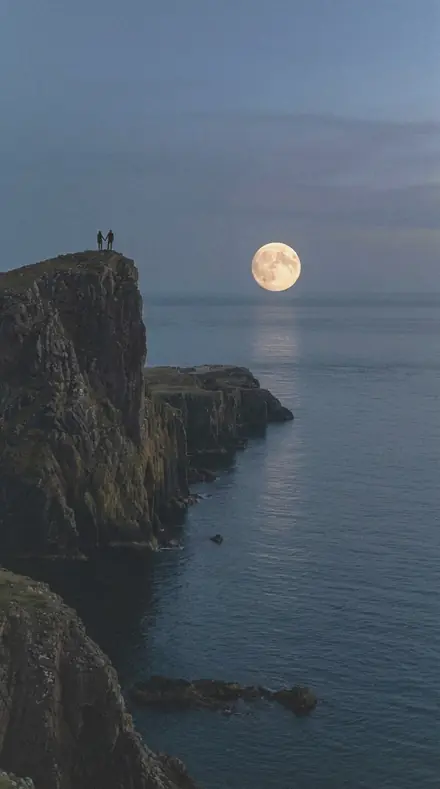
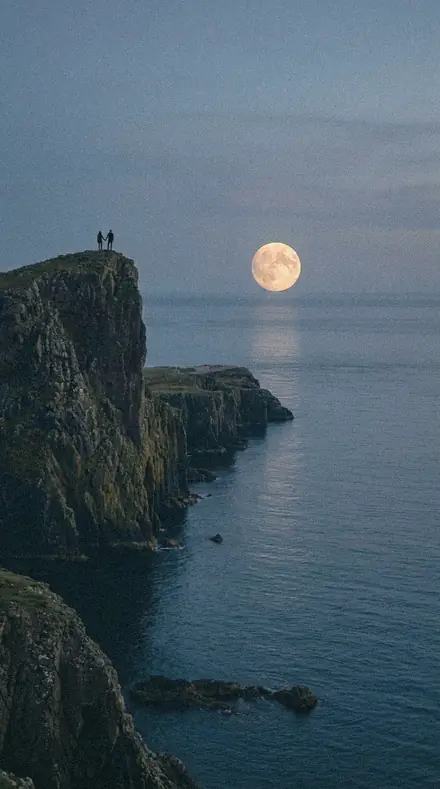
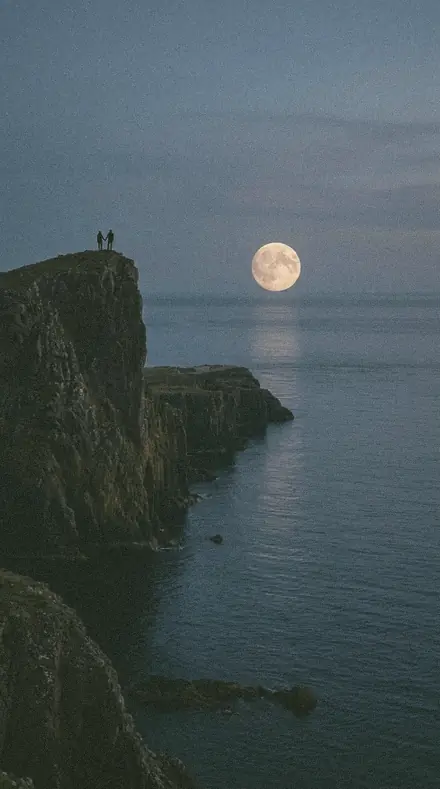
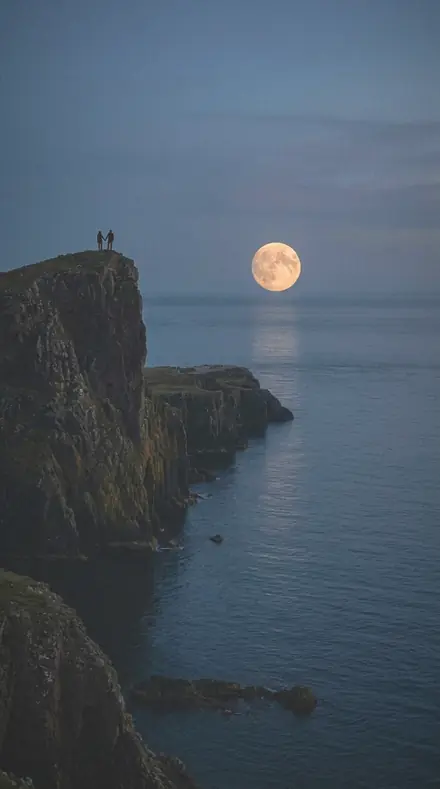
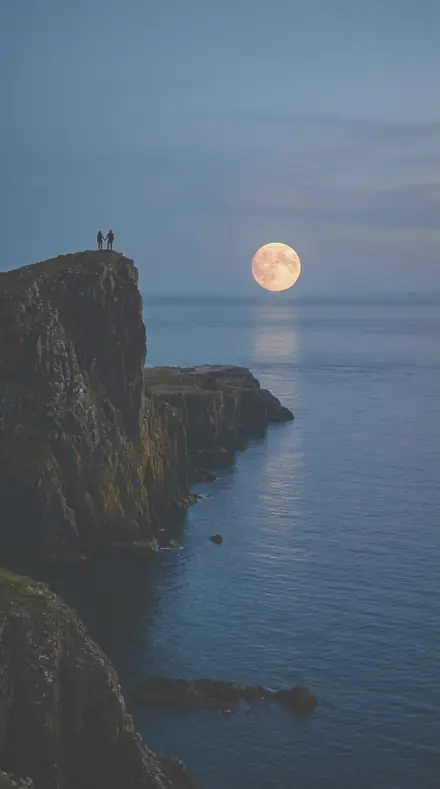
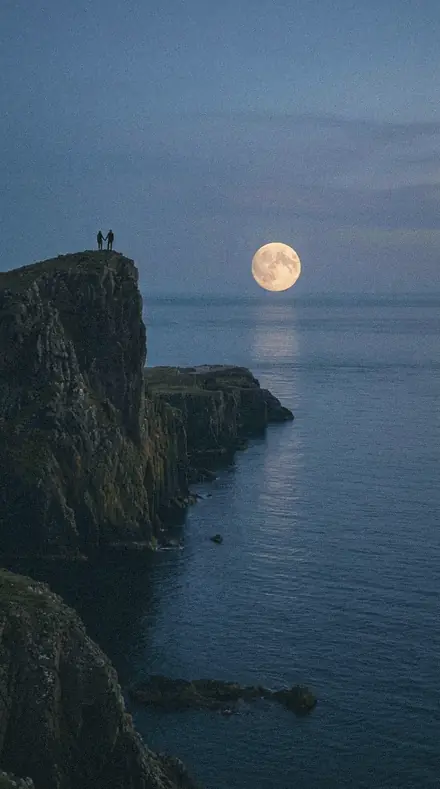
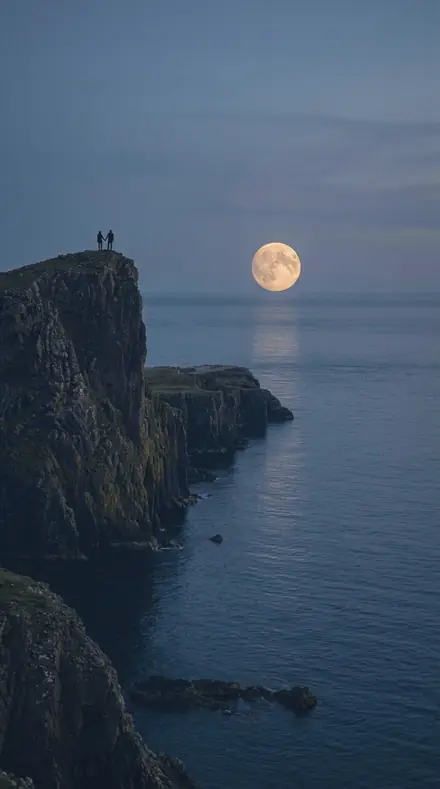
    Barn Door applied to Moonrise cliffs Before: Moonrise cliffs
    Moonrise cliffs
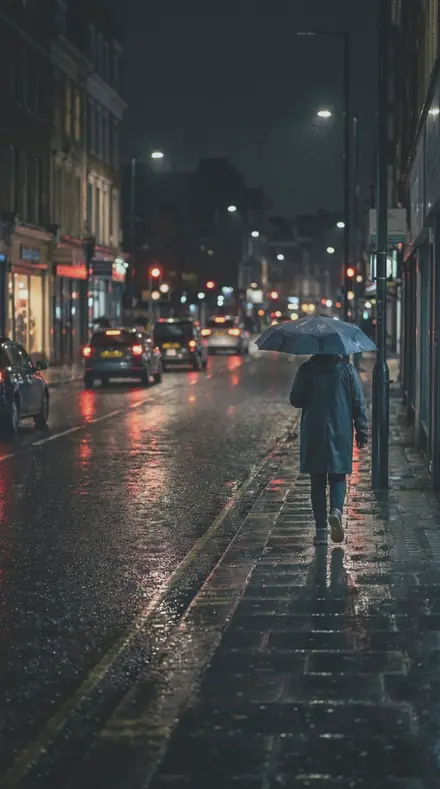
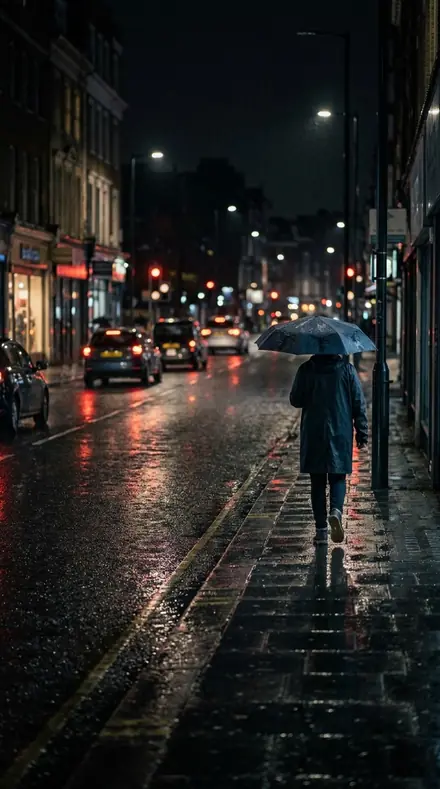
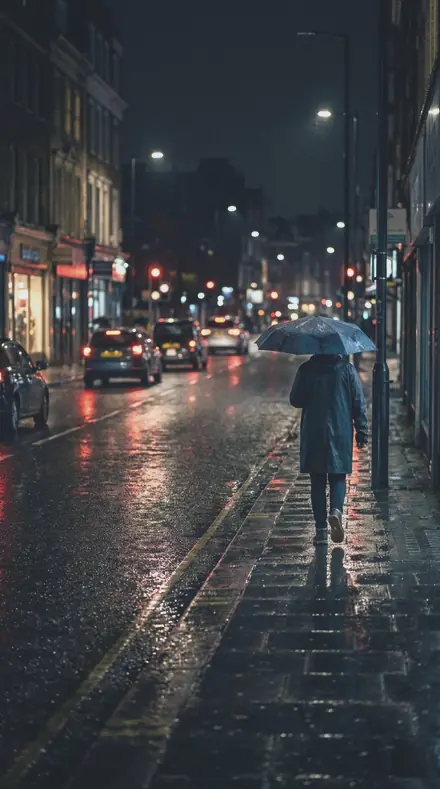
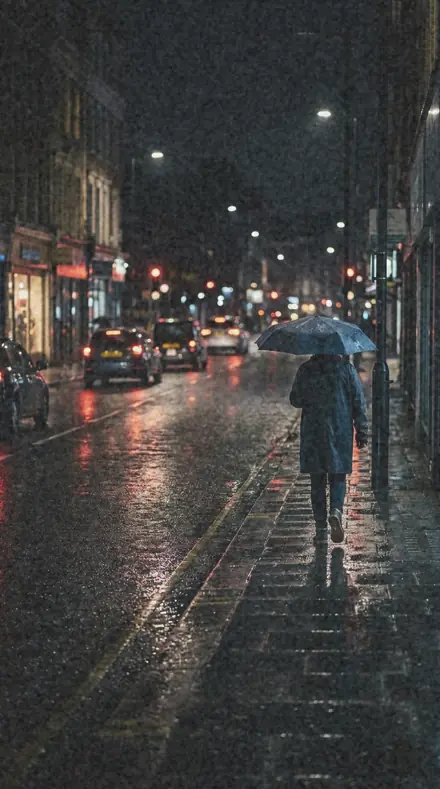
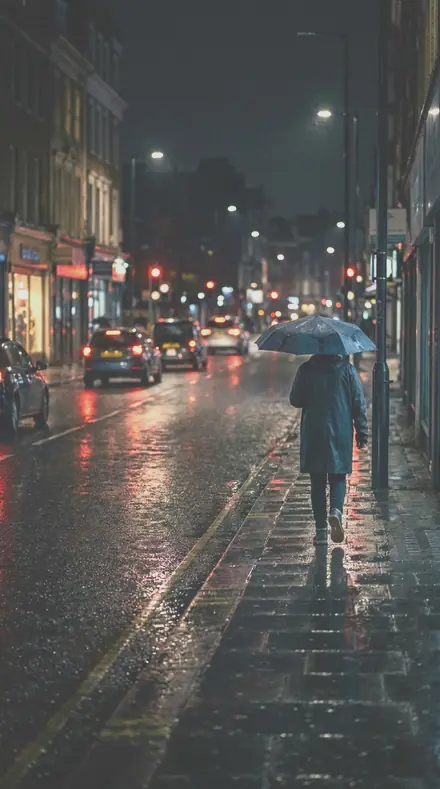
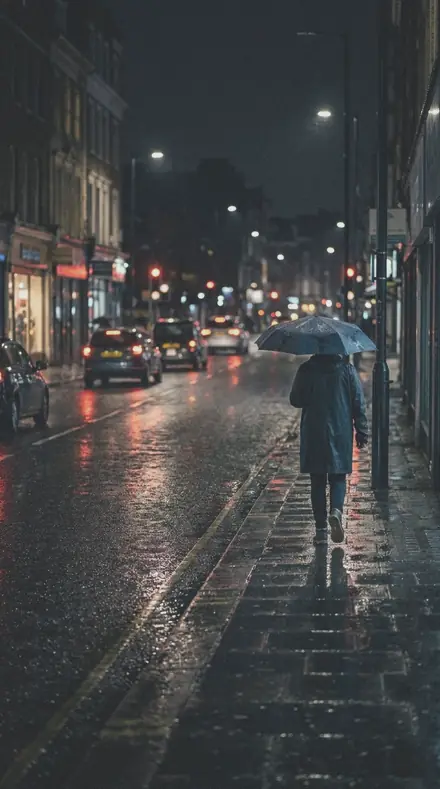
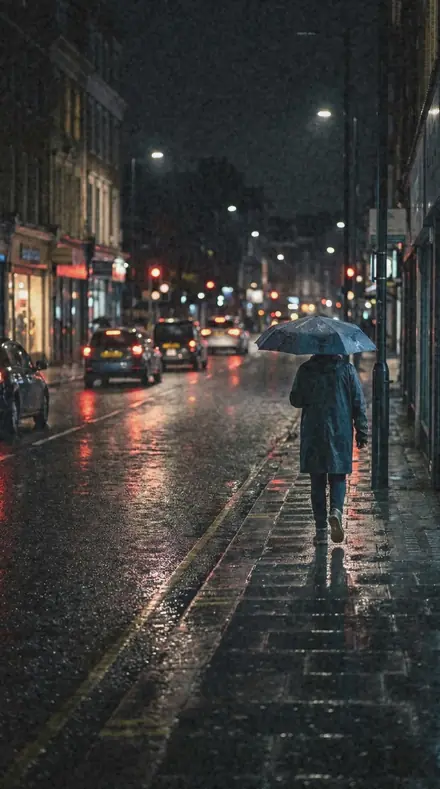
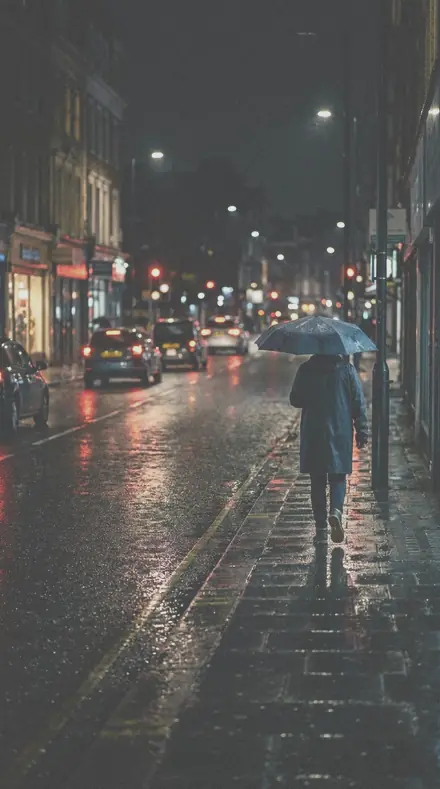
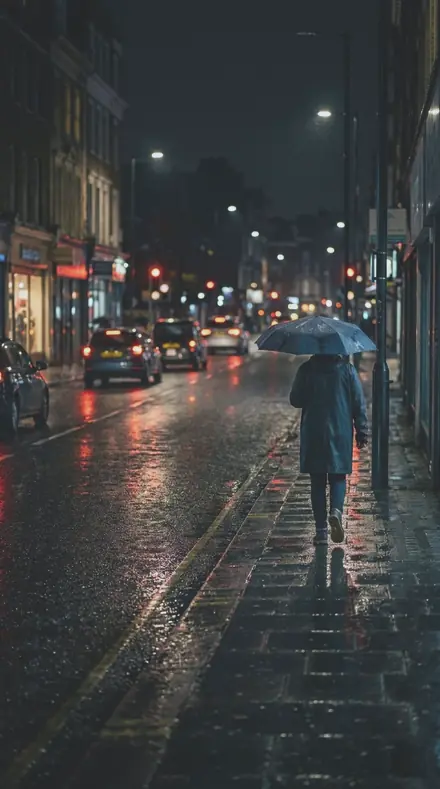
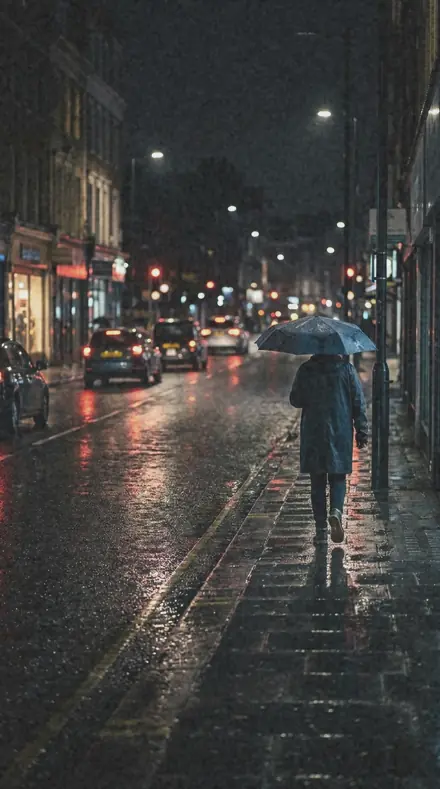
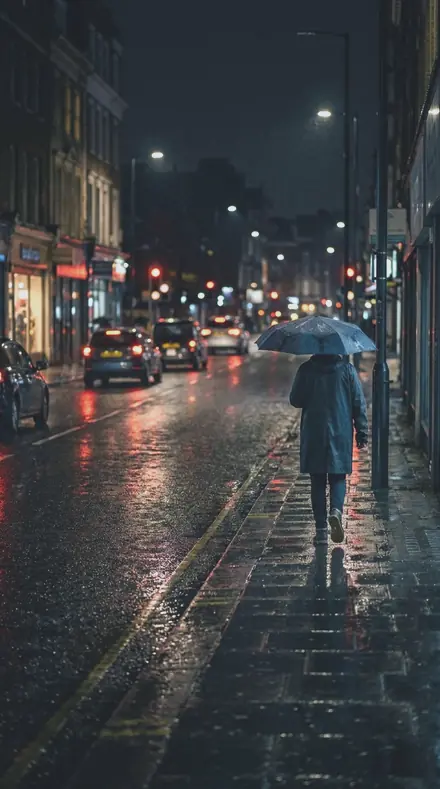
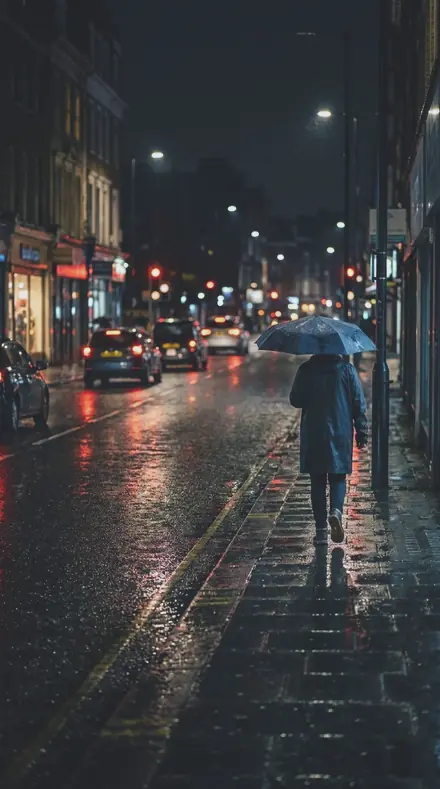
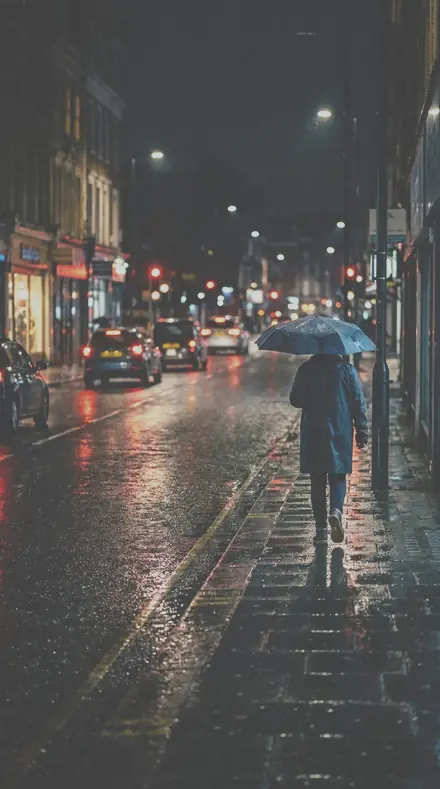
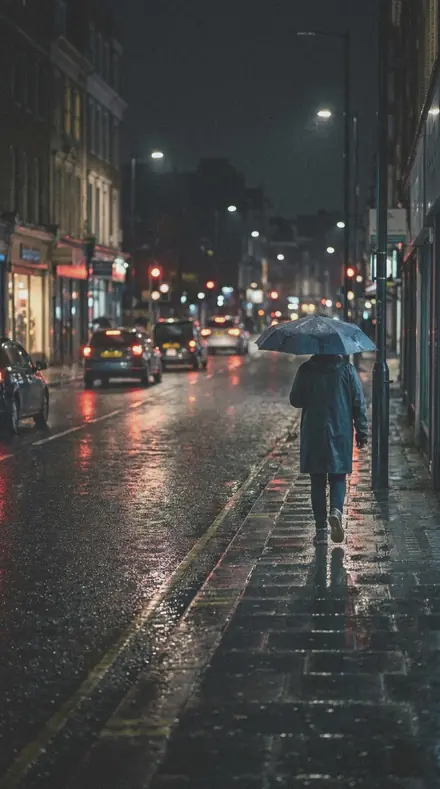
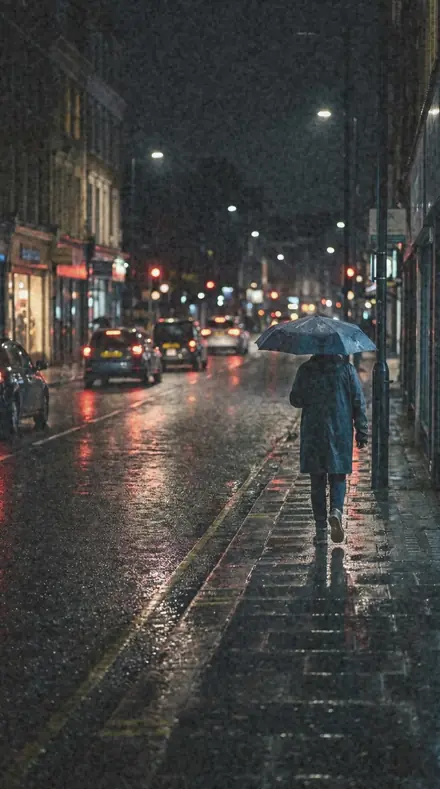
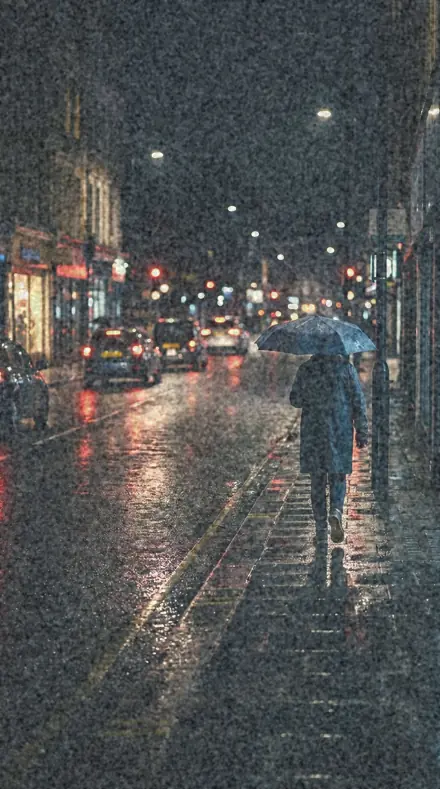
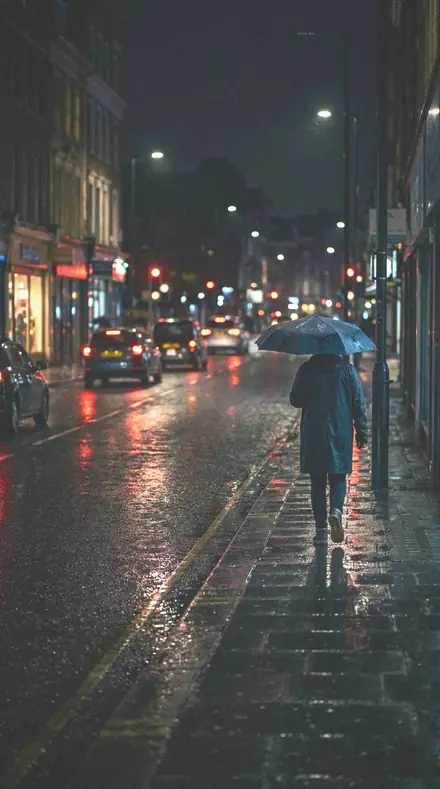
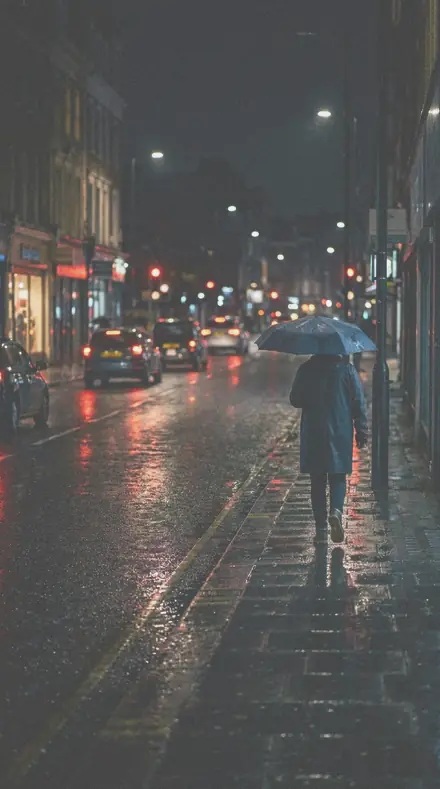
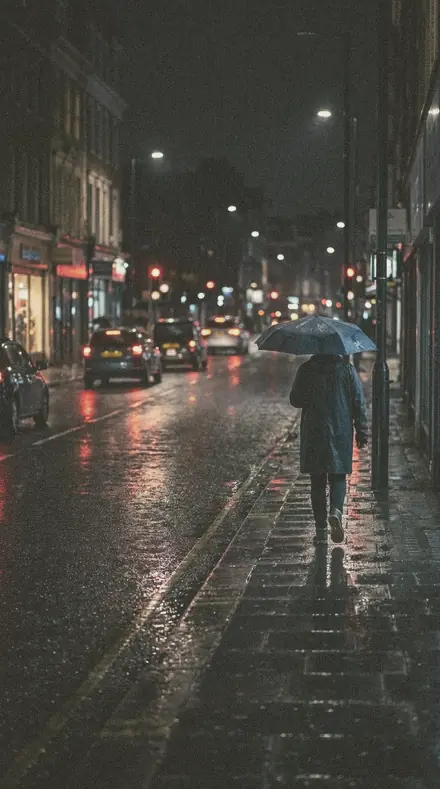
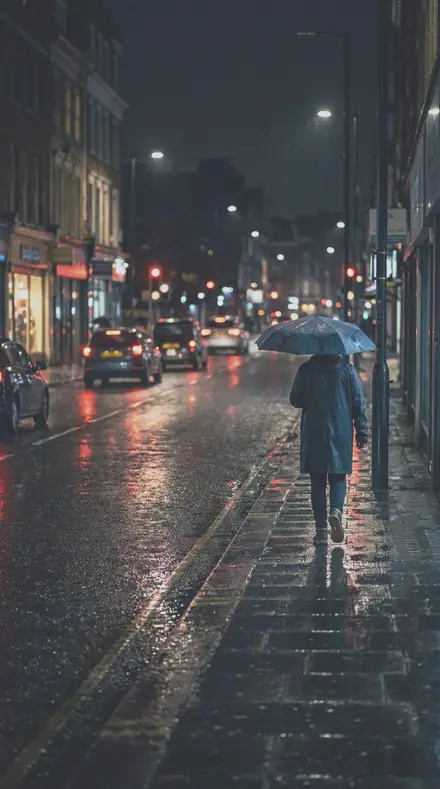
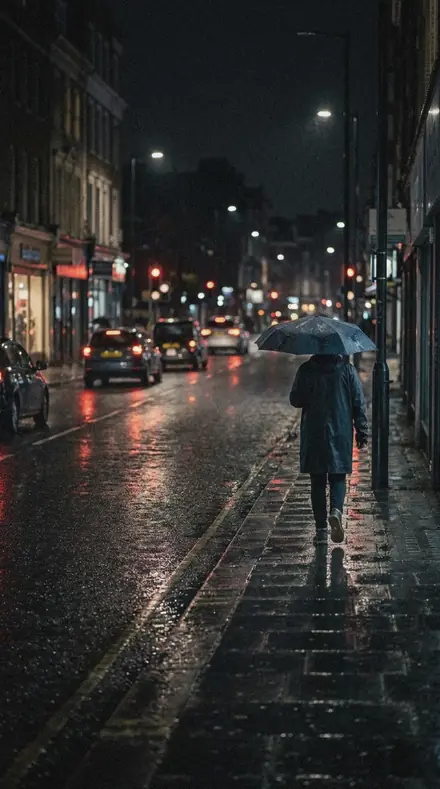
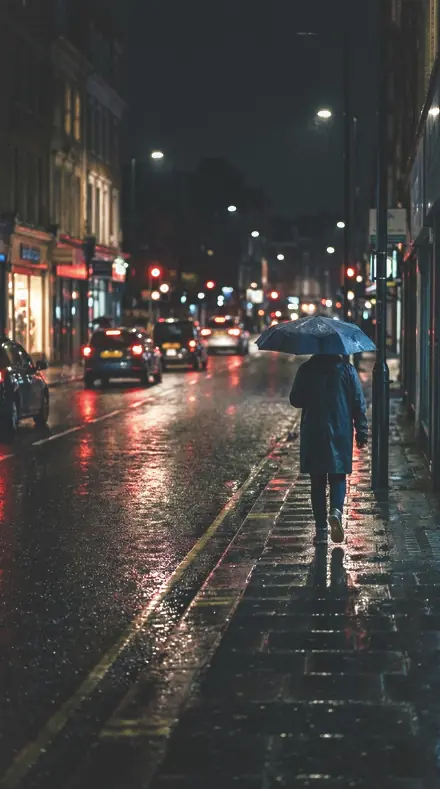
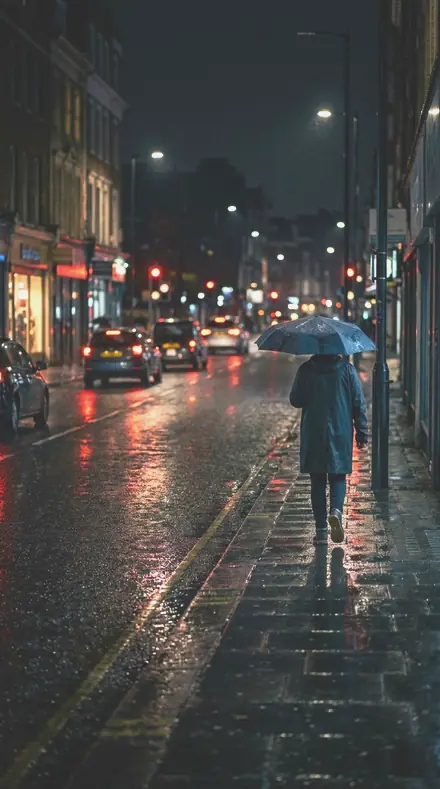
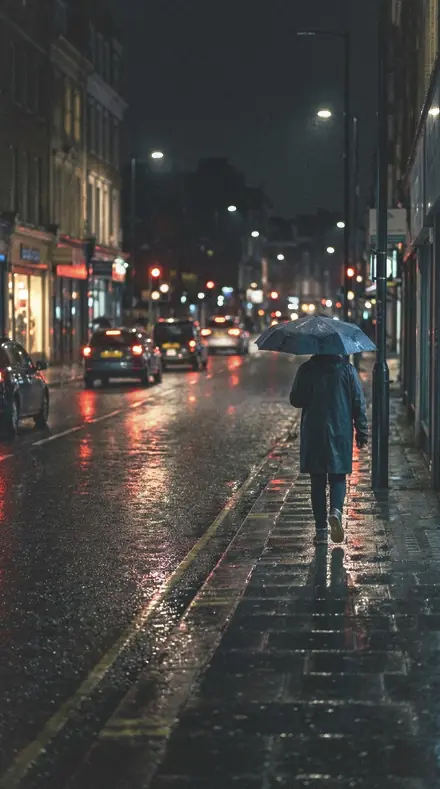
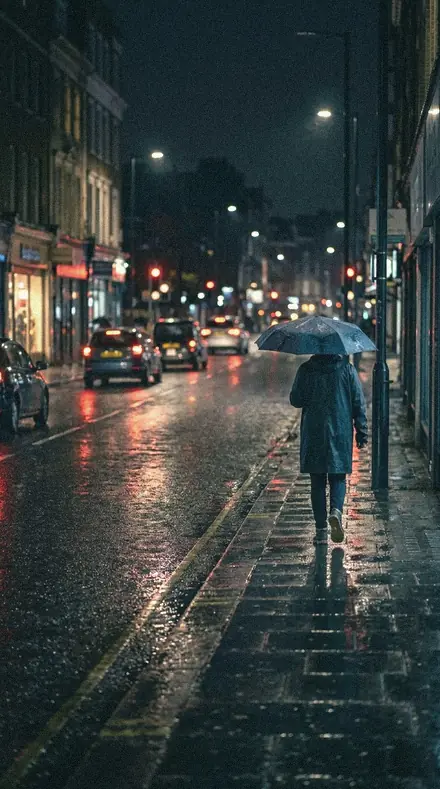
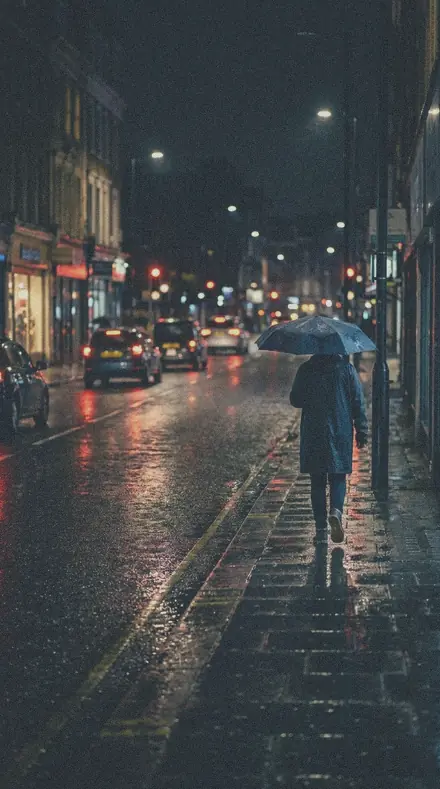
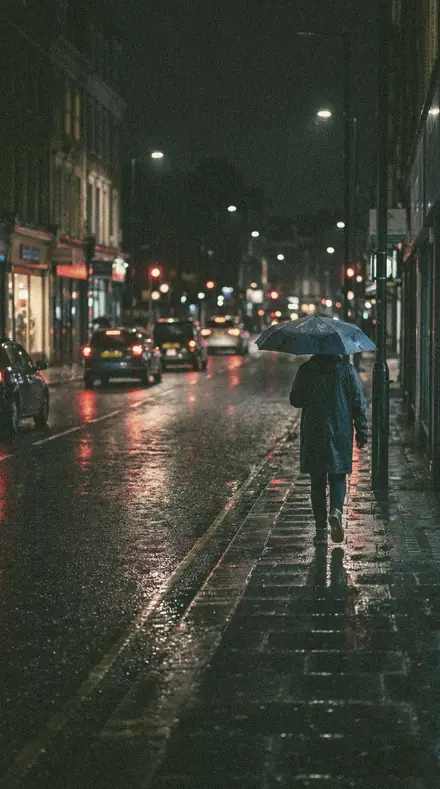
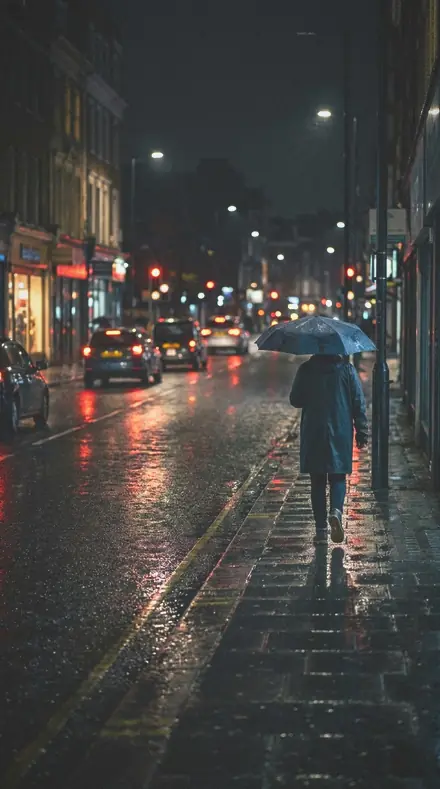
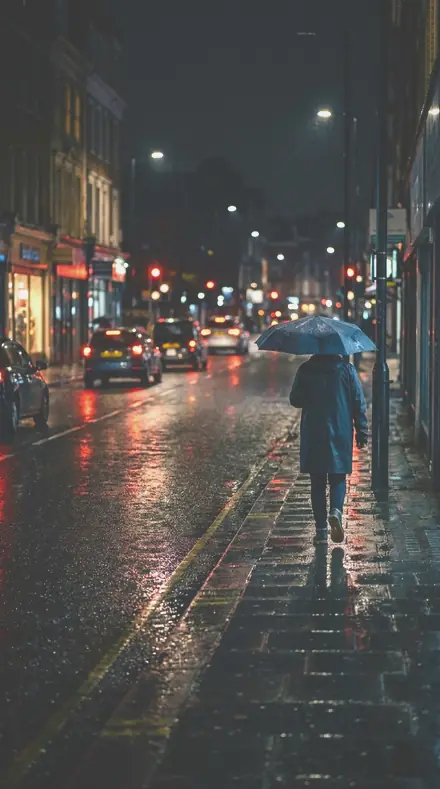
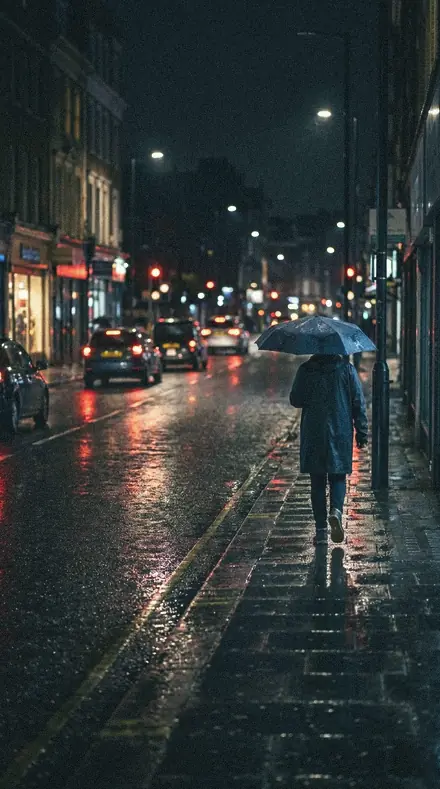
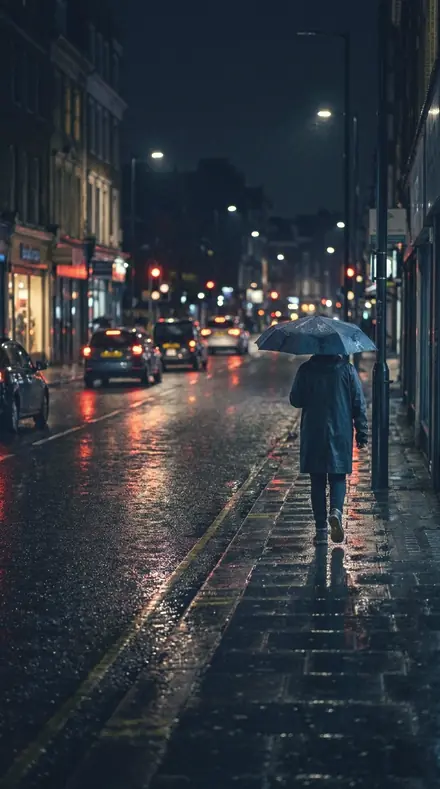
    Barn Door applied to Rain street reflections Before: Rain street reflections
    Rain street reflections

    Drag the handle. Left is the original, right is Barn Door. Rendered from the preset's own settings, not a Lightroom export, so the real thing carries a little more bite.

  2. No. 02Pigeon Loft
    Pigeon Loft applied to Cliff elopement Before: Cliff elopement
    Cliff elopement
    Pigeon Loft applied to Flash brick portrait Before: Flash brick portrait
    Flash brick portrait
    Pigeon Loft applied to Moonrise cliffs Before: Moonrise cliffs
    Moonrise cliffs
    Pigeon Loft applied to Rain street reflections Before: Rain street reflections
    Rain street reflections

    Drag the handle. Left is the original, right is Pigeon Loft. Rendered from the preset's own settings, not a Lightroom export, so the real thing carries a little more bite.

  3. No. 03Service Alley
    Service Alley applied to Cliff elopement Before: Cliff elopement
    Cliff elopement
    Service Alley applied to Flash brick portrait Before: Flash brick portrait
    Flash brick portrait
    Service Alley applied to Moonrise cliffs Before: Moonrise cliffs
    Moonrise cliffs
    Service Alley applied to Rain street reflections Before: Rain street reflections
    Rain street reflections

    Drag the handle. Left is the original, right is Service Alley. Rendered from the preset's own settings, not a Lightroom export, so the real thing carries a little more bite.

  4. No. 04Hot Press
    Hot Press applied to Cliff elopement Before: Cliff elopement
    Cliff elopement
    Hot Press applied to Flash brick portrait Before: Flash brick portrait
    Flash brick portrait
    Hot Press applied to Moonrise cliffs Before: Moonrise cliffs
    Moonrise cliffs
    Hot Press applied to Rain street reflections Before: Rain street reflections
    Rain street reflections

    Drag the handle. Left is the original, right is Hot Press. Rendered from the preset's own settings, not a Lightroom export, so the real thing carries a little more bite.

  5. No. 05EV-09 Land Mist
    EV-09 Land Mist applied to Cliff elopement Before: Cliff elopement
    Cliff elopement
    EV-09 Land Mist applied to Flash brick portrait Before: Flash brick portrait
    Flash brick portrait
    EV-09 Land Mist applied to Moonrise cliffs Before: Moonrise cliffs
    Moonrise cliffs
    EV-09 Land Mist applied to Rain street reflections Before: Rain street reflections
    Rain street reflections

    Drag the handle. Left is the original, right is EV-09 Land Mist. Rendered from the preset's own settings, not a Lightroom export, so the real thing carries a little more bite.

  6. No. 06Vacant Parcel
    Vacant Parcel applied to Cliff elopement Before: Cliff elopement
    Cliff elopement
    Vacant Parcel applied to Flash brick portrait Before: Flash brick portrait
    Flash brick portrait
    Vacant Parcel applied to Moonrise cliffs Before: Moonrise cliffs
    Moonrise cliffs
    Vacant Parcel applied to Rain street reflections Before: Rain street reflections
    Rain street reflections

    Drag the handle. Left is the original, right is Vacant Parcel. Rendered from the preset's own settings, not a Lightroom export, so the real thing carries a little more bite.

  7. No. 07Copy Desk
    Copy Desk applied to Cliff elopement Before: Cliff elopement
    Cliff elopement
    Copy Desk applied to Flash brick portrait Before: Flash brick portrait
    Flash brick portrait
    Copy Desk applied to Moonrise cliffs Before: Moonrise cliffs
    Moonrise cliffs
    Copy Desk applied to Rain street reflections Before: Rain street reflections
    Rain street reflections

    Drag the handle. Left is the original, right is Copy Desk. Rendered from the preset's own settings, not a Lightroom export, so the real thing carries a little more bite.

  8. No. 08Kettle Steam
    Kettle Steam applied to Cliff elopement Before: Cliff elopement
    Cliff elopement
    Kettle Steam applied to Flash brick portrait Before: Flash brick portrait
    Flash brick portrait
    Kettle Steam applied to Moonrise cliffs Before: Moonrise cliffs
    Moonrise cliffs
    Kettle Steam applied to Rain street reflections Before: Rain street reflections
    Rain street reflections

    Drag the handle. Left is the original, right is Kettle Steam. Rendered from the preset's own settings, not a Lightroom export, so the real thing carries a little more bite.

  9. No. 09Scrap Corner
    Scrap Corner applied to Cliff elopement Before: Cliff elopement
    Cliff elopement
    Scrap Corner applied to Flash brick portrait Before: Flash brick portrait
    Flash brick portrait
    Scrap Corner applied to Moonrise cliffs Before: Moonrise cliffs
    Moonrise cliffs
    Scrap Corner applied to Rain street reflections Before: Rain street reflections
    Rain street reflections

    Drag the handle. Left is the original, right is Scrap Corner. Rendered from the preset's own settings, not a Lightroom export, so the real thing carries a little more bite.

  10. No. 10Gate Latch
    Gate Latch applied to Cliff elopement Before: Cliff elopement
    Cliff elopement
    Gate Latch applied to Flash brick portrait Before: Flash brick portrait
    Flash brick portrait
    Gate Latch applied to Moonrise cliffs Before: Moonrise cliffs
    Moonrise cliffs
    Gate Latch applied to Rain street reflections Before: Rain street reflections
    Rain street reflections

    Drag the handle. Left is the original, right is Gate Latch. Rendered from the preset's own settings, not a Lightroom export, so the real thing carries a little more bite.

  11. No. 11Paper Round
    Paper Round applied to Cliff elopement Before: Cliff elopement
    Cliff elopement
    Paper Round applied to Flash brick portrait Before: Flash brick portrait
    Flash brick portrait
    Paper Round applied to Moonrise cliffs Before: Moonrise cliffs
    Moonrise cliffs
    Paper Round applied to Rain street reflections Before: Rain street reflections
    Rain street reflections

    Drag the handle. Left is the original, right is Paper Round. Rendered from the preset's own settings, not a Lightroom export, so the real thing carries a little more bite.

  12. No. 12Card Stock
    Card Stock applied to Cliff elopement Before: Cliff elopement
    Cliff elopement
    Card Stock applied to Flash brick portrait Before: Flash brick portrait
    Flash brick portrait
    Card Stock applied to Moonrise cliffs Before: Moonrise cliffs
    Moonrise cliffs
    Card Stock applied to Rain street reflections Before: Rain street reflections
    Rain street reflections

    Drag the handle. Left is the original, right is Card Stock. Rendered from the preset's own settings, not a Lightroom export, so the real thing carries a little more bite.

  13. No. 13Chain Fence
    Chain Fence applied to Cliff elopement Before: Cliff elopement
    Cliff elopement
    Chain Fence applied to Flash brick portrait Before: Flash brick portrait
    Flash brick portrait
    Chain Fence applied to Moonrise cliffs Before: Moonrise cliffs
    Moonrise cliffs
    Chain Fence applied to Rain street reflections Before: Rain street reflections
    Rain street reflections

    Drag the handle. Left is the original, right is Chain Fence. Rendered from the preset's own settings, not a Lightroom export, so the real thing carries a little more bite.

  14. No. 14Weed Crack
    Weed Crack applied to Cliff elopement Before: Cliff elopement
    Cliff elopement
    Weed Crack applied to Flash brick portrait Before: Flash brick portrait
    Flash brick portrait
    Weed Crack applied to Moonrise cliffs Before: Moonrise cliffs
    Moonrise cliffs
    Weed Crack applied to Rain street reflections Before: Rain street reflections
    Rain street reflections

    Drag the handle. Left is the original, right is Weed Crack. Rendered from the preset's own settings, not a Lightroom export, so the real thing carries a little more bite.

  15. No. 15CS-13 Grain Embrace
    CS-13 Grain Embrace applied to Cliff elopement Before: Cliff elopement
    Cliff elopement
    CS-13 Grain Embrace applied to Flash brick portrait Before: Flash brick portrait
    Flash brick portrait
    CS-13 Grain Embrace applied to Moonrise cliffs Before: Moonrise cliffs
    Moonrise cliffs
    CS-13 Grain Embrace applied to Rain street reflections Before: Rain street reflections
    Rain street reflections

    Drag the handle. Left is the original, right is CS-13 Grain Embrace. Rendered from the preset's own settings, not a Lightroom export, so the real thing carries a little more bite.

  16. No. 16Flight Rise
    Flight Rise applied to Cliff elopement Before: Cliff elopement
    Cliff elopement
    Flight Rise applied to Flash brick portrait Before: Flash brick portrait
    Flash brick portrait
    Flight Rise applied to Moonrise cliffs Before: Moonrise cliffs
    Moonrise cliffs
    Flight Rise applied to Rain street reflections Before: Rain street reflections
    Rain street reflections

    Drag the handle. Left is the original, right is Flight Rise. Rendered from the preset's own settings, not a Lightroom export, so the real thing carries a little more bite.

  17. No. 17Pulp Beater
    Pulp Beater applied to Cliff elopement Before: Cliff elopement
    Cliff elopement
    Pulp Beater applied to Flash brick portrait Before: Flash brick portrait
    Flash brick portrait
    Pulp Beater applied to Moonrise cliffs Before: Moonrise cliffs
    Moonrise cliffs
    Pulp Beater applied to Rain street reflections Before: Rain street reflections
    Rain street reflections

    Drag the handle. Left is the original, right is Pulp Beater. Rendered from the preset's own settings, not a Lightroom export, so the real thing carries a little more bite.

  18. No. 18Paper Fade
    Paper Fade applied to Cliff elopement Before: Cliff elopement
    Cliff elopement
    Paper Fade applied to Flash brick portrait Before: Flash brick portrait
    Flash brick portrait
    Paper Fade applied to Moonrise cliffs Before: Moonrise cliffs
    Moonrise cliffs
    Paper Fade applied to Rain street reflections Before: Rain street reflections
    Rain street reflections

    Drag the handle. Left is the original, right is Paper Fade. Rendered from the preset's own settings, not a Lightroom export, so the real thing carries a little more bite.

  19. No. 19Drift Fog
    Drift Fog applied to Cliff elopement Before: Cliff elopement
    Cliff elopement
    Drift Fog applied to Flash brick portrait Before: Flash brick portrait
    Flash brick portrait
    Drift Fog applied to Moonrise cliffs Before: Moonrise cliffs
    Moonrise cliffs
    Drift Fog applied to Rain street reflections Before: Rain street reflections
    Rain street reflections

    Drag the handle. Left is the original, right is Drift Fog. Rendered from the preset's own settings, not a Lightroom export, so the real thing carries a little more bite.

  20. No. 20Bark Fissure
    Bark Fissure applied to Cliff elopement Before: Cliff elopement
    Cliff elopement
    Bark Fissure applied to Flash brick portrait Before: Flash brick portrait
    Flash brick portrait
    Bark Fissure applied to Moonrise cliffs Before: Moonrise cliffs
    Moonrise cliffs
    Bark Fissure applied to Rain street reflections Before: Rain street reflections
    Rain street reflections

    Drag the handle. Left is the original, right is Bark Fissure. Rendered from the preset's own settings, not a Lightroom export, so the real thing carries a little more bite.

  21. No. 21Ceiling Rose
    Ceiling Rose applied to Cliff elopement Before: Cliff elopement
    Cliff elopement
    Ceiling Rose applied to Flash brick portrait Before: Flash brick portrait
    Flash brick portrait
    Ceiling Rose applied to Moonrise cliffs Before: Moonrise cliffs
    Moonrise cliffs
    Ceiling Rose applied to Rain street reflections Before: Rain street reflections
    Rain street reflections

    Drag the handle. Left is the original, right is Ceiling Rose. Rendered from the preset's own settings, not a Lightroom export, so the real thing carries a little more bite.

  22. No. 22Primer Layer
    Primer Layer applied to Cliff elopement Before: Cliff elopement
    Cliff elopement
    Primer Layer applied to Flash brick portrait Before: Flash brick portrait
    Flash brick portrait
    Primer Layer applied to Moonrise cliffs Before: Moonrise cliffs
    Moonrise cliffs
    Primer Layer applied to Rain street reflections Before: Rain street reflections
    Rain street reflections

    Drag the handle. Left is the original, right is Primer Layer. Rendered from the preset's own settings, not a Lightroom export, so the real thing carries a little more bite.

  23. No. 23Soffit Plane
    Soffit Plane applied to Cliff elopement Before: Cliff elopement
    Cliff elopement
    Soffit Plane applied to Flash brick portrait Before: Flash brick portrait
    Flash brick portrait
    Soffit Plane applied to Moonrise cliffs Before: Moonrise cliffs
    Moonrise cliffs
    Soffit Plane applied to Rain street reflections Before: Rain street reflections
    Rain street reflections

    Drag the handle. Left is the original, right is Soffit Plane. Rendered from the preset's own settings, not a Lightroom export, so the real thing carries a little more bite.

  24. No. 24Muted Shore
    Muted Shore applied to Cliff elopement Before: Cliff elopement
    Cliff elopement
    Muted Shore applied to Flash brick portrait Before: Flash brick portrait
    Flash brick portrait
    Muted Shore applied to Moonrise cliffs Before: Moonrise cliffs
    Moonrise cliffs
    Muted Shore applied to Rain street reflections Before: Rain street reflections
    Rain street reflections

    Drag the handle. Left is the original, right is Muted Shore. Rendered from the preset's own settings, not a Lightroom export, so the real thing carries a little more bite.

  25. No. 25SN-13 Matte Night
    SN-13 Matte Night applied to Cliff elopement Before: Cliff elopement
    Cliff elopement
    SN-13 Matte Night applied to Flash brick portrait Before: Flash brick portrait
    Flash brick portrait
    SN-13 Matte Night applied to Moonrise cliffs Before: Moonrise cliffs
    Moonrise cliffs
    SN-13 Matte Night applied to Rain street reflections Before: Rain street reflections
    Rain street reflections

    Drag the handle. Left is the original, right is SN-13 Matte Night. Rendered from the preset's own settings, not a Lightroom export, so the real thing carries a little more bite.

  26. No. 26CS-08 Backstage Notebook
    CS-08 Backstage Notebook applied to Cliff elopement Before: Cliff elopement
    Cliff elopement
    CS-08 Backstage Notebook applied to Flash brick portrait Before: Flash brick portrait
    Flash brick portrait
    CS-08 Backstage Notebook applied to Moonrise cliffs Before: Moonrise cliffs
    Moonrise cliffs
    CS-08 Backstage Notebook applied to Rain street reflections Before: Rain street reflections
    Rain street reflections

    Drag the handle. Left is the original, right is CS-08 Backstage Notebook. Rendered from the preset's own settings, not a Lightroom export, so the real thing carries a little more bite.

  27. No. 27Corner Fold
    Corner Fold applied to Cliff elopement Before: Cliff elopement
    Cliff elopement
    Corner Fold applied to Flash brick portrait Before: Flash brick portrait
    Flash brick portrait
    Corner Fold applied to Moonrise cliffs Before: Moonrise cliffs
    Moonrise cliffs
    Corner Fold applied to Rain street reflections Before: Rain street reflections
    Rain street reflections

    Drag the handle. Left is the original, right is Corner Fold. Rendered from the preset's own settings, not a Lightroom export, so the real thing carries a little more bite.

  28. No. 28Landing Turn
    Landing Turn applied to Cliff elopement Before: Cliff elopement
    Cliff elopement
    Landing Turn applied to Flash brick portrait Before: Flash brick portrait
    Flash brick portrait
    Landing Turn applied to Moonrise cliffs Before: Moonrise cliffs
    Moonrise cliffs
    Landing Turn applied to Rain street reflections Before: Rain street reflections
    Rain street reflections

    Drag the handle. Left is the original, right is Landing Turn. Rendered from the preset's own settings, not a Lightroom export, so the real thing carries a little more bite.

  29. No. 29Harbour Damp
    Harbour Damp applied to Cliff elopement Before: Cliff elopement
    Cliff elopement
    Harbour Damp applied to Flash brick portrait Before: Flash brick portrait
    Flash brick portrait
    Harbour Damp applied to Moonrise cliffs Before: Moonrise cliffs
    Moonrise cliffs
    Harbour Damp applied to Rain street reflections Before: Rain street reflections
    Rain street reflections

    Drag the handle. Left is the original, right is Harbour Damp. Rendered from the preset's own settings, not a Lightroom export, so the real thing carries a little more bite.

  30. No. 30Quiet Tide
    Quiet Tide applied to Cliff elopement Before: Cliff elopement
    Cliff elopement
    Quiet Tide applied to Flash brick portrait Before: Flash brick portrait
    Flash brick portrait
    Quiet Tide applied to Moonrise cliffs Before: Moonrise cliffs
    Moonrise cliffs
    Quiet Tide applied to Rain street reflections Before: Rain street reflections
    Rain street reflections

    Drag the handle. Left is the original, right is Quiet Tide. Rendered from the preset's own settings, not a Lightroom export, so the real thing carries a little more bite.

Pastel Film is the cool side of colour negative: shadows that lean mint or lavender, skin that stays pale and clean, highlights that open up and float. Where the warm rolls feel like late afternoon, this world is morning: overcast light, white walls, garden weddings, a nursery. The dialect is airy, quiet, faded and gentle. Grain is fine, blacks are lifted high, saturation is muted and tint drifts a few points green. Every pack promises one specific thing the cool negative does to light, skin or shadow that a warm roll cannot.

Every pack here is its own product with its own page, so you buy the one look you need, and a larger pack or the family collection is always one step up from it.

Yours in two minutes

how it works

  1. Step 1

    Buy

    Pay with Apple Pay, Google Pay or a card.

  2. Step 2

    Download

    The zip downloads right away, and a copy lands in your email.

  3. Step 3

    Import

    Add the presets to Lightroom in a minute.

    PhoneClassicDesktop
  4. Step 4

    Tap

    One tap on any photo. Every slider stays yours to adjust.

Yours to keep, for personal and client work. Please do not share the files. The license

Netzah Elad Topaz, the photographer who makes these presets

the maker

Why I Make These

I am Netzah Elad Topaz. I take photographs and I build software, and the two keep leading me back to the same problem. You were there. The light was doing something you will not see again. Then the photo comes back flat, and it is not what you were looking at.

Closing that gap is the whole job. Every preset here is built from Adobe defaults by hand, with a written note for what it should do to a picture, and it is judged on photographs before it ships. Nothing is a filter dropped on top of your work.

What I want is simple. You open a photo you almost gave up on, you tap once, and there it is: the day you remember, not the file your camera handed you. That is worth doing properly.

Questions, answered

Which Lightroom versions does this work with?

Lightroom Classic and Lightroom desktop via the XMP files, and the free Lightroom mobile app on iPhone and Android via the DNG files. Install once and the presets sync across your devices.

Is it safe on skin tones?

It is safe for faces in the frame, but this pack is tuned for the scene. If a person is the subject, the Pastel Portrait packs hold skin more carefully.

How do I make it stronger or softer?

Use the Amount slider in Lightroom desktop and mobile to dial the whole preset up or down. To keep the pastel colour but reduce the fade, raise Blacks a few points; to keep the fade but cool it less, nudge Temperature warmer.

Do these work in the free Lightroom app?

Yes. Import the .xmp files in the free Lightroom app on iPhone or Android, no subscription needed. They also work in Lightroom Classic and Lightroom on desktop.

What exactly do I get?

All 10 presets from Airy Film Portrait as .xmp files in an instant ZIP download. The link also lands in your email, and the purchase stays in your account so you can re-download any time.

How do I install them?

Two minutes: unzip, then import inside Lightroom. The step-by-step guide covers iPhone, Android, and desktop.

Can I use them for client work?

Yes. The single-user license covers personal and commercial photography. The one thing you can't do is share or resell the preset files themselves.

Can I tweak a preset after applying it?

Always. A preset is a starting point; every slider stays yours to adjust.

What else is like this

All film
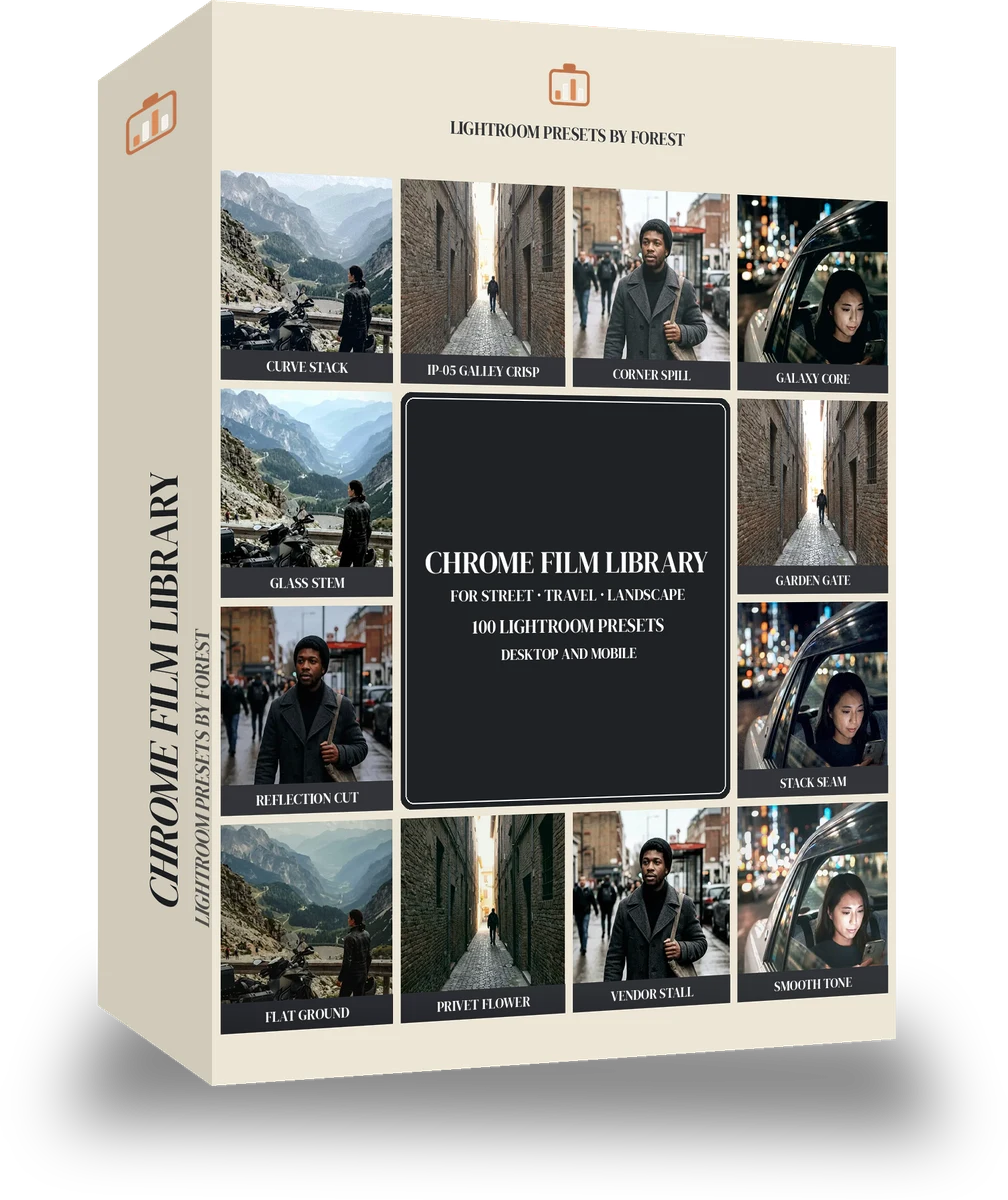
A fictional motorcyclist in a leather jacket stopped at a mountain pass overlook, bike in the foreground, hazy valley. With the Chrome Film preset applied.A fictional motorcyclist in a leather jacket stopped at a mountain pass overlook, bike in the foreground, hazy valley. Photographed without a preset.
Chrome Film applied to A fictional motorcyclist in a leather jacket stopped at a mountain pass overlook, bike in the foreground, hazy valley

Chrome Film

film · 100 presets

was $149now $79Save $70

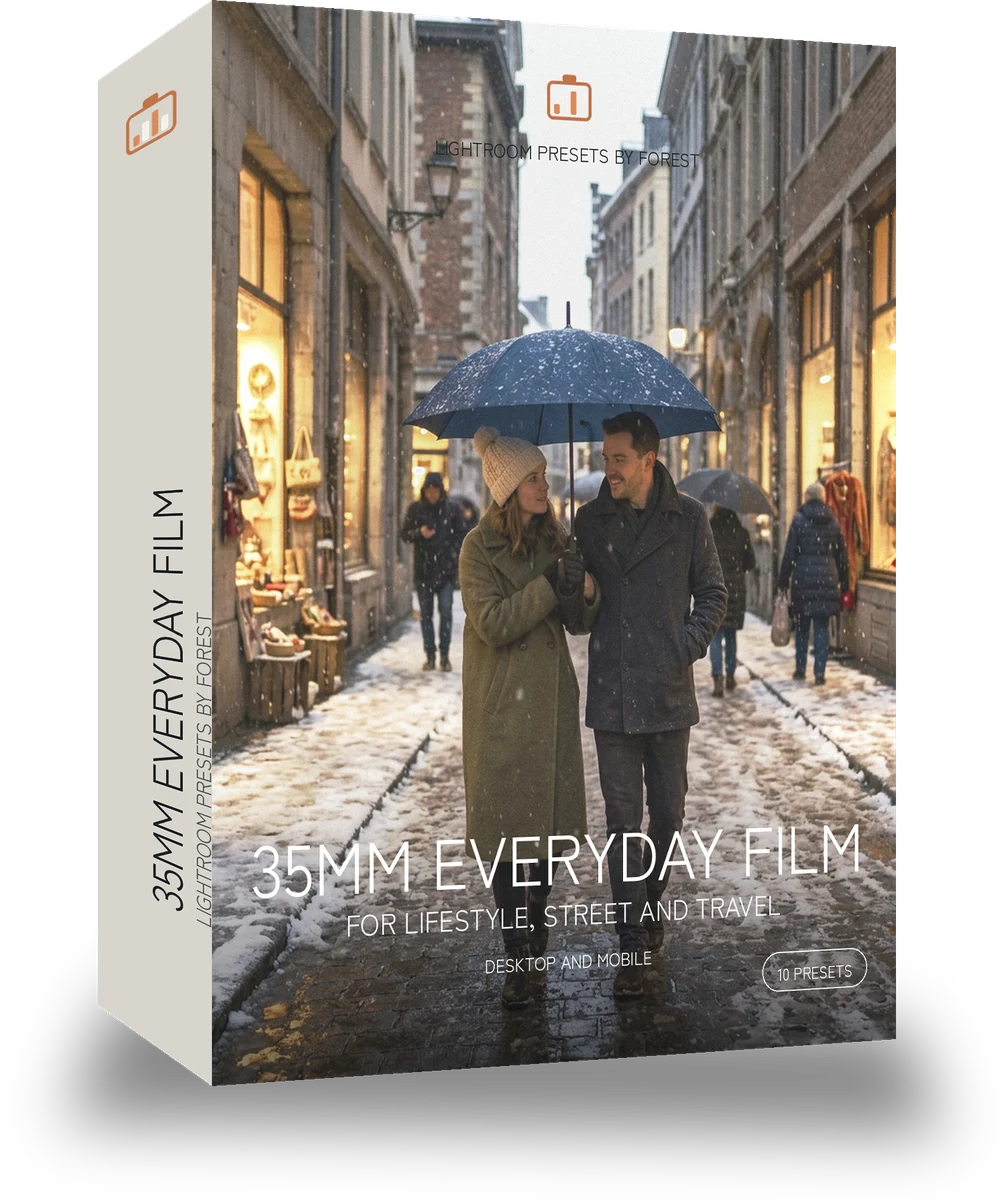
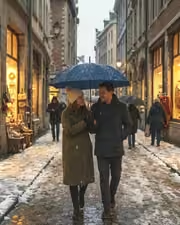
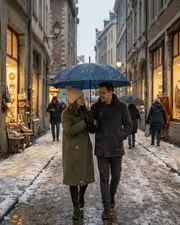
A fictional couple walking under one umbrella in falling snow on a European city street at dusk, shop windows glowing. With the Japan Film preset applied.A fictional couple walking under one umbrella in falling snow on a European city street at dusk, shop windows glowing. Photographed without a preset.
Japan Film applied to A fictional couple walking under one umbrella in falling snow on a European city street at dusk, shop windows glowing

Japan Film

film · 10 presets

was $24.99now $14.99Save $10

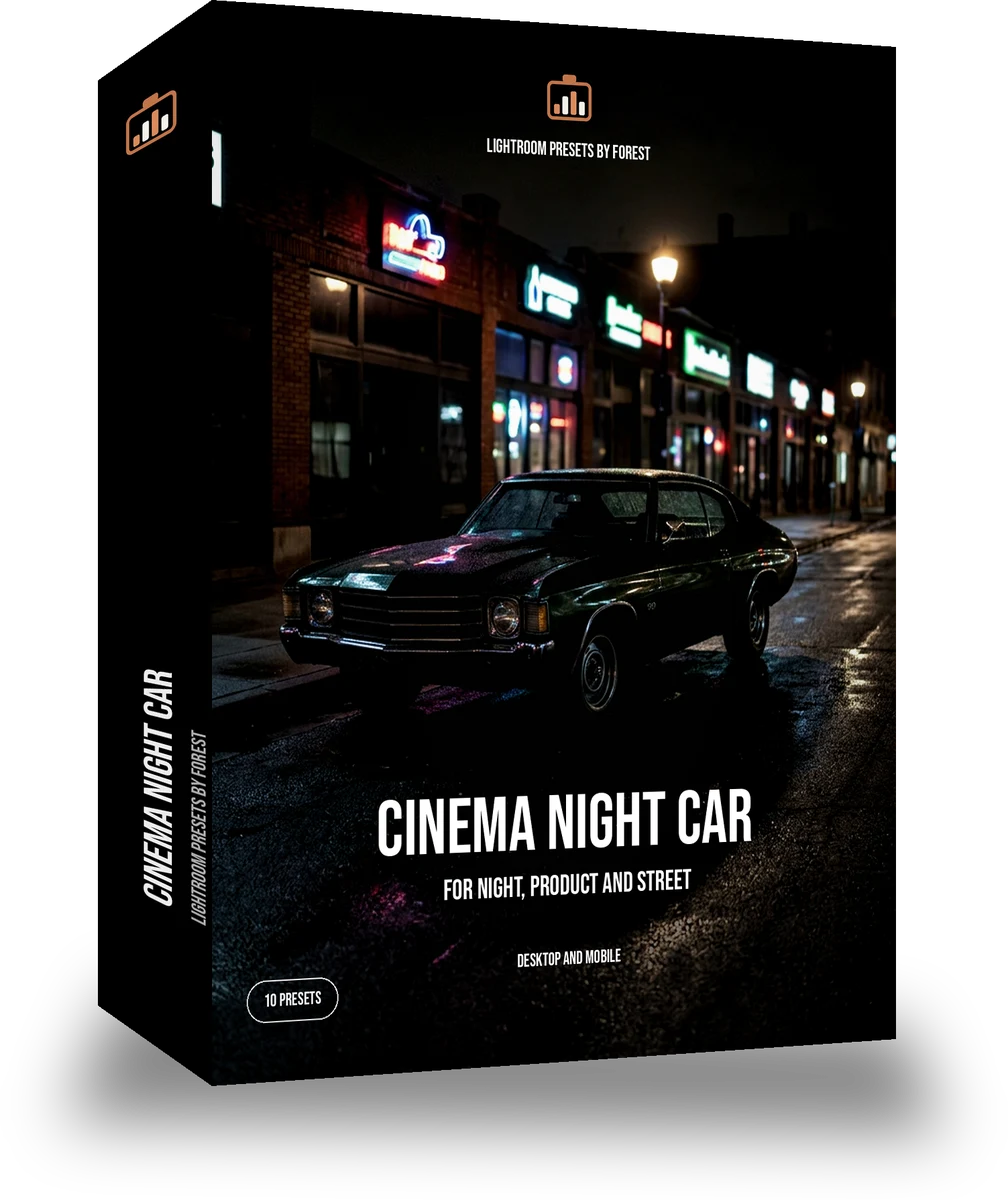
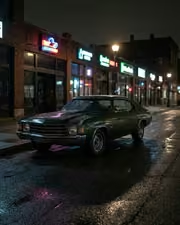
A 1970s classic car parked on a night street lit by neon shop signs, wet asphalt reflections, no people. With the Night Halation preset applied.A 1970s classic car parked on a night street lit by neon shop signs, wet asphalt reflections, no people. Photographed without a preset.
Night Halation applied to A 1970s classic car parked on a night street lit by neon shop signs, wet asphalt reflections, no people

Night Halation

film · 10 presets

was $24.99now $14.99Save $10

A fictional bride having her hair pinned by a window in a hotel room, white dress hanging behind, soft daylight. With the Warm Negative preset applied.A fictional bride having her hair pinned by a window in a hotel room, white dress hanging behind, soft daylight. Photographed without a preset.
Warm Negative applied to A fictional bride having her hair pinned by a window in a hotel room, white dress hanging behind, soft daylight

Warm Negative

film · 30 presets

was $59.99now $34.99Save $25