PRE|SETS
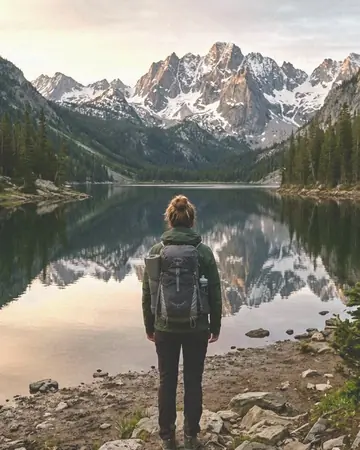
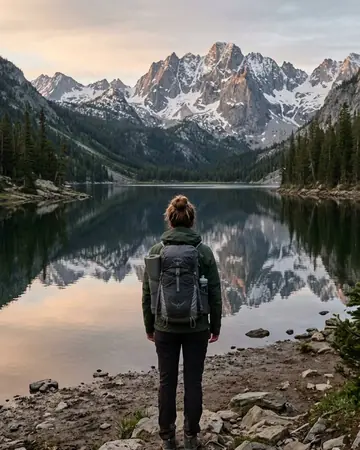
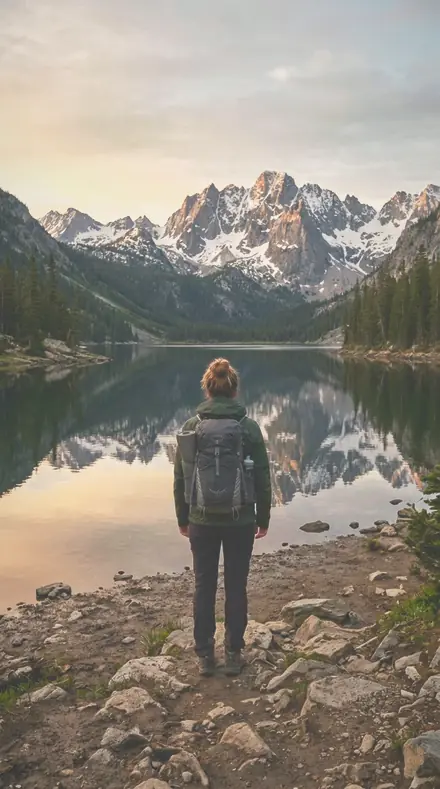
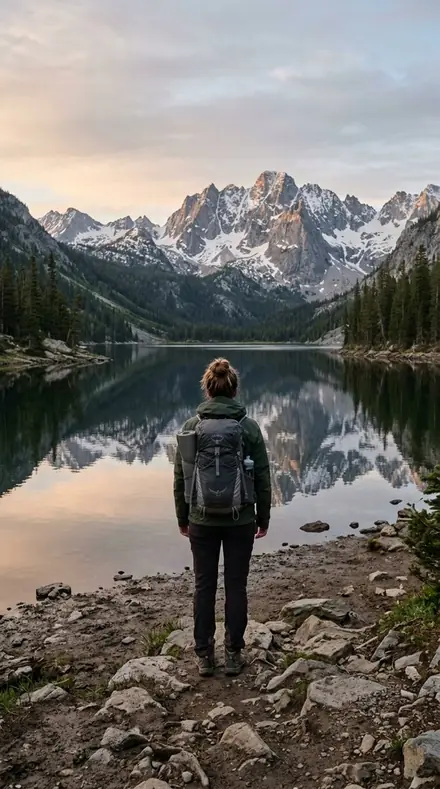
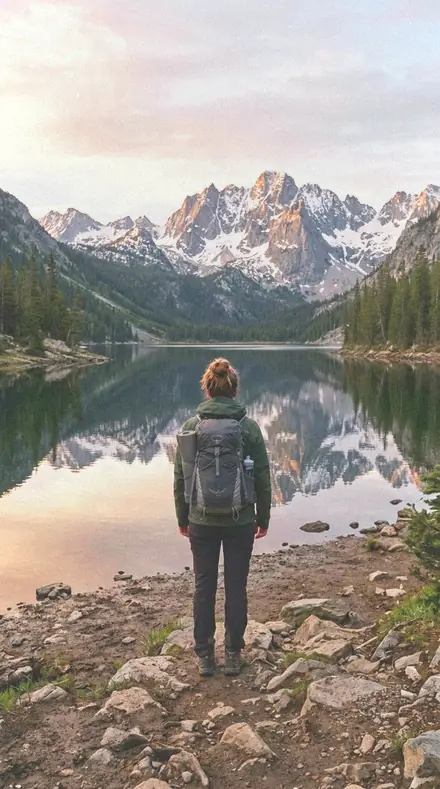
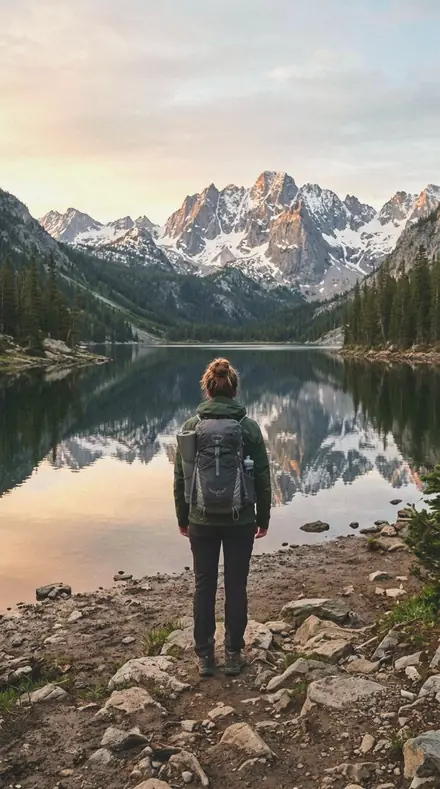
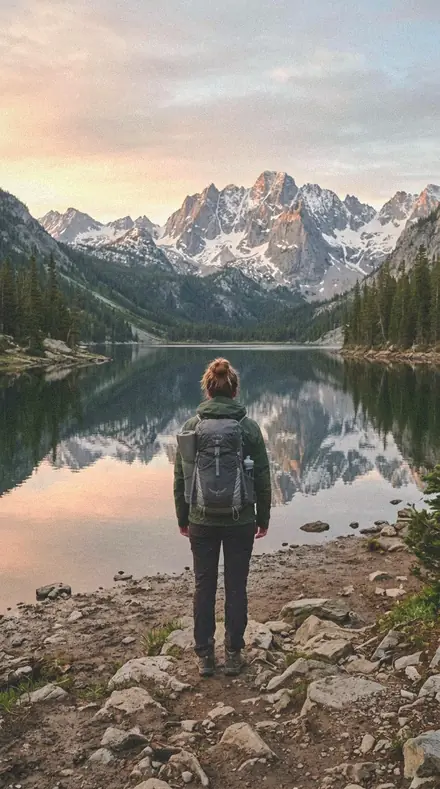
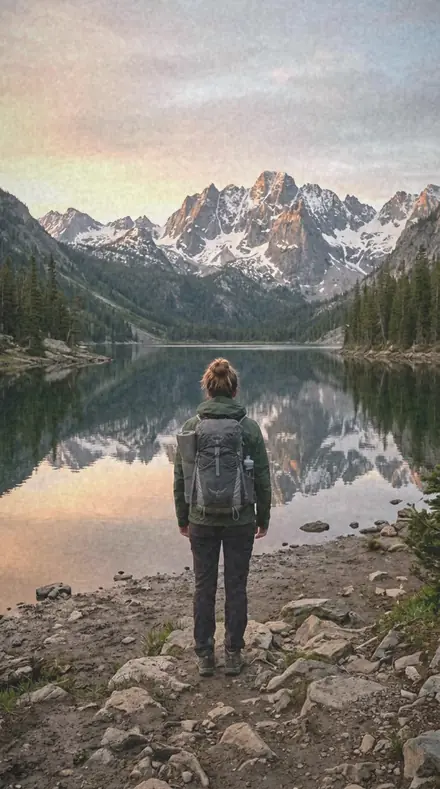
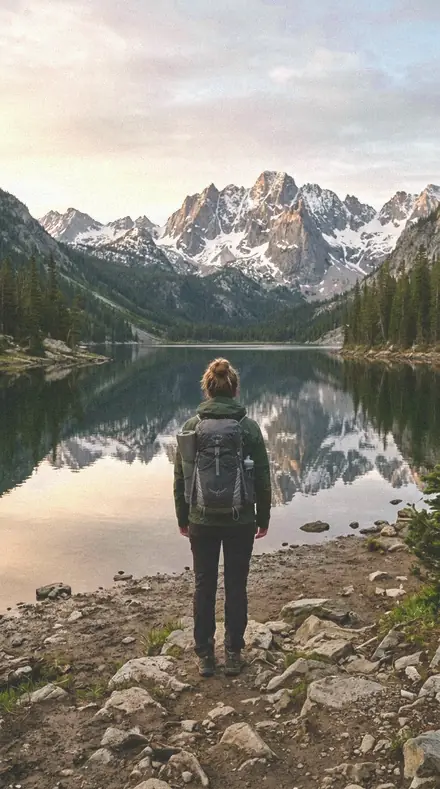
The lake that made you stop walking. With the Warm Negative preset applied.The lake that made you stop walking. Photographed without a preset.
Warm Negative applied to The lake that made you stop walking.

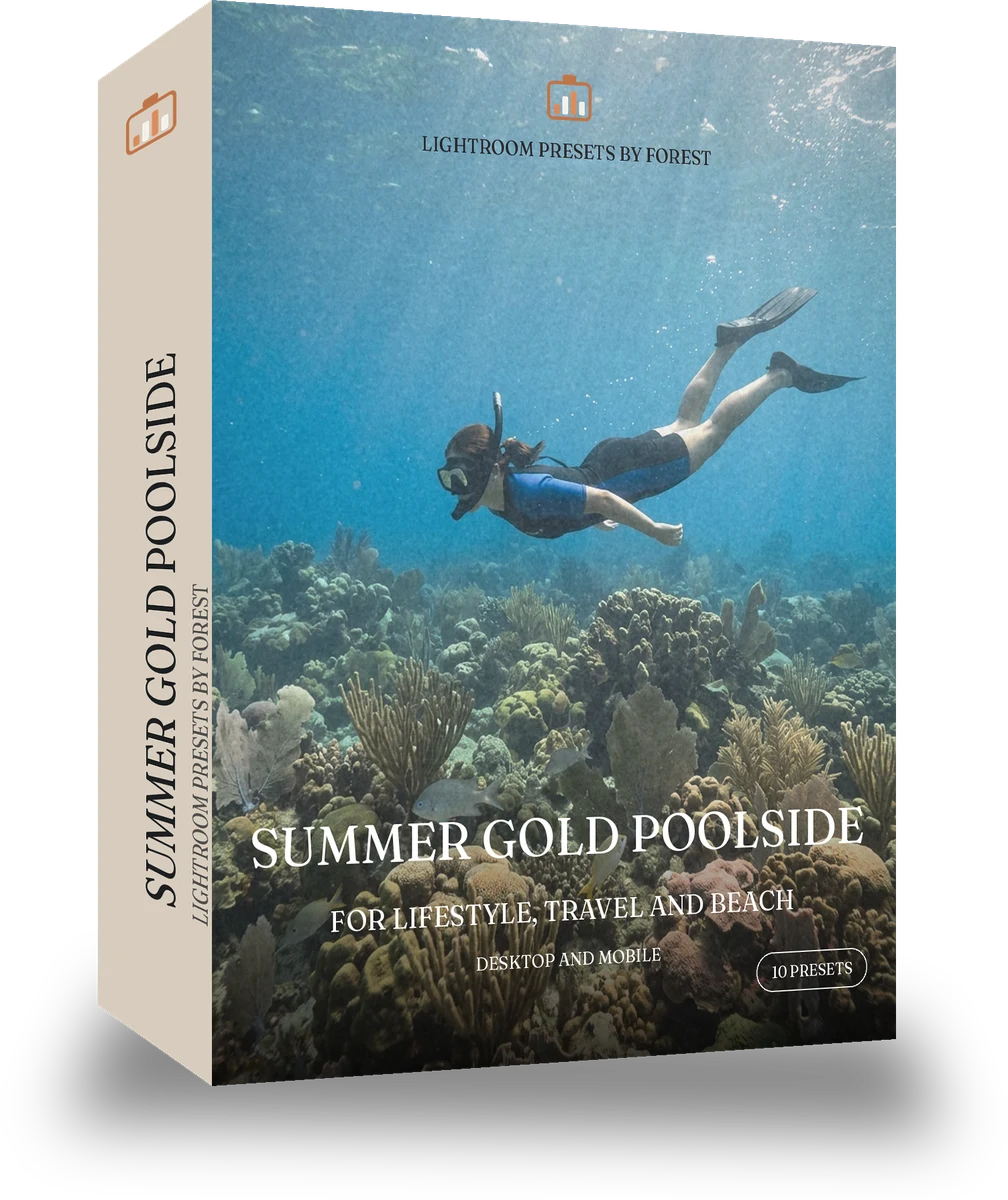
Summer Gold Poolside

More packs from Warm Negative (12)

was $24.99now $14.99Save $10

welcome price, your first pack from the network

Save for later

Instant download.

  • Presets10
  • Stylefilm, warm, portrait
  • Works inLightroom desktop and mobile
  • Format.xmp and .dng

Warm Negative · film

Warm Negative makes one kind of light.

Makes hot, bright afternoons look like a washed golden snapshot: lifted, warm and a little faded.

Summer Gold Poolside is 10 presets for film photography. Every one of them is below, before you pay for any of it.

About this pack

There is a summer look that is not punchy at all: overexposed a little, blacks gone grey, everything warm and slightly washed, like a print left in a car. These ten looks lift the exposure, fade the blacks, hold contrast low and keep the golden warmth, so a poolside terrace or a white wall in the sun reads as a lazy afternoon. Highlights are protected so the water and the towels do not vanish, skin goes light and warm, and the grain is soft. Golden 200 Beach is the loud version; this is the sleepy one. Ten presets, one look, one job: the set steps through strength and light so you pick the frame's version rather than fight a slider. Each preset ships as XMP for Lightroom Classic and Lightroom desktop and as DNG for the free Lightroom mobile app, and every one leaves your exposure and crop alone. Warm Negative is film colour for people who remember the album, not the app.

  • Lifted, washed summer light
  • Faded blacks, soft contrast
  • Water and towels keep detail
  • Skin light and warm

Poolside days, terraces, hot city afternoons, summer lifestyle.

See the light change

drag the line

The same frame, one tap apart. Drag any handle and the scene goes back to the way it looked before Warm Negative touched it.

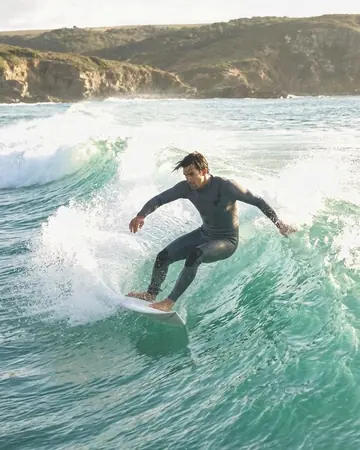
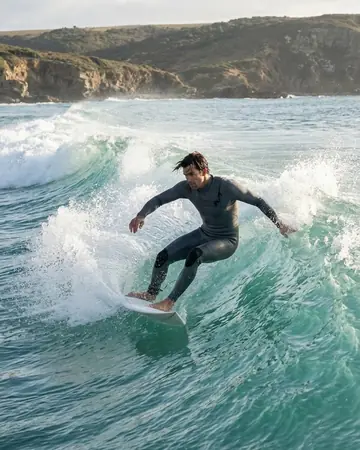
Surfer wave. With the Warm Negative preset applied.Surfer wave. Photographed without a preset.
Warm Negative applied to Surfer wave
Surfer wave
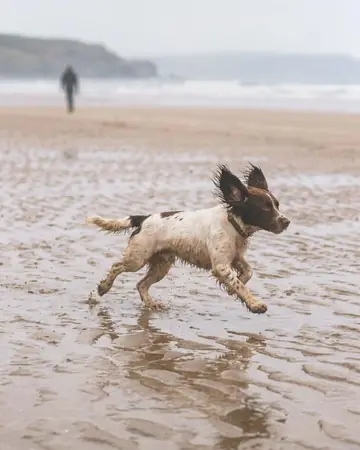
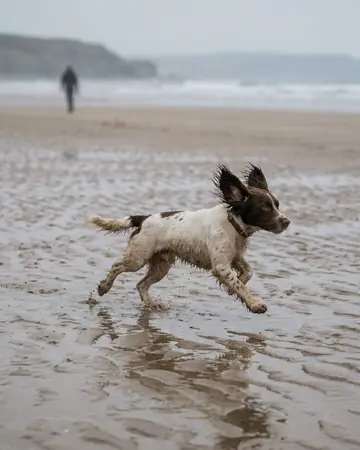
Dog beach run. With the Warm Negative preset applied.Dog beach run. Photographed without a preset.
Warm Negative applied to Dog beach run
Dog beach run
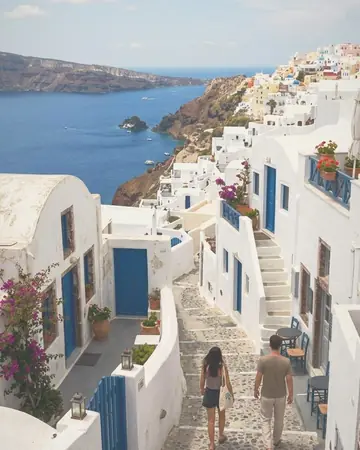
The lane you promised yourself you'd remember. With the Warm Negative preset applied.The lane you promised yourself you'd remember. Photographed without a preset.
Warm Negative applied to The lane you promised yourself you'd remember.
The lane you promised yourself you'd remember.

Explore every preset in this pack

10 presets · 4 scenes

10 of the 30 presets in this library, on the same four photographs. Nothing below is a sample. Open one and drag.

  1. No. 01Stole Colour
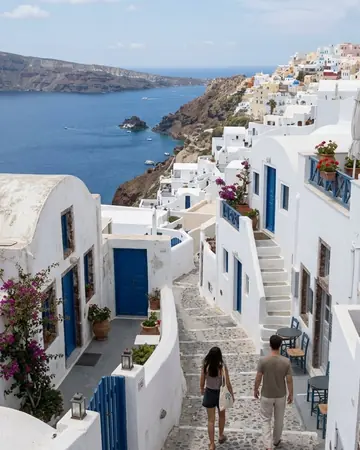
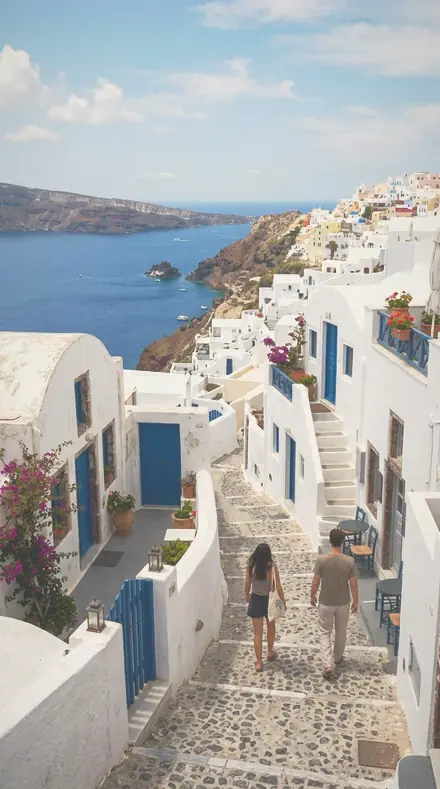
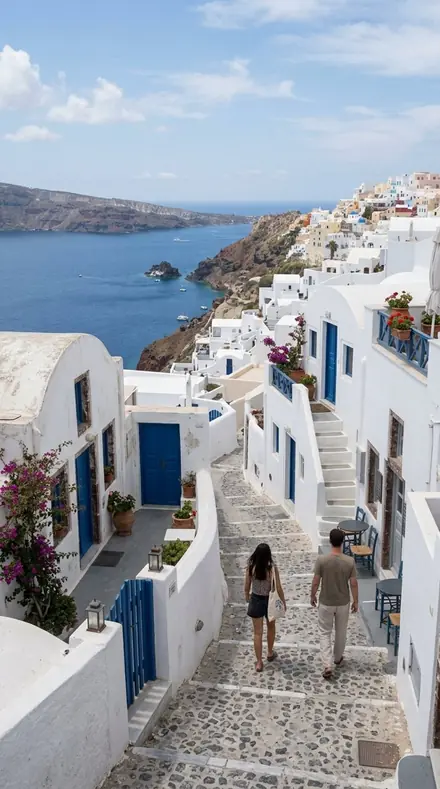
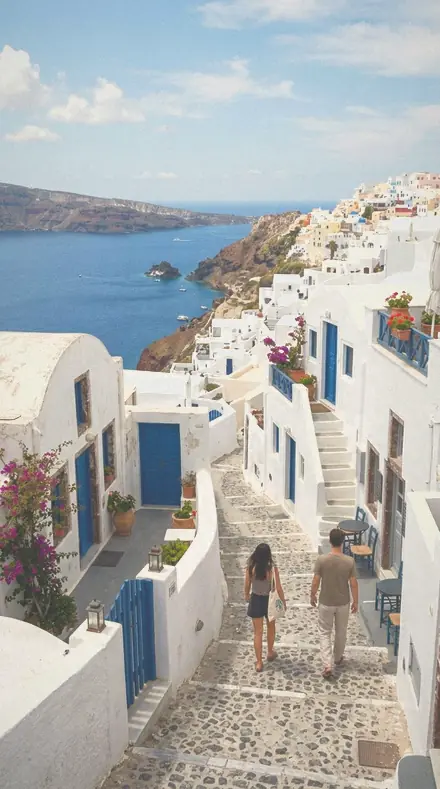
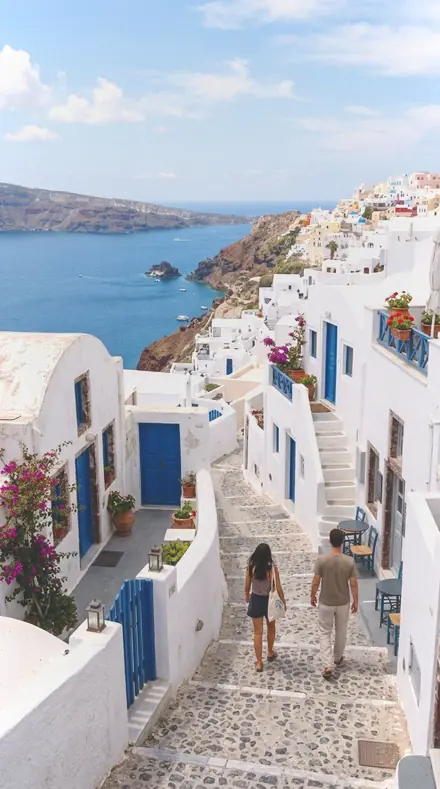
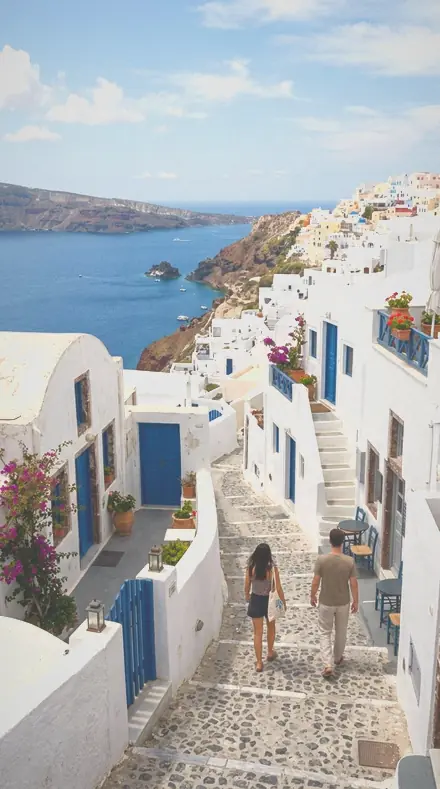
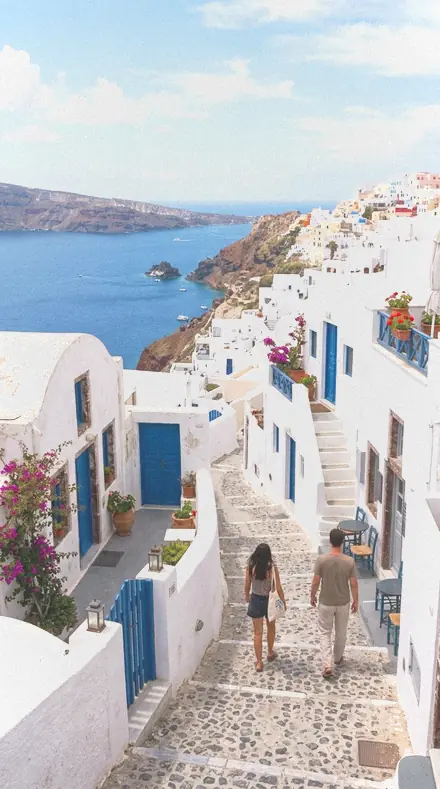
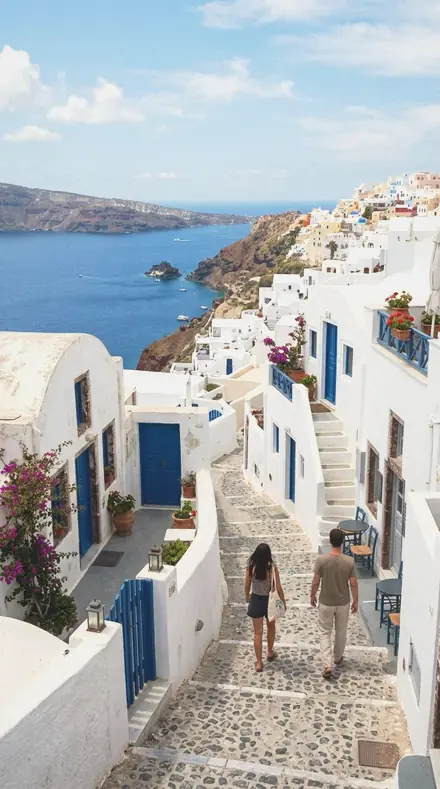
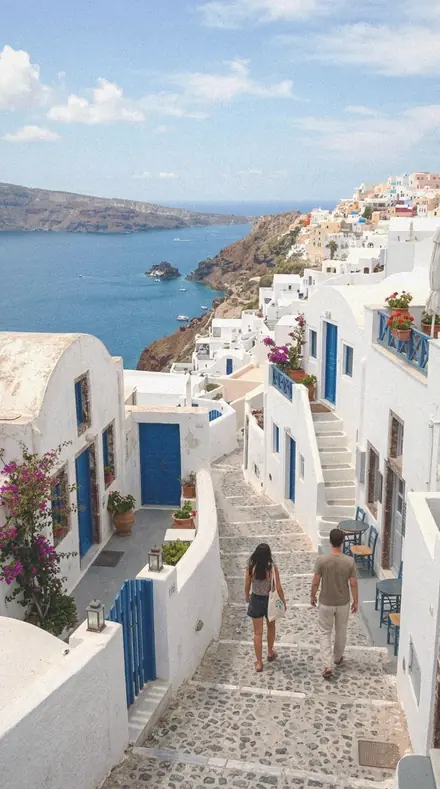
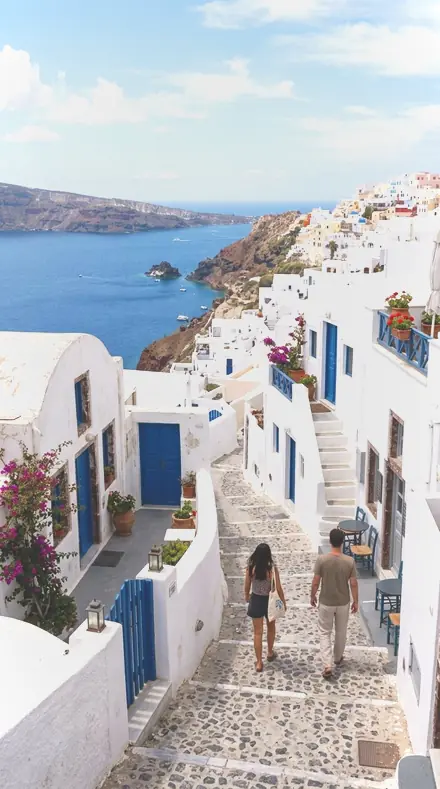
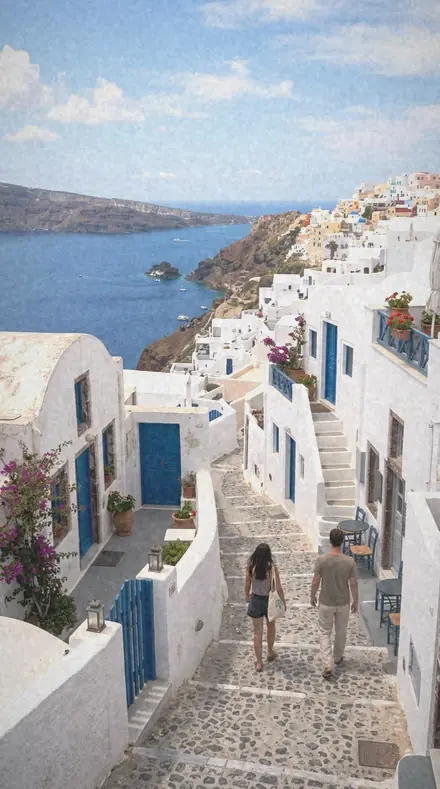
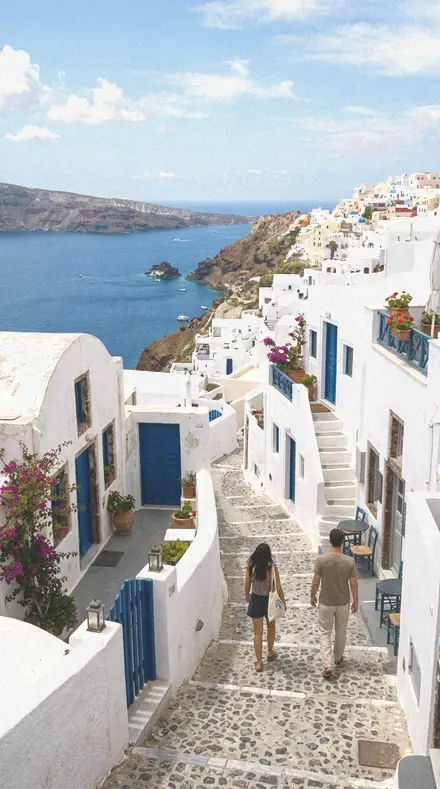
    Stole Colour applied to Coast village Before: Coast village
    Coast village
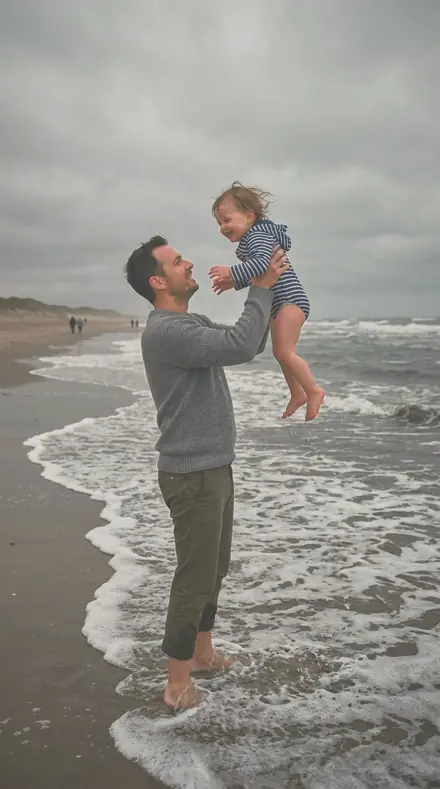
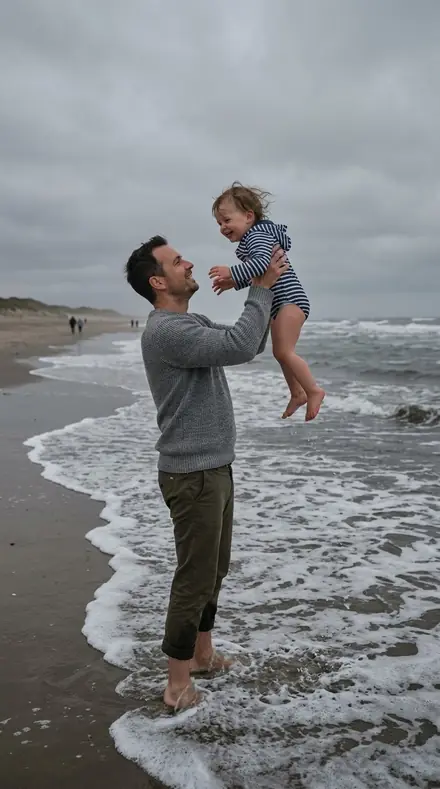
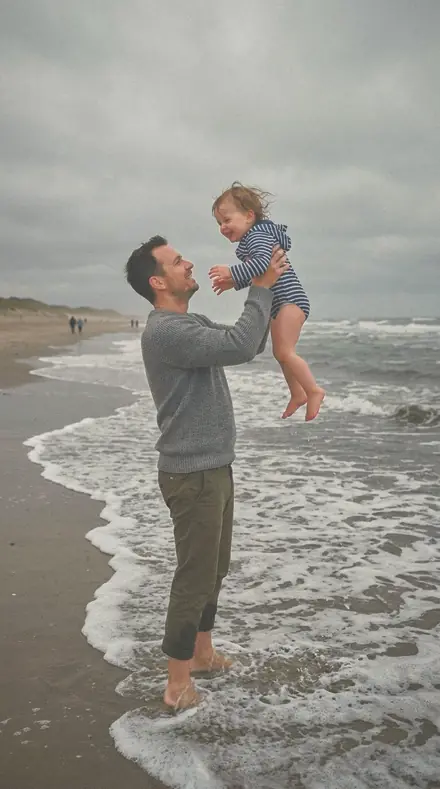
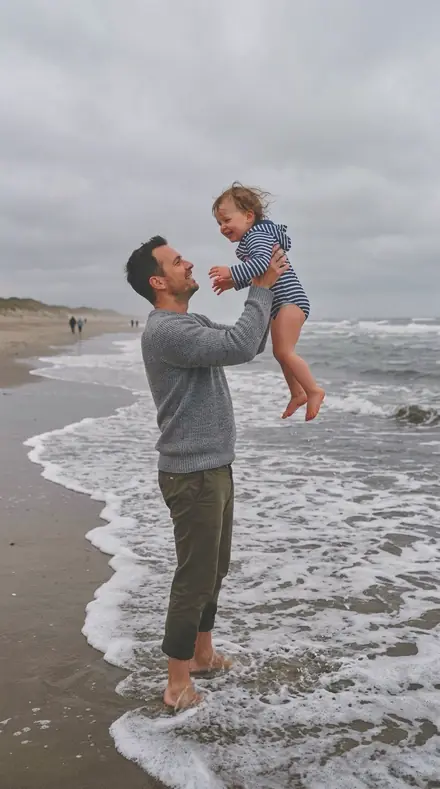
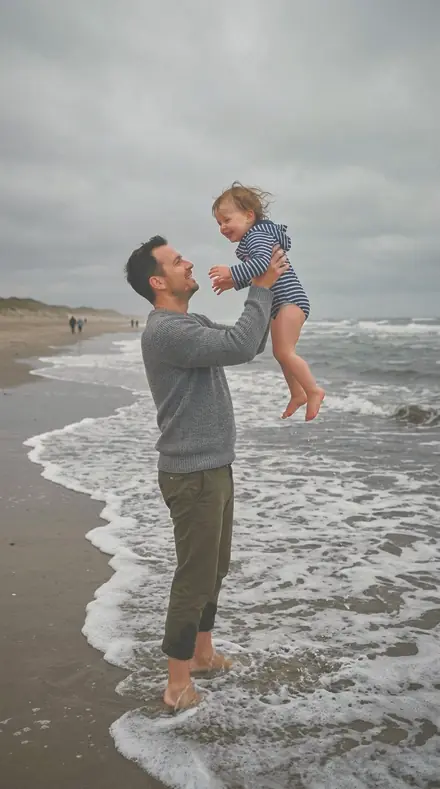
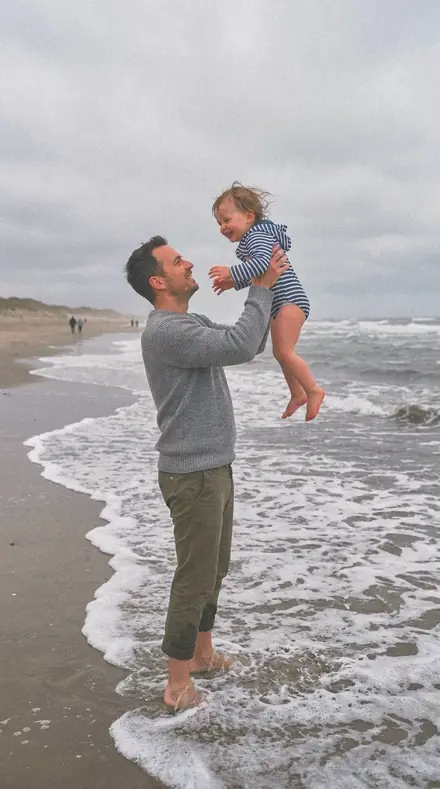
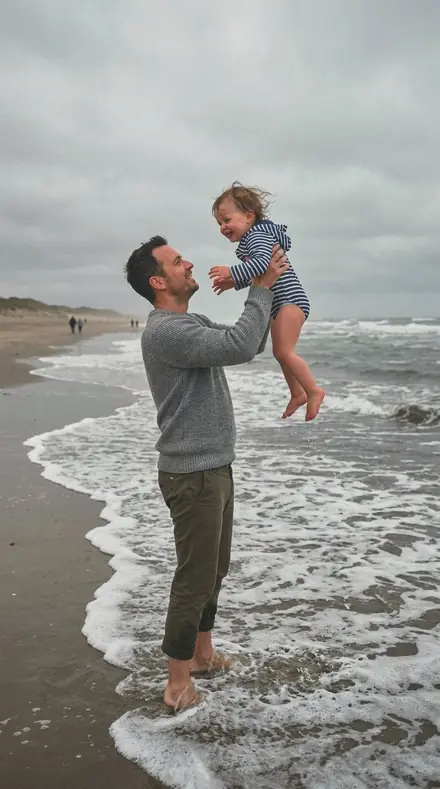
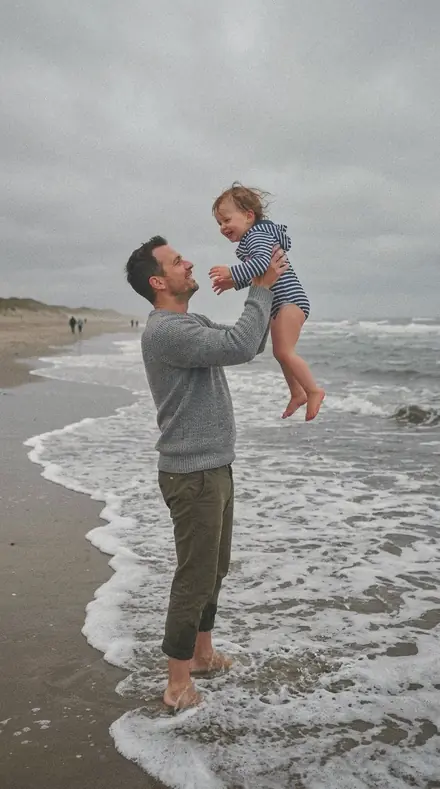
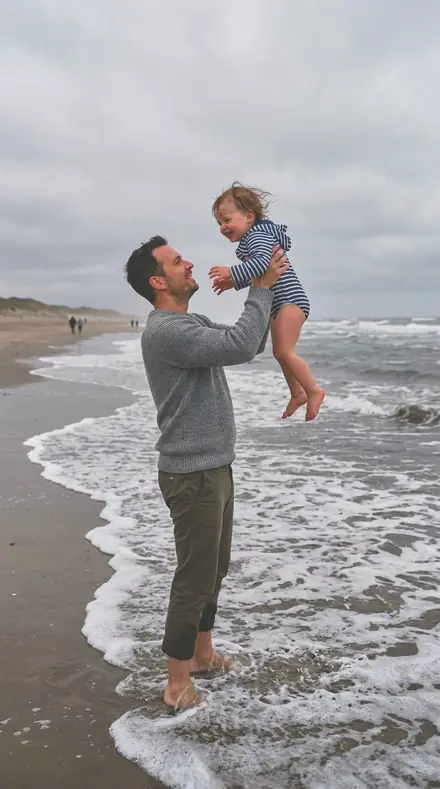
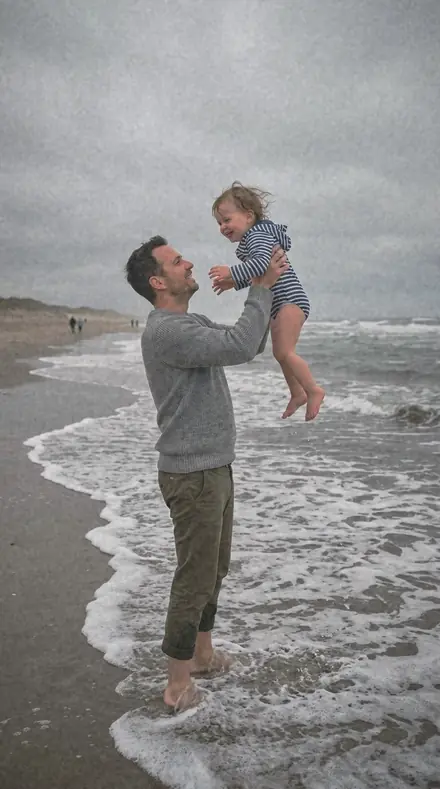
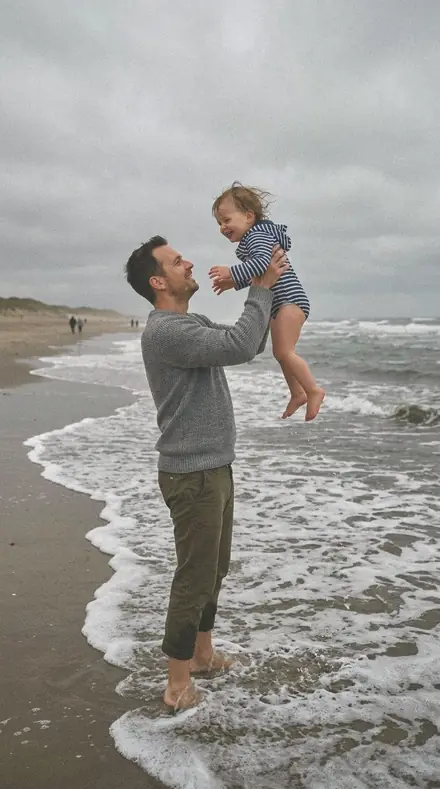
    Stole Colour applied to Father toddler beach Before: Father toddler beach
    Father toddler beach
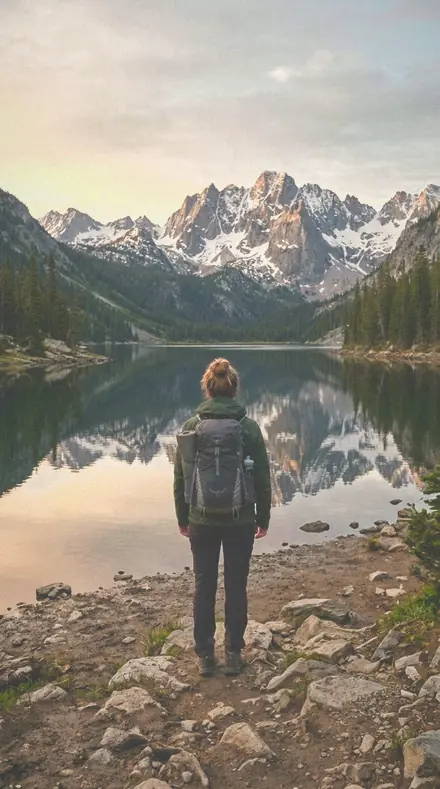
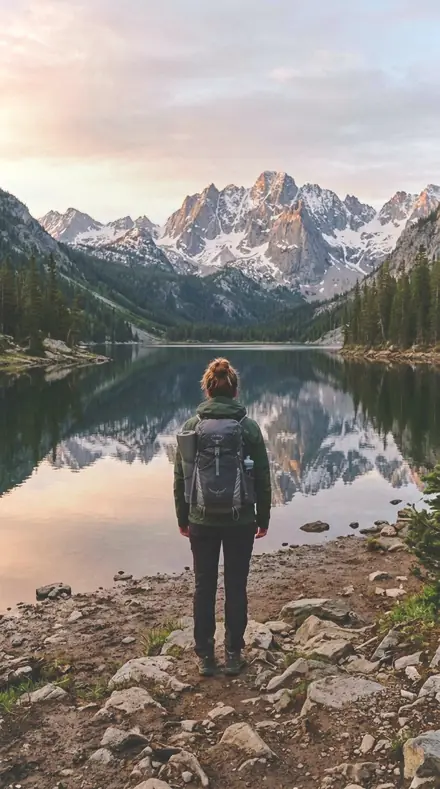
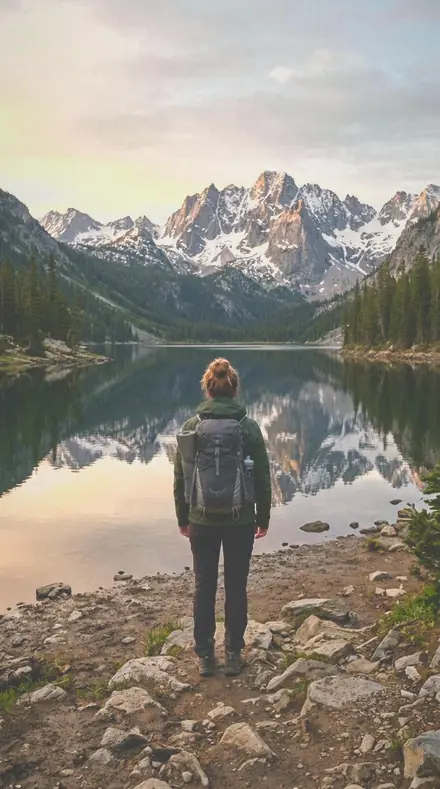
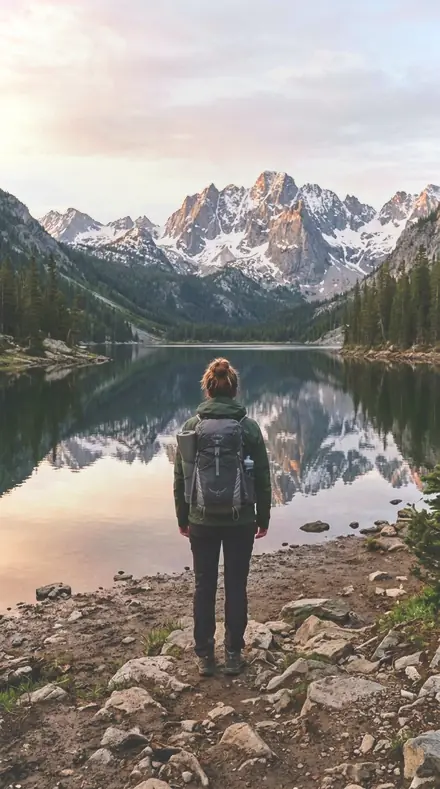
    Stole Colour applied to Mountain lake Before: Mountain lake
    Mountain lake
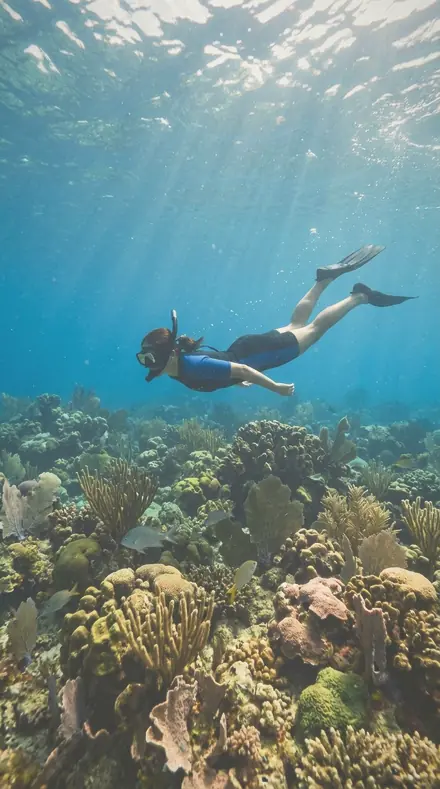
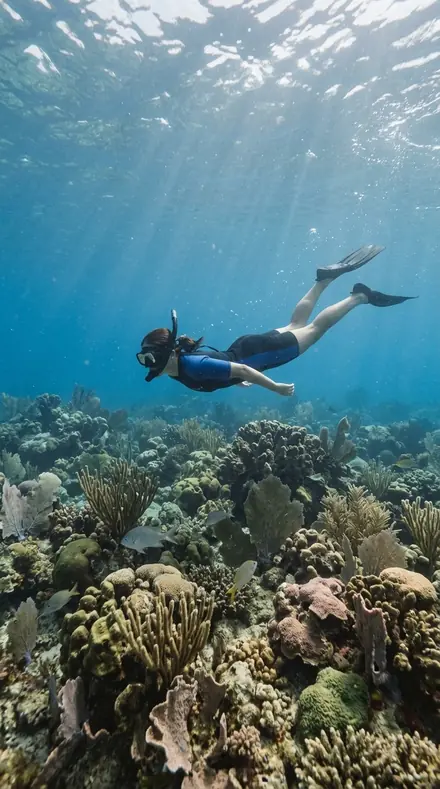
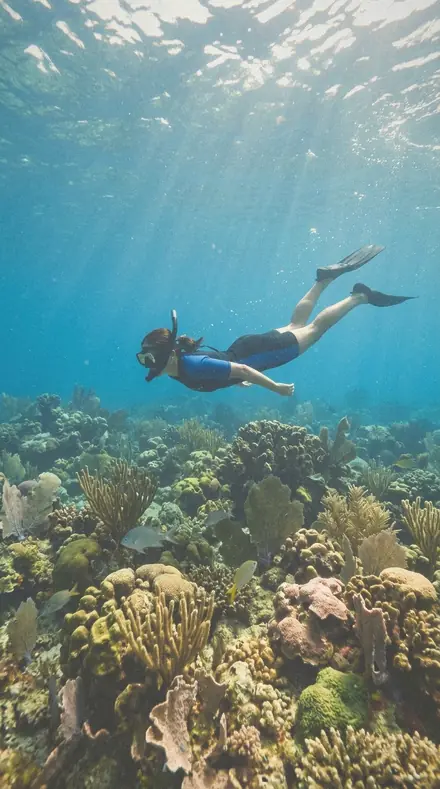
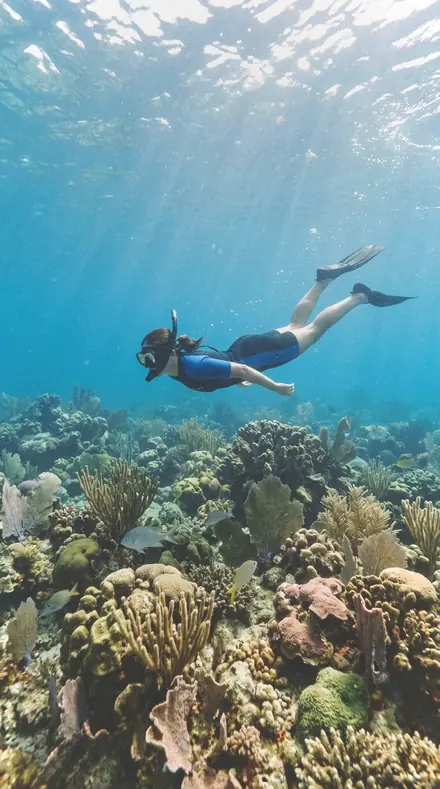
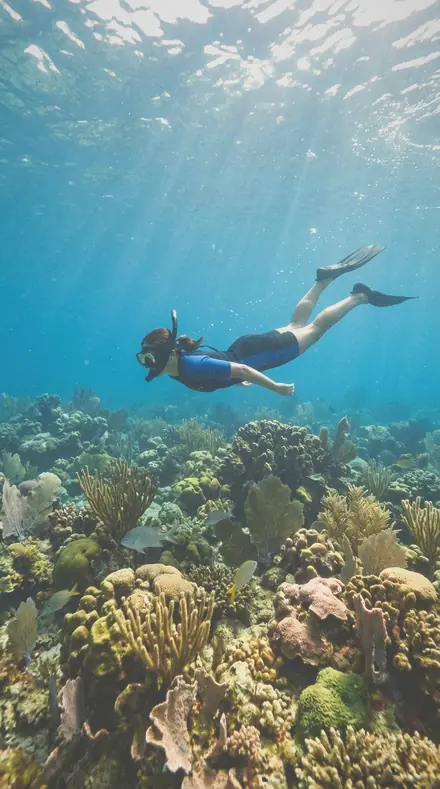
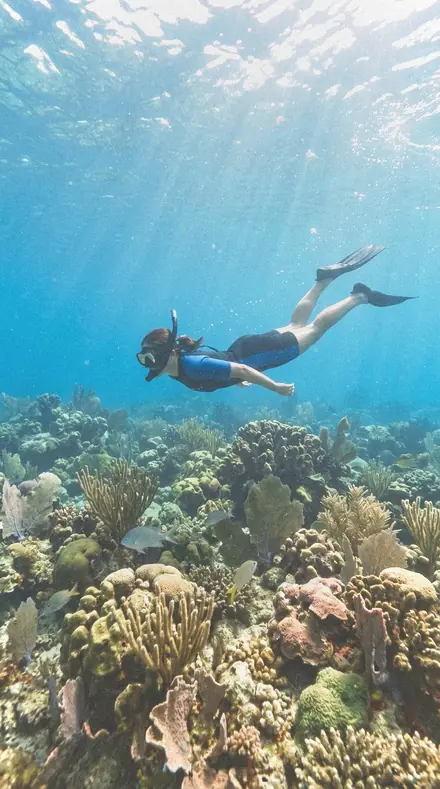
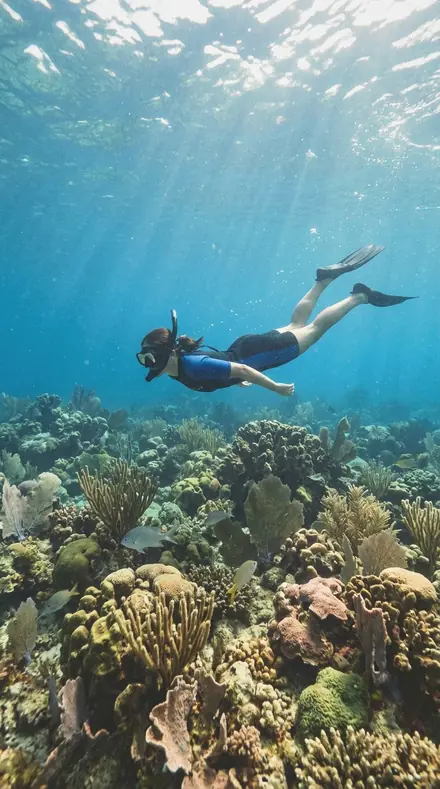
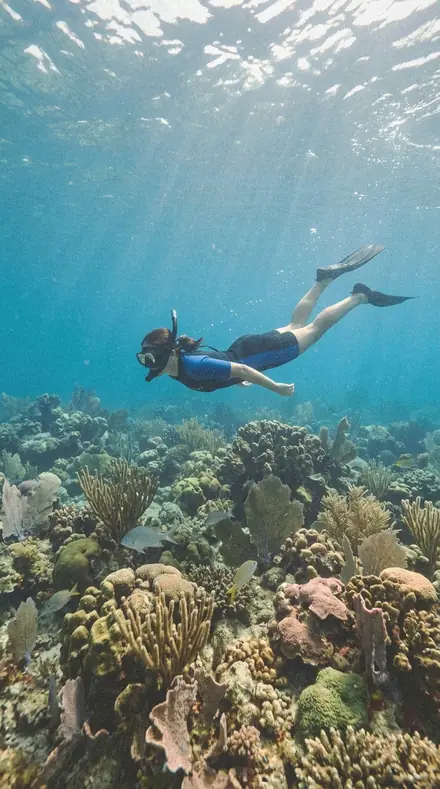
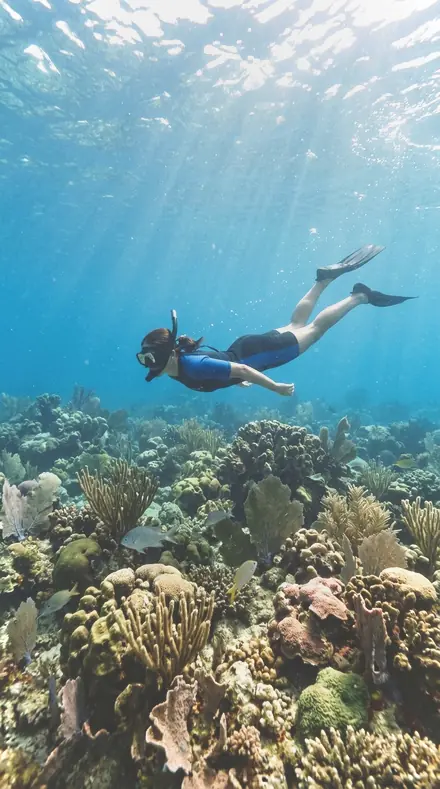
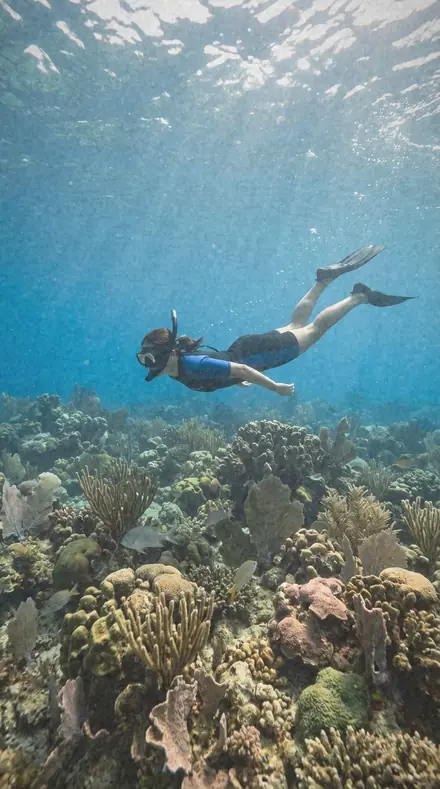
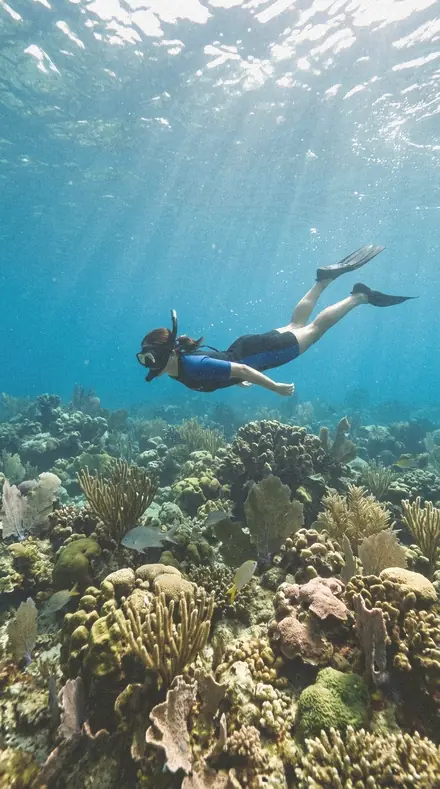
    Stole Colour applied to Reef snorkel Before: Reef snorkel
    Reef snorkel

    Drag the handle. Left is the original, right is Stole Colour. Rendered from the preset's own settings, not a Lightroom export, so the real thing carries a little more bite.

  2. No. 02Gown Weave
    Gown Weave applied to Coast village Before: Coast village
    Coast village
    Gown Weave applied to Father toddler beach Before: Father toddler beach
    Father toddler beach
    Gown Weave applied to Mountain lake Before: Mountain lake
    Mountain lake
    Gown Weave applied to Reef snorkel Before: Reef snorkel
    Reef snorkel

    Drag the handle. Left is the original, right is Gown Weave. Rendered from the preset's own settings, not a Lightroom export, so the real thing carries a little more bite.

  3. No. 03Route Tape
    Route Tape applied to Coast village Before: Coast village
    Coast village
    Route Tape applied to Father toddler beach Before: Father toddler beach
    Father toddler beach
    Route Tape applied to Mountain lake Before: Mountain lake
    Mountain lake
    Route Tape applied to Reef snorkel Before: Reef snorkel
    Reef snorkel

    Drag the handle. Left is the original, right is Route Tape. Rendered from the preset's own settings, not a Lightroom export, so the real thing carries a little more bite.

  4. No. 04After Photos
    After Photos applied to Coast village Before: Coast village
    Coast village
    After Photos applied to Father toddler beach Before: Father toddler beach
    Father toddler beach
    After Photos applied to Mountain lake Before: Mountain lake
    Mountain lake
    After Photos applied to Reef snorkel Before: Reef snorkel
    Reef snorkel

    Drag the handle. Left is the original, right is After Photos. Rendered from the preset's own settings, not a Lightroom export, so the real thing carries a little more bite.

  5. No. 05Crimp Edge
    Crimp Edge applied to Coast village Before: Coast village
    Coast village
    Crimp Edge applied to Father toddler beach Before: Father toddler beach
    Father toddler beach
    Crimp Edge applied to Mountain lake Before: Mountain lake
    Mountain lake
    Crimp Edge applied to Reef snorkel Before: Reef snorkel
    Reef snorkel

    Drag the handle. Left is the original, right is Crimp Edge. Rendered from the preset's own settings, not a Lightroom export, so the real thing carries a little more bite.

  6. No. 06Warp Thread
    Warp Thread applied to Coast village Before: Coast village
    Coast village
    Warp Thread applied to Father toddler beach Before: Father toddler beach
    Father toddler beach
    Warp Thread applied to Mountain lake Before: Mountain lake
    Mountain lake
    Warp Thread applied to Reef snorkel Before: Reef snorkel
    Reef snorkel

    Drag the handle. Left is the original, right is Warp Thread. Rendered from the preset's own settings, not a Lightroom export, so the real thing carries a little more bite.

  7. No. 07Stretcher Bar
    Stretcher Bar applied to Coast village Before: Coast village
    Coast village
    Stretcher Bar applied to Father toddler beach Before: Father toddler beach
    Father toddler beach
    Stretcher Bar applied to Mountain lake Before: Mountain lake
    Mountain lake
    Stretcher Bar applied to Reef snorkel Before: Reef snorkel
    Reef snorkel

    Drag the handle. Left is the original, right is Stretcher Bar. Rendered from the preset's own settings, not a Lightroom export, so the real thing carries a little more bite.

  8. No. 08Foot Smear
    Foot Smear applied to Coast village Before: Coast village
    Coast village
    Foot Smear applied to Father toddler beach Before: Father toddler beach
    Father toddler beach
    Foot Smear applied to Mountain lake Before: Mountain lake
    Mountain lake
    Foot Smear applied to Reef snorkel Before: Reef snorkel
    Reef snorkel

    Drag the handle. Left is the original, right is Foot Smear. Rendered from the preset's own settings, not a Lightroom export, so the real thing carries a little more bite.

  9. No. 09Flat Varnish
    Flat Varnish applied to Coast village Before: Coast village
    Coast village
    Flat Varnish applied to Father toddler beach Before: Father toddler beach
    Father toddler beach
    Flat Varnish applied to Mountain lake Before: Mountain lake
    Mountain lake
    Flat Varnish applied to Reef snorkel Before: Reef snorkel
    Reef snorkel

    Drag the handle. Left is the original, right is Flat Varnish. Rendered from the preset's own settings, not a Lightroom export, so the real thing carries a little more bite.

  10. No. 10Kilim Fold
    Kilim Fold applied to Coast village Before: Coast village
    Coast village
    Kilim Fold applied to Father toddler beach Before: Father toddler beach
    Father toddler beach
    Kilim Fold applied to Mountain lake Before: Mountain lake
    Mountain lake
    Kilim Fold applied to Reef snorkel Before: Reef snorkel
    Reef snorkel

    Drag the handle. Left is the original, right is Kilim Fold. Rendered from the preset's own settings, not a Lightroom export, so the real thing carries a little more bite.

Warm Negative is the world of the 400-speed colour negative: skin that goes creamy instead of orange, greens that sit back and go a little olive, blacks lifted just enough to feel like paper, and a fine grain that reads as memory rather than noise. It is late afternoon, a window, a beach at six, a kitchen table. Nothing in it shouts. The dialect is nostalgia without haze: warm, imperfect, organic, faded at the edges and honest in the middle. Every pack earns its place by one specific thing it does to skin, light or colour.

Every pack here is its own product with its own page, so you buy the one look you need, and a larger pack or the family collection is always one step up from it.

Yours in two minutes

how it works

  1. Step 1

    Buy

    Pay with Apple Pay, Google Pay or a card.

  2. Step 2

    Download

    The zip downloads right away, and a copy lands in your email.

  3. Step 3

    Import

    Add the presets to Lightroom in a minute.

    PhoneClassicDesktop
  4. Step 4

    Tap

    One tap on any photo. Every slider stays yours to adjust.

Yours to keep, for personal and client work. Please do not share the files. The license

Netzah Elad Topaz, the photographer who makes these presets

the maker

Why I Make These

I am Netzah Elad Topaz. I take photographs and I build software, and the two keep leading me back to the same problem. You were there. The light was doing something you will not see again. Then the photo comes back flat, and it is not what you were looking at.

Closing that gap is the whole job. Every preset here is built from Adobe defaults by hand, with a written note for what it should do to a picture, and it is judged on photographs before it ships. Nothing is a filter dropped on top of your work.

What I want is simple. You open a photo you almost gave up on, you tap once, and there it is: the day you remember, not the file your camera handed you. That is worth doing properly.

Questions, answered

Which Lightroom versions does this work with?

Lightroom Classic and Lightroom desktop via the XMP files, and the free Lightroom mobile app on iPhone and Android via the DNG files. Install once and the presets sync across your devices.

Is it safe on skin tones?

Yes. Every preset here keeps skin natural and warm; the greens and blacks move, the skin does not. For deep skin tones, check the shadow detail and back off the black lift if needed.

How do I make it stronger or softer?

Use the Amount slider in Lightroom desktop and mobile to dial the whole preset up or down. To keep the colour but lose the fade, raise Blacks a few points; to keep the fade but calm the grain, lower Grain in Effects.

Do these work in the free Lightroom app?

Yes. Import the .xmp files in the free Lightroom app on iPhone or Android, no subscription needed. They also work in Lightroom Classic and Lightroom on desktop.

What exactly do I get?

All 30 presets from Analog Portrait System as .xmp files in an instant ZIP download. The link also lands in your email, and the purchase stays in your account so you can re-download any time.

How do I install them?

Two minutes: unzip, then import inside Lightroom. The step-by-step guide covers iPhone, Android, and desktop.

Can I use them for client work?

Yes. The single-user license covers personal and commercial photography. The one thing you can't do is share or resell the preset files themselves.

Can I tweak a preset after applying it?

Always. A preset is a starting point; every slider stays yours to adjust.

What else is like this

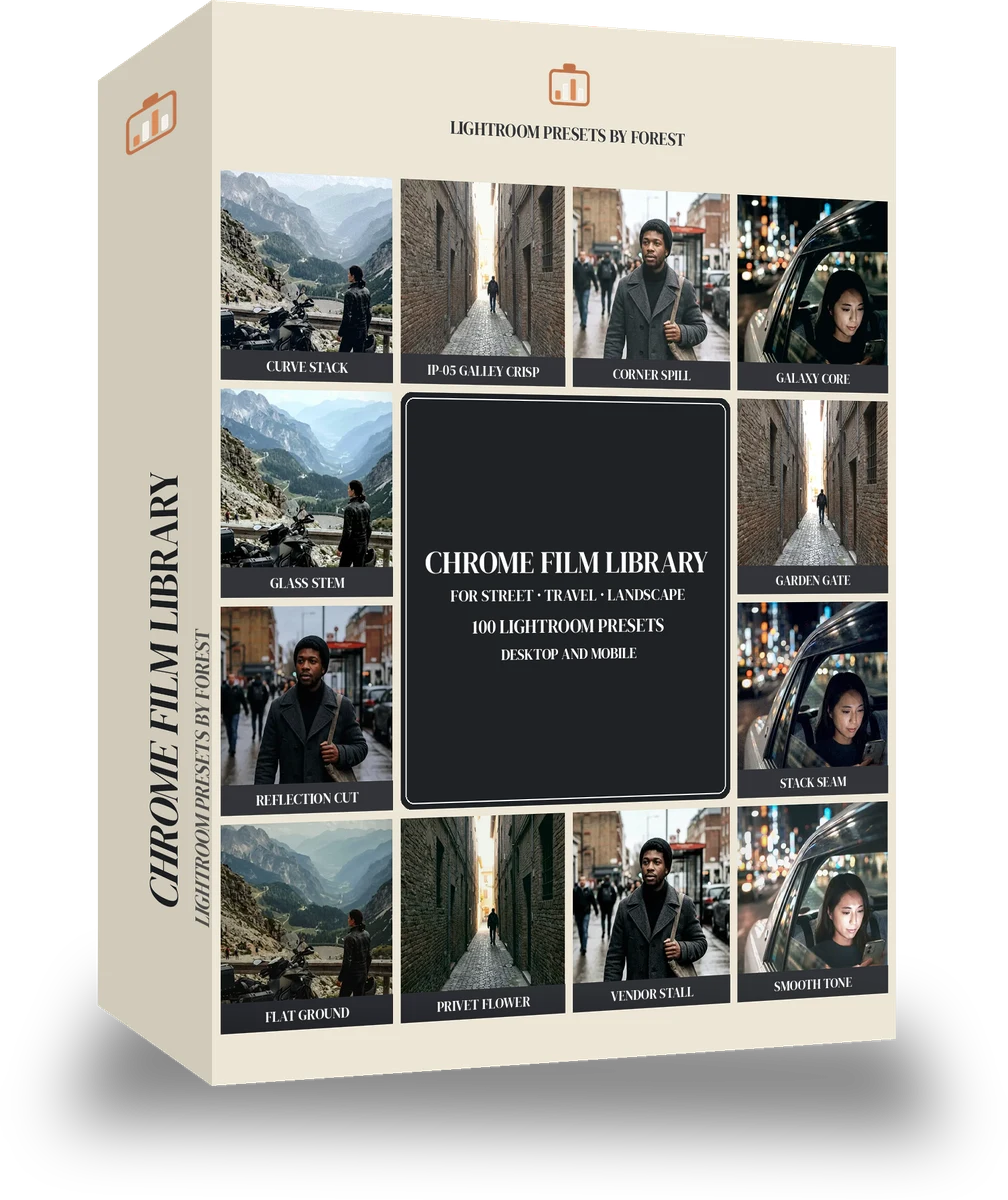
All film
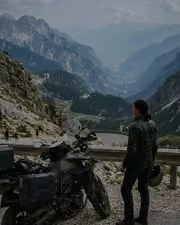
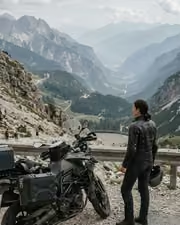
A fictional motorcyclist in a leather jacket stopped at a mountain pass overlook, bike in the foreground, hazy valley. With the Chrome Film preset applied.A fictional motorcyclist in a leather jacket stopped at a mountain pass overlook, bike in the foreground, hazy valley. Photographed without a preset.
Chrome Film applied to A fictional motorcyclist in a leather jacket stopped at a mountain pass overlook, bike in the foreground, hazy valley

Chrome Film

film · 100 presets

was $149now $79Save $70

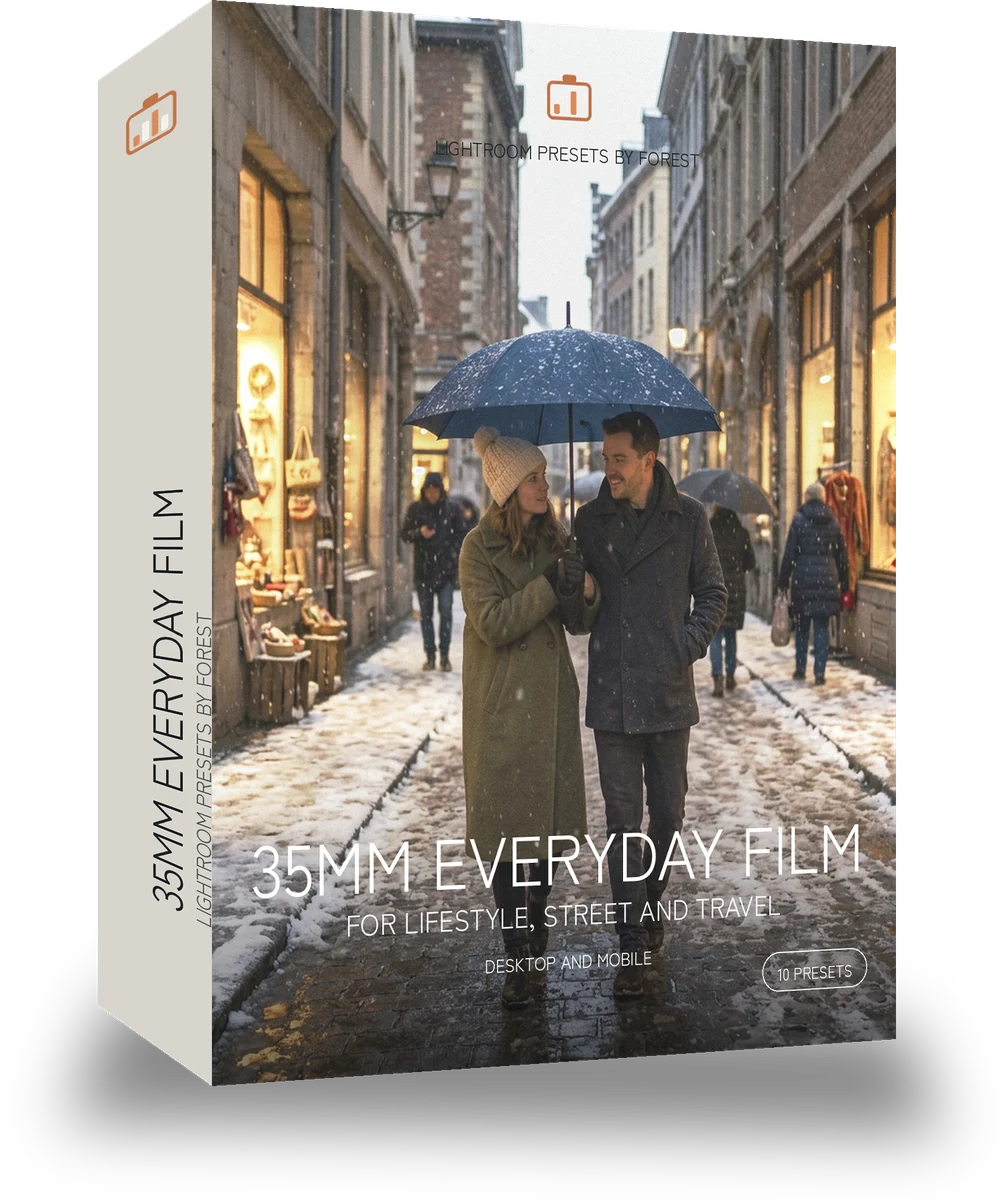
A fictional couple walking under one umbrella in falling snow on a European city street at dusk, shop windows glowing. With the Japan Film preset applied.A fictional couple walking under one umbrella in falling snow on a European city street at dusk, shop windows glowing. Photographed without a preset.
Japan Film applied to A fictional couple walking under one umbrella in falling snow on a European city street at dusk, shop windows glowing

Japan Film

film · 10 presets

was $24.99now $14.99Save $10

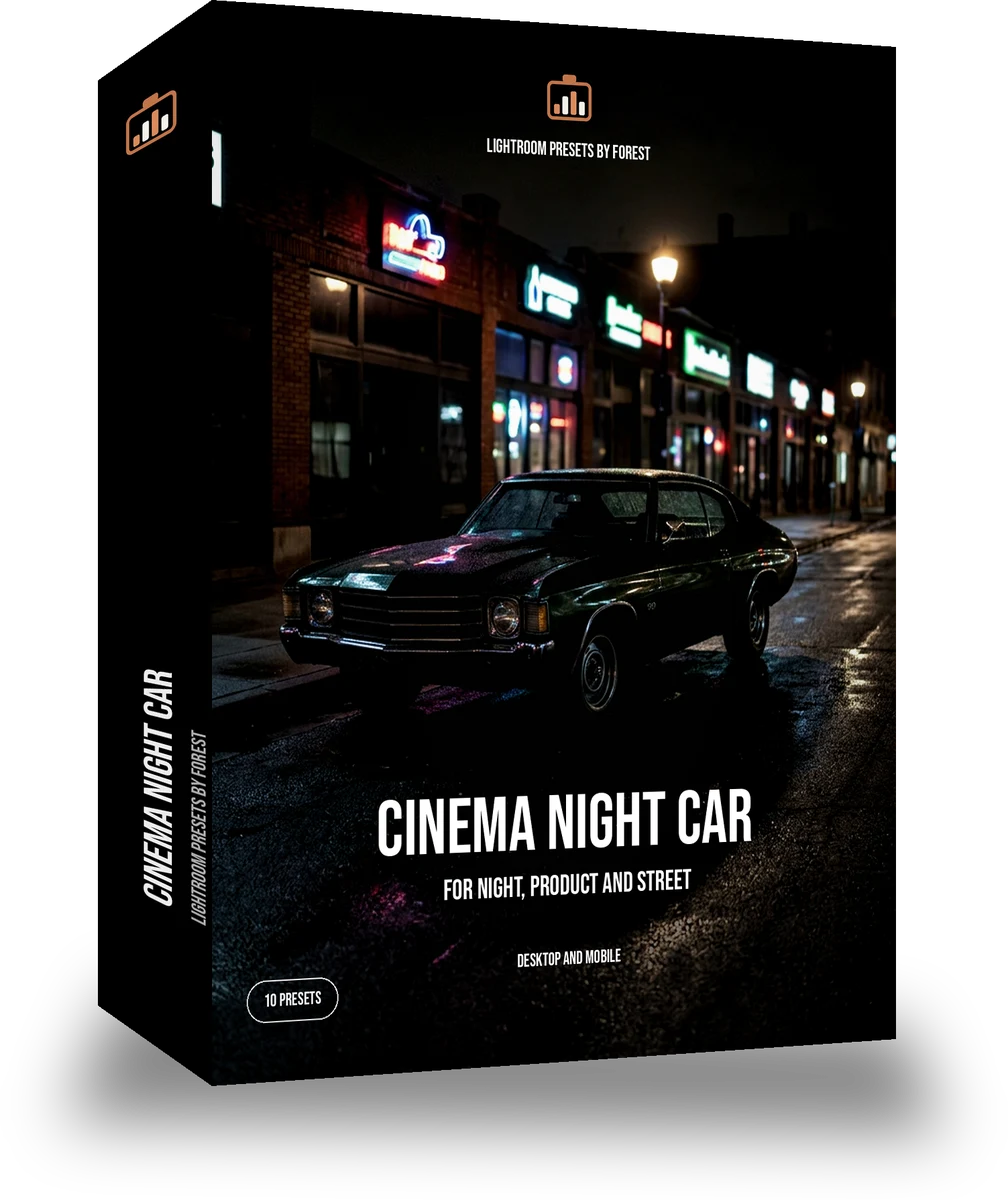
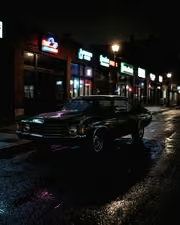
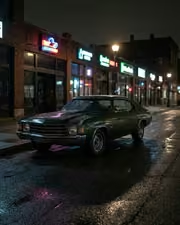
A 1970s classic car parked on a night street lit by neon shop signs, wet asphalt reflections, no people. With the Night Halation preset applied.A 1970s classic car parked on a night street lit by neon shop signs, wet asphalt reflections, no people. Photographed without a preset.
Night Halation applied to A 1970s classic car parked on a night street lit by neon shop signs, wet asphalt reflections, no people

Night Halation

film · 10 presets

was $24.99now $14.99Save $10

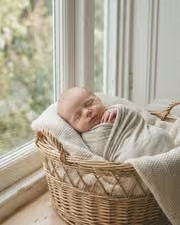
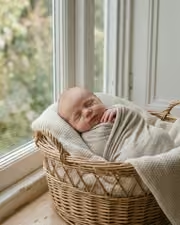
A fictional newborn asleep in a wicker basket on a cream blanket beside a window, soft daylight. With the Pastel Film preset applied.A fictional newborn asleep in a wicker basket on a cream blanket beside a window, soft daylight. Photographed without a preset.
Pastel Film applied to A fictional newborn asleep in a wicker basket on a cream blanket beside a window, soft daylight

Pastel Film

film · 10 presets

was $24.99now $14.99Save $10