PRE|SETS
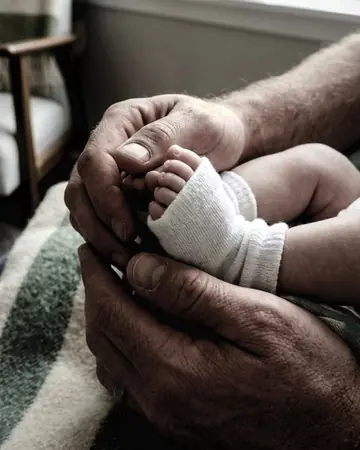
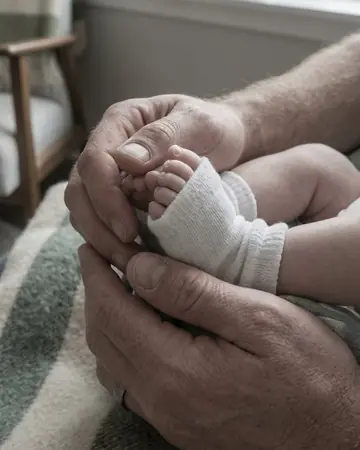
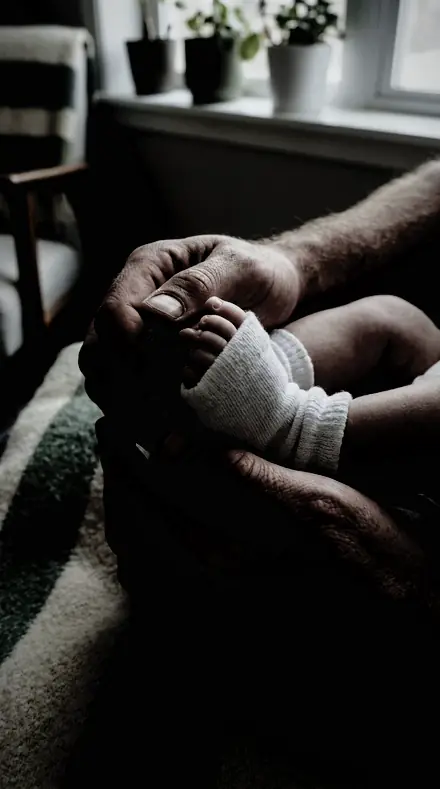
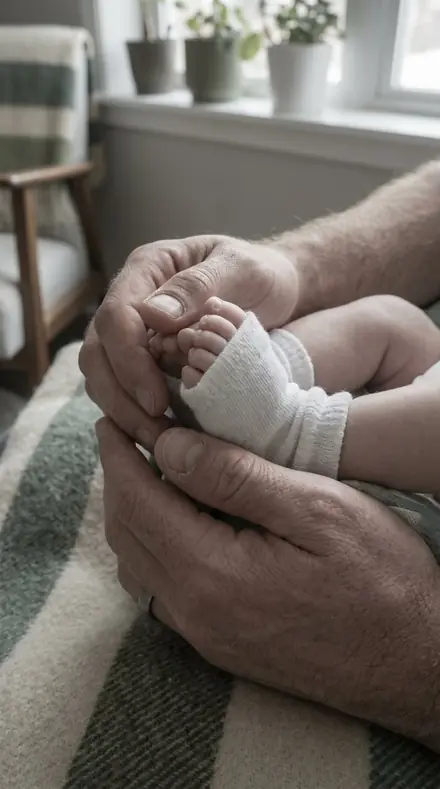
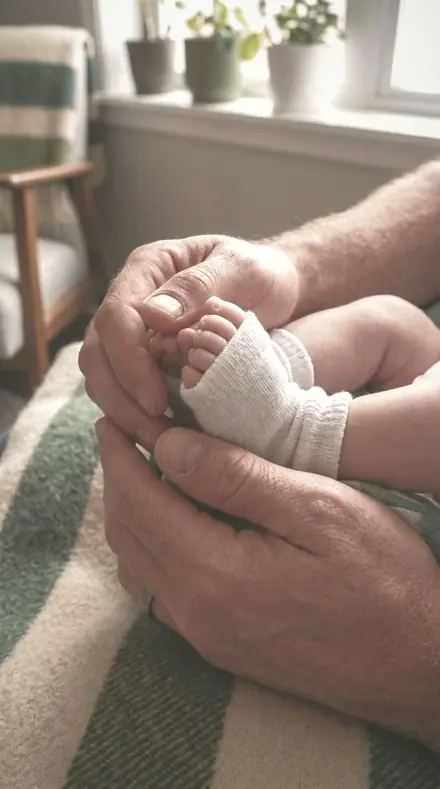
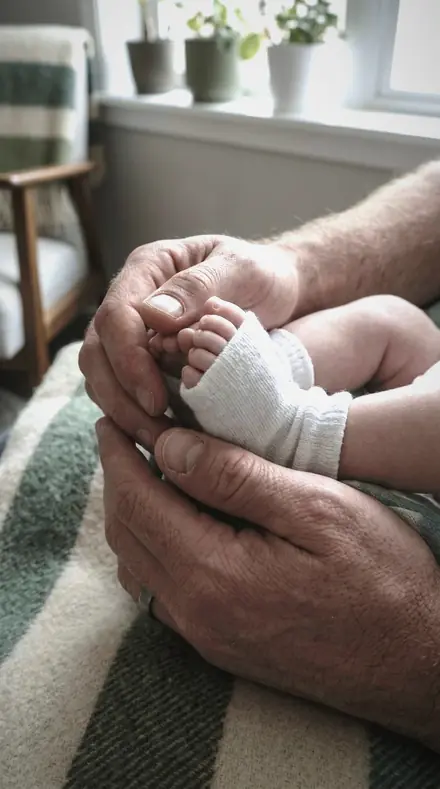
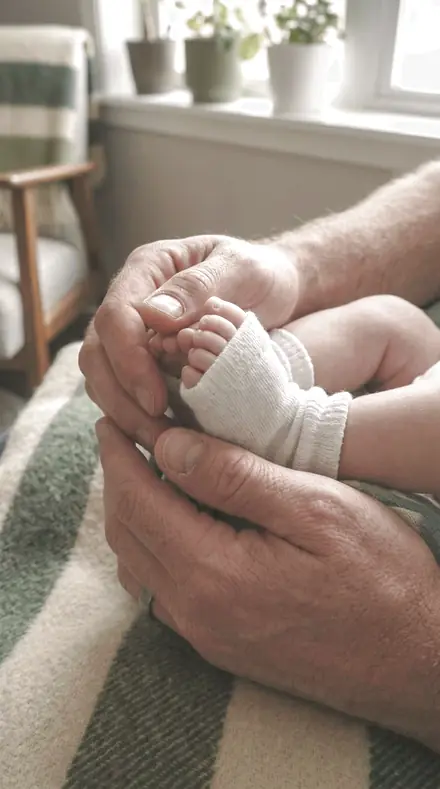
newborn hands. With the Portraitroom preset applied.newborn hands. Photographed without a preset.
Portraitroom applied to newborn hands

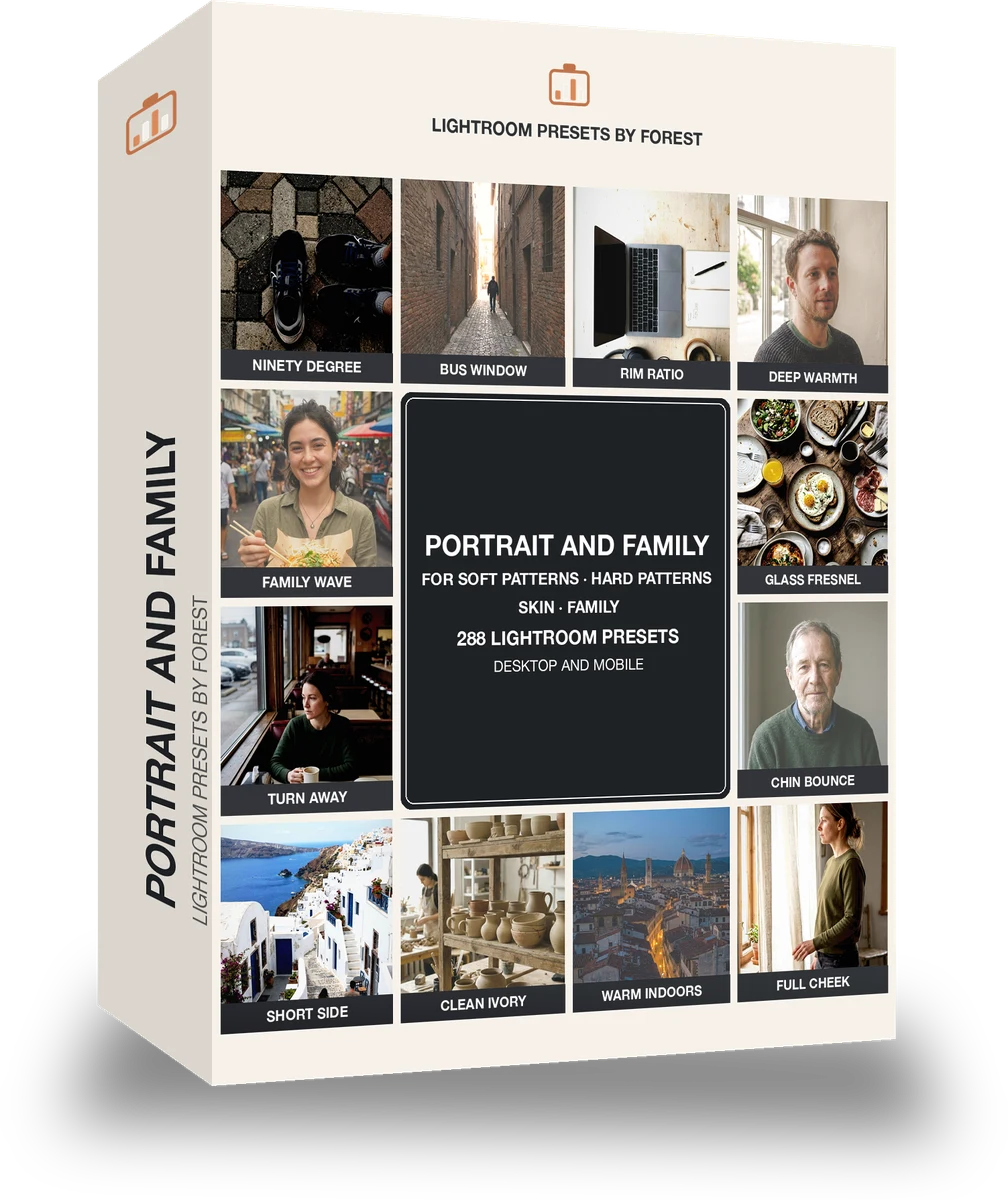
Portrait and Family

Built for portrait skin and studio lighting; wedding, family and events. The subjects inside it are portrait, general, product, night and urban. The light runs neutral natural, film matte, mid and high key.

Portraitroom Portrait and Family is 288 presets in 16 collections.

was $399now $149

This is the welcome price.

Instant download.

Add it and keep looking. Your cart follows you across every store in the network.

  • Works inLightroom desktop and mobile
  • Format.xmp and .dng
  • DeliveryInstant download, and it stays in your account

What it does to a photograph

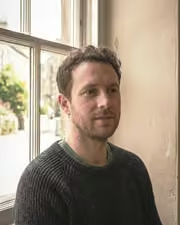
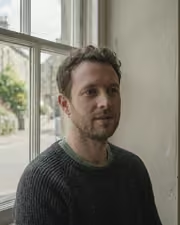
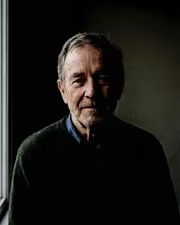
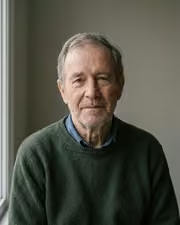
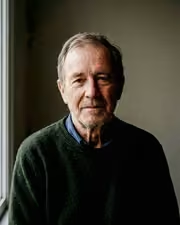
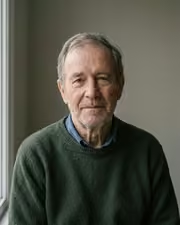
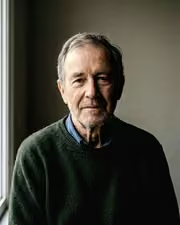
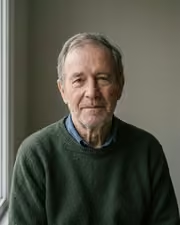
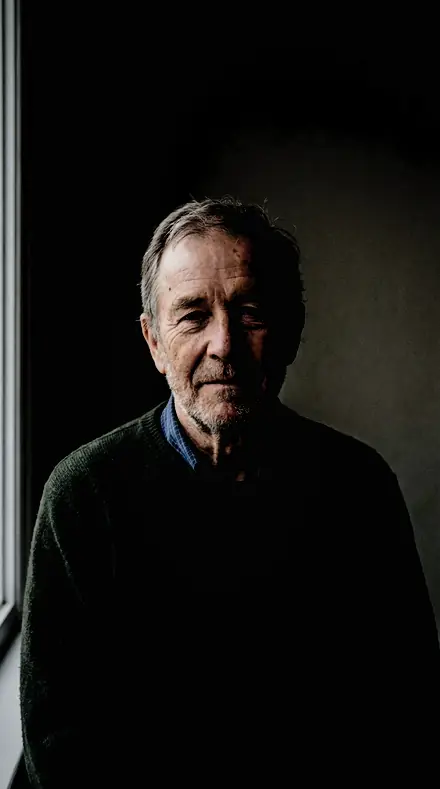
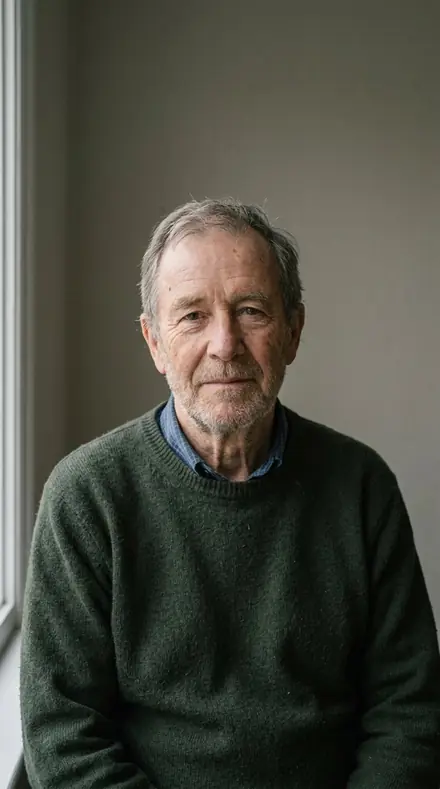
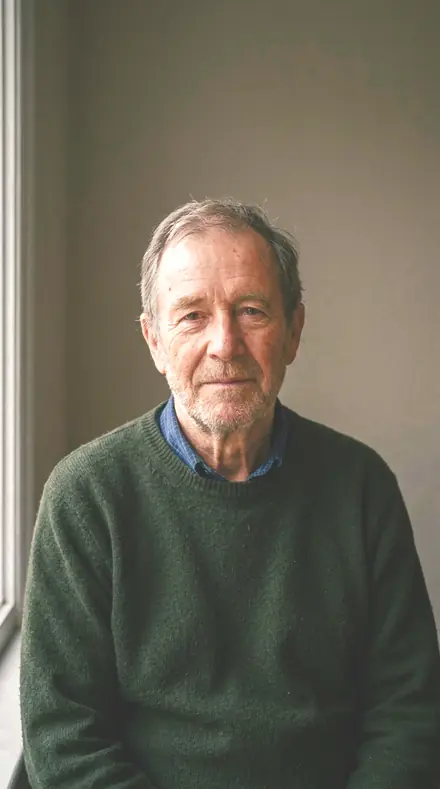
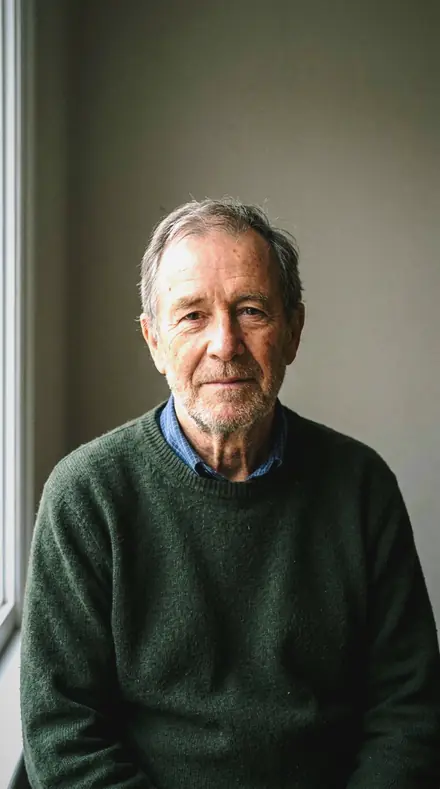
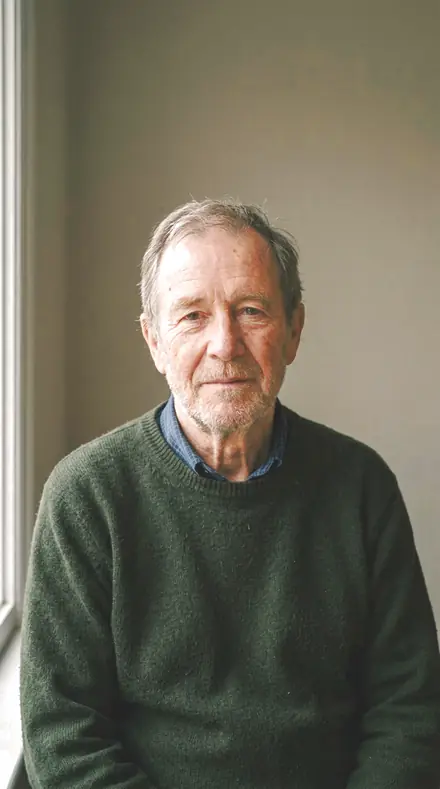
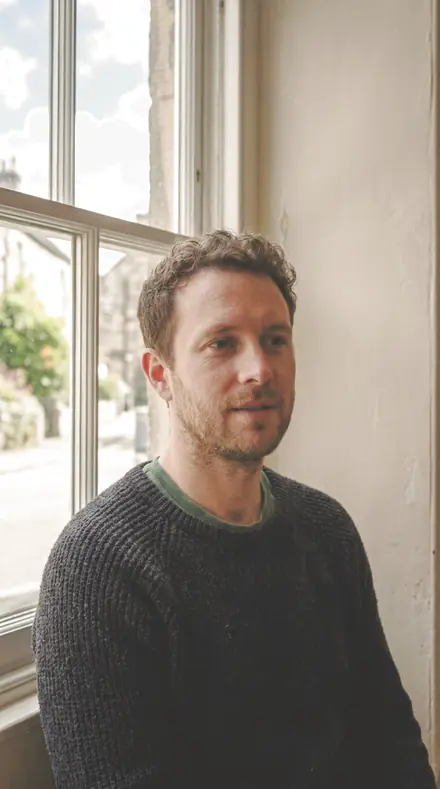
man portrait. With the Keypattern preset applied.man portrait. Photographed without a preset.
Keypattern applied to man portrait
man portrait, graded with Keypattern: 8 of this library's 16 collections
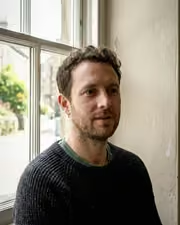
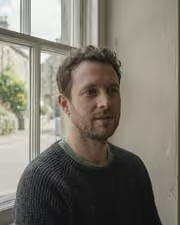
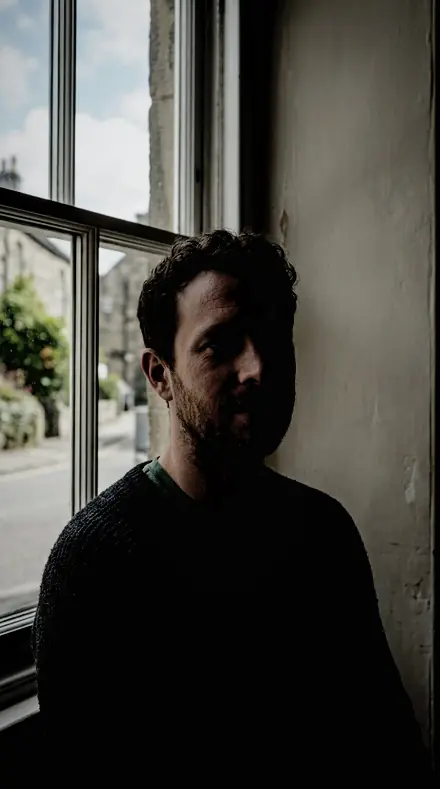
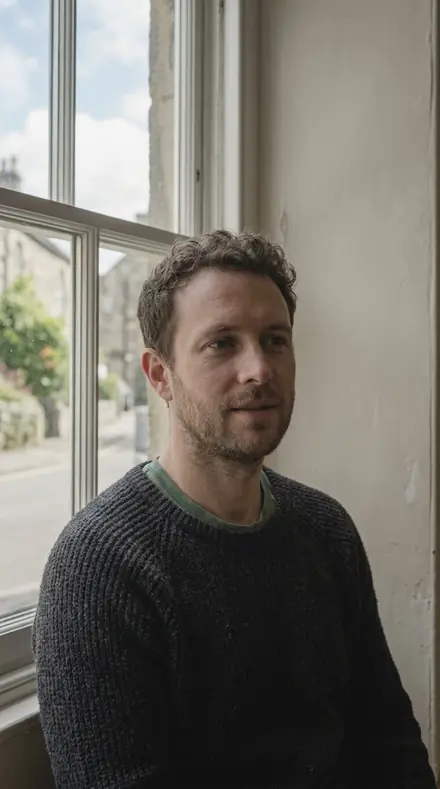
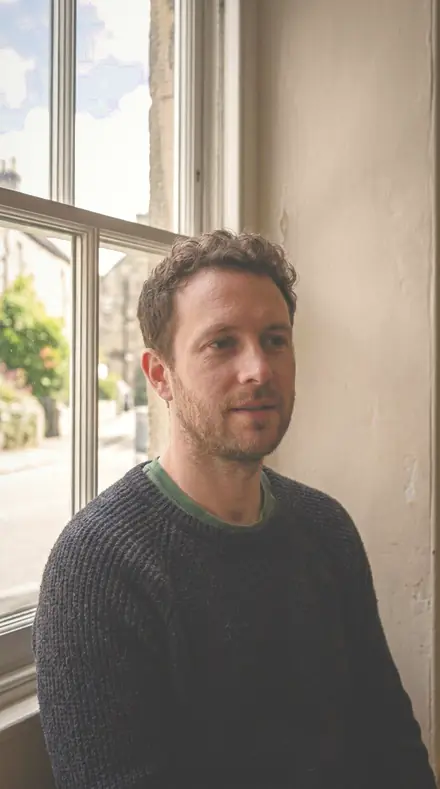
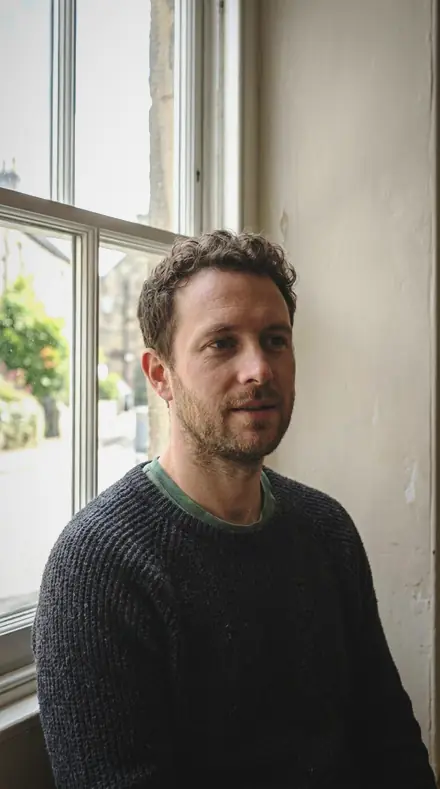
portrait window. With the Keypattern preset applied.portrait window. Photographed without a preset.
Keypattern applied to portrait window
portrait window, graded with Keypattern: 8 of this library's 16 collections
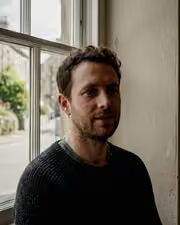
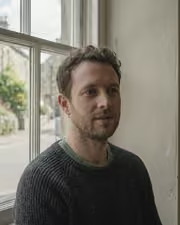
man portrait. With the Portraitroom preset applied.man portrait. Photographed without a preset.
Portraitroom applied to man portrait
man portrait, graded with Portraitroom: 16 of this library's 16 collections
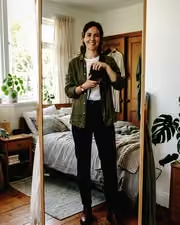
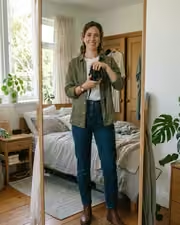
mirror fit. With the Keypattern preset applied.mirror fit. Photographed without a preset.
Keypattern applied to mirror fit
mirror fit, graded with Keypattern: 8 of this library's 16 collections
portrait window. With the Portraitroom preset applied.portrait window. Photographed without a preset.
Portraitroom applied to portrait window
portrait window, graded with Portraitroom: 16 of this library's 16 collections

It does not cover architecture, interiors and property; moods and tonal statements; light and weather; workflow and utility bases. Those collections live in other products on this network, and nothing here stands in for them.

What is inside, territory by territory

Portrait skin and studio lighting

12 collections, 216 presets

  • Broad Short
  • Butterfly Beauty
  • Clamshell Fill
  • Dark Skin
  • Hard Fresnel
  • Loop Standard
  • Pale Skin
  • Rembrandt Key
  • and 4 more

Wedding, family and events

4 collections, 72 presets

  • Baby Days
  • Cap And Gown
  • Outdoor Group
  • School Run

What contains what

1 smaller product is wholly inside this library. Buy this one and you have all of it; buy one of it first and what you paid comes off this price.

This library is itself inside 5 larger libraries.

Portraitroom · Portrait skin and studio lighting

Portraitroom makes one kind of light.

288 presets across 4 kinds of light is 288 presets for portrait skin and studio lighting photography. Every one of them is below, before you pay for any of it.

What this light does

one frame, 4 presets

Portrait and Family, a folio from the studio to the sitting room

4 of them, on one photograph. Drag to compare before and after.

  1. Newborn hands. With the Ninety Degree preset applied.Newborn hands. Photographed without a preset.
    Ninety Degree applied to Newborn hands

    No. 168

    Ninety Degree

    Split shaping for a key at exactly ninety degrees, the by-the-book placement for this pattern.

  2. Newborn hands. With the Bus Window preset applied.Newborn hands. Photographed without a preset.
    Bus Window applied to Newborn hands

    No. 276

    Bus Window

    Through glass on a moving vehicle, highlights recovered so the window does not blow.

  3. Newborn hands. With the Rim Ratio preset applied.Newborn hands. Photographed without a preset.
    Rim Ratio applied to Newborn hands

    No. 159

    Rim Ratio

    Rim shaping for a measured rim-to-key ratio, keeping the balance the photographer metered on set.

  4. Newborn hands. With the Deep Warmth preset applied.Newborn hands. Photographed without a preset.
    Deep Warmth applied to Newborn hands

    No. 55

    Deep Warmth

    Dark skin: orange hue nudged toward red so warmth stays in the skin instead of drifting yellow (exposure +0.07, contrast +7, orange sat +18, orange lum +22).

Explore every preset in this pack

4 presets · 4 scenes

4 of the 288 presets in this library, on the same four photographs. Nothing below is a sample. Open one and drag.

  1. No. 168Ninety DegreeSplit shaping for a key at exactly ninety degrees, the by-the-book placement for this pattern.
    Ninety Degree applied to Newborn hands Before: Newborn hands
    Newborn hands
    Ninety Degree applied to Man portrait Before: Man portrait
    Man portrait
    Ninety Degree applied to Portrait window Before: Portrait window
    Portrait window
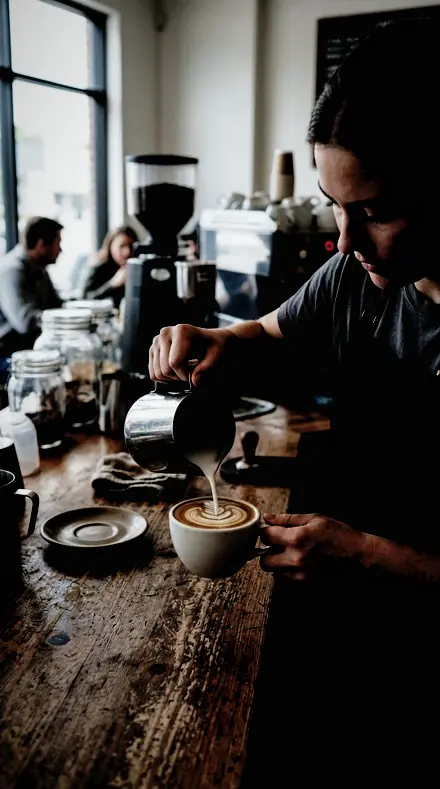
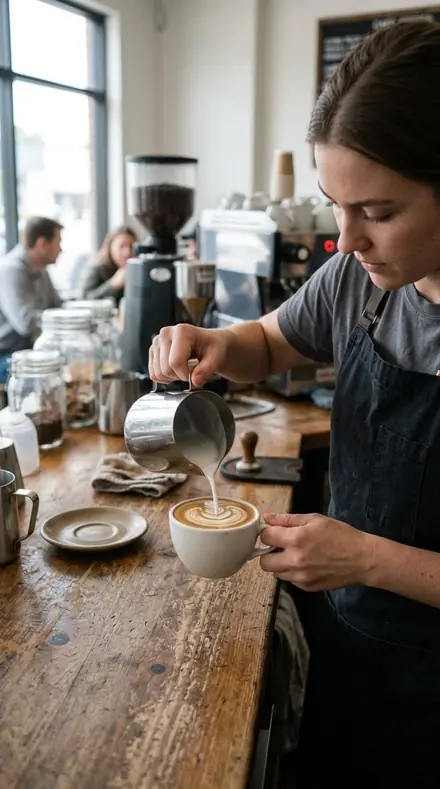
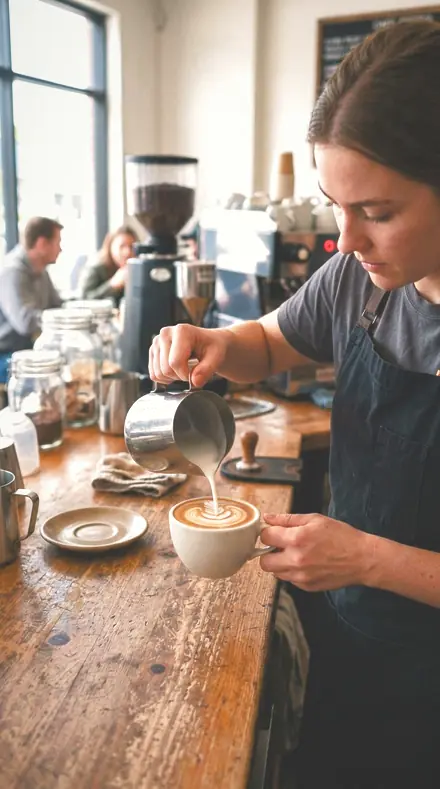
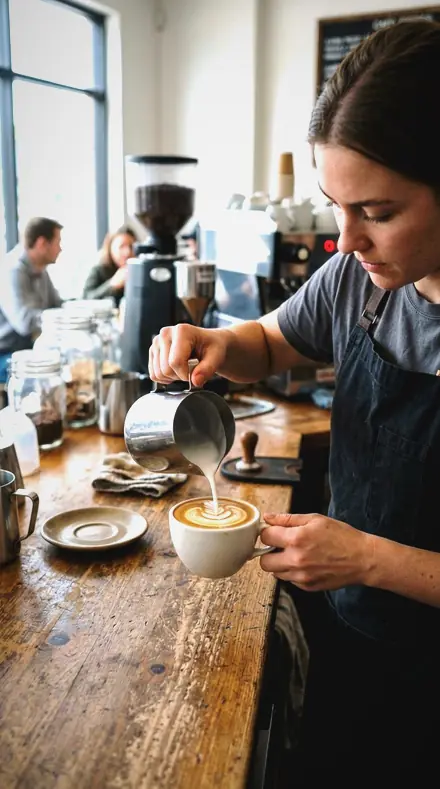
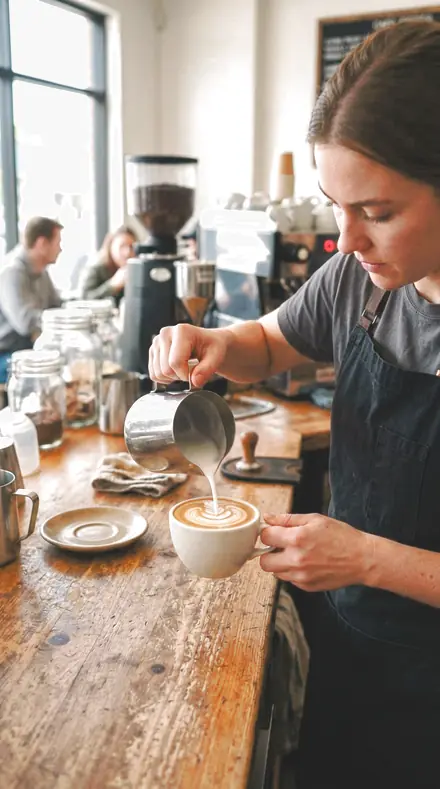
    Ninety Degree applied to Coffee pour Before: Coffee pour
    Coffee pour

    Drag the handle. Left is the original, right is Ninety Degree. Rendered from the preset's own settings, not a Lightroom export, so the real thing carries a little more bite.

  2. No. 276Bus WindowThrough glass on a moving vehicle, highlights recovered so the window does not blow.
    Bus Window applied to Newborn hands Before: Newborn hands
    Newborn hands
    Bus Window applied to Man portrait Before: Man portrait
    Man portrait
    Bus Window applied to Portrait window Before: Portrait window
    Portrait window
    Bus Window applied to Coffee pour Before: Coffee pour
    Coffee pour

    Drag the handle. Left is the original, right is Bus Window. Rendered from the preset's own settings, not a Lightroom export, so the real thing carries a little more bite.

  3. No. 159Rim RatioRim shaping for a measured rim-to-key ratio, keeping the balance the photographer metered on set.
    Rim Ratio applied to Newborn hands Before: Newborn hands
    Newborn hands
    Rim Ratio applied to Man portrait Before: Man portrait
    Man portrait
    Rim Ratio applied to Portrait window Before: Portrait window
    Portrait window
    Rim Ratio applied to Coffee pour Before: Coffee pour
    Coffee pour

    Drag the handle. Left is the original, right is Rim Ratio. Rendered from the preset's own settings, not a Lightroom export, so the real thing carries a little more bite.

  4. No. 55Deep WarmthDark skin: orange hue nudged toward red so warmth stays in the skin instead of drifting yellow (exposure +0.07, contrast +7, orange sat +18, orange lum +22).
    Deep Warmth applied to Newborn hands Before: Newborn hands
    Newborn hands
    Deep Warmth applied to Man portrait Before: Man portrait
    Man portrait
    Deep Warmth applied to Portrait window Before: Portrait window
    Portrait window
    Deep Warmth applied to Coffee pour Before: Coffee pour
    Coffee pour

    Drag the handle. Left is the original, right is Deep Warmth. Rendered from the preset's own settings, not a Lightroom export, so the real thing carries a little more bite.

The soft patterns are filed by the light you set. Broad and short shaping, butterfly kept symmetrical, clamshell with the shadow contrast closed, the everyday loop to run across a whole sitting, the rim held off clipping. Each finishes the skin for that pattern and keeps the modelling you paid for.

The hard patterns keep their edges. Hard Fresnel leaves specular skin specular and the shadow line crisp. Rembrandt Key holds the small lit triangle on the shadow cheek. Split Light keeps the divide down the nose clean and treats the dark half as subject, not absence.

Skin has its own chapter. Dark Skin lifts deep tones without greying them, the warmth held in the orange band. Pale Skin controls redness and protects the highlights. Studio Skin trims the flush from the modelling lights. Window Seat warms an indoor portrait and leaves the contrast near flat.

Then the family. Baby Days holds a newborn's skin soft rather than washing it pastel. Cap and Gown stops the black gown going to a hole under stage light. Outdoor Group brings a porch or garden group out of the shade with the skin warm and no one sitting in the dark. School Run forgives a handheld frame of a child on the move. A few presets from each chapter are below, on the same faces.


Yours in two minutes

how it works

  1. Step 1

    Buy

    Pay with Apple Pay, Google Pay or a card.

  2. Step 2

    Download

    The zip downloads right away, and a copy lands in your email.

  3. Step 3

    Import

    Add the presets to Lightroom in a minute.

    PhoneClassicDesktop
  4. Step 4

    Tap

    One tap on any photo. Every slider stays yours to adjust.

Yours to keep, for personal and client work. Please do not share the files. The license

Netzah Elad Topaz, the photographer who makes these presets

the maker

Why I Make These

I am Netzah Elad Topaz. I take photographs and I build software, and the two keep leading me back to the same problem. You were there. The light was doing something you will not see again. Then the photo comes back flat, and it is not what you were looking at.

Closing that gap is the whole job. Every preset here is built from Adobe defaults by hand, with a written note for what it should do to a picture, and it is judged on photographs before it ships. Nothing is a filter dropped on top of your work.

What I want is simple. You open a photo you almost gave up on, you tap once, and there it is: the day you remember, not the file your camera handed you. That is worth doing properly.

Questions, answered

Do I need the pattern collections if I shoot one light all day?

Loop Standard is built for that: Session Default runs across a whole sitting so every frame matches. The other patterns are there for the day you move the key.

Do these work in the free Lightroom app?

Yes. Import the .xmp files in the free Lightroom app on iPhone or Android, no subscription needed. They also work in Lightroom Classic and Lightroom on desktop.

What exactly do I get?

All 288 presets from Portrait and Family as .xmp files in an instant ZIP download. The link also lands in your email, and the purchase stays in your account so you can re-download any time.

How do I install them?

Two minutes: unzip, then import inside Lightroom. The step-by-step guide covers iPhone, Android, and desktop.

Can I use them for client work?

Yes. The single-user license covers personal and commercial photography. The one thing you can't do is share or resell the preset files themselves.

Can I tweak a preset after applying it?

Always. A preset is a starting point; every slider stays yours to adjust.

Window light, indexed. With the Porcelainskin preset applied.Window light, indexed. Photographed without a preset.
Porcelainskin applied to Window light, indexed

Porcelainskin

Portrait skin and studio lighting · 18 presets

was $49.99now $29.99Save $20

A face, fully read. With the Keypattern preset applied.A face, fully read. Photographed without a preset.
Keypattern applied to A face, fully read

Keypattern

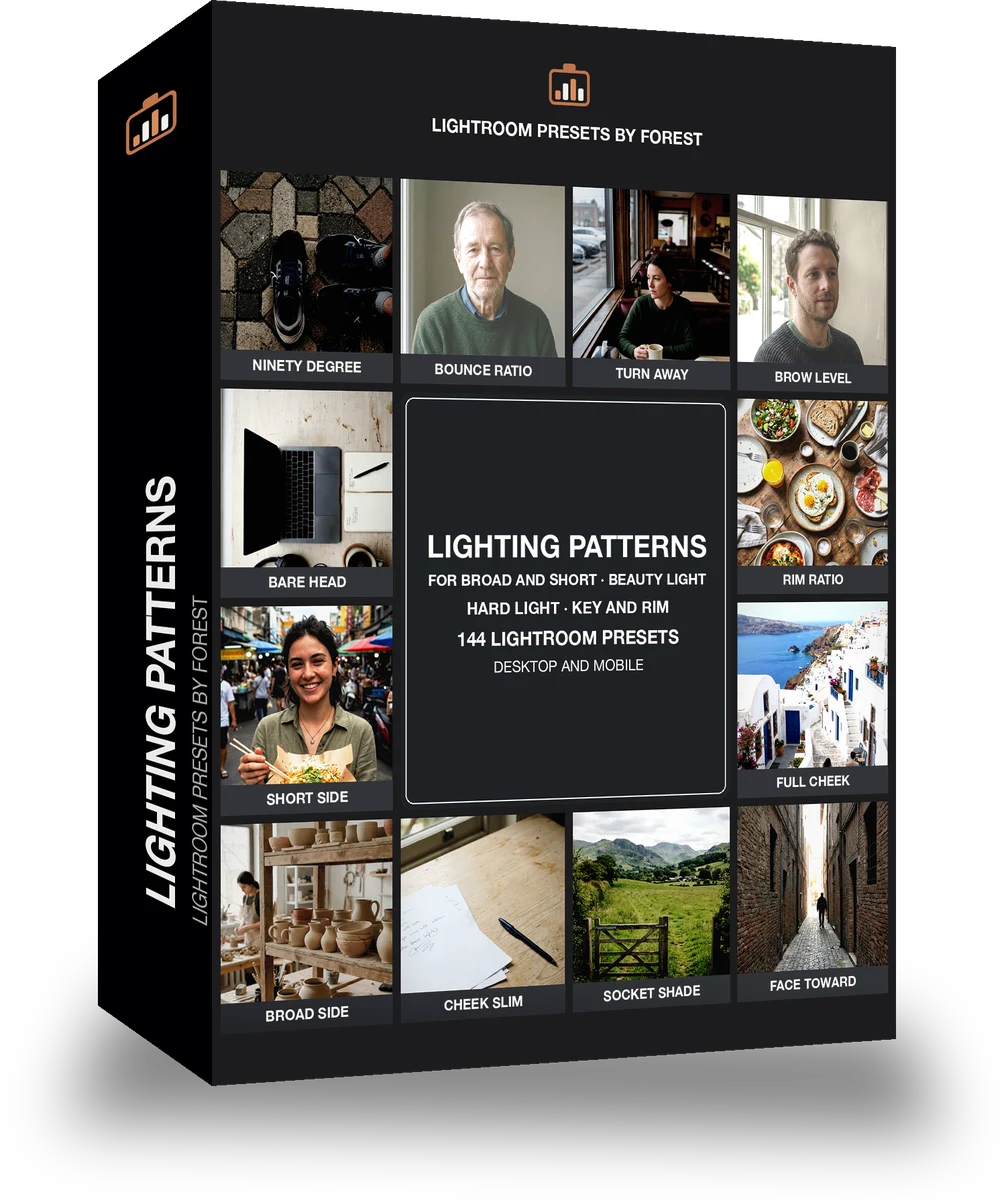
Portrait skin and studio lighting · 144 presets

was $199now $99Save $100

A face, fully read. With the Facestudy preset applied.A face, fully read. Photographed without a preset.
Facestudy applied to A face, fully read

Facestudy

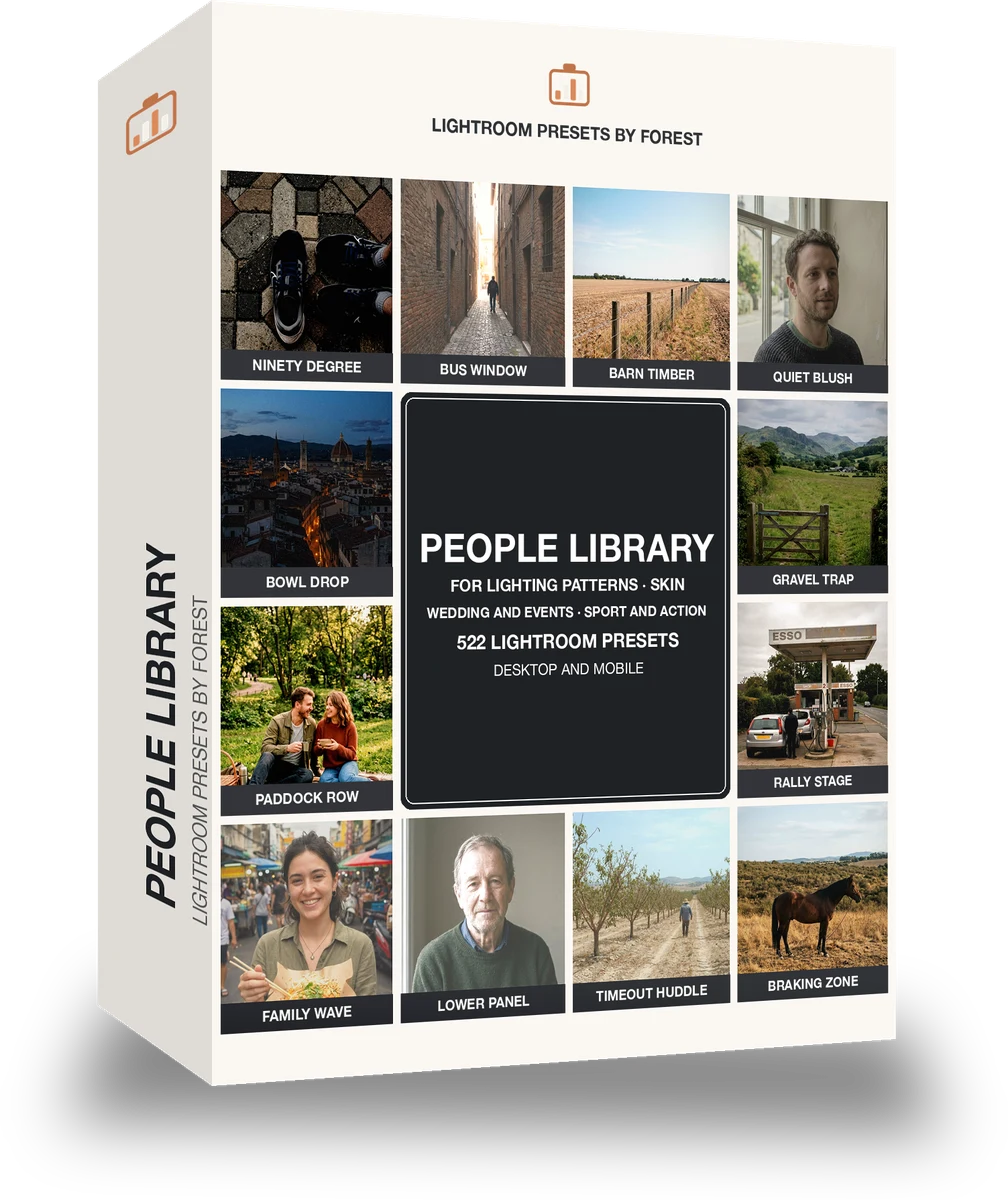
Portrait skin and studio lighting · 522 presets

was $449now $199Save $250

Cafe window, one tap later. With the Reeltint preset applied.Cafe window, one tap later. Photographed without a preset.
Reeltint applied to Cafe window, one tap later

Reeltint

Everyday and mobile creators · 15 presets

was $49.99now $29.99Save $20