PRE|SETS
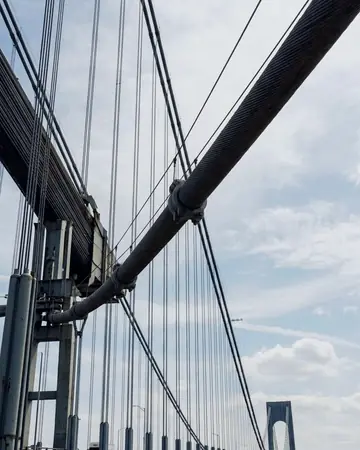
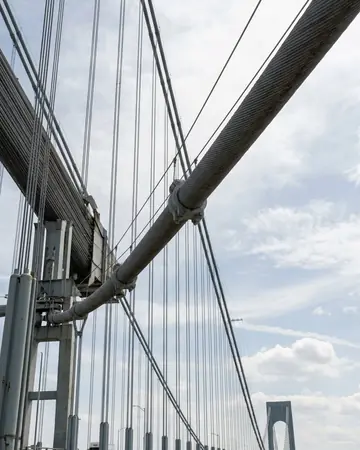
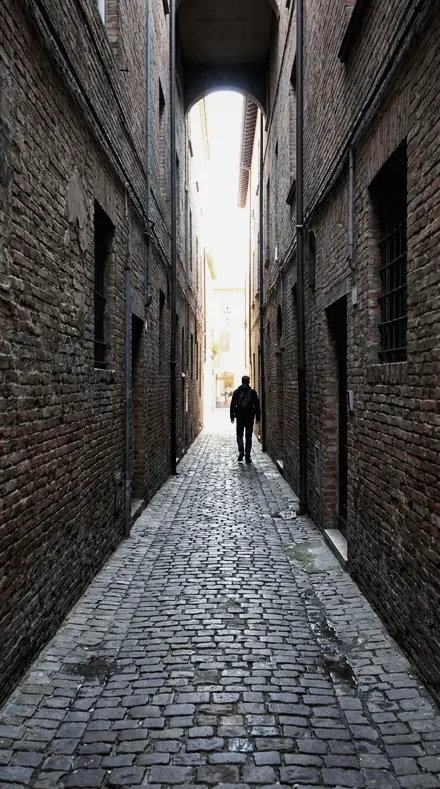
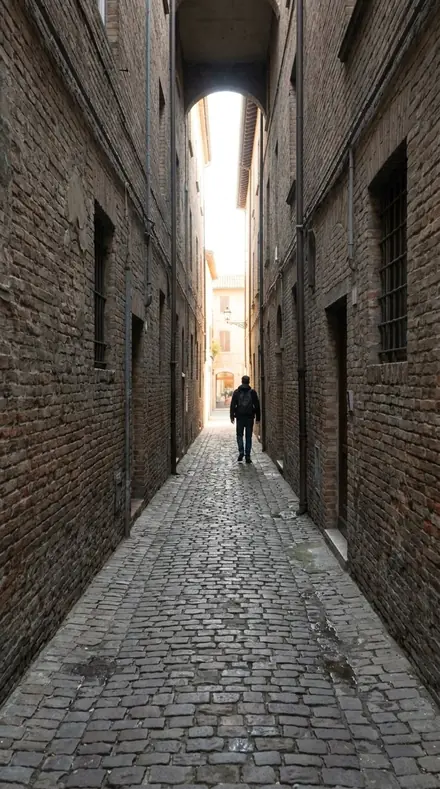
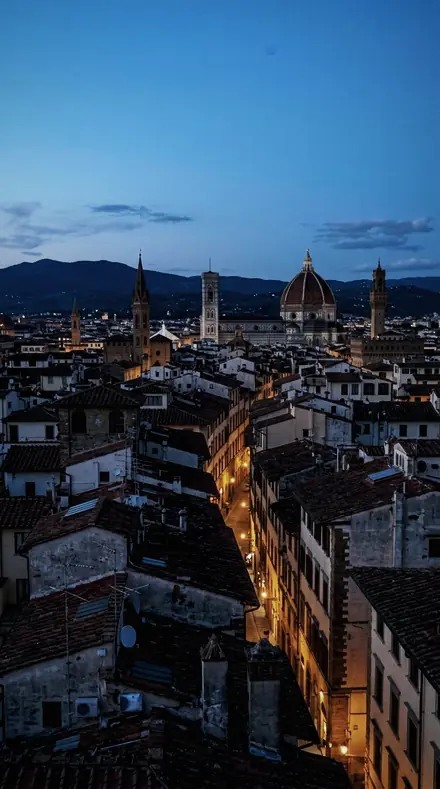
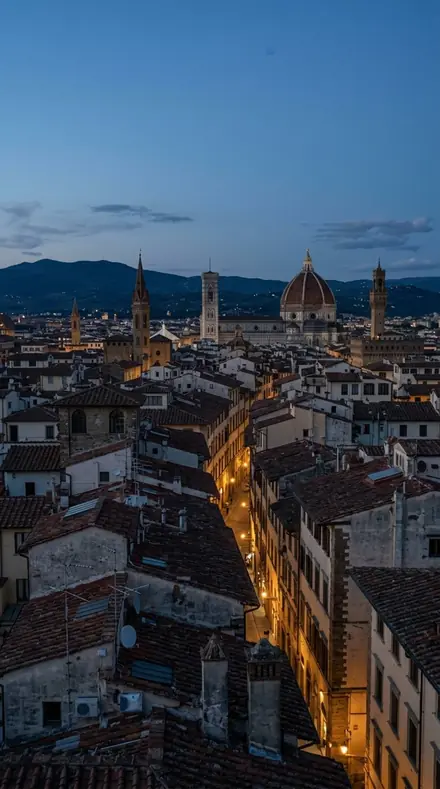
bridge cables. With the Chrome Film preset applied.bridge cables. Photographed without a preset.
Chrome Film applied to bridge cables

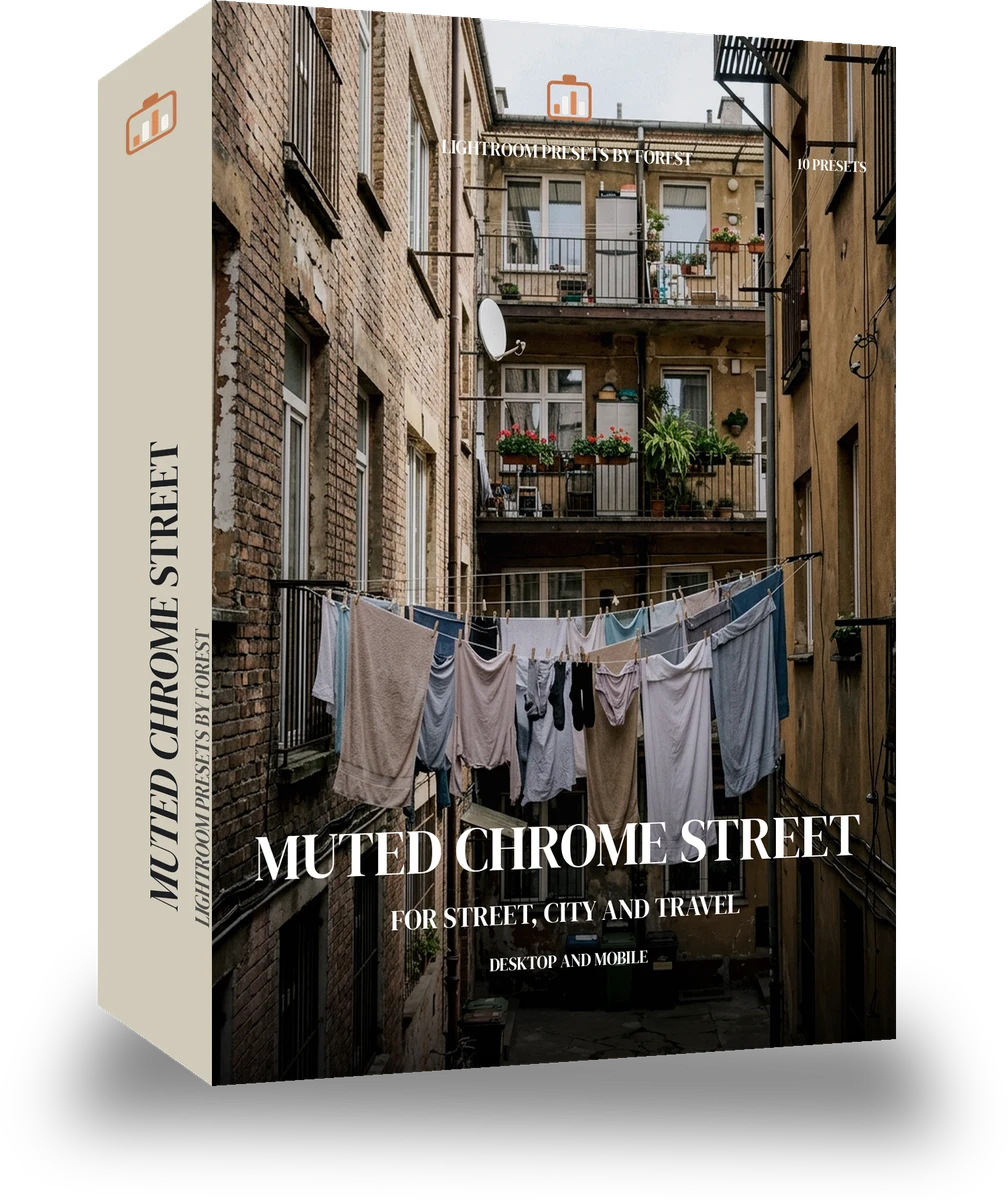
Muted Chrome Street

More packs from Chrome Film (6)

was $24.99now $14.99Save $10

welcome price, your first pack from the network

Save for later

Instant download.

  • Presets10
  • Stylefilm, slide, street
  • Works inLightroom desktop and mobile
  • Format.xmp and .dng

Chrome Film · film

Chrome Film makes one kind of light.

Desaturates the street to muted chrome with cool shadows, held reds and hard blacks, nothing faded.

Muted Chrome Street is 10 presets for film photography. Every one of them is below, before you pay for any of it.

About this pack

Muted chrome is the look that took over street photography: colour pulled well below neutral, shadows gone cool, reds the only thing allowed to hold, and blacks that stay hard rather than lifting. These ten looks keep contrast in the slide band so the frame has weight, and hold the desaturation in a band that reads as chrome rather than grey. There is no fade; the Faded Negative packs do that. The ten step from a lightly muted version to a near-monochrome one with a single red left in it. Ten presets, one look, one job, stepping from a light hand to the full effect so you pick the version the frame wants. XMP for Lightroom Classic and Lightroom desktop, DNG for the free Lightroom mobile app; exposure and crop are left to you. Chrome Film is for photographs that belong on a light box or in an album, never on a screen.

  • Colour pulled down, reds held
  • Cool shadows, hard blacks
  • Nothing faded, all weight
  • Light mute to near-mono

Street, city travel, documentary, architecture in overcast light.

The look is inspired by the muted, cool-shadow rendering of Fujifilm's Classic Chrome simulation. This product is not made, licensed or endorsed by Fujifilm. Inspired by the look of classic film. Not made, licensed or endorsed by the film's maker.

See the light change

drag the line

The same frame, one tap apart. Drag any handle and the scene goes back to the way it looked before Chrome Film touched it.

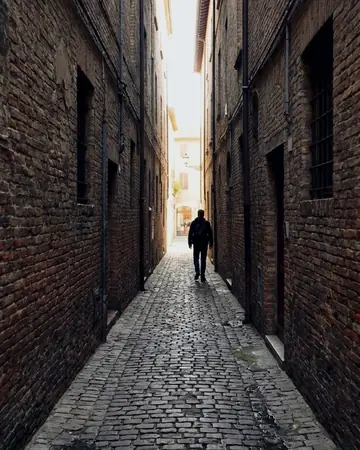
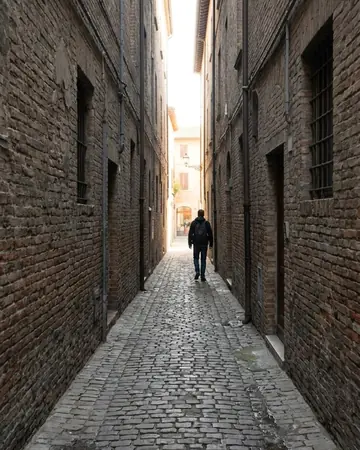
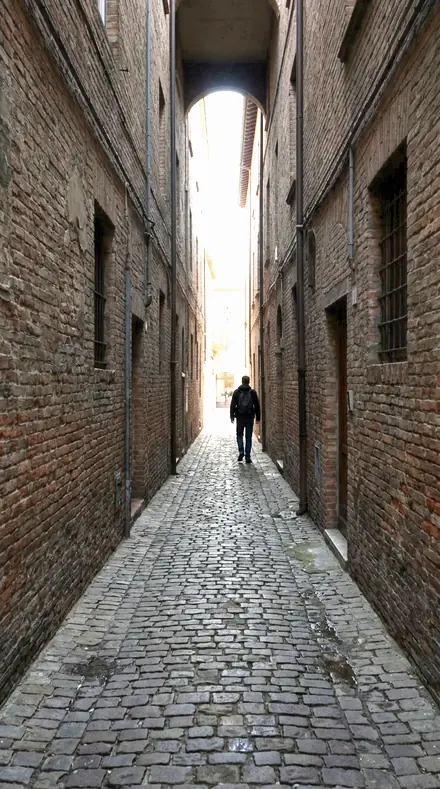
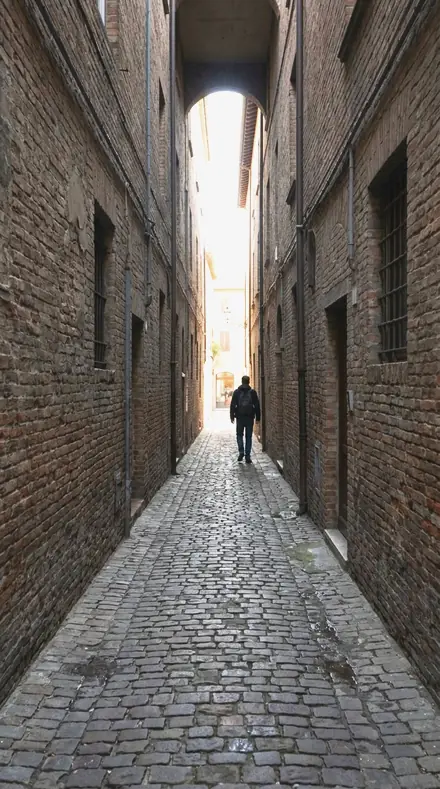
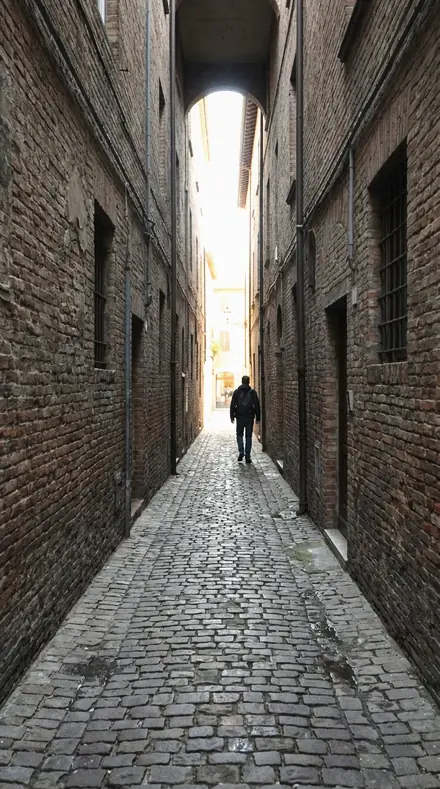
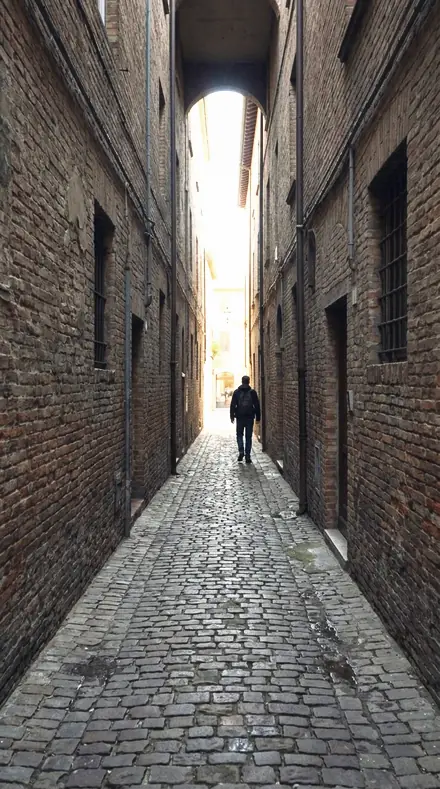
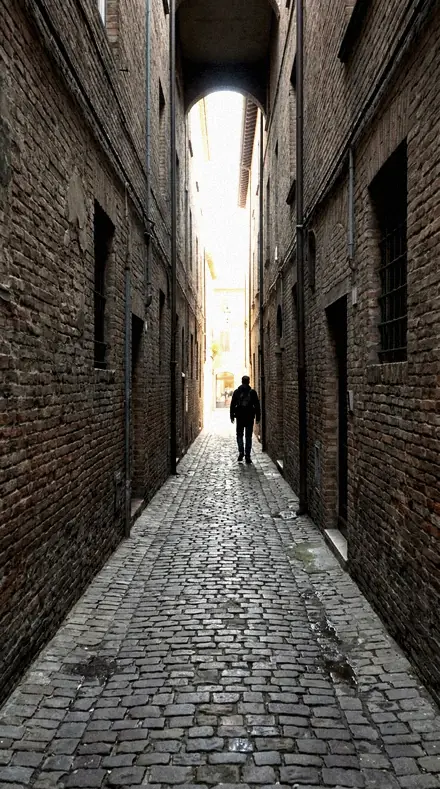
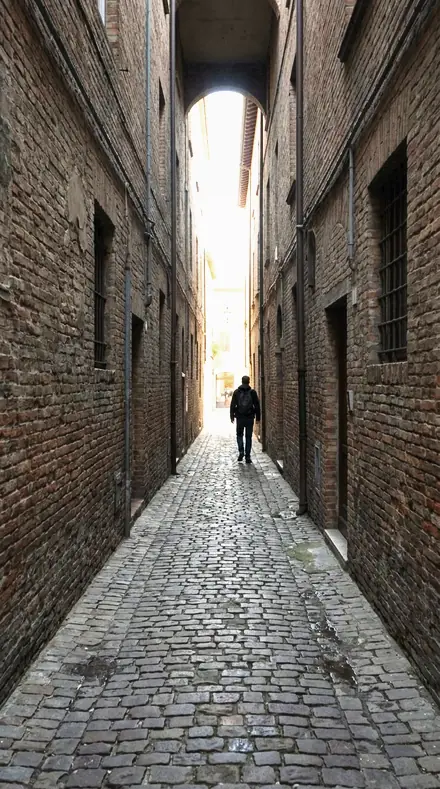
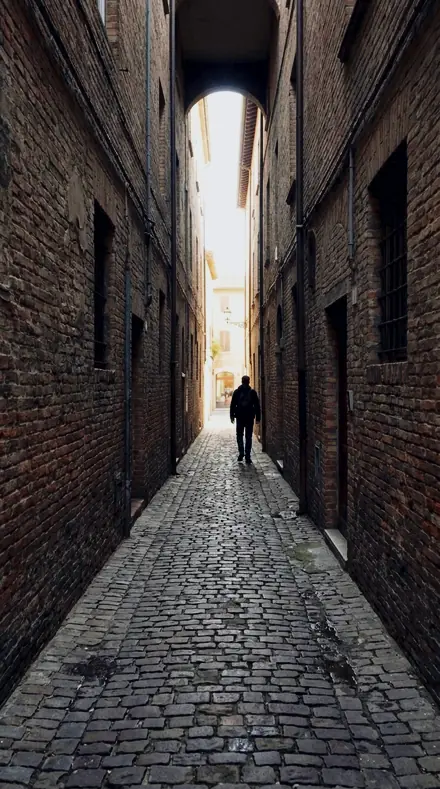
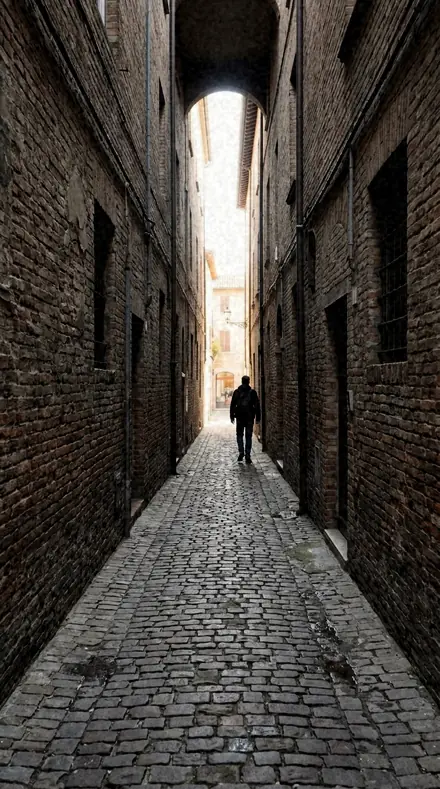
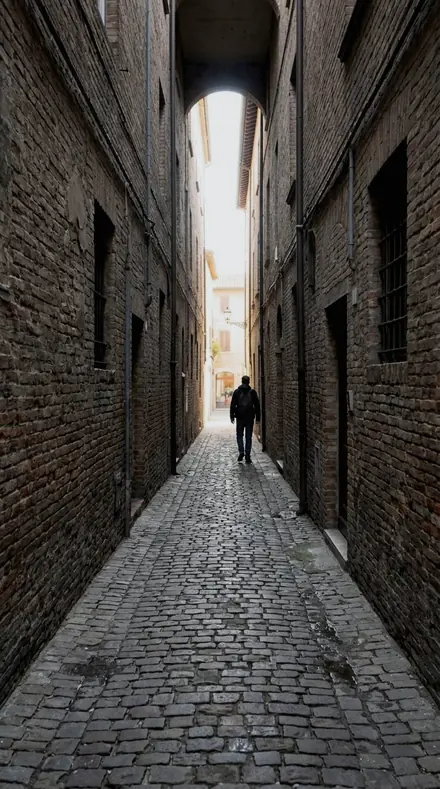
The alley says more in ink. With the Chrome Film preset applied.The alley says more in ink. Photographed without a preset.
Chrome Film applied to The alley says more in ink
The alley says more in ink
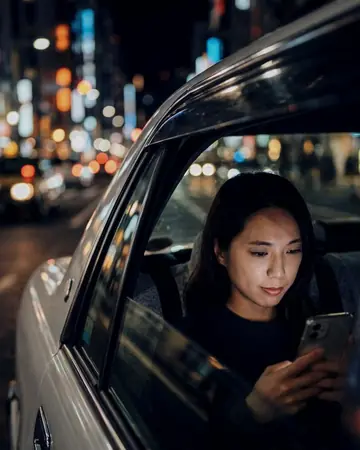
Taxi night window. With the Chrome Film preset applied.Taxi night window. Photographed without a preset.
Chrome Film applied to Taxi night window
Taxi night window
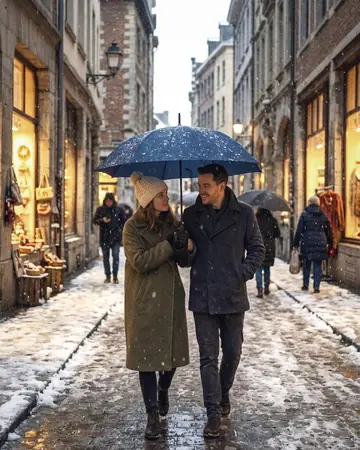
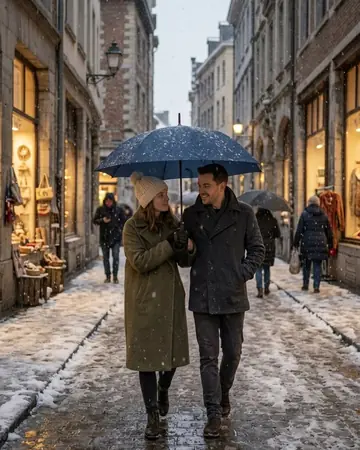
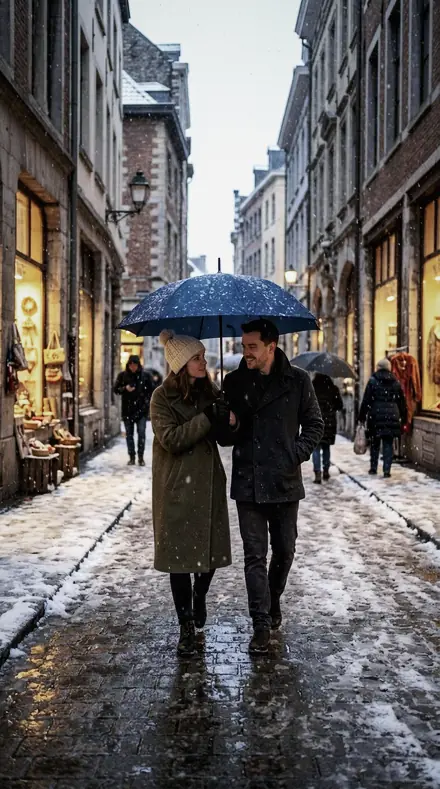
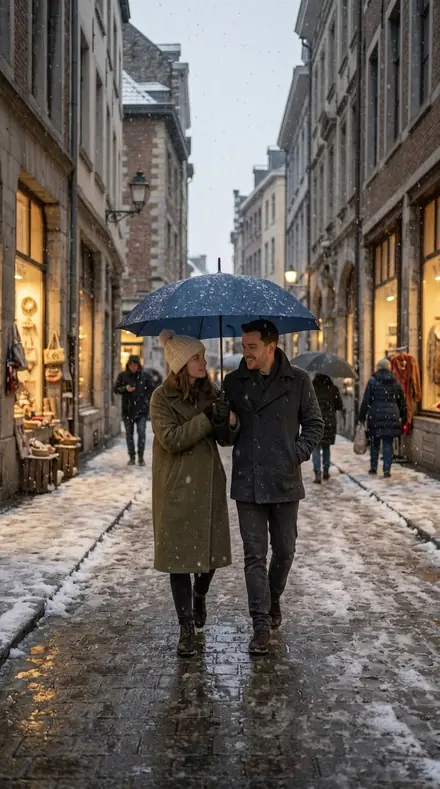
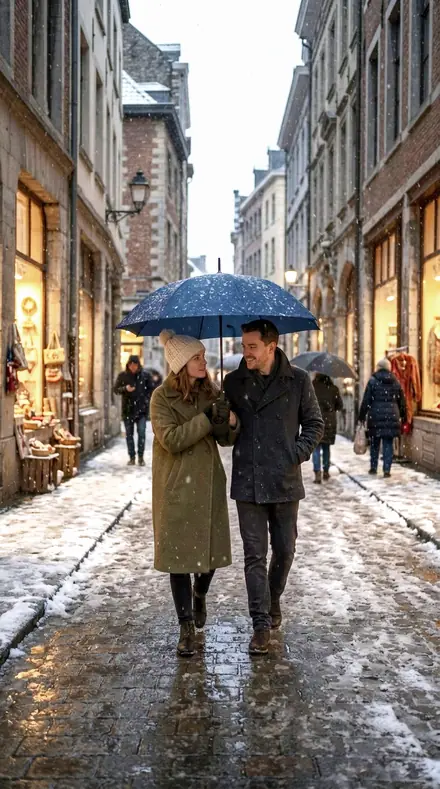
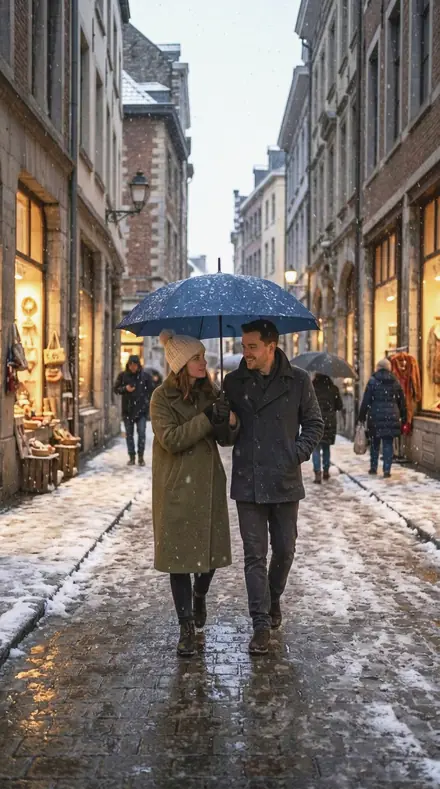
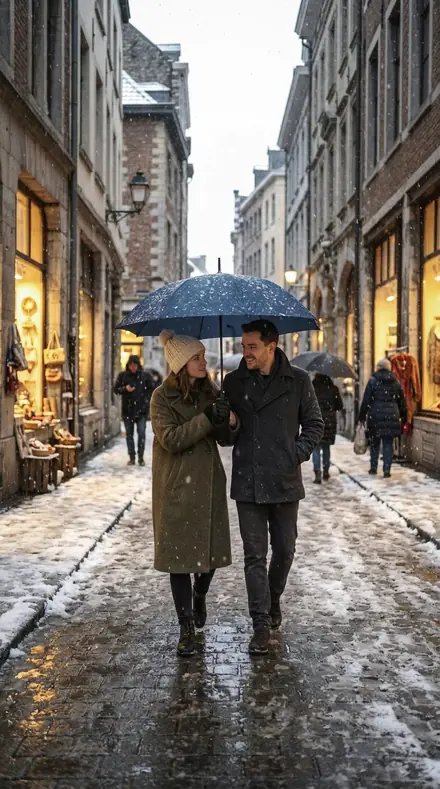
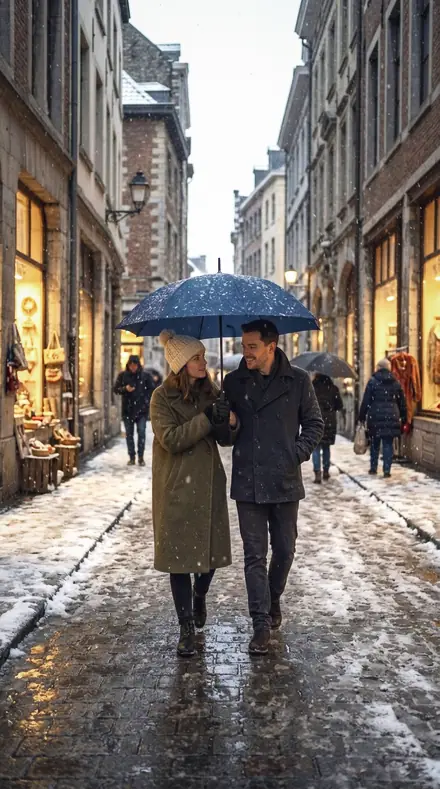
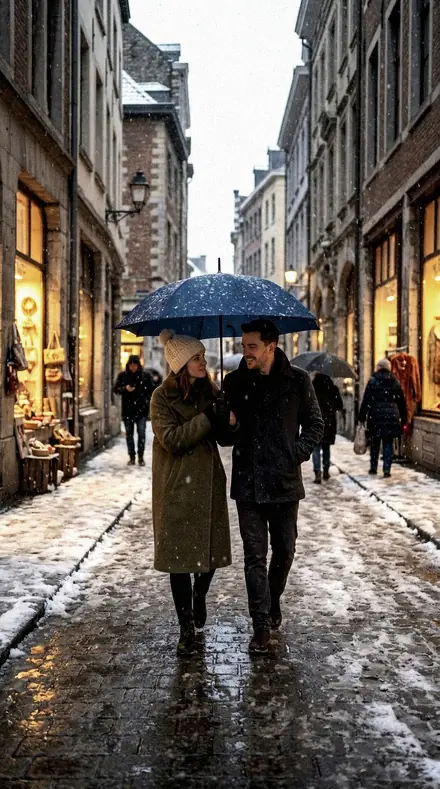
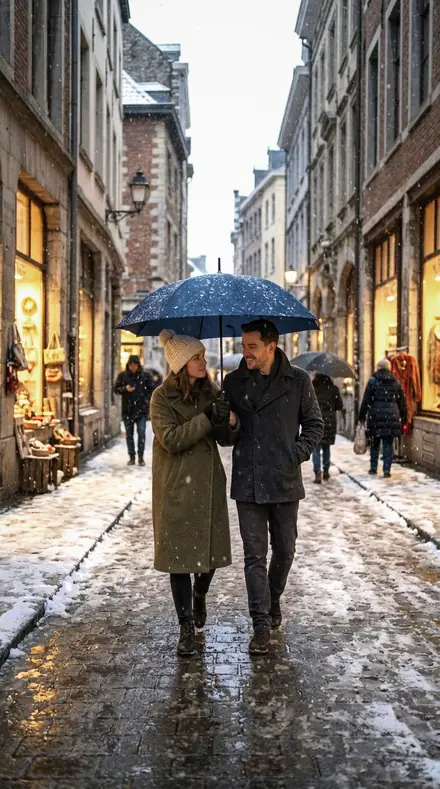
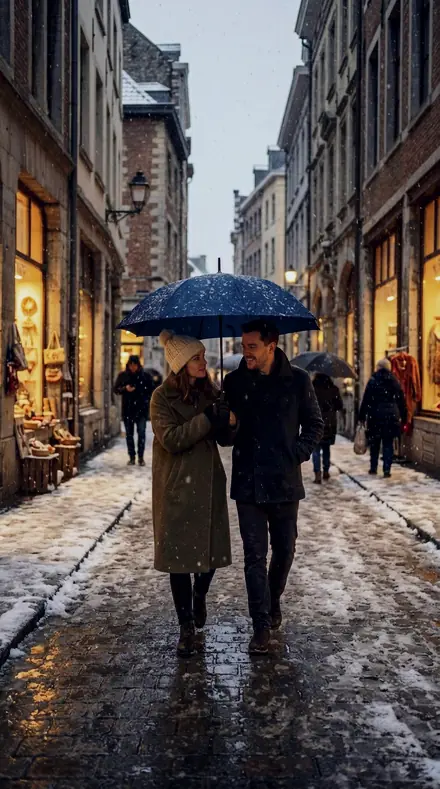
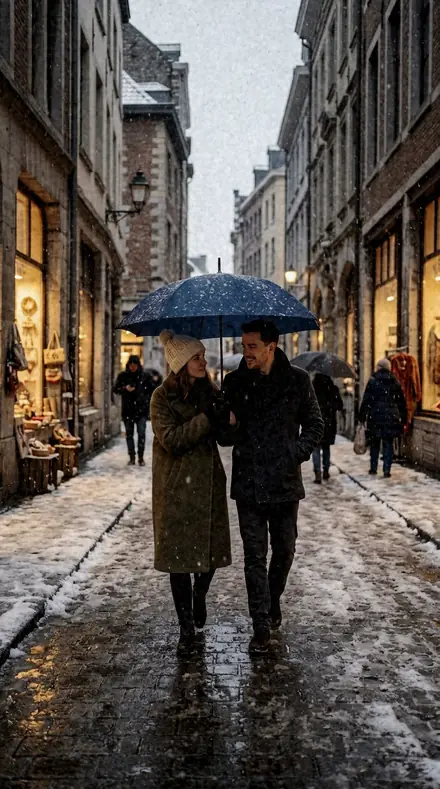
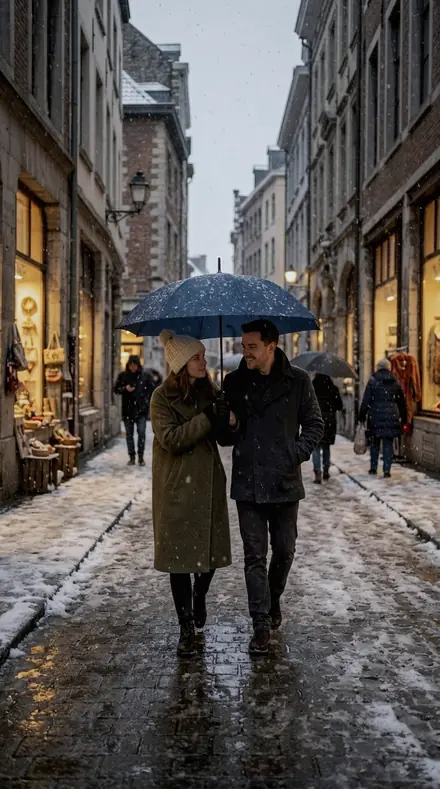
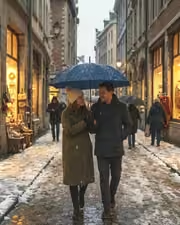
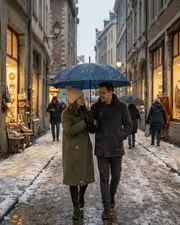
A fictional couple walking under one umbrella in falling snow on a European city street at dusk, shop windows glowing. With the Chrome Film preset applied.A fictional couple walking under one umbrella in falling snow on a European city street at dusk, shop windows glowing. Photographed without a preset.
Chrome Film applied to A fictional couple walking under one umbrella in falling snow on a European city street at dusk, shop windows glowing
A fictional couple walking under one umbrella in falling snow on a European city street at dusk, shop windows glowing

Explore every preset in this pack

10 presets · 4 scenes

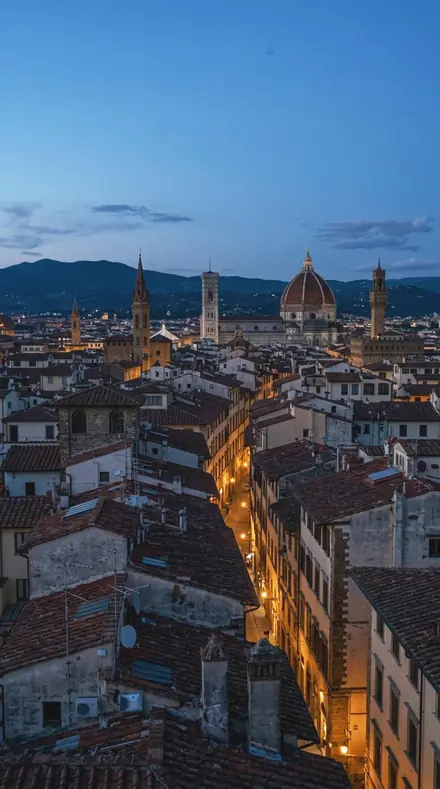
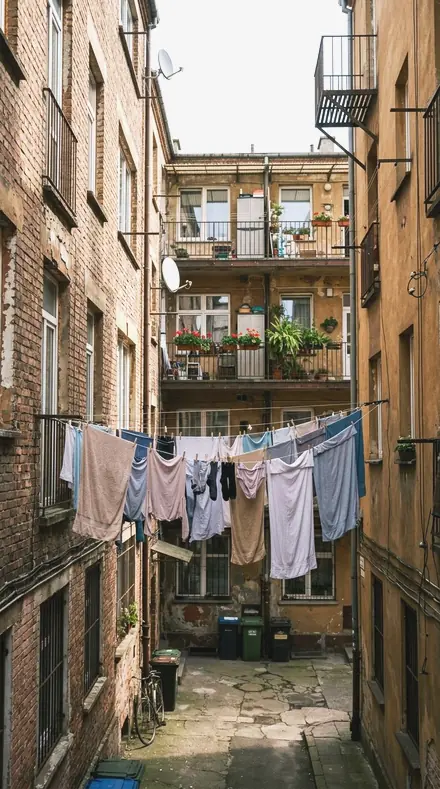
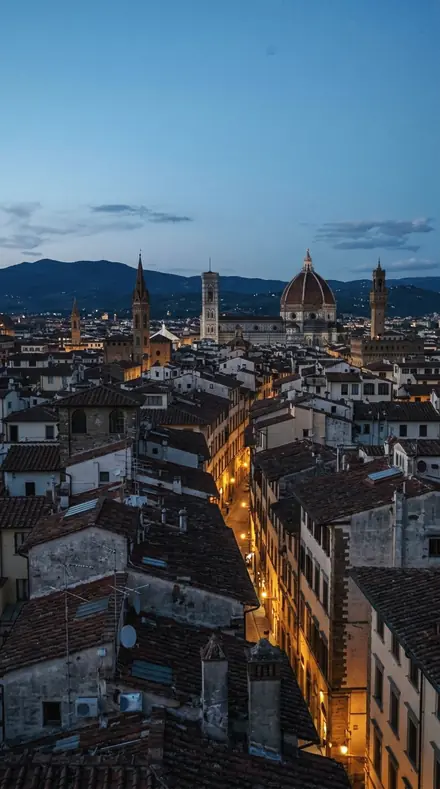
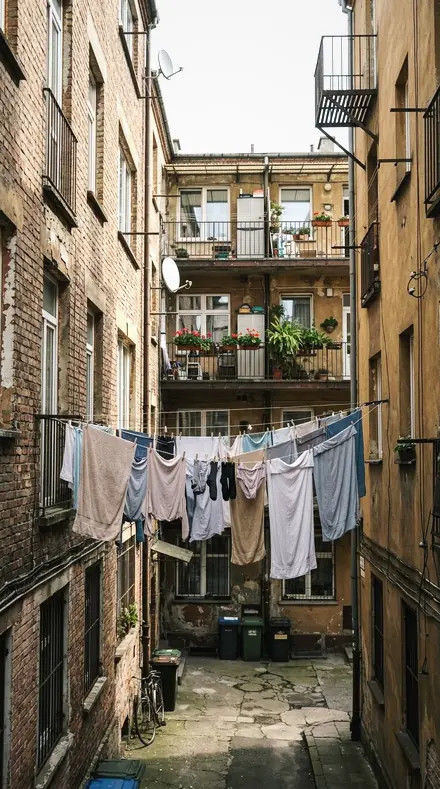
10 of the 100 presets in this library, on the same four photographs. Nothing below is a sample. Open one and drag.

  1. No. 01Precast Joint
    Precast Joint applied to Alley lines Before: Alley lines
    Alley lines
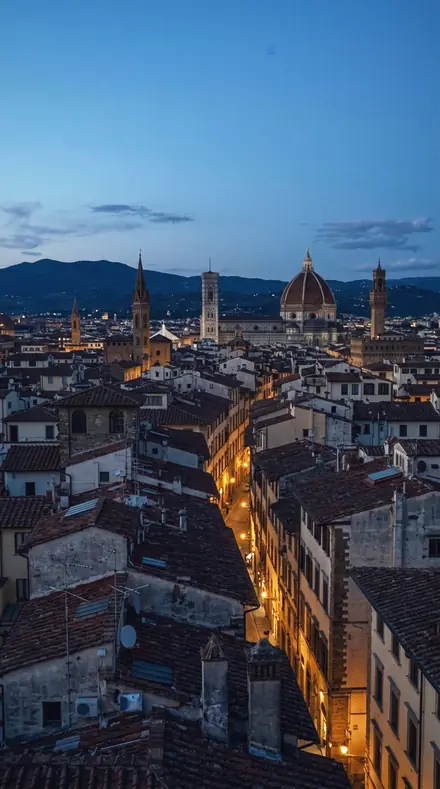
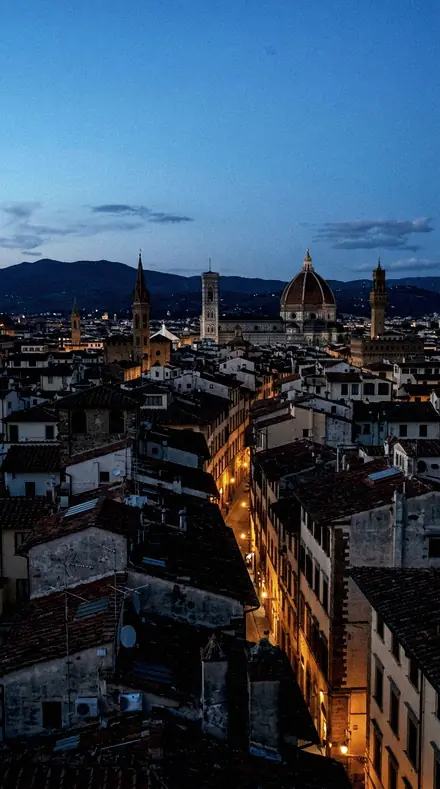
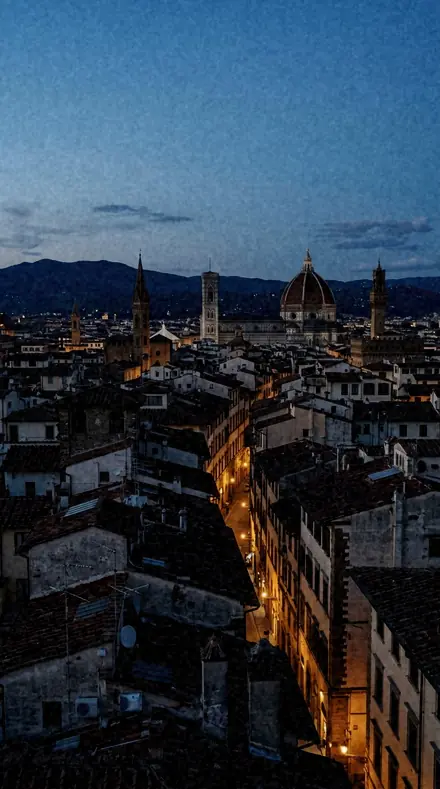
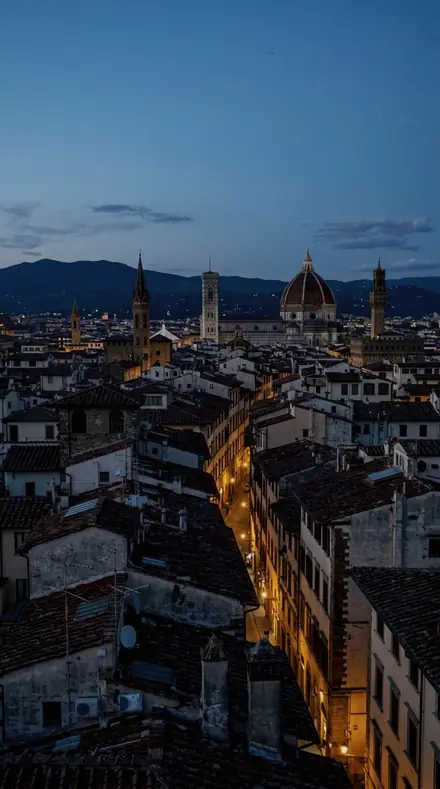
    Precast Joint applied to City rooftop Before: City rooftop
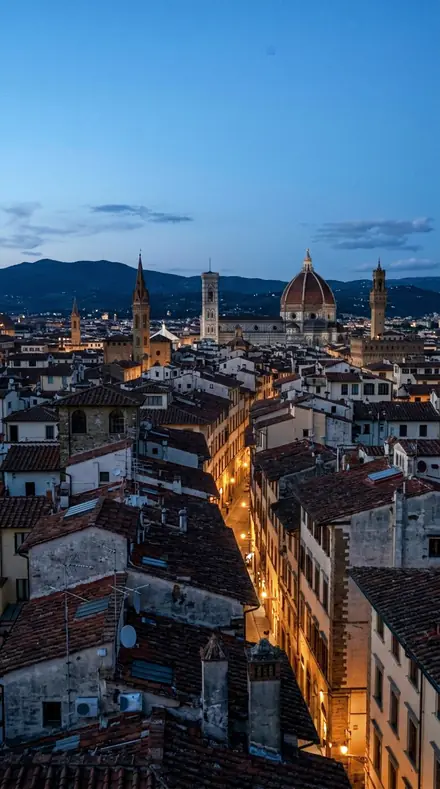
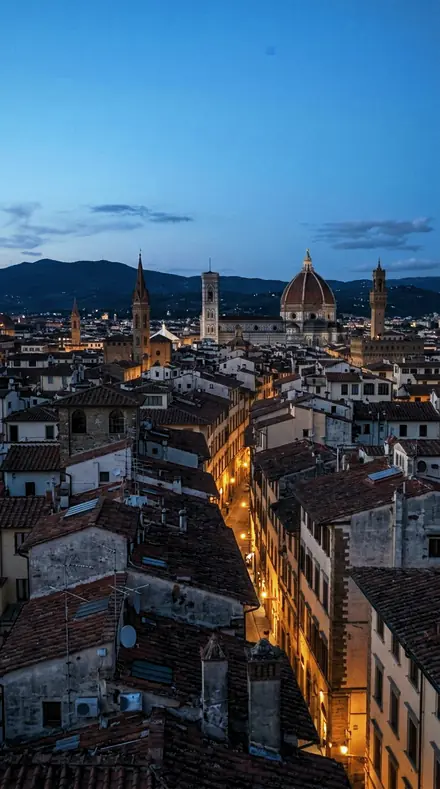
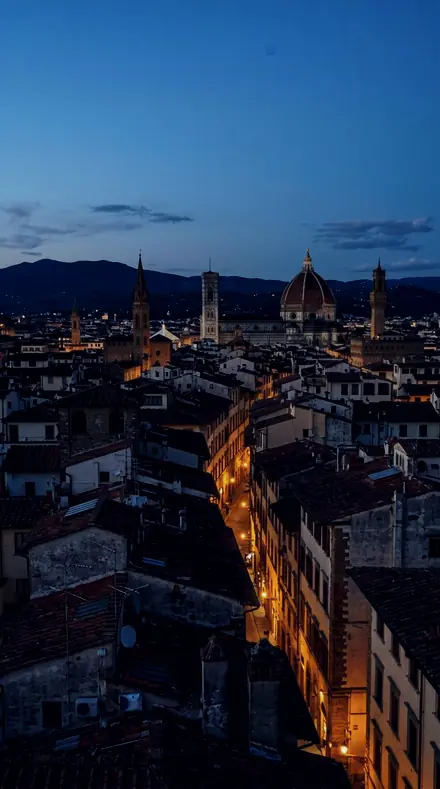
    City rooftop
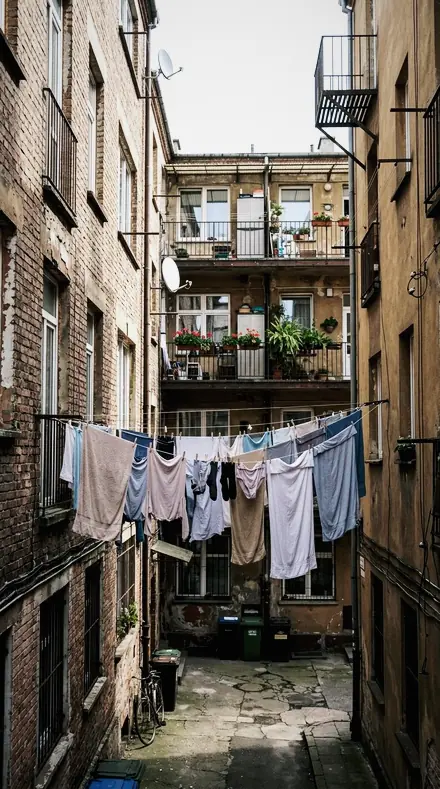
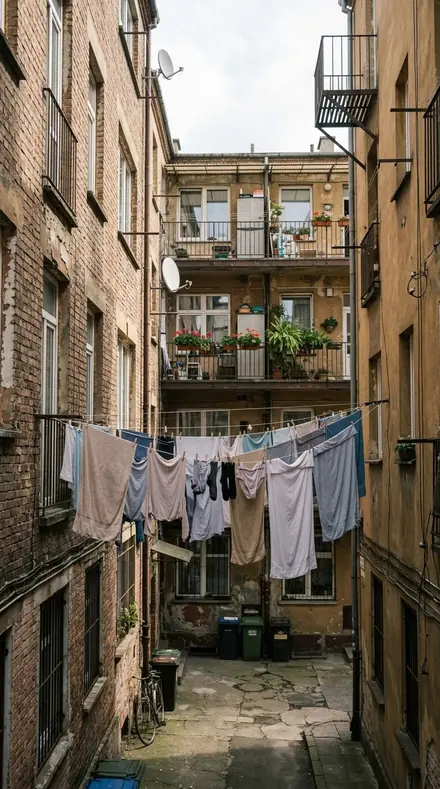
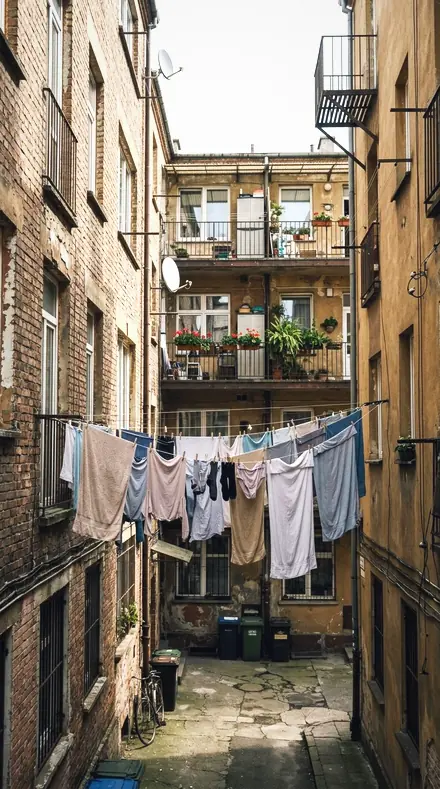
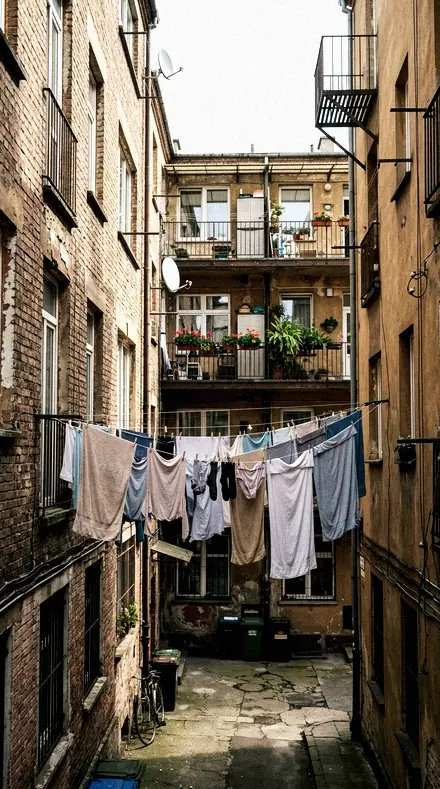
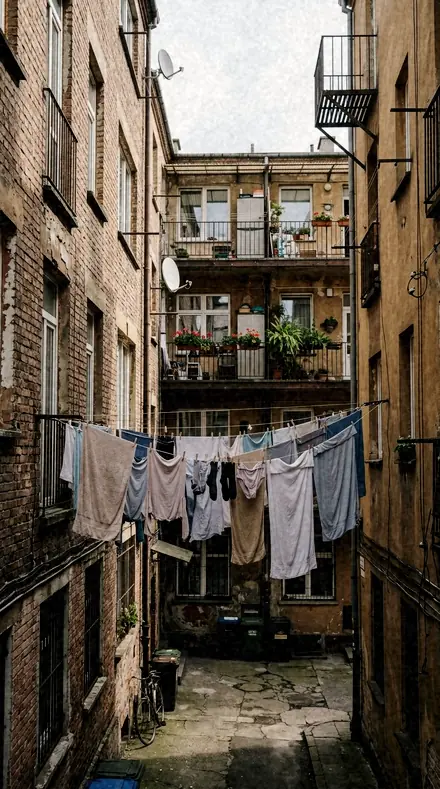
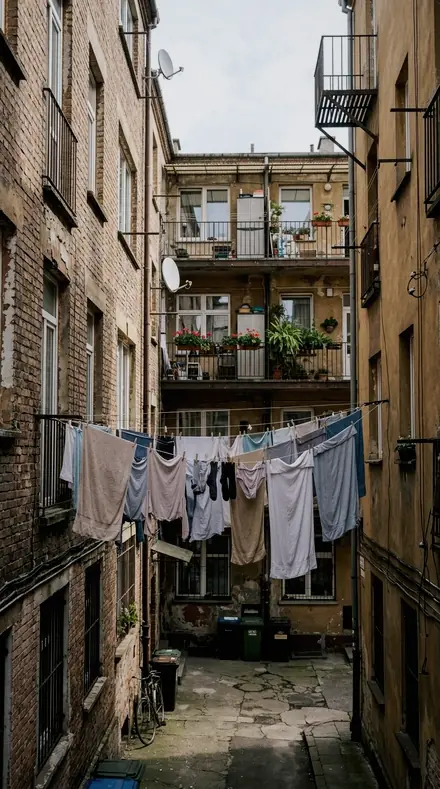
    Precast Joint applied to Laundry line Before: Laundry line
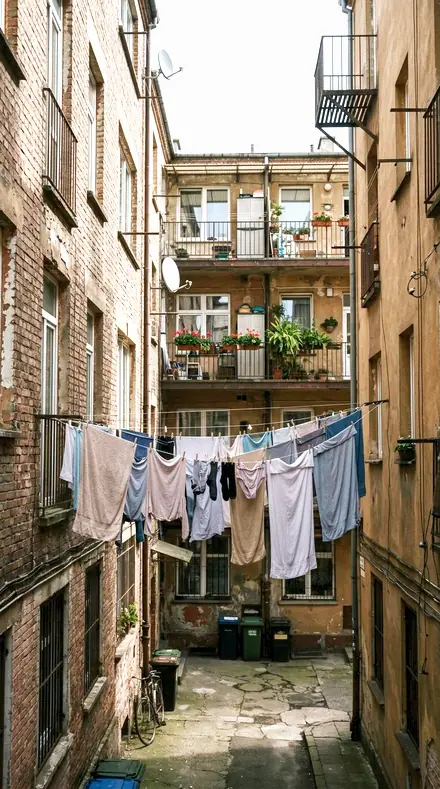
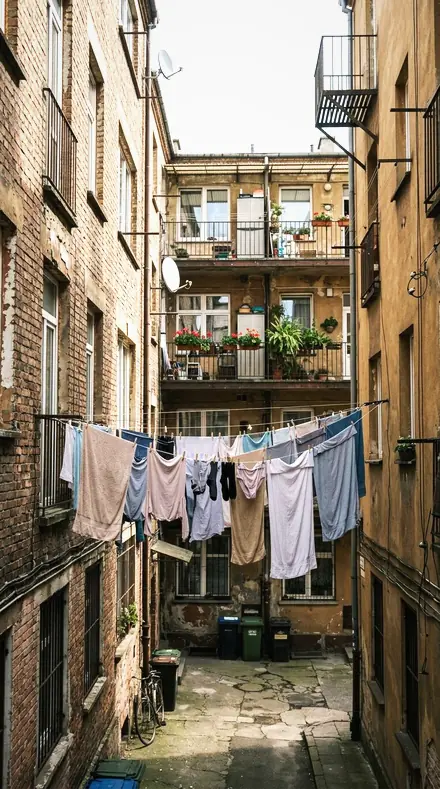
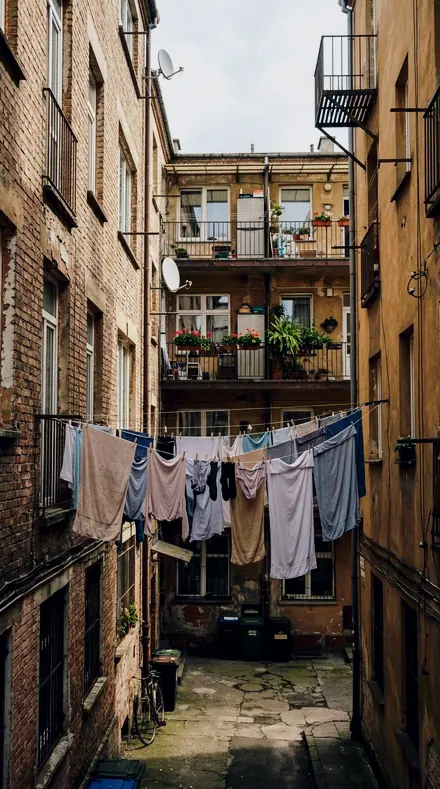
    Laundry line
    Precast Joint applied to Snow street couple Before: Snow street couple
    Snow street couple

    Drag the handle. Left is the original, right is Precast Joint. Rendered from the preset's own settings, not a Lightroom export, so the real thing carries a little more bite.

  2. No. 02Even Skin
    Even Skin applied to Alley lines Before: Alley lines
    Alley lines
    Even Skin applied to City rooftop Before: City rooftop
    City rooftop
    Even Skin applied to Laundry line Before: Laundry line
    Laundry line
    Even Skin applied to Snow street couple Before: Snow street couple
    Snow street couple

    Drag the handle. Left is the original, right is Even Skin. Rendered from the preset's own settings, not a Lightroom export, so the real thing carries a little more bite.

  3. No. 03Tour Case
    Tour Case applied to Alley lines Before: Alley lines
    Alley lines
    Tour Case applied to City rooftop Before: City rooftop
    City rooftop
    Tour Case applied to Laundry line Before: Laundry line
    Laundry line
    Tour Case applied to Snow street couple Before: Snow street couple
    Snow street couple

    Drag the handle. Left is the original, right is Tour Case. Rendered from the preset's own settings, not a Lightroom export, so the real thing carries a little more bite.

  4. No. 04Blowing Iron
    Blowing Iron applied to Alley lines Before: Alley lines
    Alley lines
    Blowing Iron applied to City rooftop Before: City rooftop
    City rooftop
    Blowing Iron applied to Laundry line Before: Laundry line
    Laundry line
    Blowing Iron applied to Snow street couple Before: Snow street couple
    Snow street couple

    Drag the handle. Left is the original, right is Blowing Iron. Rendered from the preset's own settings, not a Lightroom export, so the real thing carries a little more bite.

  5. No. 05Lead Clip
    Lead Clip applied to Alley lines Before: Alley lines
    Alley lines
    Lead Clip applied to City rooftop Before: City rooftop
    City rooftop
    Lead Clip applied to Laundry line Before: Laundry line
    Laundry line
    Lead Clip applied to Snow street couple Before: Snow street couple
    Snow street couple

    Drag the handle. Left is the original, right is Lead Clip. Rendered from the preset's own settings, not a Lightroom export, so the real thing carries a little more bite.

  6. No. 06Vendor Stall
    Vendor Stall applied to Alley lines Before: Alley lines
    Alley lines
    Vendor Stall applied to City rooftop Before: City rooftop
    City rooftop
    Vendor Stall applied to Laundry line Before: Laundry line
    Laundry line
    Vendor Stall applied to Snow street couple Before: Snow street couple
    Snow street couple

    Drag the handle. Left is the original, right is Vendor Stall. Rendered from the preset's own settings, not a Lightroom export, so the real thing carries a little more bite.

  7. No. 07Skybridge Deck
    Skybridge Deck applied to Alley lines Before: Alley lines
    Alley lines
    Skybridge Deck applied to City rooftop Before: City rooftop
    City rooftop
    Skybridge Deck applied to Laundry line Before: Laundry line
    Laundry line
    Skybridge Deck applied to Snow street couple Before: Snow street couple
    Snow street couple

    Drag the handle. Left is the original, right is Skybridge Deck. Rendered from the preset's own settings, not a Lightroom export, so the real thing carries a little more bite.

  8. No. 08CS-07 Strobe Freeze
    CS-07 Strobe Freeze applied to Alley lines Before: Alley lines
    Alley lines
    CS-07 Strobe Freeze applied to City rooftop Before: City rooftop
    City rooftop
    CS-07 Strobe Freeze applied to Laundry line Before: Laundry line
    Laundry line
    CS-07 Strobe Freeze applied to Snow street couple Before: Snow street couple
    Snow street couple

    Drag the handle. Left is the original, right is CS-07 Strobe Freeze. Rendered from the preset's own settings, not a Lightroom export, so the real thing carries a little more bite.

  9. No. 09Phone Sober
    Phone Sober applied to Alley lines Before: Alley lines
    Alley lines
    Phone Sober applied to City rooftop Before: City rooftop
    City rooftop
    Phone Sober applied to Laundry line Before: Laundry line
    Laundry line
    Phone Sober applied to Snow street couple Before: Snow street couple
    Snow street couple

    Drag the handle. Left is the original, right is Phone Sober. Rendered from the preset's own settings, not a Lightroom export, so the real thing carries a little more bite.

  10. No. 10Marver Slab
    Marver Slab applied to Alley lines Before: Alley lines
    Alley lines
    Marver Slab applied to City rooftop Before: City rooftop
    City rooftop
    Marver Slab applied to Laundry line Before: Laundry line
    Laundry line
    Marver Slab applied to Snow street couple Before: Snow street couple
    Snow street couple

    Drag the handle. Left is the original, right is Marver Slab. Rendered from the preset's own settings, not a Lightroom export, so the real thing carries a little more bite.

Chrome Film is the transparency on the light box and the print it turned into thirty years later. Slide film had dense blacks, reds that held, cool shadows and colour that was either vivid or muted but never soft. The dialect is documentary, reportage, the projector, the slide tray, the seventies road trip, the magazine page, and then the album where those pictures faded: milky blacks, a colour shift, dust. Every pack says which end of that story it belongs to and what it does to blacks, reds and shadows that a colour negative would not.

Every pack here is its own product with its own page, so you buy the one look you need, and a larger pack or the family collection is always one step up from it.

Yours in two minutes

how it works

  1. Step 1

    Buy

    Pay with Apple Pay, Google Pay or a card.

  2. Step 2

    Download

    The zip downloads right away, and a copy lands in your email.

  3. Step 3

    Import

    Add the presets to Lightroom in a minute.

    PhoneClassicDesktop
  4. Step 4

    Tap

    One tap on any photo. Every slider stays yours to adjust.

Yours to keep, for personal and client work. Please do not share the files. The license

Netzah Elad Topaz, the photographer who makes these presets

the maker

Why I Make These

I am Netzah Elad Topaz. I take photographs and I build software, and the two keep leading me back to the same problem. You were there. The light was doing something you will not see again. Then the photo comes back flat, and it is not what you were looking at.

Closing that gap is the whole job. Every preset here is built from Adobe defaults by hand, with a written note for what it should do to a picture, and it is judged on photographs before it ships. Nothing is a filter dropped on top of your work.

What I want is simple. You open a photo you almost gave up on, you tap once, and there it is: the day you remember, not the file your camera handed you. That is worth doing properly.

Questions, answered

Which Lightroom versions does this work with?

Lightroom Classic and Lightroom desktop via the XMP files, and the free Lightroom mobile app on iPhone and Android via the DNG files. Install once and the presets sync across your devices.

Is it safe on skin tones?

It is safe for people in the frame, but the scene comes first. If skin is the subject, the Muted Chrome Portrait, Documentary Chrome Portrait or Retro Chrome Portrait packs hold it more carefully.

How do I make it stronger or softer?

Use the Amount slider in Lightroom desktop and mobile to dial the whole preset up or down. To keep the colour but soften the blacks, raise Blacks a few points; to keep the density but calm the grain, lower Grain in Effects.

Do these work in the free Lightroom app?

Yes. Import the .xmp files in the free Lightroom app on iPhone or Android, no subscription needed. They also work in Lightroom Classic and Lightroom on desktop.

What exactly do I get?

All 100 presets from Chrome Film Library as .xmp files in an instant ZIP download. The link also lands in your email, and the purchase stays in your account so you can re-download any time.

How do I install them?

Two minutes: unzip, then import inside Lightroom. The step-by-step guide covers iPhone, Android, and desktop.

Can I use them for client work?

Yes. The single-user license covers personal and commercial photography. The one thing you can't do is share or resell the preset files themselves.

Can I tweak a preset after applying it?

Always. A preset is a starting point; every slider stays yours to adjust.

What else is like this

All film
A fictional couple walking under one umbrella in falling snow on a European city street at dusk, shop windows glowing. With the Japan Film preset applied.A fictional couple walking under one umbrella in falling snow on a European city street at dusk, shop windows glowing. Photographed without a preset.
Japan Film applied to A fictional couple walking under one umbrella in falling snow on a European city street at dusk, shop windows glowing

Japan Film

film · 10 presets

was $24.99now $14.99Save $10

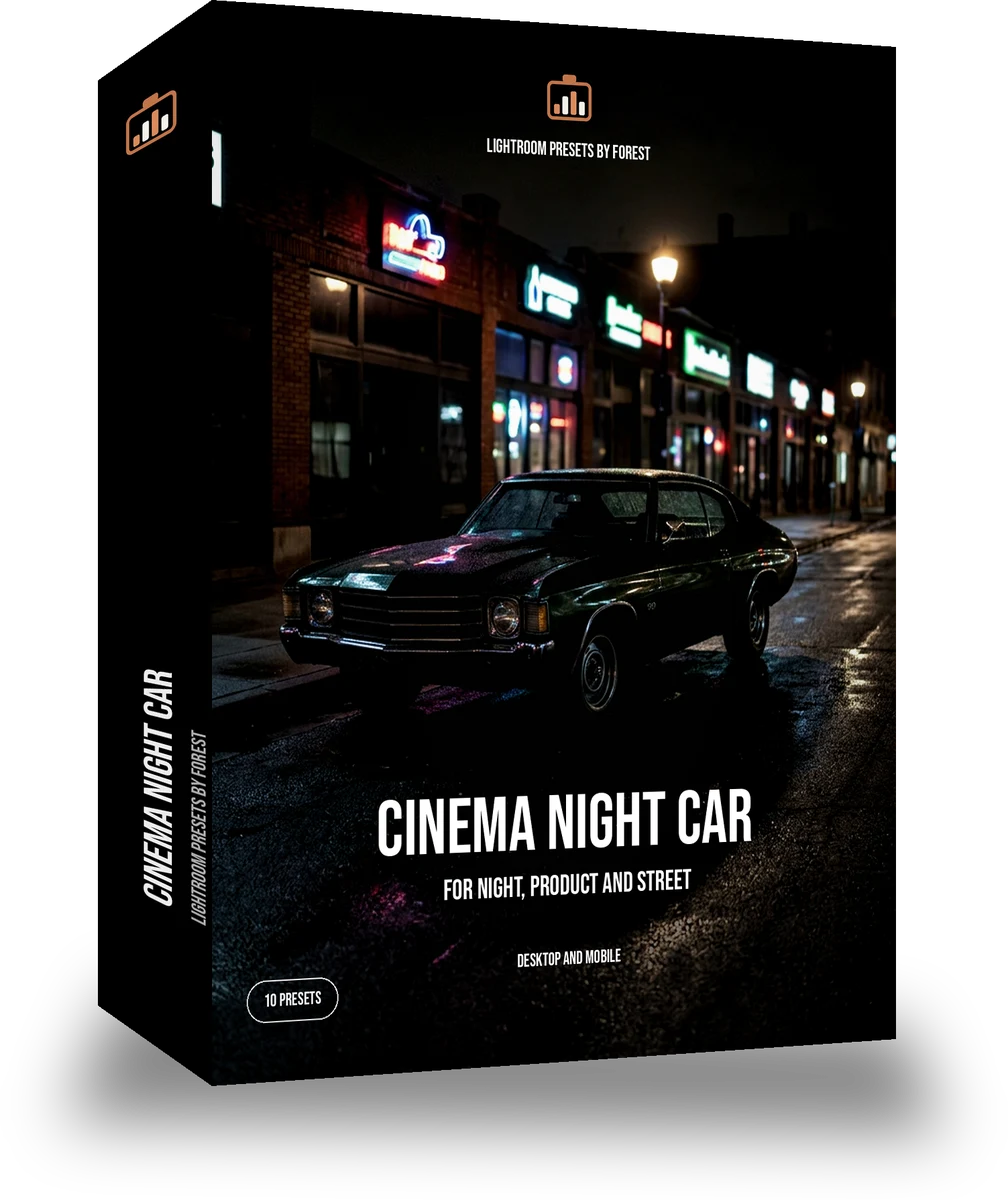
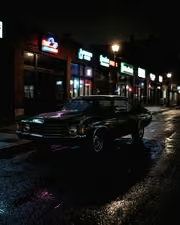
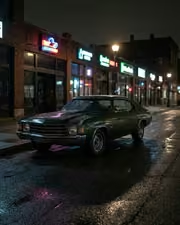
A 1970s classic car parked on a night street lit by neon shop signs, wet asphalt reflections, no people. With the Night Halation preset applied.A 1970s classic car parked on a night street lit by neon shop signs, wet asphalt reflections, no people. Photographed without a preset.
Night Halation applied to A 1970s classic car parked on a night street lit by neon shop signs, wet asphalt reflections, no people

Night Halation

film · 10 presets

was $24.99now $14.99Save $10

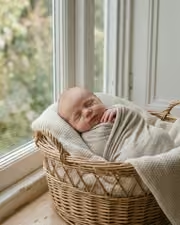
A fictional newborn asleep in a wicker basket on a cream blanket beside a window, soft daylight. With the Pastel Film preset applied.A fictional newborn asleep in a wicker basket on a cream blanket beside a window, soft daylight. Photographed without a preset.
Pastel Film applied to A fictional newborn asleep in a wicker basket on a cream blanket beside a window, soft daylight

Pastel Film

film · 10 presets

was $24.99now $14.99Save $10

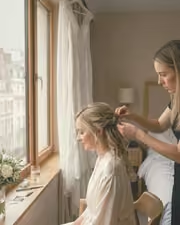
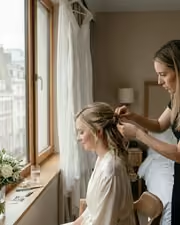
A fictional bride having her hair pinned by a window in a hotel room, white dress hanging behind, soft daylight. With the Warm Negative preset applied.A fictional bride having her hair pinned by a window in a hotel room, white dress hanging behind, soft daylight. Photographed without a preset.
Warm Negative applied to A fictional bride having her hair pinned by a window in a hotel room, white dress hanging behind, soft daylight

Warm Negative

film · 30 presets

was $59.99now $34.99Save $25