PRE|SETS
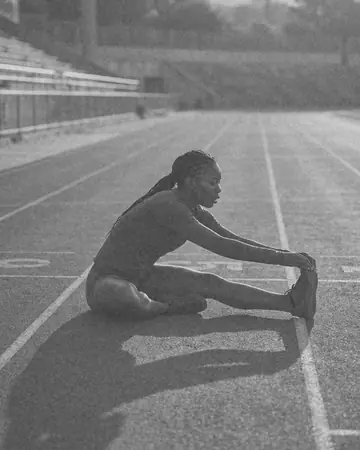
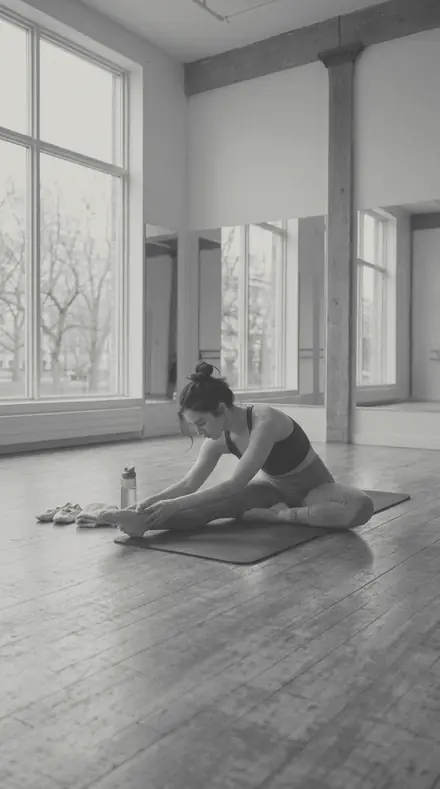
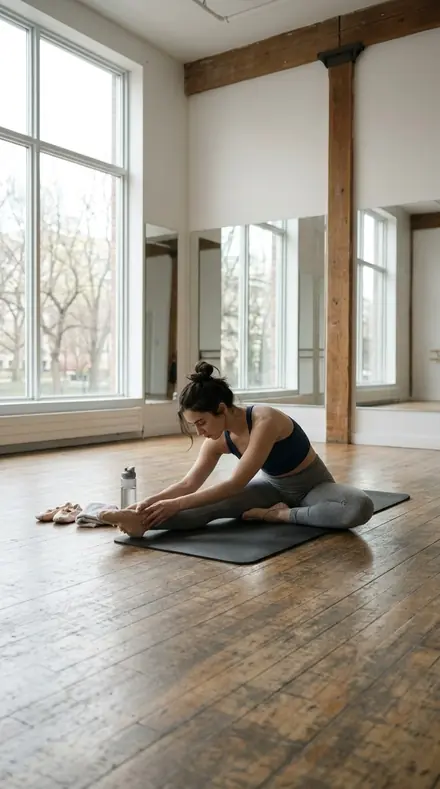
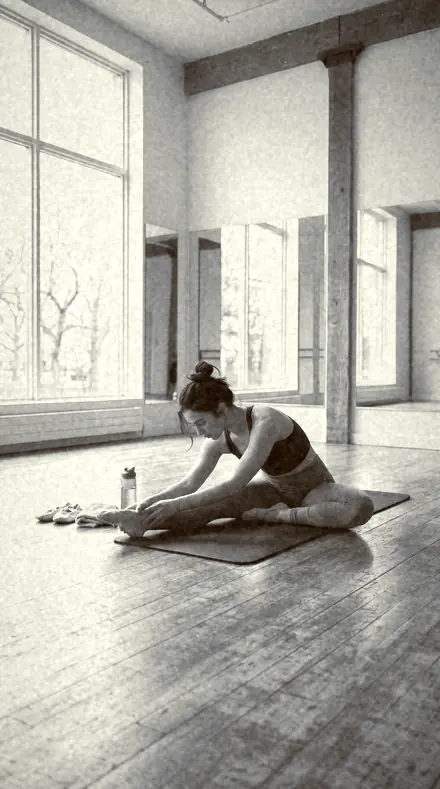
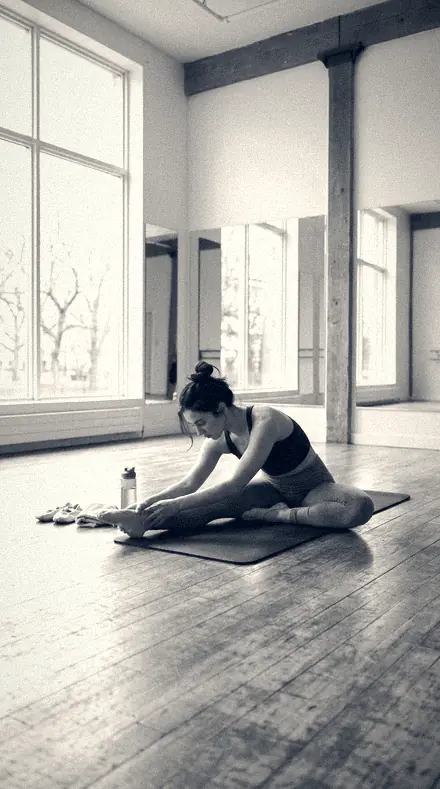
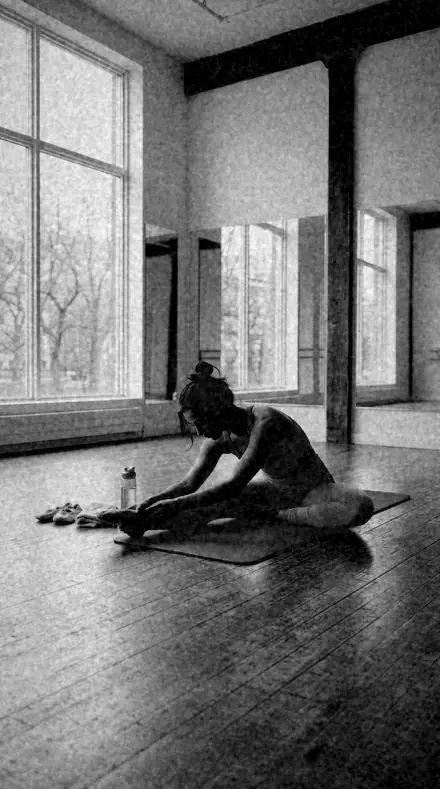
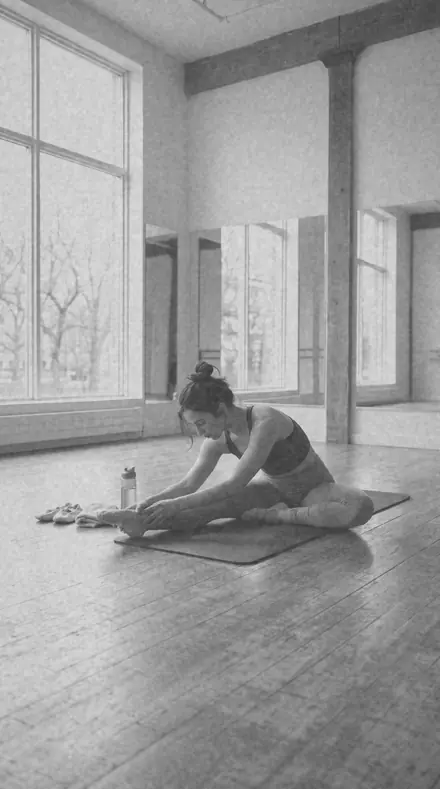
athlete track. With the Mono Film preset applied.athlete track. Photographed without a preset.
Mono Film applied to athlete track

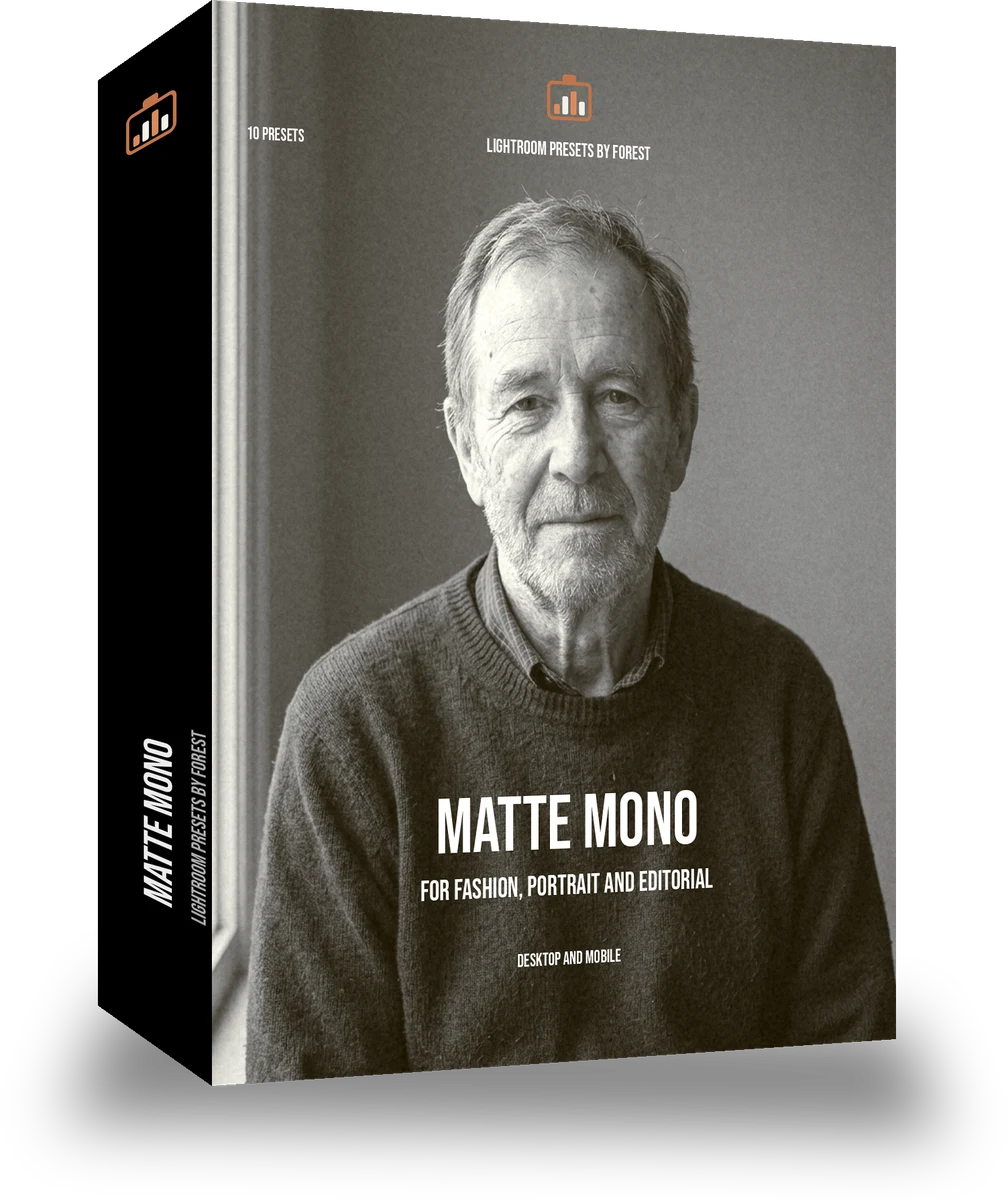
Matte Mono

welcome price

was $24.99now $14.99Save $10

Save for later

Instant download.

  • Presets10
  • Styleblack and white, mono, grain
  • Works inLightroom desktop and mobile
  • Format.xmp and .dng

Mono Film · mono

Mono Film makes one kind of light.

Converts a frame to matte black and white: blacks lifted to a soft floor, grain low, contrast controlled, the fashion and portfolio look.

Matte Mono is 10 presets for mono photography. Every one of them is below, before you pay for any of it.

About this pack

Matte Mono is the fine-art paper. Black lift sits between 10 and 24, contrast is capped at 20, grain is capped low by preferring the platinum and matte look groups, and the whole frame settles into a soft floor with long greys. It is the black and white that fashion and portfolio work has used for a decade, and it is the flagship of the matte editorial line. Skin clears a floor of 6. Soft 400 Mono is the grainy cousin; this one keeps the grain out of the way and lets the tone do the work.

The matte editorial line is the fine-art paper: grain low or absent, blacks lifted to a soft floor, contrast controlled, the fashion and portfolio look where the tone does the work and the grain stays out of it.

Every preset ships as XMP for Lightroom Classic and desktop and as DNG for the free Lightroom mobile app. Convert one frame, sync the rest, and the set prints as one run. The grain is real grain, added after the conversion, so it sits in the tone and not on top of it.

  • Black lift 10 to 24 with contrast under 20, the soft matte floor
  • Grain kept low by construction, tone does the work
  • XMP and DNG in one download: Lightroom Classic, desktop and the free mobile app
  • One paper across the set, so a whole roll batch-edits and reads as one print run

fashion, lookbooks, portfolios and portraits that should feel printed on matte stock

See the light change

drag the line

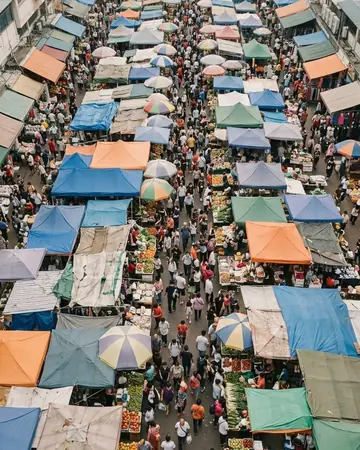
The same frame, one tap apart. Drag any handle and the scene goes back to the way it looked before Mono Film touched it.

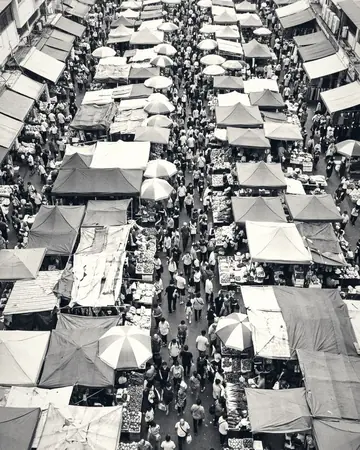
Market crowd. With the Mono Film preset applied.Market crowd. Photographed without a preset.
Mono Film applied to Market crowd
Market crowd
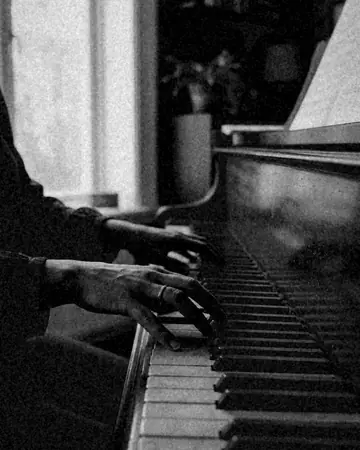
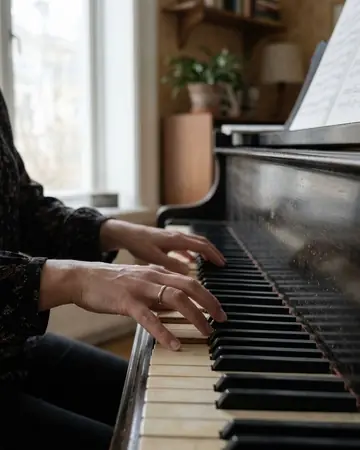
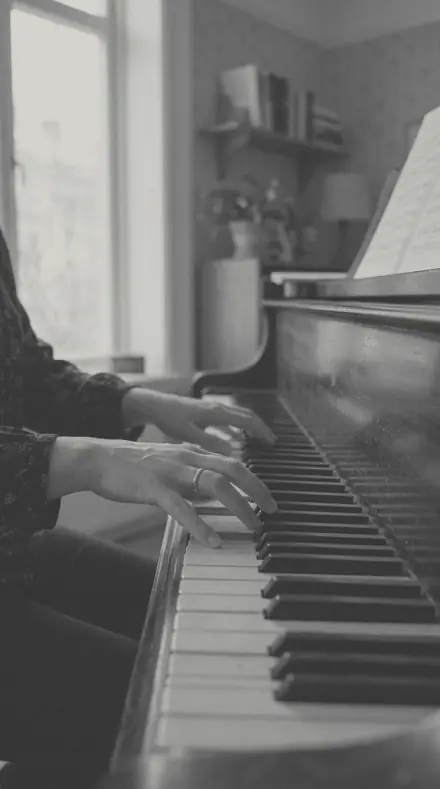
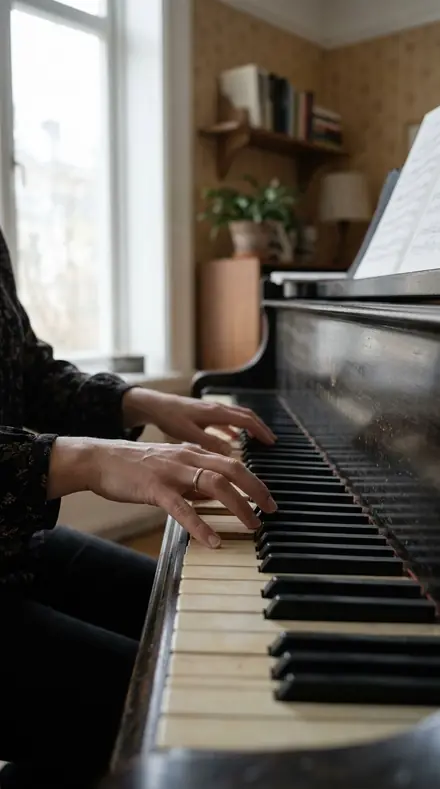
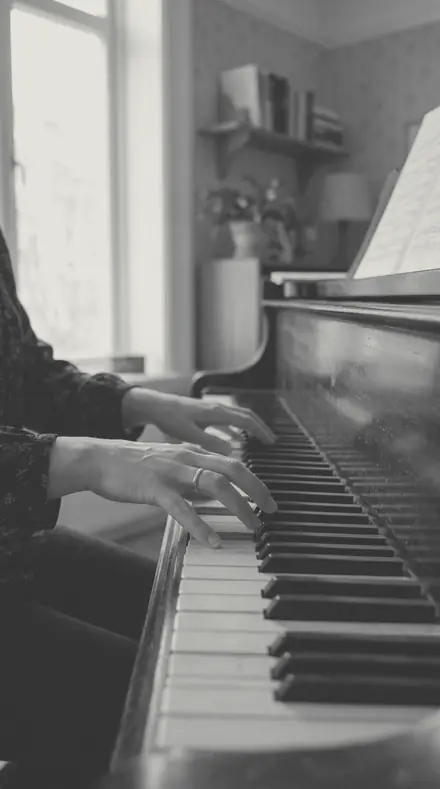
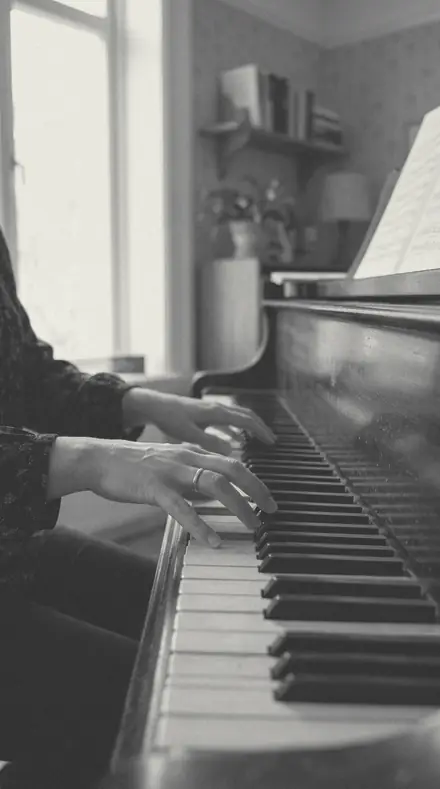
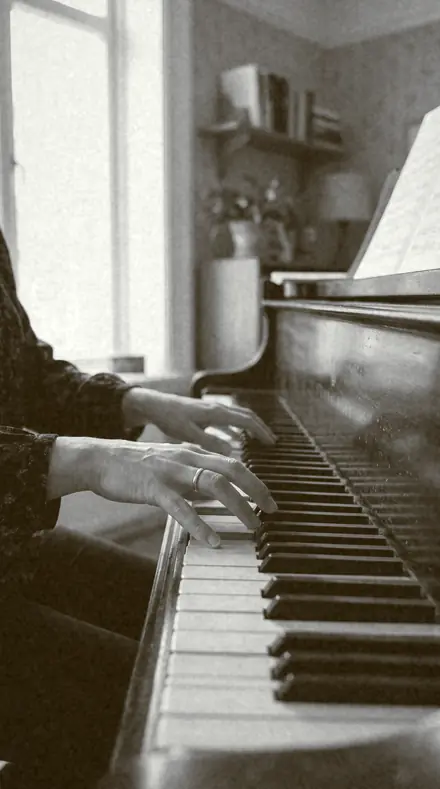
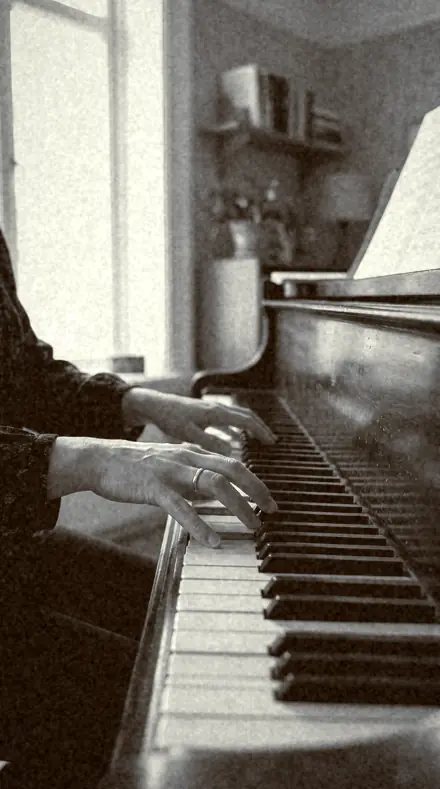
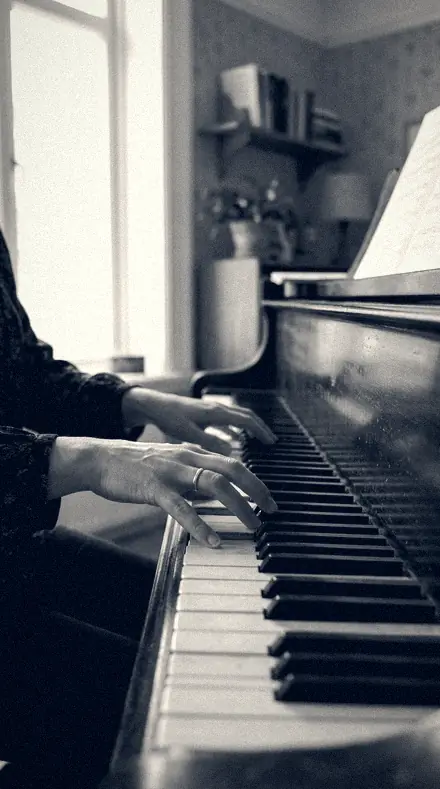
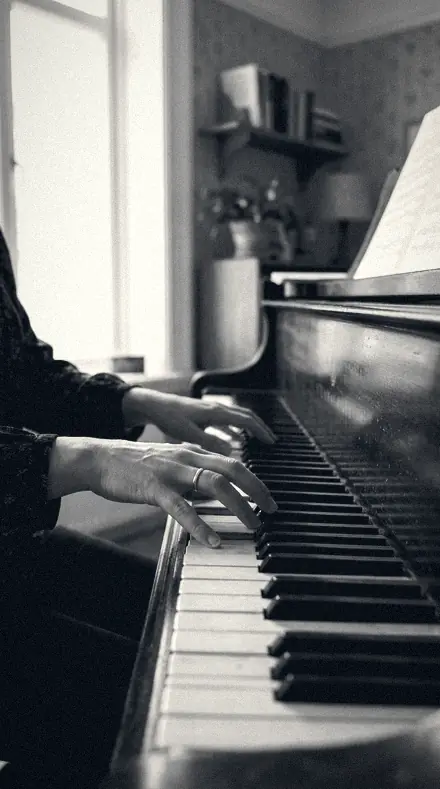
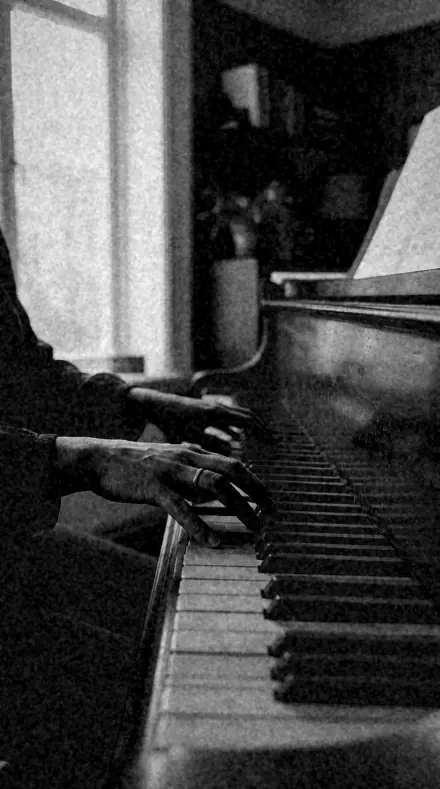
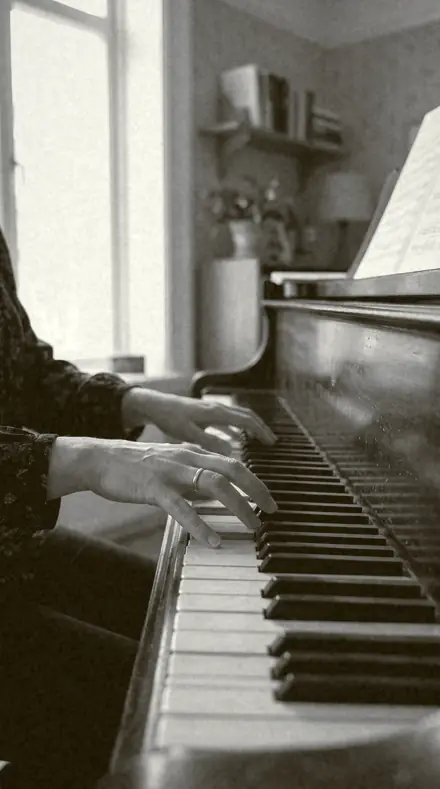
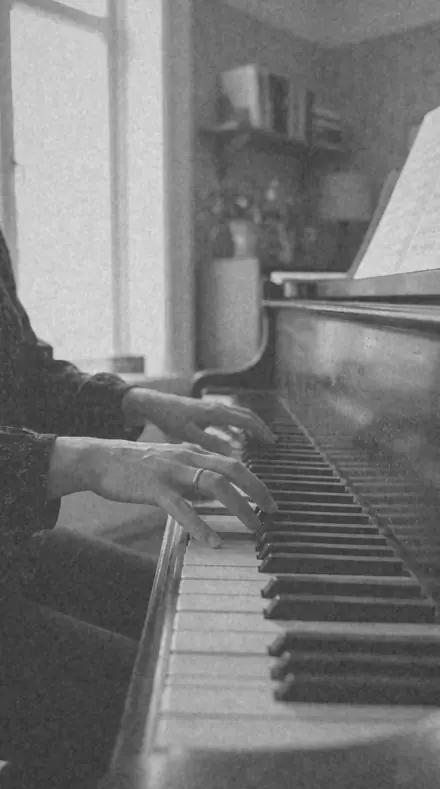
A fictional pianist's hands on the keys, room light. With the Mono Film preset applied.A fictional pianist's hands on the keys, room light. Photographed without a preset.
Mono Film applied to A fictional pianist's hands on the keys, room light
A fictional pianist's hands on the keys, room light
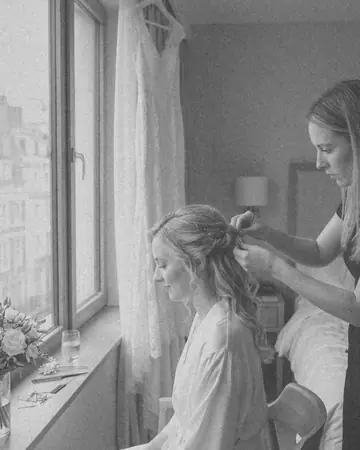
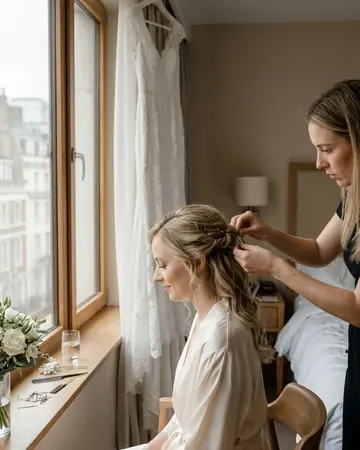
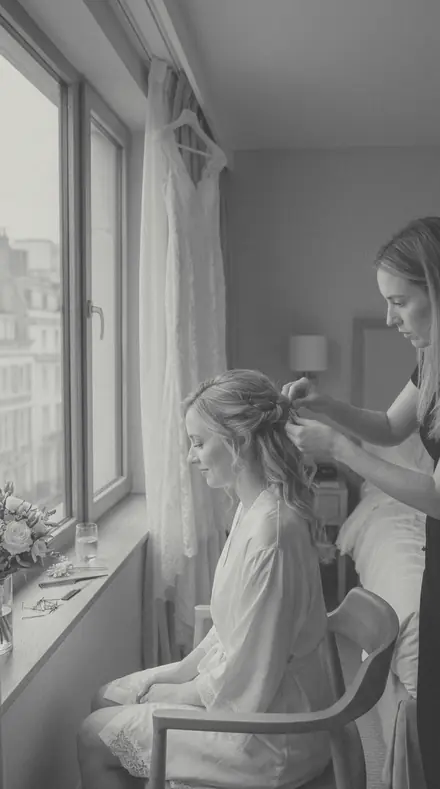
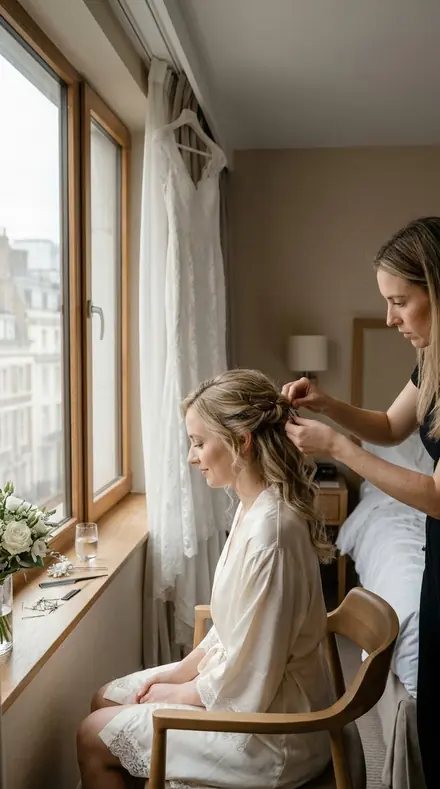
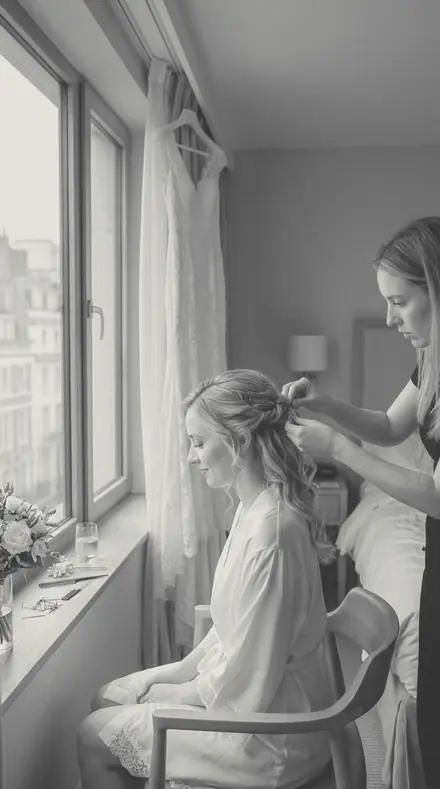
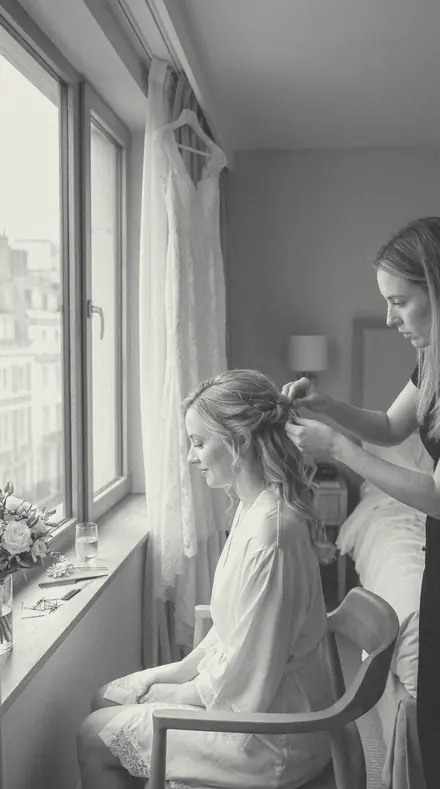
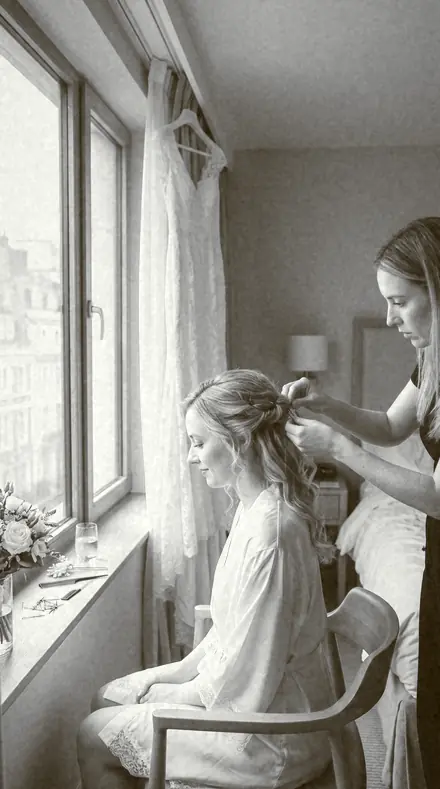
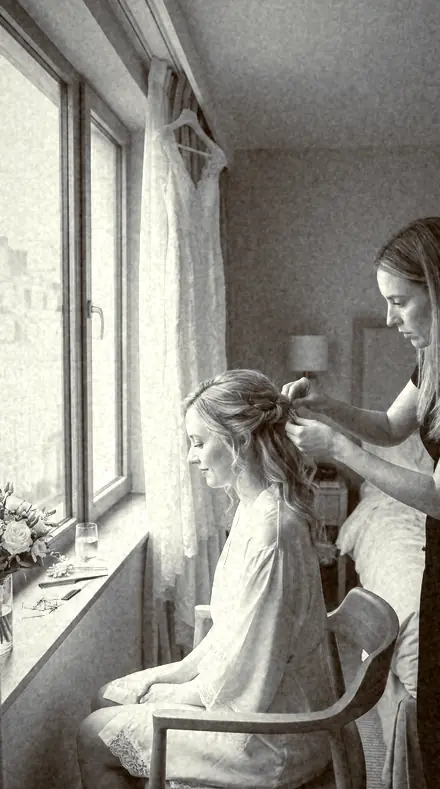
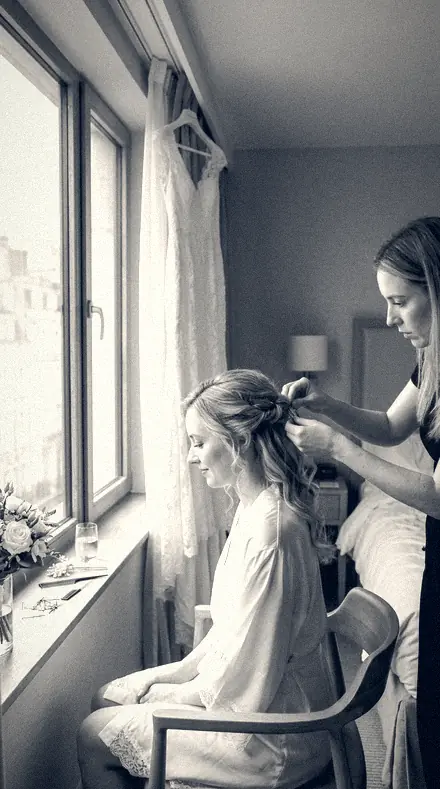
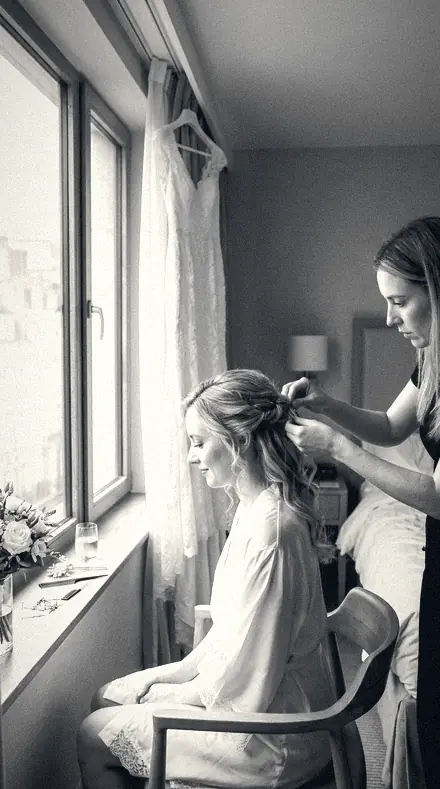
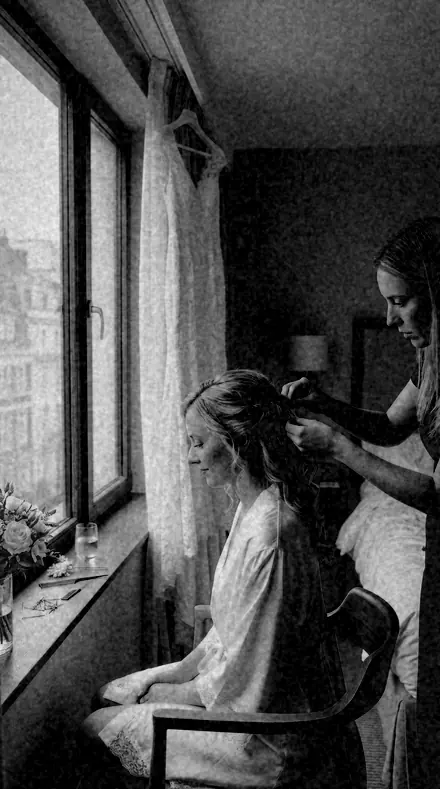
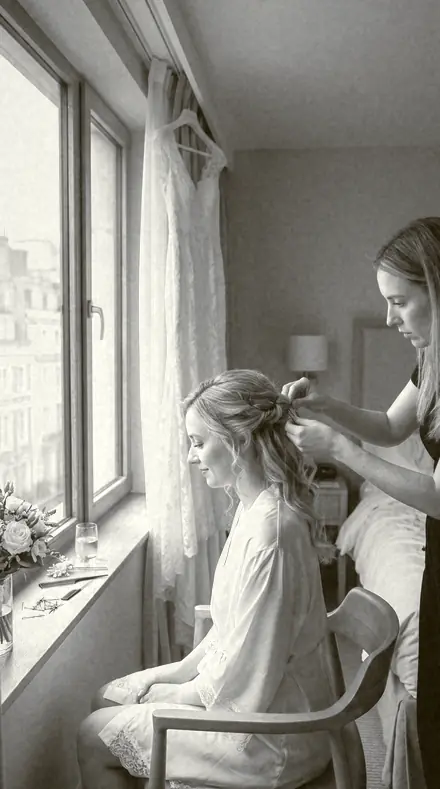
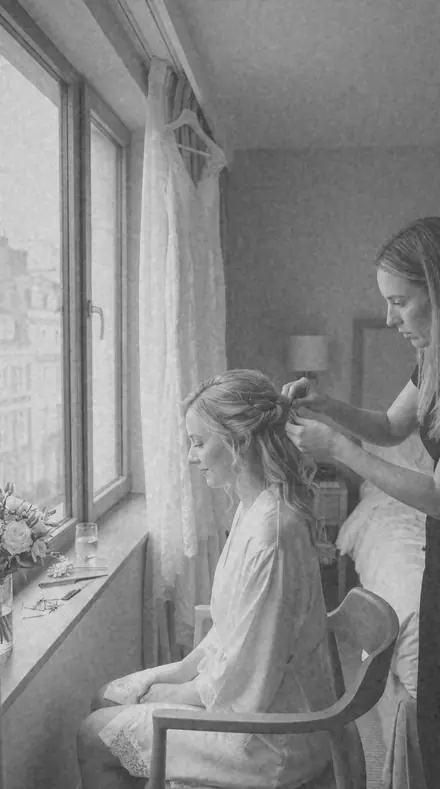
A fictional bride having her hair pinned by a window in a hotel room, white dress hanging behind, soft daylight. With the Mono Film preset applied.A fictional bride having her hair pinned by a window in a hotel room, white dress hanging behind, soft daylight. Photographed without a preset.
Mono Film applied to A fictional bride having her hair pinned by a window in a hotel room, white dress hanging behind, soft daylight
A fictional bride having her hair pinned by a window in a hotel room, white dress hanging behind, soft daylight

Explore every preset in this pack

10 presets · 4 scenes

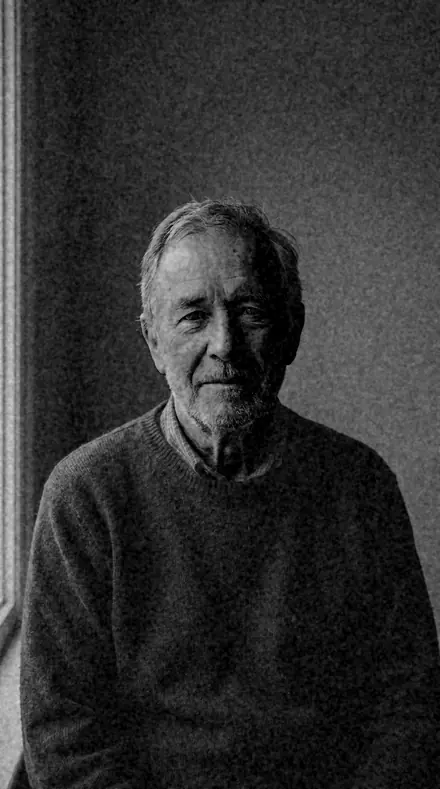
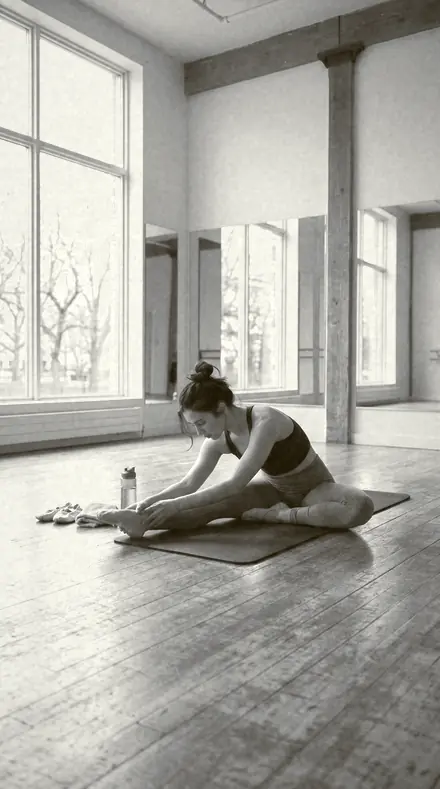
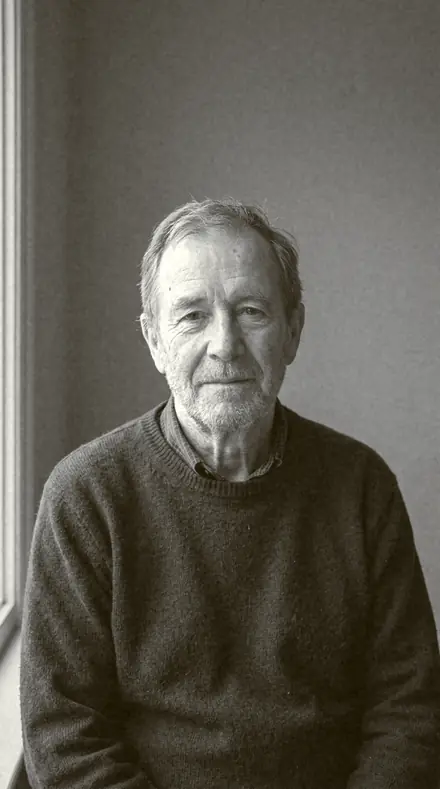
Every preset in the pack is here, on the same four photographs. Nothing below is a sample. Open one and drag.

  1. No. 01Full Scale
    Full Scale applied to Bridal prep window Before: Bridal prep window
    Bridal prep window
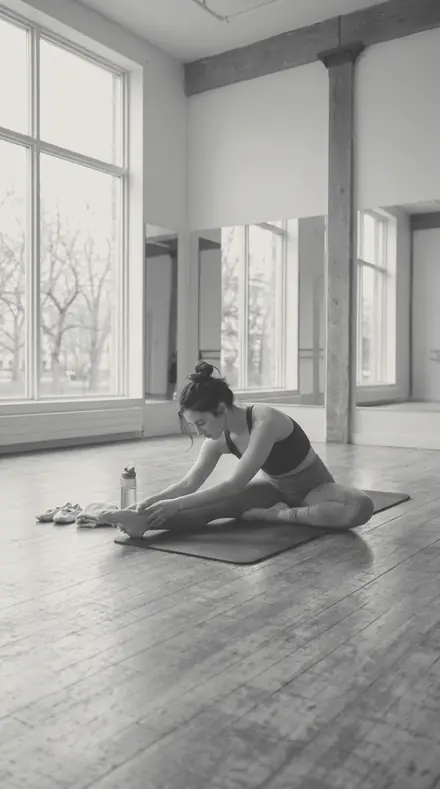
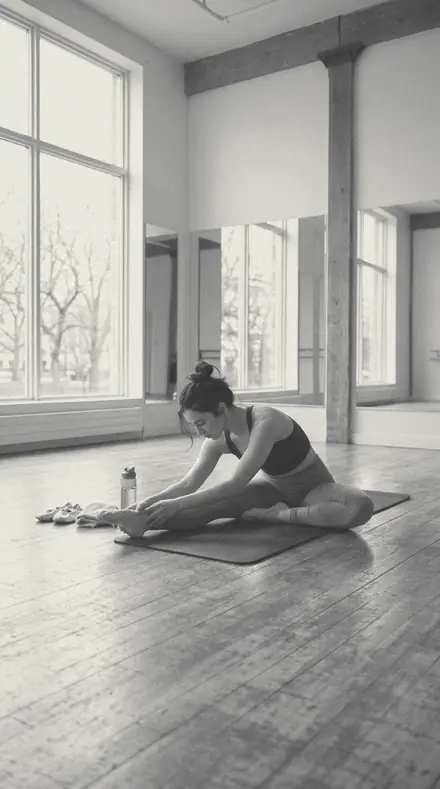
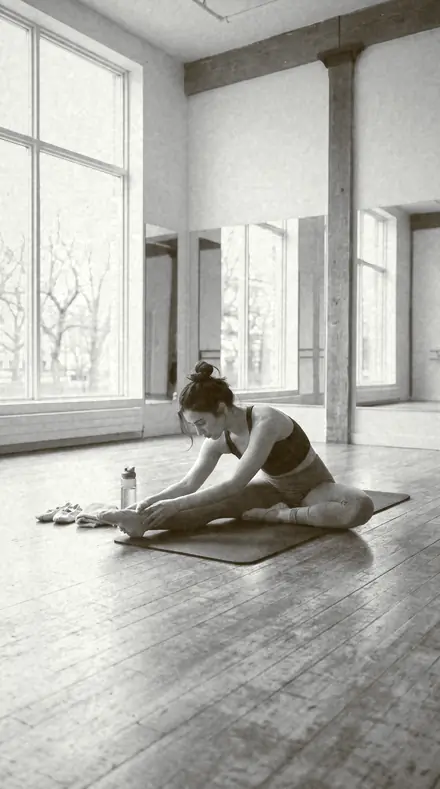
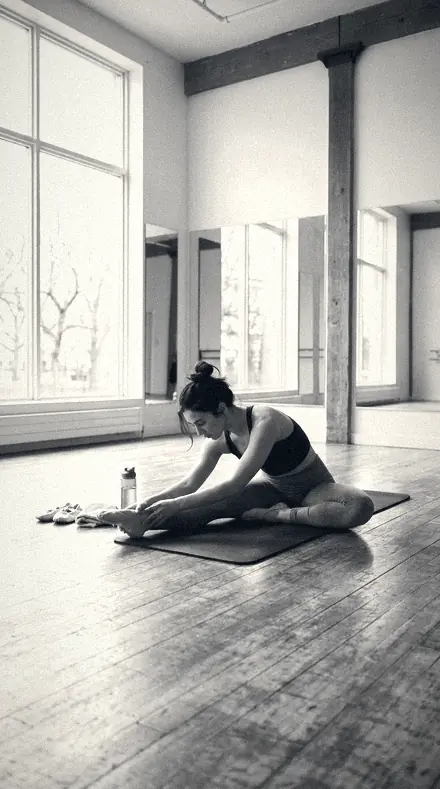
    Full Scale applied to Dancer studio Before: Dancer studio
    Dancer studio
    Full Scale applied to Hands piano Before: Hands piano
    Hands piano
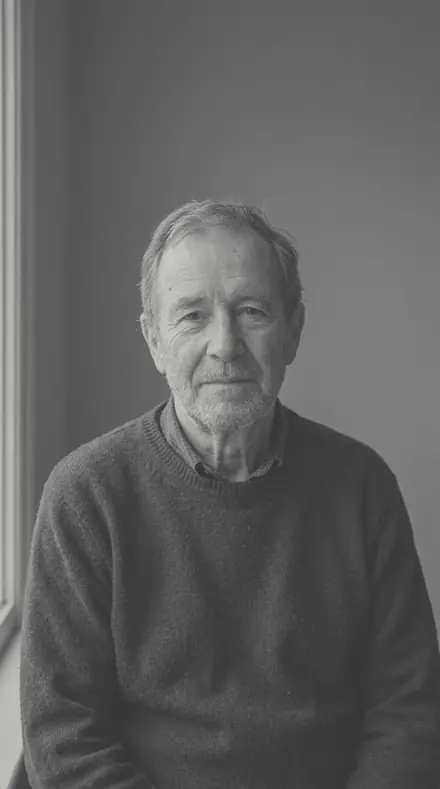
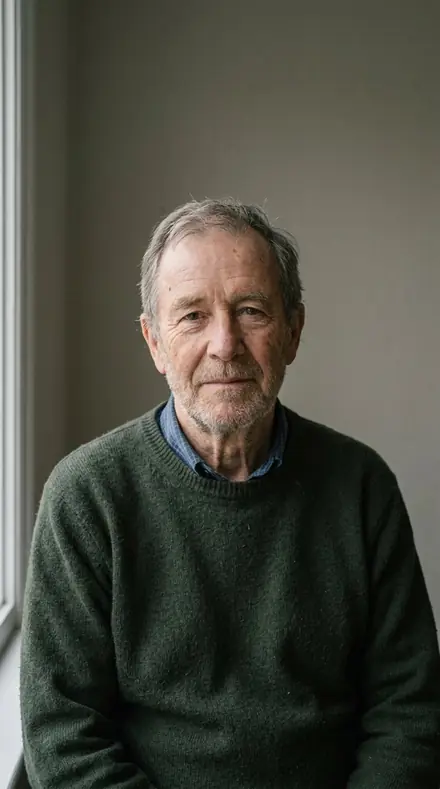
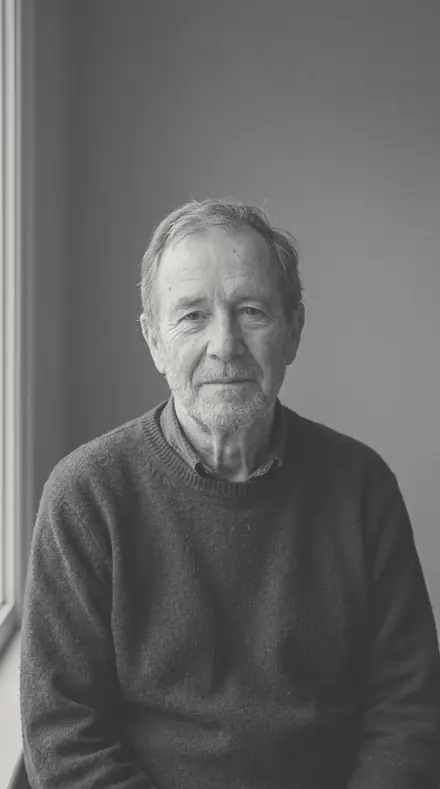
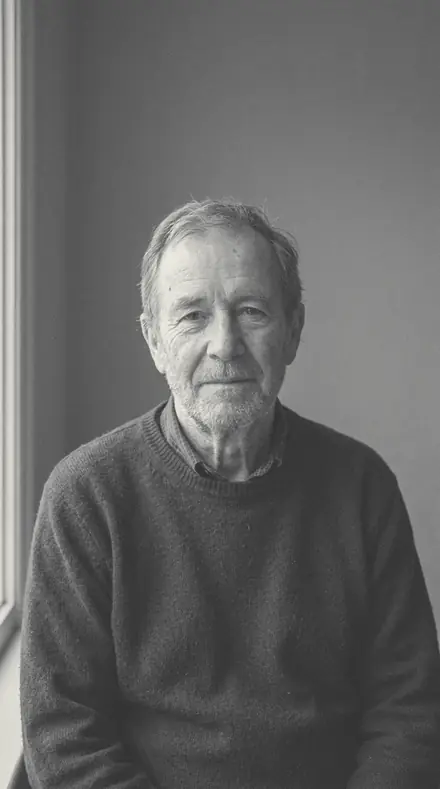
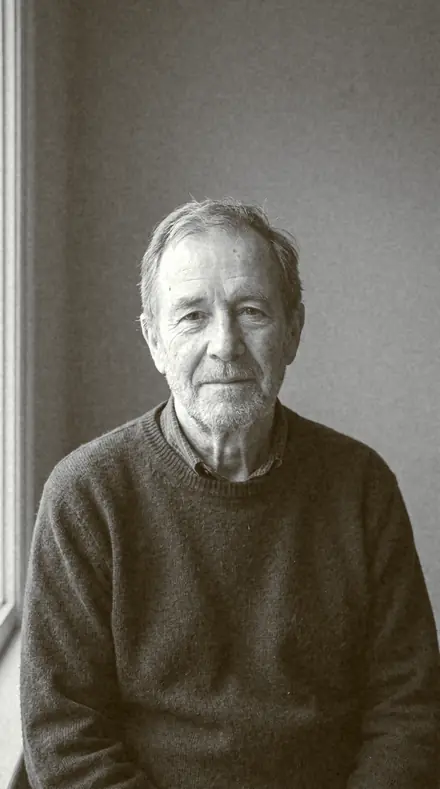
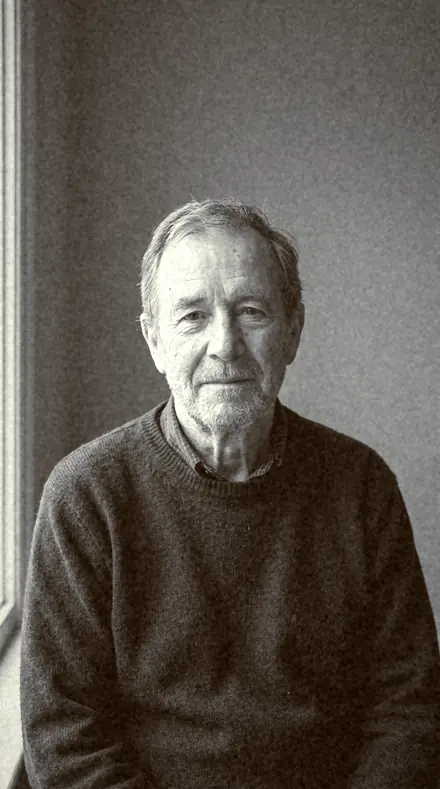
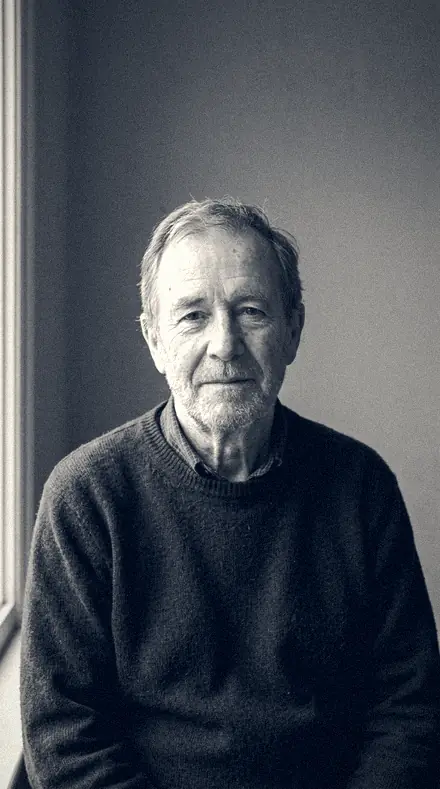
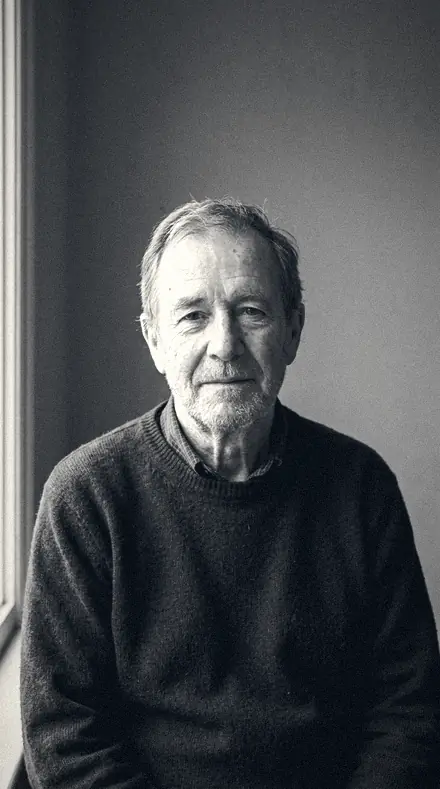
    Full Scale applied to Man portrait Before: Man portrait
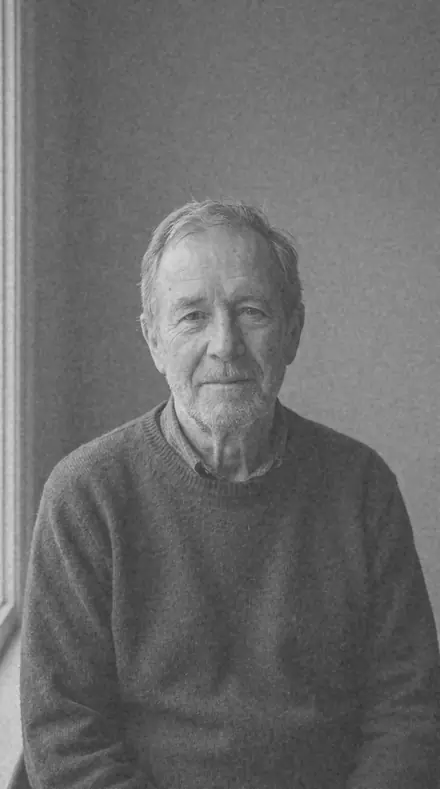
    Man portrait

    Drag the handle. Left is the original, right is Full Scale. Rendered from the preset's own settings, not a Lightroom export, so the real thing carries a little more bite.

  2. No. 02Contact Frame
    Contact Frame applied to Bridal prep window Before: Bridal prep window
    Bridal prep window
    Contact Frame applied to Dancer studio Before: Dancer studio
    Dancer studio
    Contact Frame applied to Hands piano Before: Hands piano
    Hands piano
    Contact Frame applied to Man portrait Before: Man portrait
    Man portrait

    Drag the handle. Left is the original, right is Contact Frame. Rendered from the preset's own settings, not a Lightroom export, so the real thing carries a little more bite.

  3. No. 03Sunlight Print
    Sunlight Print applied to Bridal prep window Before: Bridal prep window
    Bridal prep window
    Sunlight Print applied to Dancer studio Before: Dancer studio
    Dancer studio
    Sunlight Print applied to Hands piano Before: Hands piano
    Hands piano
    Sunlight Print applied to Man portrait Before: Man portrait
    Man portrait

    Drag the handle. Left is the original, right is Sunlight Print. Rendered from the preset's own settings, not a Lightroom export, so the real thing carries a little more bite.

  4. No. 04Tobacco Fix
    Tobacco Fix applied to Bridal prep window Before: Bridal prep window
    Bridal prep window
    Tobacco Fix applied to Dancer studio Before: Dancer studio
    Dancer studio
    Tobacco Fix applied to Hands piano Before: Hands piano
    Hands piano
    Tobacco Fix applied to Man portrait Before: Man portrait
    Man portrait

    Drag the handle. Left is the original, right is Tobacco Fix. Rendered from the preset's own settings, not a Lightroom export, so the real thing carries a little more bite.

  5. No. 05Vellum Print
    Vellum Print applied to Bridal prep window Before: Bridal prep window
    Bridal prep window
    Vellum Print applied to Dancer studio Before: Dancer studio
    Dancer studio
    Vellum Print applied to Hands piano Before: Hands piano
    Hands piano
    Vellum Print applied to Man portrait Before: Man portrait
    Man portrait

    Drag the handle. Left is the original, right is Vellum Print. Rendered from the preset's own settings, not a Lightroom export, so the real thing carries a little more bite.

  6. No. 06Brass Rubbing
    Brass Rubbing applied to Bridal prep window Before: Bridal prep window
    Bridal prep window
    Brass Rubbing applied to Dancer studio Before: Dancer studio
    Dancer studio
    Brass Rubbing applied to Hands piano Before: Hands piano
    Hands piano
    Brass Rubbing applied to Man portrait Before: Man portrait
    Man portrait

    Drag the handle. Left is the original, right is Brass Rubbing. Rendered from the preset's own settings, not a Lightroom export, so the real thing carries a little more bite.

  7. No. 07Rust Toner
    Rust Toner applied to Bridal prep window Before: Bridal prep window
    Bridal prep window
    Rust Toner applied to Dancer studio Before: Dancer studio
    Dancer studio
    Rust Toner applied to Hands piano Before: Hands piano
    Hands piano
    Rust Toner applied to Man portrait Before: Man portrait
    Man portrait

    Drag the handle. Left is the original, right is Rust Toner. Rendered from the preset's own settings, not a Lightroom export, so the real thing carries a little more bite.

  8. No. 08Brick Dark
    Brick Dark applied to Bridal prep window Before: Bridal prep window
    Bridal prep window
    Brick Dark applied to Dancer studio Before: Dancer studio
    Dancer studio
    Brick Dark applied to Hands piano Before: Hands piano
    Hands piano
    Brick Dark applied to Man portrait Before: Man portrait
    Man portrait

    Drag the handle. Left is the original, right is Brick Dark. Rendered from the preset's own settings, not a Lightroom export, so the real thing carries a little more bite.

  9. No. 09Sulphide Toner
    Sulphide Toner applied to Bridal prep window Before: Bridal prep window
    Bridal prep window
    Sulphide Toner applied to Dancer studio Before: Dancer studio
    Dancer studio
    Sulphide Toner applied to Hands piano Before: Hands piano
    Hands piano
    Sulphide Toner applied to Man portrait Before: Man portrait
    Man portrait

    Drag the handle. Left is the original, right is Sulphide Toner. Rendered from the preset's own settings, not a Lightroom export, so the real thing carries a little more bite.

  10. No. 10Mount Board
    Mount Board applied to Bridal prep window Before: Bridal prep window
    Bridal prep window
    Mount Board applied to Dancer studio Before: Dancer studio
    Dancer studio
    Mount Board applied to Hands piano Before: Hands piano
    Hands piano
    Mount Board applied to Man portrait Before: Man portrait
    Man portrait

    Drag the handle. Left is the original, right is Mount Board. Rendered from the preset's own settings, not a Lightroom export, so the real thing carries a little more bite.

Mono Film is silver. Every preset converts to black and white and then makes a decision: how much grain, how hard the contrast, whether the blacks sit on the floor or float, whether the paper is neutral, warm or cold. Its dialect is the darkroom and the newsroom: reportage, tone, grain, paper. It runs four lines, grain 400, pushed 3200, matte editorial and toned, and every product says which paper it prints on. There is no colour here and nothing soft that did not mean to be.

Every pack here is its own product with its own page, so you buy the one look you need, and a larger pack or the family collection is always one step up from it.

Yours in two minutes

how it works

  1. Step 1

    Buy

    Pay with Apple Pay, Google Pay or a card.

  2. Step 2

    Download

    The zip downloads right away, and a copy lands in your email.

  3. Step 3

    Import

    Add the presets to Lightroom in a minute.

    PhoneClassicDesktop
  4. Step 4

    Tap

    One tap on any photo. Every slider stays yours to adjust.

Yours to keep, for personal and client work. Please do not share the files. The license

Netzah Elad Topaz, the photographer who makes these presets

the maker

Why I Make These

I am Netzah Elad Topaz. I take photographs and I build software, and the two keep leading me back to the same problem. You were there. The light was doing something you will not see again. Then the photo comes back flat, and it is not what you were looking at.

Closing that gap is the whole job. Every preset here is built from Adobe defaults by hand, with a written note for what it should do to a picture, and it is judged on photographs before it ships. Nothing is a filter dropped on top of your work.

What I want is simple. You open a photo you almost gave up on, you tap once, and there it is: the day you remember, not the file your camera handed you. That is worth doing properly.

Questions, answered

Does it work in Lightroom Classic, Lightroom desktop and the free mobile app?

Yes. Every preset ships as XMP for Lightroom Classic and Lightroom desktop and as DNG for the free Lightroom mobile app on iPhone and Android. Import once, apply with one tap, batch the rest.

Is it safe on skin tones?

Mostly. The set clears skin-safety 6, which keeps skin from going grey or magenta, but the look comes first. In black and white, skin safety means the face keeps its brightness relative to the frame and the red channel does not go muddy.

How strong is the effect?

Moderate. Every preset here scores 4.5 or higher on our 0 to 10 transformation scale, so the change shows on the first tap. Pull Amount down in the preset panel to soften it, or stack it under a lighter sibling.

Do these work in the free Lightroom app?

Yes. Import the .xmp files in the free Lightroom app on iPhone or Android, no subscription needed. They also work in Lightroom Classic and Lightroom on desktop.

What exactly do I get?

All 10 presets from Grain 400 Mono as .xmp files in an instant ZIP download. The link also lands in your email, and the purchase stays in your account so you can re-download any time.

How do I install them?

Two minutes: unzip, then import inside Lightroom. The step-by-step guide covers iPhone, Android, and desktop.

Can I use them for client work?

Yes. The single-user license covers personal and commercial photography. The one thing you can't do is share or resell the preset files themselves.

Can I tweak a preset after applying it?

Always. A preset is a starting point; every slider stays yours to adjust.

What else is like this

All mono
Cafe window, one tap later. With the Reeltint preset applied.Cafe window, one tap later. Photographed without a preset.
Reeltint applied to Cafe window, one tap later

Reeltint

Everyday and mobile creators · 15 presets

was $49.99now $29.99Save $20

The rooftop hour, kept the way it felt. With the Roamhue preset applied.The rooftop hour, kept the way it felt. Photographed without a preset.
Roamhue applied to The rooftop hour, kept the way it felt.

Roamhue

Travel and street · 15 presets

was $49.99now $29.99Save $20

The croissants look warm again. With the Savoryhue preset applied.The croissants look warm again. Photographed without a preset.
Savoryhue applied to The croissants look warm again.

Savoryhue

Food and hospitality · 15 presets

was $49.99now $29.99Save $20

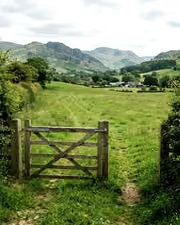
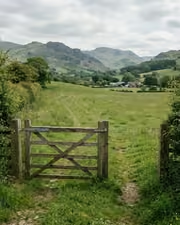
The gate, the field, the green done right. With the Mossgrade preset applied.The gate, the field, the green done right. Photographed without a preset.
Mossgrade applied to The gate, the field, the green done right

Mossgrade

Green nature and macro · 15 presets

was $49.99now $29.99Save $20